Sapphire Radeon RX 7000 Series Cards Get vBIOS Security Update
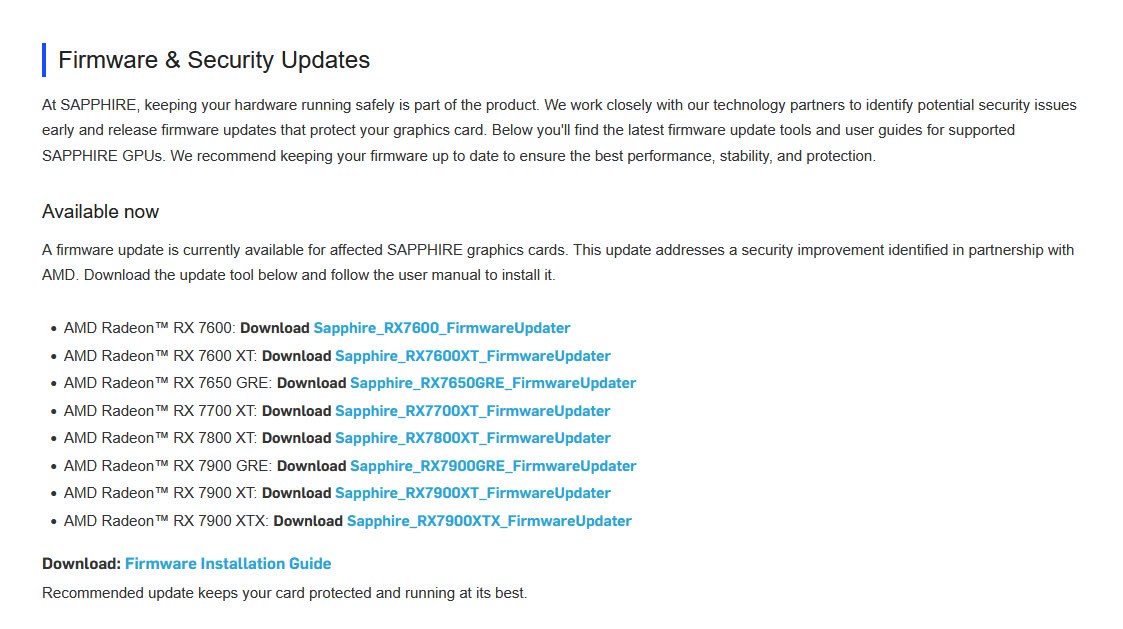
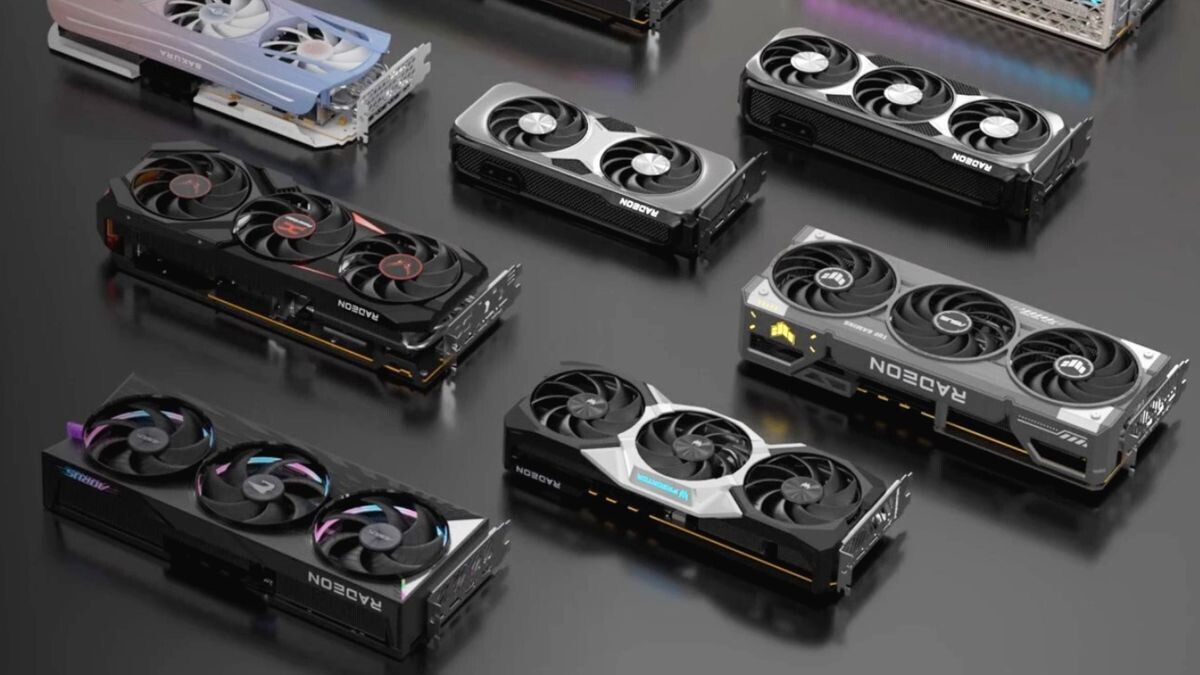
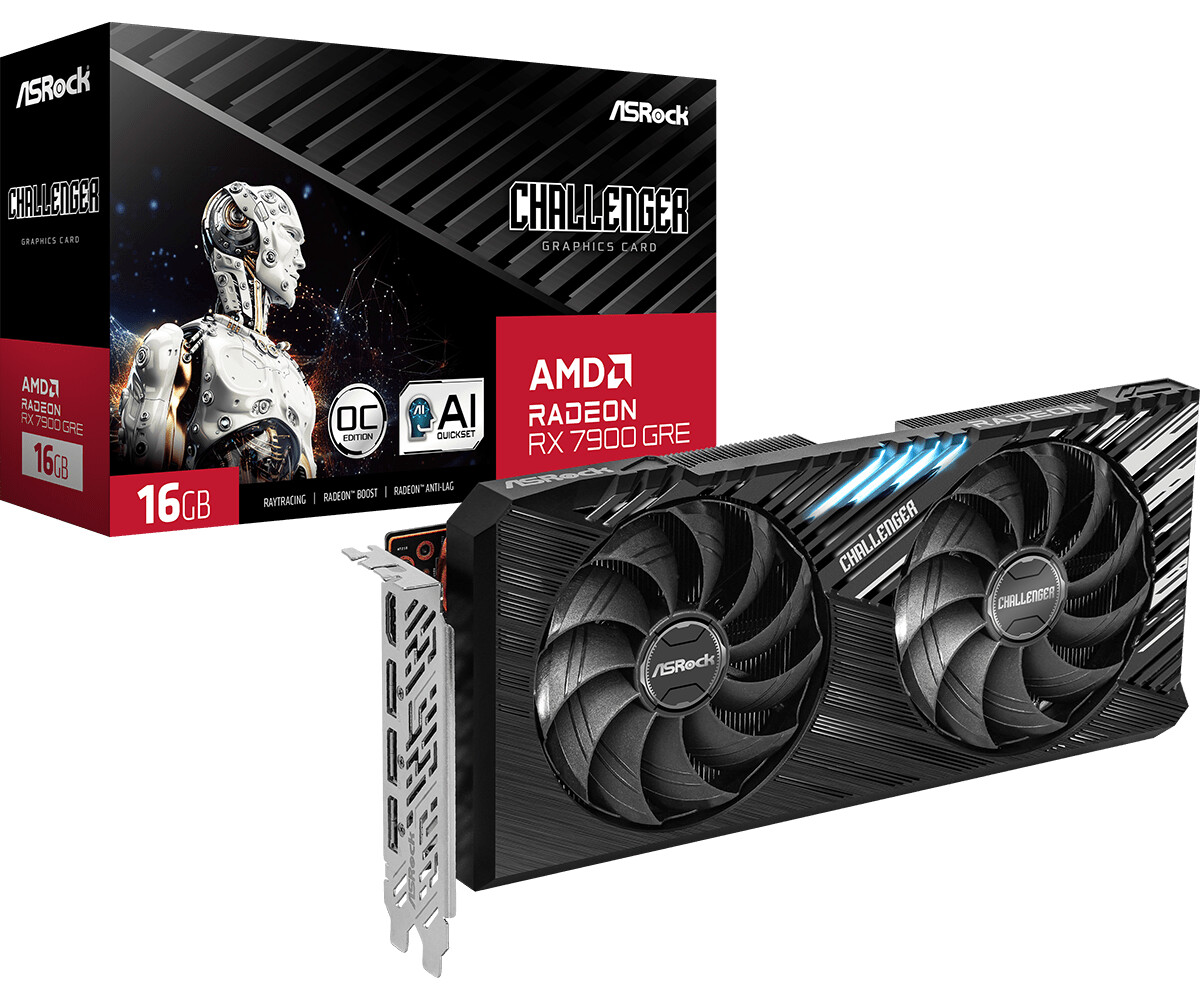
AMD Radeon RX 7000 series RDNA 3 graphics cards today received a new vBIOS security update. According to AMD's add-in card partner Sapphire, the update is now available for Sapphire's own Radeon RX 7600, RX 7600 XT, RX 7650 GRE, RX 7700 XT, RX 7800 XT, RX 7900 GRE, RX 7900 XT, and RX 7900 XTX models. This update covers all the desktop graphics cards that AMD released for the RDNA 3 lineup and marks one of the rare occurrences of GPU vBIOS updates in recent times. Typically, these vBIOS updates are reserved for security patches, and Sapphire confirms that the company has been working to address a security issue identified in partnership with AMD.
Before updating the GPU firmware, ensure that the AMD Adrenalin Edition graphics driver is installed and that you have about 15-20 minutes to complete the update. To update the GPU firmware, Sapphire provides links to the specific GPU model affected. Once downloaded, run the updater as an administrator, choose a folder to save the executable files, and locate that folder. Once inside, run the program as an administrator again, and the AMD Radeon Firmware Updater tool will start. This tool will detect any AMD GPU present and indicate if there is a new firmware update. As shown in the example below, select the GPU and run the update, which will prompt a reboot once it is finished. Note that for the Radeon RX/PRO 7000 Series, the tool automatically runs twice: once in regular mode and a second time in safe mode to complete the process.
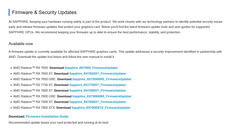
Before updating the GPU firmware, ensure that the AMD Adrenalin Edition graphics driver is installed and that you have about 15-20 minutes to complete the update. To update the GPU firmware, Sapphire provides links to the specific GPU model affected. Once downloaded, run the updater as an administrator, choose a folder to save the executable files, and locate that folder. Once inside, run the program as an administrator again, and the AMD Radeon Firmware Updater tool will start. This tool will detect any AMD GPU present and indicate if there is a new firmware update. As shown in the example below, select the GPU and run the update, which will prompt a reboot once it is finished. Note that for the Radeon RX/PRO 7000 Series, the tool automatically runs twice: once in regular mode and a second time in safe mode to complete the process.