Tuesday, October 28th 2008

Microsoft Delivers Pre-Beta of Windows 7 to Developers and Previews Web Applications
Today at its Professional Developers Conference 2008 (PDC2008), Microsoft Corp. rallied software developers by sharing the first full public demo of Windows 7. Windows 7 extends developers' investments in Windows Vista and encourages the creation of new applications and services for the Windows platform. The company also delivered a pre-beta build of Windows 7 to PDC attendees and announced plans to release a full Windows 7 beta early next year.
Microsoft also demonstrated, for the first time, its new Web applications for Office, which are lightweight versions of Microsoft Office Word, Excel, PowerPoint and OneNote that are used from within standard Web browsers. The company showed how anyone can use all of the Web, phone, and PC versions of Office to edit the same rich document, switching among them seamlessly with lossless file compatibility.
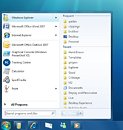
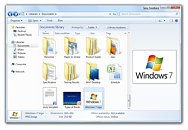
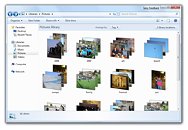
"We are bringing the best of the Web to Windows, and the best of Windows to the Web," said Ray Ozzie, chief software architect at Microsoft. "From PC to the Web to the phone, and from the server to cloud, we are focused on enabling the creation of the next generation of user experiences that change the way we live, work and play."
Windows 7 Preview
Windows 7 is designed to make everyday tasks faster and easier, and make new things possible for end users. Windows 7 reflects an evolved approach to engineering that incorporates customer and partner feedback more closely into the development process. It will deliver innovative new features while focusing on application and device compatibility. With Windows 7, Microsoft is working to establish a more consistent and predictable release schedule so partners across the Windows ecosystem can easily and quickly build on the new capabilities Windows has to offer. When released to the market, Windows 7 will enable the following:
Windows 7 is being designed to provide a solid platform to enable a new generation of solutions for Windows. Windows 7 will enable developers to be more productive and offers new capabilities to create more stunning applications. A new taskbar, Ribbon, destinations and shell integration enhance discoverability and usability for all applications. In addition, Internet Explorer 8, native Web services API and federated search enable developers to integrate the best of Windows and Web services.
"We are excited to be delivering a pre-beta developer release of Windows 7 today at PDC2008," said Steven Sinofsky, senior vice president of the Windows and Windows Live Engineering Group. "With our new approach to planning and development we now have a great foundation for our partners to start learning and innovating on this exciting new version of Windows."
In addition to Windows 7, PDC attendees received a pre-beta developer release of Windows Server 2008 R2, which will deliver many enhancements to Windows Server 2008, including live migration of virtual machines, power saving capabilities, and developer features to build and host next-generation applications and services.
Developers should go to msdn.microsoft.com/windows to learn more about developing for Windows 7 and Windows Server 2008 R2.
Extending Office Productivity on the Web
Separately, Microsoft announced that the next version of Microsoft Office will include Office Web applications that will help improve productivity and enhance the desktop experience by enabling people to access, create, edit, share and collaborate on Office documents across multiple devices.
"Microsoft supports diversity in work styles and understands that customers want choice and flexibility in how and where they work," said Stephen Elop, president of the Microsoft Business Division. "Microsoft is in a unique position to meet that customer need. Office enables people to view, edit, share information and collaborate on documents on the desktop, phone and in the browser, and do so in a consistent and familiar way."
Office Web applications for Microsoft Office Word, Excel, PowerPoint and OneNote will be available to individuals through Office Live, and to businesses though a hosted subscription and existing volume licensing programs. This new offering will be compatible with familiar Web browsers from Internet Explorer, Firefox and Safari. Microsoft will release a private Technical Preview of Office Web applications later this year. In the meantime, customers interested in learning more about the upcoming beta availability are encouraged to sign up for Microsoft Office Live Workspace at workspace.officelive.com.
Live Services for Seamless Client-Cloud Experiences
Microsoft demonstrated many capabilities of the Live Services platform, including how developers can build rich applications and experiences that can be extended to over 400 million users of the company's Windows Live services such as Windows Live Hotmail and Windows Live Messenger. Microsoft also emphasized that its Live Services platform is the means by which products such as Windows Live, Office Live and Xbox LIVE deliver experiences that span beyond the level of a single PC, mobile device or the Web, and that these same capabilities are now being offered to developers through its Live Services platform.
The company demonstrated many aspects of Live Services including Live Mesh. Live Mesh is a service for synchronizing any user's documents, media, files and application data across multiple PCs and devices, and is available as an open beta at mesh.com for Windows and Windows Mobile. At PDC2008, those same powerful synchronization capabilities of Live Mesh have for the first time been opened to developers through a Technology Preview of the Live Framework, enabling Web developers to extend their Web applications to a world of Windows-based PCs and extending their Web applications offline.
The Best of Web and Windows Development With Visual Studio and .NET
In terms of software development, Microsoft highlighted how it continues to help make it easy for developers to use their existing skills to build applications from the Web to the desktop, through both the recent Visual Studio 2008 and .NET Framework 3.5 service packs, and the forthcoming Visual Studio 2010 and .NET Framework 4 releases. Building on Monday's announcements that Visual Studio and the .NET Framework will make it easy for developers to create applications for the new Azure Services Platform, the company revealed that Visual Studio 2010 and the .NET Framework 4 innovations will help developers build next-generation applications for Windows 7 and take advantage of new features in Windows 7, such as the Ribbon and support for multitouch enabled interfaces. Several other areas of improvements in Visual Studio 2010 and .NET Framework 4 were shown, with a focus on Win32, C++, ASP.NET, Silverlight and Windows Presentation Foundation.
Source:
Microsoft
Microsoft also demonstrated, for the first time, its new Web applications for Office, which are lightweight versions of Microsoft Office Word, Excel, PowerPoint and OneNote that are used from within standard Web browsers. The company showed how anyone can use all of the Web, phone, and PC versions of Office to edit the same rich document, switching among them seamlessly with lossless file compatibility.
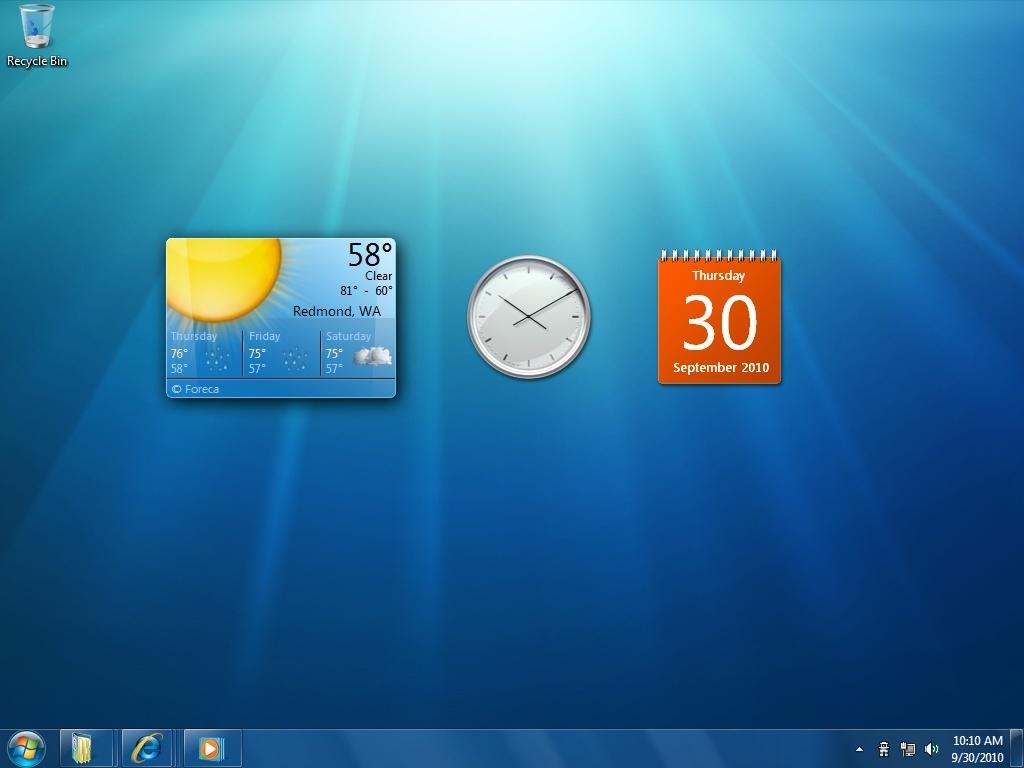
Windows 7 Preview
Windows 7 is designed to make everyday tasks faster and easier, and make new things possible for end users. Windows 7 reflects an evolved approach to engineering that incorporates customer and partner feedback more closely into the development process. It will deliver innovative new features while focusing on application and device compatibility. With Windows 7, Microsoft is working to establish a more consistent and predictable release schedule so partners across the Windows ecosystem can easily and quickly build on the new capabilities Windows has to offer. When released to the market, Windows 7 will enable the following:
- Work the way you want. Windows 7 will deliver the fundamental performance, reliability and security features that people expect - and it is designed to be compatible with the same hardware, applications and device drivers as Windows Vista. New features will help protect privacy and data, make it easier to keep a PC running smoothly, and enable quicker recovery from problems.
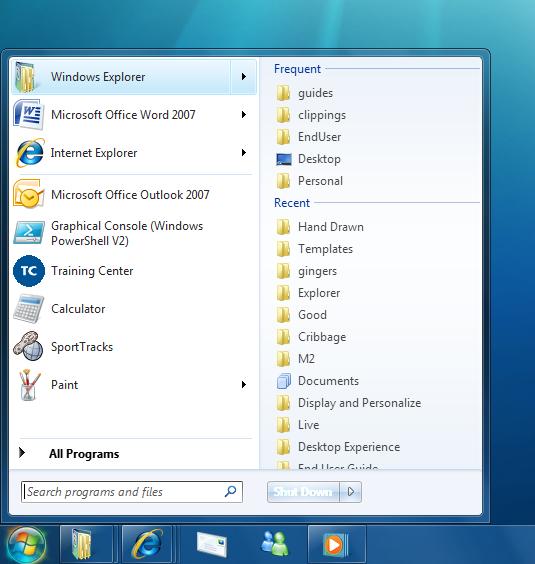
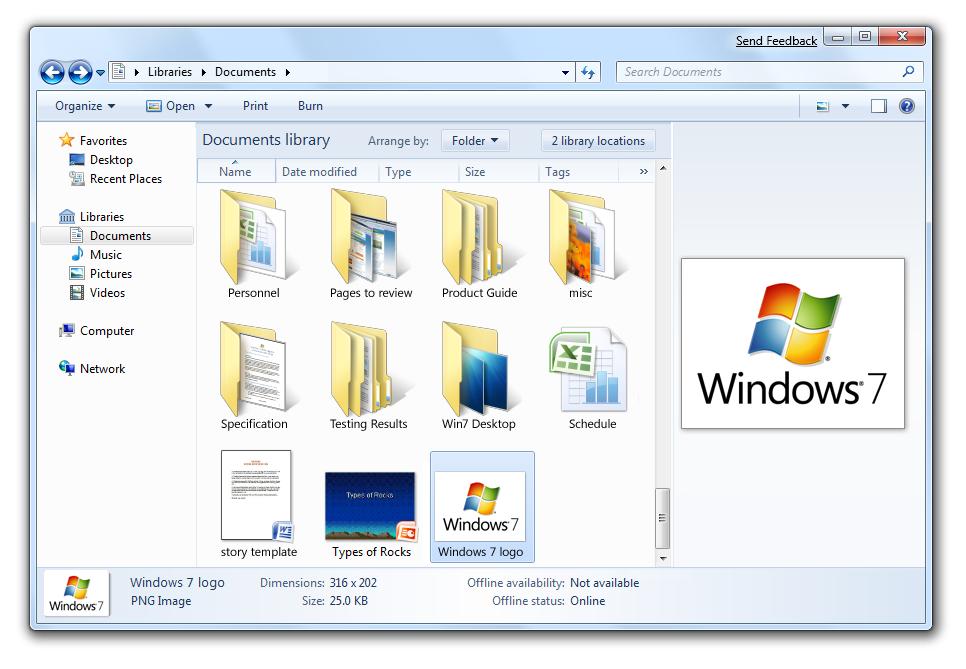
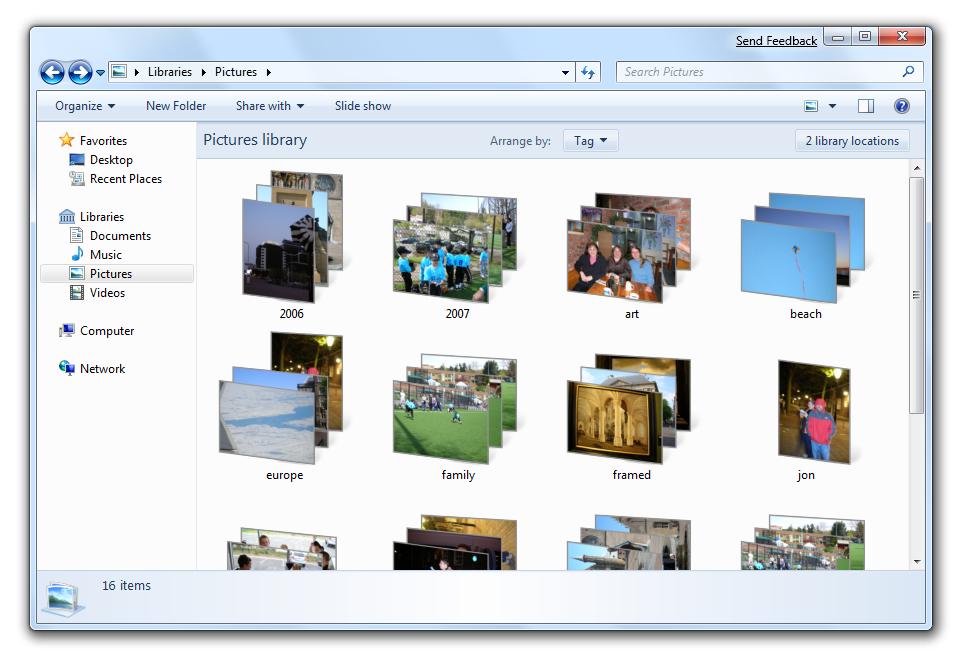
- Make everyday tasks faster and easier. Windows 7 will streamline and simplify the tasks people do most often. Improved navigation, a new taskbar and a streamlined user interface put commonly used resources within easy reach. Sharing data across all PCs and devices will be easier at home, in the office or on the go. Windows 7 and Windows Live will help users stay connected to the people and things they care about, and Internet Explorer 8 will offer a faster, safer and more productive Web experience.
- Make new things possible. Windows 7 will offer more choice in how users interact with their PCs, such as through multitouch gestures. With Device Stage, Windows 7 enables people to get more from the devices they use most often with their PC, such as cameras, phones and printers. Windows 7 also will make it easier to use home audio-video systems and other networked media devices to play music, watch videos and display photos that reside on Windows-based PCs. And Windows 7 will offer more options than ever to customize and personalize Windows-based PCs with styles that match the user's personality.
Windows 7 is being designed to provide a solid platform to enable a new generation of solutions for Windows. Windows 7 will enable developers to be more productive and offers new capabilities to create more stunning applications. A new taskbar, Ribbon, destinations and shell integration enhance discoverability and usability for all applications. In addition, Internet Explorer 8, native Web services API and federated search enable developers to integrate the best of Windows and Web services.
"We are excited to be delivering a pre-beta developer release of Windows 7 today at PDC2008," said Steven Sinofsky, senior vice president of the Windows and Windows Live Engineering Group. "With our new approach to planning and development we now have a great foundation for our partners to start learning and innovating on this exciting new version of Windows."
In addition to Windows 7, PDC attendees received a pre-beta developer release of Windows Server 2008 R2, which will deliver many enhancements to Windows Server 2008, including live migration of virtual machines, power saving capabilities, and developer features to build and host next-generation applications and services.
Developers should go to msdn.microsoft.com/windows to learn more about developing for Windows 7 and Windows Server 2008 R2.
Extending Office Productivity on the Web
Separately, Microsoft announced that the next version of Microsoft Office will include Office Web applications that will help improve productivity and enhance the desktop experience by enabling people to access, create, edit, share and collaborate on Office documents across multiple devices.
"Microsoft supports diversity in work styles and understands that customers want choice and flexibility in how and where they work," said Stephen Elop, president of the Microsoft Business Division. "Microsoft is in a unique position to meet that customer need. Office enables people to view, edit, share information and collaborate on documents on the desktop, phone and in the browser, and do so in a consistent and familiar way."
Office Web applications for Microsoft Office Word, Excel, PowerPoint and OneNote will be available to individuals through Office Live, and to businesses though a hosted subscription and existing volume licensing programs. This new offering will be compatible with familiar Web browsers from Internet Explorer, Firefox and Safari. Microsoft will release a private Technical Preview of Office Web applications later this year. In the meantime, customers interested in learning more about the upcoming beta availability are encouraged to sign up for Microsoft Office Live Workspace at workspace.officelive.com.
Live Services for Seamless Client-Cloud Experiences
Microsoft demonstrated many capabilities of the Live Services platform, including how developers can build rich applications and experiences that can be extended to over 400 million users of the company's Windows Live services such as Windows Live Hotmail and Windows Live Messenger. Microsoft also emphasized that its Live Services platform is the means by which products such as Windows Live, Office Live and Xbox LIVE deliver experiences that span beyond the level of a single PC, mobile device or the Web, and that these same capabilities are now being offered to developers through its Live Services platform.
The company demonstrated many aspects of Live Services including Live Mesh. Live Mesh is a service for synchronizing any user's documents, media, files and application data across multiple PCs and devices, and is available as an open beta at mesh.com for Windows and Windows Mobile. At PDC2008, those same powerful synchronization capabilities of Live Mesh have for the first time been opened to developers through a Technology Preview of the Live Framework, enabling Web developers to extend their Web applications to a world of Windows-based PCs and extending their Web applications offline.
The Best of Web and Windows Development With Visual Studio and .NET
In terms of software development, Microsoft highlighted how it continues to help make it easy for developers to use their existing skills to build applications from the Web to the desktop, through both the recent Visual Studio 2008 and .NET Framework 3.5 service packs, and the forthcoming Visual Studio 2010 and .NET Framework 4 releases. Building on Monday's announcements that Visual Studio and the .NET Framework will make it easy for developers to create applications for the new Azure Services Platform, the company revealed that Visual Studio 2010 and the .NET Framework 4 innovations will help developers build next-generation applications for Windows 7 and take advantage of new features in Windows 7, such as the Ribbon and support for multitouch enabled interfaces. Several other areas of improvements in Visual Studio 2010 and .NET Framework 4 were shown, with a focus on Win32, C++, ASP.NET, Silverlight and Windows Presentation Foundation.
40 Comments on Microsoft Delivers Pre-Beta of Windows 7 to Developers and Previews Web Applications
code.msdn.microsoft.com/Win7DeveloperGuide/Release/ProjectReleases.aspx?ReleaseId=1702
Totally forgot about that.
Back on topic... is it just me or this the first screenshots we have had of the new desktop? Early alpha builds used the vista "skins". Looks quite nice, though I hope there is still the ability to adjust the colour.
I'll get it later today with any luck :)
WOW...micro$oft makes amazing icons that show pretty pictures....yawn :rolleyes:
www.hexus.net/content/item.php?item=16080
kde ftw! lol :slap:
can't wait :D