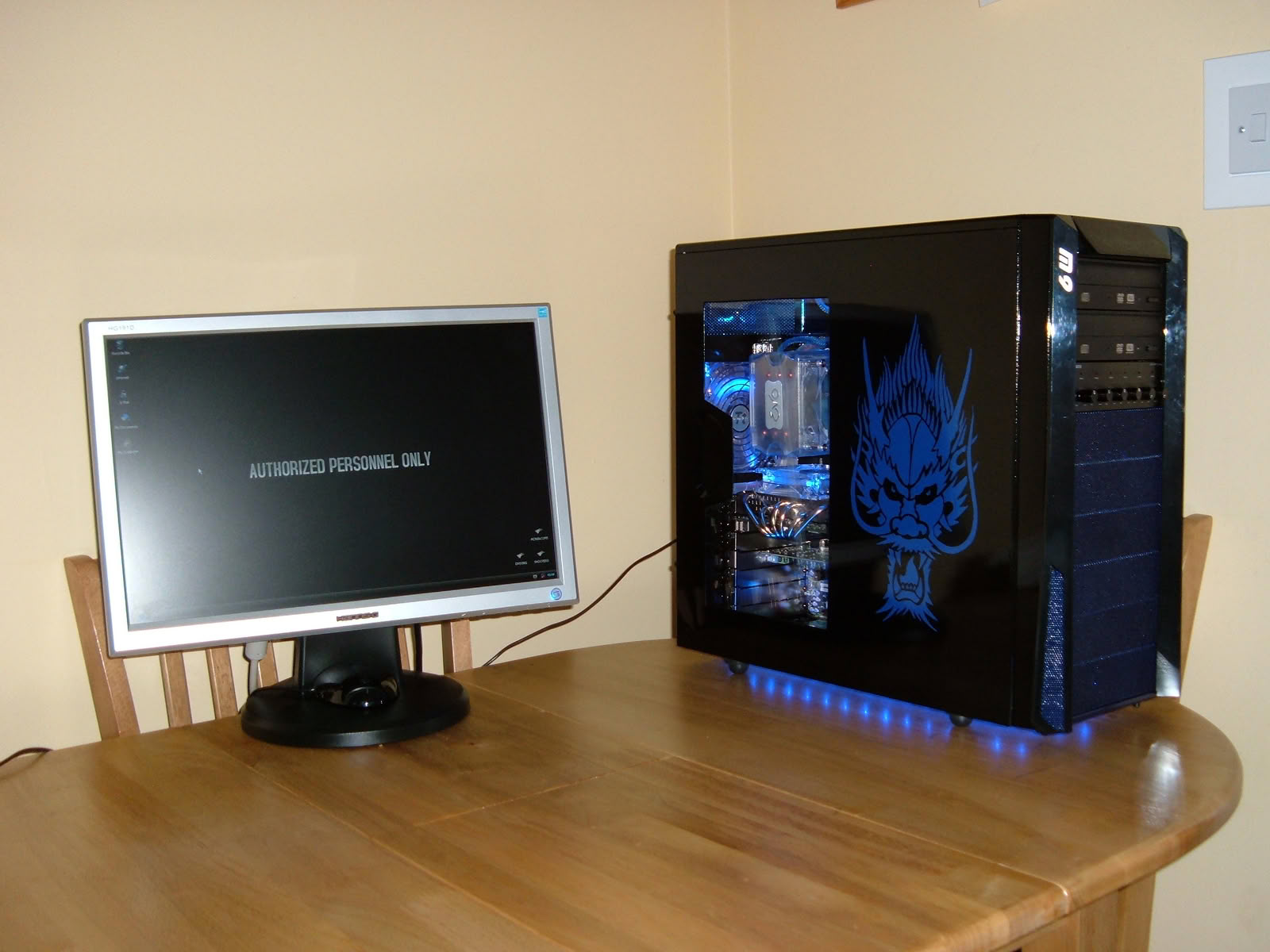
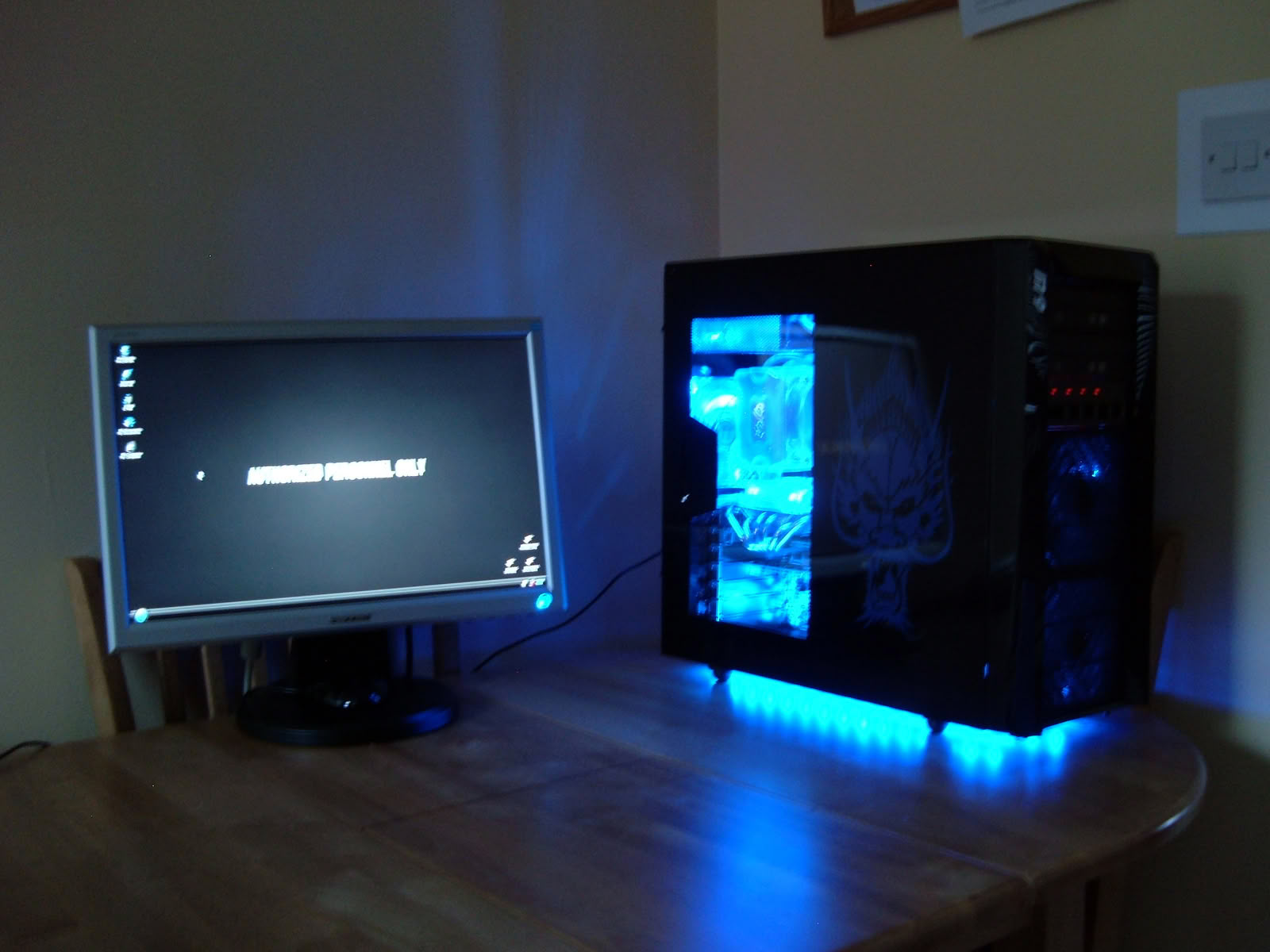
blue dragon

Key features

Intel CPU

The build

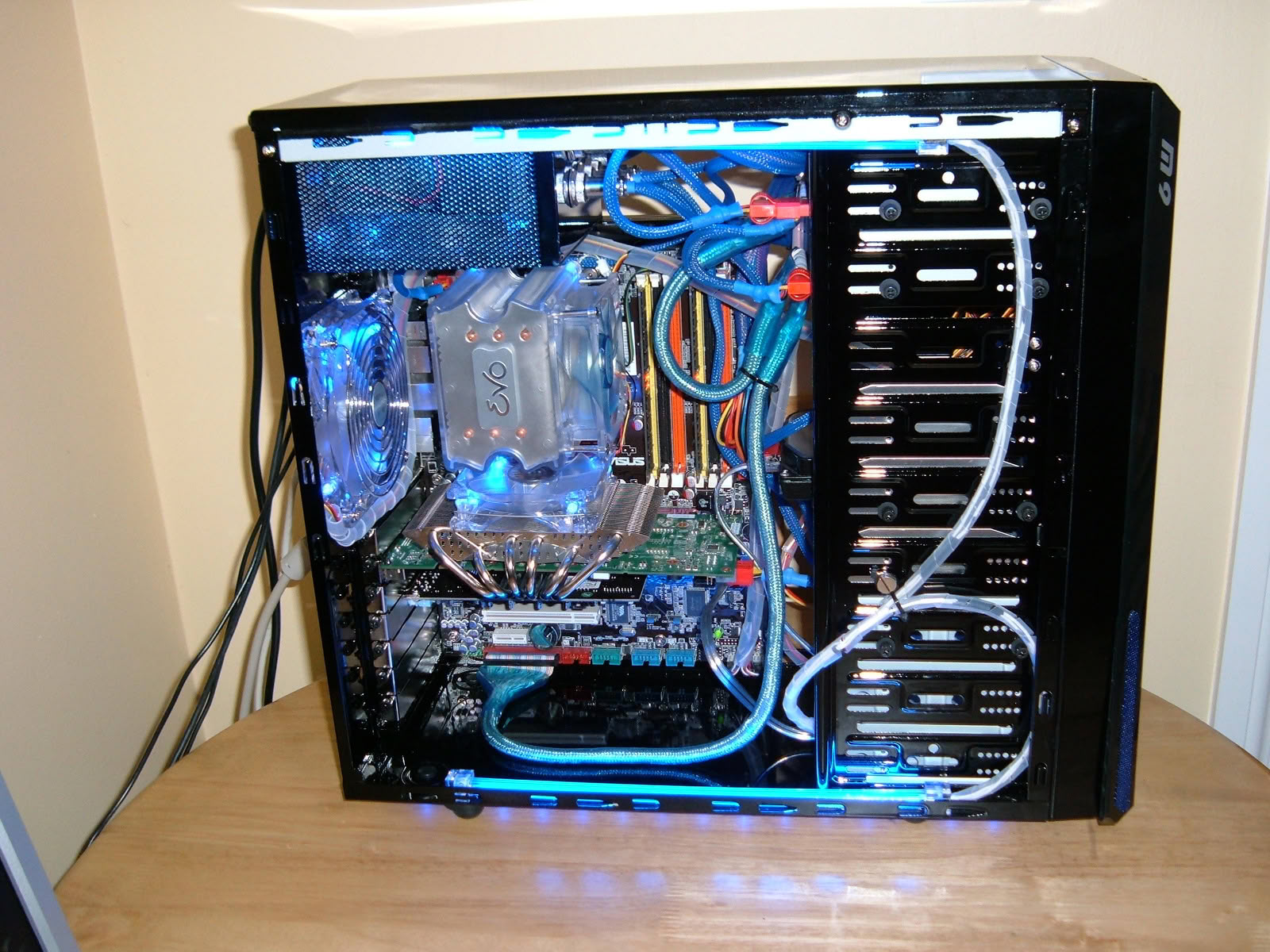
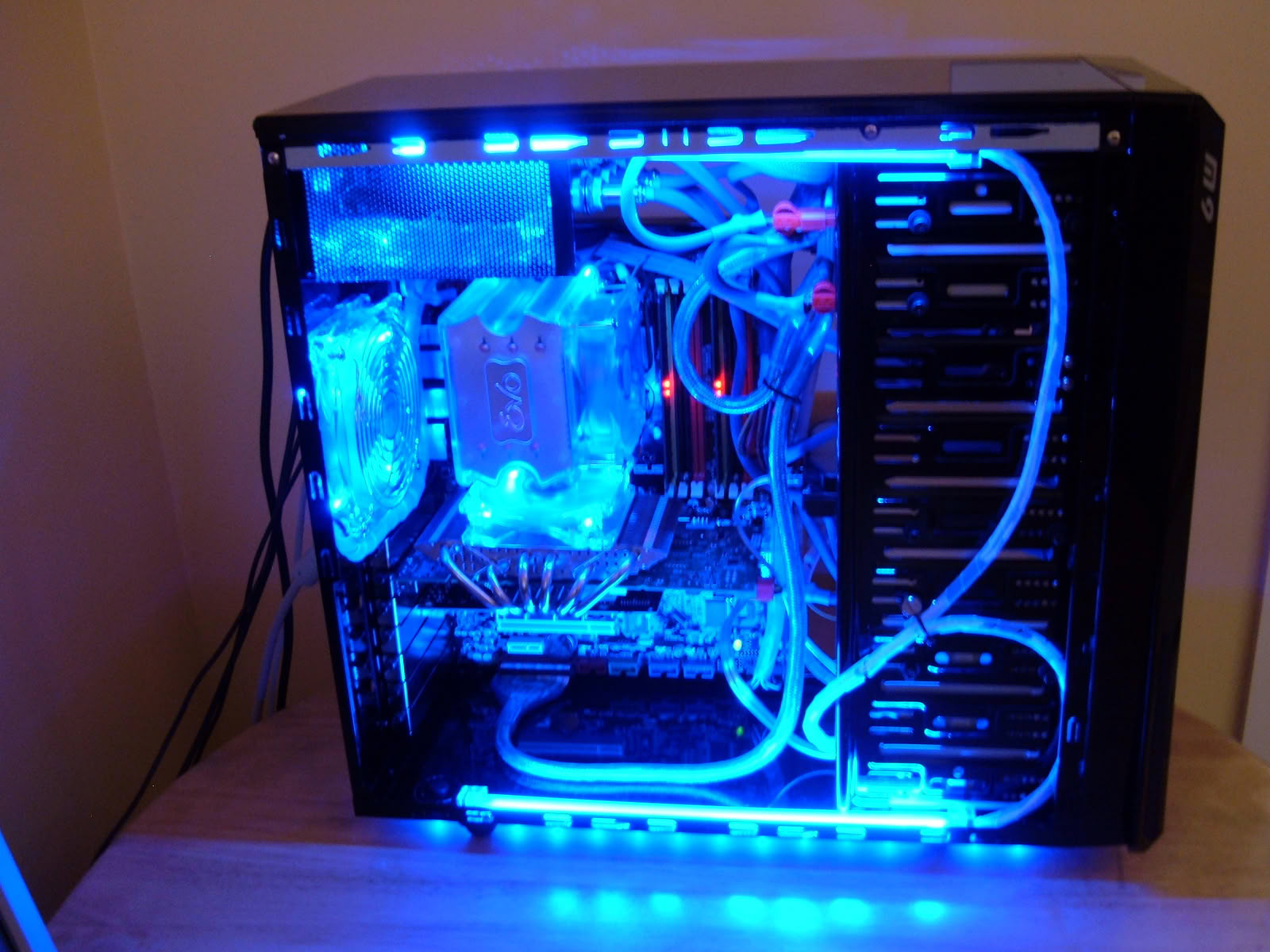
first rig built "i'm pretty chuffed waddya recon" also first overclock.

System specs

CPU
Intel Core 2 Duo E8200 @ 3.2 GHz
CPU Cooler
Akasa Evo
Motherboard
Asus P5KC
RAM
2 GB GeIL Black Dragon DDR2-6400
GPU
BFG GeForce 8800 GT OC (with Thermalright GT cooler)
Storage
Samsung Spinpoint 250 GB
PSU
Hiper Type-R 580 W

Performed mods

custom window, custom decal, custom paint inside and out (although still black)
2 x cathcodes
varios fans

Links & contact

How visitors rated it

6.4 / 10 · Excellent · 17 votes
0%
1
0%
2
0%
3
18%
4
12%
5
18%
6
24%
7
24%
8
6%
9
0%
10
Hover a bar to see each score’s share of votes

Submit your vote

Please register on the forums & login to vote.

This modder's other projects

Add your own comment

9 Comments on blue dragon

#1
1Kurgan1
The Knife in your Back
Nice setup, gave you 7/10 looks like you painted the inside, so gotta give some credit there. Your cables are crazy should hide as much of those as you can, but you did find a way to make it look pretty good even with that.
Posted on Reply
#2
UrB@NbOgArT
cheers dude, very difficult to hide cables as modular power supply so all seperate, working on one off custom made case from 12mm box section at mo will defo bear in mind cable managment on that one.
Posted on Reply
#3
steelkane
first off,, Nice job,, also that has to be the neatest mess of cables I've seen in a while. The whole build matches & looks build well.
Posted on Reply
#5
Conflict0s
Hey, Great first rig here :) Well done for making everything match in style and colour.
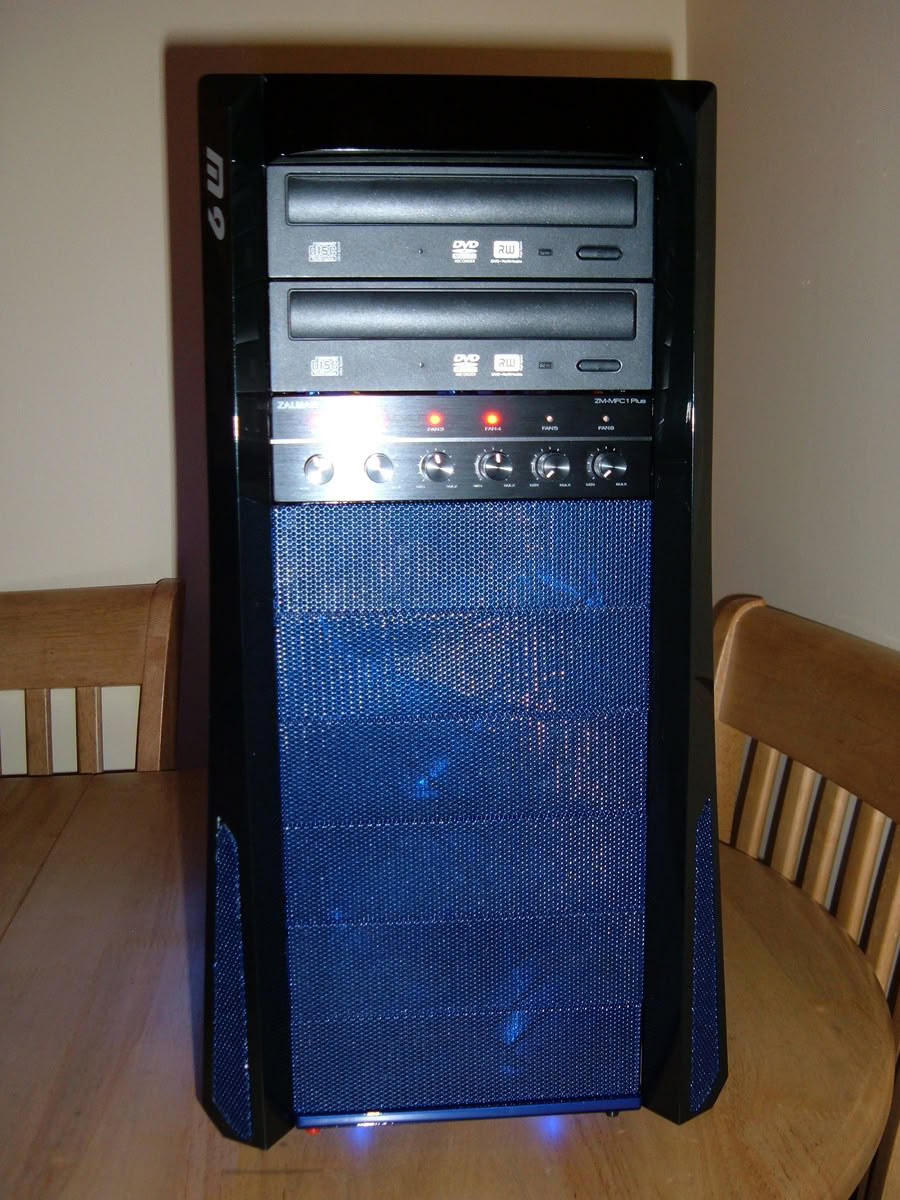
Maybe you could separate your optical drives by moving your fan controller? So it could add a little more room for them unwanted cables to fit into, just a thought.
Anyways nice work.
Posted on Reply
#6
Evo85
Not bad. Just need some cable management and you will have a great comp!
Posted on Reply
#7
EnergyFX
working with IDE cables is always a daunting task. You did a good job with them.
Posted on Reply
#9
UrB@NbOgArT
cable management always night mare on the thermaltake M9 as only mid tower, not full one.
also the m/board tray only covers the motherboard i.e there is gaps / hole beside it and above it.
if this was completely filled in i would have cut holes through it and brought them round from behind, but unable to do that, please see images of new case fabricated from 12mm box section fully welded hoping when finished to have chrome dipped.
Posted on Reply
Nov 12th, 2026 11:52 PST change timezone

New Forum Posts

Popular Reviews

TPU on YouTube

Controversial News Posts