TRON

11 photos Open fullscreen »

Key features

Intel CPU NVIDIA Graphics Custom Paint Job

The build

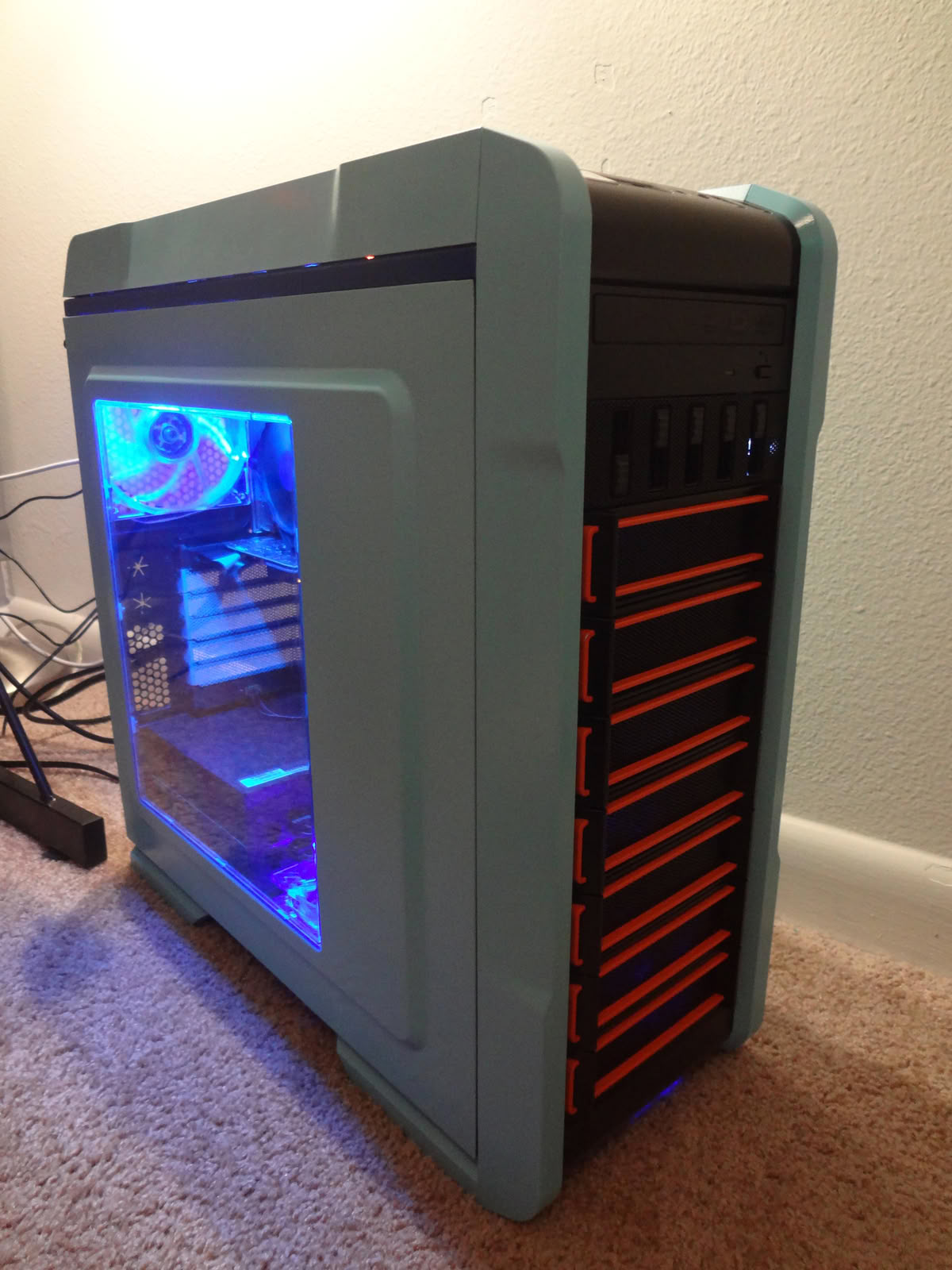
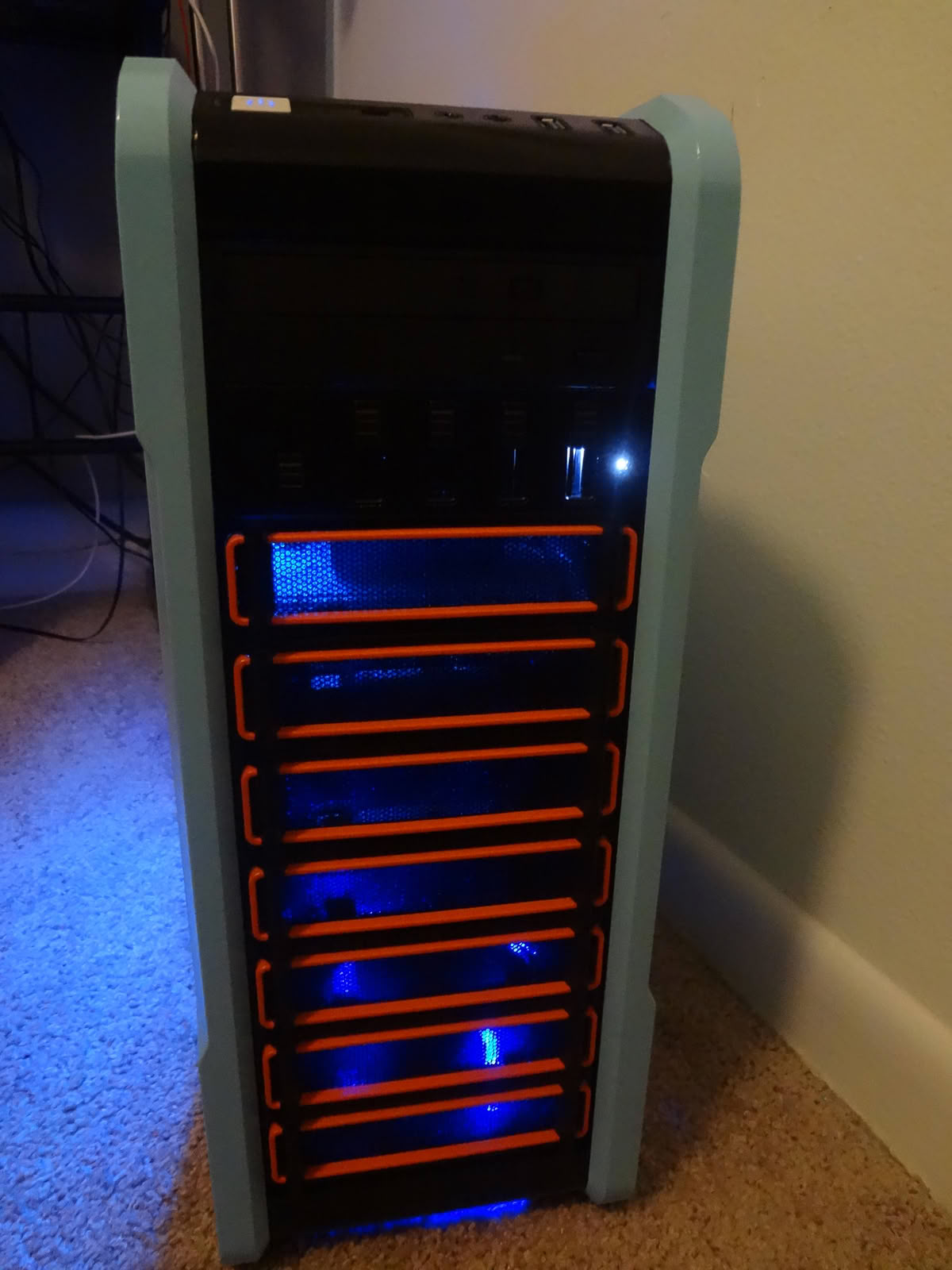
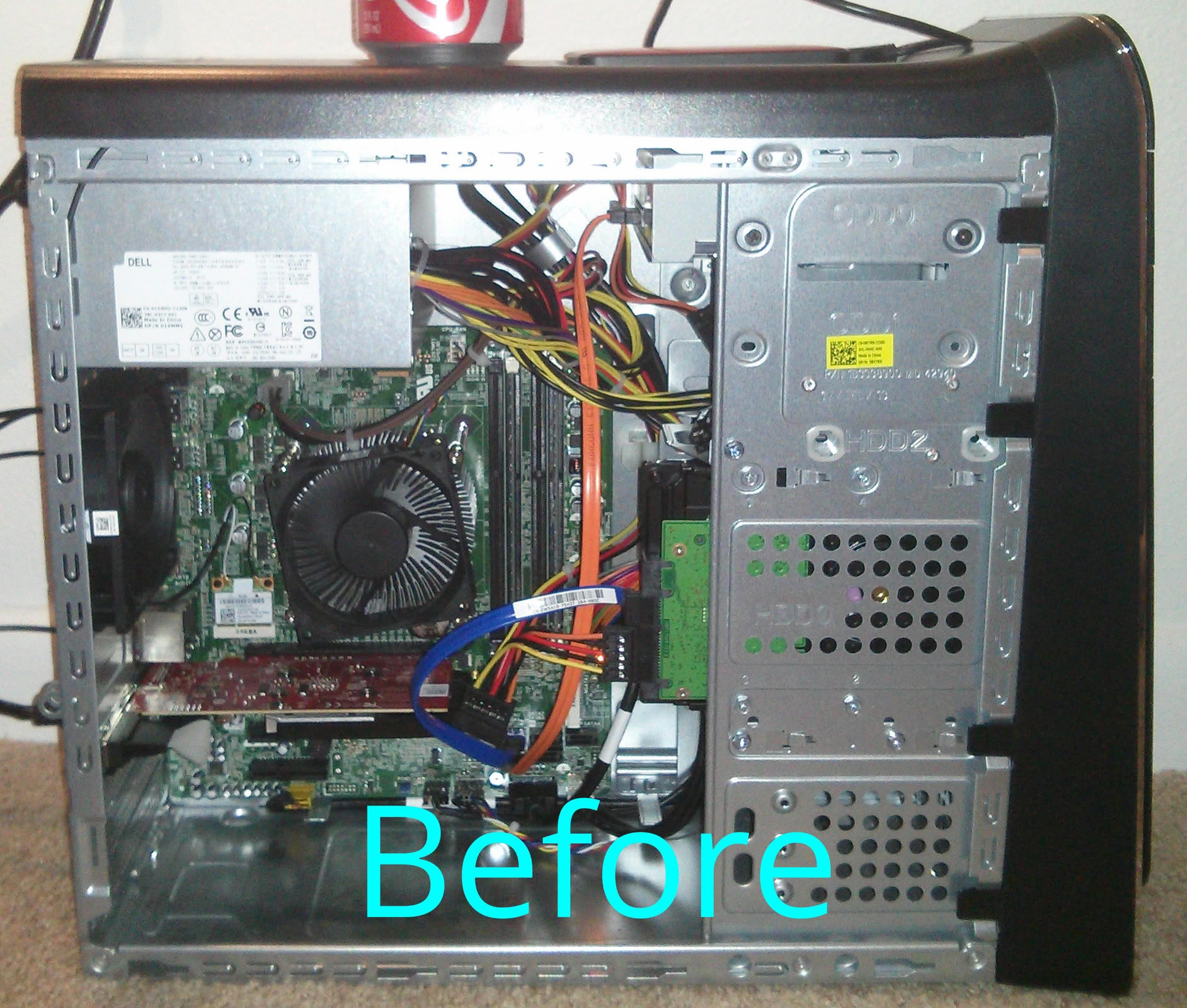
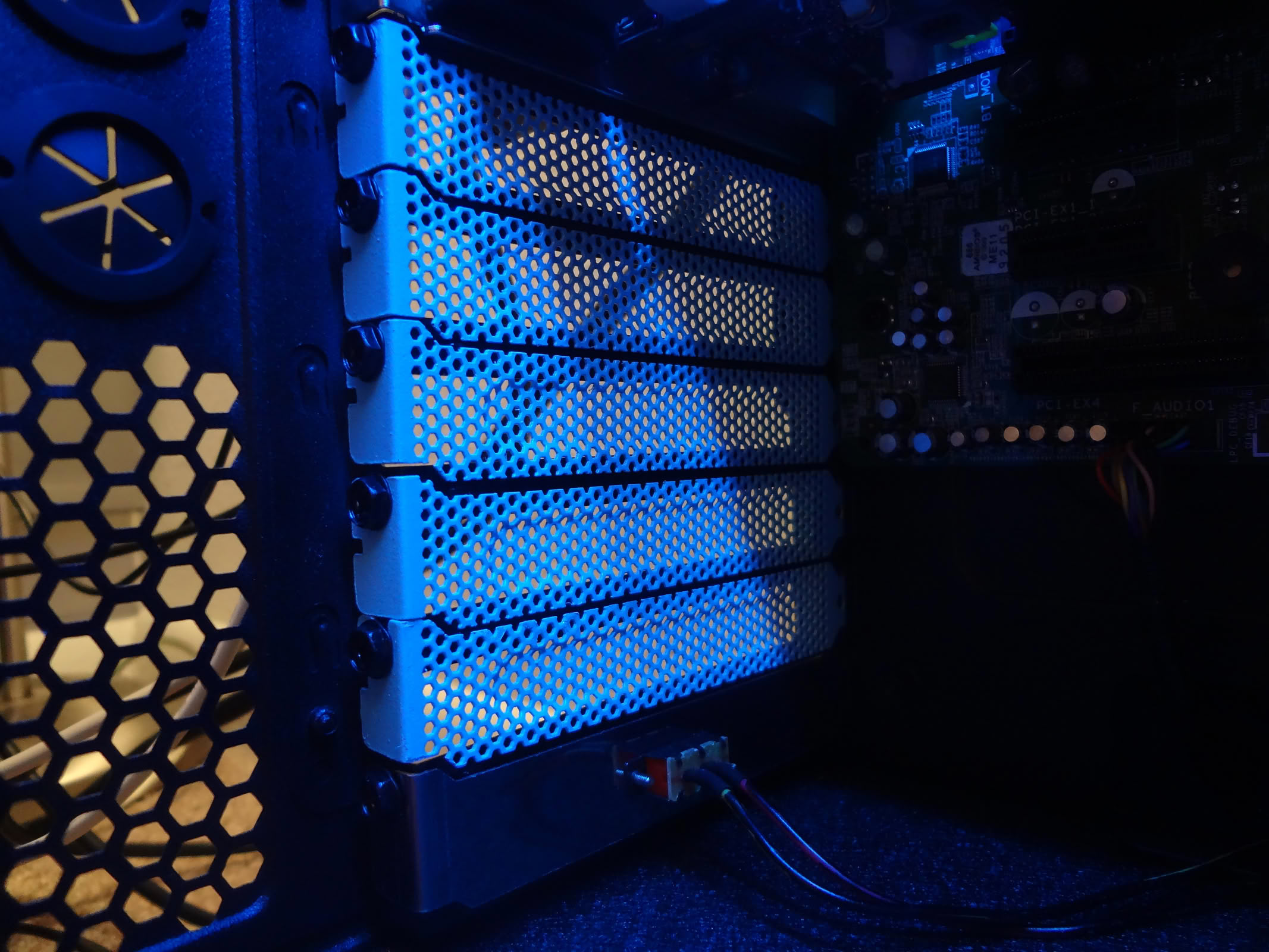
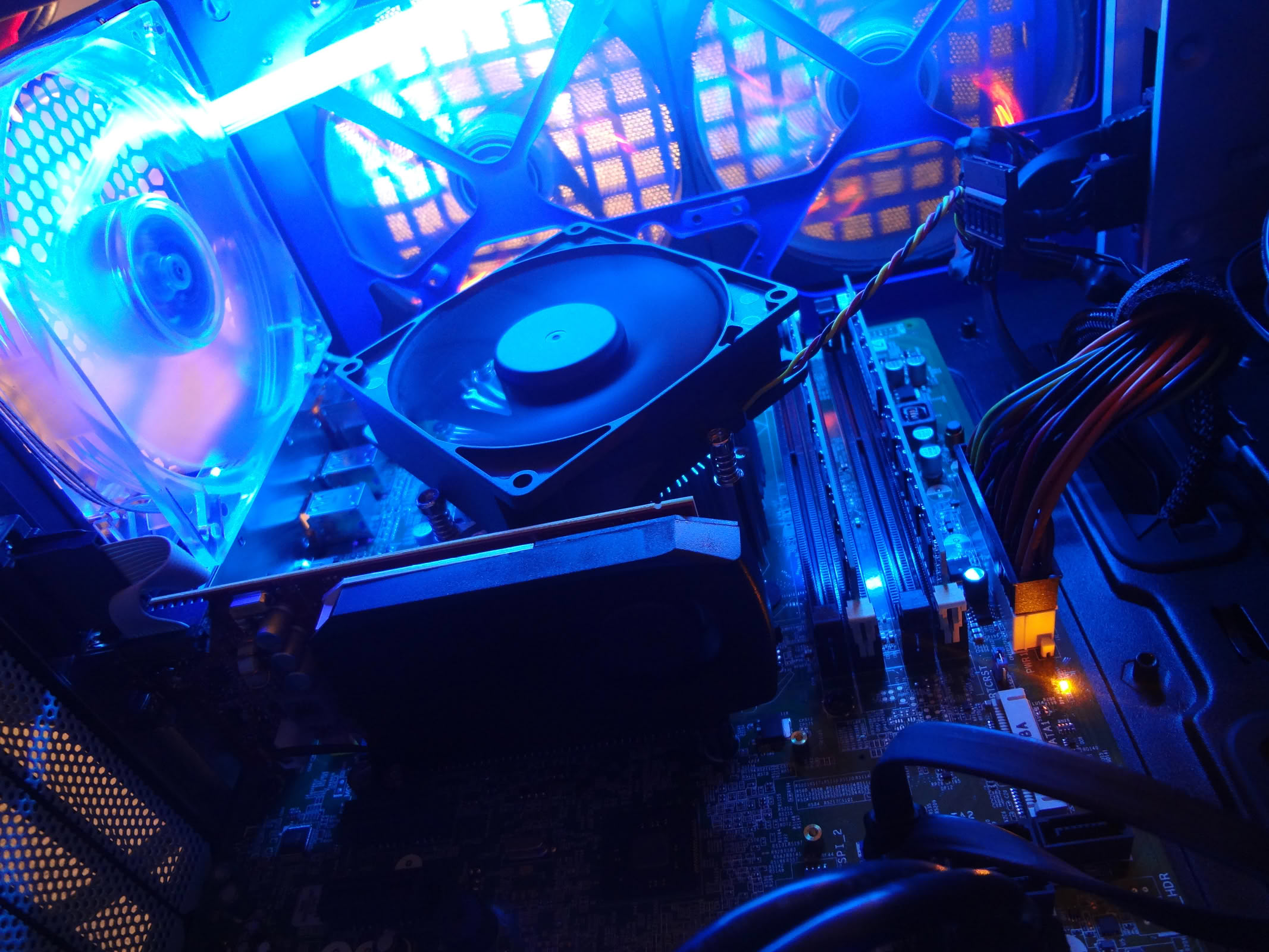
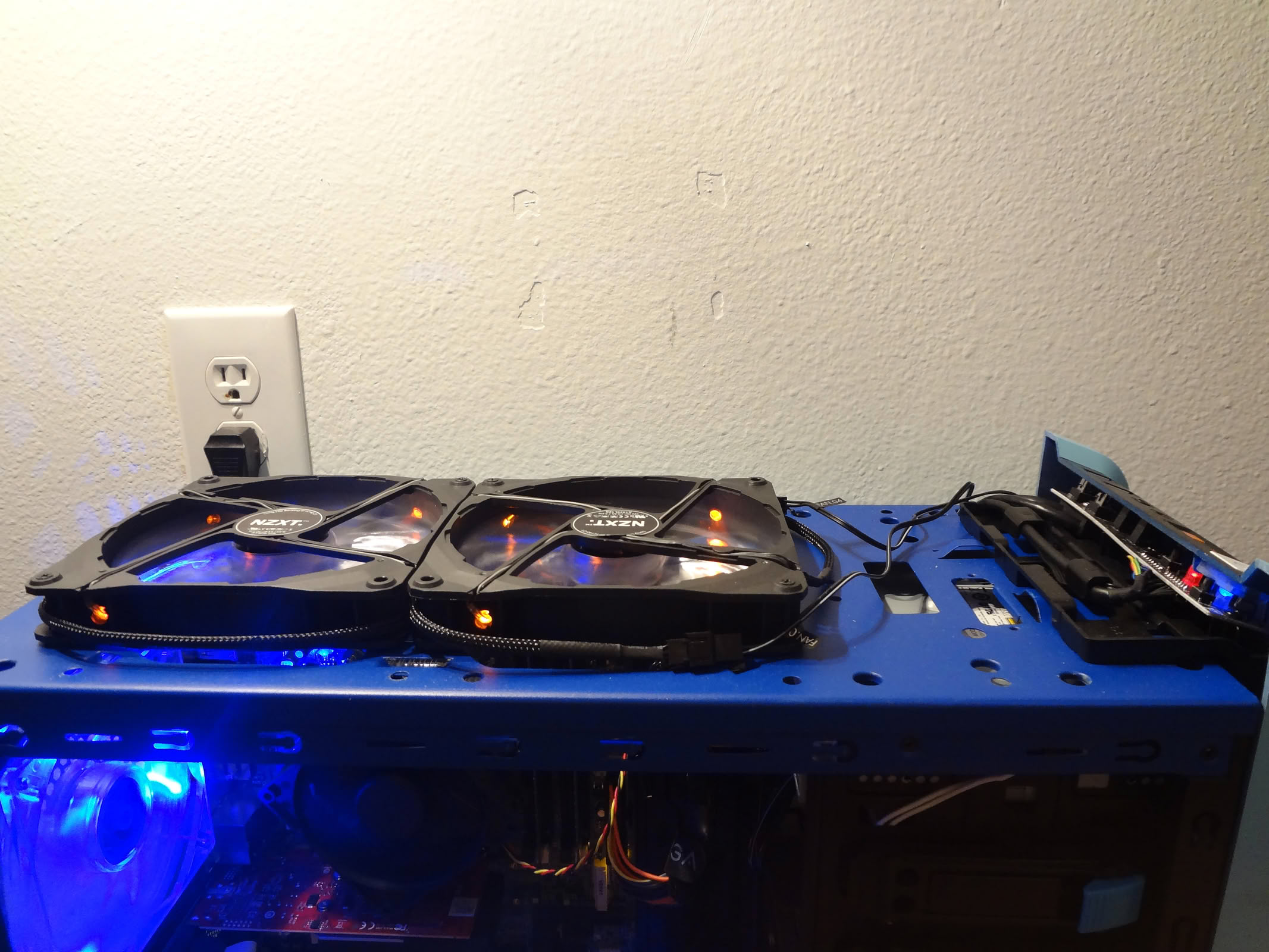
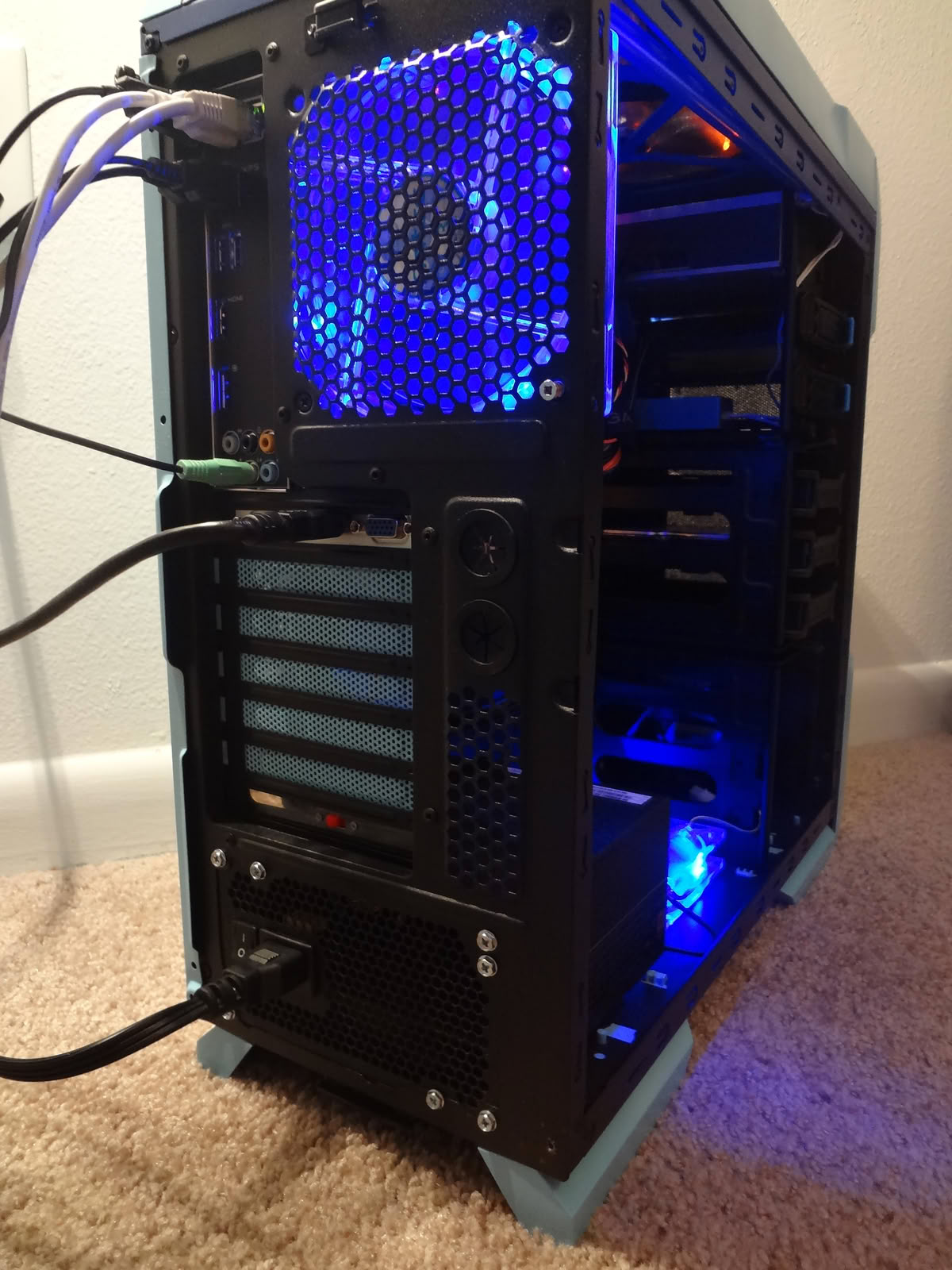
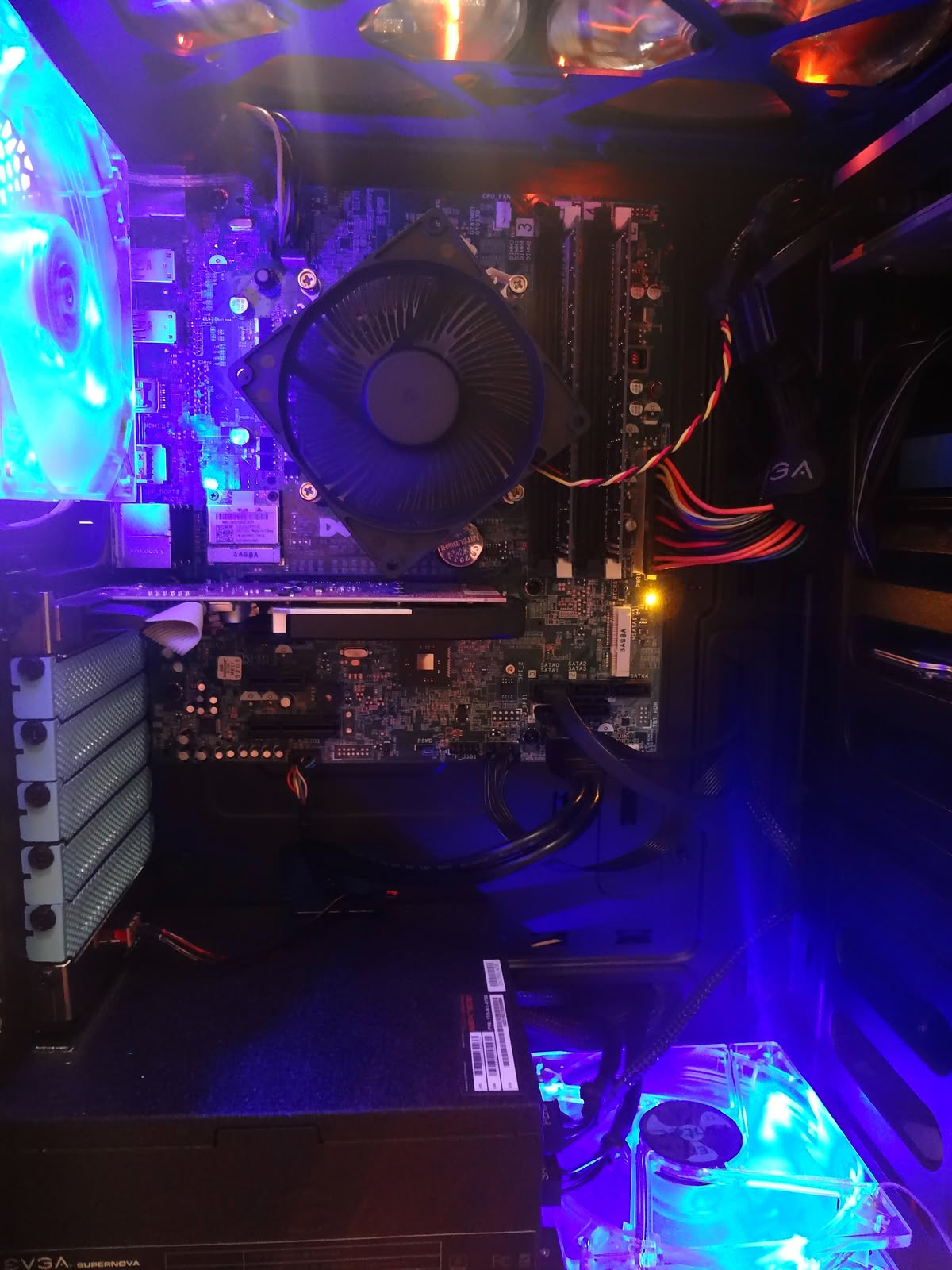
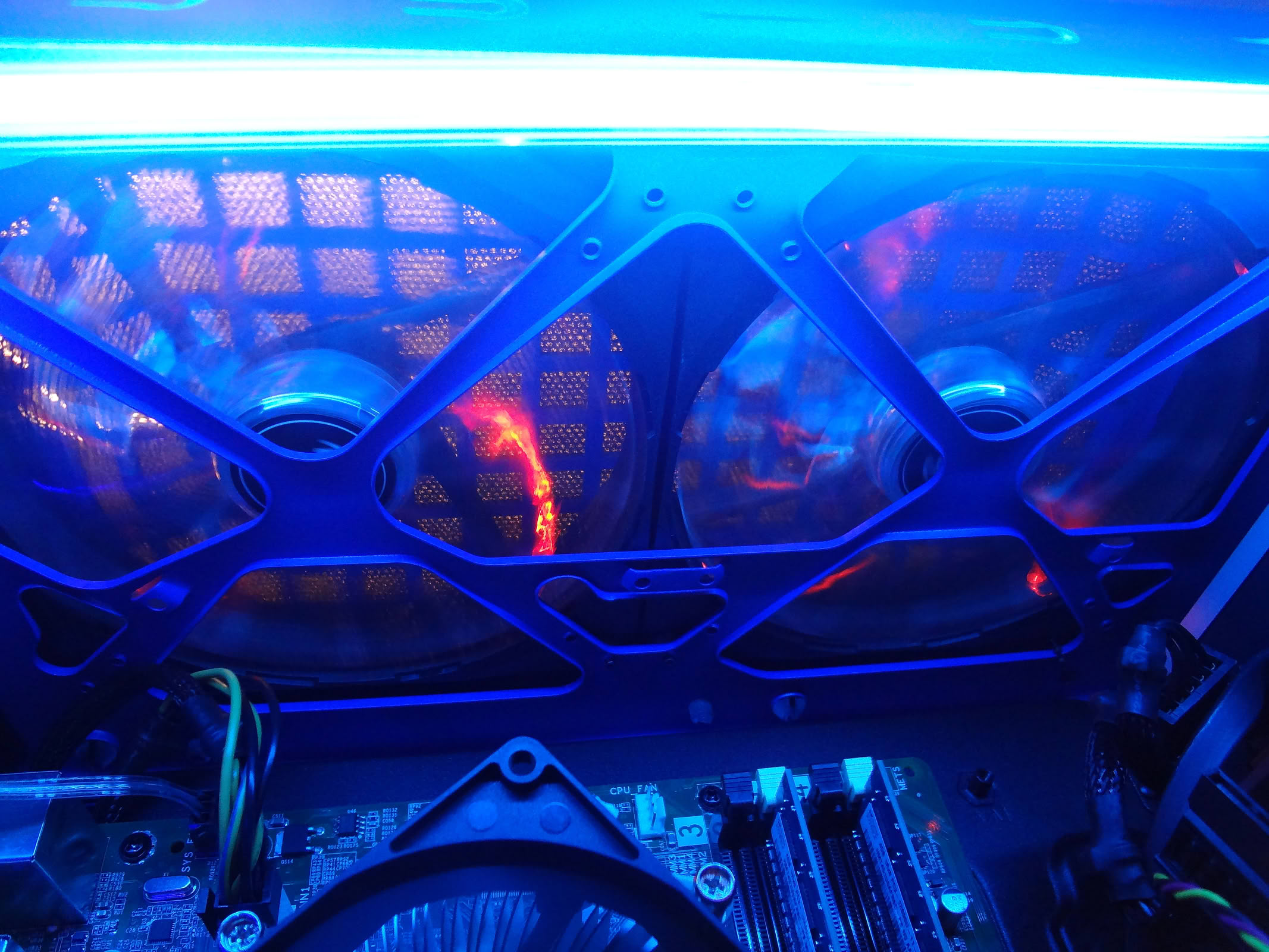
Internals from a Dell XPS 8700 transferred over to Thermaltake A31 Chaser case with custom TRON Legacy paint job. This is a mid-range build intended for rendering meaning that more attention was put on CPU over GPU power. It is also formulated to withstand longer running times with the addition of six fans. Intended Upgrades: EVGA GTX 770 Kingston 120GB SSD

System specs

CPU
Intel Core i7 4770 @ 3.4 GHz
Motherboard
Dell OEM Micro ATX
RAM
8 GB (Dell OEM)
GPU
NVIDIA GTX 650 Ti
Storage
1 TB 7200 RPM SATA
PSU
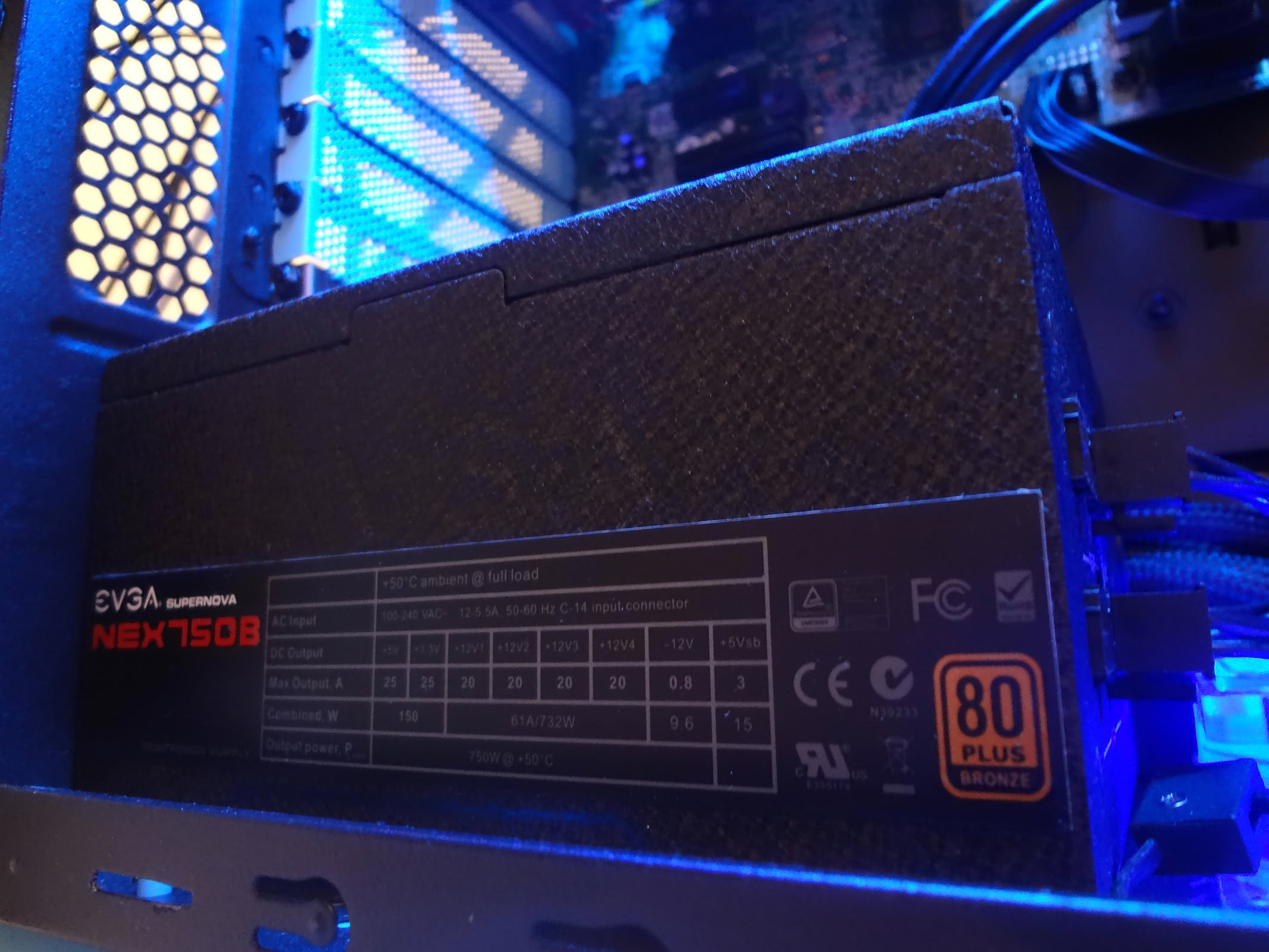
EVGA SuperNOVA 750 B1 750 W
Case
Thermaltake Chaser A31
Fans
Antec TriCool 120 mm Blue LED, NZXT FZ-140 mm Orange
OS
Windows 7 Home Premium 64-bit
Other
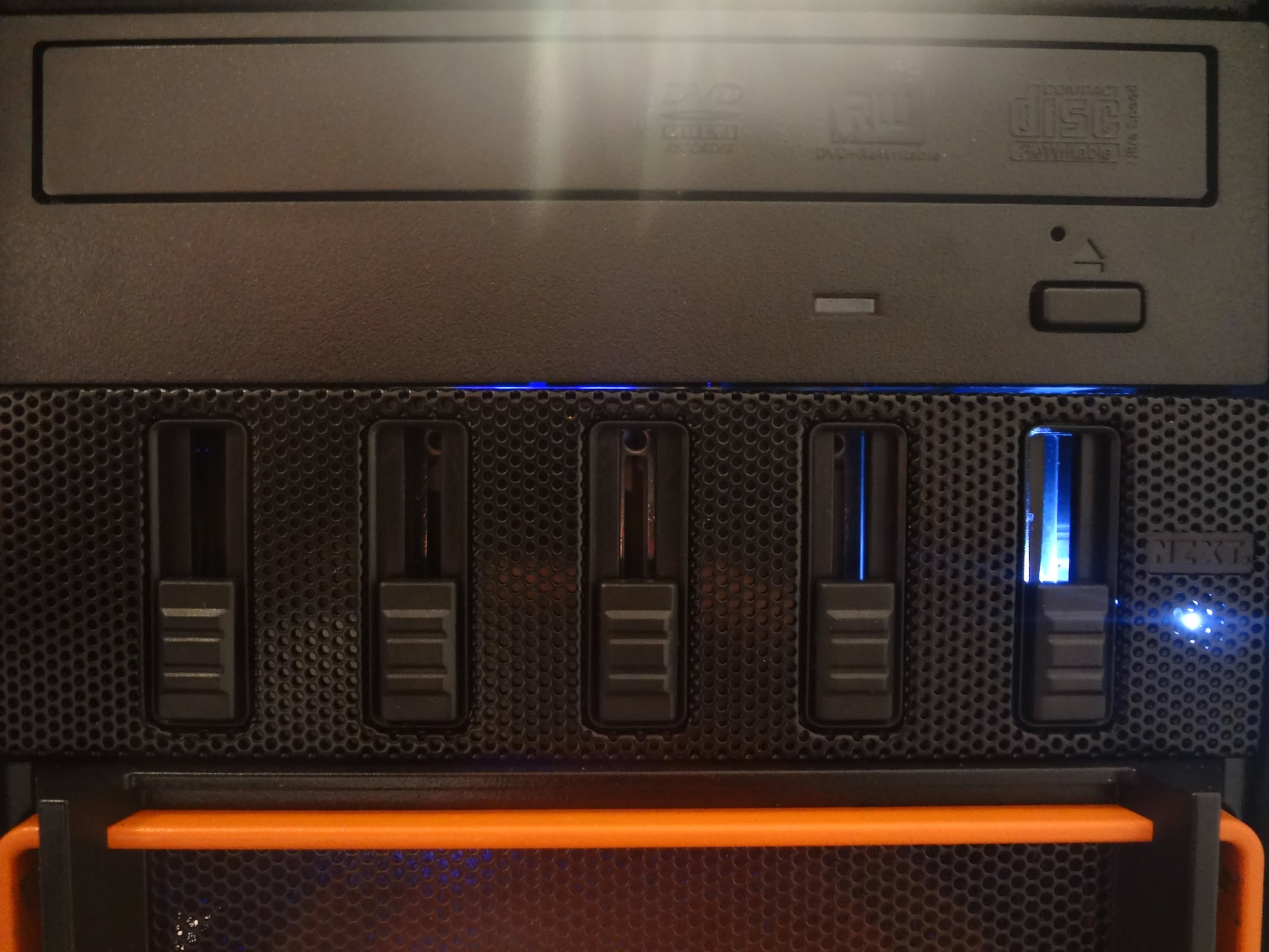
DVD Drive, Logisys CLK12 Cold Cathode Kit, NZXT Sentry Mesh Fan Controller

Performed mods

"Rust-Oleum Painters touch" paint was used for the majority of the paint job.
Real Orange
Aqua Blue Satin
Flat Black
Gloss White
Gloss Clear Coat

Links & contact

How visitors rated it

3.2 / 10 · Poor · 9 votes
22%
1
0%
2
33%
3
22%
4
22%
5
0%
6
0%
7
0%
8
0%
9
0%
10
Hover a bar to see each score’s share of votes

Submit your vote

Please register on the forums & login to vote.
Add your own comment

6 Comments on TRON

#1
Heaven7
How about some more specs?
Posted on Reply
#2
Kira
Prez 0
When you present your PC, it shows the inside, this is the main
Take pictures of the X button, it has no interest
Also, what are the current specs of the PC
In short prez not presenting any interest
Posted on Reply
#3
Heaven7
Your specs are not bad at all. Although you didn't mention the type of GPU you're using, judging from the pics alone, it's obviously not the fastest one around ;) As your system is mostly used for rendering, you should definitely go for your intended upgrades. A SSD is a MUST! I have to agree with Kira, there is not much of the internals to see, however it looks clean enough to me. I can't spot those orange fans (the blue ones look nice though)... Overall a big improvement over your old case. I don't think it deserves the bad rating it has today, so it's a 5 from me.
Posted on Reply
#4
TheXPSthesis
I have uploaded more pictures. I might even do a more professional outdoor photo shoot later. I don't know if it's visible in the pictures, but there is actually tape holding the cpu fan in place. I plan on installing a noctua fan instead which might also go well with the blue of the case. To be honest, I think the color scheme was a bit of a mistake and I believe that the IDEAL tron theme leans more toward orange and black. Let me know what you think.
Posted on Reply
#5
Heaven7
You taped the fan to the CPU cooler :confused: Are you intending to do the same with the Noctua fan? Do your CPU a favor and install a proper fan that fits, better yet an aftermarket cooler (cheap and effective) ASAP! Also, Noctua + blue = ugh... I'd also recommend you let your MB handle the CPU fan rather than your fan controller. As for the color choice I distantly recall the dominating colors in Tron were light blue and red - the same you use at the moment. Of course it's all personal preference. If you like black and orange, you might want to take a quick look at a project I made:www.techpowerup.com/gallery/3983.html
Posted on Reply
#6
TheXPSthesis
Heaven7, I really like your orange and black build. I am new to the case modding scene but I have learned a few things non the less. General rule for case lighting is that the lights have to be hidden so that your not always looking directly at them. Lights serve the sole purpose of illuminating parts.

In reference to your comments earlier, I only taped the fan in because the original fan was still drying (took about a week and a half for the fumes to become barrable). I just installed the fan today(blade is orange - casing is black) and I plan on having more pictures up soon.
Posted on Reply
Nov 12th, 2026 11:51 PST change timezone

New Forum Posts

Popular Reviews

TPU on YouTube

Controversial News Posts