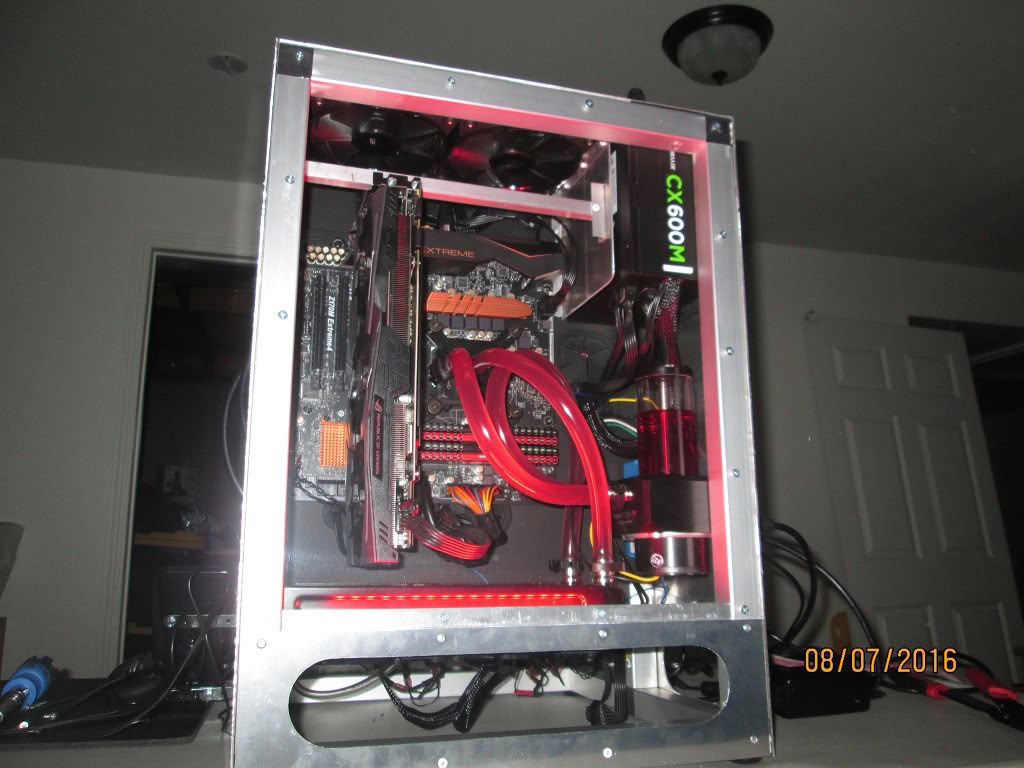
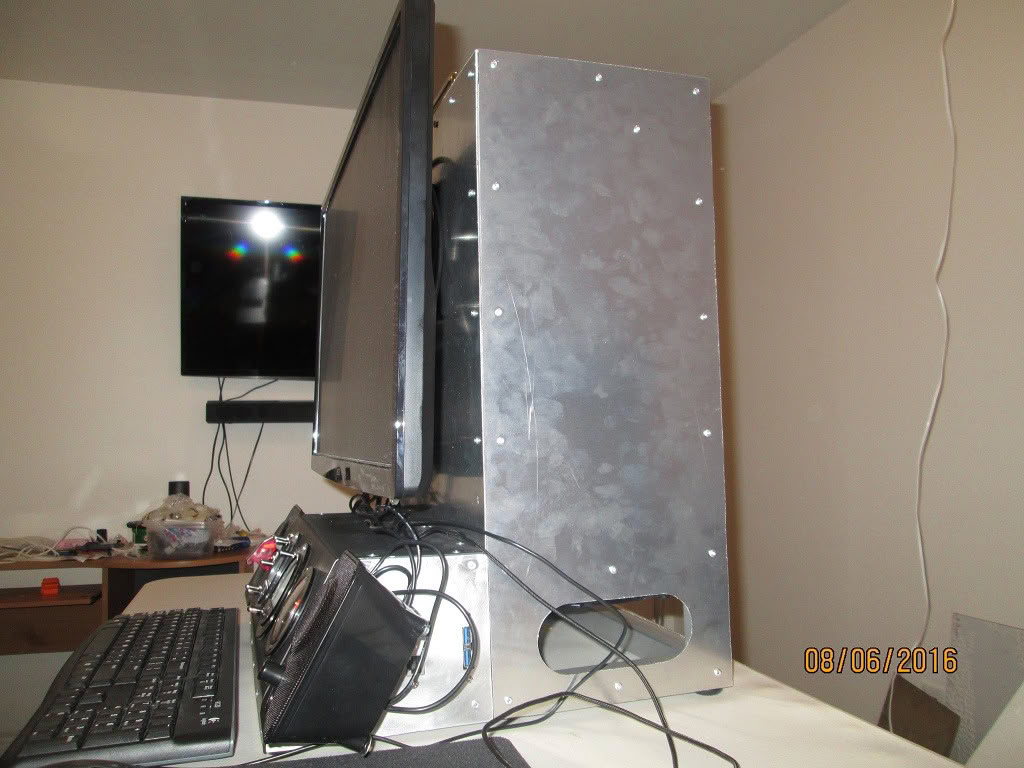
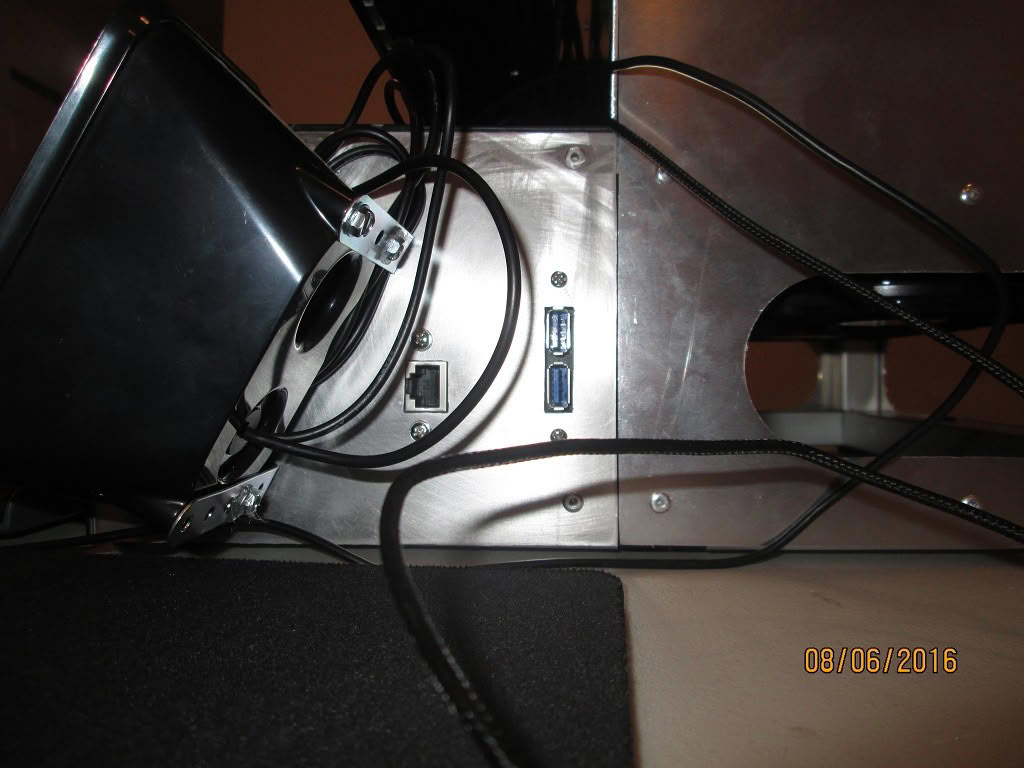
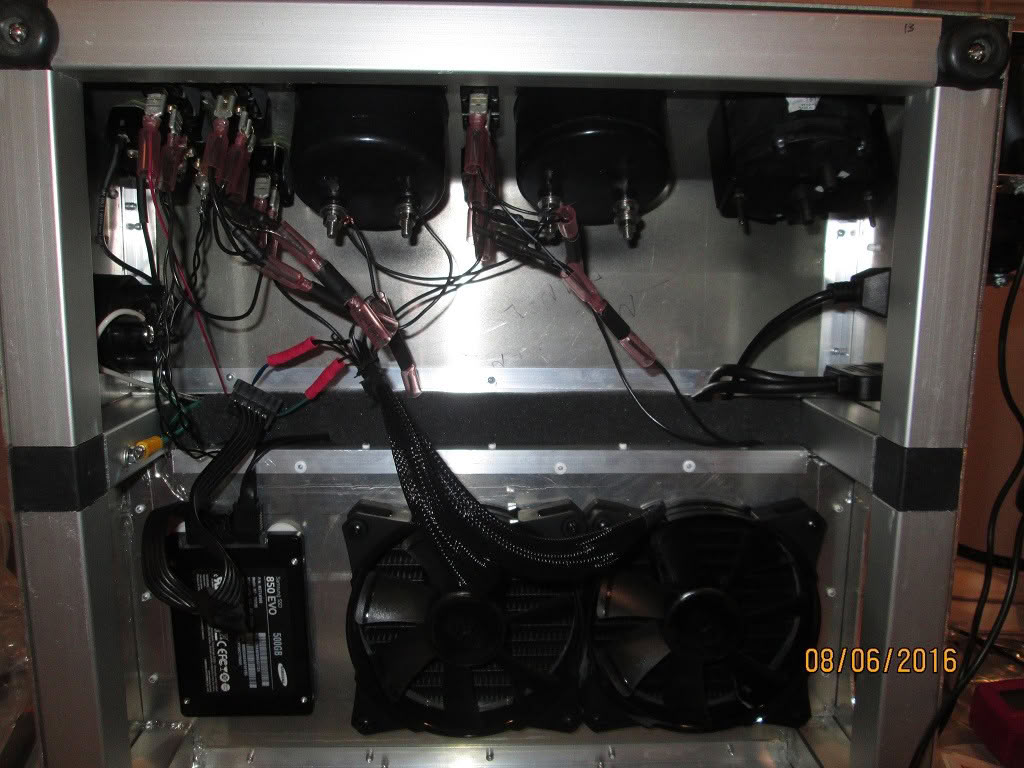
Key features


The build
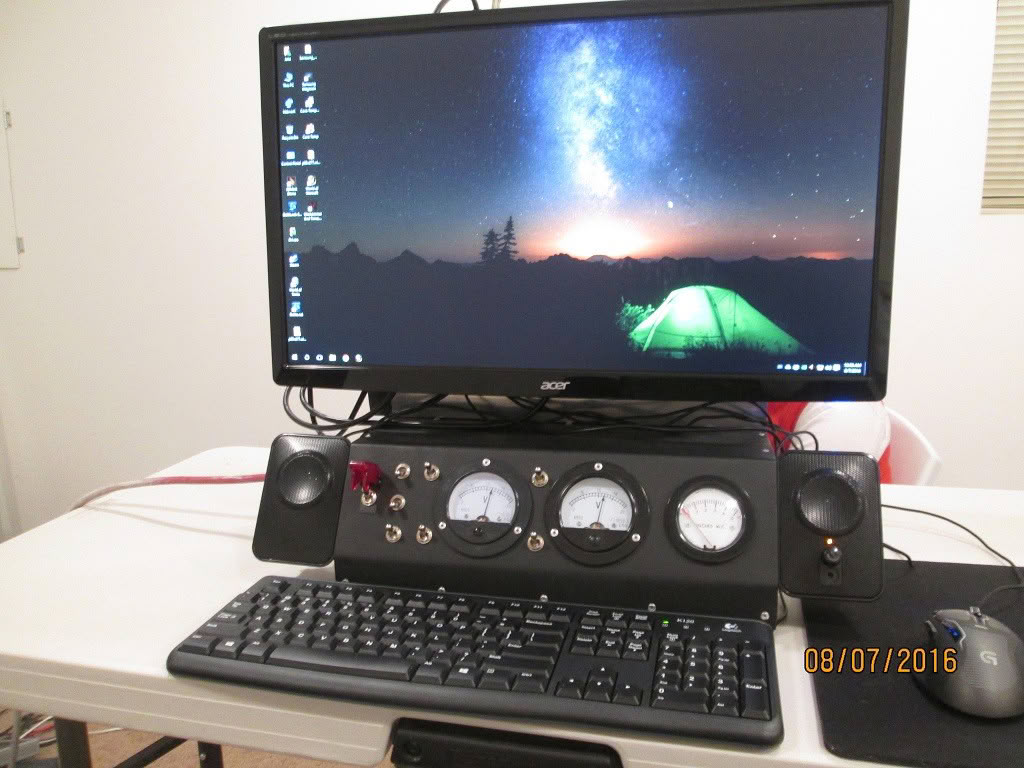
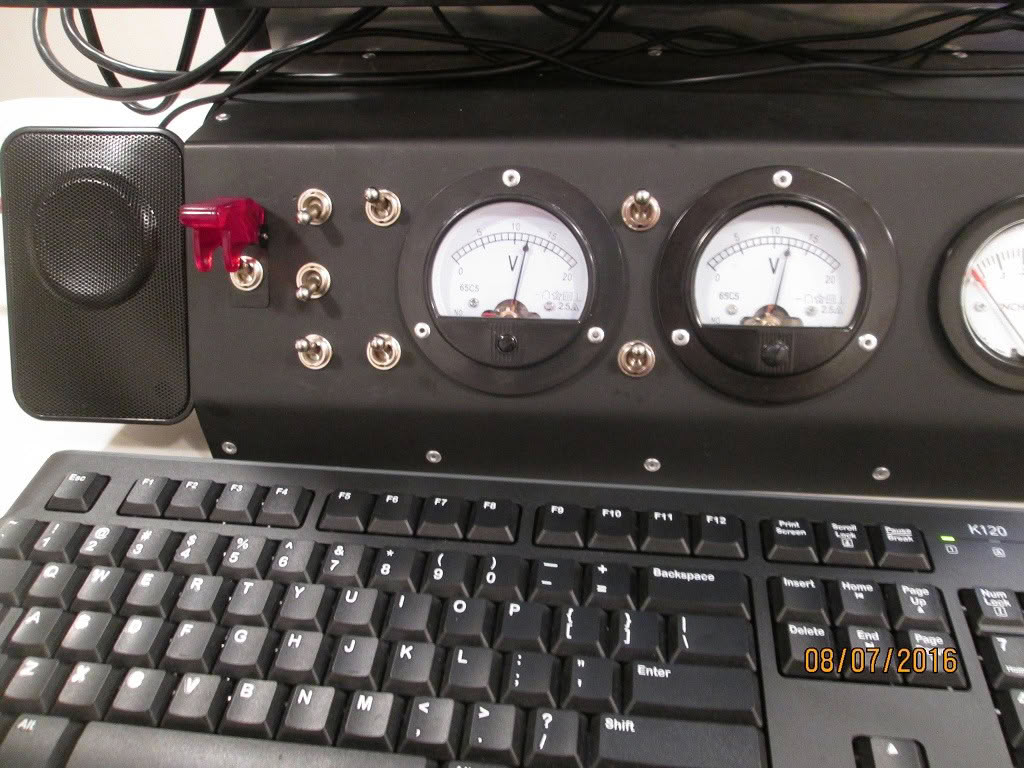
1. Angled aluminum front gauge panel.
2. Analog intake and exhaust fan voltage gauges.
3. Classic toggle switches.
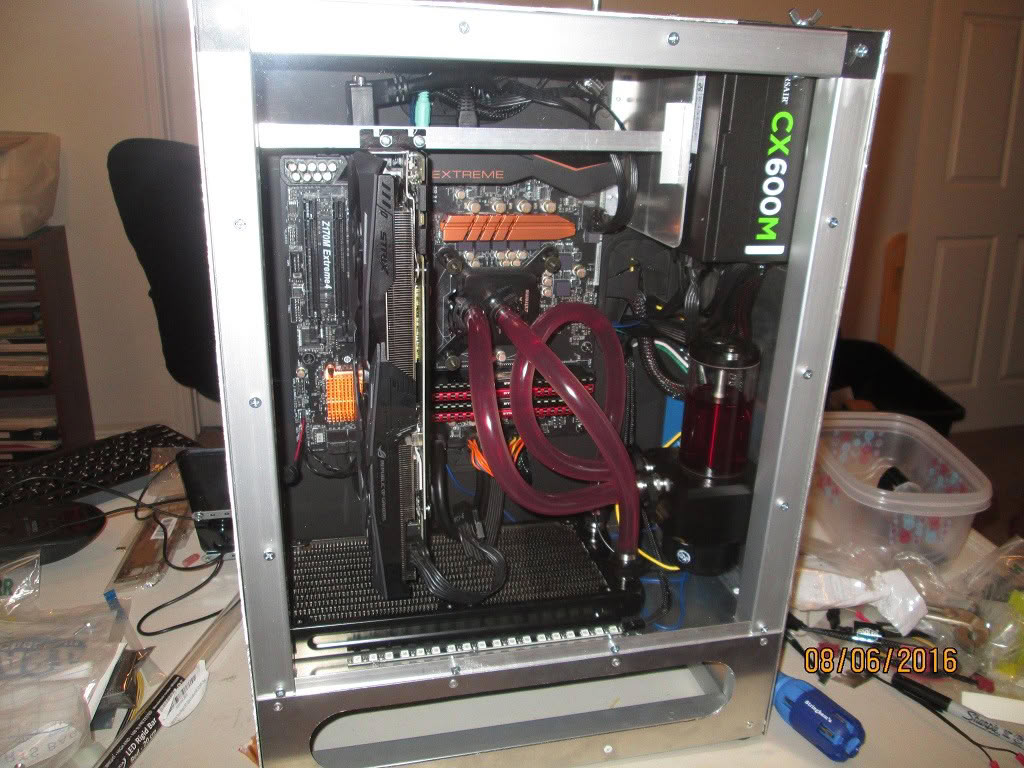
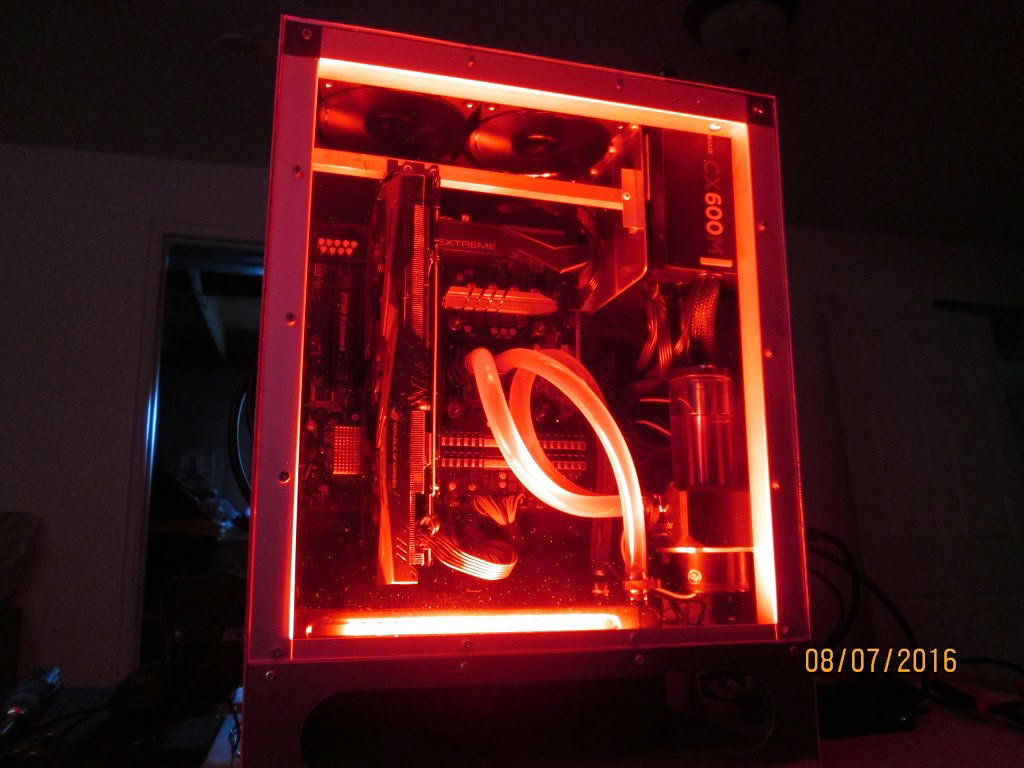
4. Water cooling of CPU.
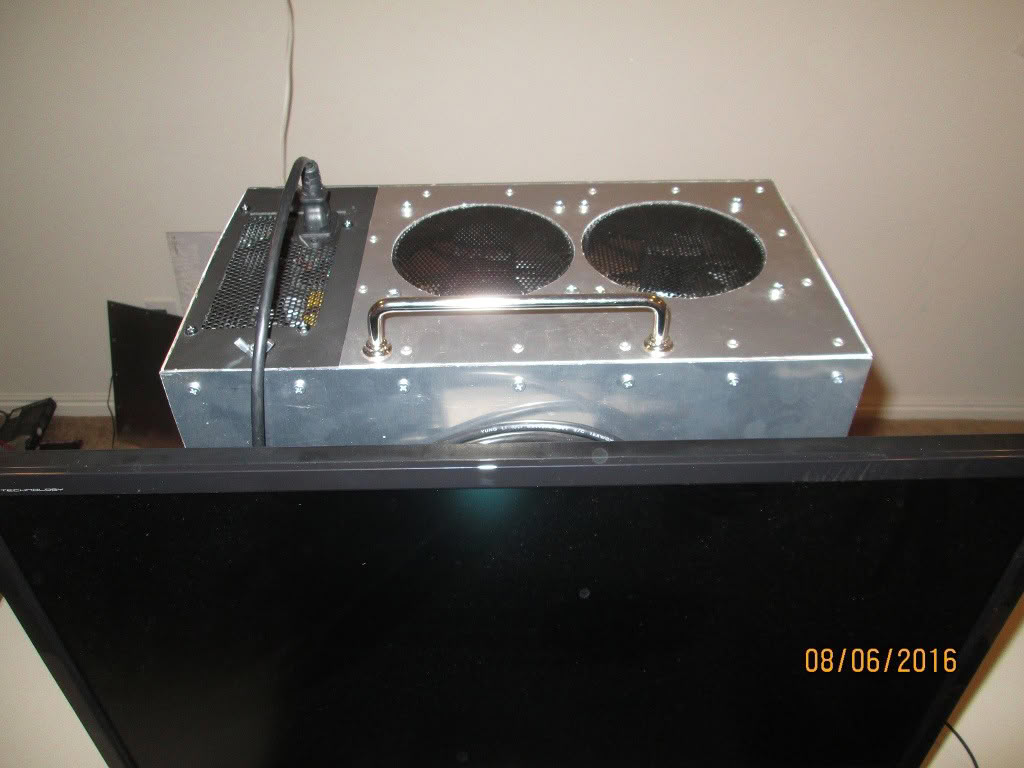
5. 90º MOBO rotation for uber air flow (intake fans on bottom, exhaust on top--no heat traps).
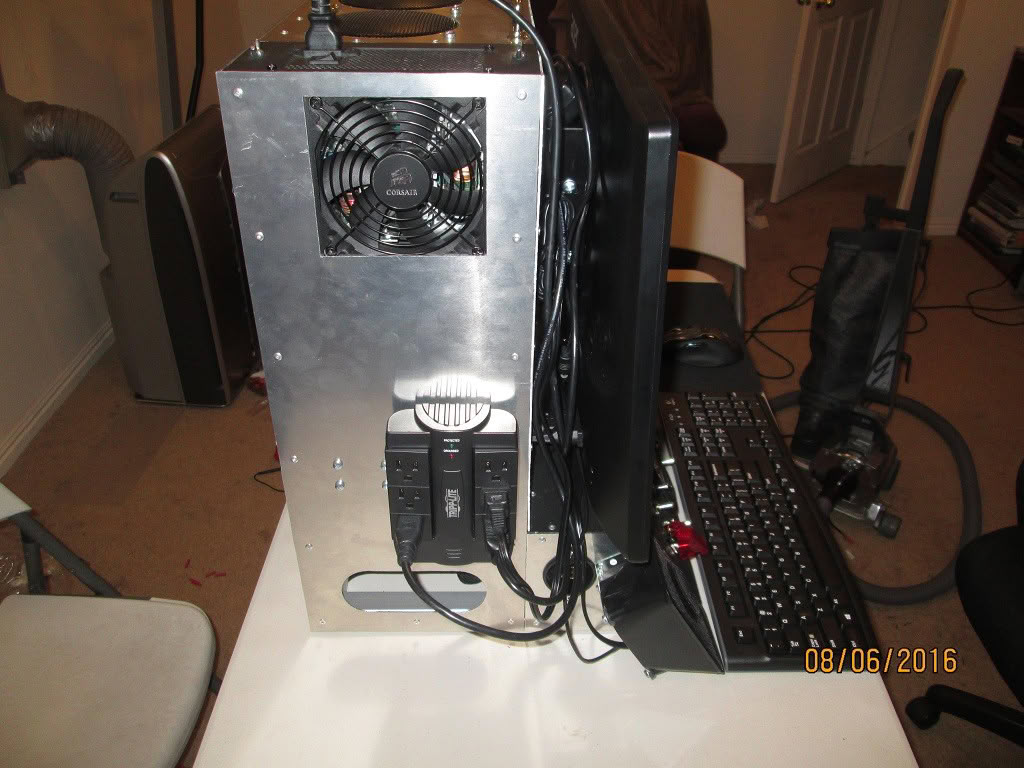
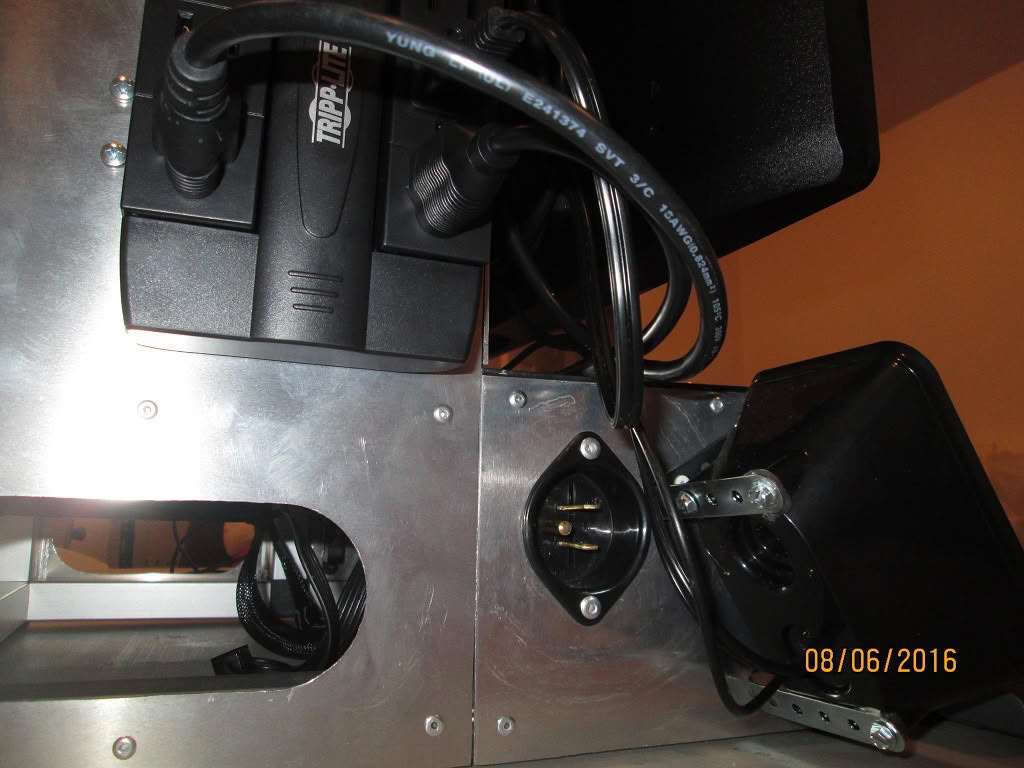
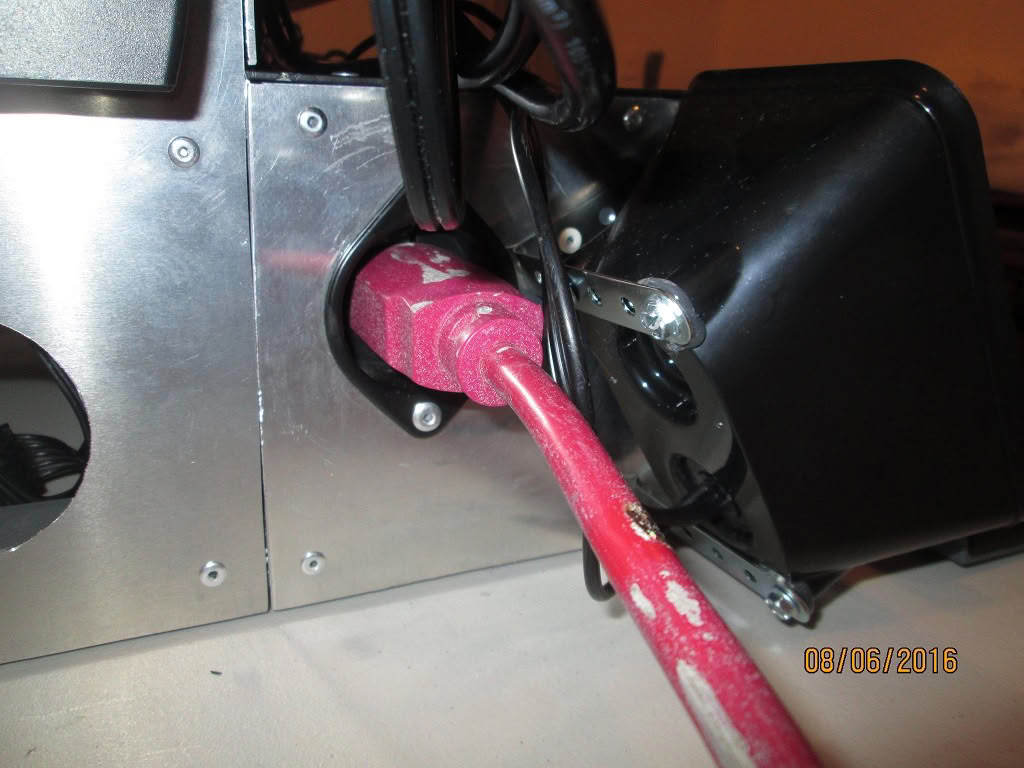
6. One cord to rule them all. No more laundry basket of components. Line power in box, with front panel toggle switch cutoff.
7. Speakers and monitor integrated on the case.
8. Power supply at the top of case, with no heat dumped inside.
System specs
- CPU
- Intel Skylake 6600K
- CPU Waterblock
- Phobya UC-1 CPU Block
- Motherboard
- ASRock Z170M Extreme4
- RAM
- Corsair Vengeance LPX DDR4 3200 (8 GB X 4)
- Storage
- Samsung 850 EVO 500 GB
- PSU
- Corsair CX600M PSU (salvaged from previous build)
- Radiators
- Magicool 240 G2 Slim Radiator
- Pump/Reservoir
- Aquacomputer Aqualis D5 100ml
- Tubes
- XSPC FLX Clear 7/16'' ID 5/8'' OD PVC tubing
- Fans
- Cooler Master Jetflo 120 (x 4)
- Monitor
- Acer GN246HL Bbid 144 Hz Monitor (24'')
- Mouse
- Logitech g500s mouse (salvaged from previous build)
- Speaker
- AmazonBasics AC computer speakers (A150)
Performed mods
Scratch build from raw aluminum!
Front panel bent using bending tool.
Primed and painted.
Gauges monitor voltage of intake and exhaust fans.
GPU sag eliminated by vertical orientation and support.
Front panel bent using bending tool.
Primed and painted.
Gauges monitor voltage of intake and exhaust fans.
GPU sag eliminated by vertical orientation and support.
6 Comments on BUTLER P-47 (ROTATED MOTHERBOARD, SCRATCH BUILD, ALL IN ONE)
It takes up too much desk space, and cable management is a bit sloppy.
With a few of the larger components relocated the case could be a lot thinner allowing more desk top space for your use.
1. Use external angle framing, which would allow the PSU to be oriented "flat" and not conflict with the frame or create a large gap.
2. Watercool the GPU and use a PCI slot extender to allow it to lie parallel to the mobo.
3. The next build will be going for a different look, so the gauges will be digital and more compact.
Many PSU locations were tested out in the solid model, most either required a different frame structure or violated my airflow mandate. Is the PSU the larger component of which you speak? Which component(s) would you have moved?
I think the thing I like the best about the build is the vertical GPU (no card sag!) and the internal mobo IO routing. I know this would drive many people crazy, but I had fun with the concept of minimal flow resistance (this will be better when I switch out the soft tubing for hard).
I had a similar thought, that an extender be used to rotate the GPU flat adjacent to the Motherboard and with such a large base, the PSU be relocated down there, and possible a concealed cavity, with a removable top, in the base below the monitor for hiding cables which could be routed through a small opening to allow routing to components externally.