News Posts matching #80HE

Return to Keyword Browsing

Wooting Revamps Keyboard Utility: Per-App Profiles for Linux, Global Keymap Profiles, and Fresh UI Tweaks

One of the main reasons gamers recommend Wooting keyboards to first-time Hall effect keyboard buyers is the brand's software. Wootility has continuously stood out for its quality, solid UI, and rich feature set, and with the latest Wootility beta, Wooting is testing a bunch of new features, including an overhaul of the core remapping screen. Wootility v5.5.0-beta.0 is now available to Wooting owners, although it requires an update to firmware version 2.15.0-beta.0.

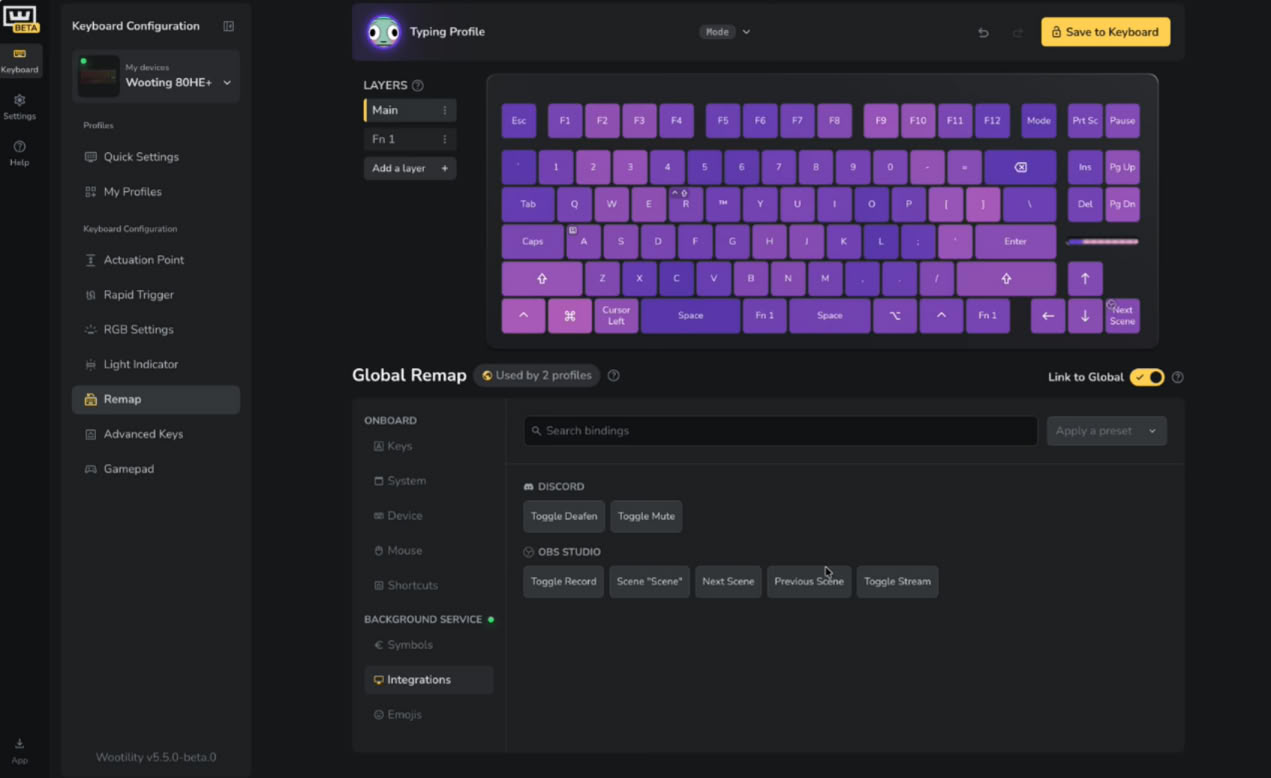
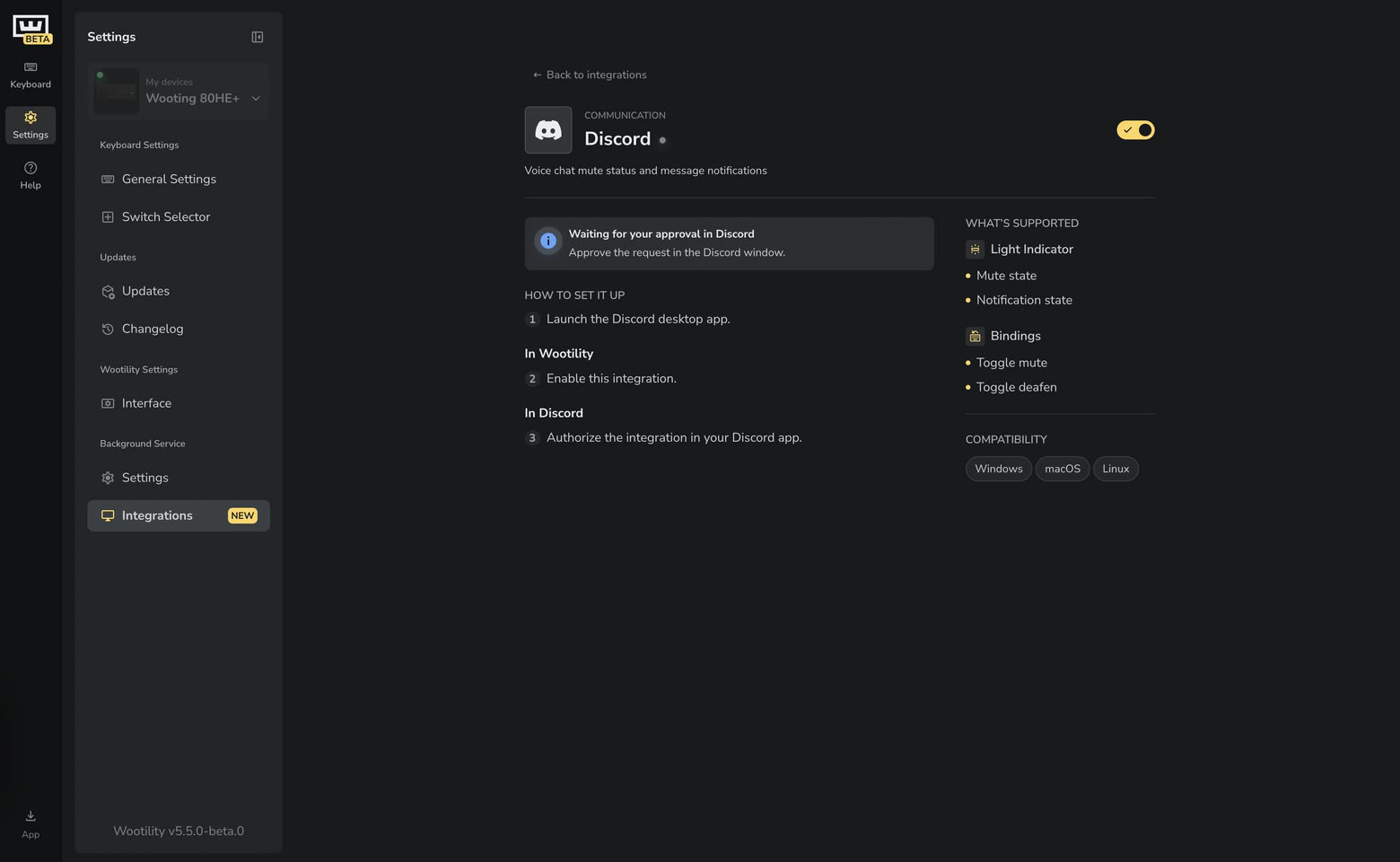
The most obvious change in the Wootility beta is the move to Remap V2, which is the new keyboard remapping screen, now featuring a new binding picker with new symbols, emojis, shortcuts, mouse controls, and app integrations that tie in with the Wooting Background Service. As part of Remap v2, Wooting is shifting to a Global Remap, which can be linked or unlinked to individual profiles, allowing you to set up specific shortcuts and keymaps across all profiles and unlink highly specified profiles for use with specific apps or games.
Wooting Officially Announces 80HE+ Gaming Keyboard With Split Spaces and Myriad Upgrades

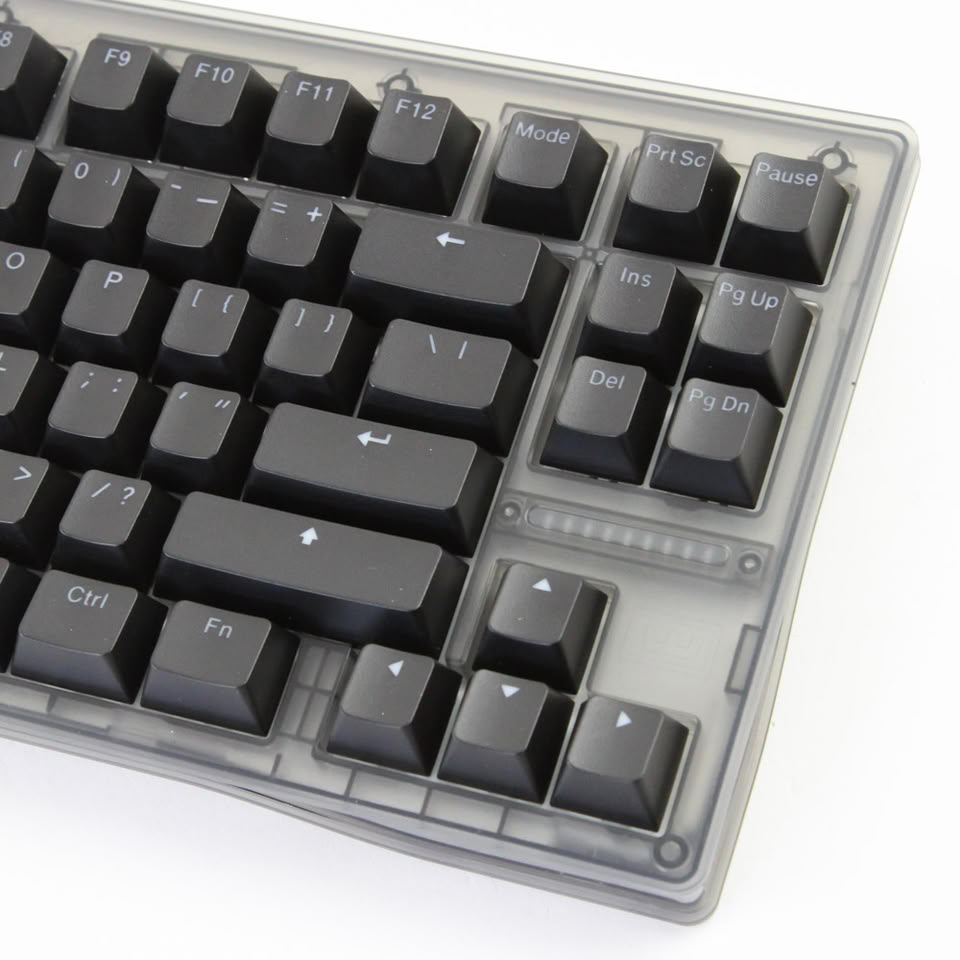
Wooting has been teasing a number of updates to its 80HE TKL gaming keyboard for a number of months, including a split space layout and the giant knobs that were shown off as early as May 2025. Some of the upgrades to the 80HE+ are carry-overs from the 60HE V2, like the new FR4 plate and the option to have split space bars in the same 2.75/1.25/2.25 u configuration, but others are unique to the 80HE+. The new 80HE+ and the Lekker Large knob will be available for pre-order on September 17, but shipping is expected to start in mid-October.

[Editor's note: Our in-depth review of the Wooting 80HE is live]

Pricing will remain the same as the current 80HE line-up, with the exception of the module, which will be slightly cheaper than before and includes a daughterboard for custom builds. Wooting also says that the zinc case models have been made more durable, following the slew of issues Wooting previously faced with the coating, and the preassembled zinc model now ships as standard with the 4 u Lekker Large knob. The zinc module SKU, will not be sold with a knob included, but the knob will be available to module buyers at a discounted price.

Wooting Updates Hall Effect Keyboards with Per-App Custom Profile Capabilities

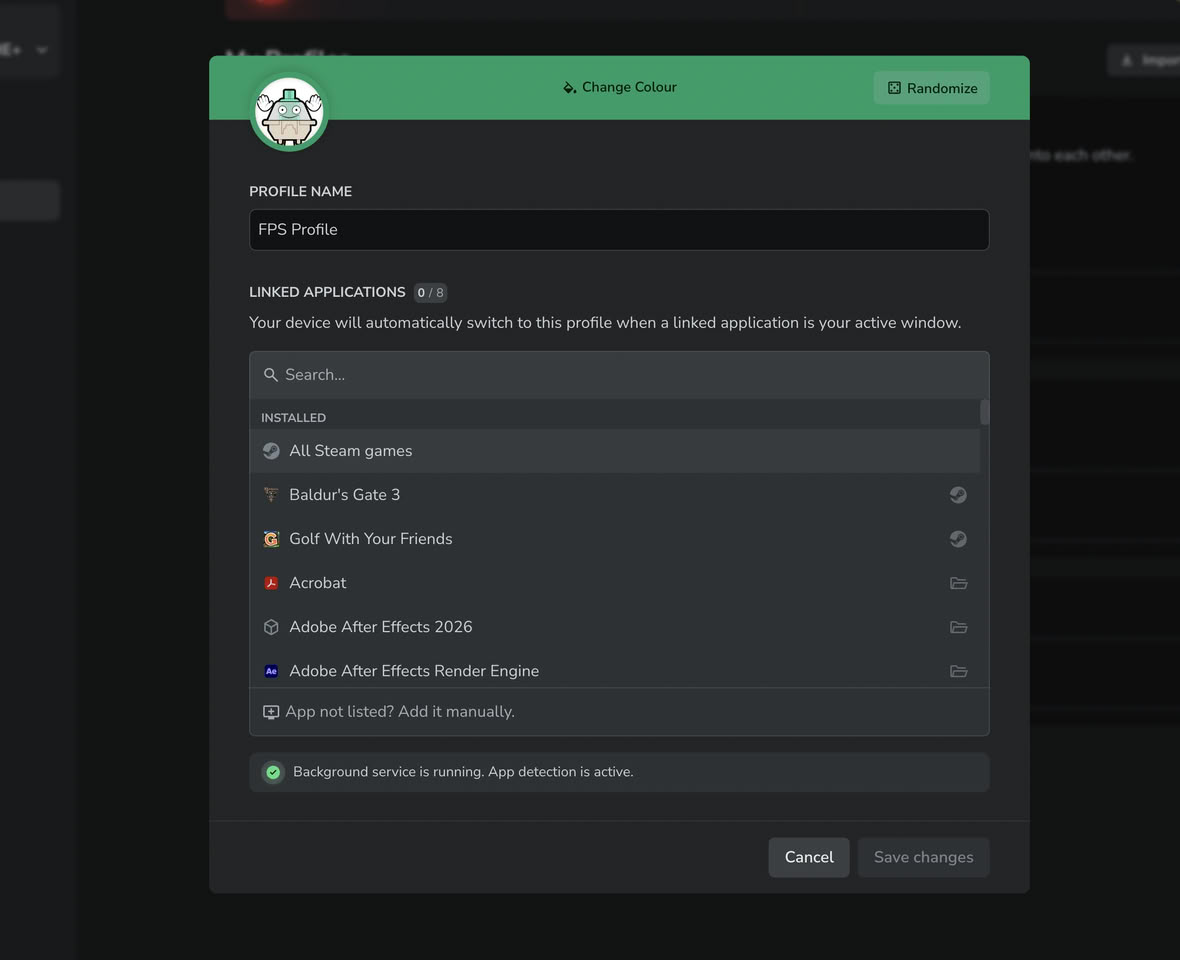
Wooting is one of the rare keyboard manufacturers that meets gamers in the middle, providing gamers with both a web app and an installable program to customize their gaming keyboards. Now, the keyboard maker has announced App Linking, which enables per-app profiles in a new beta version of Wootility. Now, Wooting users who have the Wootility Background Service enabled can switch keyboard profiles on the fly, depending on which window is in focus in their operating system. It supports up to eight linked apps per profile on the keyboard, and the 80HE and 60HE V2 can support up to four on-board profiles. The update also refines the RGB sleep timer control UI and allows editing profiles directly from the icon tray.

Wooting's profiles control everything from actuation points, features like RT, SOCD, and analogue input, to key mapping and RGB lighting. This means you could set up a Wooting 80HE or 60HE to act like a macro pad while something like a video editor or CAD suite is focussed, a regular office keyboard with a lower polling rate and reasonable actuation point when word processors or web browsers are open, and a high-performance gaming keyboard with 8 kHz polling, RT, and a 0.1 mm actuation point when in games. One caveat with this background service functionality is that it currently does not work with Wayland on Linux, since that display server, since apps are generally isolated under Wayland, and support for features like this is spotty at best on Wayland. The Wooting support team is engaging with the community about Wayland support on Linux, and it seems as though the development team will look into supporting certain desktop environments, like KDE.

Update Jul 13th: As of Wootility version 5.4.1, App Linking is now available in the stable channel for both the web and download versions of Wootility, although those using the web version will still need the background app running to enable functionality. Wooting has also officially added support for 14 new third-party switches, including from Gateron, TTC, Ugaming, and Wuque Studio. Full changelog available here.
Return to Keyword Browsing
Nov 20th, 2026 11:09 PST change timezone

New Forum Posts

Popular Reviews

TPU on YouTube

Controversial News Posts