Wooting Revamps Keyboard Utility: Per-App Profiles for Linux, Global Keymap Profiles, and Fresh UI Tweaks
One of the main reasons gamers recommend Wooting keyboards to first-time Hall effect keyboard buyers is the brand's software. Wootility has continuously stood out for its quality, solid UI, and rich feature set, and with the latest Wootility beta, Wooting is testing a bunch of new features, including an overhaul of the core remapping screen. Wootility v5.5.0-beta.0 is now available to Wooting owners, although it requires an update to firmware version 2.15.0-beta.0.
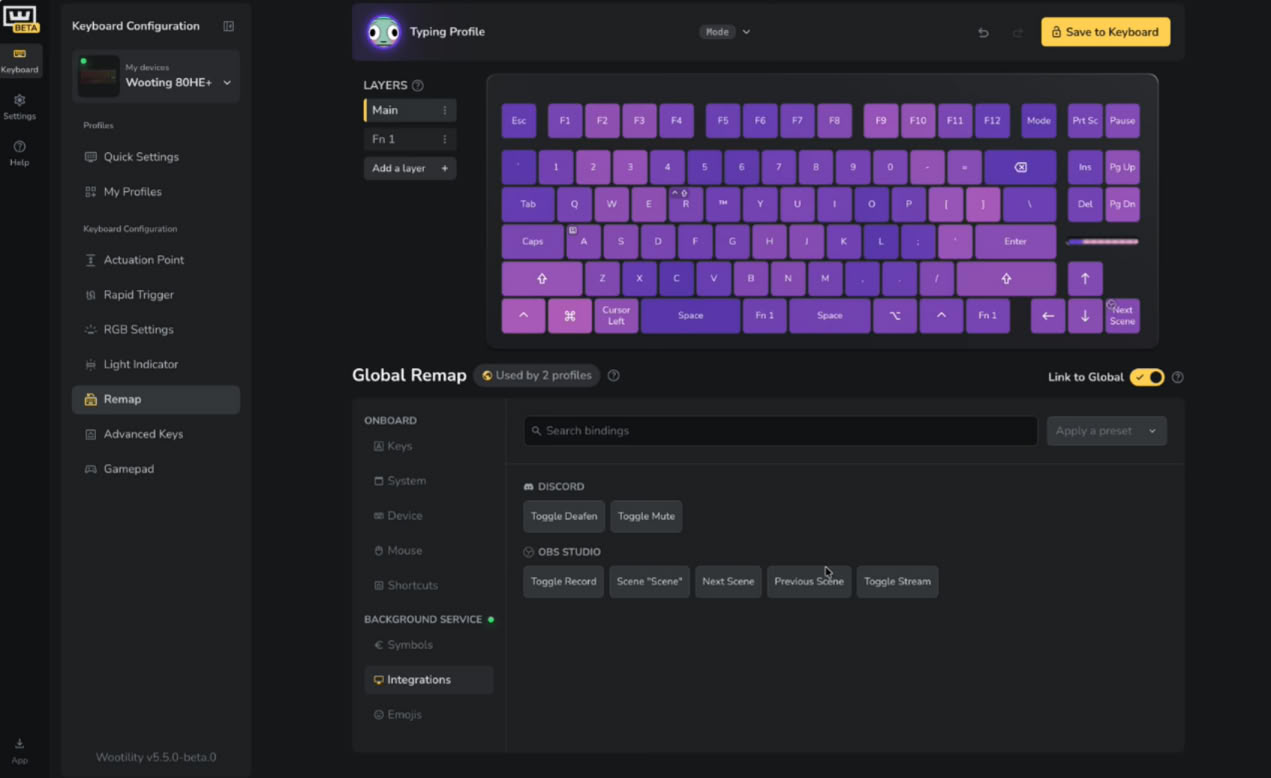
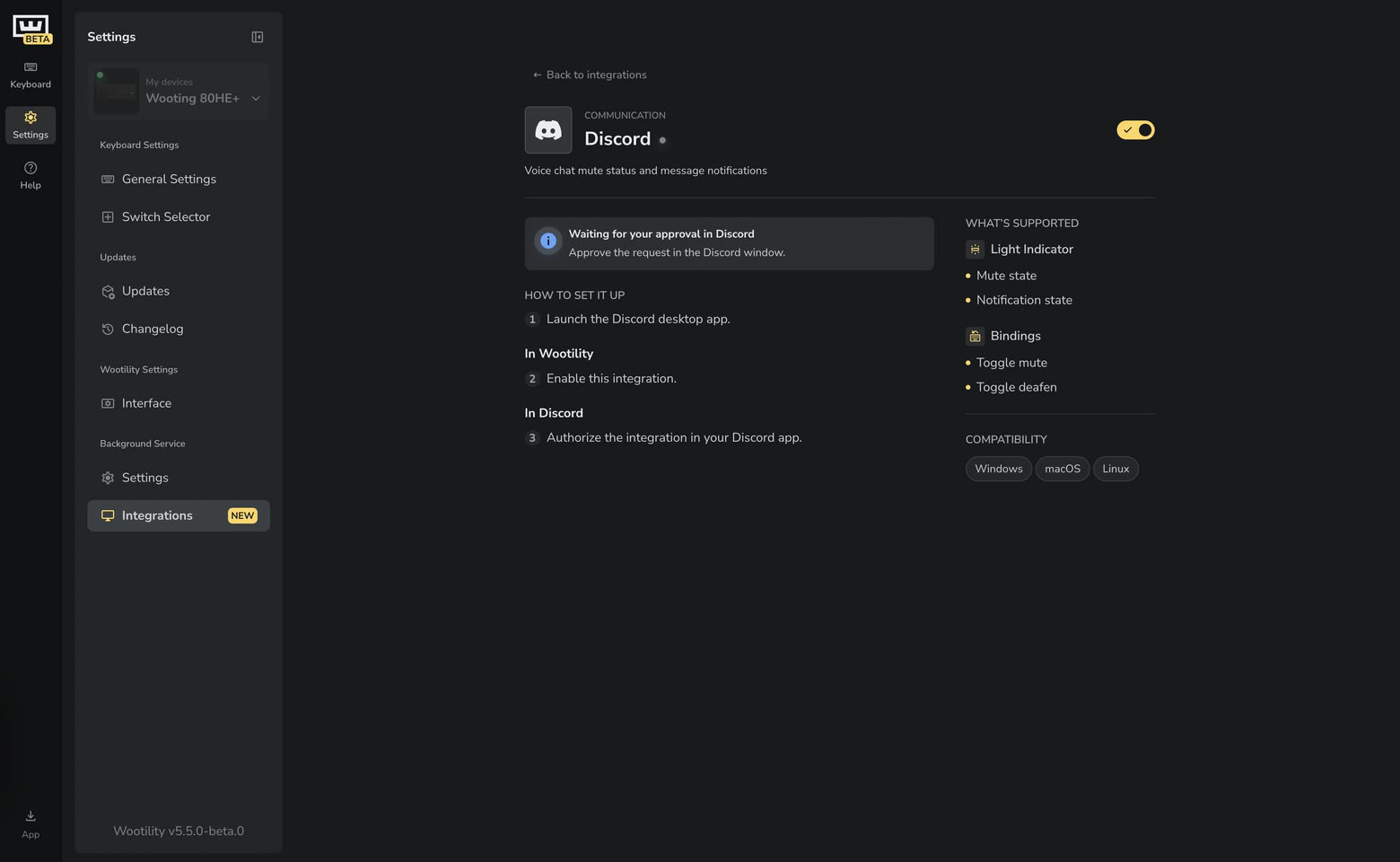
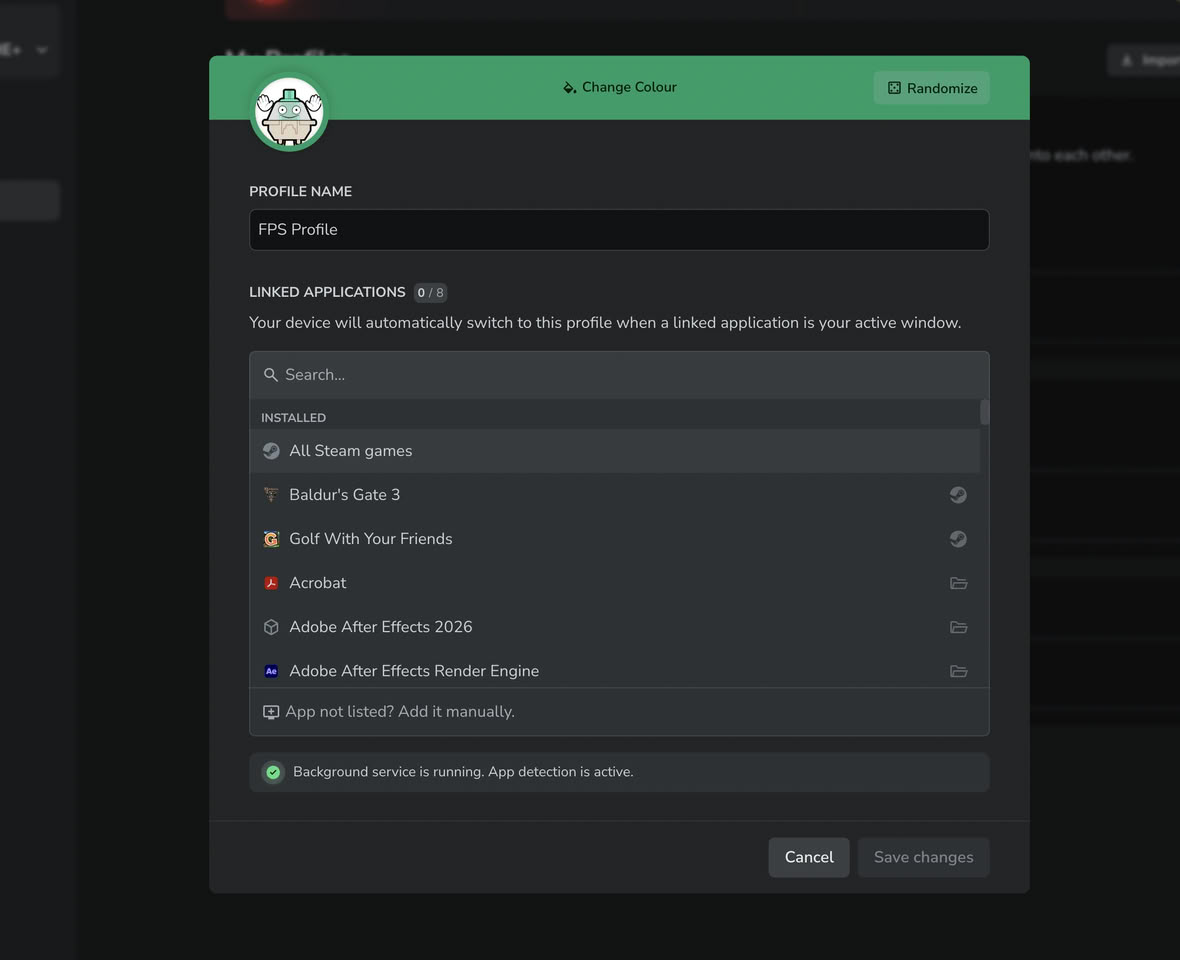
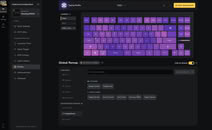
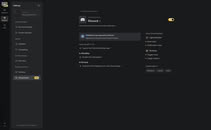
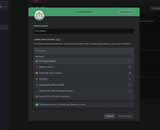
The most obvious change in the Wootility beta is the move to Remap V2, which is the new keyboard remapping screen, now featuring a new binding picker with new symbols, emojis, shortcuts, mouse controls, and app integrations that tie in with the Wooting Background Service. As part of Remap v2, Wooting is shifting to a Global Remap, which can be linked or unlinked to individual profiles, allowing you to set up specific shortcuts and keymaps across all profiles and unlink highly specified profiles for use with specific apps or games.
The most obvious change in the Wootility beta is the move to Remap V2, which is the new keyboard remapping screen, now featuring a new binding picker with new symbols, emojis, shortcuts, mouse controls, and app integrations that tie in with the Wooting Background Service. As part of Remap v2, Wooting is shifting to a Global Remap, which can be linked or unlinked to individual profiles, allowing you to set up specific shortcuts and keymaps across all profiles and unlink highly specified profiles for use with specific apps or games.