Microsoft's Auto SR Upscaler Goes Handheld on Xbox Ally X and X20, Gains 120 FPS Mode
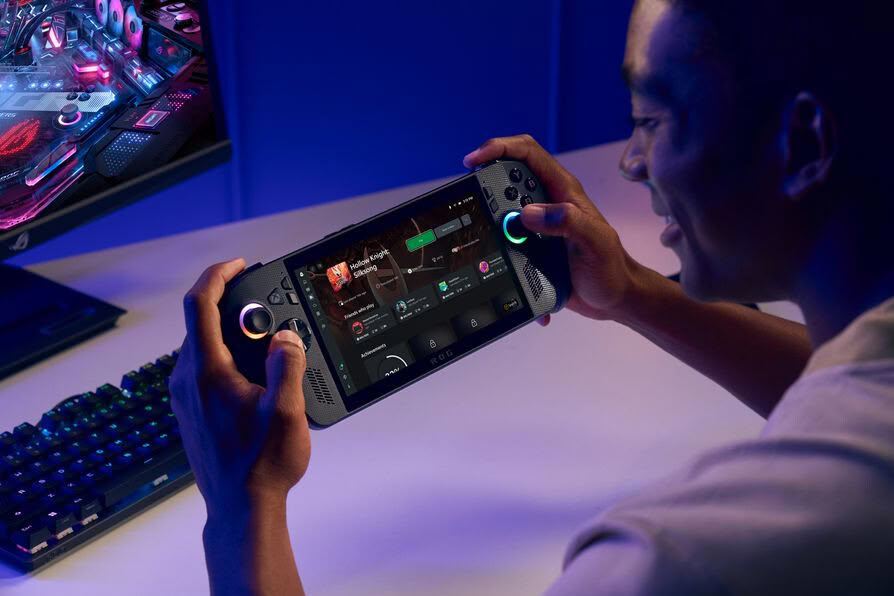
ROG Xbox Ally X and X20 owners can now use Microsoft's Automatic Super Resolution (Auto SR) upscaler on the handheld's own screen. Microsoft says Auto SR is out of preview on both devices and on select AMD Ryzen Copilot+ PCs. During the Xbox Insider preview that started in April, it only worked with the Ally X docked to an external display. It now works undocked and on battery, and accepts games running at 1080p. The base ROG Xbox Ally misses out, since its chip has no NPU. Auto SR runs its AI model on the NPU, so the upscaling doesn't eat into the GPU's frame time. A new Performance Mode lifts the frame rate ceiling to 120 FPS, from roughly 60 to 75 FPS before.
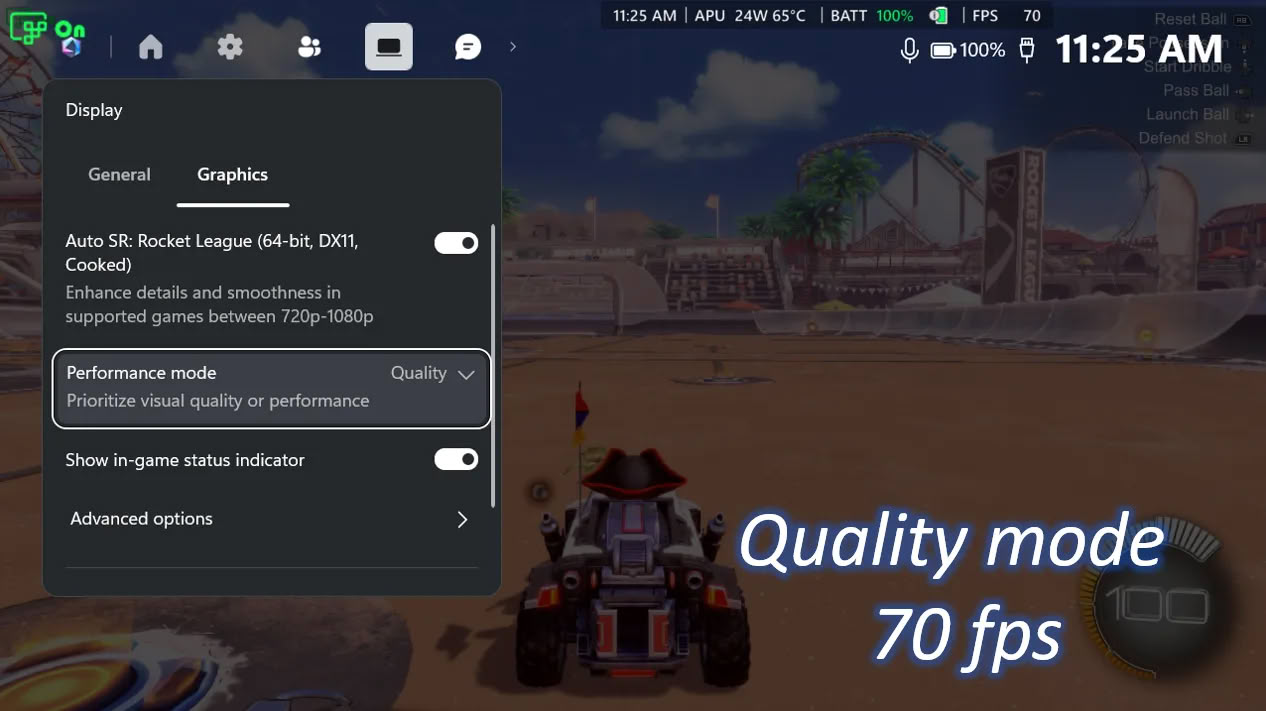
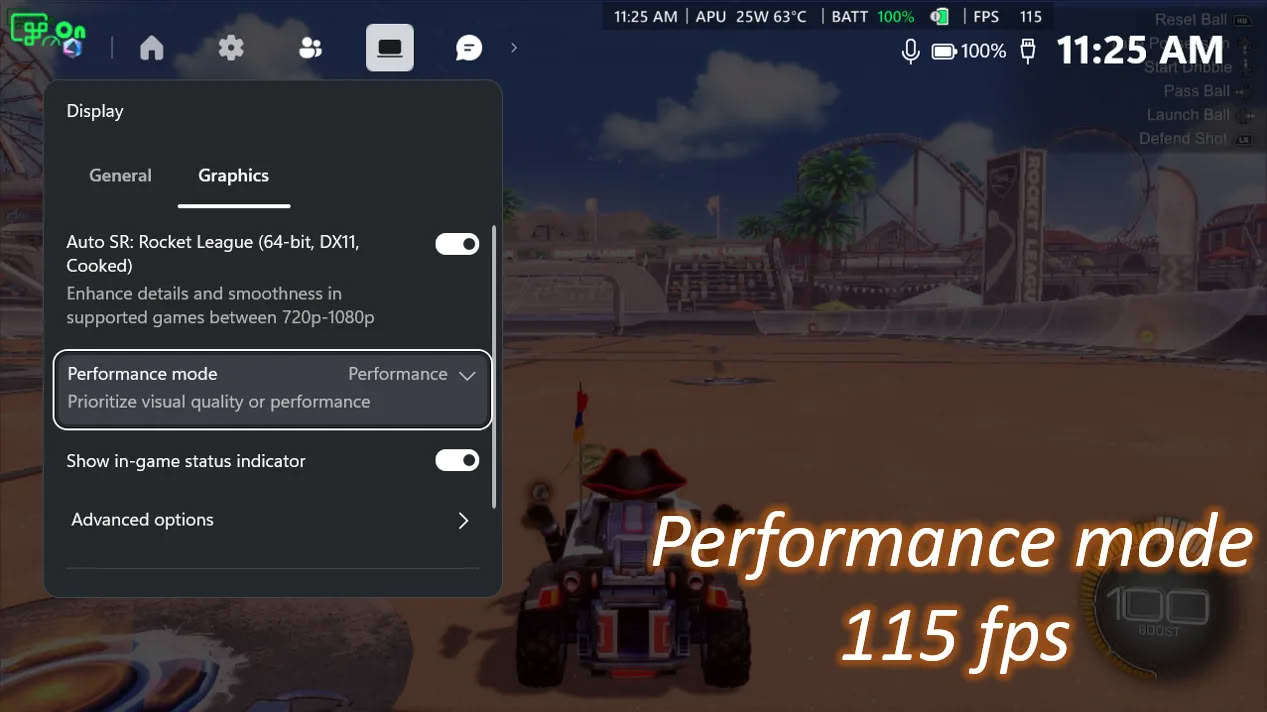
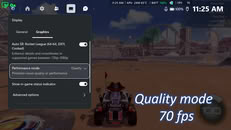
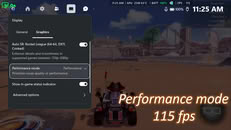
In Microsoft's Rocket League test on the Ally X at 720p and high settings, Quality Mode averaged around 70 FPS, while Performance Mode hit about 115 FPS. Auto SR can now be paired with Auto HDR as well, though both Performance Mode and Auto HDR support will roll out gradually through Windows updates. Microsoft warns that 1080p on the internal screen may not perform as well as other setups, although older games should still see visual gains. Ally X owners have also had an FSR 4.1 preview driver since last month, which is probably still the better pick in games that support it well, leaving Auto SR for the rest. Enabling it requires the latest Windows 11 and Game Bar updates plus the Auto Super Resolution Package from the Microsoft Store.
In Microsoft's Rocket League test on the Ally X at 720p and high settings, Quality Mode averaged around 70 FPS, while Performance Mode hit about 115 FPS. Auto SR can now be paired with Auto HDR as well, though both Performance Mode and Auto HDR support will roll out gradually through Windows updates. Microsoft warns that 1080p on the internal screen may not perform as well as other setups, although older games should still see visual gains. Ally X owners have also had an FSR 4.1 preview driver since last month, which is probably still the better pick in games that support it well, leaving Auto SR for the rest. Enabling it requires the latest Windows 11 and Game Bar updates plus the Auto Super Resolution Package from the Microsoft Store.