 14
ACEMAGIC Retro X5 Review
(14 Comments) »Introduction

The ACEMAGIC Retro X5 was one of the Mini-PCs I was most looking forward to testing long before it ever made it onto the bench. Growing up in the 90s, the NES-inspired design hit me right away. It is smaller and much more modern than the console that inspired it, but ACEMAGIC did a very good job capturing the shape, color treatment, and overall vibe of that era. Anyone who grew up with that generation of gaming will probably understand the appeal within seconds of seeing it.
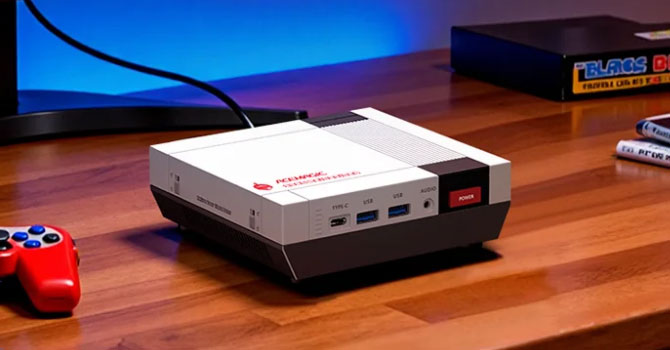
That would not count for much if the hardware were average, but the Retro X5 is one of the stronger premium mini PCs in this class. It uses AMD's Ryzen AI 9 HX 370, a 12-core, 24-thread processor paired with Radeon 890M graphics running at 2900 MHz, which puts it right alongside other high-end systems like the GEEKOM A9 Max. That is why this system is so interesting, because there is serious current-gen hardware under that nostalgic shell, and the Radeon 890M gives it a lot more gaming room than the older integrated graphics Mini-PCs.
Going for a little over $1K, the Retro X5 is priced like a premium Mini-PC, but the overall package does a lot to support that cost. ACEMAGIC includes 32 GB of dual-channel DDR5-5600 with support for up to 128 GB, two M.2 2280 PCIe 4.0 x4 SSD slots, Wi-Fi 7, Bluetooth 5.4, dual 2.5 GbE LAN, and Windows 11 Pro. Display support is also excellent, with HDMI 2.1, DisplayPort 2.0, USB4 Type-C DP Alt Mode, and USB 3.2 Gen 2 Type-C, giving it support for up to four displays, including 8K at 60 Hz through HDMI and DisplayPort. All of this makes the Retro X5 feel like much more than a novelty shell.
Next, let's take a closer look at the design before getting into the performance results.
| Specifications | |
|---|---|
| CPU | AMD Ryzen AI 9 HX 370 12 cores/24 threads |
| GPU | AMD Radeon 890M 2900 MHz |
| Memory | Dual DDR5 SO-DIMM slots Up to 128 GB Supports DDR5-5600 |
| Storage | 2× M.2 2280 PCIe 4.0 x4 NVMe SSD slots |
| Display Outputs | 1× HDMI 2.1, up to 8K at 60 Hz 1× DisplayPort 2.0, up to 8K at 60 Hz 1× USB4 Type-C DP Alt Mode, up to 4K at 60 Hz 1× USB 3.2 Gen 2 Type-C, up to 4K at 60 Hz Supports up to four displays |
| Connectivity | 1× Front USB 3.2 Gen 2 Type-A, 10 Gbit/s |
| Networking | 2× 2.5 GbE Ethernet Wi-Fi 7 Bluetooth 5.4 |
| Cooling | Standard cooling system Triple-fan design Five copper pipes for the GPU Two copper pipes for the CPU |
| Operating System | Windows 11 Pro |
| Dimensions | 138 × 128 × 45 mm |
| Pricing | $1,159 USD * Pricing is reflected at the time of publication |
Packaging and Contents
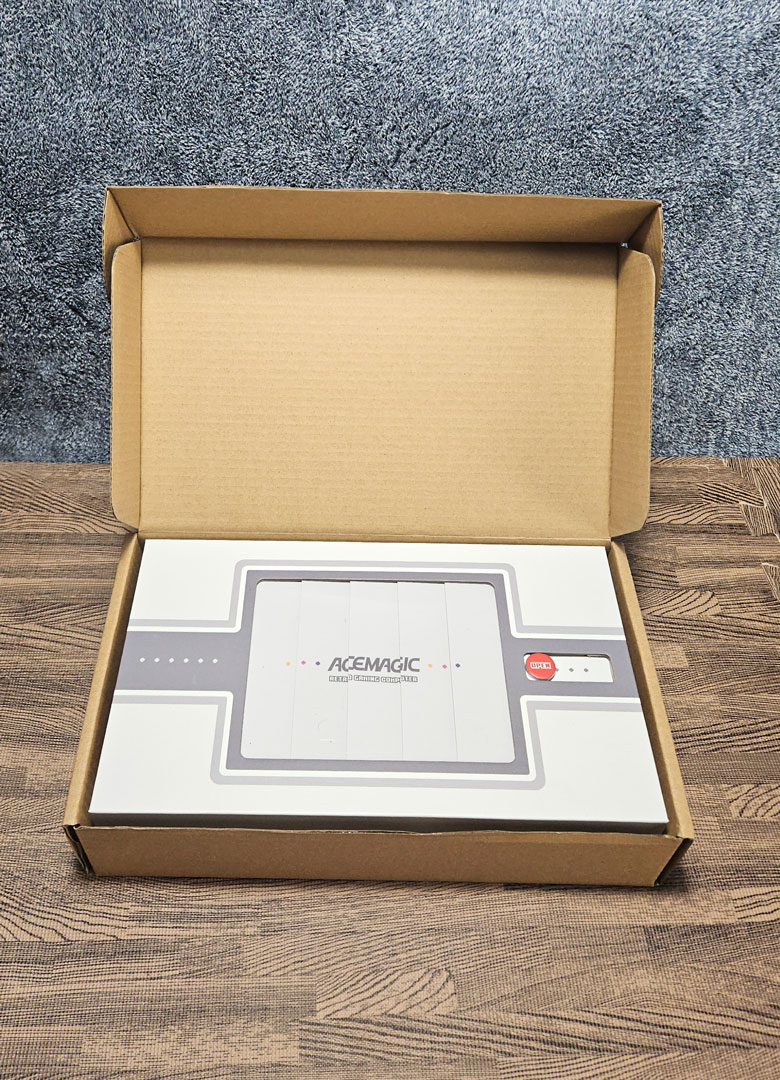
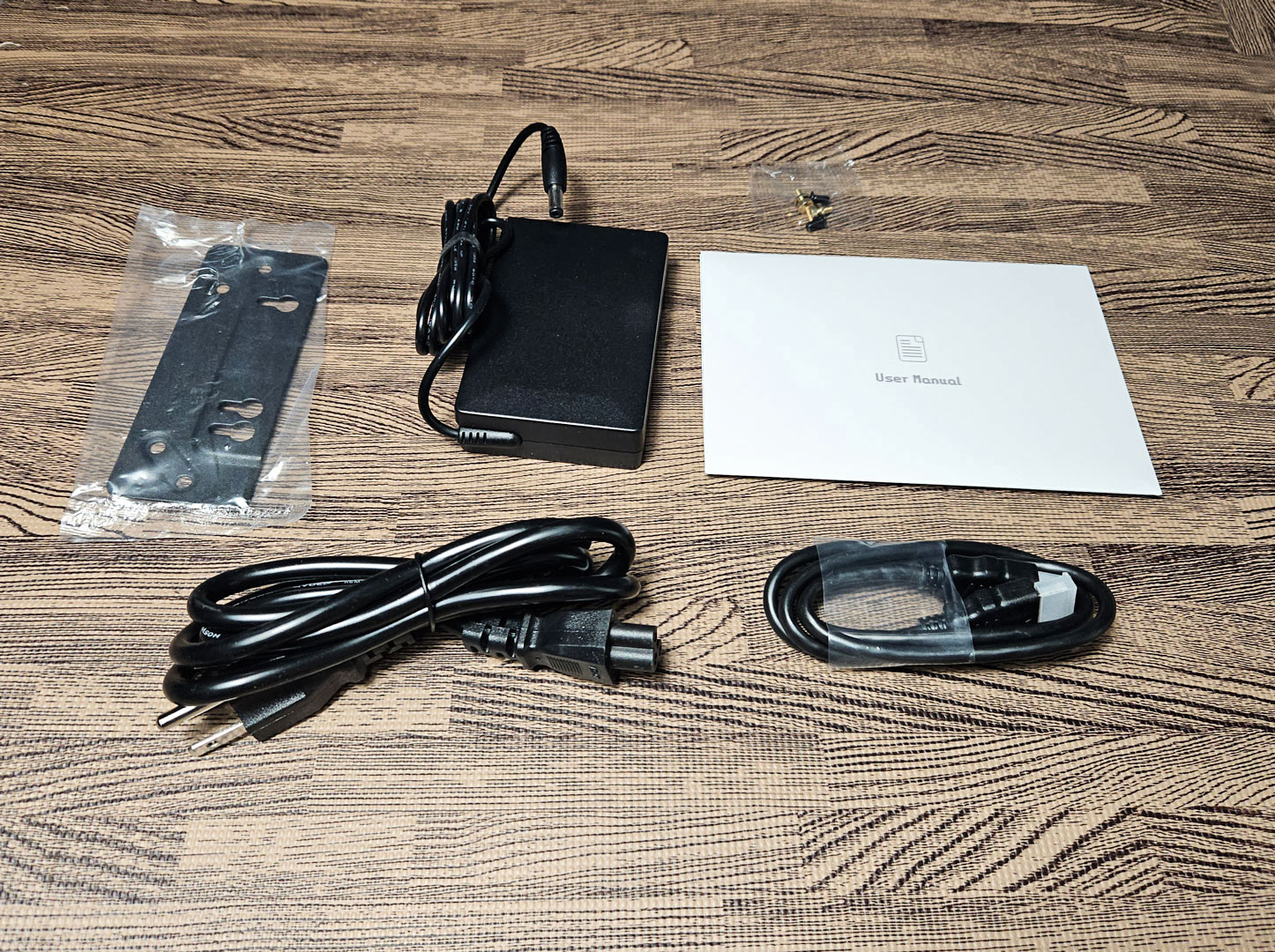
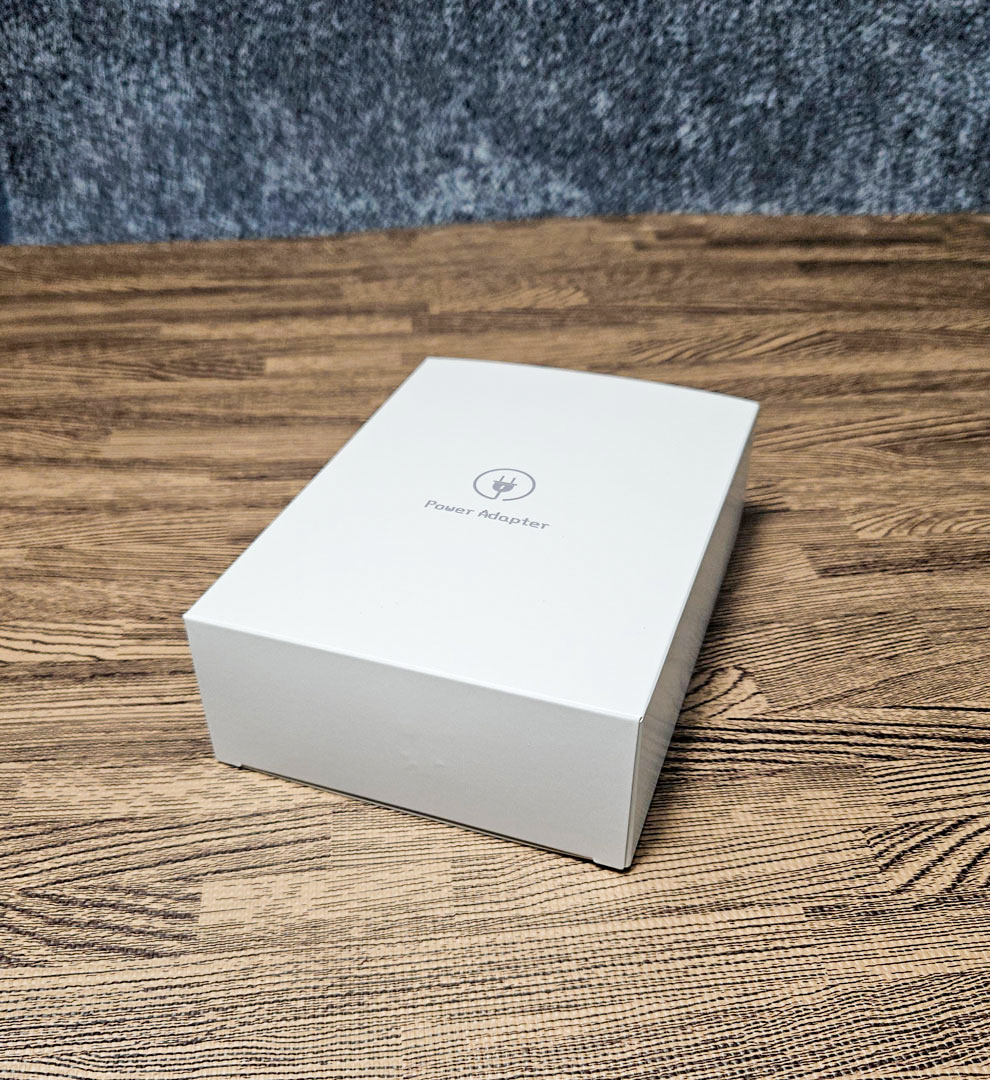
The Retro X5 ships in a brown outer box with ACEMAGIC branding. Inside is the real retail box, finished in a white and gray retro style that matches the system perfectly and looks far better in person than the pictures show. This is easily the best Mini-PC packaging I have seen so far, and ACEMAGIC put a surprising amount of effort into making the first few minutes with the Retro X5 feel unique.
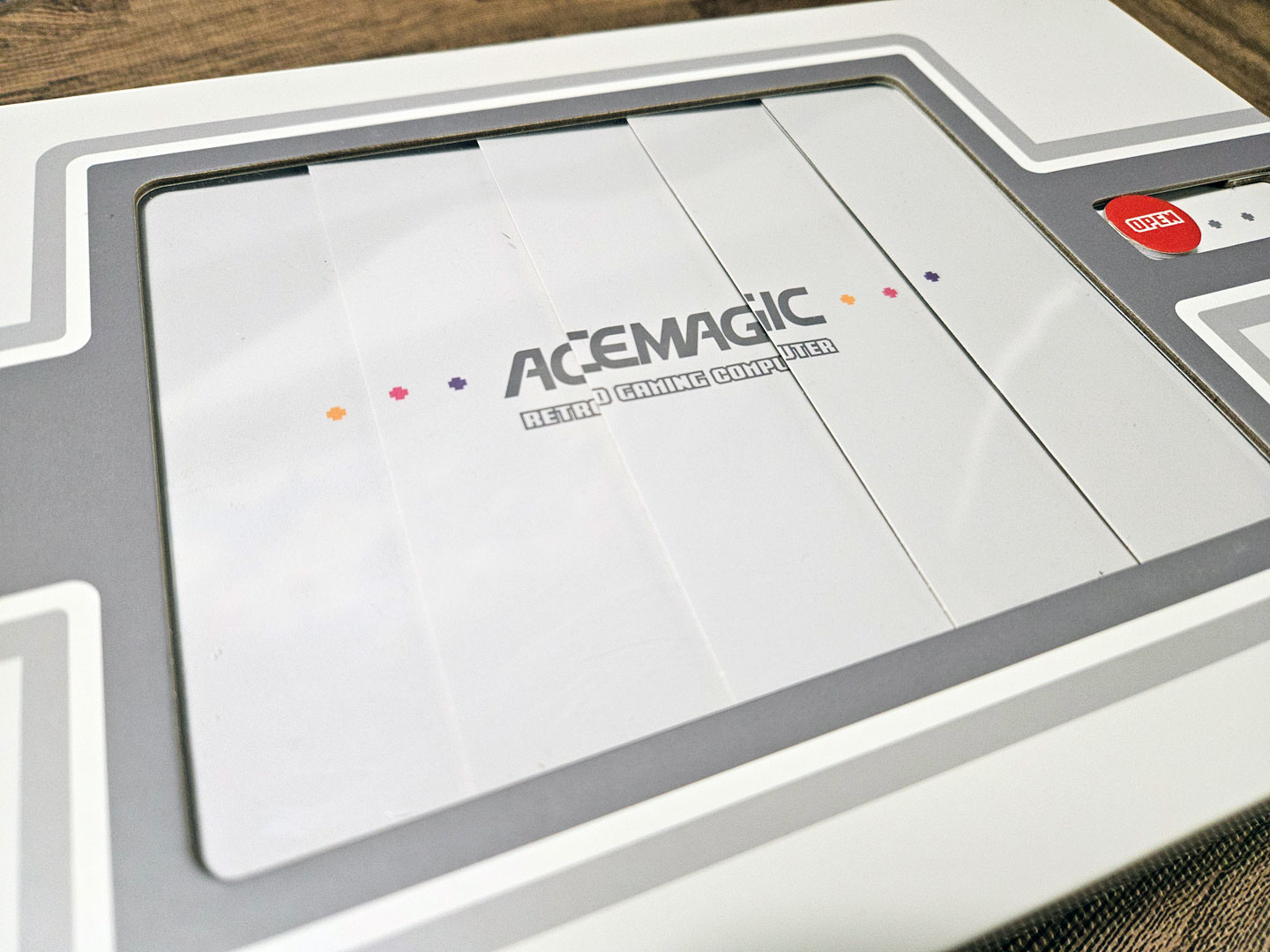
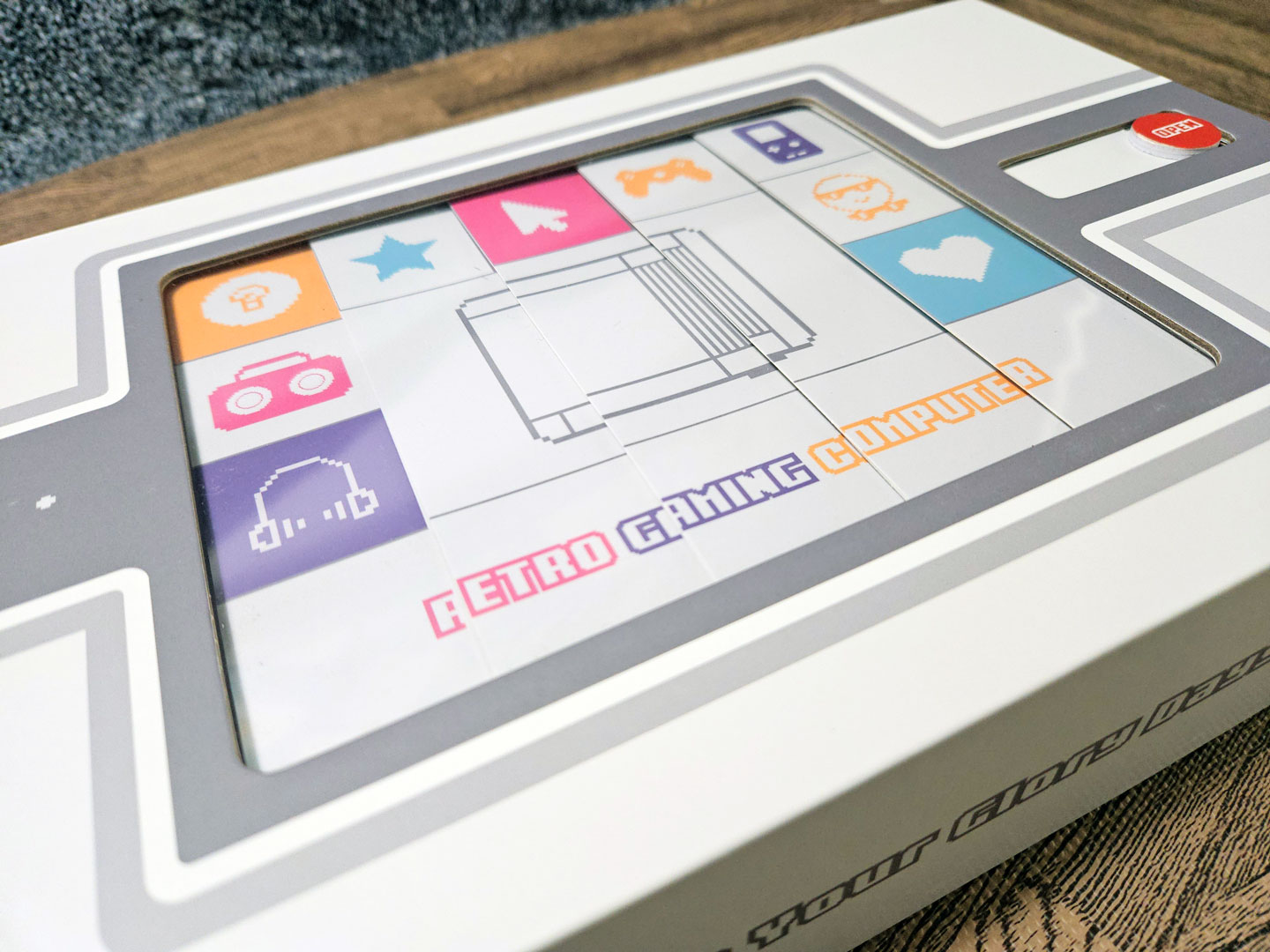
The front of the retail box has an "ACEMAGIC Retro Gaming Computer" plate in the center, along with a circular "open" tab on the right. Pulling that tab to the left slides the front plate across and reveals another layer underneath with gaming-themed artwork. It does not need to be there, but I loved it.
Design and Build
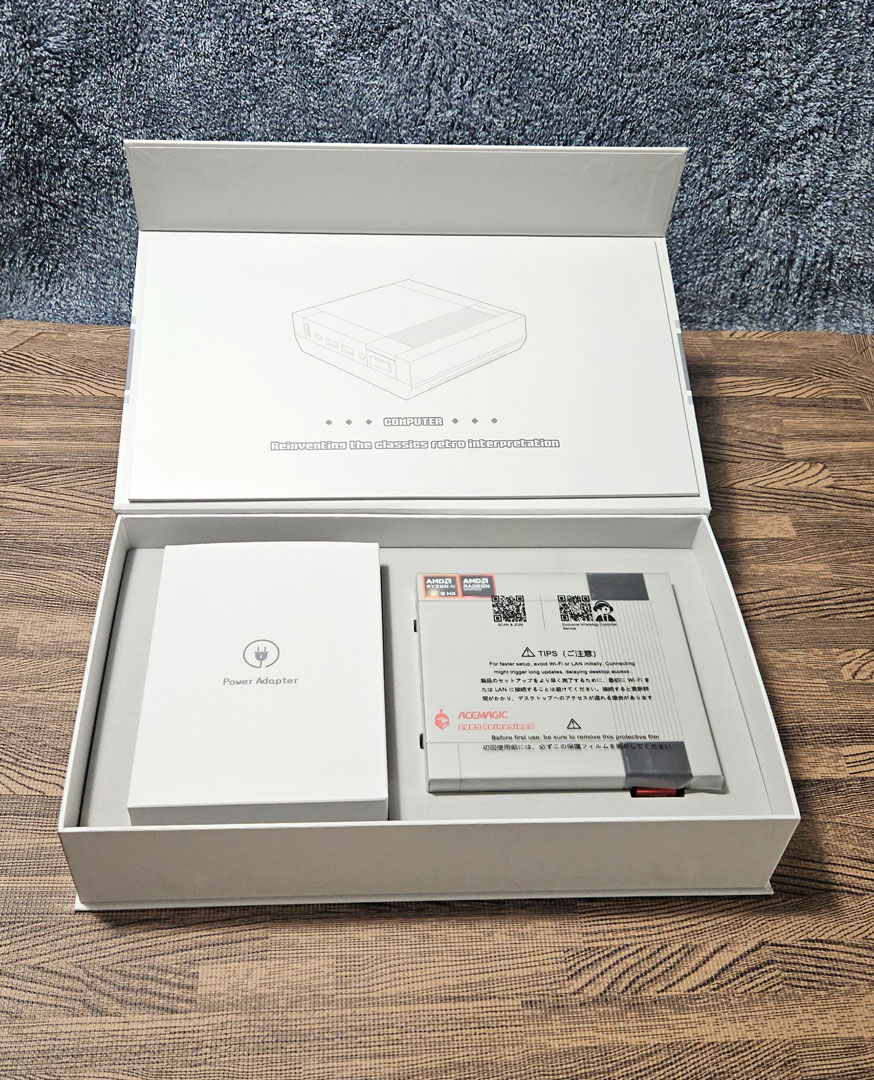
Opening the magnetic cover reveals a very tidy layout inside. The accessory box is on the left, while the Retro X5 is packed tightly on the right. Naturally, I went straight for the Mini-PC first. I have owned both the original NES and the NES Mini, and the Retro X5 captures that same shape and color style (with some necessary changes in aesthetics) while still looking like a modern compact PC. It is a beautiful little system, and the build quality is much better than I expected. That said, given how famously litigious Nintendo can be in general, let's hope the Retro X5 stays well off its radar.
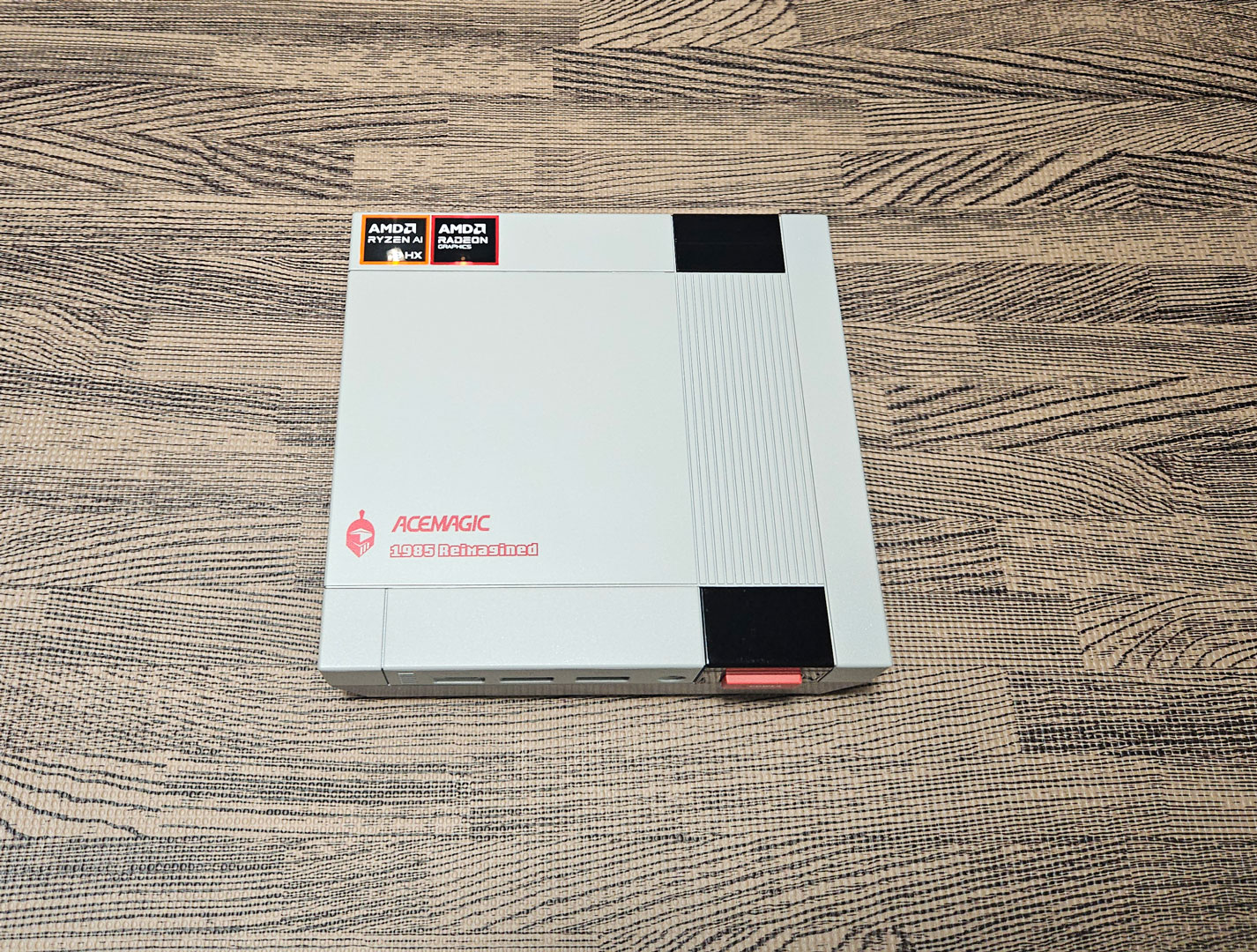
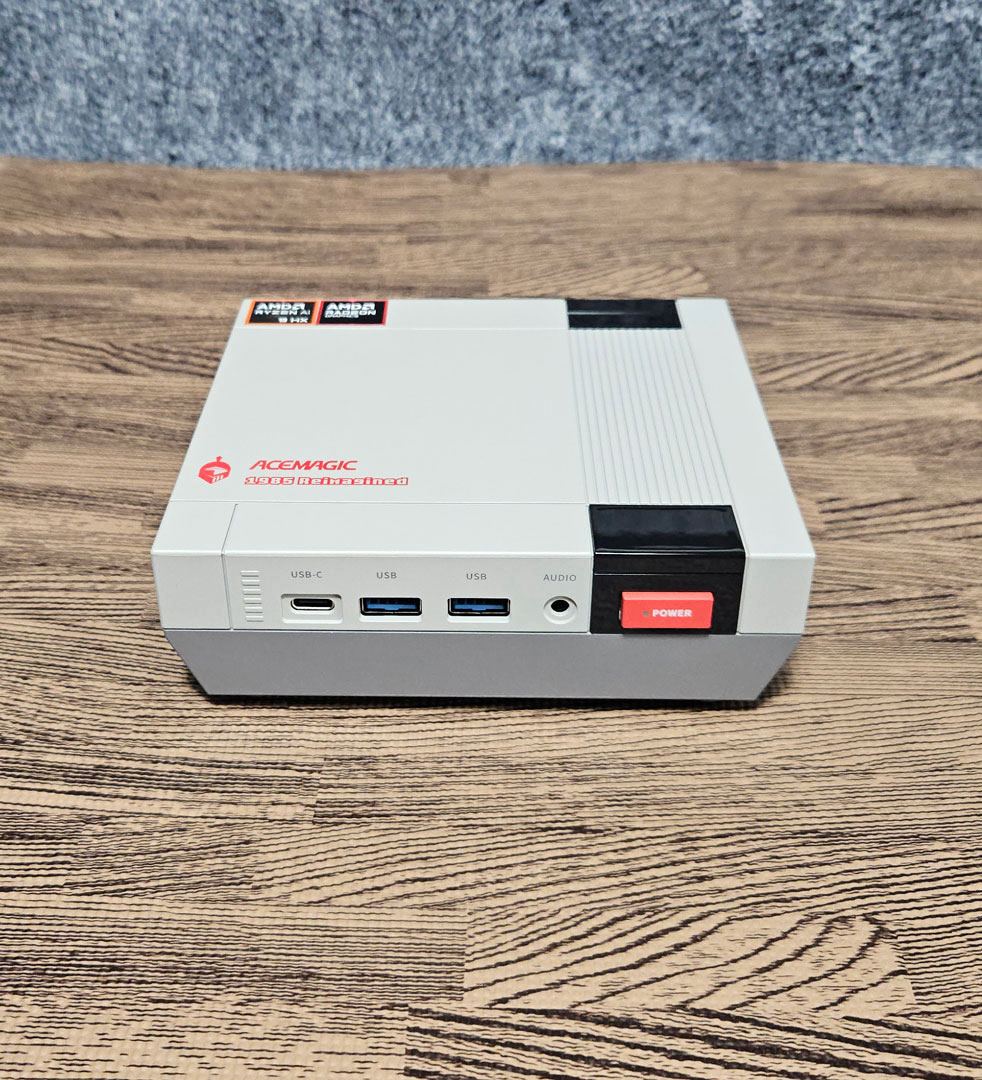
The top panel features the familiar vertical ribbed area and black accent panels, both of which pull from that original console design. The small red ACEMAGIC logo and "1985 Reimagined" text are also a nice nod to the North American NES launch year. The front I/O includes two USB 3.2 Gen 2 Type-A ports rated for 10 Gbit/s, a USB4 Type-C port with DP 1.4, 4K at 60 Hz output, up to 40 Gbit/s data transfer, and PD output, along with a 3.5 mm audio jack and a large red power button. The red power button also adds to the retro-NES look.
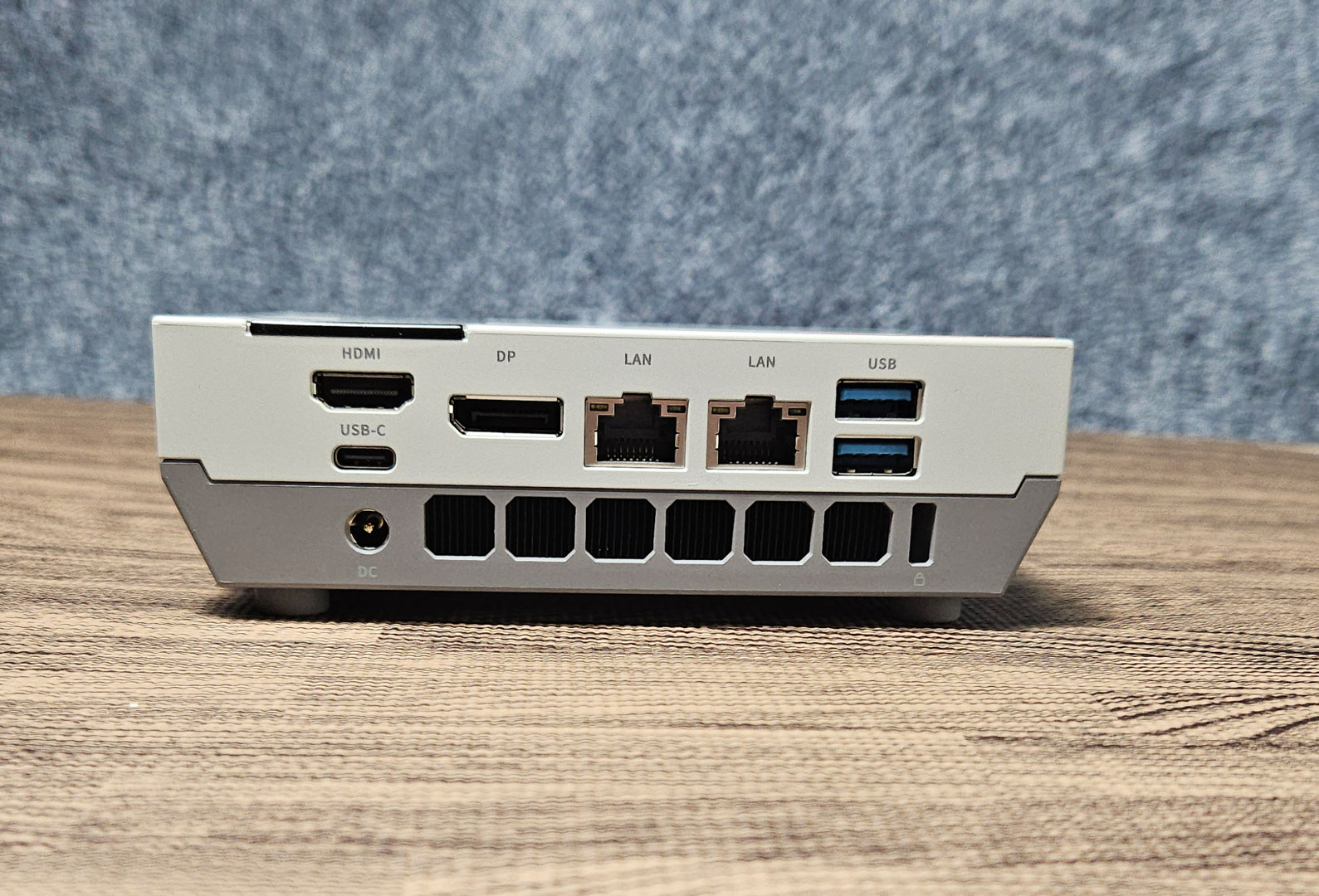
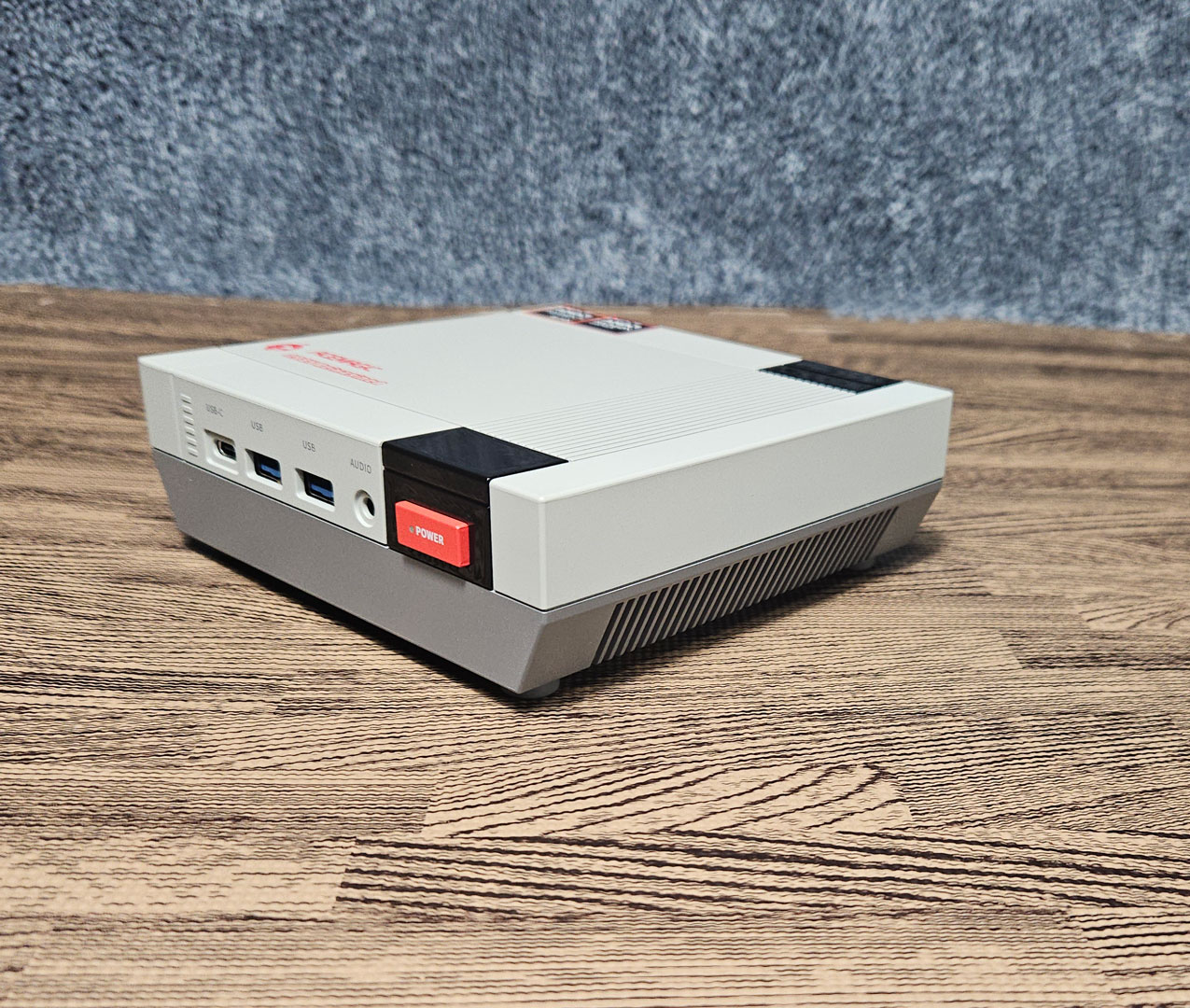
Around the back, the Retro X5 has the rest of its main connectivity: two USB 3.2 Gen 1 Type-A ports rated for 5 Gbit/s, a USB 3.2 Gen 2 Type-C port with DP 1.4, 4K at 60 Hz output, up to 10 Gbit/s data transfer, and PD output, HDMI 2.1, DisplayPort 2.0, two RJ45 Ethernet ports with 10/100/1000 Mbit/s and 2.5 Gbit/s auto-negotiation, DC input, and a Kensington lock slot. Between the front and rear ports, the Retro X5 has an impressive I/O layout for a compact system, especially with dual 2.5 GbE LAN, USB4, and both HDMI and DisplayPort available.
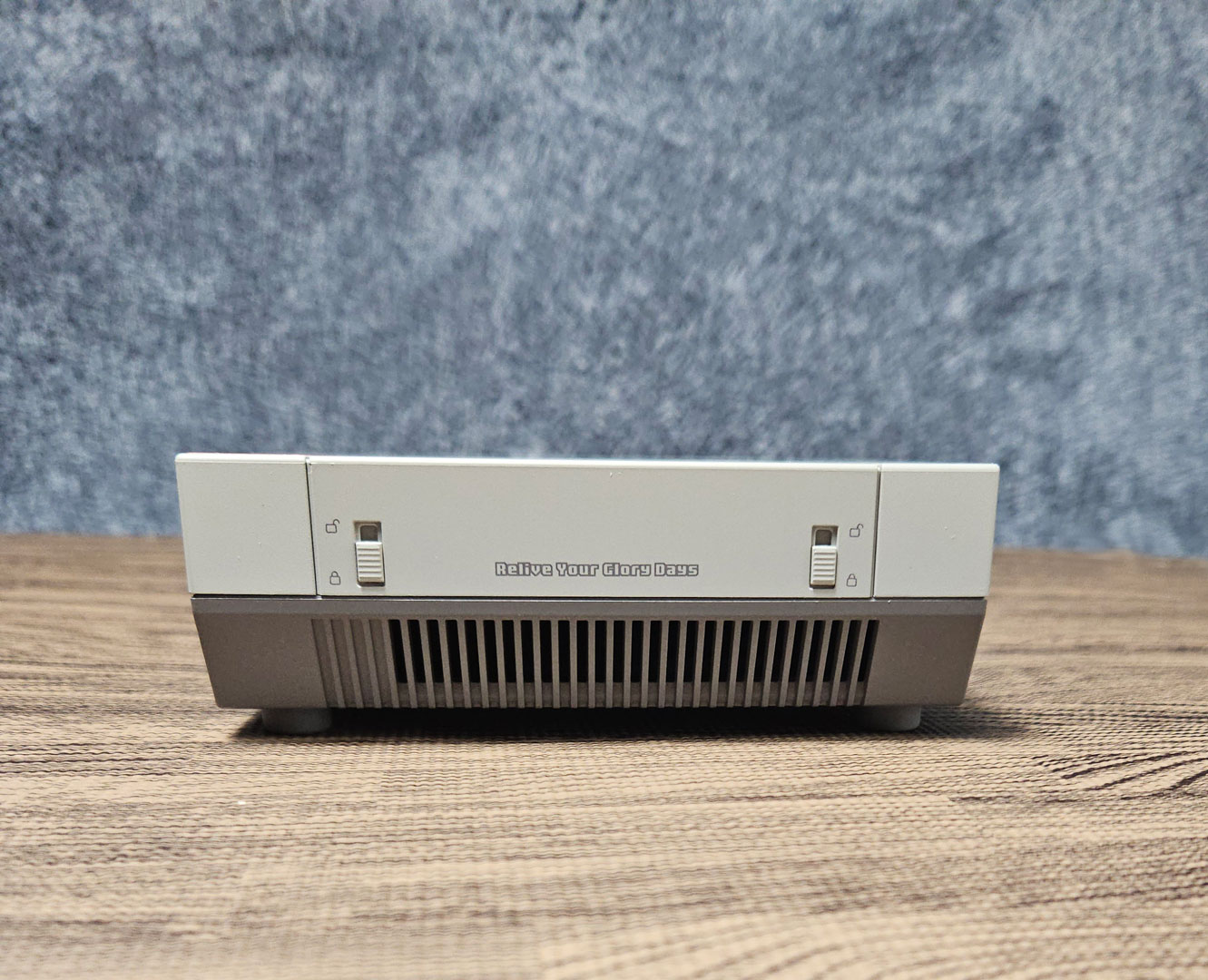
For cooling, the rear has a row of exhaust vents below the I/O, the side panel has a long vented section, and the bottom has two large intake areas with visible fans behind the grilles. The four rubber feet give the underside some breathing room when the system is sitting flat. ACEMAGIC says the cooling system uses five copper pipes for the GPU, two for the CPU, and triple fans, so ACEMAGIC packed a lot into a very small chassis. The two lock tabs are easily one of my favorite accessibility features of the X5. In most Mini-PCs I've looked at, you have to remove the rubber feet and then take out four screws to get inside. On the X5, you just move the two lock tabs up and slide the top panel off. Underneath, ACEMAGIC added another cool piece of retro-themed artwork.
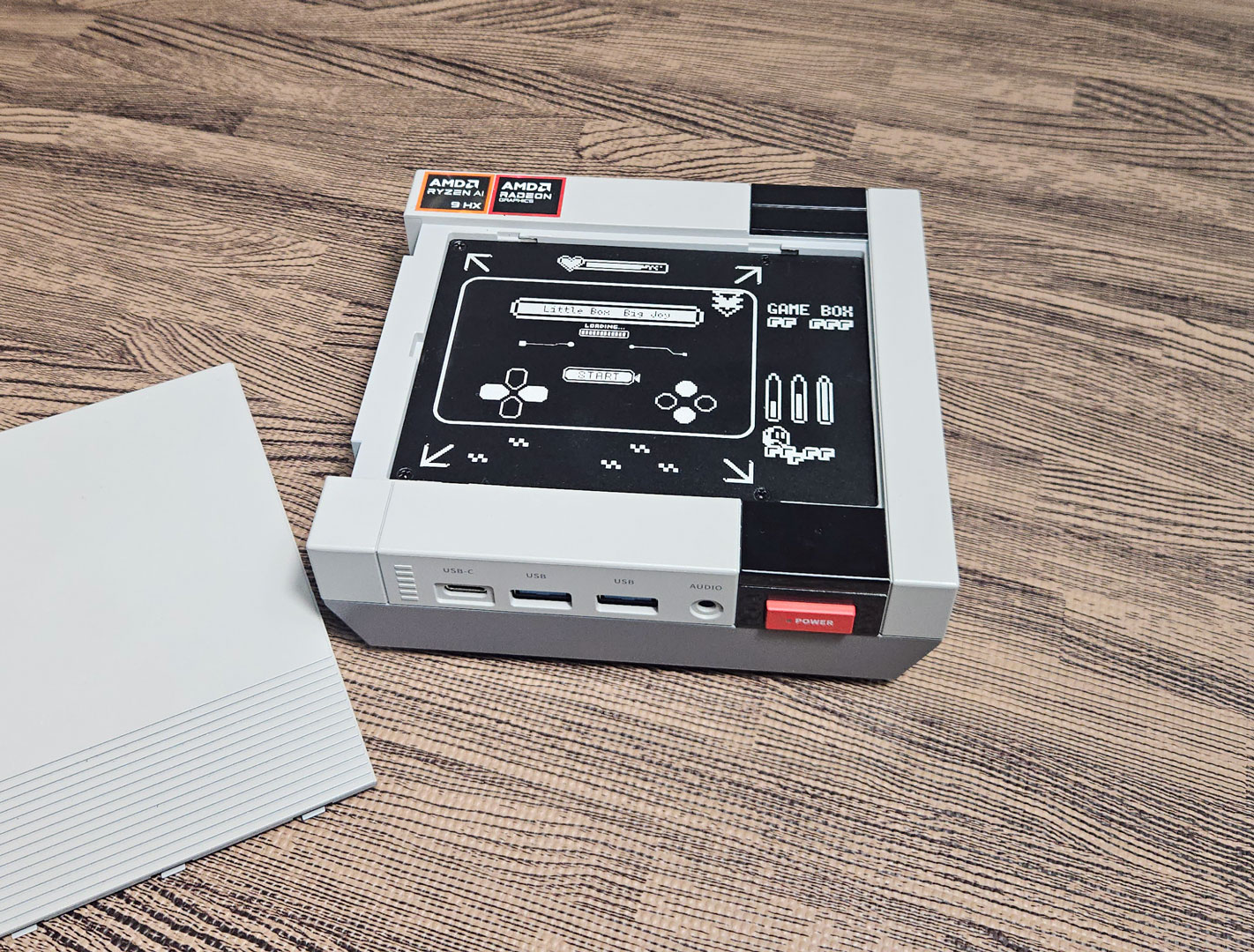
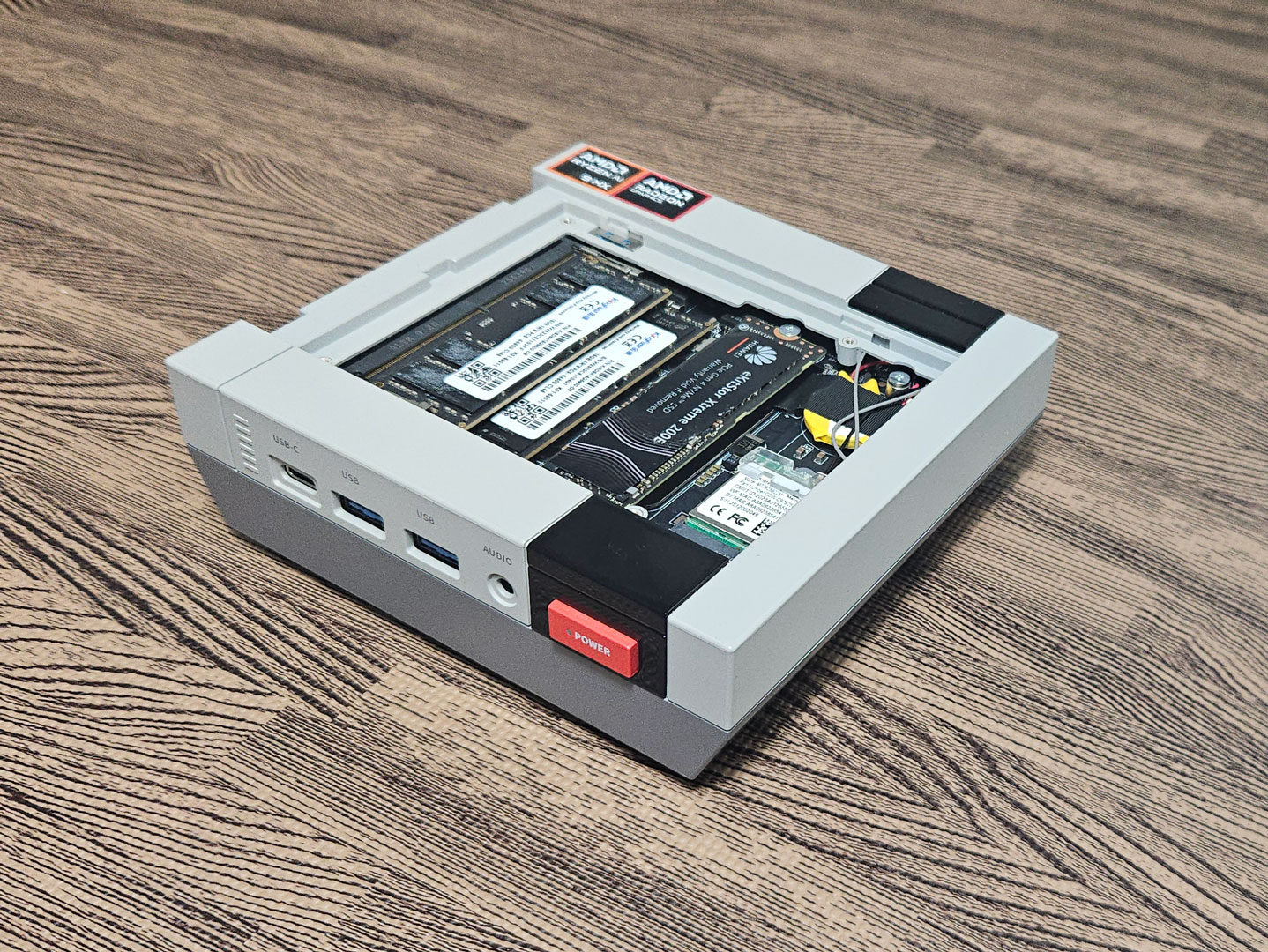
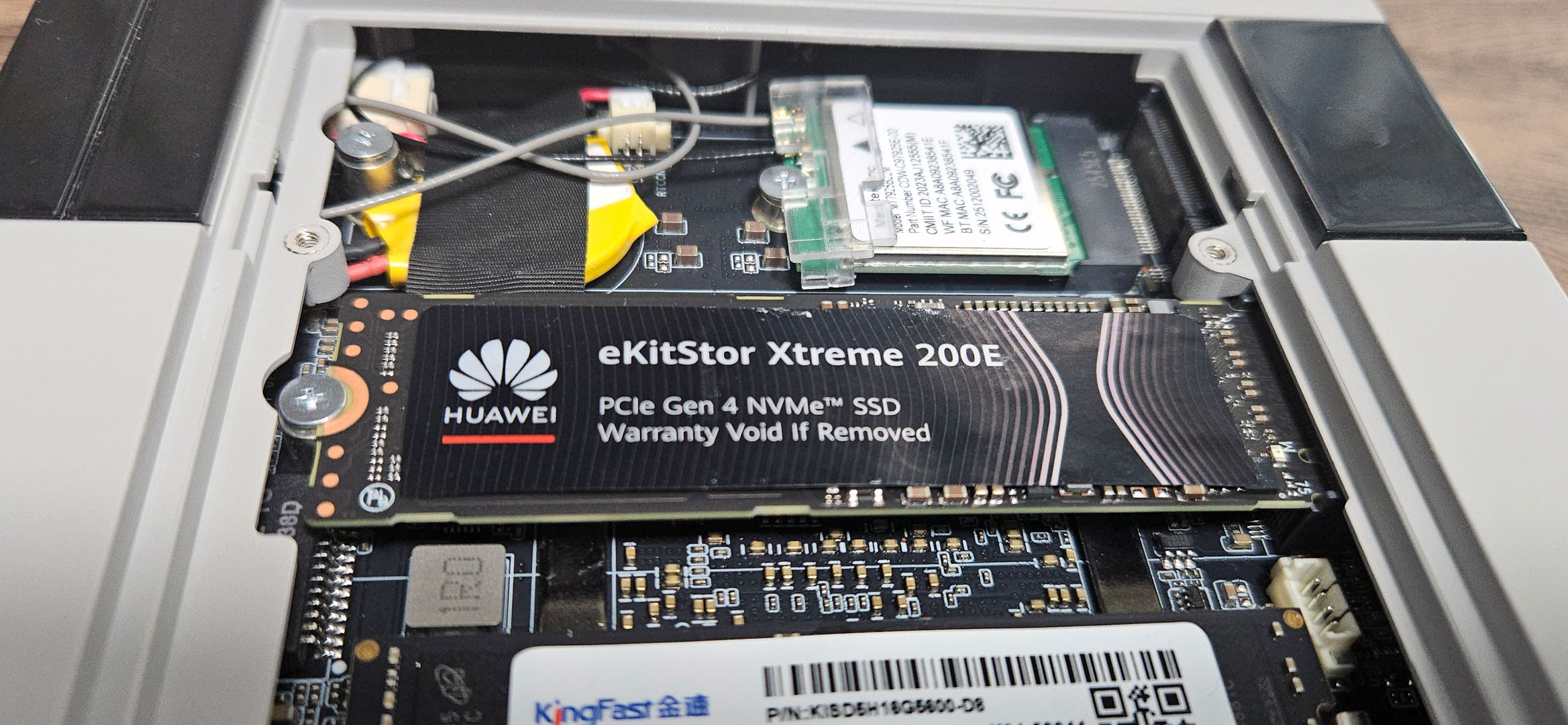
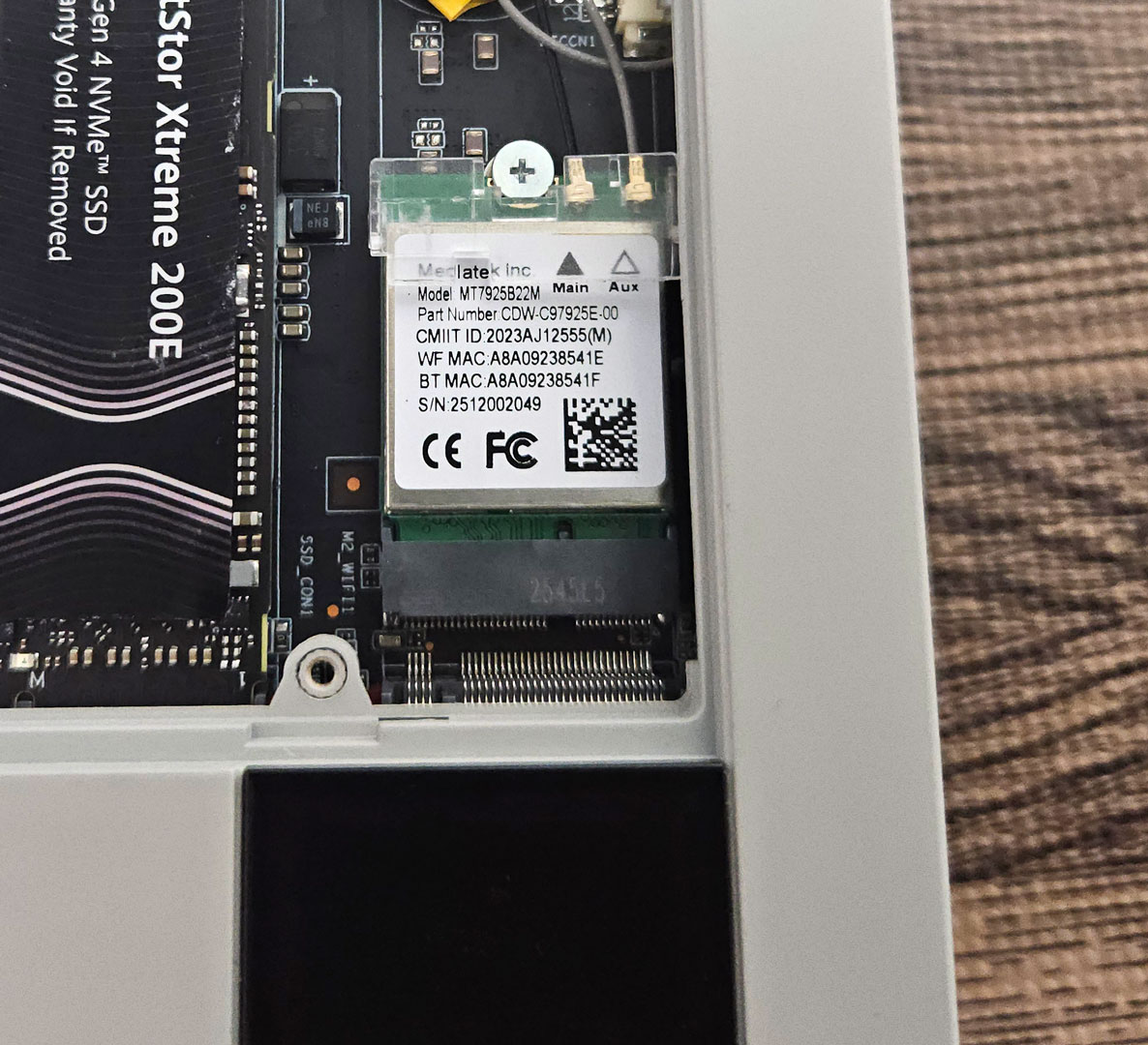
Once the four screws are out and the inner plate comes off, the Retro X5 reveals a clean, easy-to-follow layout. The review unit uses two 16 GB Kingfast DDR5 SO-DIMMs, giving it a full 32 GB dual-channel setup, and the installed SSD is a Huawei eKitStor Xtreme 200E PCIe 4.0 NVMe drive. Both memory slots, the M.2 drive, and the wireless card are easy to access when it comes time to swap parts or upgrade the system.
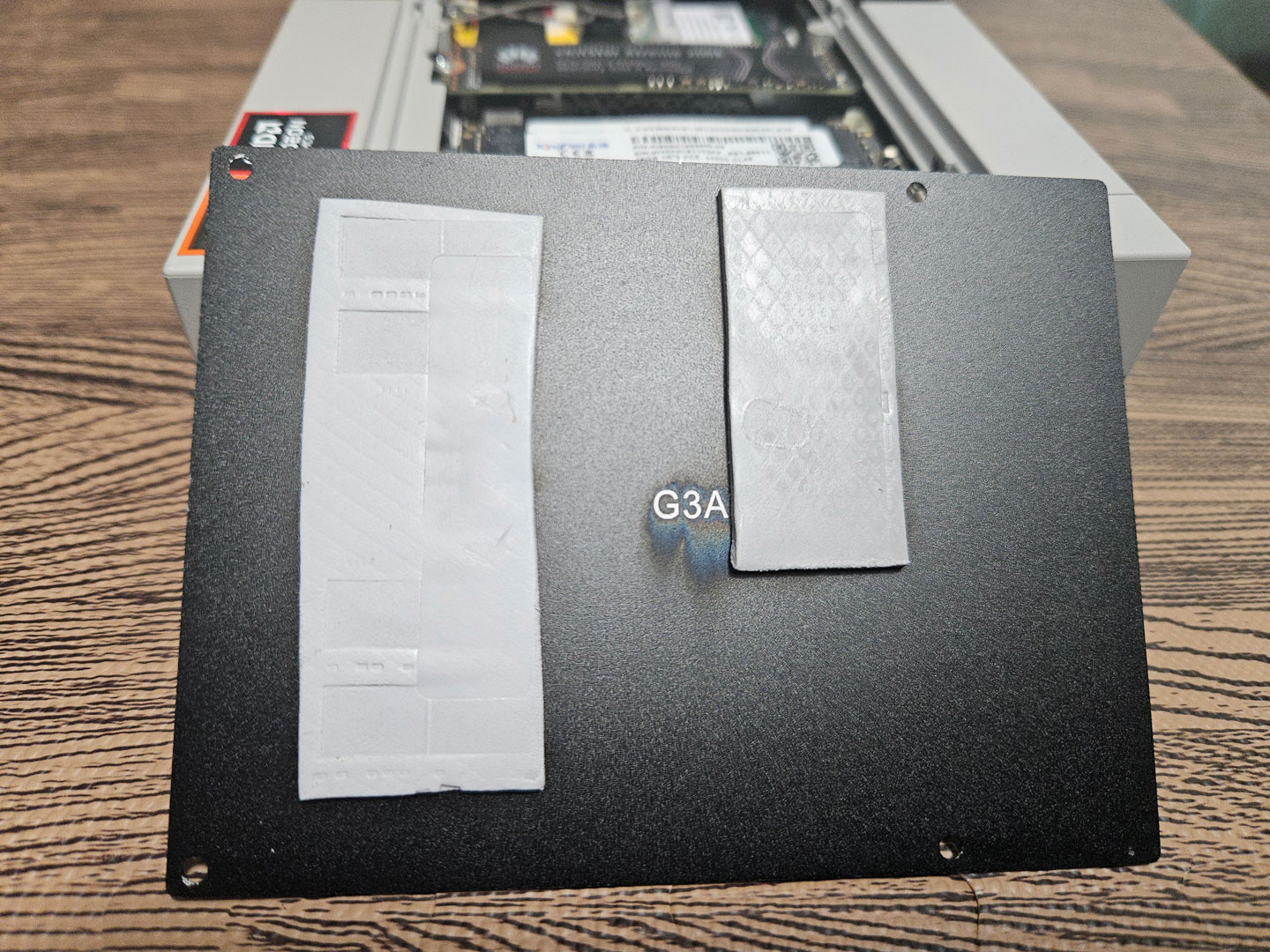
On the underside of the service plate, there are thermal pads positioned directly over the RAM and SSD, so once the plate is screwed back down, it also helps transfer some heat away from those components. This is a nice touch, especially in a compact Mini-PC where internal space is limited and every little bit of heat management helps.
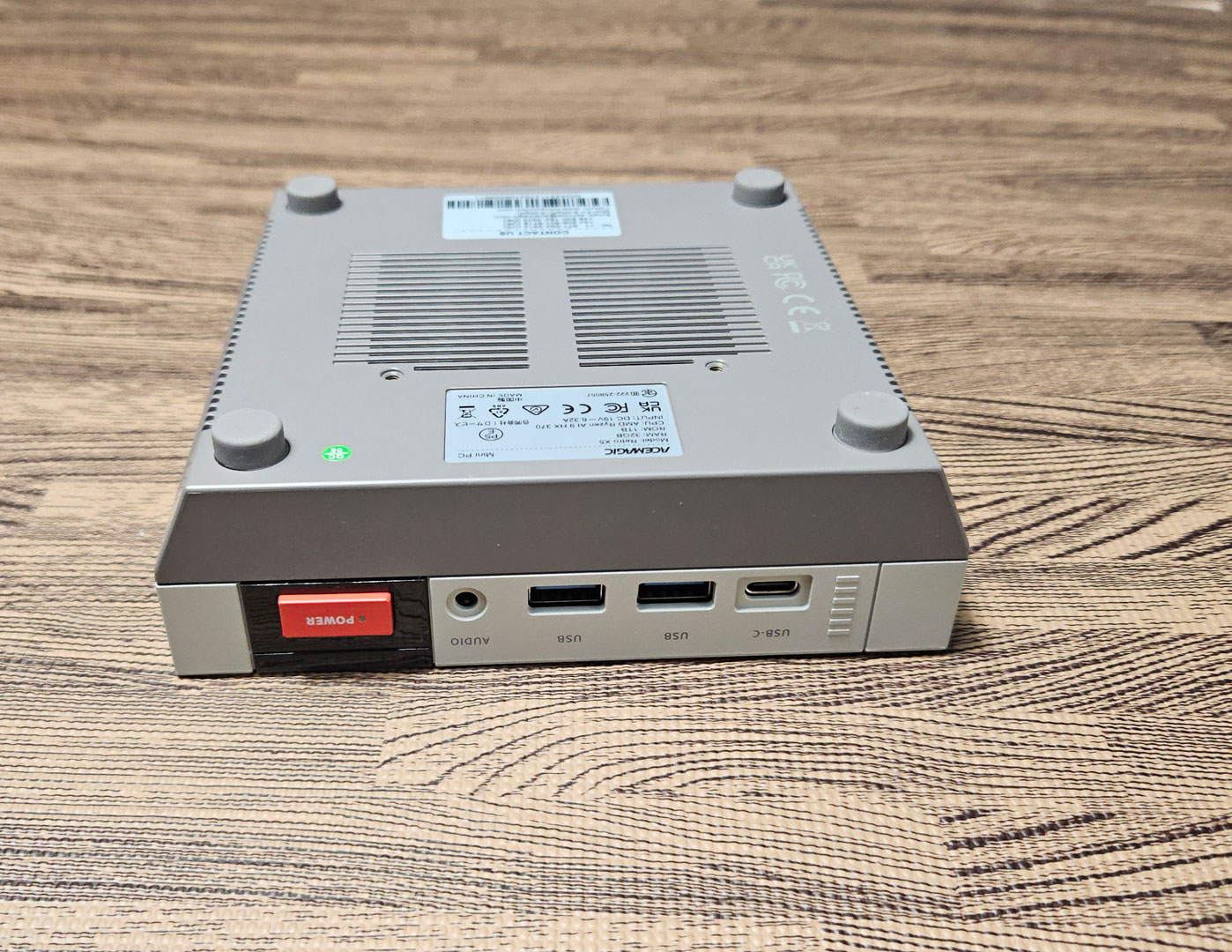
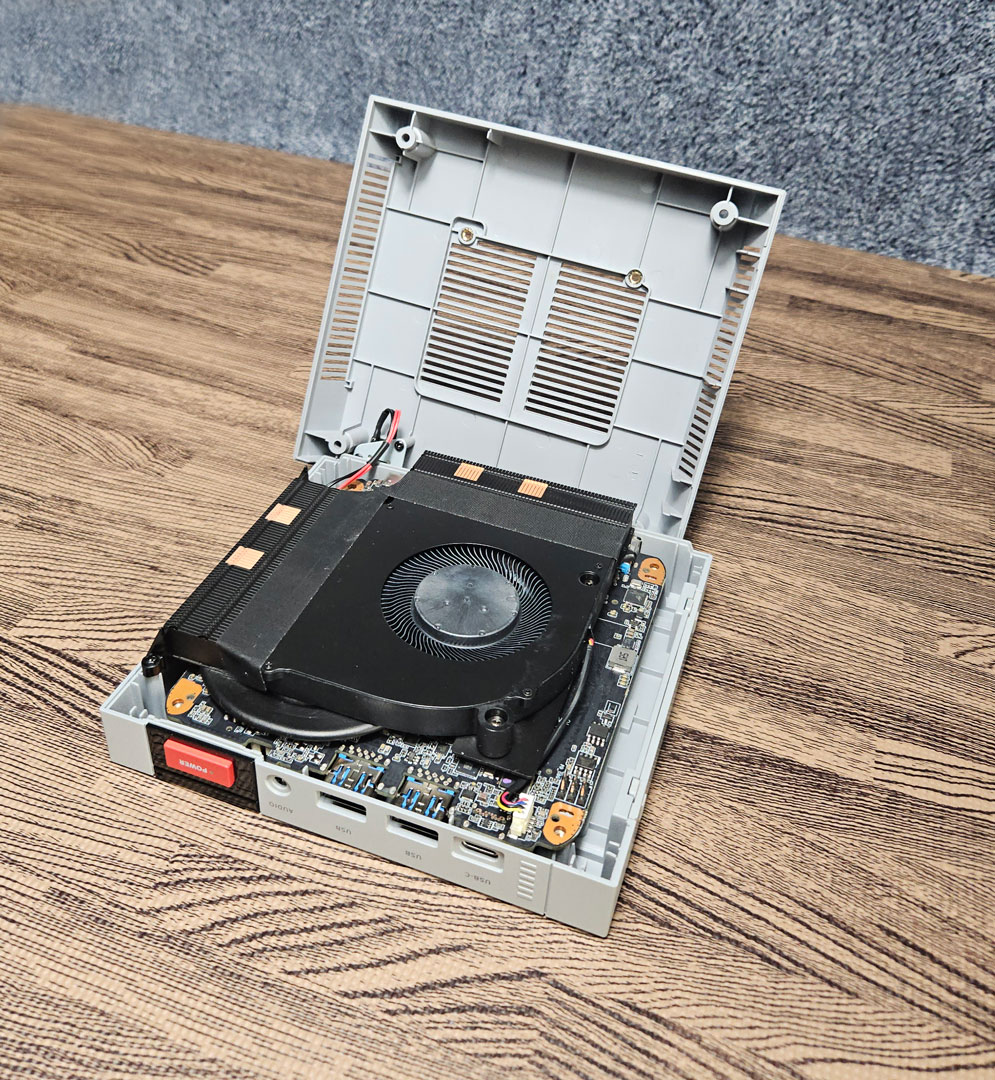
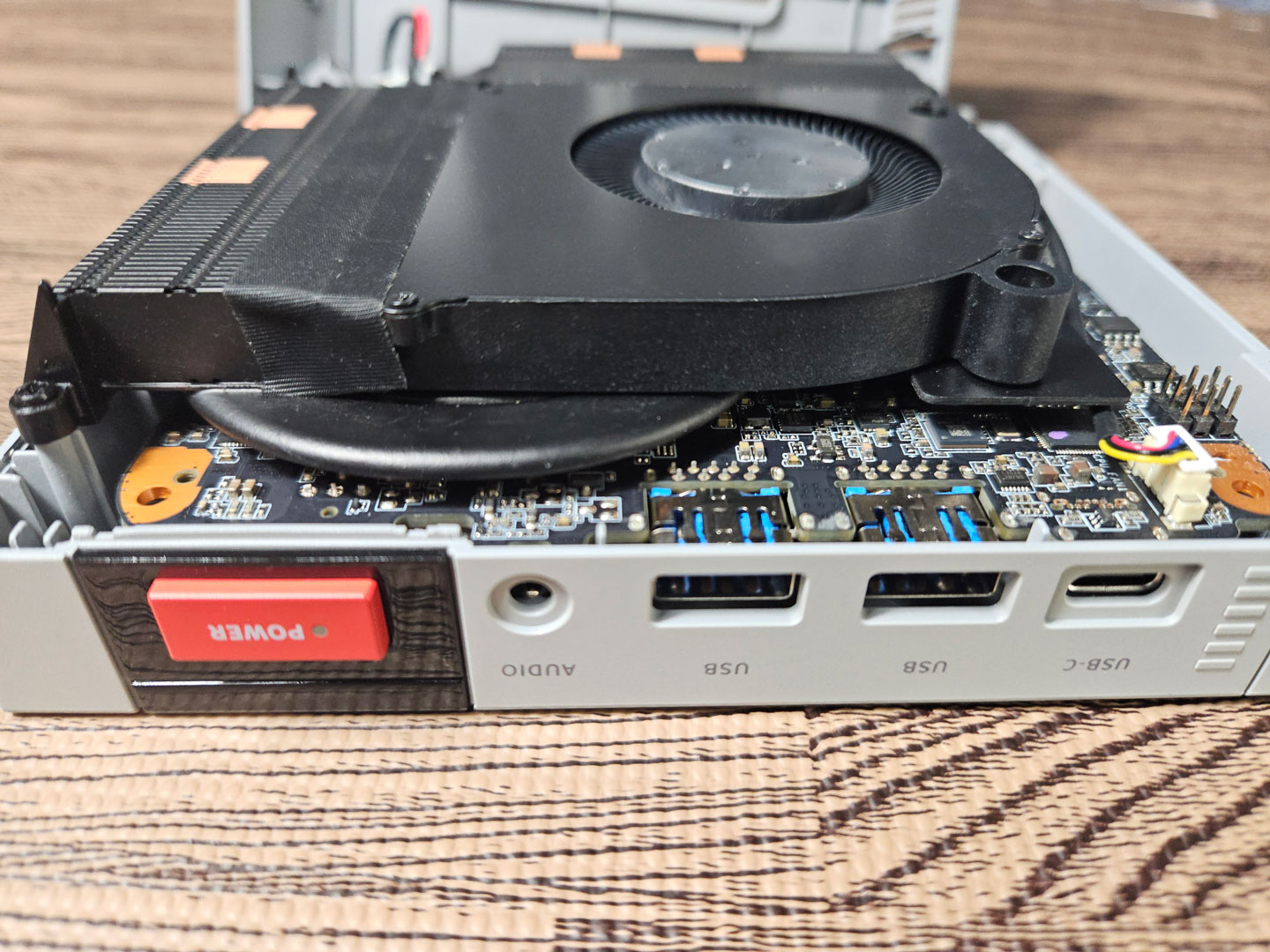
You can also access the cooling assembly through the bottom panel. To get there, remove the rubber feet, take out the four screws underneath, and then lift off the panel. From that side, the main blower fan and heatsink assembly are fully exposed, which makes it much easier to clean out dust or get a closer look at the cooler layout inside the Retro X5. I have not seen many Mini-PCs that make it this easy to access both sides of the motherboard, which helps make the Retro X5 one of the most intuitive systems I have worked with when it comes to internal access and upgrades.
Our Patreon Silver Supporters can read articles in single-page format.
Nov 22nd, 2026 18:05 CST
change timezone
Latest GPU Drivers
New Forum Posts
- Increasing Power Limit? (3)
- What are you playing? (26240)
- UPS what one to get? (48)
- Honestly, do you care about GTA VI? (265)
- Your PC ATM (36458)
- Gacha Games - Discussions, Pulls, Updates, etc. (1157)
- Last game you purchased? (1414)
- Making a game in Godot engine (19)
- Intel D270 (5)
- X870E AORUS ELITE WIFI7 thread with setting and OC (69)
Popular Reviews
- Microsoft Surface Laptop Ultra Review - The Next-gen Arm Laptop
- Corsair RM1200e (Second Generation) Review
- Pulsar Office Tour & First Look at P1 Dual-Sensor Mouse
- Upcoming Hardware Launches 2027 (Updated Nov 2026)
- Ugreen NASync DXP4800 GT Review
- AMD Ryzen 7 9800X3D Review - The Best Gaming Processor
- Biwin Black Opal NV7400 2 TB Review
- AMD Zen 6 Technical Deep Dive
- Phantom Blade Zero Performance Benchmark Review - 35 GPUs Tested
- AMD Ryzen 7 5800X3D 10th Anniversary Review
TPU on YouTube
Controversial News Posts
- NVIDIA Co-Founder and CEO Jensen Huang Officially Resigns (492)
- Report: Jensen Huang Eyes NVIDIA Comeback (266)
- Open Letter Asking NVIDIA to Reinstate Jensen Huang Passes 115,000 Signatures (184)
- OpenAI CEO Argues Home PCs Waste the World's Limited DRAM Supply (152)
- NVIDIA Launches Investigation Into Jensen Huang's Relationship With Suspected Chinese Spy (136)
- Intel "Raptor Lake Next" 16-Core and 20-Core CPUs Surface (130)
- NVIDIA GeForce RTX 50-Series Scheduled for up to $500 Price Hike This Week (89)
- Intel Razor Lake Gets a 12 P-Core bLLC Chip With No E-Cores, Per Leak (86)