 3
ADATA Urban Tapsafe 2 TB NFC Portable SSD Review
Performance »Package
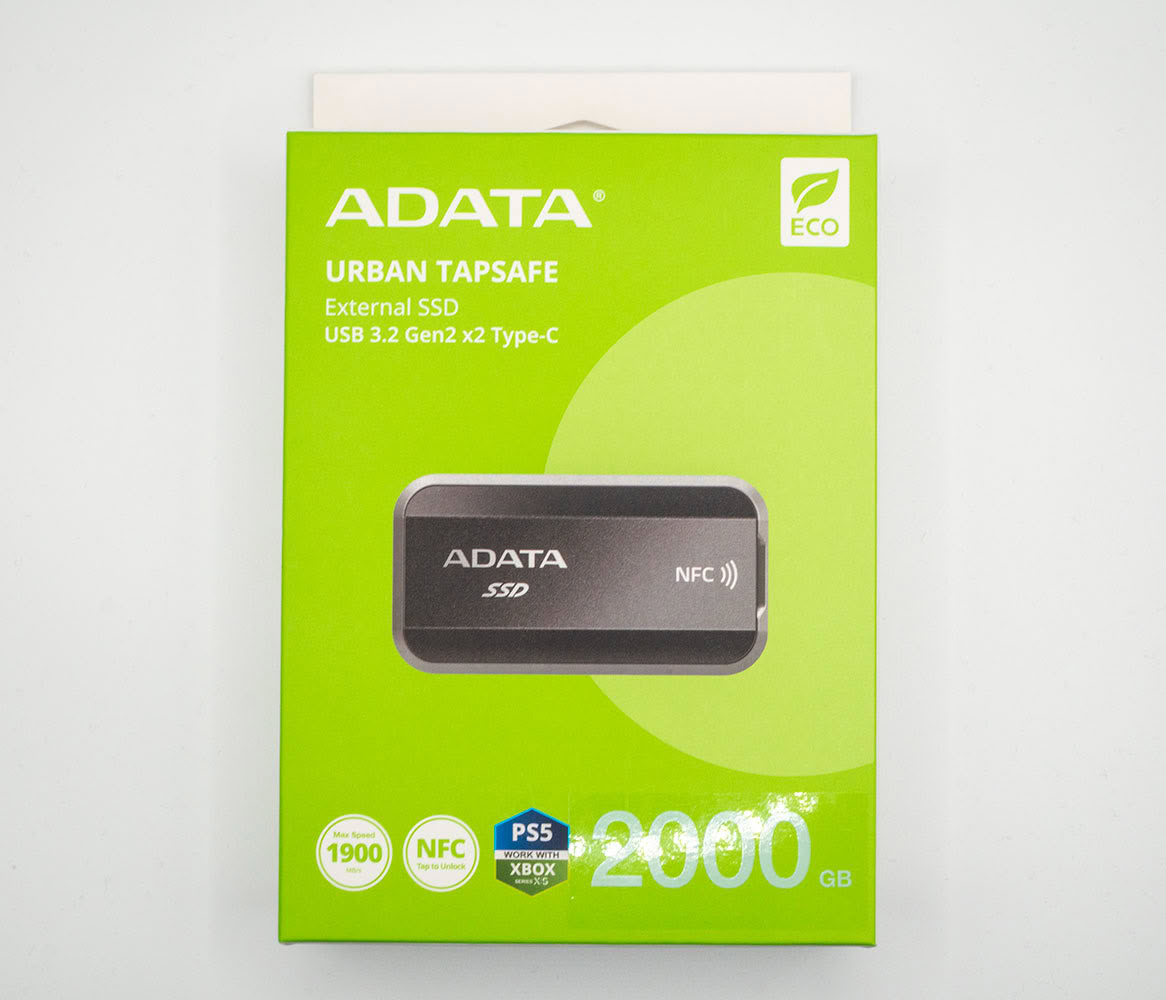
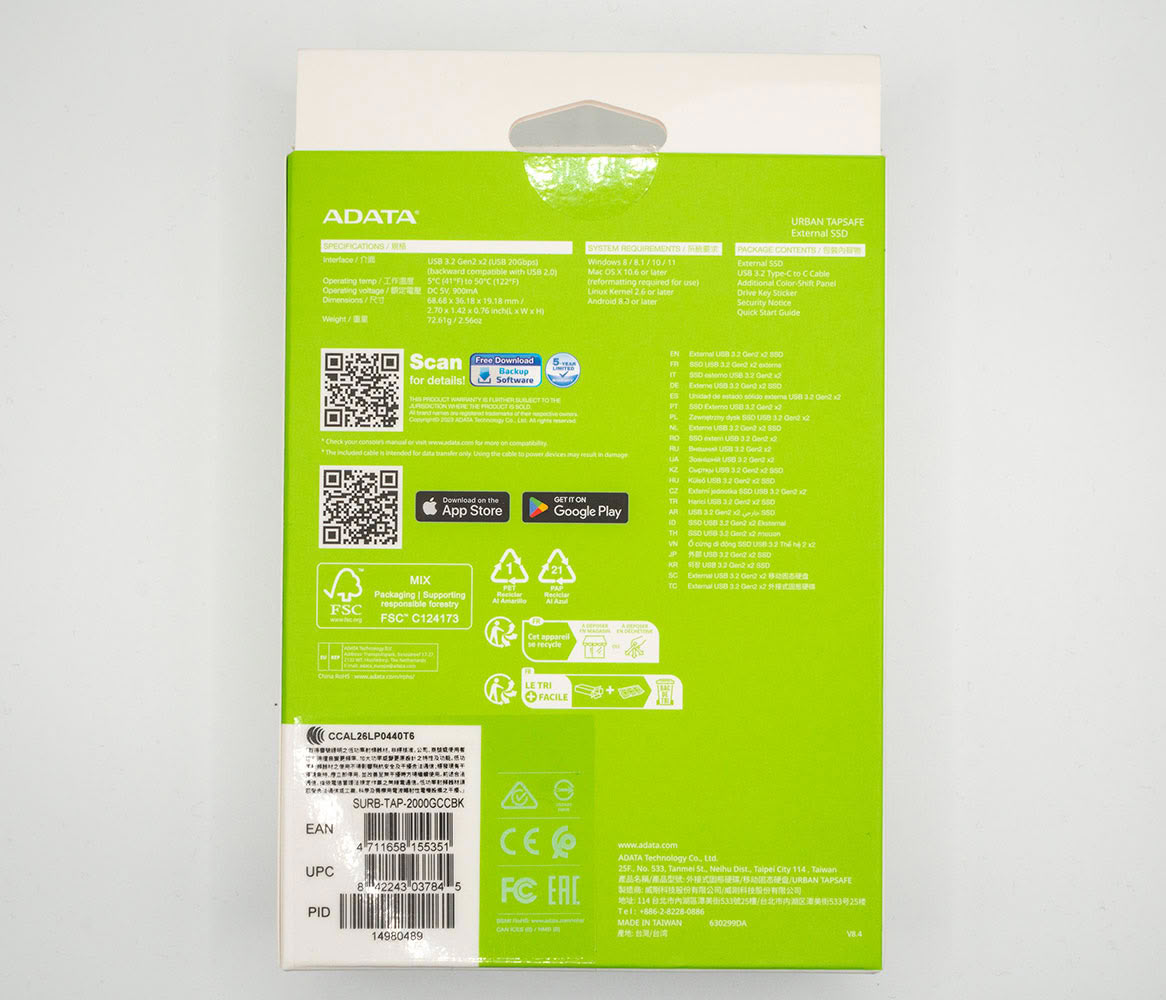
The ADATA Urban Tapsafe comes in a cardboard box that's designed to be environmentally friendly. It has a matte surface, and more modest colors than ADATA portable SSD packaging we've seen in the recent past. This is because ADATA probably used recycled materials and soy ink in the packaging.
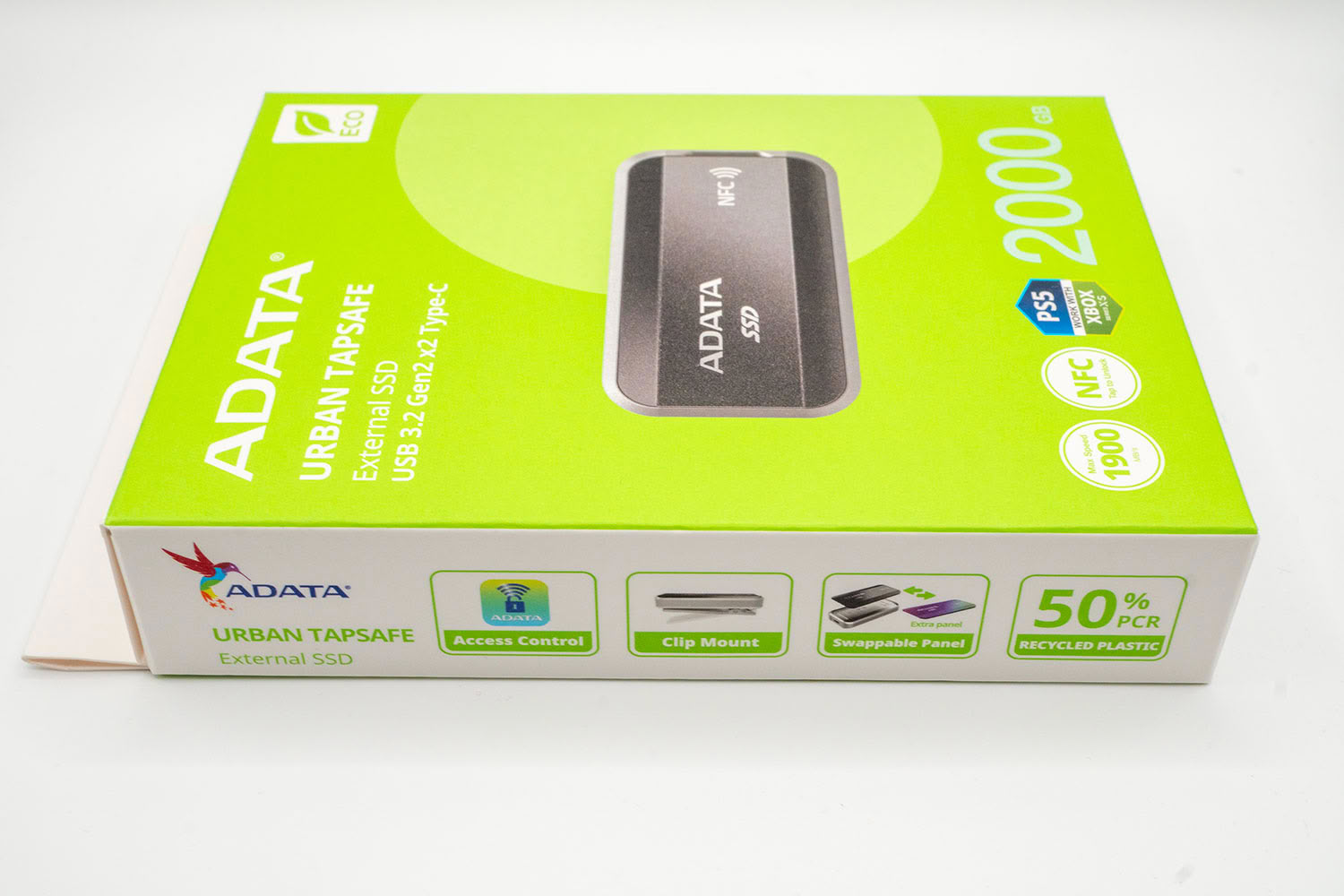
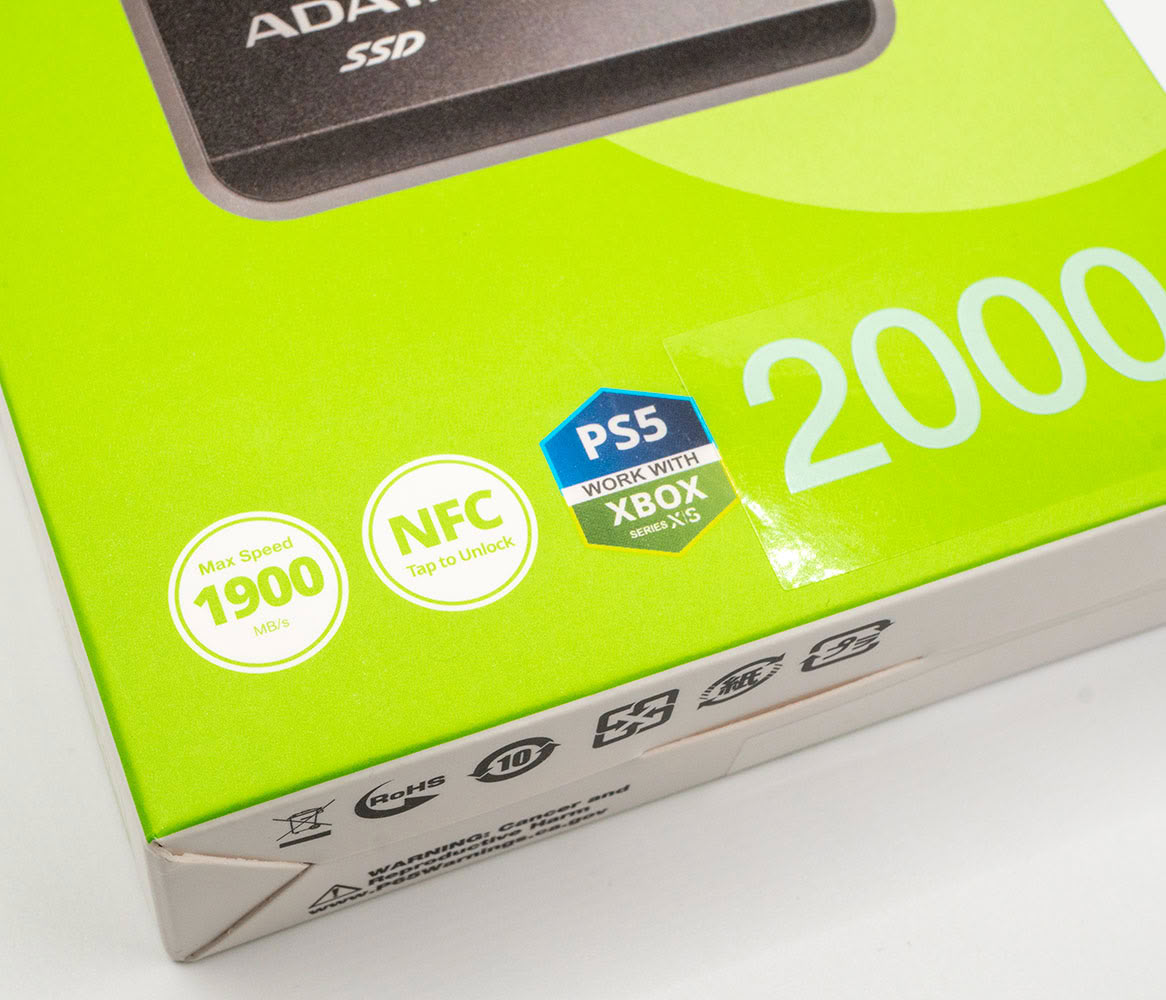
One side of the package details key features of the drive, including its unique NFC tag-based access control, a captive clip, replaceable panels, and the fact that the drive's body is built using at least 50% recycled materials. The bottom corner shows its maximum transfer speed of 1.9 GB/s, and tested support for modern game consoles, such as PlayStation 5 and Xbox Series X/S.
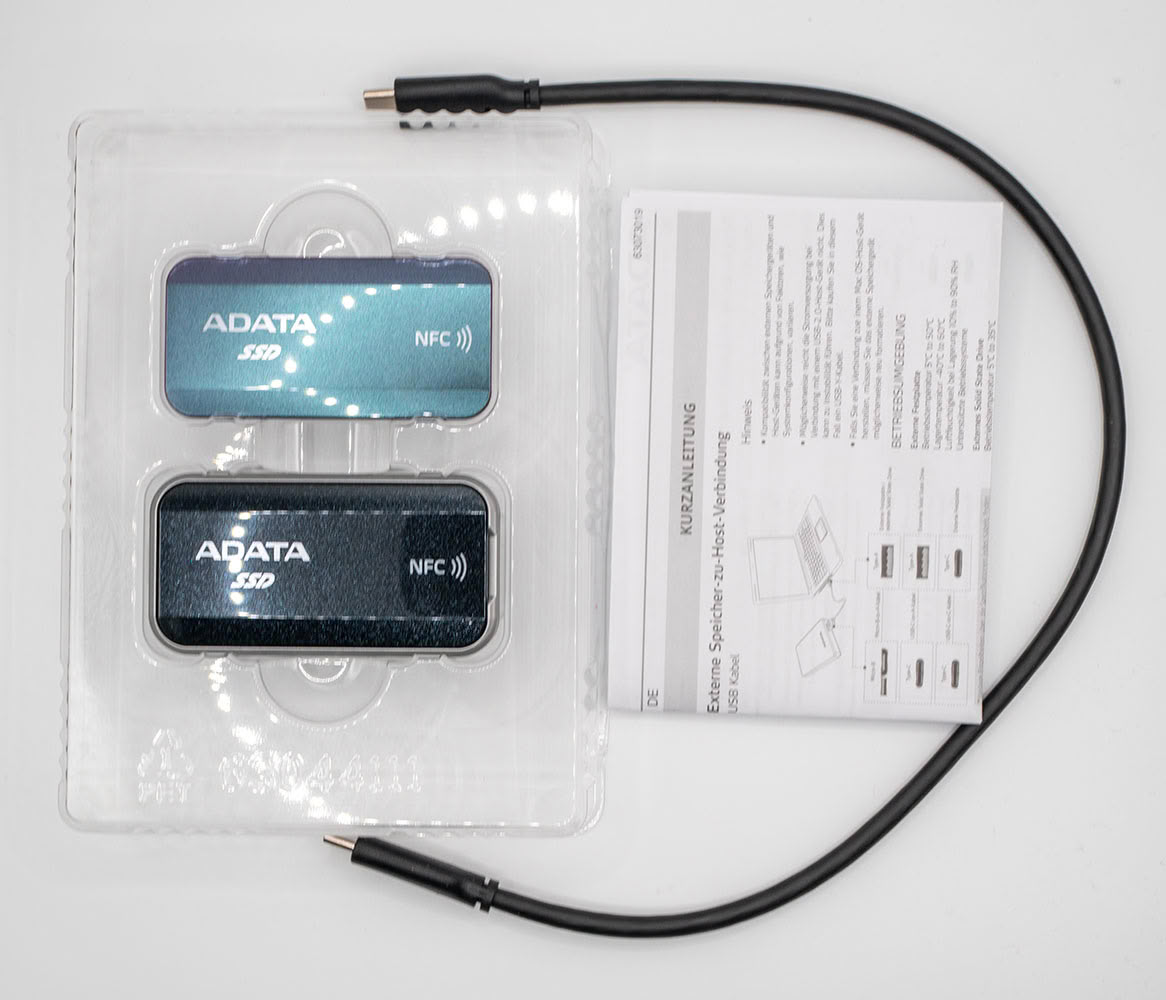
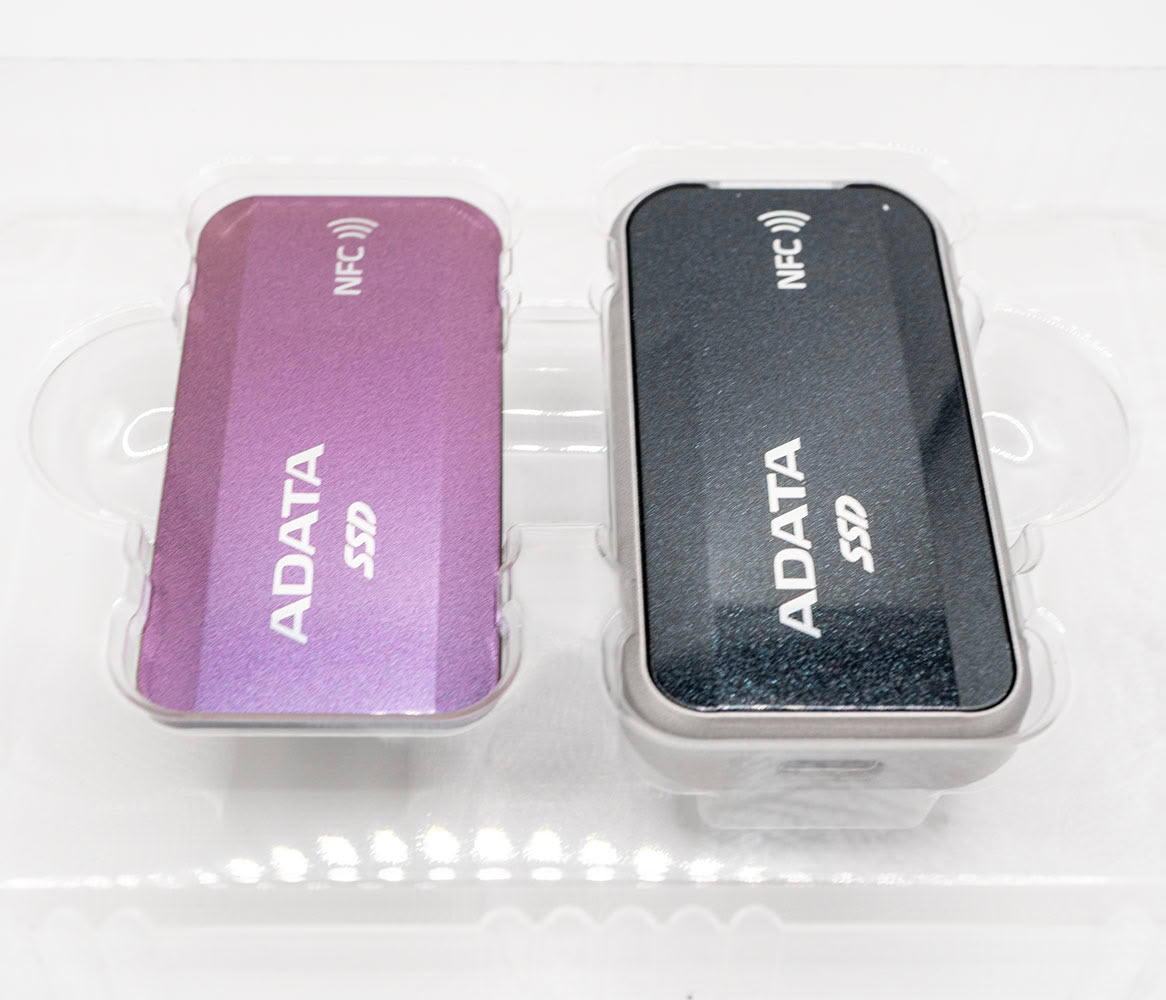
You open the box to find a plastic tray that contains the drive, an additional "persona," a USB 3.2 cable, and a multilingual quick-start guide. It looks like there are two drives in the tray, but it's just one drive, and a user-replaceable top-plate (persona).
The Drive
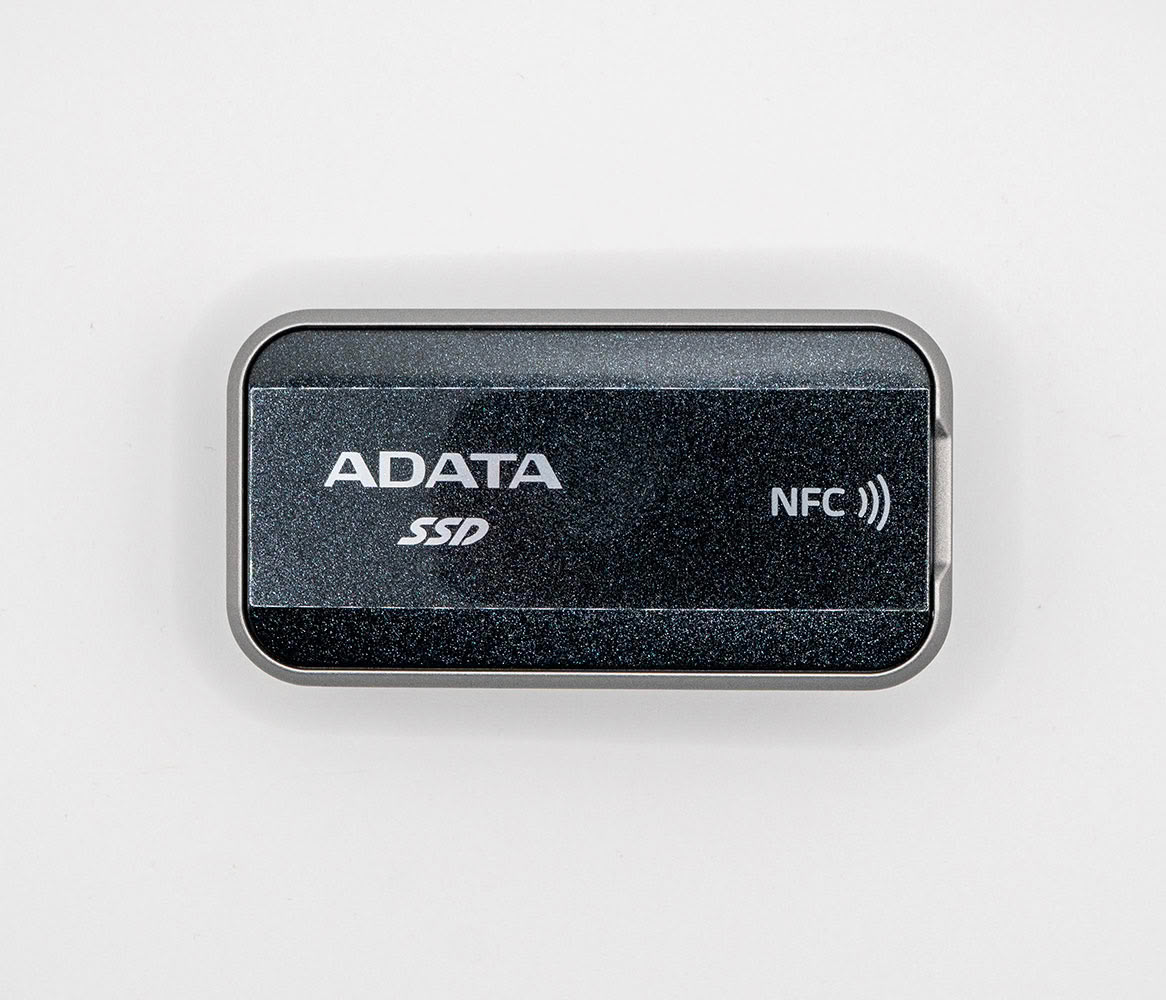
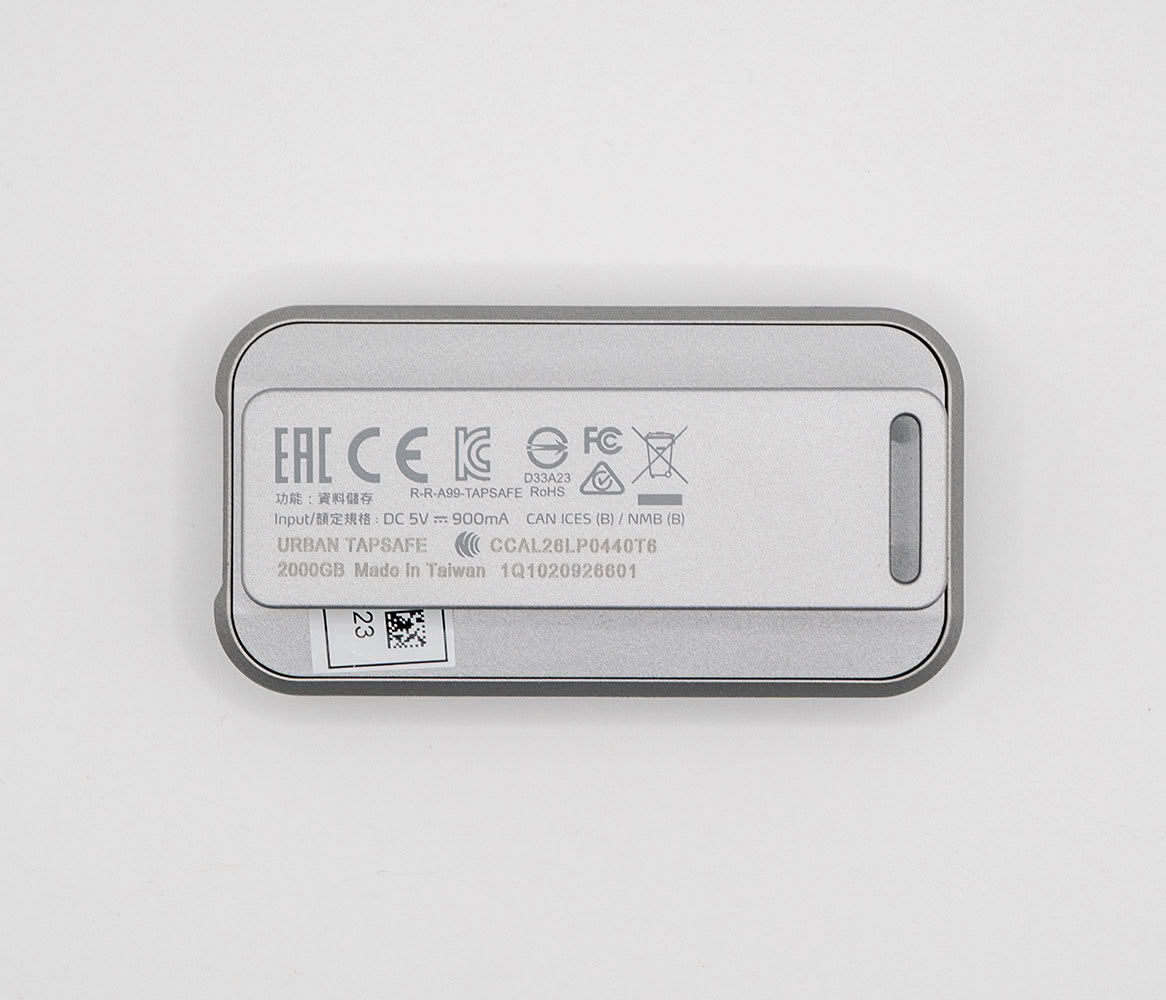
The ADATA Urban Tapsafe features a very premium, modern, and formal look. The drive's body features a metallic silvery plastic, while its default persona is glossy black with a glass flake finish that resembles metallic black paints on cars.
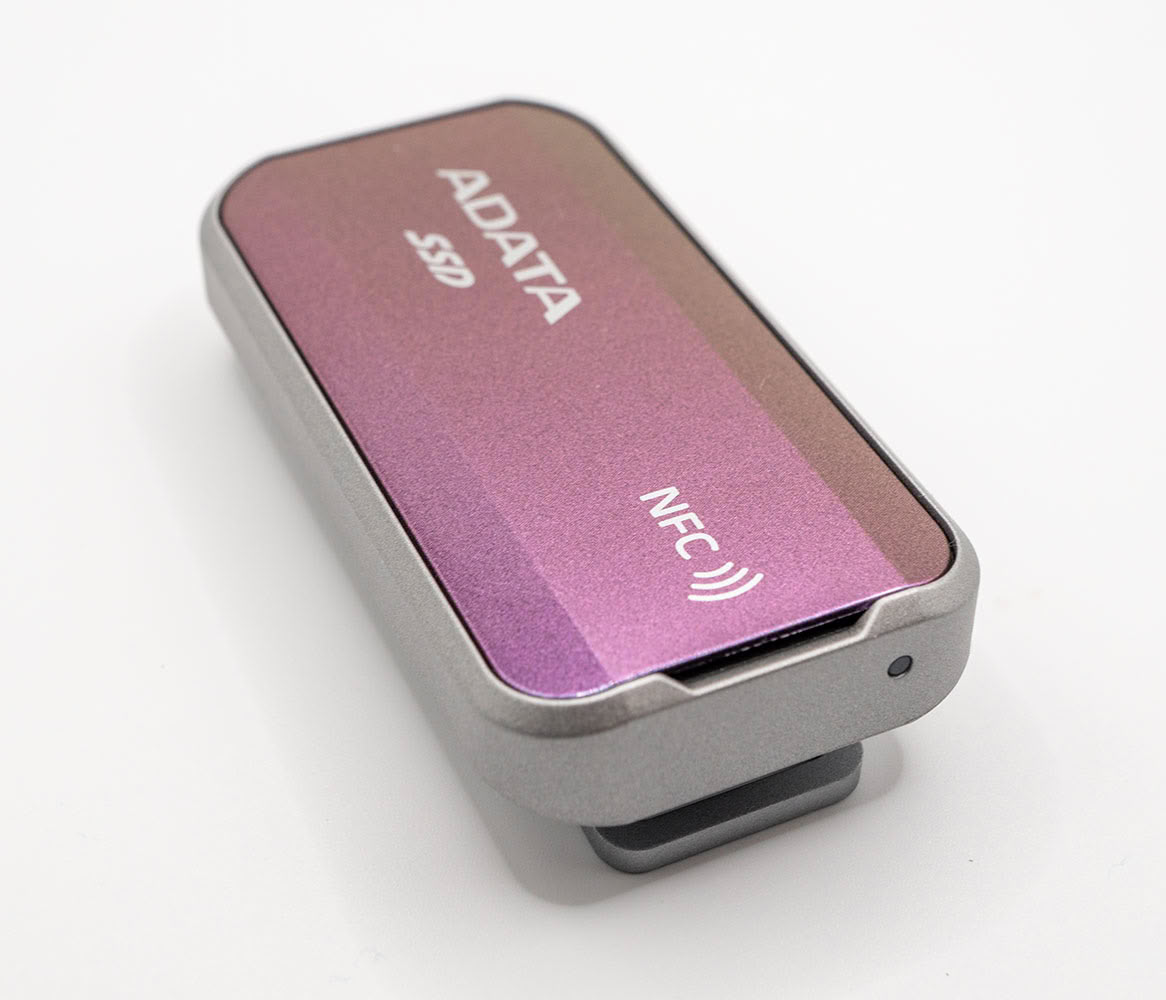
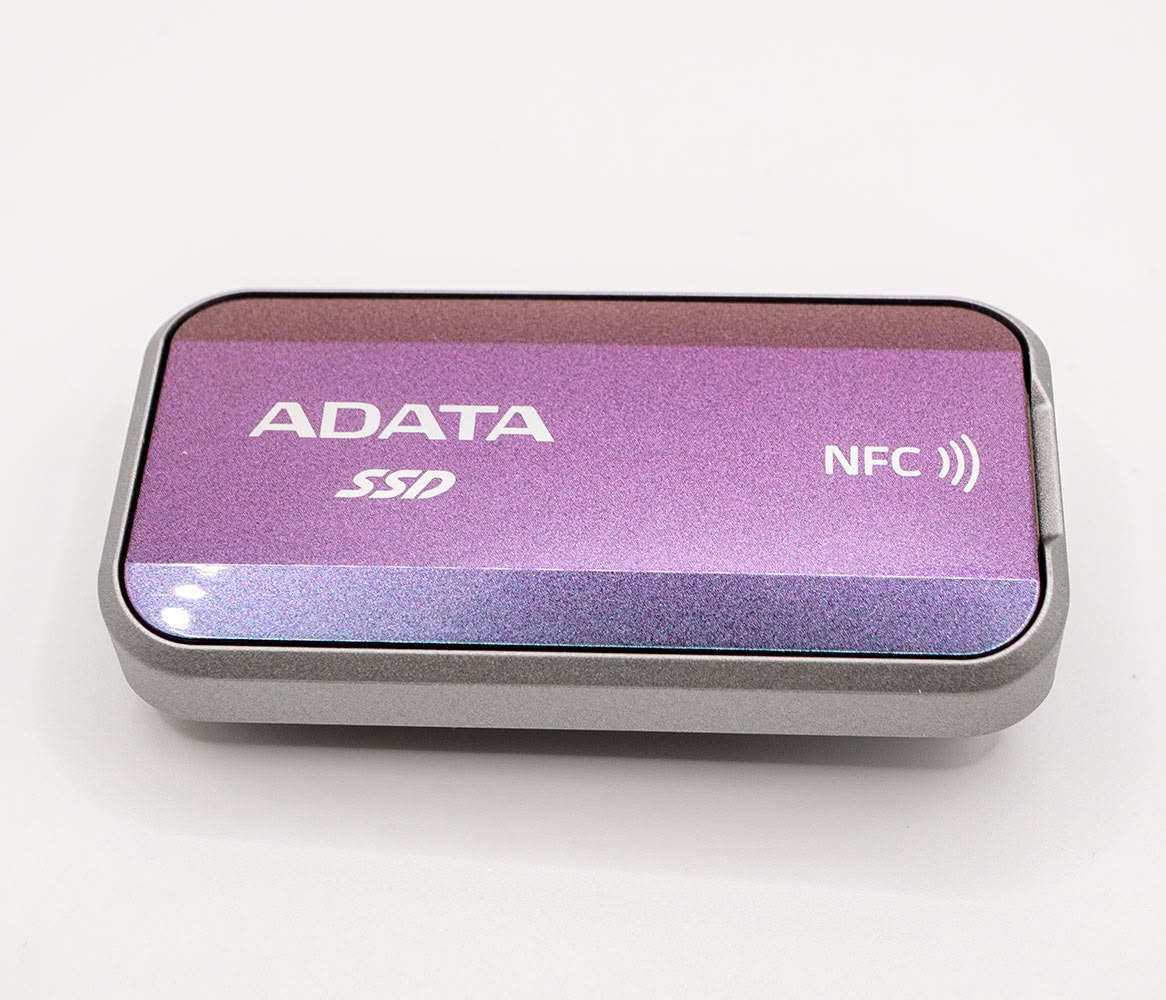
The second persona features an iridescent finish that changes color depending on your viewing angle. To be clear, this is iridescence, similar to what you see in certain insects such as beetles and scarabs, and not a cheaply executed holographic treatment.
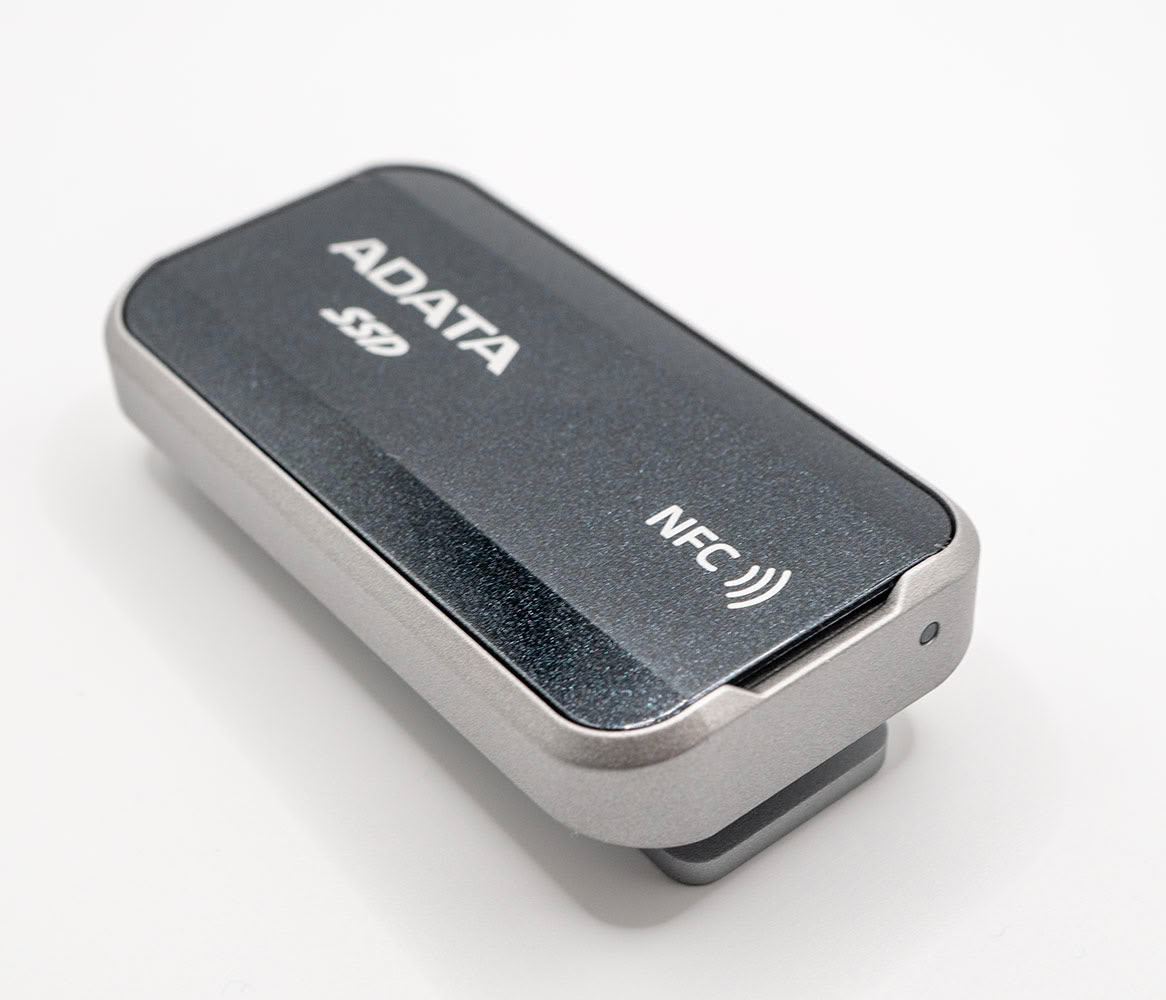
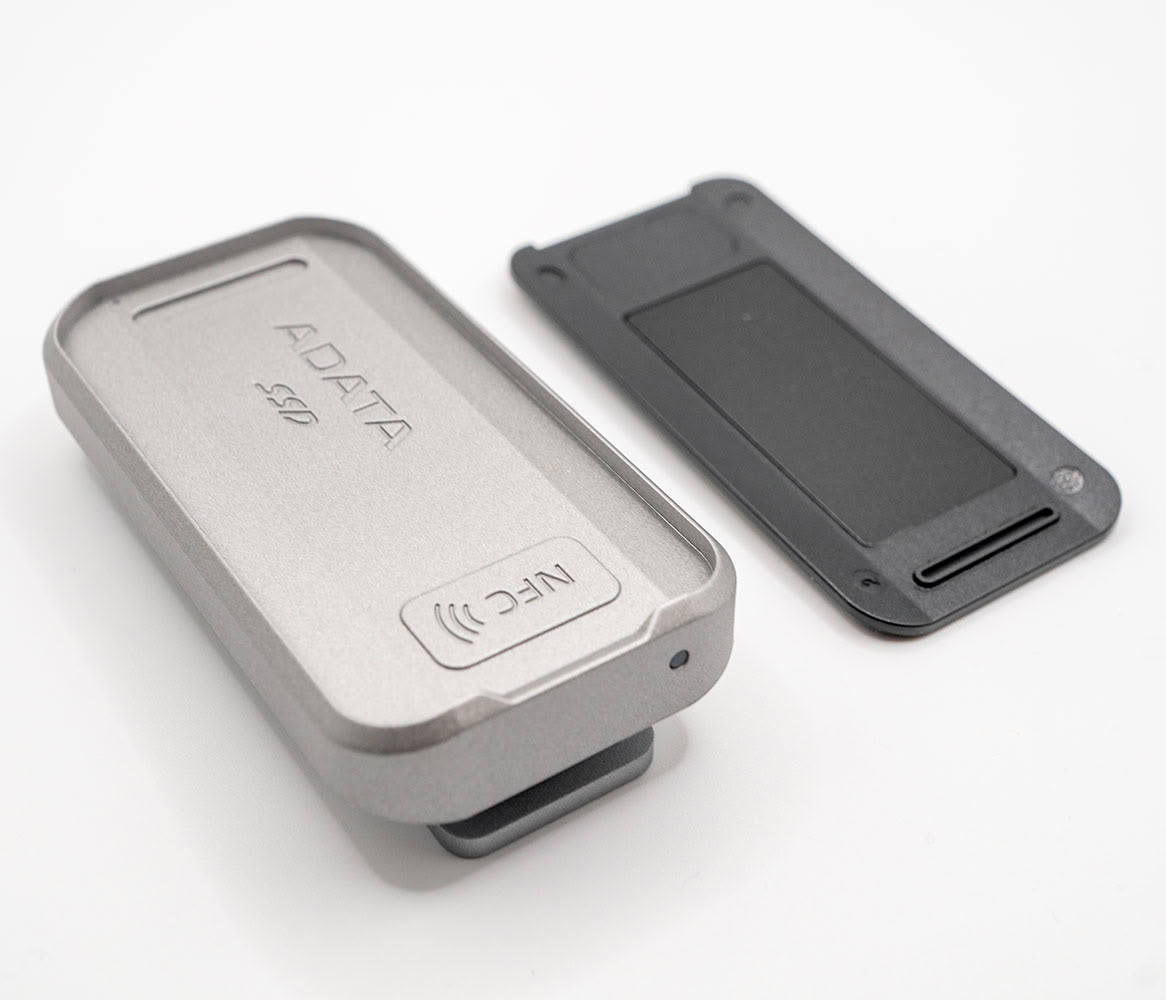
To change the persona, simply slide a nail into a cutout located towards the end, and lift the faceplate. It's held in place by magnetic interlocks, so it comes right off. You then simply replace it with the other persona by aligning the sides based on where the NFC antenna is located.
The drive feels heavy and premium to hold, with high build quality. Some of its weight comes from a clip located on the back side.
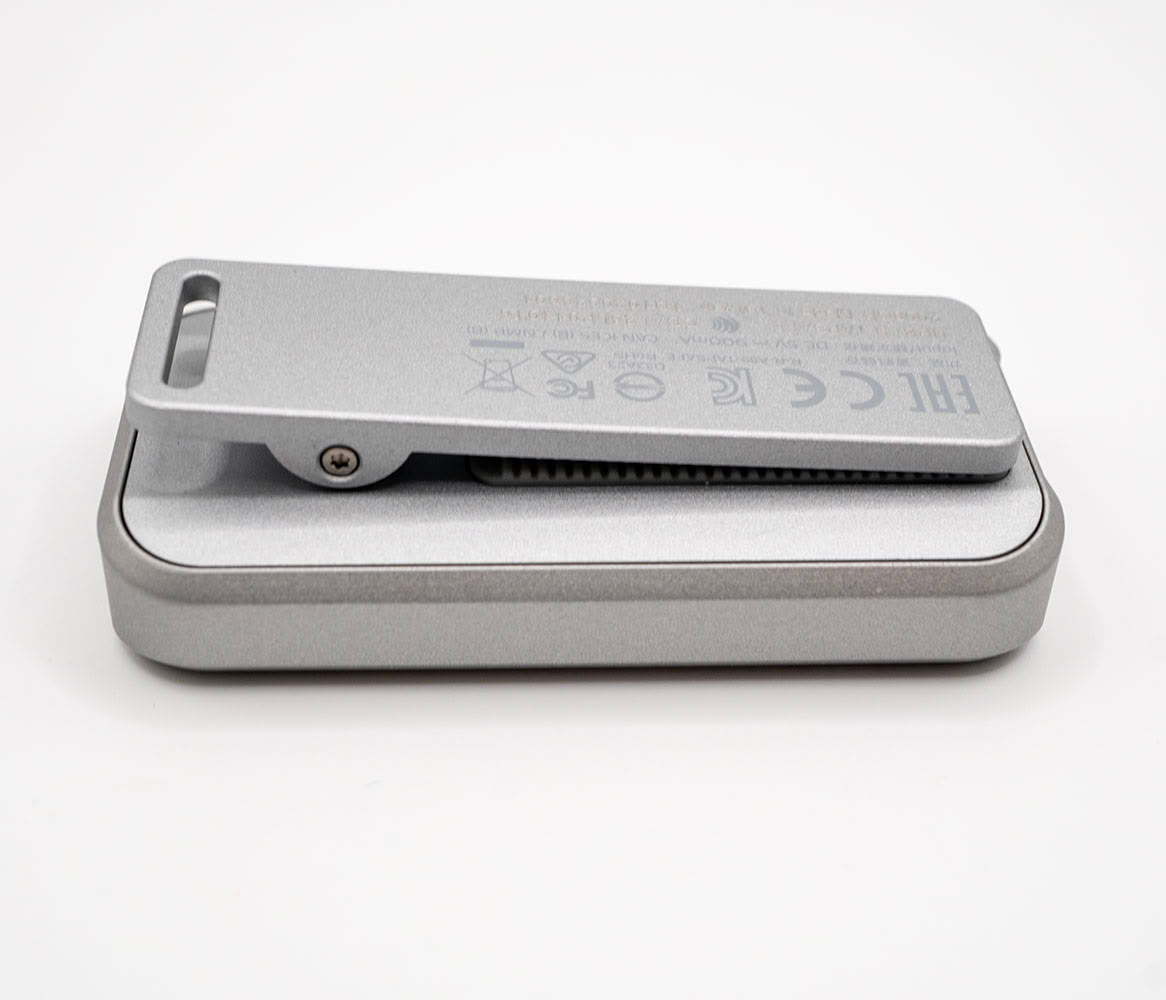
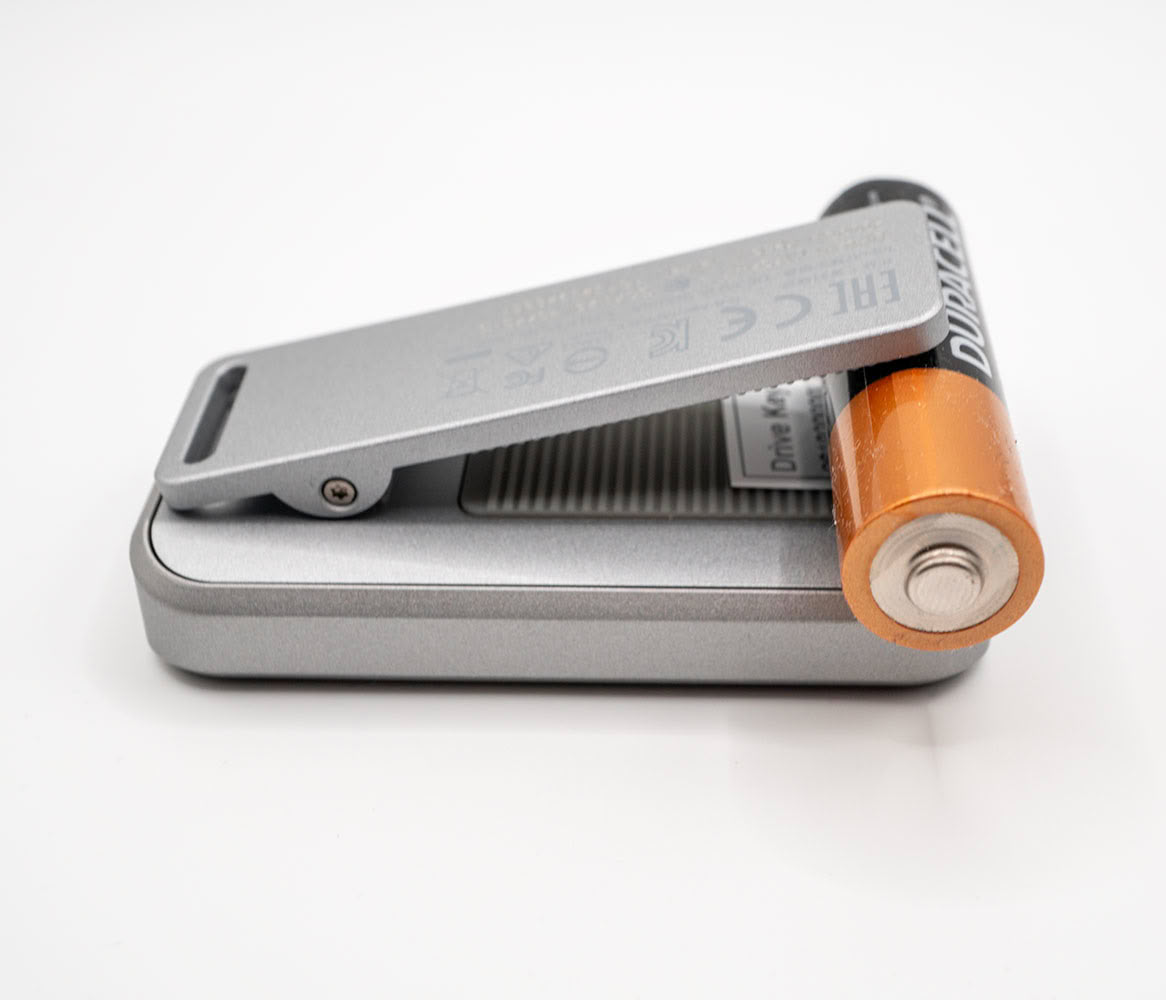
ADATA gave the Urban Tapsafe a captive clip, so the drive can be attached to camera rigs without needing a cold shoe. This clip is of a solid build quality. To illustrate just how wide the clip can open, we've tucked an AA-size battery between its jaws. The battery is held tight.
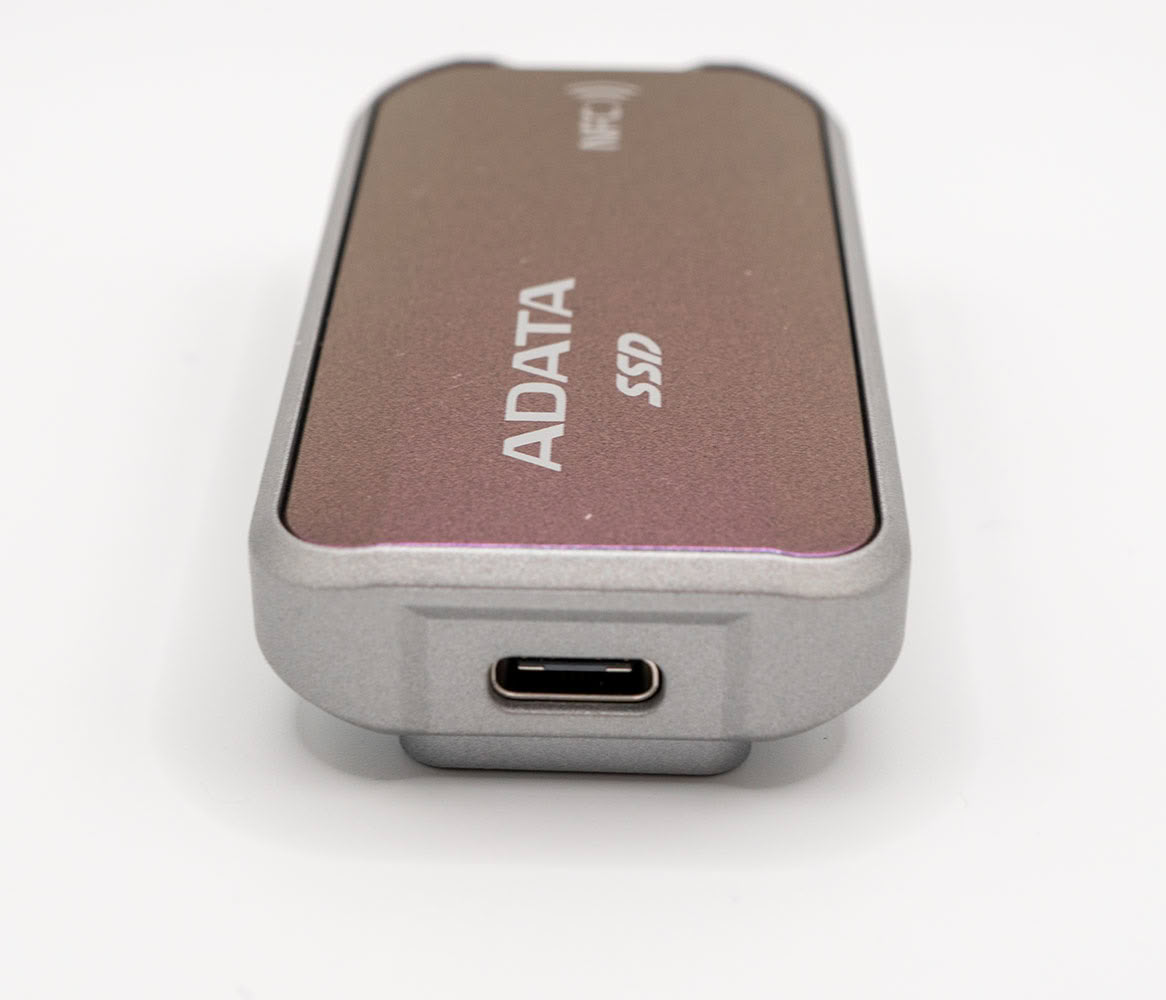
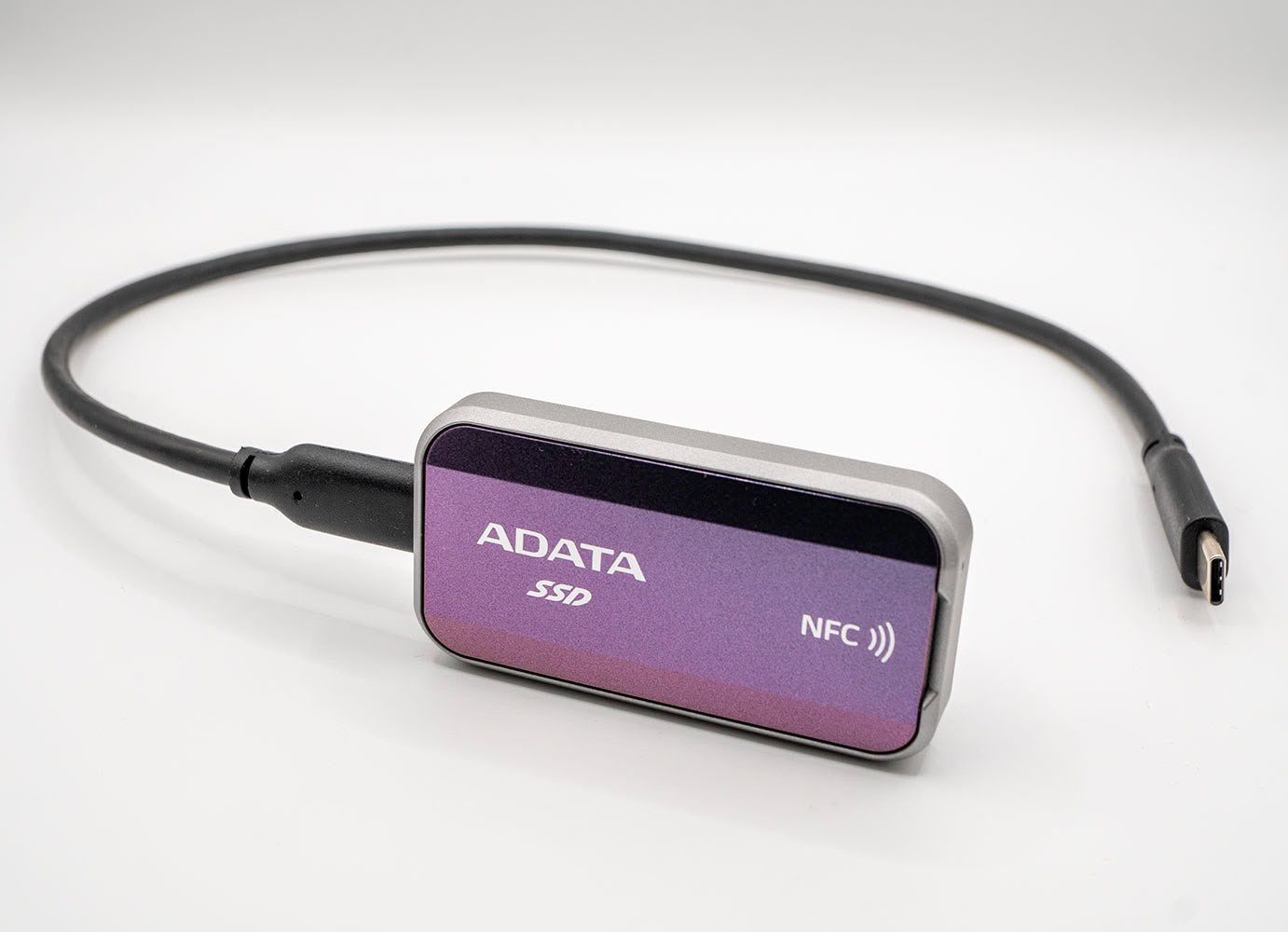
One end of the ADATA Urban Tapsafe has a USB type-C connector; the other has a blue LED. ADATA included what looks like a 30 cm-long cable with the drive.
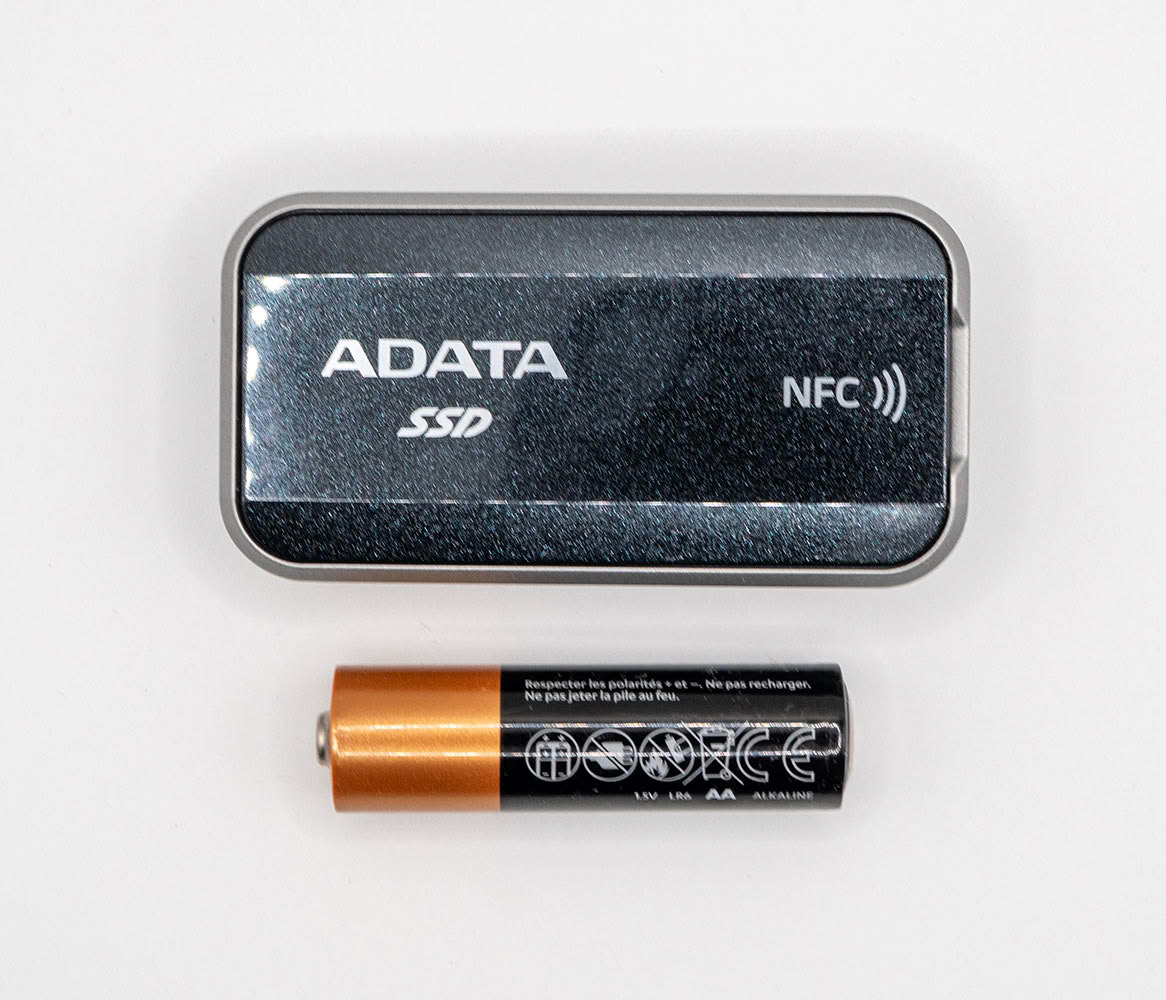
This is how big the drive is next to a common AA battery.
ADATA Tapsafe NFC-based Security
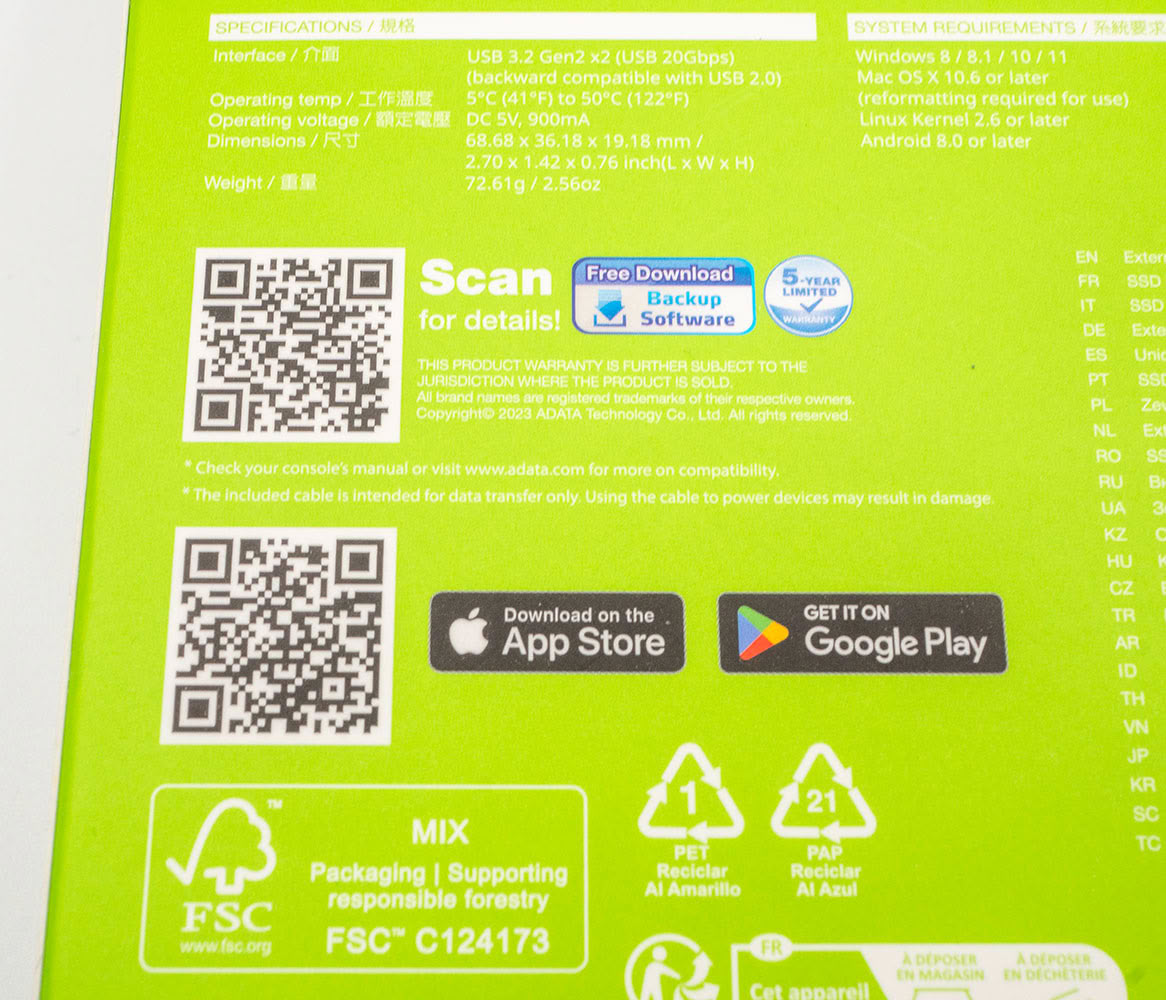
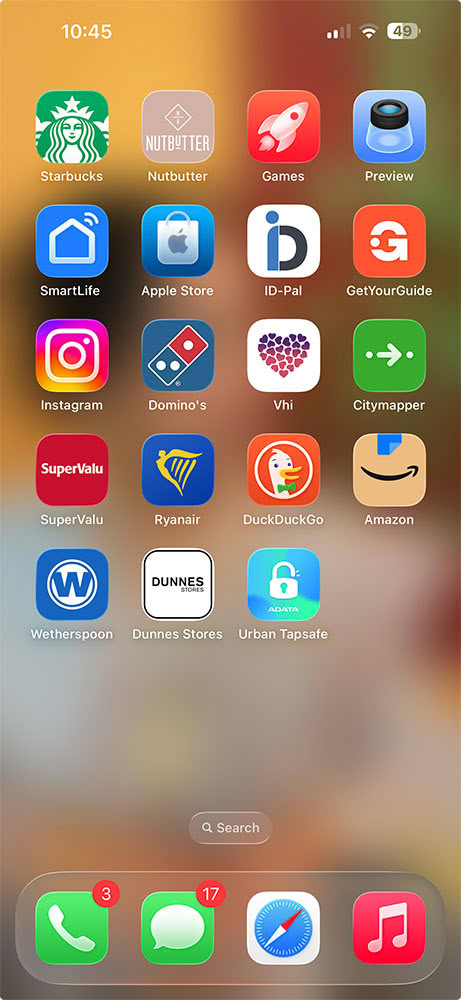
A unique feature of this drive is its NFC-based access control. The drive doesn't feature any native whole-disk encryption, but has a mechanism by which it won't allow the OS to mount any volumes when connected until authenticated by a mobile application that taps onto an NFC tag on the drive. Once set up correctly, unlocking the drive is as convenient as paying for shopping with your Apple Pay or Google Pay contactless. To get started, plug the drive to your machine, and use your phone's camera to scan the bottom QR code on the back of the pack. This points you to either App Store or Play Store, depending on your device, and gets you to download the ADATA Urban Tapsafe app.
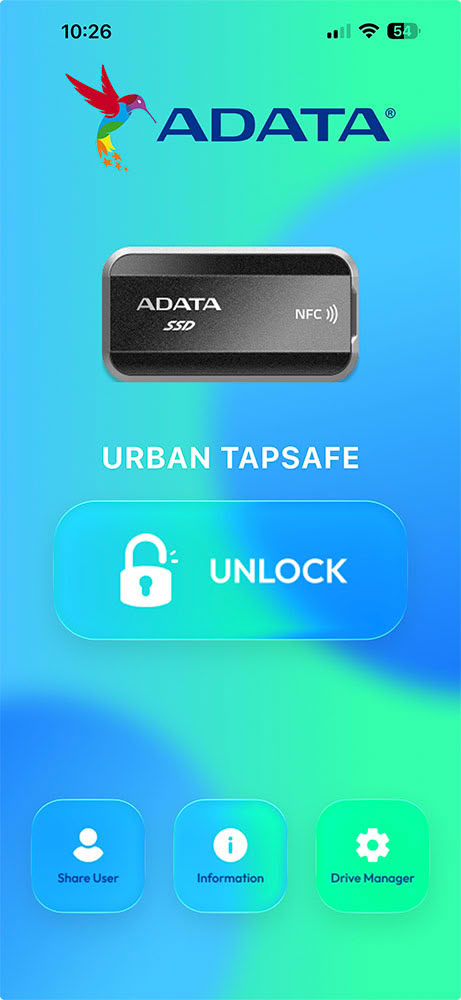
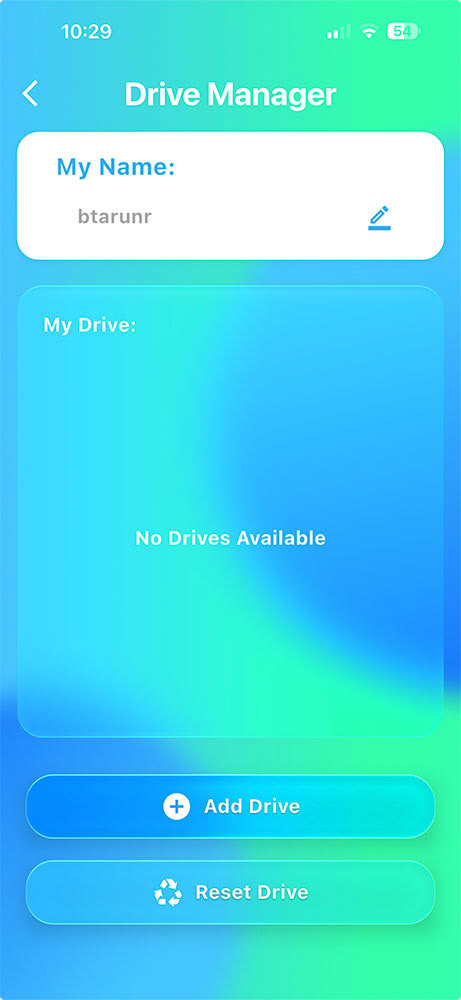
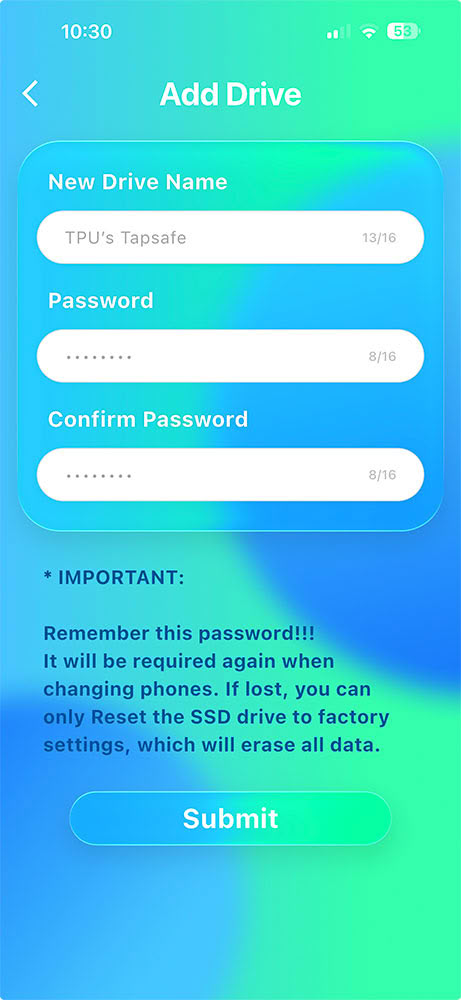
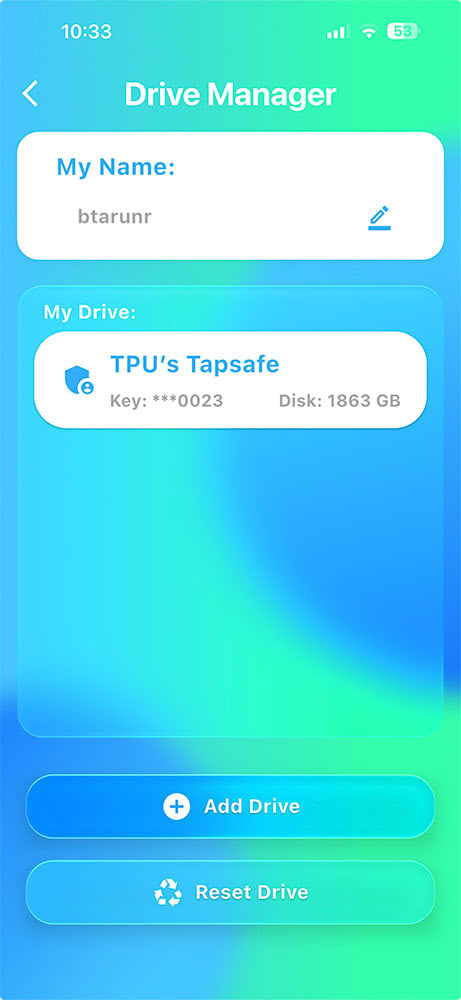
The basic concept of Tapsafe is that an app that's hiding behind your phone's security (Face ID or Passcode) taps your drive during connection to unlock it. Out of the box, the drive comes unlocked; you add this layer of security on top. With the app installed, tap on "Drive Manager" in the home screen, enter your name, and tap on "Add Drive." With your drive connected to your PC, when you see the NFC tap popup on your phone, tap the topside of your phone to the part of the drive with the NFC logo. You will then be presented with a screen to label the drive, and set a backup password. Don't lose this password, or you'll lose access to your data if your phone is lost or Tapsafe app is uninstalled.
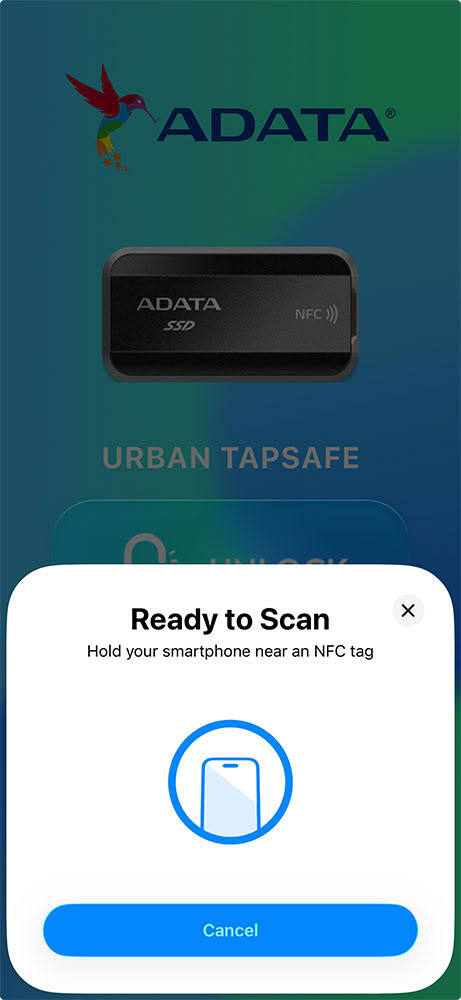
Each time you connect your drive, its LED glows red, indicating that the drive is locked. You bring up the Tapsafe app on your phone, tap on the big "Unlock" button on the app's home screen, and then tap your phone onto the drive. The LED turns blue, indicating that it's unlocked, and Windows proceeds to mount all volumes.
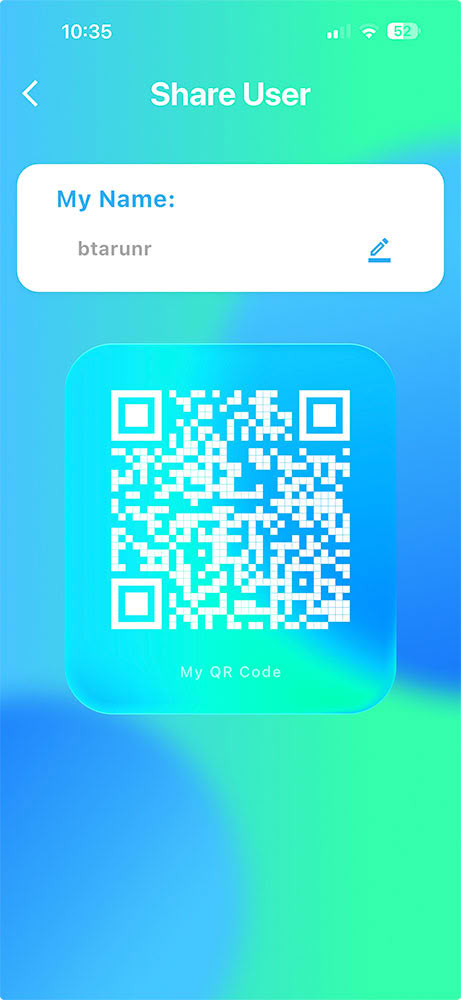
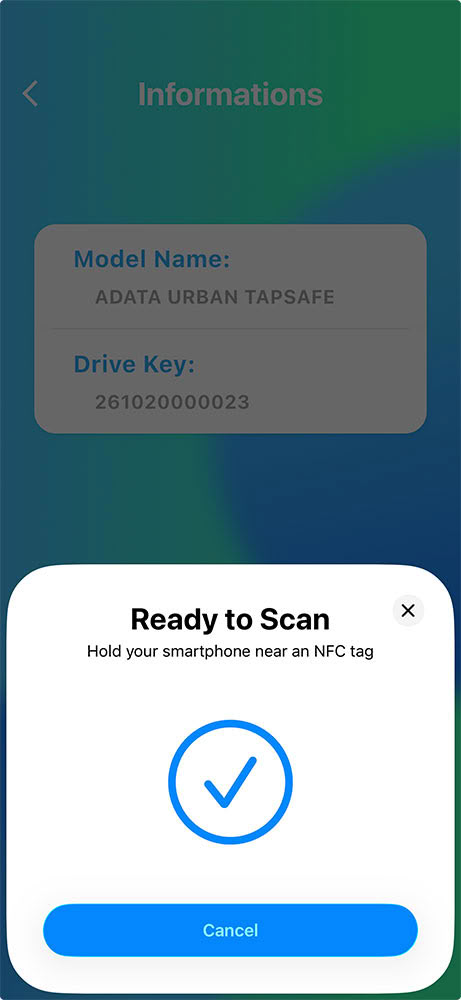
An interesting feature of the app is that you can share NFC unlock keys with other users who have the Tapsafe app, and as the drive's owner, you can set access level. For example, you can hand out QR codes to people you want to share the drive with, while giving them read-only access.
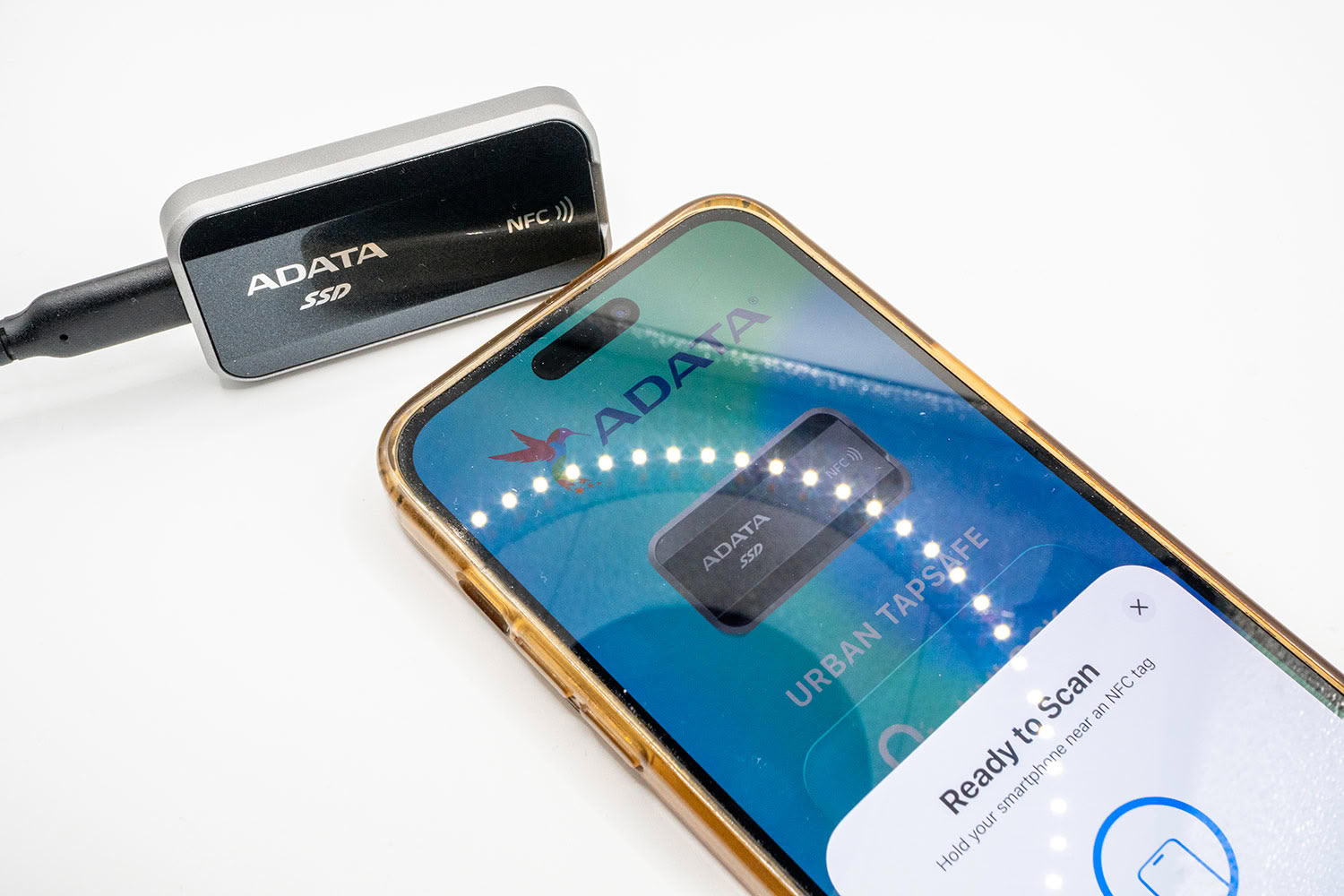
In practice though, while the feature as a concept is solid, the NFC tag of our sample wasn't very powerful. My iPhone simply wasn't able to pick up the tag from a distance of 10 cm, and had to be physically in contact with the drive to be able to scan it. The credit card point-of-sale (POS) machine in a store can pick up the iPhone's Apple Pay from 15 cm (about 1 foot) away. You don't have that level of convenience here.
Teardown
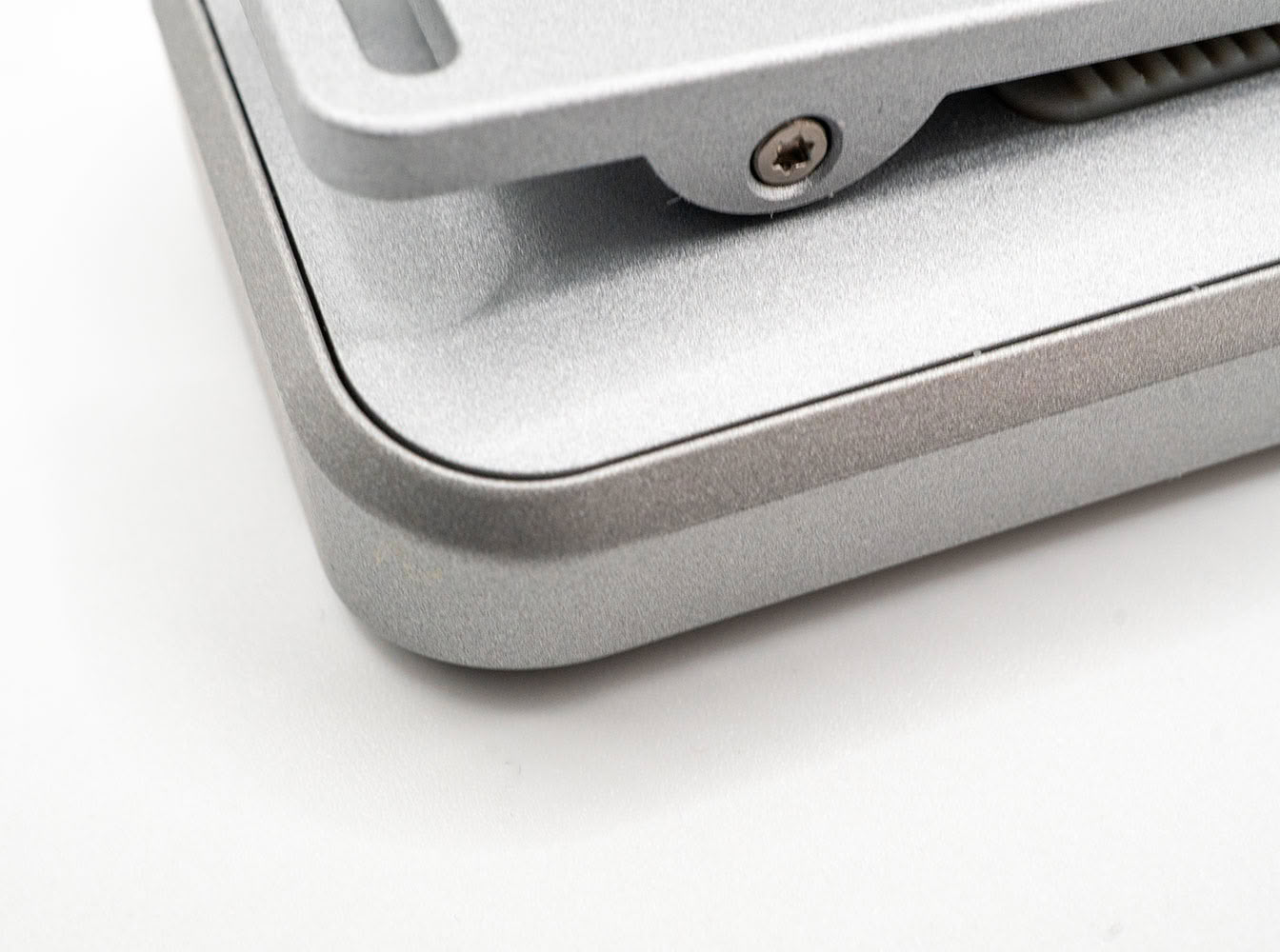
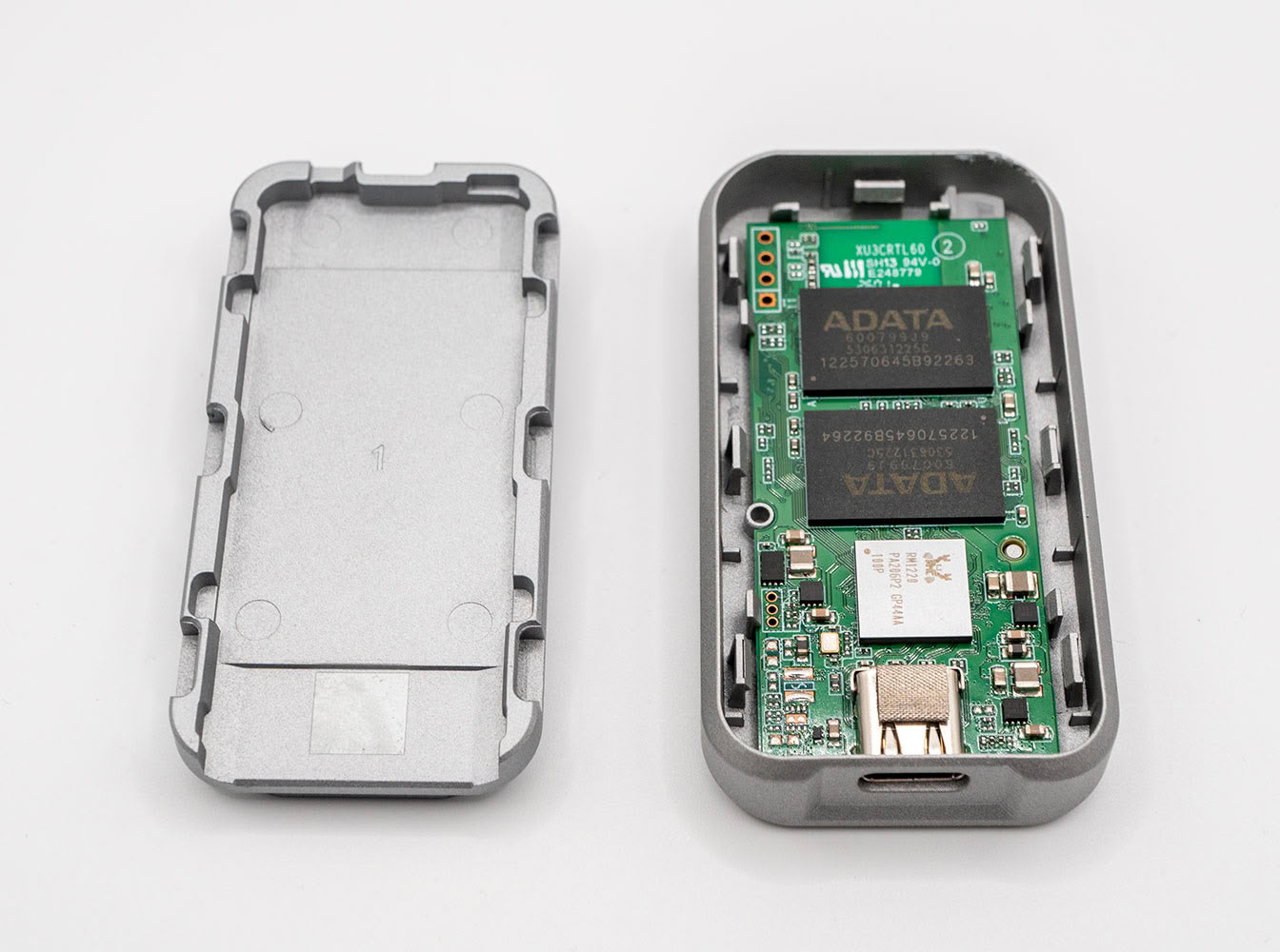
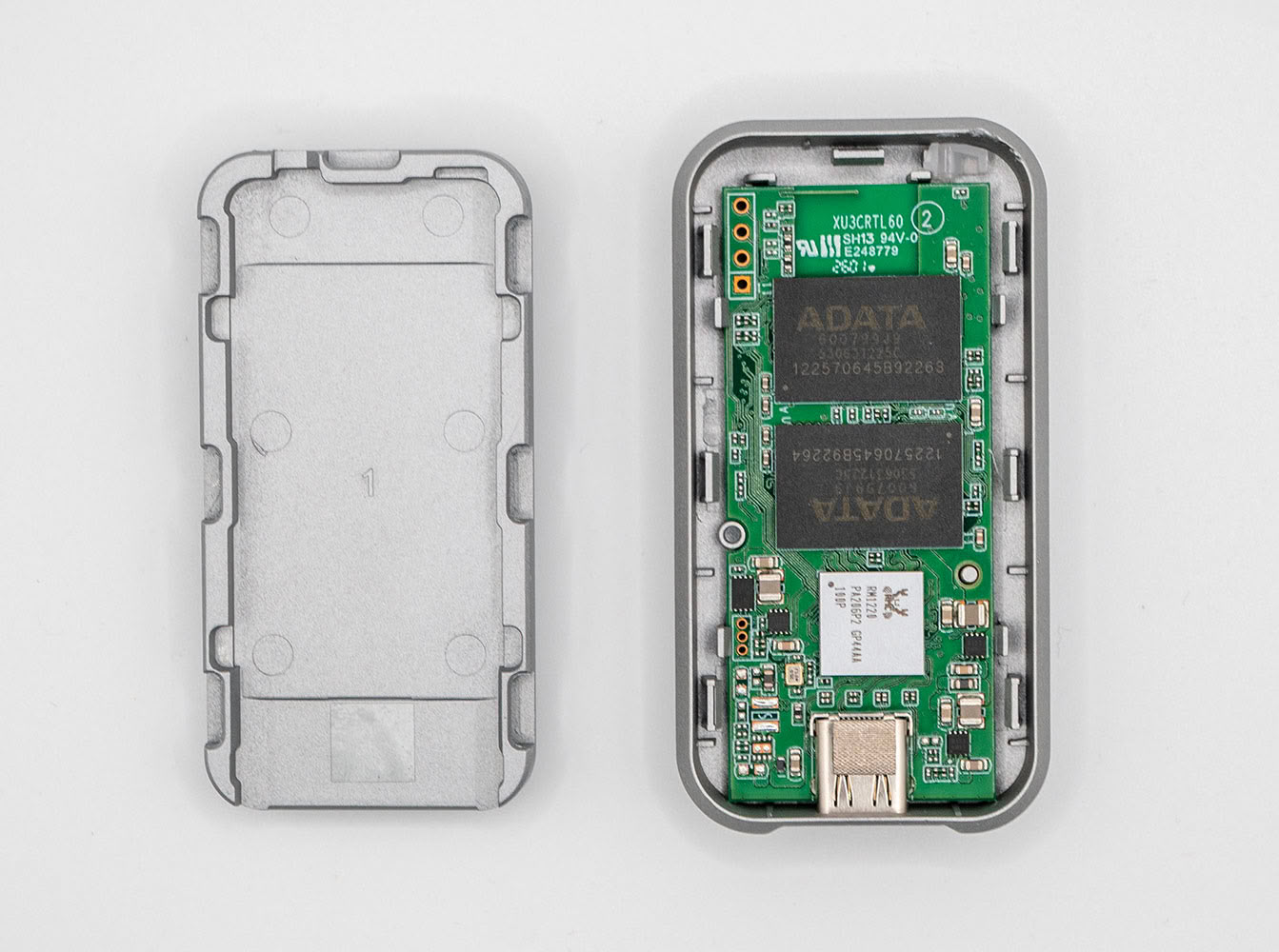
Taking apart the ADATA Urban Tapsafe is fairly straightforward despite the fact that it's well put together. Flip the drive, and look for panel gaps between the two halves. These gaps are a bit wider towards the rounded edges. This is where you'd want to start prying. A series of seven locks hold the two halves in place. A further four locks and two standoffs hold the PCB into the upper half.
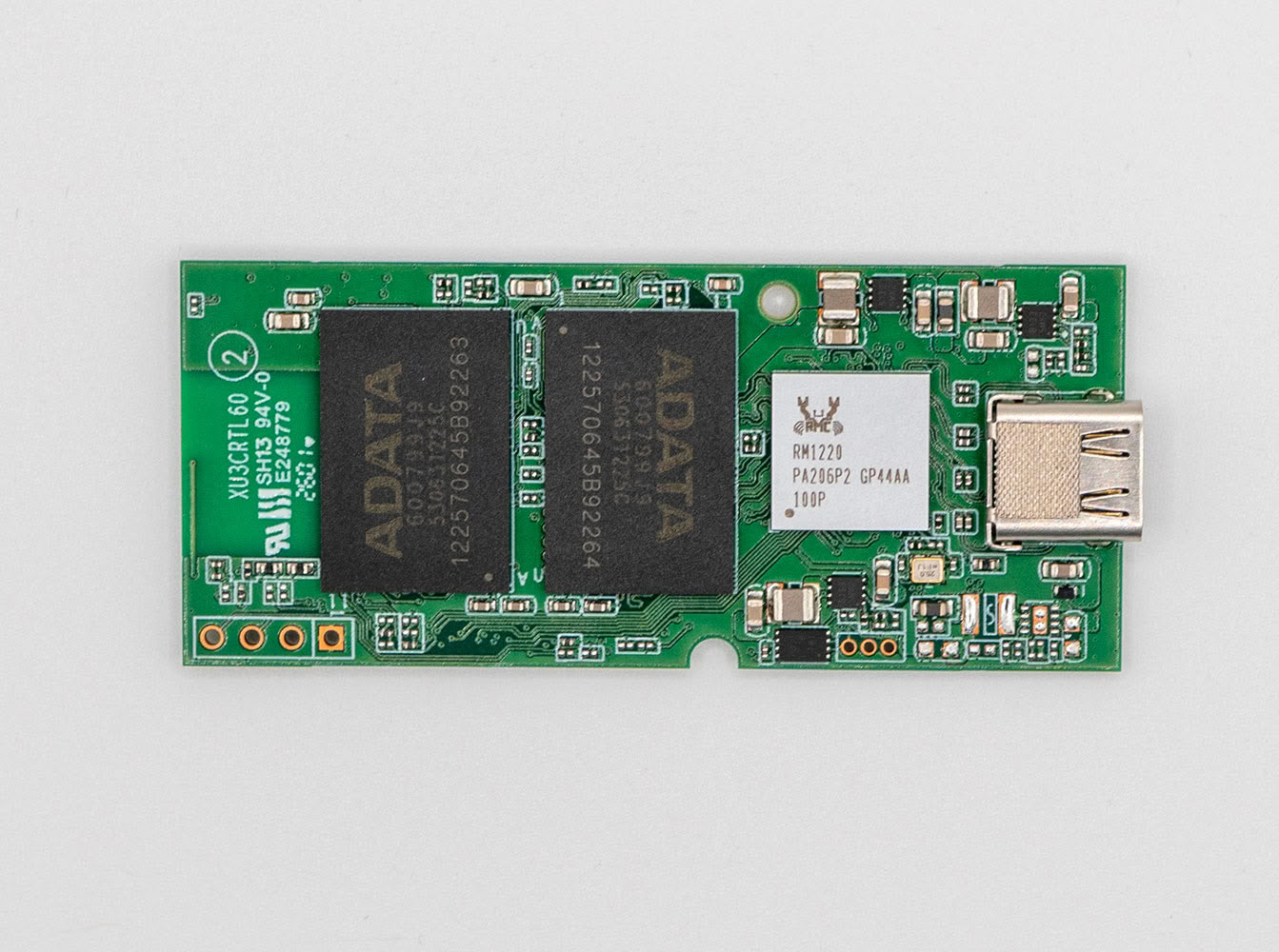
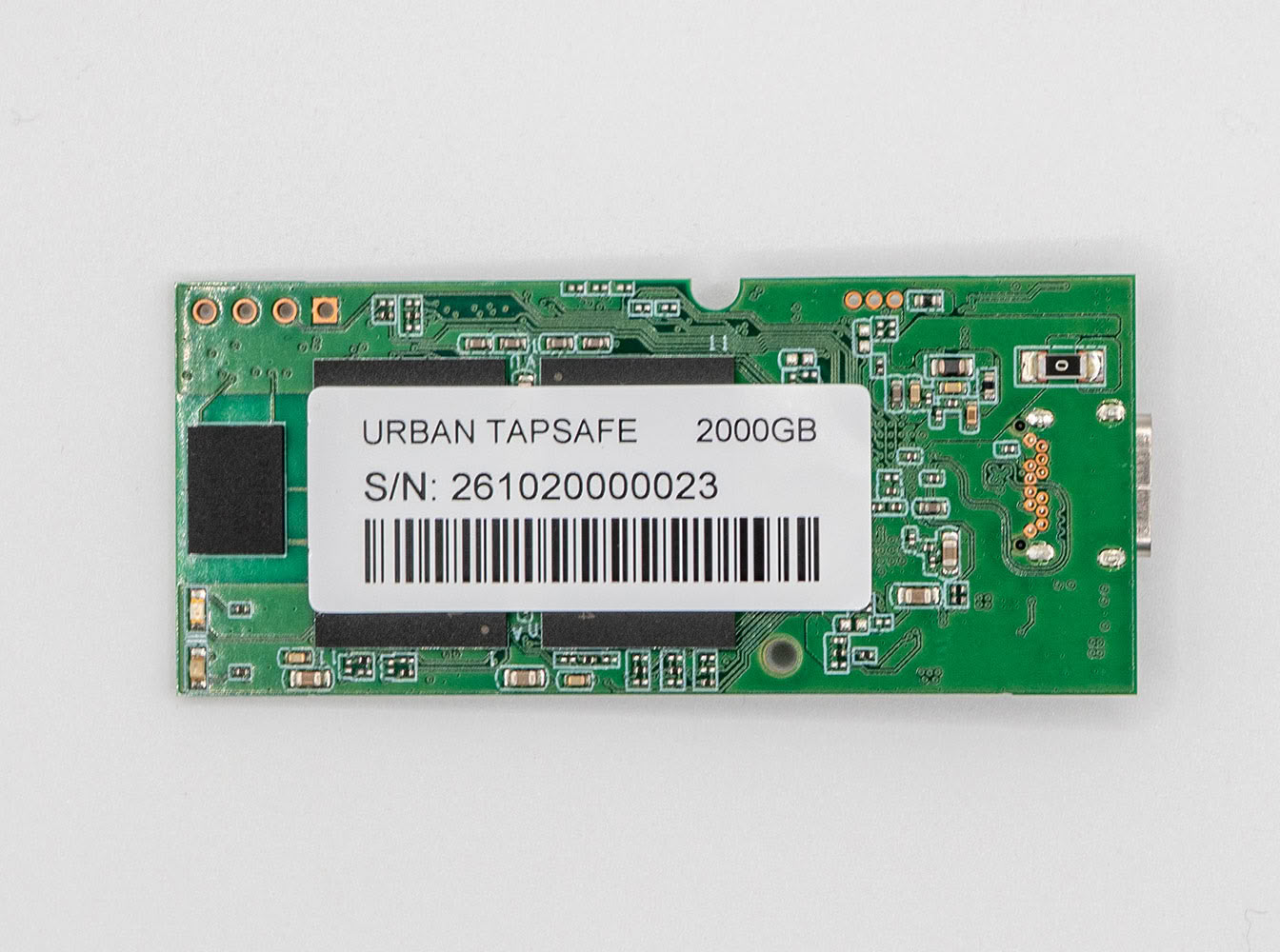
The PCB is fairly small thanks to the USB-native controller, which eliminates the need for components such as USB to PCIe bridge chips and USB-PD power management controllers. The PCB has the controller, four NAND flash chips, the NFC module, and two LEDs.
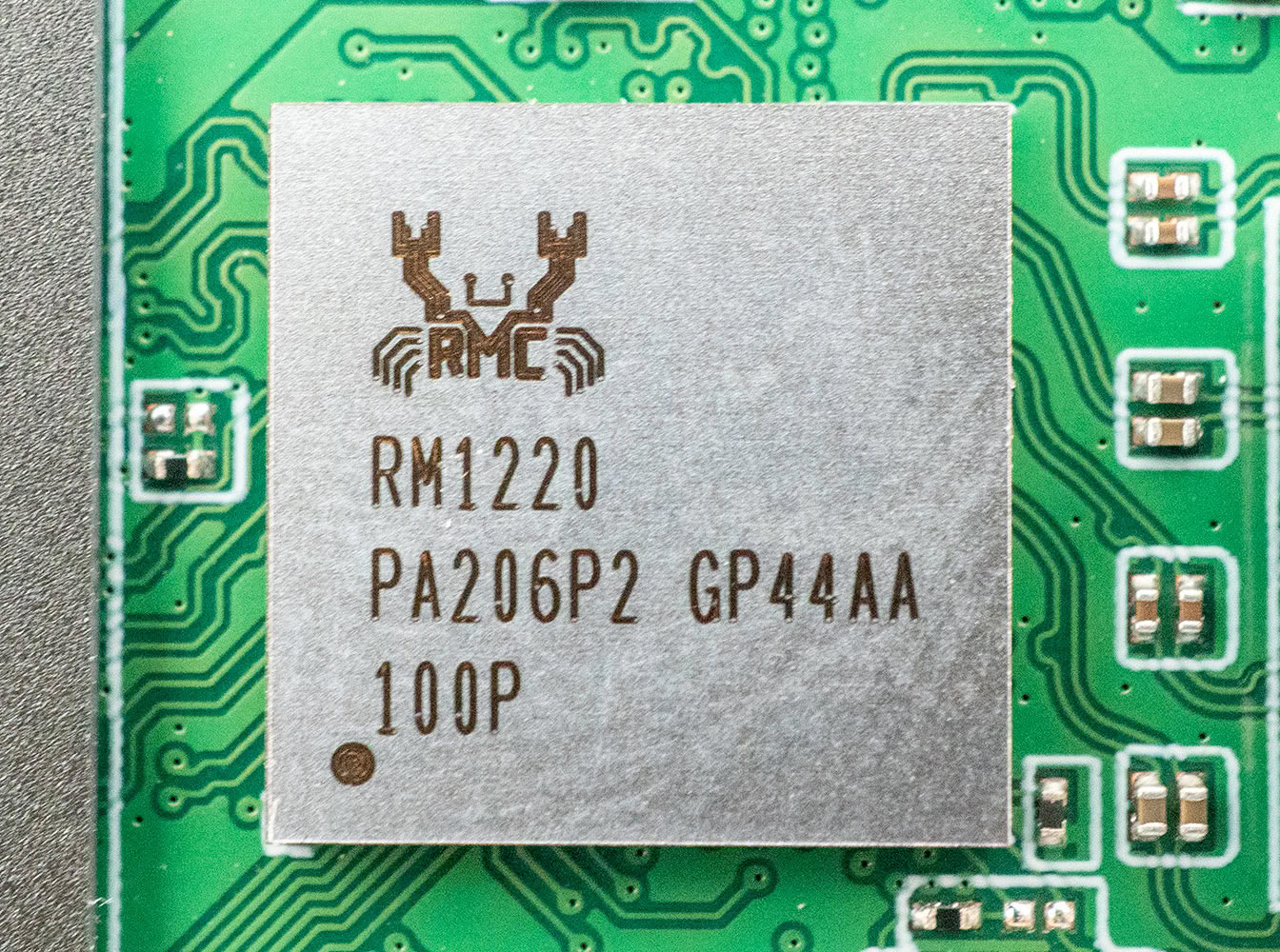
This is the Realtek RM1220, a feature-rich portable SSD controller. The controller features a 20 Gbps USB 3.2 Gen 2x2 host interface, and puts out four NAND flash channels. It also integrates a security device interface to enable on-device security features such as fingerprint readers, NFC tags, keypads, etc. On this device, ADATA implemented an NFC tag that enables 2-way communication between your smartphone and the drive to establish NFC authentication. The controller also integrates an ARGB LED interface, and ADATA used it to put out two LEDs, blue and red, which are used for the NFC authentication. Red indicates a locked drive, blue indicates a drive that's unlocked and ready to use.
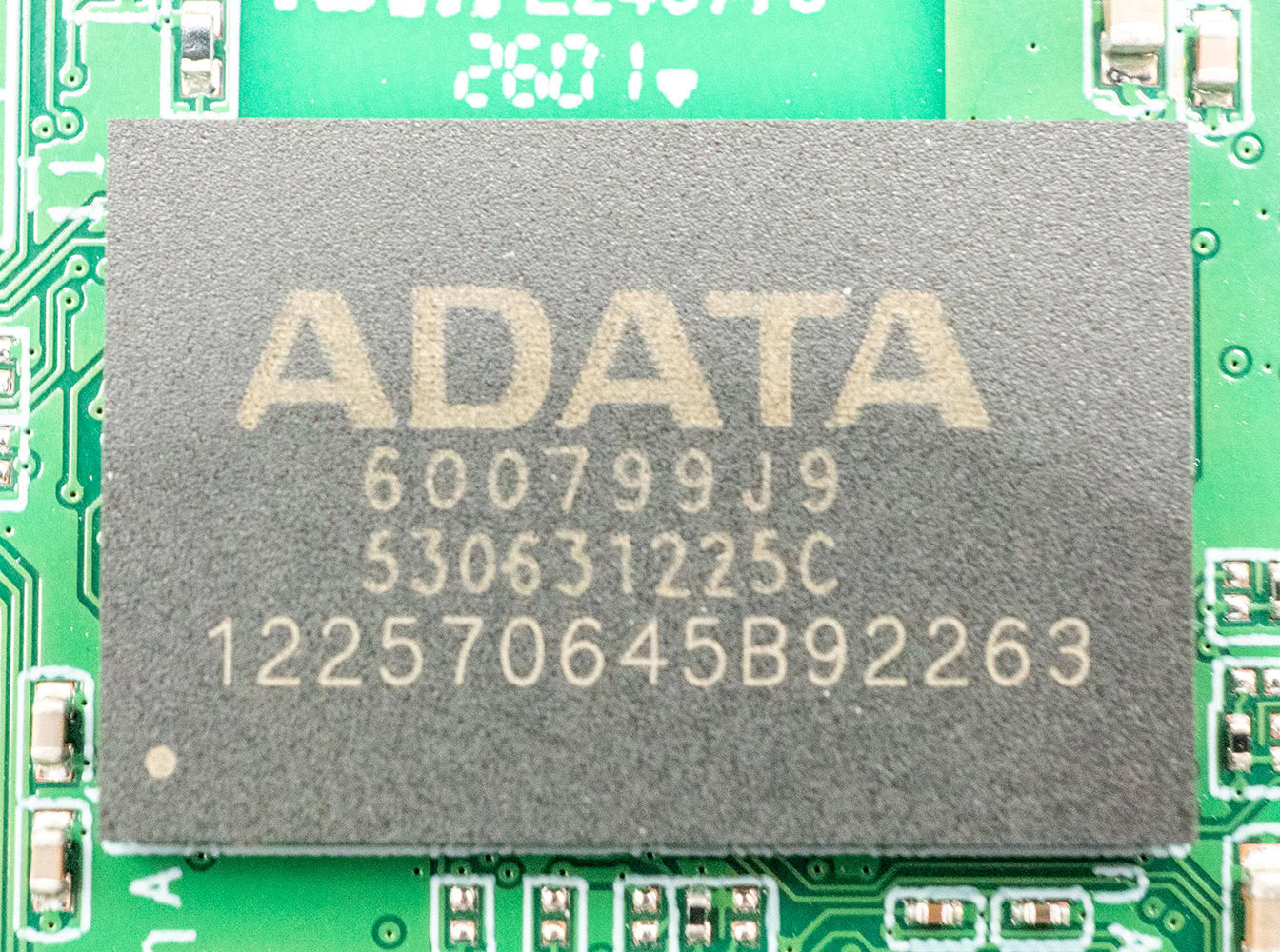
The ADATA Urban Tapsafe features four of these rebadged 4 Tb Micron 232-layer 3D QLC NAND flash chips. We are in the process of determining the exact part number.
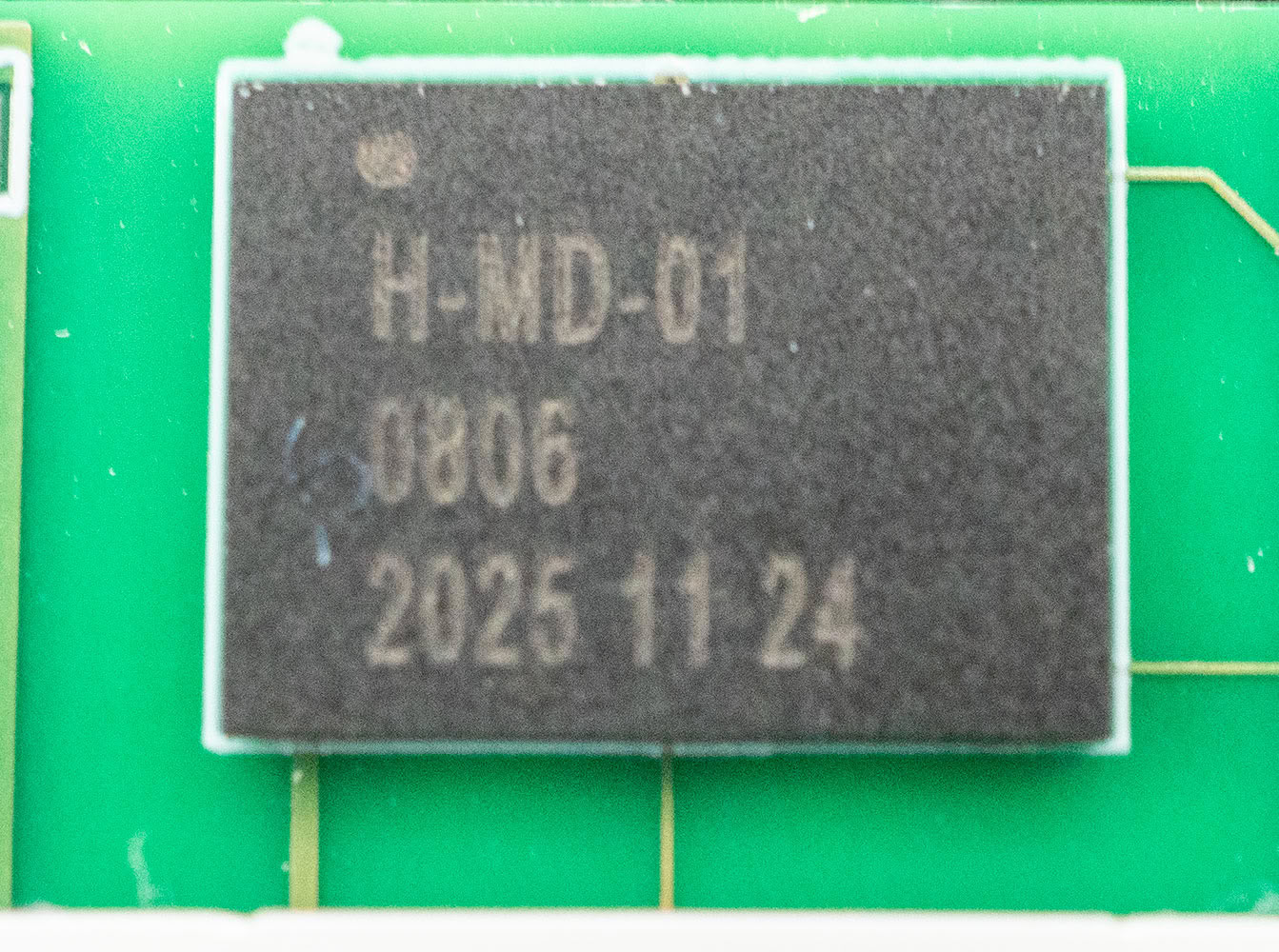
This is a fully integrated NFC tag controller that enables two-way communication between the SSD controller and your smartphone. It transmits drive-related information to the ADATA Tapsafe app, and receives authentication information from it. Unfortunately, we haven't been able to identify the manufacturer of this chip.
Nov 18th, 2026 13:38 PST
change timezone
Latest GPU Drivers
New Forum Posts
- Can i play GTA 6 now? (Joke) (6)
- Very unusual two gaming-pc scenarios. (12)
- Dell Workstation Owners Club (3513)
- Any other old-timers here planning to play WoW Forever? (151)
- Time to upgrade CPU and MOBO (33)
- The Filthy, Rotten, Nasty, Helpdesk-Nightmare picture clubhouse (2876)
- WarpCoreBench scores! (67)
- Honestly, do you care about GTA VI? (144)
- Acer Predator BiFrost Radeon RX 9070 OC (9)
- DTS DCH Driver for Realtek HDA [DTS:X APO4 + DTS Interactive] (2814)
Popular Reviews
- Acemagic Retro X3 Review
- Upcoming Hardware Launches 2027 (Updated Nov 2026)
- AMD Zen 6 Technical Deep Dive
- ASUS ROG Strix B850-I Gaming Wi-Fi7 W Review
- Corsair HX1000i Shift Crystal Review
- Biwin Black Opal NV7400 2 TB Review
- Chieftec Iceberg PRO 360 DARK Review
- AMD Ryzen 7 9800X3D Review - The Best Gaming Processor
- Pulsar Office Tour & First Look at P1 Dual-Sensor Mouse
- Phantom Blade Zero Performance Benchmark Review - 35 GPUs Tested
TPU on YouTube
Controversial News Posts
- NVIDIA Co-Founder and CEO Jensen Huang Officially Resigns (478)
- Report: Jensen Huang Eyes NVIDIA Comeback (187)
- Open Letter Asking NVIDIA to Reinstate Jensen Huang Passes 115,000 Signatures (184)
- OpenAI CEO Argues Home PCs Waste the World's Limited DRAM Supply (152)
- NVIDIA Launches Investigation Into Jensen Huang's Relationship With Suspected Chinese Spy (136)
- Intel "Raptor Lake Next" 16-Core and 20-Core CPUs Surface (130)
- Legendary Game Studio BioWare Shuts Down Following EA Layoffs (104)
- Dell CEO Says the Memory Shortage Will Get Worse in 2027 (95)