 2
AQIRYS Sirius Pro Review
Software »Closer Examination, Build Quality, and Comfort
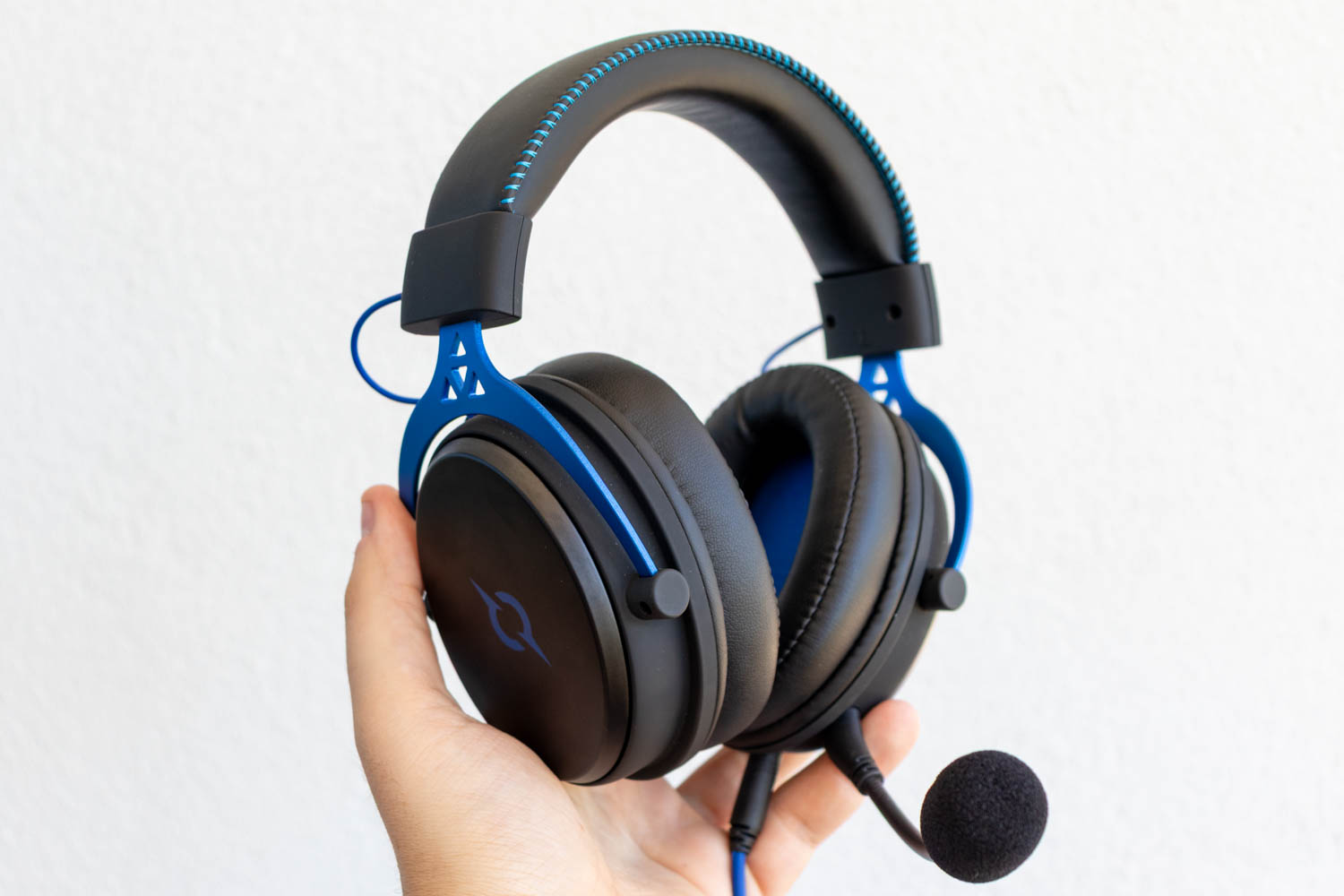
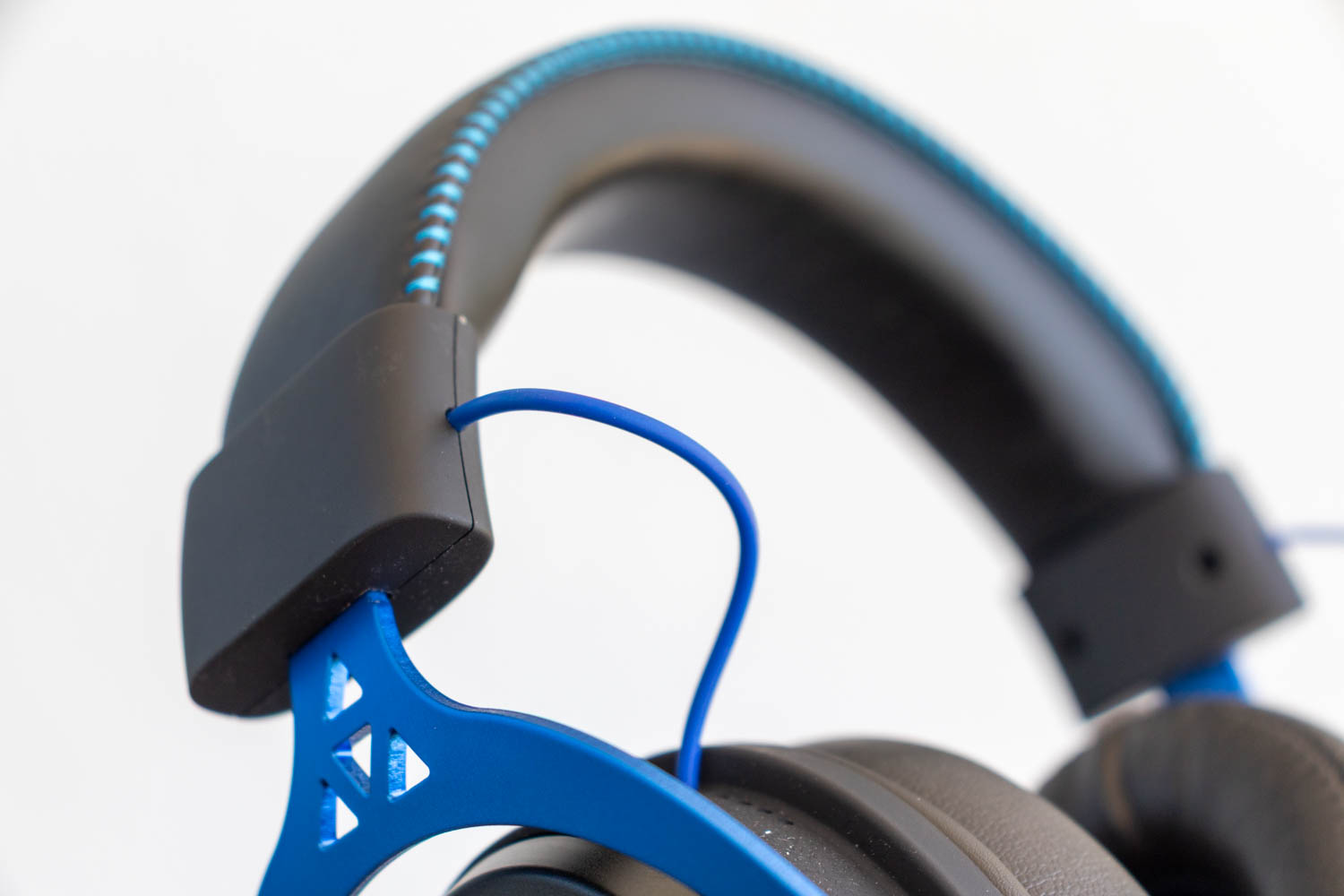
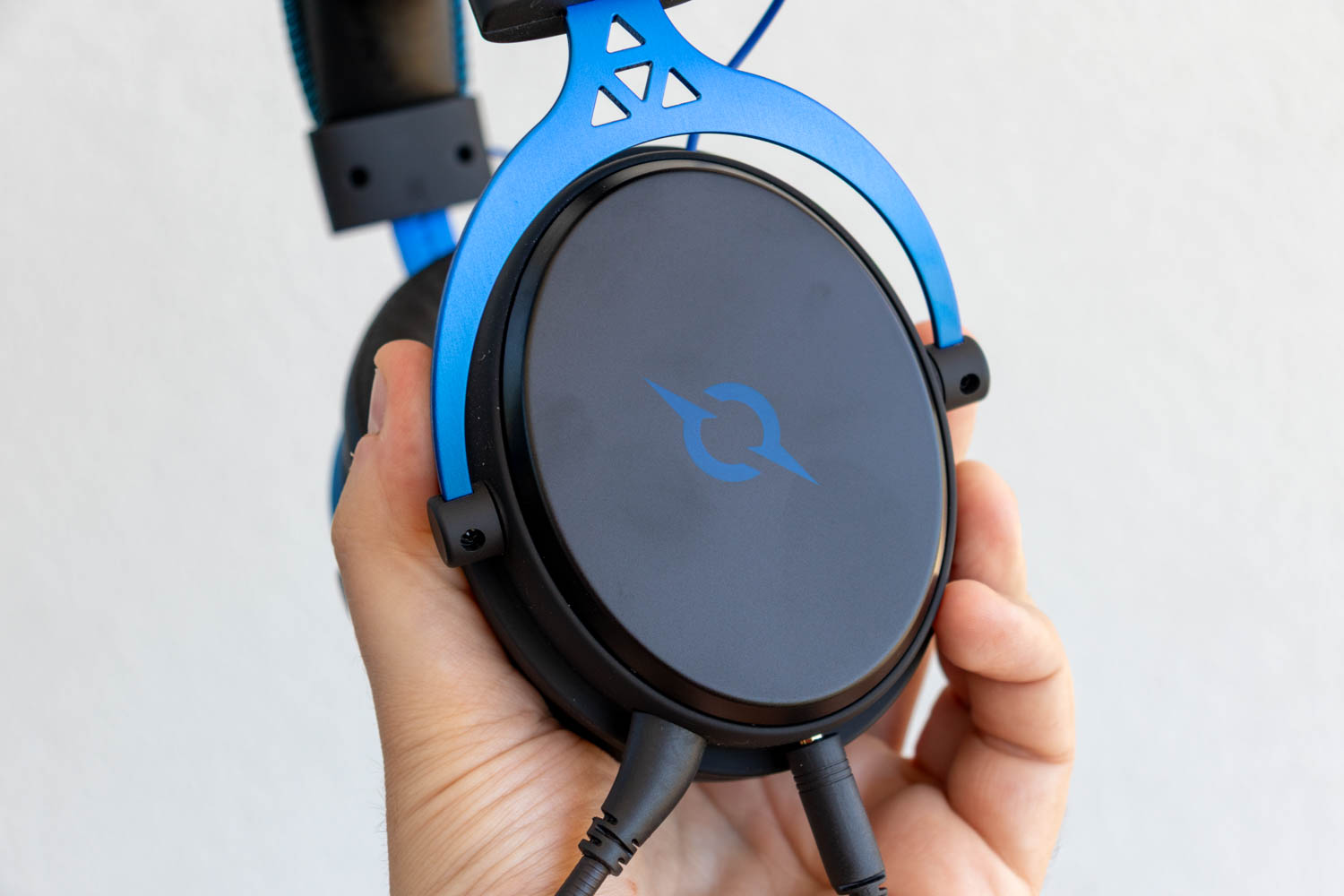

Design and build quality-wise, the AQIRYS Sirius Pro is very similar to the Andromeda Pro, with the colorway being the only major point of differentiation. While the Andromeda Pro uses a black-and-gray color scheme, the Sirius Pro stands out a bit more with its deep blue hangers, headband stitching, and cables. The ear cups—which bear the AQIRYS logo—hang from aluminium arms that allow limited horizontal rotation. A partially exposed, rubberized cable connects the left and right channels.
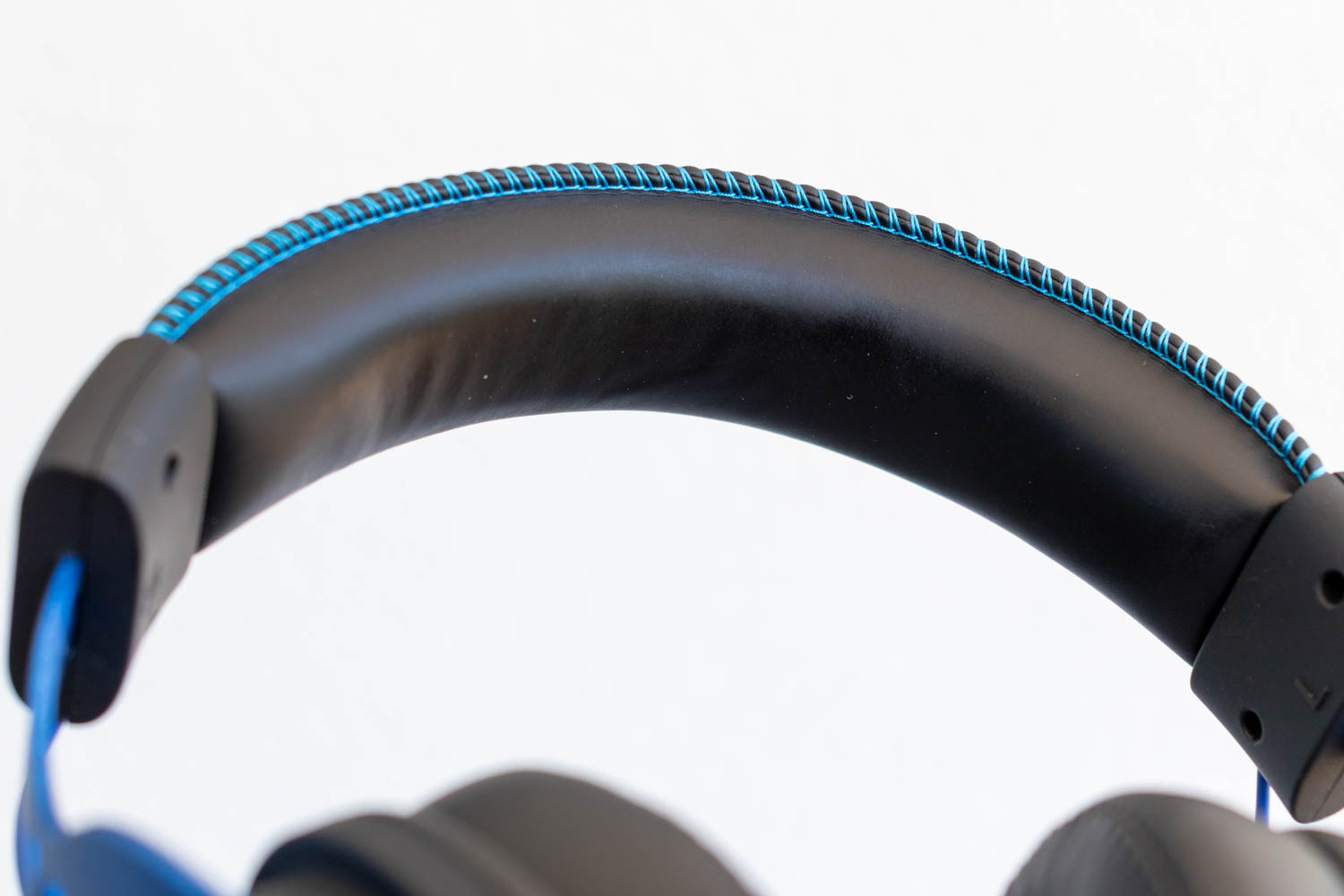
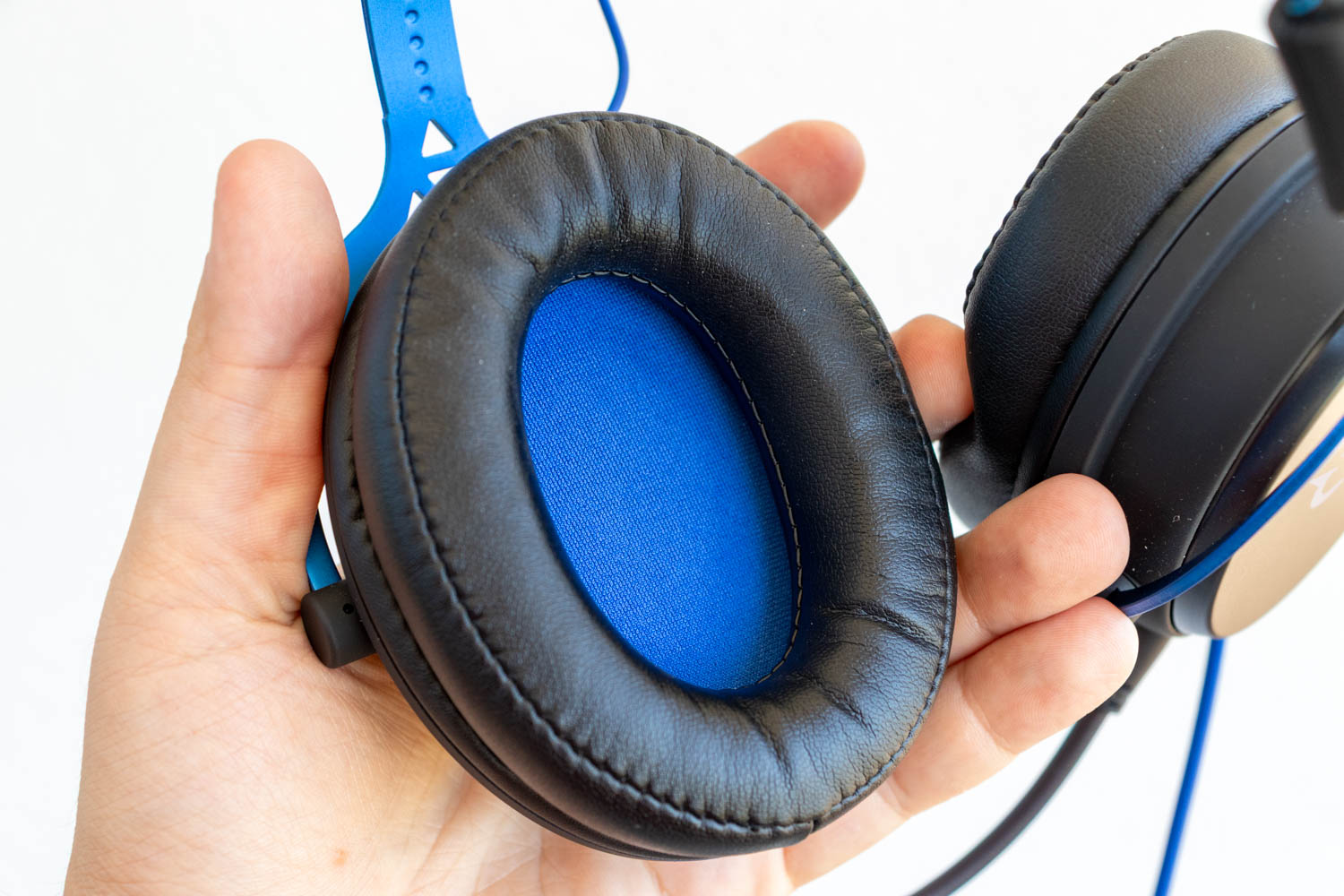
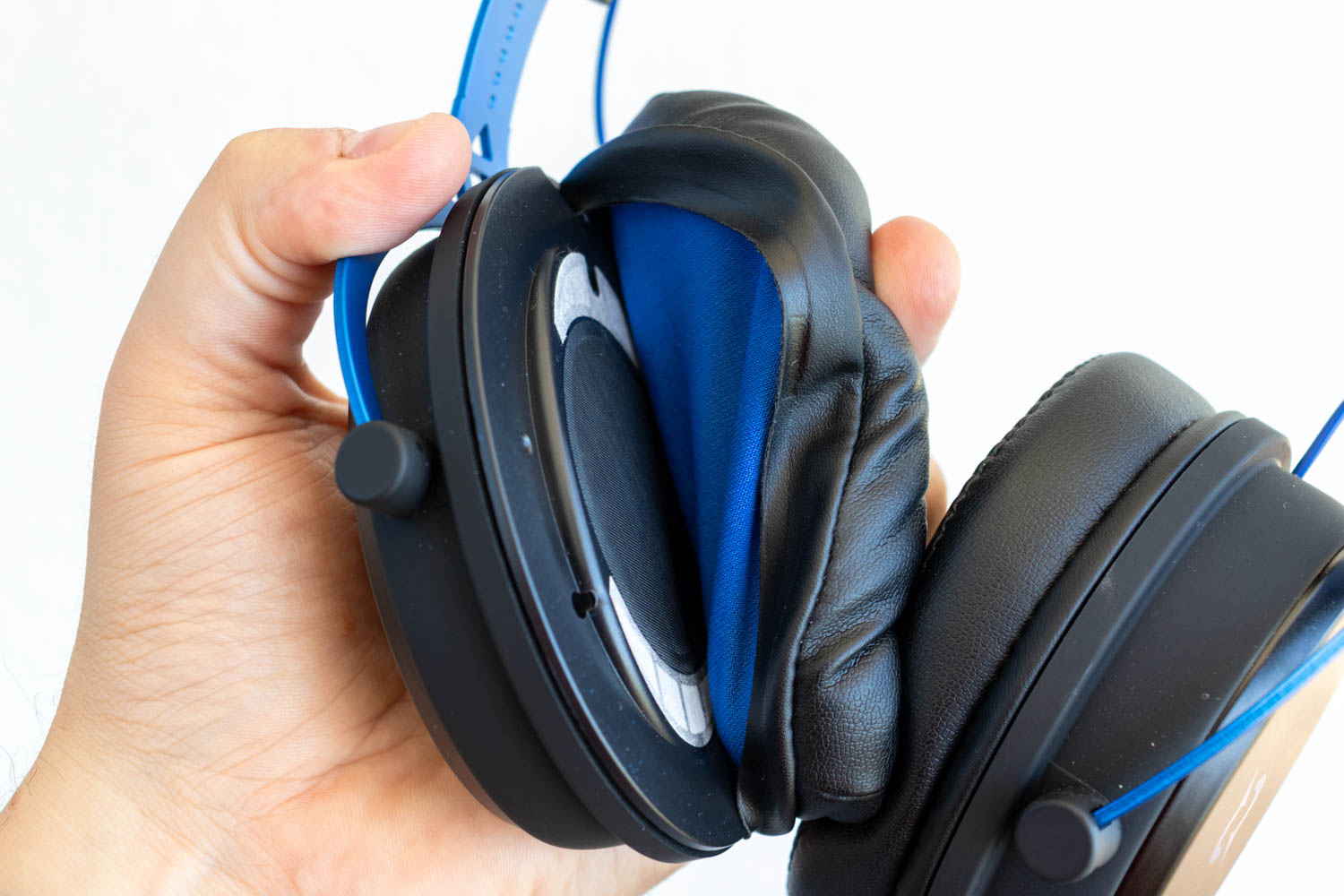
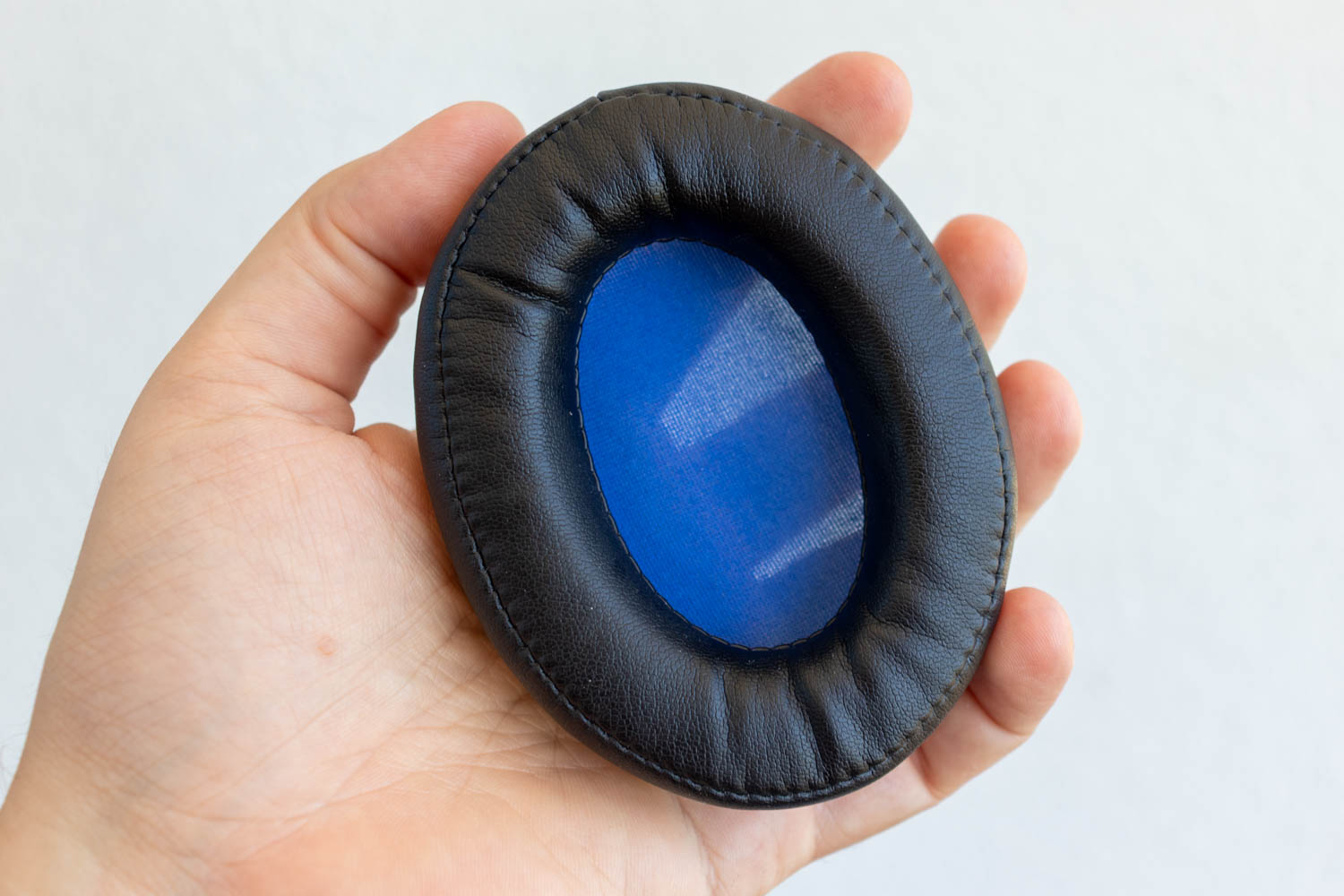
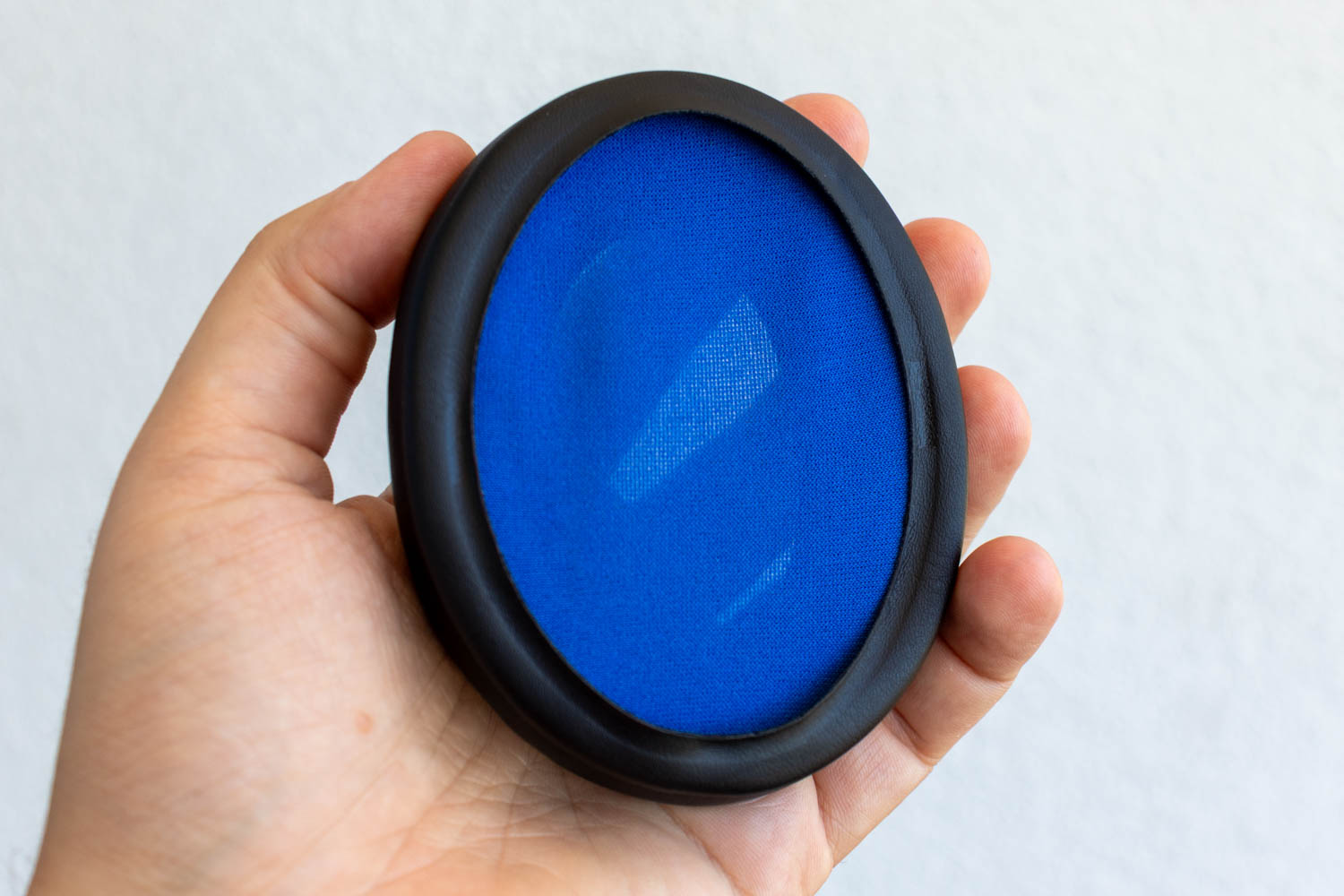

The inner headband is padded with a thick, soft layer of foam wrapped in pleather. The pleather ear pads are also decently padded, and the clamping force is well-balanced, so the Sirius Pro remains comfortable even during longer sessions, despite its substantial size and weight. The ear pads use a standard shape, size, and attachment system, so finding compatible replacements shouldn't be an issue. Unlike the more expensive wireless Andromeda Pro, the Sirius Pro doesn't come with a second pair of cloth pads—the included pleather ones are the only stock option.
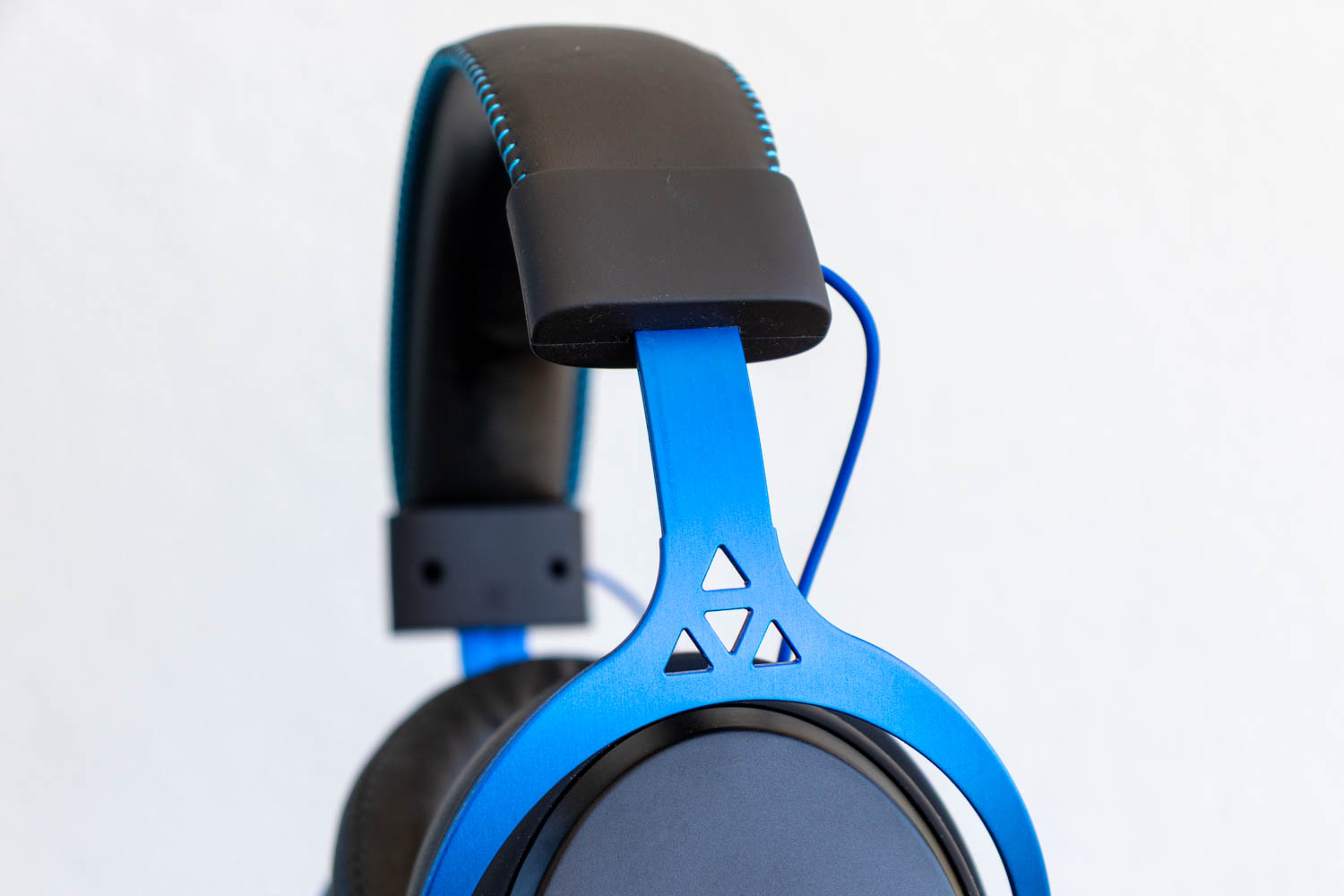
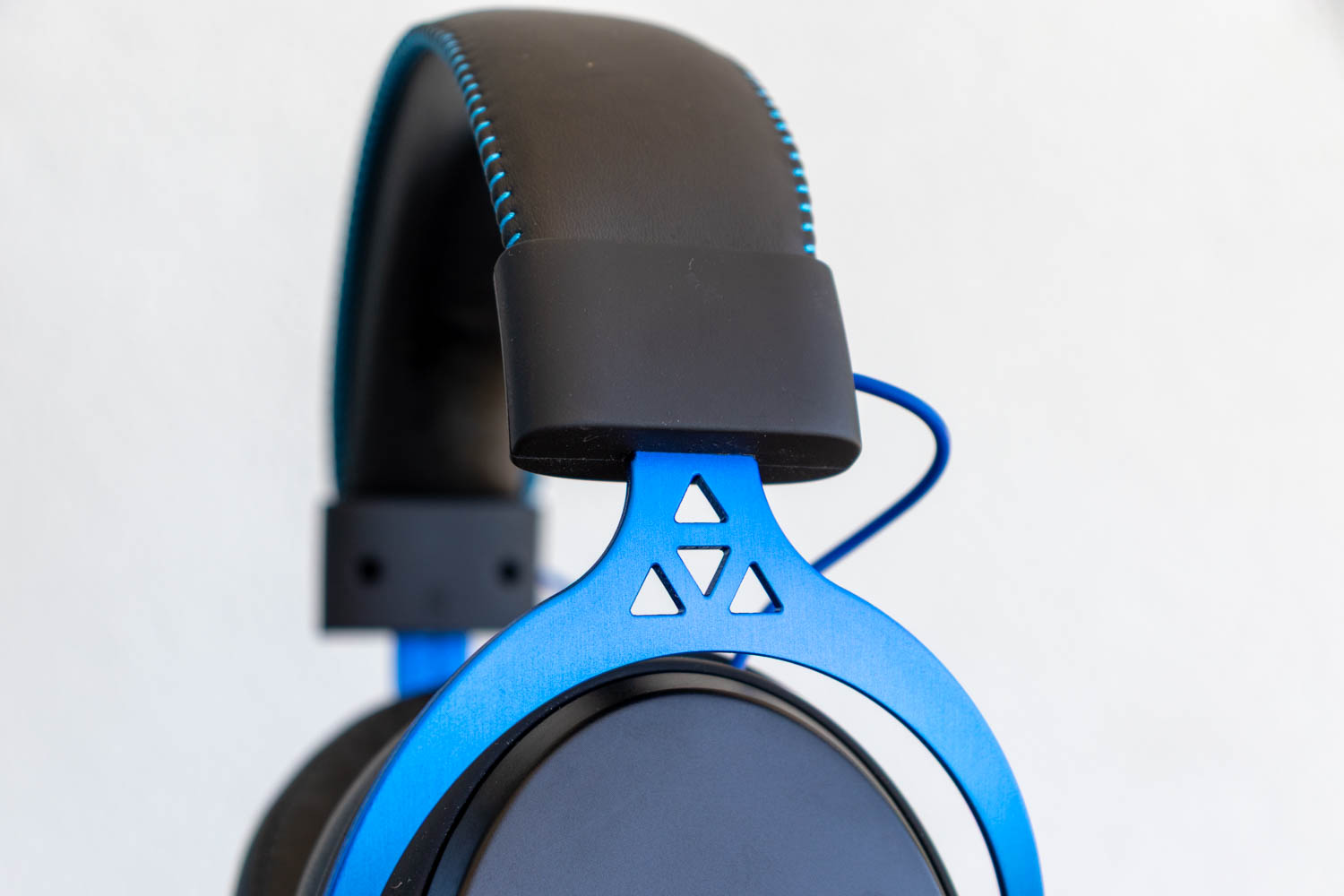
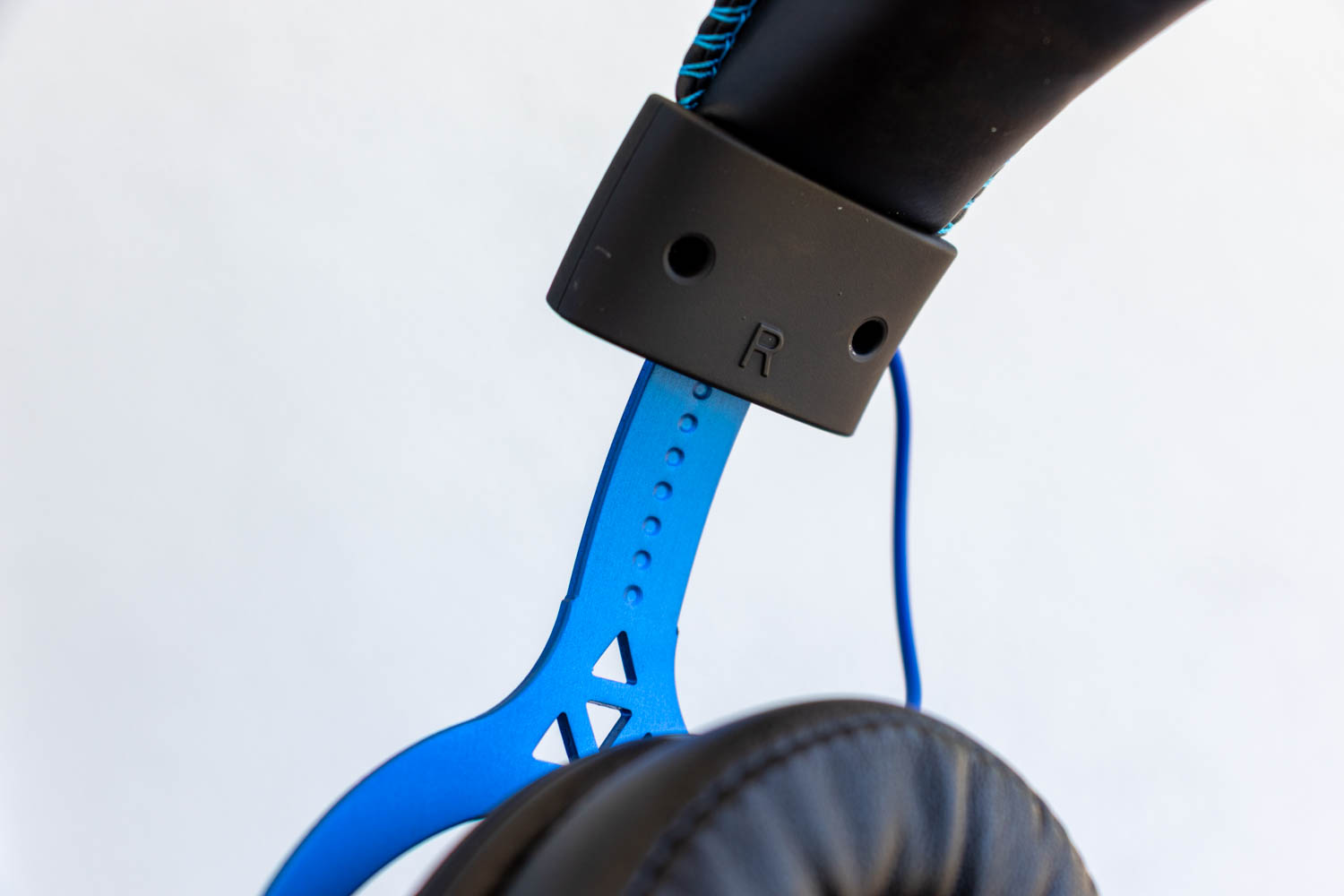
The headset's height is adjusted by sliding the ear cups along the metal frame. A dot pattern on the inner side of the frame helps keep both sides evenly aligned, serving as a simple and effective visual guide.

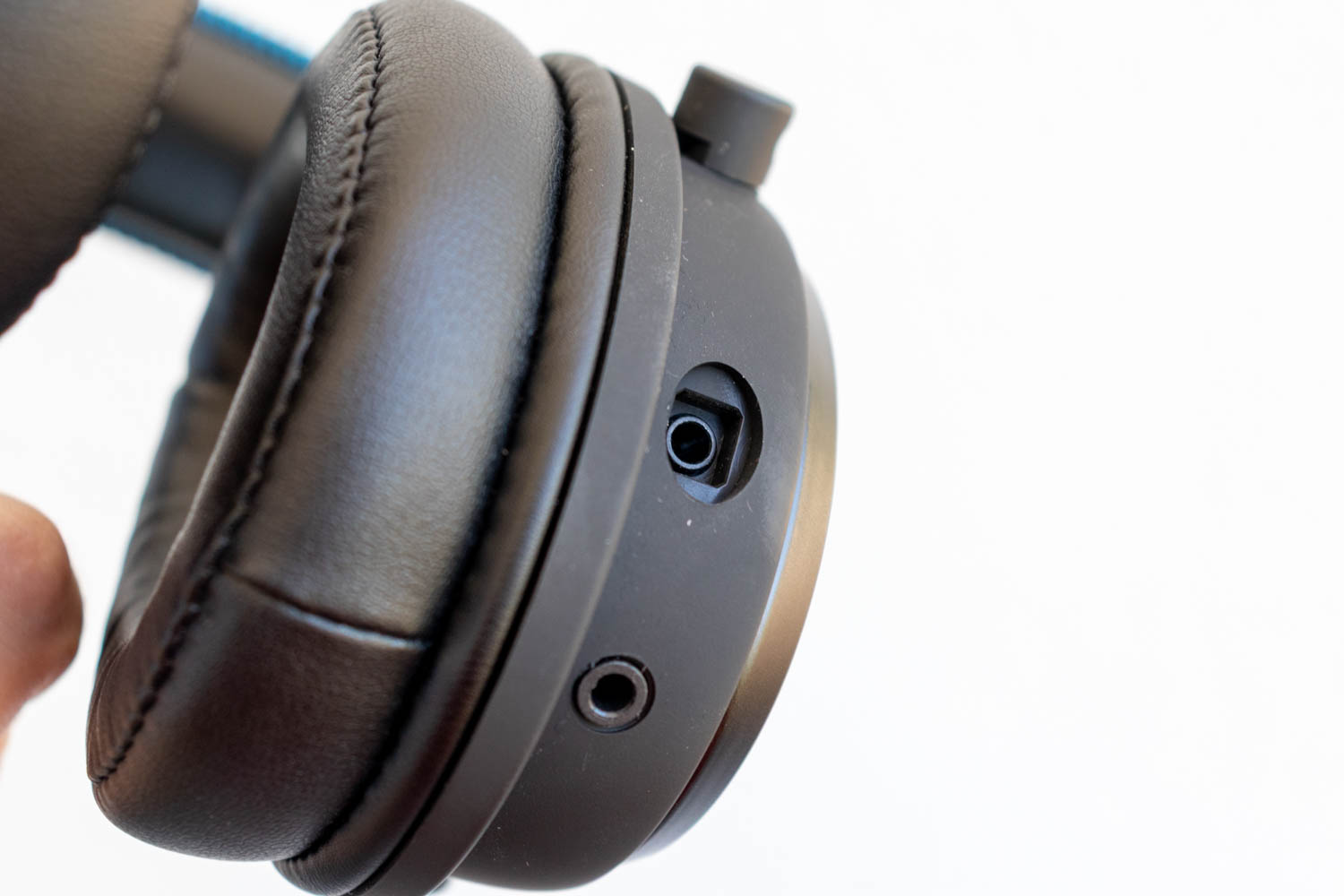
Unlike many headsets that place controls on both ear cups, the Sirius Pro keeps things simple: the left ear cup houses only the microphone plug and a 4-pole (TRRS) 3.5 mm audio port.
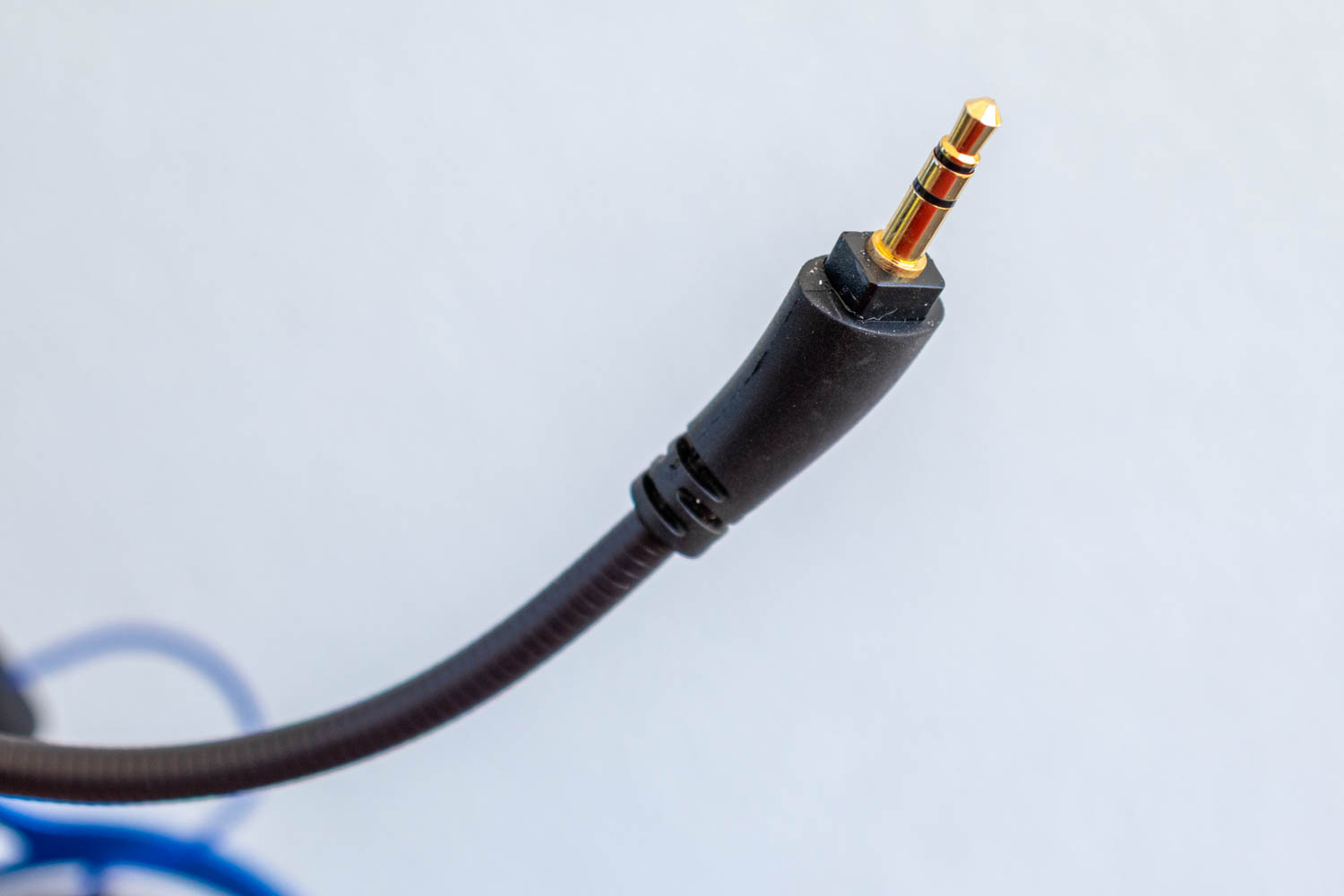
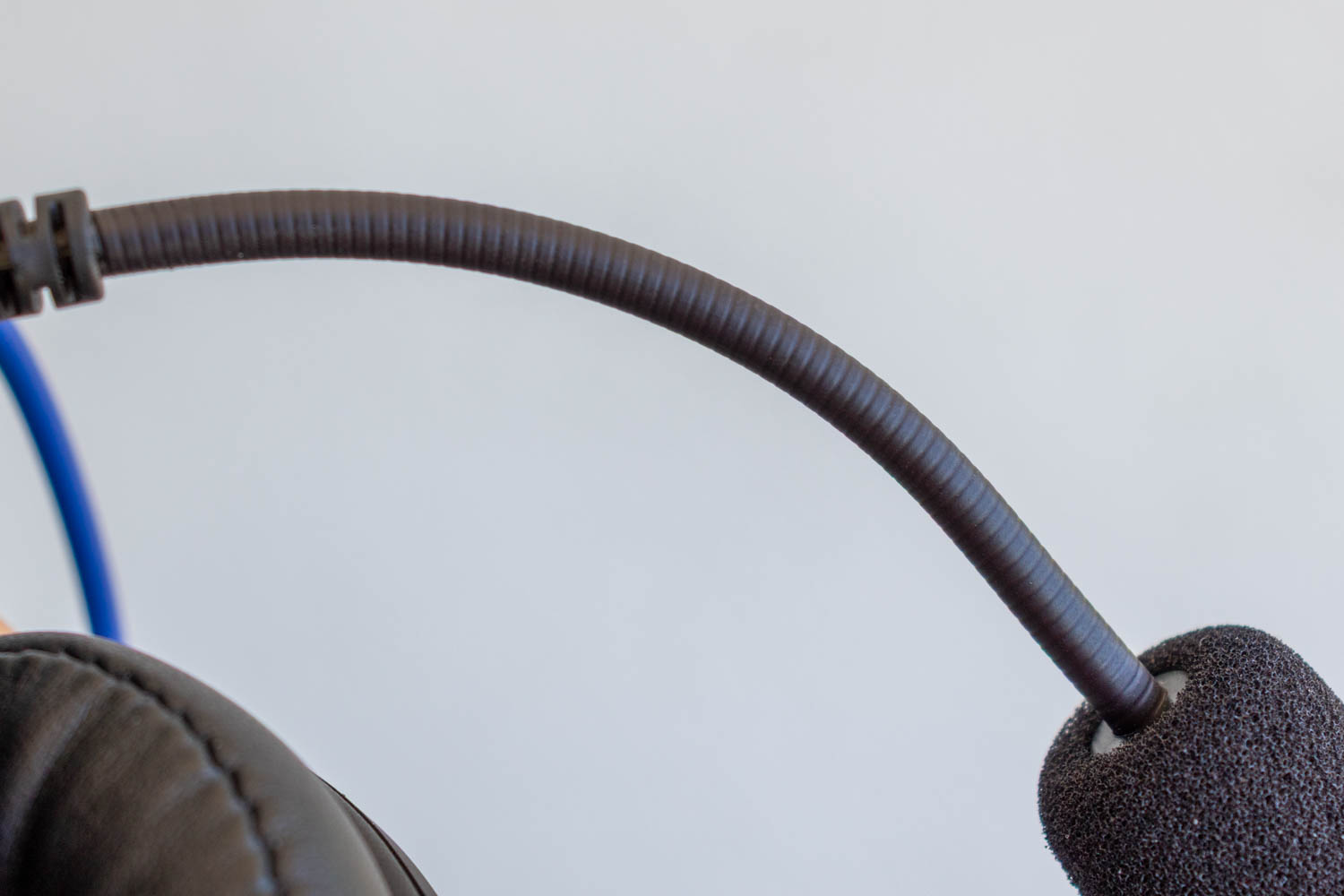
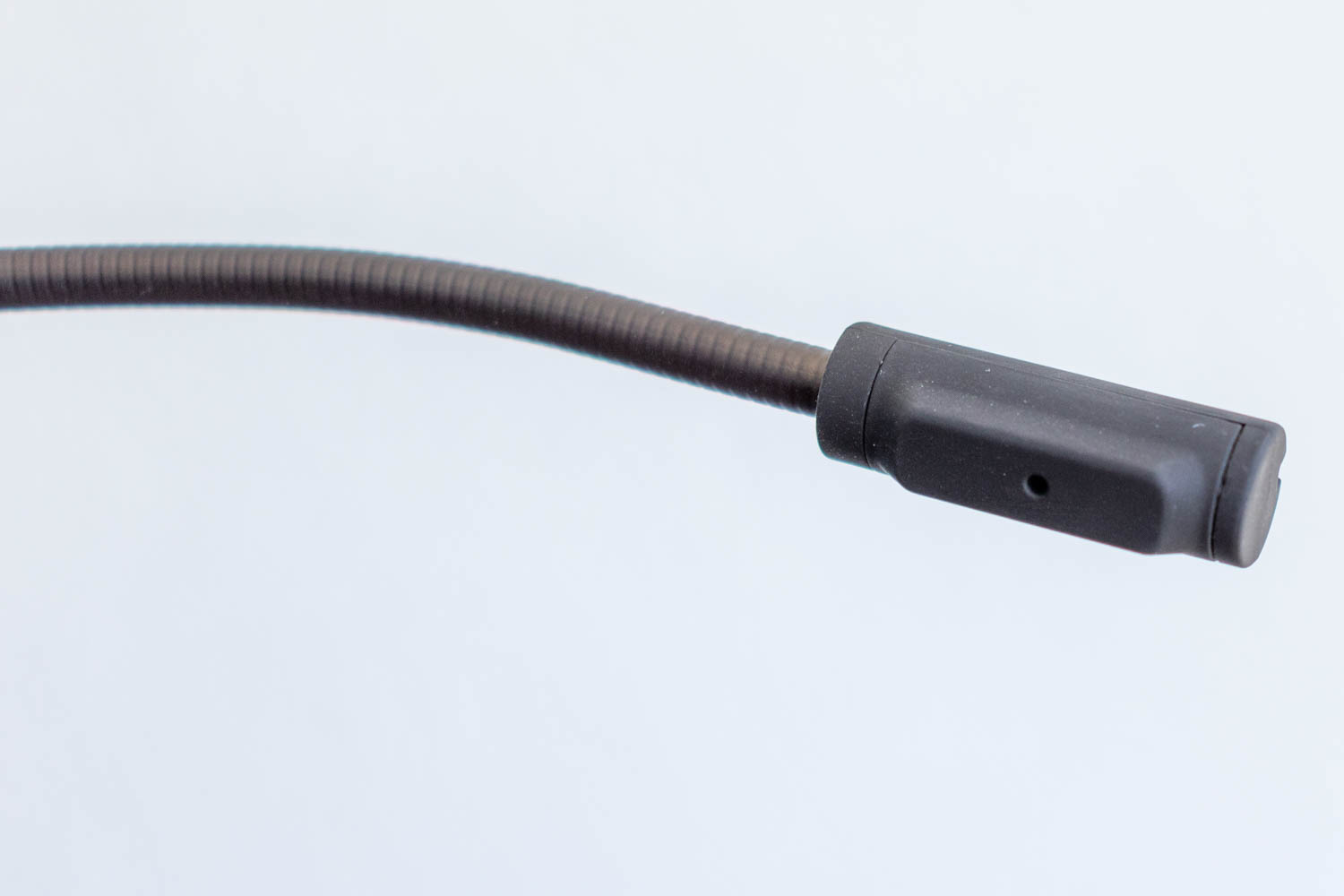
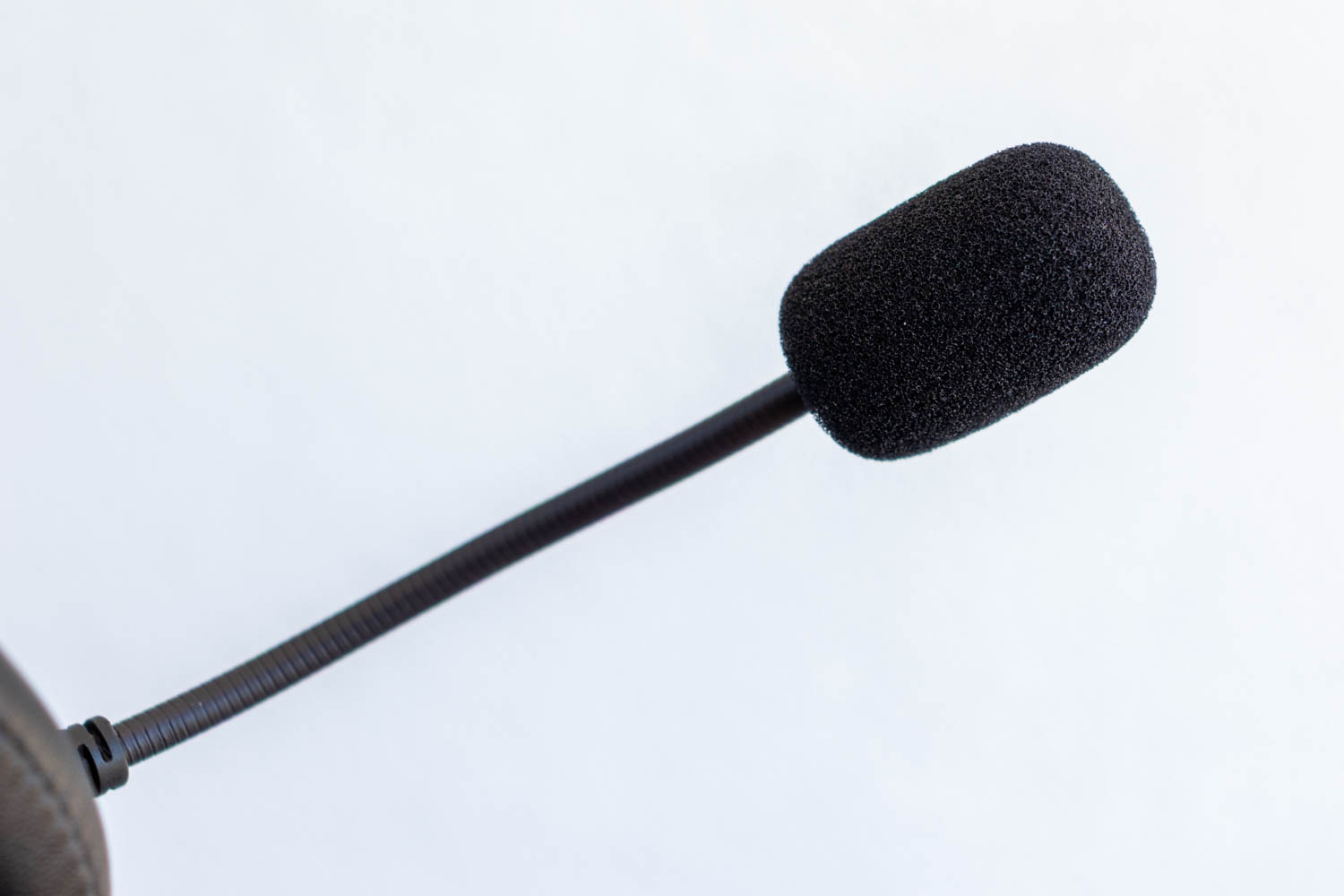
The detachable microphone includes a pop filter and stays securely in whatever position you set it. It connects to the headset via a dedicated 3.5 mm jack on the left ear cup.
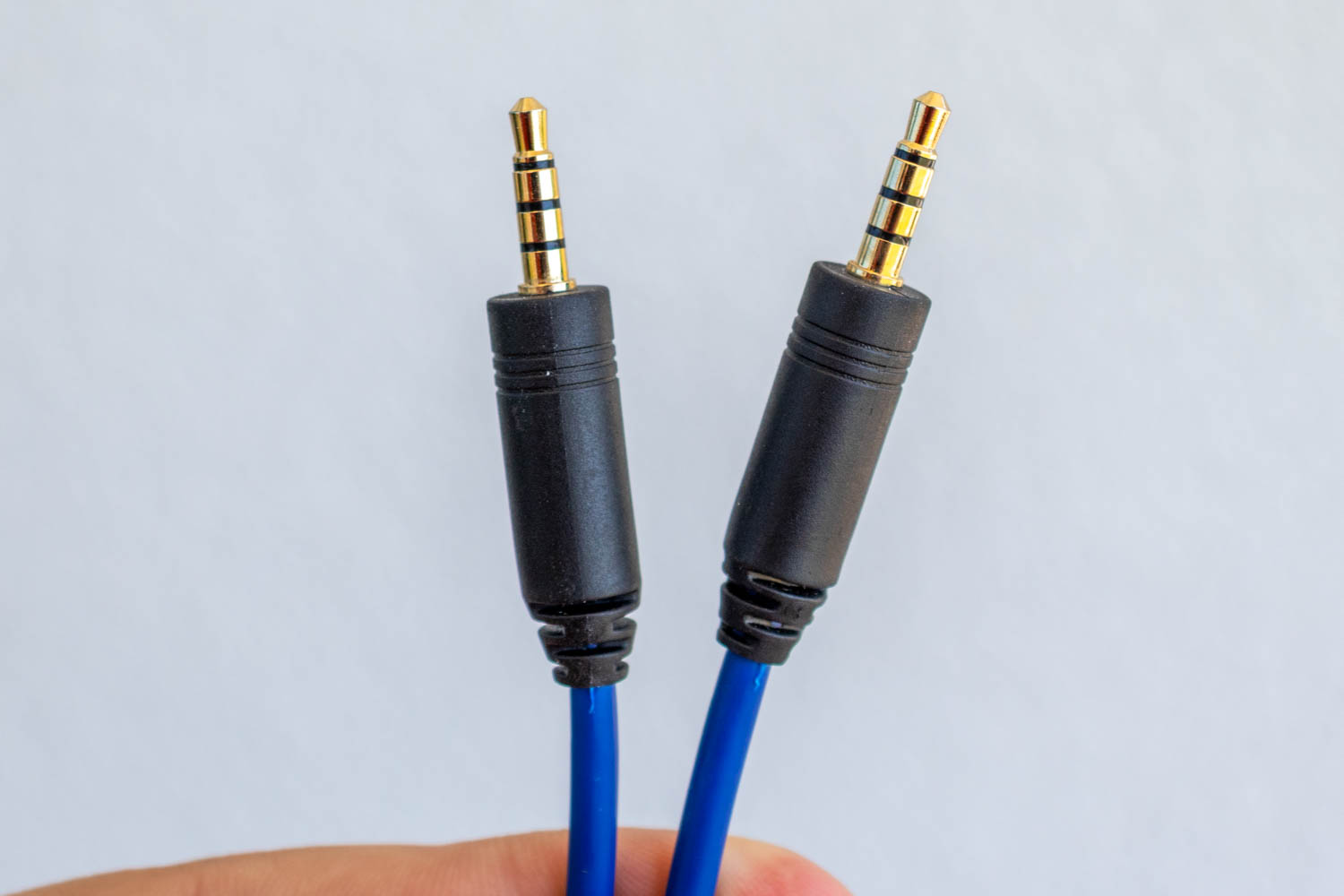
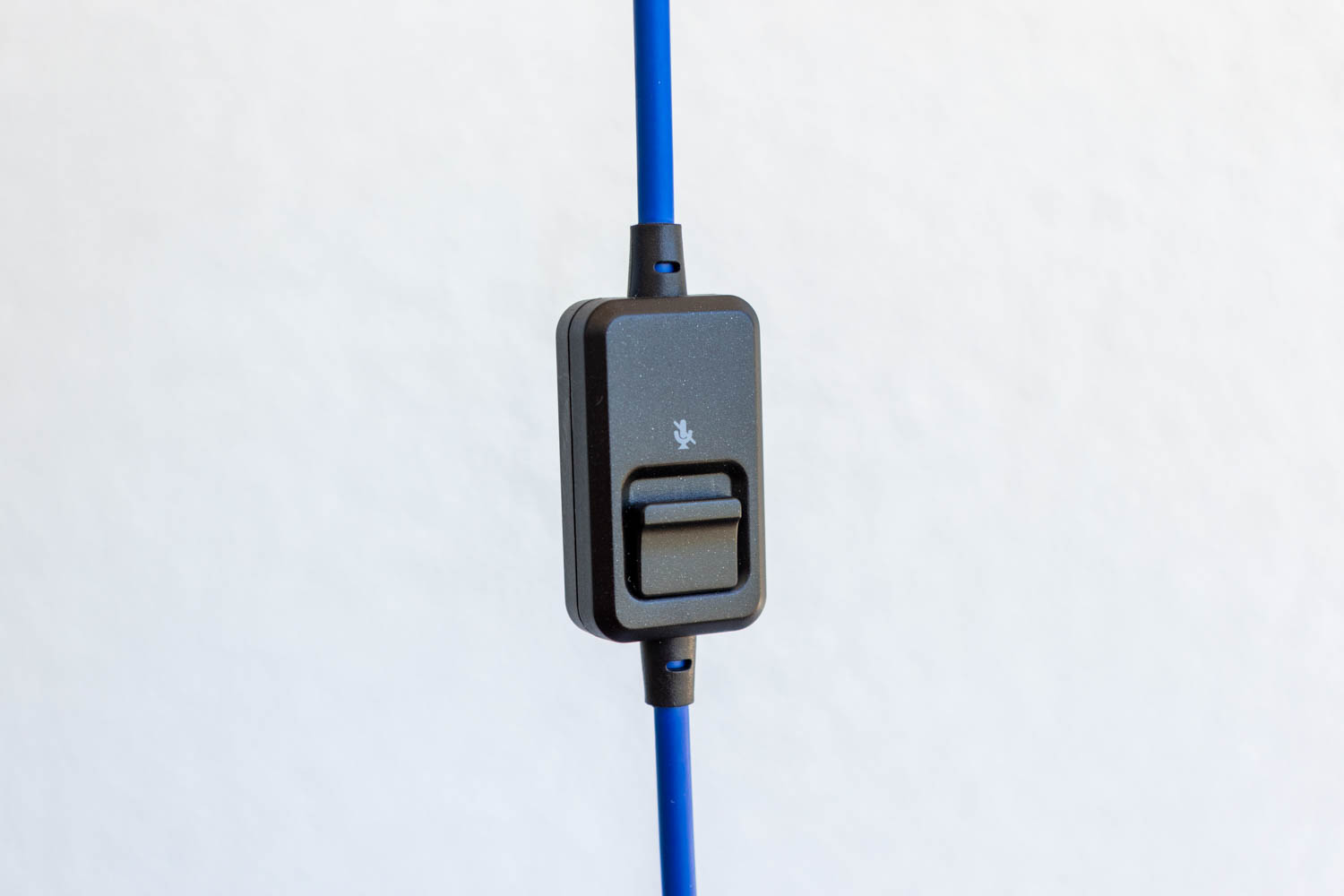
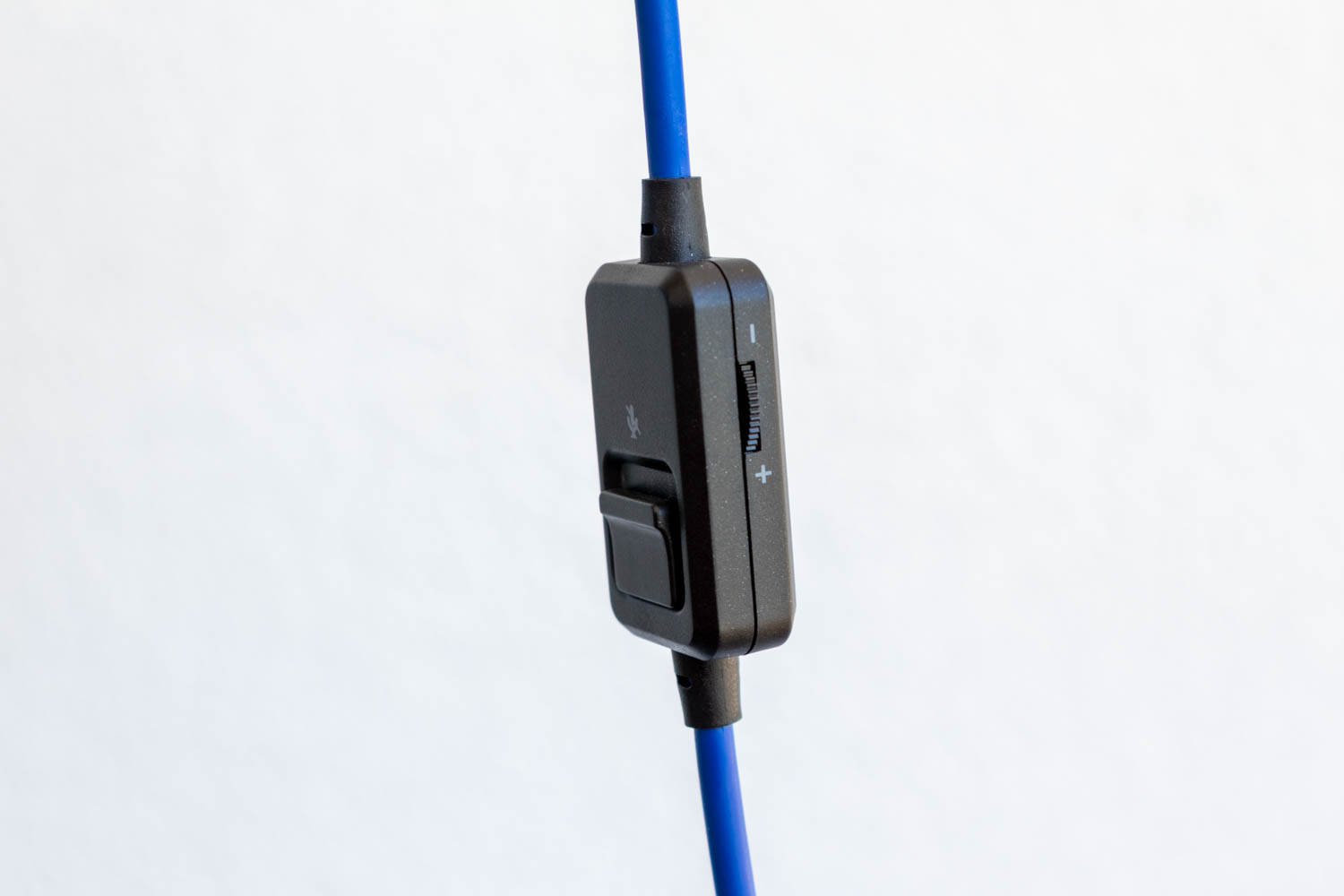
The included 3.5 mm audio cable has 4-pole (TRRS) connectors on both ends, allowing a single connection to carry both audio and microphone signals. One end plugs into the headset, the other into the included USB sound card (if used). About 30 centimeters down the cable is an in-line remote with a hard, clicky microphone mute switch and a small volume wheel. There's no clothes clip included, but the remote is light enough that it doesn't weigh the headset down.
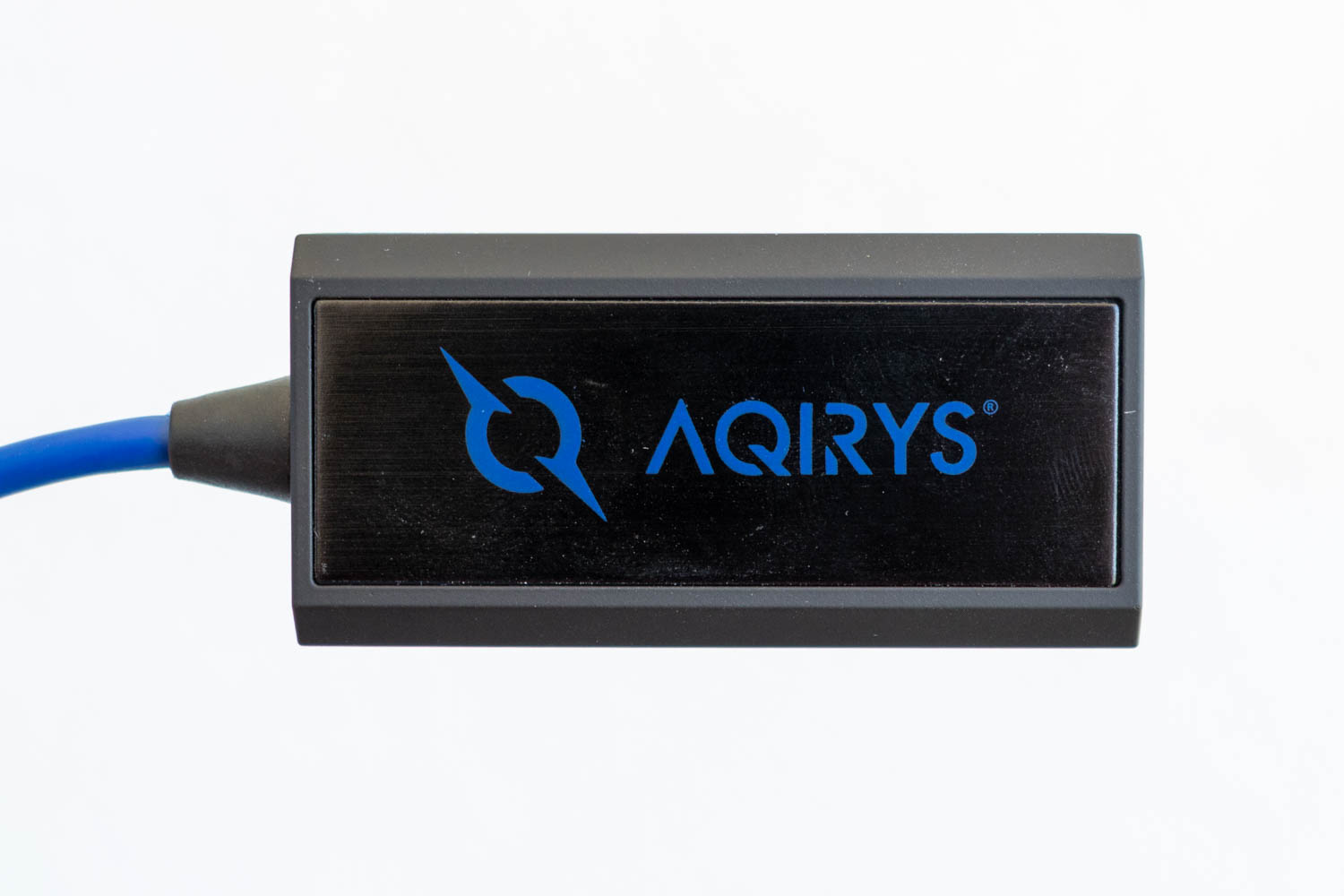
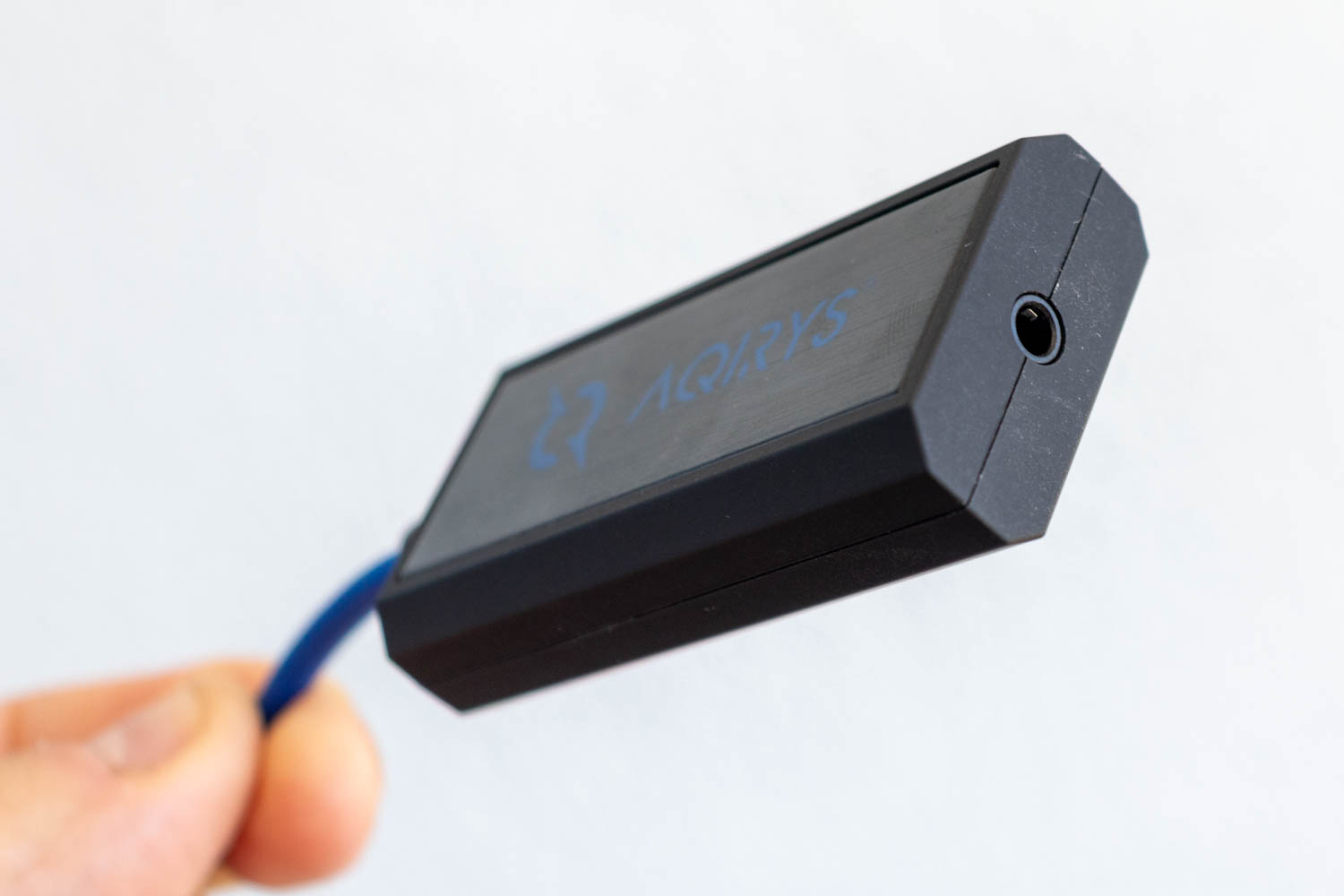
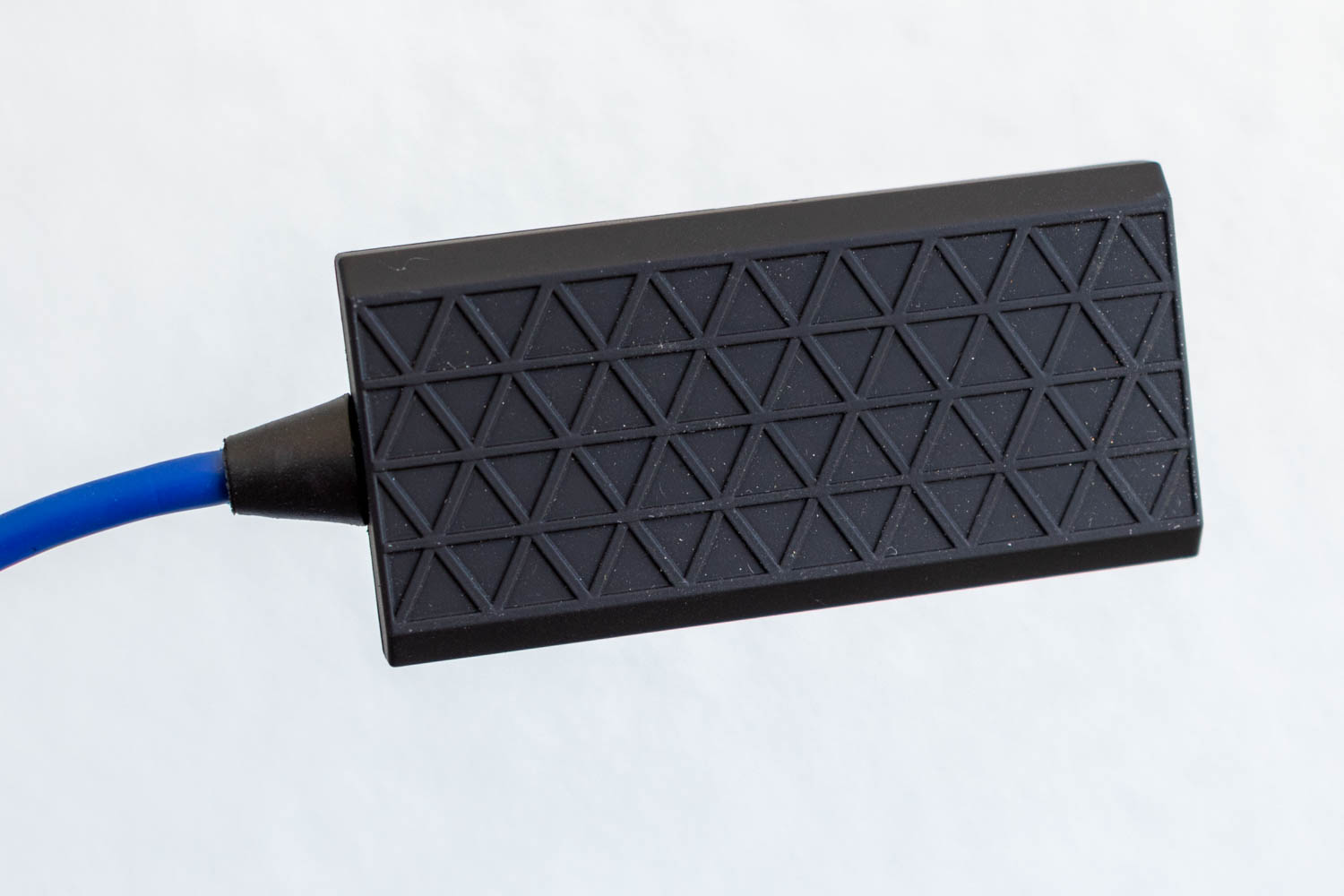
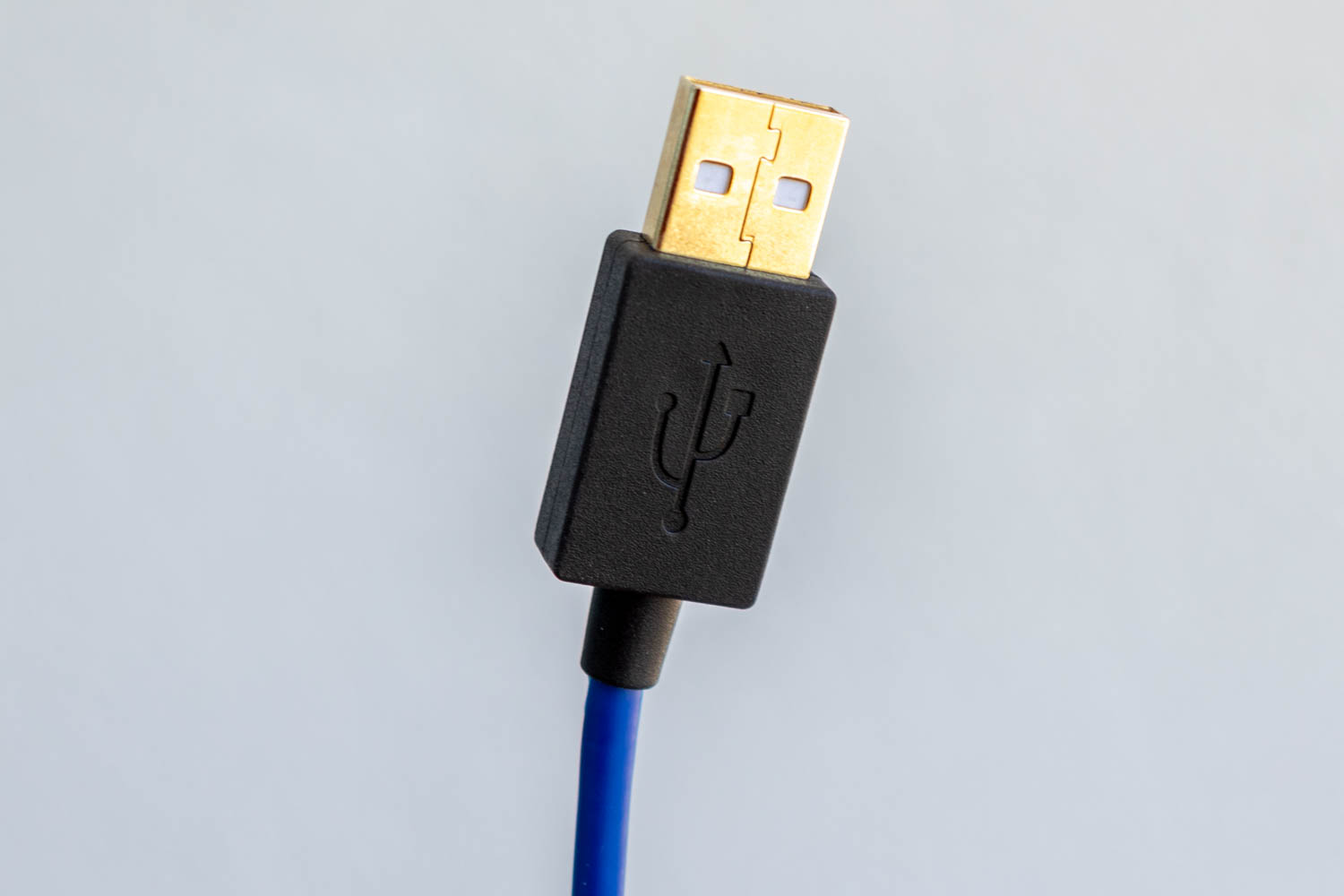
The compact USB sound card is built into a 50-centimeter extension cable terminated with a USB Type-A plug. This is what you'll use to connect the headset to your PC and operate it in USB mode. The sound card features a single 4-pole (TRRS) 3.5 mm jack and can also be used to drive any other analog headset or headphones. Just keep in mind: if you're using a different headset, it must have a 4-pole connector to enable both the headphones and microphone. A standard 3-pole (TRS) plug will only deliver audio output.
Nov 15th, 2026 12:35 CST
change timezone
Latest GPU Drivers
New Forum Posts
- What can the FX 8320 do today? Here is the answer. (57)
- WarpCoreBench scores! (49)
- What are you playing? (26221)
- How do you get games for PC? (59)
- WireView Pro II GPU Alignment: Wired | Variant: Black (5)
- What is the latest game you finished or 100% (202)
- Honestly, do you care about GTA VI? (61)
- Power supply noise stops when I move the mouse (7)
- HP Office Jet 7740 Pro - Supply system problem with replacement cartridge (1)
- Recommendations Wanted - Affordable Enterprise SSD for Boot (5)
Popular Reviews
- AMD Zen 6 Technical Deep Dive
- ASUS ROG Strix B850-I Gaming Wi-Fi7 W Review
- Corsair HX1000i Shift Crystal Review
- Upcoming Hardware Launches 2027 (Updated Nov 2026)
- Montech King 95 3D PRO Review
- NZXT C1200 Platinum Review
- NZXT H7 RGB+ Review
- NZXT H5 Review
- Phantom Blade Zero Performance Benchmark Review - 35 GPUs Tested
- AMD Ryzen 7 9800X3D Review - The Best Gaming Processor
TPU on YouTube
Controversial News Posts
- NVIDIA Co-Founder and CEO Jensen Huang Officially Resigns (415)
- Open Letter Asking NVIDIA to Reinstate Jensen Huang Passes 115,000 Signatures (160)
- OpenAI CEO Argues Home PCs Waste the World's Limited DRAM Supply (152)
- NVIDIA Launches Investigation Into Jensen Huang's Relationship With Suspected Chinese Spy (136)
- Intel "Raptor Lake Next" 16-Core and 20-Core CPUs Surface (130)
- Legendary Game Studio BioWare Shuts Down Following EA Layoffs (104)
- Dell CEO Says the Memory Shortage Will Get Worse in 2027 (95)
- NVIDIA GeForce RTX 50-Series Scheduled for up to $500 Price Hike This Week (89)