 12
ARCTIC P12 PWM PST A-RGB 120 mm Fan Review
(12 Comments) »Introduction

ARCTIC, previously known as Arctic Cooling, has been around for nearly 25 years now with physical offices in North America, Europe, and Asia and a vast retail network spread across more than 65 countries. The company is known for good quality products offering high value to end users, and our recent review of the P12 PWM PST 120 mm fan showed exactly why so many people had been requesting me to cover said fan for a while now. Indeed, while it isn't the best performer or even the quietest fan, the P12 PWM PST performs well enough to where it's become a default recommendation for many who are on a budget. It's not a perfect fan though, as I noted how the fan noise itself is slightly more biased towards the higher frequencies. This increased pitch is less desirable from a system fan, and you will note how some of the readers mentioned that the P12 Max, as well as the subject of today's review, aims to get around this issue with a slightly different rotor design.

Today we put the ARCTIC P12 PWM PST A-RGB to the test. The product name may be long, yet everything about it makes perfect sense when you read it all out. This is basically the RGB version of the popular P12 PWM, which happens to use individually addressable LEDs and also comes with ARCTIC's PST (PWM sharing technology) feature, offering RPM readout and control passthrough if you want to daisy-chain fans together on a radiator. Given also how so many people today choose PC components with lighting and color matching in mind, there will no doubt be many who would be interested in this review. As with the non-RGB version, this fan is available in different base colors before the RGB customization comes into play. ARCTIC again makes my job harder by using the P12 name for a variety of different fans, and there even happens to be a different product called P12 PWM PST RGB which comes in only black and does not offer individually addressable LEDs. The two versions seem to share a common motor, bearing, and even RPM range of control. So this review may well be representative of the older RGB fan too, which may be of note to those who wish to save a few bucks this way. Let's thank ARCTIC for providing review samples to TechPowerUp and begin with a look at the product specifications in the table below.
Specifications
| ARCTIC P12 PWM PST A-RGB 120 mm Fan | |
|---|---|
| Dimensions: | 120 x 120 x 25 mm |
| Rated Speed: | 0, 200 -2000 RPM |
| Maximum Airflow: | 48.8 CFM (82.9 m³/h) |
| Noise: | 0.3 Sone (~10.65 dBA) |
| Static Pressure: | 1.85 mm H₂O |
| Fan Control: | 4-pin PWM control + 3-pin LED control |
| Power Draw (Motor): | 1.32 W peak |
| Power Draw (LEDs): | 2 W peak |
| Warranty: | Six years |
Packaging and Closer Examination

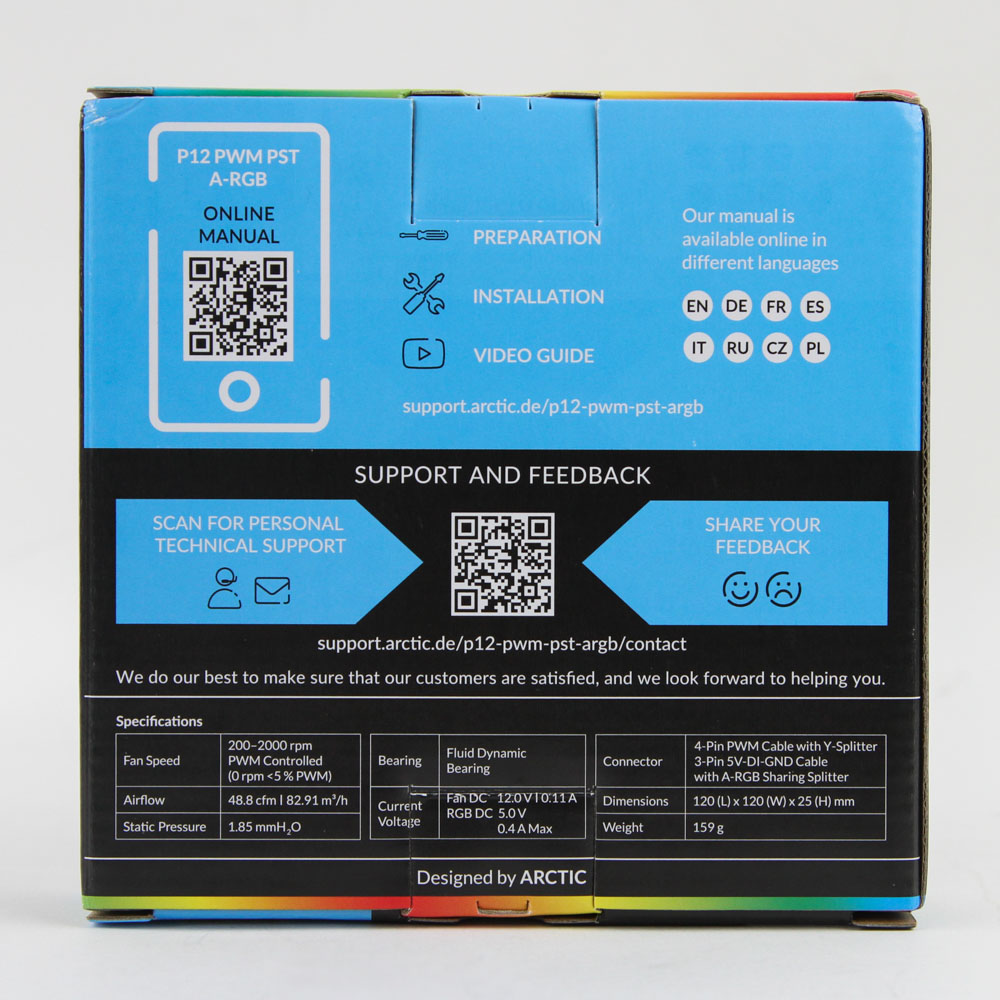

The ARCTIC P12 PWM PST A-RGB gets a more finished product box, which already tells us this is shaping up to be more expensive than the non-RGB version. The box itself gets the same petite size, and on the front we see the brand logo and product name, a render of the fans—I do not know if the color is true to the fan color itself which also comes labeled alongside, and other salient features. This continues on the back, with a QR code leading you to an online user manual rather than something printed in the box. Fan specs are seen below, and the box opens from the top or bottom allowing you to pull out the fan as well as including a set of four self-tapping metal screws for installing in a case.

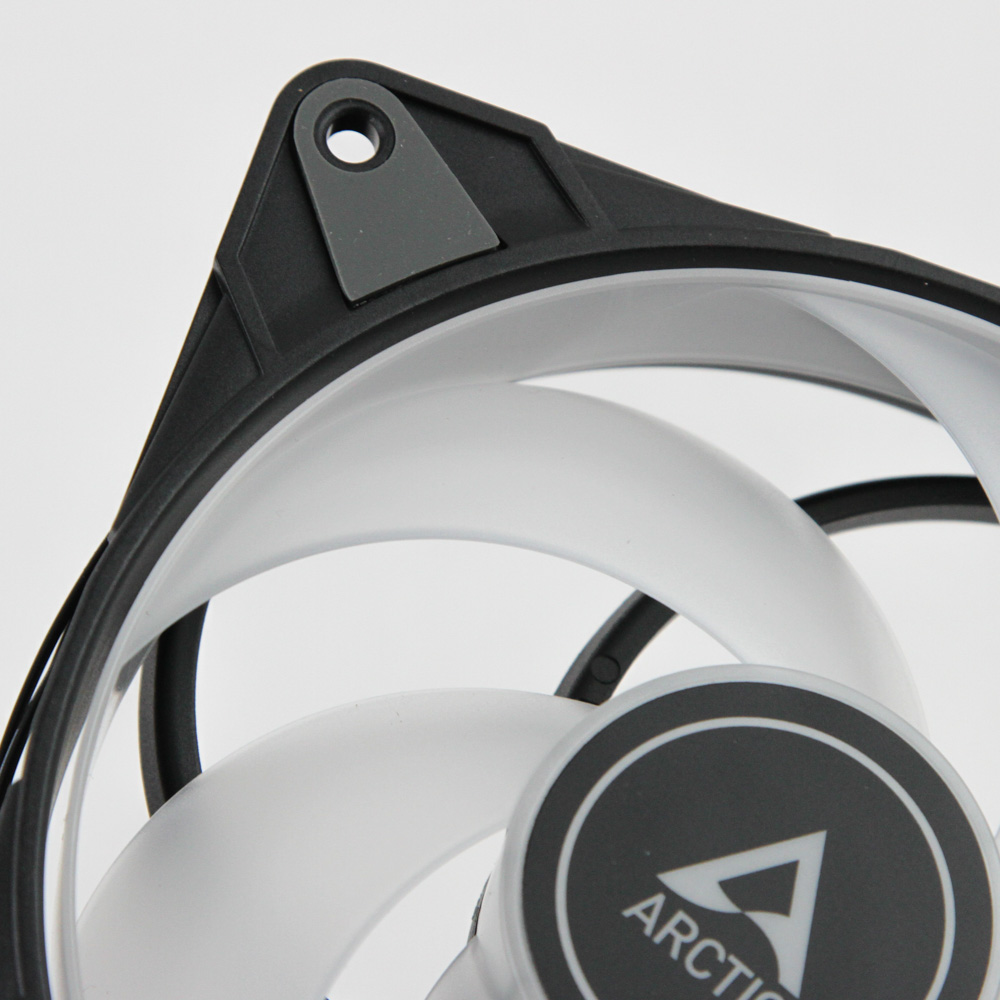
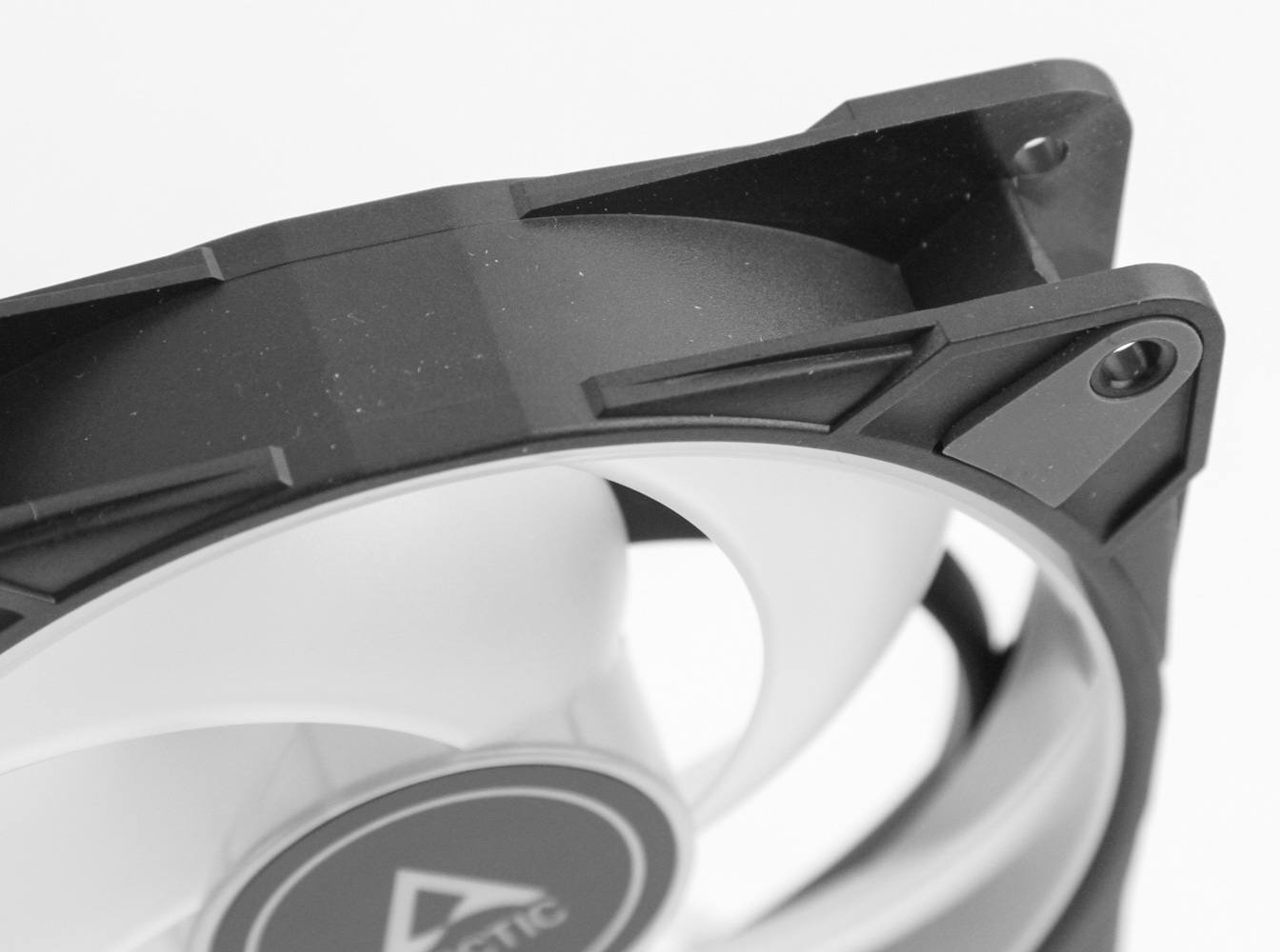
As per the ARCTIC website, the P12 PWM PST A-RGB comes in two colors—black and white. We see this applies to the fan frame only, as both versions go with a translucent white rotor that helps better diffuse the lighting from the 12 ARGB LEDs positioned in the central hub. I received two of the black version fans for this review, although weirdly these seem to cost slightly more than the white version as of the time I write this review—it's usually the other way round. The P12 PWM PST A-RGB is a standard 120 x 120 x 25 mm fan, with a square frame design—at least where it counts—to prevent any air leak when up against a radiator or other flat object. A branded sticker is seen on the front hub, with the rotor using five highly curved blades and noticeable gaps between. This looks like a hybrid fan design to me, optimized for a balance of airflow and static pressure. Note that the blades are actually connected to an outer ring, which is something we usually see used in higher RPM/industrial fans for stabilization. Also, this is one of the smallest RGB fan hubs I've seen to help prevent the blades from being overly short compared to non-RGB versions. ARCTIC also blesses us with vibration dampening rubber pads on the corners this time, so I wonder where its "sinus magnetization" marketing from the non-RGB version has gone! The fan corners are open to allow easier installation on a radiator/heatsink/case, and there are stealthily placed arrows on one of the sides to indicate the direction of blades rotating and airflow through the fan.


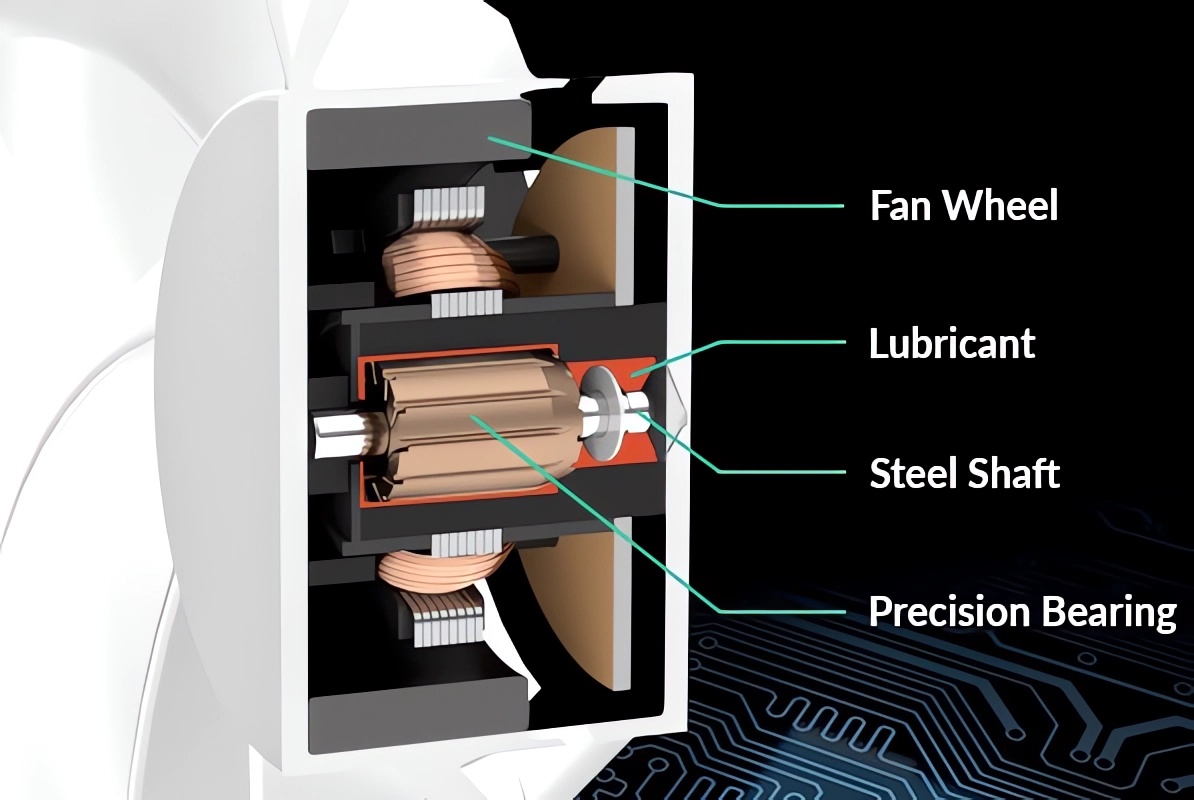
From the back we see a 4-way stator vane configuration leading from the hub, albeit these are again highly curved similar to the blades and not the usual straight configuration we see on PC fans. There's no sticker on the back of the hub, although relevant info is etched in place. We find out here that the P12 PWM PST A-RGB uses a highly efficient motor, taking up only a max of 0.11 A (1.32 W on the 12 VDC rail). This includes start-up boost, and thus you will be fine having plenty of fans connected together and powered/controlled off the same standard 1 A fan header. This is in addition to the power required for the LEDs though, and here the ARGB LEDs are collectively rated for as much as 0.4 A (2 W on the 5 V DC rail). These fans use a fluid-dynamic bearing, which is nice for longevity and performance, and ARCTIC feels confident enough to provide a six-year warranty to back this. This is especially true when you see the fans are rated for up to 40 °C operating temps, which is a lot for a cheap fan bearing to handle—thus showing further this is unlikely to be cheap.
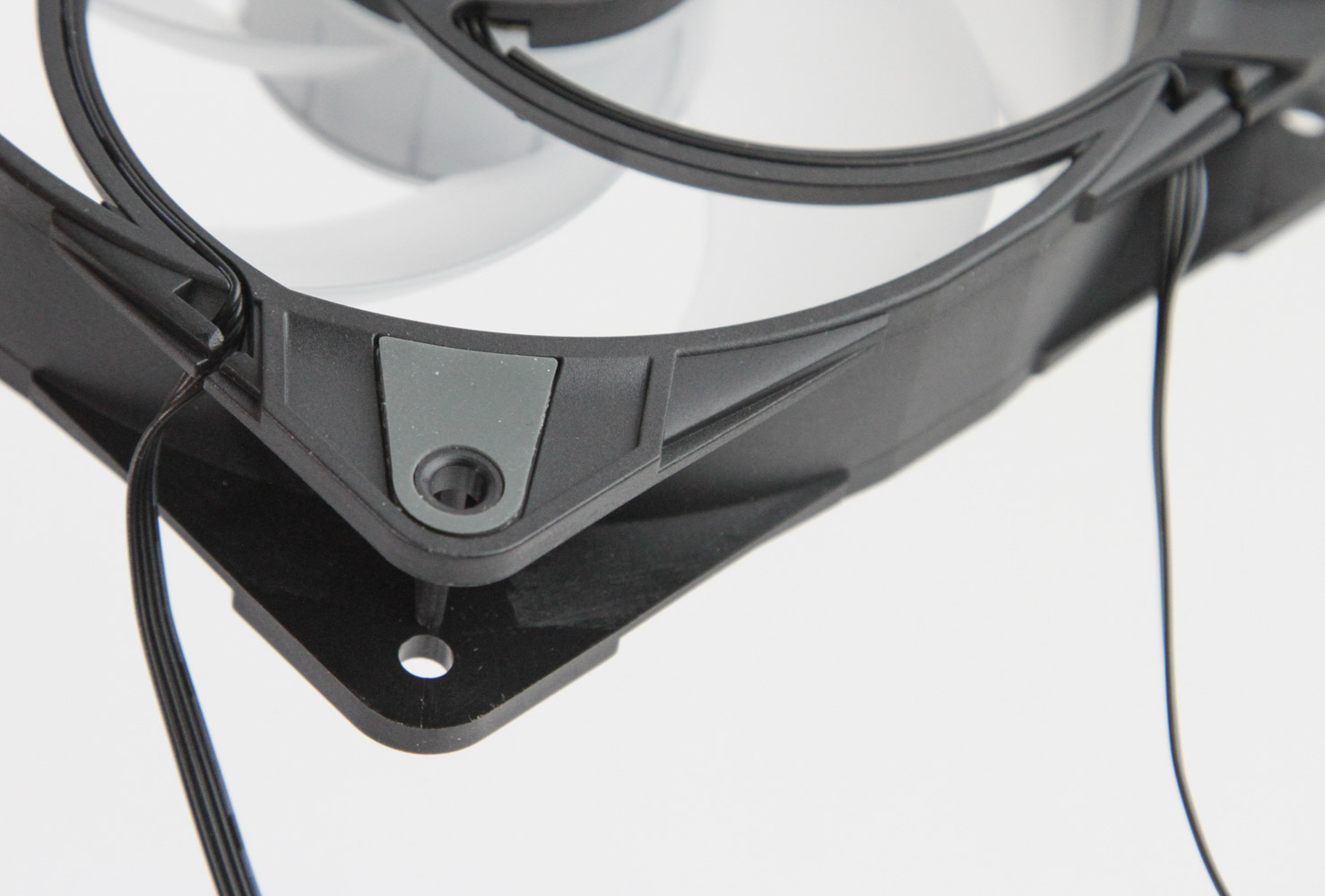
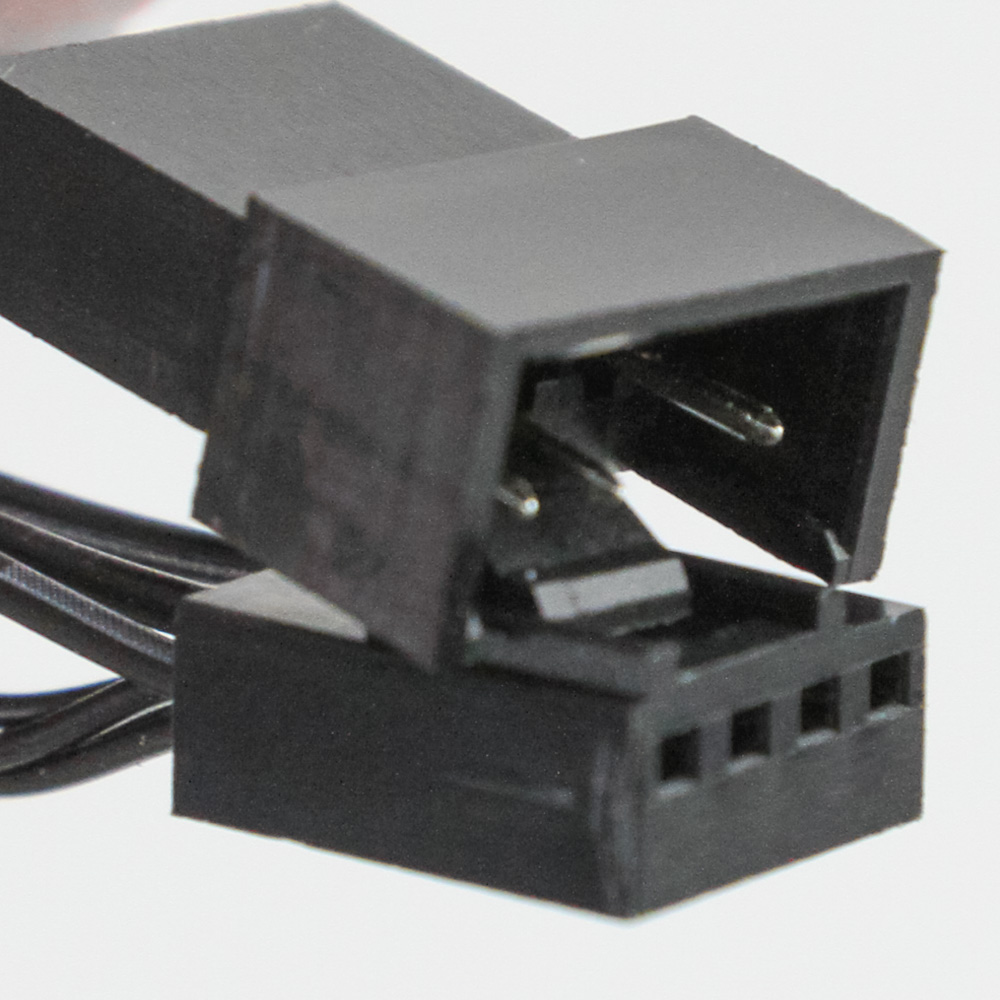
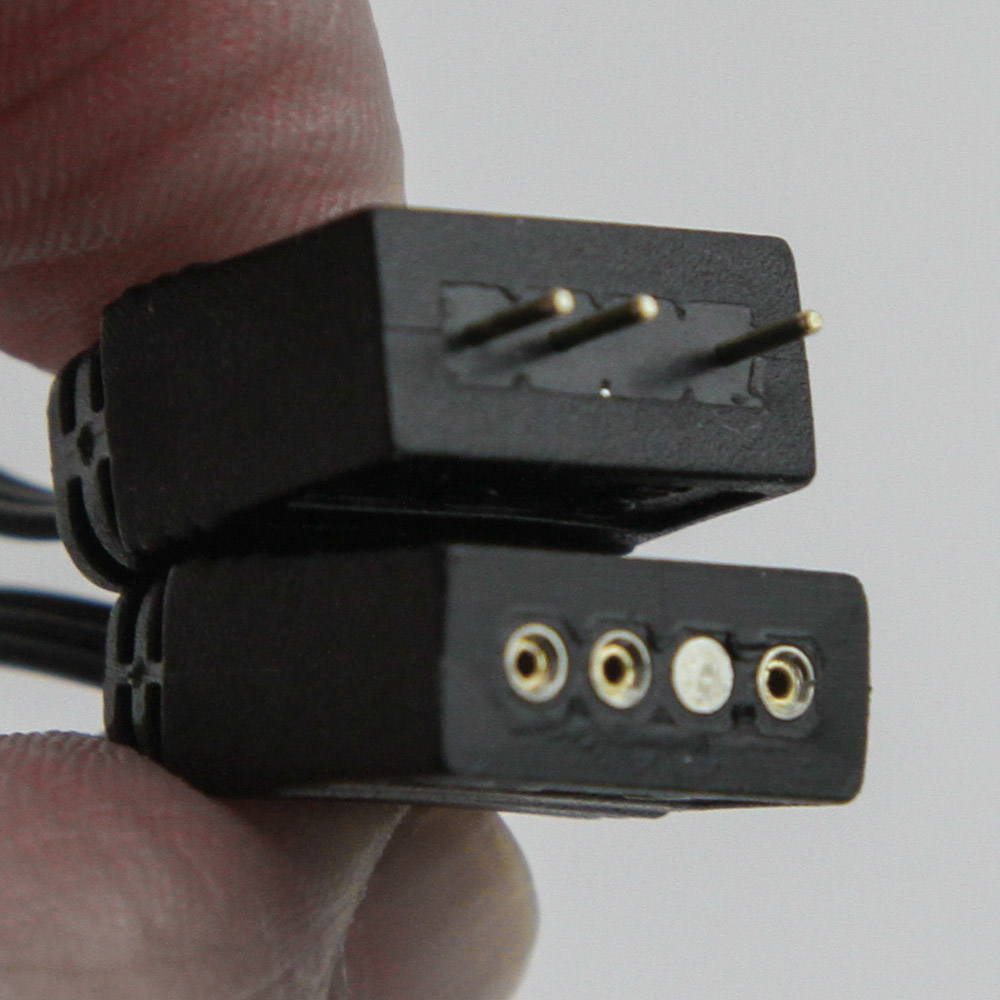

We see a 4-wire flat cable headed from the back hub to the frame, which continues to a 40 cm long cable that has a daisy-chain female connector associated with the standard male 4-pin PWM connector. This is in addition to a 40 cm second flat ribbon cable for the 3-pin LED connector, again with a daisy-chain option. The two cables are offset, yet it does nothing to make things any easier. In fact, I dare say this A-RGB PST fan is even worse to cable manage and connect multiple fans together compared to the non-RGB version, owing to the two cables per fan to somehow coordinate. Just unwrap both cables from each fan, install the fans together on the radiator/case panel, then see if you can get the cables close enough to where the 4-pin PWM connectors and the 3-pin LED connectors can be daisy-chained in the back of your case. There is still a non-zero chance the leading cable won't be long enough to reach your motherboard or standalone fan/LED controller though, and this is before the mess that is left over with the long cables from the other fans that are not headed to the motherboard. ARCTIC could have really thought this out better in my opinion, and it sucks that we don't get a non-PST version either.

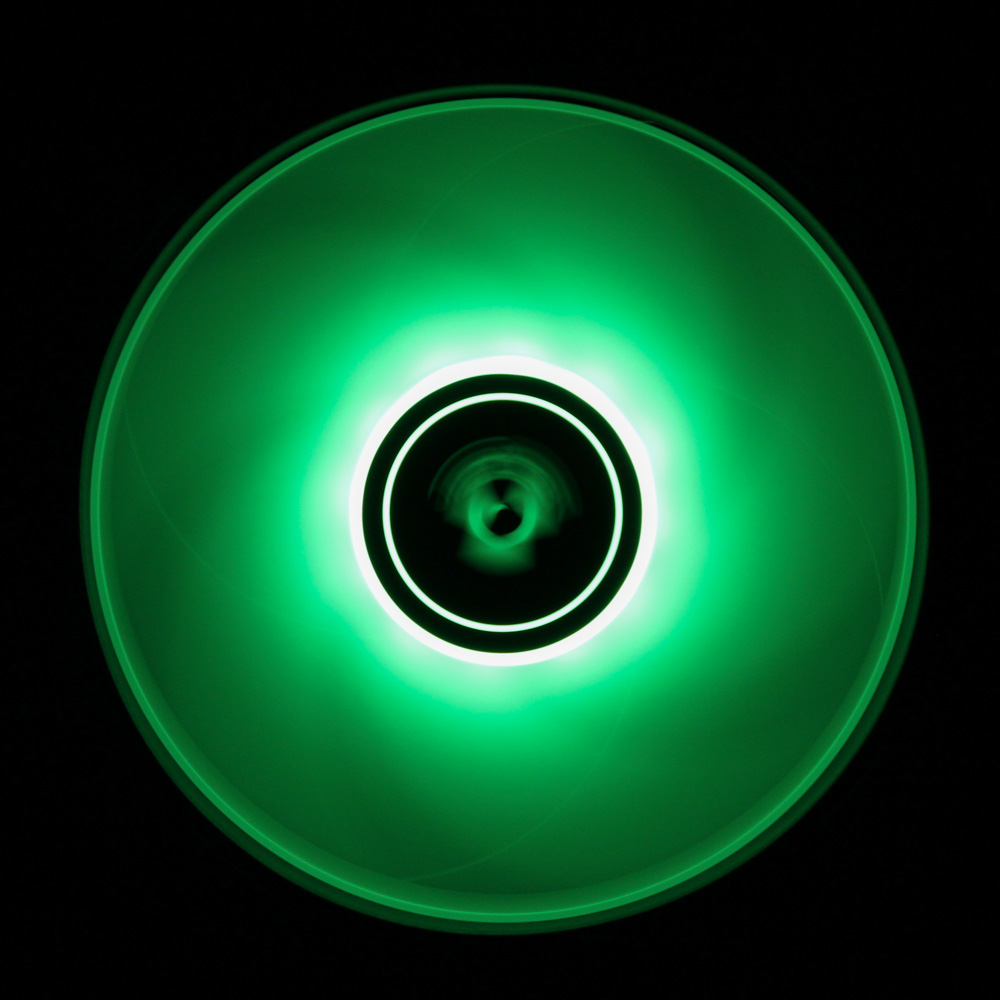
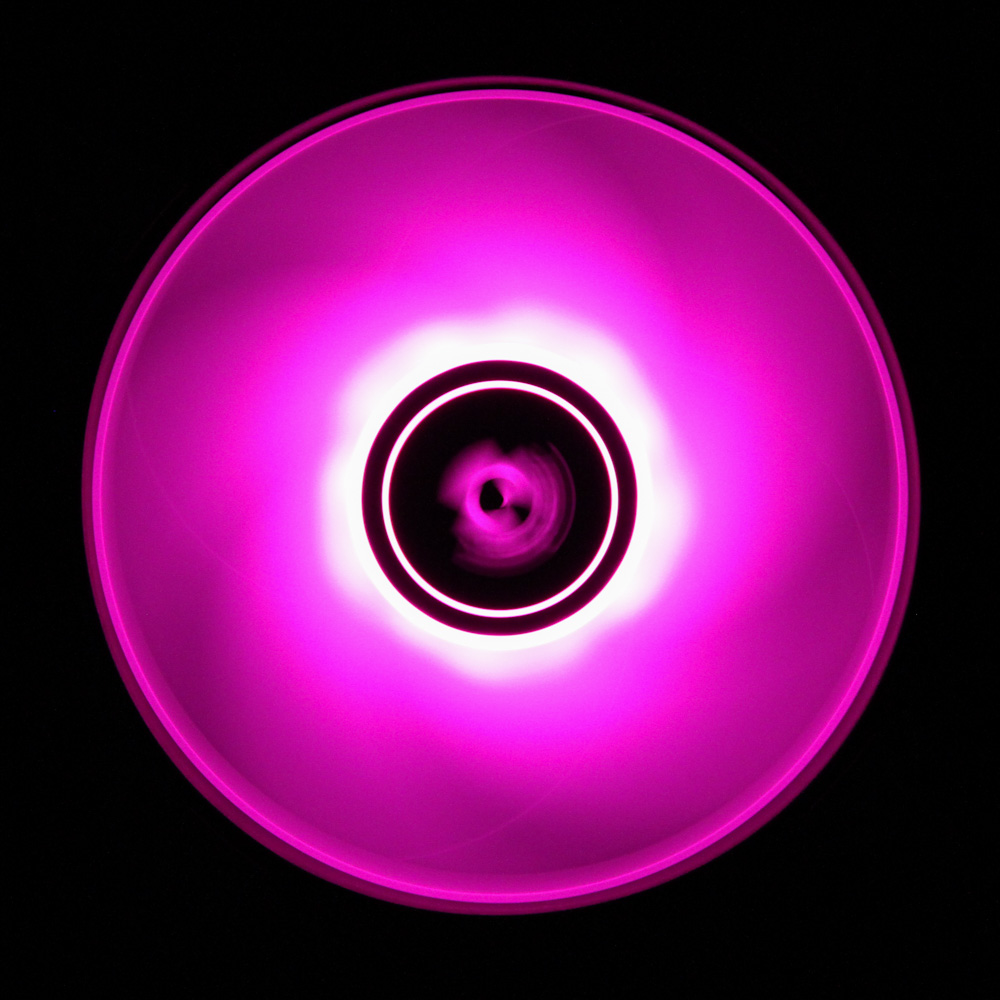

Seen above is one of these ARCTIC P12 PWM PST A-RGB fans powered on and lit up so you get a better idea of what to expect from the LEDs on board. The translucent rotor helps diffuse the light quite well from the 12 ARGB LEDs placed on each fan in the central hub. I am fairly certain the white frame version of the fan will be brighter given the higher reflection there, and I do appreciate the use of standard connectors allowing for compatibility with all major motherboard LED control solutions. You can thus coordinate the lighting with other connected devices and use a single piece of software. ARCTIC also suggests SignalRGB for something more universal across different vendors, although I have no experience with this product. At lower brightness levels you can still see the individual LEDs, although the fans do feel more uniformly lit up with the blades rotating and the LEDs at max brightness. There is no side lighting on offer here, so you can plan how to install the fans based on how you wish them to light up and also illuminate the case surroundings too.
Our Patreon Silver Supporters can read articles in single-page format.
Nov 19th, 2026 22:02 PST
change timezone
Latest GPU Drivers
New Forum Posts
- Anthrophics IPO (9)
- How to prevent OLED burn damage due to PC freezes or power outtages? (39)
- Honestly, do you care about GTA VI? (177)
- TPU's Nostalgic Hardware Club (22172)
- RX 7600 + Ryzen 5 5600GT getting the same FPS as my old RX 6500 XT – What am I missing? (5)
- GTA VI (11)
- GPU Temperatures Rise Very Quickly in FurMark – Is This Normal? (18)
- Time to upgrade CPU and MOBO (72)
- WarpCoreBench scores! (77)
- Dual B70 or Dual R9700 Pro on Linux (13)
Popular Reviews
- AMD Zen 6 Technical Deep Dive
- Ugreen NASync DXP4800 GT Review
- Acemagic Retro X3 Review
- Upcoming Hardware Launches 2027 (Updated Nov 2026)
- Pulsar Office Tour & First Look at P1 Dual-Sensor Mouse
- Corsair RM1200e (Second Generation) Review
- Biwin Black Opal NV7400 2 TB Review
- Chieftec Iceberg PRO 360 DARK Review
- AMD Ryzen 7 9800X3D Memory Performance Scaling
- AMD Ryzen 7 9800X3D Review - The Best Gaming Processor
TPU on YouTube
Controversial News Posts
- NVIDIA Co-Founder and CEO Jensen Huang Officially Resigns (490)
- Report: Jensen Huang Eyes NVIDIA Comeback (224)
- Open Letter Asking NVIDIA to Reinstate Jensen Huang Passes 115,000 Signatures (184)
- OpenAI CEO Argues Home PCs Waste the World's Limited DRAM Supply (152)
- NVIDIA Launches Investigation Into Jensen Huang's Relationship With Suspected Chinese Spy (136)
- Intel "Raptor Lake Next" 16-Core and 20-Core CPUs Surface (130)
- Legendary Game Studio BioWare Shuts Down Following EA Layoffs (104)
- Dell CEO Says the Memory Shortage Will Get Worse in 2027 (95)