 58
Armored Core VI Fires of Rubicon Benchmark Test & Performance Analysis Review
(58 Comments) »Introduction
"Armored Core VI: Fires of Rubicon" is a third person mech-based shooter that demands skillful multitasking, combining movement and gunfire. Set in a distant star system riddled with conflicts for a precious mineral, players control a customizable giant robot, battling for resources. The protagonist navigates a world of factions fighting over a valuable substance called Coral. The game's core is assembling and optimizing the robot's components, affecting its performance, to handle the tough boss fights. Combat is fast-paced, requiring strategic decisions and chaining actions.
"Armored Core VI: Fires of Rubicon" is developed by the famous game studio From Software, renowned for their challenging and immersive game experiences like the "Dark Souls" series and "Elden Ring." Under the hood, the same DirectX 12 "Souls Engine" is used in AC 6, which also powers games such as Elden Ring and Sekiro.
While there's support for ray tracing, that only goes as far as the "garage"—the actual gameplay does not support ray tracing. This benchmark review will evaluate the performance of Armored Core VI on a wide selection of modern graphics cards, show image quality comparisons and look at what's required in terms of VRAM usage.
Screenshots
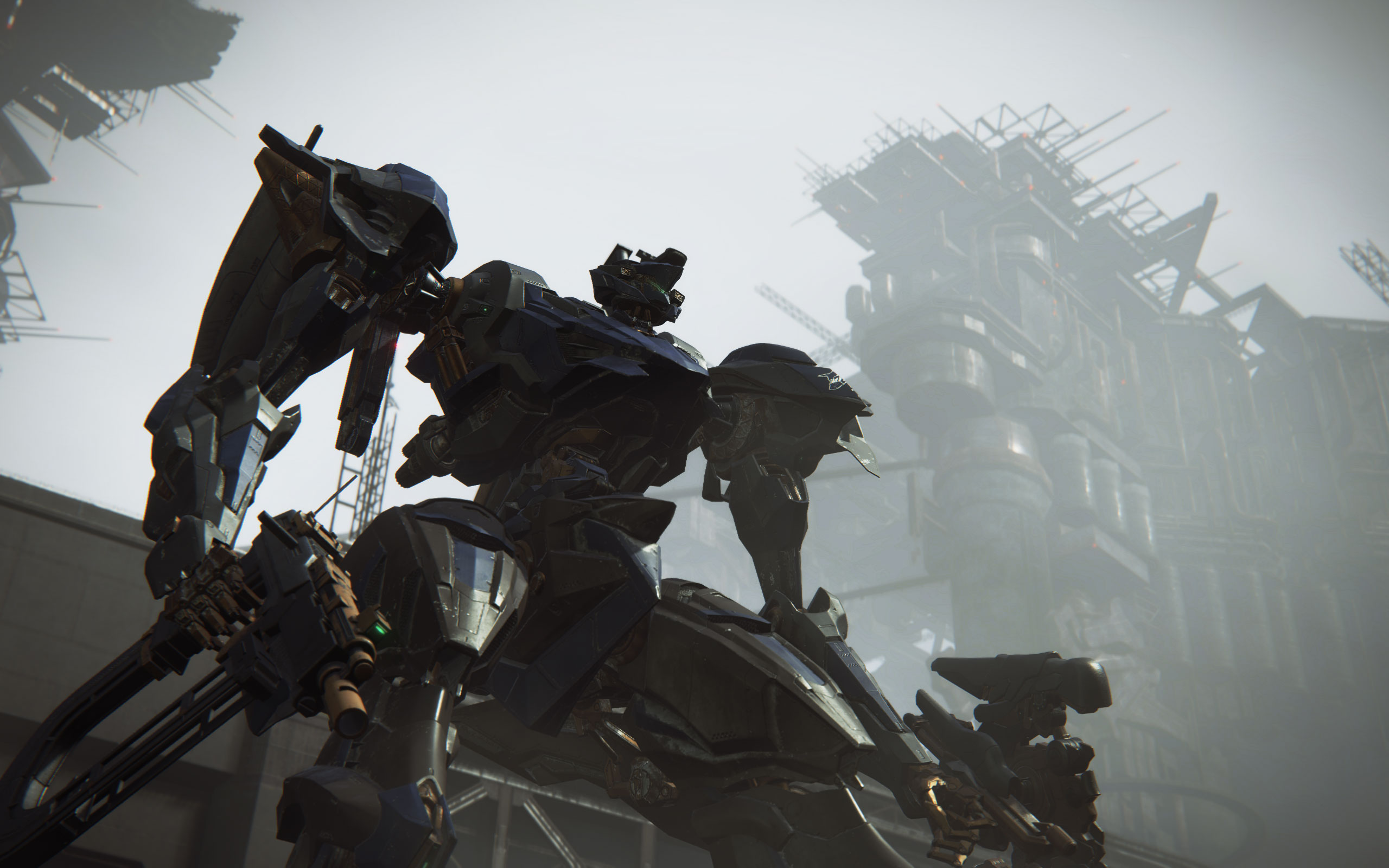
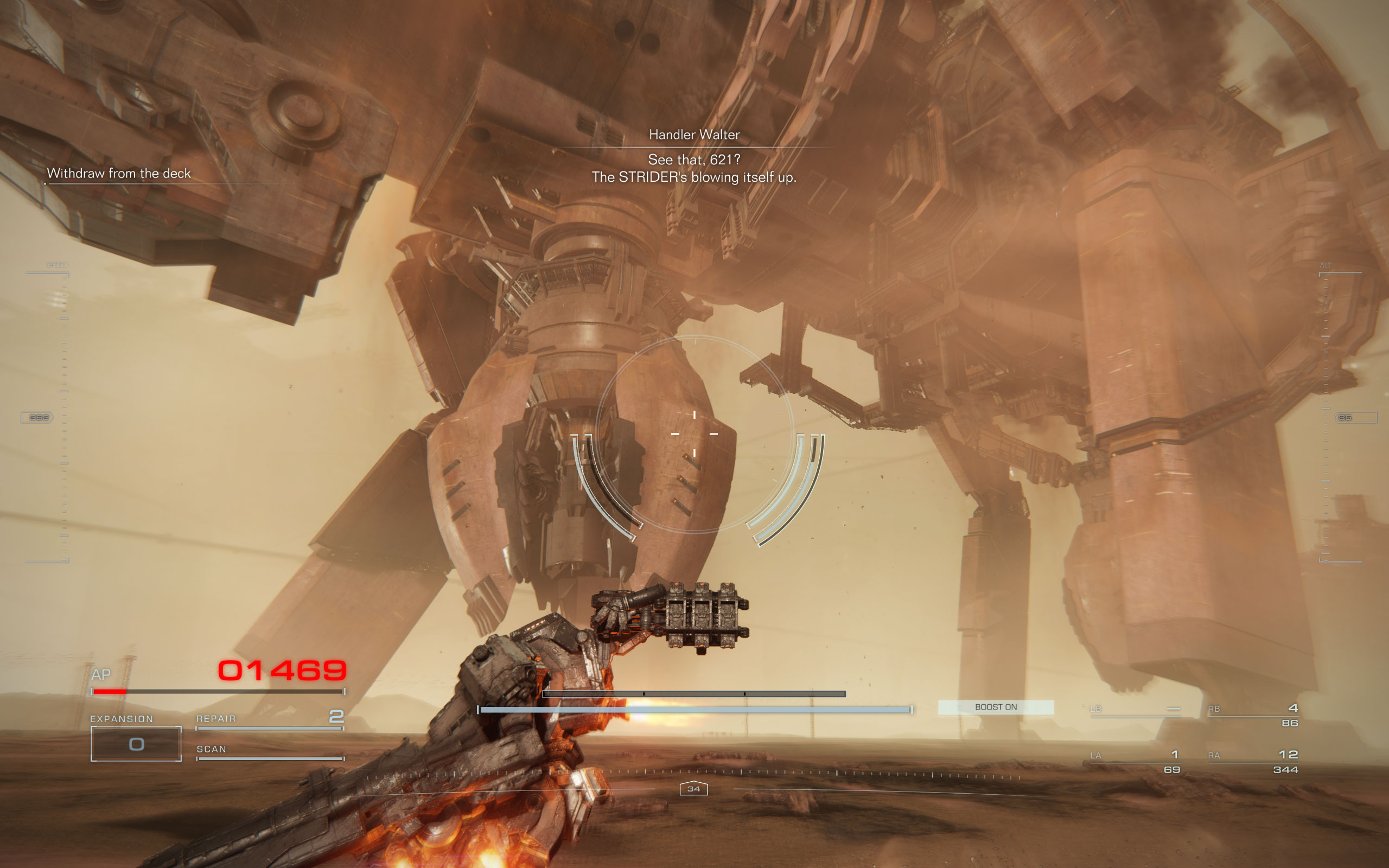
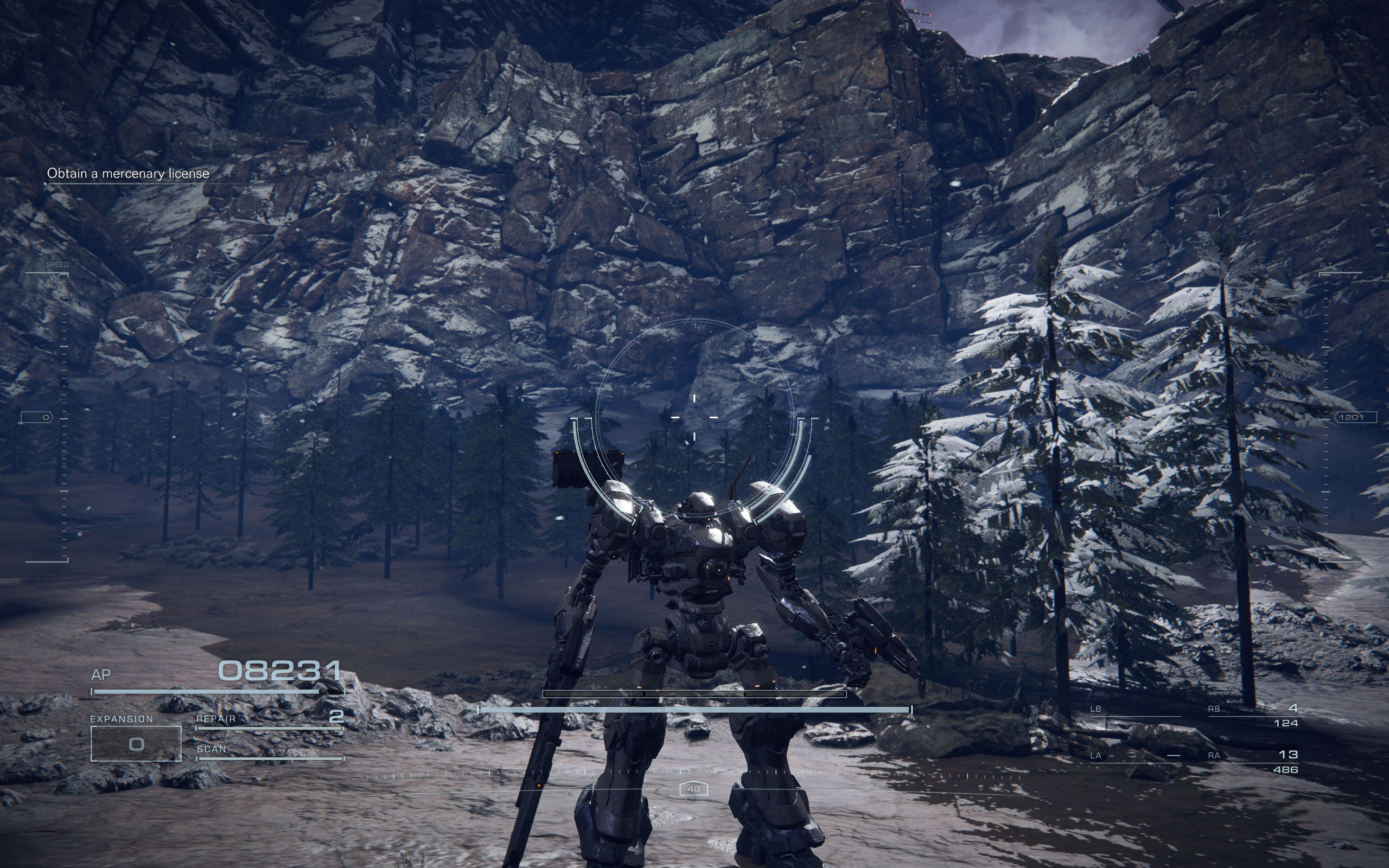
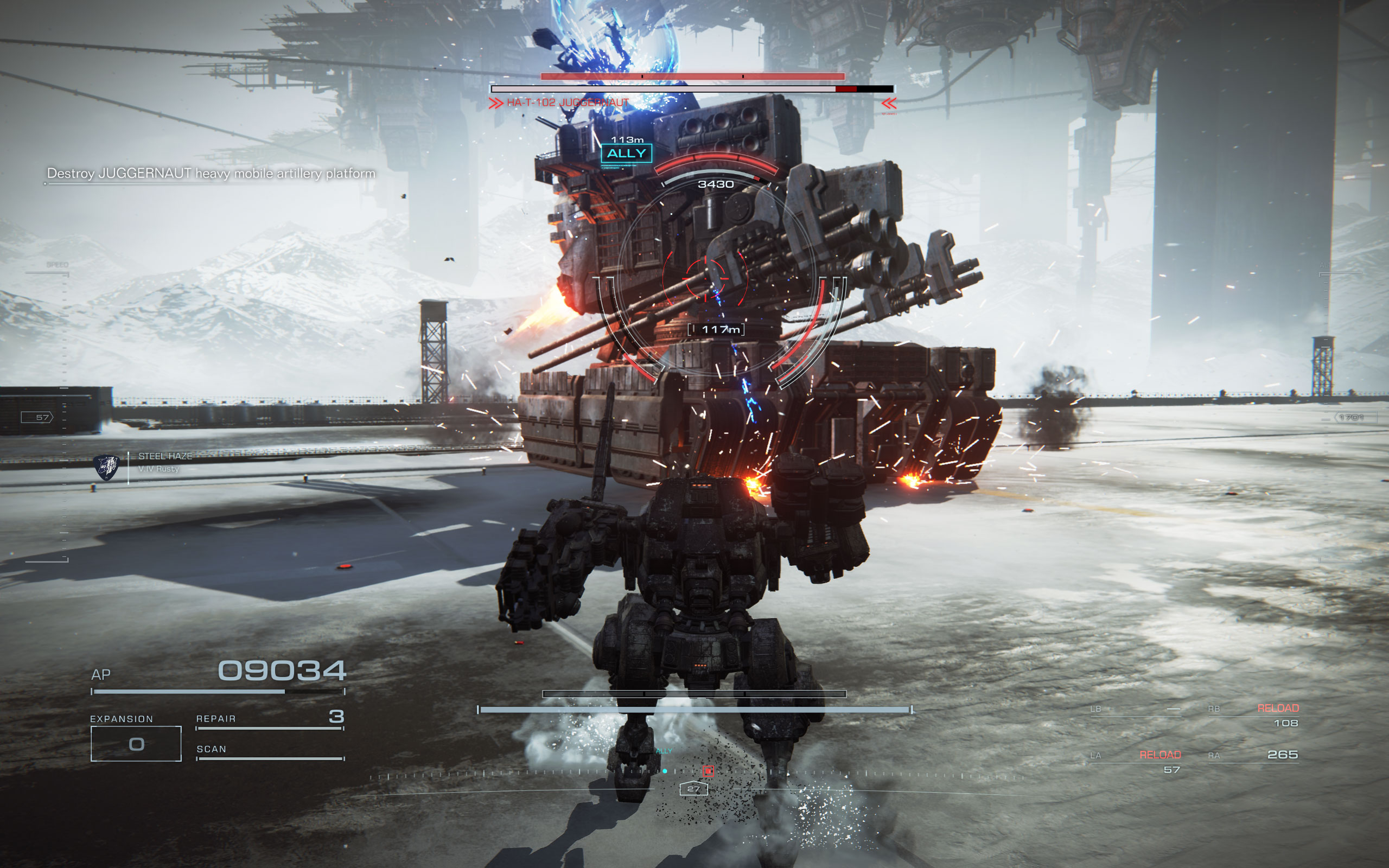
All screenshots were taken at Maximum settings. The gallery can be navigated with the cursor keys.







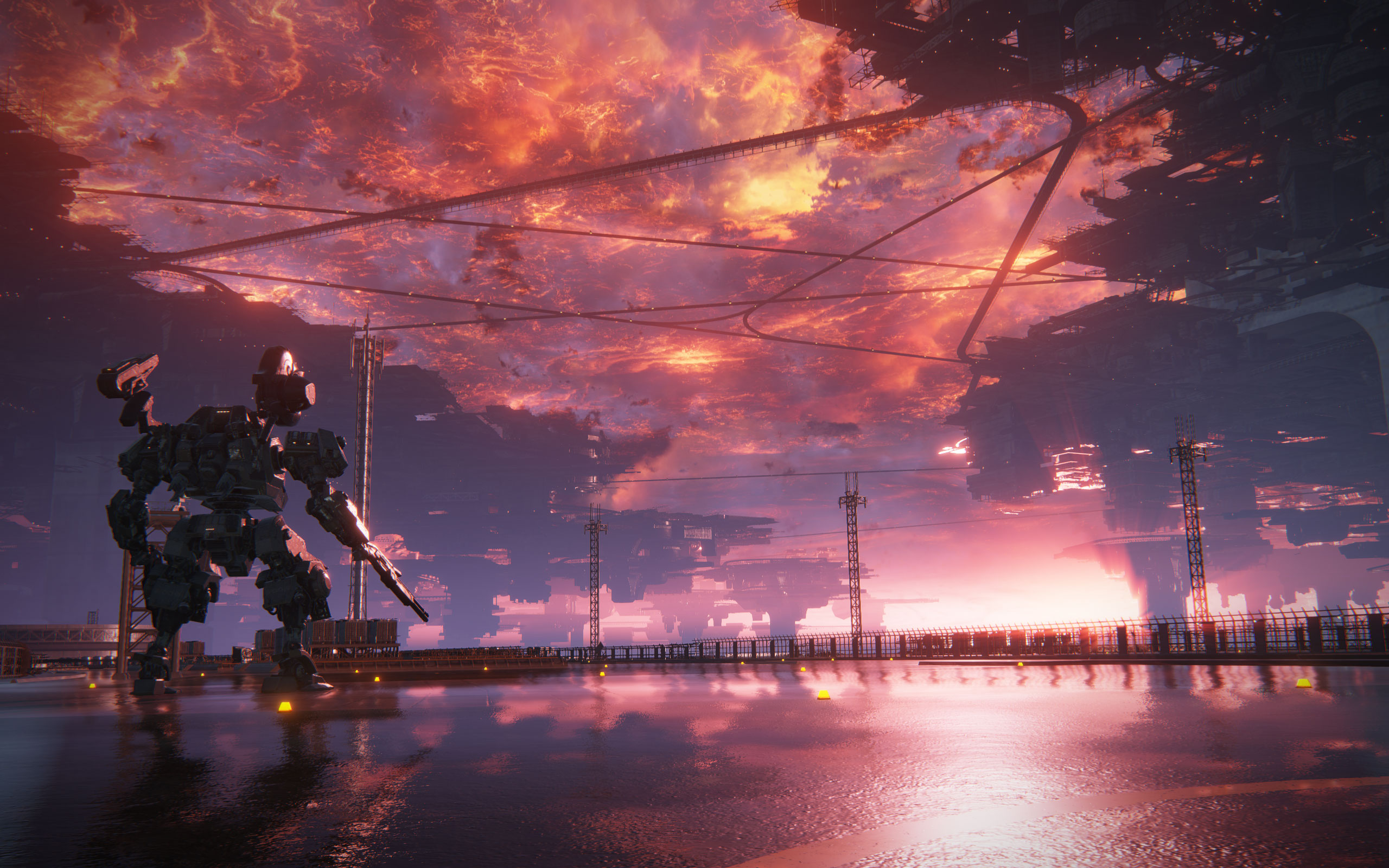

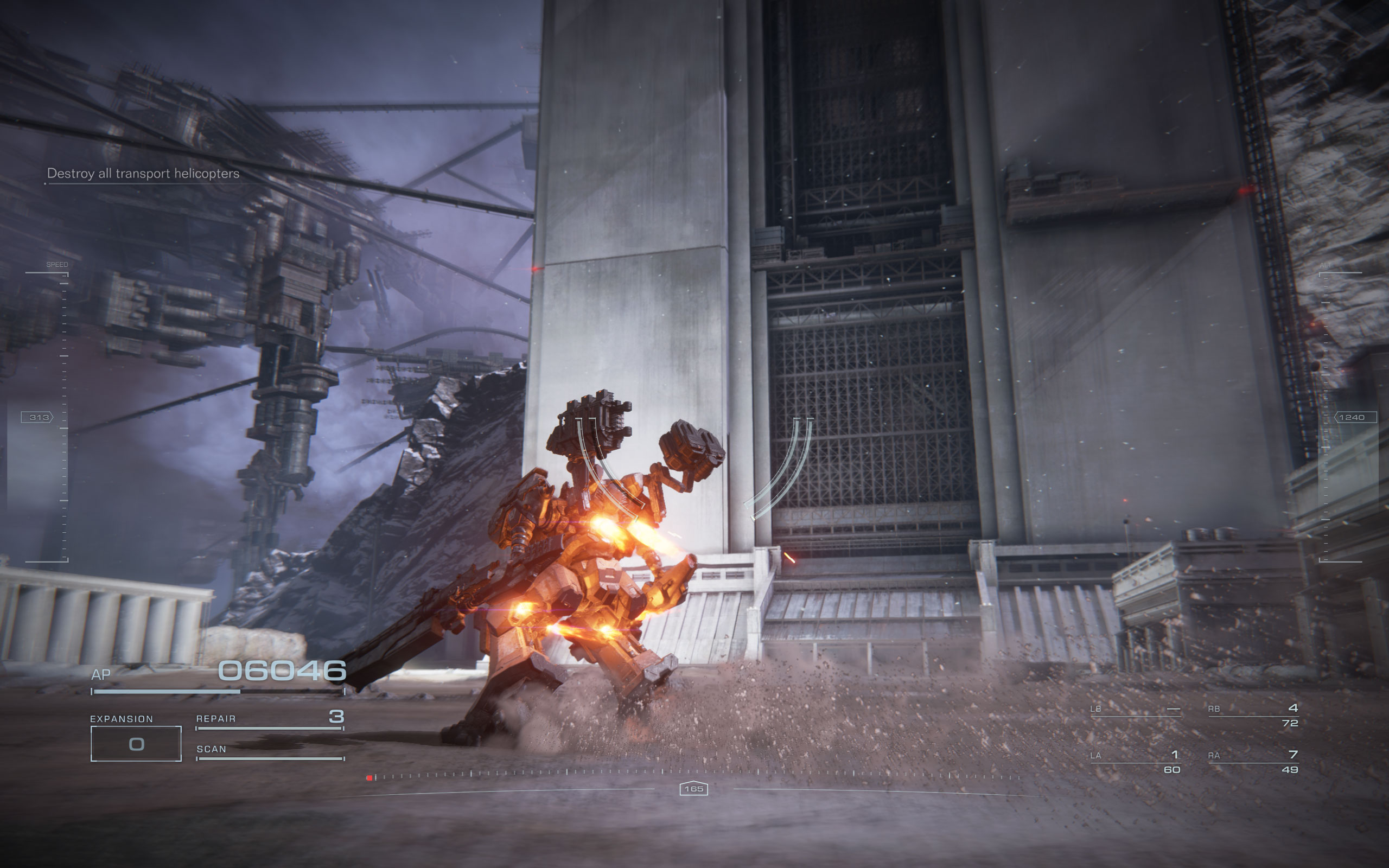
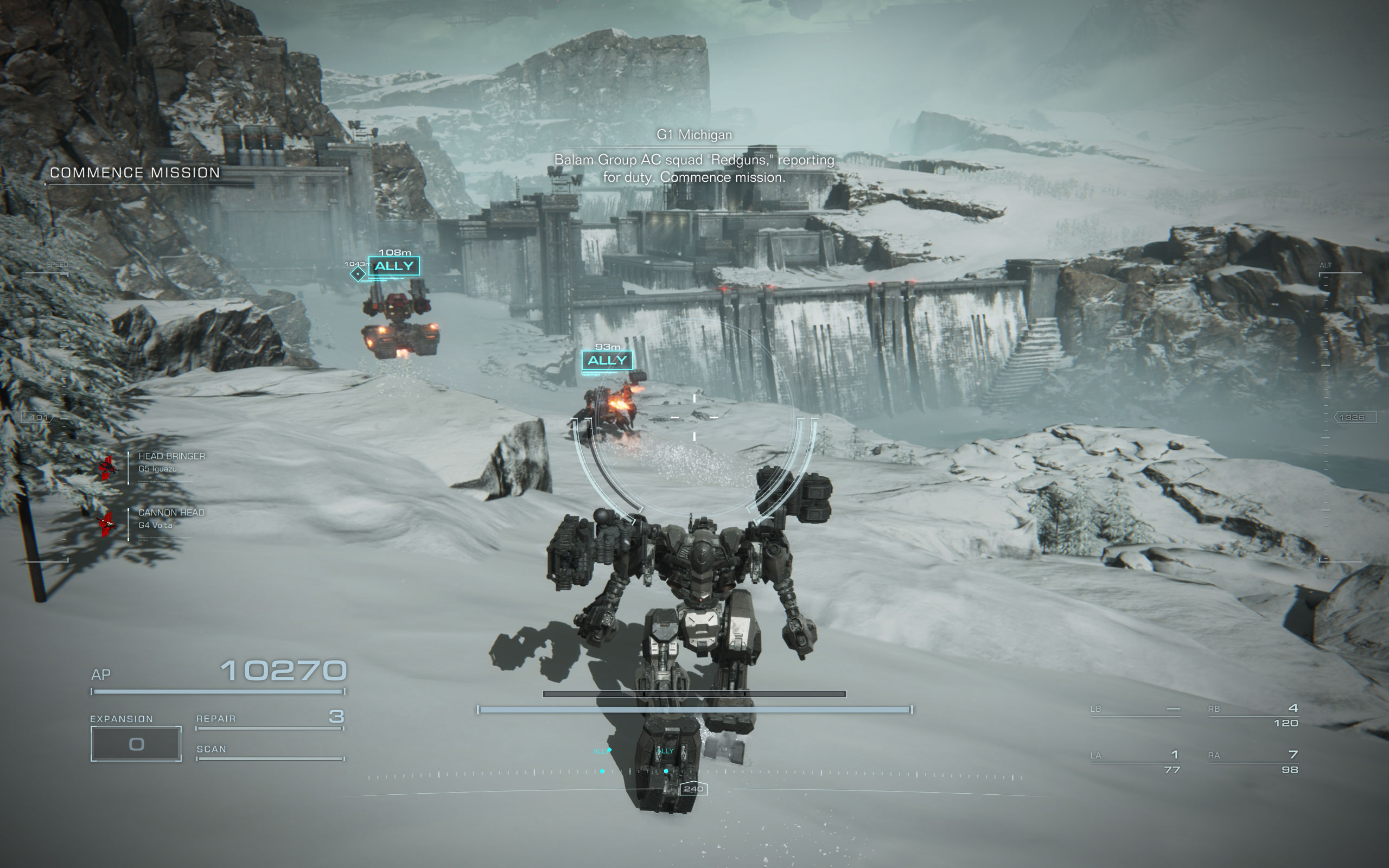





Graphics Settings

- The game supports windowed, borderless and fullscreen.
- There's an always-on FPS cap. You may select between 30, 60, 90 and 120 FPS. For our performance testing I've hacked the FPS cap to allow higher framerates. Everything works normally, including physics, so the developer really just added an arbitrary limit for no apparent reason—at least it's not 60 FPS.
- V-Sync can be disabled
- There is no support for NVIDIA DLSS, AMD FSR or Intel XeSS
- The quality settings can be selected from "Low," "Medium," "High," "Maximum" and "Custom"

- A second settings screen deals with the graphics quality settings
- It's good to have an option to disable motion blur
- Besides that there's a pretty nice list of settings to adjust, they really don't do that much for quality, check out the comparison screenshots on the next page
- The last option "Ray Tracing Quality" would make you think there's RT. But no, RT rendering can only be activated for the garage view. Actual gameplay does not support ray tracing.
Our Patreon Silver Supporters can read articles in single-page format.
Nov 26th, 2026 03:48 CST
change timezone
Latest GPU Drivers
New Forum Posts
- What's your main Black Friday / Cyber Monday purchase? (13)
- GTA VI (45)
- X79 and/or rampage IV OC'ing thread for those of us still left.... (2458)
- Wireless Internet sharing between PC and router both-ways, is it possible? (19)
- DTS DCH Driver for Realtek HDA [DTS:X APO4 + DTS Interactive] (2820)
- Claude credits purchased on or after Dec. 7 now have an expiry date (18)
- AI generated images... (239)
- TPU's Nostalgic Hardware Club (22209)
- Can you guess Which game it is? (365)
- Strange PC issues with Z690 setup (5)
Popular Reviews
- ASRock X870E Challenger Wi-Fi White Review
- VZMORE AX9 Max Review
- Upcoming Hardware Launches 2027 (Updated Nov 2026)
- Microsoft Surface Laptop Ultra Review - The Next-gen Arm Laptop
- AMD Ryzen 7 9800X3D Review - The Best Gaming Processor
- AMD Zen 6 Technical Deep Dive
- Corsair RM1200e (Second Generation) Review
- Phantom Blade Zero Performance Benchmark Review - 35 GPUs Tested
- Pulsar Office Tour & First Look at P1 Dual-Sensor Mouse
- Ocypus lota P1000 Review
TPU on YouTube
Controversial News Posts
- Jensen Huang Reinstated as CEO of NVIDIA (576)
- NVIDIA Co-Founder and CEO Jensen Huang Officially Resigns (492)
- Report: Jensen Huang Eyes NVIDIA Comeback (281)
- Open Letter Asking NVIDIA to Reinstate Jensen Huang Passes 115,000 Signatures (184)
- OpenAI CEO Argues Home PCs Waste the World's Limited DRAM Supply (152)
- NVIDIA Launches Investigation Into Jensen Huang's Relationship With Suspected Chinese Spy (136)
- Intel "Raptor Lake Next" 16-Core and 20-Core CPUs Surface (130)
- Intel Razor Lake Gets a 12 P-Core bLLC Chip With No E-Cores, Per Leak (94)