 6
ASRock B860 Challenger Wi-Fi Review
Board Software »BIOS Overview
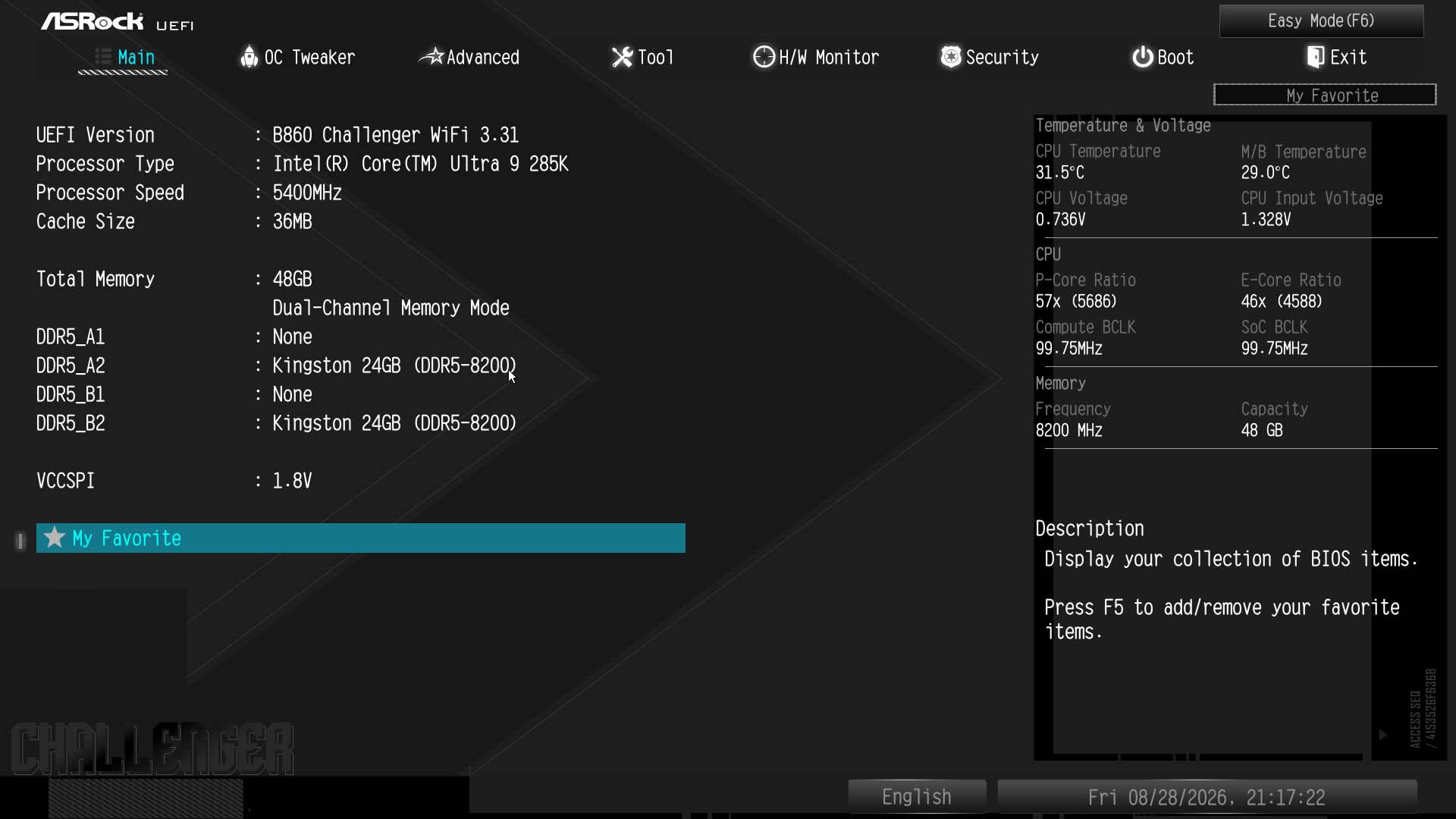
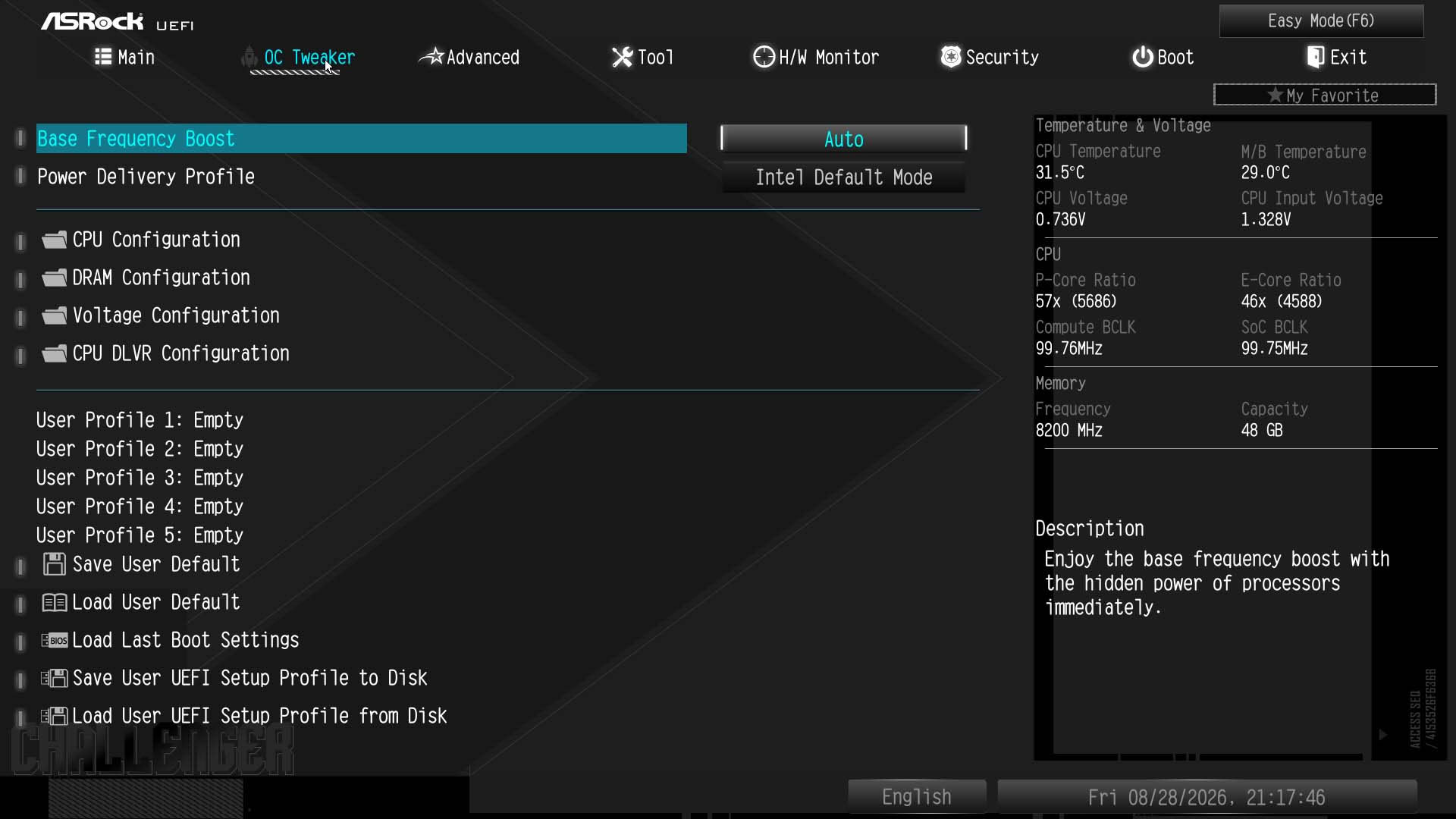
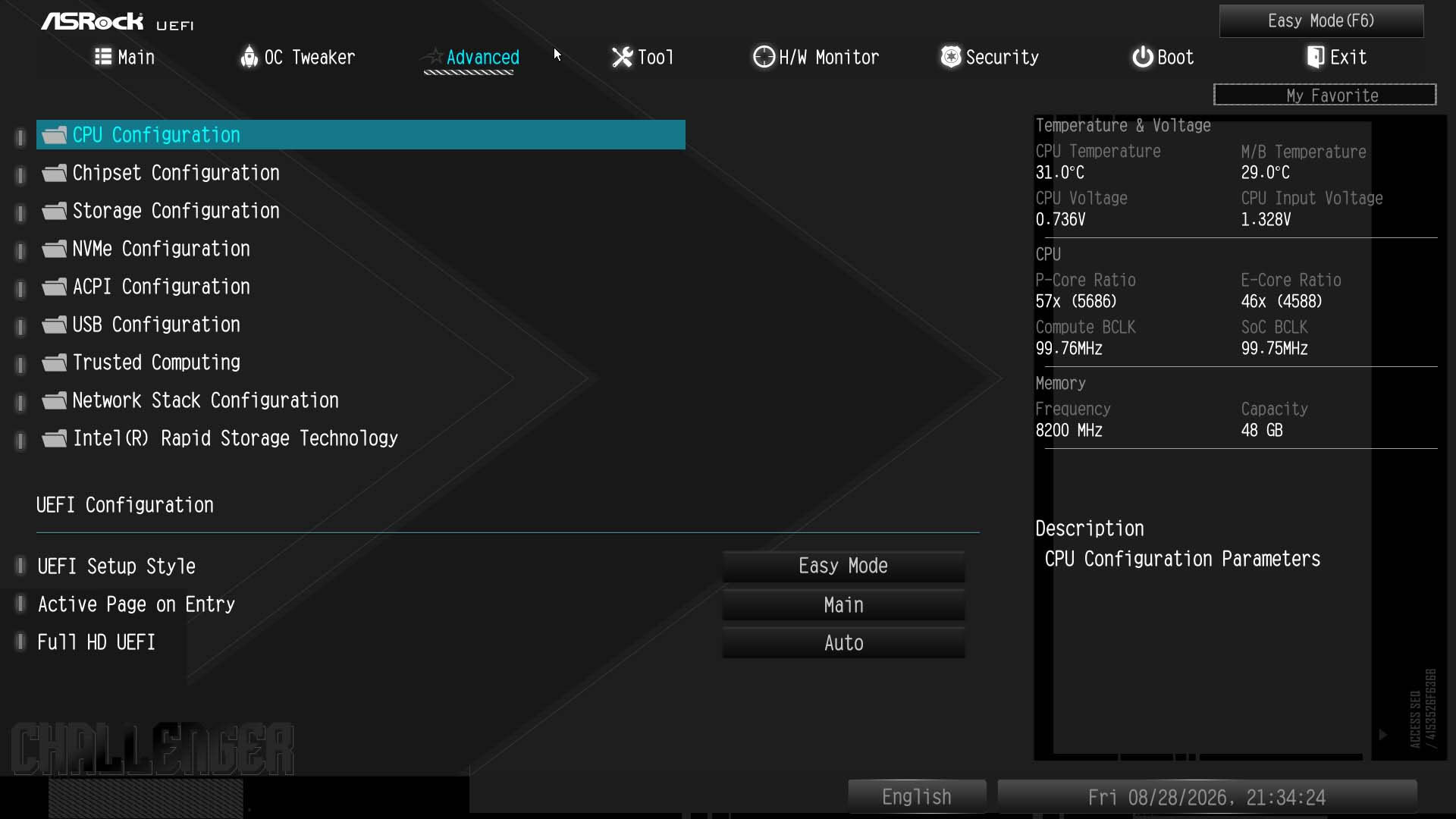
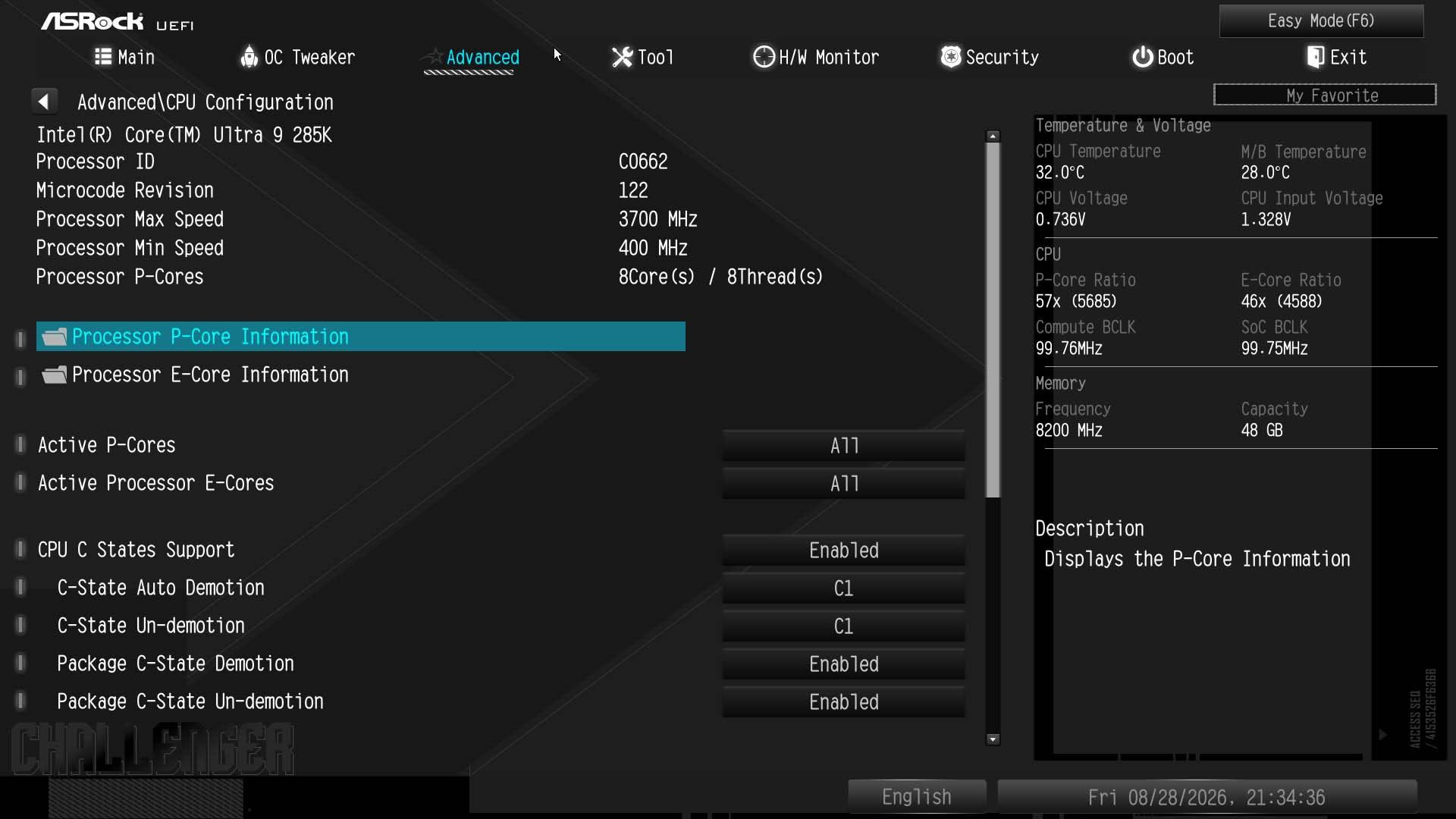
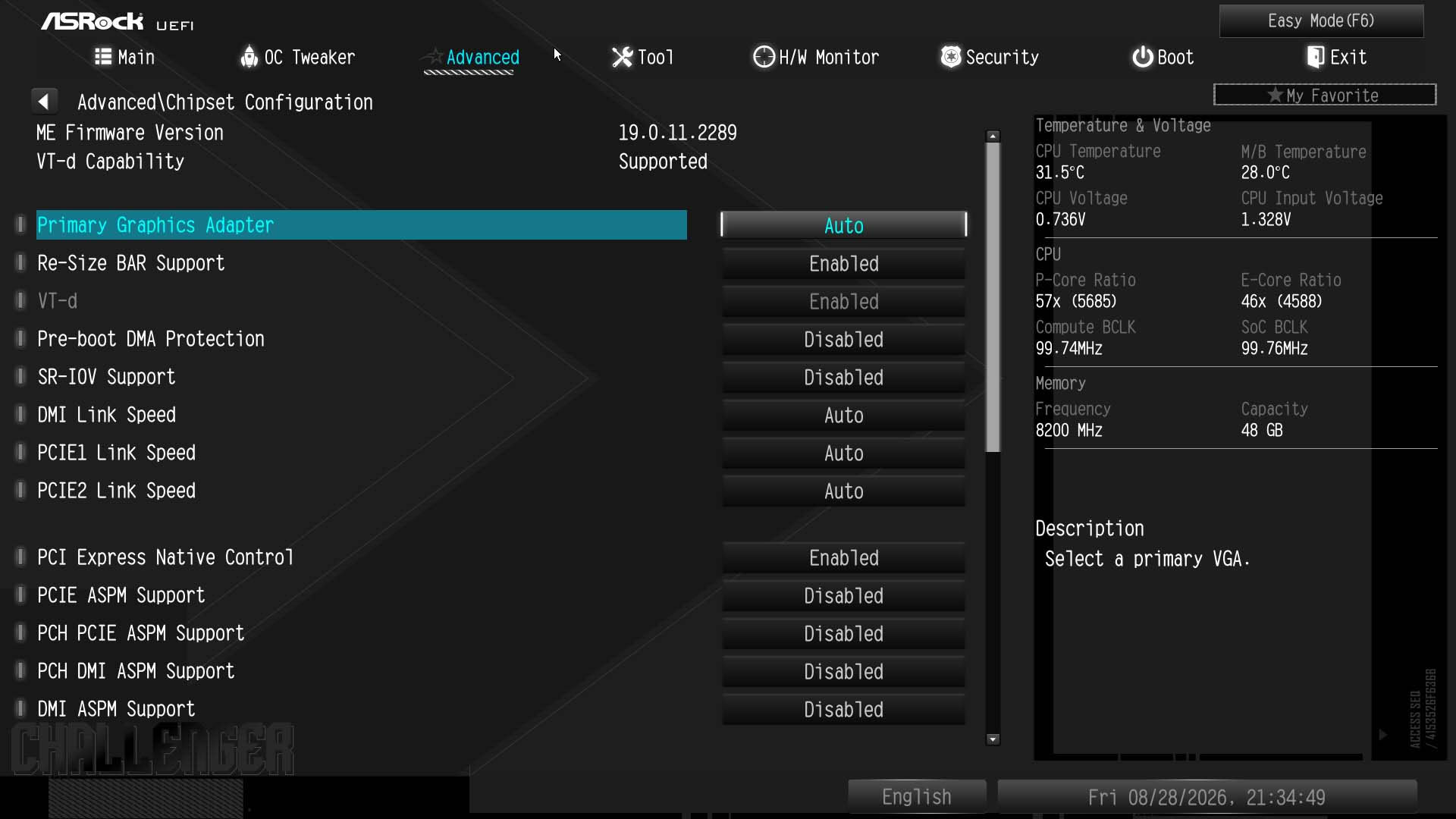
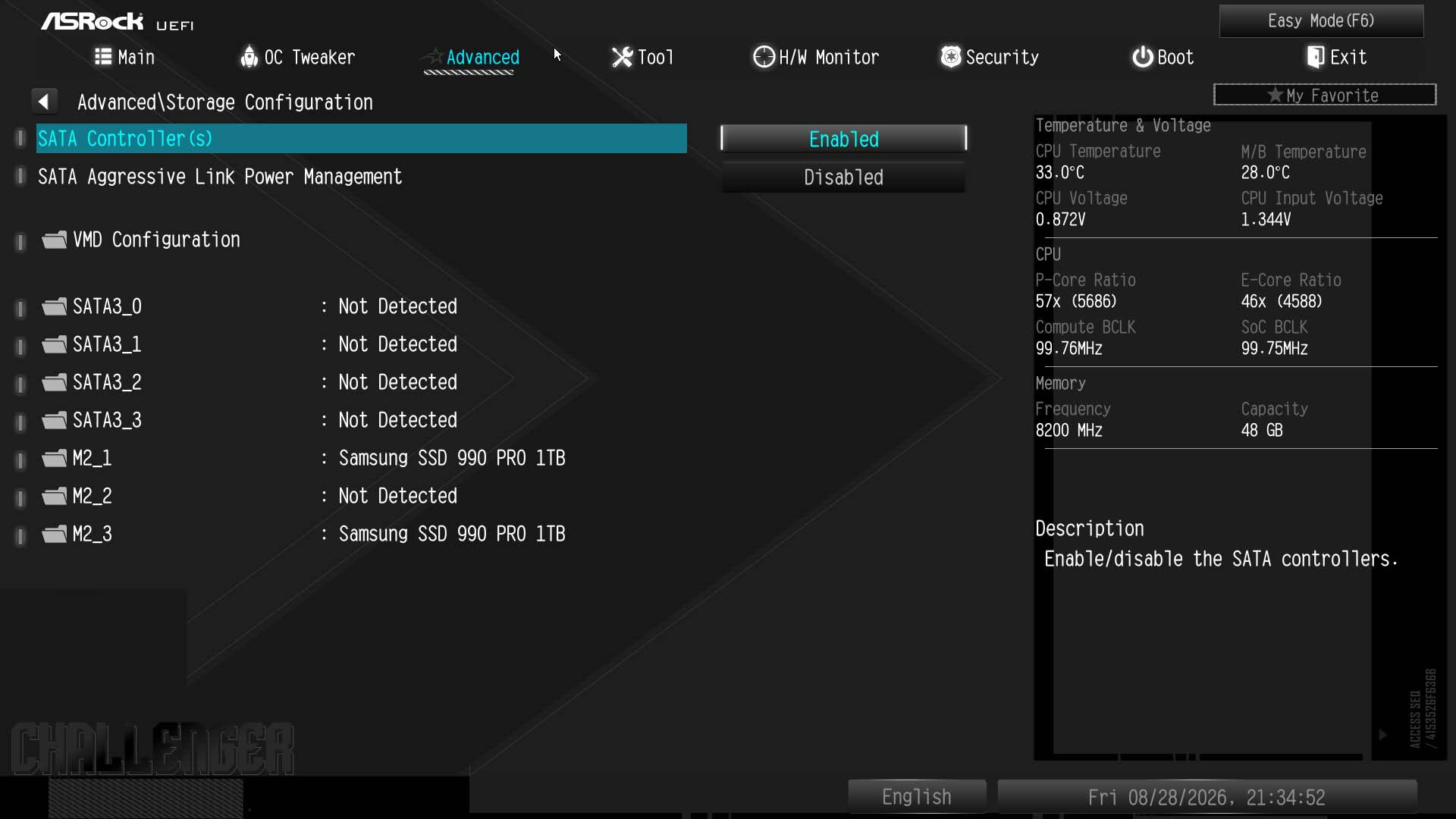
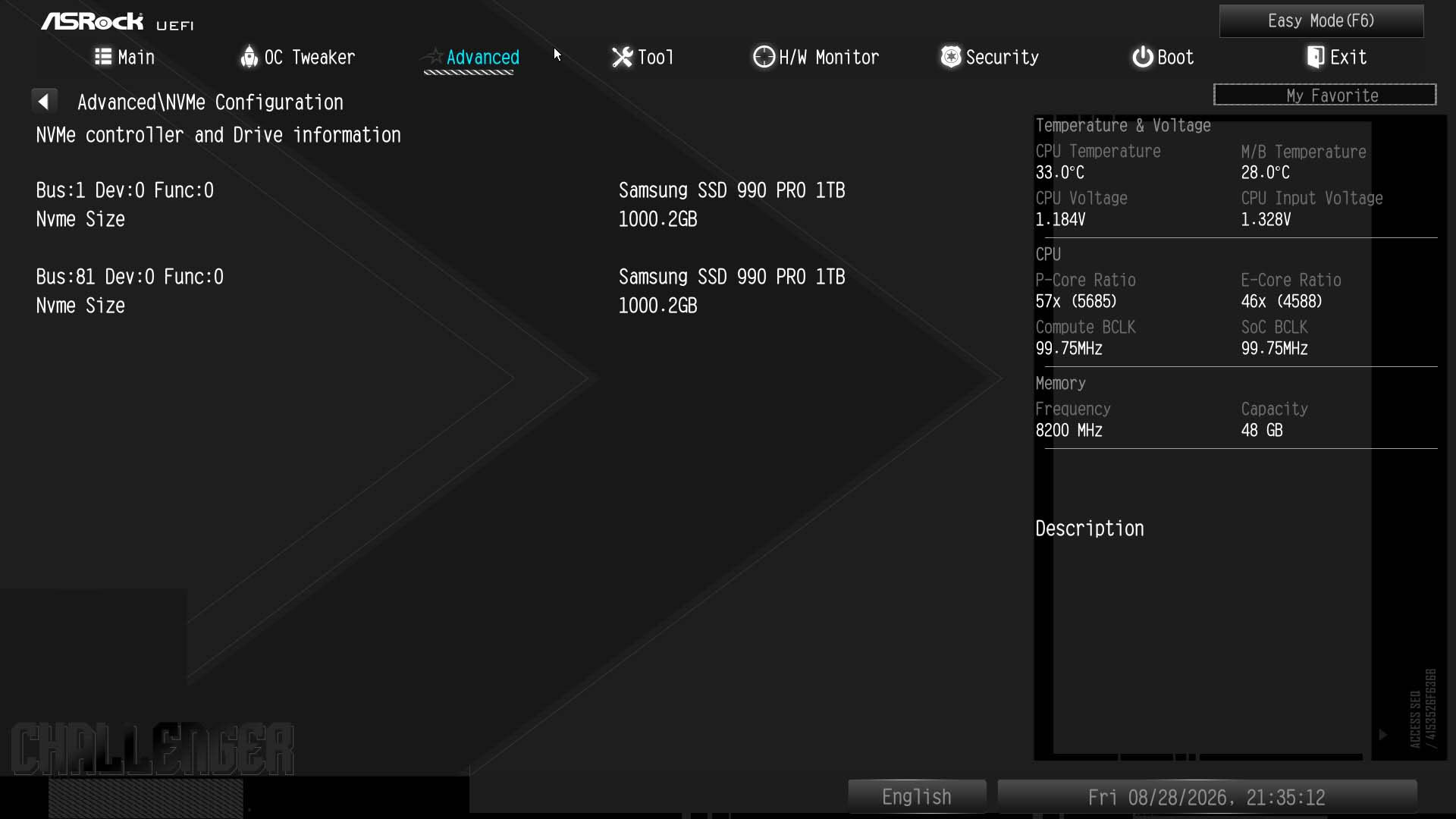
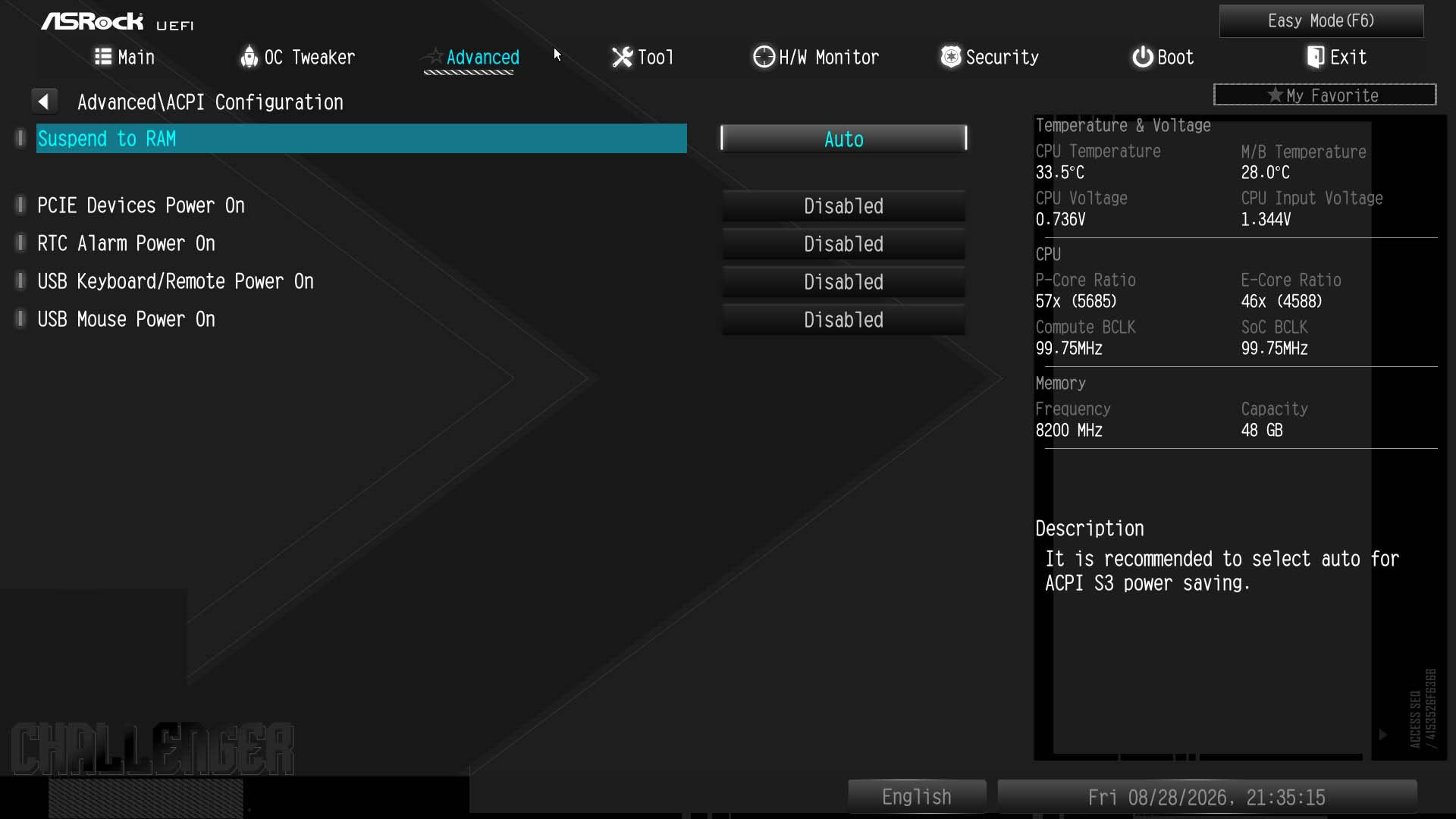
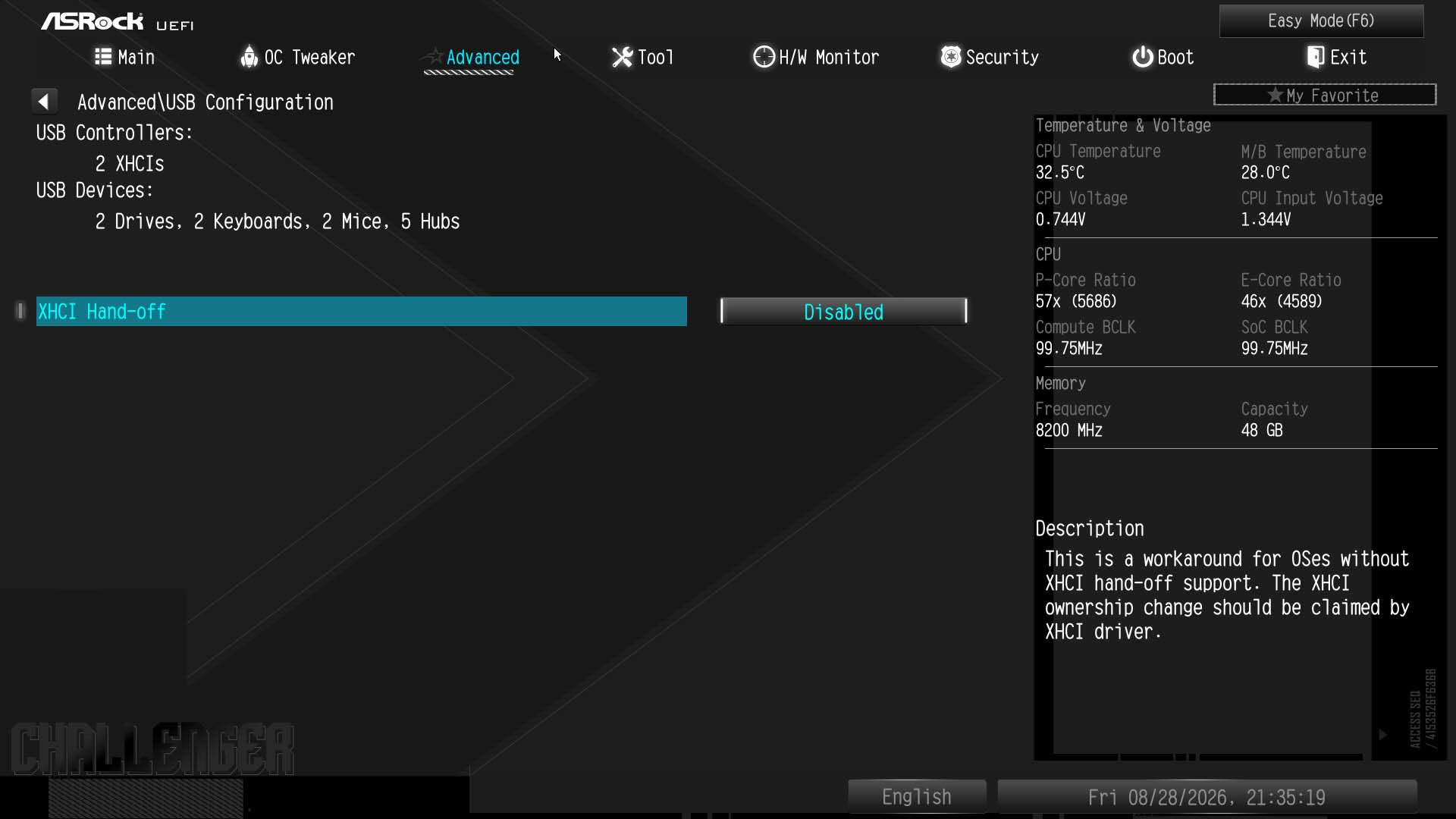
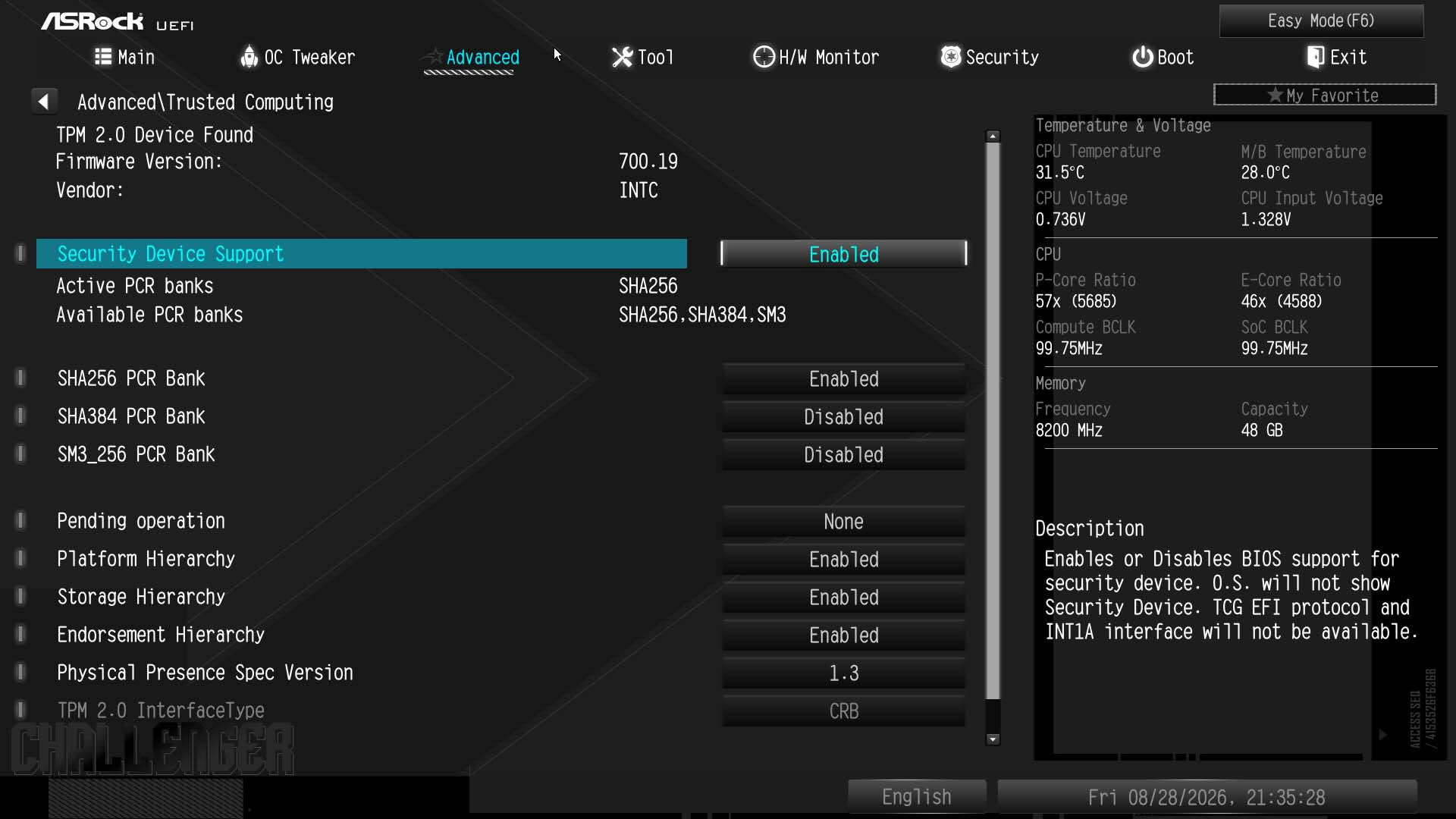
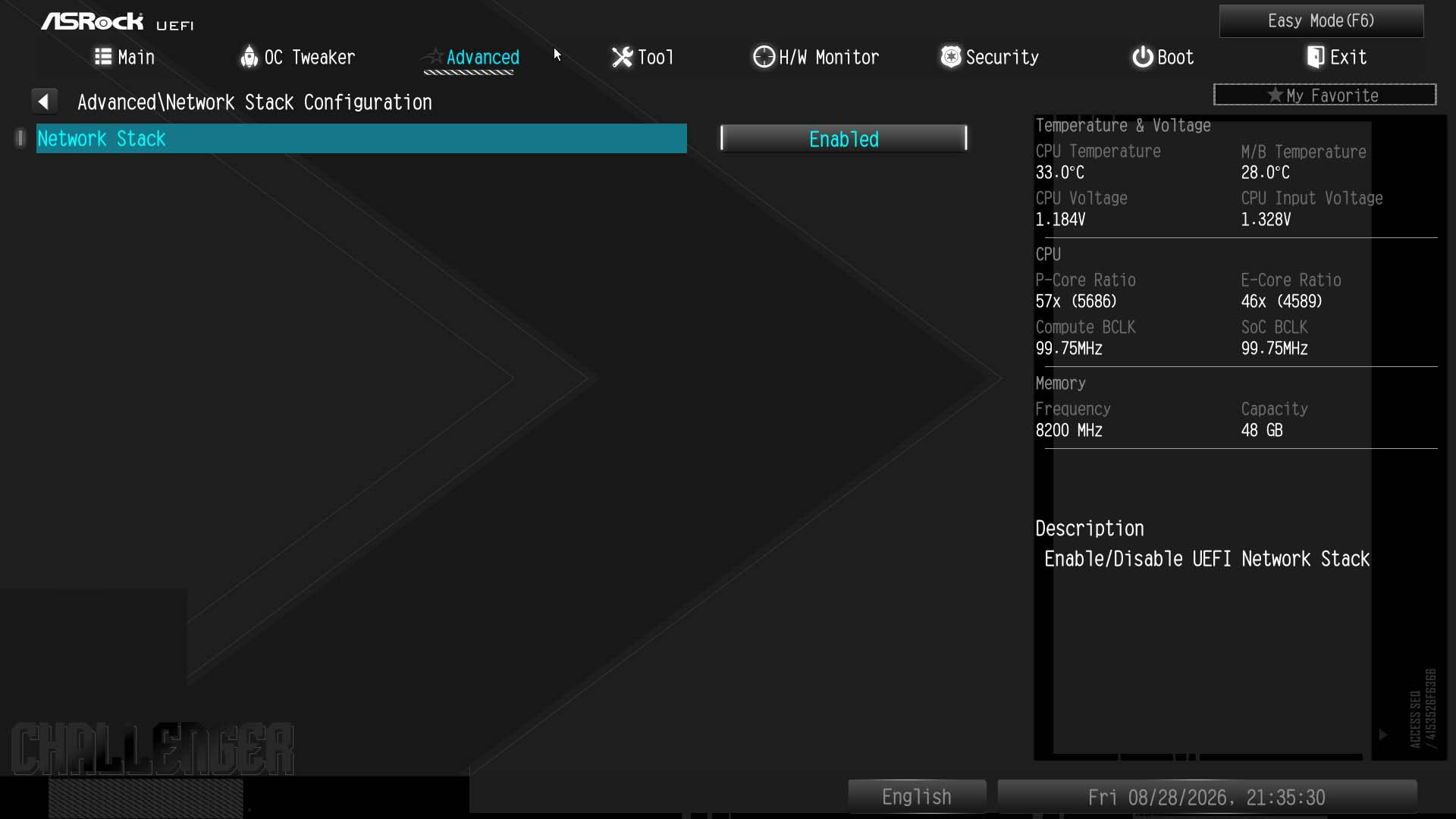
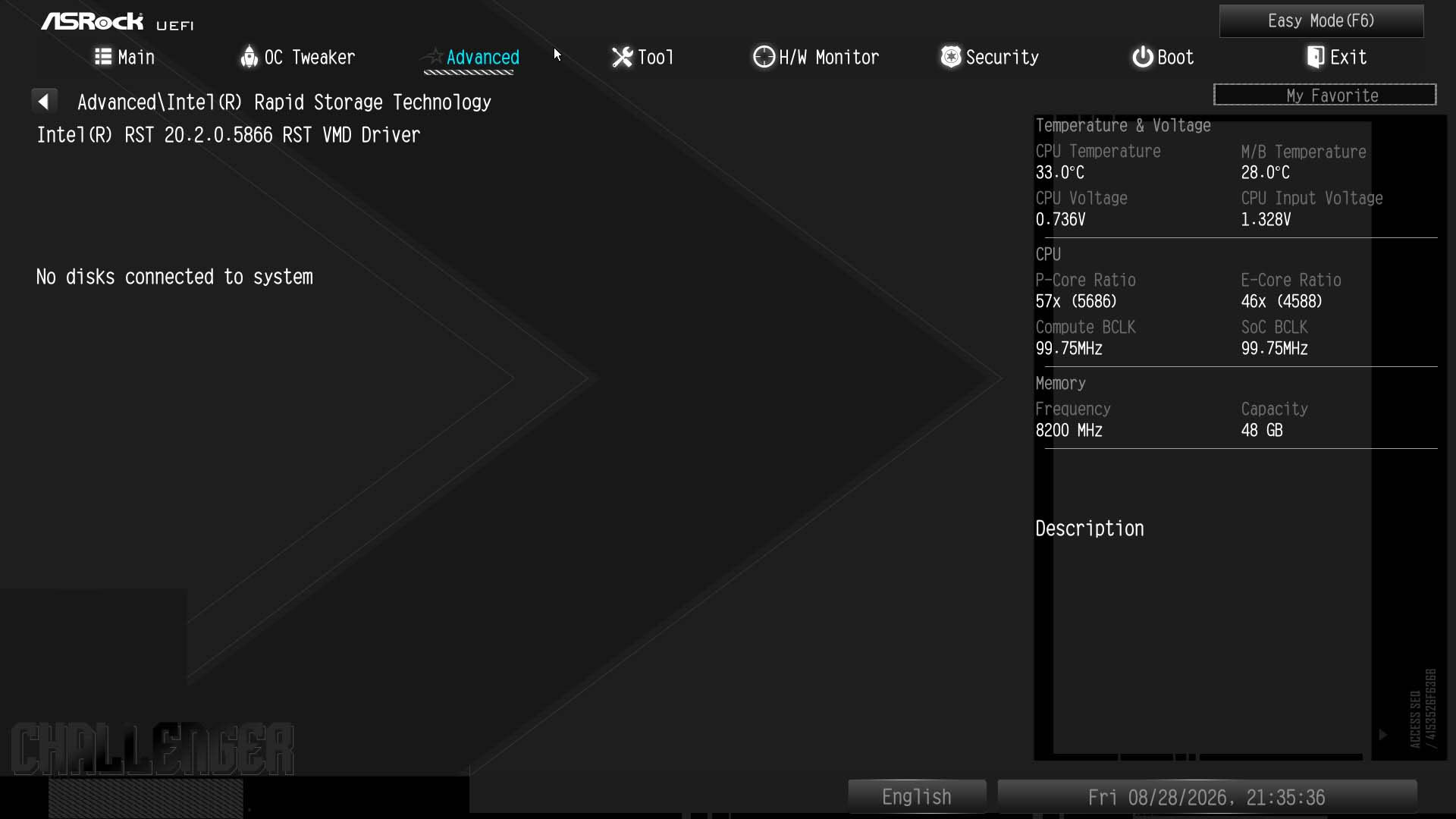
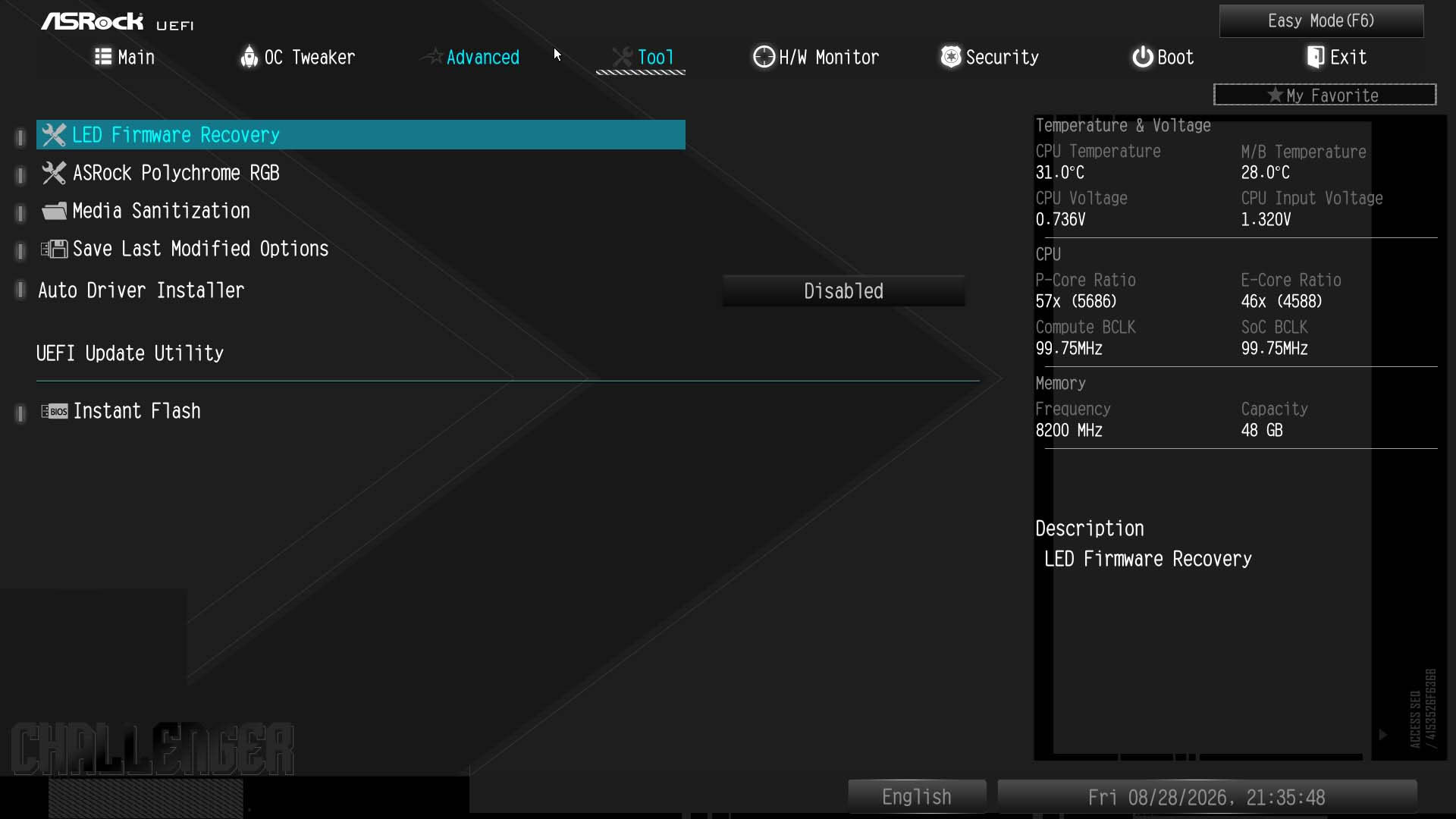
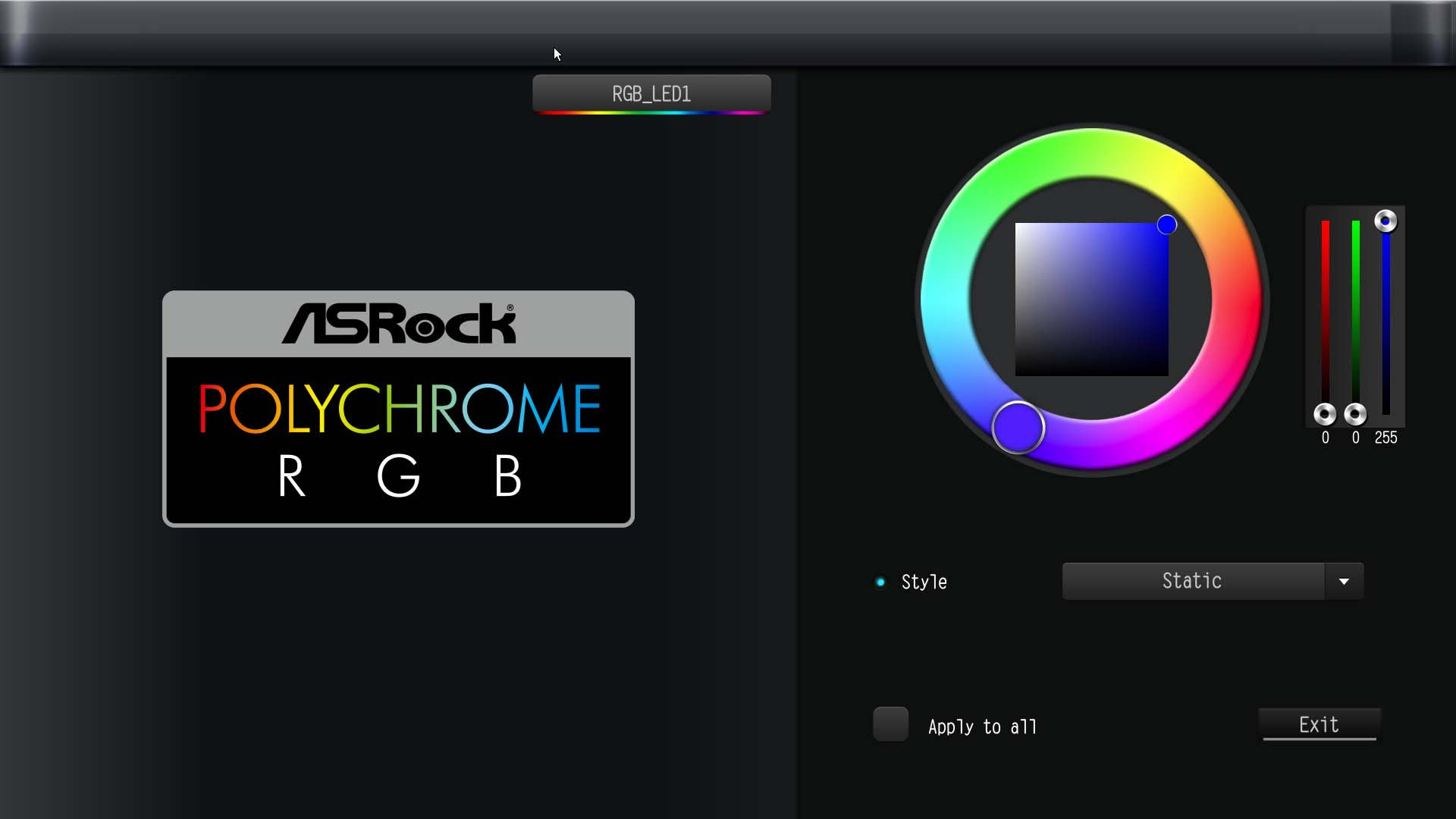
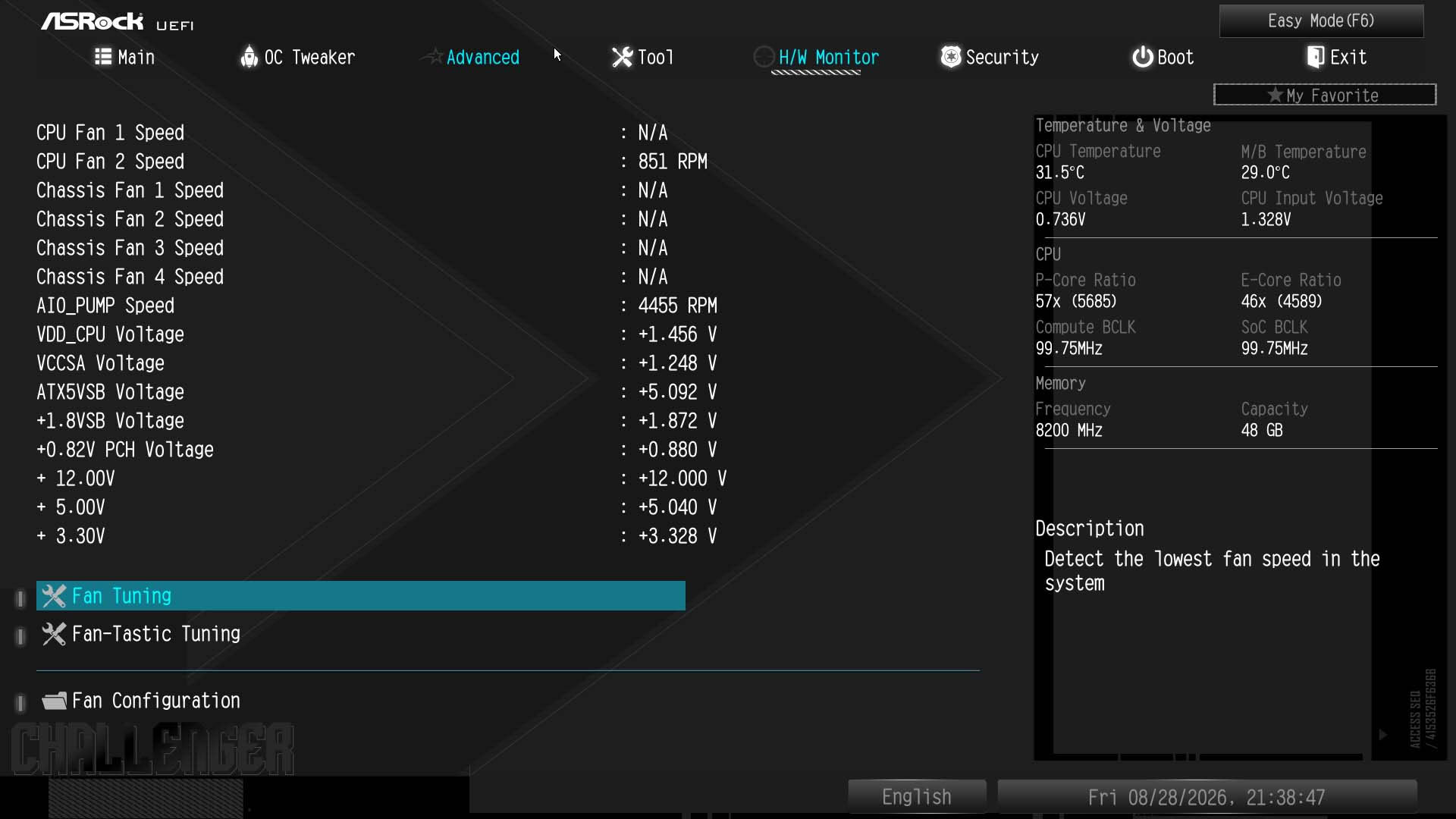
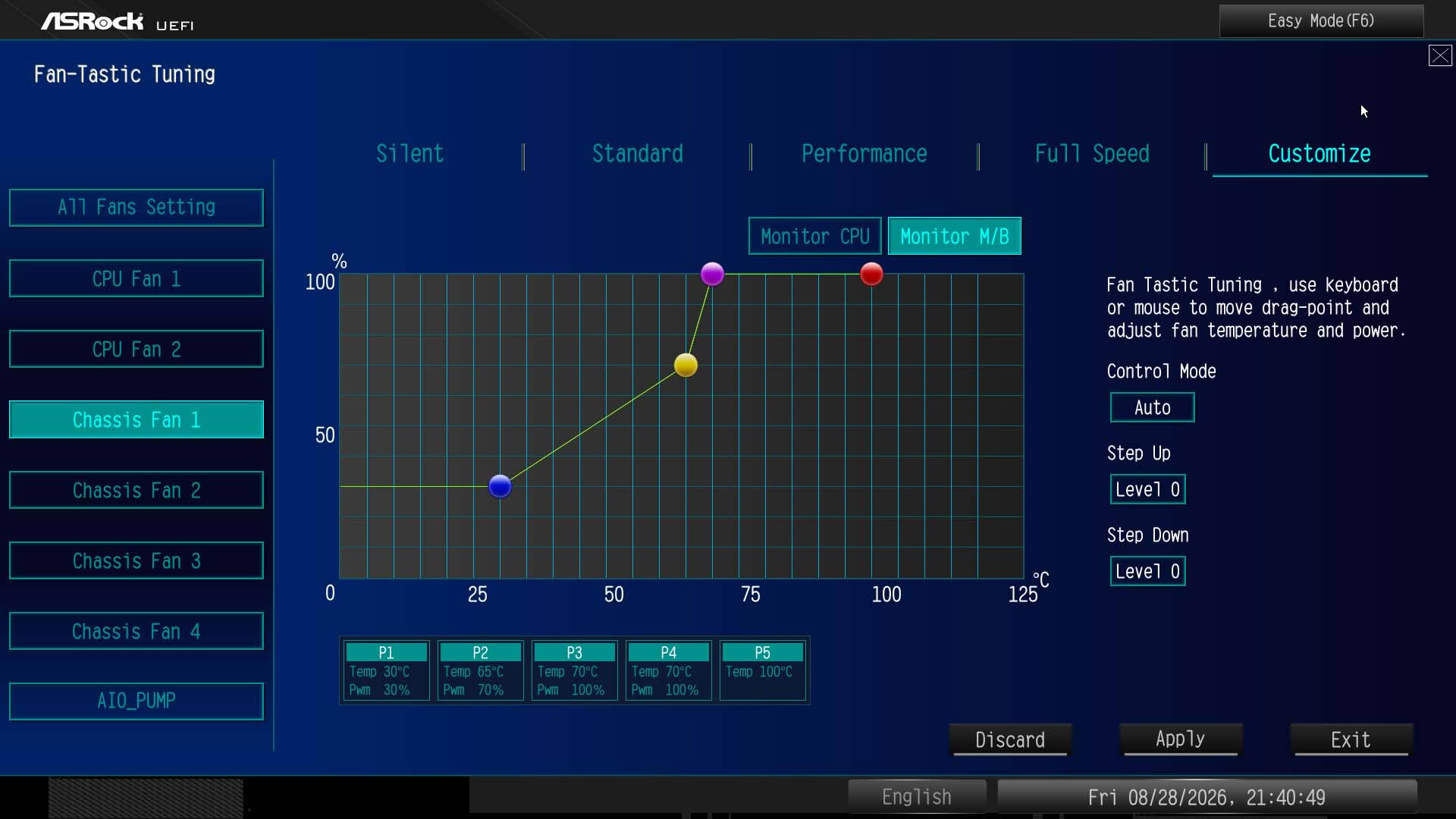
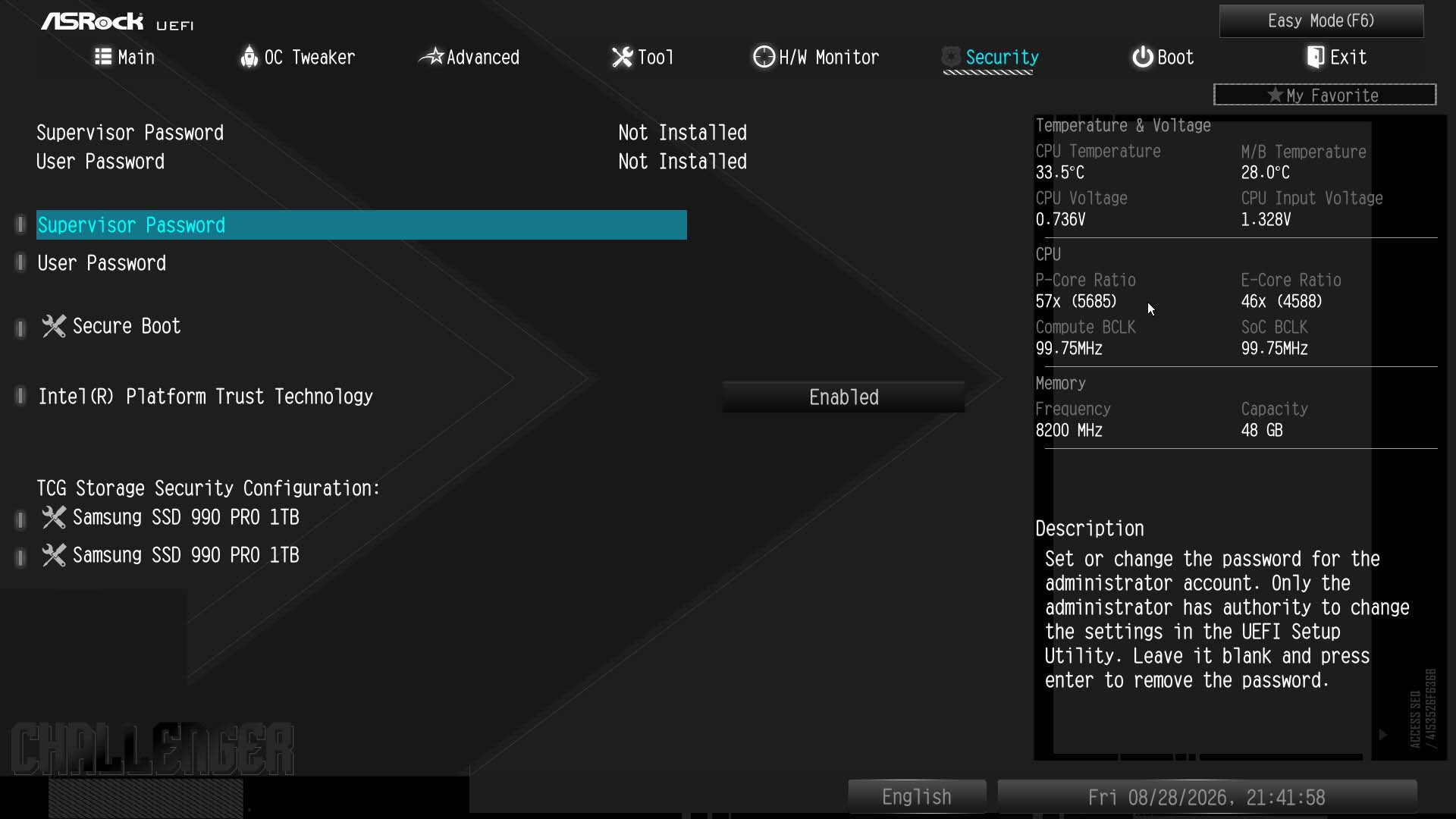
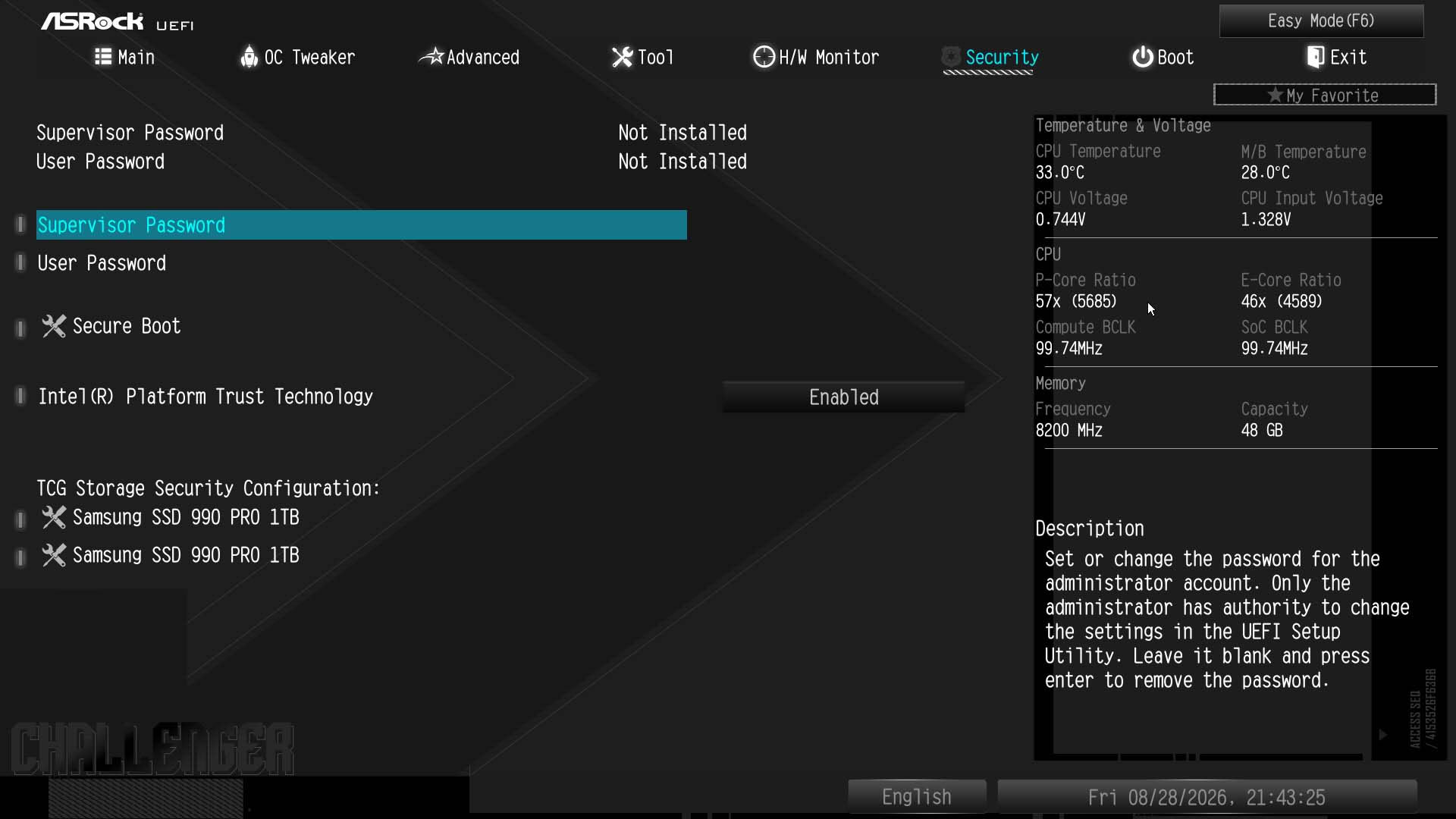
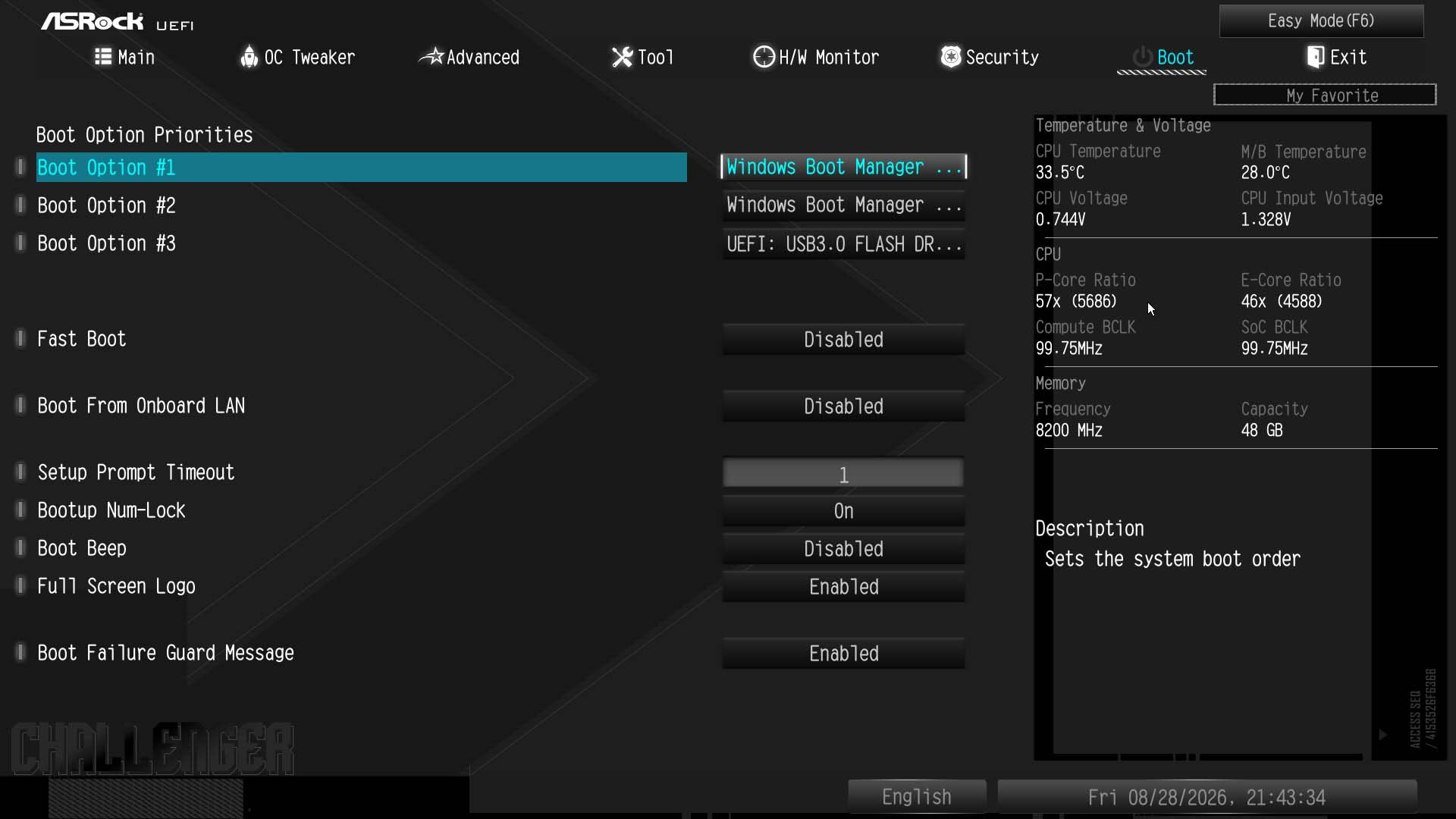
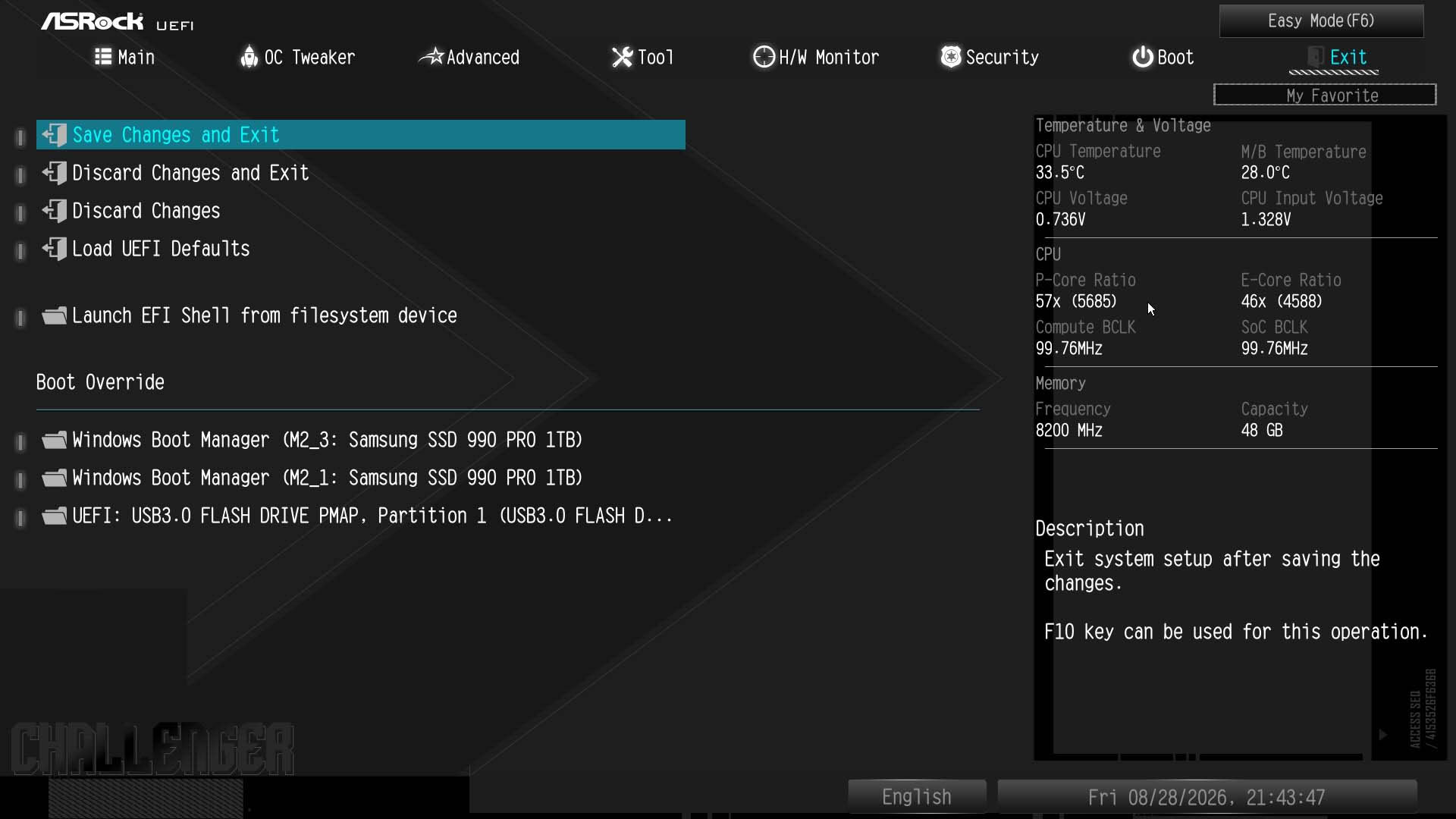
The EFI is a typical ASRock affair, which for newcomers is essentially a little dated and lacking features compared to the competition, but still perfectly usable. The EZ Mode page offers boot order control as well as the option to pick memory and fan profiles, with direct links to fan and RGB lighting control. However, there's no search function like there is on ASRock's AMD boards, including the similar X870 Challenger Wi-Fi. As the B860 chipset doesn't support overclocking, we've skipped most of that section, but the usual controls are there, except for Intel 200S Boost mode, which is confined to Z890 motherboards.One feature that's useful and that the competition often lacks is RGB control in the EFI. You can pick from static colors or effects and even pick headers to apply them too, removing the need to install separate software. As usual, there are differences in the fan control section between ASRock's AMD and Intel boards, with the B860 Challenger Wi-Fi benefitting from the ability to switch between PWM and voltage modes on the fan curve profile page. Compared to competing boards it's functional but lacks features and granularity—like much of the rest of the EFI.

Nov 18th, 2026 13:24 PST
change timezone
Latest GPU Drivers
New Forum Posts
- Can i play GTA 6 now? (Joke) (5)
- Very unusual two gaming-pc scenarios. (11)
- Dell Workstation Owners Club (3513)
- Any other old-timers here planning to play WoW Forever? (151)
- Time to upgrade CPU and MOBO (33)
- The Filthy, Rotten, Nasty, Helpdesk-Nightmare picture clubhouse (2876)
- WarpCoreBench scores! (67)
- Honestly, do you care about GTA VI? (144)
- Acer Predator BiFrost Radeon RX 9070 OC (9)
- DTS DCH Driver for Realtek HDA [DTS:X APO4 + DTS Interactive] (2814)
Popular Reviews
- Acemagic Retro X3 Review
- Upcoming Hardware Launches 2027 (Updated Nov 2026)
- AMD Zen 6 Technical Deep Dive
- ASUS ROG Strix B850-I Gaming Wi-Fi7 W Review
- Corsair HX1000i Shift Crystal Review
- Biwin Black Opal NV7400 2 TB Review
- Chieftec Iceberg PRO 360 DARK Review
- AMD Ryzen 7 9800X3D Review - The Best Gaming Processor
- Phantom Blade Zero Performance Benchmark Review - 35 GPUs Tested
- Pulsar Office Tour & First Look at P1 Dual-Sensor Mouse
TPU on YouTube
Controversial News Posts
- NVIDIA Co-Founder and CEO Jensen Huang Officially Resigns (478)
- Report: Jensen Huang Eyes NVIDIA Comeback (187)
- Open Letter Asking NVIDIA to Reinstate Jensen Huang Passes 115,000 Signatures (184)
- OpenAI CEO Argues Home PCs Waste the World's Limited DRAM Supply (152)
- NVIDIA Launches Investigation Into Jensen Huang's Relationship With Suspected Chinese Spy (136)
- Intel "Raptor Lake Next" 16-Core and 20-Core CPUs Surface (130)
- Legendary Game Studio BioWare Shuts Down Following EA Layoffs (104)
- Dell CEO Says the Memory Shortage Will Get Worse in 2027 (95)