 19
ASRock Phantom Gaming X870 Riptide Wi-Fi Review
Board Software »BIOS Overview
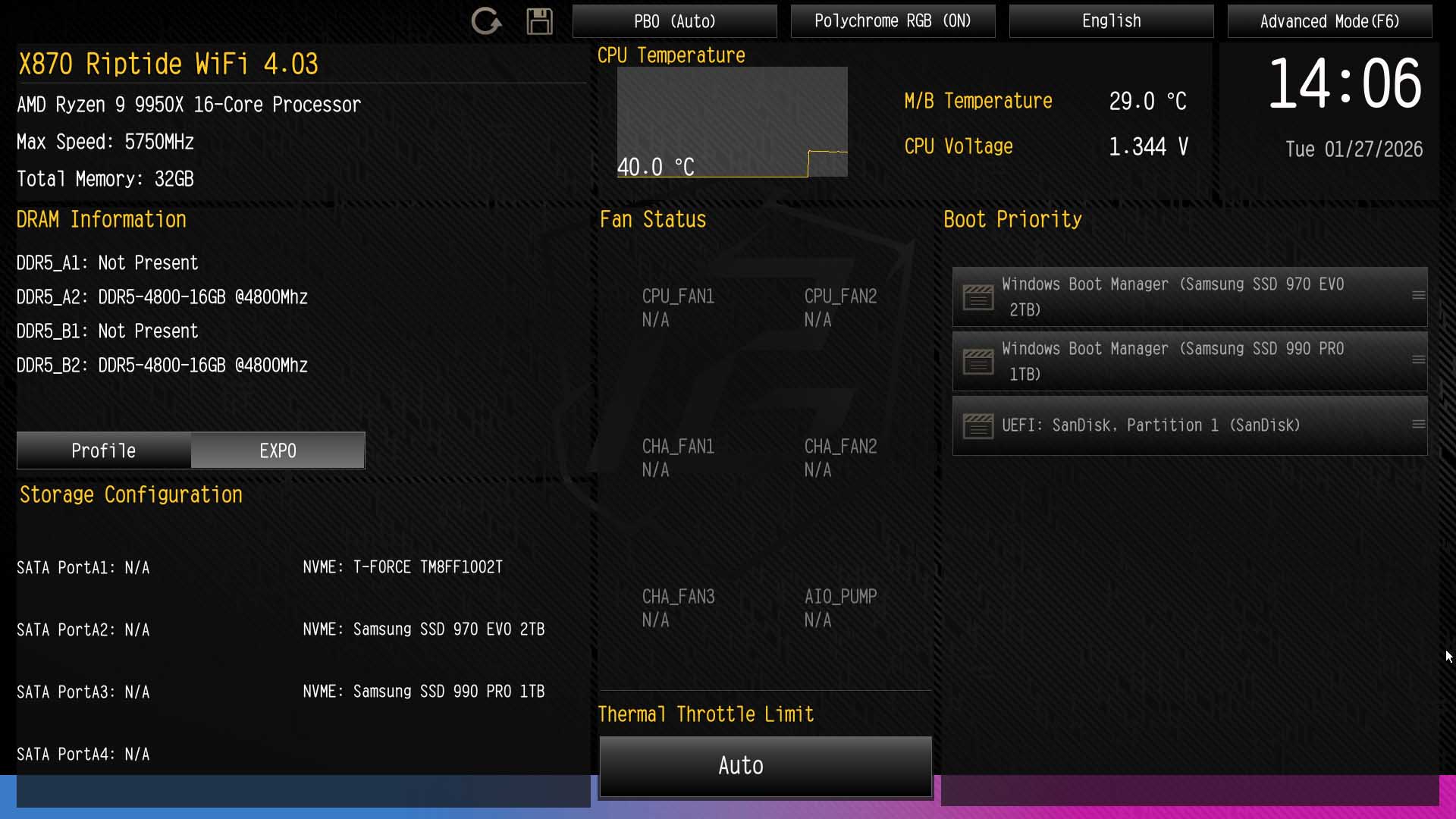
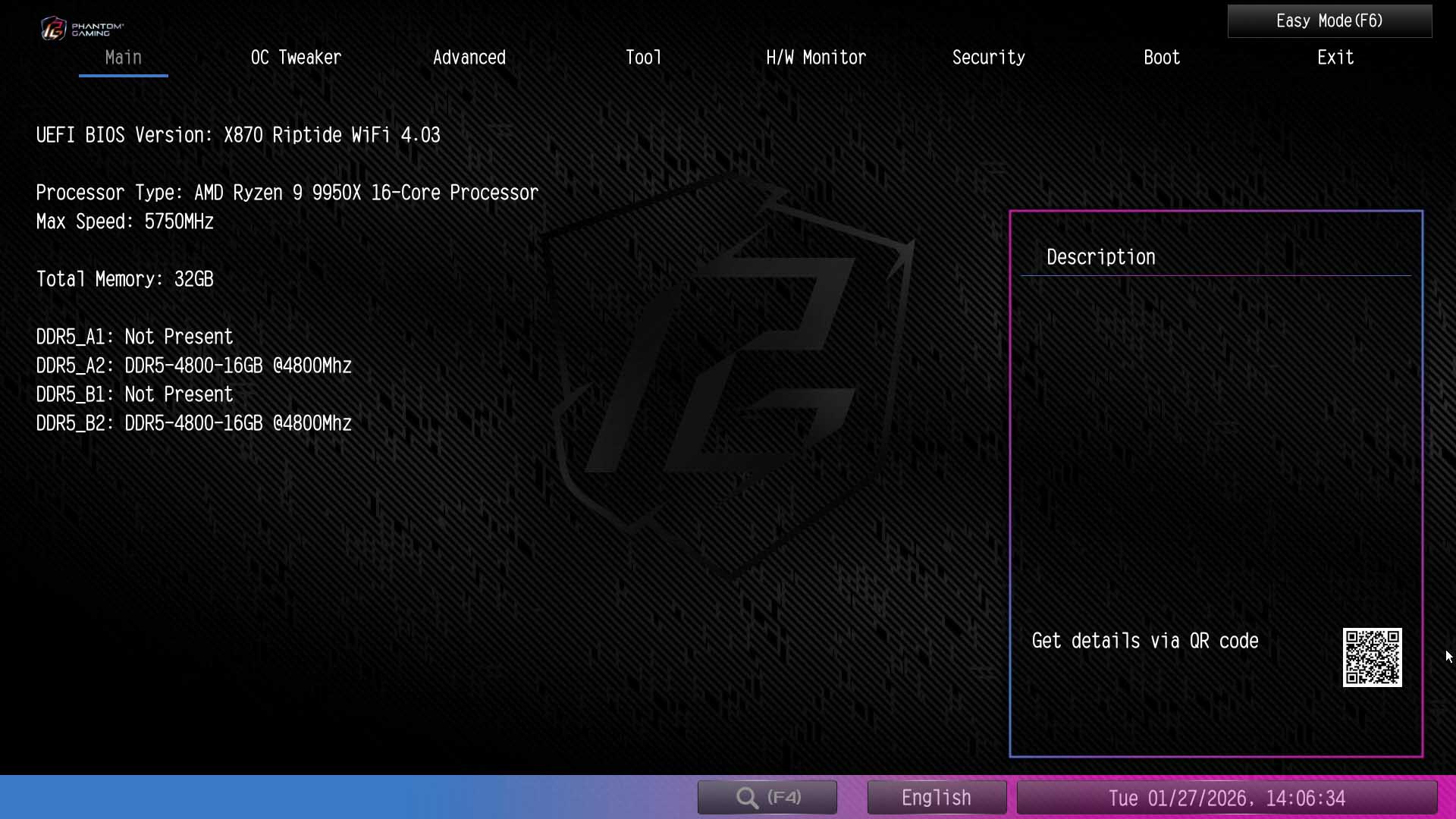
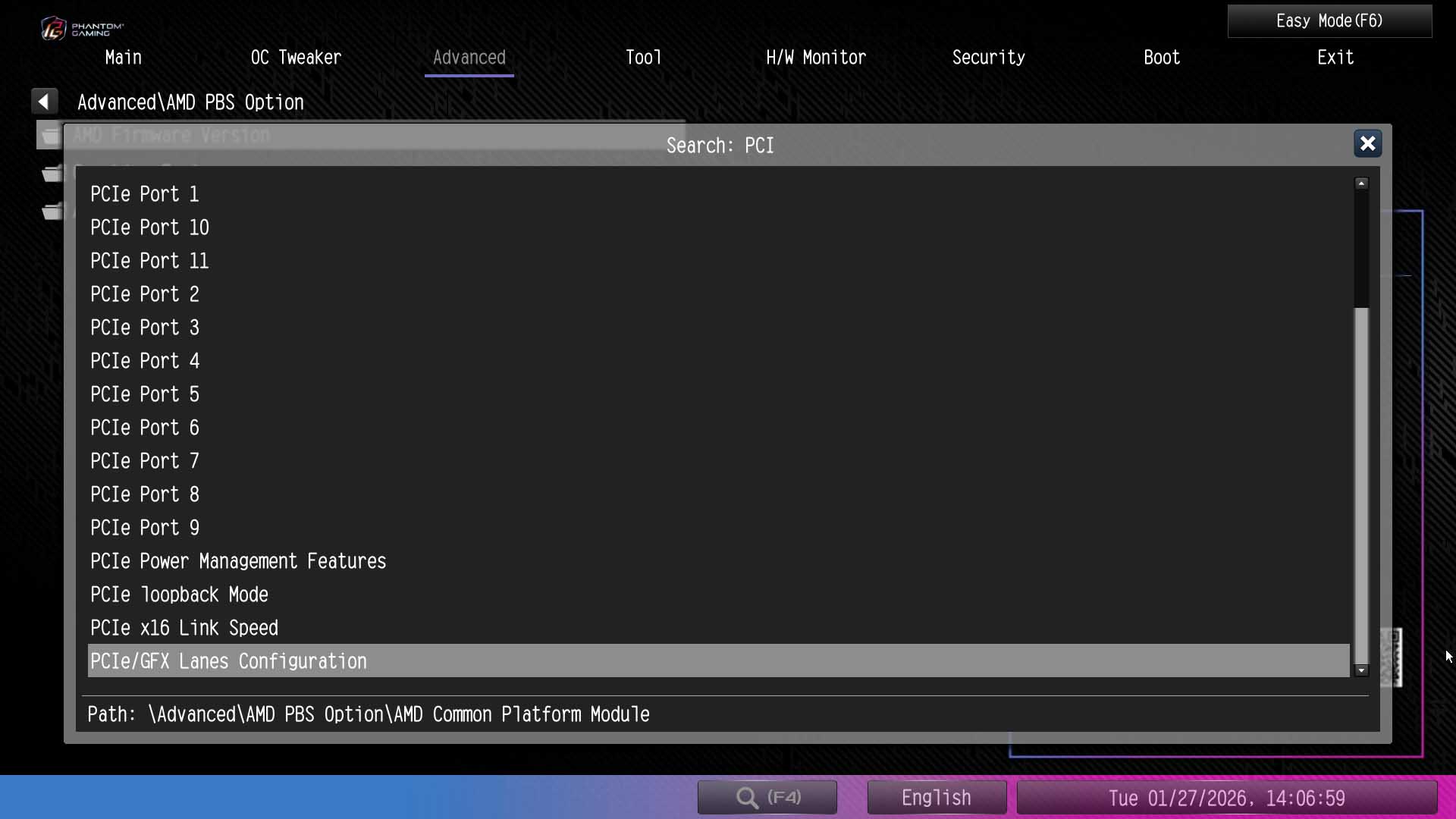
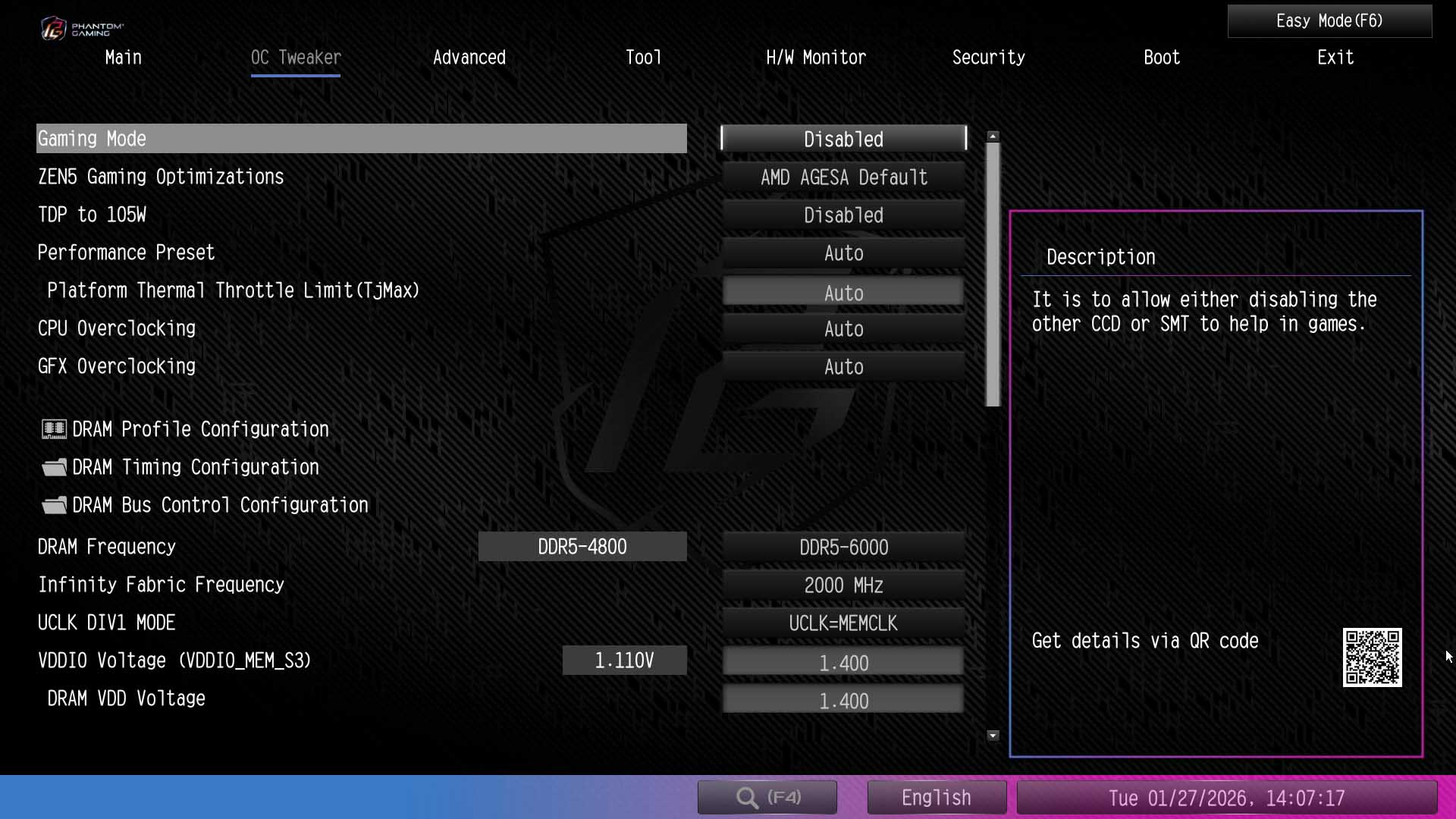
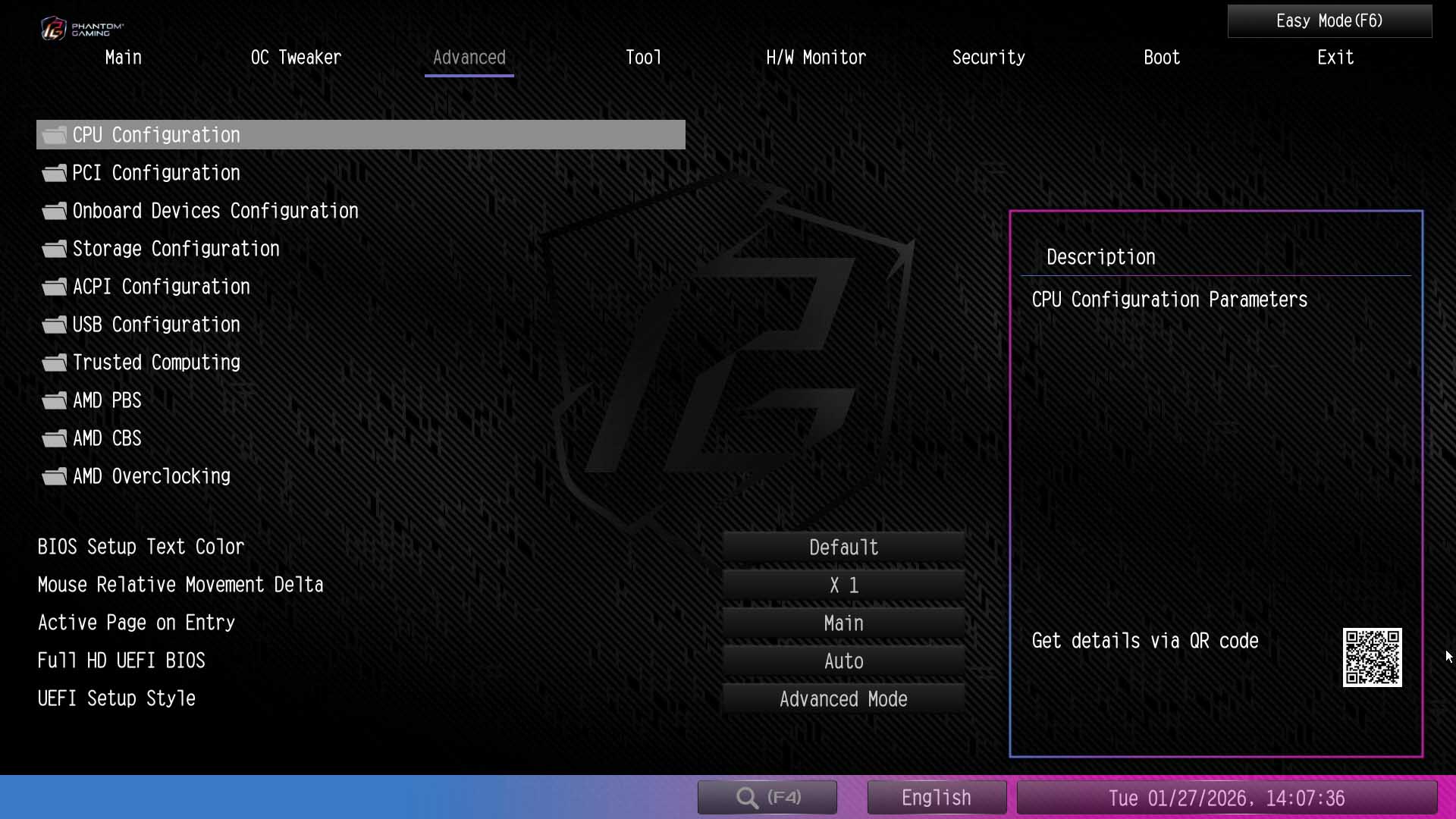
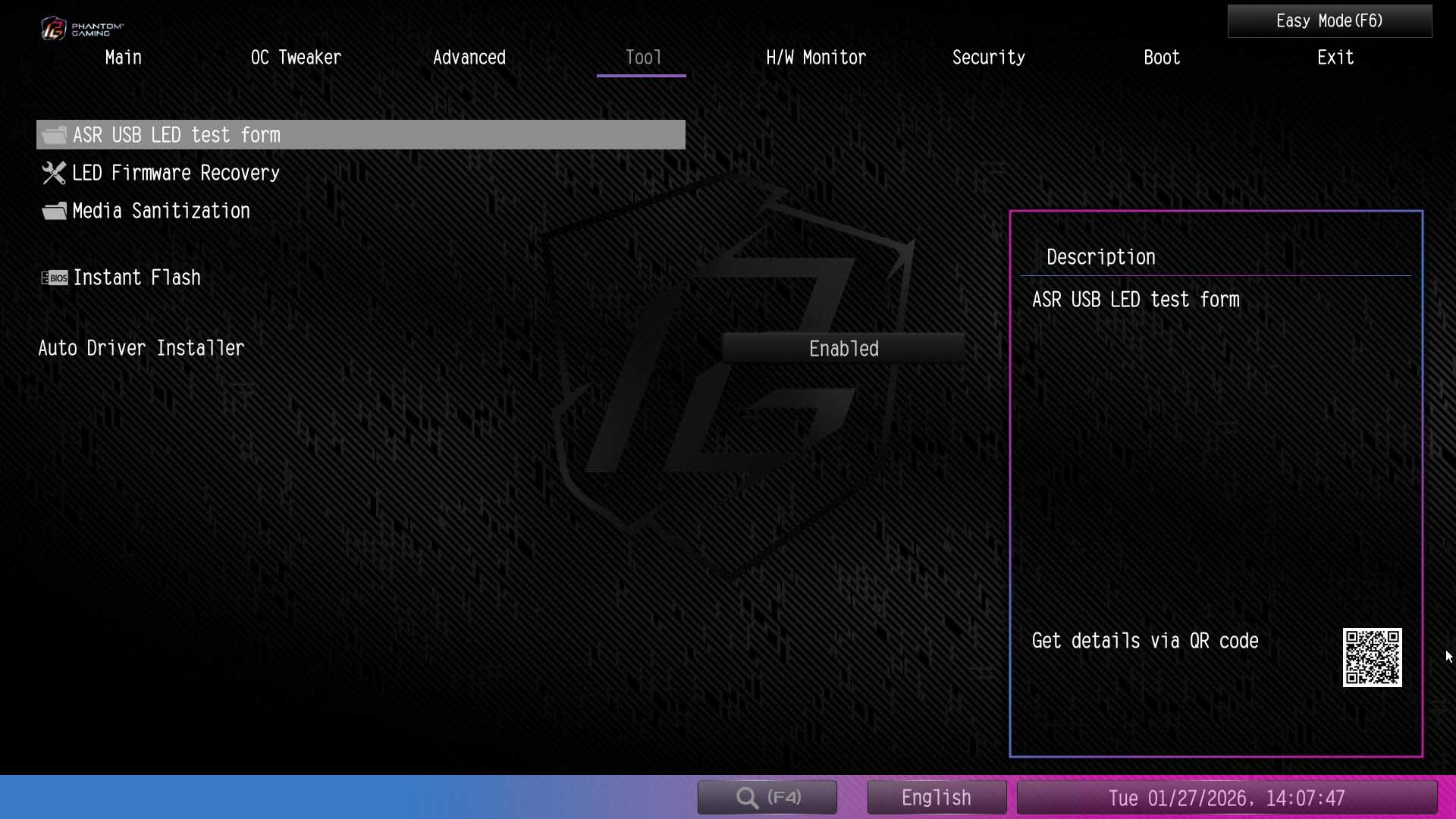
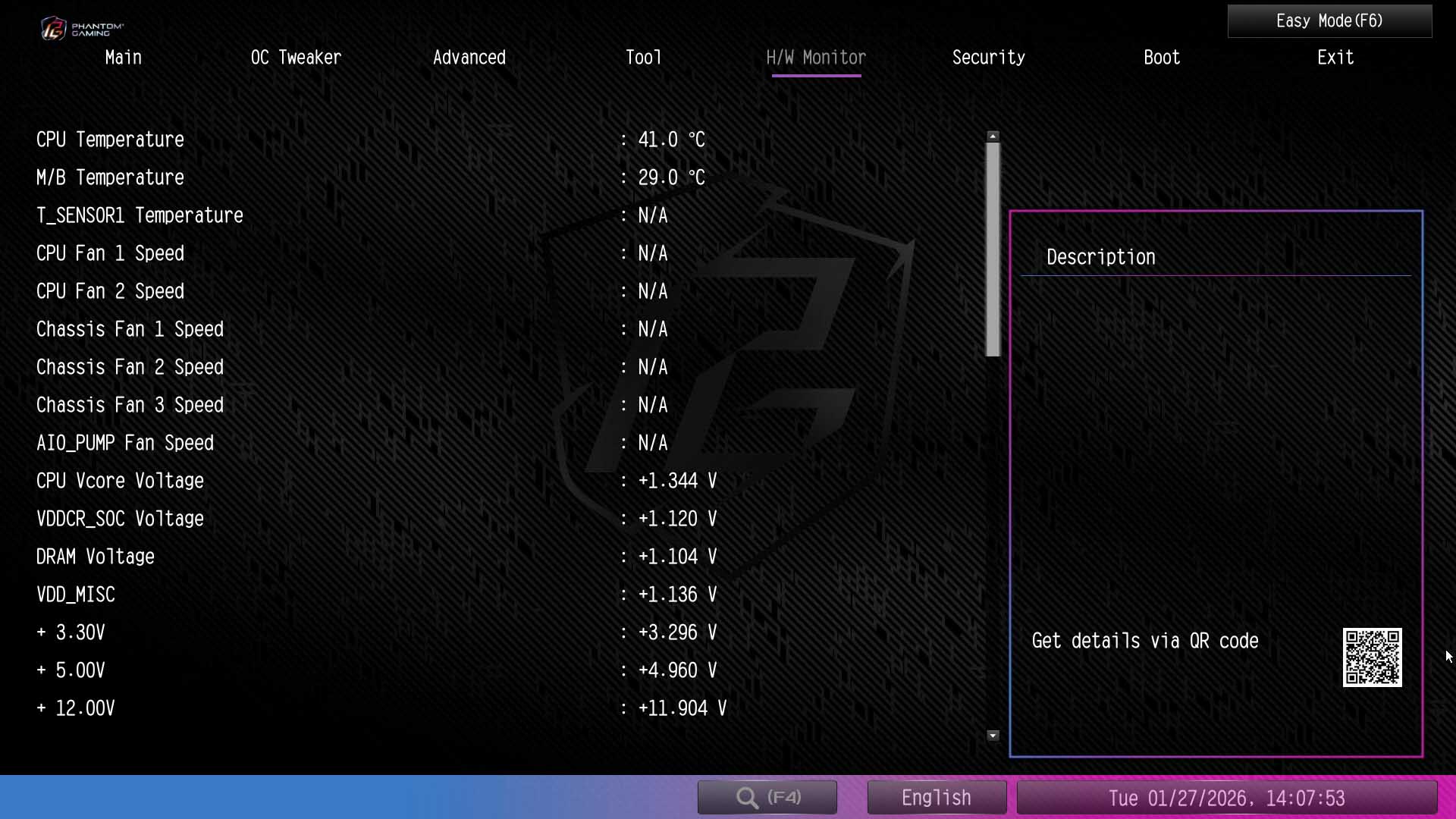
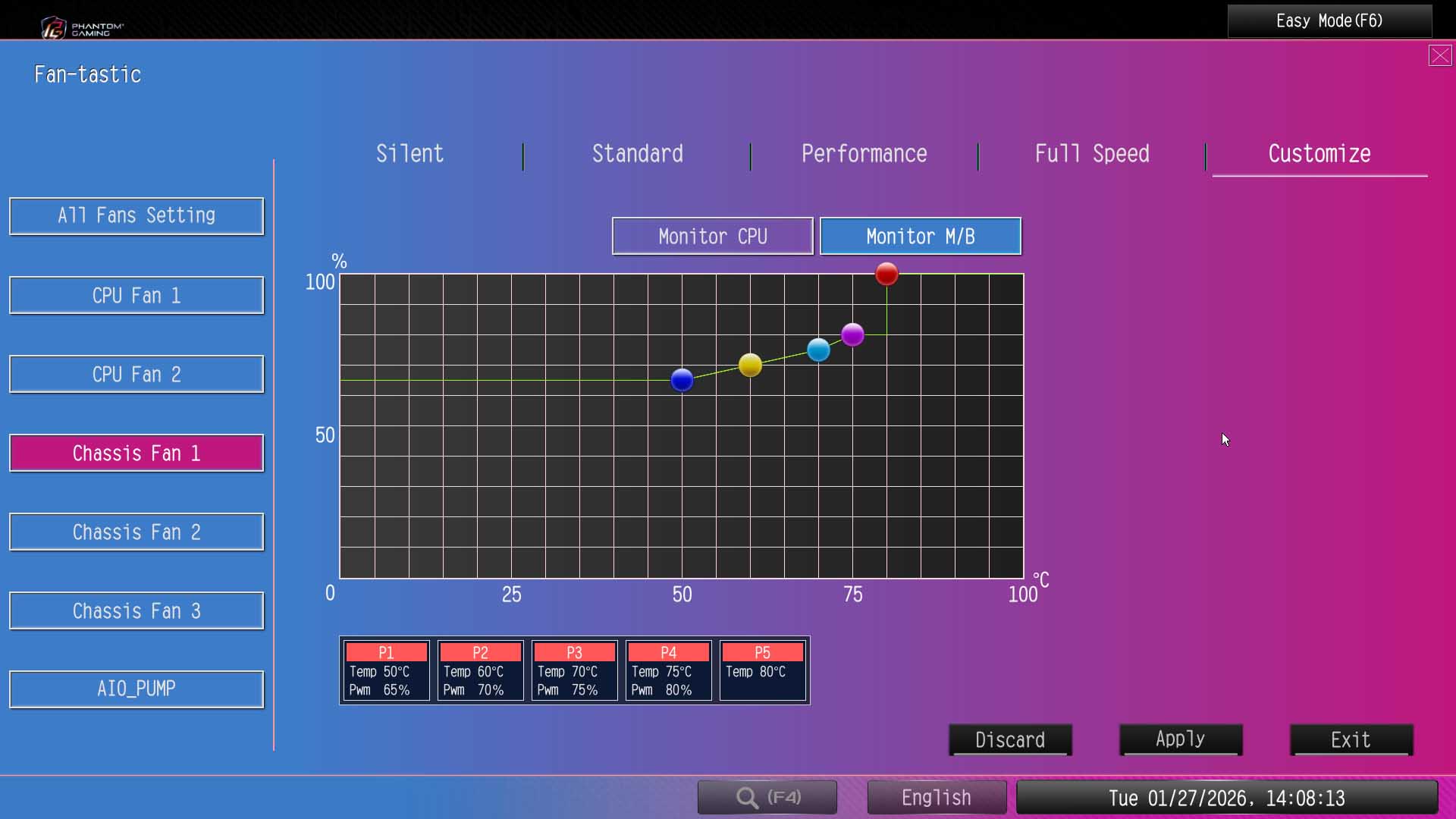
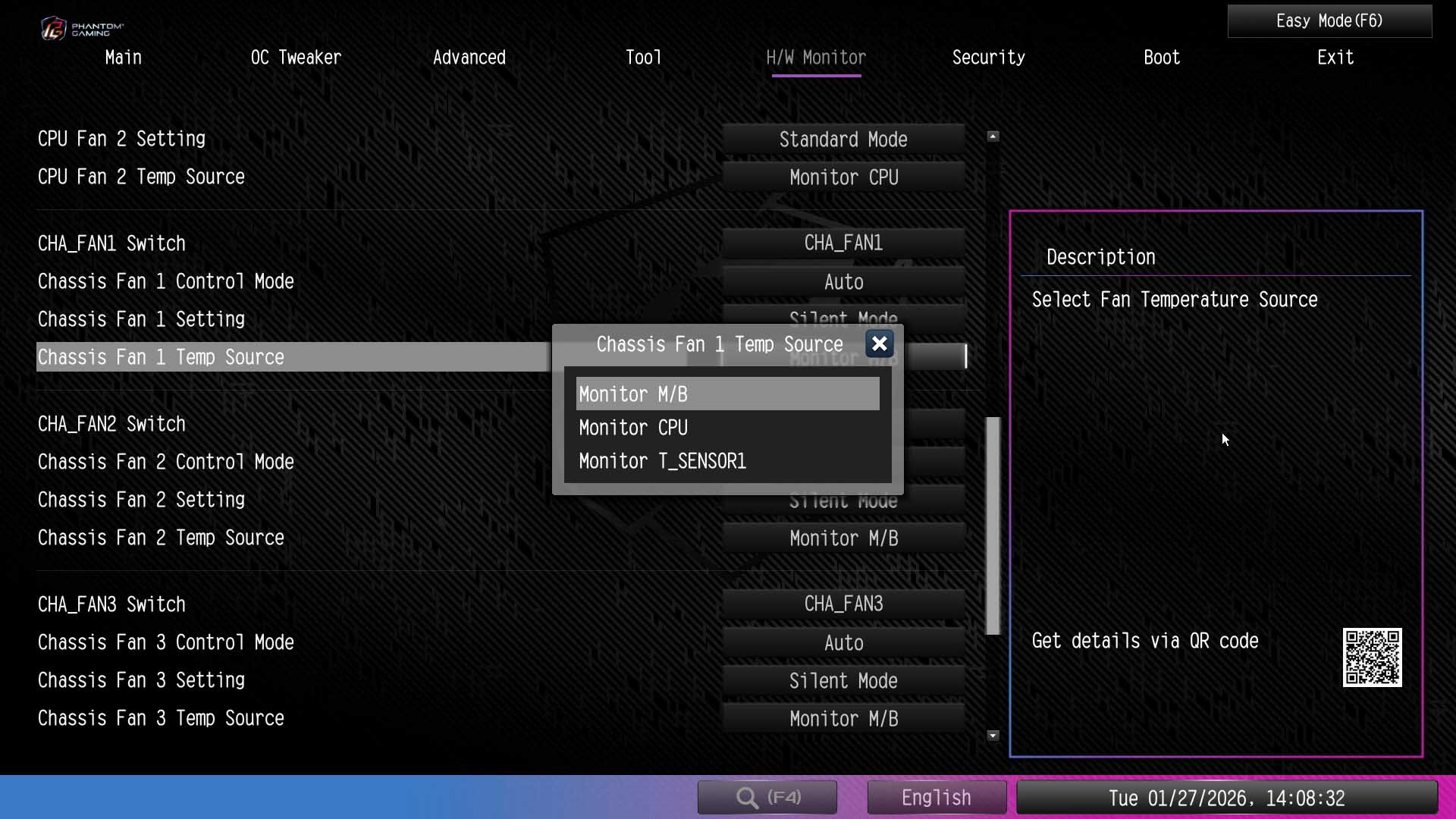
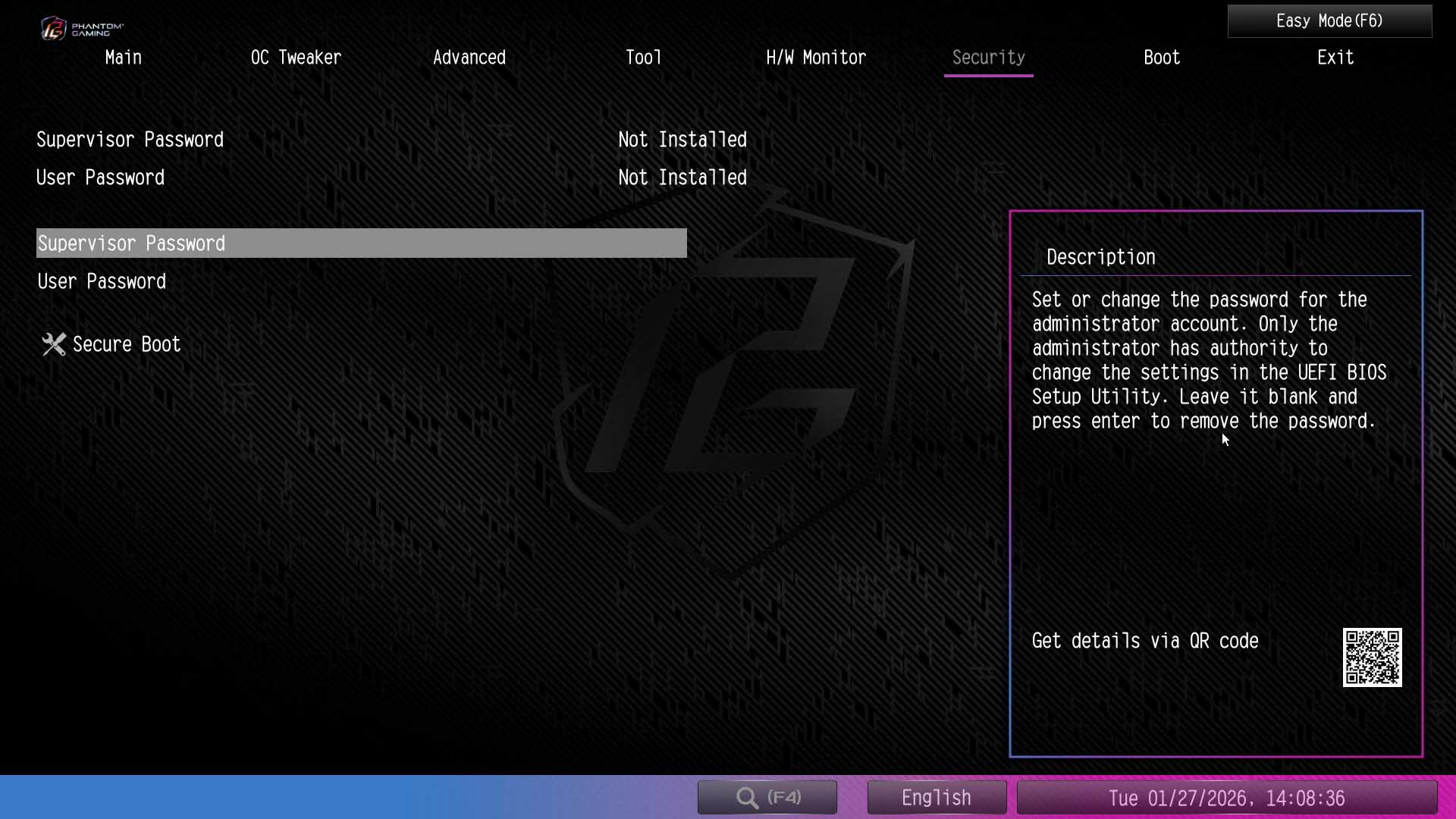
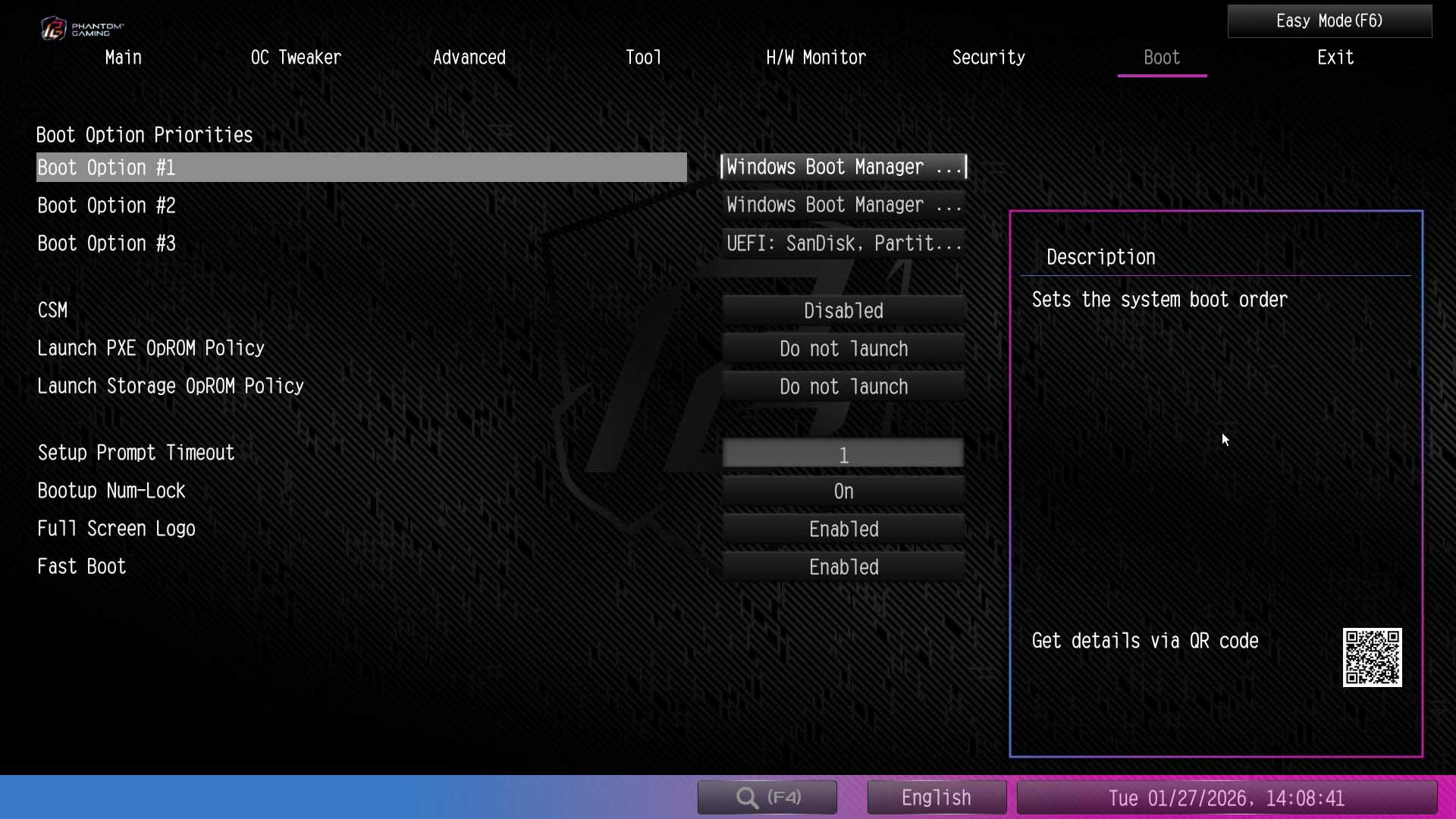
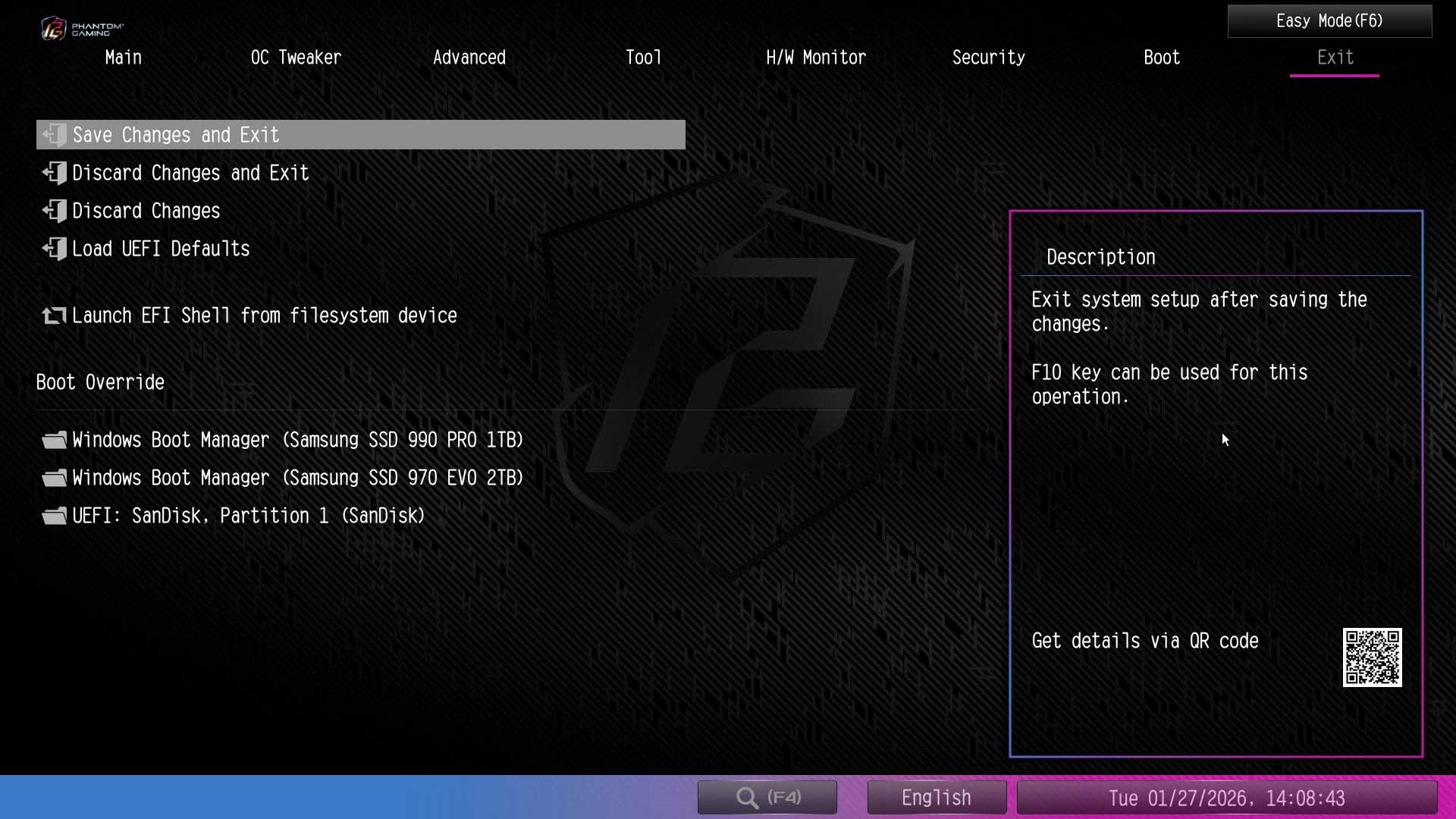
The ASRock EFI has what we'd call the essentials, but it does fall short in a few areas. Whether you'll notice very much depends on the kind of PC user you are. The Easy Mode page is decent enough, providing access to PBO, memory profiles, boot order, CPU throttle limit and the usual readouts. The search function works well, although you're taken to that item's page within the menus rather than being able to adjust it from within the search window.The OC Tweaker section is where you'll find manual overclocking controls, but for PBO items you'll need to head to the advanced section. More on that later. The H/W Monitor menu is where you'll find fan control, and as usual with AMD ASRock boards, there are very limited controls in the Fan-Tastic tuning page, which is where you'll find the usual fan curve graphs. This lacks key options such as the ability to switch to the onboard thermistor header, switch between PWM and voltage mode, and adjust spin-up and spin-down times. The former two are at least included in the text-based menu, but it's just really frustrating not to have these options in the Fan-Tastic tuning page, which is what everyone will want to use.
Nov 22nd, 2026 18:49 CST
change timezone
Latest GPU Drivers
New Forum Posts
- Increasing Power Limit? (6)
- What are you playing? (26240)
- UPS what one to get? (48)
- Honestly, do you care about GTA VI? (265)
- Your PC ATM (36458)
- Gacha Games - Discussions, Pulls, Updates, etc. (1157)
- Last game you purchased? (1414)
- Making a game in Godot engine (19)
- Intel D270 (5)
- X870E AORUS ELITE WIFI7 thread with setting and OC (69)
Popular Reviews
- Microsoft Surface Laptop Ultra Review - The Next-gen Arm Laptop
- Corsair RM1200e (Second Generation) Review
- Upcoming Hardware Launches 2027 (Updated Nov 2026)
- Pulsar Office Tour & First Look at P1 Dual-Sensor Mouse
- Ugreen NASync DXP4800 GT Review
- AMD Ryzen 7 9800X3D Review - The Best Gaming Processor
- AMD Zen 6 Technical Deep Dive
- AMD Ryzen 7 5800X3D 10th Anniversary Review
- Phantom Blade Zero Performance Benchmark Review - 35 GPUs Tested
- Biwin Black Opal NV7400 2 TB Review
TPU on YouTube
Controversial News Posts
- NVIDIA Co-Founder and CEO Jensen Huang Officially Resigns (492)
- Report: Jensen Huang Eyes NVIDIA Comeback (266)
- Open Letter Asking NVIDIA to Reinstate Jensen Huang Passes 115,000 Signatures (184)
- OpenAI CEO Argues Home PCs Waste the World's Limited DRAM Supply (152)
- NVIDIA Launches Investigation Into Jensen Huang's Relationship With Suspected Chinese Spy (136)
- Intel "Raptor Lake Next" 16-Core and 20-Core CPUs Surface (130)
- NVIDIA GeForce RTX 50-Series Scheduled for up to $500 Price Hike This Week (89)
- Intel Razor Lake Gets a 12 P-Core bLLC Chip With No E-Cores, Per Leak (86)