 11
ASRock Phantom Gaming Z890 Riptide Wi-Fi Review
Board Software »BIOS Overview
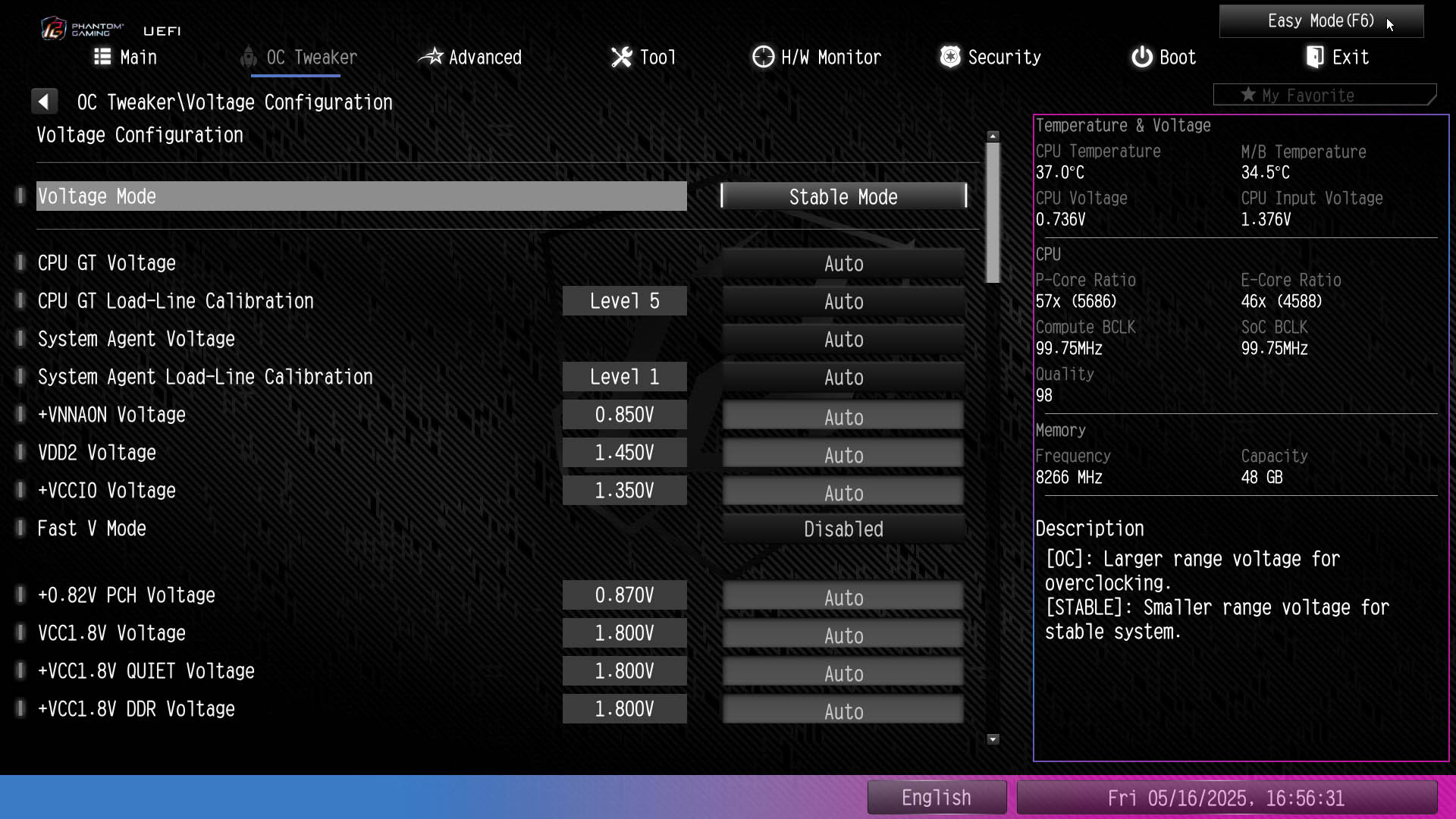
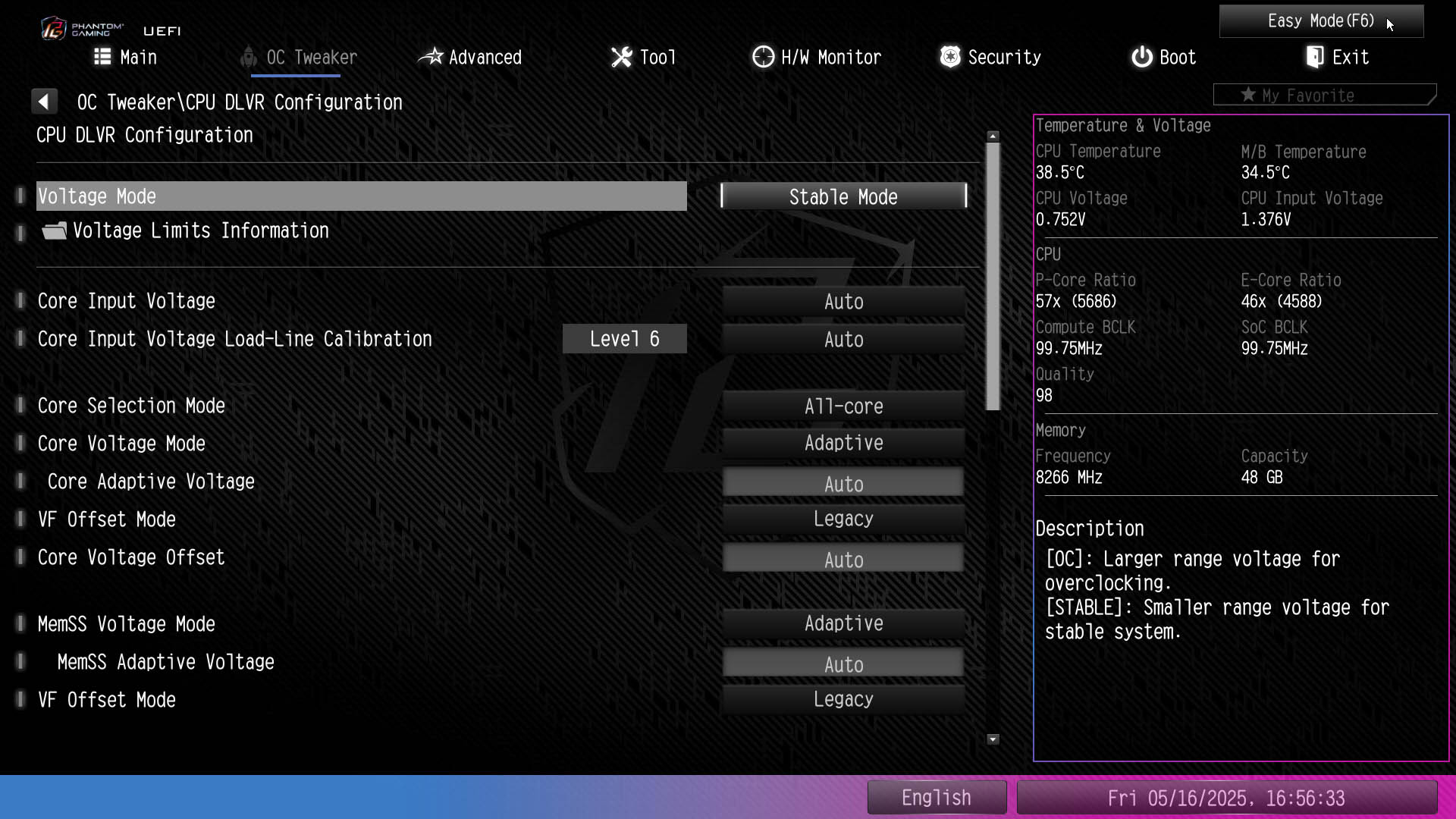
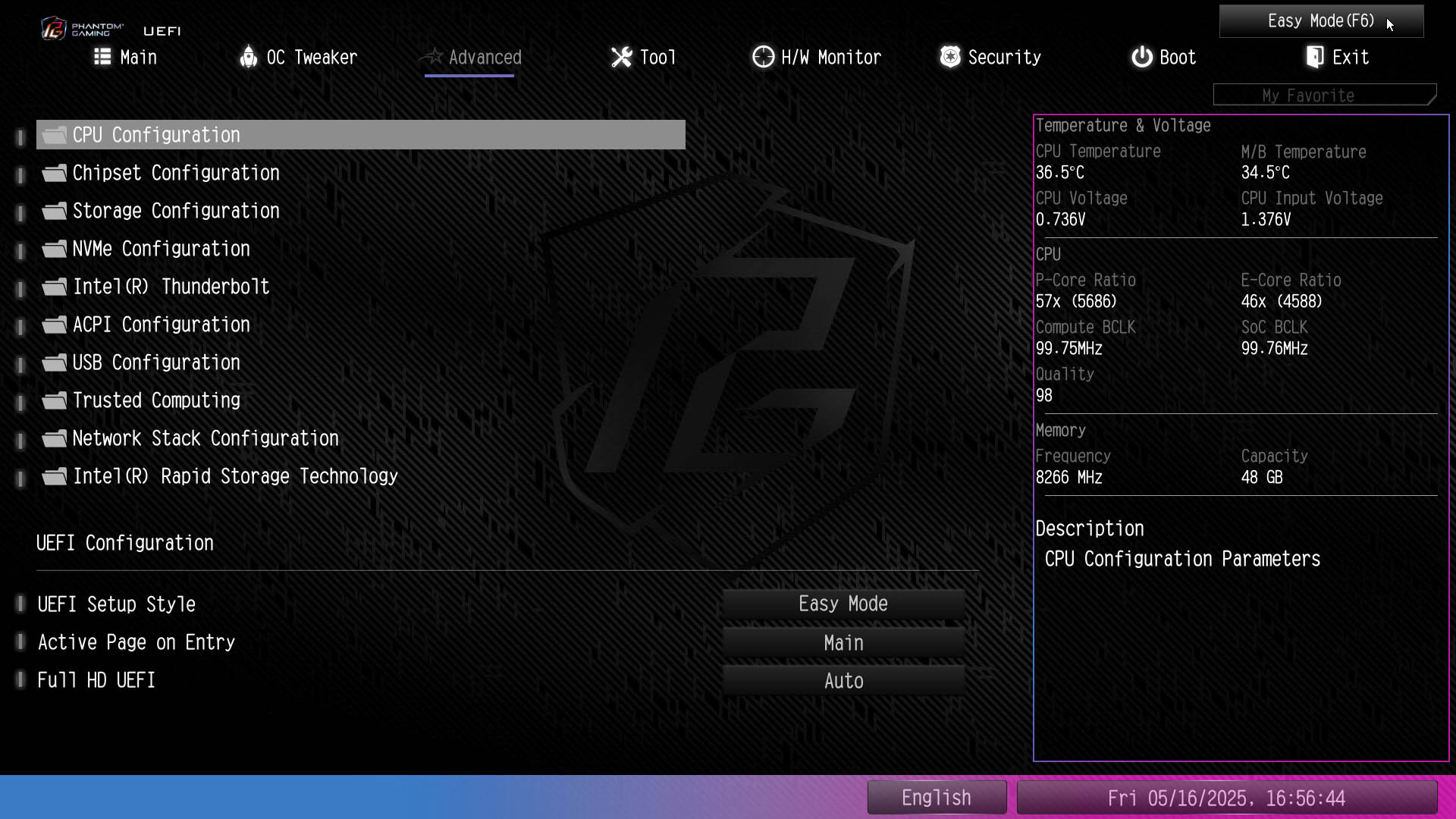
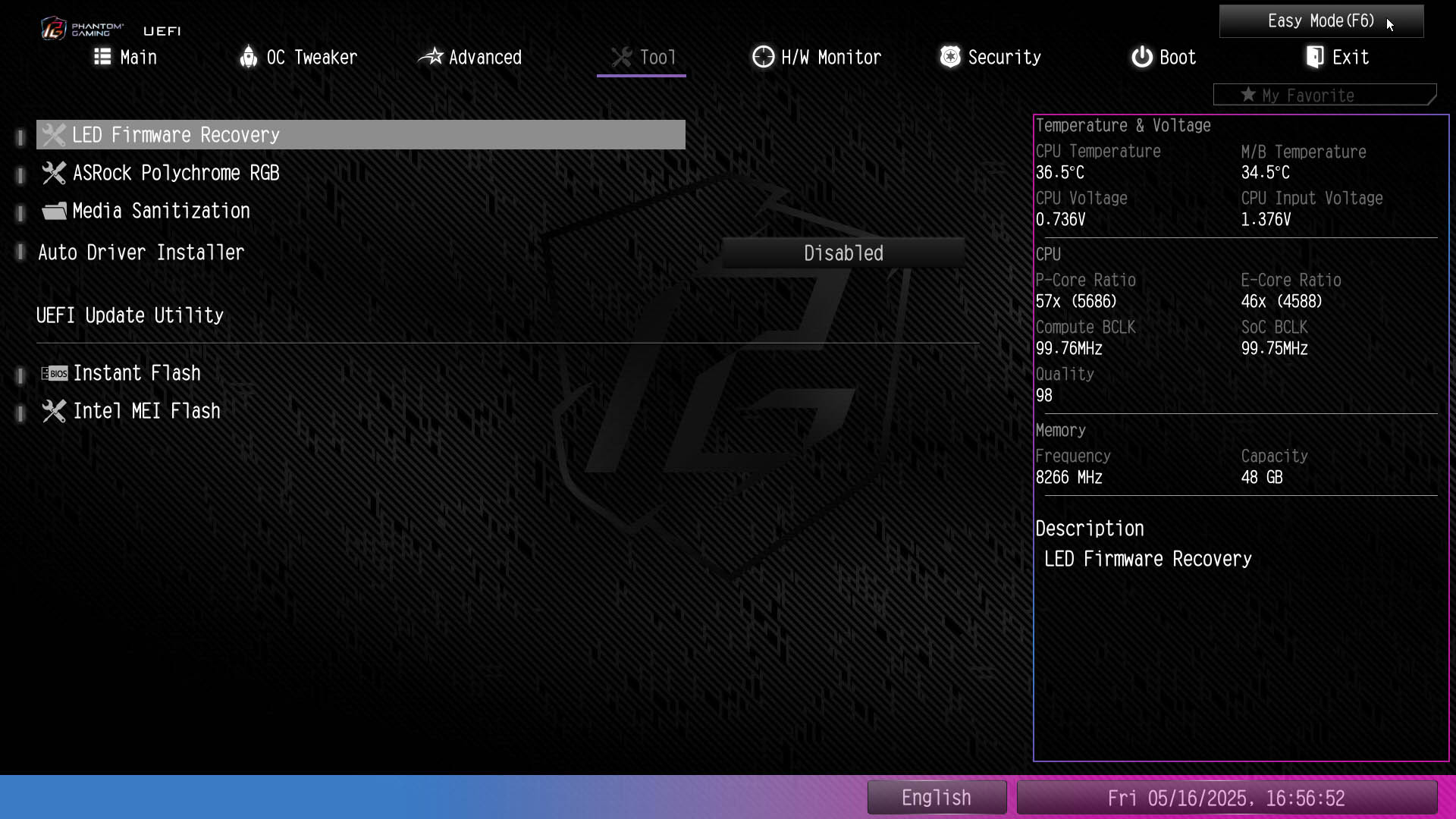
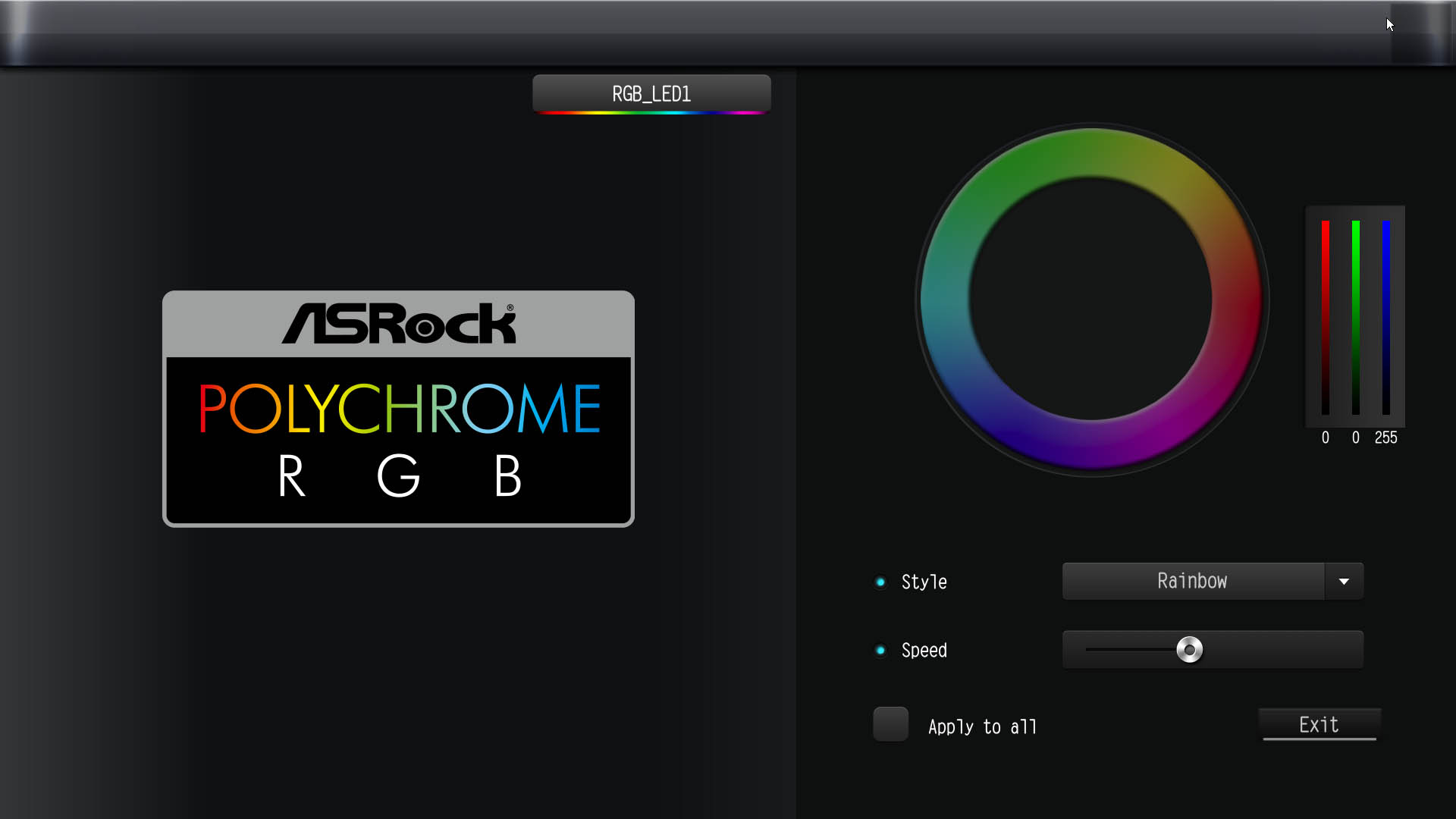
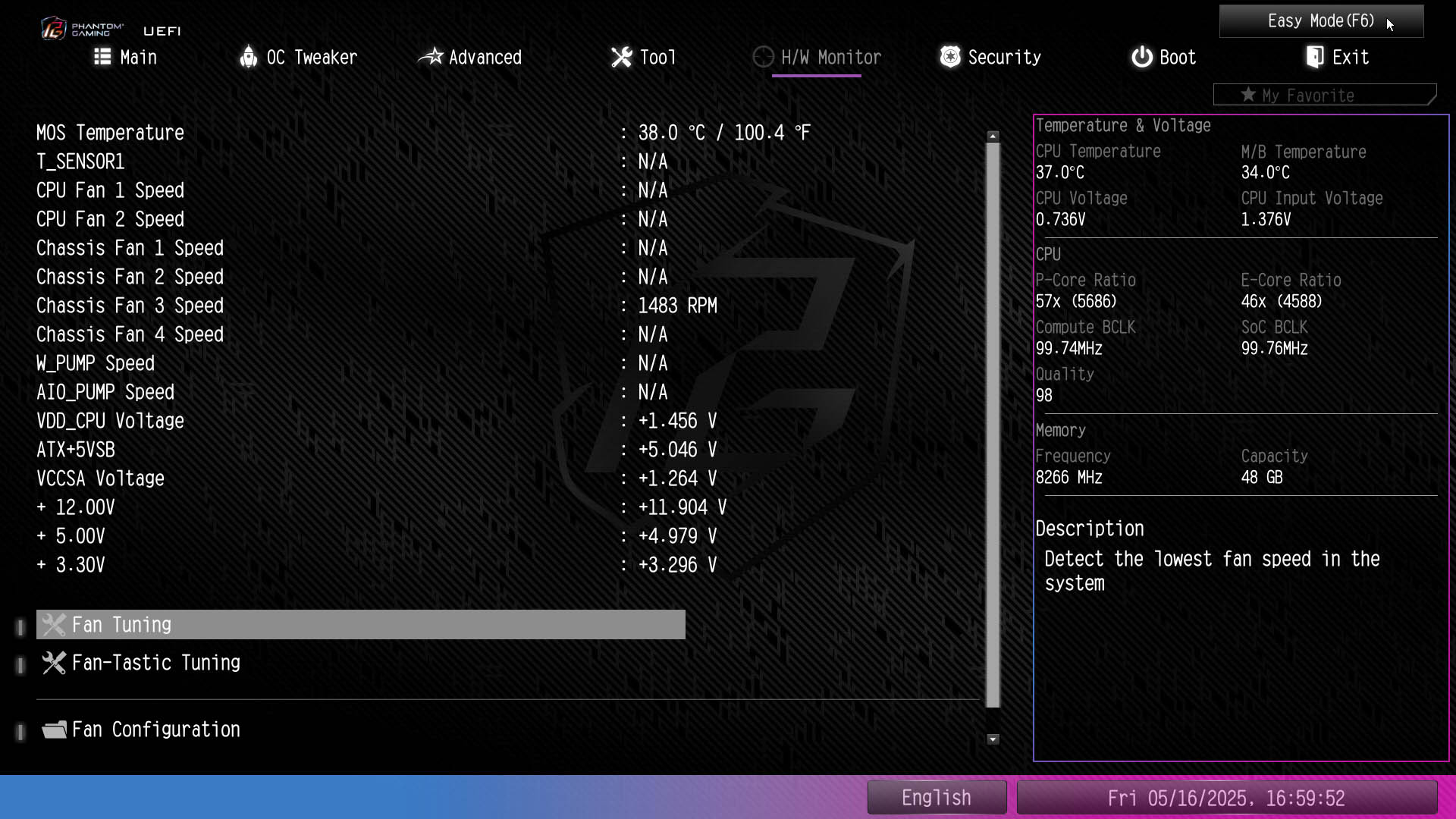
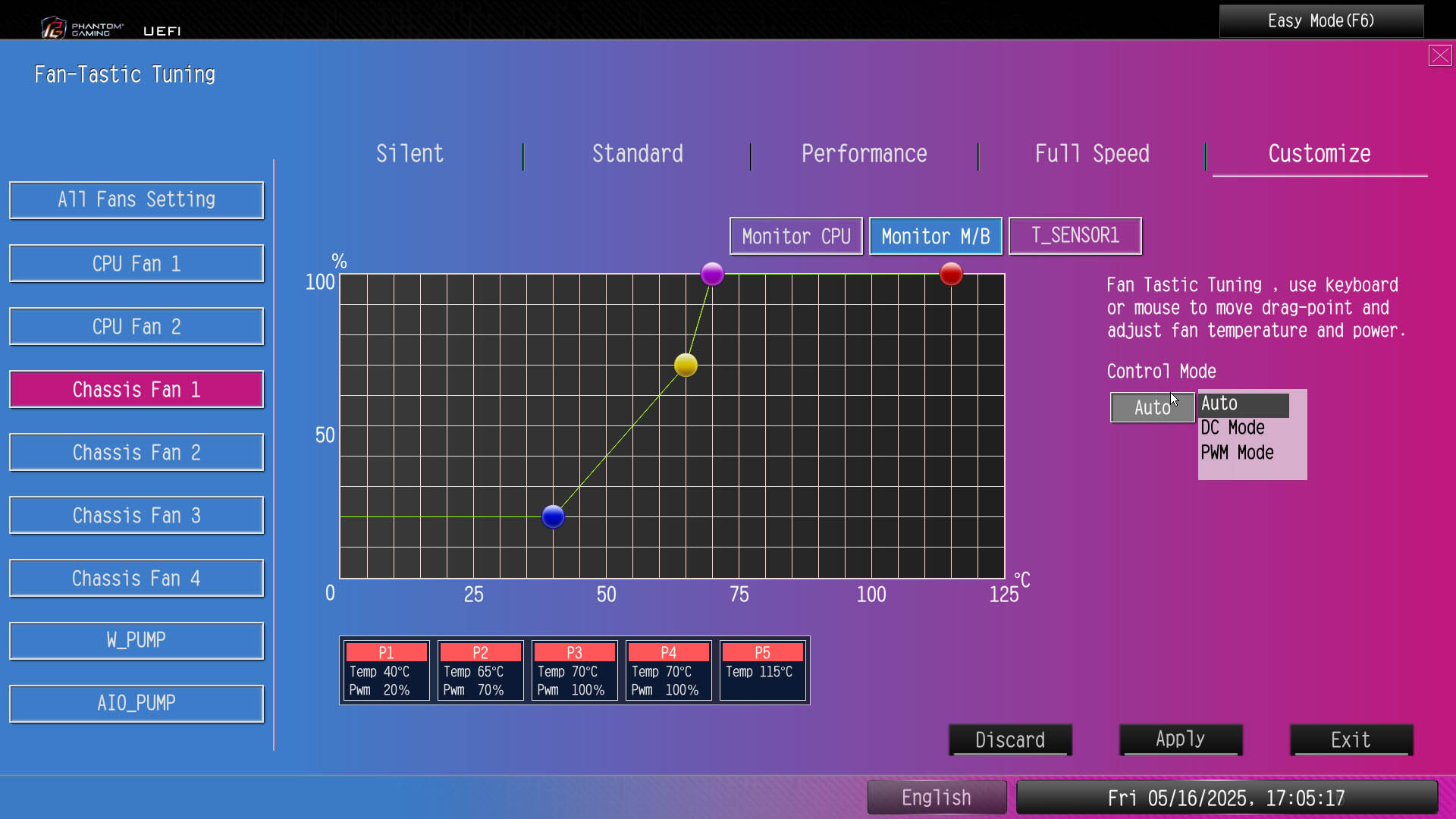
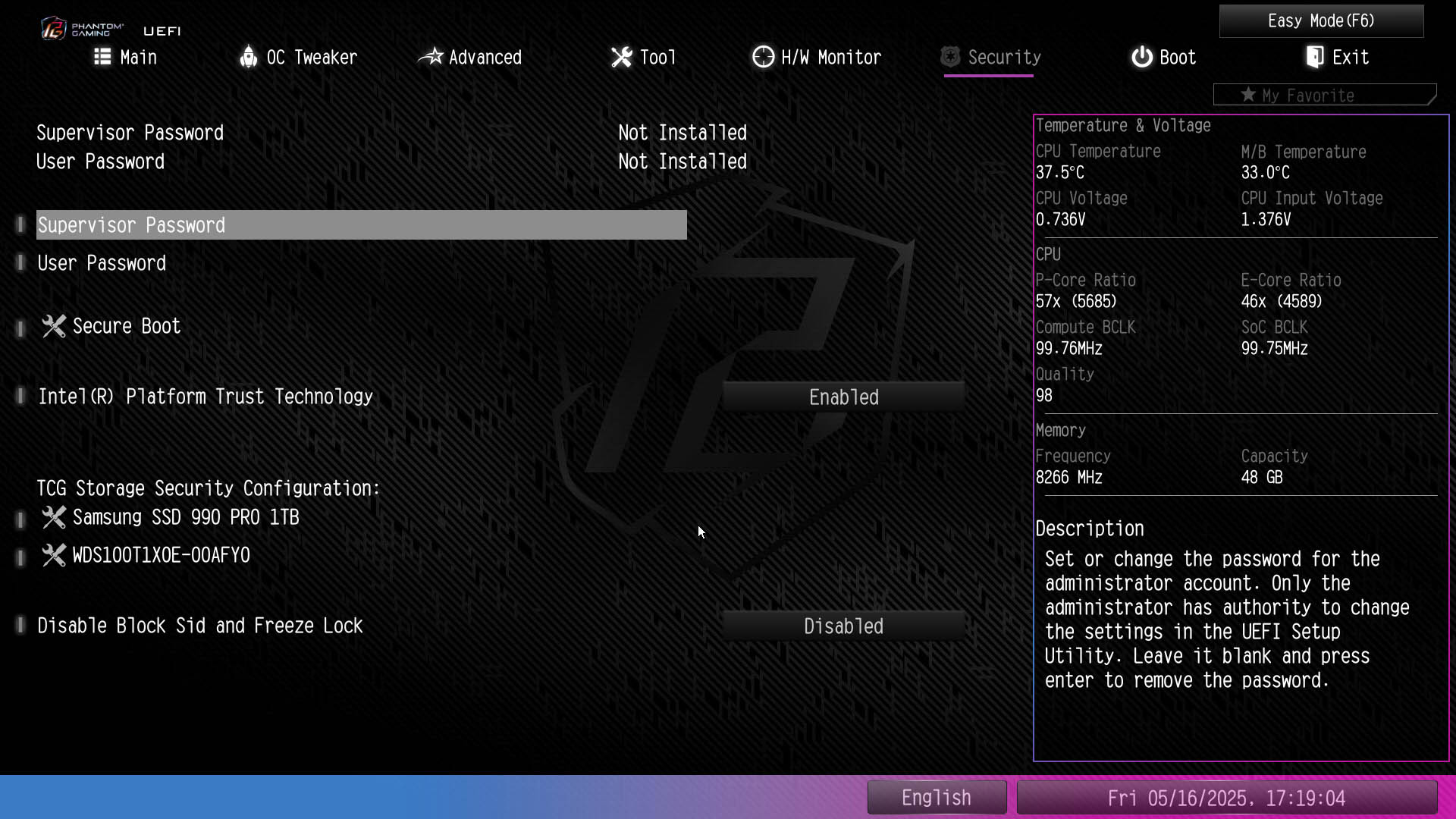
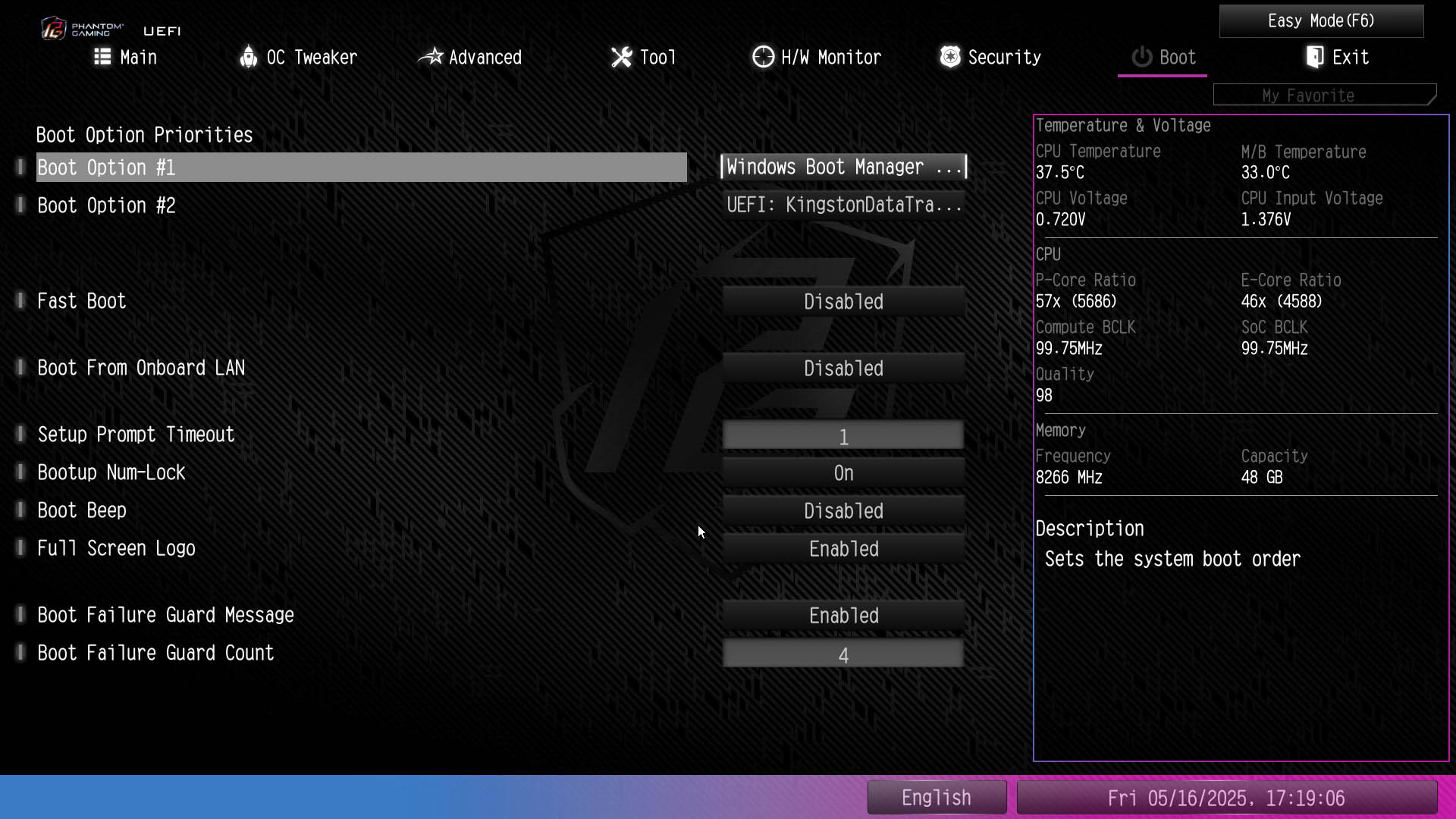
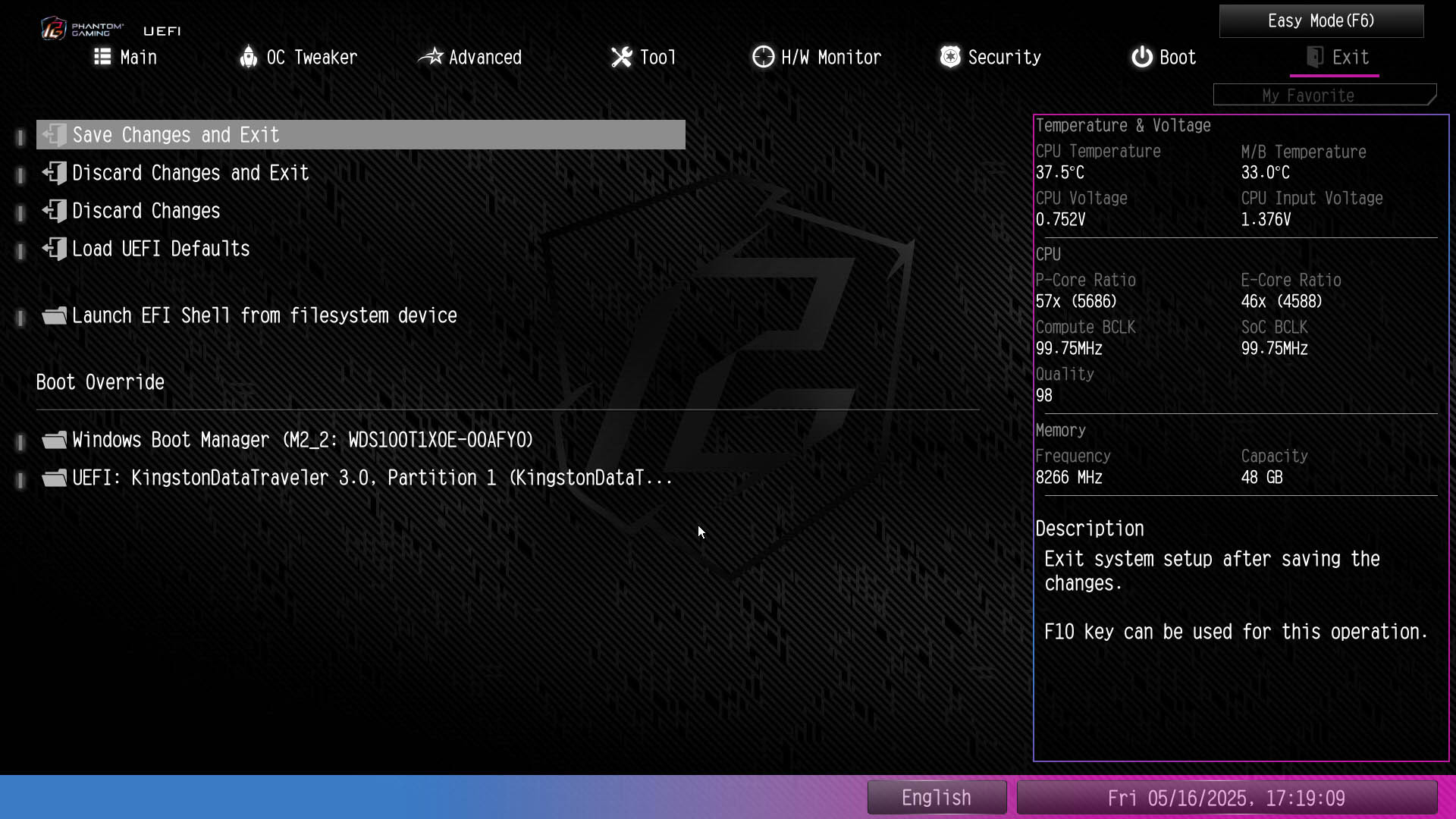
ASRock's EFI is still a little dated compared to the competition, but at least there are some improvements here regarding the capability in some areas, when compared to cheaper ASRock boards we've seen recently. For instance, you're able to adjust the input for fan curves to sources such as the thermistor header, as well as adjusting the control mode between PWM and DC mode directly in the Fan-Tastic Tuning fan control suite. Elsewhere, we've had to head out to the hardware monitor page to do these simple tasks, which is a real pain.The EZ Mode page has everything you need to quickly set up your PC if you just want to set the XMP profile, boot order and check your fans and temperatures are as expected. Delving a little deeper into the fan control or BIOS flash sections is simple, thanks to shortcuts from this page. There's a straightforward favorites section and ASRock also includes its Polychrome RGB lighting utility within the EFI, meaning if you want to configure your RGB lighting without installing any software, you can.



Nov 21st, 2026 15:57 PST
change timezone
Latest GPU Drivers
New Forum Posts
- Ryzen or Intel system (4)
- Honestly, do you care about GTA VI? (227)
- 1 - 5 person file storage server equivalent accasible from anywhere + general VM server. (4)
- Windows 11 General Discussion (7748)
- RX 580 2048SP 8GB - SK Hynix - Ardiyes - BIOS Needed (2)
- UPS what one to get? (23)
- Local LLM General Discussion (694)
- Can you guess Which game it is? (345)
- GeekMagic Ultra Smart WiFi Weather Station (10)
- Zen 3 IF/IMC degradation (243)
Popular Reviews
- Microsoft Surface Laptop Ultra Review - The Next-gen Arm Laptop
- Ugreen NASync DXP4800 GT Review
- Corsair RM1200e (Second Generation) Review
- Pulsar Office Tour & First Look at P1 Dual-Sensor Mouse
- Upcoming Hardware Launches 2027 (Updated Nov 2026)
- Acemagic Retro X3 Review
- Biwin Black Opal NV7400 2 TB Review
- AMD Ryzen 7 9800X3D Review - The Best Gaming Processor
- AMD Zen 6 Technical Deep Dive
- Chieftec Iceberg PRO 360 DARK Review
TPU on YouTube
Controversial News Posts
- NVIDIA Co-Founder and CEO Jensen Huang Officially Resigns (492)
- Report: Jensen Huang Eyes NVIDIA Comeback (261)
- Open Letter Asking NVIDIA to Reinstate Jensen Huang Passes 115,000 Signatures (184)
- OpenAI CEO Argues Home PCs Waste the World's Limited DRAM Supply (152)
- NVIDIA Launches Investigation Into Jensen Huang's Relationship With Suspected Chinese Spy (136)
- Intel "Raptor Lake Next" 16-Core and 20-Core CPUs Surface (130)
- NVIDIA GeForce RTX 50-Series Scheduled for up to $500 Price Hike This Week (89)
- Intel Razor Lake Gets a 12 P-Core bLLC Chip With No E-Cores, Per Leak (86)