 39
ASRock Radeon RX 9070 XT Taichi White OC Review
Value & Conclusion »ASRock LCD Information Center
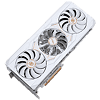
The key differentiator between the Taichi White and the standard gray Taichi OC is a side-mounted 2-inch color LCD panel that ASRock has branded the "LCD Information Center." First teased at CES 2026 and later detailed on ASRock's product page, this small 320×170 pixel display is managed entirely through ASRock's Polychrome SYNC utility, which has to be running on your system to feed data to the LCD. By default, it cycles through real-time GPU diagnostics like clock speeds, fan speeds, and temperatures, but it can also show the time, a live weather forecast, custom photos, or animated GIFs. It's a feature we've been seeing more often on high-end graphics cards, and ASRock's implementation is solid—the software is straightforward, and the screen is bright enough to be readable through a case window.


The System Information tab is the most practical display mode. It can show real-time GPU load, GPU clock, GPU temperature, VRAM clock, fan load, and fan speed—you pick which ones to display. Each metric gets its own tile on the LCD with large, easy-to-read numbers, and the screen will cycle through them all.
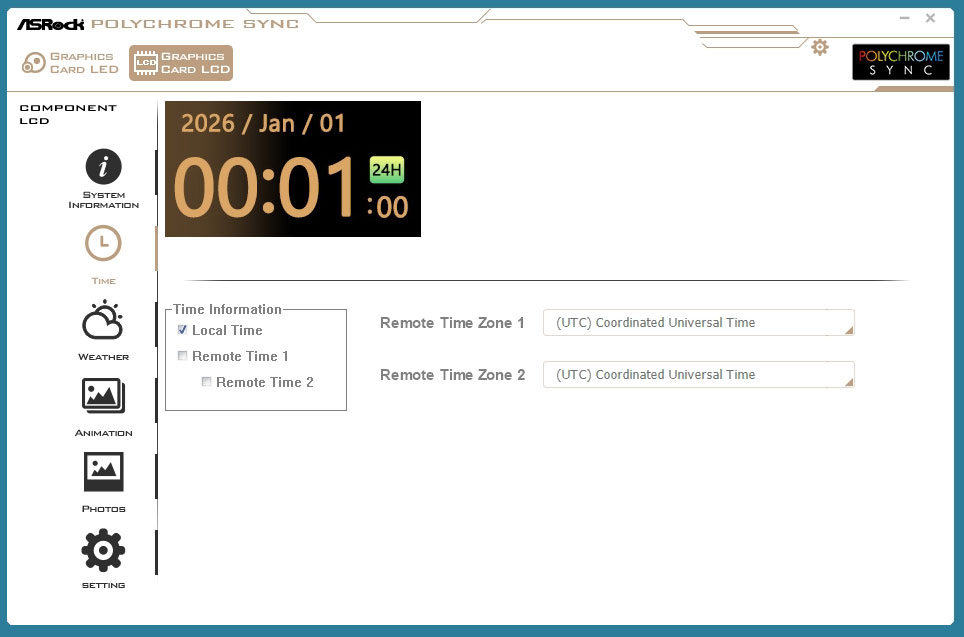
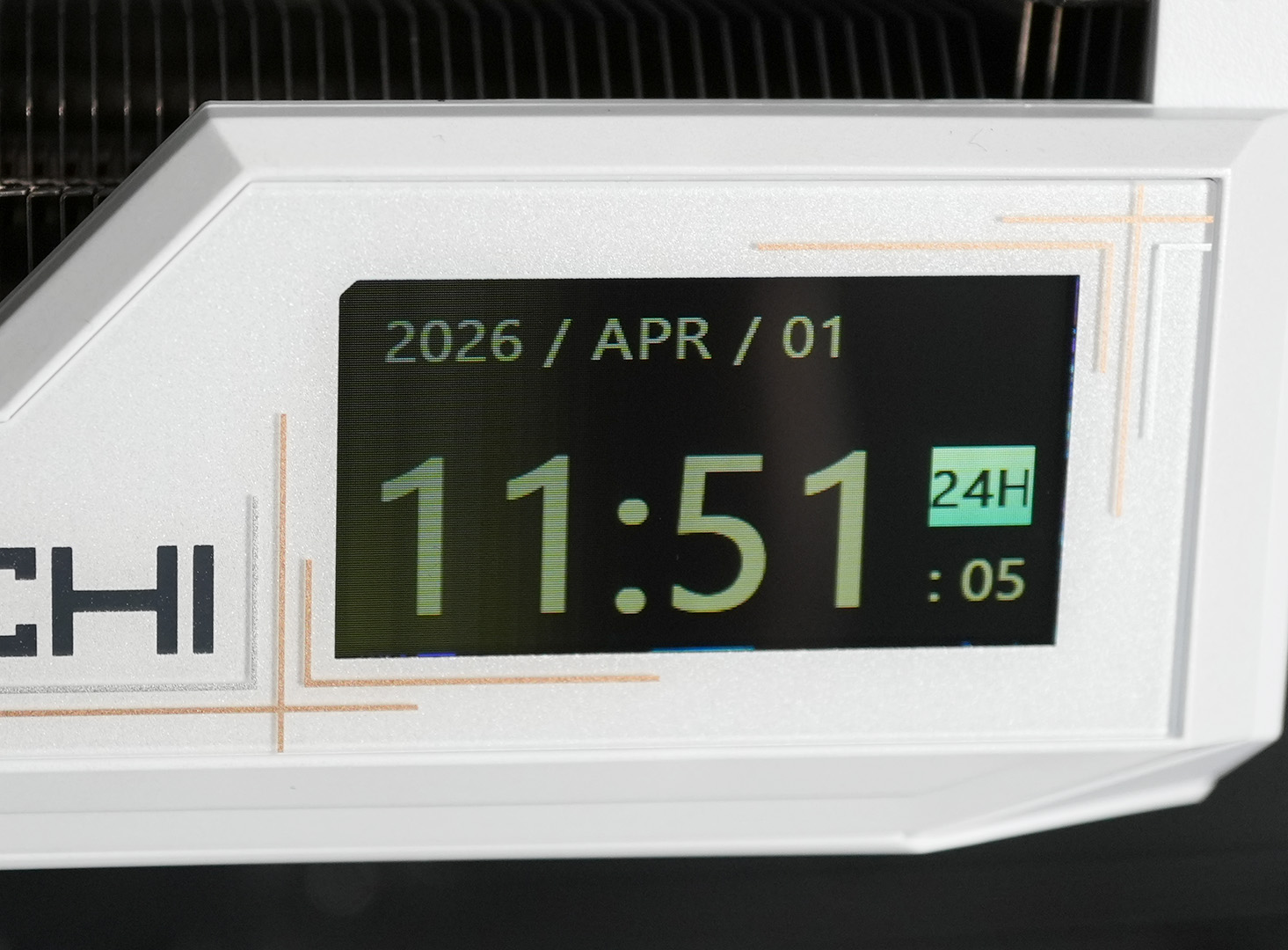
The Time tab turns the LCD into a clock, displaying the current date and time in either 12-hour or 24-hour format. You can optionally enable up to two additional remote time zones, which is a neat touch if you collaborate with people across the globe.
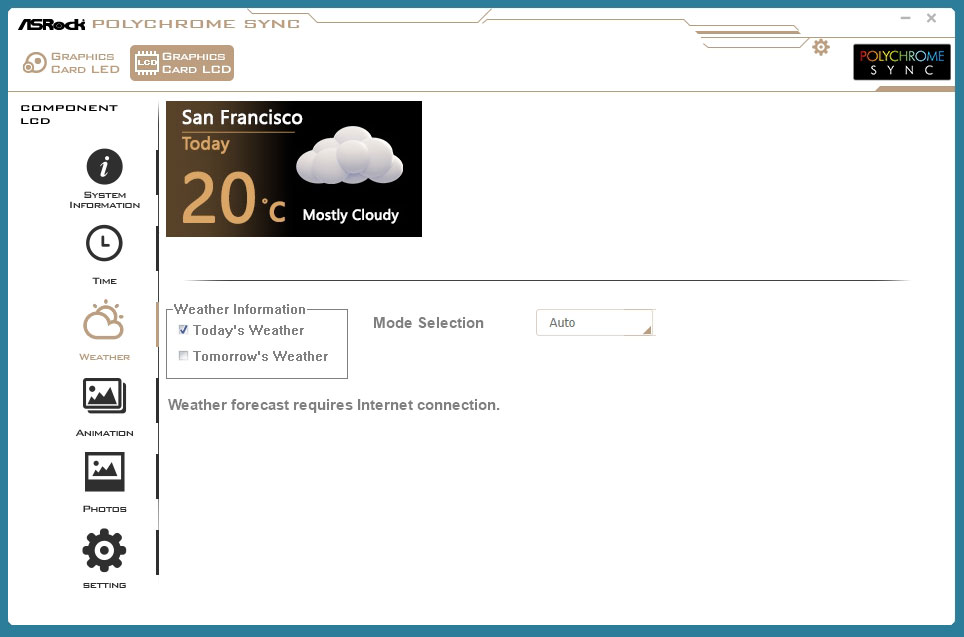
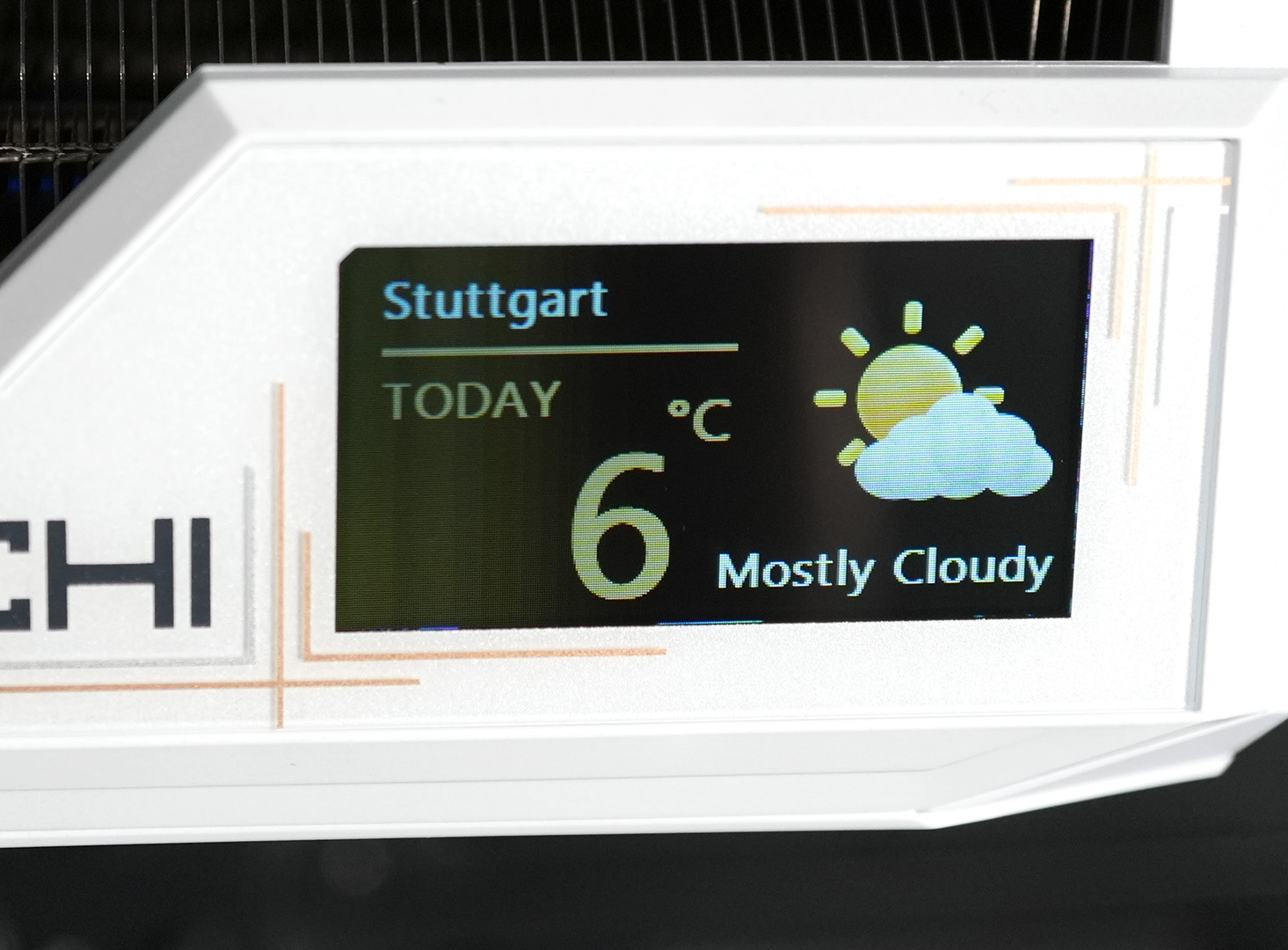
Weather mode pulls live forecast data from the internet and shows your local conditions, including temperature and a weather icon. You can toggle between today's and tomorrow's forecast. Location detection works automatically, though you can also set it manually.
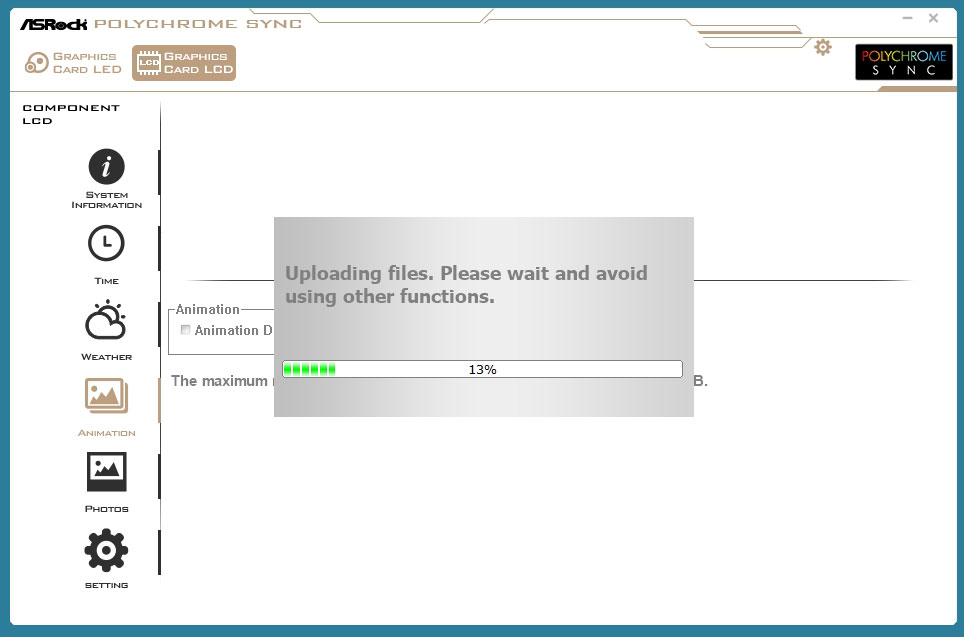
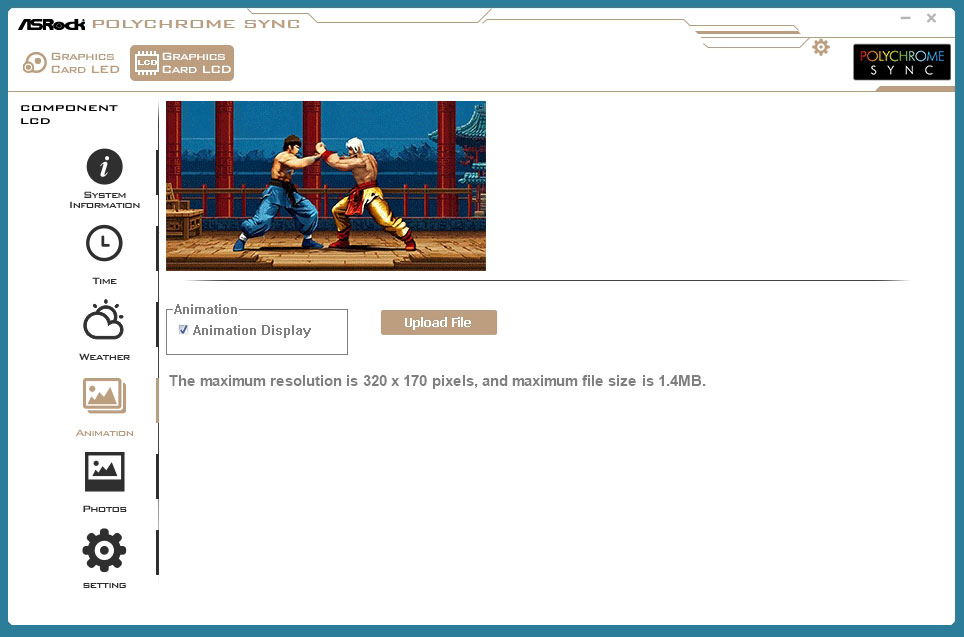
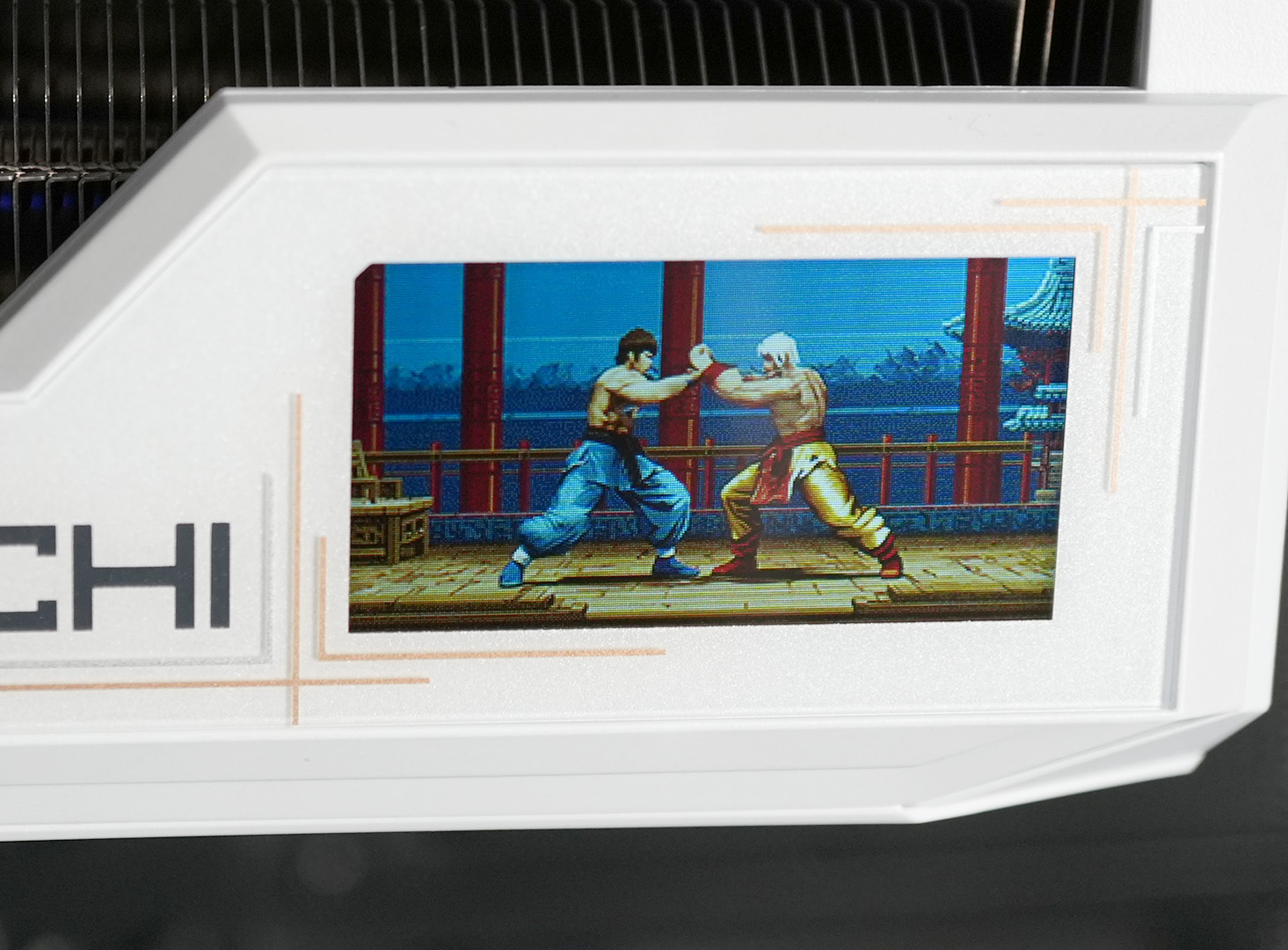
The Animation tab lets you upload custom GIF animations to the LCD. Files can be up to 1.4 MB in size with a maximum resolution of 320×170 pixels. Uploading takes relatively long, a few minutes for the animation in the screenshot. The result looks surprisingly good for such a small screen.
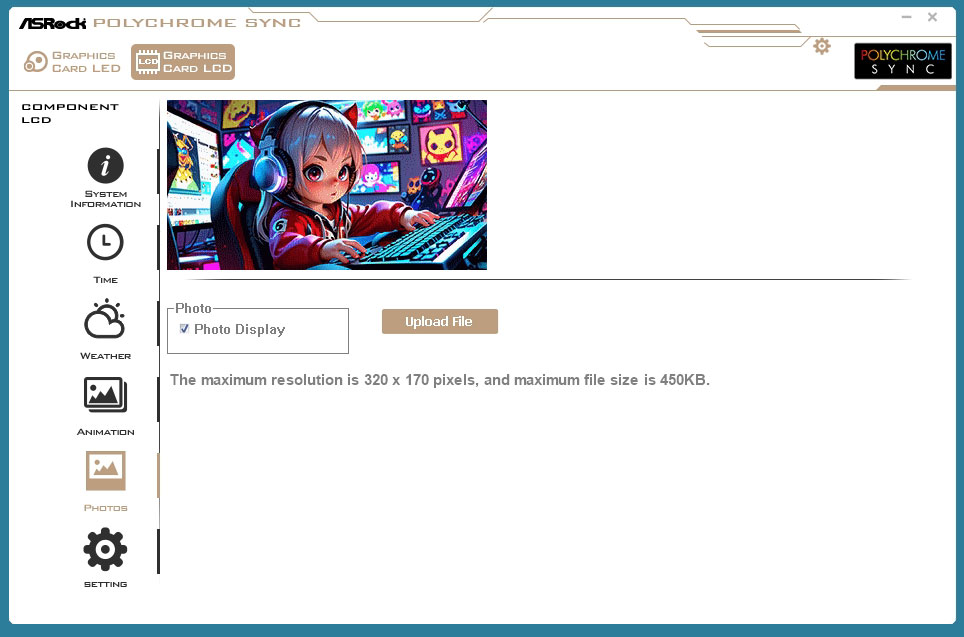
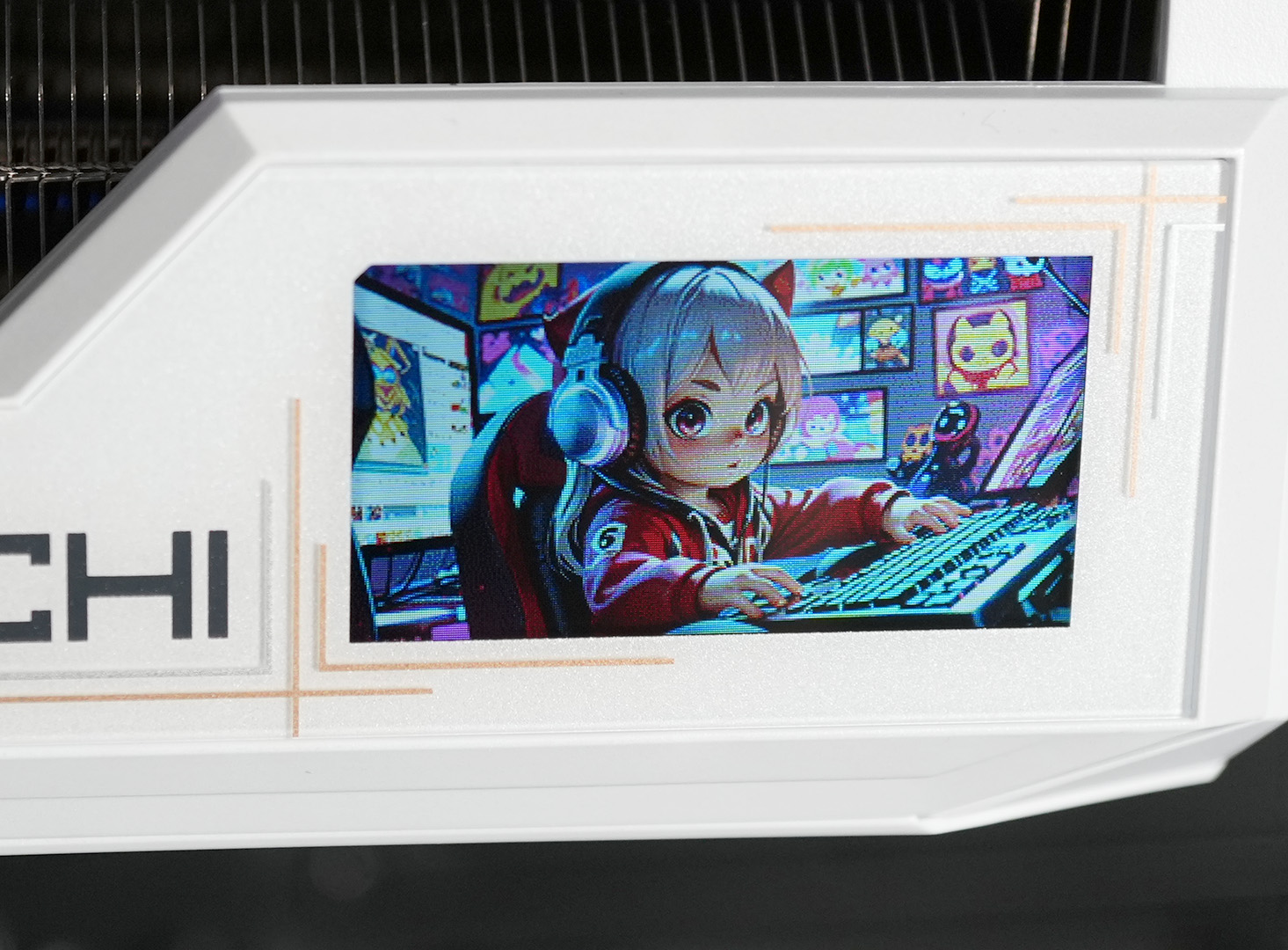
Similarly, the Photos tab lets you upload a static image to the display, with a maximum resolution of 320×170 pixels and a 450 KB file-size limit. This is great for personalizing your build with a favorite image or logo.
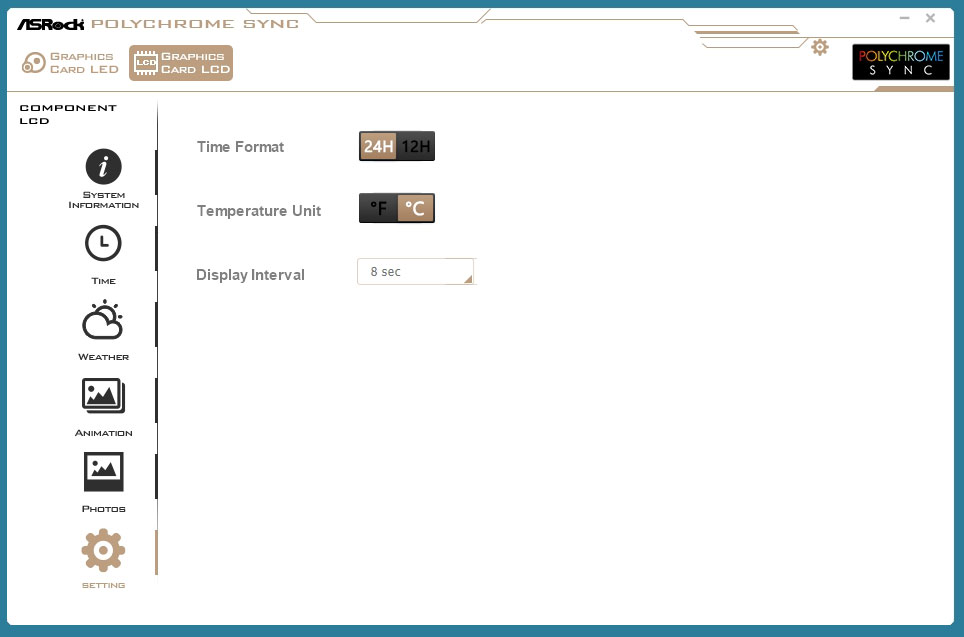
The Setting tab provides global preferences for the LCD: time format (12 H vs. 24 H), temperature unit (Fahrenheit vs. Celsius), and a display interval that controls how long each info screen is shown before rotating to the next one—adjustable down to 8 seconds.
Nov 19th, 2026 00:45 PST
change timezone
Latest GPU Drivers
New Forum Posts
- 3DMARK "LEGENDARY" (475)
- [Poll] 12V-2x6 Connector Protection: What Are You Using? (WireView / Ampinel / Equalizer / Other / Nothing) (43)
- Windows HDR on = Tinted colors (5)
- Time to upgrade CPU and MOBO (42)
- Without Jensen, PC gaming will be (47)
- WarpCoreBench scores! (68)
- Honestly, do you care about GTA VI? (155)
- Very unusual two gaming-pc scenarios. (13)
- TPU's Nostalgic Hardware Club (22168)
- Dual B70 or Dual R9700 Pro on Linux (7)
Popular Reviews
- Acemagic Retro X3 Review
- Ugreen NASync DXP4800 GT Review
- Upcoming Hardware Launches 2027 (Updated Nov 2026)
- AMD Zen 6 Technical Deep Dive
- Pulsar Office Tour & First Look at P1 Dual-Sensor Mouse
- Biwin Black Opal NV7400 2 TB Review
- Sapphire Radeon RX 7700 XT Pure Review
- Sapphire Radeon RX 7700 XT Pulse Review
- Chieftec Iceberg PRO 360 DARK Review
- ASUS ROG Strix B850-I Gaming Wi-Fi7 W Review
TPU on YouTube
Controversial News Posts
- NVIDIA Co-Founder and CEO Jensen Huang Officially Resigns (483)
- Report: Jensen Huang Eyes NVIDIA Comeback (196)
- Open Letter Asking NVIDIA to Reinstate Jensen Huang Passes 115,000 Signatures (184)
- OpenAI CEO Argues Home PCs Waste the World's Limited DRAM Supply (152)
- NVIDIA Launches Investigation Into Jensen Huang's Relationship With Suspected Chinese Spy (136)
- Intel "Raptor Lake Next" 16-Core and 20-Core CPUs Surface (130)
- Legendary Game Studio BioWare Shuts Down Following EA Layoffs (104)
- Dell CEO Says the Memory Shortage Will Get Worse in 2027 (95)