 14
ASRock X870 Live Mixer Wi-Fi Review
Board Software »BIOS Overview
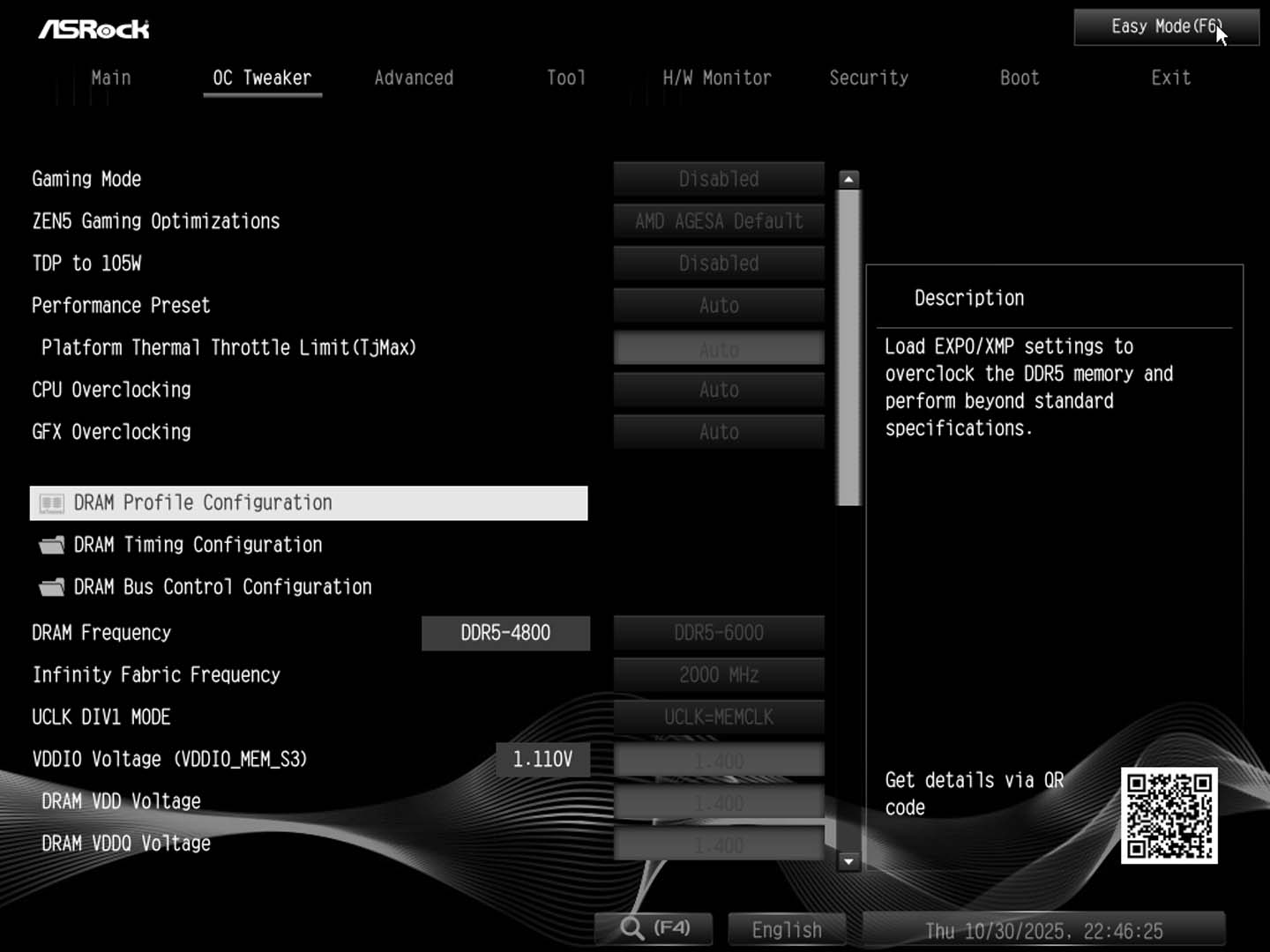
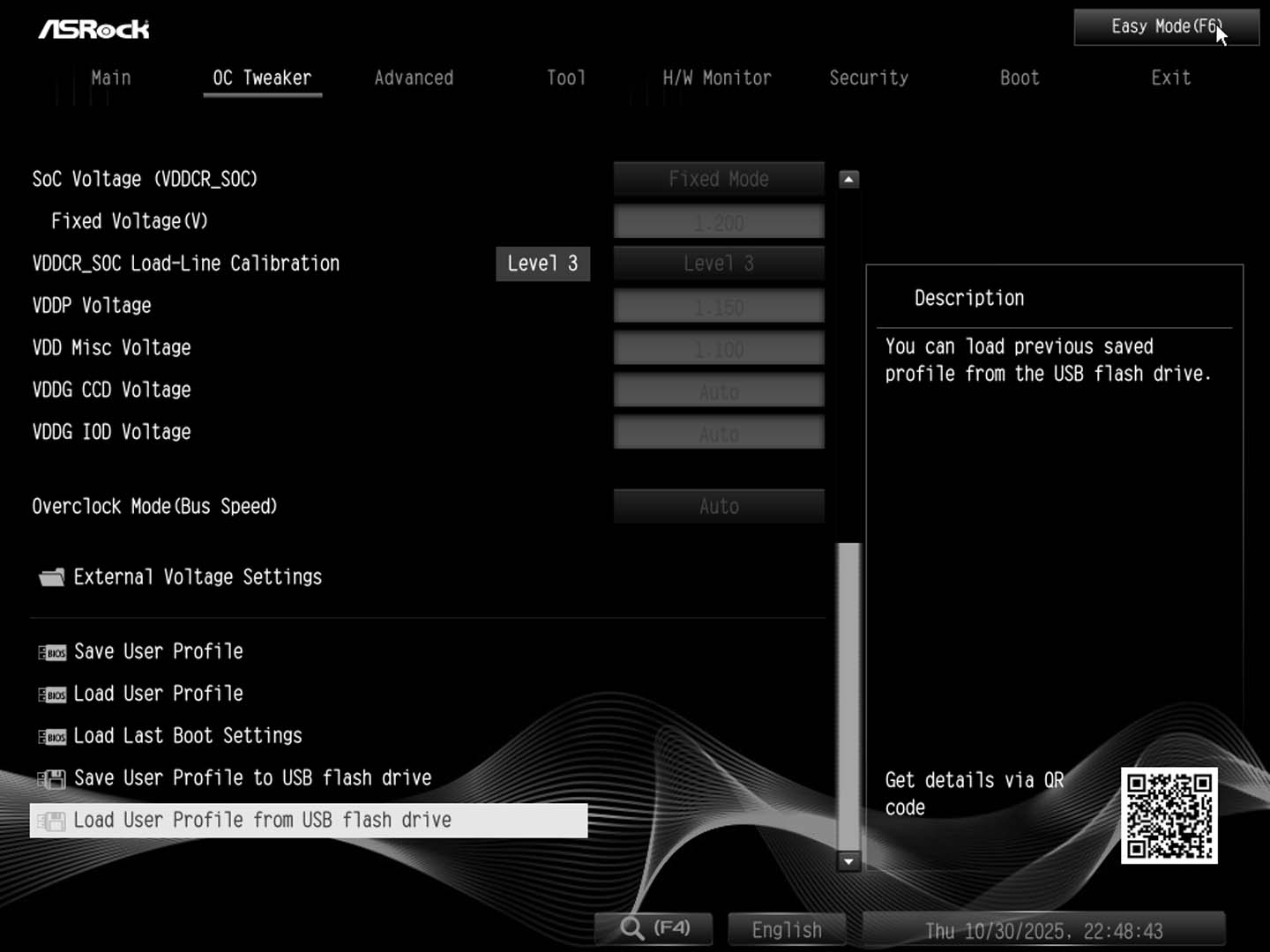
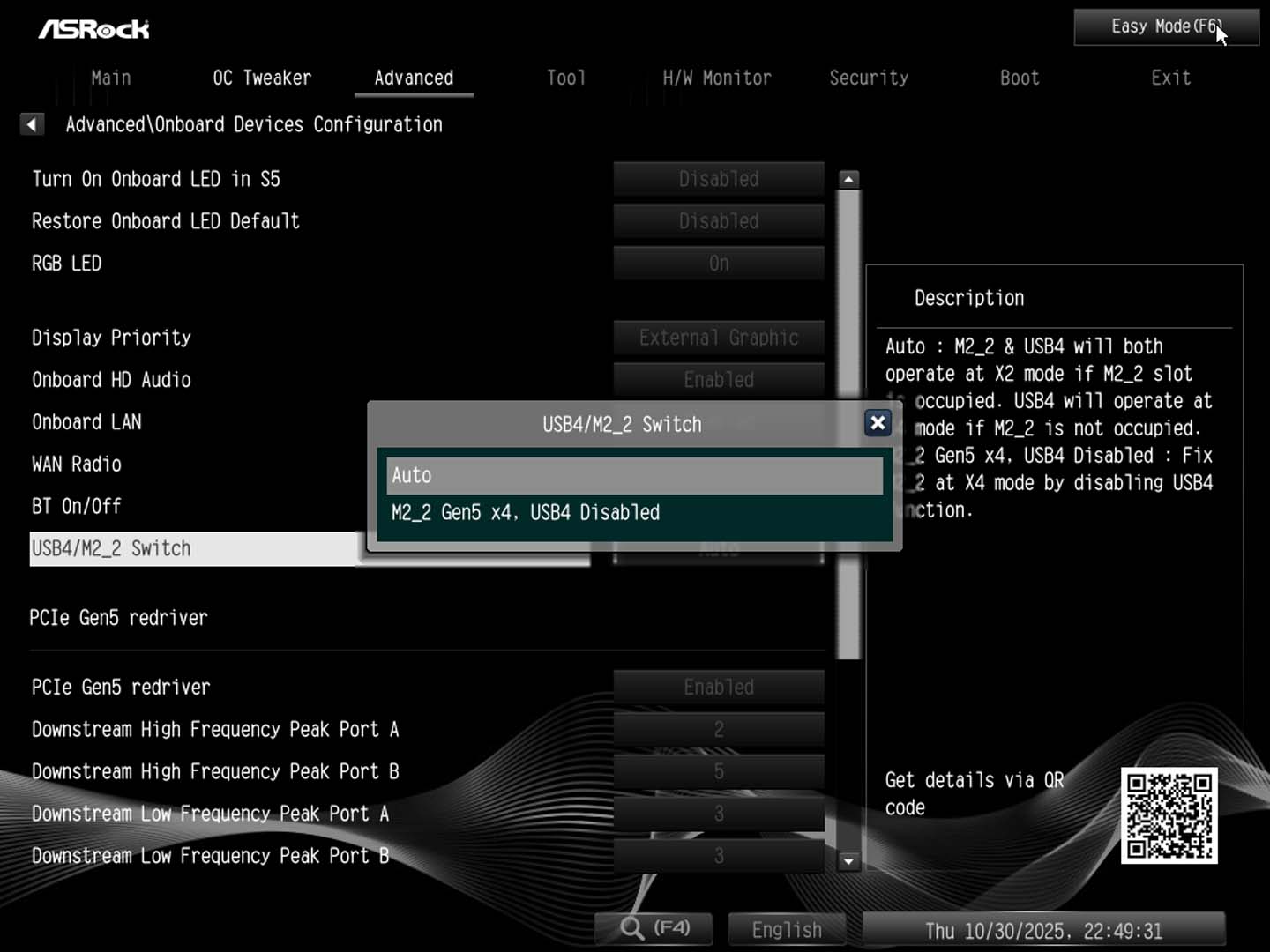
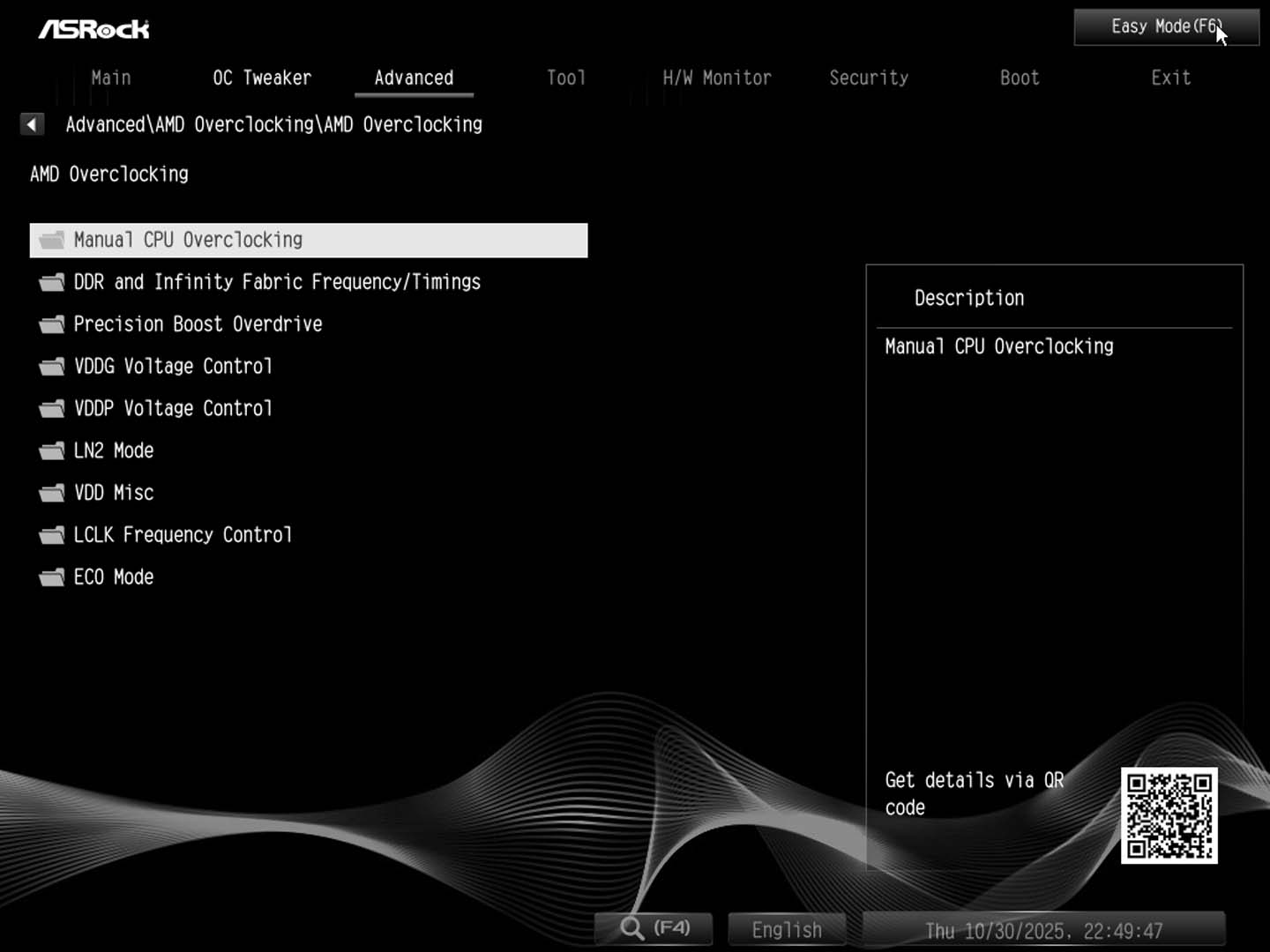
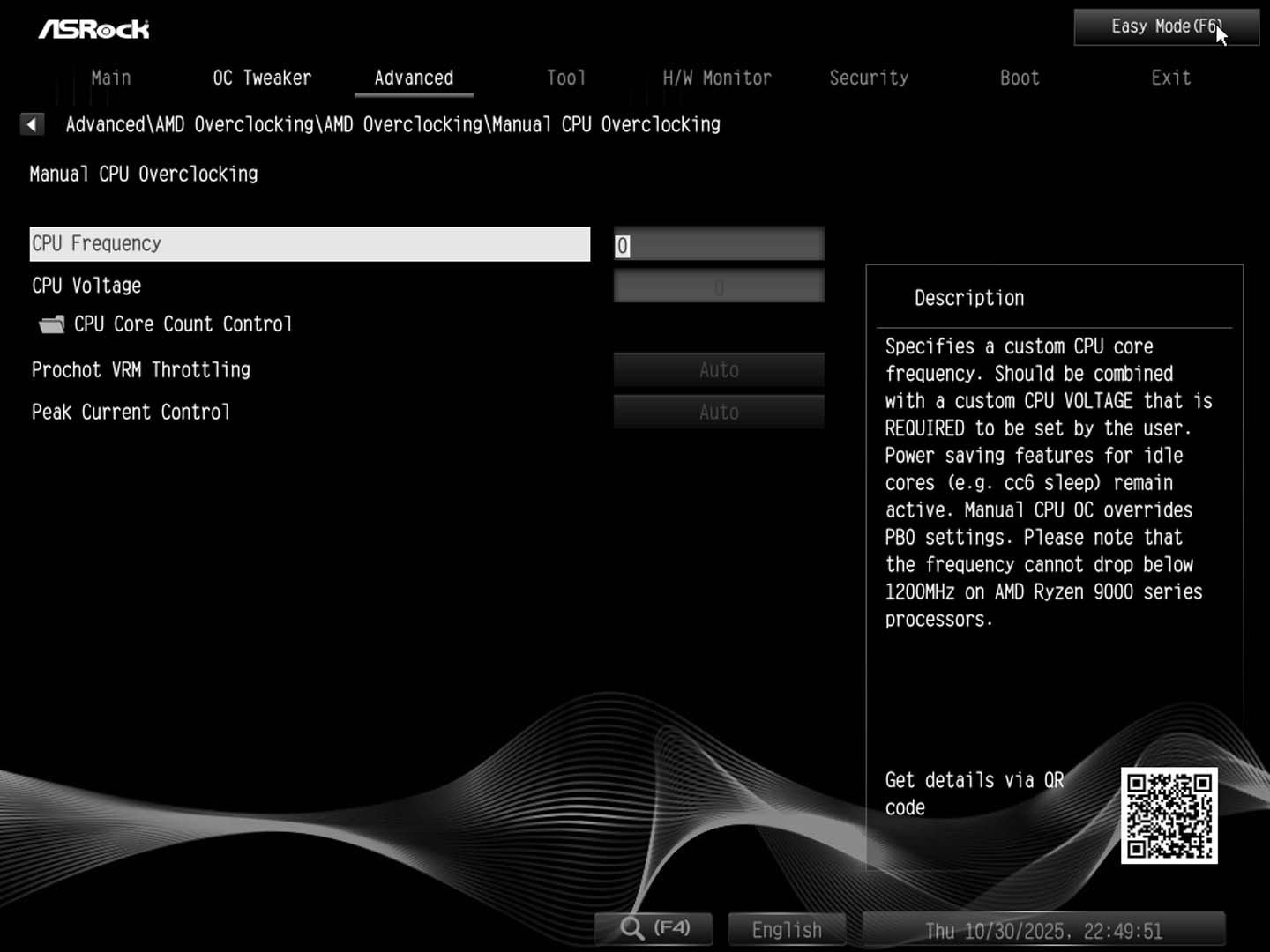
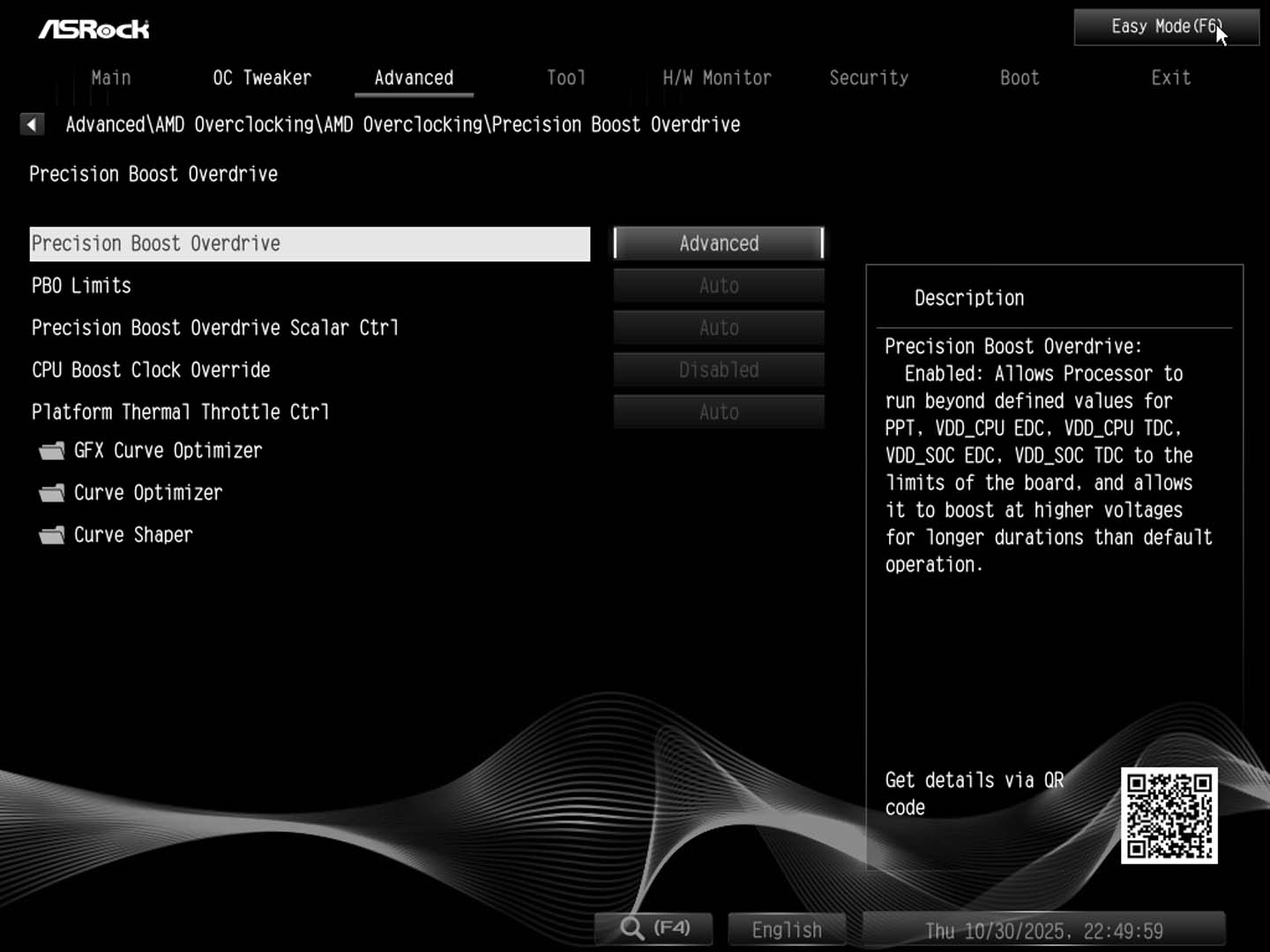
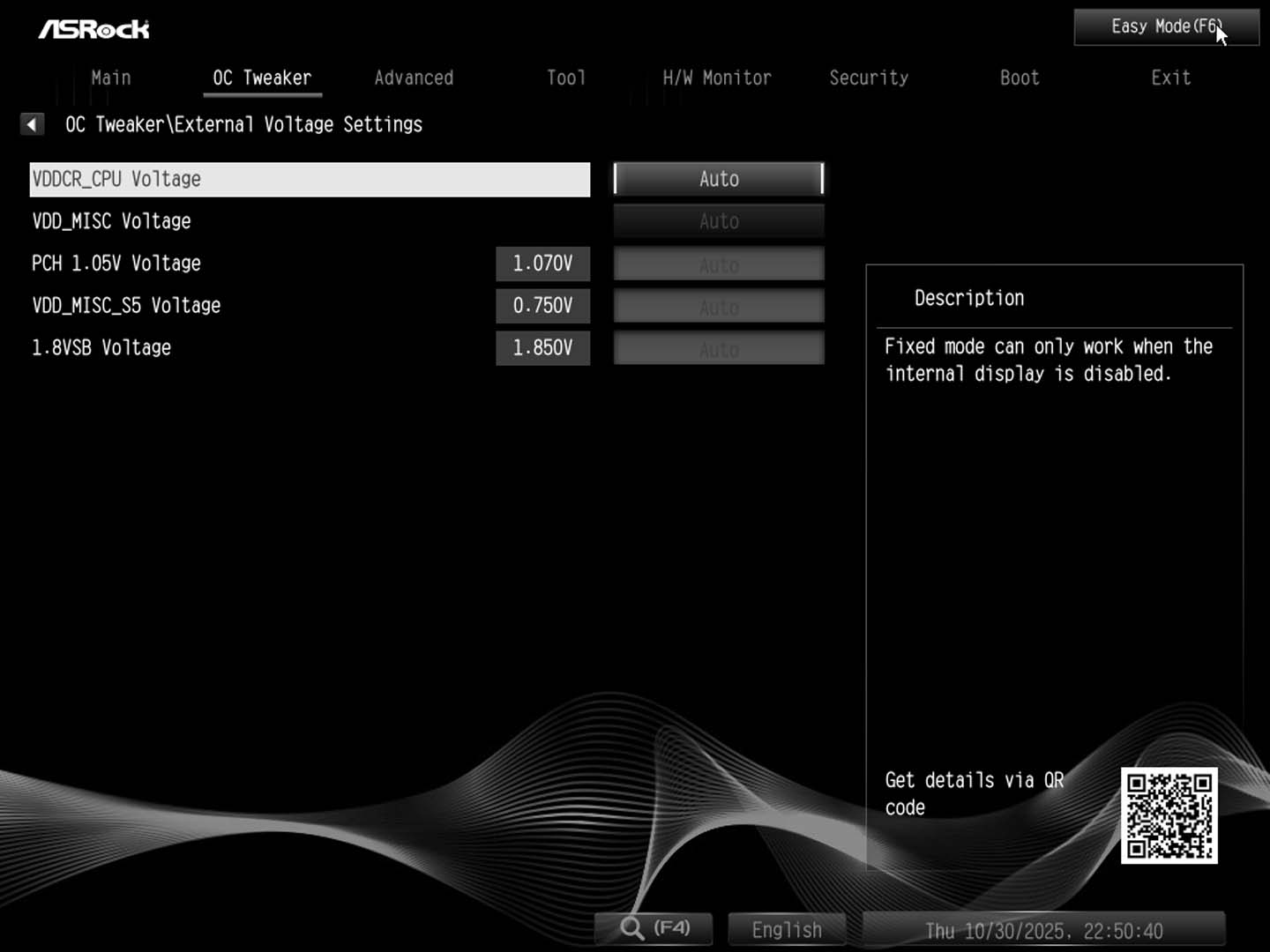
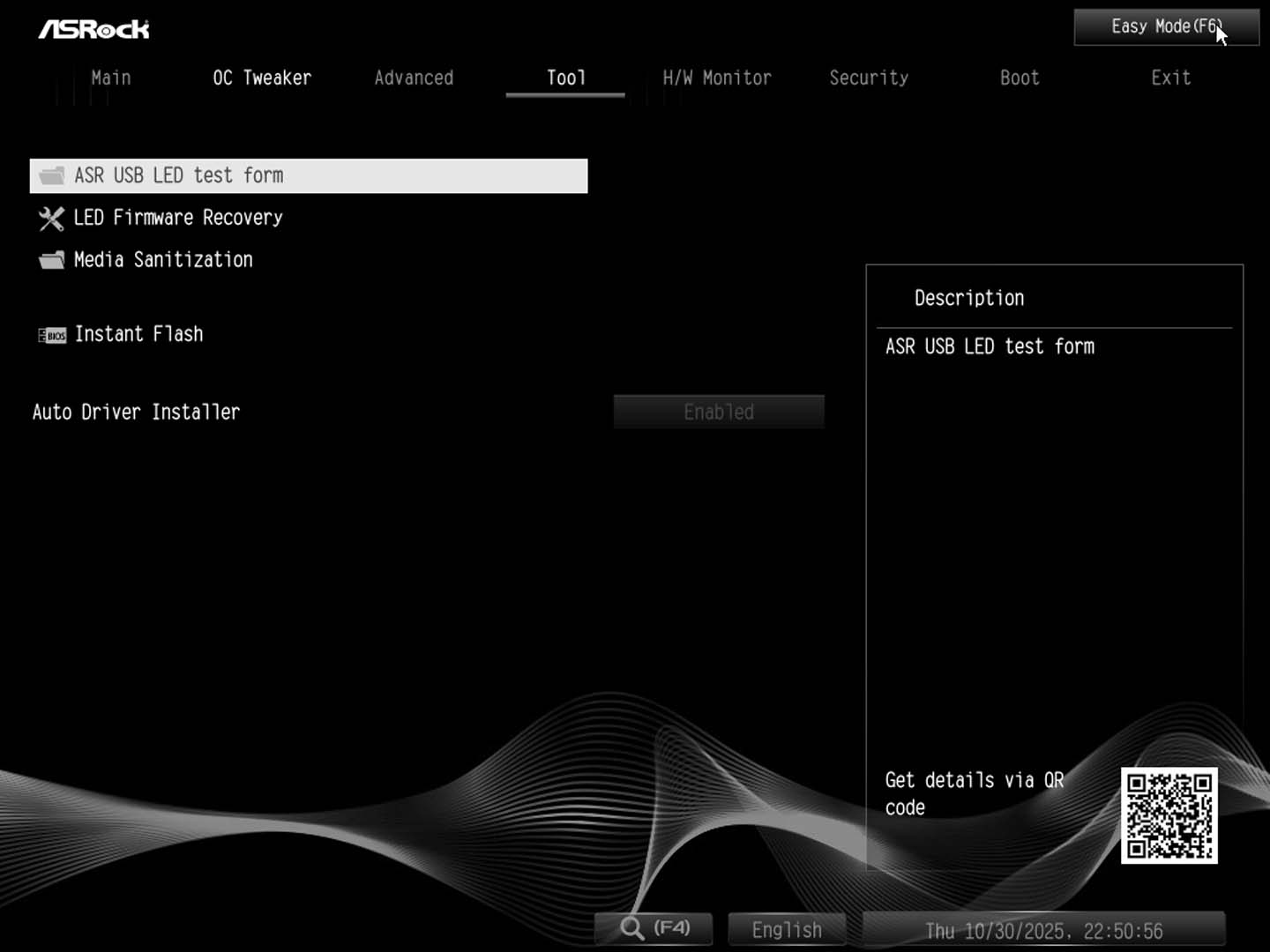
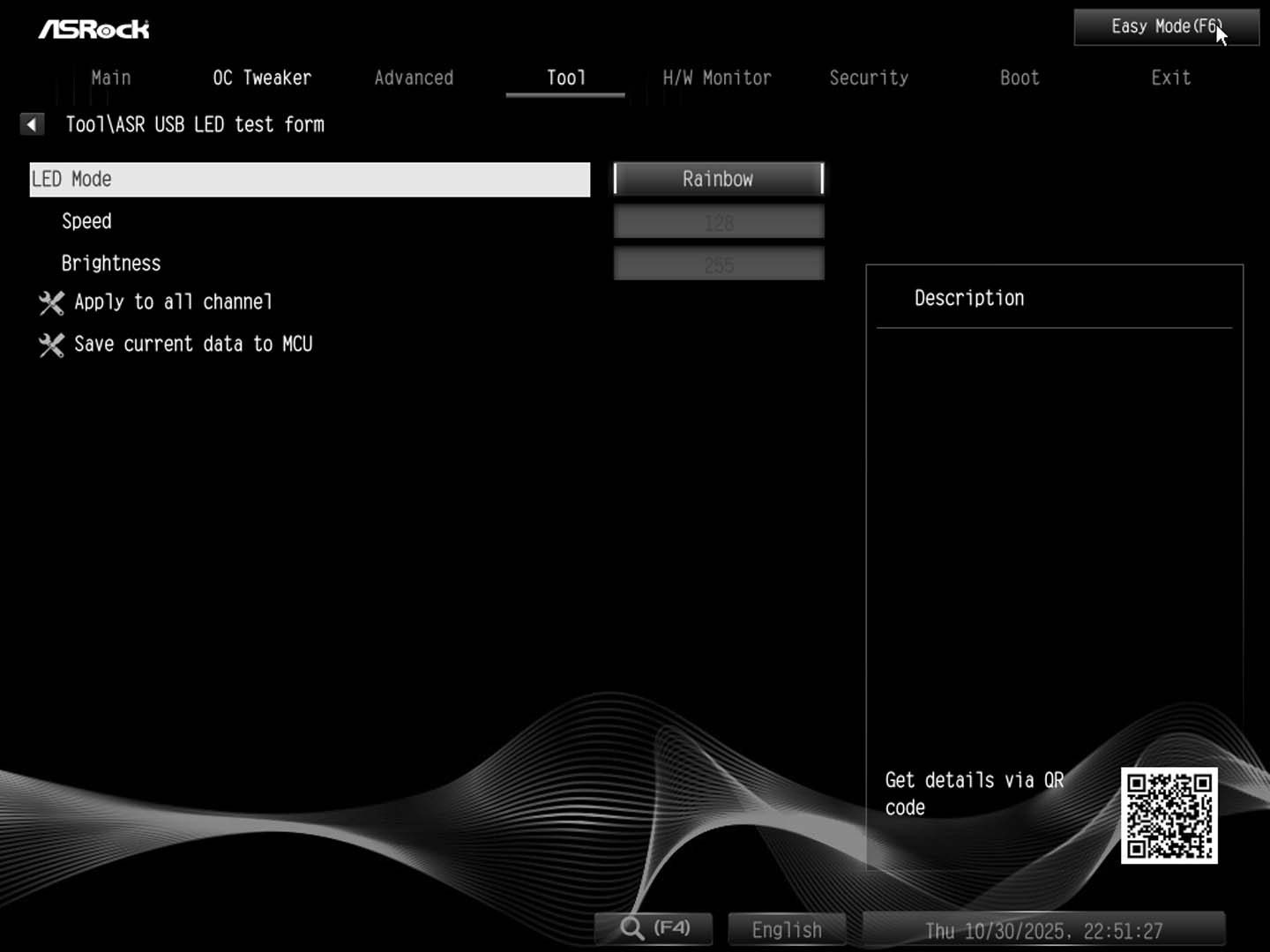
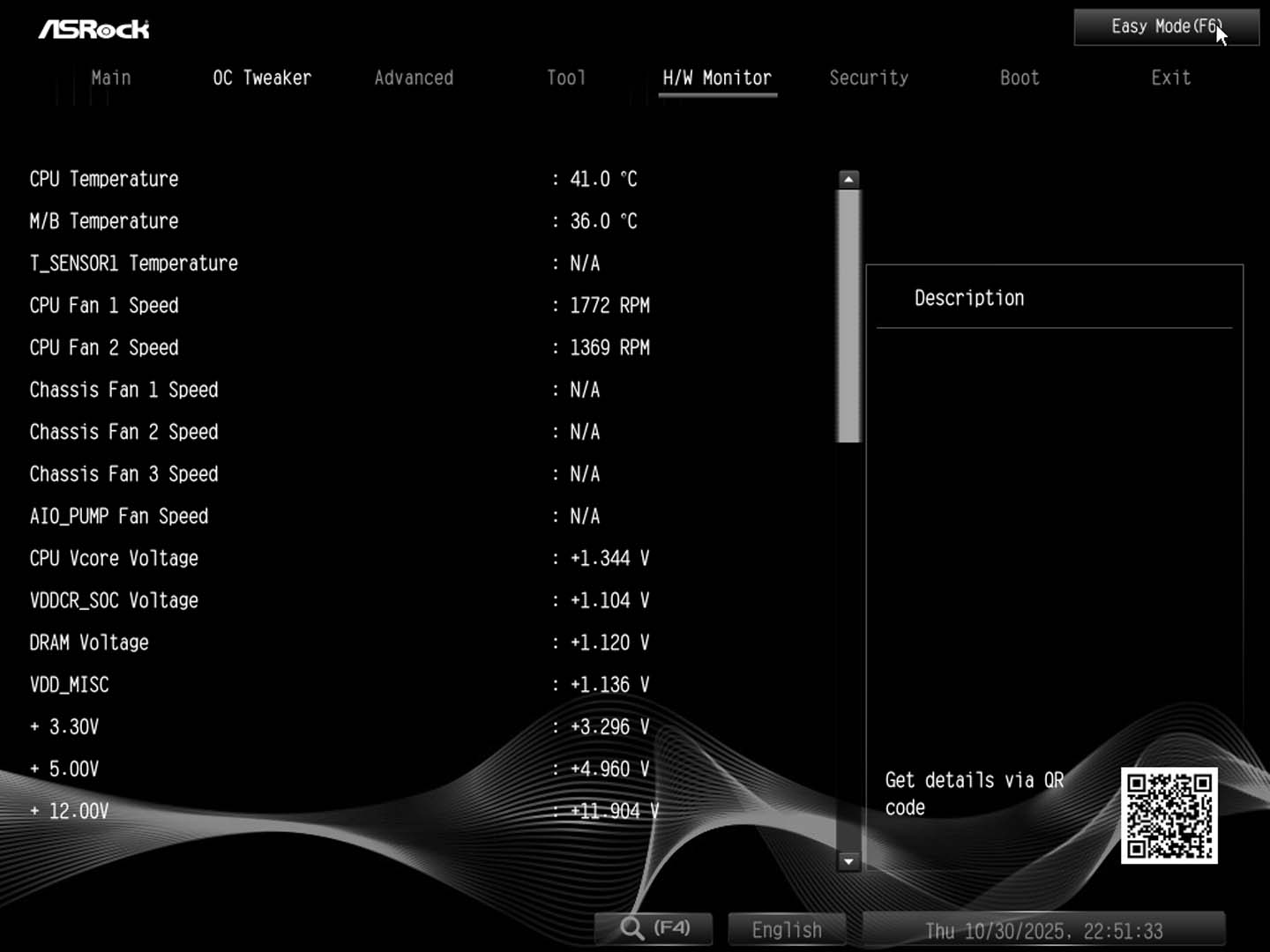
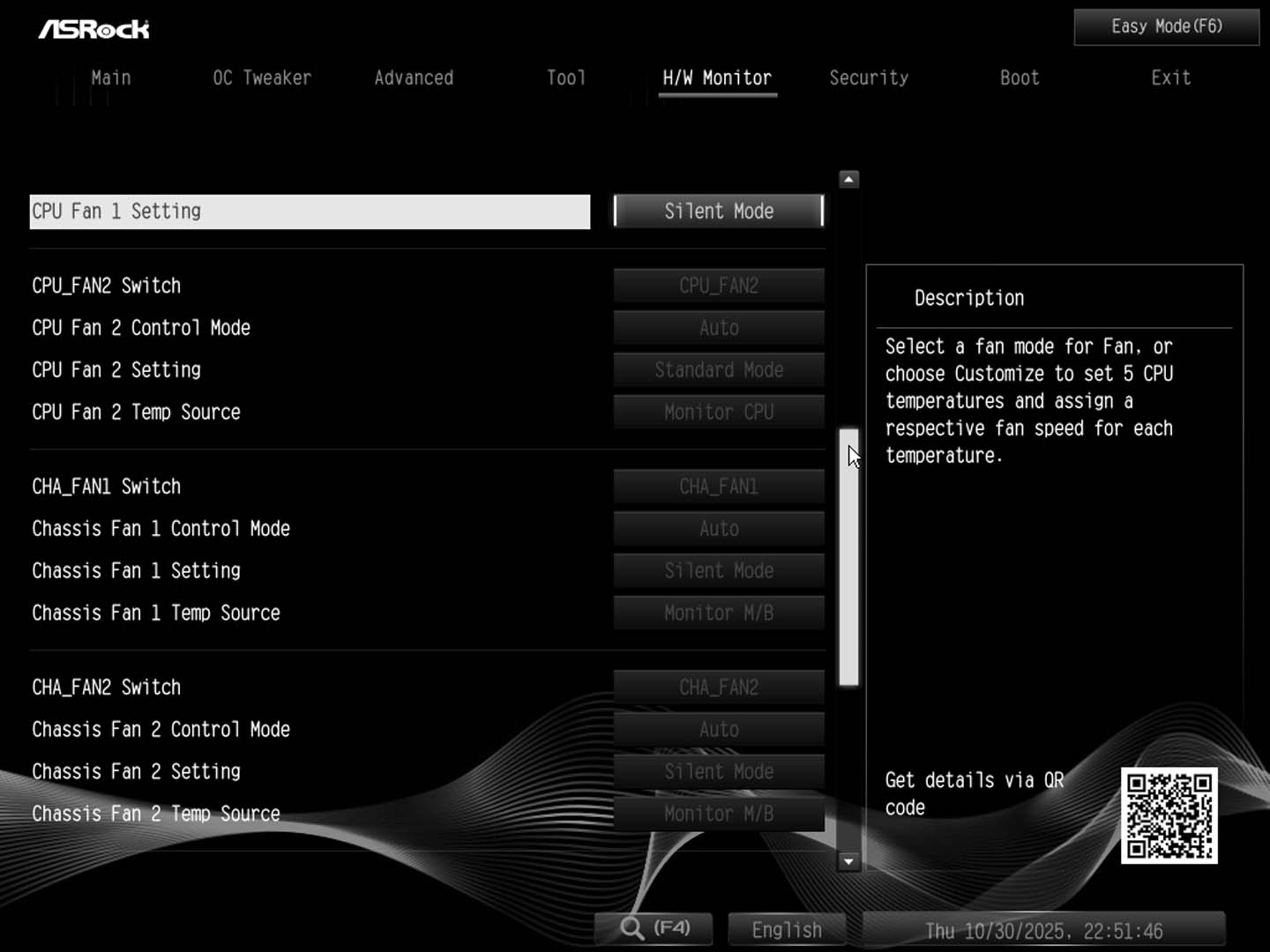
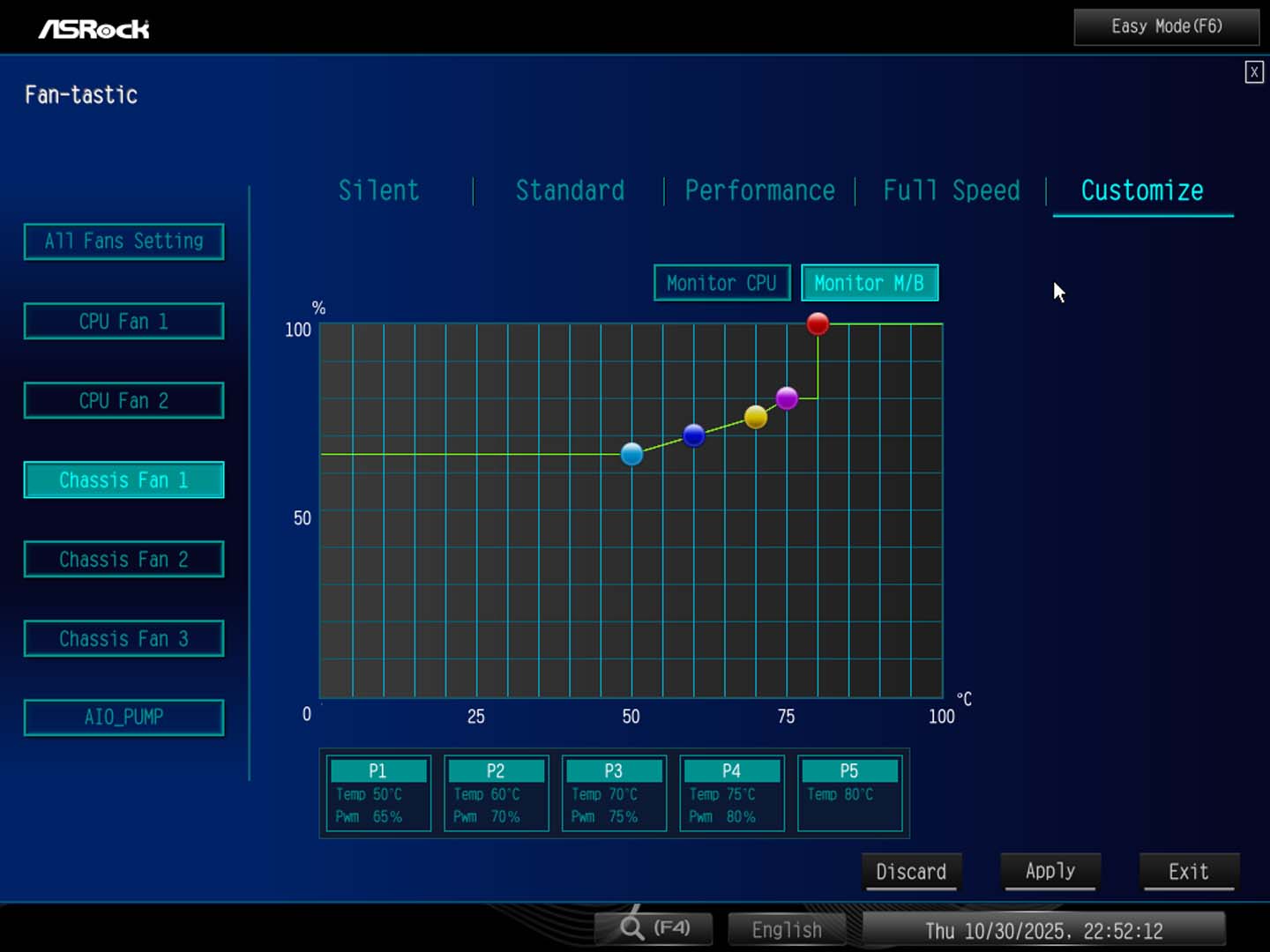
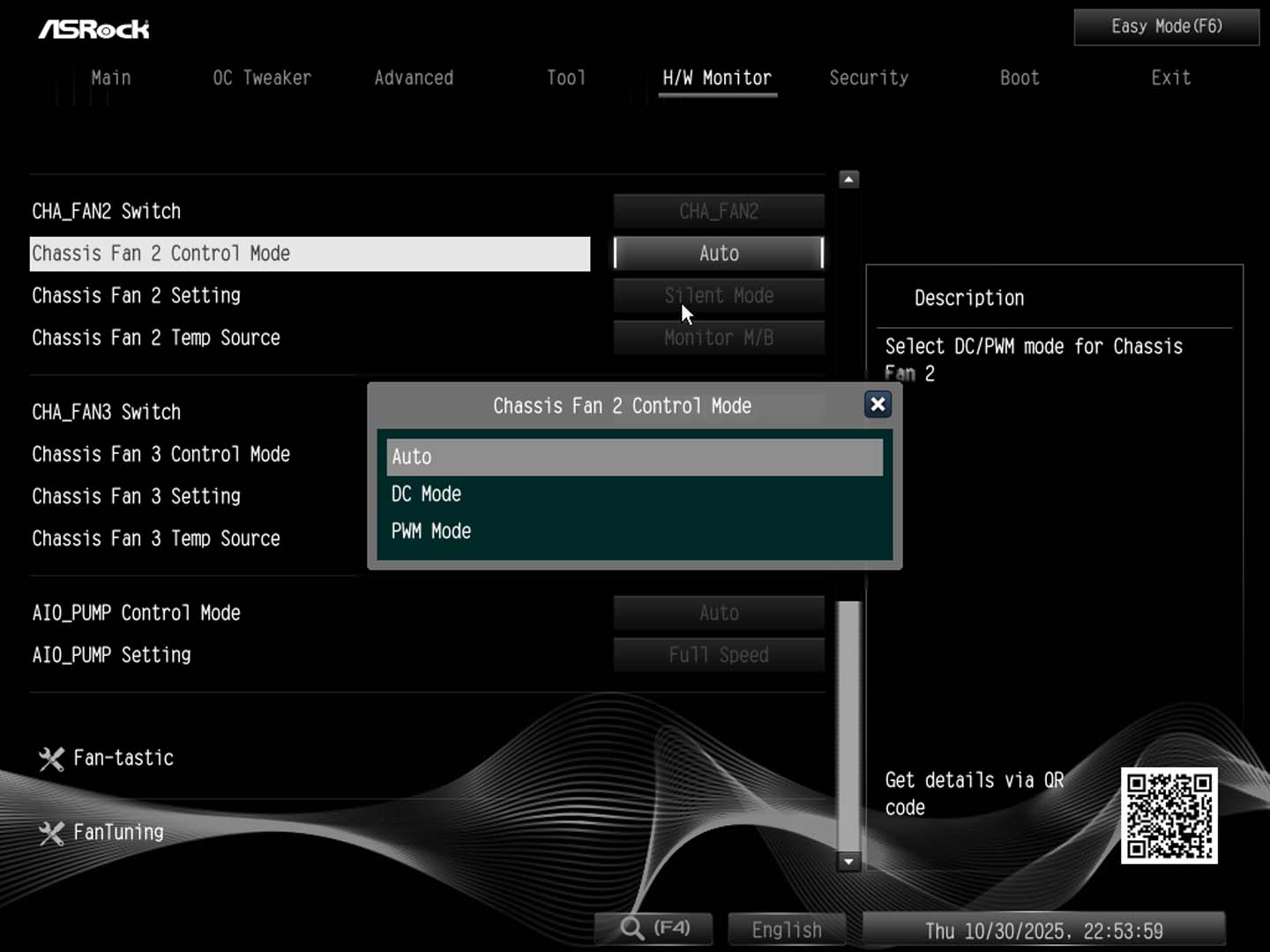
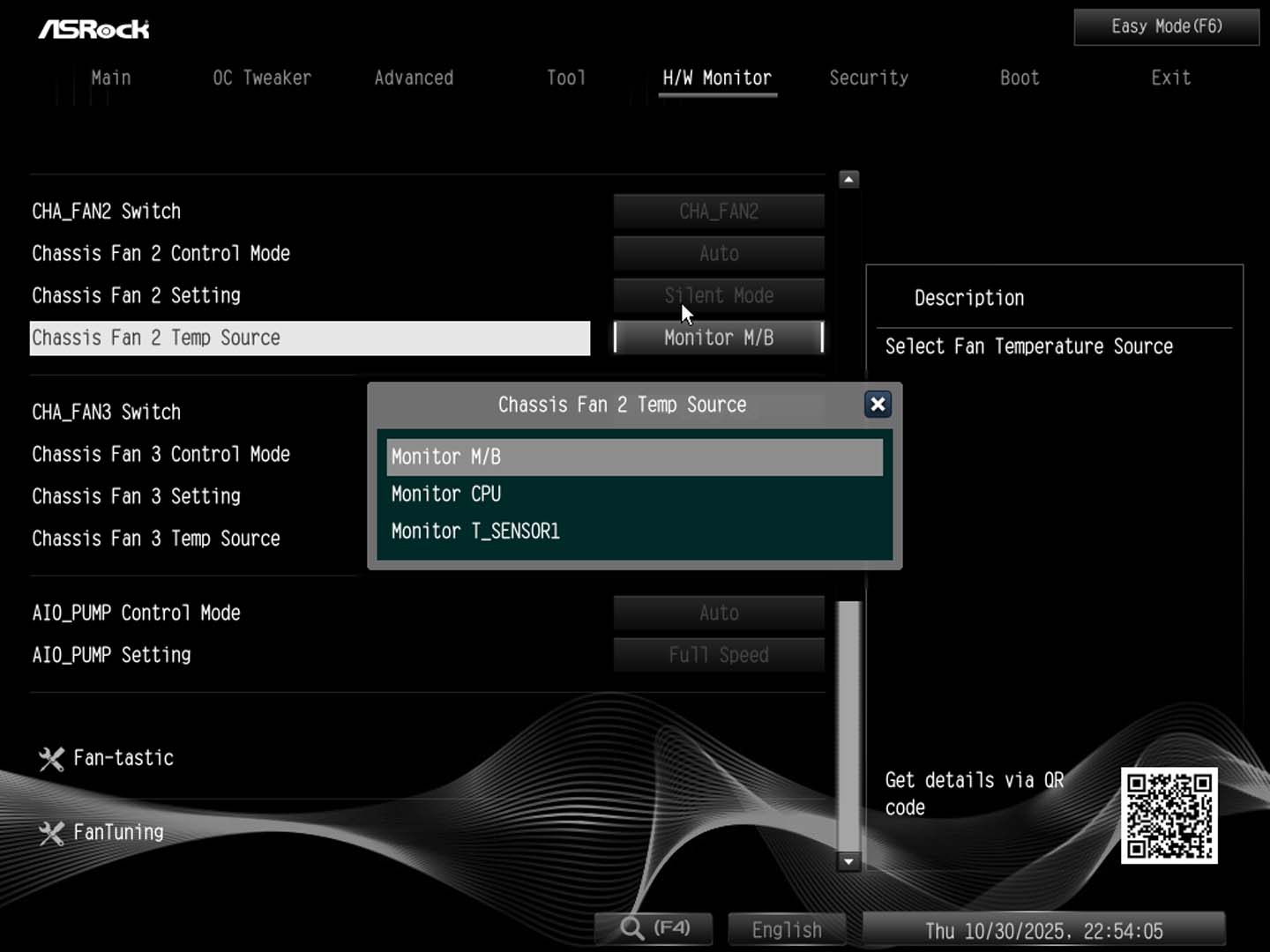
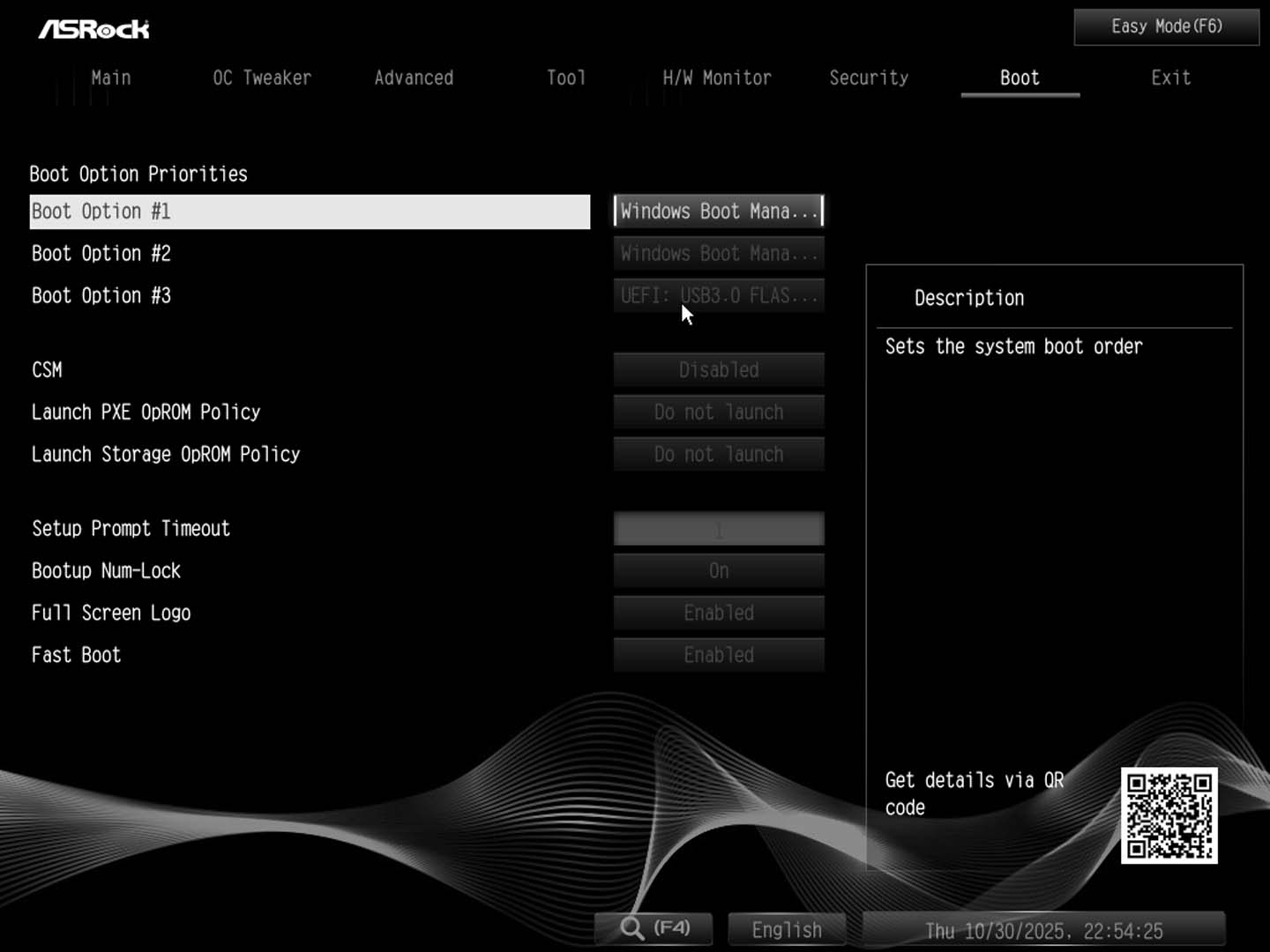
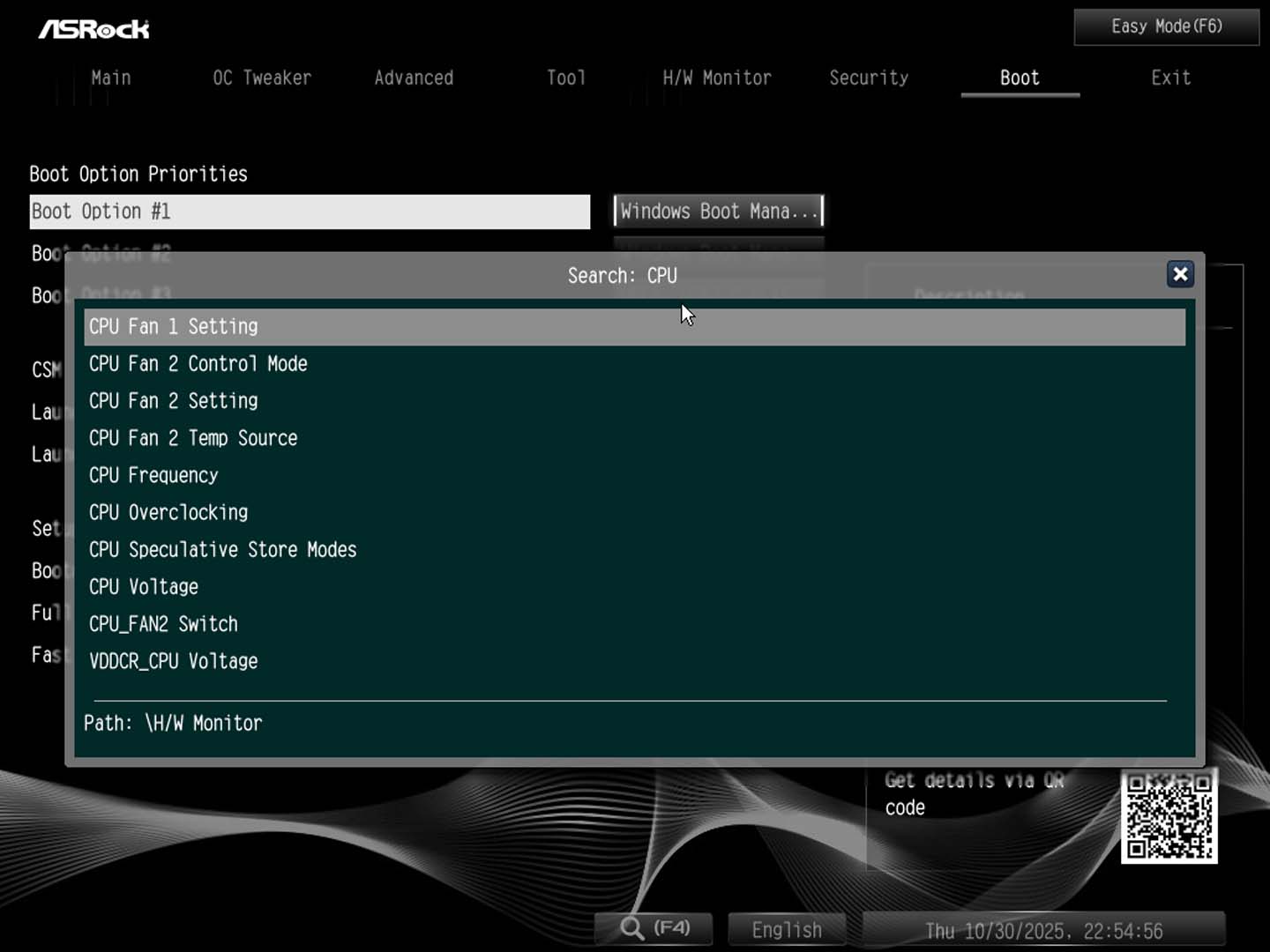
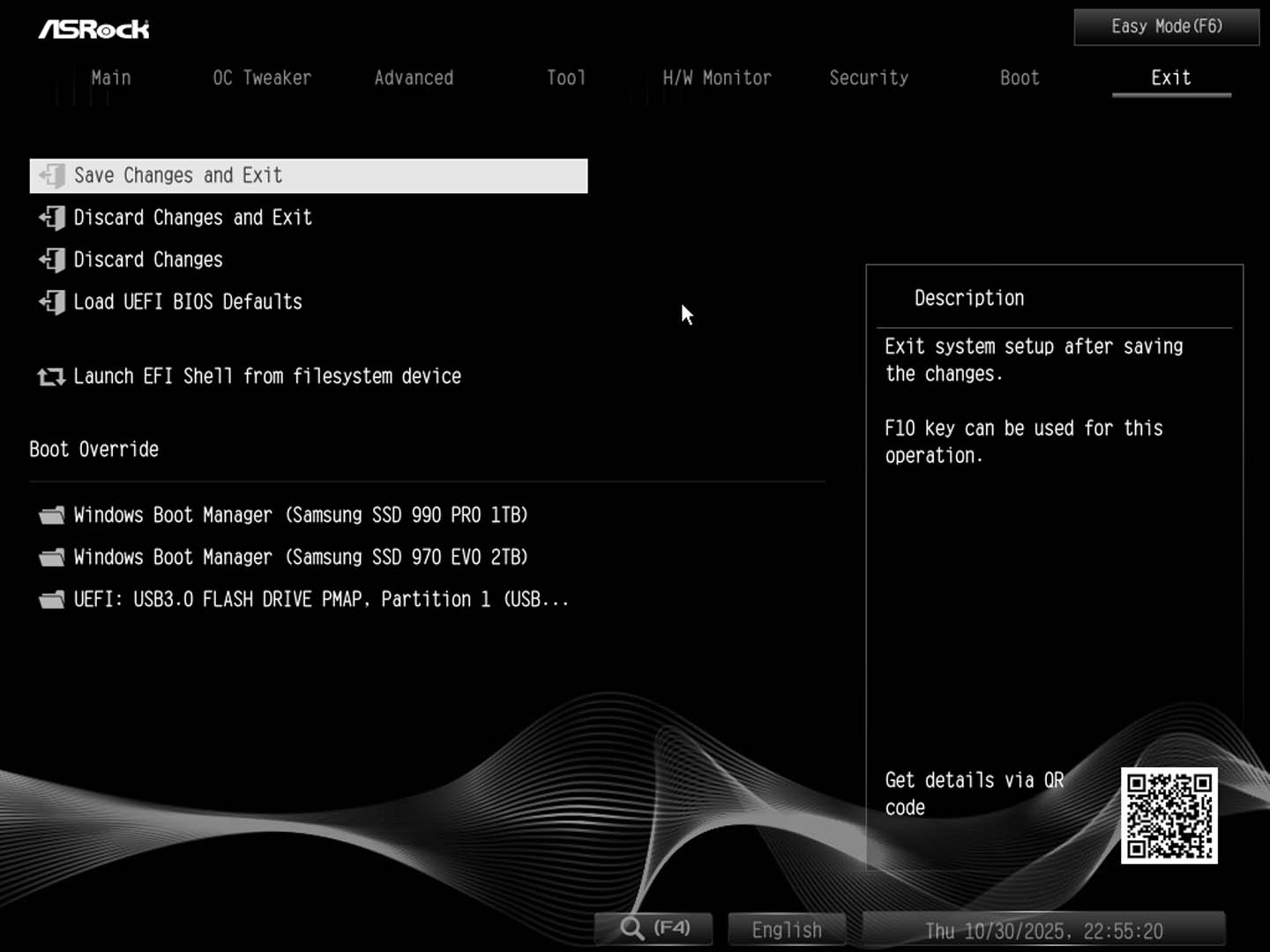
The EFI is fairly standard and not much is different to other ASRock EFIs. The Easy Mode page is useful in terms of being able to set memory profiles, boot order, see temperatures and fan speeds from one page, although it's maybe not quite as useful as others we've seen with no direct links to BIOS flashing or fan control. OC tweaker is the place to be for overclocking, with both manual and PBO-based controls spread through a few sub menus. A bit more on that on the overclocking page.Our main gripe here is the fan control, as usual with ASRock boards. We have the usual fan curve tweaking interface or Fan-tastic tuning as it's called here, but this lacks a lot of options you'll find on competing boards. There's no way to switch temperature inputs, PWM to voltage mode or fan spin-up times. Instead, you'll have to head back to the text-based H/W monitor area and tweak each individual fan. It's tedious and time-consuming and more annoyingly, it's not this bad on all ASRock boards. This should be standard on all of them though as it's just annoying. Something else we'd like to see is the icon for search added to the Easy Mode page. This button, along with its F4 shortcut text, isn't viewable till you get into the advanced section, so most will be unaware of it.





Nov 18th, 2026 16:27 PST
change timezone
Latest GPU Drivers
New Forum Posts
- Got a new laptop! What should I do with it? (5)
- Honestly, do you care about GTA VI? (147)
- Dell Workstation Owners Club (3514)
- Making a game in Godot engine (2)
- [Poll] 12V-2x6 Connector Protection: What Are You Using? (WireView / Ampinel / Equalizer / Other / Nothing) (39)
- Last game you purchased? (1406)
- Time to upgrade CPU and MOBO (34)
- Can i play GTA 6 now? (Joke) (7)
- What are you playing? (26234)
- Very unusual two gaming-pc scenarios. (12)
Popular Reviews
- Acemagic Retro X3 Review
- Upcoming Hardware Launches 2027 (Updated Nov 2026)
- AMD Zen 6 Technical Deep Dive
- Ugreen NASync DXP4800 GT Review
- Pulsar Office Tour & First Look at P1 Dual-Sensor Mouse
- Biwin Black Opal NV7400 2 TB Review
- Chieftec Iceberg PRO 360 DARK Review
- Sapphire Radeon RX 7700 XT Pure Review
- ASUS ROG Strix B850-I Gaming Wi-Fi7 W Review
- Sapphire Radeon RX 7700 XT Pulse Review
TPU on YouTube
Controversial News Posts
- NVIDIA Co-Founder and CEO Jensen Huang Officially Resigns (478)
- Report: Jensen Huang Eyes NVIDIA Comeback (195)
- Open Letter Asking NVIDIA to Reinstate Jensen Huang Passes 115,000 Signatures (184)
- OpenAI CEO Argues Home PCs Waste the World's Limited DRAM Supply (152)
- NVIDIA Launches Investigation Into Jensen Huang's Relationship With Suspected Chinese Spy (136)
- Intel "Raptor Lake Next" 16-Core and 20-Core CPUs Surface (130)
- Legendary Game Studio BioWare Shuts Down Following EA Layoffs (104)
- Dell CEO Says the Memory Shortage Will Get Worse in 2027 (95)