 1
ASRock X870E Challenger Wi-Fi White Review
Board Software »BIOS Overview
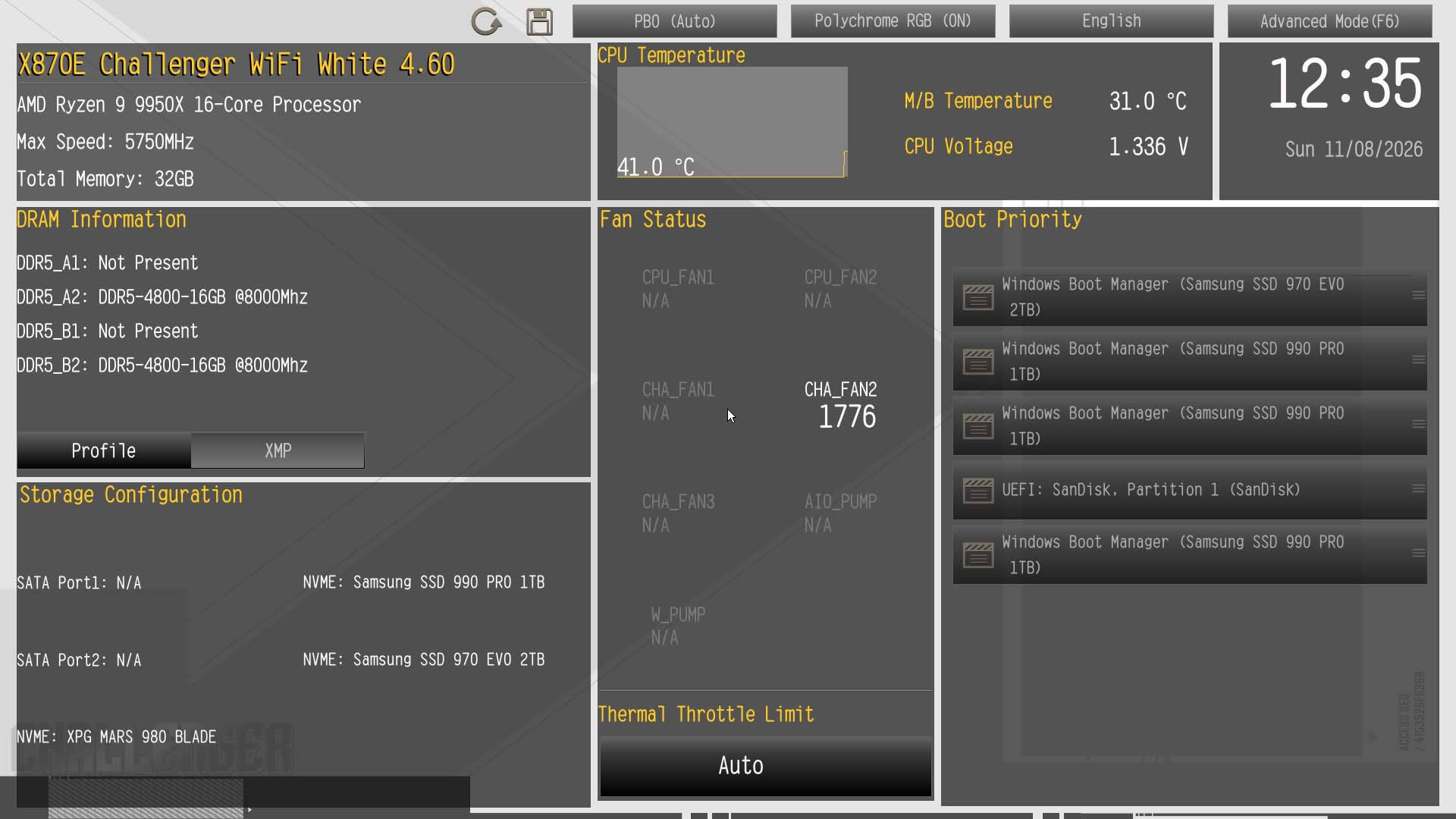
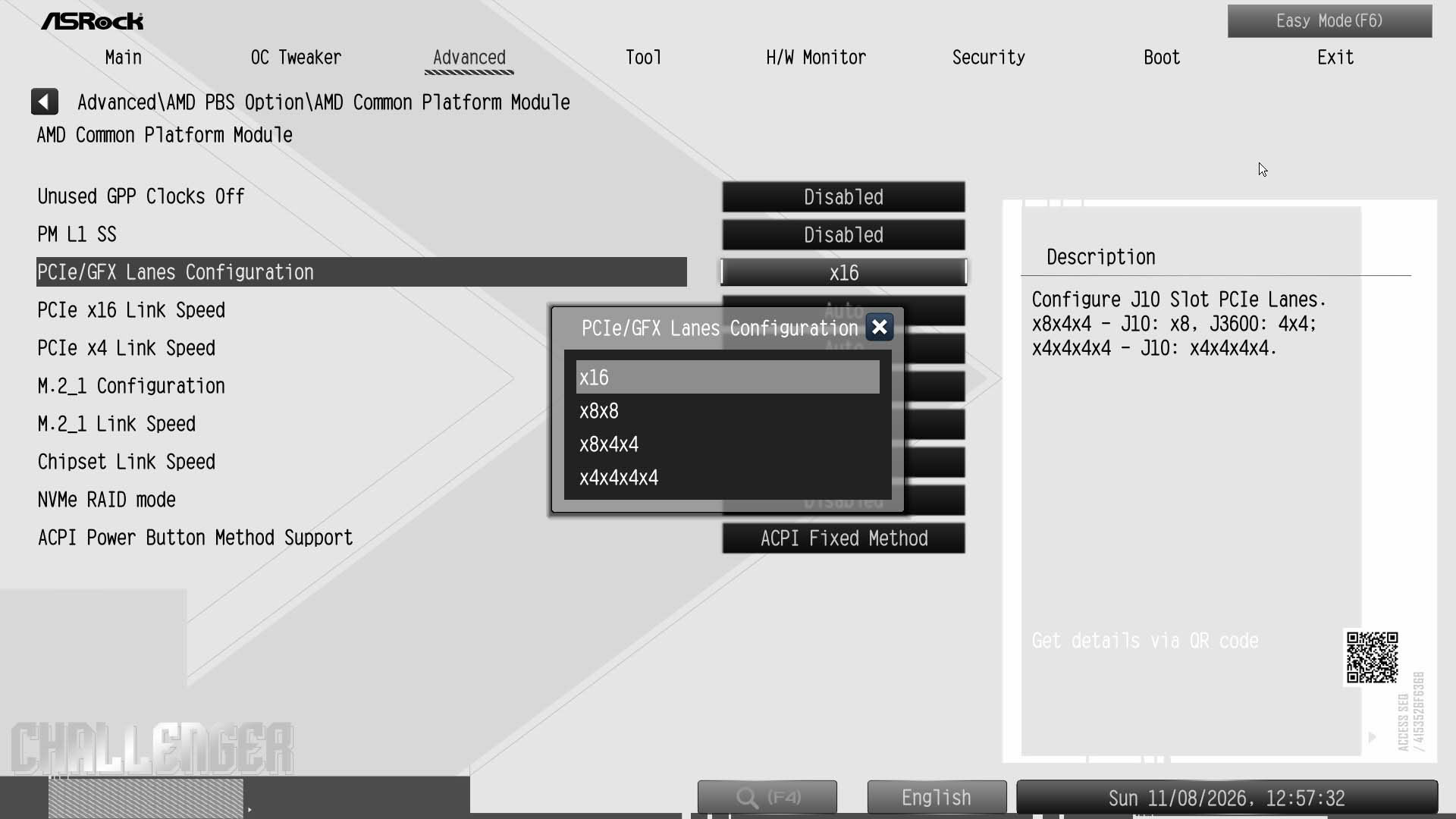
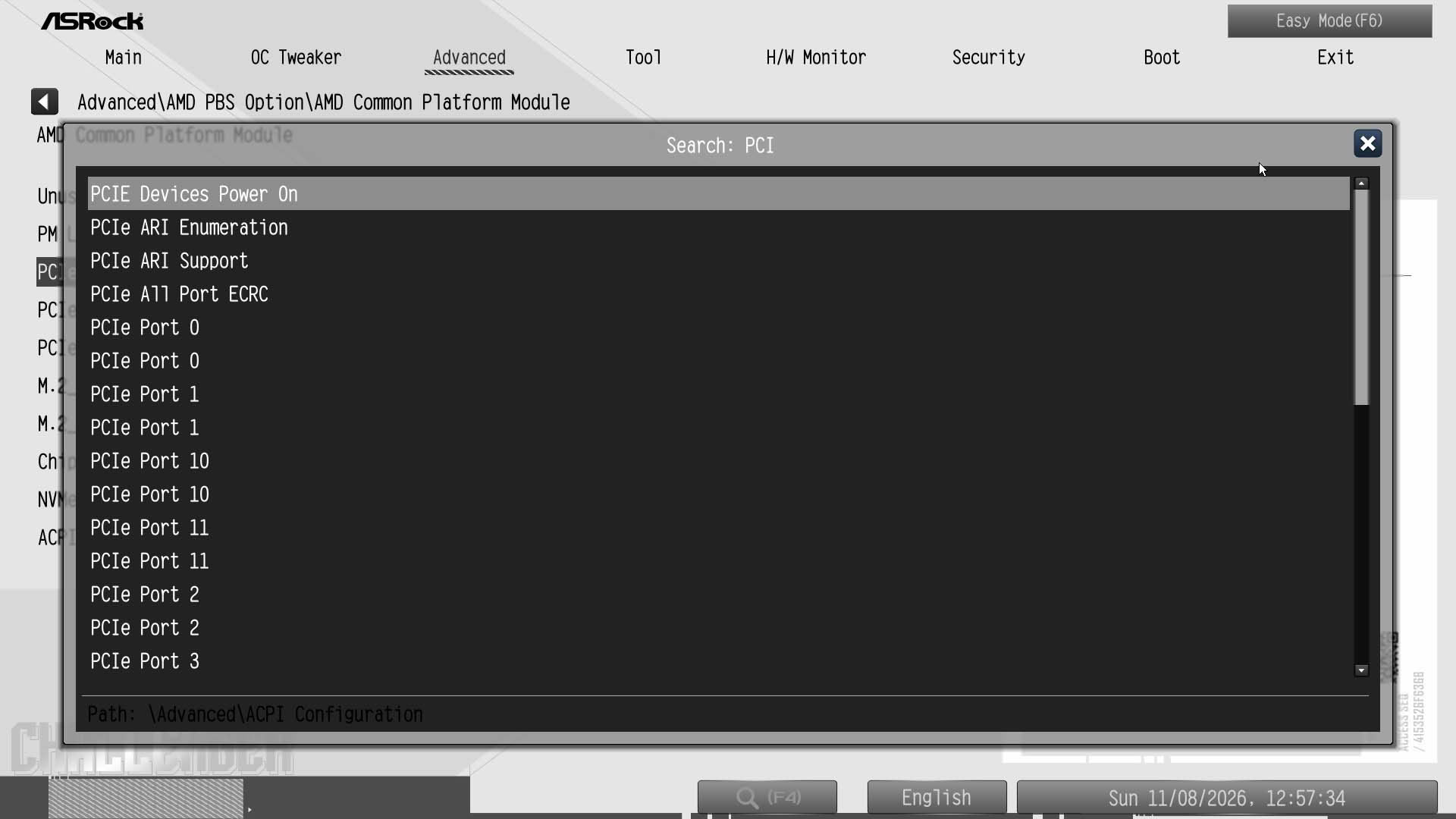
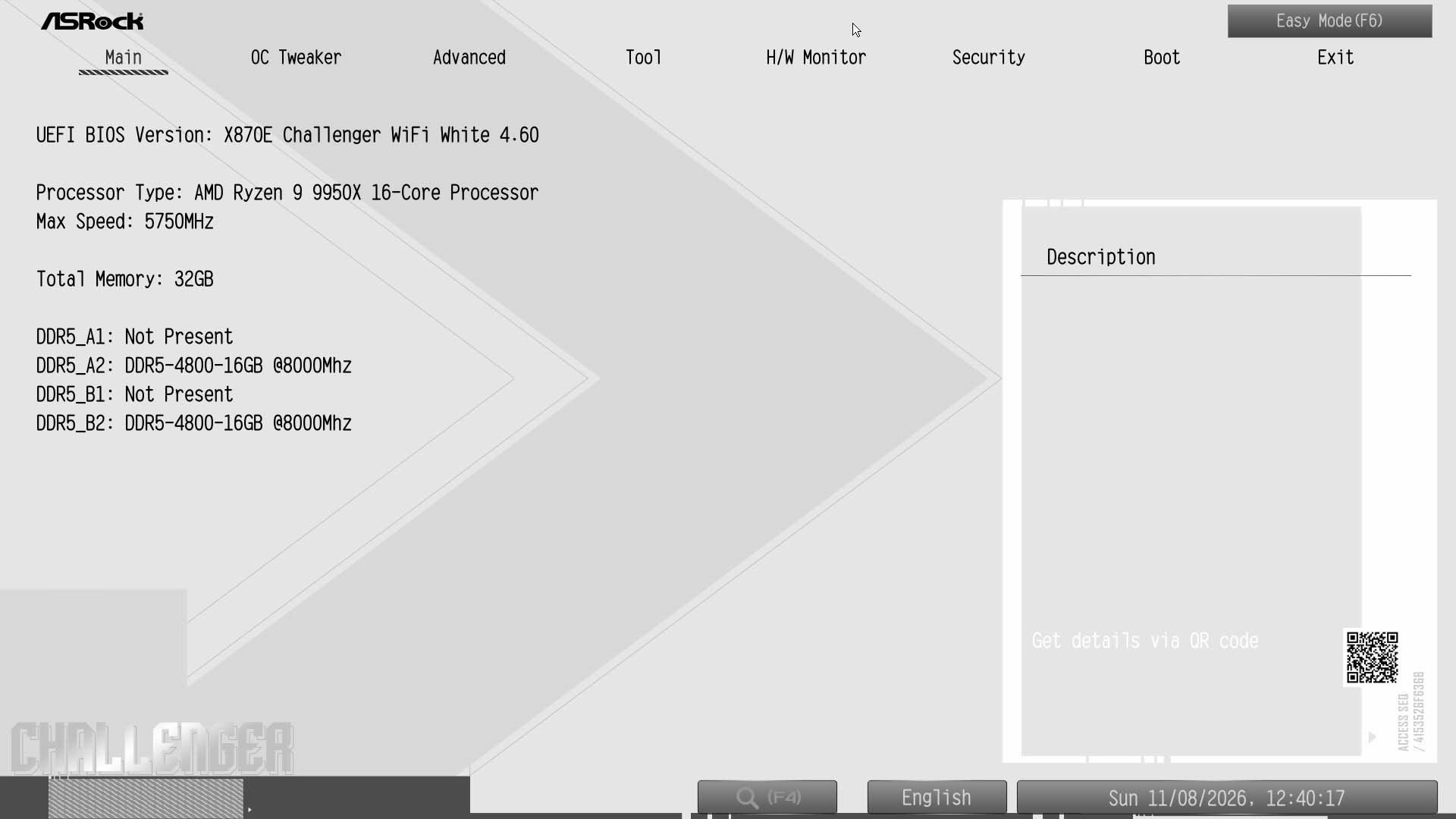
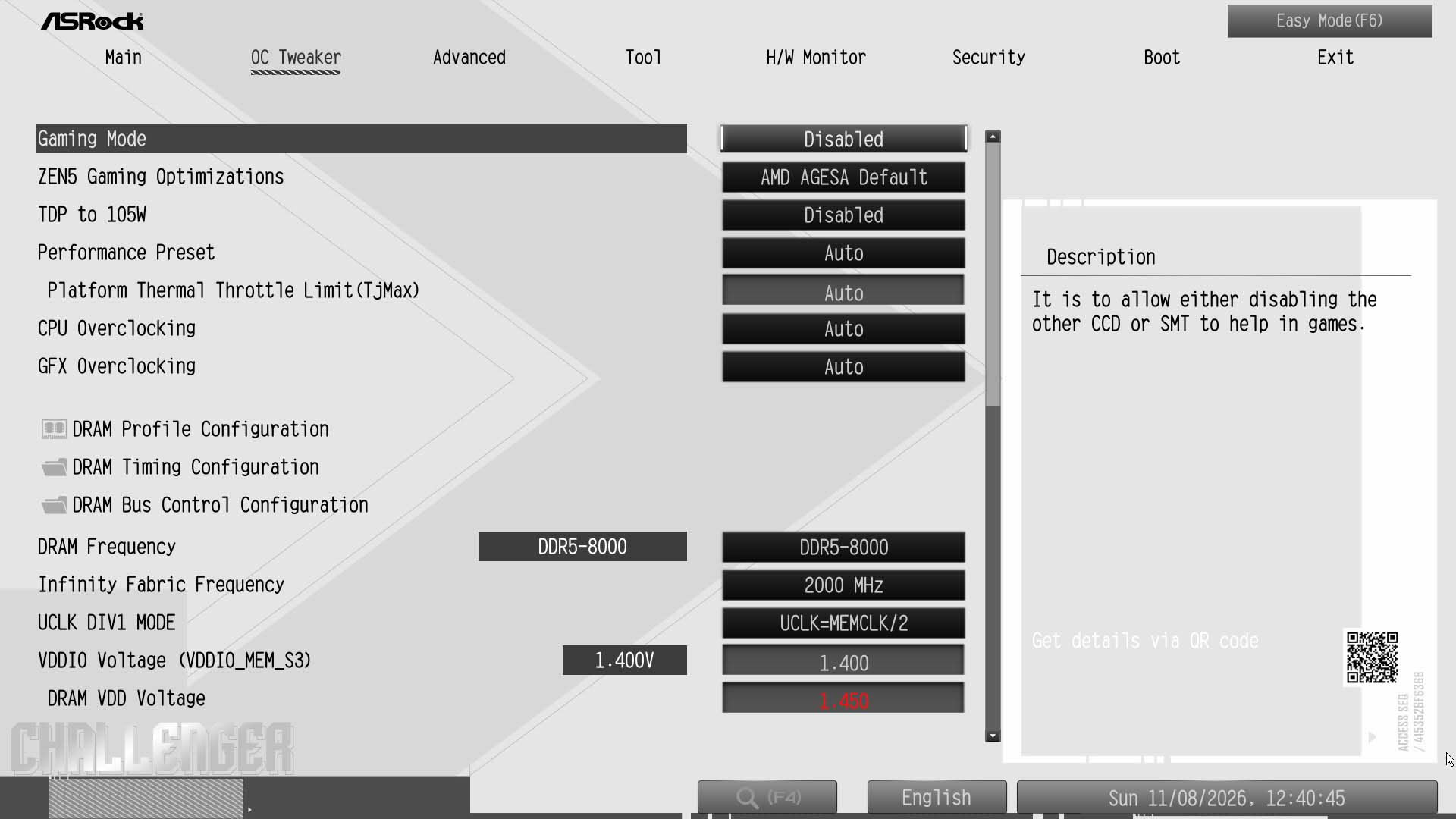
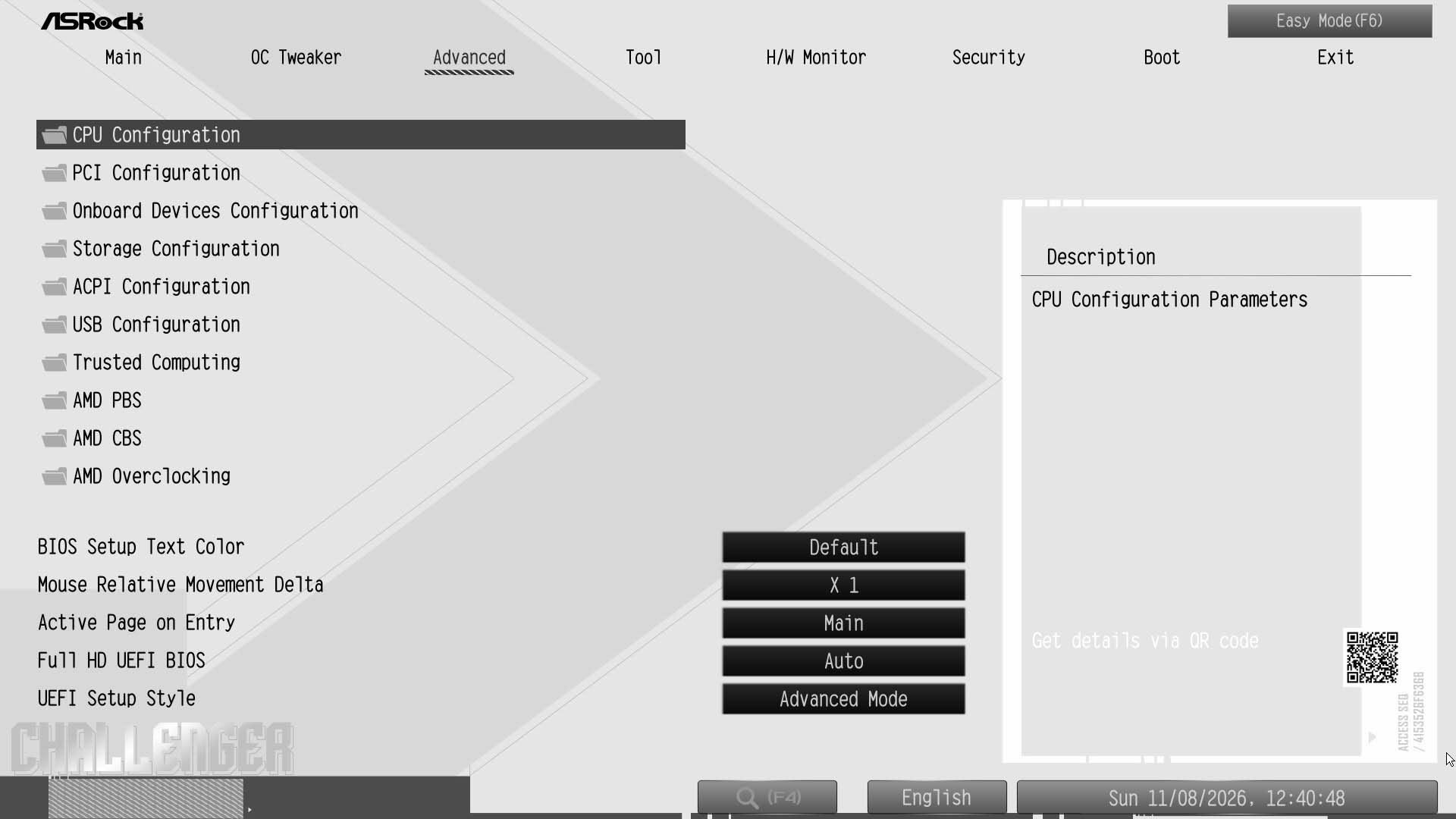
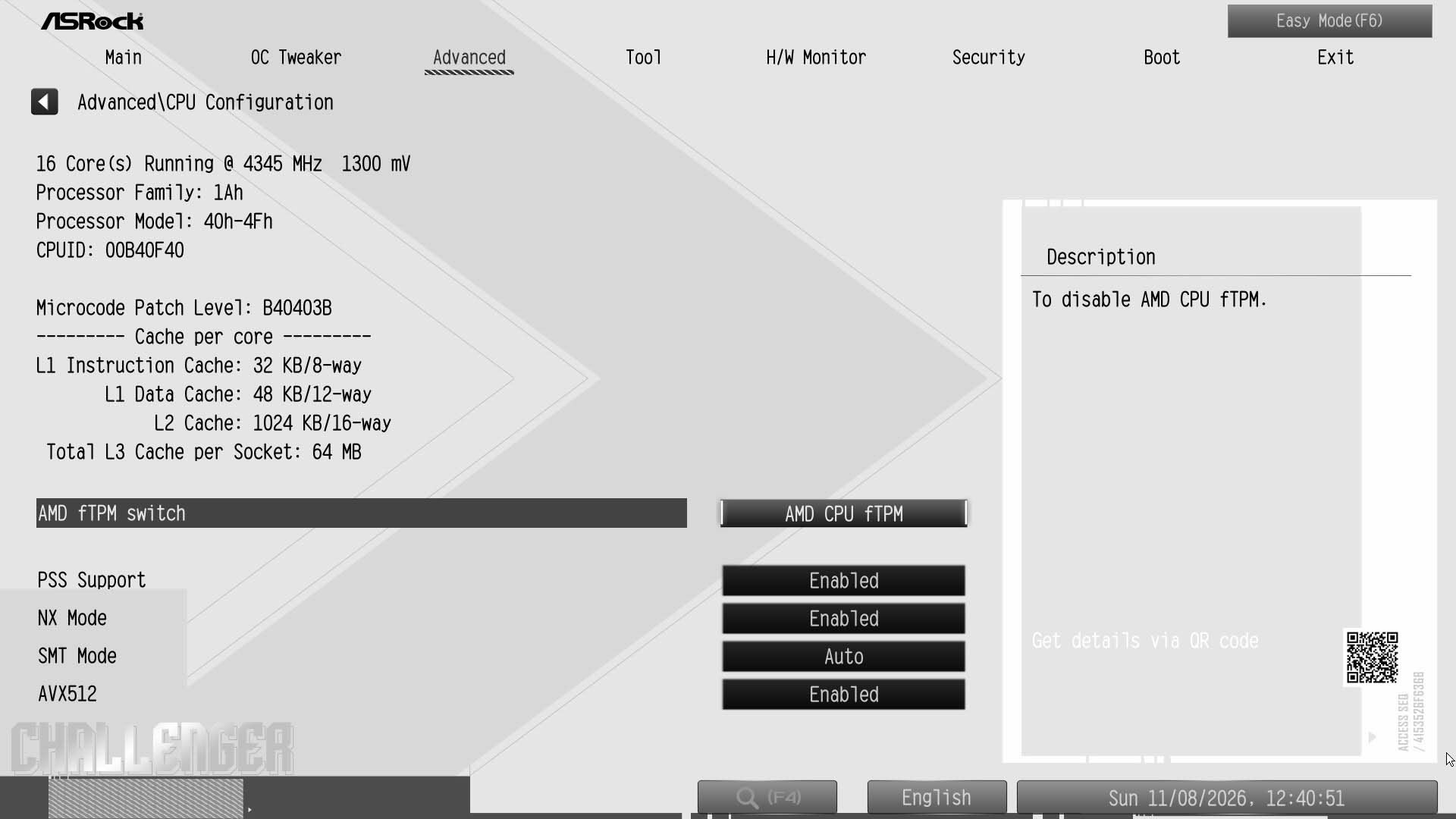
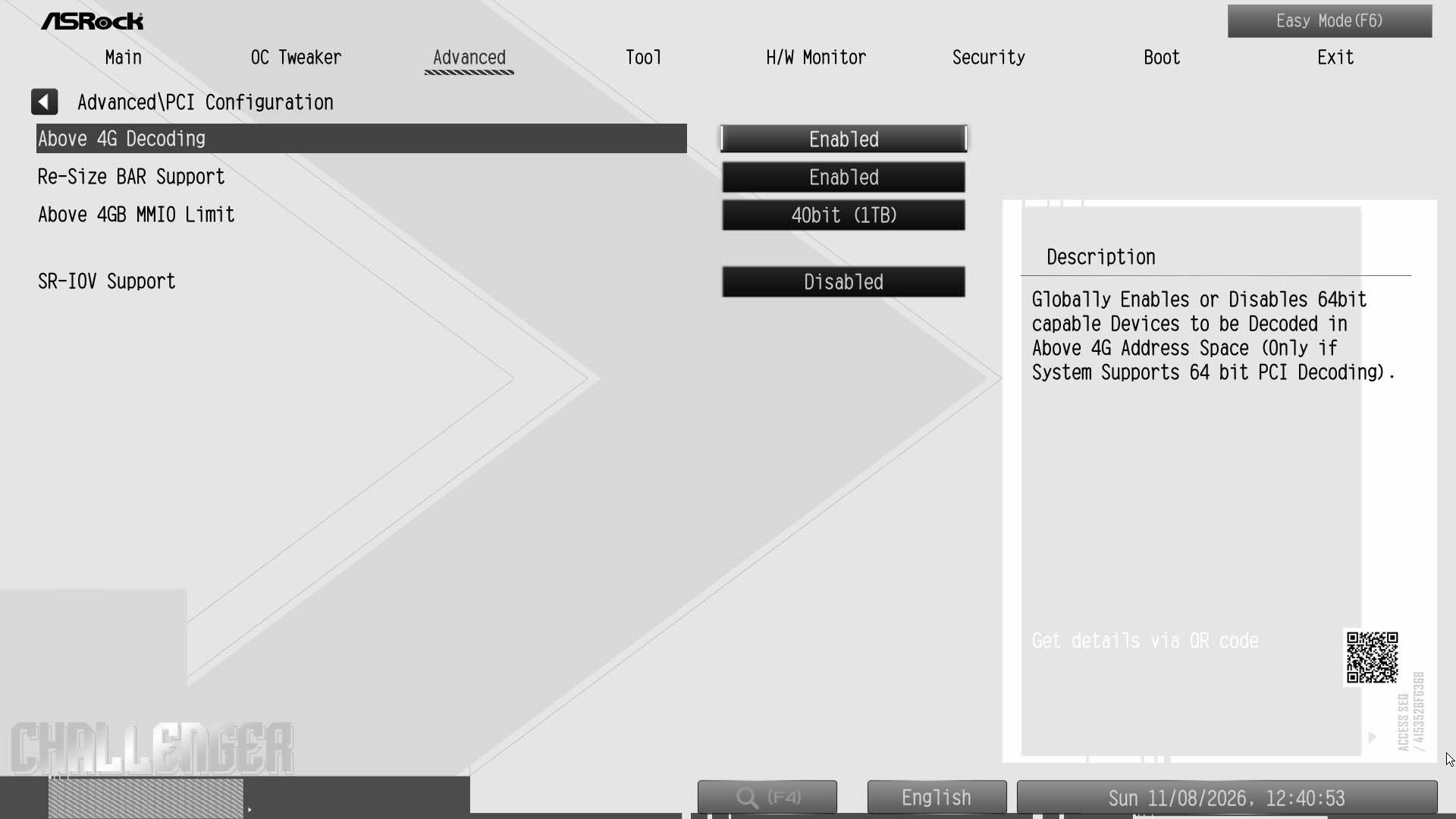
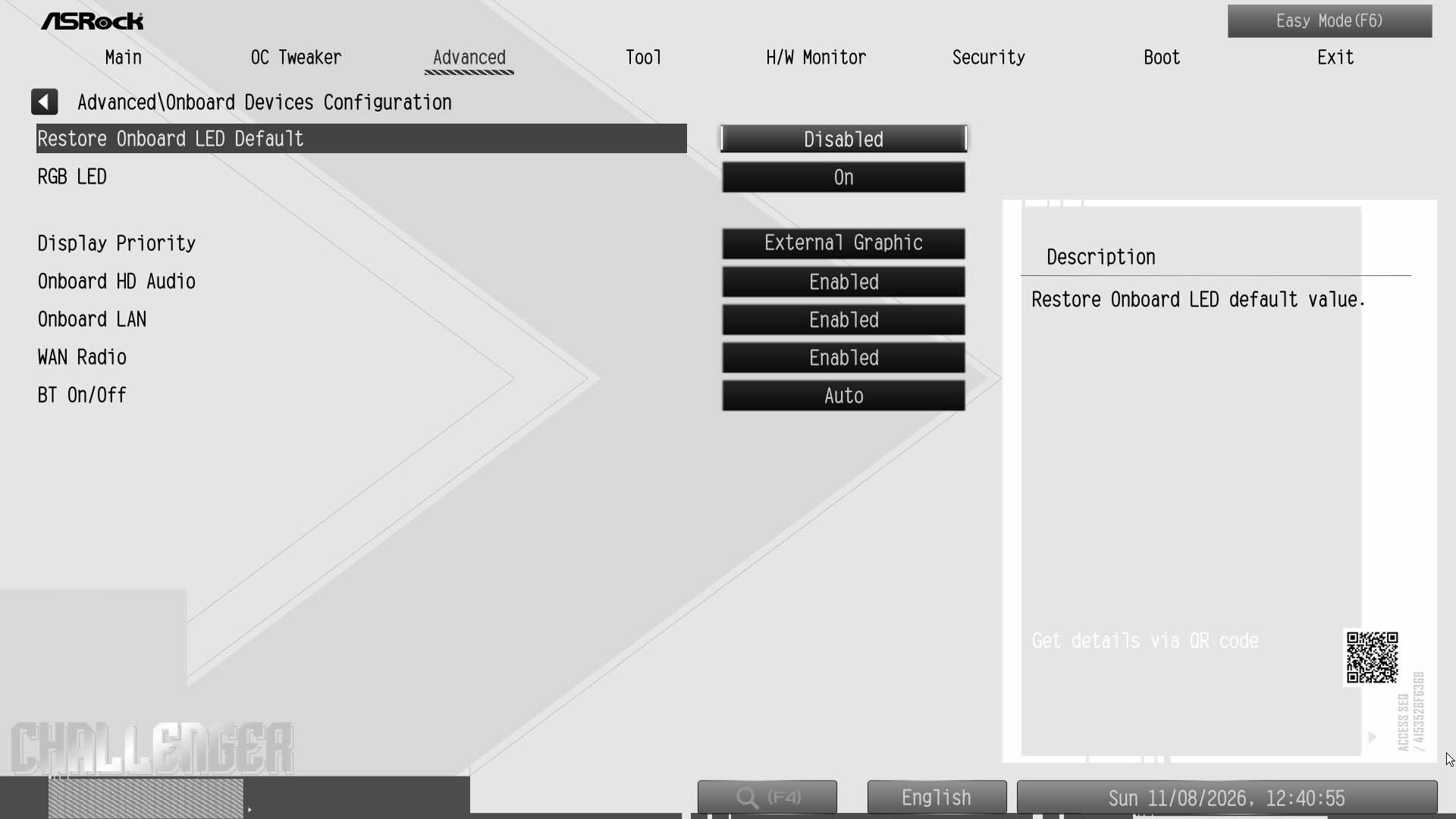
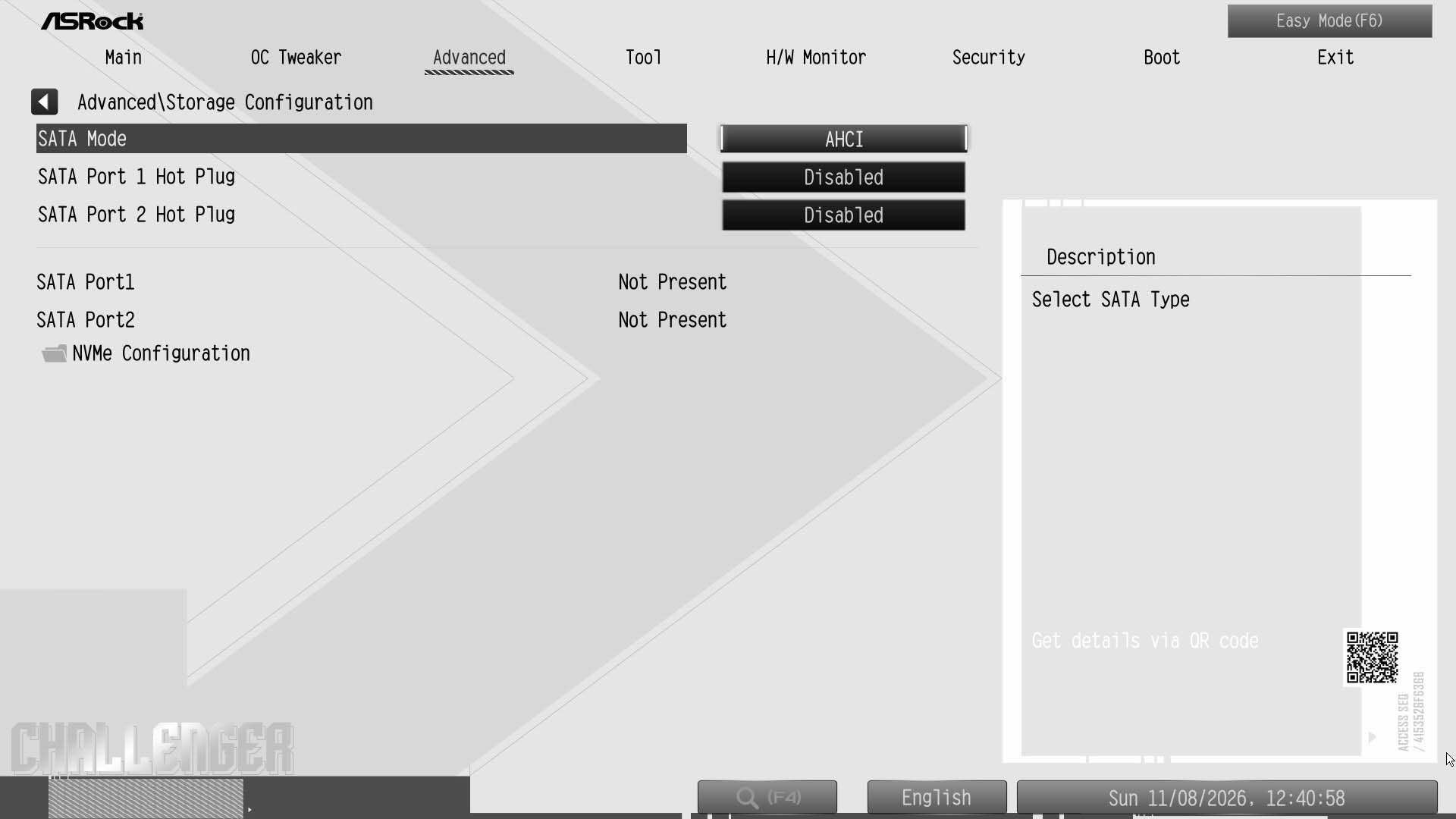
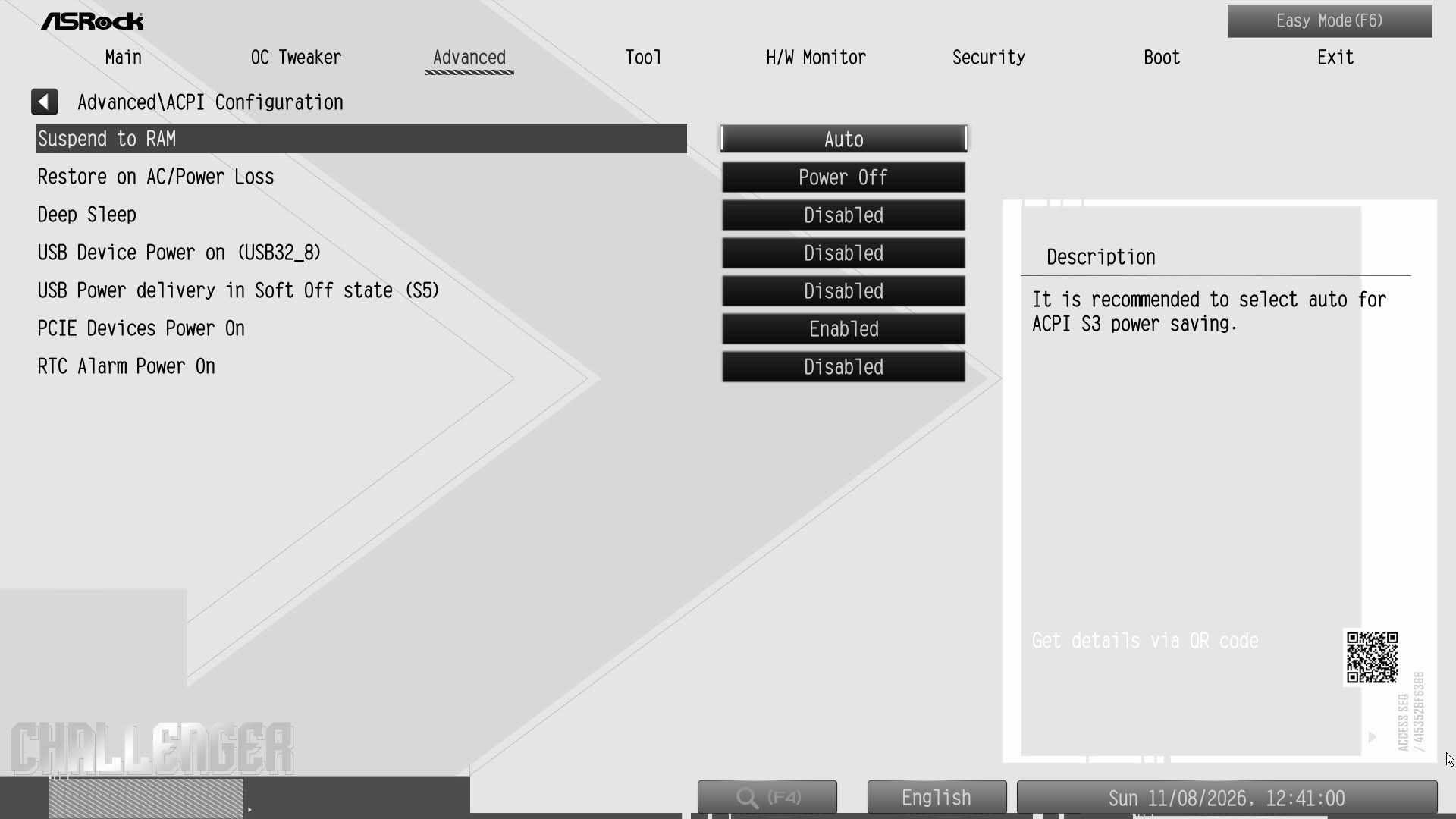
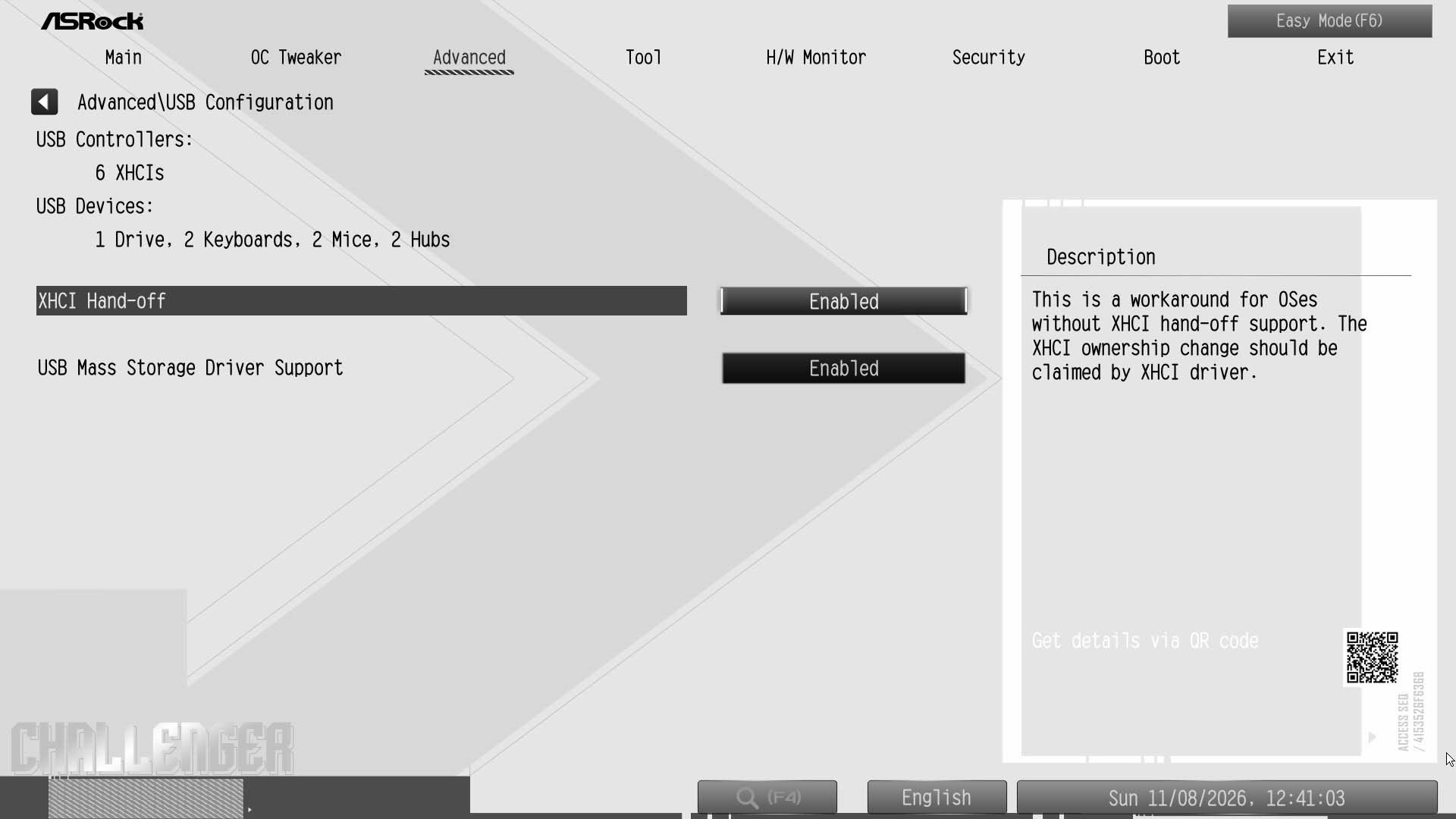
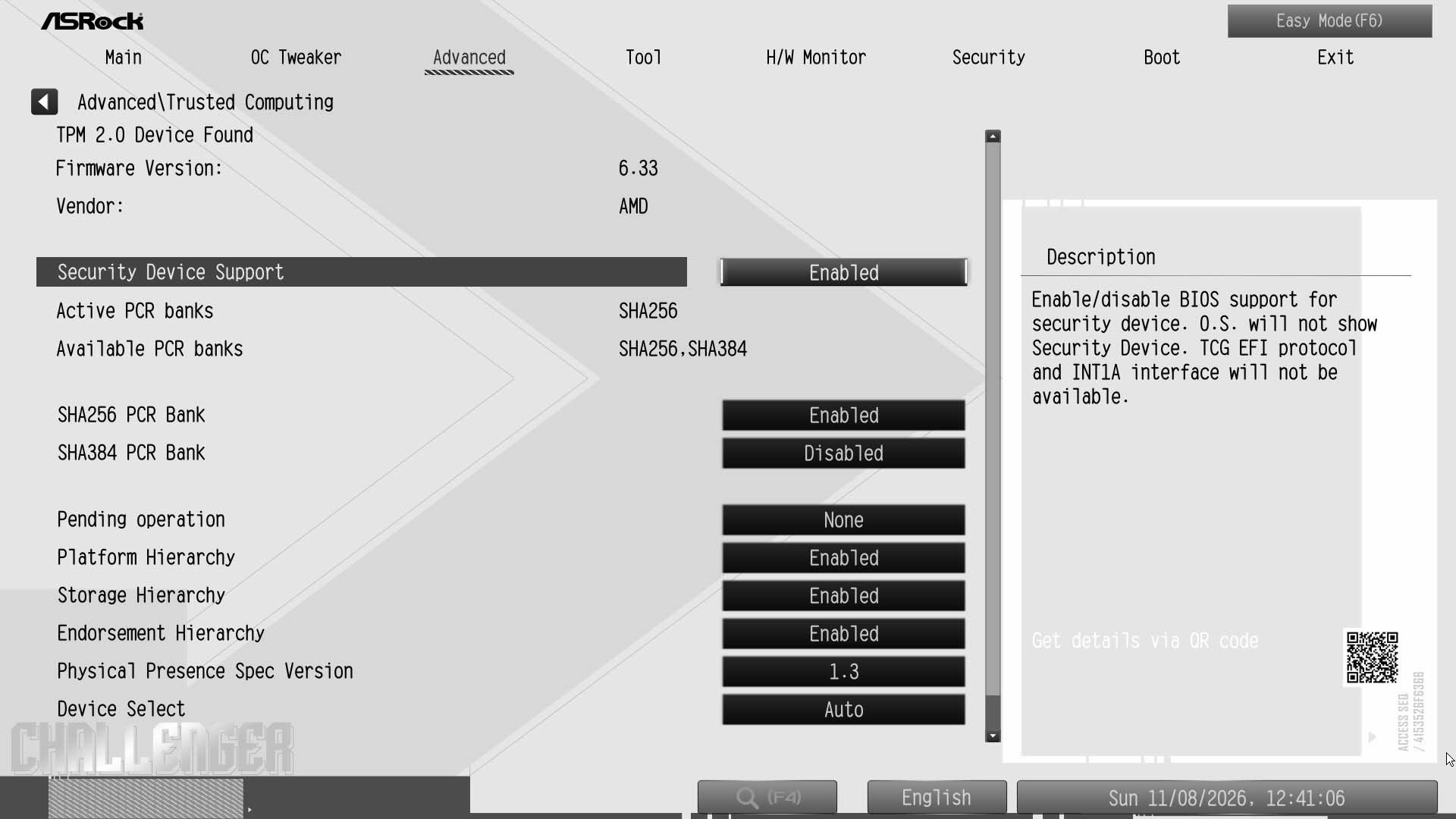
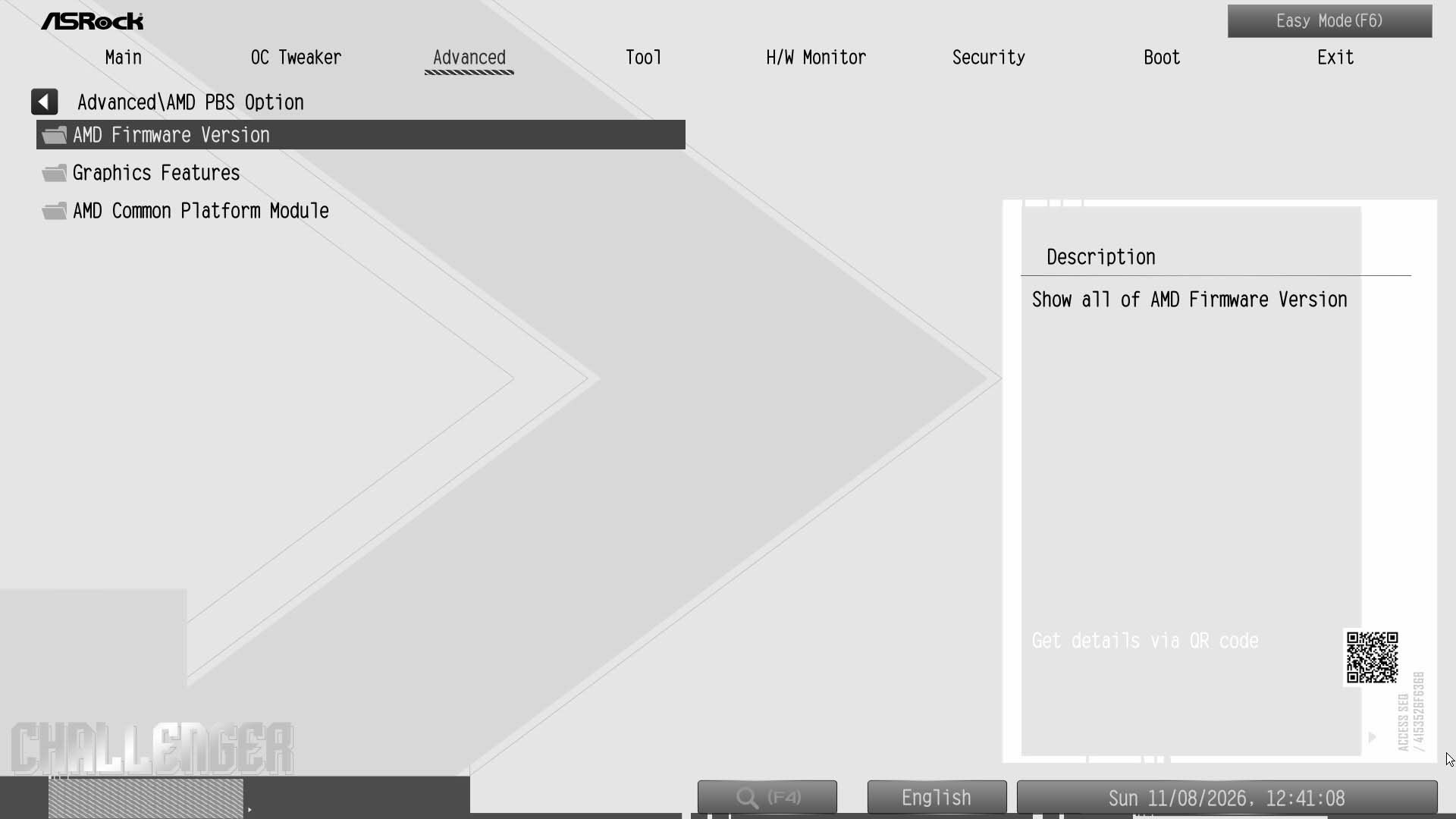
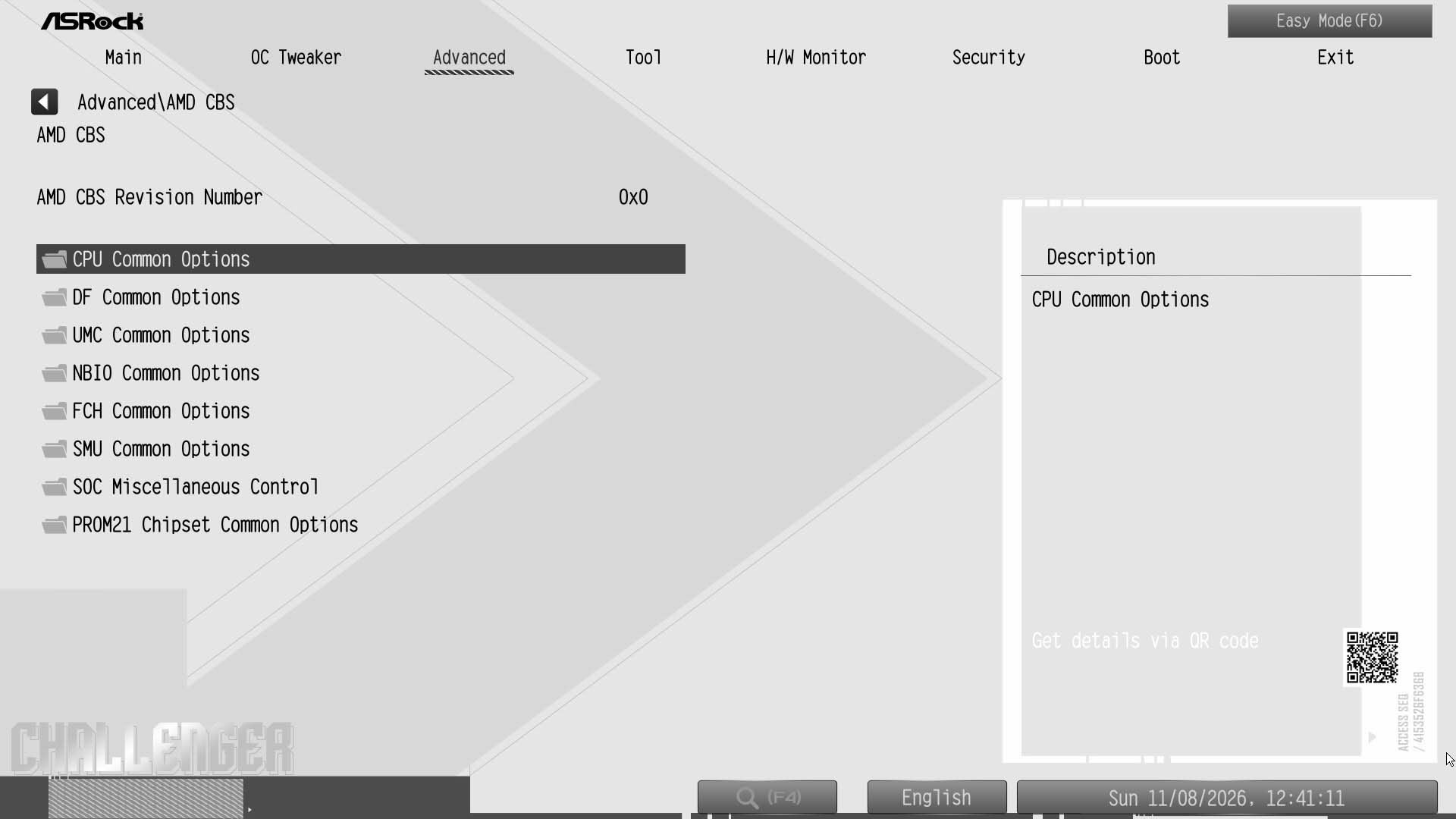
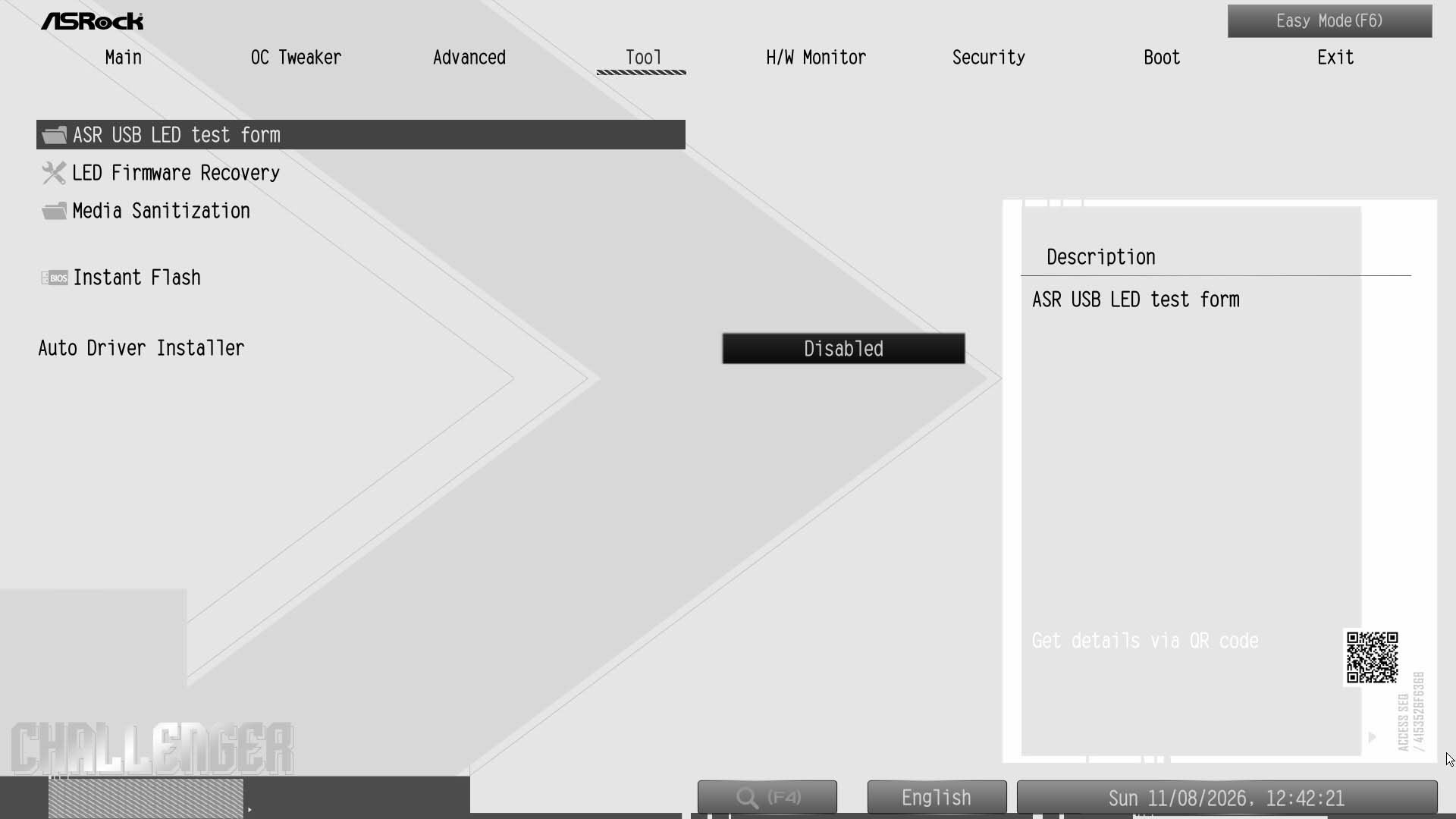
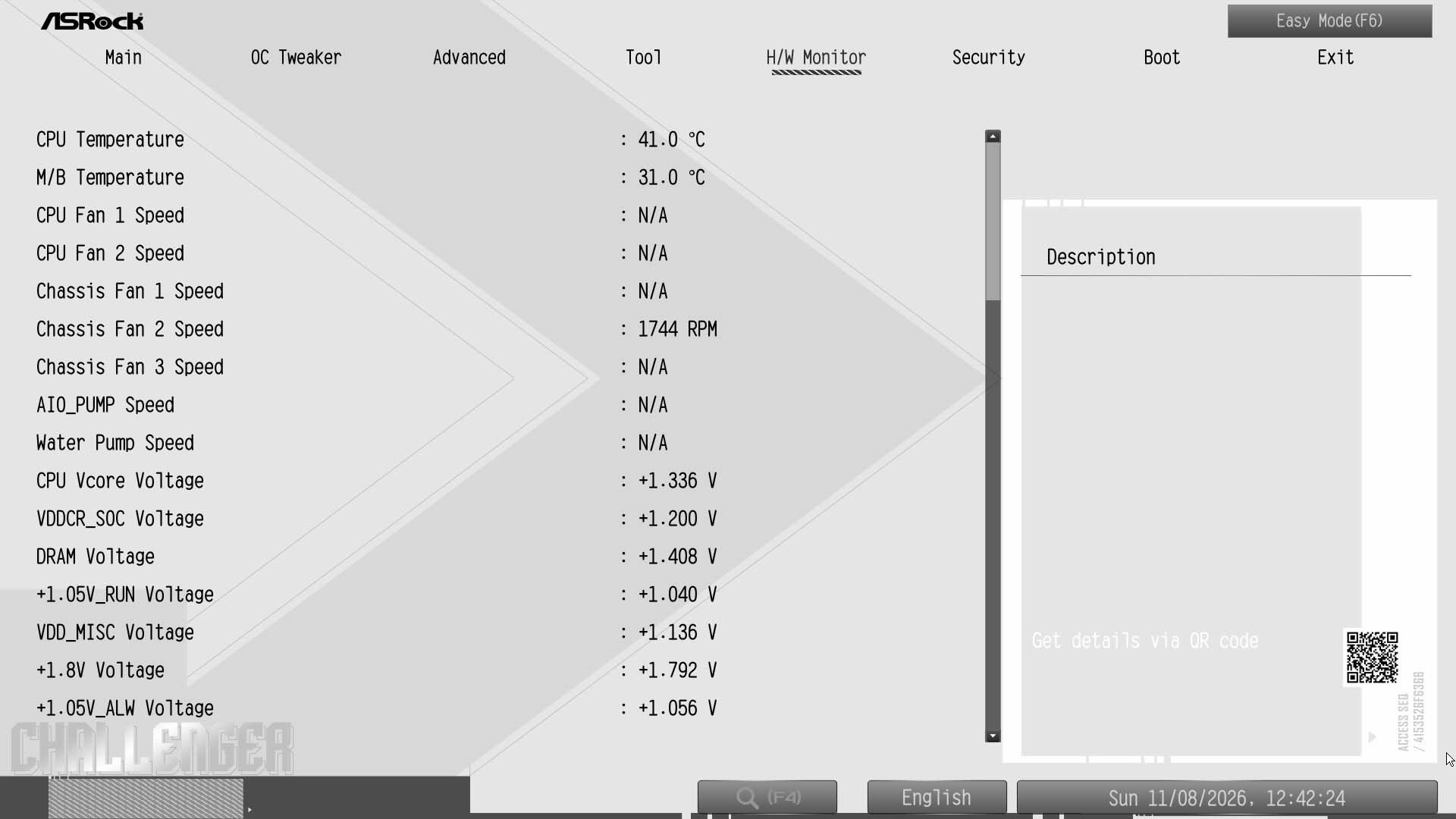
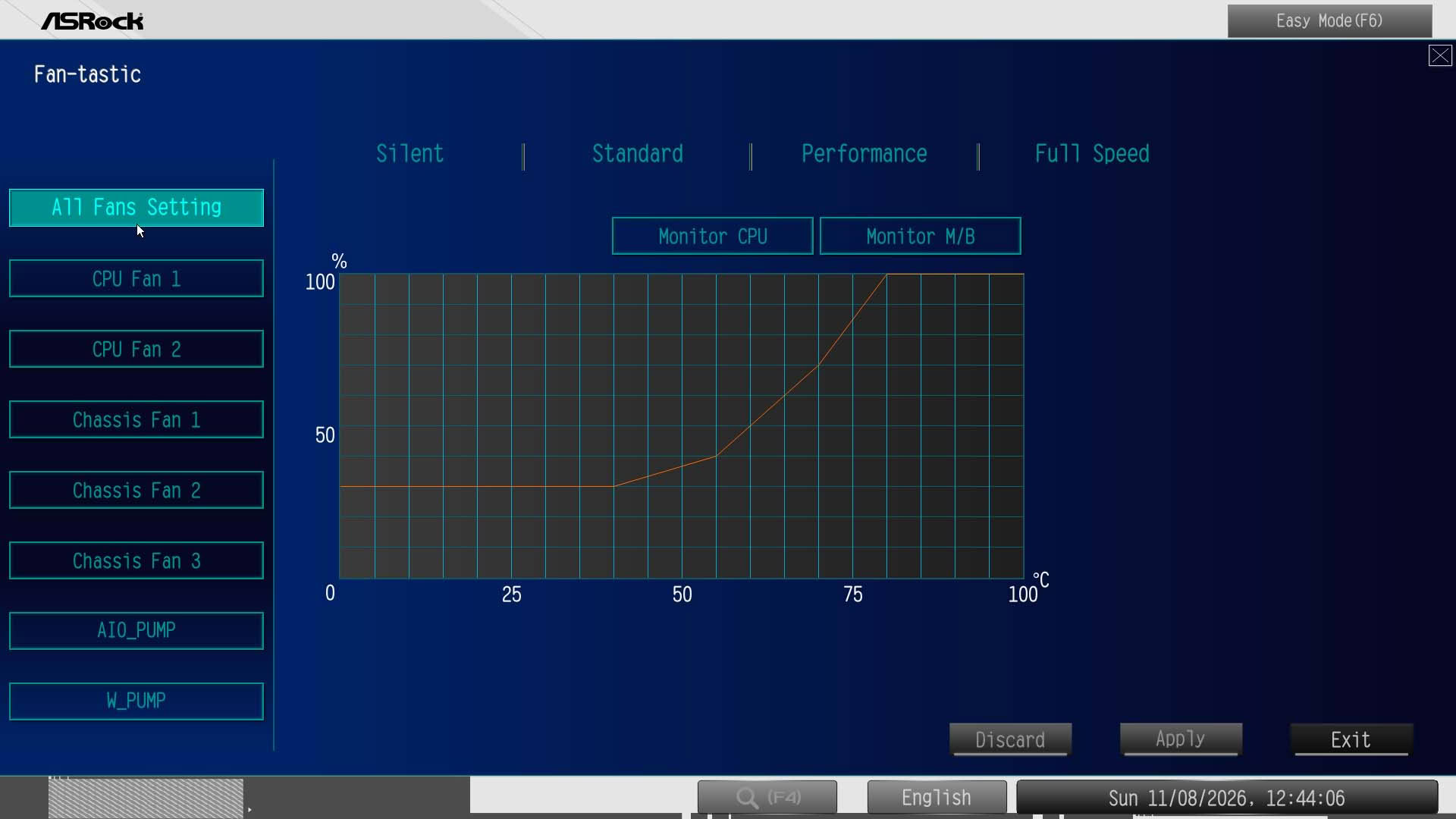
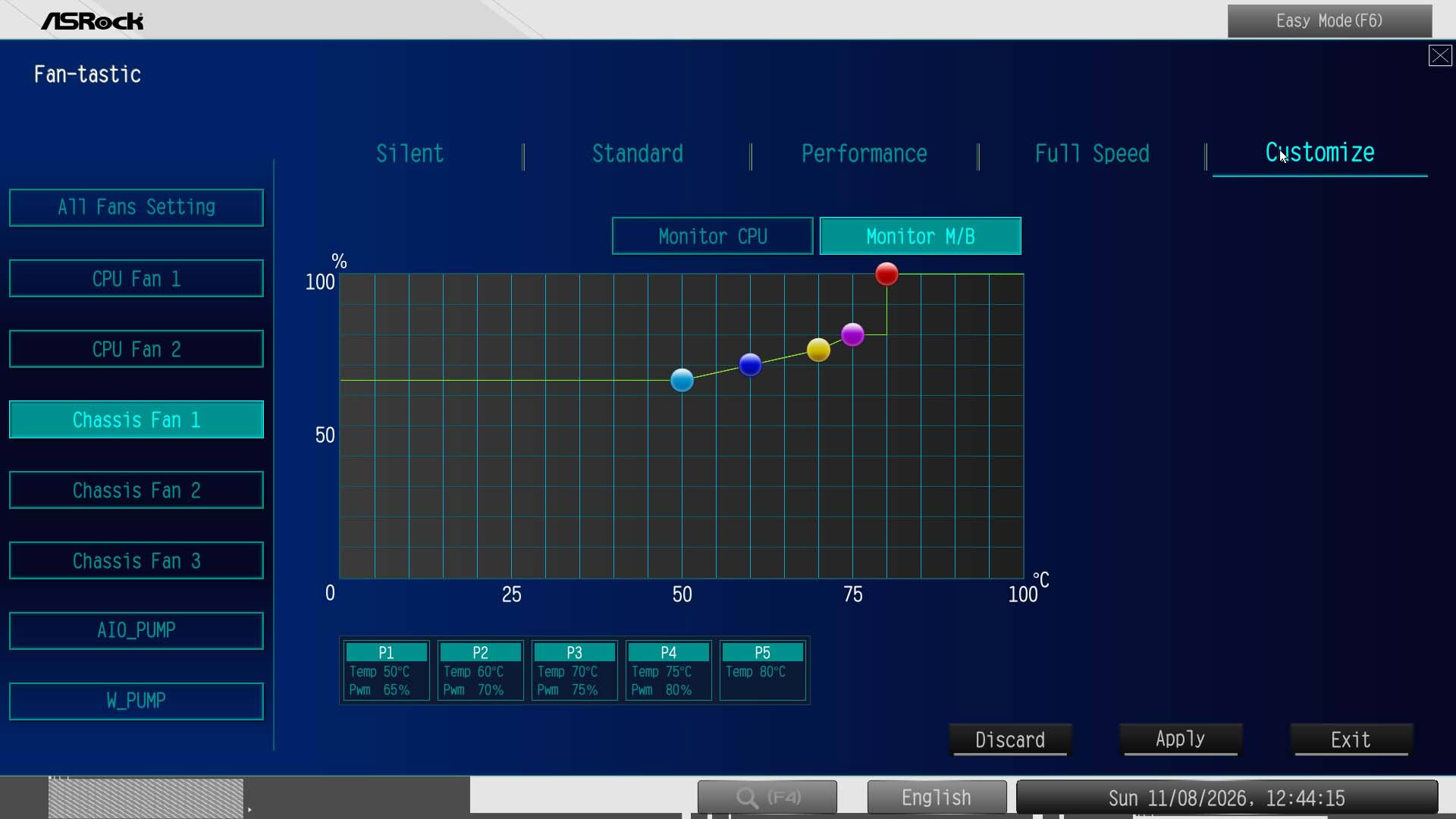
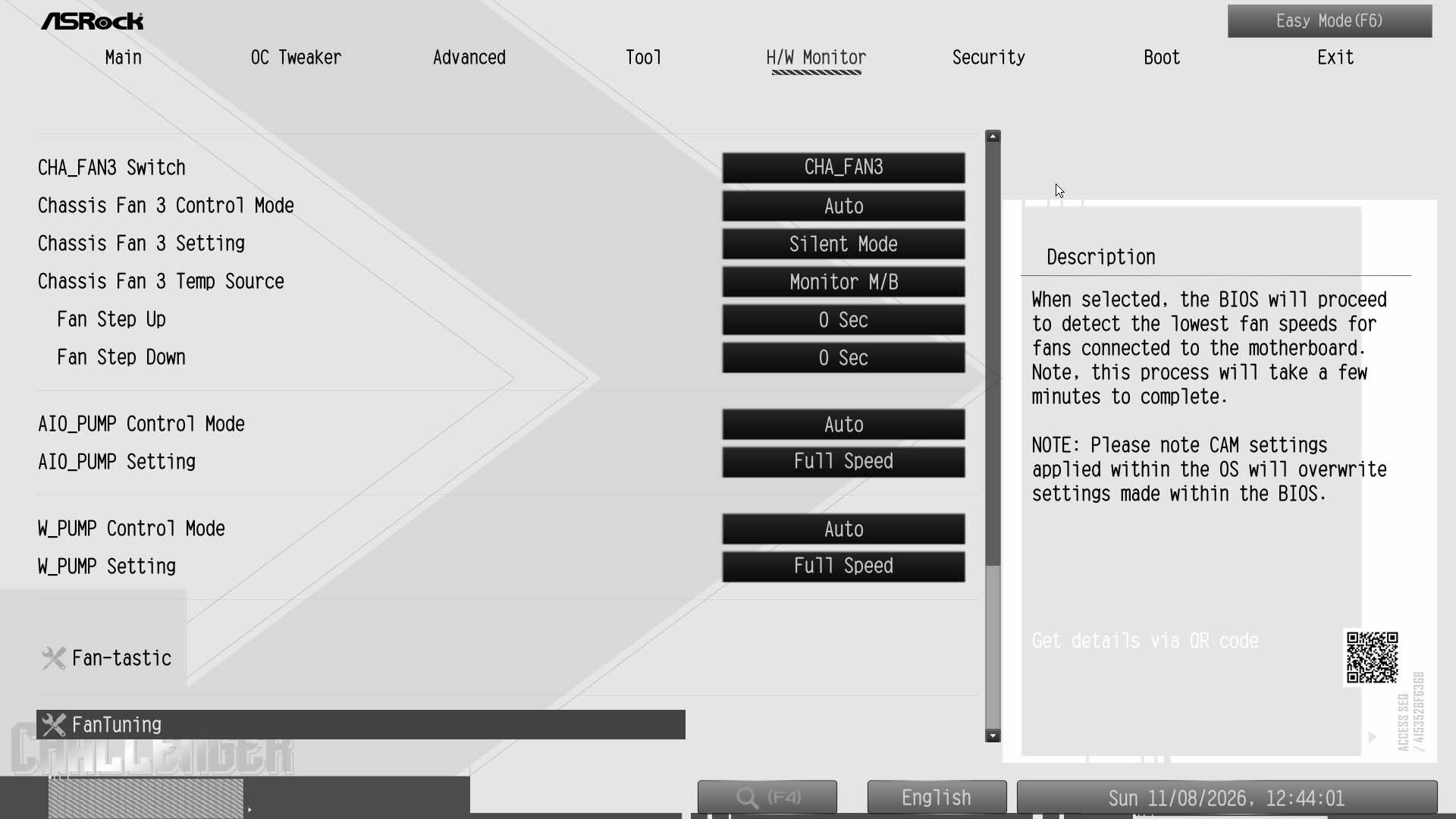
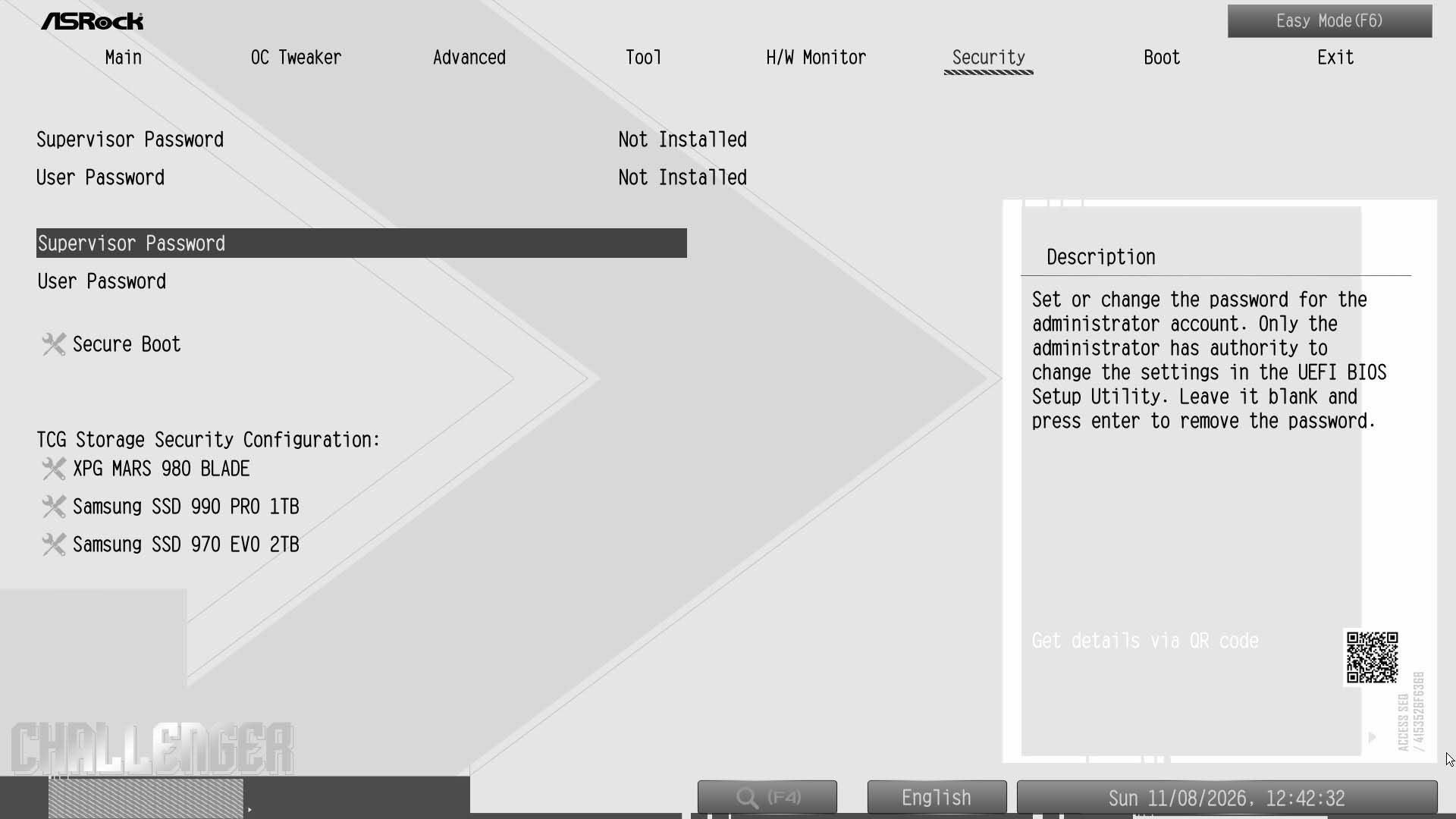
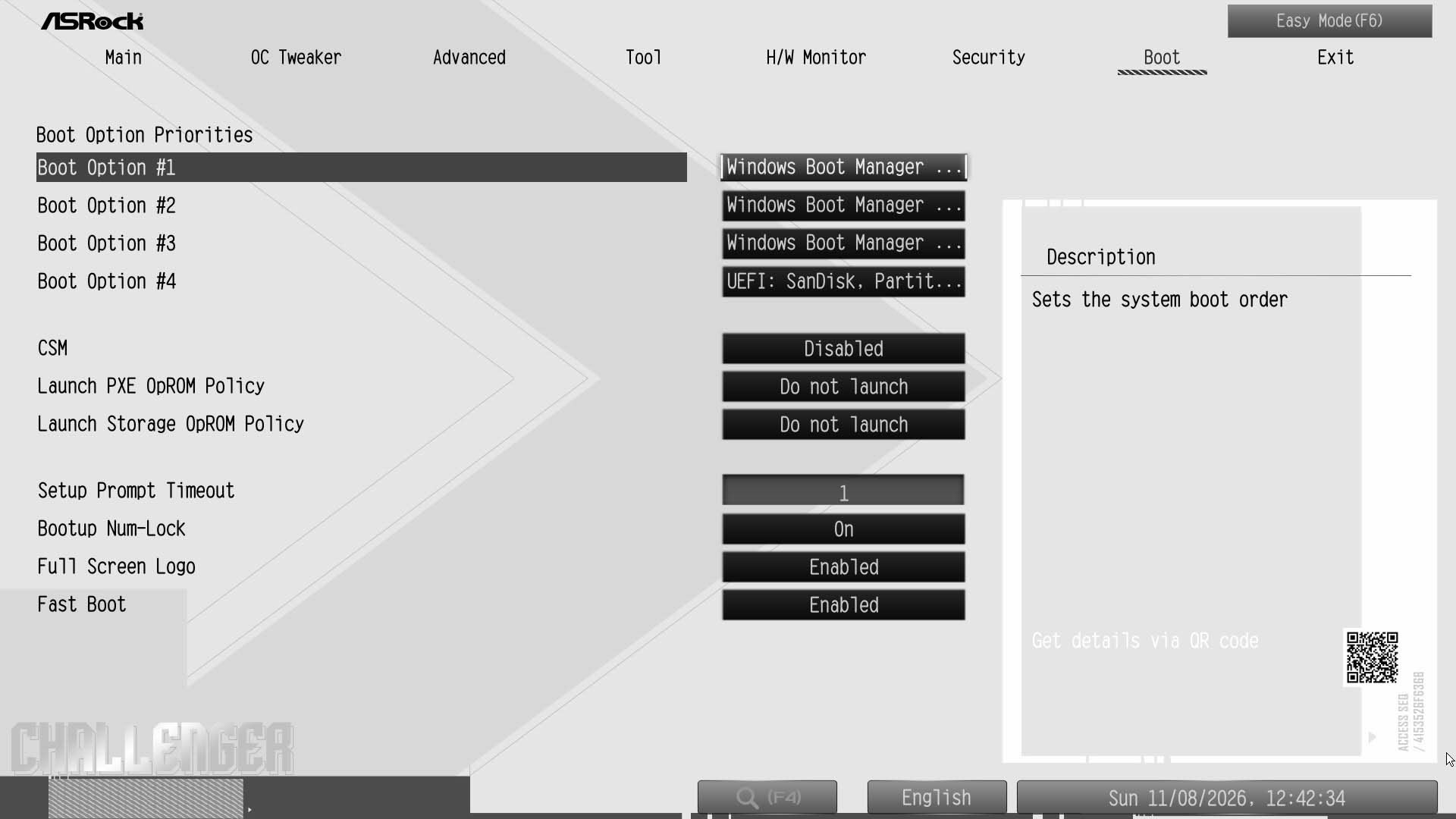
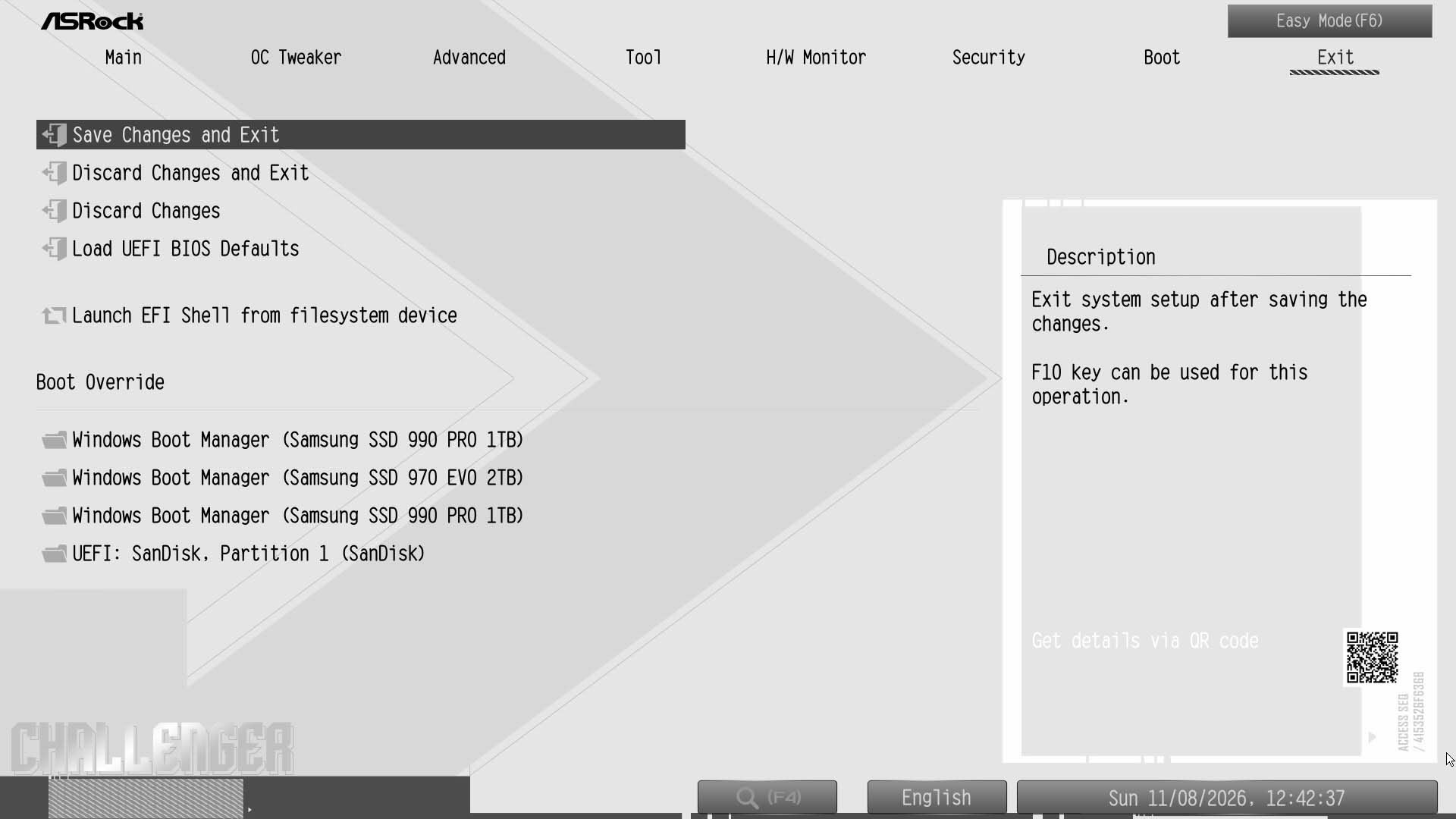
The EFI is somewhat basic compared to the latest efforts from the competition, but it has the basics. The Easy Mode page offers memory profile and boot menu control, but there are no links here for search or fan control, and you'll need to head to the advanced section for these. The search function itself is basic too and doesn't allow you to alter an option from within the same window; instead, it takes you to the setting's page.Some features are missing compared to Intel ASRock boards, such as built-in RGB lighting control, and there is no direct link to fan control from the menus in either Easy Mode or Advanced. Instead, you have to scroll to the bottom of the H/W Monitor page to find the Fan-tastic option, which is easily missed. Also missing is the option to switch between PWM and DC mode for fan control in the main fan curve interface. You have to head to the text-based H/W Monitor page. Again, this is not the case on Intel ASRock boards.
Nov 23rd, 2026 11:23 CST
change timezone
Latest GPU Drivers
New Forum Posts
- What are you playing? (26249)
- Your PC ATM (36463)
- Without Jensen, PC gaming will be (55)
- Youtube channel video downloader, not playlist. (3)
- RAM overclock cause worse feeling than JEDEC (7)
- UPS what one to get? (55)
- TPU's Nostalgic Hardware Club (22200)
- Increasing Power Limit? (12)
- Nvidia re-acquires Jensen as CEO!! (3)
- Gigabyte AORUS RTX 5080 MASTER – Up to 30°C GPU Hotspot Delta! Is This Normal, a Cooling Defect, or Should I RMA? (15)
Popular Reviews
- Microsoft Surface Laptop Ultra Review - The Next-gen Arm Laptop
- Corsair RM1200e (Second Generation) Review
- Upcoming Hardware Launches 2027 (Updated Nov 2026)
- Pulsar Office Tour & First Look at P1 Dual-Sensor Mouse
- Ugreen NASync DXP4800 GT Review
- AMD Ryzen 7 9800X3D Review - The Best Gaming Processor
- AMD Zen 6 Technical Deep Dive
- ASRock X870E Challenger Wi-Fi White Review
- Phantom Blade Zero Performance Benchmark Review - 35 GPUs Tested
- AMD Ryzen 7 5800X3D 10th Anniversary Review
TPU on YouTube
Controversial News Posts
- NVIDIA Co-Founder and CEO Jensen Huang Officially Resigns (492)
- Report: Jensen Huang Eyes NVIDIA Comeback (275)
- Jensen Huang Reinstated as CEO of NVIDIA (224)
- Open Letter Asking NVIDIA to Reinstate Jensen Huang Passes 115,000 Signatures (184)
- OpenAI CEO Argues Home PCs Waste the World's Limited DRAM Supply (152)
- NVIDIA Launches Investigation Into Jensen Huang's Relationship With Suspected Chinese Spy (136)
- Intel "Raptor Lake Next" 16-Core and 20-Core CPUs Surface (130)
- NVIDIA GeForce RTX 50-Series Scheduled for up to $500 Price Hike This Week (89)