 42
ASRock X870E Taichi OCF Review
Board Software »BIOS Overview
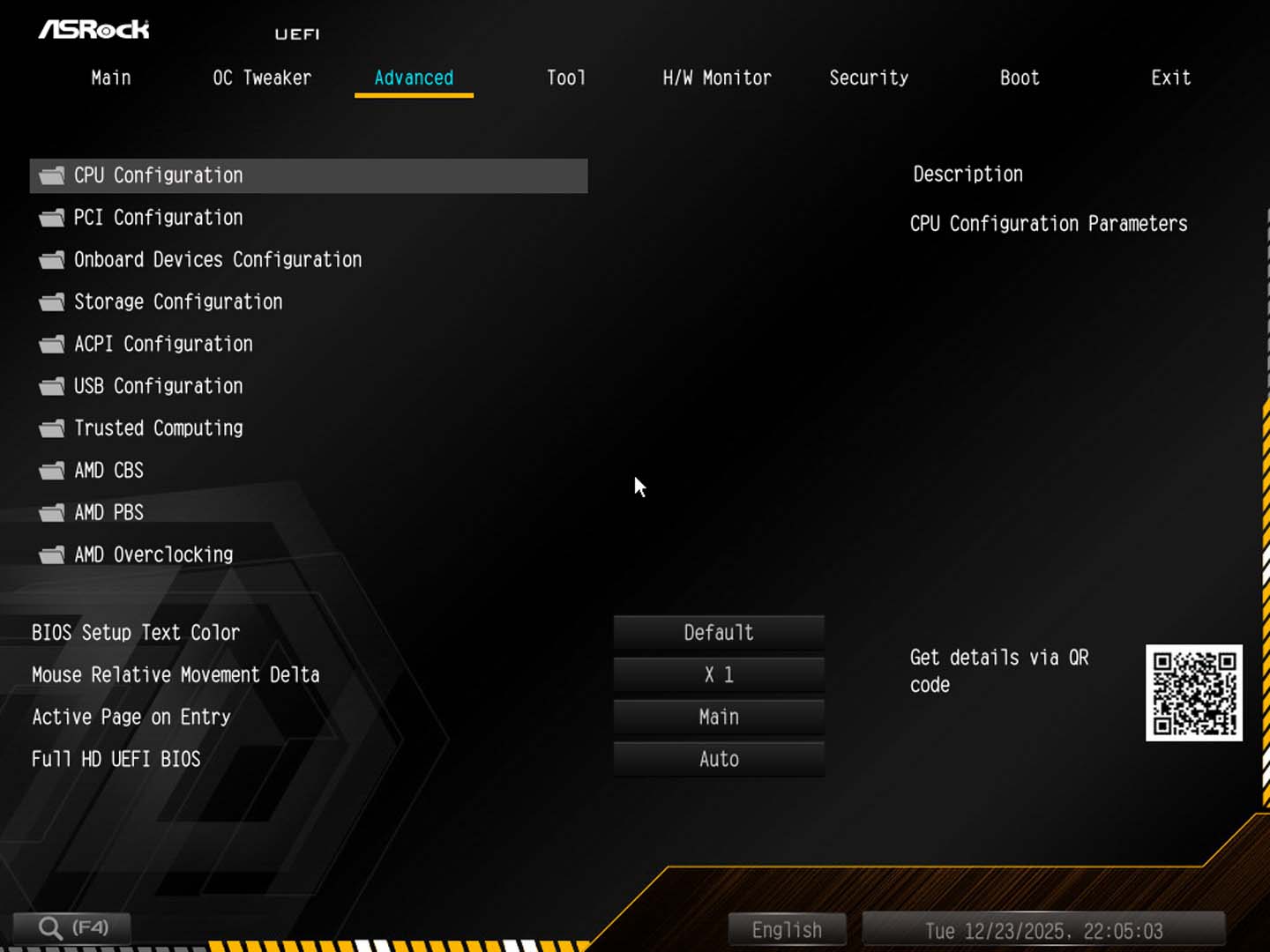
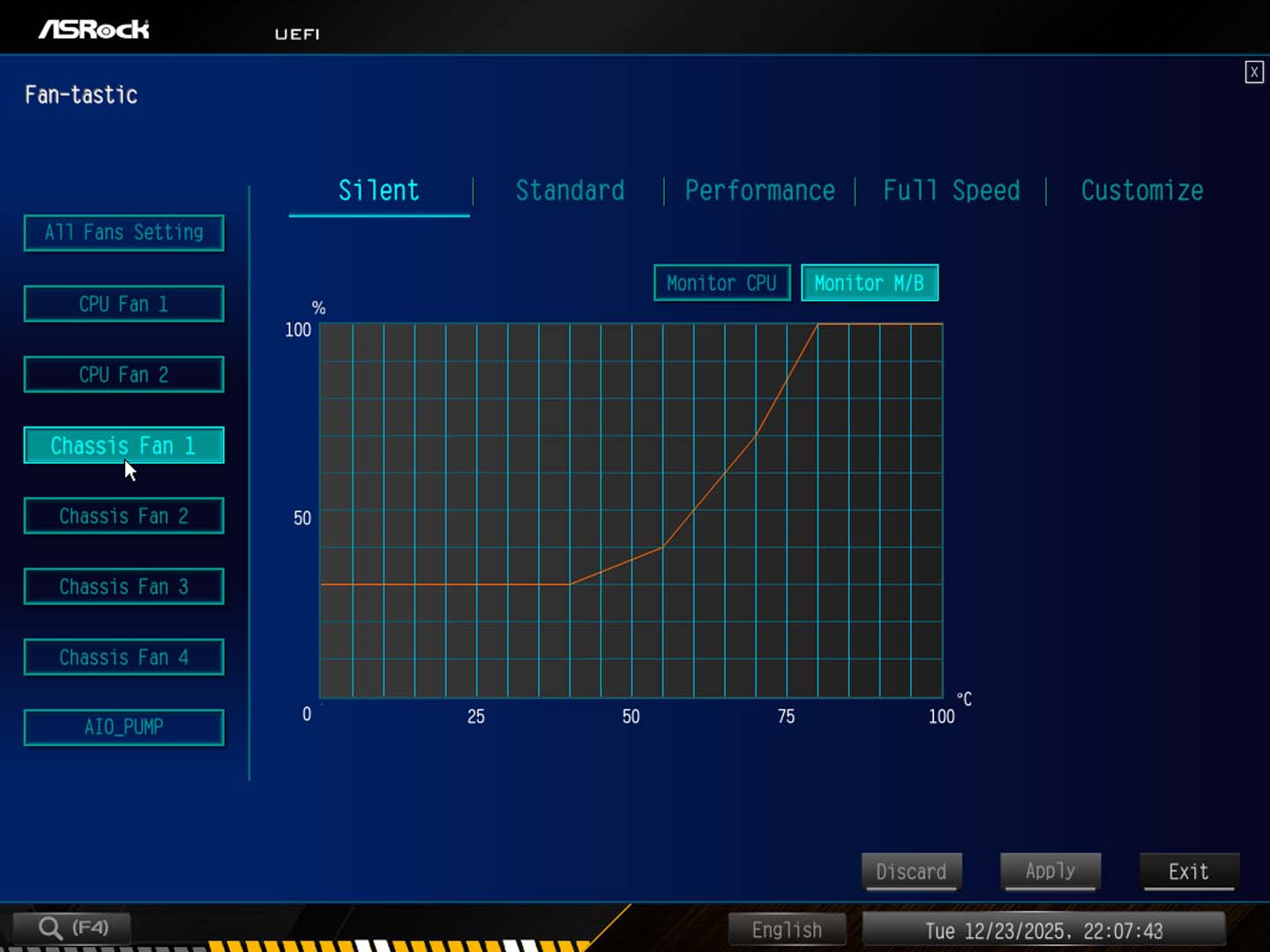
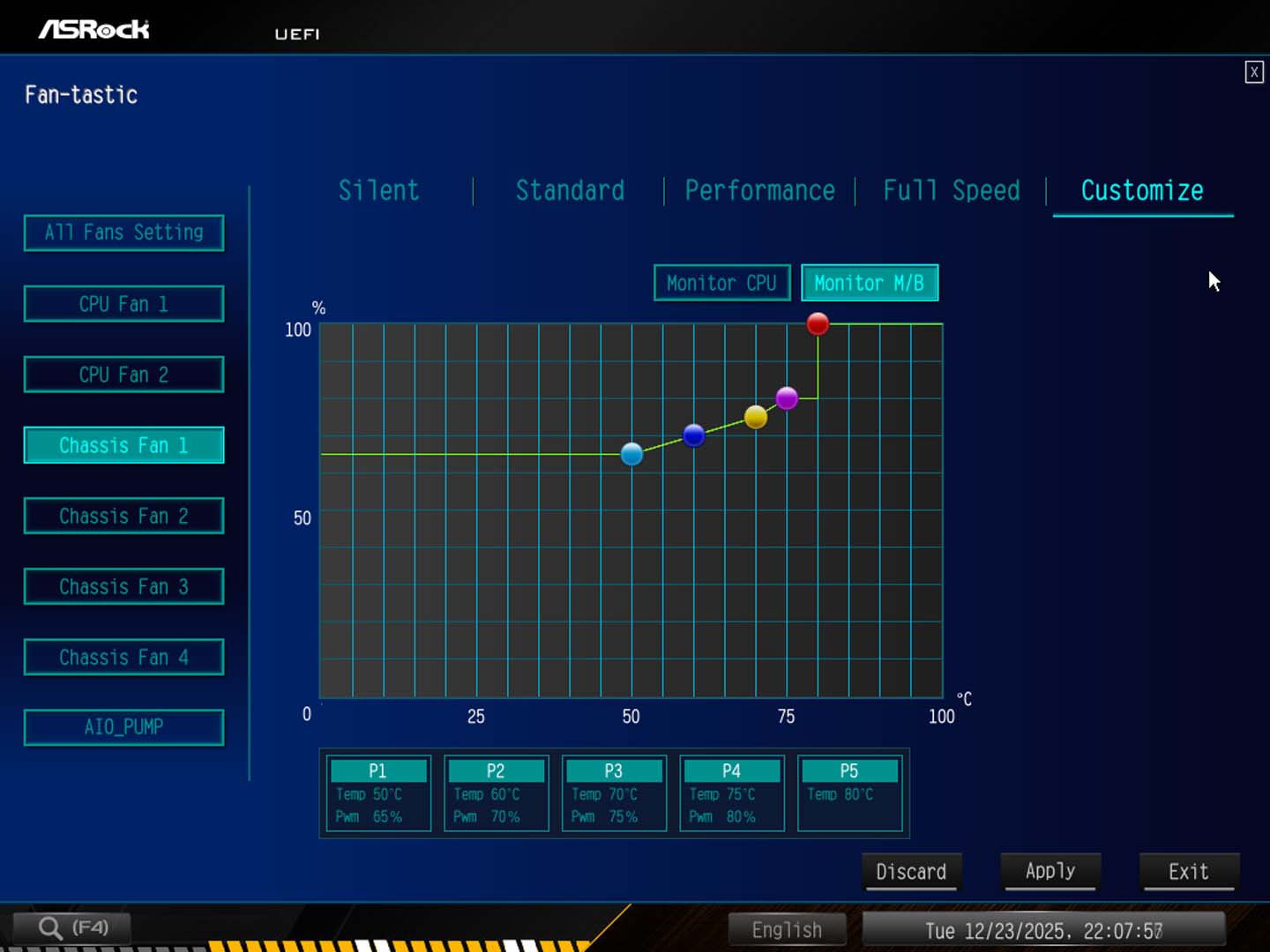
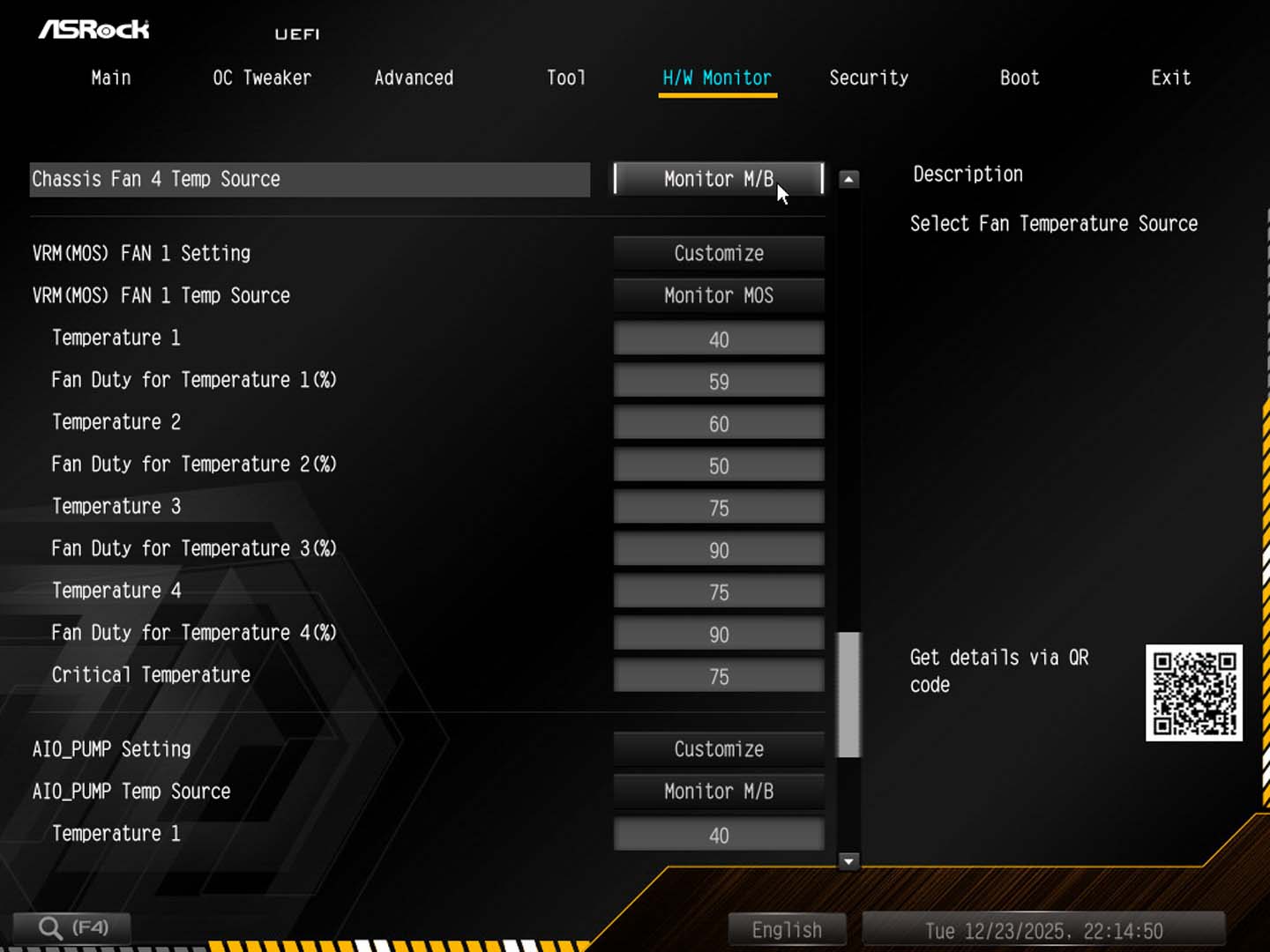
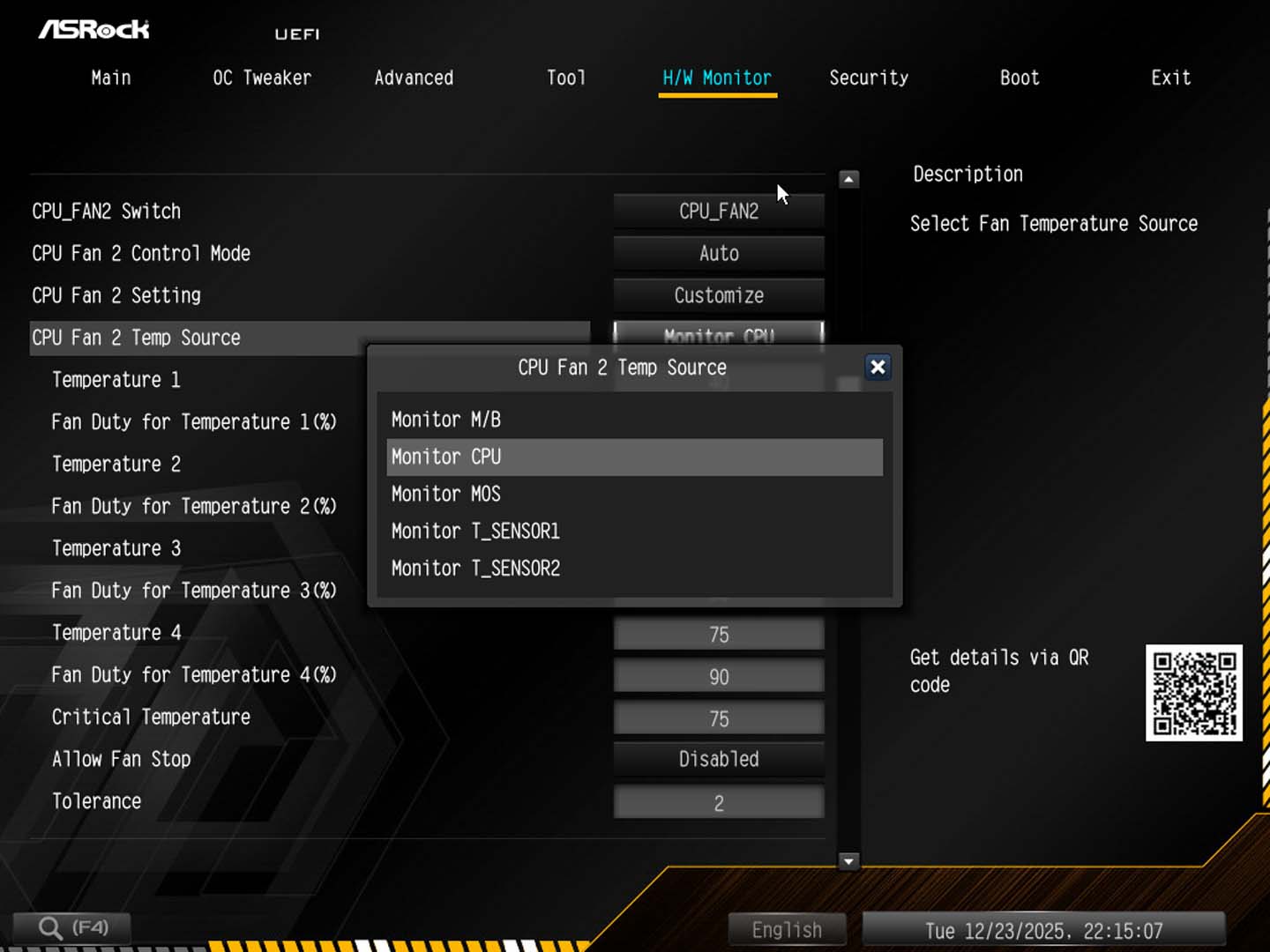
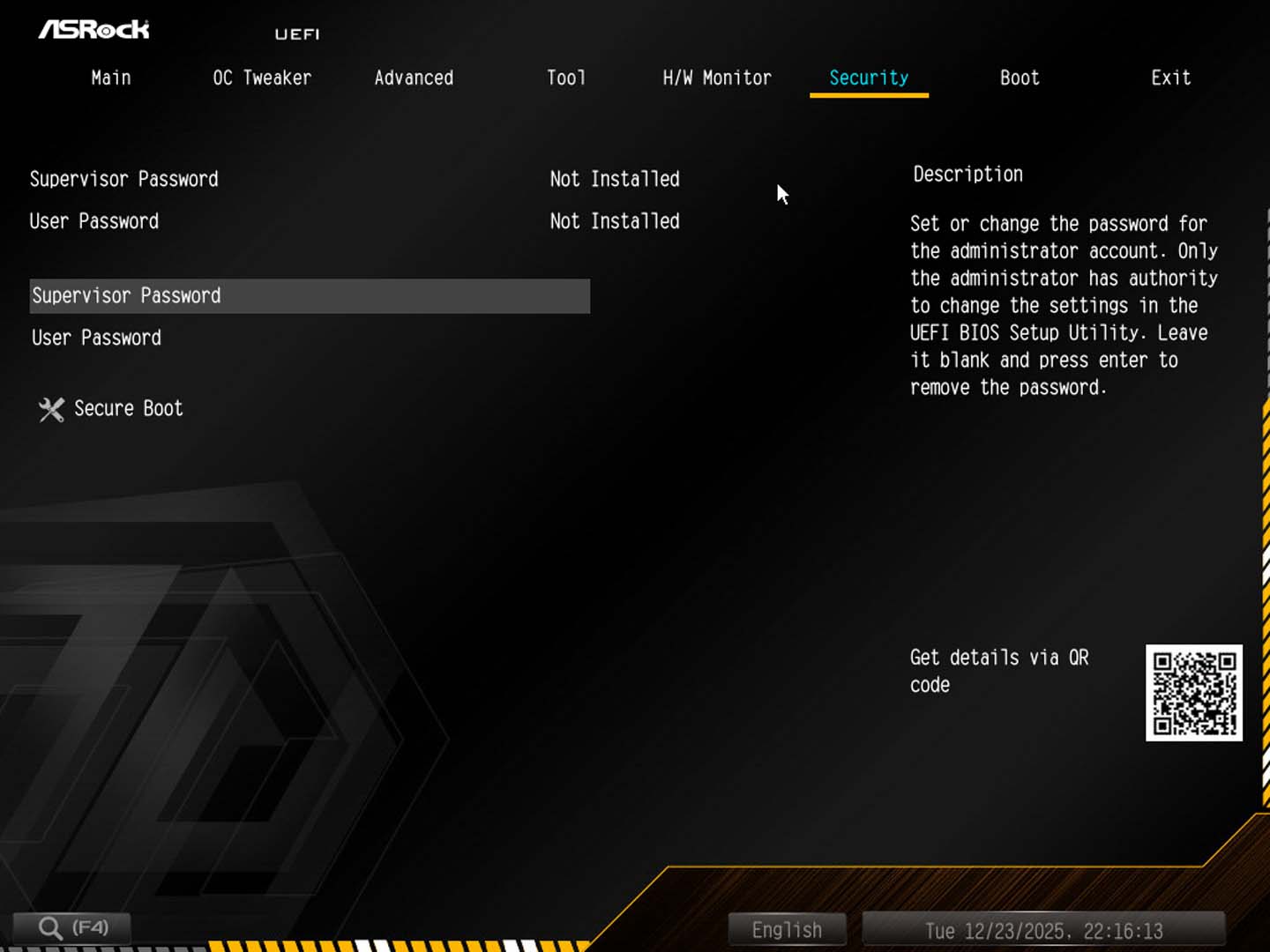
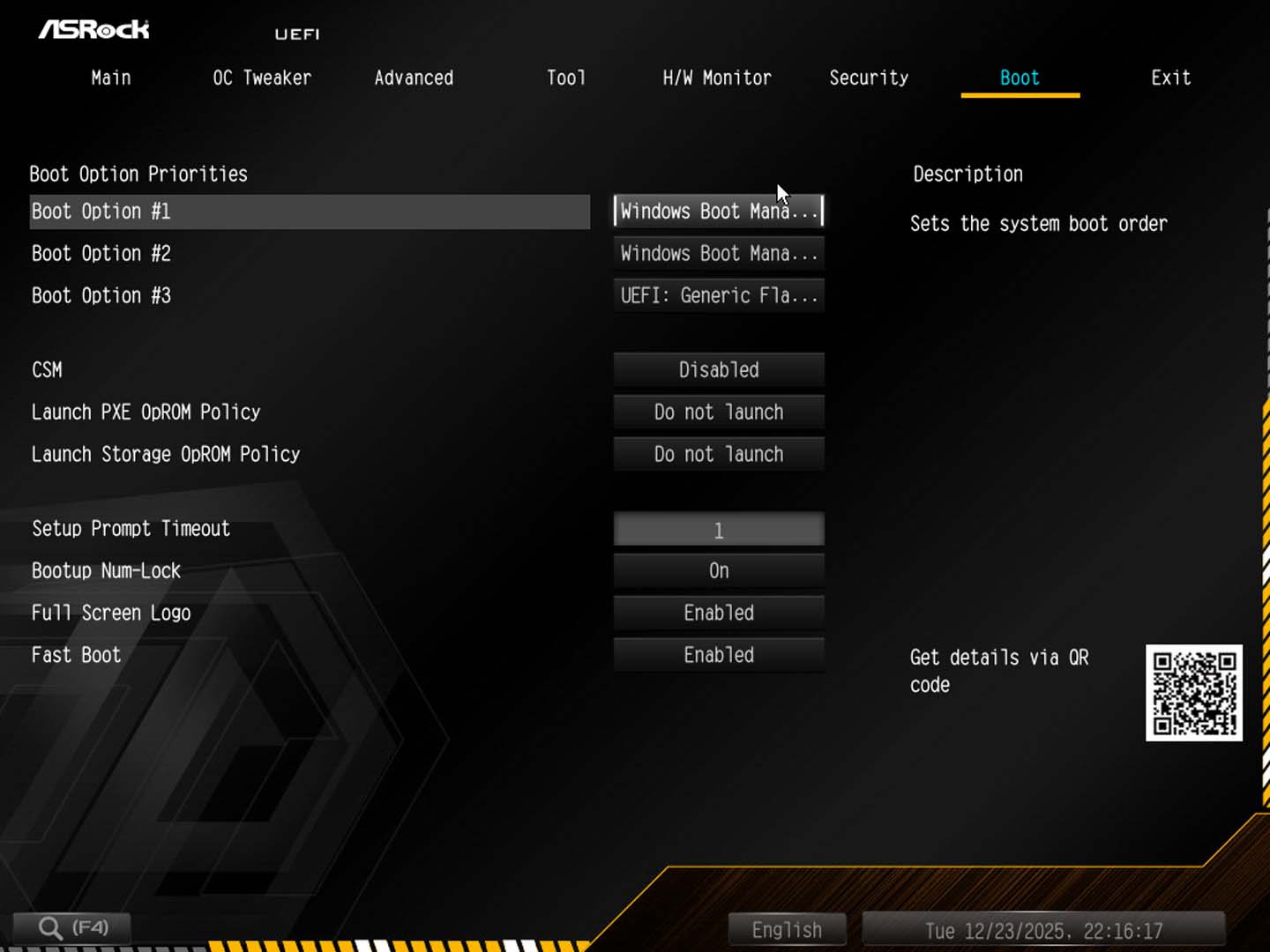
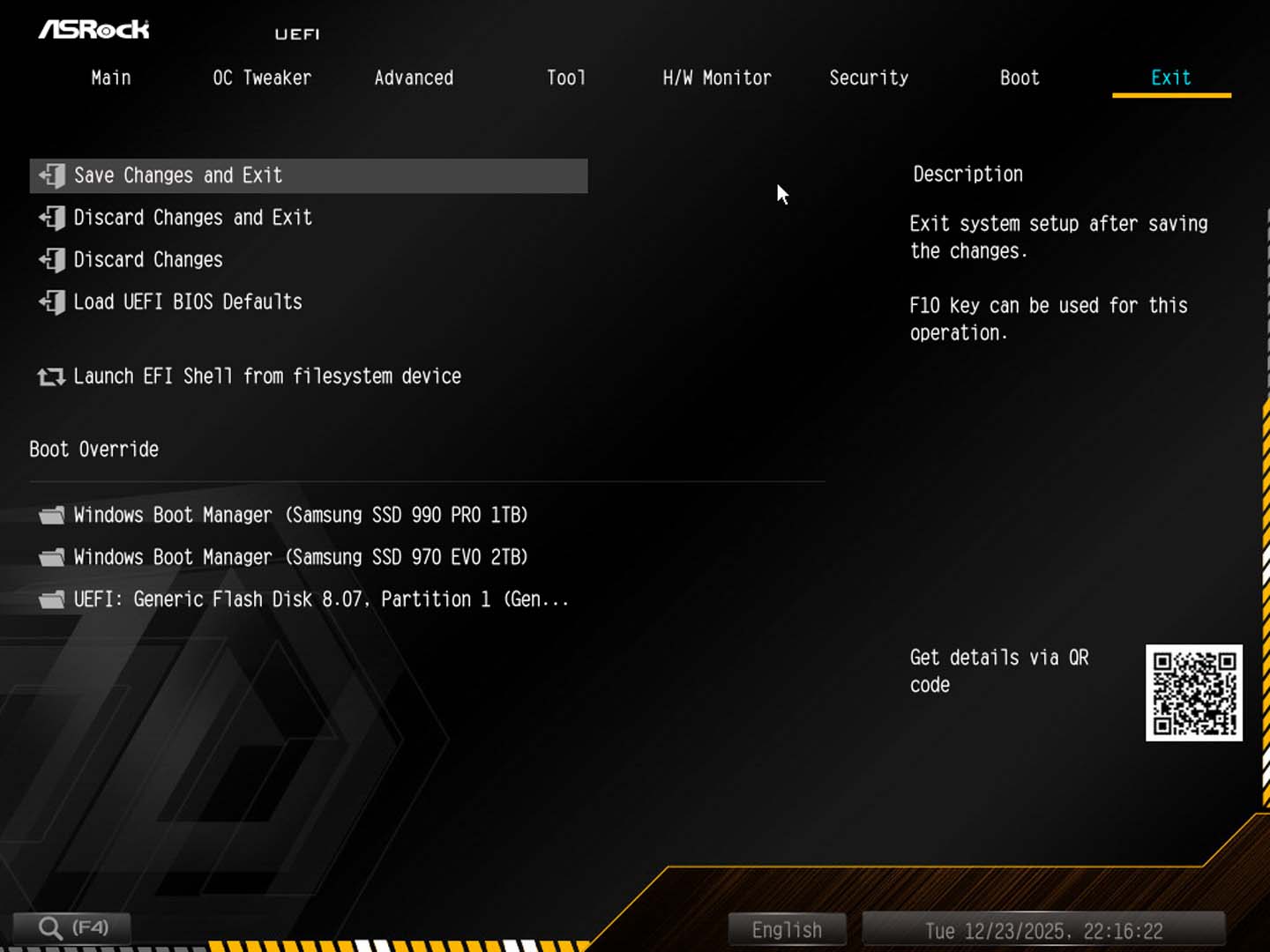
The EFI feels a little stripped down compared to usual and for a few reasons. Firstly, there's no Easy Mode. Tapping F6 didn't bring this up either and the only tools you have on the front page are search, the menu system, and basic information such as CPU type and memory configuration. This style is very much set up for overclocking with a minimum of fuss, but does make it more difficult to quickly set things up such as memory profiles or boot order. It would have been nice to have both modes available. The search mode is quite basic too, only location options, but you're not able to adjust them within the search window, only once you've clicked-through to that option's section in the EFI menus.OC Tweaker has the majority of overclocking settings with some PBO options elsewhere under Advanced that we'll get to in a minute. Under Tool you'll find options to configure the overclocking buttons on the PCB, and then we get to H/W Monitor. Firstly, the layout here is pretty terrible as you have to scroll right to the bottom to find the easier fan control suite, and be sure to click Fan-tastic here as the other option that's named similarly will start auto-tuning your fans. Even in the fan curve graphs, though, there are still two glaring issues. Firstly, you can only pick the motherboard as an alternative temperature option when elsewhere you can pick from the two thermistor headers or the VRMs. Why can't we do this here ASRock? Secondly, we have no configuration for the VRM fan, which is bizarre given you can control this in the software. Instead, you have two very tedious text-based options in the main H/W Monitor menu. Again, all very extreme overclocking-focussed rather than daily driver.




Nov 17th, 2026 16:38 CST
change timezone
Latest GPU Drivers
New Forum Posts
- 9070 GRE 3.9ghz validation reached. (16)
- Help with fixing Overclock (5)
- ProArt X870E-CREATOR WIFI - Bifurcation~Complication (13)
- Last game you purchased? (1403)
- Without Jensen, PC gaming will be (33)
- [Poll] 12V-2x6 Connector Protection: What Are You Using? (WireView / Ampinel / Equalizer / Other / Nothing) (27)
- What is the latest game you finished or 100% (204)
- USB 3.0 90 Degree Adapter (2)
- Latest method for DTS/DDL for Logitech Z906 (0)
- What are you playing? (26232)
Popular Reviews
- Acemagic Retro X3 Review
- Corsair HX1000i Shift Crystal Review
- AMD Zen 6 Technical Deep Dive
- Upcoming Hardware Launches 2027 (Updated Nov 2026)
- ASUS ROG Strix B850-I Gaming Wi-Fi7 W Review
- Phantom Blade Zero Performance Benchmark Review - 35 GPUs Tested
- AMD Ryzen 7 9800X3D Review - The Best Gaming Processor
- Chieftec Iceberg PRO 360 DARK Review
- Montech King 95 3D PRO Review
- NZXT C1200 Platinum Review
TPU on YouTube
Controversial News Posts
- NVIDIA Co-Founder and CEO Jensen Huang Officially Resigns (457)
- Open Letter Asking NVIDIA to Reinstate Jensen Huang Passes 115,000 Signatures (184)
- OpenAI CEO Argues Home PCs Waste the World's Limited DRAM Supply (152)
- NVIDIA Launches Investigation Into Jensen Huang's Relationship With Suspected Chinese Spy (136)
- Report: Jensen Huang Eyes NVIDIA Comeback (135)
- Intel "Raptor Lake Next" 16-Core and 20-Core CPUs Surface (130)
- Legendary Game Studio BioWare Shuts Down Following EA Layoffs (104)
- Dell CEO Says the Memory Shortage Will Get Worse in 2027 (95)