 29
ASRock X99 Taichi (with Broadwell-E) Review
(29 Comments) »Introduction

This is the second newer Intel X99 motherboard I've had in my hands recently. ASRock's X99 Taichi isn't really all that different from the Fatal1ty-branded motherboard that will grace these pages soon, yet at the same time, it definitely is not the same board or design. This is the board for all you guys and gals who don't like black and red and aren't too fond of the huge number of gaming-focused products out there; the Taichi name says it all - it's got some graceful skills for you to put to use.
Intel's Broadwell-E platform is not the best choice for all users, but if you need the high core counts offered by Intel's HEDT platform, the ASRock X99 Taichi provides a great mix of focus and features to help you get exactly what you want out of your PC. Dual Intel NICs with Teaming, dual M.2 slots, an 8-layer PCB and steel-reinforced PCIe slots for your VGAs are all present, as is a decent VRM design and ready support for an AIO liquid cooler. We can't forget the built-in USB 3.1 Type-C and Wi-Fi support either.
Specifications
| Specifications | |
|---|---|
| CPU SUPPORT: | Intel Core i7 and Xeon 18-core Processors Family |
| POWER DESIGN: | CPU Power: 12 phase Memory Power: 2+2 phase |
| CHIPSET: | Intel X99 Express |
| INTEGRATED GRAPHICS: | Not applicable |
| MEMORY: | 8 x DIMM, Max. 128 GB; Support 3200 MHz+(OC) |
| BIOS: | 2 x 128Mb AMI UEFI BIOS |
| SLOTS: | 3 x PCIe 3.0 x16 slots 2 x PCIe 2.0 x1 slot 2 x Ultra M.2 slot |
| HDD CONNECTIVITY: | 10 x SATA 6 Gb/s port 2 x M.2 (Support up to PCIe 3.0 x4 and SATA 6 Gb/s) 1 x SATA Express 10 Gb/s port |
| NETWORKING: | 1 x Giga PHY Intel I218V, 1 x GigaLAN Intel I211AT |
| REAR PORTS: | 1 x PS/2 Mouse/Keyboard Port Optical SPDIF Out Port 3 x USB 2.0 Port (Supports ESD Protection (ASRock Full Spike Protection)) 1 x USB 3.1 Type-A Port (10 Gb/s) (ASMedia ASM1142) (Supports ESD Protection (ASRock Full Spike Protection)) 1 x USB 3.1 Type-C Port (10 Gb/s) (ASMedia ASM1142) (Supports ESD Protection (ASRock Full Spike Protection)) 4 x USB 3.0 Ports (ASMedia ASM1074 hub) (Supports ESD Protection (ASRock Full Spike Protection)) 2 x RJ-45 LAN Ports with LED (ACT/LINK LED and SPEED LED) 1 x Clear CMOS Switch HD Audio Jacks: Rear Speaker / Central / Bass / Line in / Front Speaker / Microphone |
| AUDIO: | Realtek ALC1150 Audio CODEC |
| FAN HEADERS: | 5 x 4-pin |
| FORM FACTOR: | ATX Form Factor; 30.5cm x 24.4cm |
| EXCLUSIVE FEATURES: |
|
Packaging
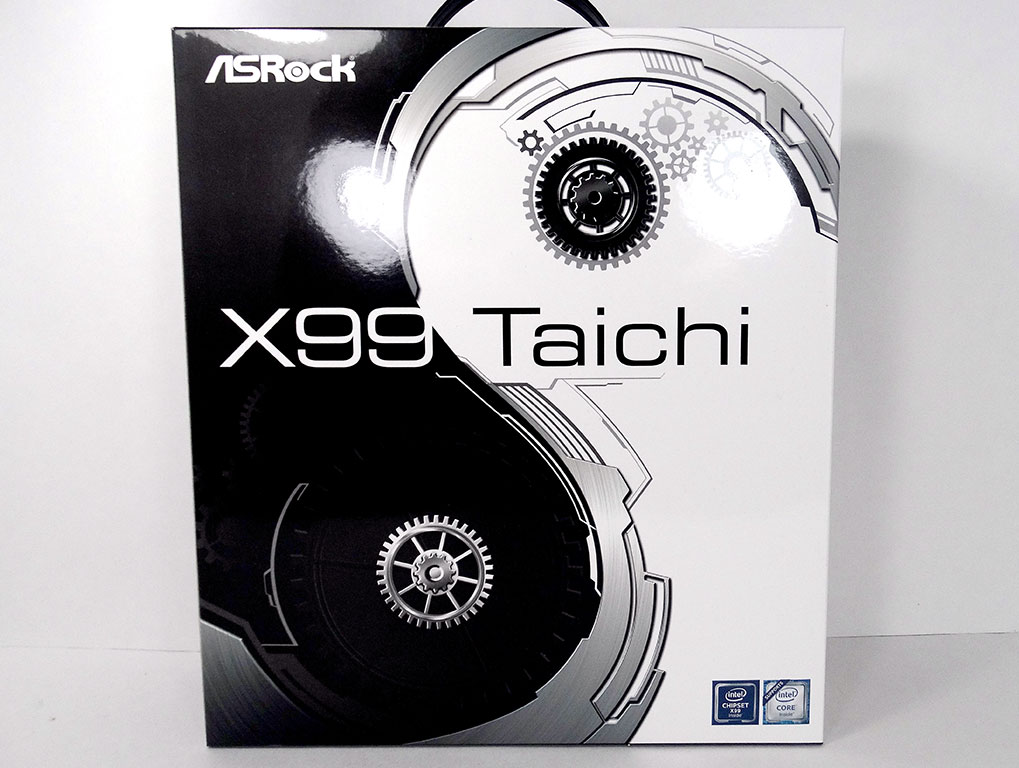

One look at this box says it all in my books. Board name and a design that hint at the board's aesthetic are both here, and not much else. The rear of the box goes into detail on the main features ASRock's Taichi offers.

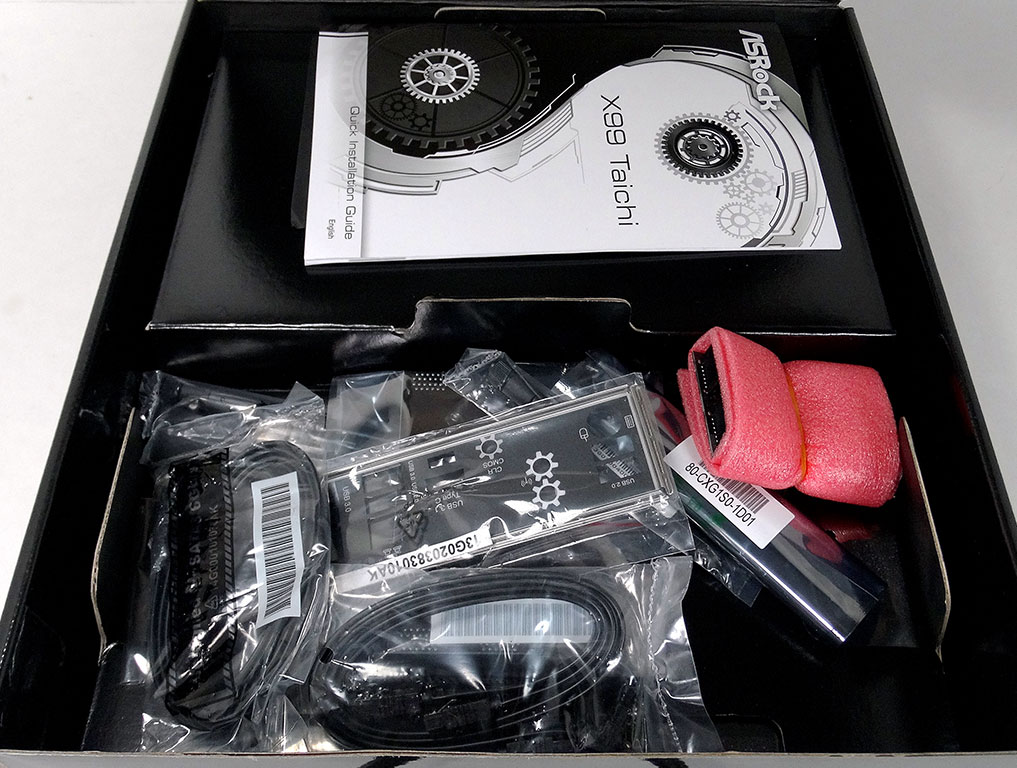
Inside the box you'll find another black box since what you see on the shelf is basically just an outer wrapper. When you flip it open, you'll find the accessories up top, with the board hidden under a cardboard separator.
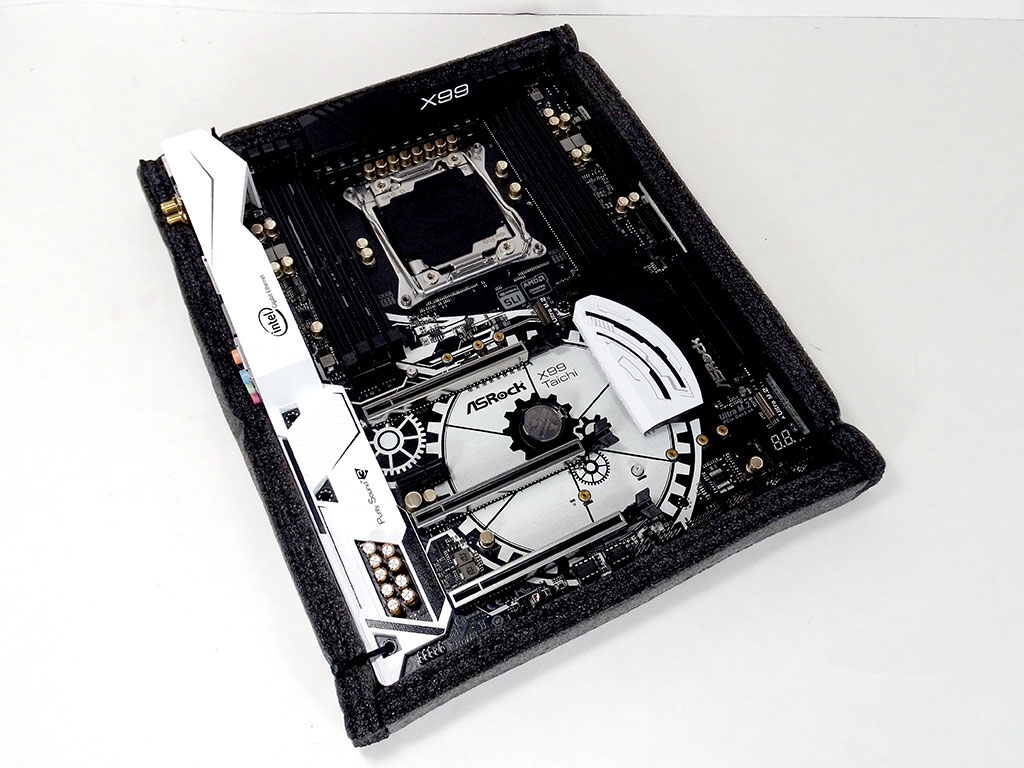
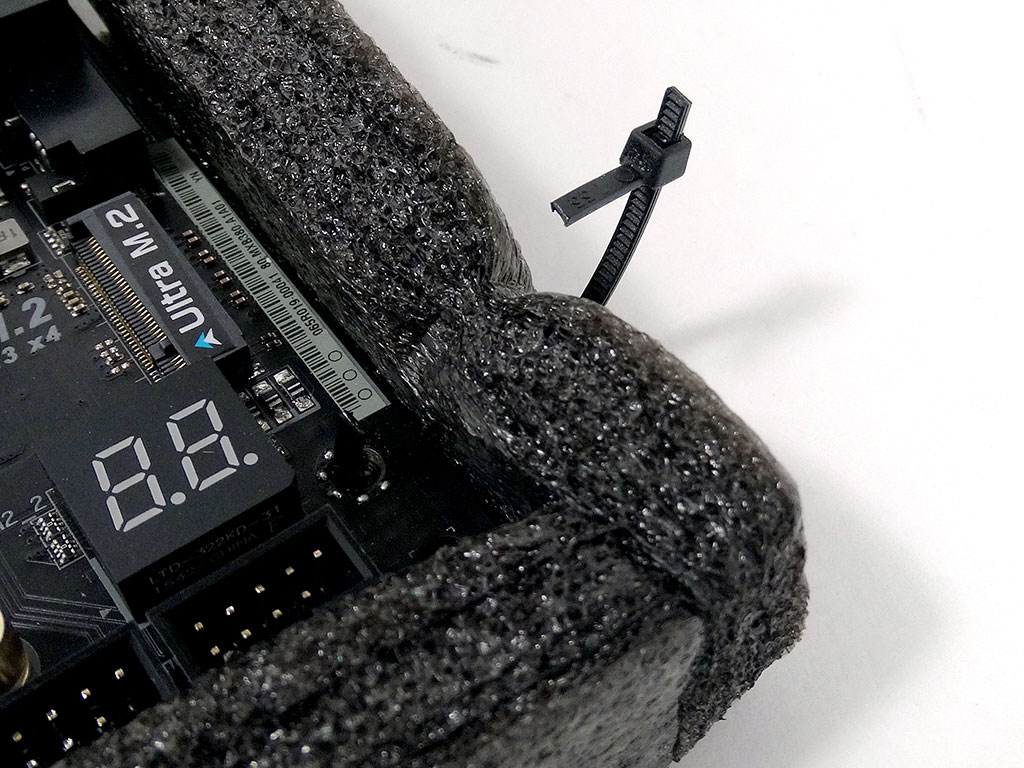
The board itself is wrapped in protective foam, which goes a long way to keep it safe and secure during its journey from the factory to your PC. The foam is secured to the board with small zip ties you'll have to cut off in order to get your board out.
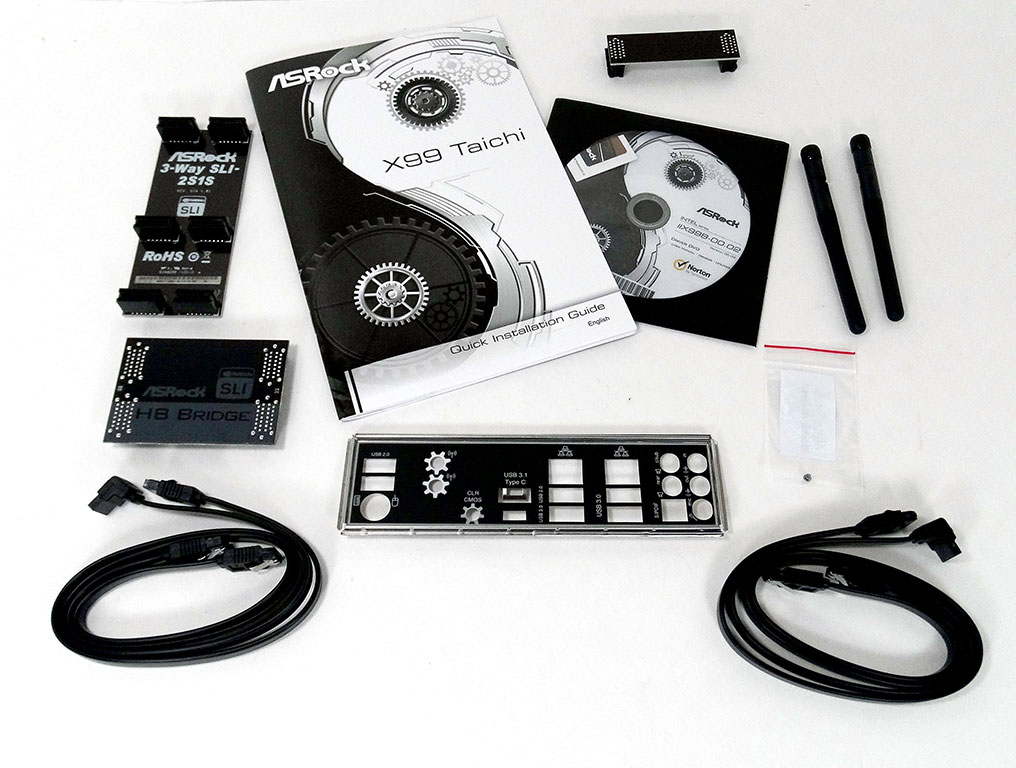
There are just enough accessories in the box. A full list of what is included is below:
- Quick installation guide, support CD, I/O shield
- 4 x SATA data cables
- 1 x ASRock SLI_HB_Bridge_2S card
- 1 x ASRock SLI_Bridge_2S card
- 1 x ASRock 3-Way SLI-2S1S bridge card
- 2 x ASRock WiFi 2.4/5 GHz antennas
- 2 x Screws for Ultra M.2 socket


A very exciting added bit of kit here is an NVidia HB SLI Bridge, ready for all you 4K users. This is the second board I've seen ship with such a bridge, and since I see people asking where these bridges will come from, here's your answer. It makes sense, too, since as GPU power progresses, new bridges are naturally going to be needed, and SLI bridges have come with motherboards since SLI has been available. This ensures that the provided bridges match the slot configuration. To see ASRock have a HB bridge here to support GTX 1070 and GTX 1080 users is fantastic.
Our Patreon Silver Supporters can read articles in single-page format.
Nov 19th, 2026 16:14 CST
change timezone
Latest GPU Drivers
New Forum Posts
- Honestly, do you care about GTA VI? (164)
- Windows 11 General Discussion (7736)
- Current Sales, Bundles, Giveaways (10448)
- Last game you purchased? (1409)
- WarpCoreBench scores! (76)
- Got the EOL 32GB TridentZ 6000 CL26 1.4V (12)
- Dell Workstation Owners Club (3516)
- Making a game in Godot engine (4)
- DTS DCH Driver for Realtek HDA [DTS:X APO4 + DTS Interactive] (2815)
- Security Apps (2)
Popular Reviews
- Acemagic Retro X3 Review
- Ugreen NASync DXP4800 GT Review
- Upcoming Hardware Launches 2027 (Updated Nov 2026)
- Pulsar Office Tour & First Look at P1 Dual-Sensor Mouse
- AMD Zen 6 Technical Deep Dive
- Biwin Black Opal NV7400 2 TB Review
- Sapphire Radeon RX 7700 XT Pure Review
- Sapphire Radeon RX 7700 XT Pulse Review
- AMD Ryzen 7 9800X3D Review - The Best Gaming Processor
- Chieftec Iceberg PRO 360 DARK Review
TPU on YouTube
Controversial News Posts
- NVIDIA Co-Founder and CEO Jensen Huang Officially Resigns (489)
- Report: Jensen Huang Eyes NVIDIA Comeback (223)
- Open Letter Asking NVIDIA to Reinstate Jensen Huang Passes 115,000 Signatures (184)
- OpenAI CEO Argues Home PCs Waste the World's Limited DRAM Supply (152)
- NVIDIA Launches Investigation Into Jensen Huang's Relationship With Suspected Chinese Spy (136)
- Intel "Raptor Lake Next" 16-Core and 20-Core CPUs Surface (130)
- Legendary Game Studio BioWare Shuts Down Following EA Layoffs (104)
- Dell CEO Says the Memory Shortage Will Get Worse in 2027 (95)