 3
ASRock Z890 Steel Legend Wi-Fi Review
Component Analysis »Board Layout


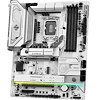
The first thing you notice with the Z890 Steel Legend Wi-Fi are its large heatsinks, which generously cover both banks of VRMs and the primary M.2 port, with a skinnier heatsink dealing with the lower M.2 ports. It's an attractive design and that lower M.2 heatsink is also illuminated from below with several ARGB LEDs. The only flies in the ointment at first glance are a lack of an enhanced GPU release mechanism, which is odd given its B860 sister board has it, and also the Wi-Fi module, which sits flat on the PCB in a black casing that stands out for all the wrong reasons. Thankfully, it will likely be hidden by your graphics card.
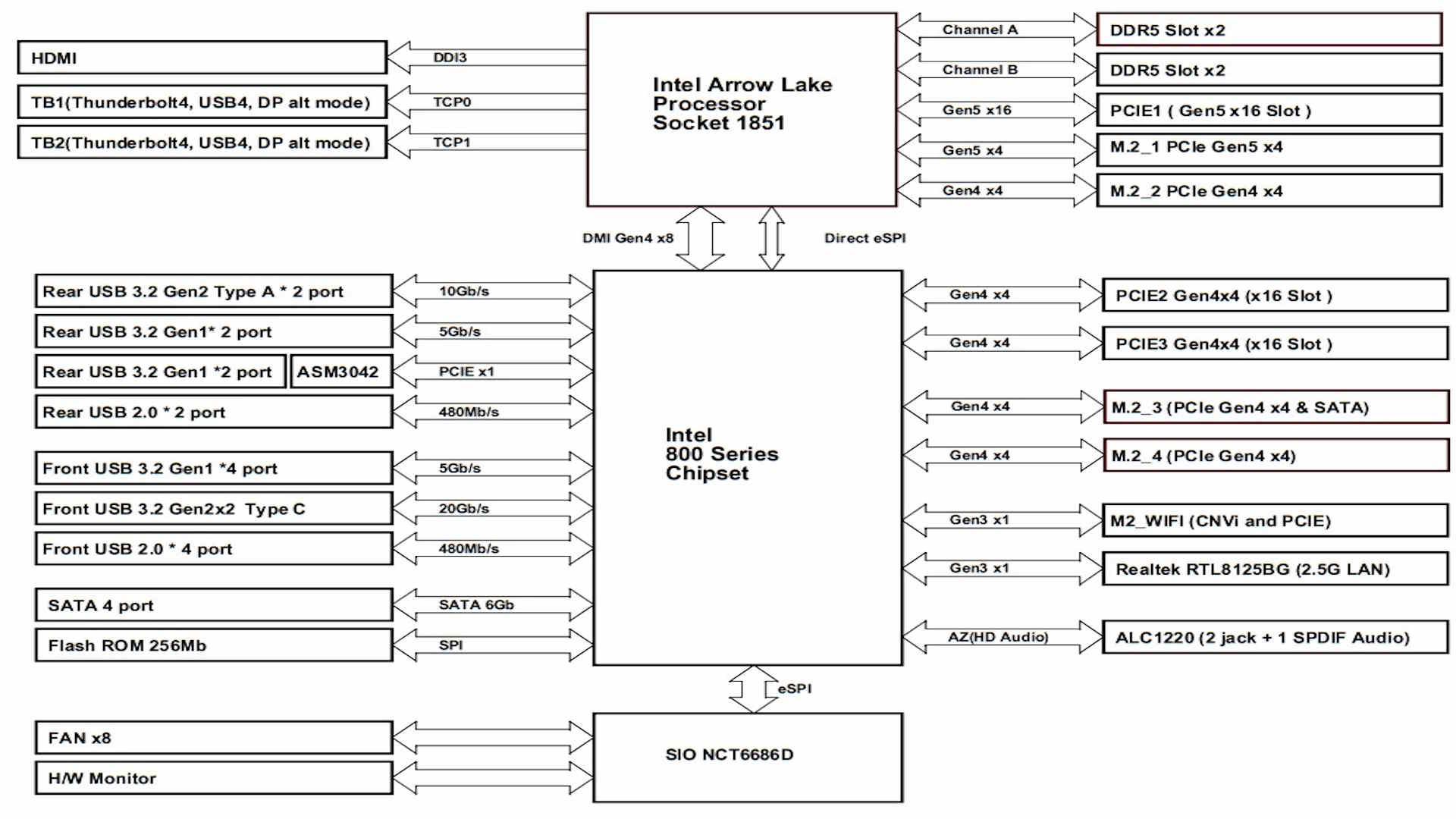
Impressively, there's no bandwidth sharing here despite having four M.2 ports, with three of those being PCIe Gen 4, and one PCIe Gen 5. Of course, there's also PCIe Gen 5 GPU support and a pair of Thunderbolt 4 ports.


There's a handy cluster of headers in the top right corner. Three 4-pin fan headers offer 12 W/1 A from the CPU fan header and 36 W/3 A from the second CPU_FAN2 and AIO_PUMP headers. With eight headers in total and decent power output overall, it's certainly living up to its price tag. We also have a pair of 3-pin ARGB headers. The Type-C front panel header lacks enhanced power delivery, but does at least offer USB 3.2 Gen 2x2 20 Gbps support.

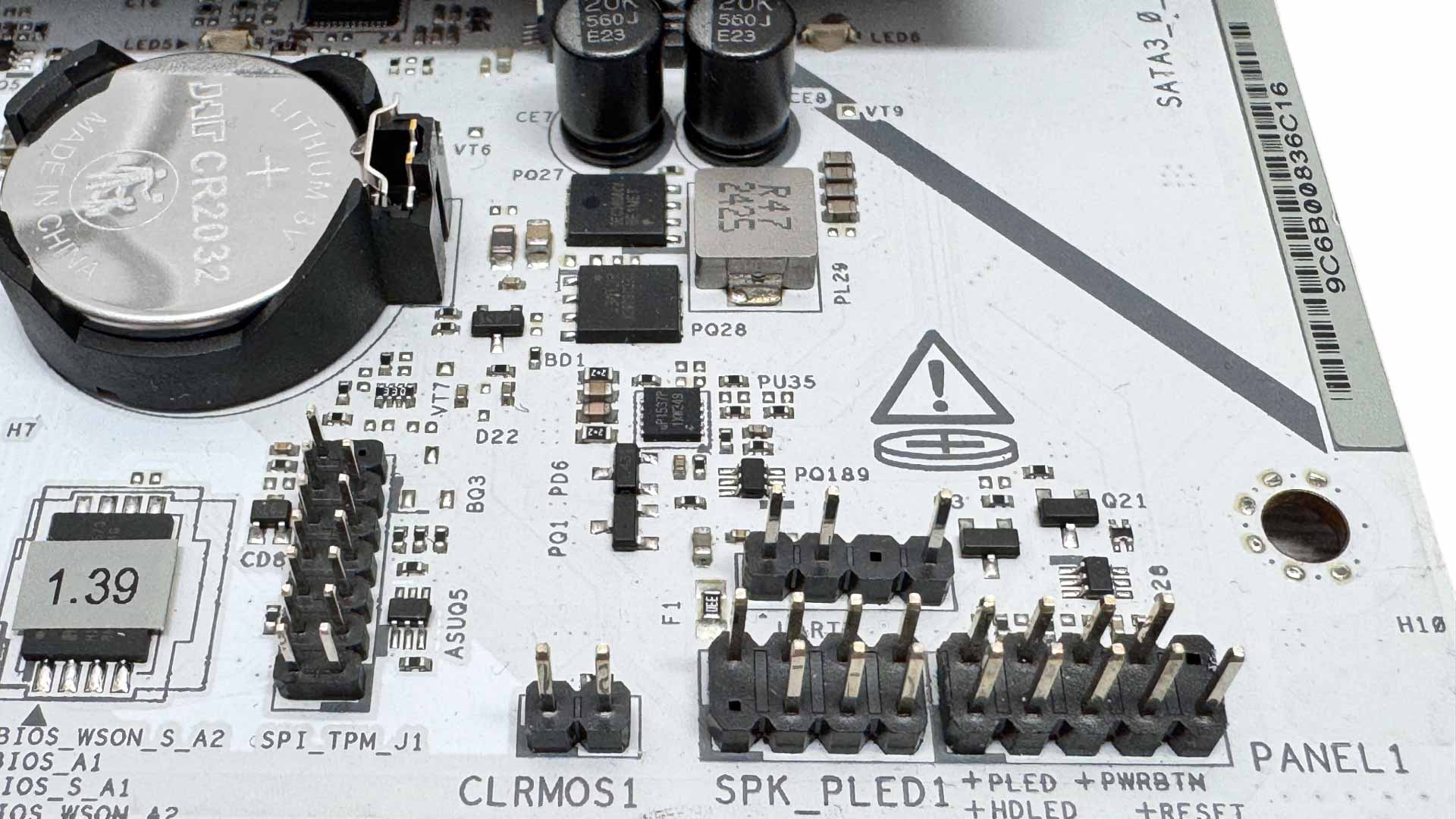
We've seen some sub $300 motherboards ditch two of the usual four SATA ports, but you get the full complement here, which is useful if you'll be transplanting older hardware to your system. ASRock has shifted the inclusion of testing tools such as power, reset and CMOS clear buttons to its more premium chipset boards, so you'll be left jumping pins to clear the BIOS here.
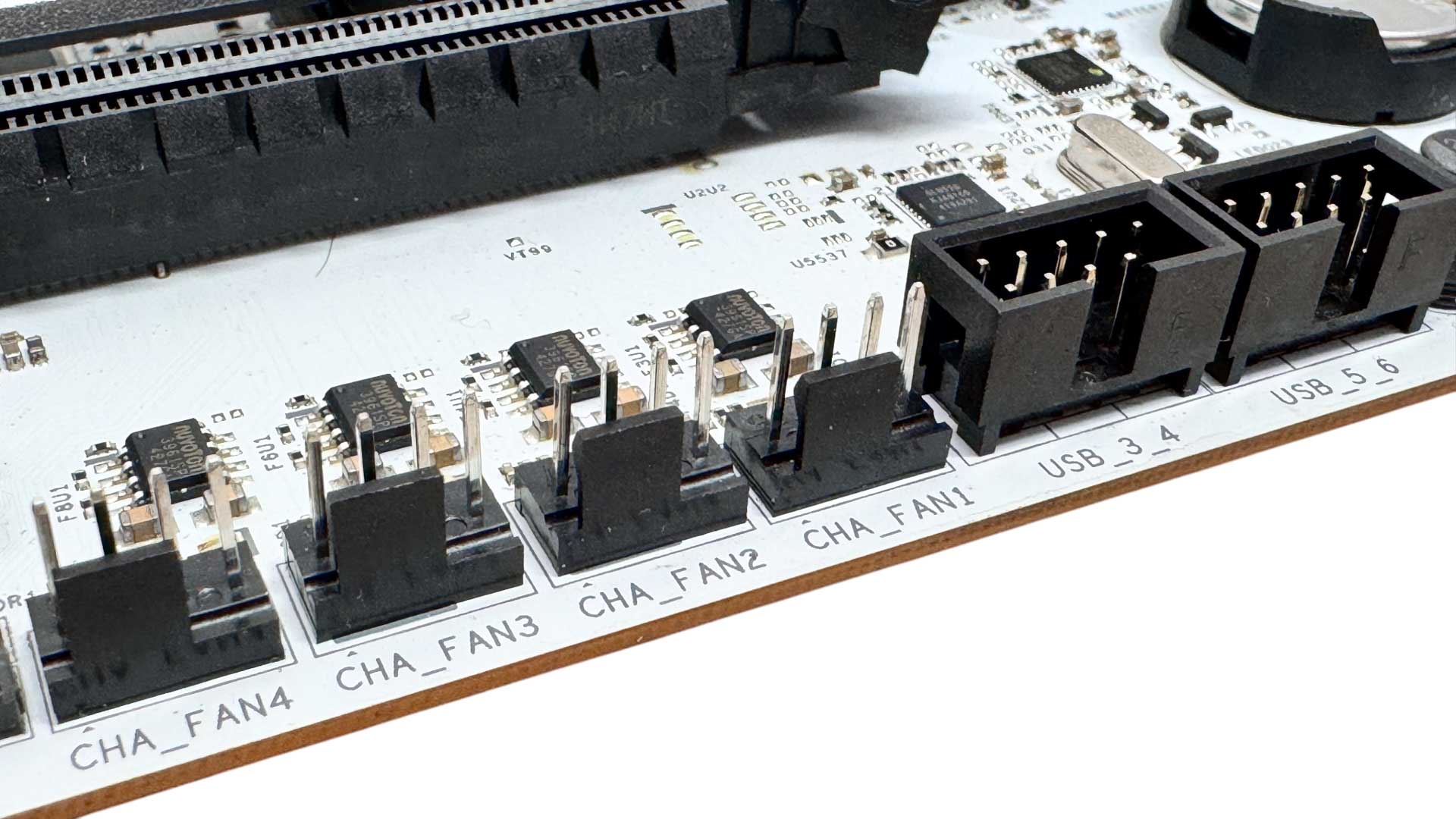

The majority of the fan headers are located on the bottom edge of the PCB. We'd have liked to see one closer to the front of the case for powering fans in this area, but most cables should reach to these headers, and of course they're well-placed for powering fans in the bottom of cases, which are increasingly popular. As usual, ASRock has a 2-pin thermistor header with a probe included in the box, and the port will also work with coolant probes.
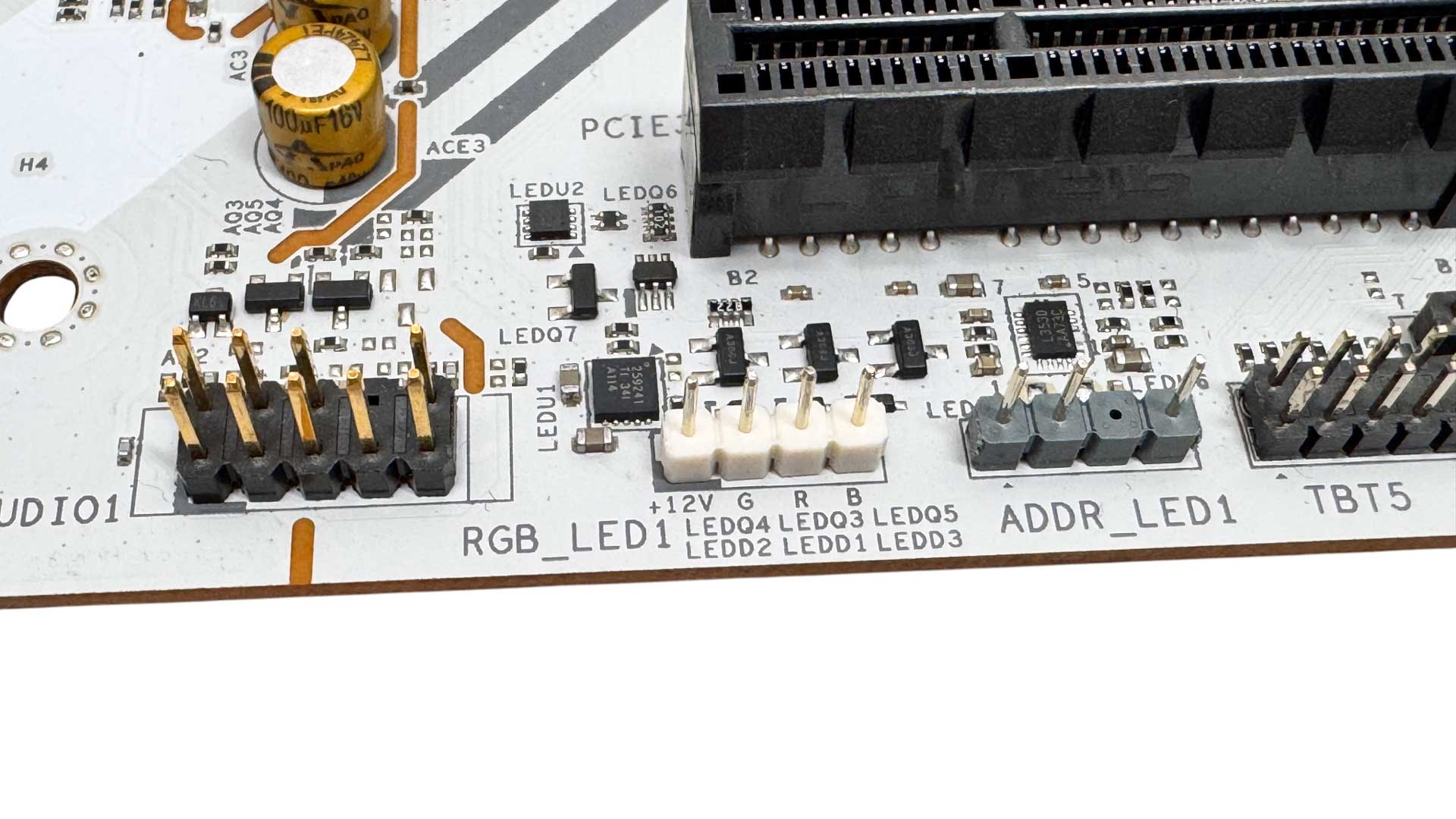
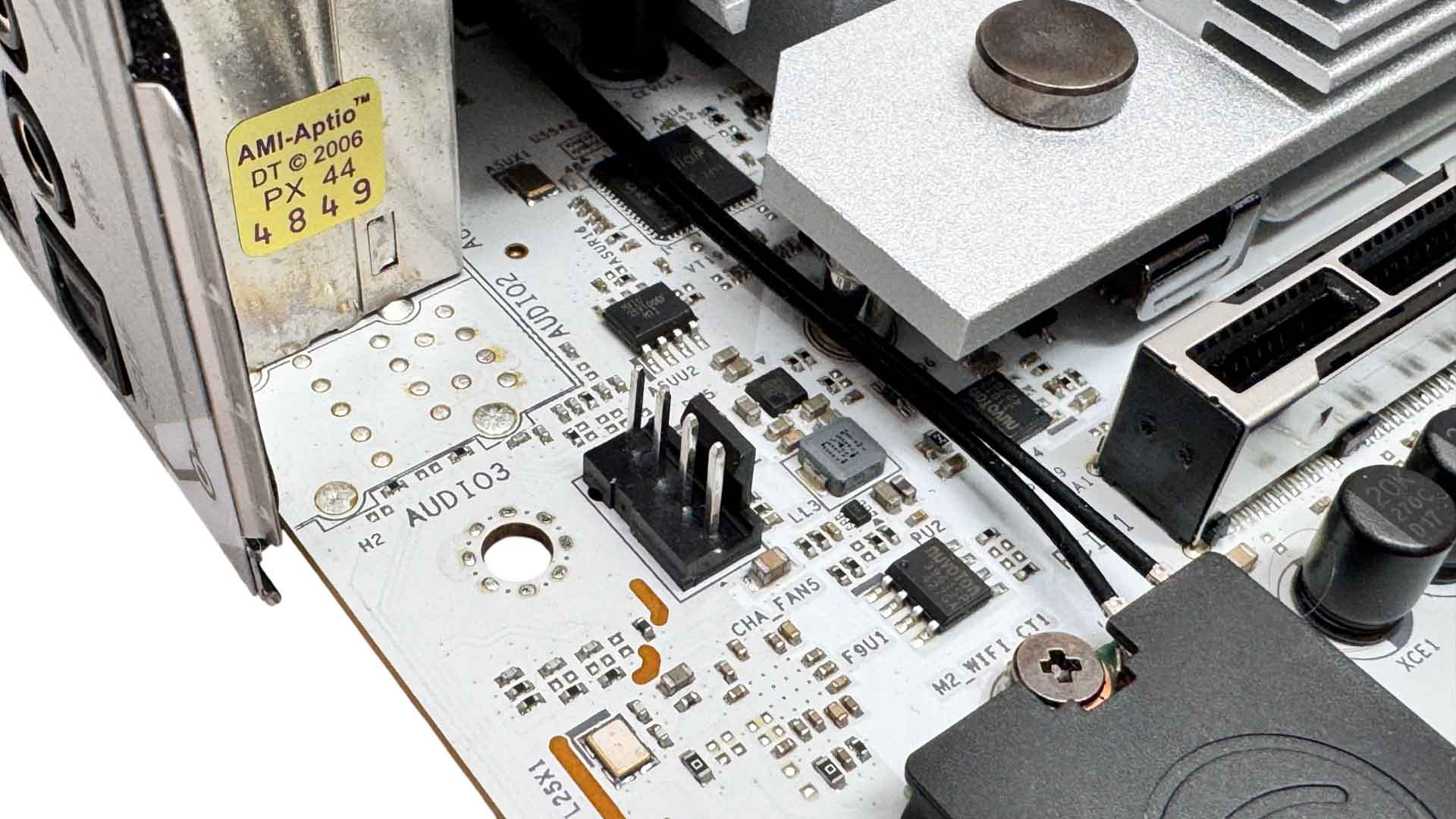
Two further lighting headers bring the total to one 4-pin RGB and three 3-pin ARGB, which should cater for even the most lavish illumination. The final fan header, meanwhile, is located beneath the rear I/O panel, so is useful for powering rear case fans.
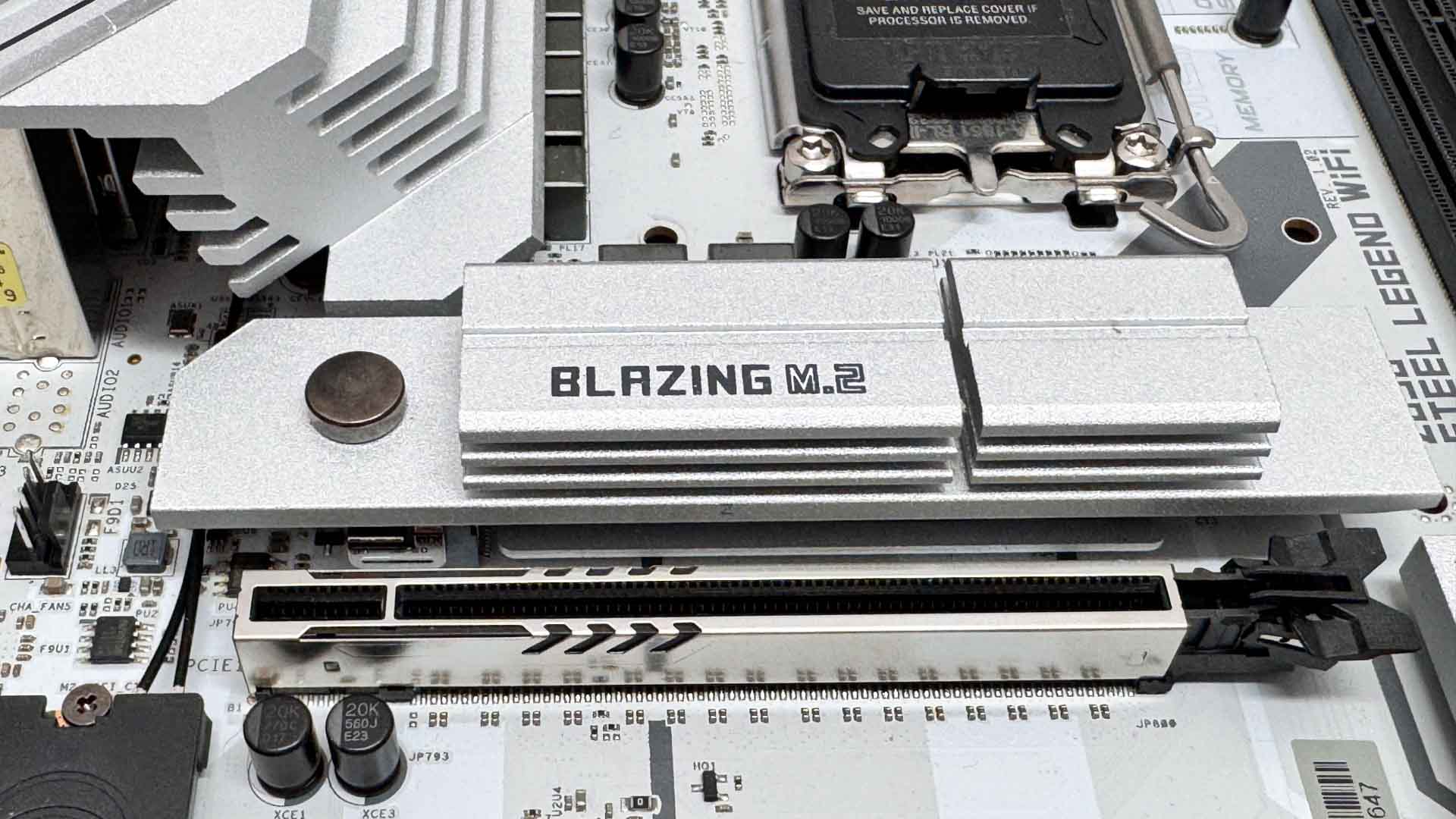
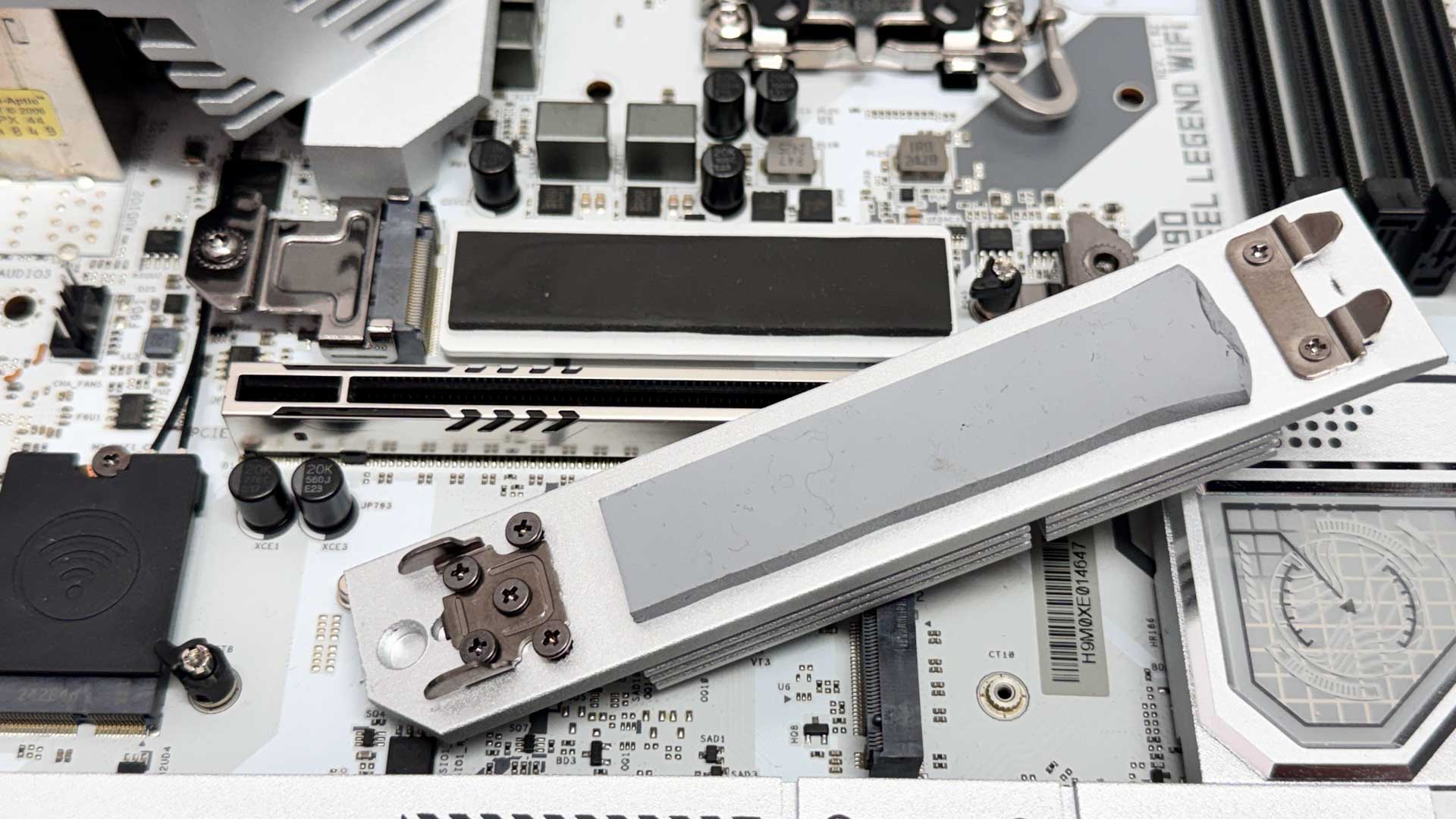
The top M.2 port supports PCIe Gen 5 SSDs—which are cooled on both sides—and the upper heatsink is both tool-free and relatively large. It can be a little fiddly to slot into place, however.
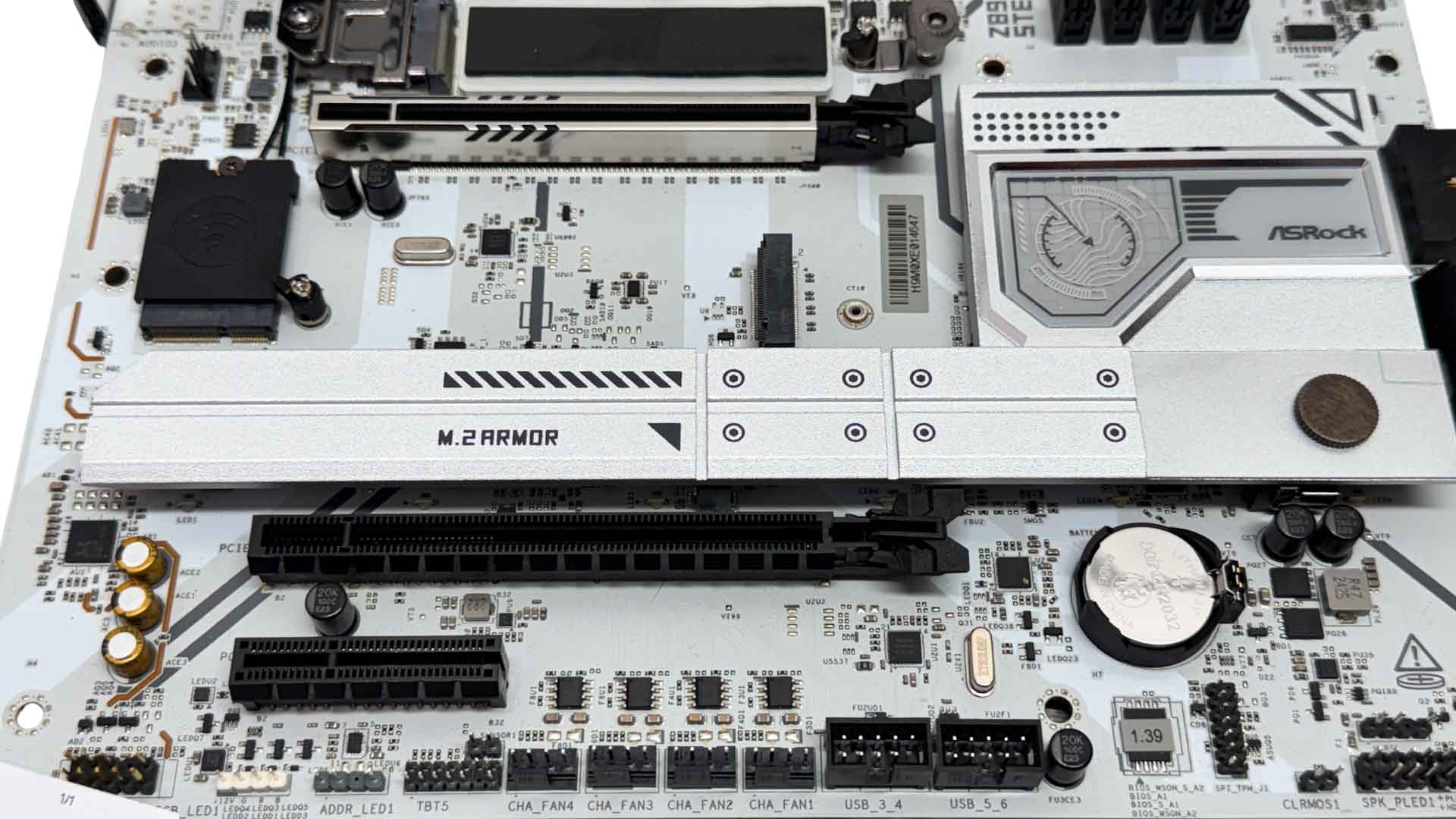
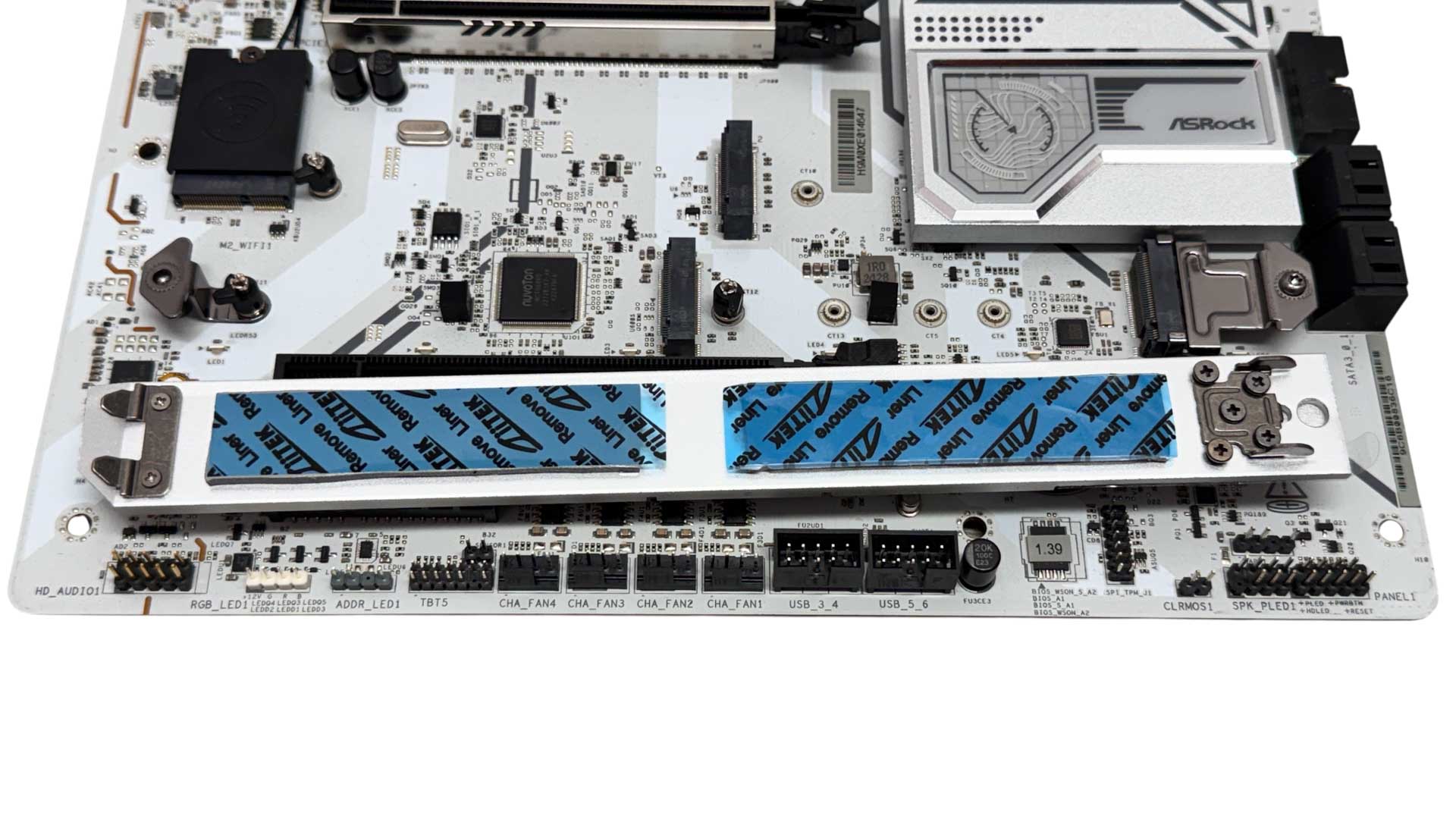
The third port, which like the remaining ones is limited to PCIe Gen 4 or lower, sits right under your graphics card and lacks a heatsink. The final two ports share a large heatsink and for once this one is also tool-free. However, its proximity to the primary PCIe slot means that larger GPUs may still obstruct it, requiring their removal to get at your SSDs. These ports are only cooled on one side, but this is a non-issue with PCIe Gen 4 SSDs, which the ports are limited to anyway in terms of bandwidth.

The rear I/O panel is maybe a little lacking in terms of Type-A USB ports, with eight being average rather than exceptional. We do of course have a pair of Type-C Thunderbolt 4 ports. ASRock's Ultra USB power ports derive their power from the 12 V rail, which it claims offers less voltage droop and interference compared to the usual 5 V rail. The yellow Lightning Gaming ports utilize dual controller interfaces, with claimed benefits to latency and jitter. We have a USB BIOS Flashback button, standard Wi-Fi antennas and a mix of USB 2.0, USB 3.0 and USB 3.2 Gen 2 10 Gbps Type-A ports. There's also 2.5 Gbps Ethernet and the usual pair of audio jacks and optical output.
Nov 20th, 2026 14:35 PST
change timezone
Latest GPU Drivers
New Forum Posts
- Logitech Headsets Modded Driver — Unlock Dolby in G HUB (23)
- 1 - 5 person file storage server equivalent accasible from anywhere + general VM server. (1)
- WarpCoreBench scores! (81)
- How to prevent OLED burn damage due to PC freezes or power outtages? (48)
- RX 9000 series GPU Owners Club (2247)
- Honestly, do you care about GTA VI? (208)
- When you could finally run Crysis maxed out? (63)
- GTA VI (20)
- Anthrophics IPO (25)
- GeekMagic Ultra Smart WiFi Weather Station (8)
Popular Reviews
- AMD Zen 6 Technical Deep Dive
- Microsoft Surface Laptop Ultra Review - The Next-gen Arm Laptop
- Ugreen NASync DXP4800 GT Review
- Corsair RM1200e (Second Generation) Review
- Acemagic Retro X3 Review
- Upcoming Hardware Launches 2027 (Updated Nov 2026)
- Pulsar Office Tour & First Look at P1 Dual-Sensor Mouse
- Biwin Black Opal NV7400 2 TB Review
- AMD Ryzen 7 9800X3D Memory Performance Scaling
- AMD Ryzen 7 9800X3D Review - The Best Gaming Processor
TPU on YouTube
Controversial News Posts
- NVIDIA Co-Founder and CEO Jensen Huang Officially Resigns (490)
- Report: Jensen Huang Eyes NVIDIA Comeback (256)
- Open Letter Asking NVIDIA to Reinstate Jensen Huang Passes 115,000 Signatures (184)
- OpenAI CEO Argues Home PCs Waste the World's Limited DRAM Supply (152)
- NVIDIA Launches Investigation Into Jensen Huang's Relationship With Suspected Chinese Spy (136)
- Intel "Raptor Lake Next" 16-Core and 20-Core CPUs Surface (130)
- Legendary Game Studio BioWare Shuts Down Following EA Layoffs (104)
- Dell CEO Says the Memory Shortage Will Get Worse in 2027 (95)