 3
ASRock Z890 Steel Legend Wi-Fi Review
Board Software »BIOS Overview
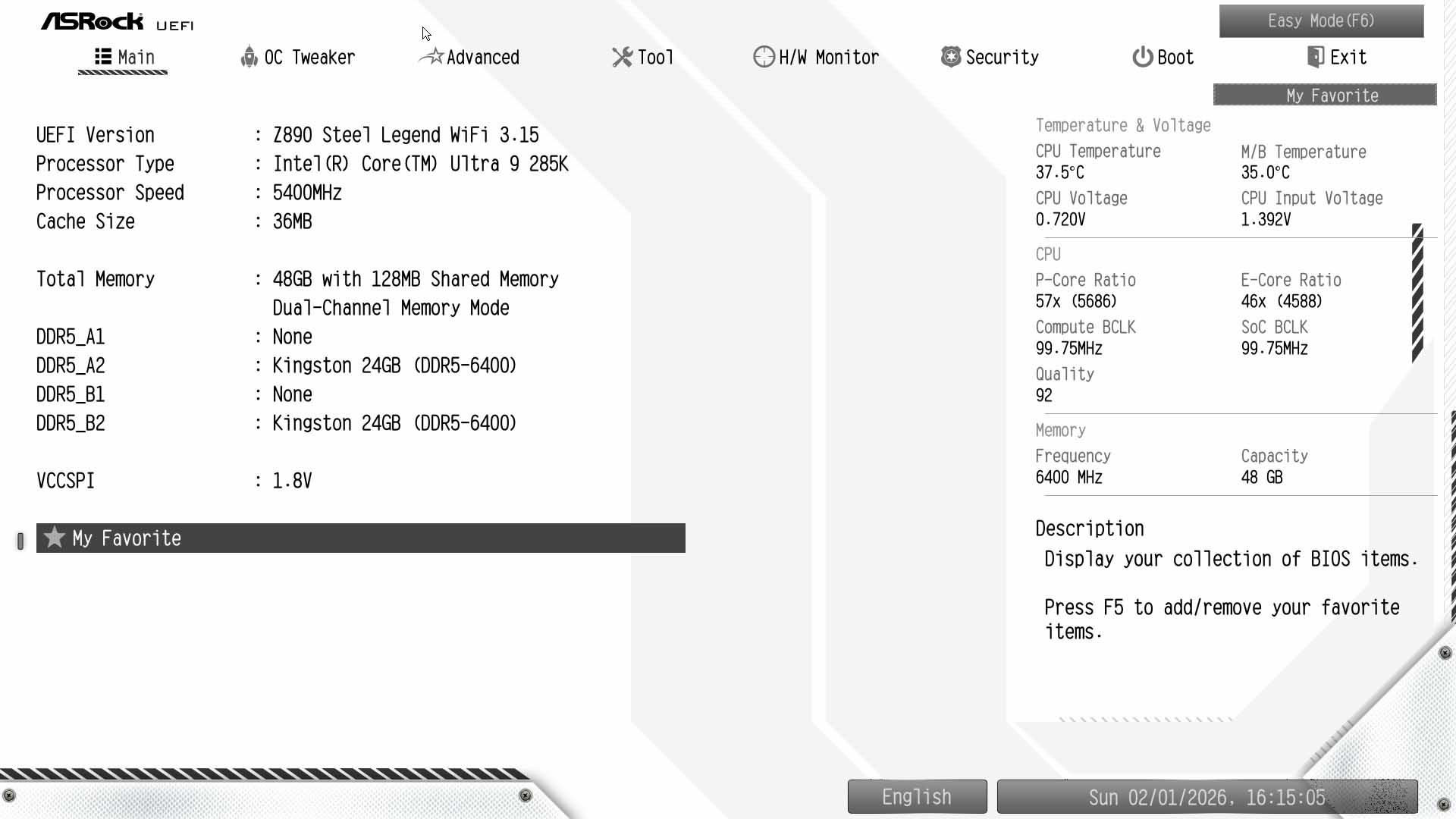
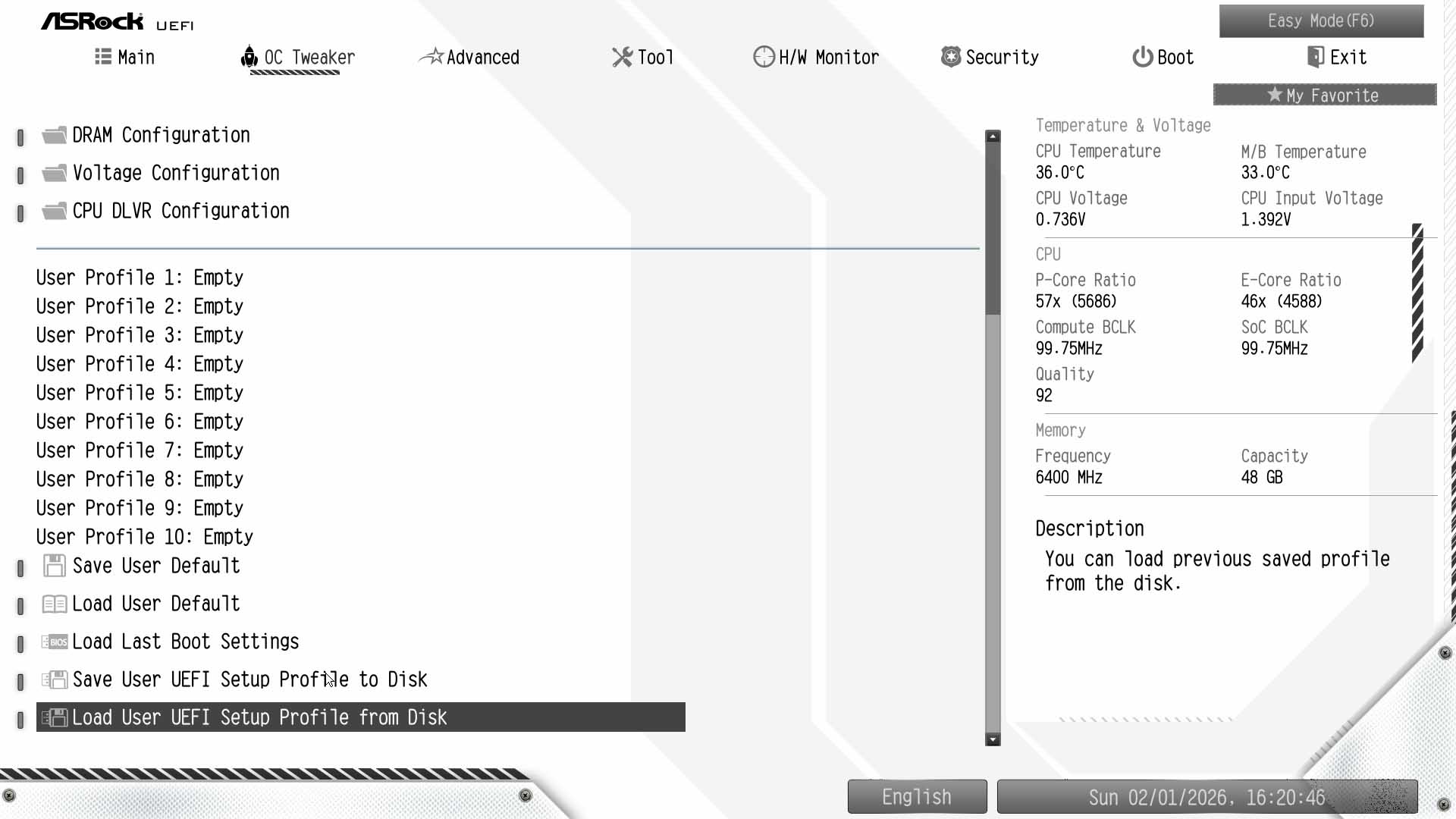
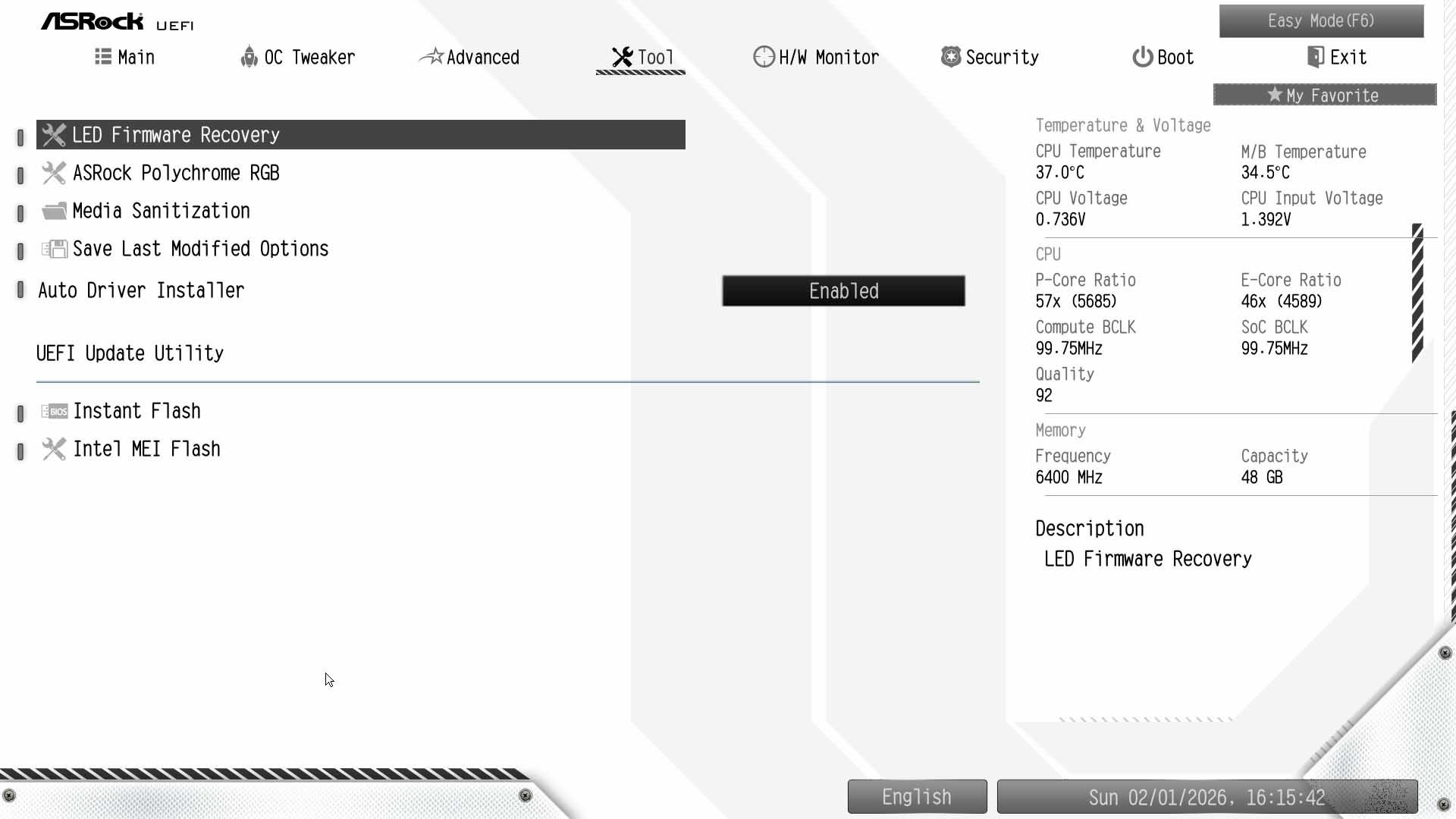
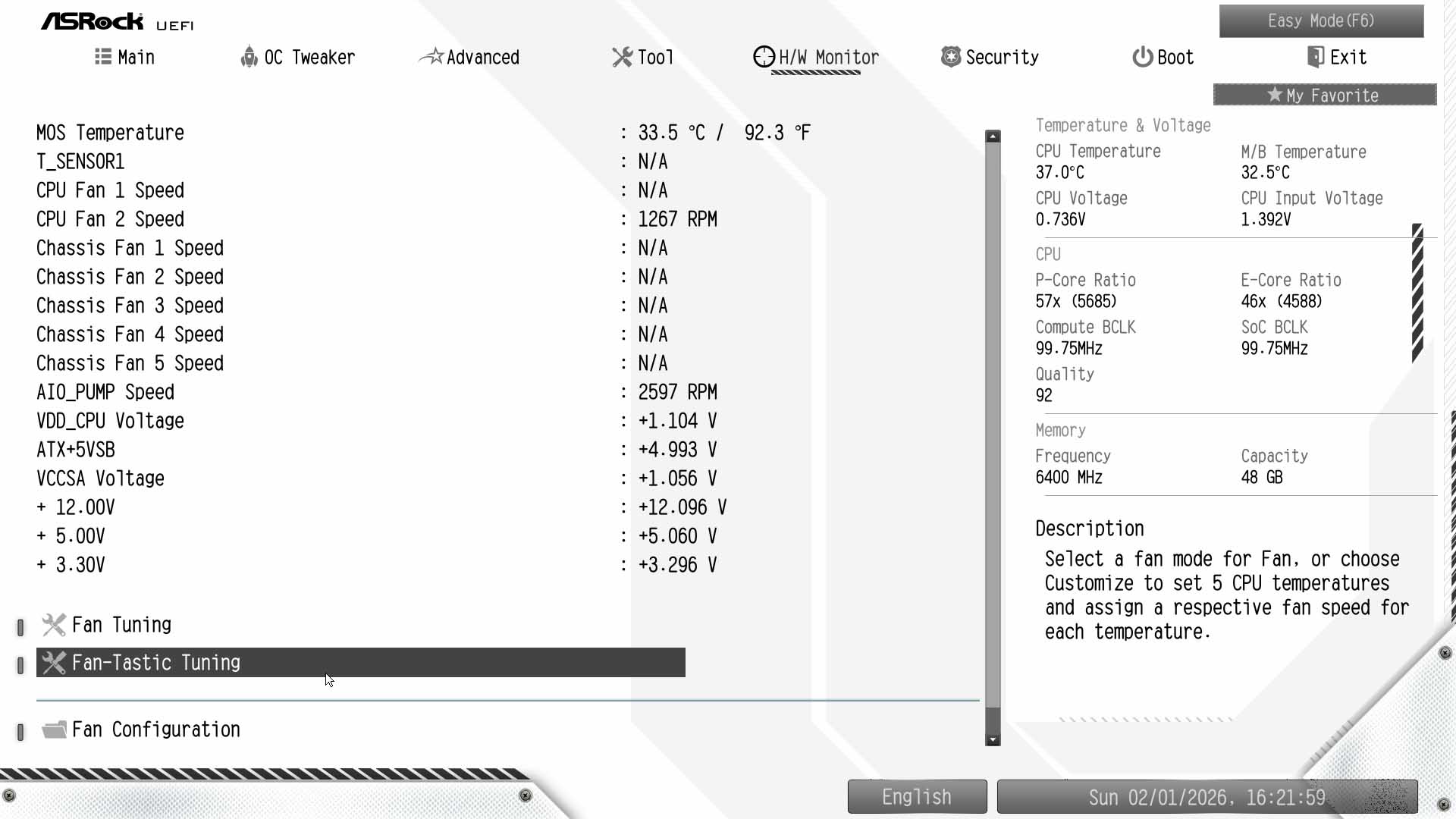
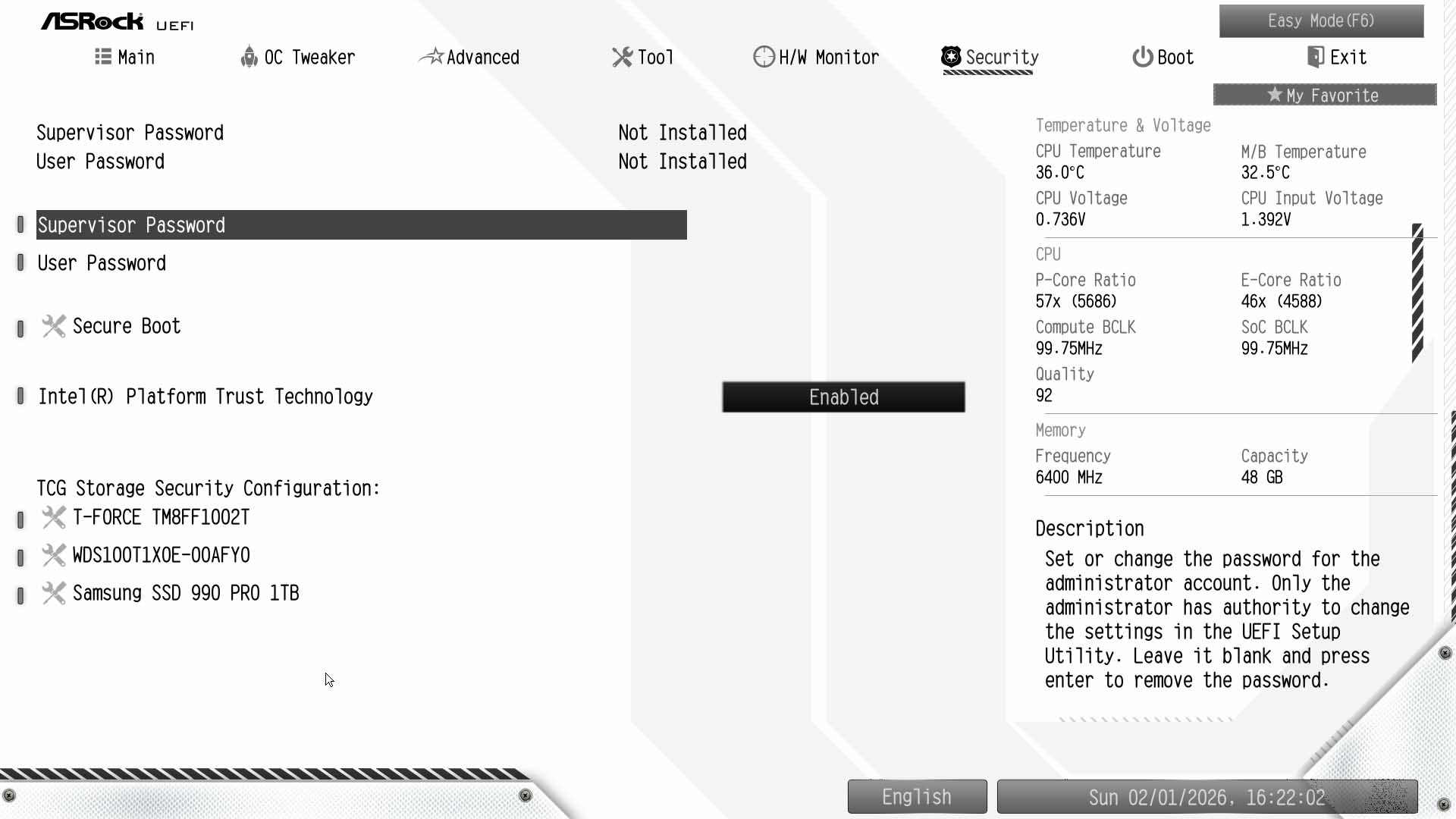
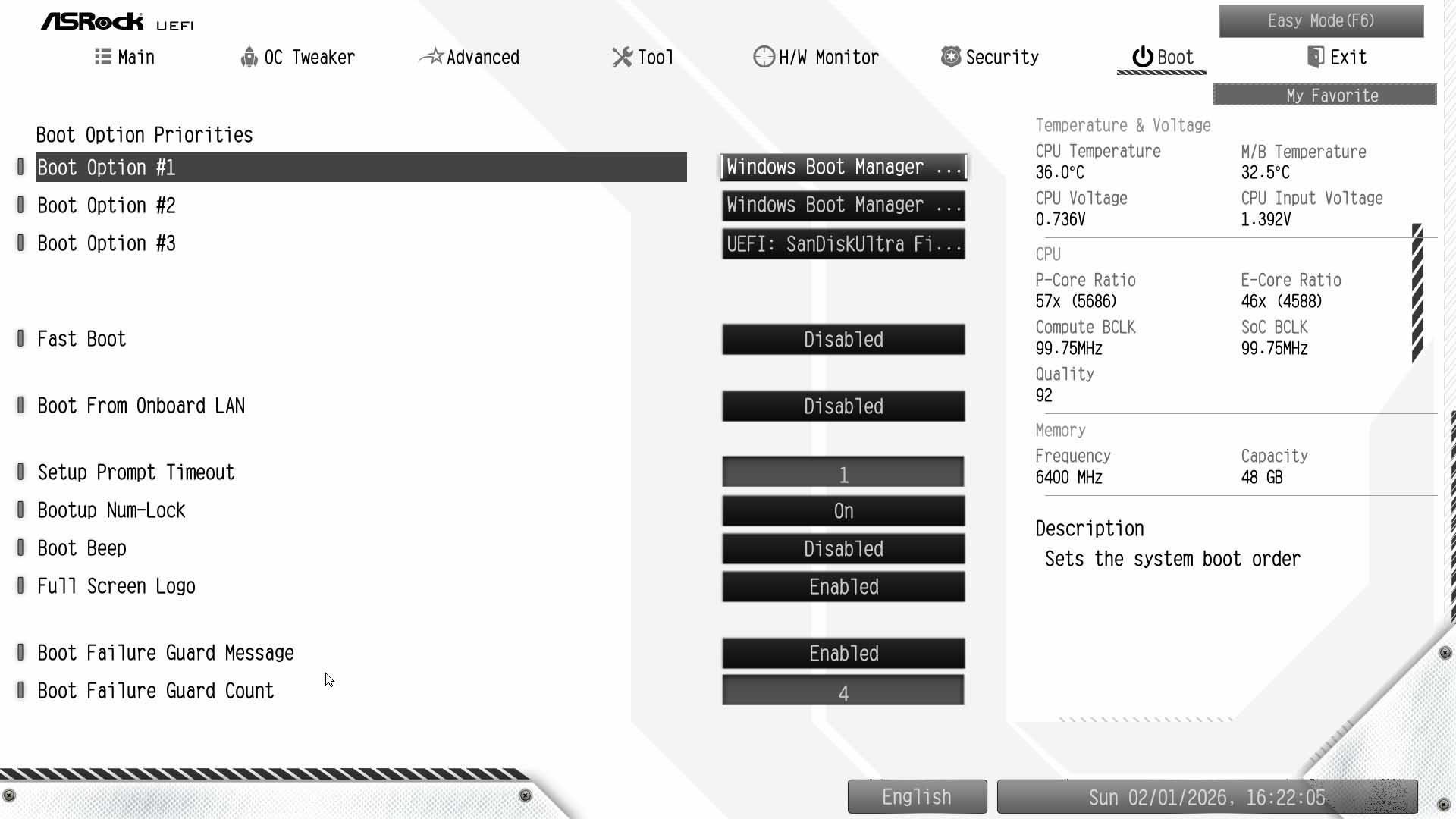
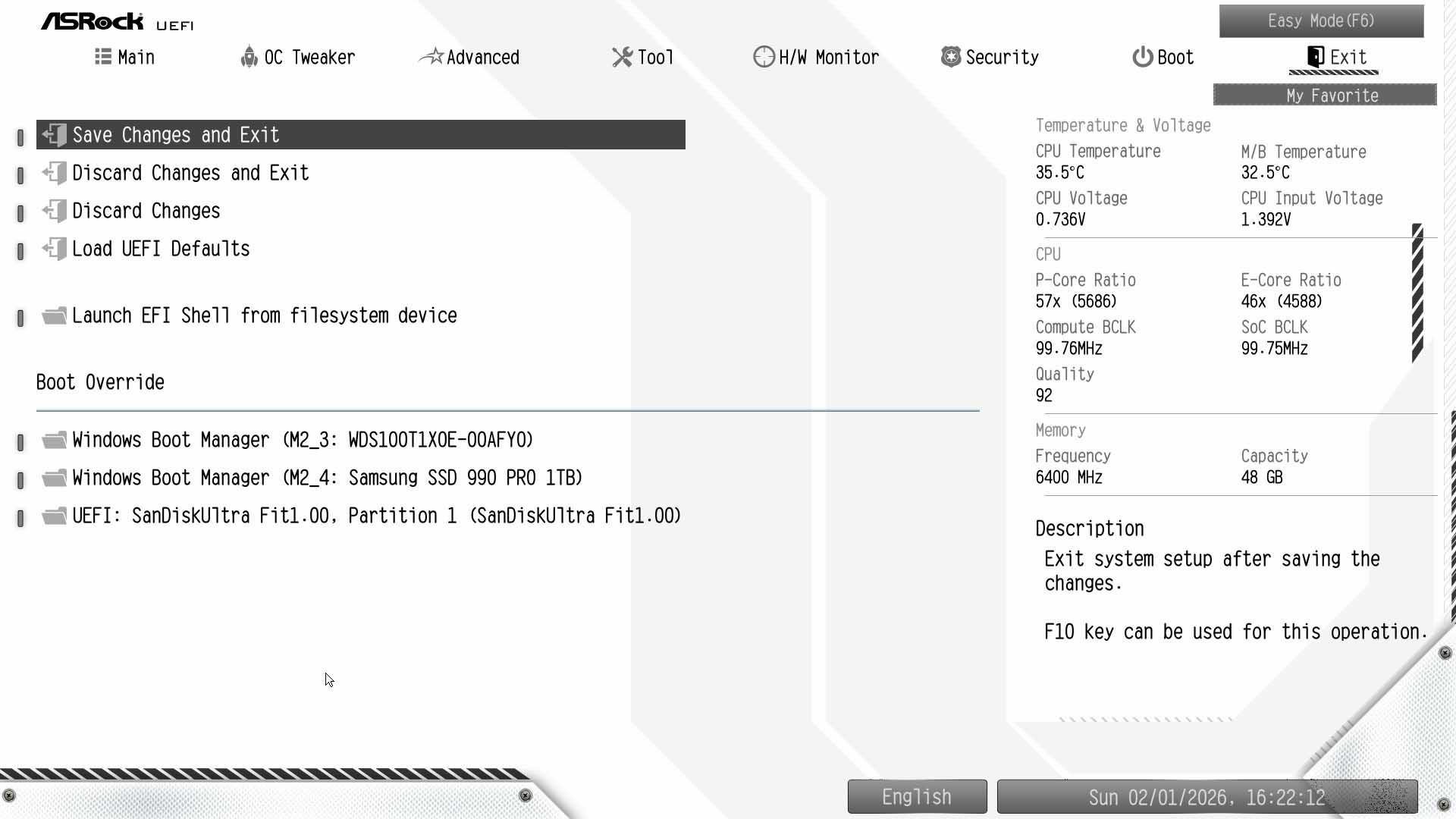
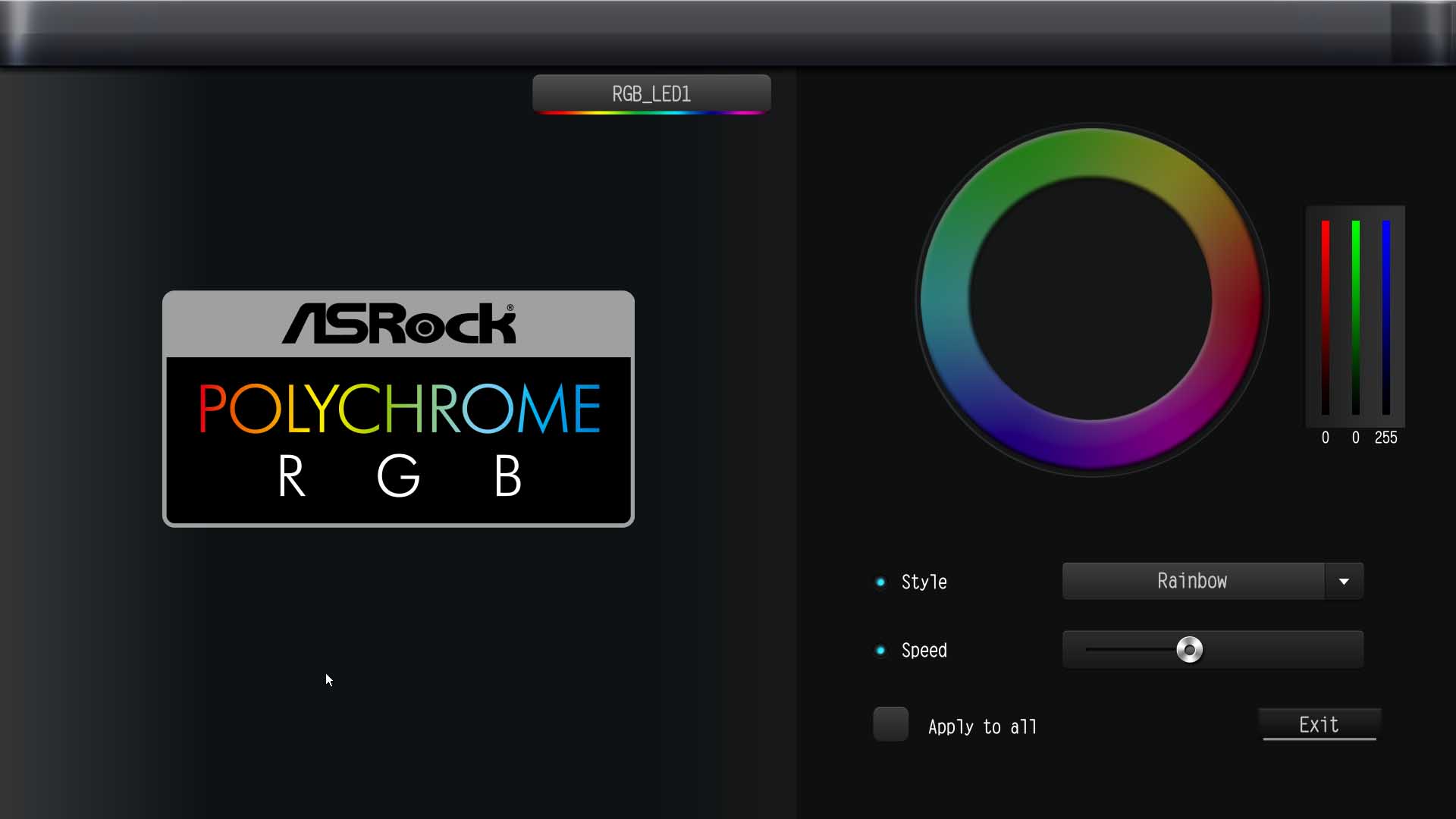
The Easy Mode page is well-equipped to offer most basic features without having to delve into the depths of the EFI, with XMP settings, boot priority and fan profile presets, as well as BIOS flashing via Instant Flash, besides a direct link to Fan-Tastic Tuning fan control. Switching to advanced mode gives you a slightly garish white color scheme that is at least a decent attempt to match the board's color scheme. There is a favorites section, where it's possible to add settings you use regularly by hitting the My Favorite button. It seems strange then, that there's no search function, given we have this and profiles too in the OC Tweaker section, which is where you'll want to begin your overclocking endeavors. More details on that in a few pages.The Advanced page provides access to additional CPU settings as well as those for storage and bandwidth. The Tool page has the usual features, but something we wish ASRock would include on more boards is Polychrome RGB, where you can set RGB lighting effects and colors with nearly as much detail as you can in its software. This means you won't need to install anything to control it, reducing the amount of bloatware needed. Finally, the Fan-Tastic Tuning fan control suite provides the usual fan curve adjustments, and unlike ASRock's AMD boards, you get access to the thermal sensor input here as well as being able to switch between DC and PWM modes. On its AMD boards for some reason these are missing, forcing you to deal with the text-based input.





Nov 20th, 2026 15:09 PST
change timezone
Latest GPU Drivers
New Forum Posts
- WarpCoreBench scores! (82)
- RX 9000 series GPU Owners Club (2248)
- Honestly, do you care about GTA VI? (209)
- Logitech Headsets Modded Driver — Unlock Dolby in G HUB (23)
- 1 - 5 person file storage server equivalent accasible from anywhere + general VM server. (1)
- How to prevent OLED burn damage due to PC freezes or power outtages? (48)
- When you could finally run Crysis maxed out? (63)
- GTA VI (20)
- Anthrophics IPO (25)
- GeekMagic Ultra Smart WiFi Weather Station (8)
Popular Reviews
- AMD Zen 6 Technical Deep Dive
- Microsoft Surface Laptop Ultra Review - The Next-gen Arm Laptop
- Ugreen NASync DXP4800 GT Review
- Corsair RM1200e (Second Generation) Review
- Acemagic Retro X3 Review
- Upcoming Hardware Launches 2027 (Updated Nov 2026)
- Pulsar Office Tour & First Look at P1 Dual-Sensor Mouse
- Biwin Black Opal NV7400 2 TB Review
- AMD Ryzen 7 9800X3D Memory Performance Scaling
- AMD Ryzen 7 9800X3D Review - The Best Gaming Processor
TPU on YouTube
Controversial News Posts
- NVIDIA Co-Founder and CEO Jensen Huang Officially Resigns (490)
- Report: Jensen Huang Eyes NVIDIA Comeback (256)
- Open Letter Asking NVIDIA to Reinstate Jensen Huang Passes 115,000 Signatures (184)
- OpenAI CEO Argues Home PCs Waste the World's Limited DRAM Supply (152)
- NVIDIA Launches Investigation Into Jensen Huang's Relationship With Suspected Chinese Spy (136)
- Intel "Raptor Lake Next" 16-Core and 20-Core CPUs Surface (130)
- Legendary Game Studio BioWare Shuts Down Following EA Layoffs (104)
- Dell CEO Says the Memory Shortage Will Get Worse in 2027 (95)