 84
Assassin's Creed Mirage Performance Benchmark Review - 30 GPUs Tested
(84 Comments) »Introduction
With "Assassin's Creed Mirage, " Ubisoft returns to the series' stealthy roots. Set in Baghdad, the game emphasizes stealth missions, eliminates RPG elements, XP and leveling, and features a simplified progression system. The player assumes the role of Basim, an assassin seeking revenge on the Order of the Ancients. The game follows our hero's missions to eliminate key targets and dismantle the Order. The plot unfolds through missions and investigations, offering a straightforward narrative without elaborate complexities and side quests.
Assassin's Creed Mirage is built on the same game engine as Assassin's Creed Valhalla, using DirectX 12 as rendering technology. The Anvil engine has been a staple in Ubisoft's game development for several years and has been used in various Assassin's Creed titles, providing a foundation for the series' open-world gameplay, character animations, and environmental interactions. There is no support for ray tracing, but DLSS, FSR and XeSS are available.
This benchmark review will evaluate the performance of Assassin's Creed Mirage on a wide selection of modern graphics cards, show image quality comparisons and look at what's required in terms of VRAM usage.
Screenshots
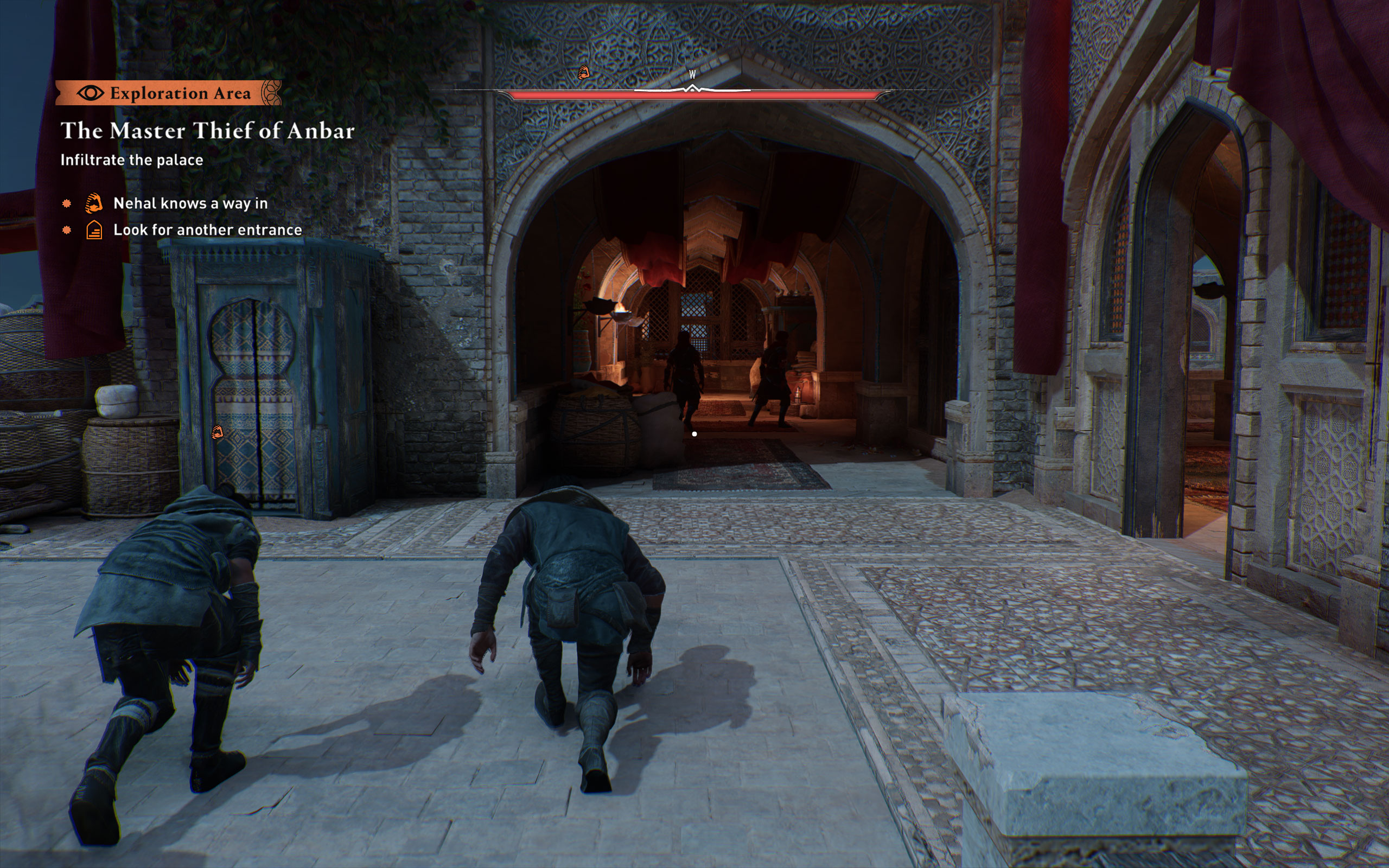
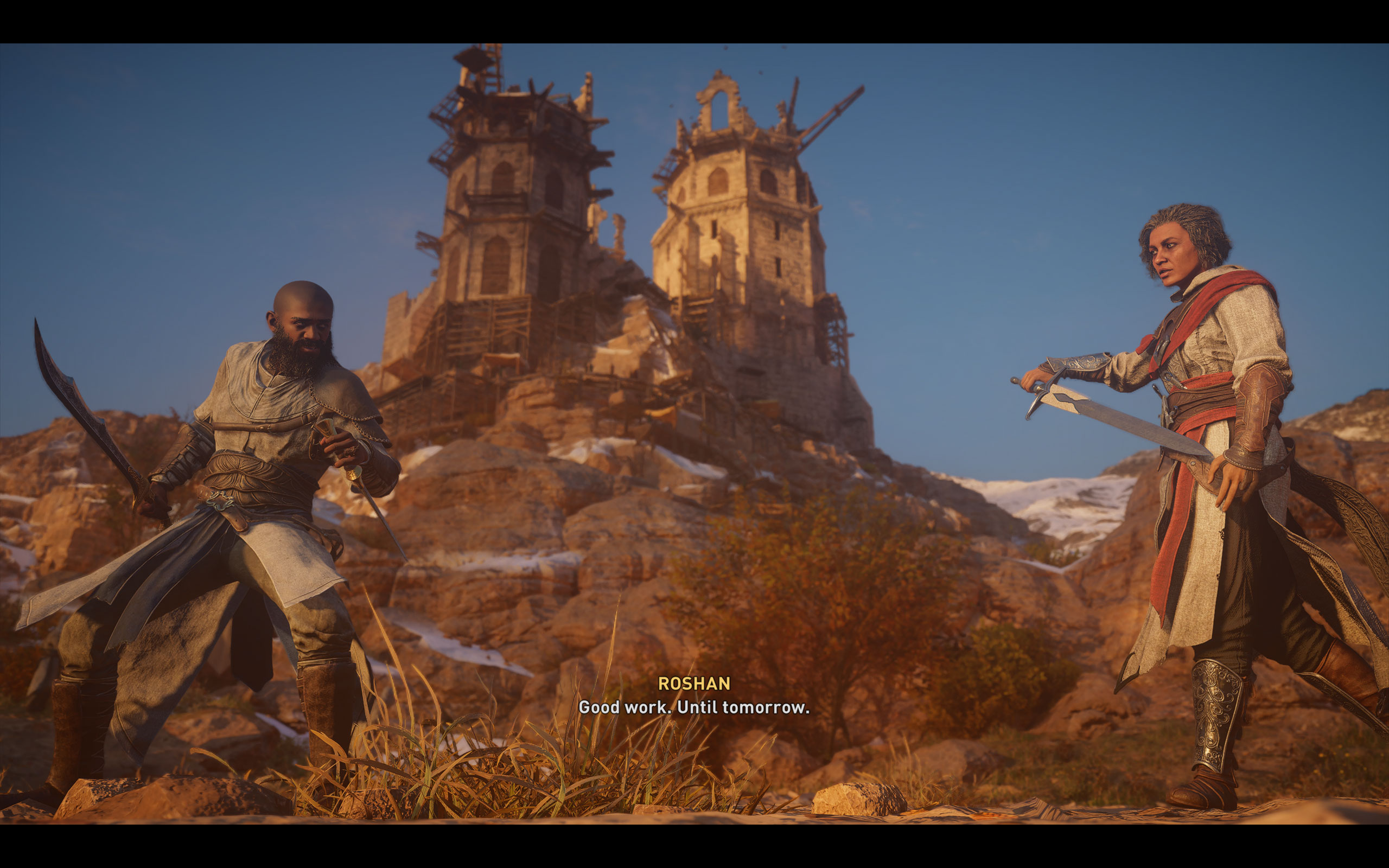
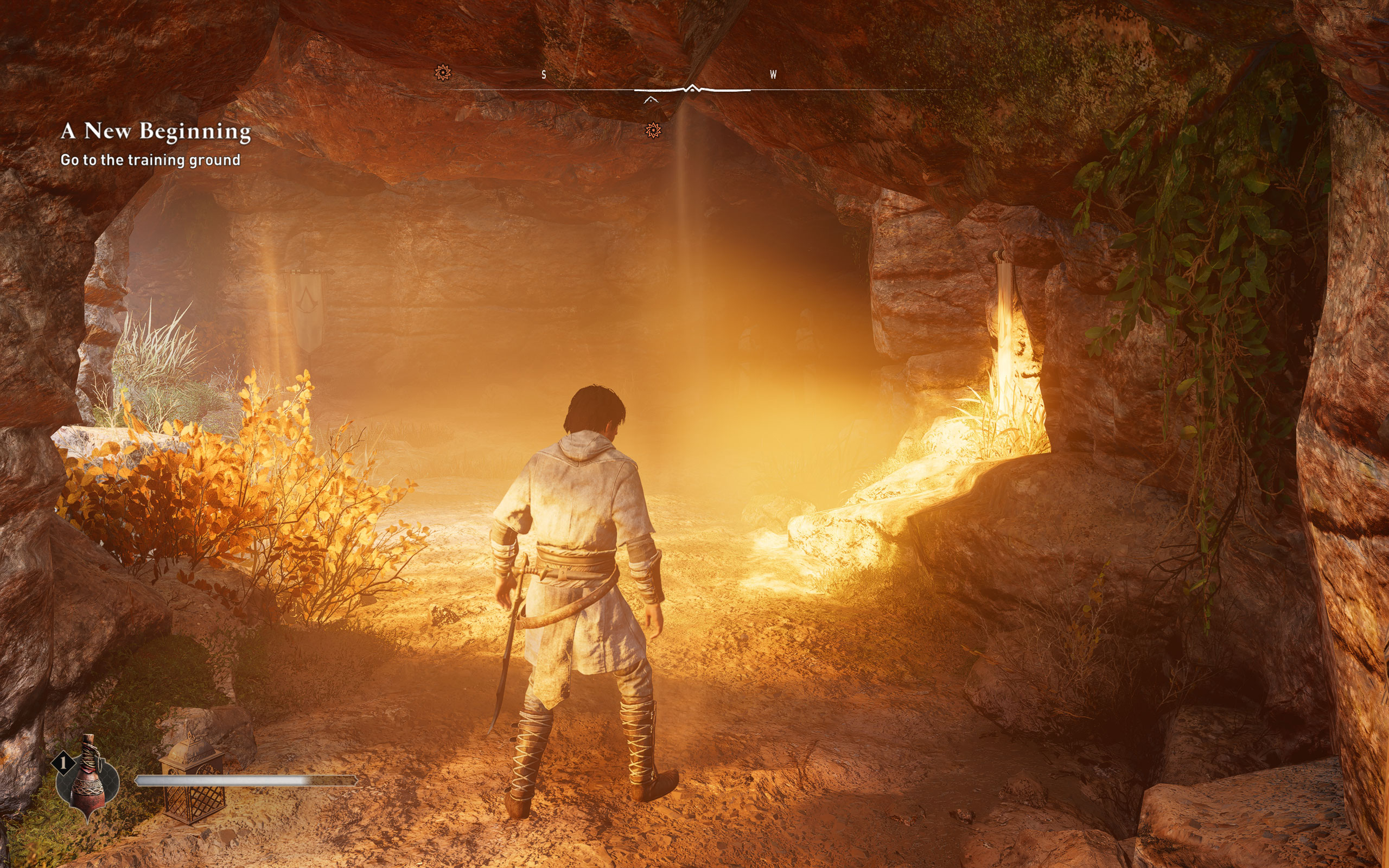
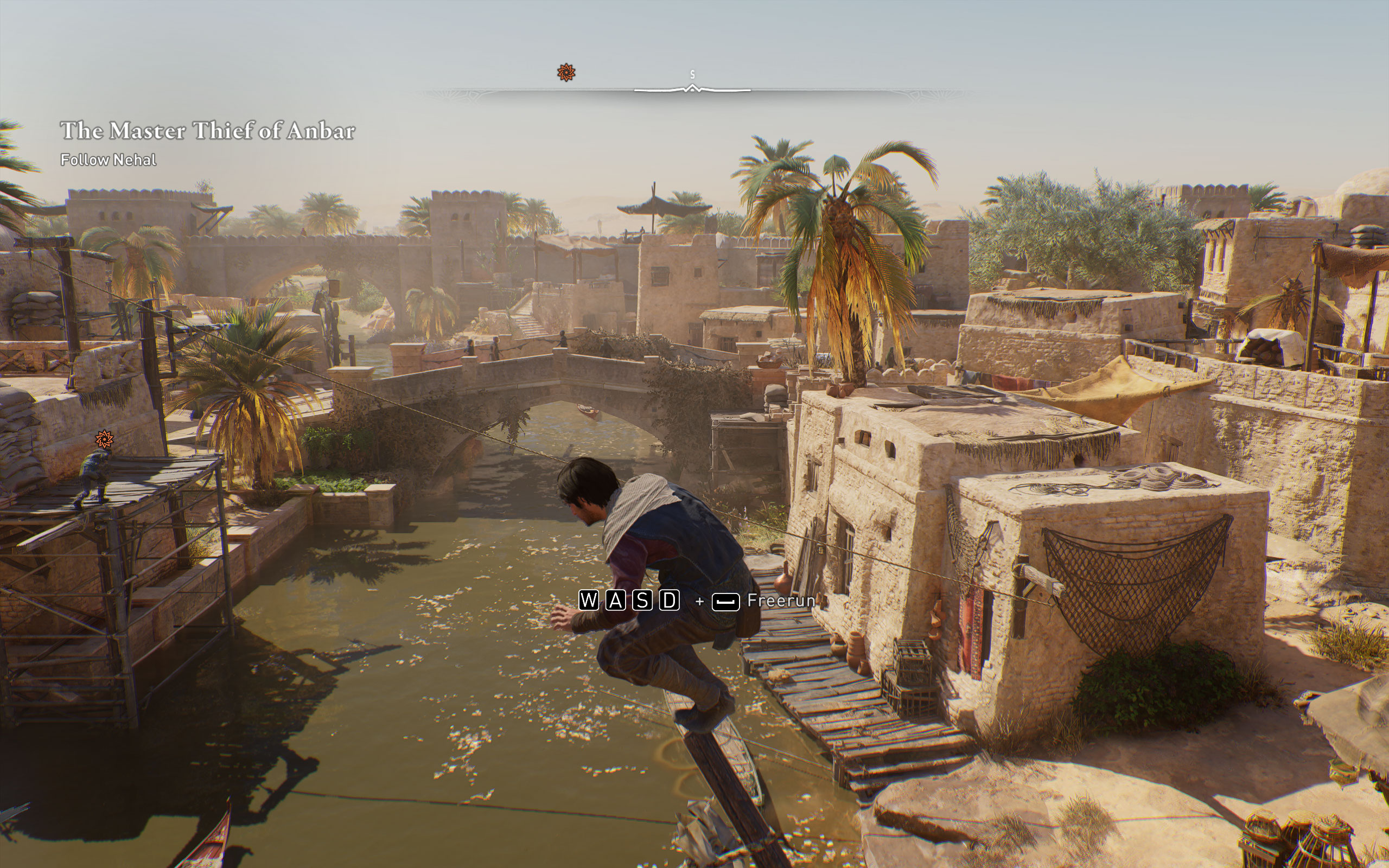
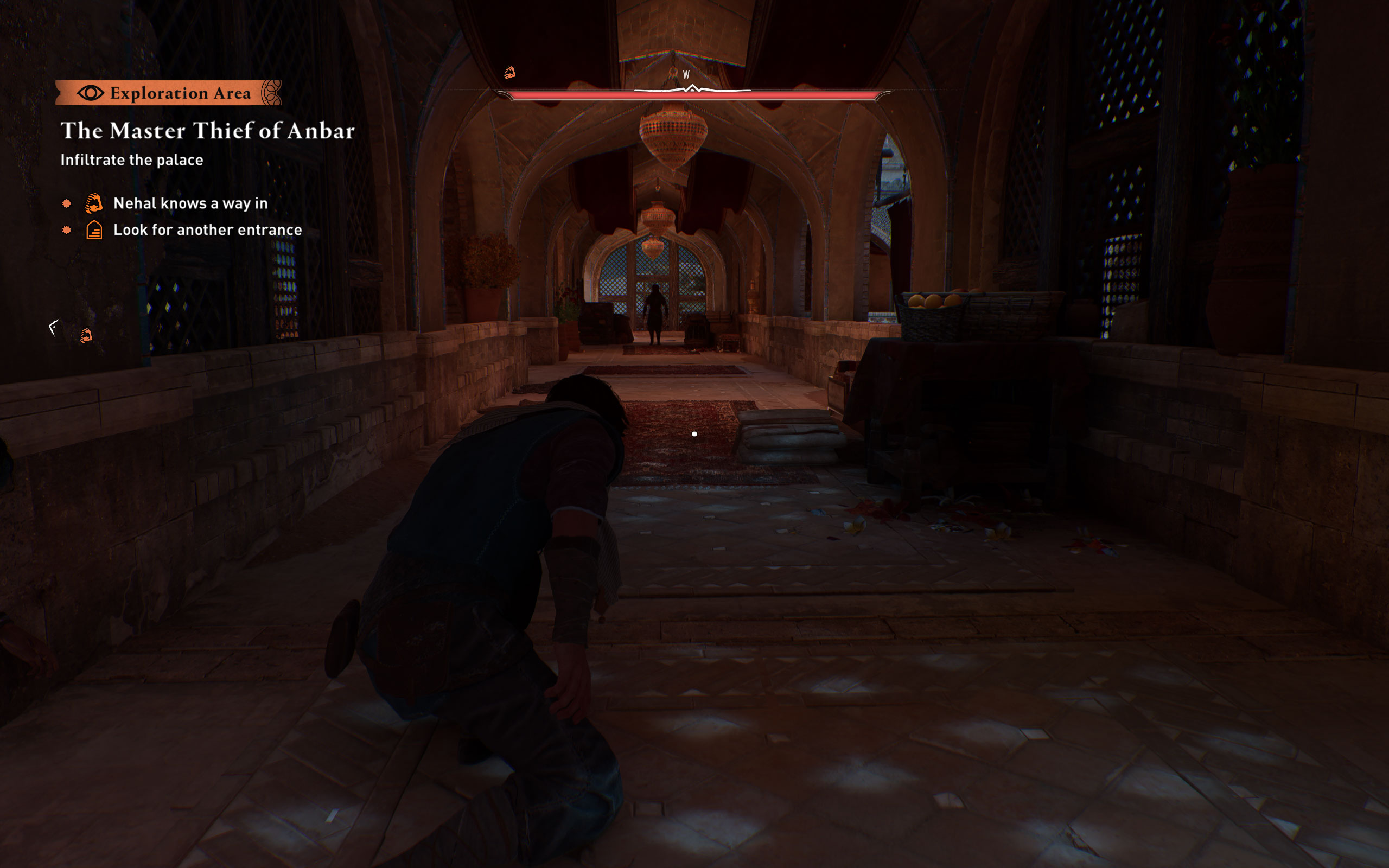
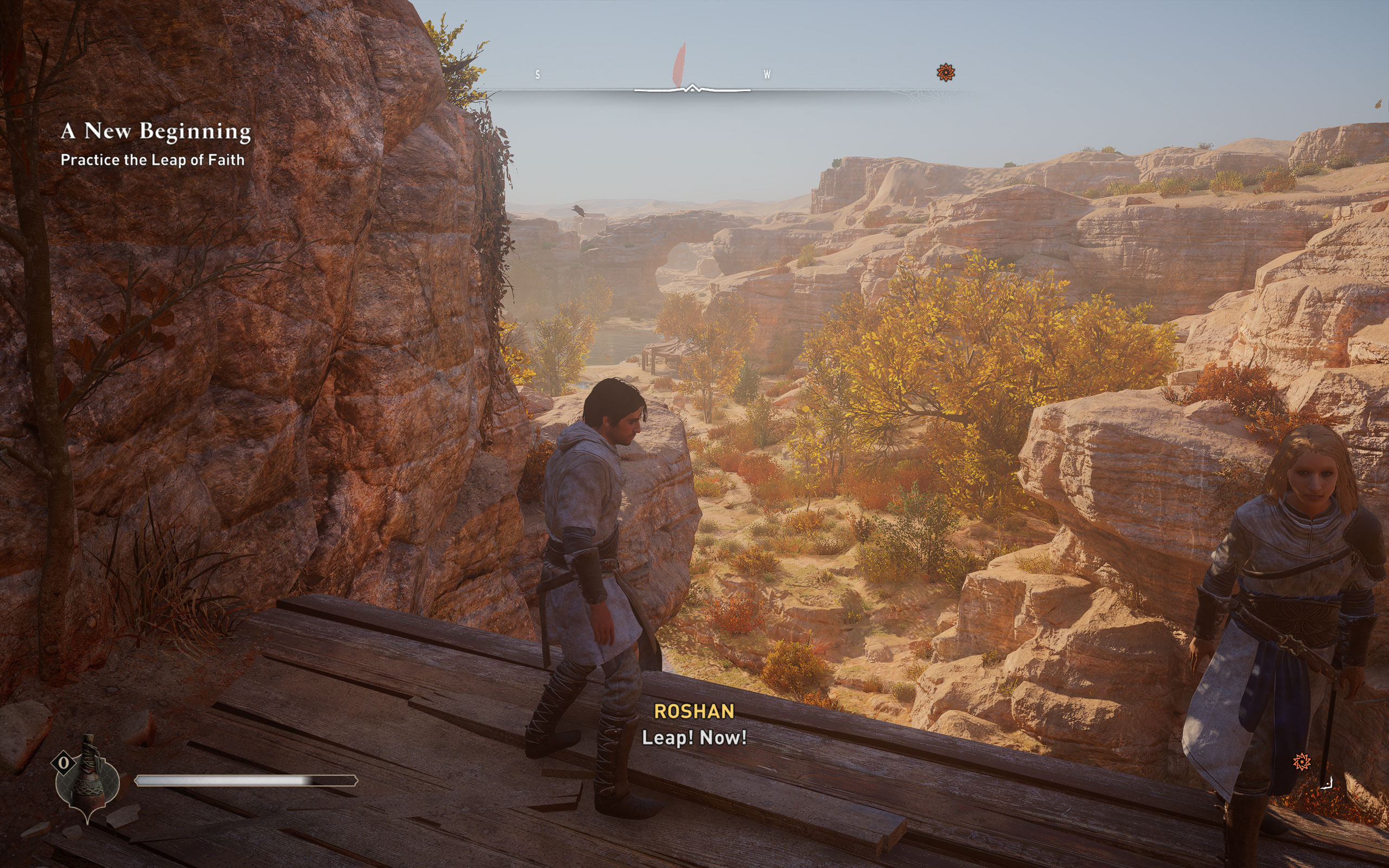
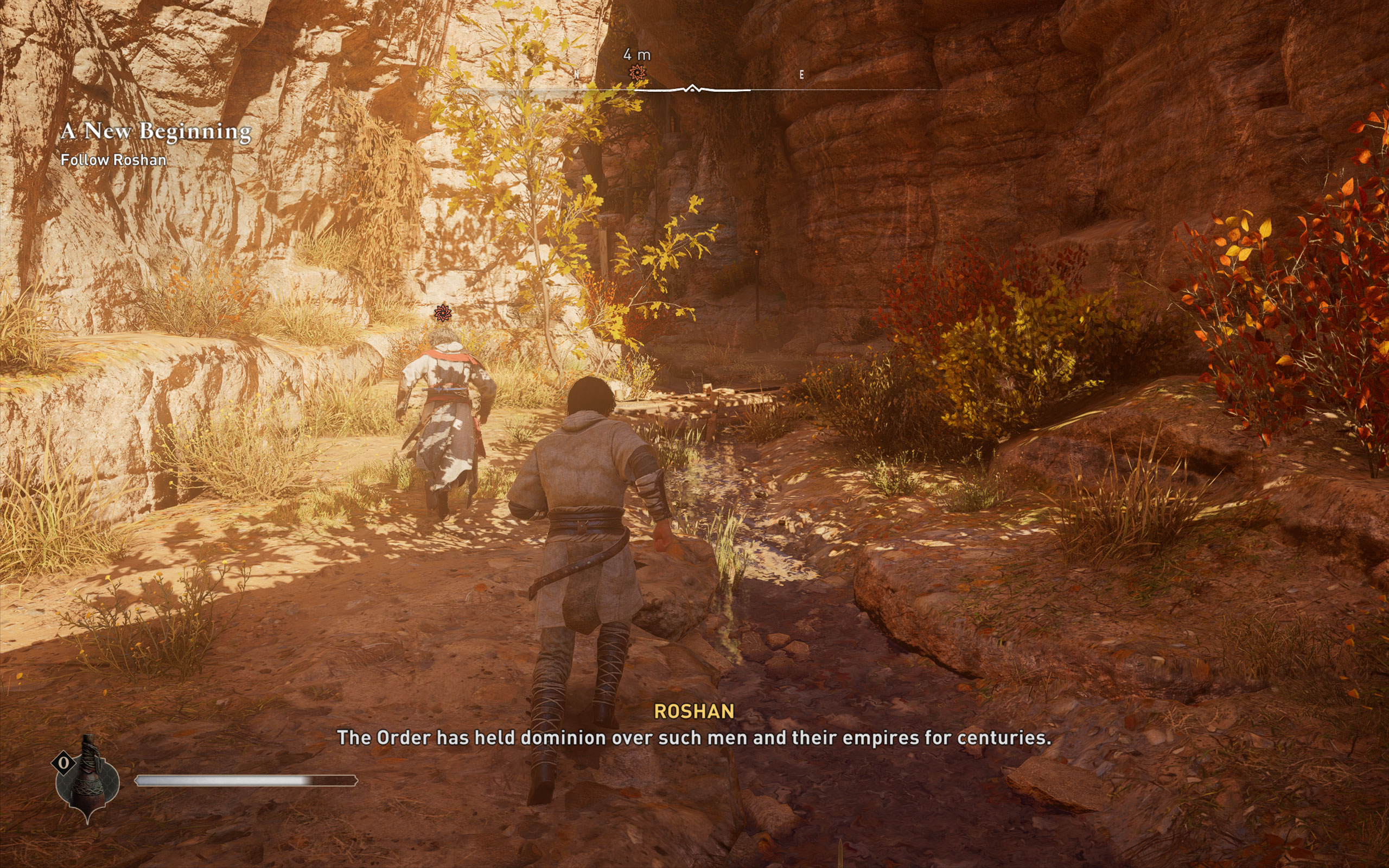
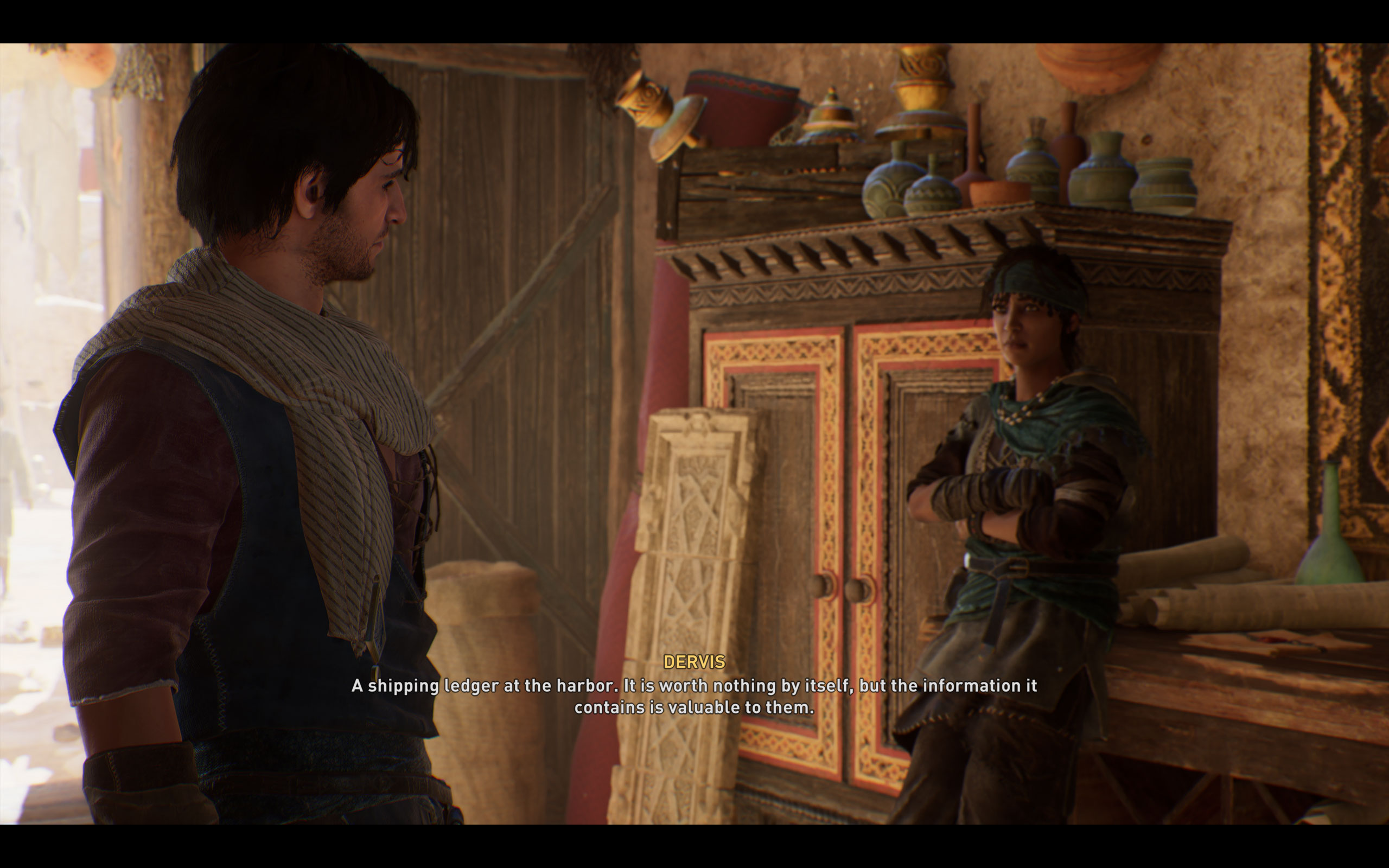
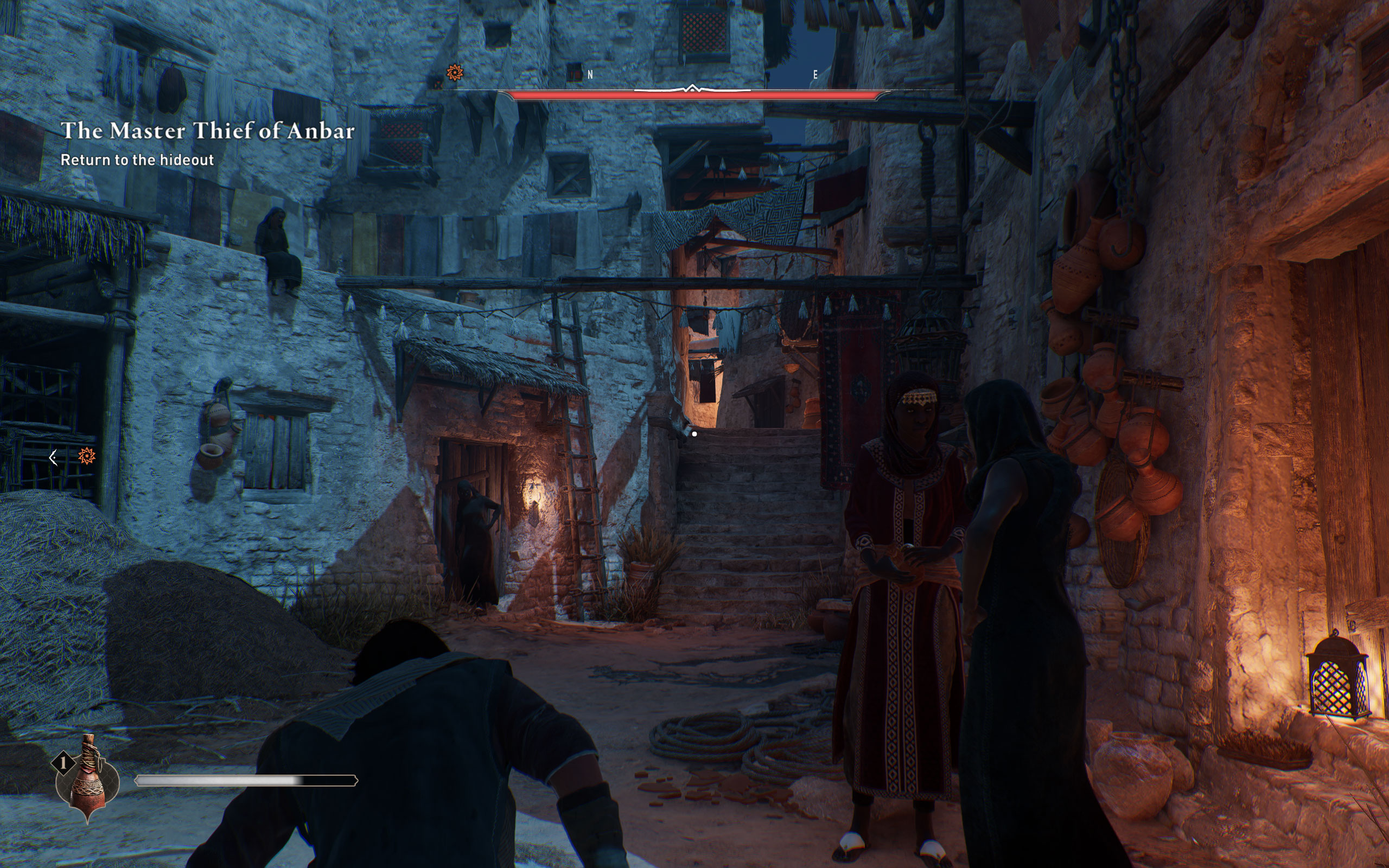
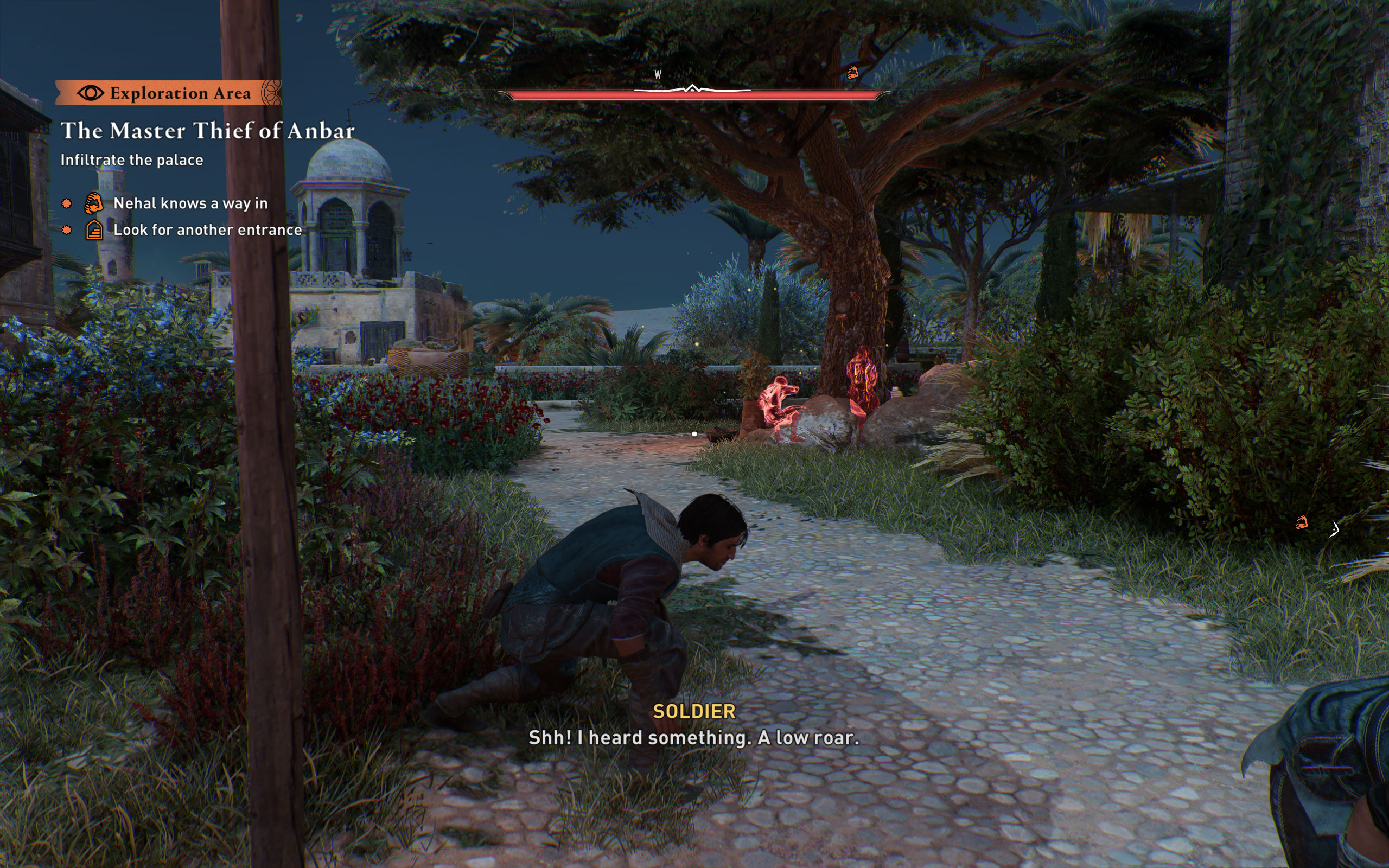
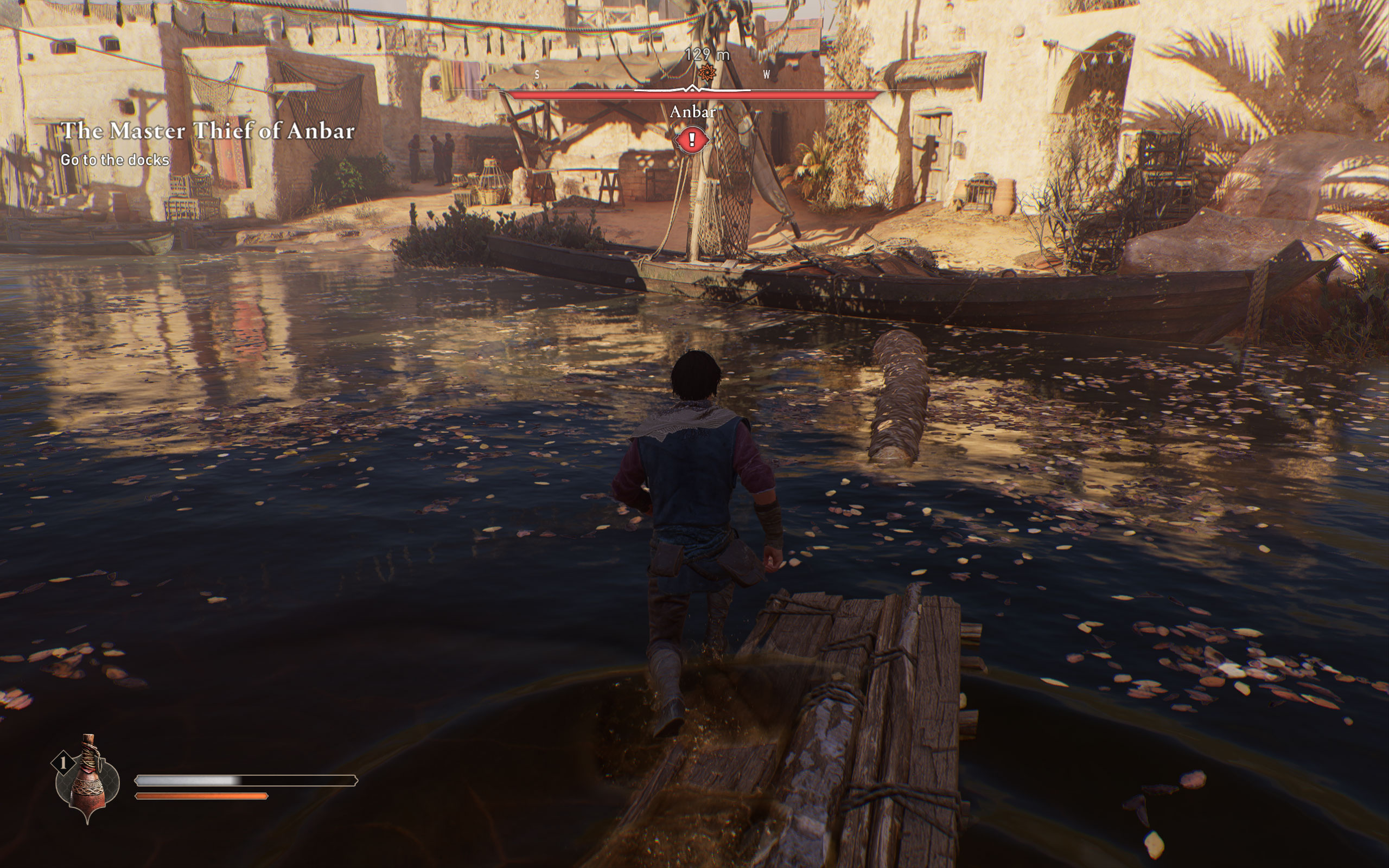
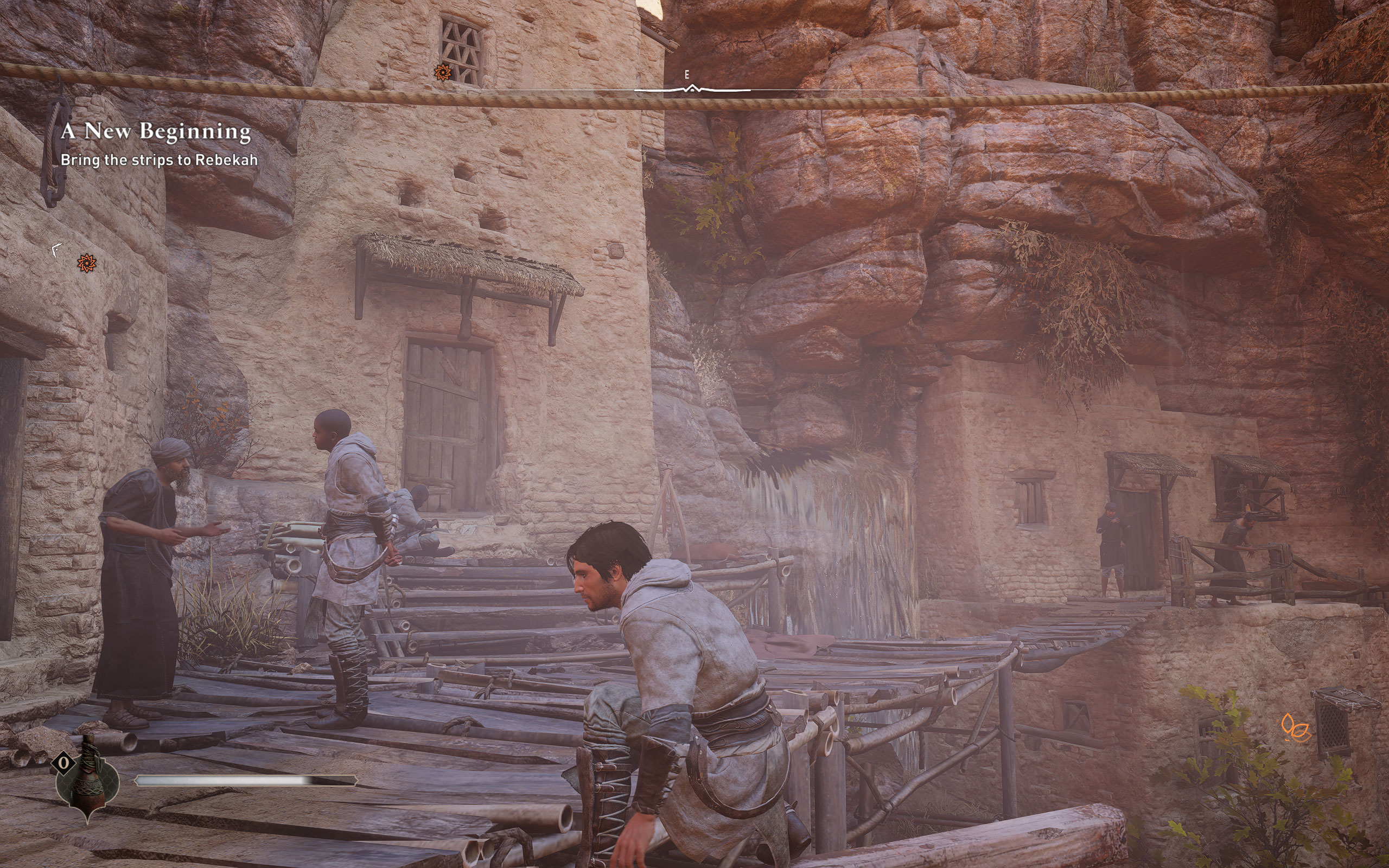
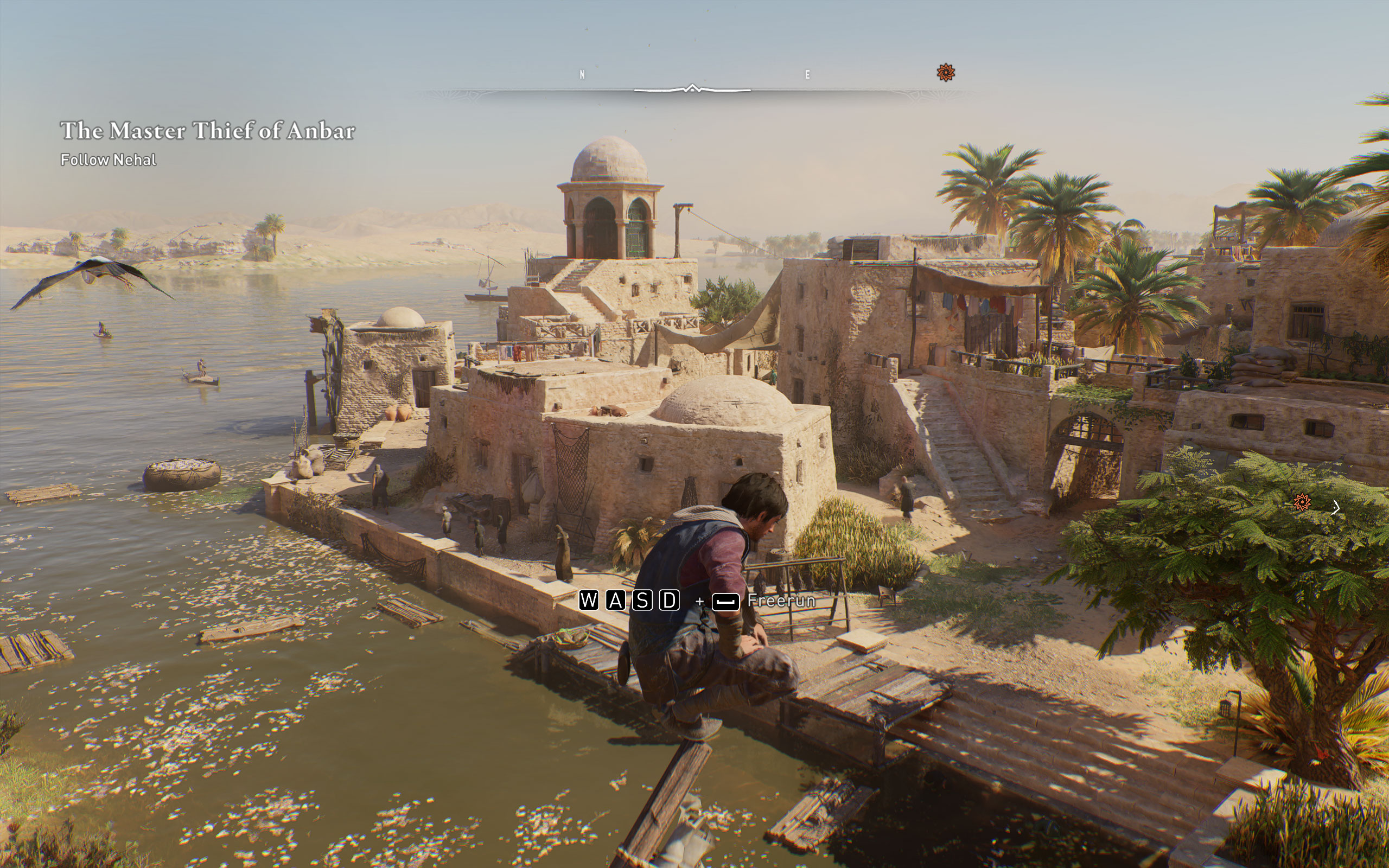
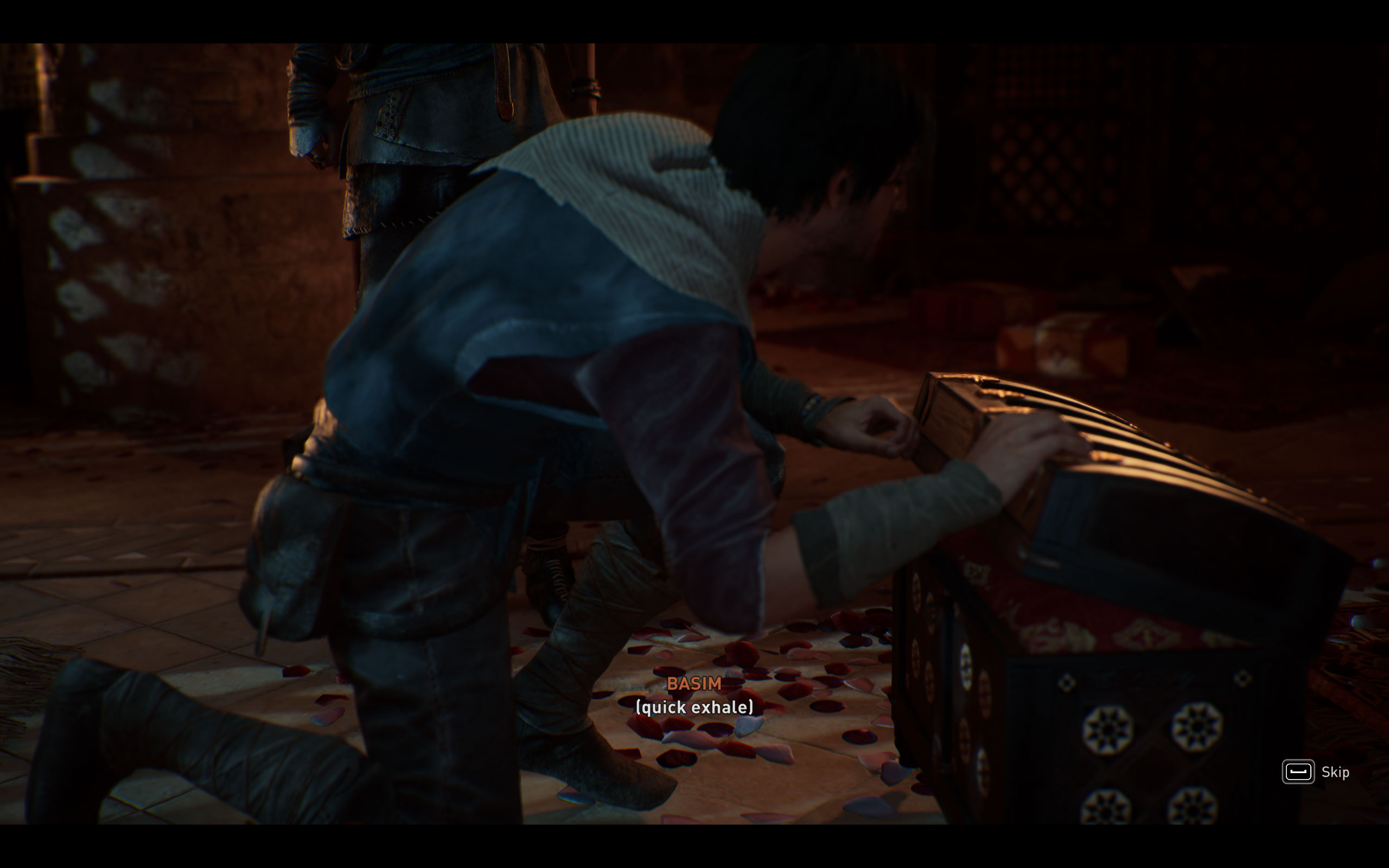
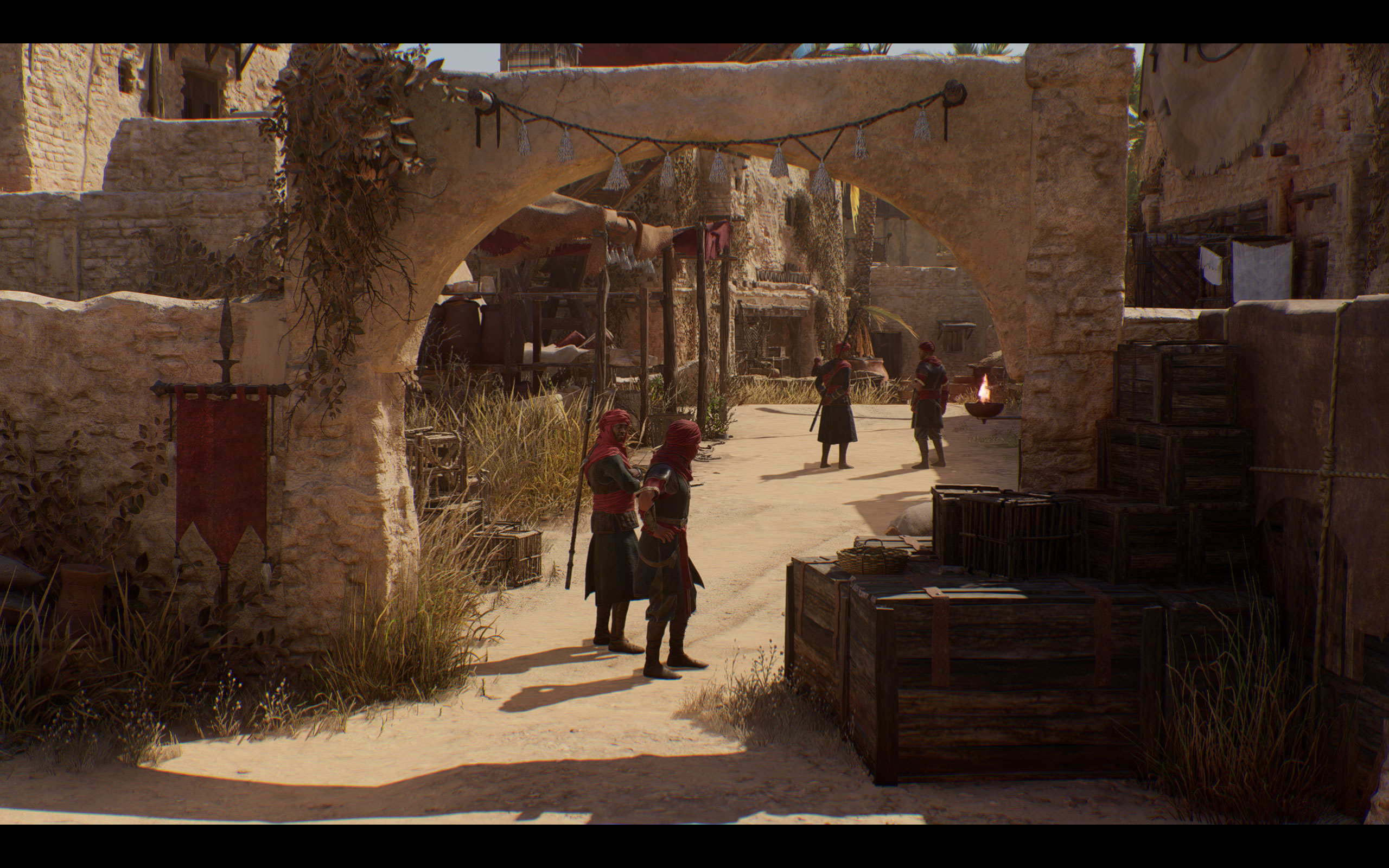
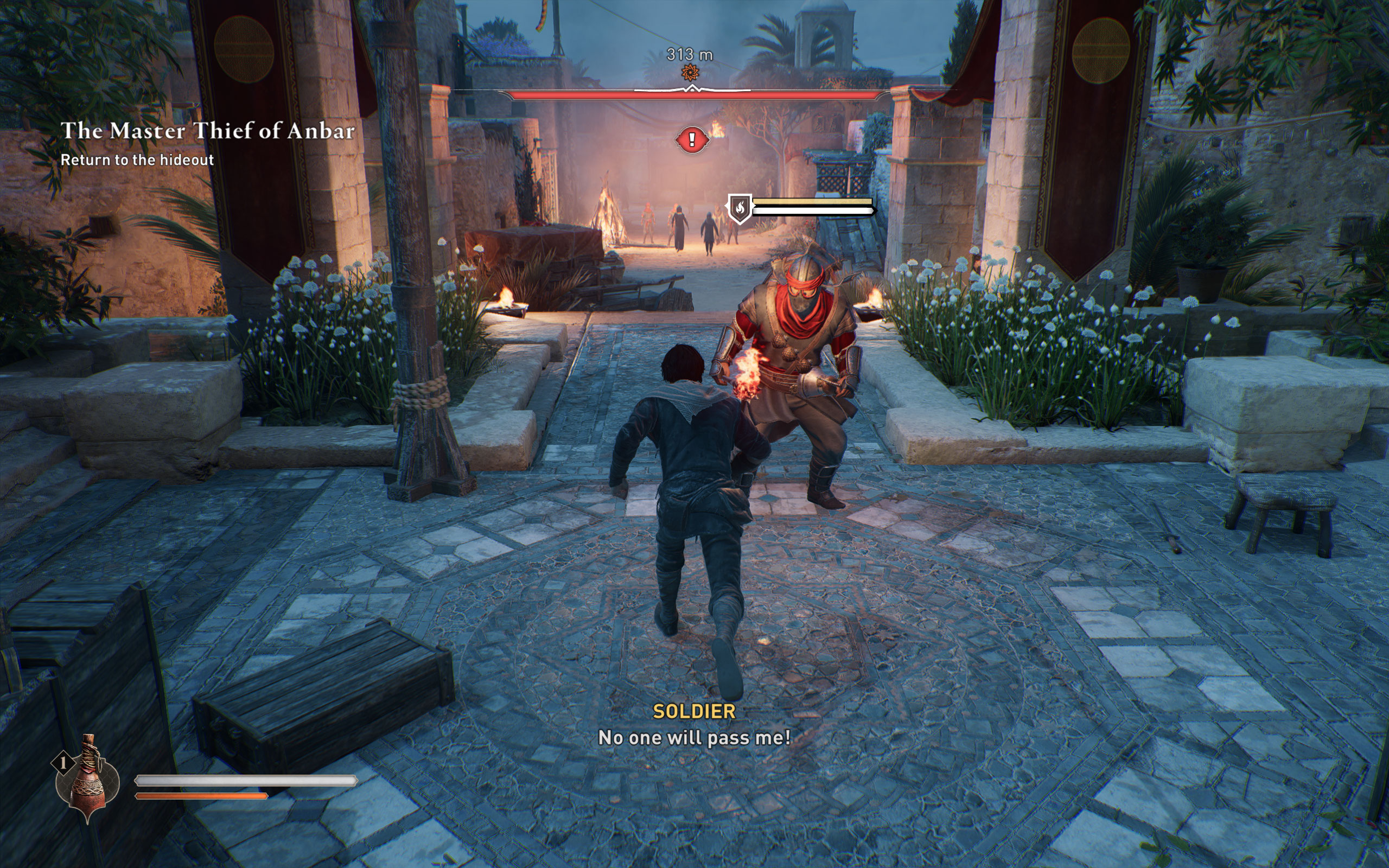
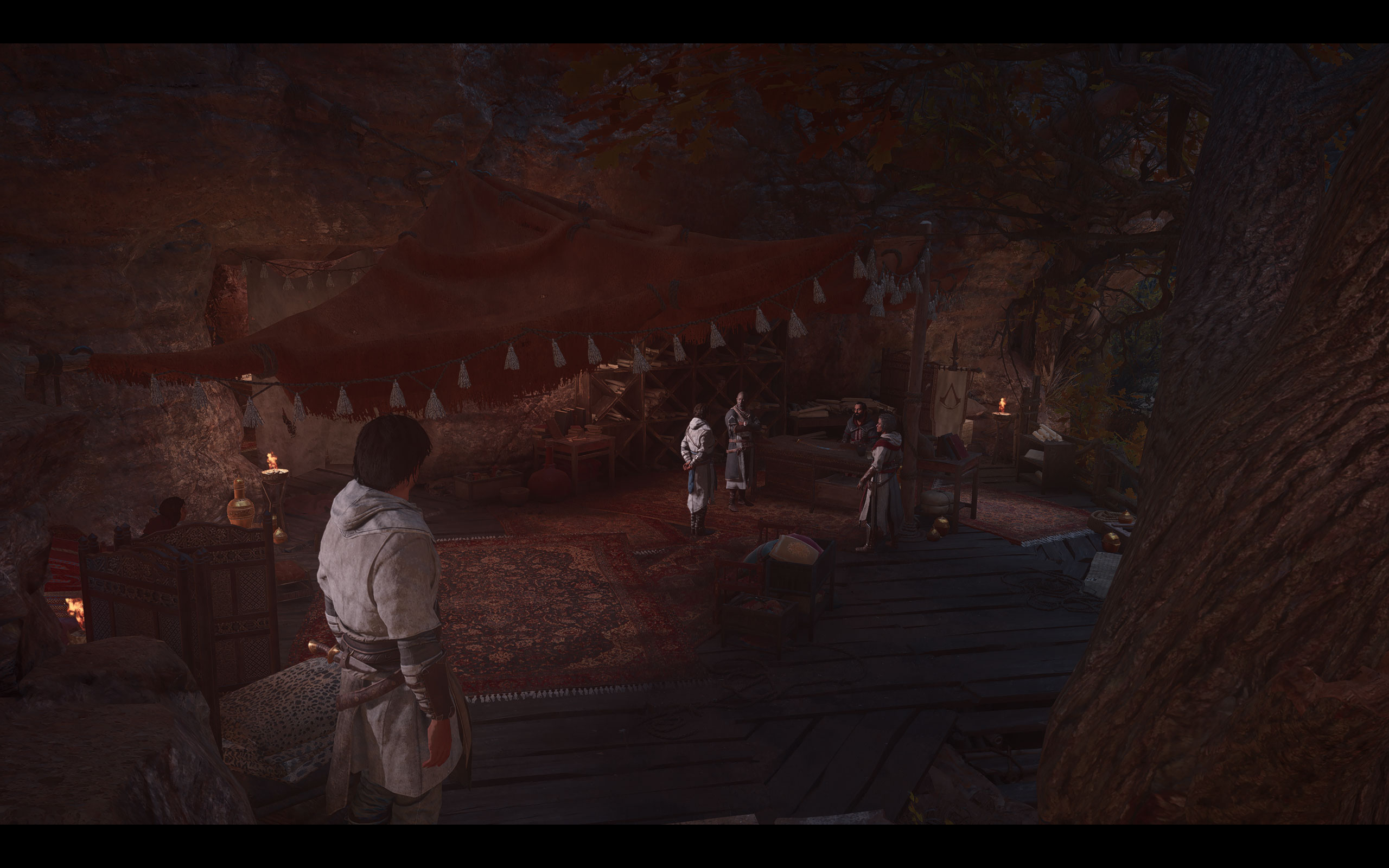
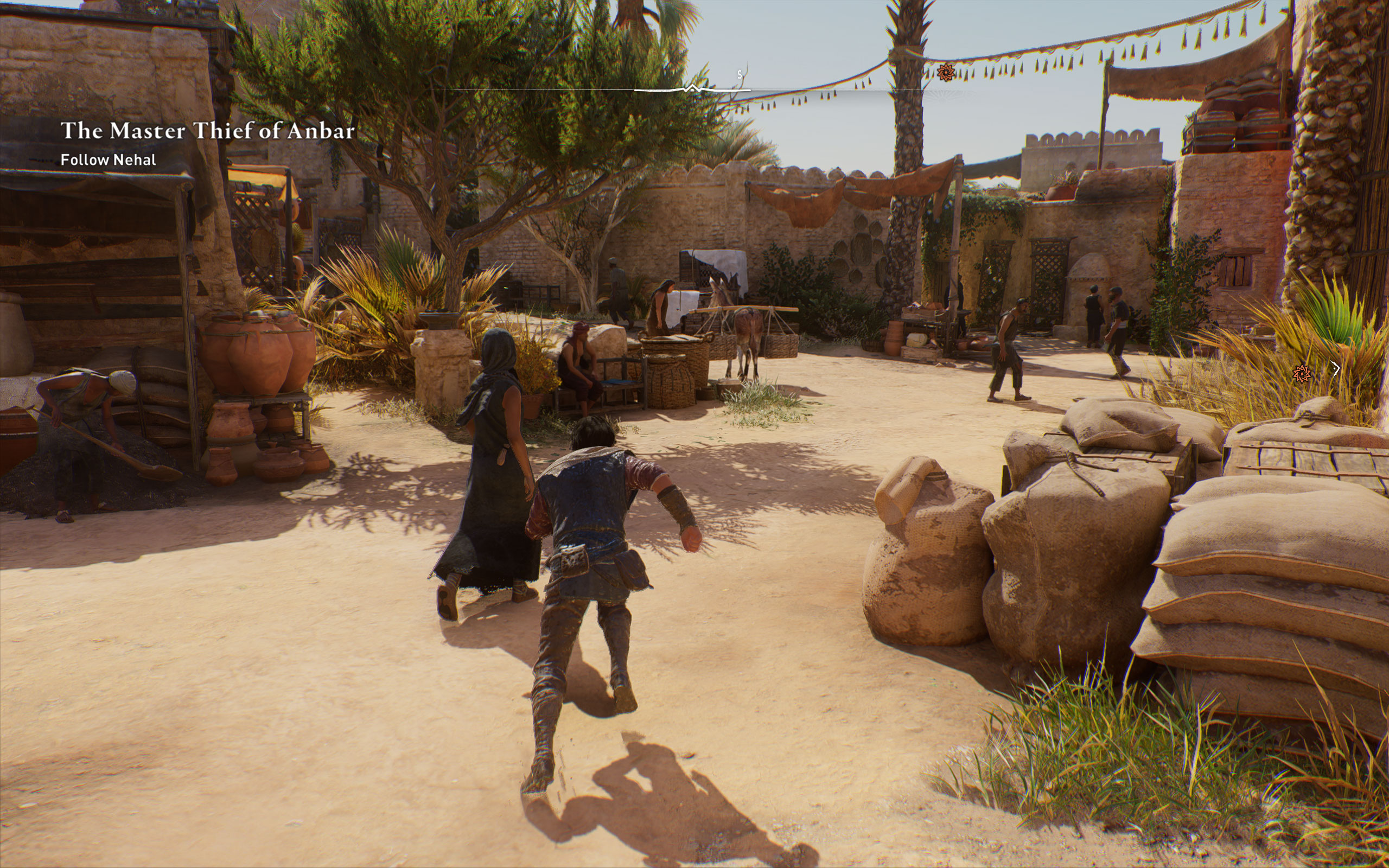
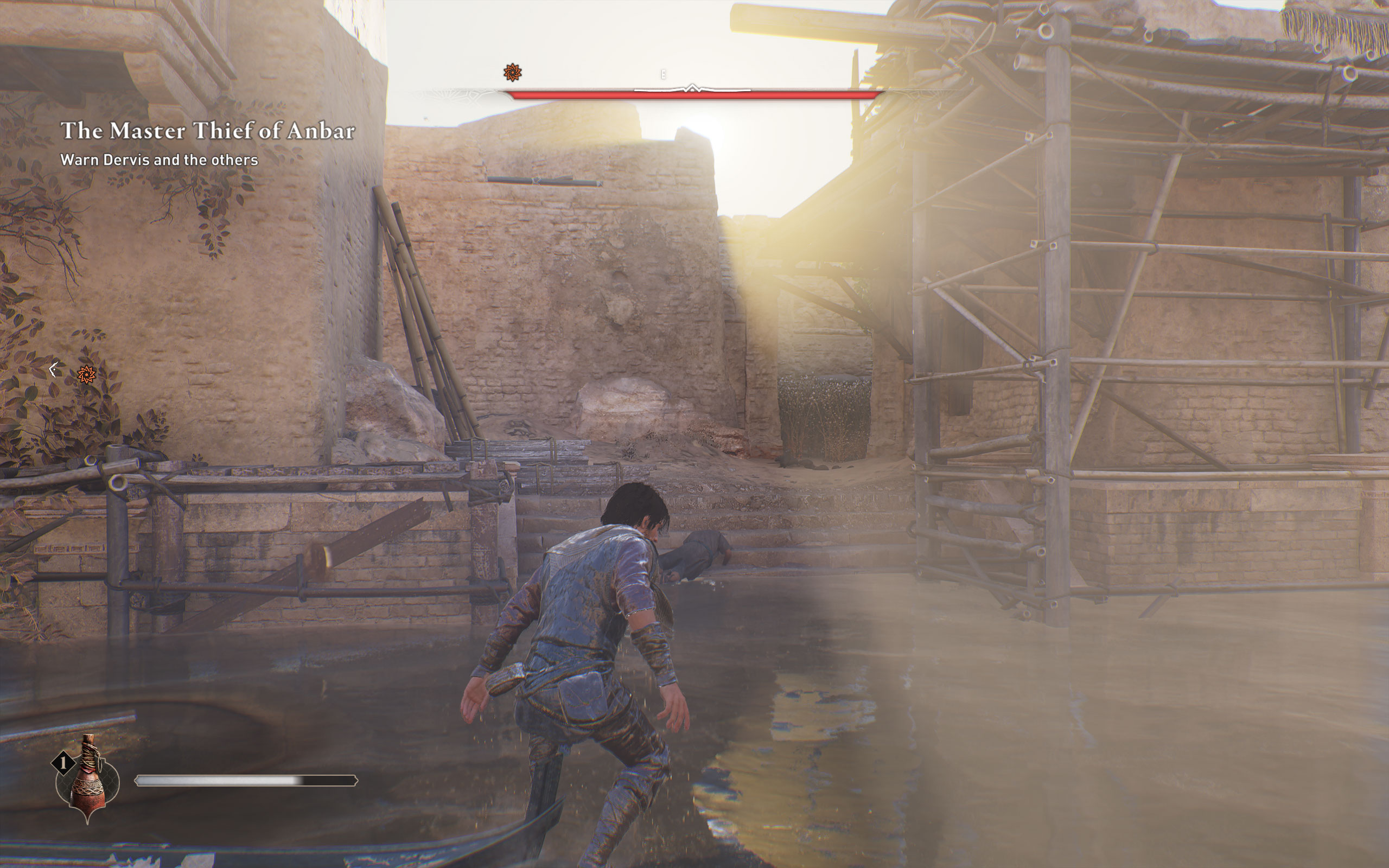
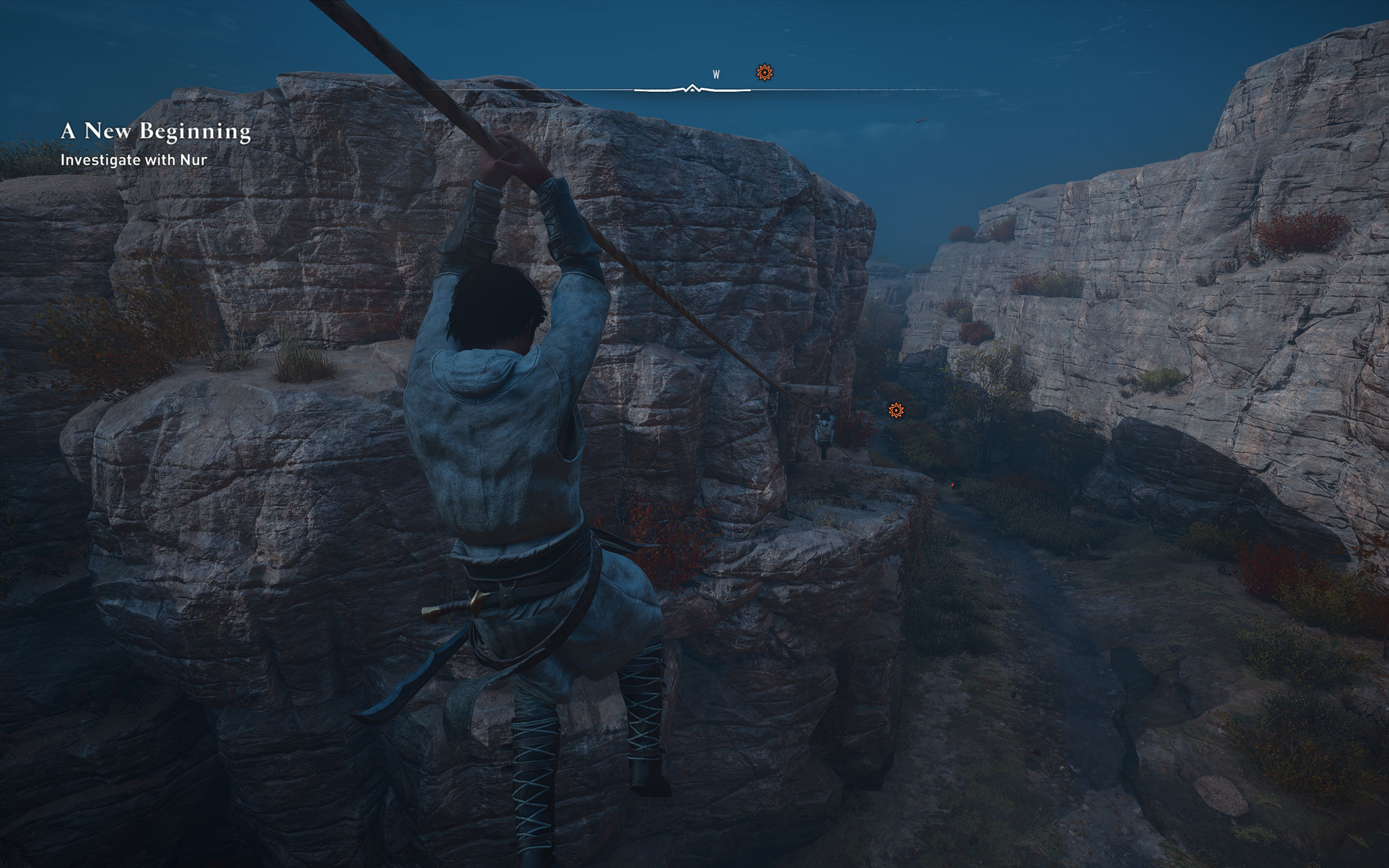
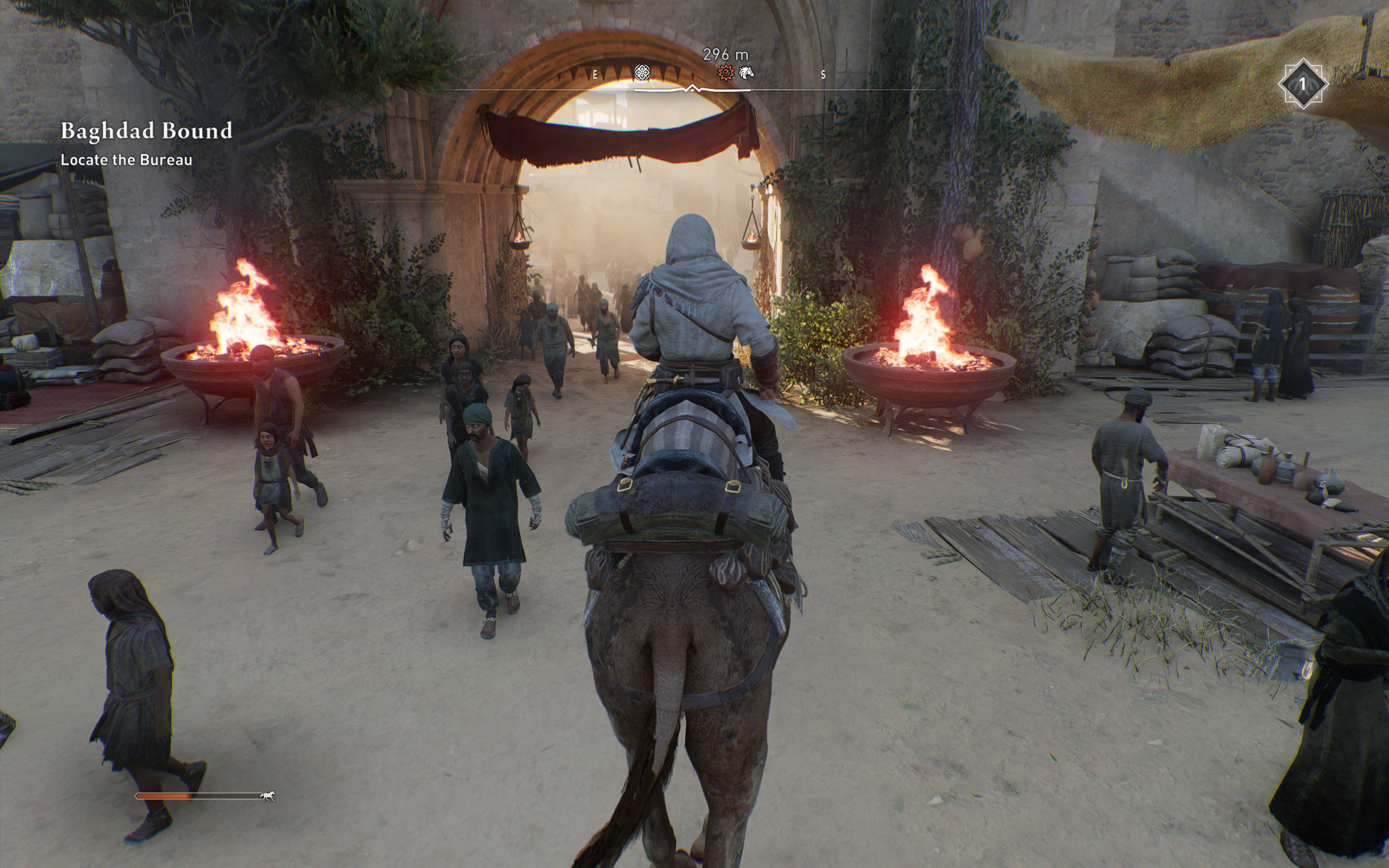
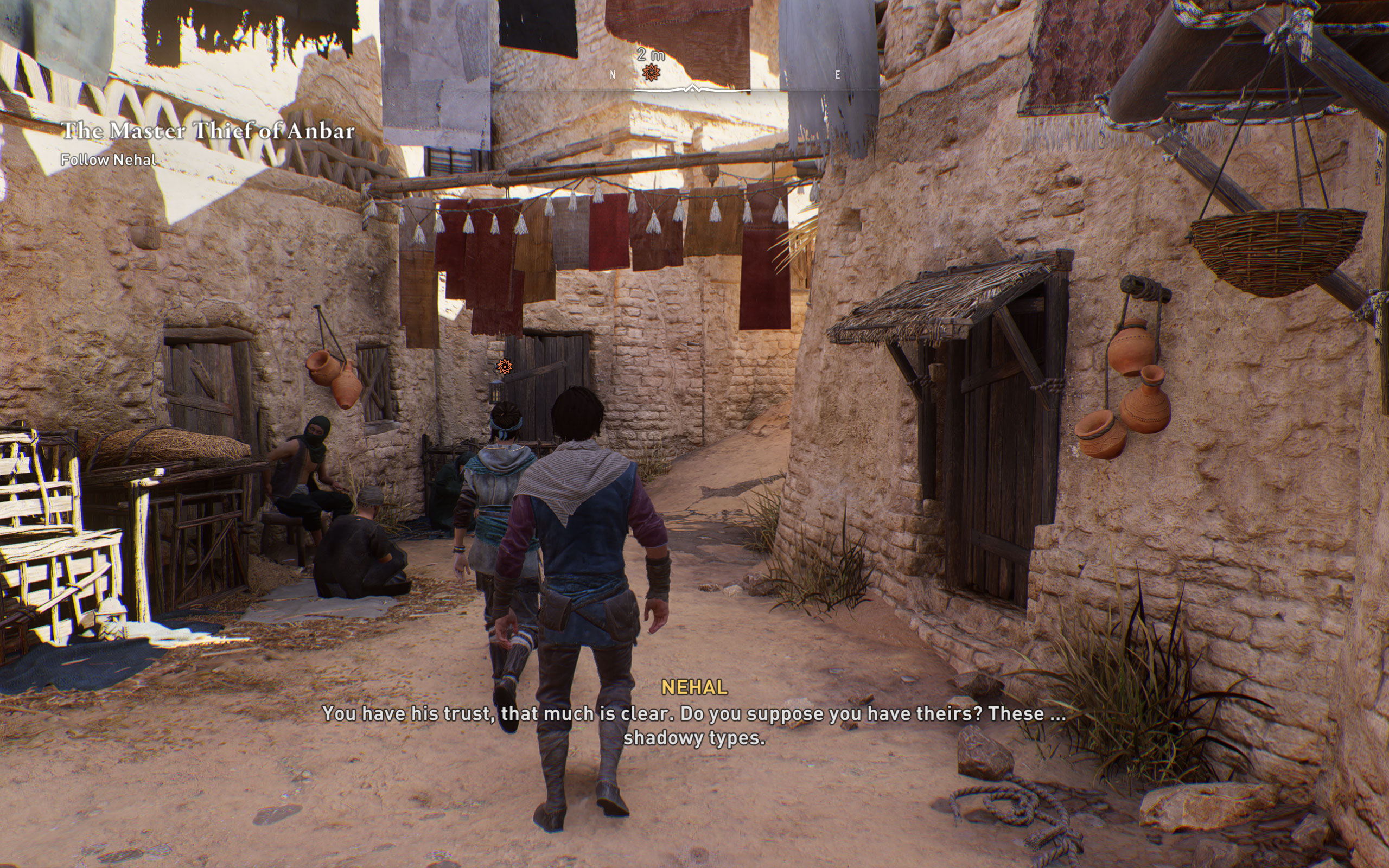
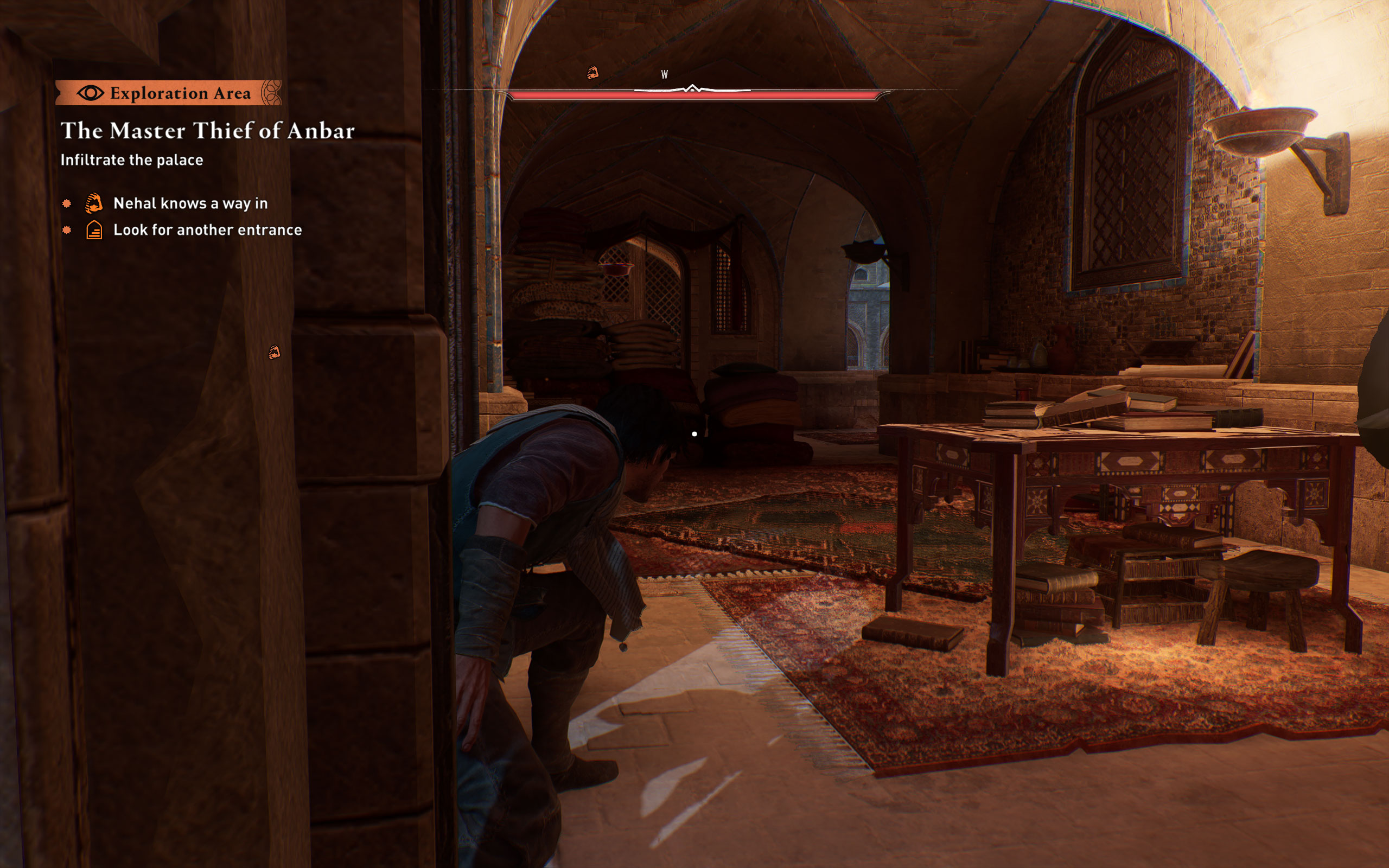
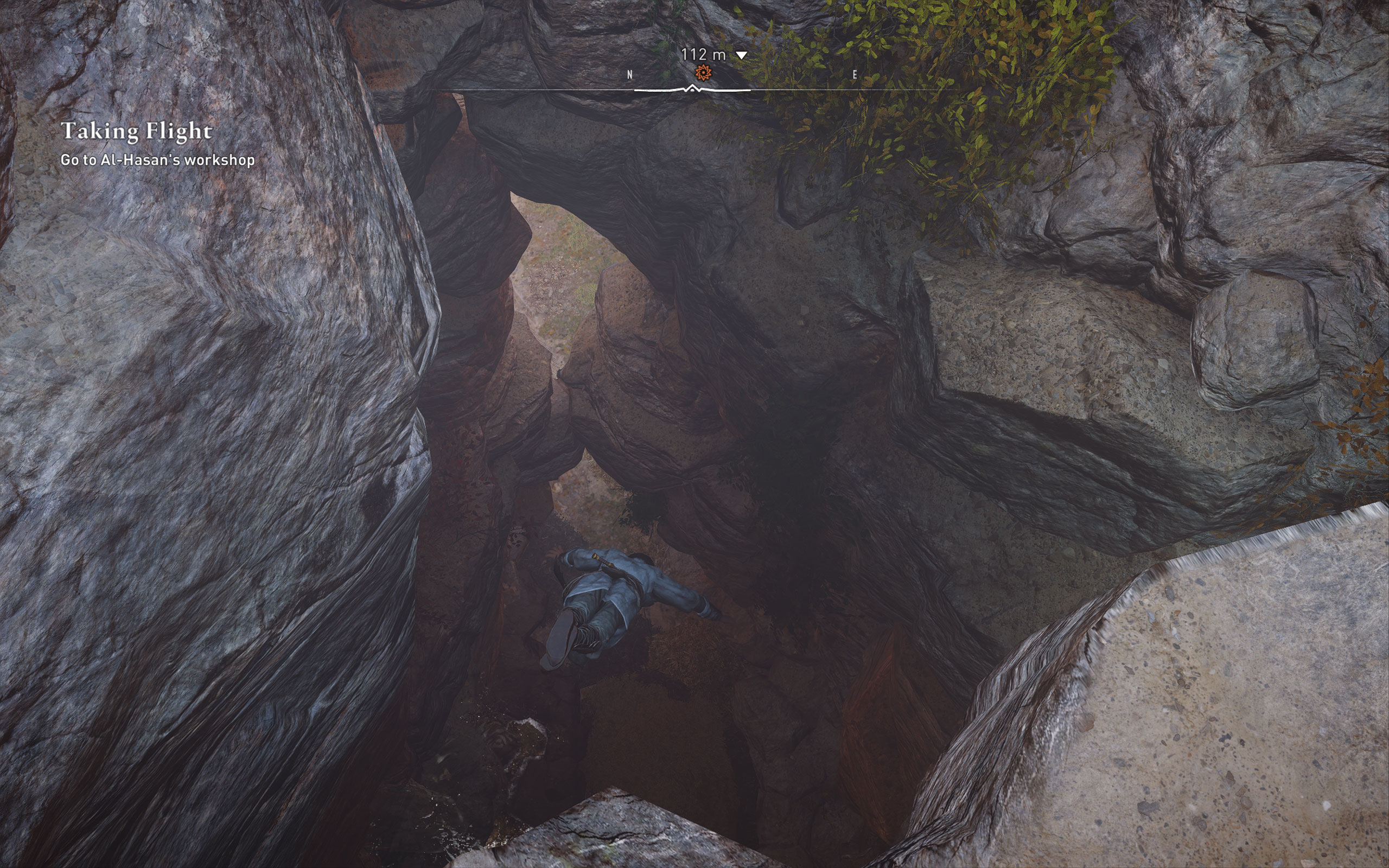
All screenshots were taken at "Ultra High" settings, with upscalers disabled. The gallery can be navigated with the cursor keys.




































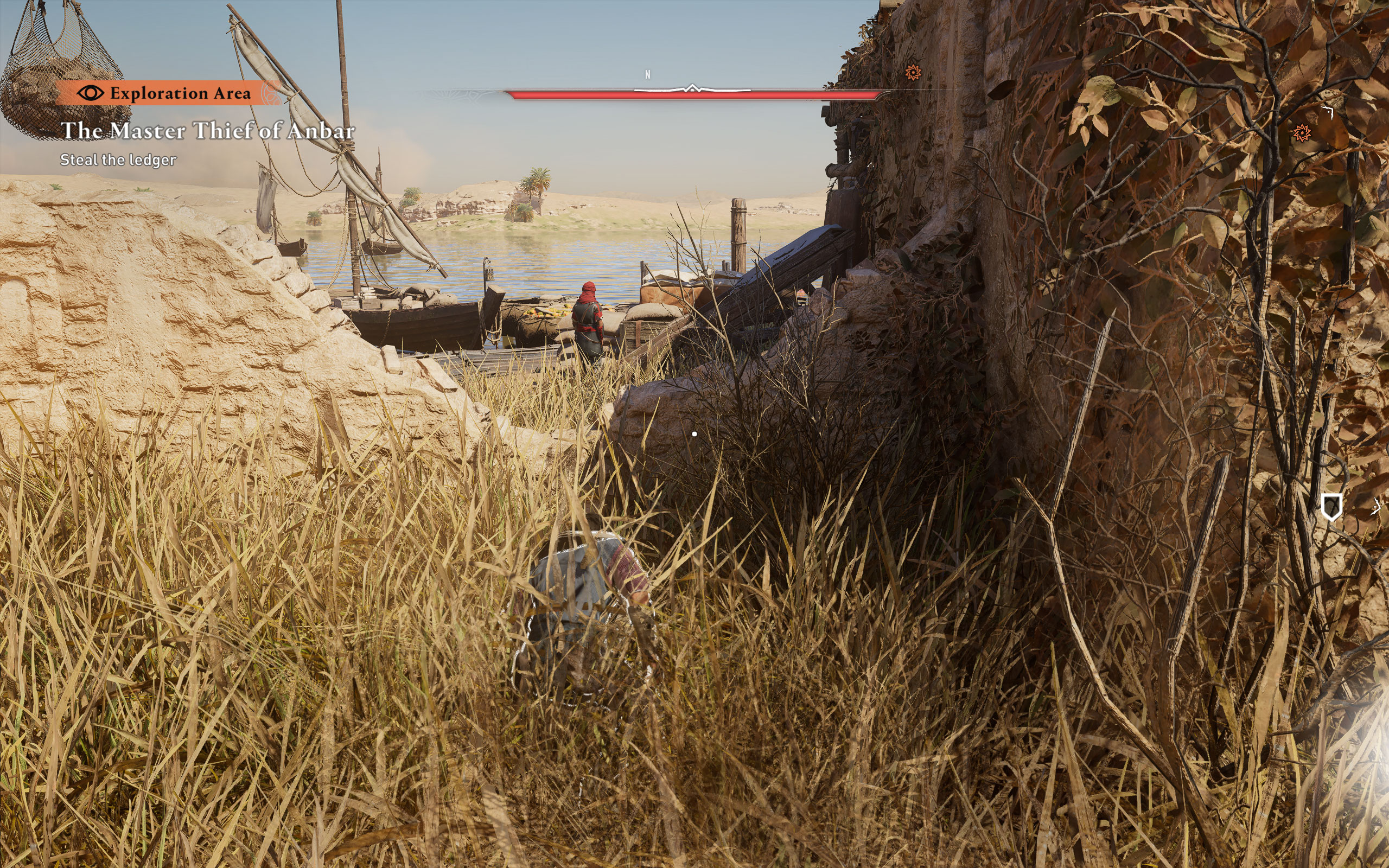



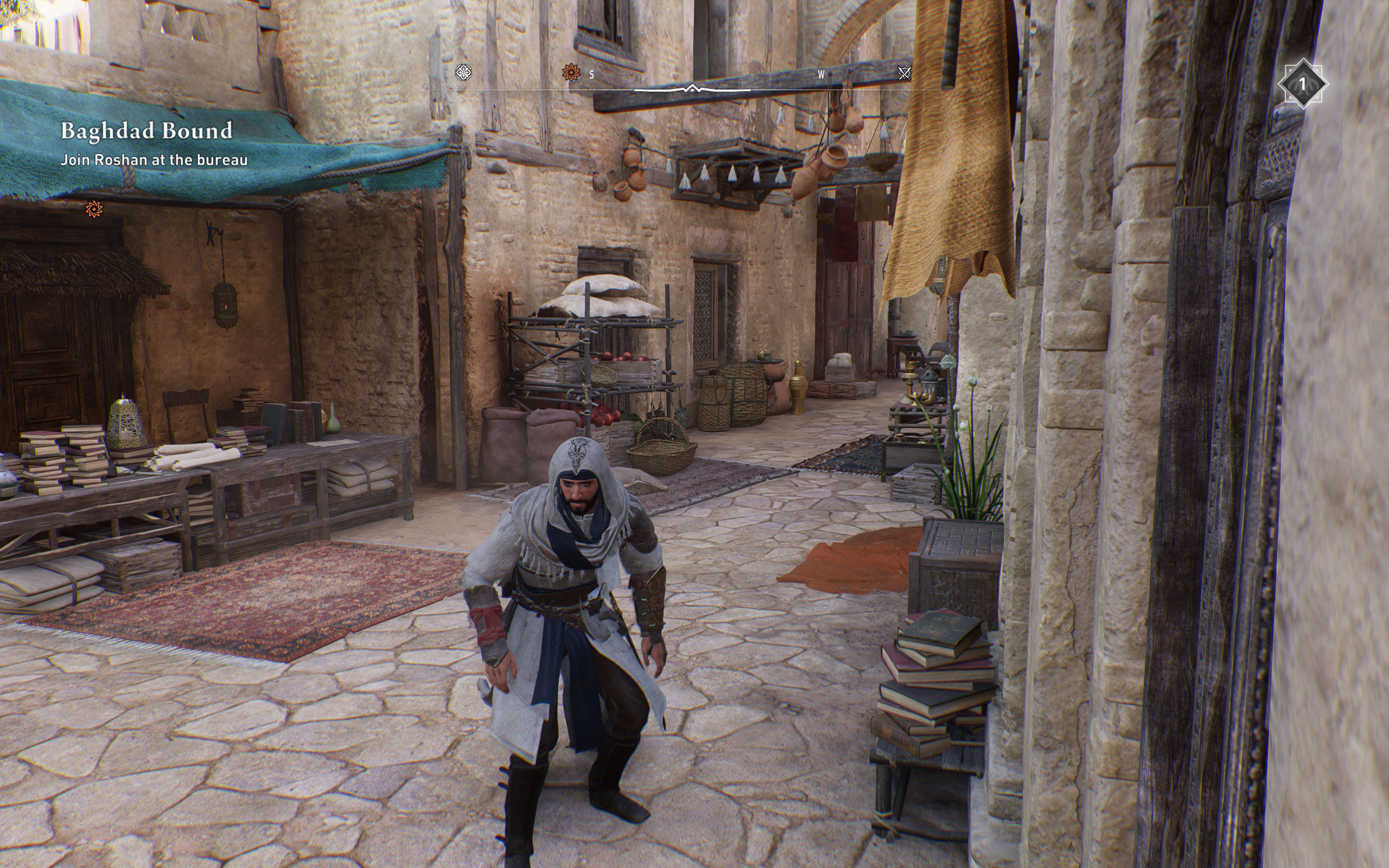


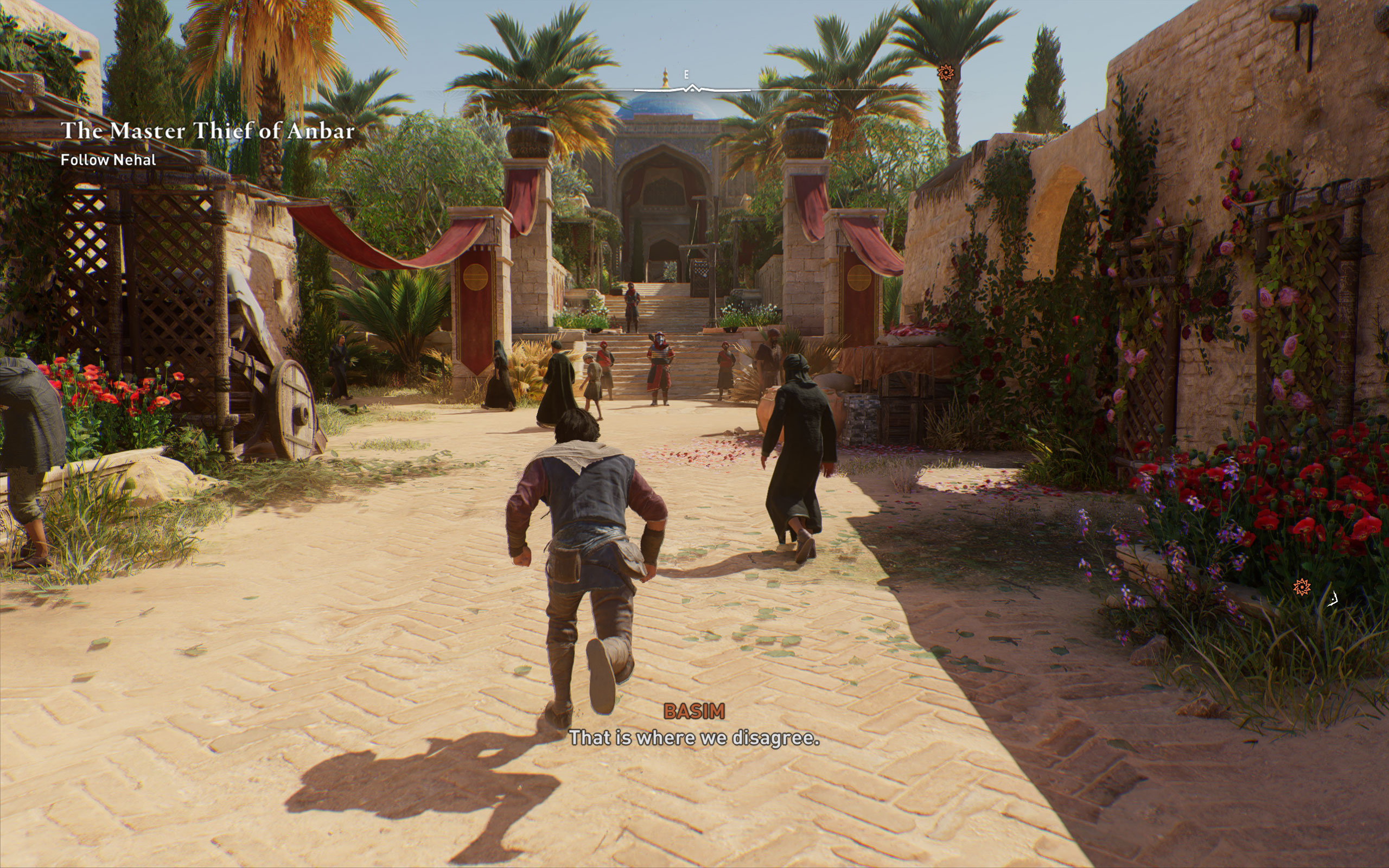

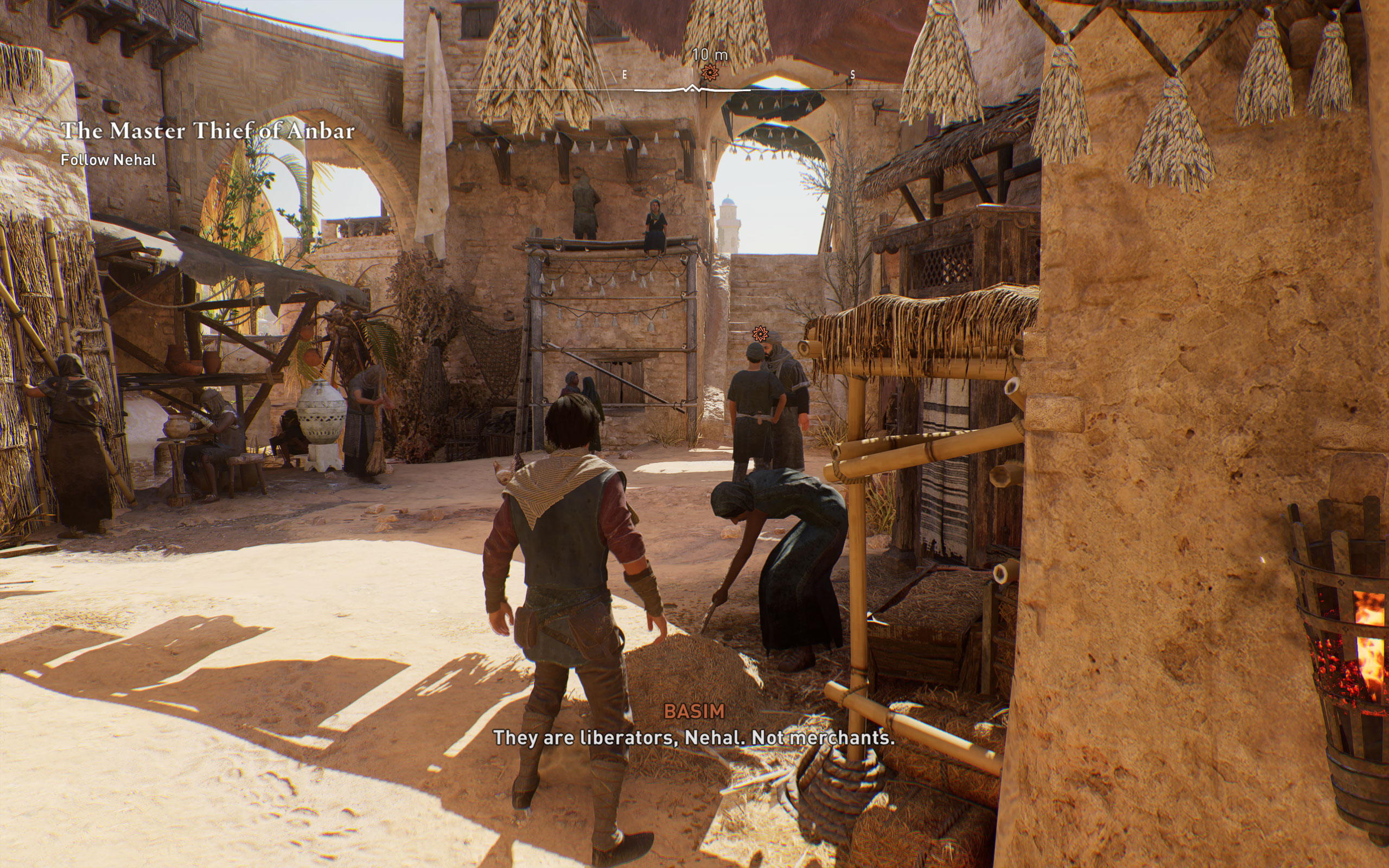











Graphics Settings

- The field of view can be selected between 85% and 115%. I found the default setting to be very reasonable
- By default there is no FPS limit. If you want, you may set it between 30 and 90 FPS (with a 60 Hz monitor)
- Mirage supports windowed, borderless and fullscreen
- V-Sync can be turned off. There's also an "adaptive" mode that enables V-Sync only with high FPS, but disables it automatically when FPS goes low
- Resolution scale can be set between 50% and 200%

- There's five quality presets "Ultra High," "Very High," "High," "Medium" and "Low"
- Motion Blur and Depth of Field can be disabled
- "Adaptive Quality" lets you set a FPS target (30, 45, 60 FPS). If FPS drops below that, the render resolution will be reduced
- As mentioned before, all the upsamplers are supported: NVIDIA DLSS, AMD FSR and Intel XeSS.
- There is no support for NVIDIA DLSS 3 Frame Generation, Reflex or AMD FSR 3
- DLAA can be activated by enabling DLSS first, and then setting "Upsample Quality" to "Native." This is also possible for FSR and XeSS. Thanks to @Bo3alwa for the tip.
- Sharpening (for the upscalers) can be adjusted freely
- Besides that there's many options to improve performance and fine-tune everything
Our Patreon Silver Supporters can read articles in single-page format.
Nov 16th, 2026 03:30 CST
change timezone
Latest GPU Drivers
New Forum Posts
- I pushed the limits with an AMD Ryzen 7 5700G Apu (0)
- GPU Temperatures Rise Very Quickly in FurMark – Is This Normal? (12)
- Is a C6K 2026 or a400m worth coming from a samsung bu8000 ? (0)
- [Community Benchmark] MrH OpenCL Benchmark 2.0e (Windows Only – CPU & GPU) (4)
- What can the FX 8320 do today? Here is the answer. (60)
- Your PC ATM (36443)
- Asus Rog Maximus Z890 Extreme. (Various questions). (27)
- Will zen 6 mobos have anything extra vs current ones? (47)
- The Official Thermal Interface Material thread (2301)
- It’s been fascinating times in Retro agian r36s isn’t even worth 50-65 dollars no more and newly listed Rm36 64gb 4in IPS models for only 34 dollars. (6)
Popular Reviews
- ASUS ROG Strix B850-I Gaming Wi-Fi7 W Review
- Corsair HX1000i Shift Crystal Review
- AMD Zen 6 Technical Deep Dive
- Upcoming Hardware Launches 2027 (Updated Nov 2026)
- Montech King 95 3D PRO Review
- NZXT C1200 Platinum Review
- Phantom Blade Zero Performance Benchmark Review - 35 GPUs Tested
- AMD Ryzen 7 9800X3D Review - The Best Gaming Processor
- NZXT H7 RGB+ Review
- NZXT H5 Review
TPU on YouTube
Controversial News Posts
- NVIDIA Co-Founder and CEO Jensen Huang Officially Resigns (430)
- Open Letter Asking NVIDIA to Reinstate Jensen Huang Passes 115,000 Signatures (184)
- OpenAI CEO Argues Home PCs Waste the World's Limited DRAM Supply (152)
- NVIDIA Launches Investigation Into Jensen Huang's Relationship With Suspected Chinese Spy (136)
- Intel "Raptor Lake Next" 16-Core and 20-Core CPUs Surface (130)
- Legendary Game Studio BioWare Shuts Down Following EA Layoffs (104)
- Dell CEO Says the Memory Shortage Will Get Worse in 2027 (95)
- NVIDIA GeForce RTX 50-Series Scheduled for up to $500 Price Hike This Week (89)