 102
Assassin's Creed Shadows Performance Benchmark Review - 30 GPUs Compared
(102 Comments) »Introduction
"Assassin's Creed Shadows" takes players to feudal Japan, a long-requested setting for the franchise, and one of the few that hasn't been explored in previous titles. The game follows two protagonists—a skilled shinobi assassin and a legendary samurai—offering contrasting playstyles and perspectives on the turbulent era. As rival factions vie for power, players will uncover hidden conspiracies, shape the fate of Japan, and master the art of stealth and combat in an expansive open world.
Blending classic Assassin's Creed mechanics with new innovations, Shadows introduces an enhanced parkour system, deeper stealth mechanics, and dynamic weather, affecting gameplay. The dual-character system allows players to switch between the shinobi's agility and the samurai's raw power. Expansive settlements, dense forests, and towering castles create a living, reactive world where strategy and adaptability are key.
Developed by Ubisoft, "Assassin's Creed Shadows" is built on the latest iteration of the Anvil Engine, delivering cutting-edge visuals and performance. The game fully supports NVIDIA DLSS, AMD FSR, and Intel XeSS upscaling technologies, along with full frame generation support. Ray tracing enhances lighting, shadows, and reflections, while an optional shader-based fallback ensures compatibility for older GPUs. This marks the first Assassin's Creed title to feature ray tracing, setting a new technical milestone for the series.
This review will evaluate the performance of Assassin's Creed Shadows across a wide range of contemporary graphics cards, compare image quality settings, and analyze the game's VRAM usage to provide insight into the hardware requirements needed for an optimal experience.
Screenshots
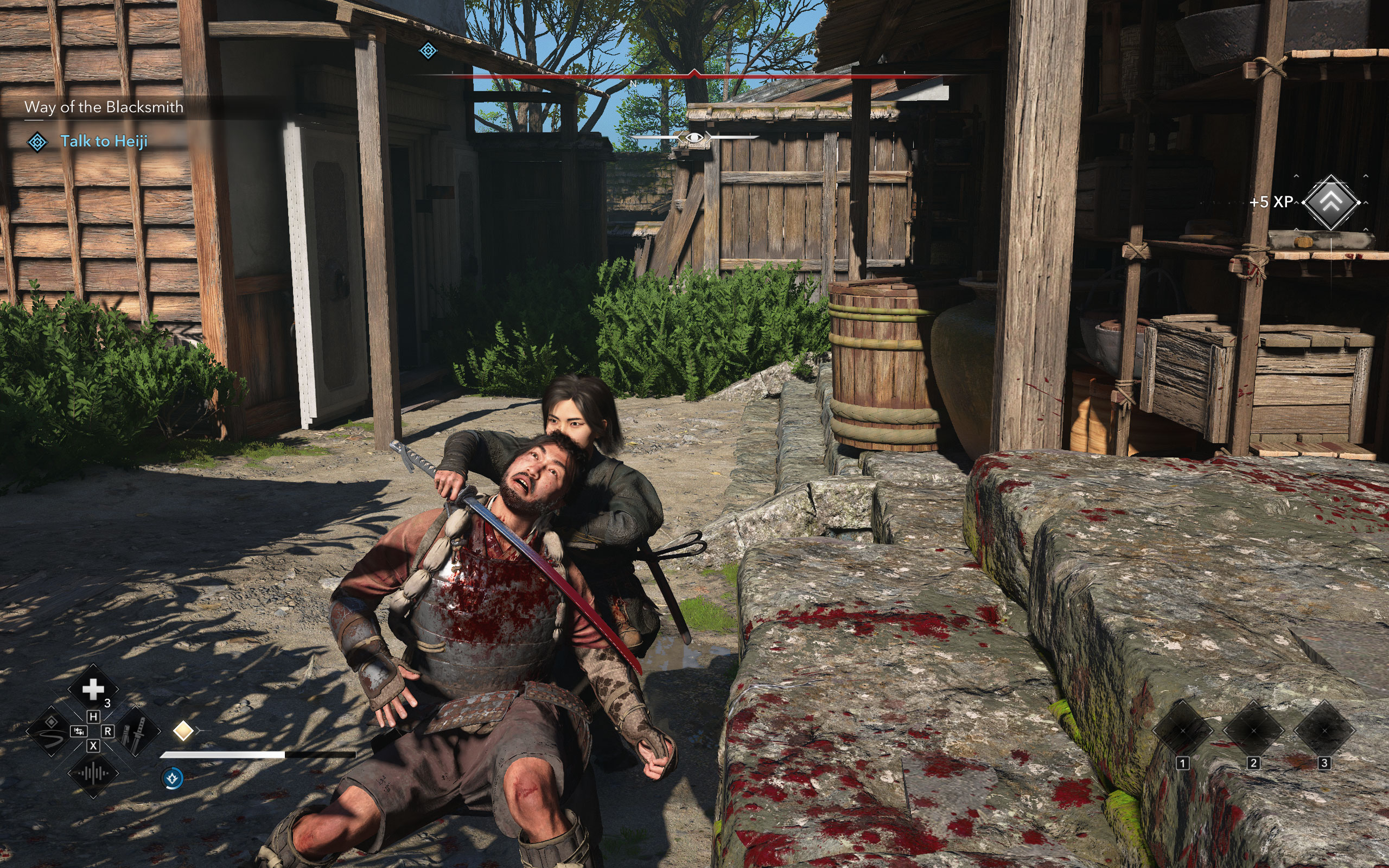
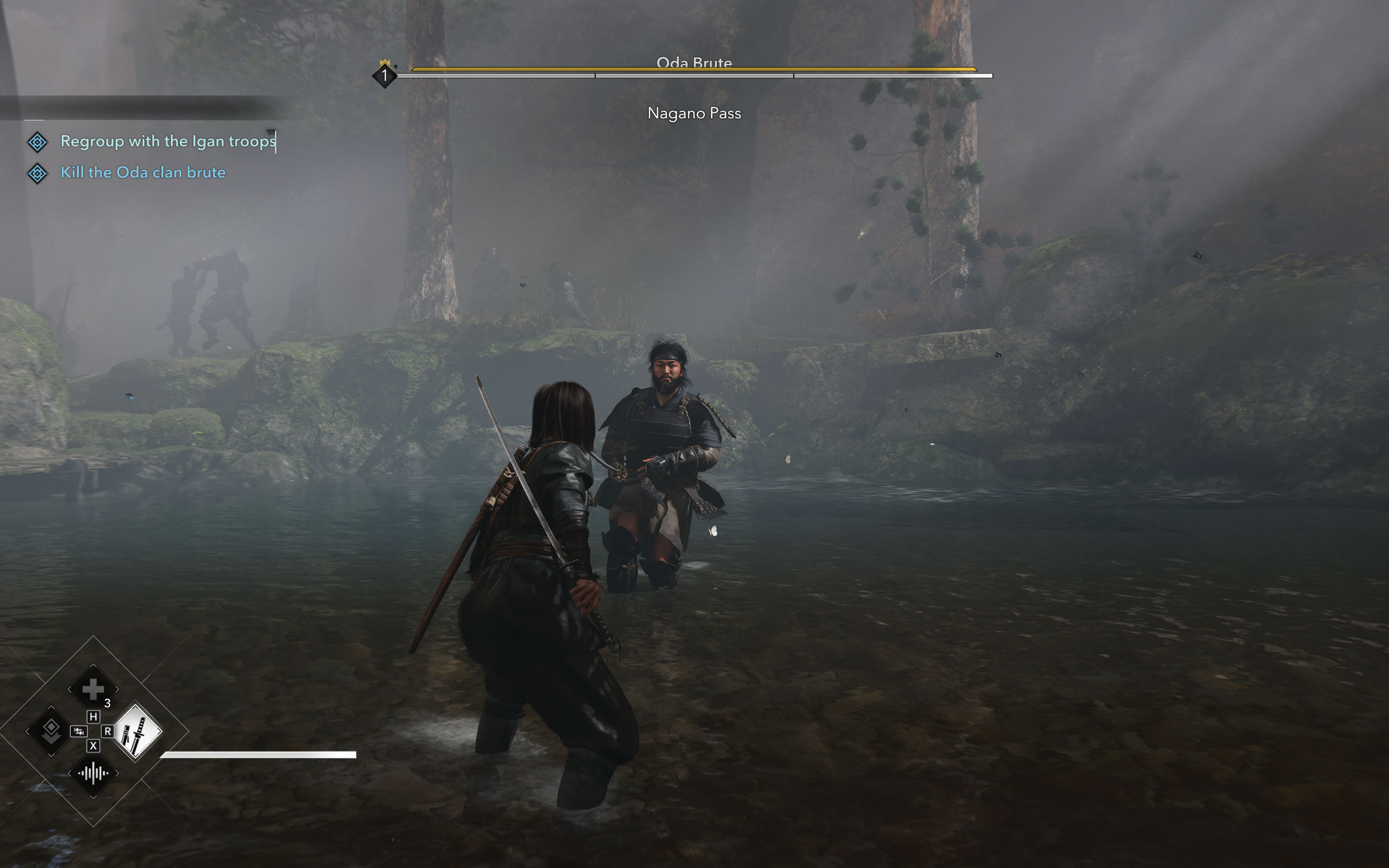
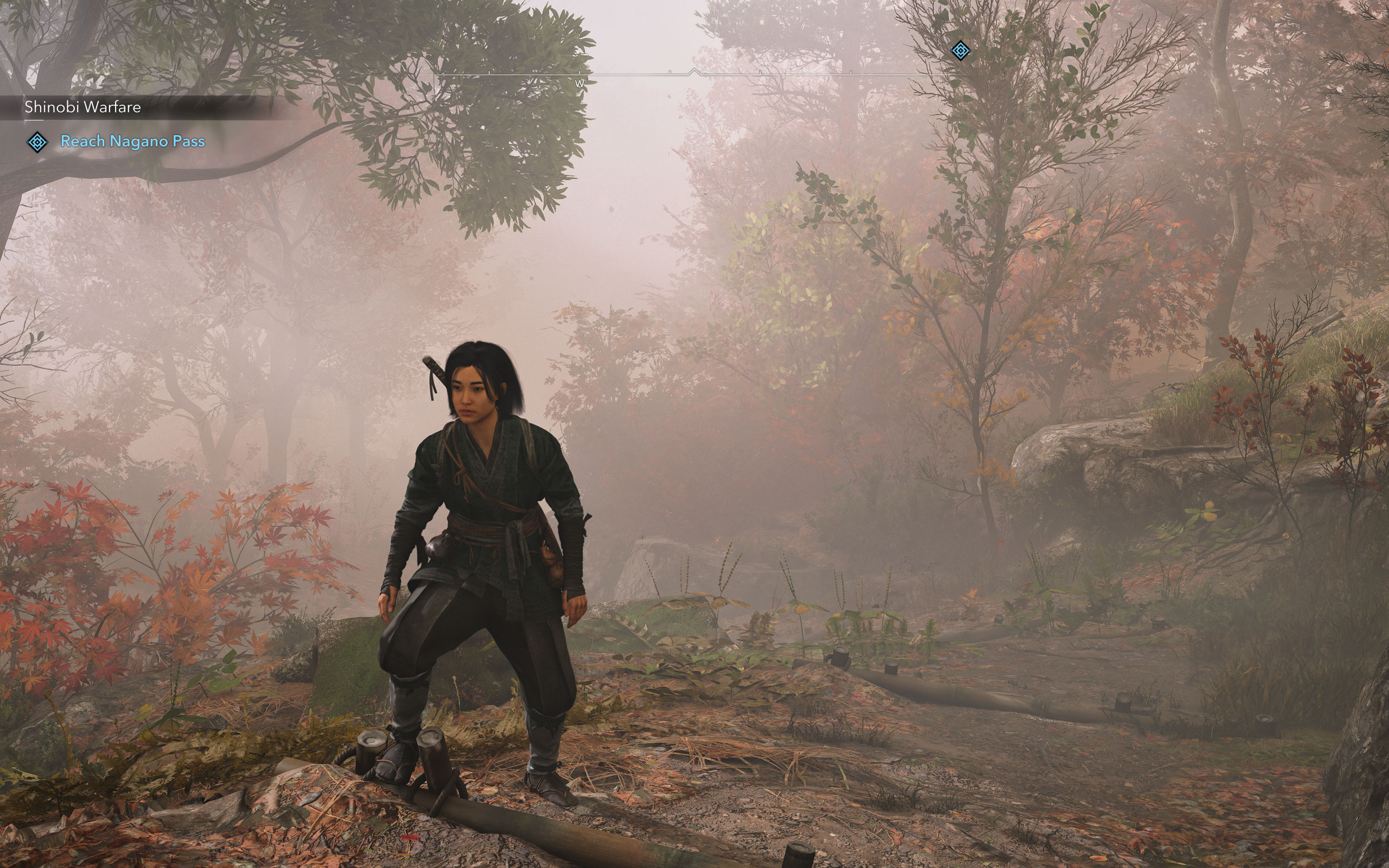
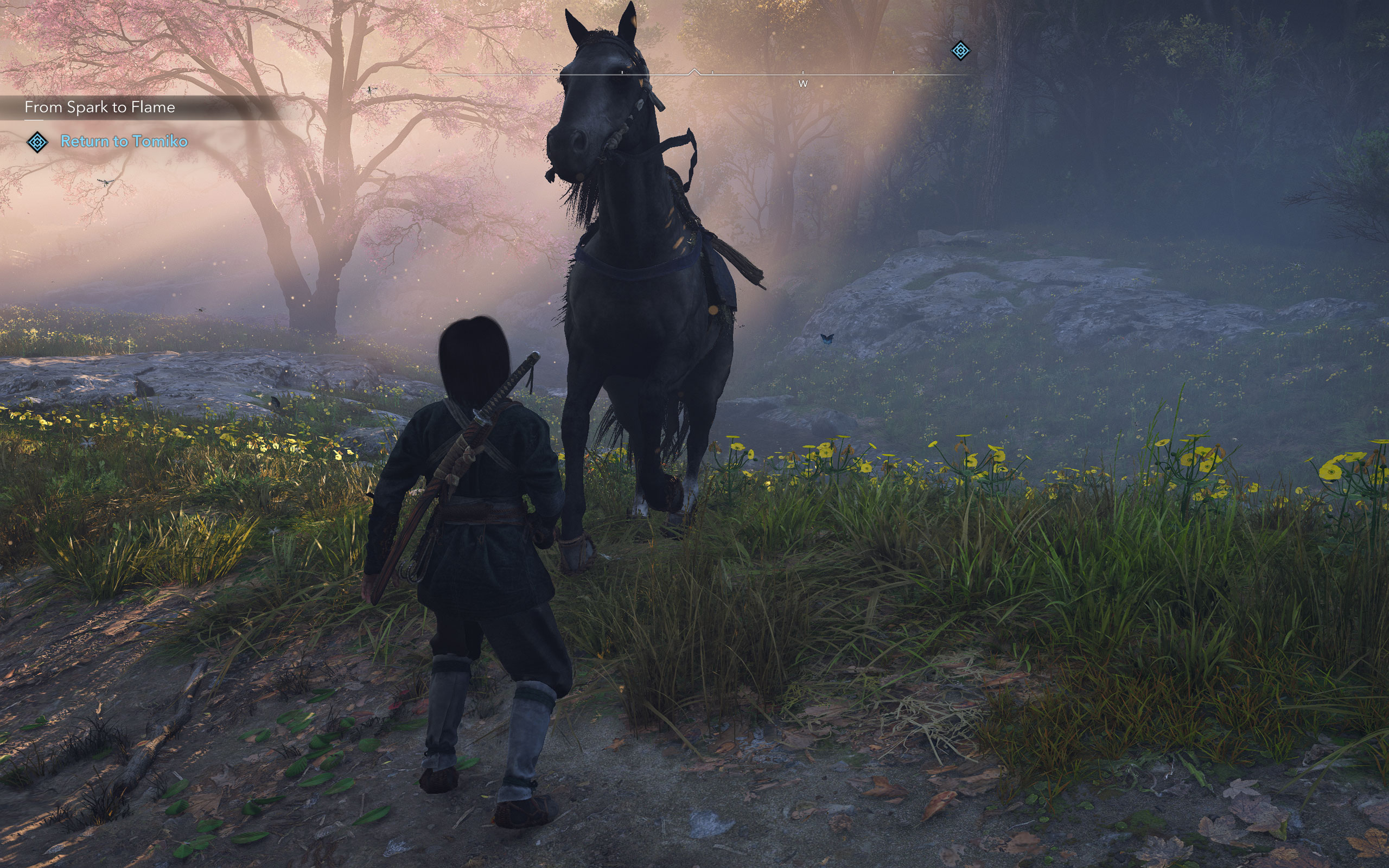
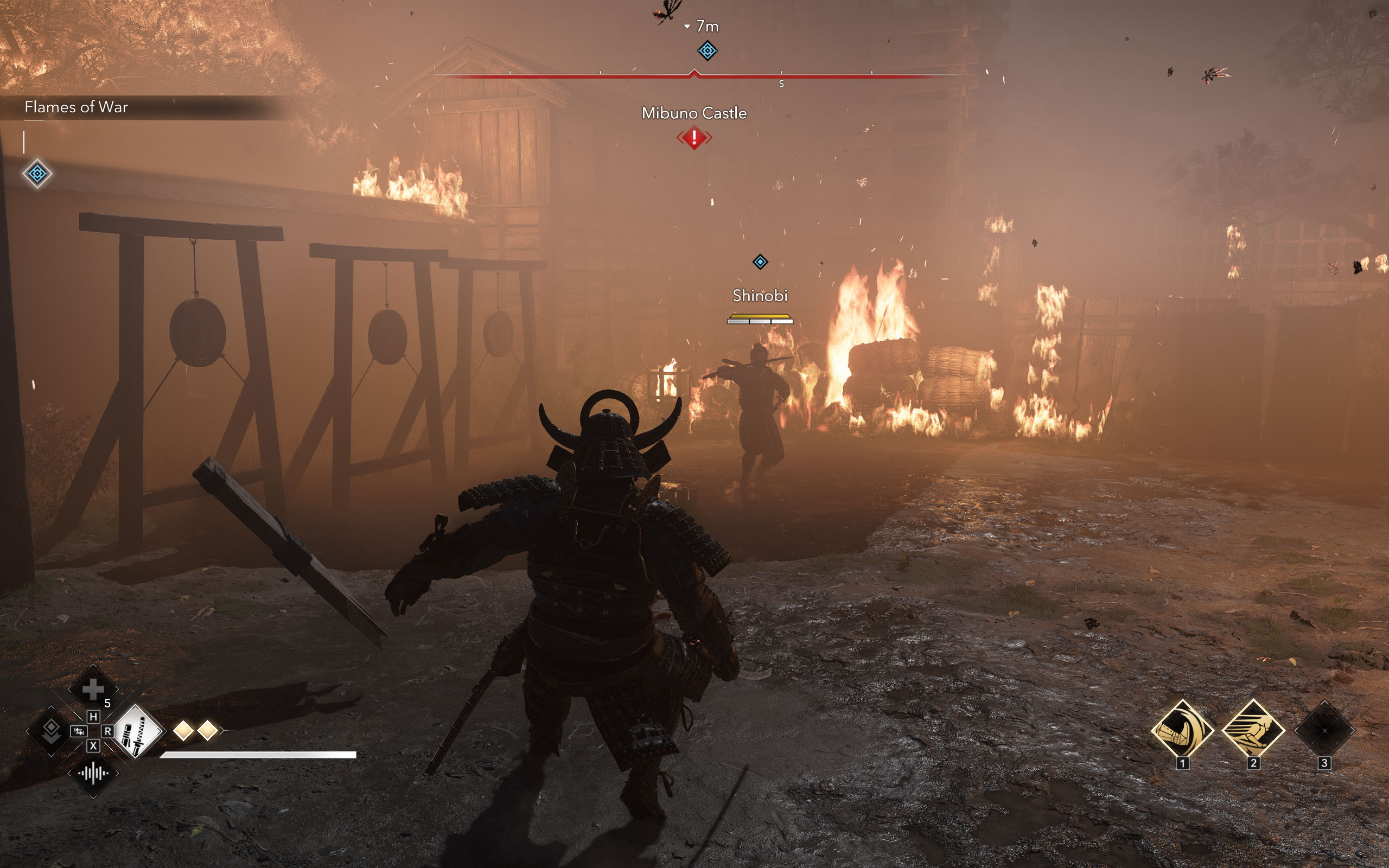
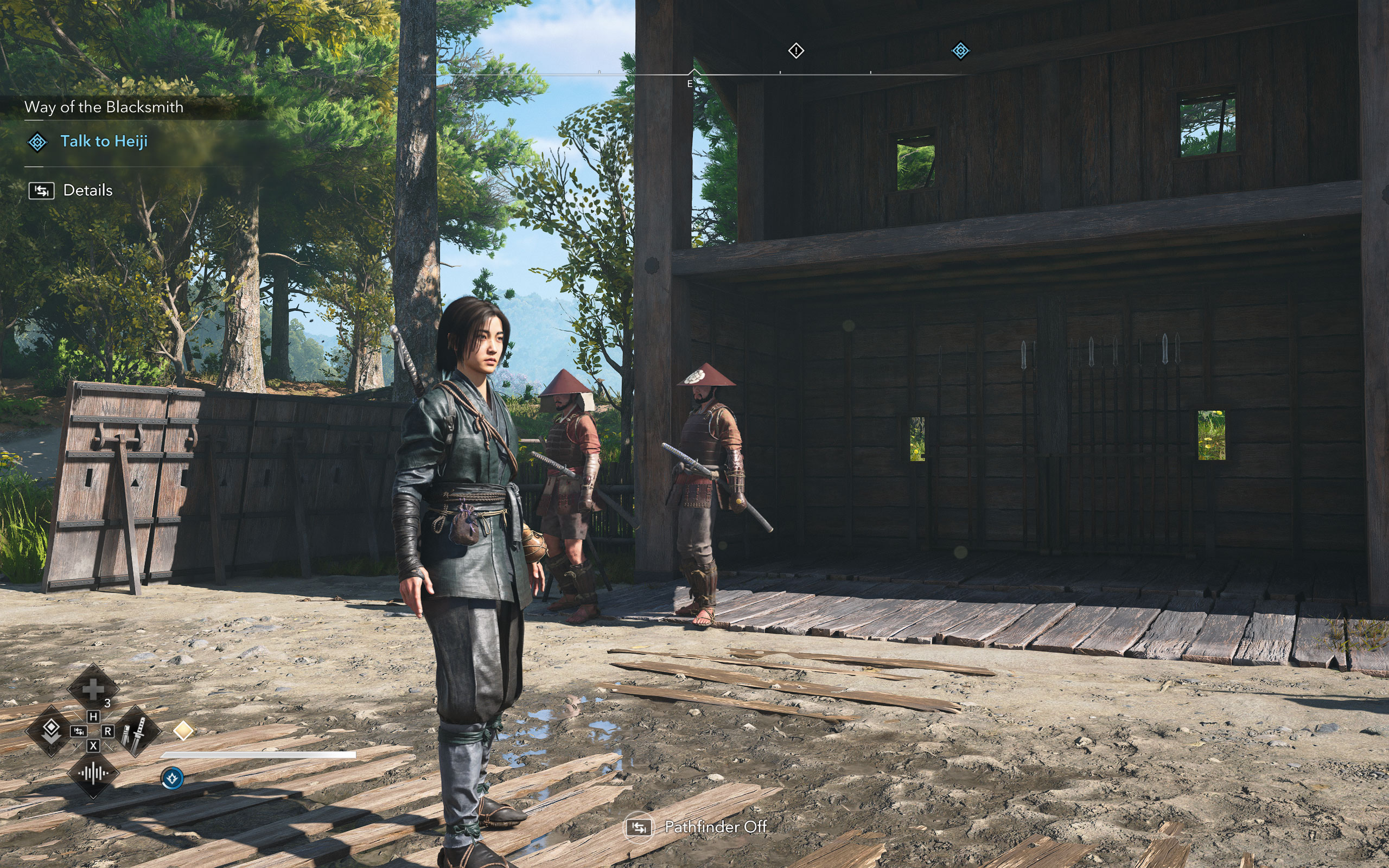
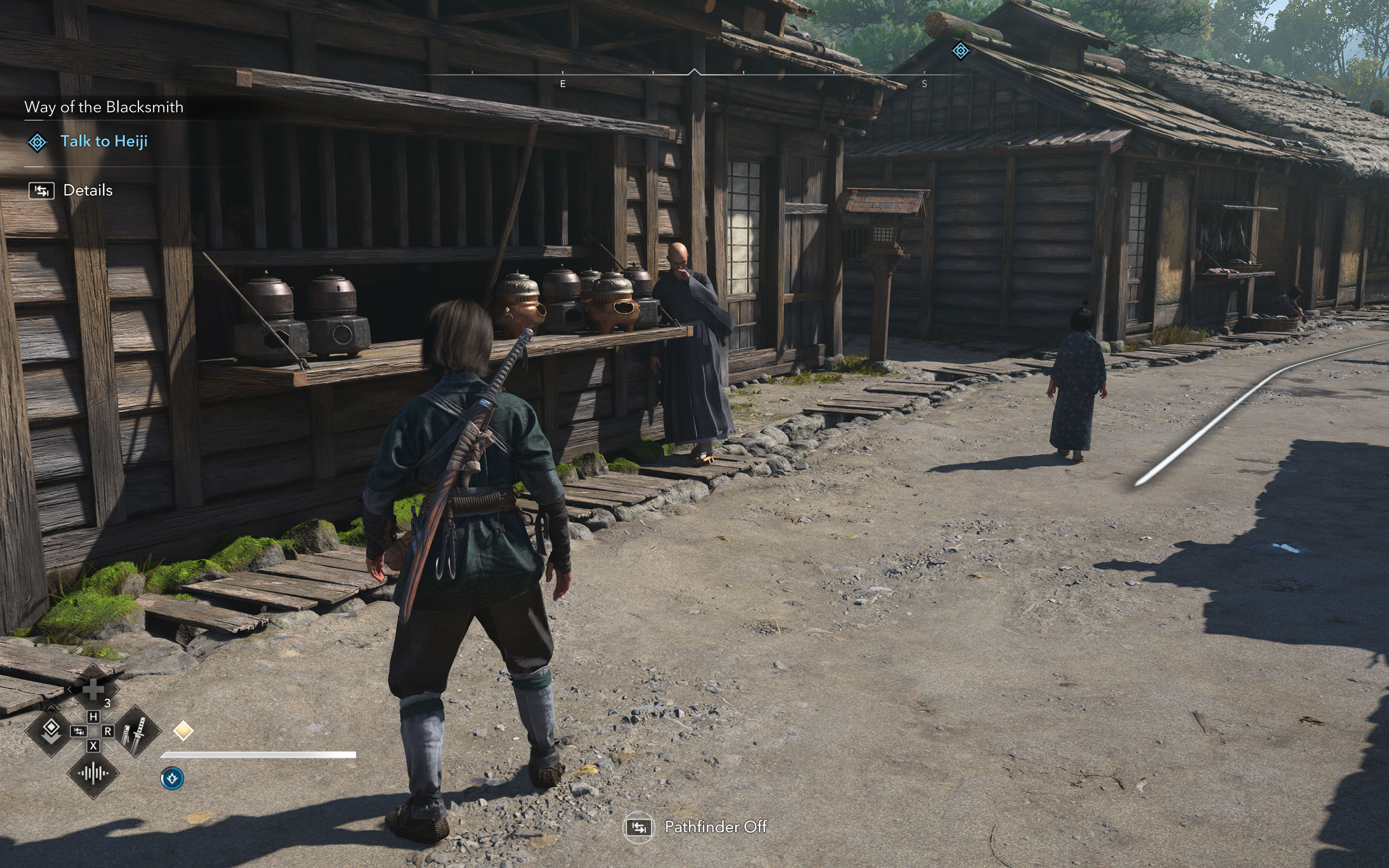
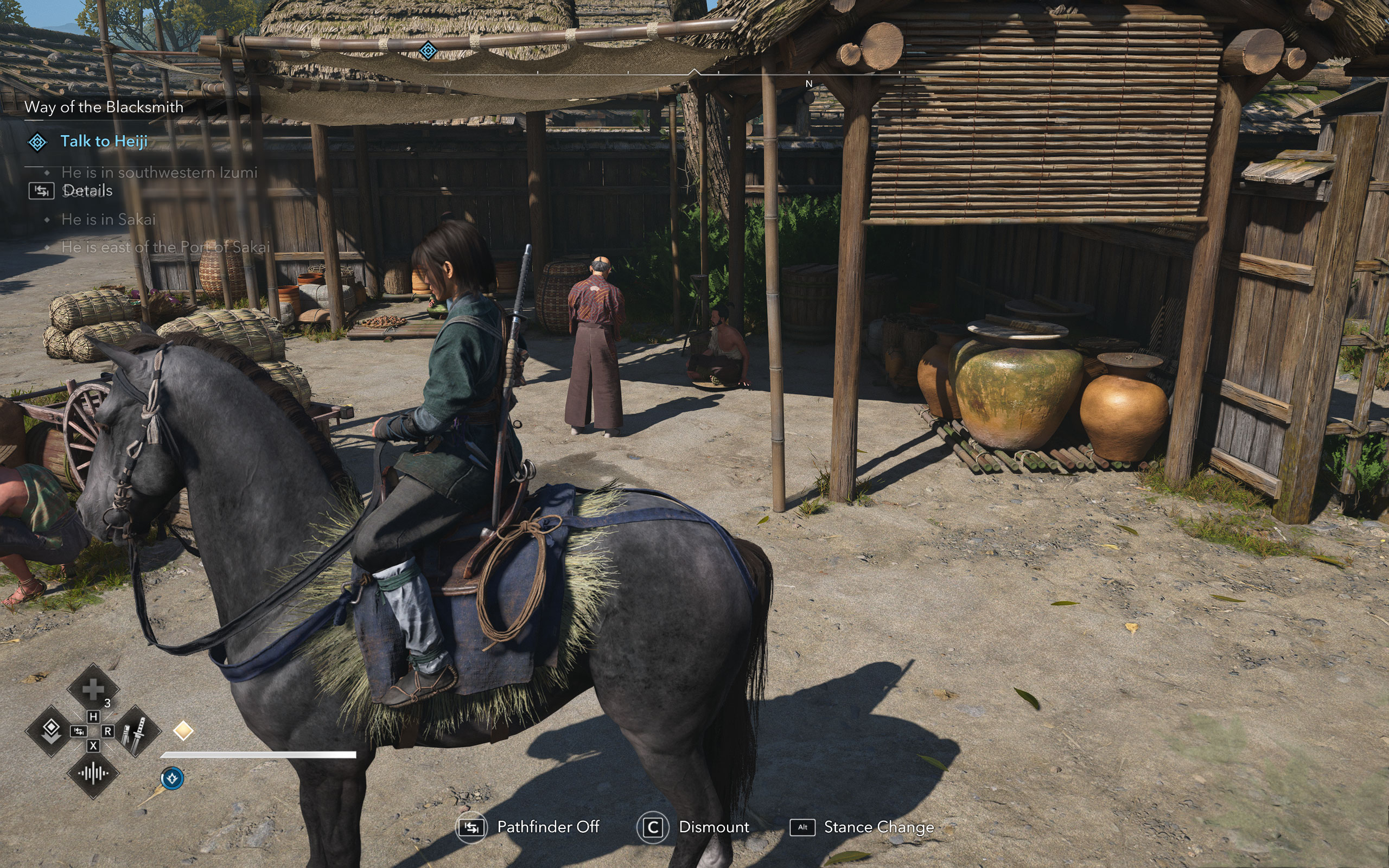
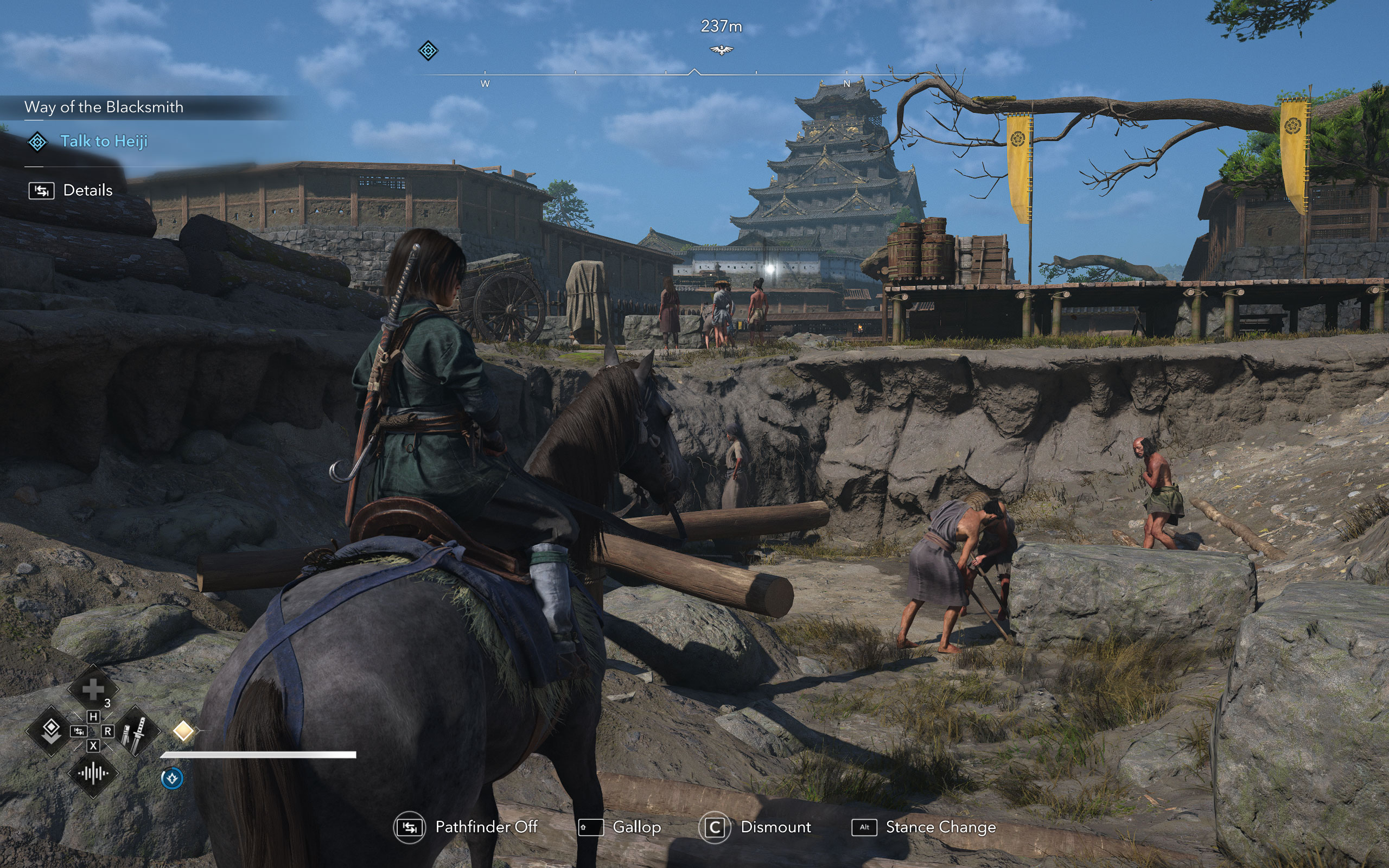
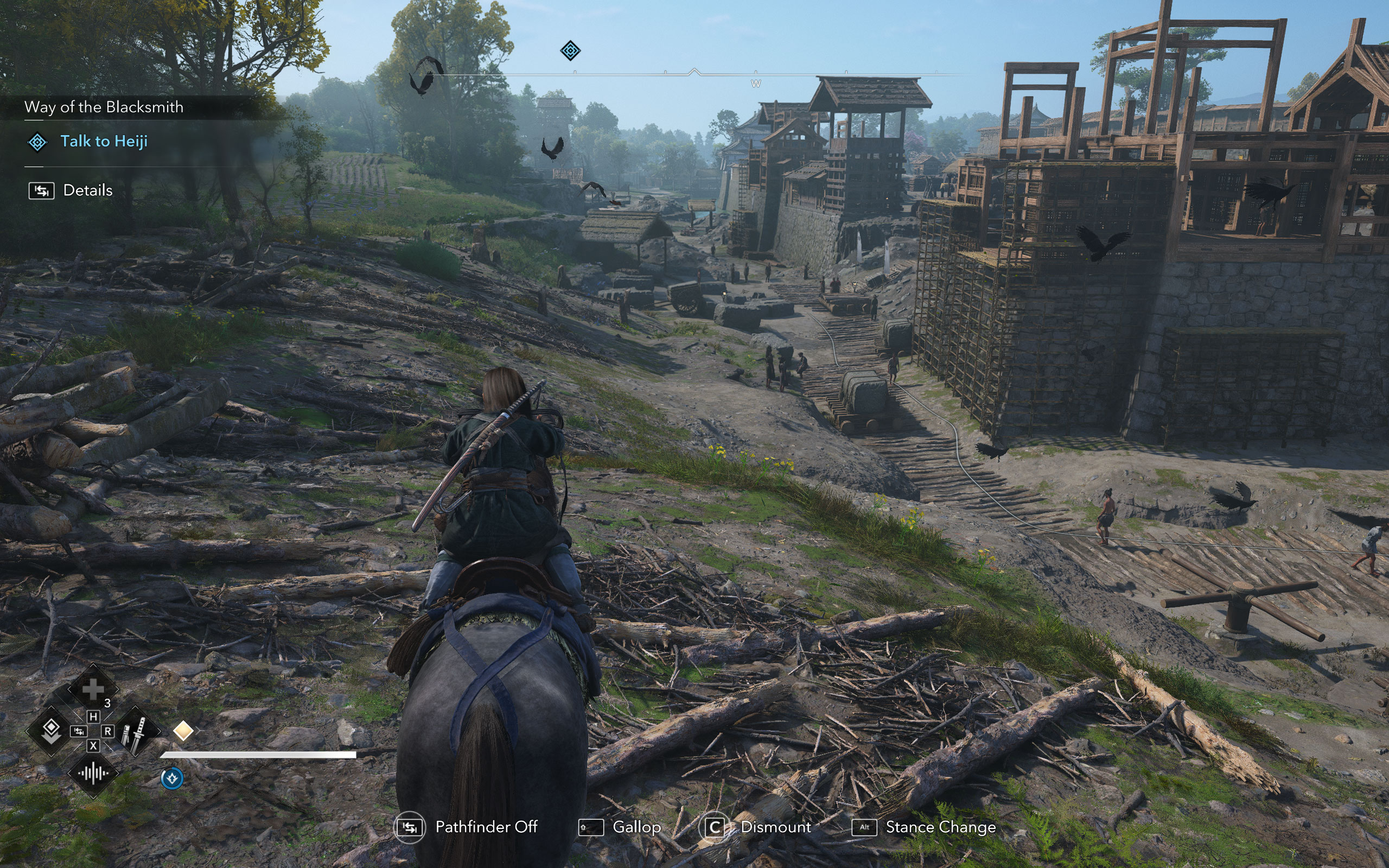
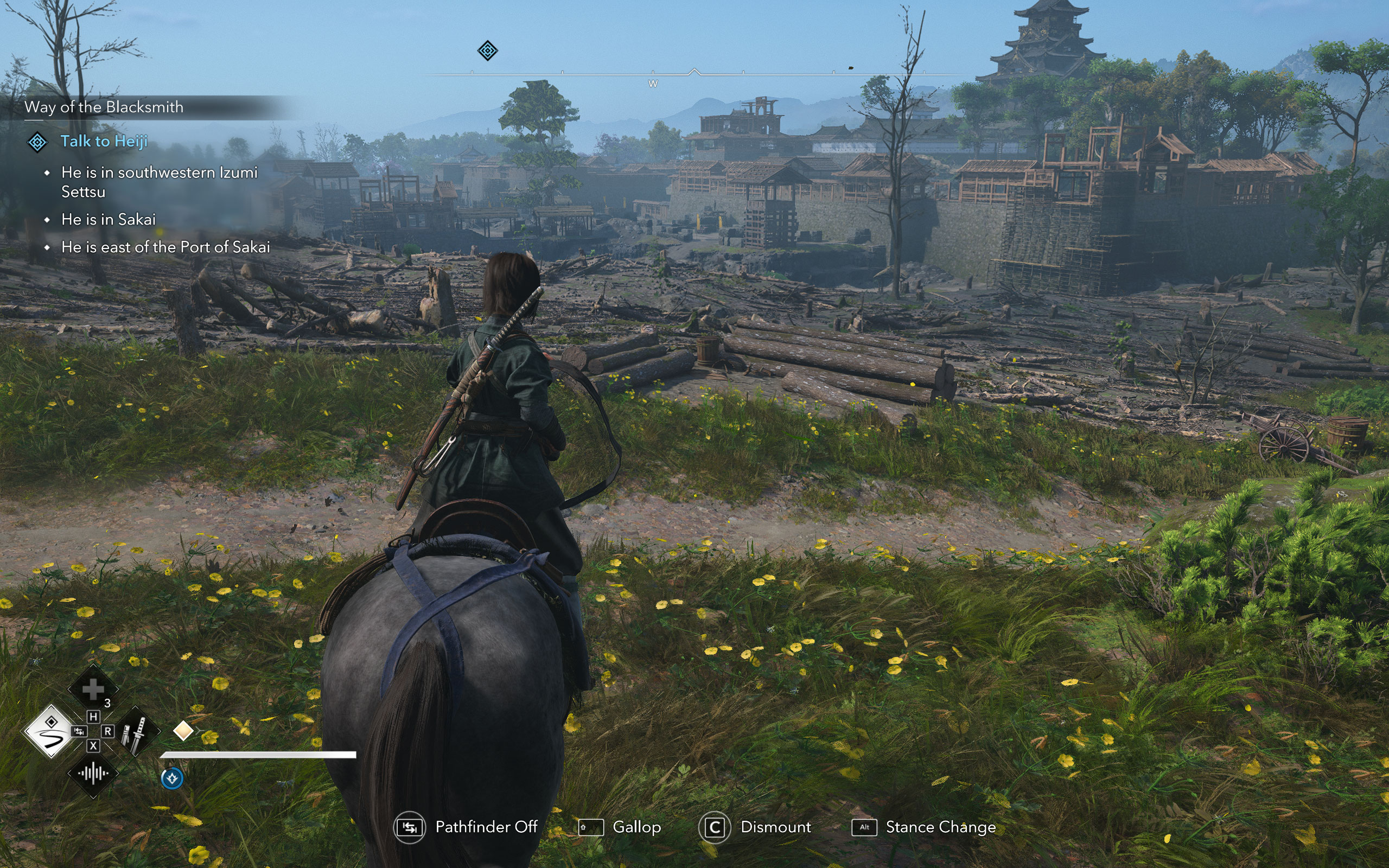
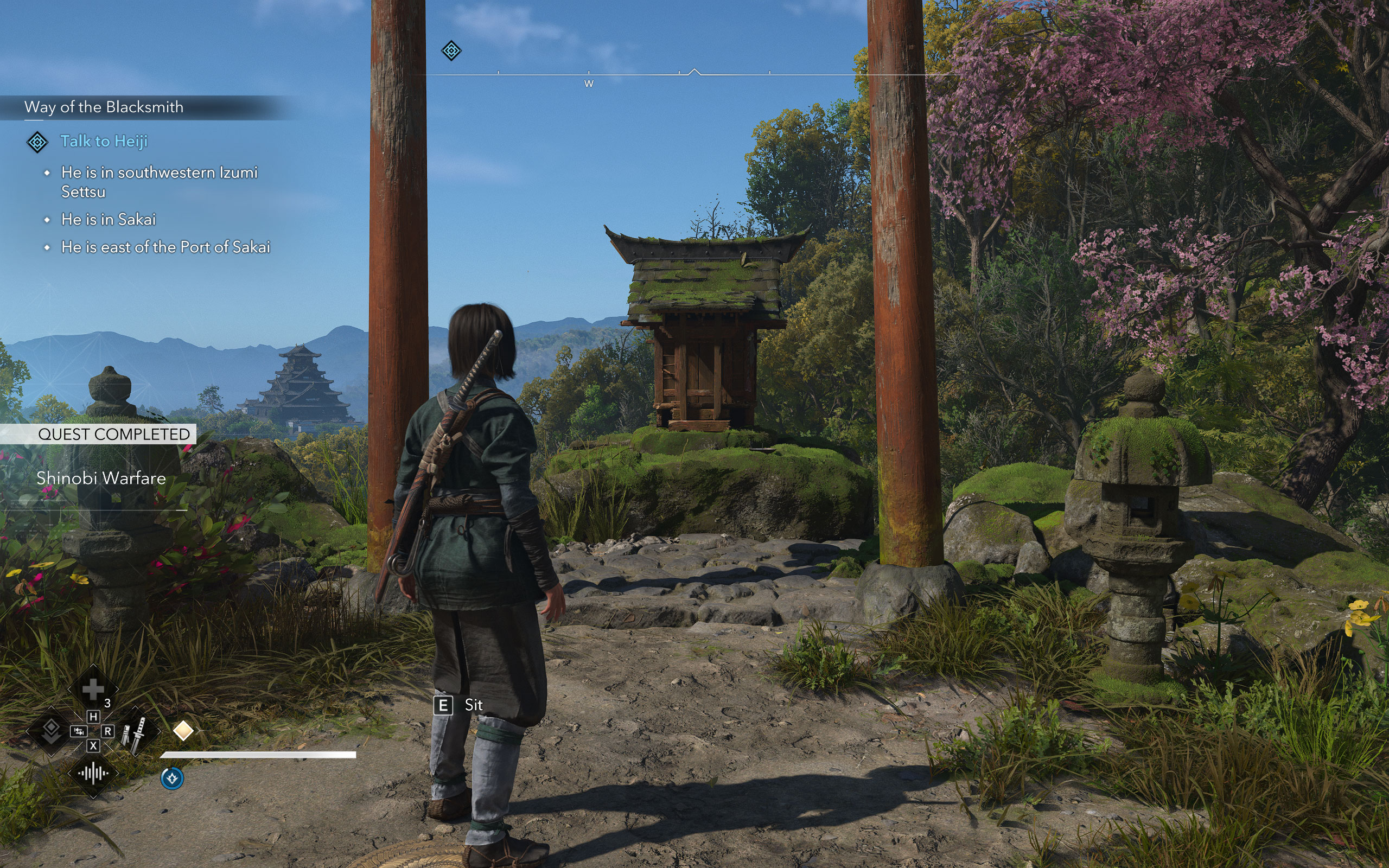
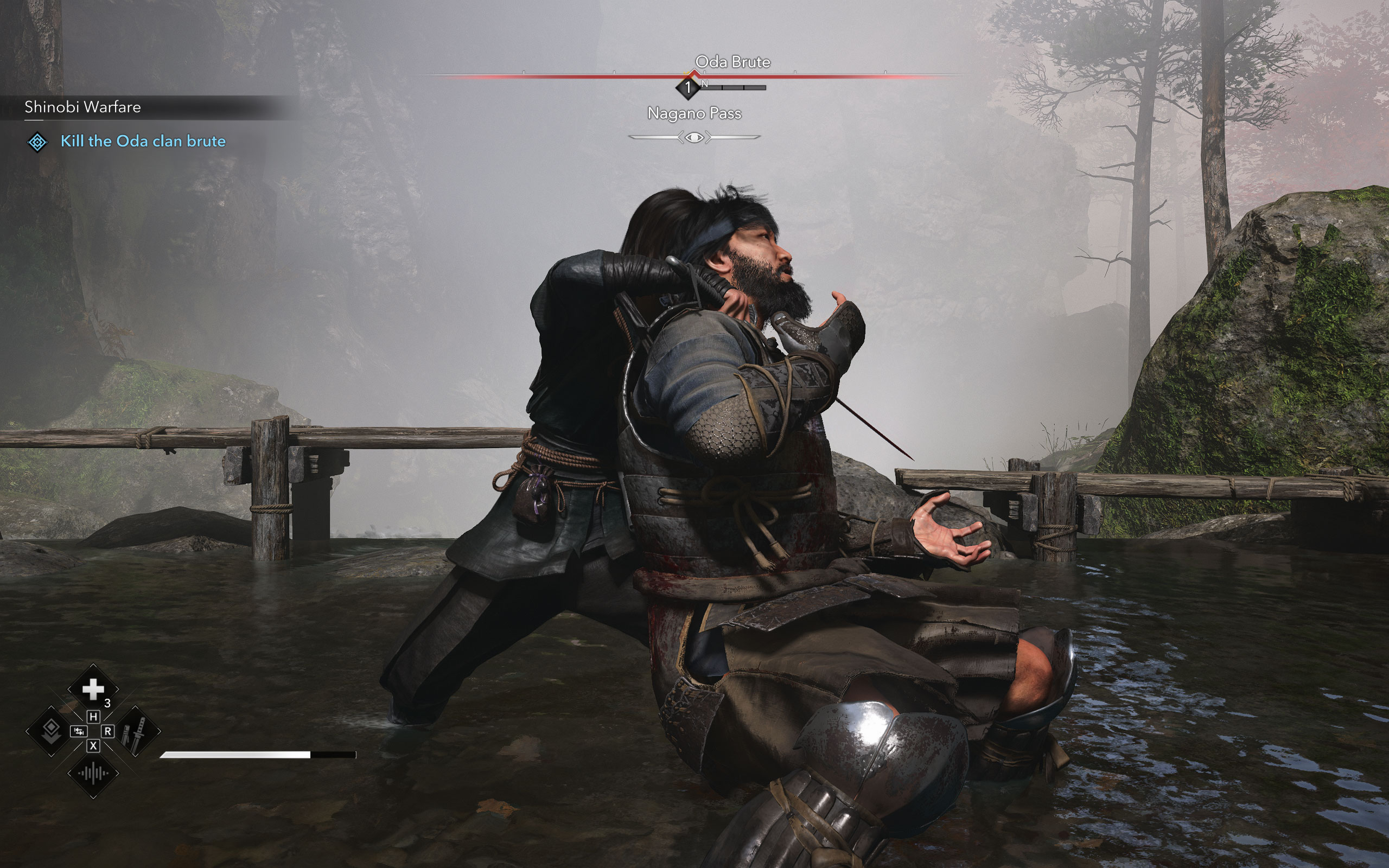
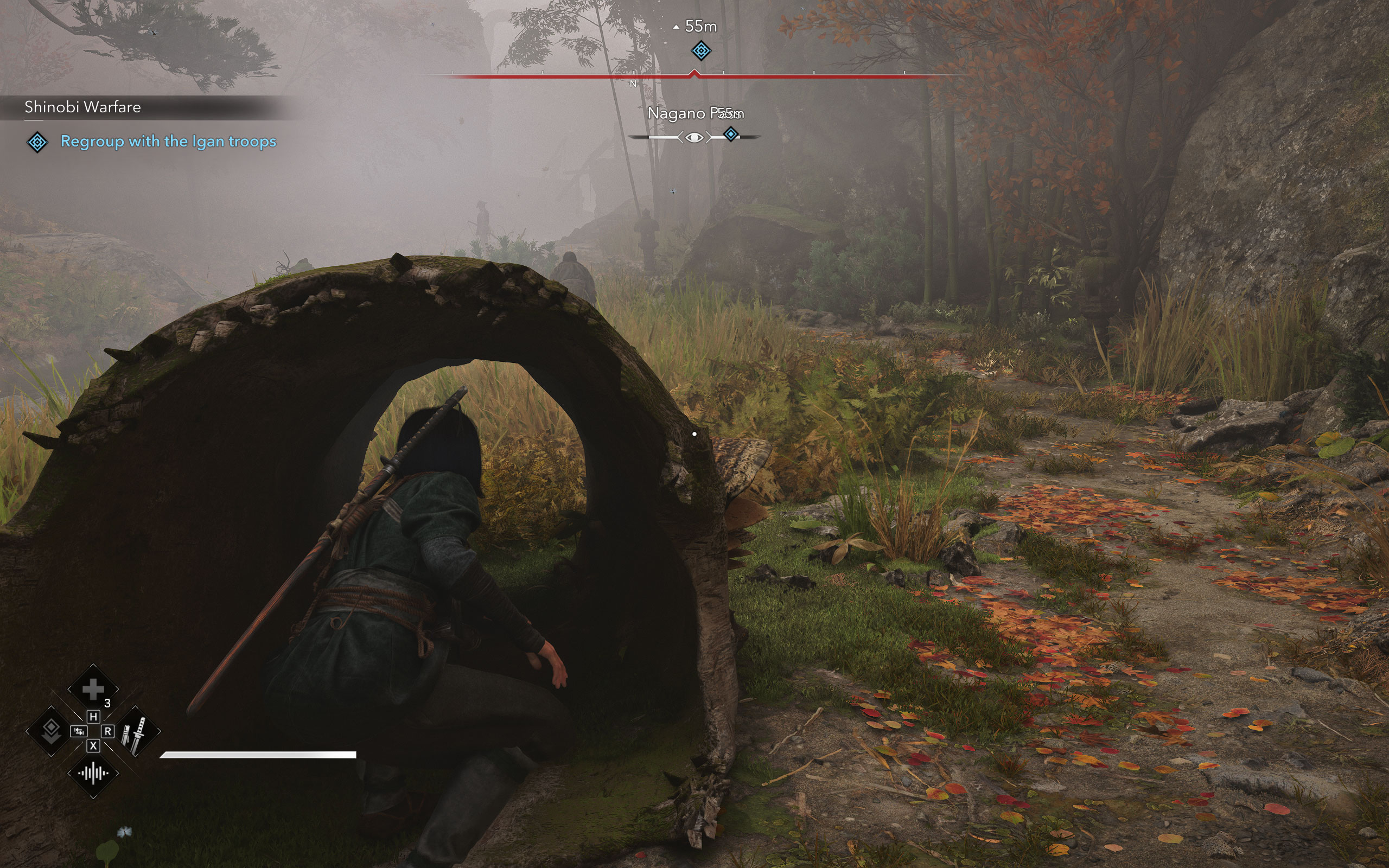
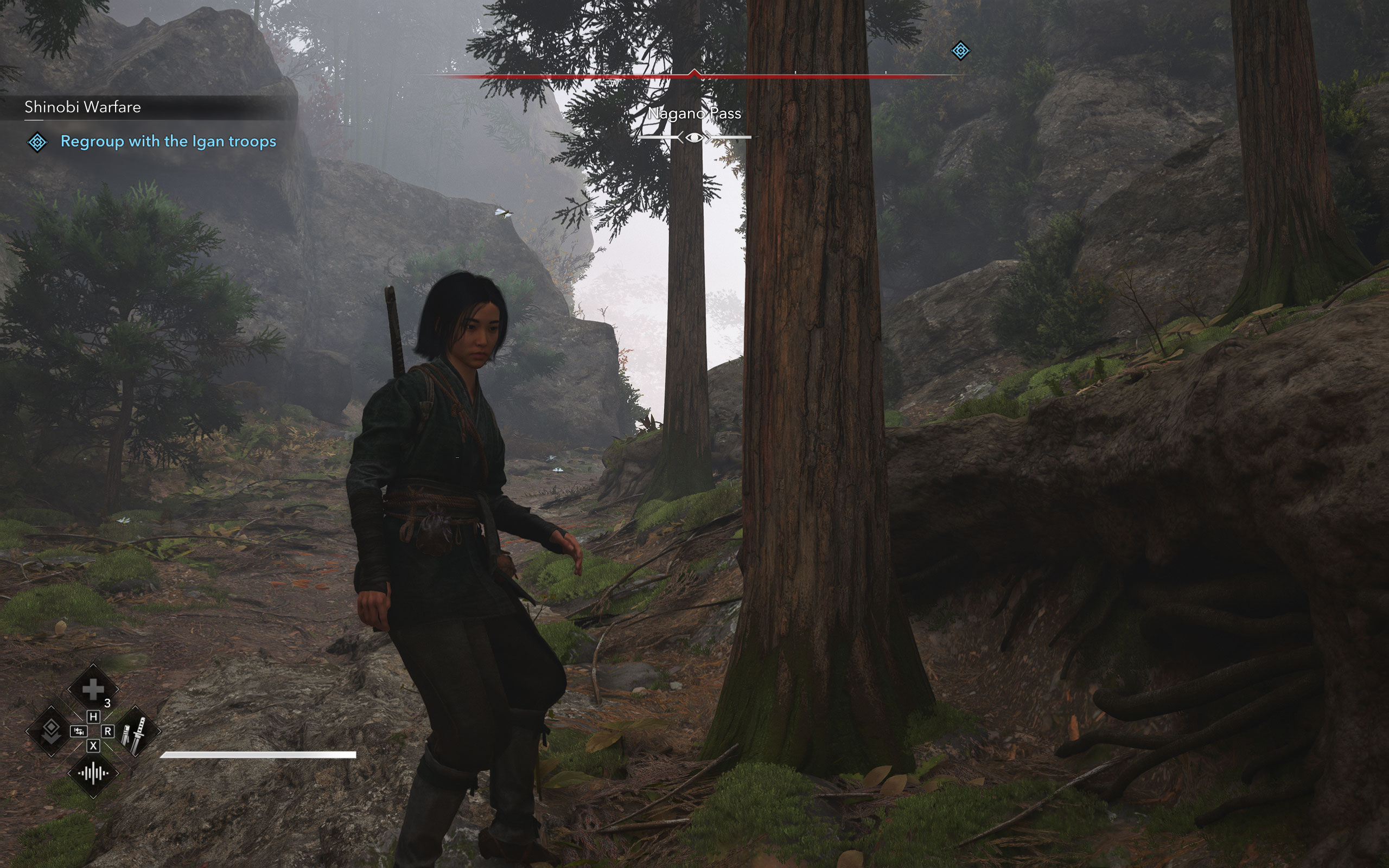
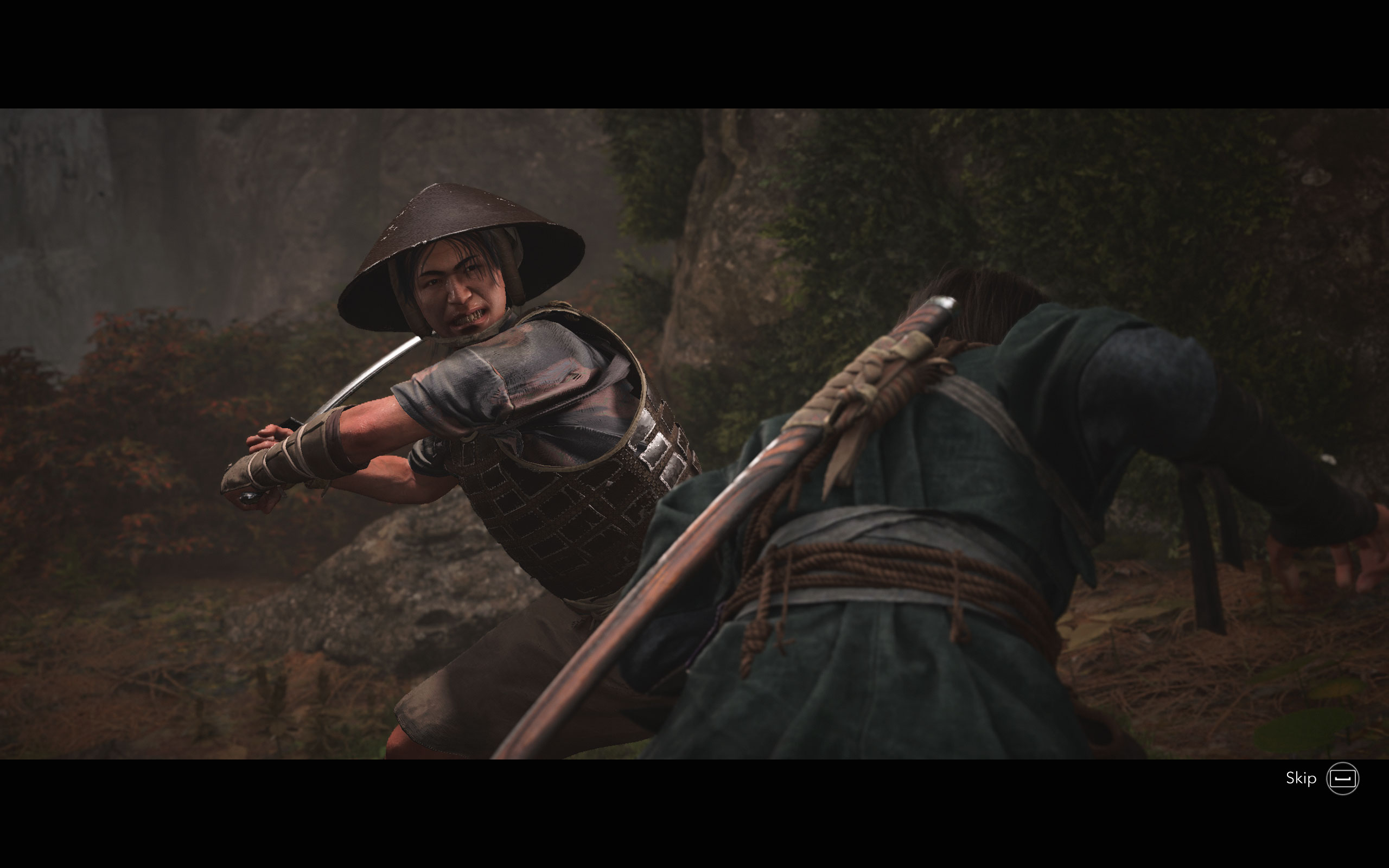
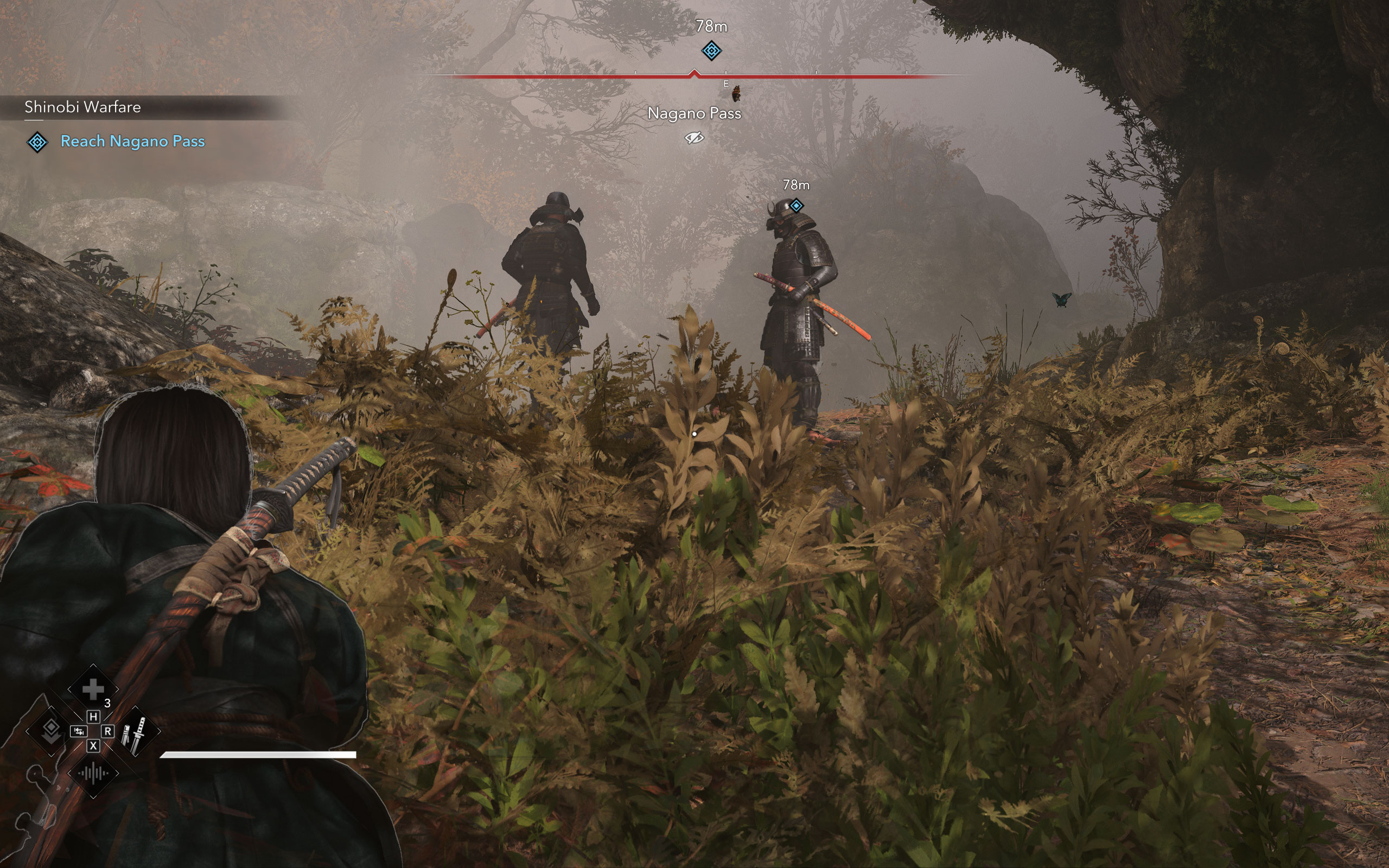
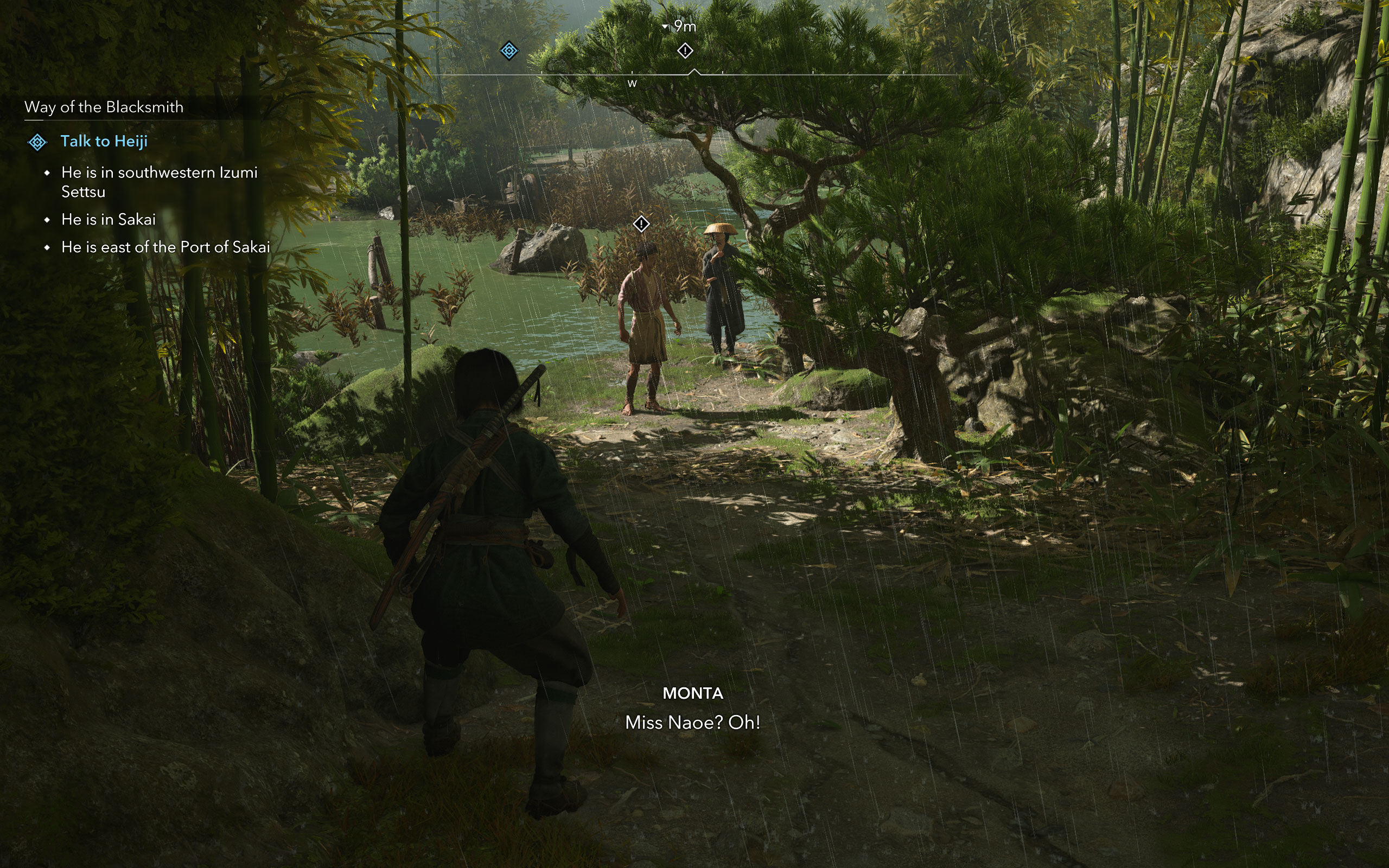
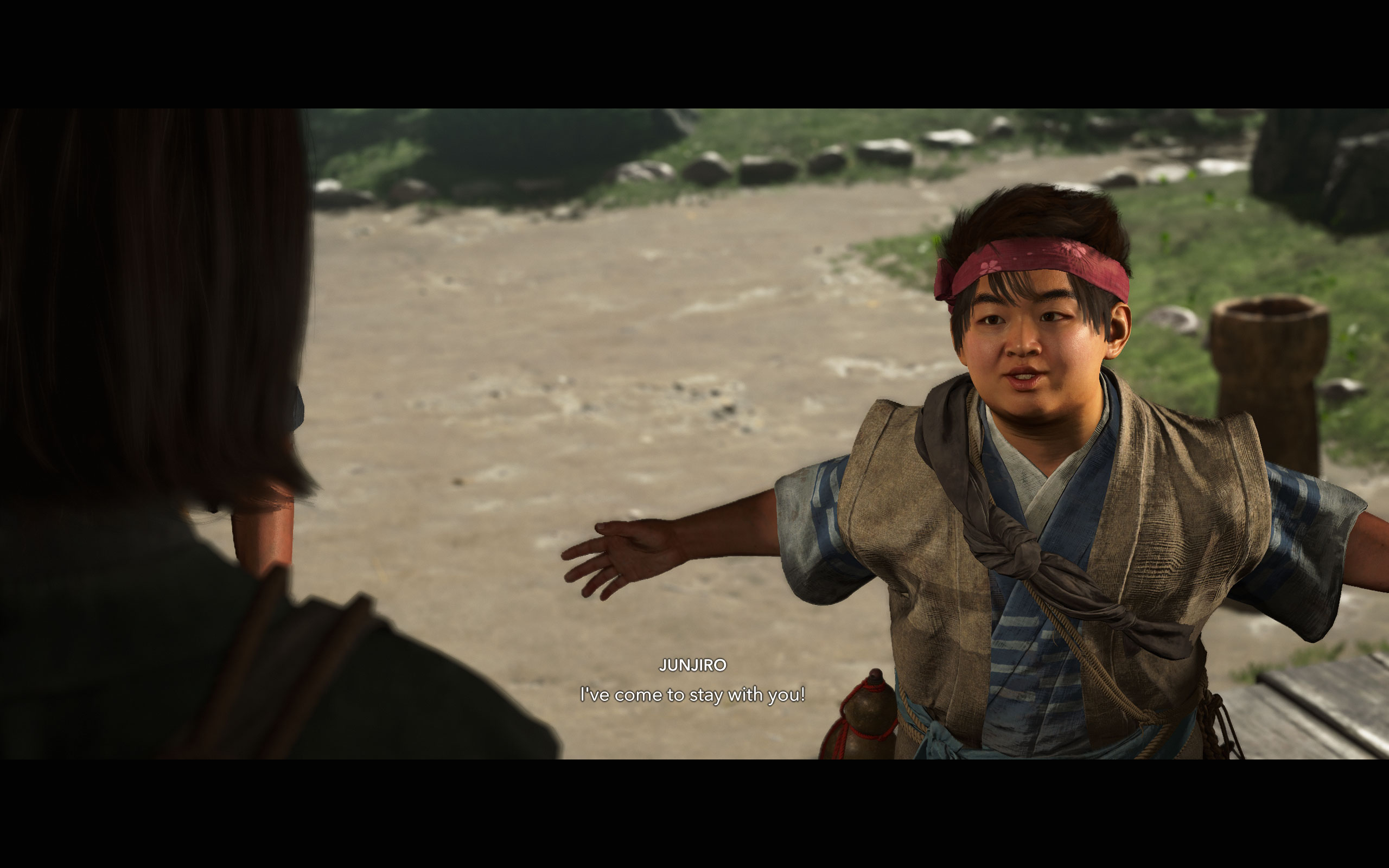
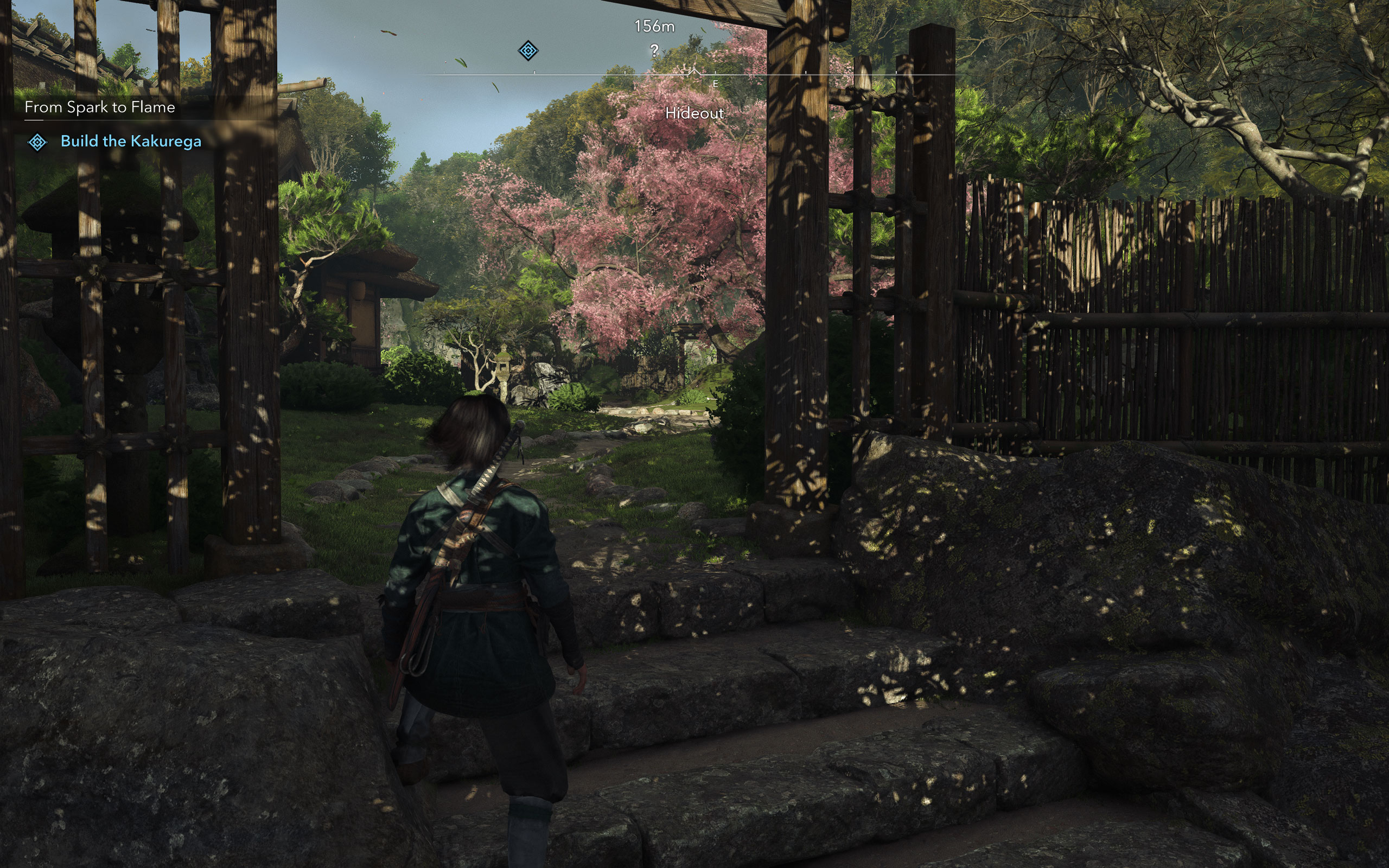
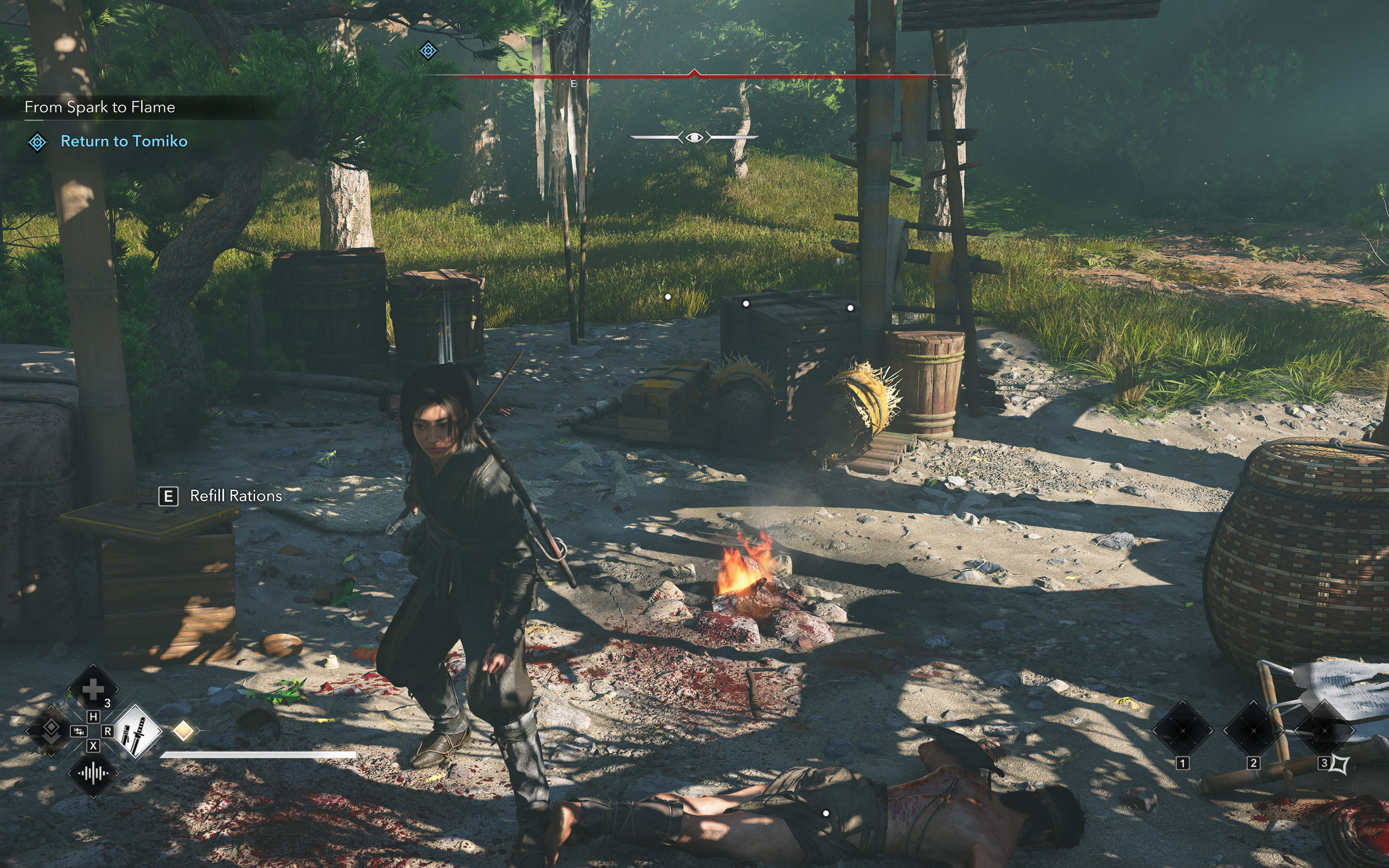
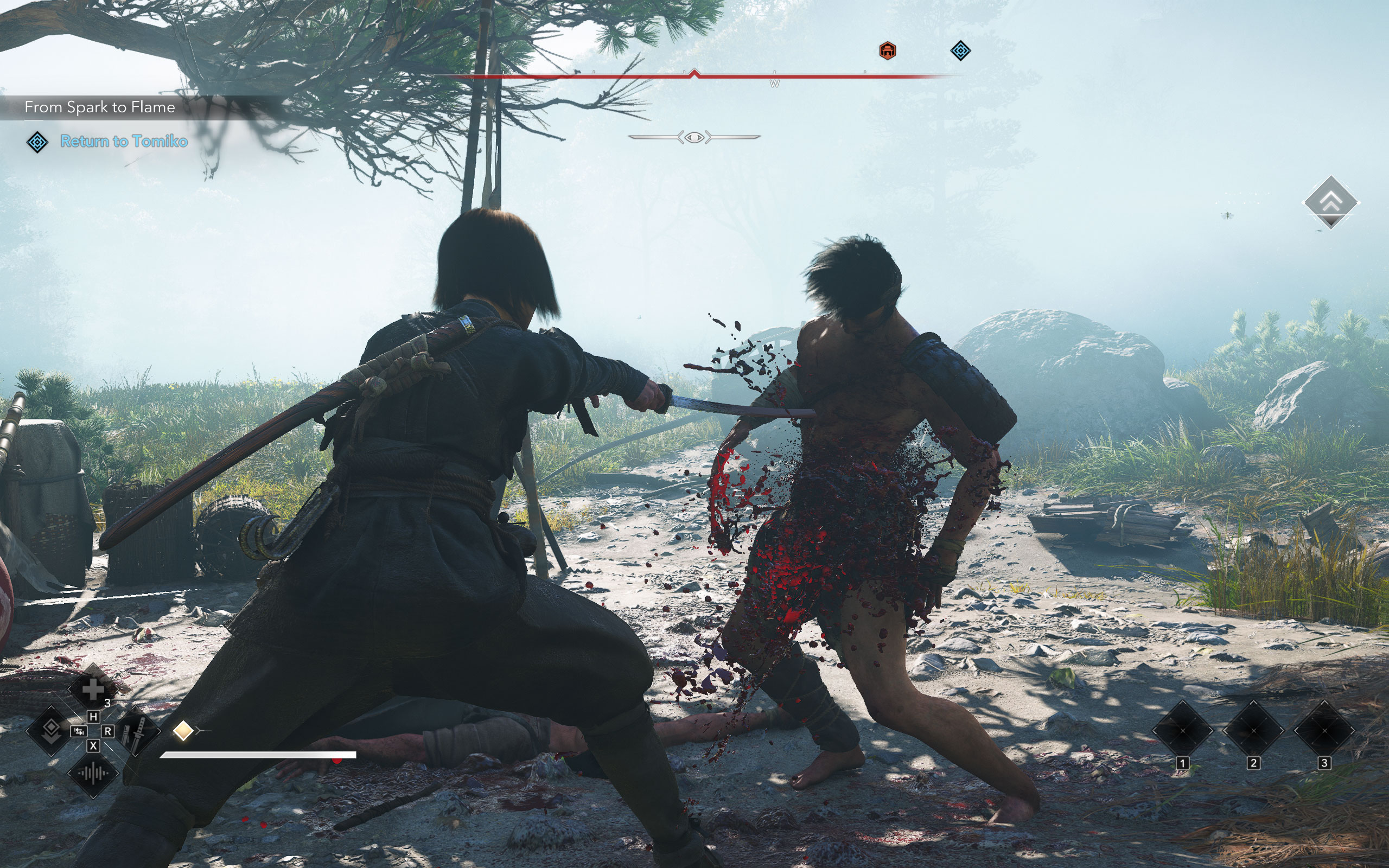
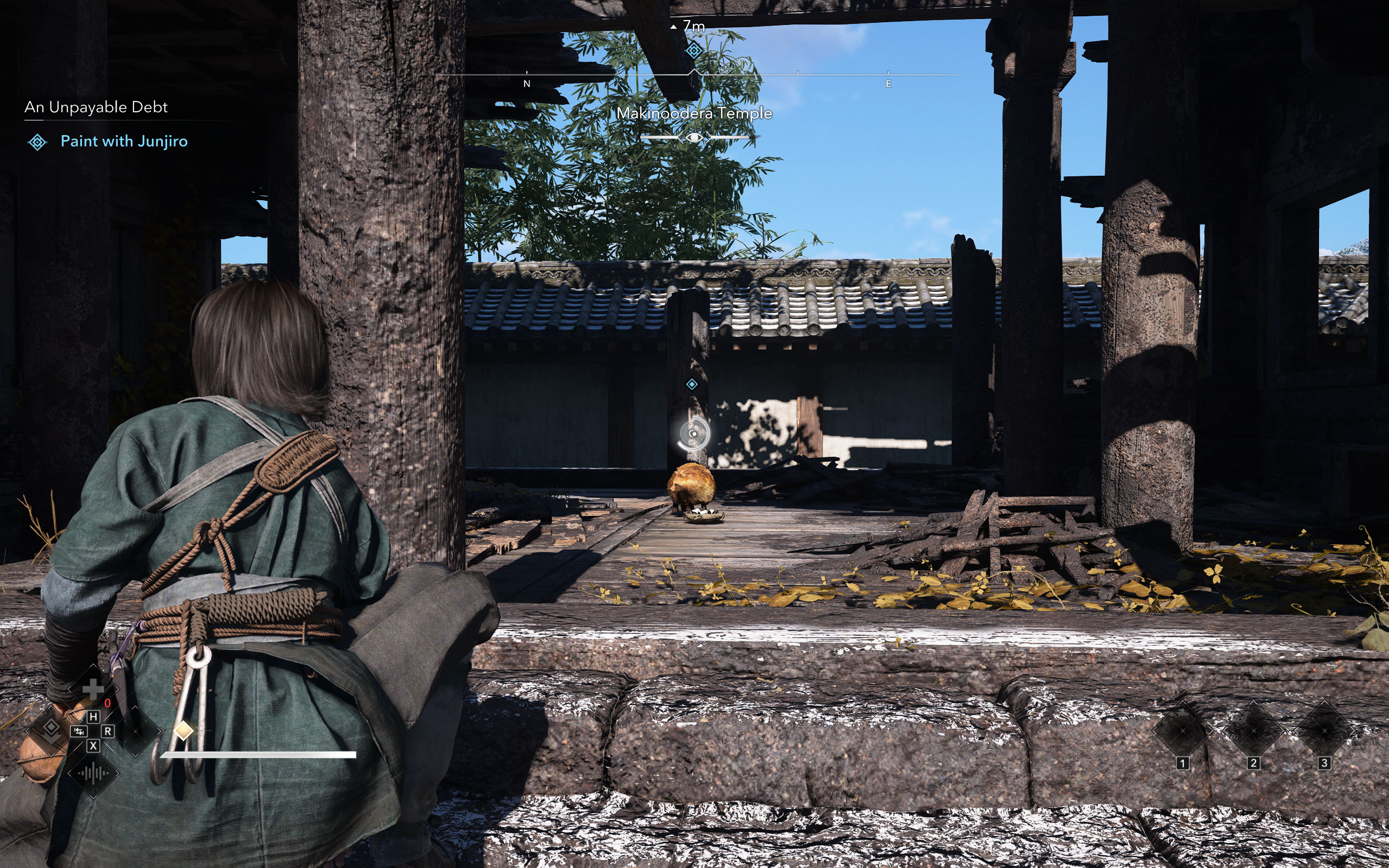
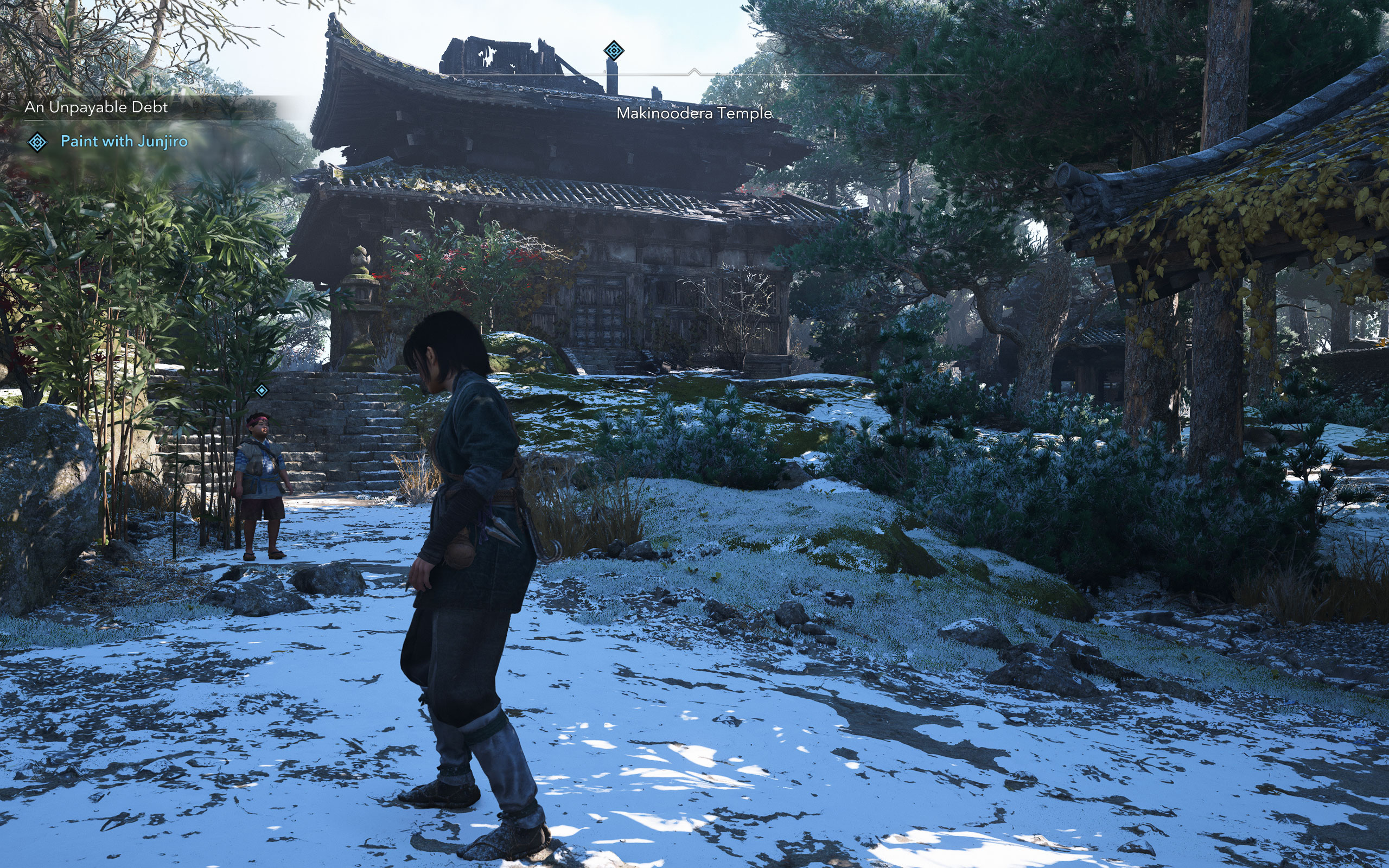
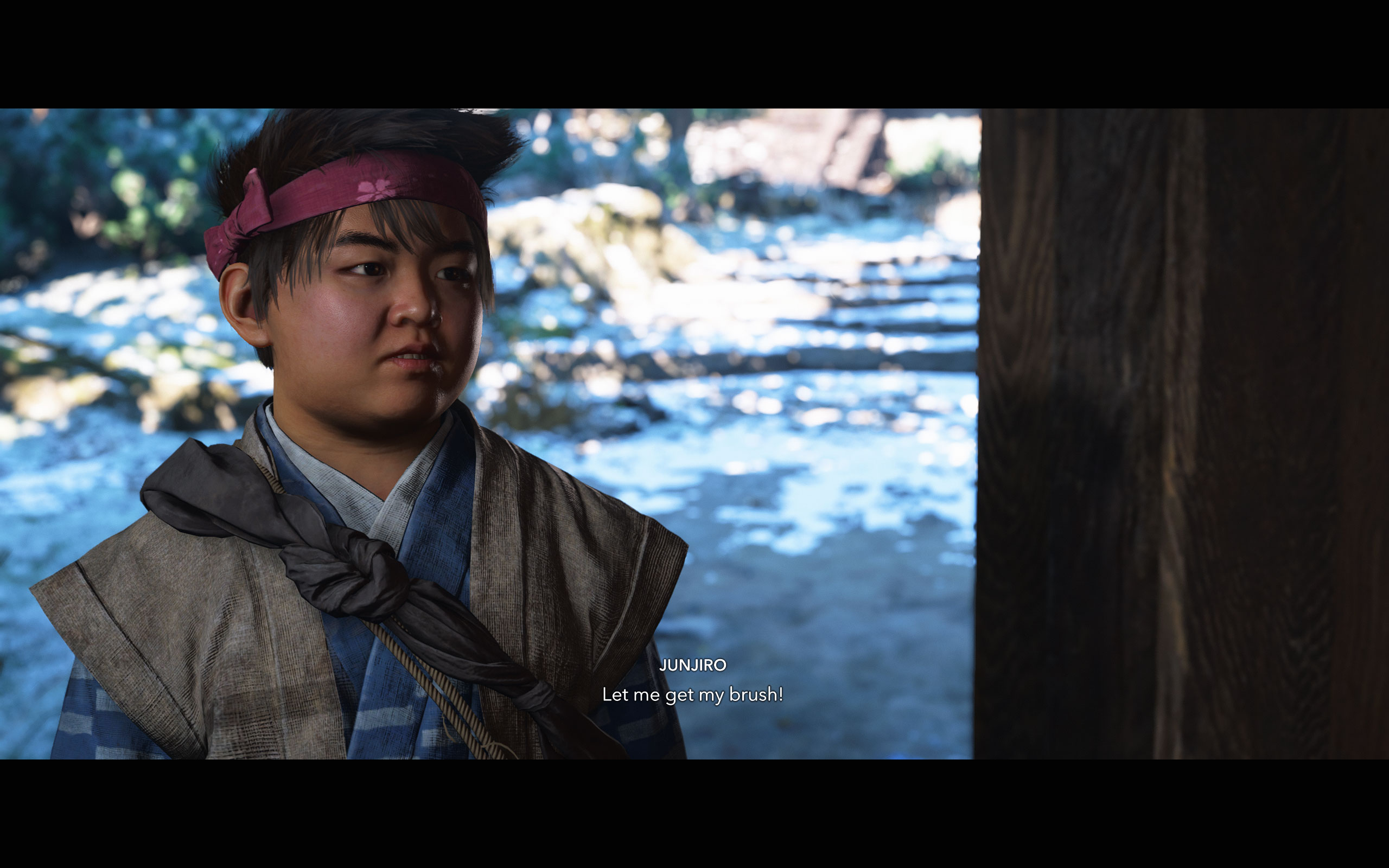
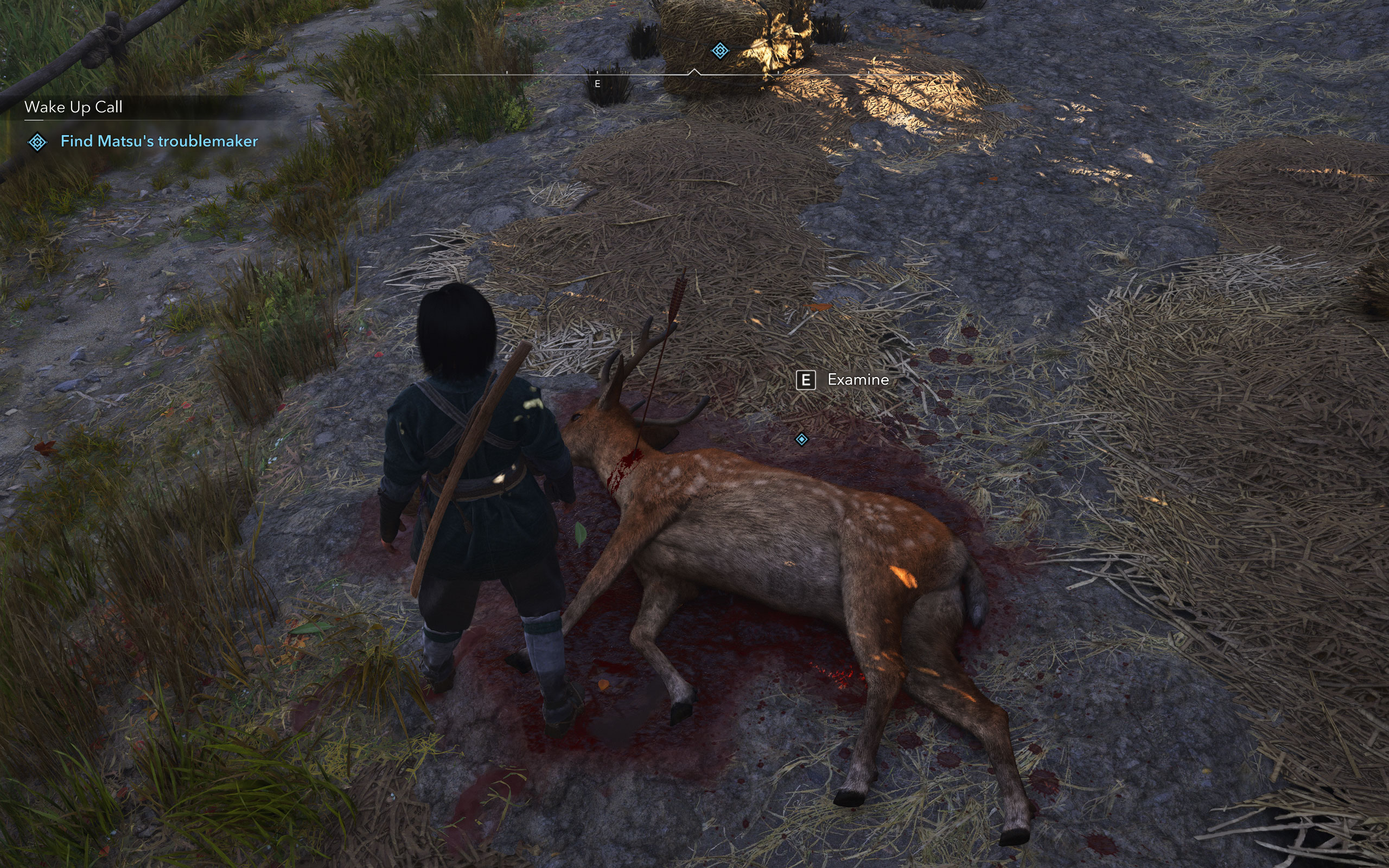
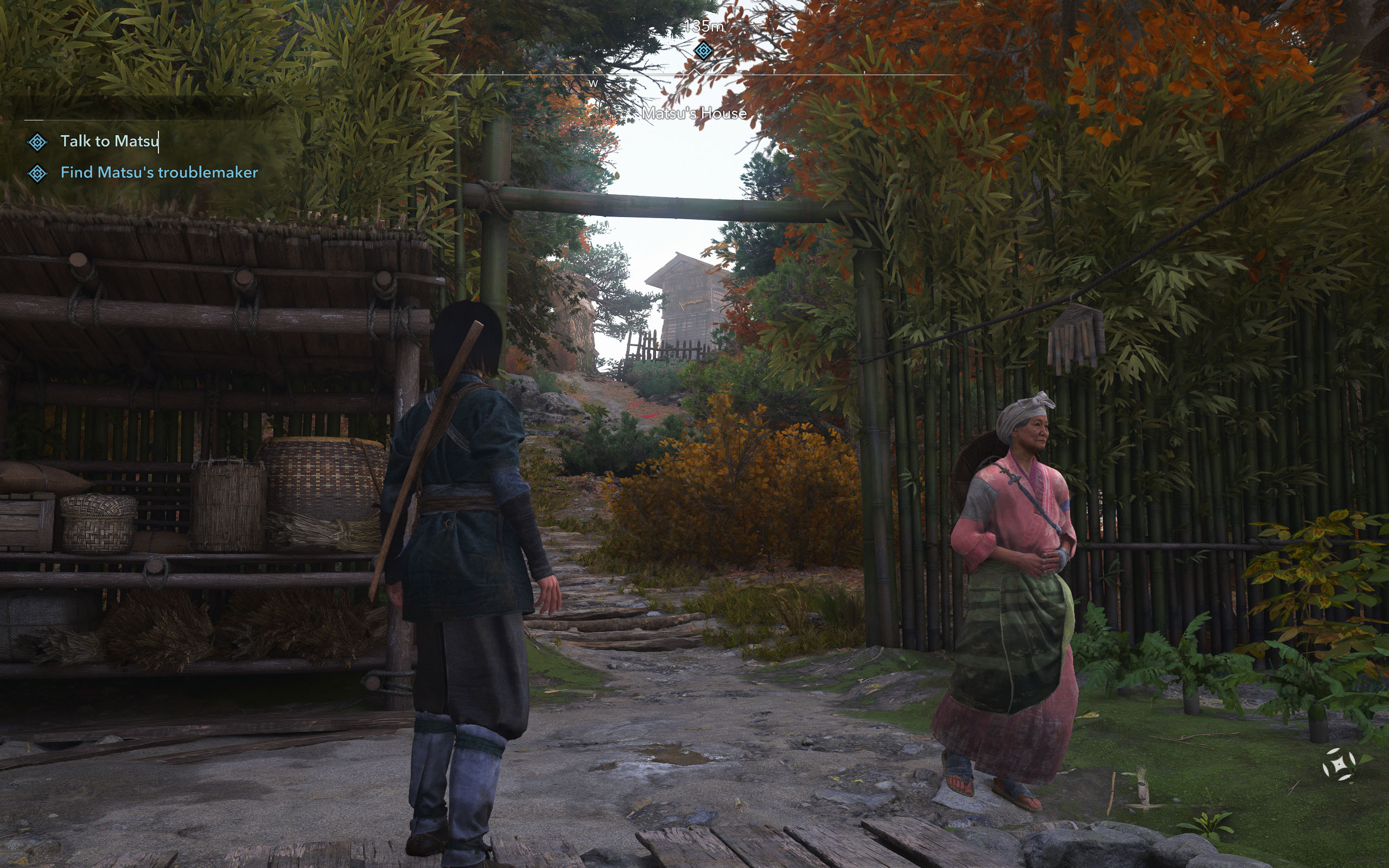
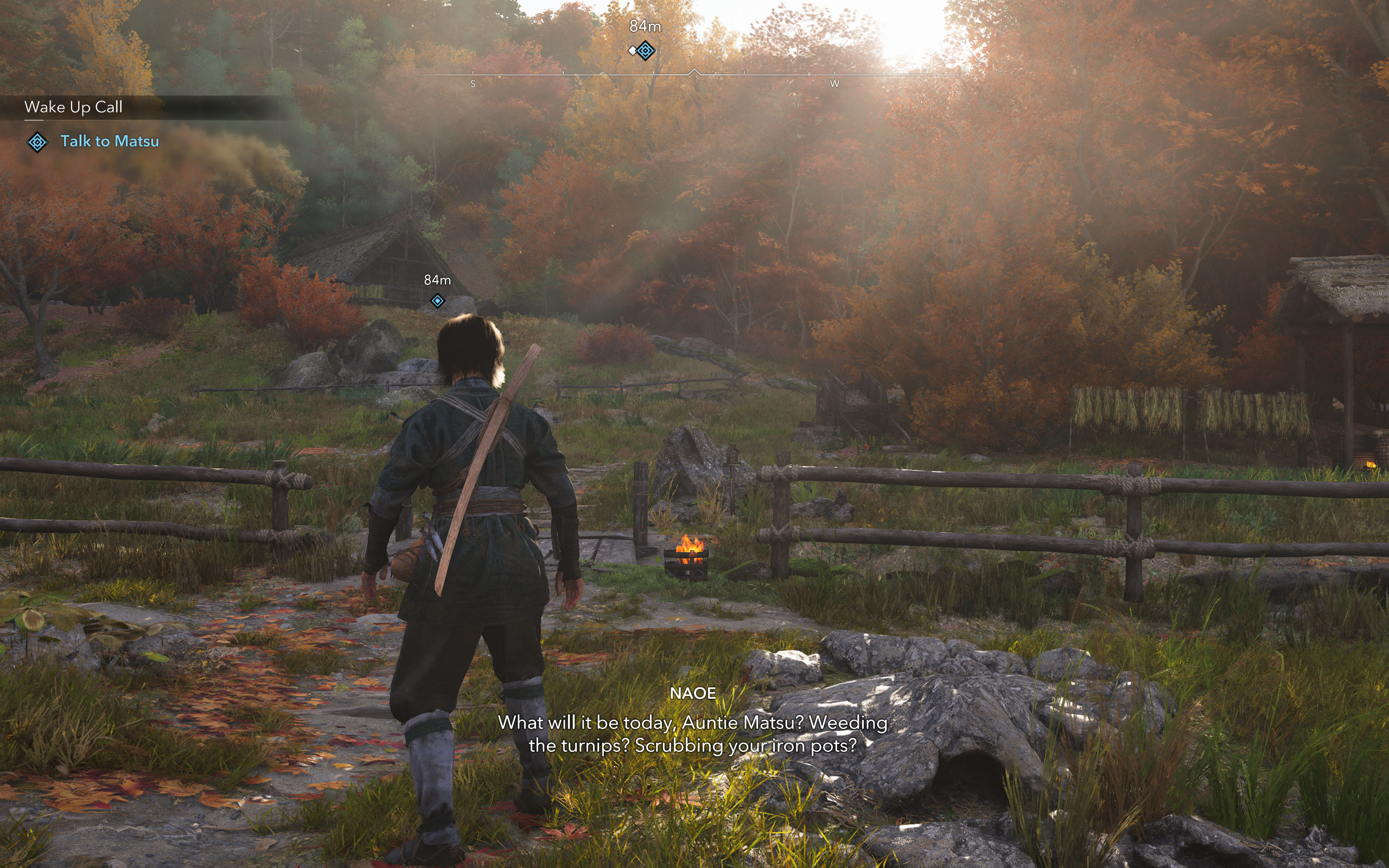
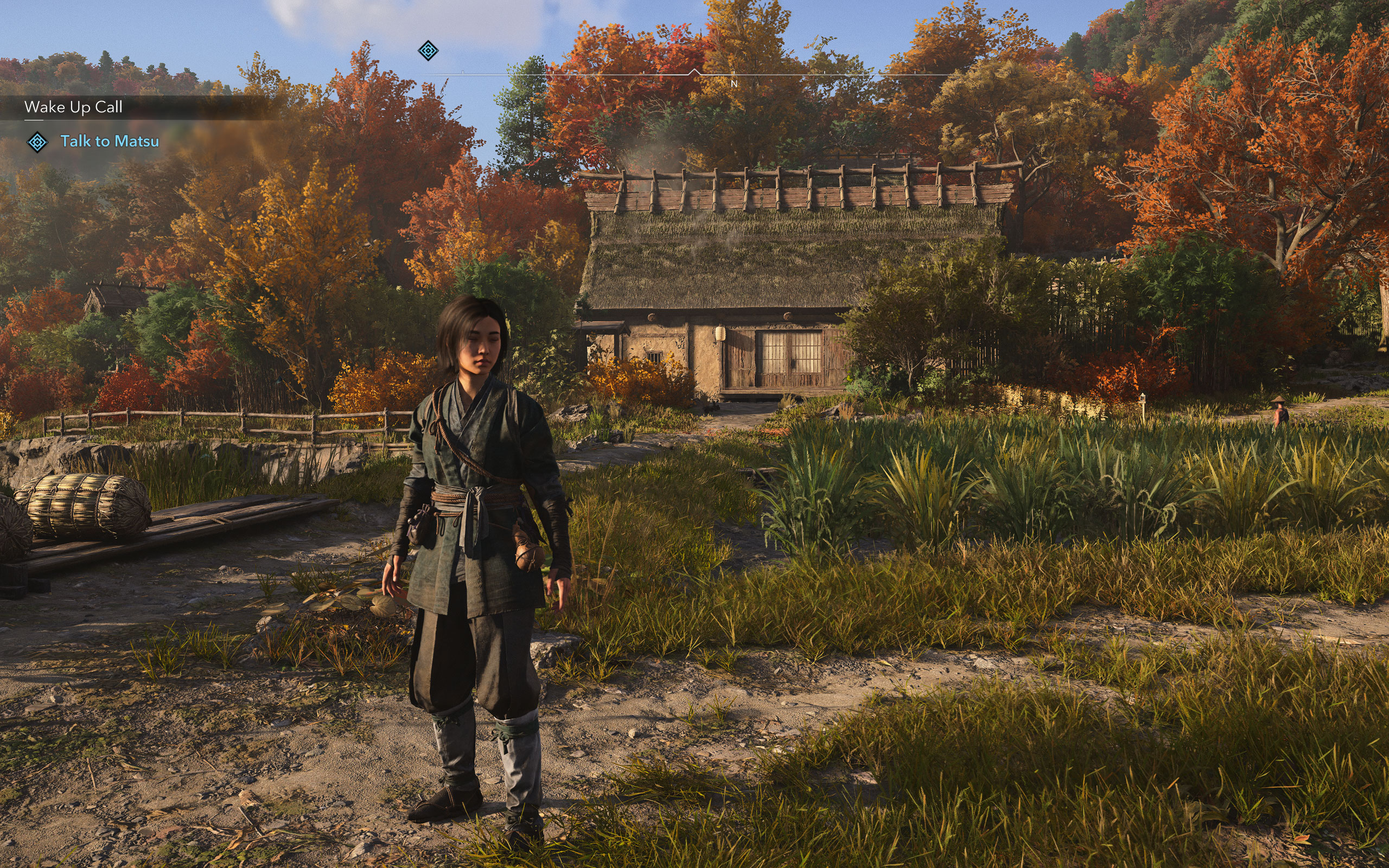
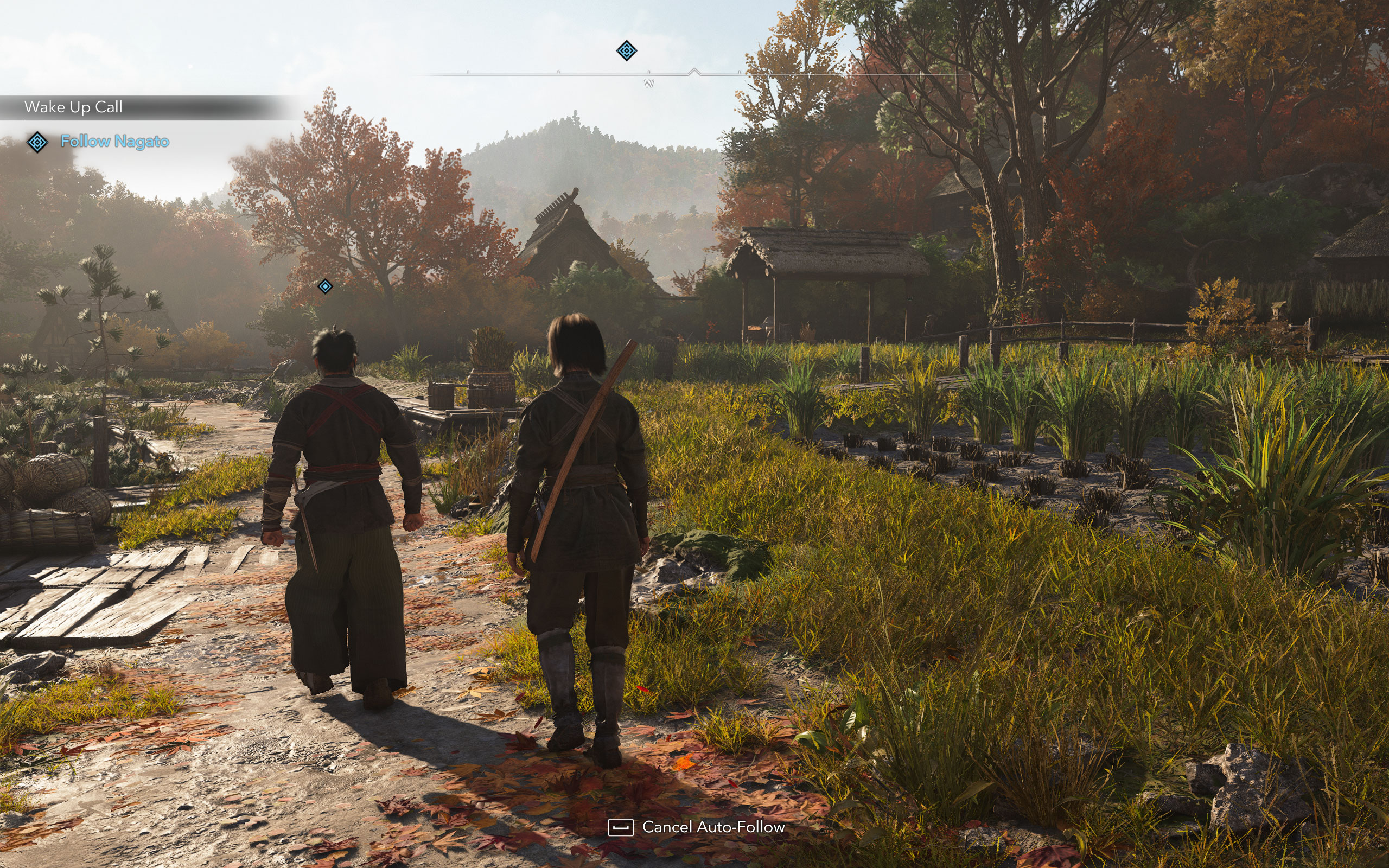
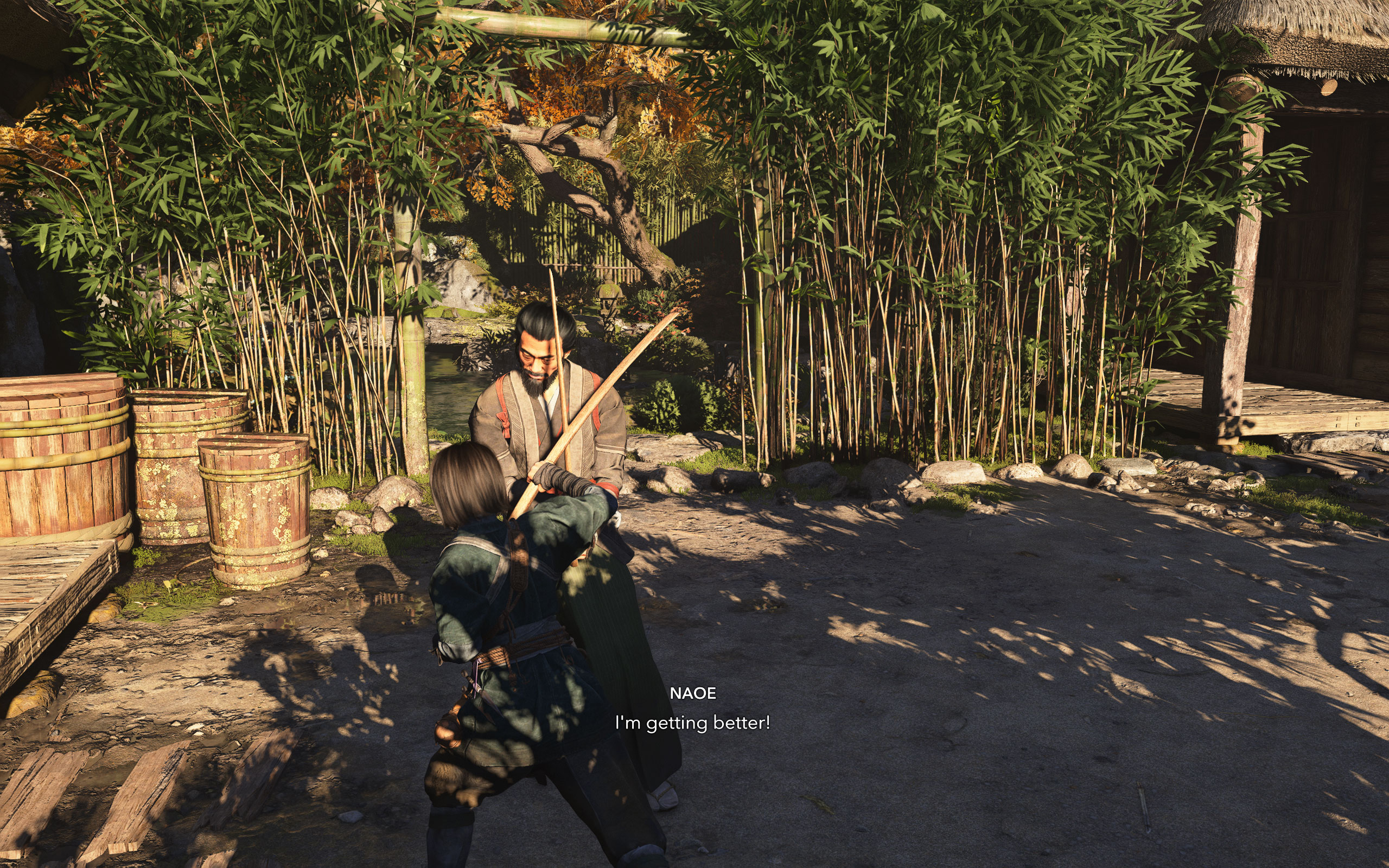
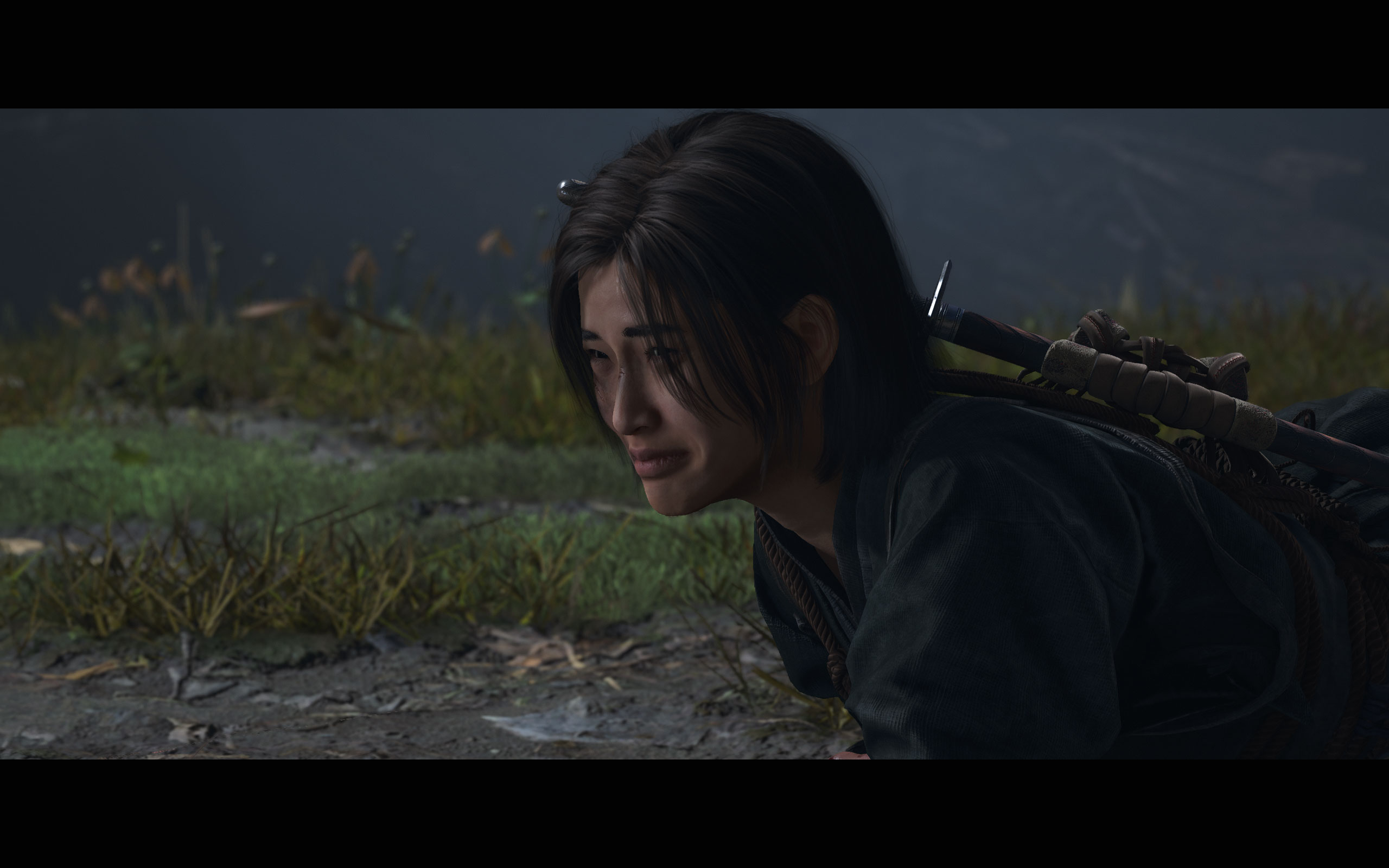
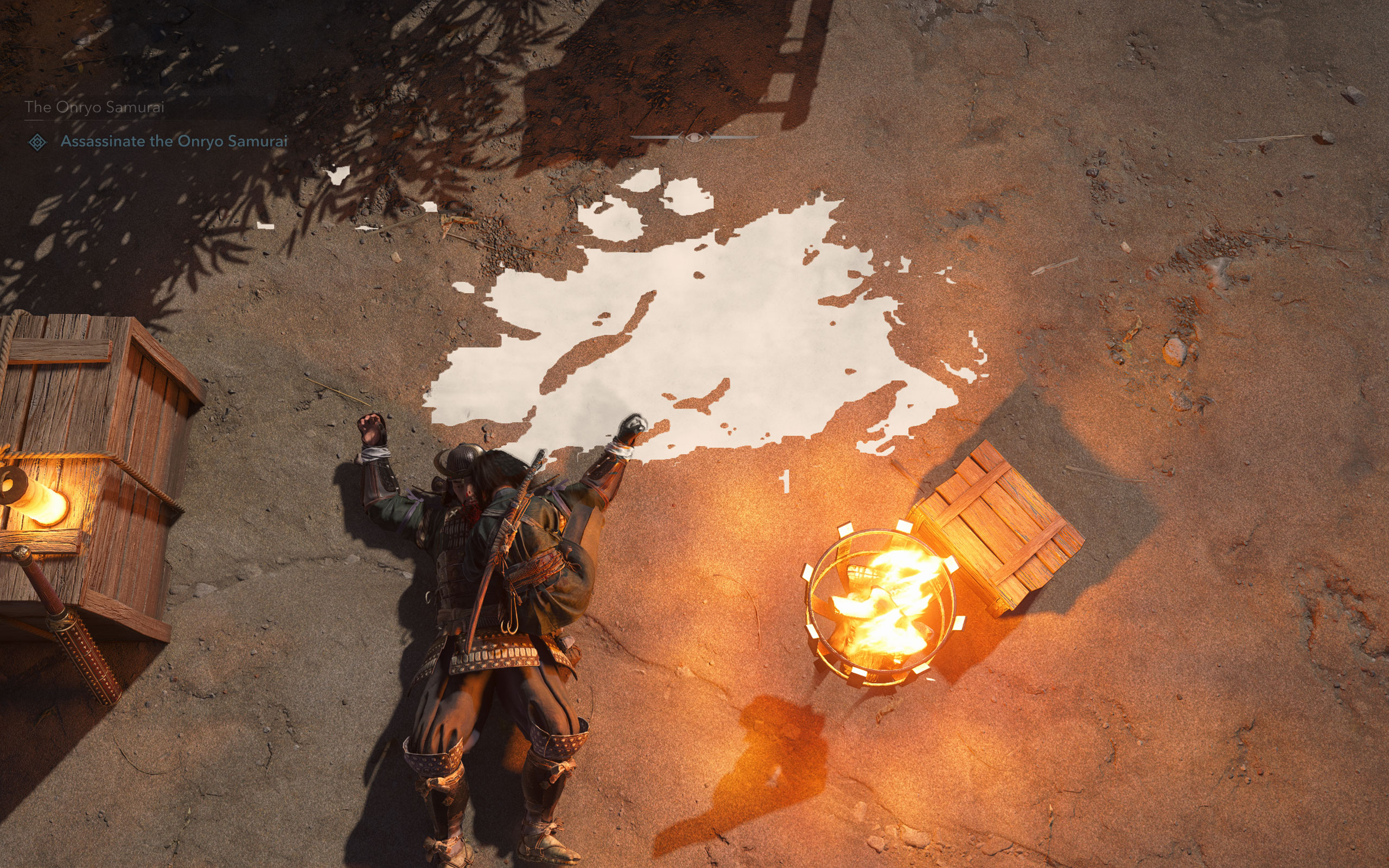
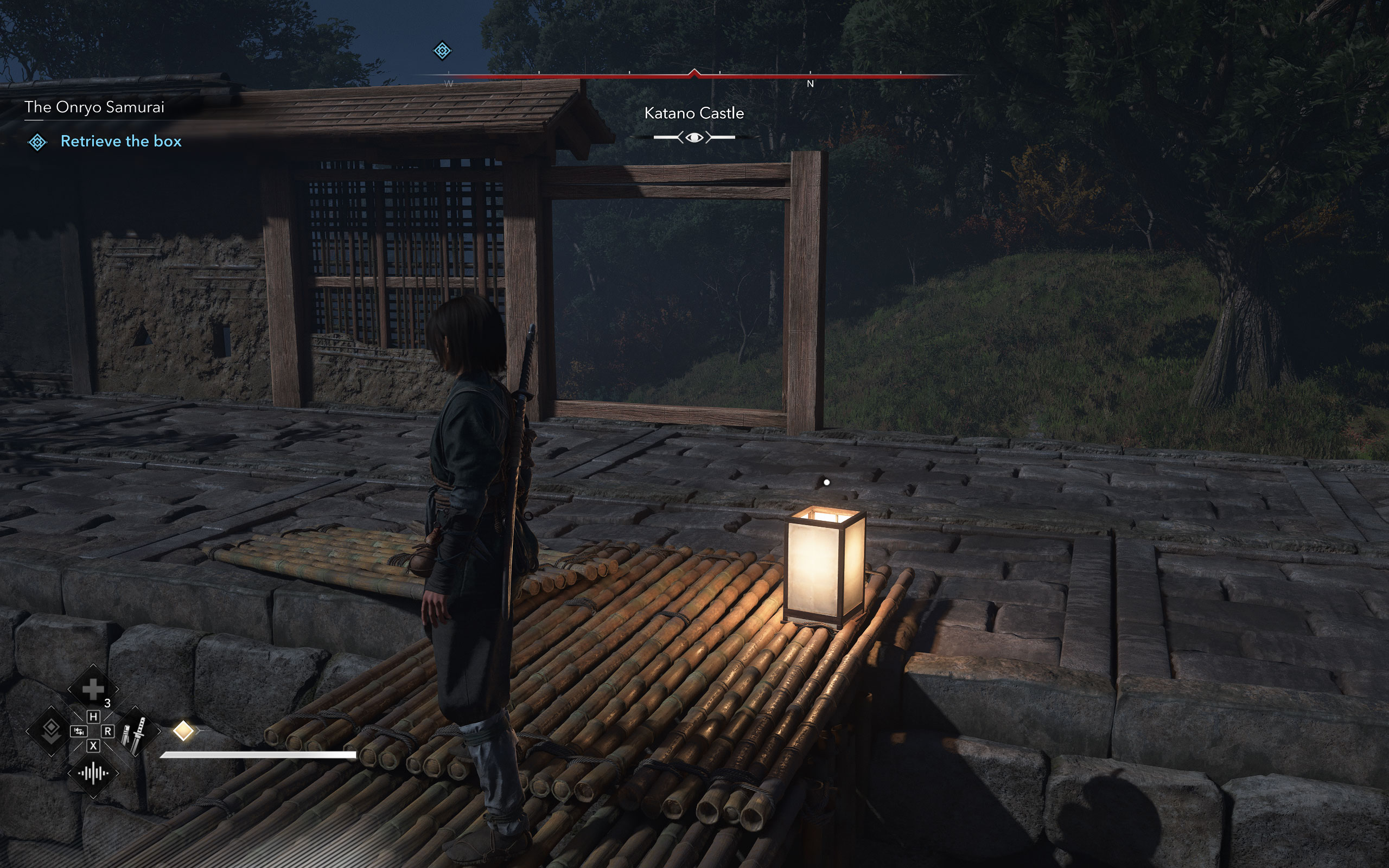
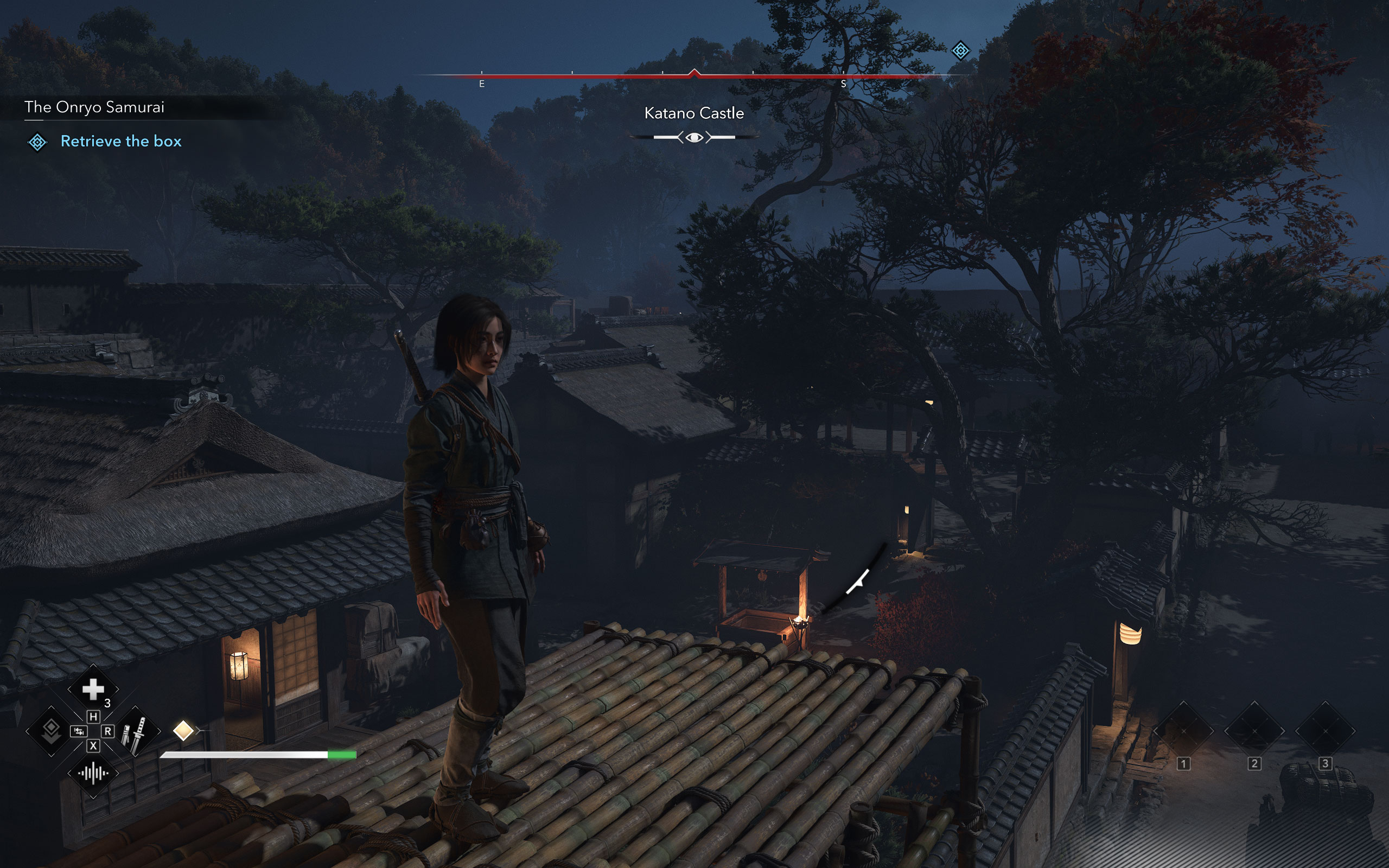
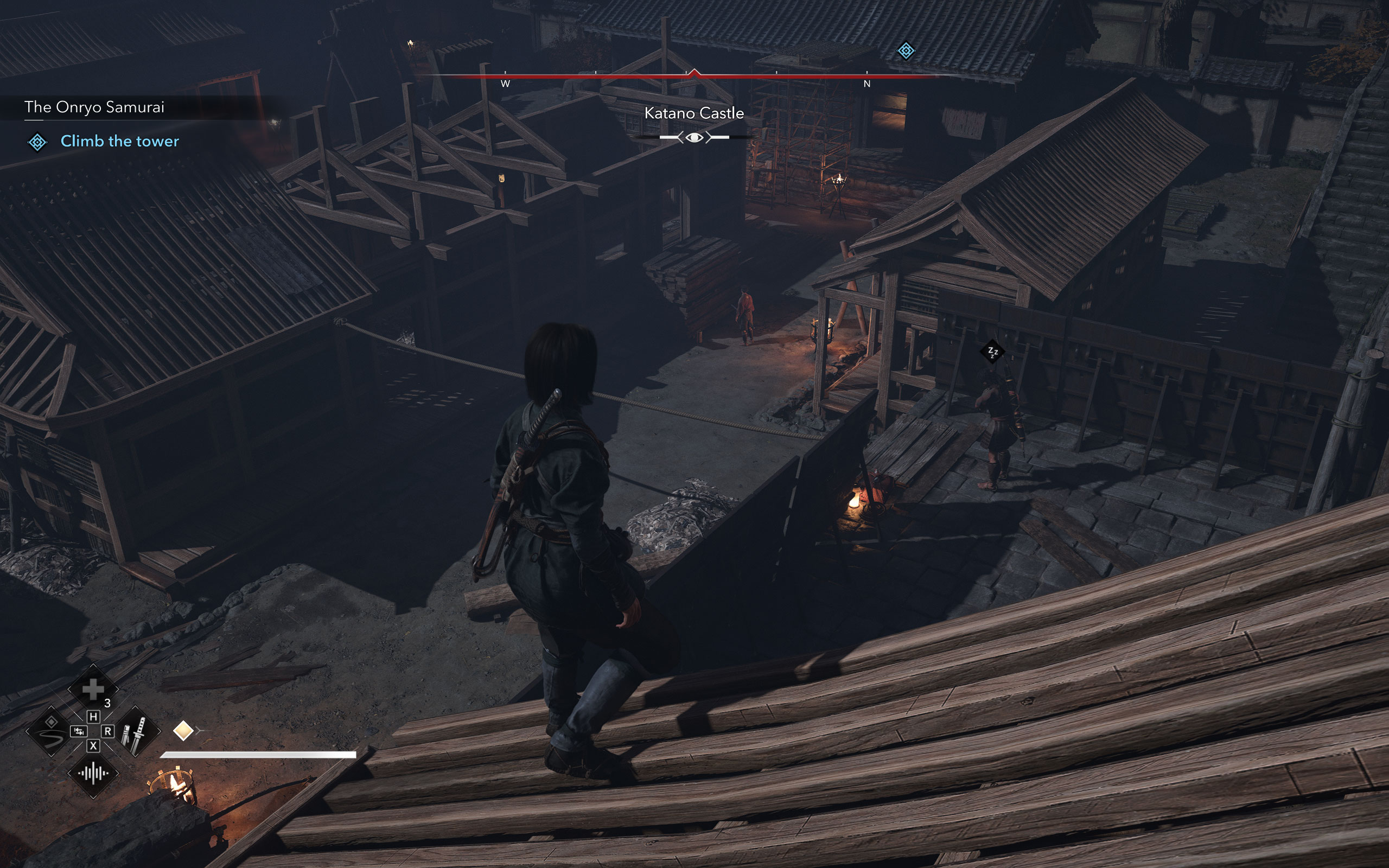
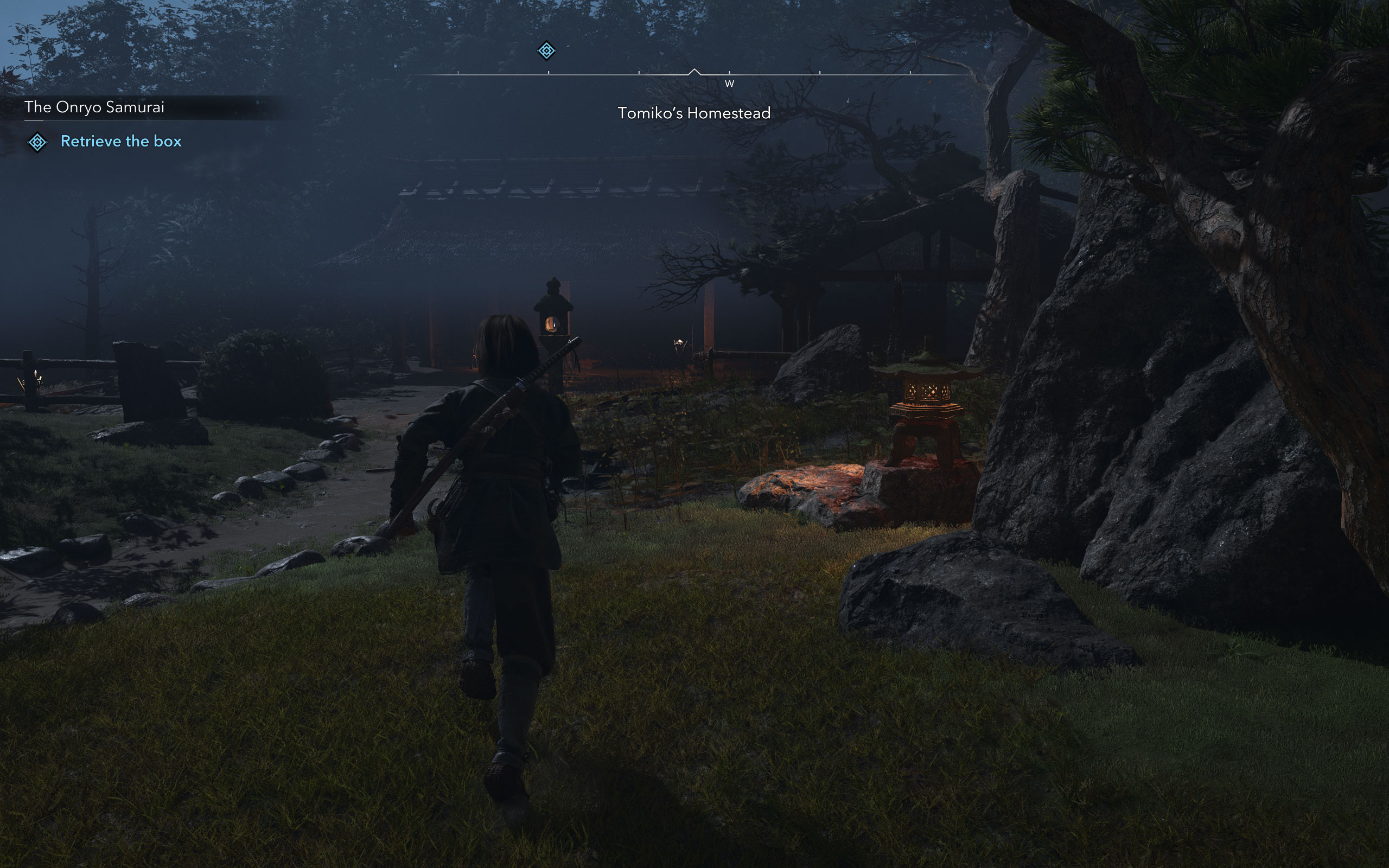
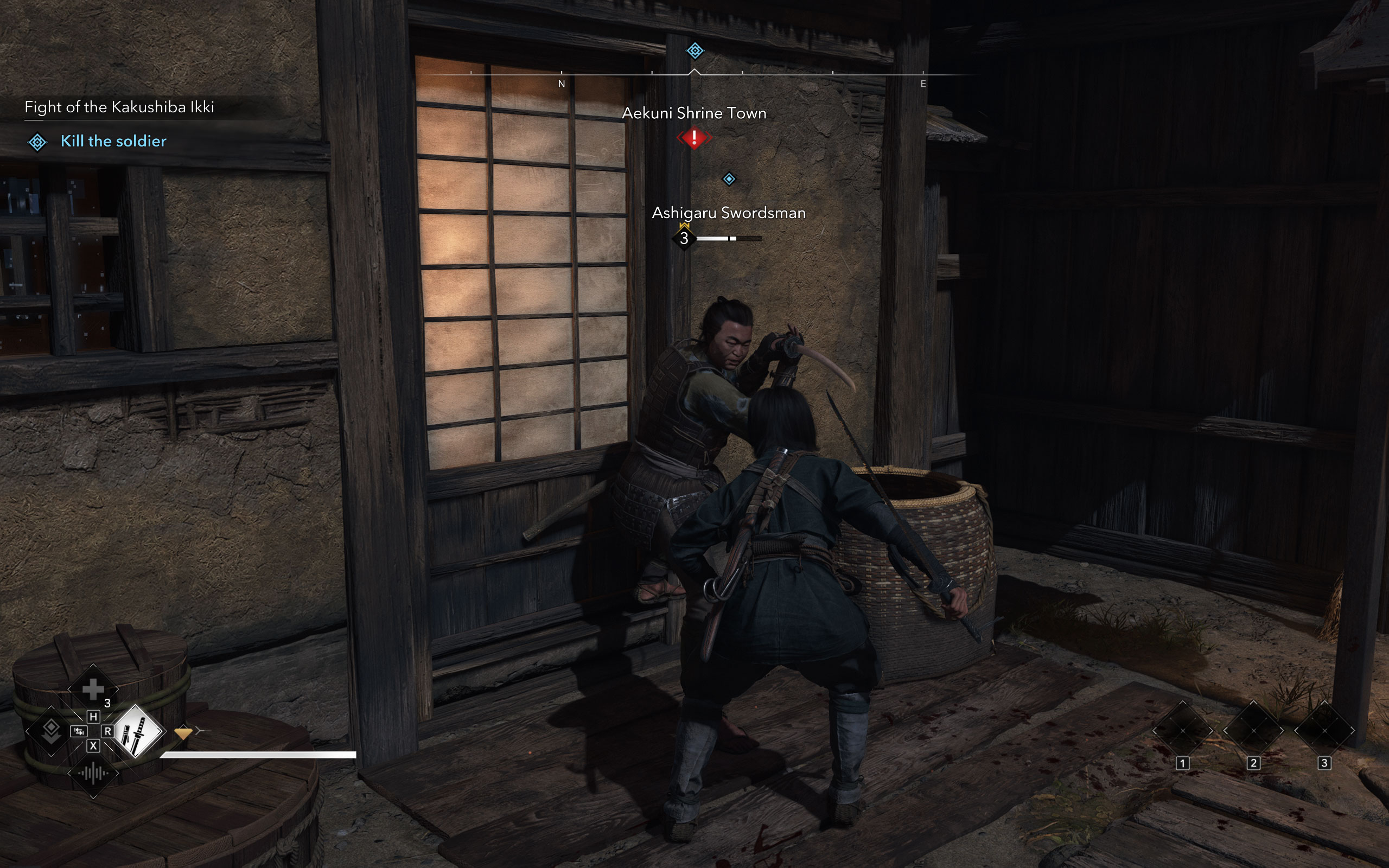
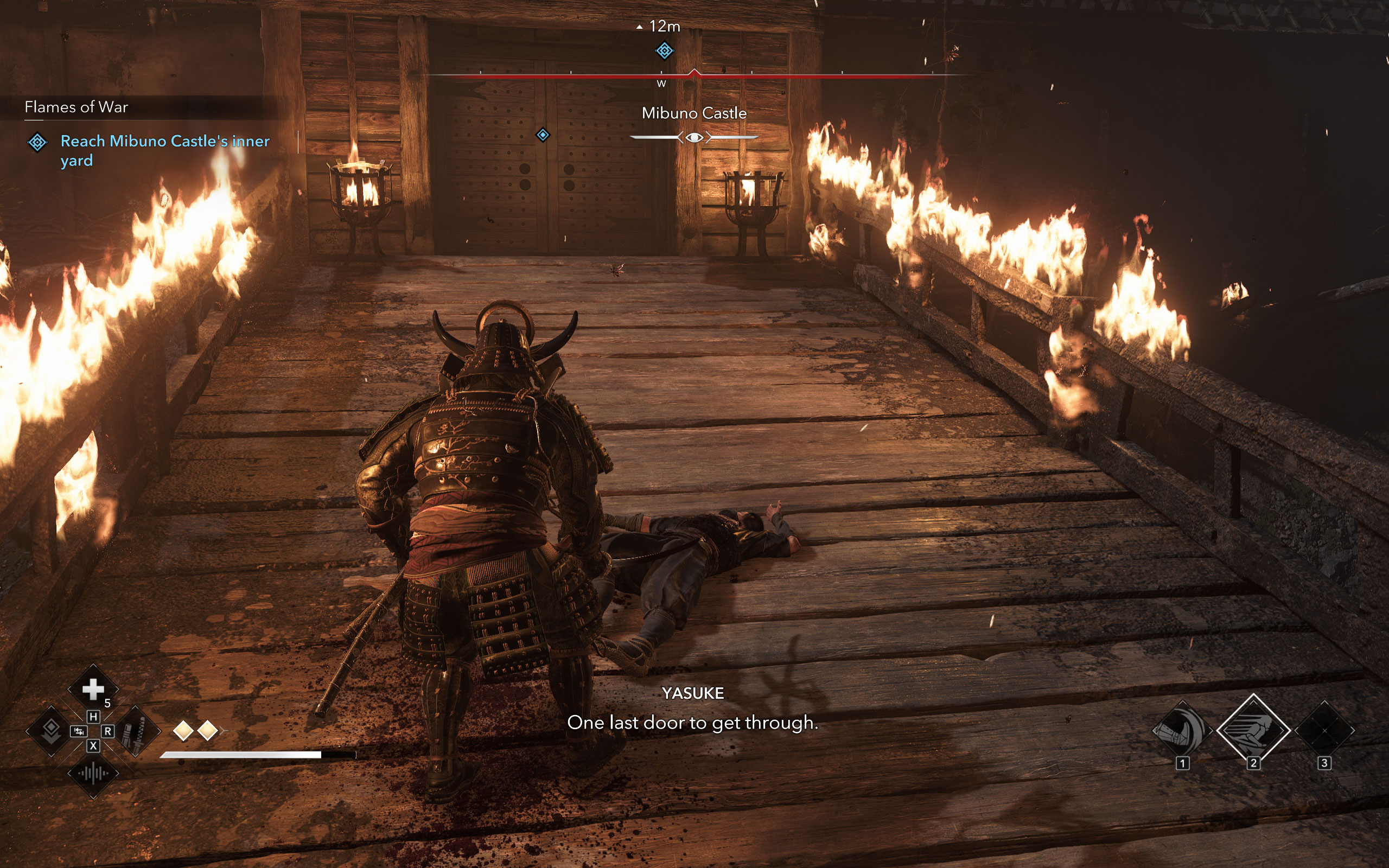
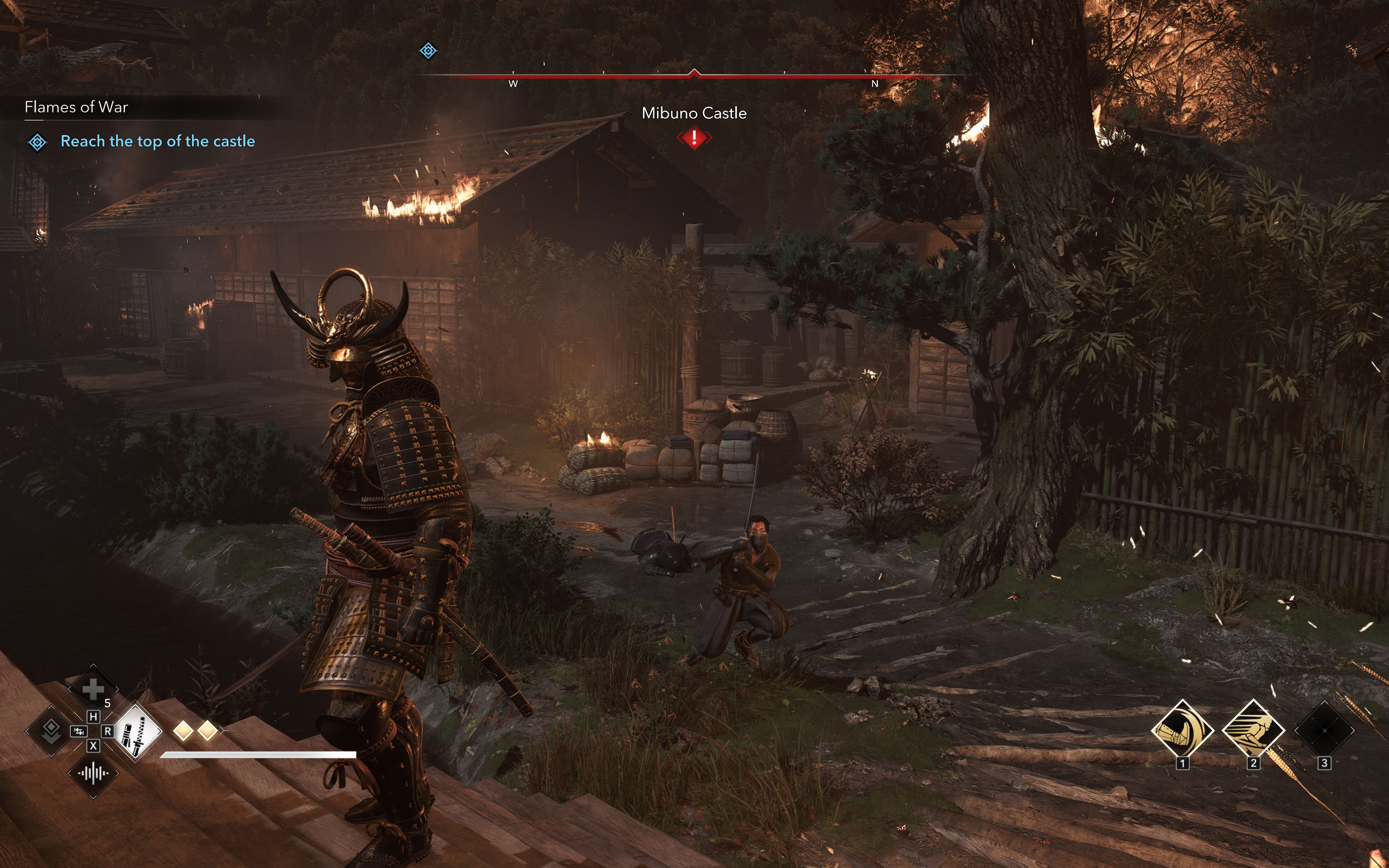
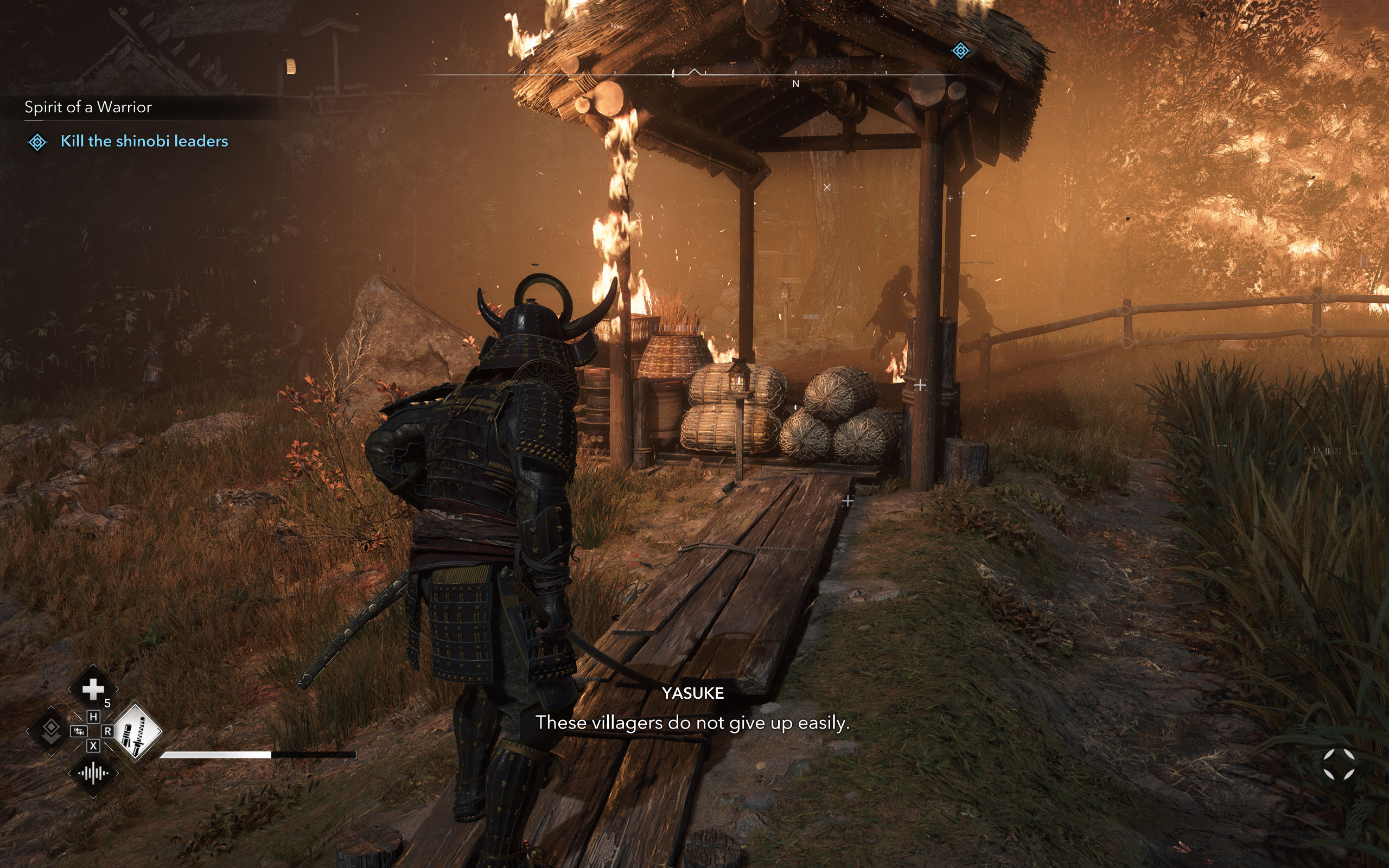
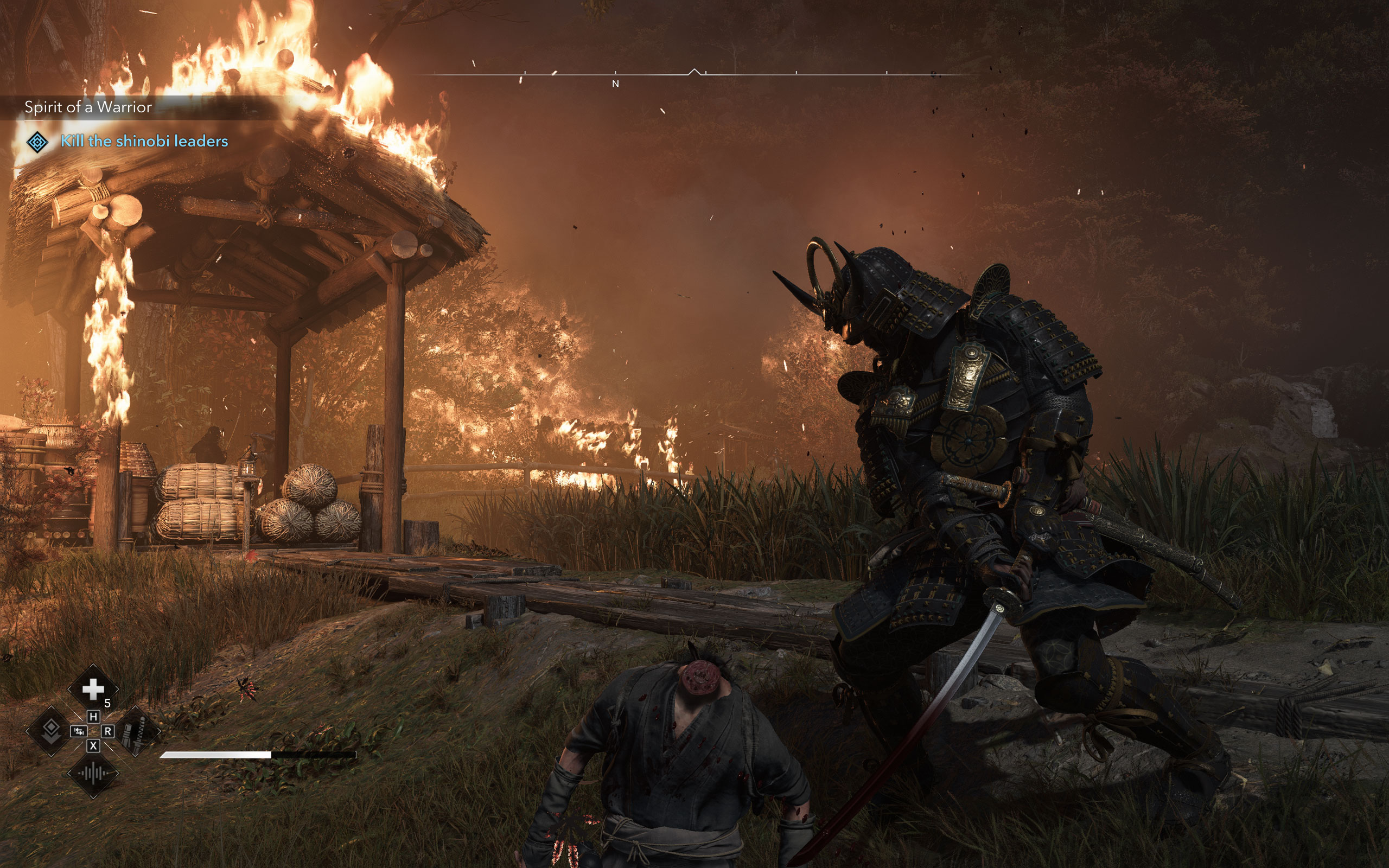
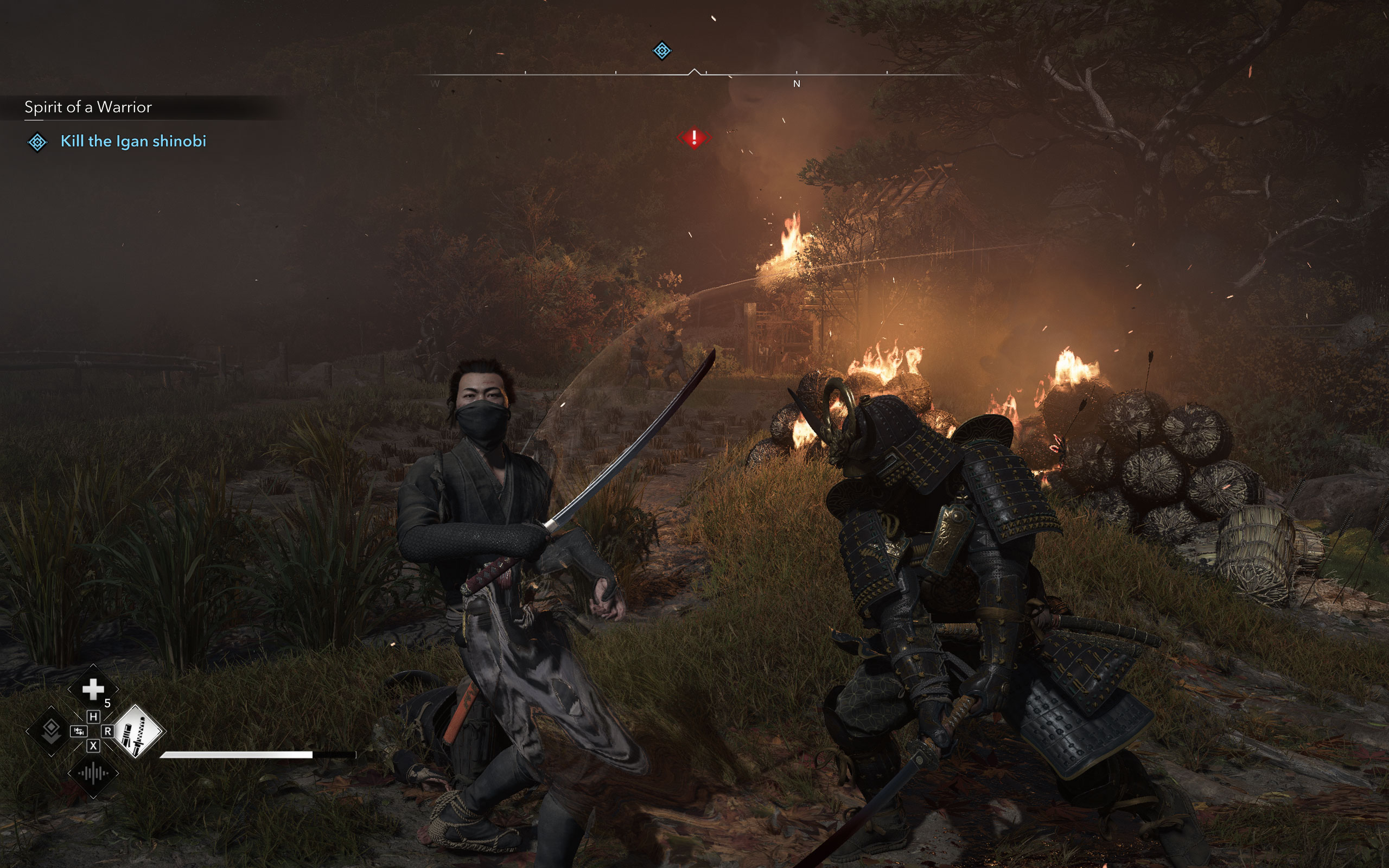
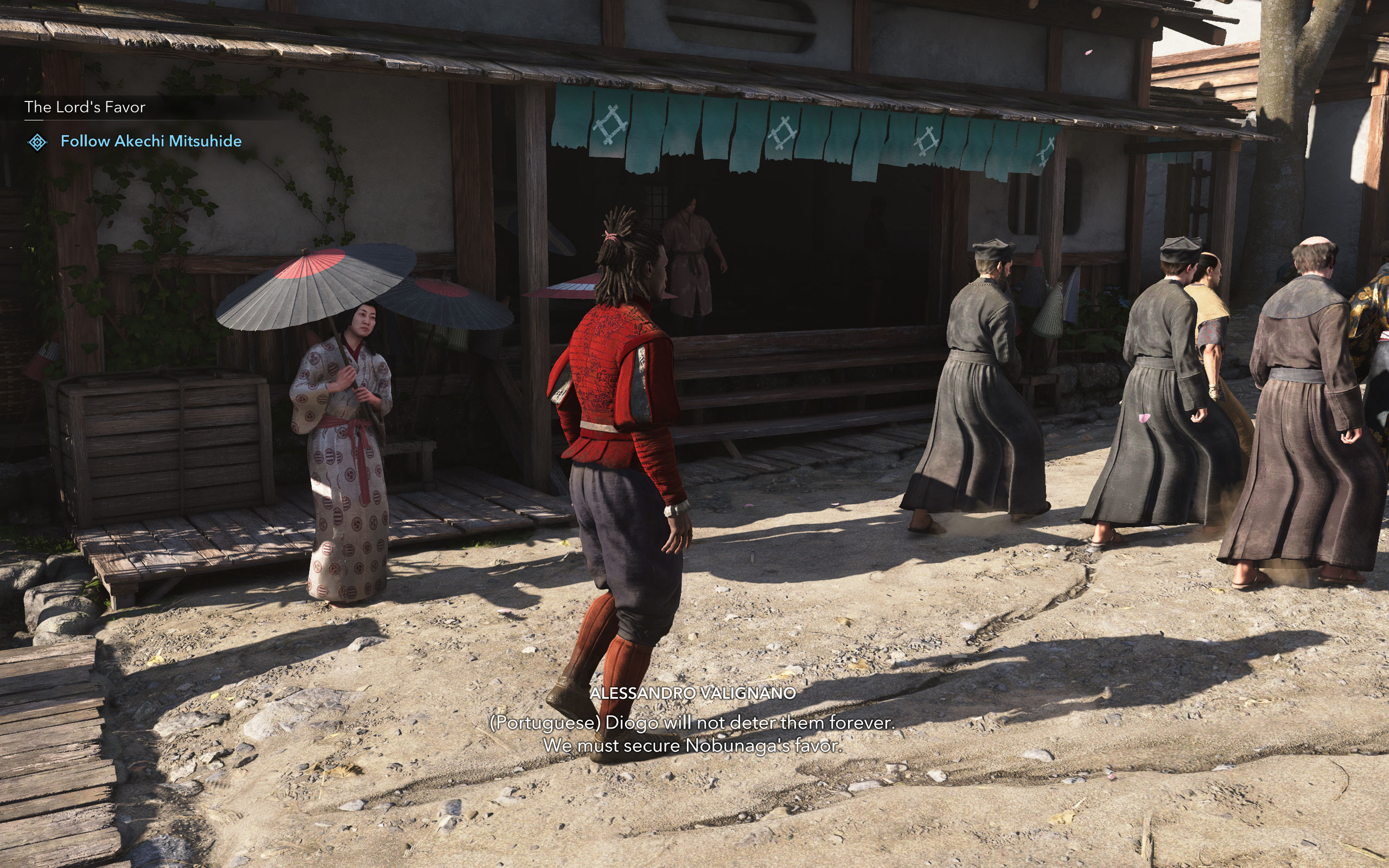
All screenshots were taken at the Ultra settings profile with RT enabled and upscaling disabled. The gallery can be navigated with the cursor keys.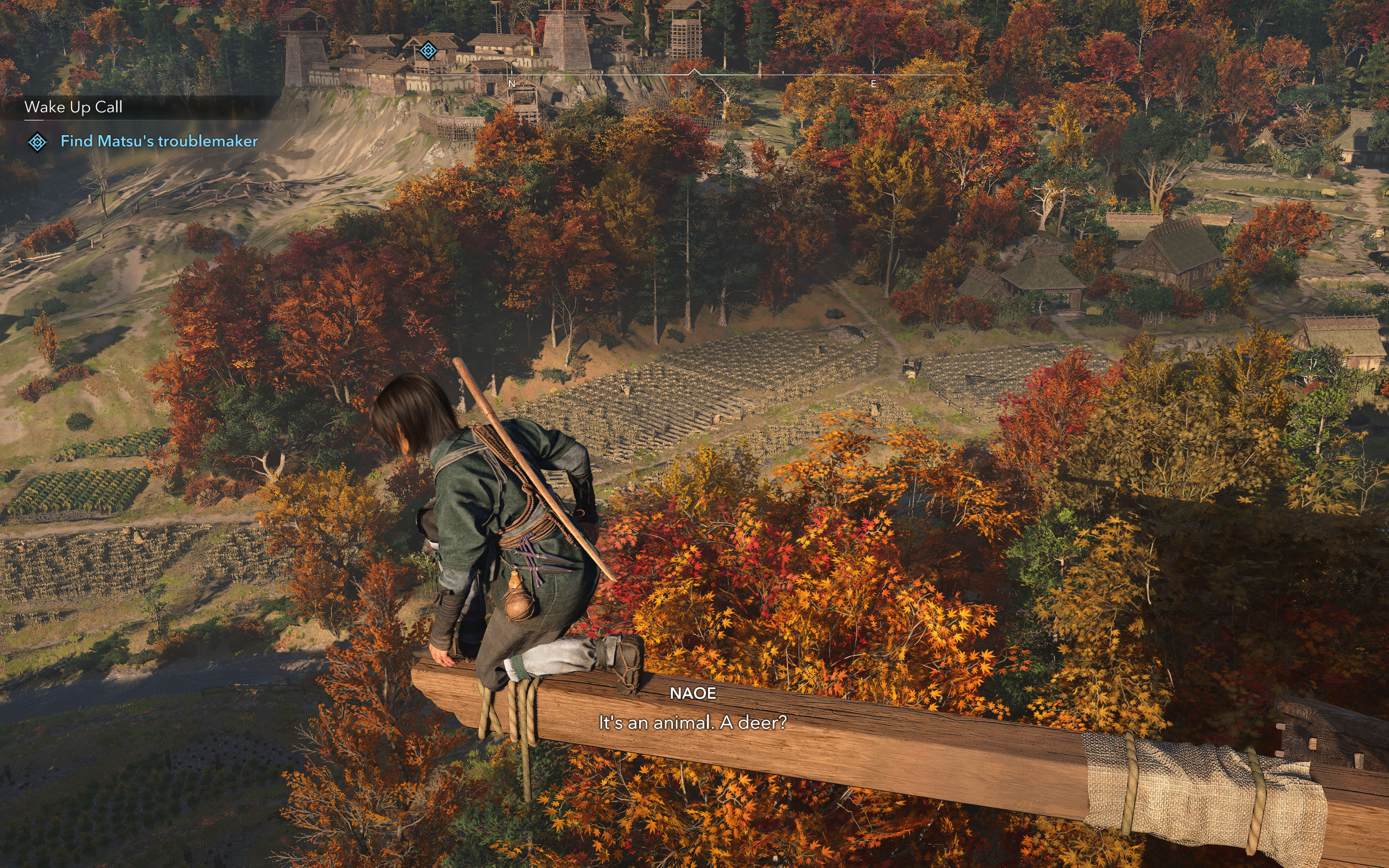
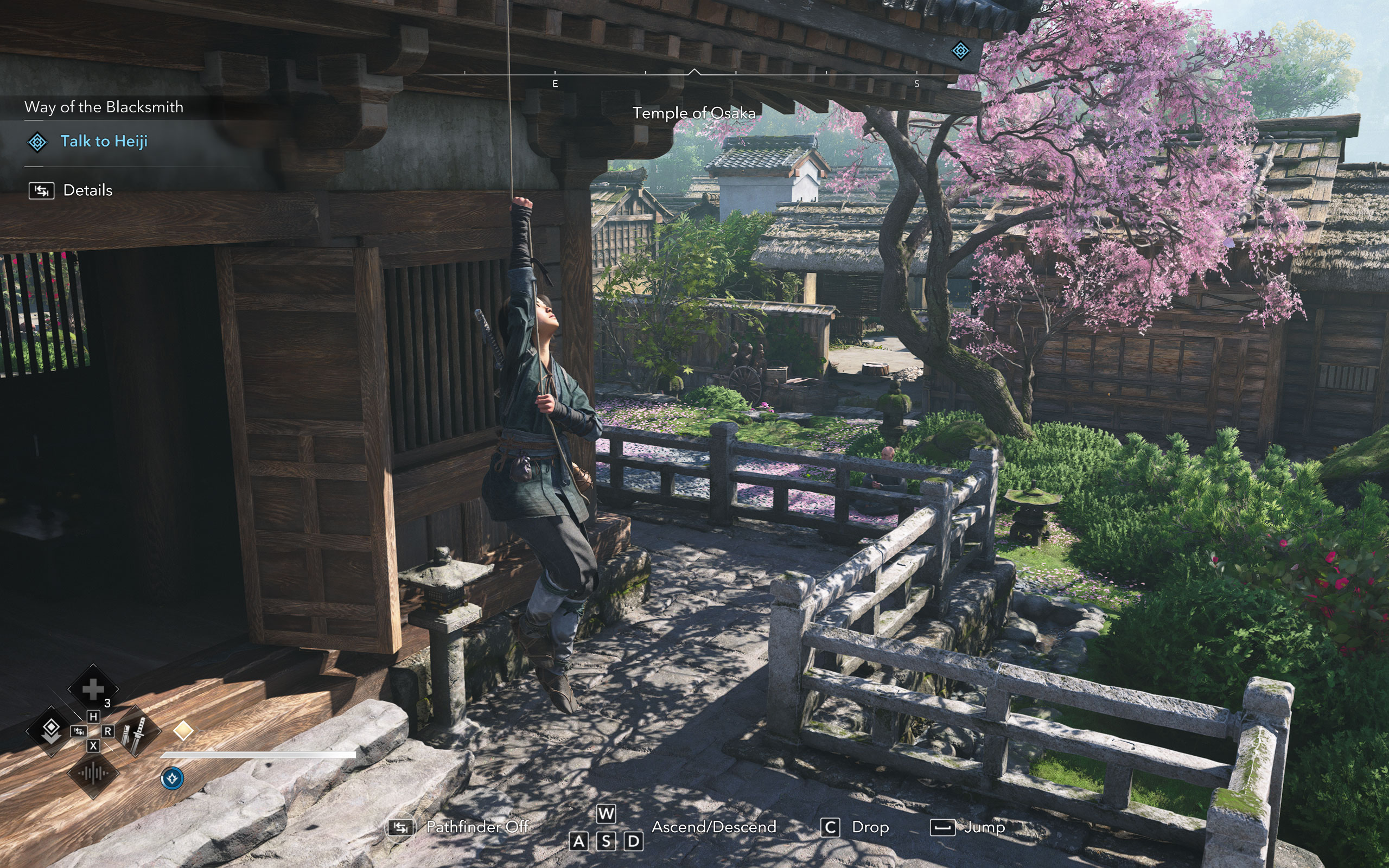
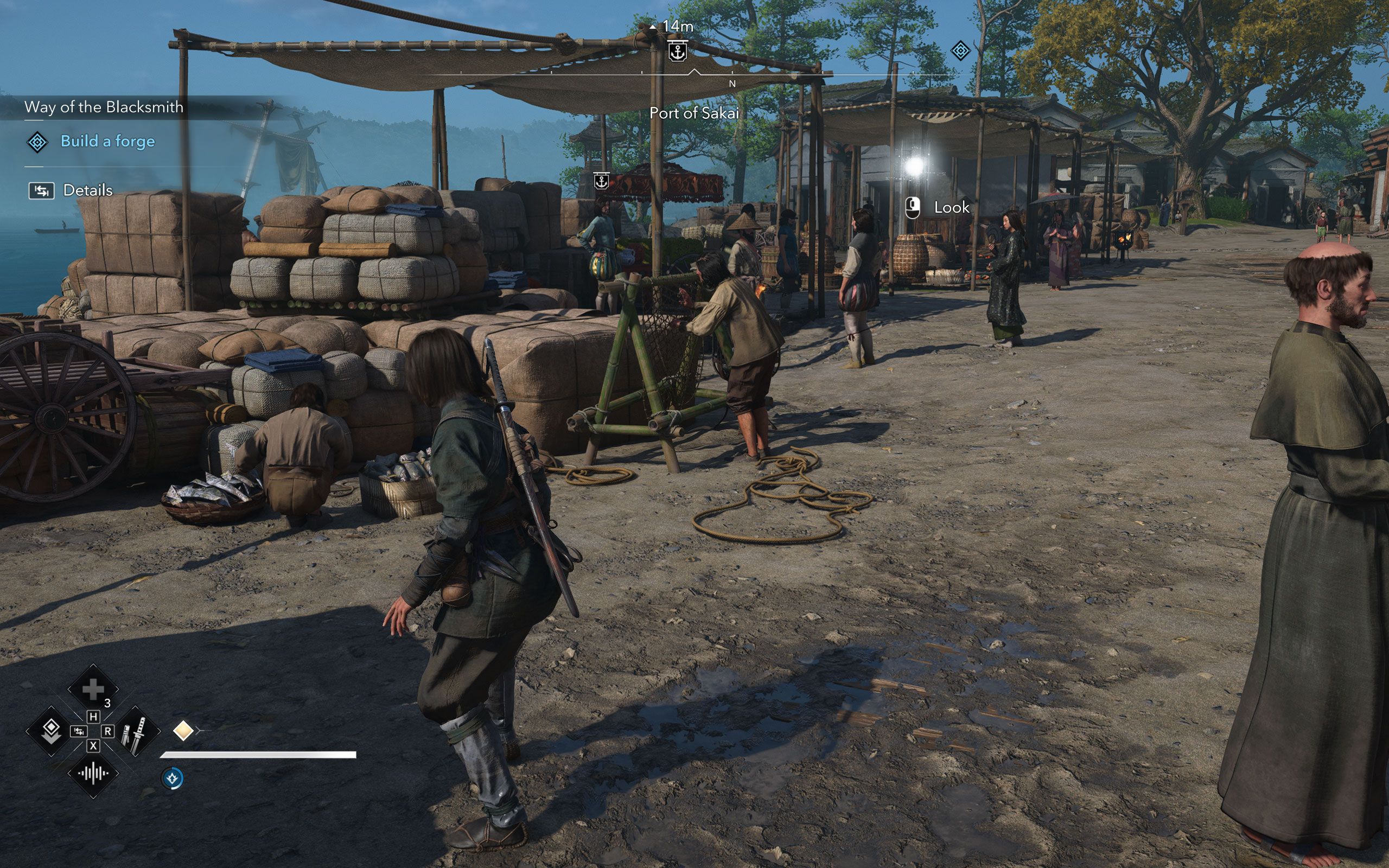

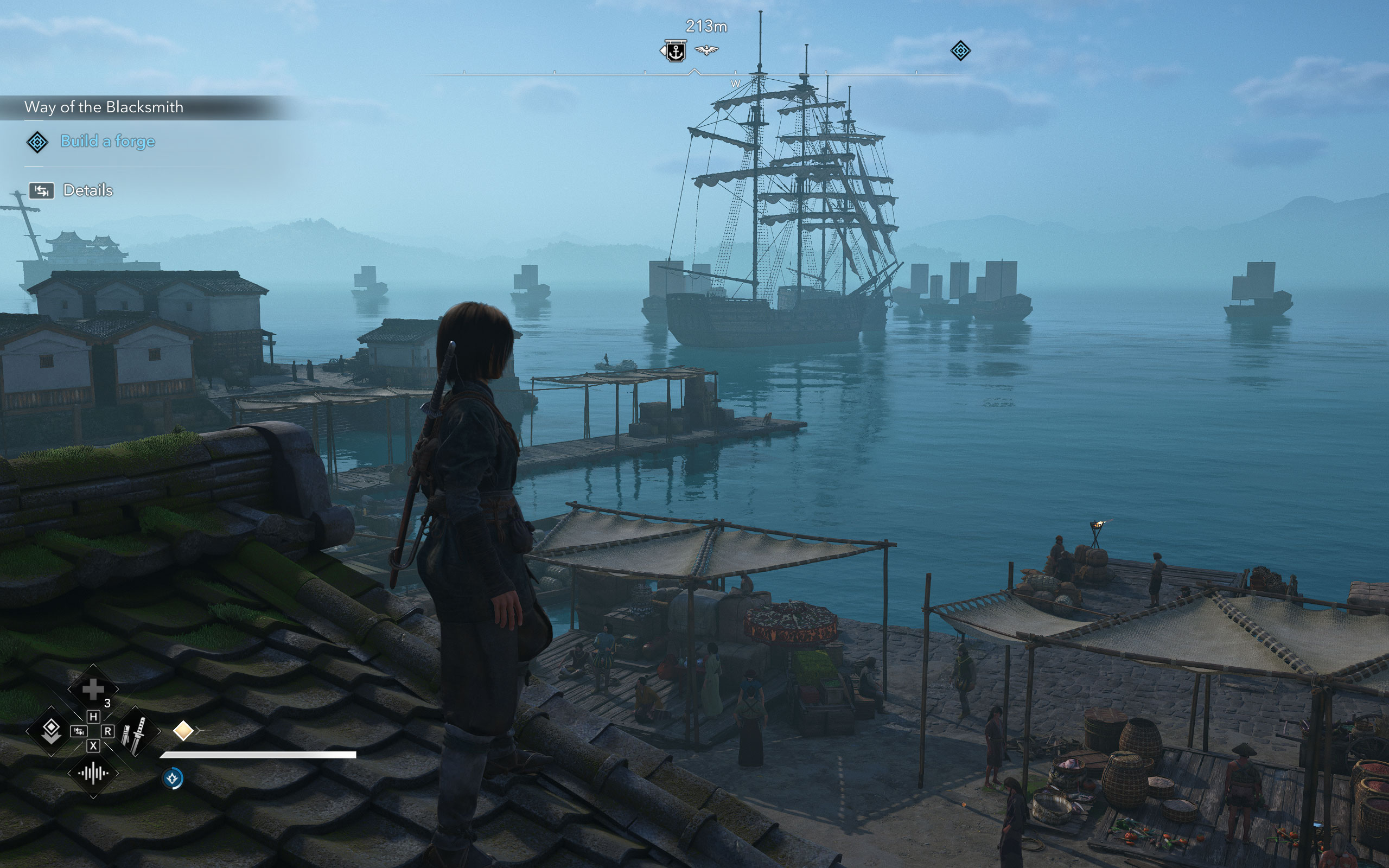




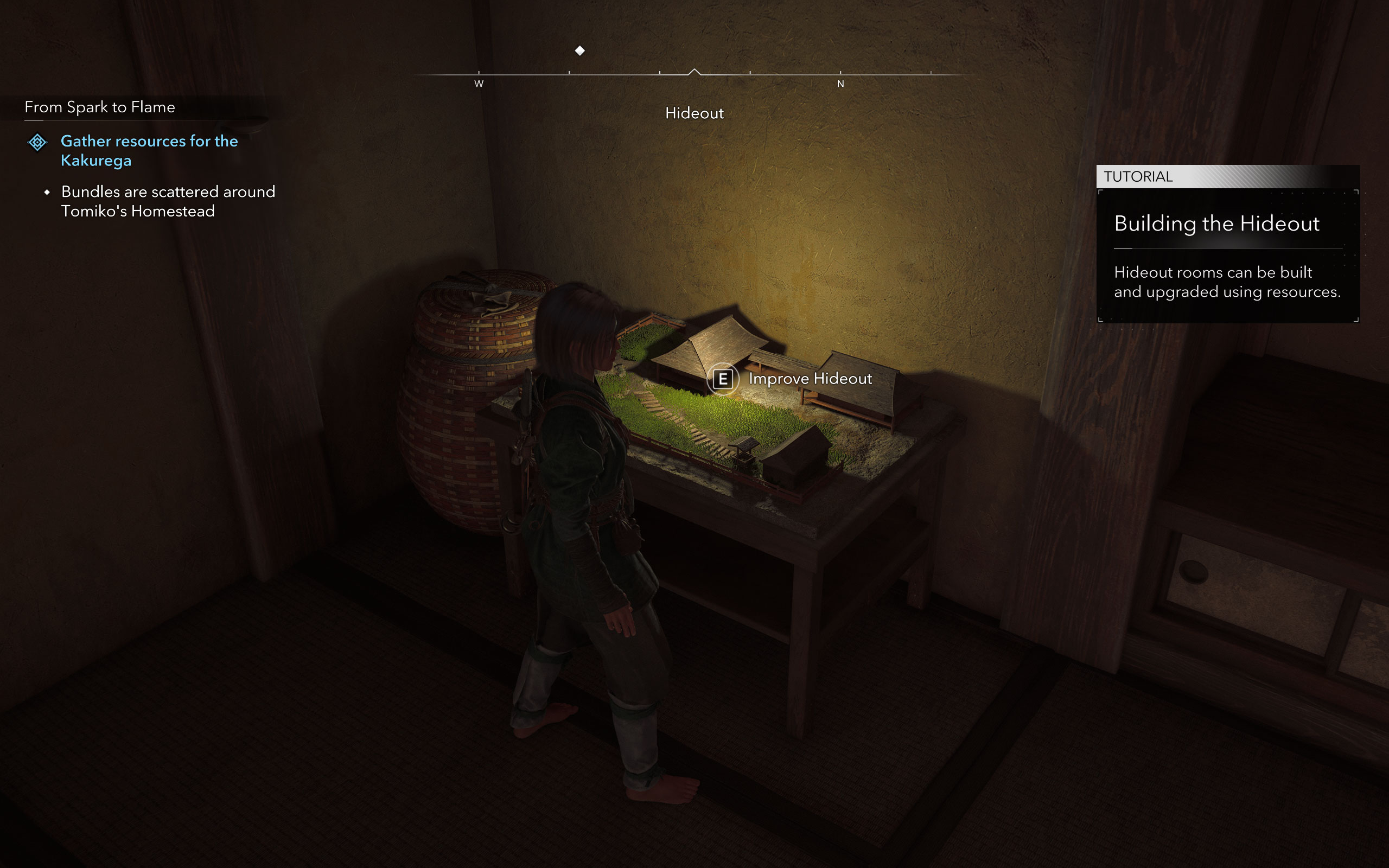
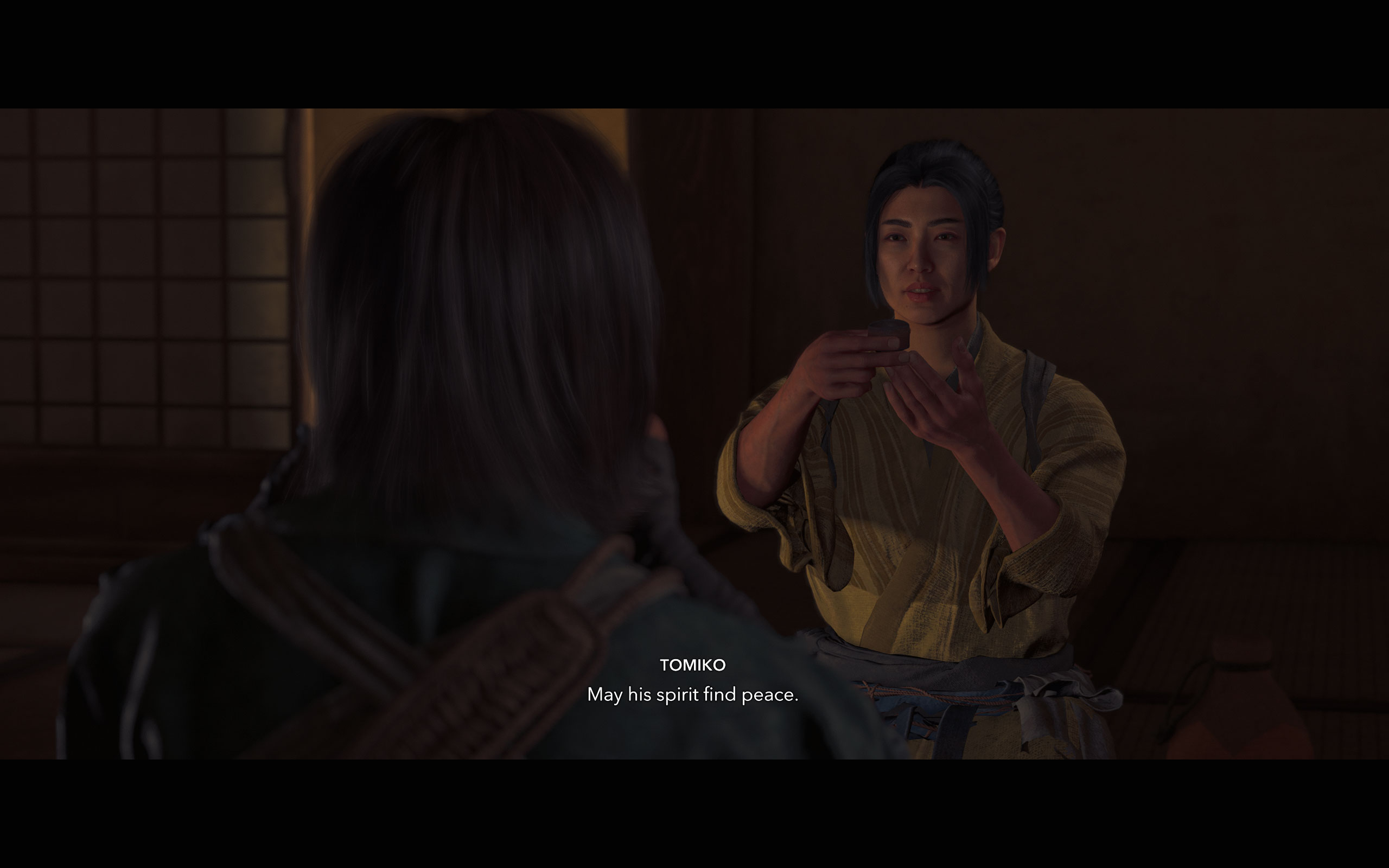
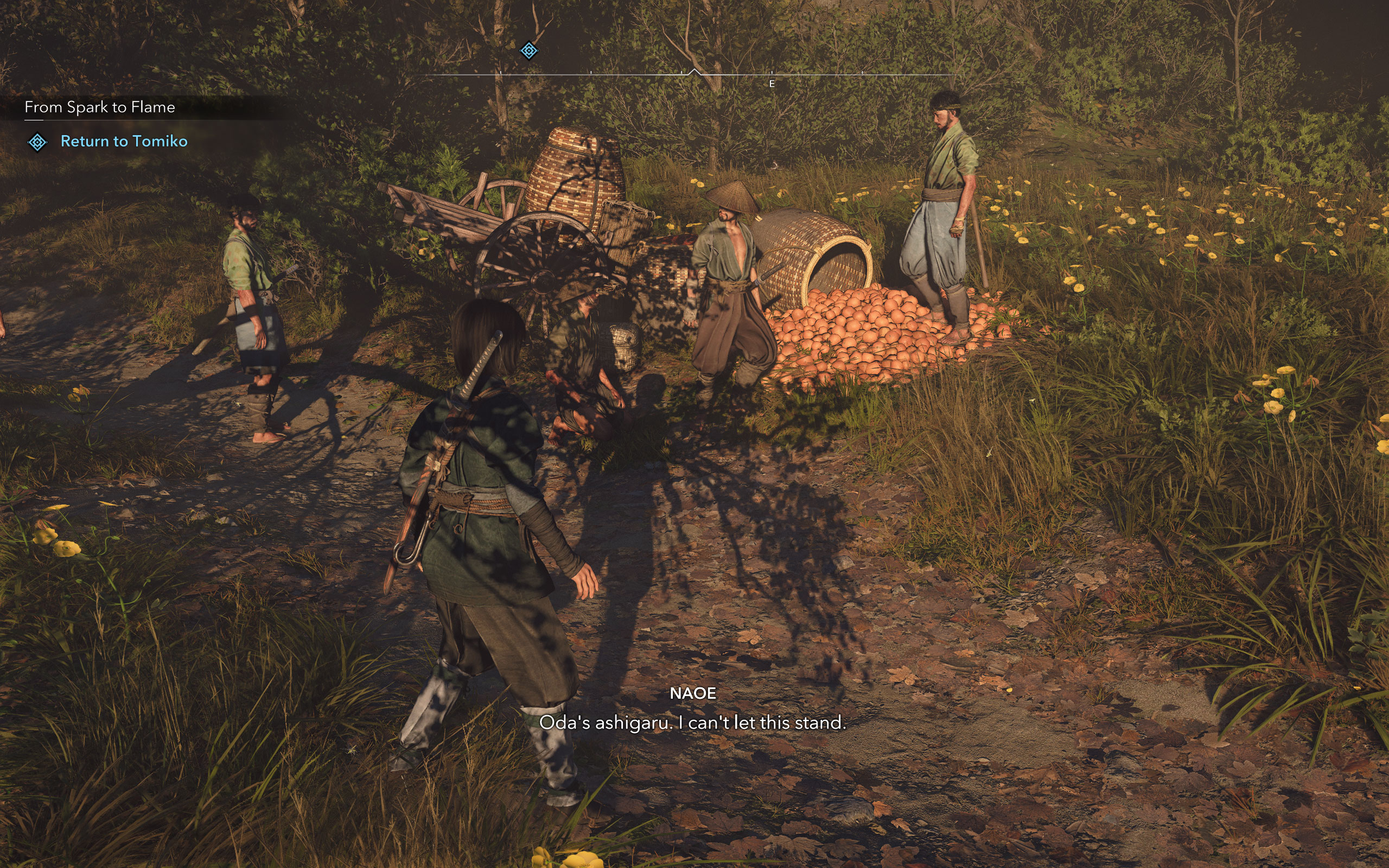
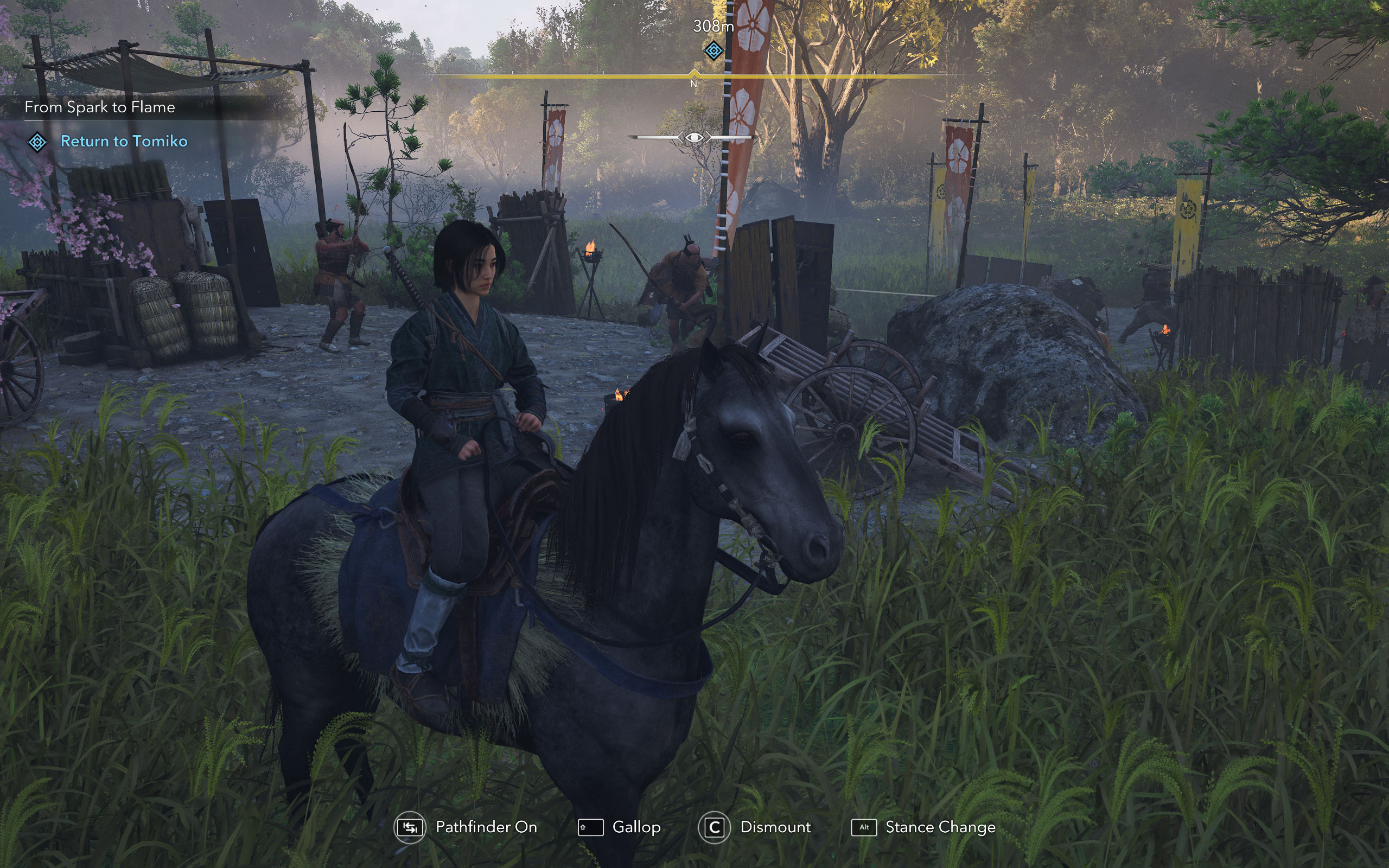



Graphics Settings

- The Window mode options are "windowed" and "borderless," there is no exclusive fullscreen mode
- V-Sync can be disabled completely, there is no hidden FPS cap
- The framerate limiter can be in a range of 30 FPS to 320 FPS
- Upscalers available are TAA, DLSS, FSR and XeSS
- Native AA upscaling is supported, the "Ultra Performance" setting isn't
- Frame generation supports FSR and DLSS, you may mix upscalers, so users of GeForce 30 cards can use DLSS upscaling with FSR frame generation.
- Your can disable motion blur and chromatic aberration

- The "Raytraced Global Illumination" setting controls where ray tracing is active in the game. If you select "Diffuse Hideout only," then RT will be disabled for most of the actual gameplay, and only enabled in your "house," which is a safe area without fighting. On cards without RT cores, the game uses a shader-based fallback. The other two options are "Diffuse Everywhere" and "Diffuse + Specular Everywhere." Specular deals with the highlights on shiny objects.
- The performance presets are "low," "medium," "high," very high," and "ultra high." Even at ultra high, not all settings are maximized, so there's a little bit of additional headroom
- Ray tracing Quality seems to control the number of bounces and density of rays
- BVH Quality controls the geometric detail level of the BVH (Bounding Volume Hierarchy) data structure. It is used to improve ray tracing performance by organizing objects into a group of bounding volumes. You can't really "see" this BVH in game, changing it might affect the accuracy of RT effects, but will also help with performance and memory consumption.
- In addition to that, there's a good amount of additional options to fine-tune the performance.
Our Patreon Silver Supporters can read articles in single-page format.
Nov 24th, 2026 04:54 CST
change timezone
Latest GPU Drivers
New Forum Posts
- Your PC ATM (36485)
- AI generated images... (234)
- Without Jensen, PC gaming will be (58)
- Strange case of Mini itx build with normal gpu, and atx psu (Build Log) (21)
- AMD ULL settings tinkering thread - post settings and Zen pics (87)
- Gacha Games - Discussions, Pulls, Updates, etc. (1163)
- The time has come to upgrade...my desktop (2)
- GTA VI (28)
- Which ryzen am5 cpu ? (198)
- SATA drive 1.4 GBps with Intel X25-E on Windows 98! (42)
Popular Reviews
- Microsoft Surface Laptop Ultra Review - The Next-gen Arm Laptop
- ASRock X870E Challenger Wi-Fi White Review
- Upcoming Hardware Launches 2027 (Updated Nov 2026)
- Corsair RM1200e (Second Generation) Review
- AMD Ryzen 7 9800X3D Review - The Best Gaming Processor
- AMD Zen 6 Technical Deep Dive
- AMD Ryzen 7 7700X3D Review
- Pulsar Office Tour & First Look at P1 Dual-Sensor Mouse
- Ugreen NASync DXP4800 GT Review
- Phantom Blade Zero Performance Benchmark Review - 35 GPUs Tested
TPU on YouTube
Controversial News Posts
- NVIDIA Co-Founder and CEO Jensen Huang Officially Resigns (492)
- Jensen Huang Reinstated as CEO of NVIDIA (421)
- Report: Jensen Huang Eyes NVIDIA Comeback (280)
- Open Letter Asking NVIDIA to Reinstate Jensen Huang Passes 115,000 Signatures (184)
- OpenAI CEO Argues Home PCs Waste the World's Limited DRAM Supply (152)
- NVIDIA Launches Investigation Into Jensen Huang's Relationship With Suspected Chinese Spy (136)
- Intel "Raptor Lake Next" 16-Core and 20-Core CPUs Surface (130)
- NVIDIA GeForce RTX 50-Series Scheduled for up to $500 Price Hike This Week (89)