 69
ASUS GeForce RTX 4080 Noctua OC Review - Next-Level Quiet
(69 Comments) »Introduction

ASUS and Noctua are easily two of the most recognizable and respective brands in the PC component industry, with decades of presence. Back in 2021, ASUS reached out to Noctua to start a collaboration that brought Noctua's expertise in designing high-quality cooling solutions, including fans, and the ASUS wizardry at building top-notch graphics cards together. In today's review we're covering the ASUS RTX 4080 Noctua OC, which is the company's third ASUS x Noctua graphics card after the RTX 3080 Noctua (May 2022) and RTX 3070 Noctua (Oct 2021). Noctua established total dominance over first-party air cooling solutions for graphics cards with these two cards, and its expertise in air cooling assumes even more significance with high-end graphics cards from this generation, with typical board power values well above the 350-400 W mark, and most other brands relying on 4-slot coolers for high-end GPUs.

The GeForce RTX 4080 is NVIDIA's second fastest graphics card from the RTX 40-series "Ada" generation. For gamers, the card offers pretty much the same use-case as the flagship RTX 4090—to plow through any of today's games at 4K Ultra HD resolution with maxed out settings, including ray tracing. You can take advantage of the revolutionary DLSS 3 feature judiciously to nearly double up your frame-rates in supported games. The RTX 4090 only holds an upper hand in gaming + creator use-cases, where its large 24 GB memory comes through. The RTX 4080 still has 16 GB to play around with, which is plenty for 4K gaming.
The GeForce "Ada Lovelace" graphics architecture introduces the third generation of RTX, the revolutionary gaming graphics innovation from NVIDIA that sees the combination of conventional raster 3D graphics with certain real-time ray traced elements, to significantly increase realism. The 3rd generation RTX has generational performance improvements that allow game developers to add even more ray traced content to their games; as well as a couple of more ray traced effects that get low-level hardware-acceleration from the new 3rd Gen RT cores. "Ada" also introduces 4th Gen Tensor cores along with support for new data formats; and the new Optical Flow Accelerator component that enables DLSS 3, a performance enhancement that uses AI to draw entire frames without involving the main graphics rendering machinery, interleaving them with rendered frames.
The GeForce RTX 4080 is based on the 5 nm AD103 silicon, NVIDIA's second-largest silicon from the GeForce "Ada" generation. The RTX 4080 nearly maxes out this silicon, by enabling 76 out of 80 streaming multiprocessors (SM), which work out to 9,728 out of 10,240 CUDA cores being enabled, besides 304 out of 320 Tensor cores. You also get 76 RT cores, 304 TMUs, and 112 ROPs. The RTX 4080 is endowed with 16 GB of 21 Gbps GDDR6X memory across a 256-bit wide memory interface. This may seem narrow compared to the 320-bit or 384-bit interfaces the RTX 3080 shipped with, but with "Ada," NVIDIA has redesigned the memory sub-system with a design focus on larger on-die caches, which speed things up on the silicon, reduring round-trips to the memory, and conserving memory bandwidth utilization.
Noctua's cooling solution features two massive aluminium fin-stacks tailor-made for this GPU, to which is drawn from a vapor-chamber plate is fed using 8 mm-thick copper heatpipes. A pair of NF-A12x25 (120 mm, 25 mm-thick) hydro dynamic bearing fans with high static pressure, ventilate this heatsink. The design aims to maximize cooling performance and GPU Boost headroom, while also striving to be the quietest RTX 4080 graphics card that money can buy—quieter than even liquid-cooled ones. We believe Noctua's claim because its last rodeo with ASUS graphics cards offered a jaw-dropping combination of performance and low-noise.
The ASUS RTX 4080 Noctua OC in today's review is based on the company's TUF Gaming RTX 4080 OC, using the same PCB design and clock speeds. The rated boost has been increased from the 2505 MHz NVIDIA Founders Edition baseline to 2595 MHz, a 90 MHz increase or 3.6%. In terms of pricing ASUS is asking for $1650, which is a massive $450 increase over the $1200 MSRP for RTX 4080. In this review we find out if the $450 premium—which can buy you a DIY liquid cooling kit—is worth the expense.
| Price | Cores | ROPs | Core Clock | Boost Clock | Memory Clock | GPU | Transistors | Memory | |
|---|---|---|---|---|---|---|---|---|---|
| RTX 2080 Ti | $420 | 4352 | 88 | 1350 MHz | 1545 MHz | 1750 MHz | TU102 | 18600M | 11 GB, GDDR6, 352-bit |
| RTX 3070 | $400 | 5888 | 96 | 1500 MHz | 1725 MHz | 1750 MHz | GA104 | 17400M | 8 GB, GDDR6, 256-bit |
| RTX 3070 Ti | $520 | 6144 | 96 | 1575 MHz | 1770 MHz | 1188 MHz | GA104 | 17400M | 8 GB, GDDR6X, 256-bit |
| RX 6800 | $480 | 3840 | 96 | 1815 MHz | 2105 MHz | 2000 MHz | Navi 21 | 26800M | 16 GB, GDDR6, 256-bit |
| RX 6800 XT | $560 | 4608 | 128 | 2015 MHz | 2250 MHz | 2000 MHz | Navi 21 | 26800M | 16 GB, GDDR6, 256-bit |
| RTX 3080 | $570 | 8704 | 96 | 1440 MHz | 1710 MHz | 1188 MHz | GA102 | 28000M | 10 GB, GDDR6X, 320-bit |
| RTX 3080 Ti | $750 | 10240 | 112 | 1365 MHz | 1665 MHz | 1188 MHz | GA102 | 28000M | 12 GB, GDDR6X, 384-bit |
| RX 6900 XT | $680 | 5120 | 128 | 2015 MHz | 2250 MHz | 2000 MHz | Navi 21 | 26800M | 16 GB, GDDR6, 256-bit |
| RX 6950 XT | $800 | 5120 | 128 | 2100 MHz | 2310 MHz | 2250 MHz | Navi 21 | 26800M | 16 GB, GDDR6, 256-bit |
| RTX 3090 | $850 | 10496 | 112 | 1395 MHz | 1695 MHz | 1219 MHz | GA102 | 28000M | 24 GB, GDDR6X, 384-bit |
| RTX 4070 Ti | $820 | 7680 | 80 | 2310 MHz | 2610 MHz | 1313 MHz | AD104 | 35800M | 12 GB, GDDR6X, 192-bit |
| RX 7900 XT | $880 | 5376 | 192 | 2000 MHz | 2400 MHz | 2500 MHz | Navi 31 | 57700M | 20 GB, GDDR6, 320-bit |
| RTX 3090 Ti | $1400 | 10752 | 112 | 1560 MHz | 1950 MHz | 1313 MHz | GA102 | 28000M | 24 GB, GDDR6X, 384-bit |
| RTX 4080 | $1200 | 9728 | 112 | 2205 MHz | 2505 MHz | 1400 MHz | AD103 | 45900M | 16 GB, GDDR6X, 256-bit |
| ASUS RTX 4080 Noctua OC | $1650 | 9728 | 112 | 2205 MHz | 2595 MHz | 1400 MHz | AD103 | 45900M | 16 GB, GDDR6X, 256-bit |
| RX 7900 XTX | $1000 | 6144 | 192 | 2300 MHz | 2500 MHz | 2500 MHz | Navi 31 | 57700M | 24 GB, GDDR6, 384-bit |
| RTX 4090 | $1600 | 16384 | 176 | 2235 MHz | 2520 MHz | 1313 MHz | AD102 | 76300M | 24 GB, GDDR6X, 384-bit |
Packaging


The Card


Even at a first glance, this card screams "Noctua." Both companies were wise to keep the tan-and-brown color theme of the Noctua brand on the fans, although I'm sure a lot of people will hate on the color. Visually, the card looks identical to the previous-generation GeForce 30 ASUS x Noctua graphics cards. On the back, you'll find a metal backplate with a cutout to let airflow through.


Dimensions of the card are 31.0 x 14.5 cm, and it weighs 1917 g.


Installation requires four slots in your system.

Display connectivity includes three standard DisplayPort 1.4a ports and two HDMI 2.1a (same as Ampere).
NVIDIA introduced the concept of dual NVDEC and NVENC Codecs with the Ada Lovelace architecture. This means there are two independent sets of hardware-accelerators; so you can encode and decode two streams of video in parallel or one stream at double the FPS rate. The new 8th Gen NVENC now accelerates AV1 encoding, besides HEVC. You also get an "optical flow accelerator" unit that is able to calculate intermediate frames for videos, to smooth playback. The same hardware unit is used for frame generation in DLSS 3.

The card uses the new 12+4 pin ATX 12VHPWR connector, which is rated for up to 600 W of power draw. An adapter cable from 3x PCIe 8-pin is included (which is rated for up to 450 W). Of course the 4x 8-pin to 16-pin adapter cables from RTX 4090 will also work with the RTX 4080, but the card won't need that much power.

This dual BIOS switch lets you toggle between the default "Performance" BIOS and the "Quiet" BIOS, which runs the fans at very slow speeds, for the ultimate low-noise experience.
Teardown


You can remove the top cooler shroud very easily, as a single piece. Underneath we find a big metal heatsink.

The fans are standard full-size NF-A12x25 120 mm fans. This makes swapping out the fans in the future for different models or replacing a broken fan incredibly easy; they even use standard 4-pin connectors.


The heatsink uses a vapor-chamber baseplate paired with eight heatpipes that transport heat away quickly. Here you can also see thermal pads to provide cooling for the memory chips and VRM circuitry.


The backplate is made of metal and protects the card against damage during installation and handling.
High-resolution PCB Pictures
These pictures are for the convenience of volt modders and people who would like to see all the finer details on the PCB. Feel free to link back to us and use these in your articles, videos or forum posts.

High-resolution versions are also available (front, back).
Circuit Board (PCB) Analysis


GPU voltage is a 15-phase design, managed by a uPI uP9512R controller.
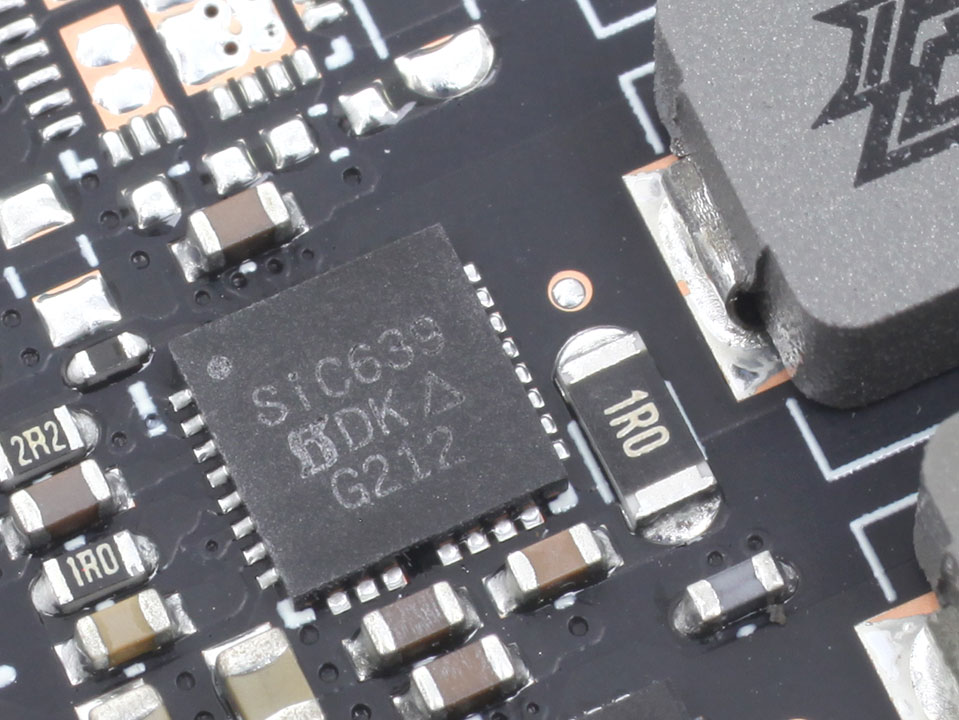
The GPU VRM uses Vishay SiC639 DrMOS components rated for 50 A.

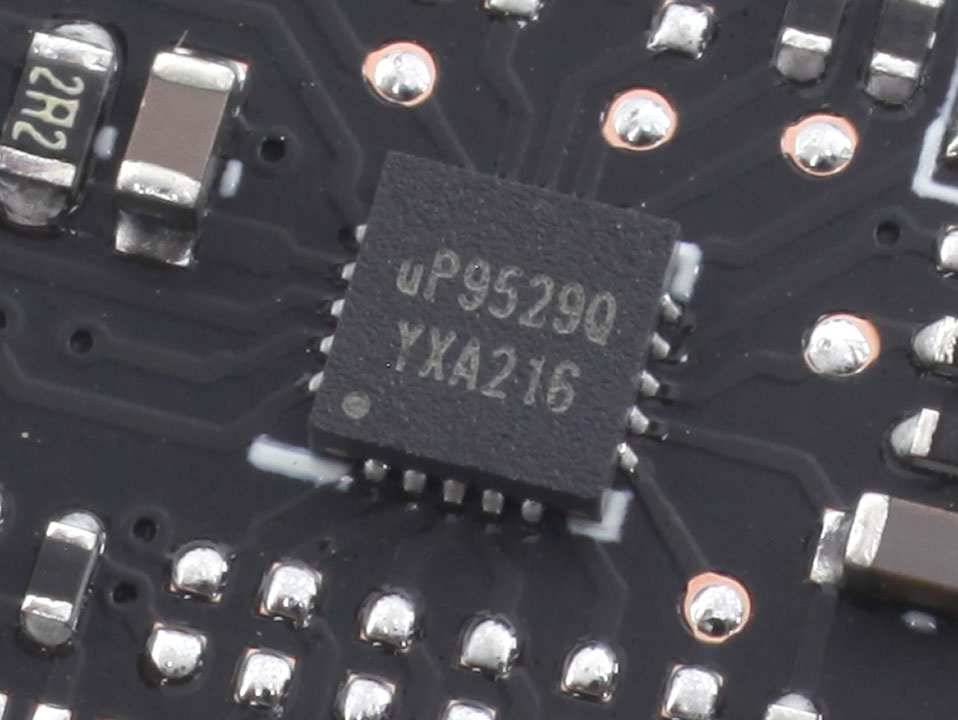
Memory voltage is a three-phase design, managed by a uPI uP9529Q controller.
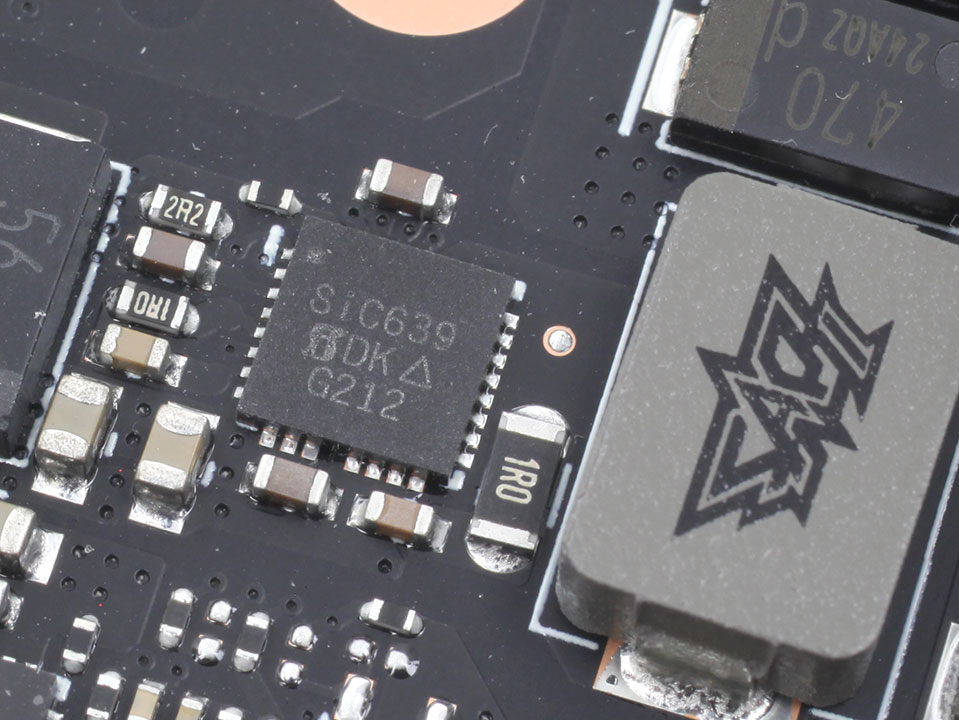
For memory, Vishay SiC639 DrMOS with a 50 A rating are used again.
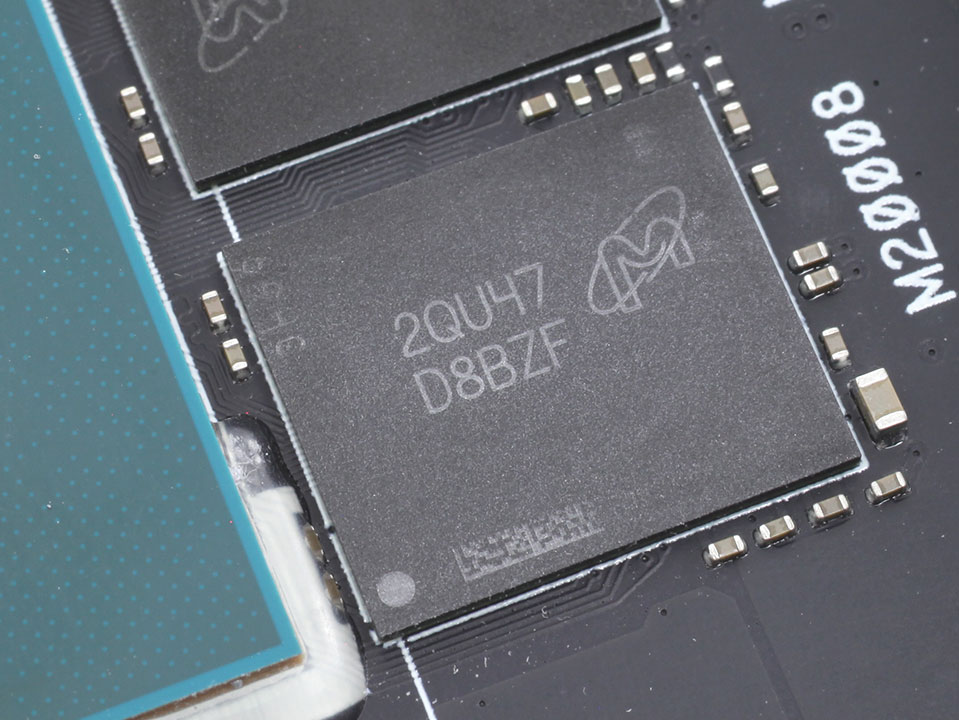
The GDDR6X memory chips are made by Micron and carry the model number D8BZF, which decodes to MT61K512M32KPA-24. They are specified to run at 1500 MHz (24 Gbps effective).

NVIDIA's AD103 graphics processor is the company's second Ada Lovelace GPU. It is built using a 5 nanometer process at TSMC Taiwan, with a transistor count of 45.9 billion and a die size of 379 mm².
Test System
| Test System - GPU 2023.1 | |
|---|---|
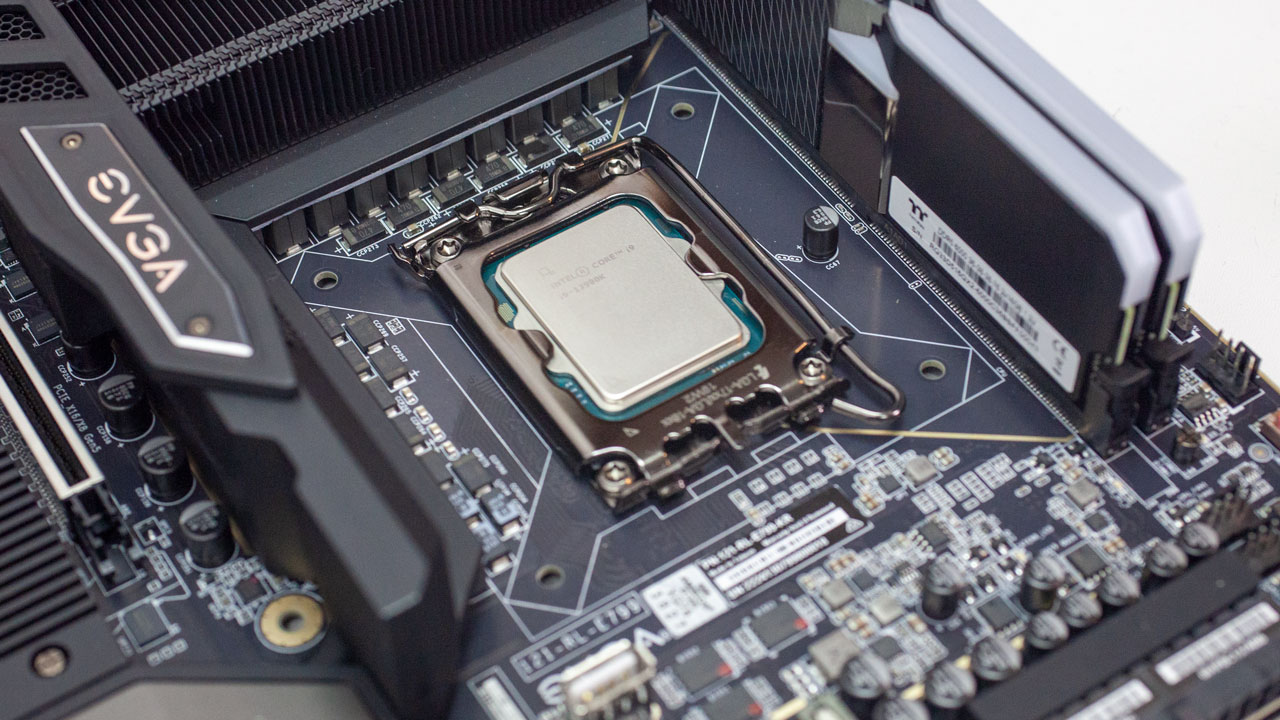
| Processor: | Intel Core i9-13900K (Raptor Lake, 36 MB Cache) PL1 = PL2 = 320 W |
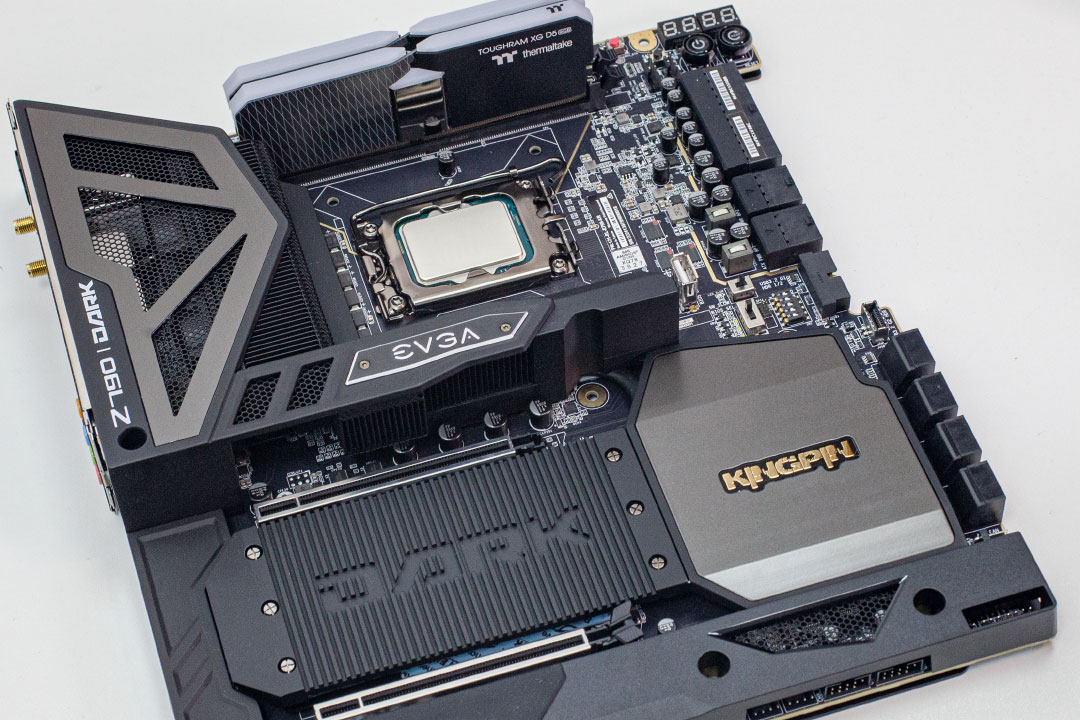
| Motherboard: | EVGA Z790 Dark BIOS 1.10 |
| Resizable BAR: | Enabled on all supported AMD, NVIDIA & Intel cards |
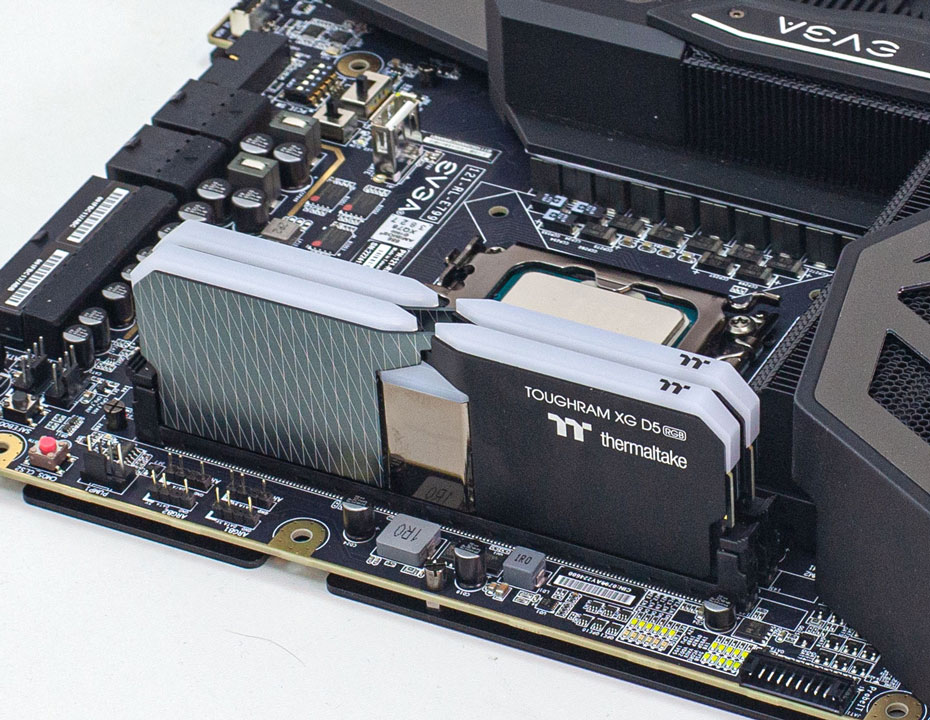
| Memory: | Thermaltake TOUGHRAM, 2x 16 GB DDR5-6000 MHz 36-38-38-76 |
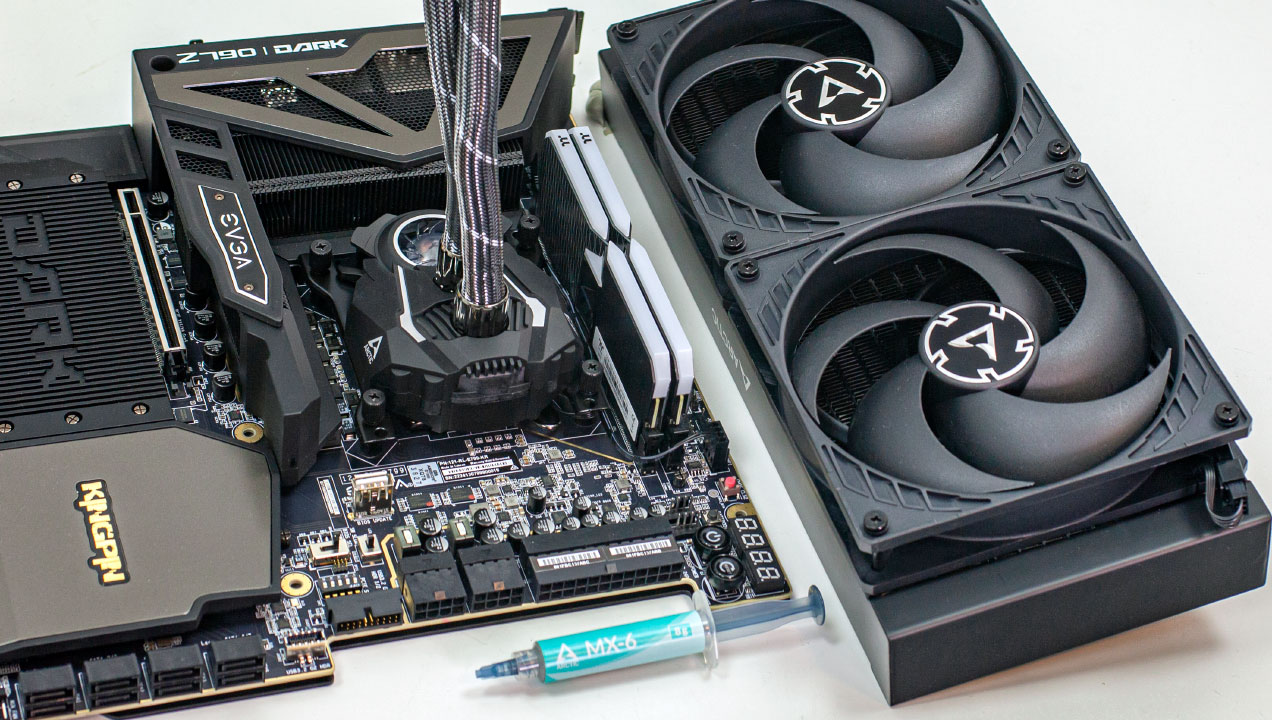
| Cooling: | Arctic Liquid Freezer II 280 mm AIO |
| Thermal Paste: | Arctic MX-6 |
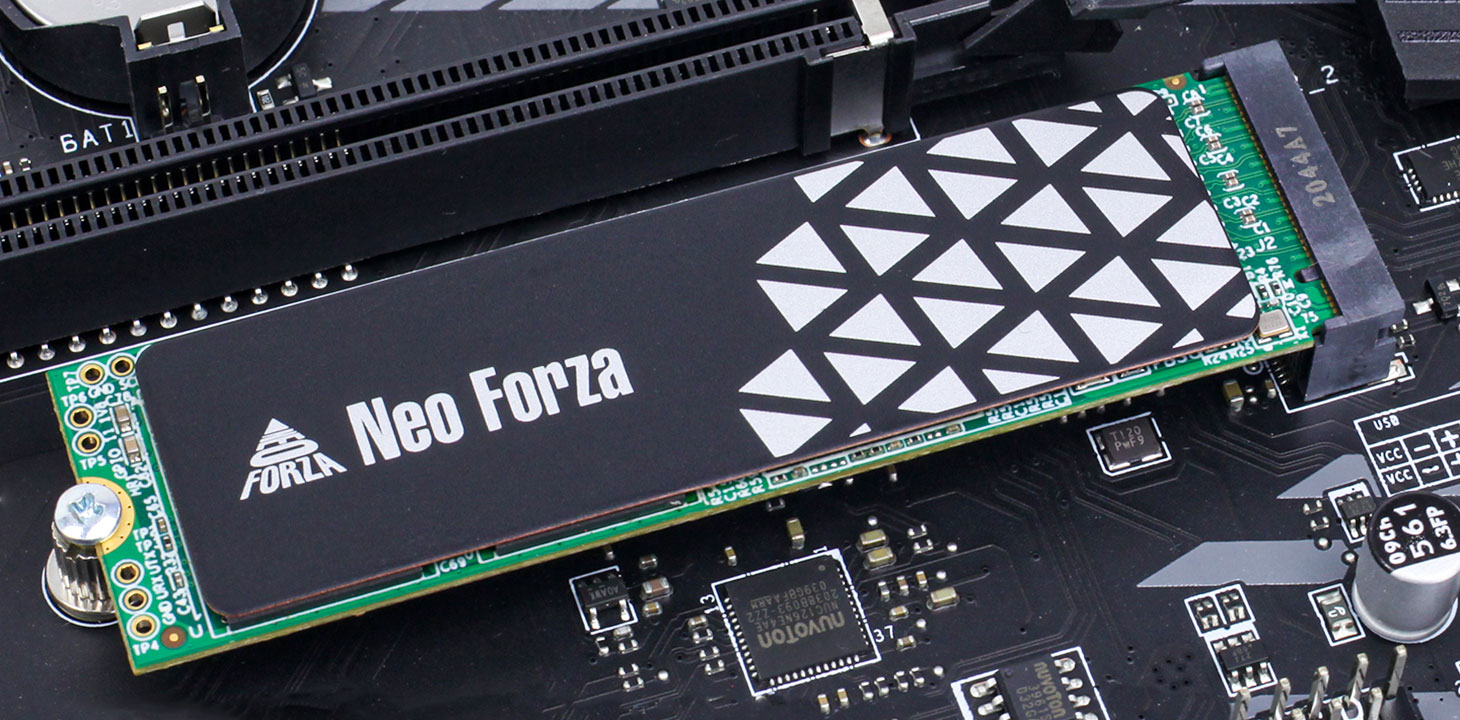
| Storage: | 2x Neo Forza NFP455 2 TB M.2 NVMe SSD |
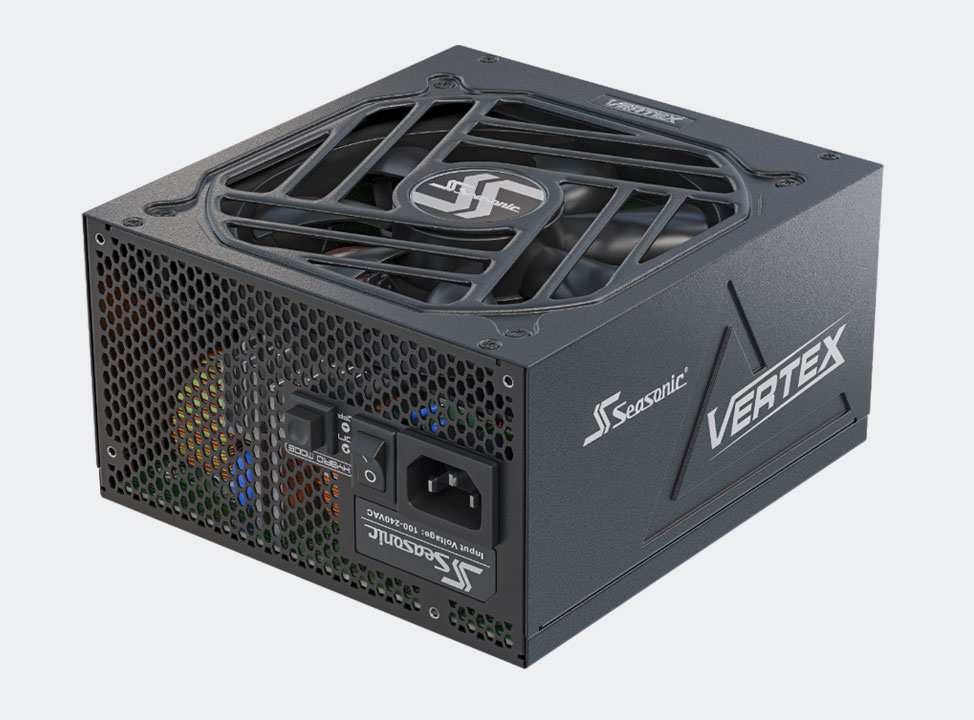
| Power Supply: | Seasonic Vertex GX 850 W ATX 3.0 |
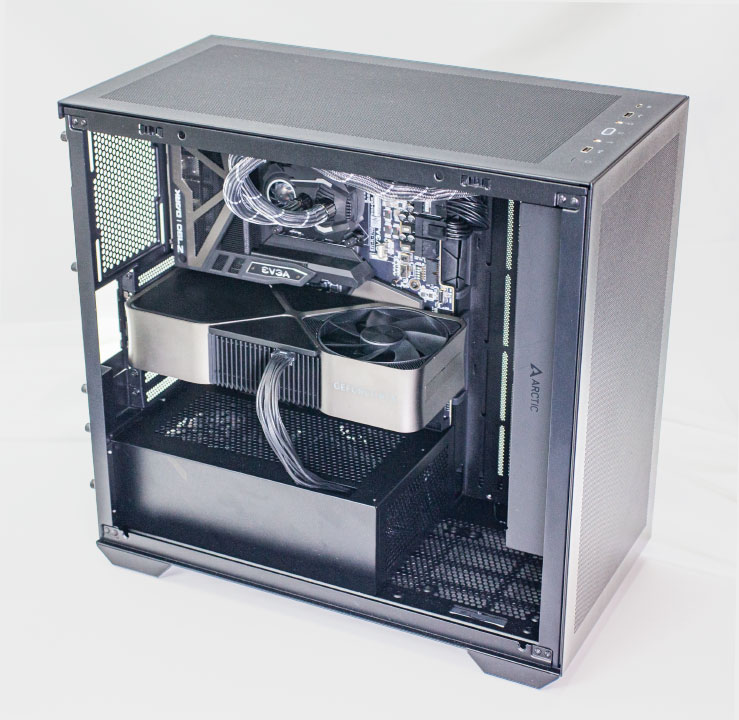
| Case: | darkFlash DLX4000 Mesh |
| Operating System: | Windows 11 Professional 64-bit Version 22H2 |
| Drivers: | NVIDIA: 528.02 WHQL RX 7900 XT & XTX: 23.1.2 Beta AMD: 22.11.2 WHQL |
- All games and cards are tested with the drivers listed above—no performance results were recycled between test systems. Only this exact system with exactly the same configuration is used.
- All graphics cards are tested using the same game version.
- All games are set to their highest quality setting unless indicated otherwise.
- AA and AF are applied via in-game settings, not via the driver's control panel.
- Before starting measurements, we heat up the card for each test to ensure a steady state is tested. This ensures that the card won't boost to unrealistically high clocks for only a few seconds until it heats up, as that doesn't represent prolonged gameplay.
- For better real-life applicability, all game tests use custom in-game test scenes, not the integrated benchmarks
- All cards used for comparison are reference designs. When a reference design does not exist, we go the extra mile and buy the closest possible match, using reference clocks and default power limit.
- 1920x1080: Most popular monitor resolution.
- 2560x1440: Intermediary resolution between Full HD and 4K, with reasonable performance requirements.
- 3840x2160: 4K Ultra HD resolution, available on the latest high-end monitors.
Our Patreon Silver Supporters can read articles in single-page format.
Nov 18th, 2026 18:15 PST
change timezone
Latest GPU Drivers
New Forum Posts
- 26.11.2 Adrenalin Edition is out (0)
- Honestly, do you care about GTA VI? (149)
- Without Jensen, PC gaming will be (45)
- Dual B70 or Dual R9700 Pro on Linux (5)
- [Poll] 12V-2x6 Connector Protection: What Are You Using? (WireView / Ampinel / Equalizer / Other / Nothing) (42)
- Time to upgrade CPU and MOBO (36)
- Got a new laptop! What should I do with it? (6)
- What are you playing? (26235)
- Can i play GTA 6 now? (Joke) (8)
- Dell Workstation Owners Club (3514)
Popular Reviews
- Acemagic Retro X3 Review
- Upcoming Hardware Launches 2027 (Updated Nov 2026)
- AMD Zen 6 Technical Deep Dive
- Ugreen NASync DXP4800 GT Review
- Pulsar Office Tour & First Look at P1 Dual-Sensor Mouse
- Biwin Black Opal NV7400 2 TB Review
- Sapphire Radeon RX 7700 XT Pure Review
- Chieftec Iceberg PRO 360 DARK Review
- Sapphire Radeon RX 7700 XT Pulse Review
- ASUS ROG Strix B850-I Gaming Wi-Fi7 W Review
TPU on YouTube
Controversial News Posts
- NVIDIA Co-Founder and CEO Jensen Huang Officially Resigns (483)
- Report: Jensen Huang Eyes NVIDIA Comeback (196)
- Open Letter Asking NVIDIA to Reinstate Jensen Huang Passes 115,000 Signatures (184)
- OpenAI CEO Argues Home PCs Waste the World's Limited DRAM Supply (152)
- NVIDIA Launches Investigation Into Jensen Huang's Relationship With Suspected Chinese Spy (136)
- Intel "Raptor Lake Next" 16-Core and 20-Core CPUs Surface (130)
- Legendary Game Studio BioWare Shuts Down Following EA Layoffs (104)
- Dell CEO Says the Memory Shortage Will Get Worse in 2027 (95)