 93
ASUS ProArt X870E-Creator Wi-Fi Review
Board Software »BIOS Overview
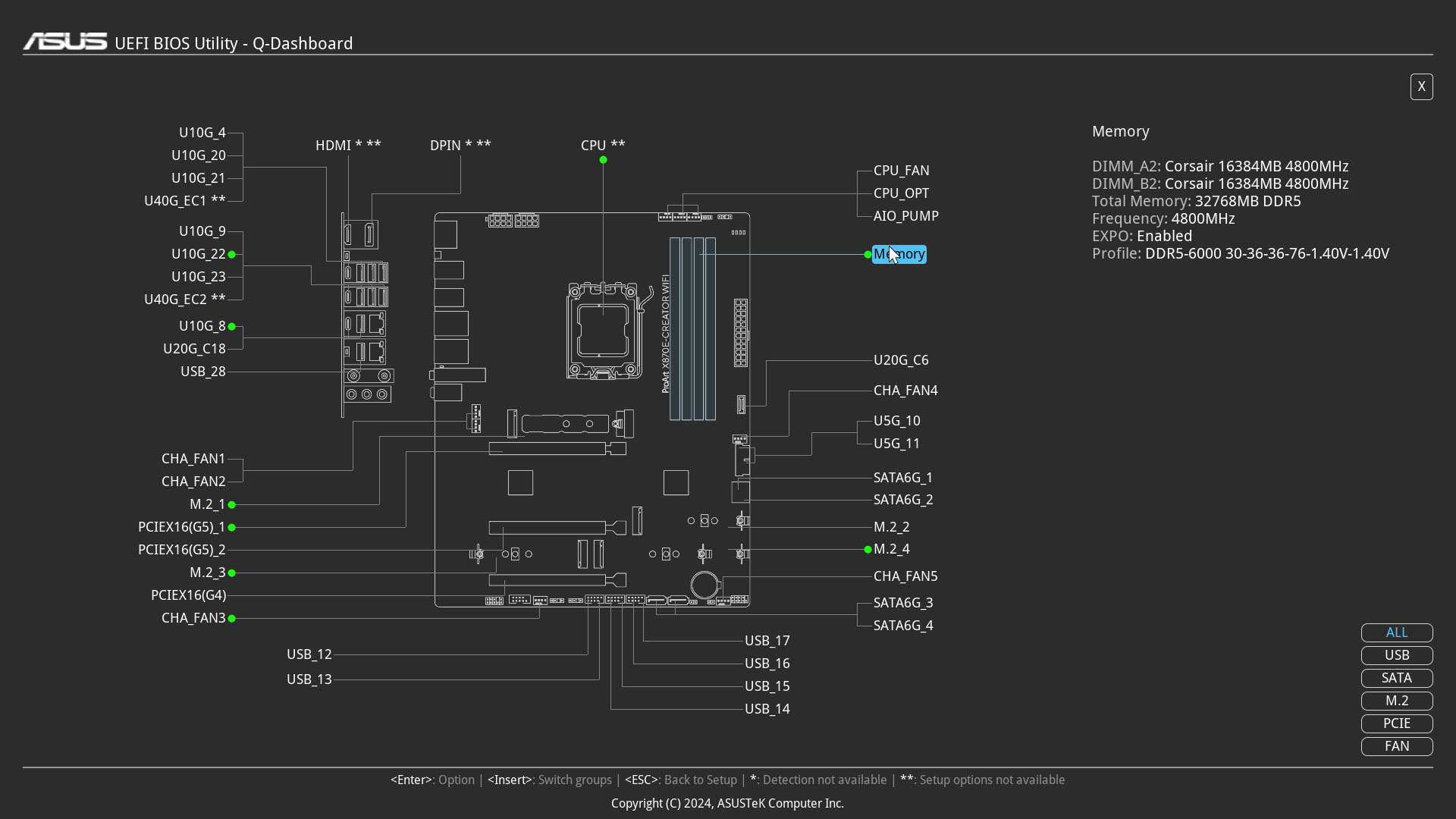
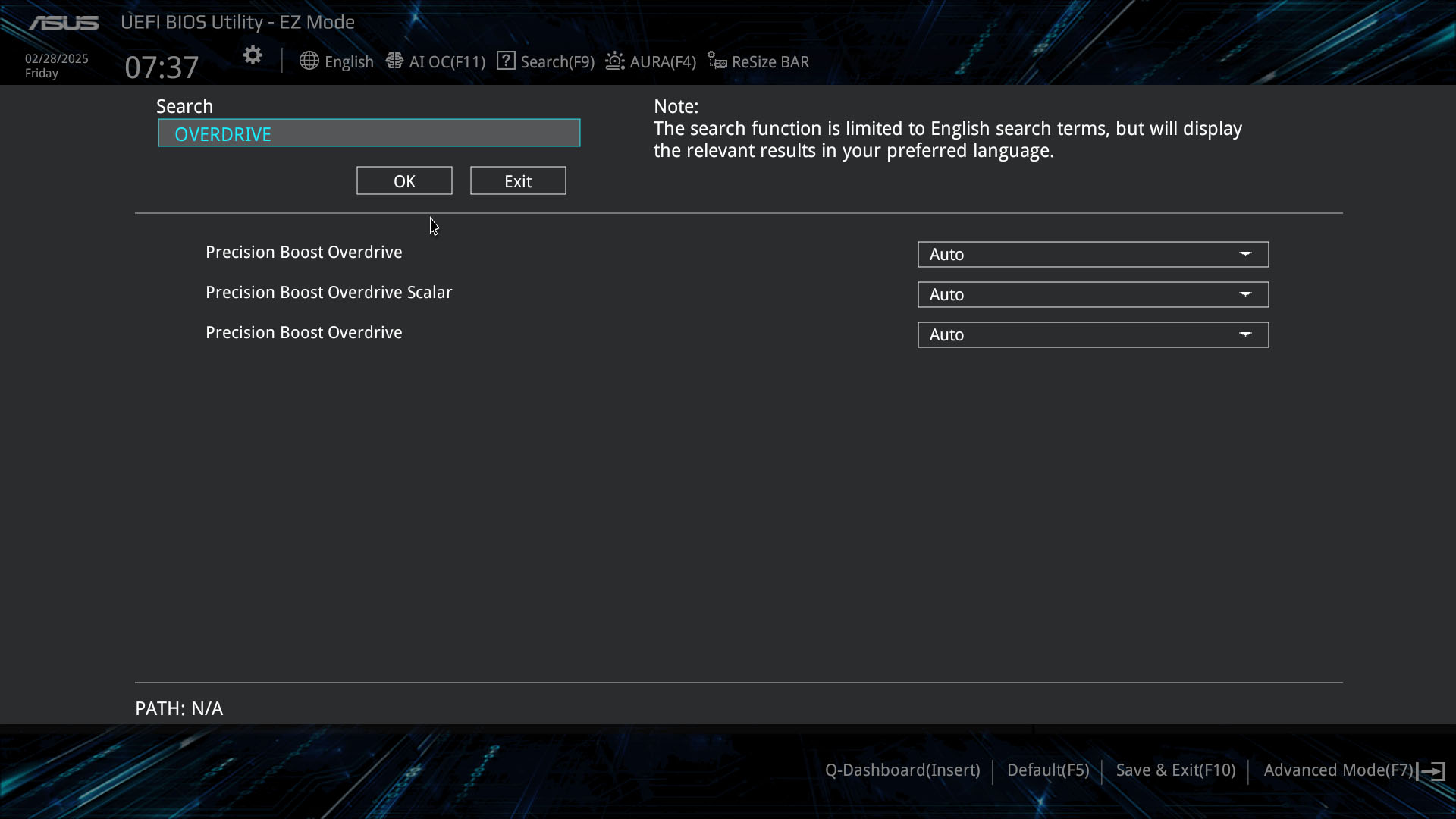
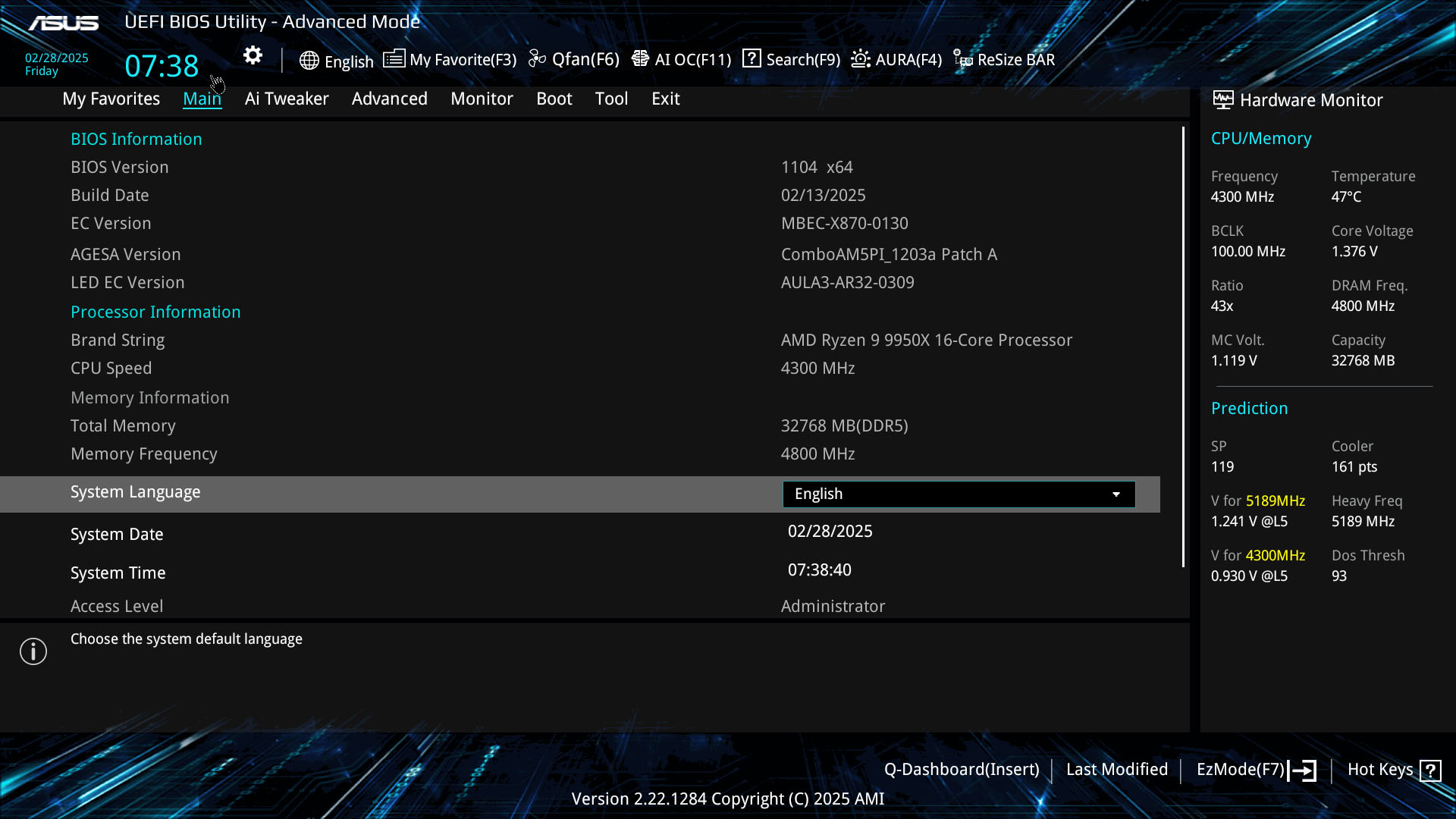
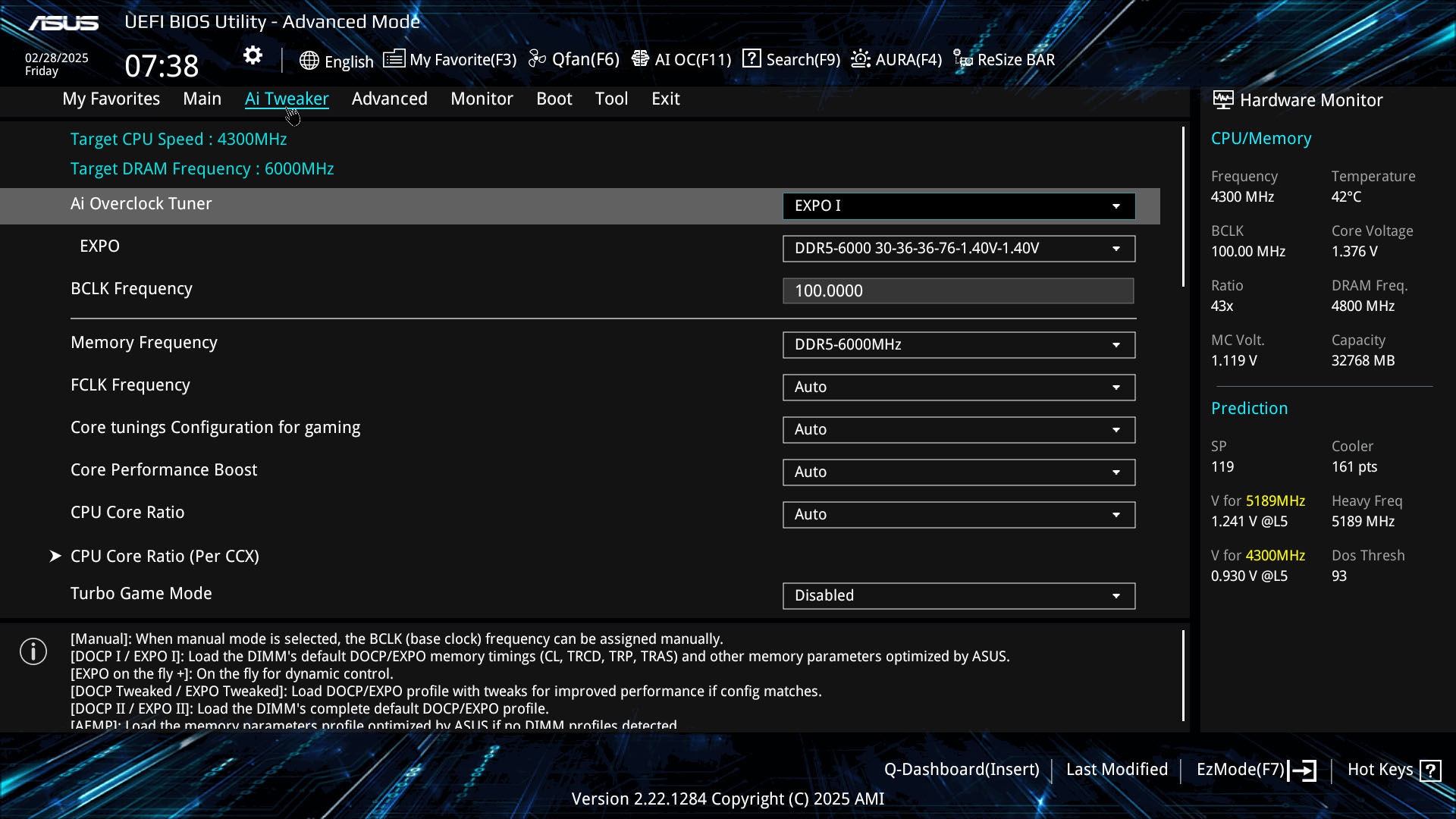
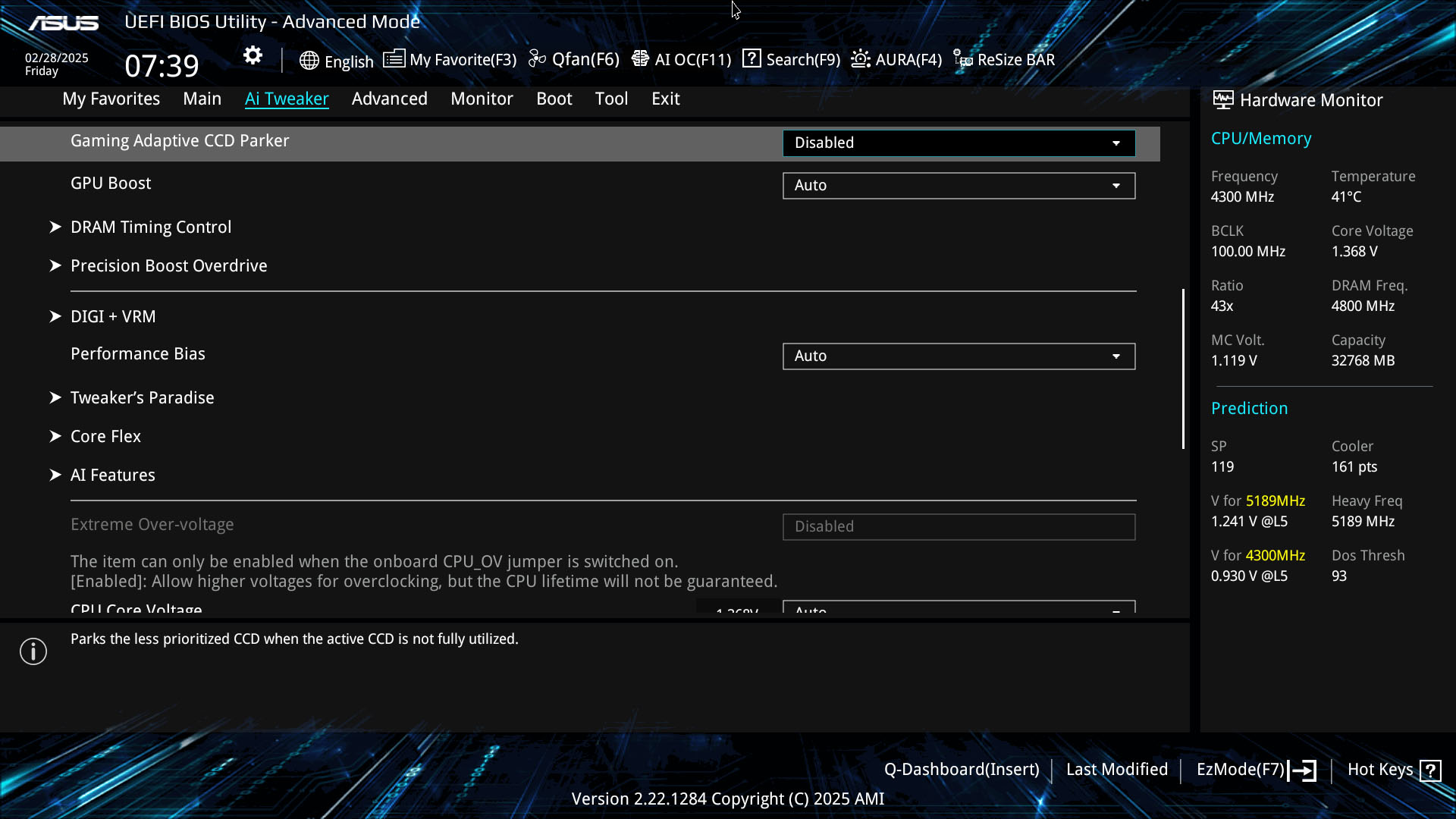
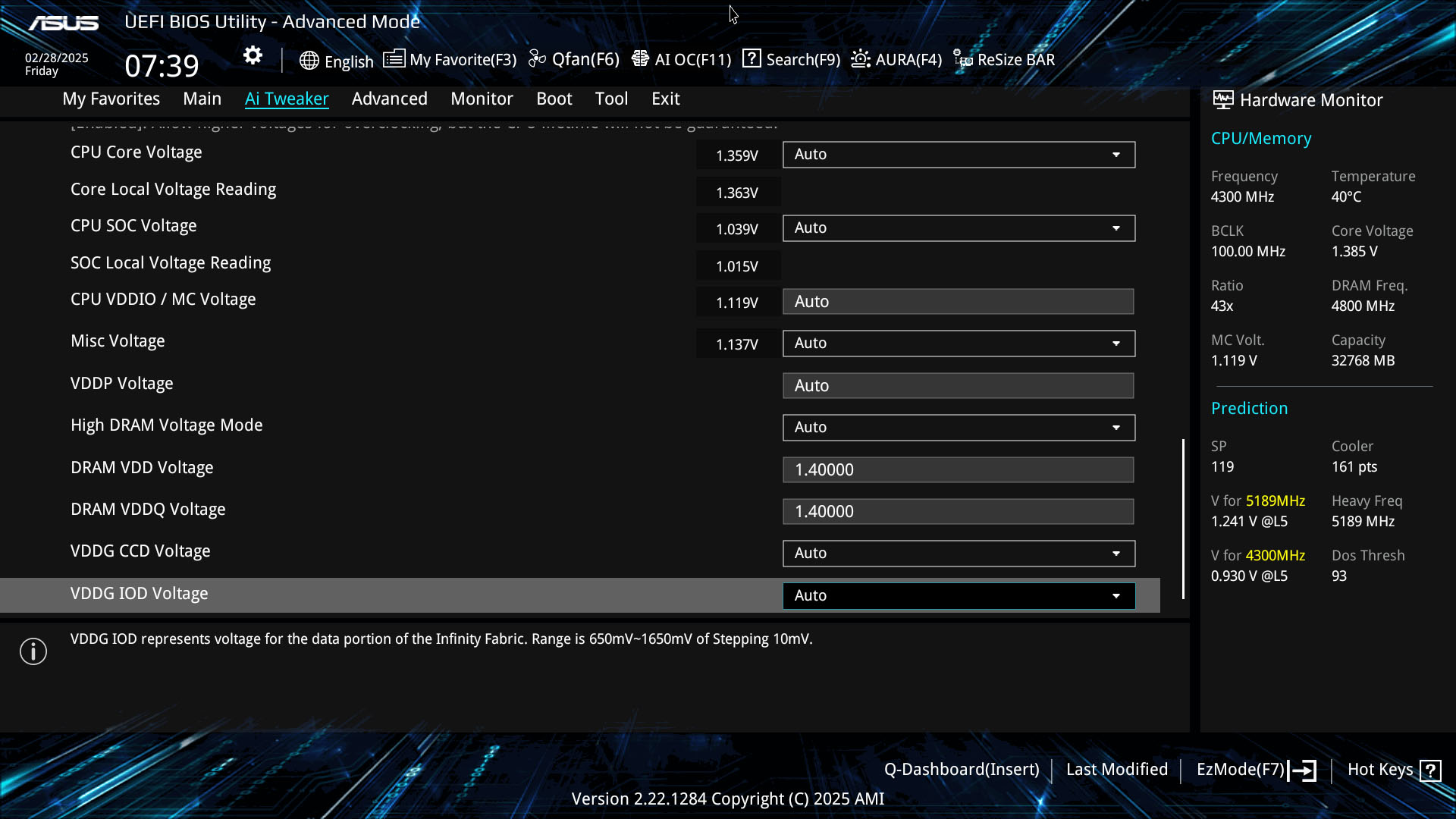
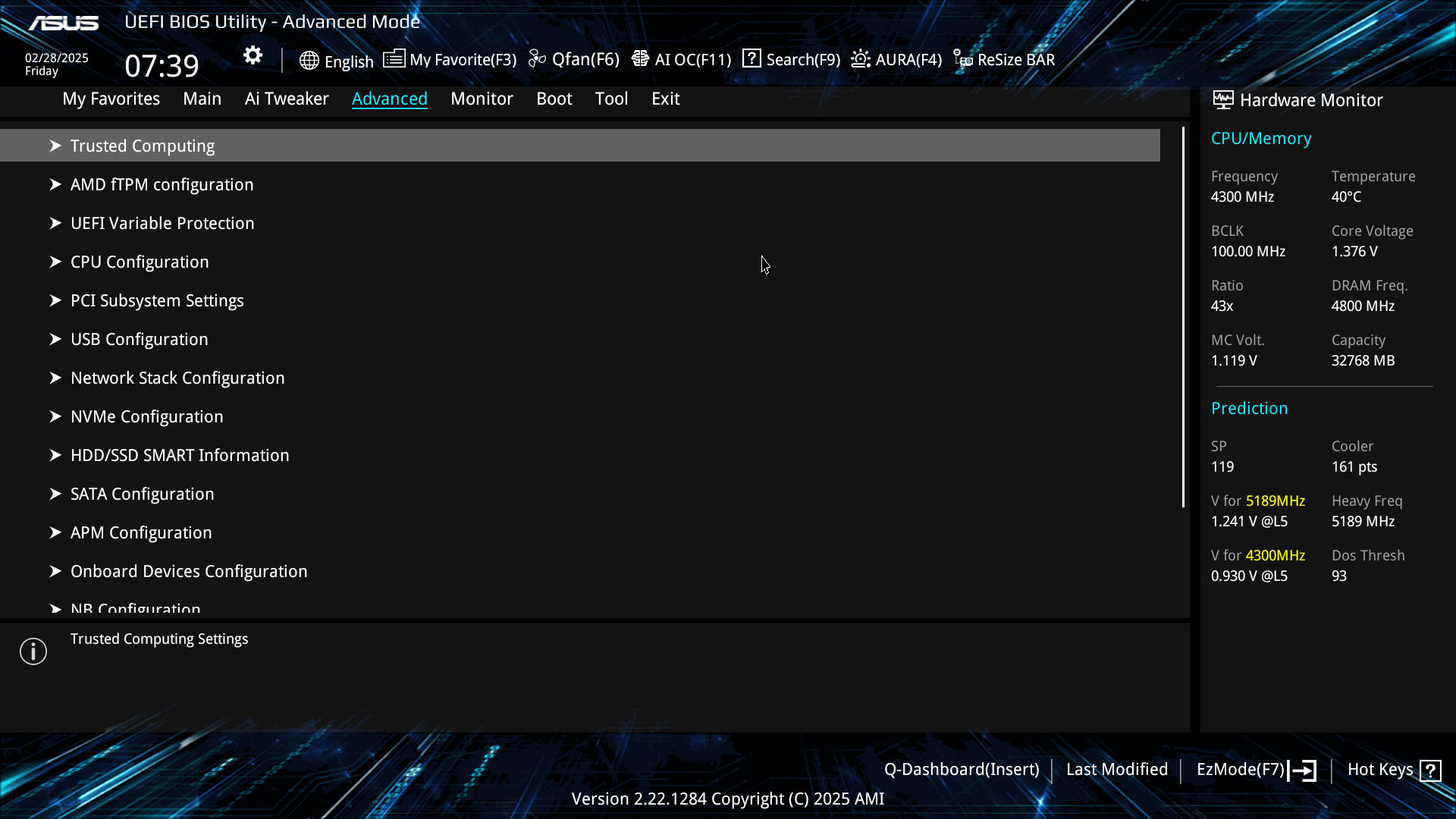
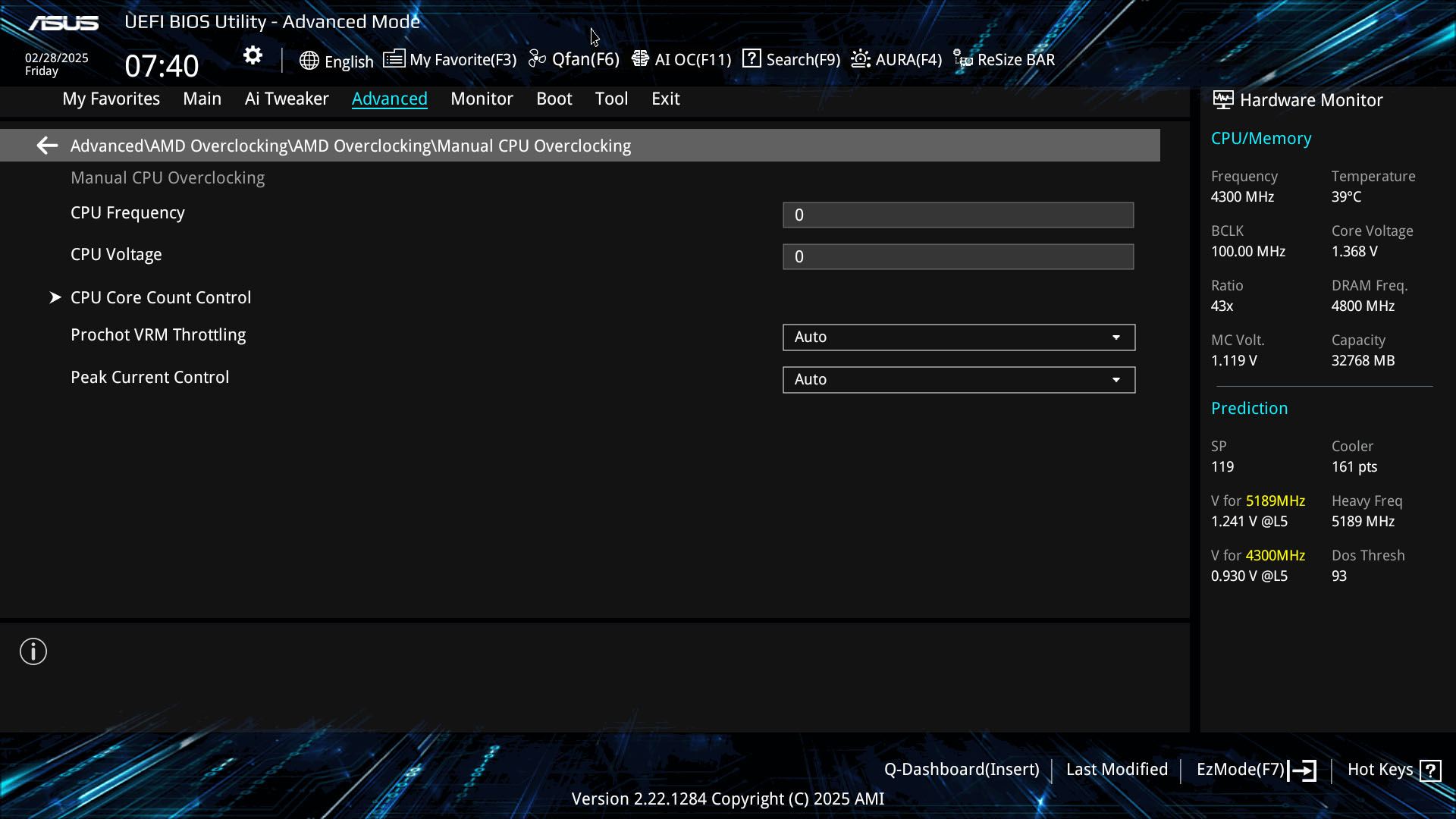
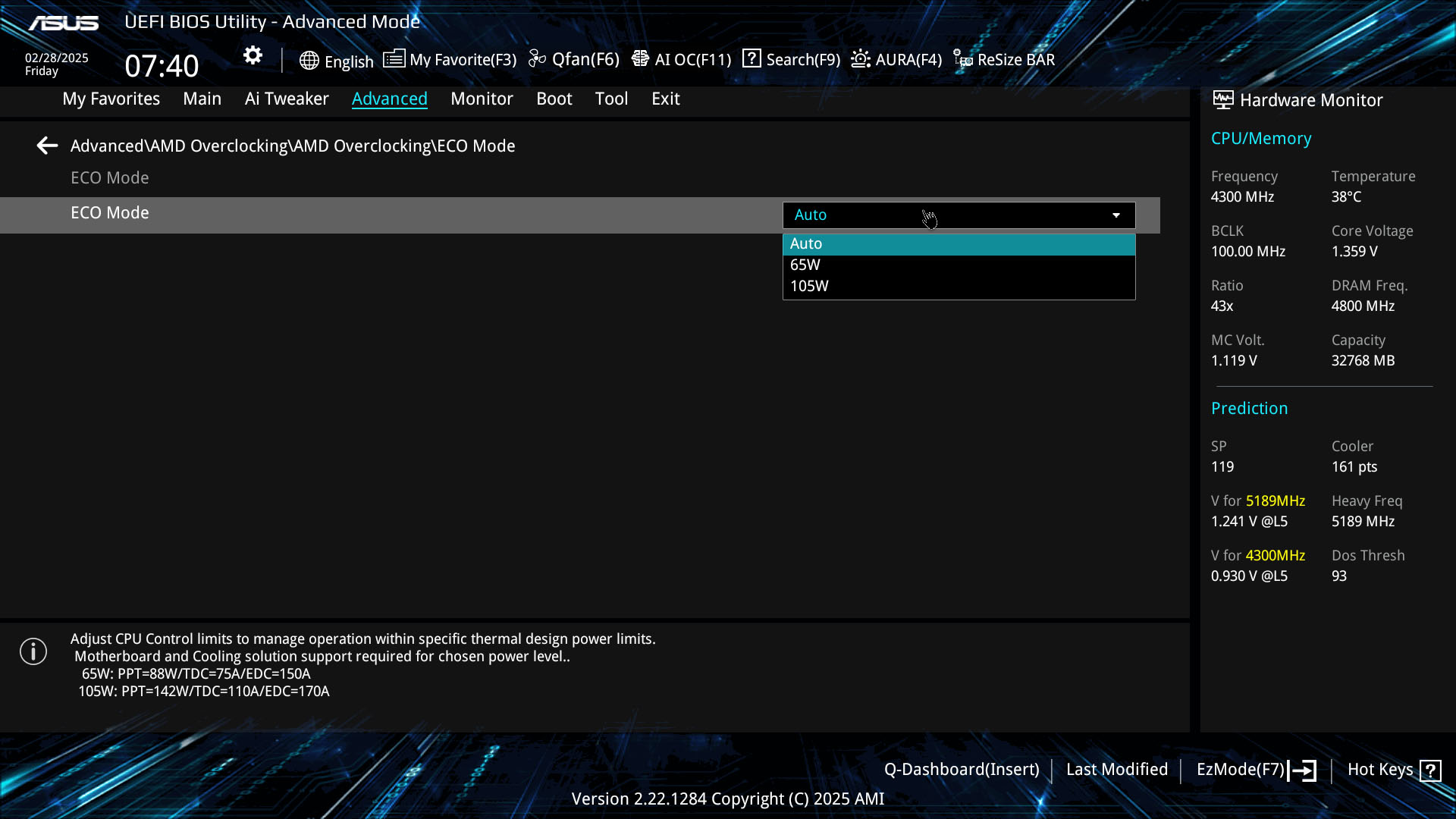
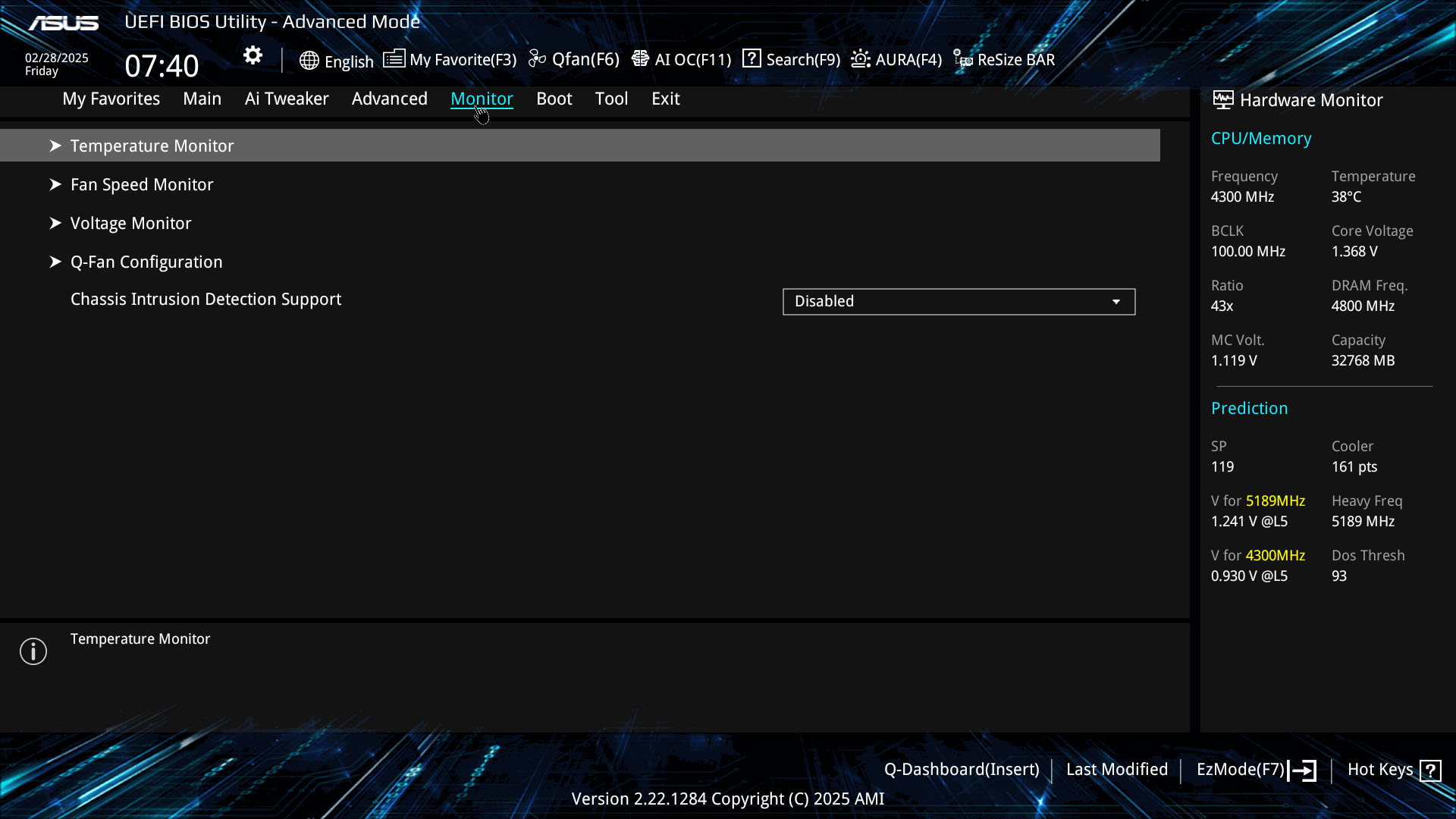
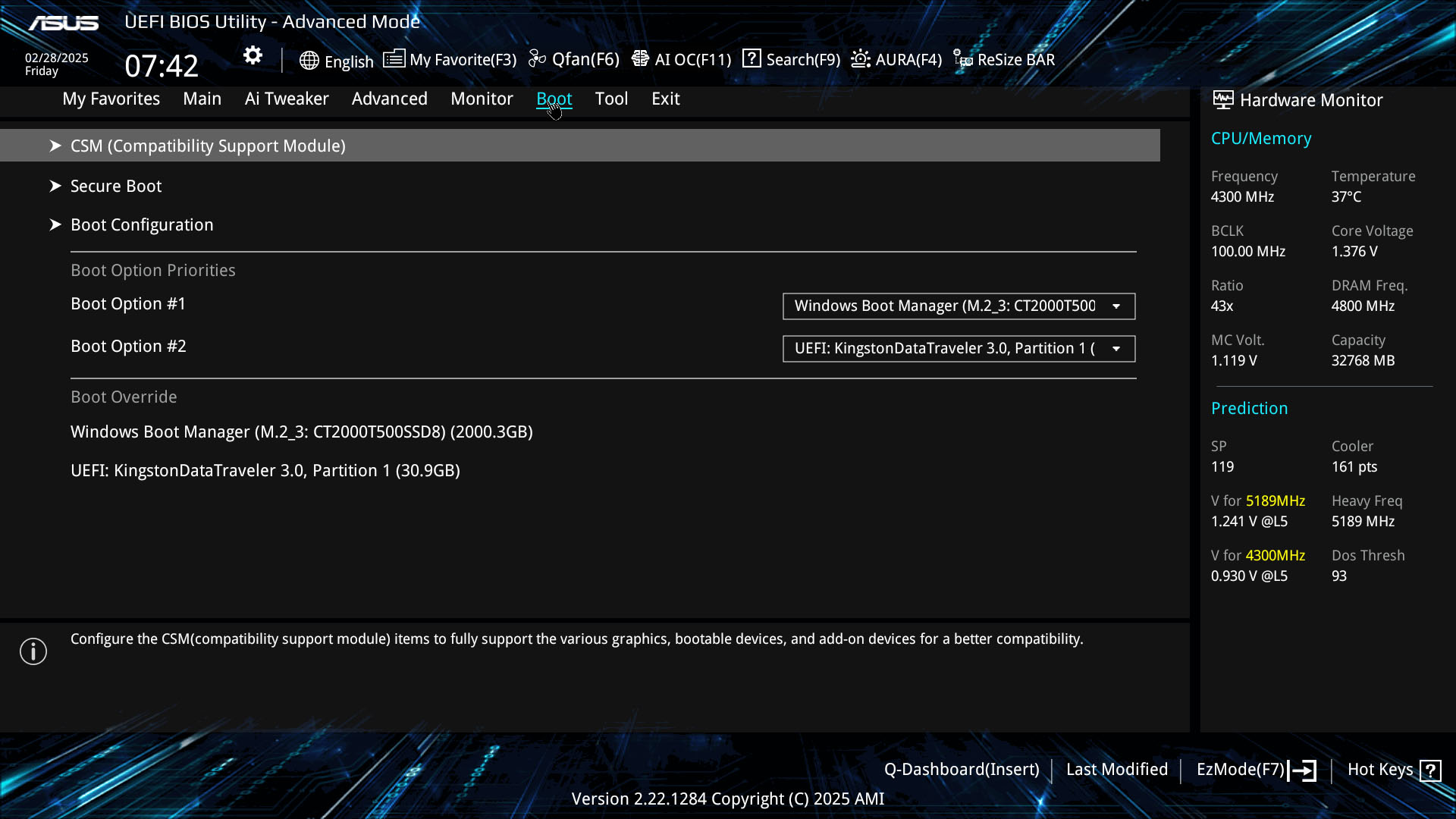
The EFI of the ASUS ProArt X870E-Creator Wi-Fi is your typical ASUS affair that makes it relatively easy to apply basic settings for the less experienced, but also access more advanced features. Unique to ASUS is the Q-Dashboard, which is an interactive PCB where clicking on certain items takes you through to their respective options in the EFI. Click on a fan header or USB port and in a click you're at fan control or USB options. It also shows you connected devices, so could be useful for at-a-glance troubleshooting.The search function is also useful for those that don't want to sift through menus to find specific functions. The EZ Mode page gives you access to most features including setting memory profiles, in this case EXPO, but we'd like to see an AMD PBO option on this page too. As usual, PBO-related options are found in both the main Ai Tweaker section and in the Advanced section, but you only need to adjust them in one. If you're just looking to apply PBO, Curve Optimizer or Curve Shaper settings then you probably won't need to delve into the depths of the overclocking section, but it's there for more advanced users.
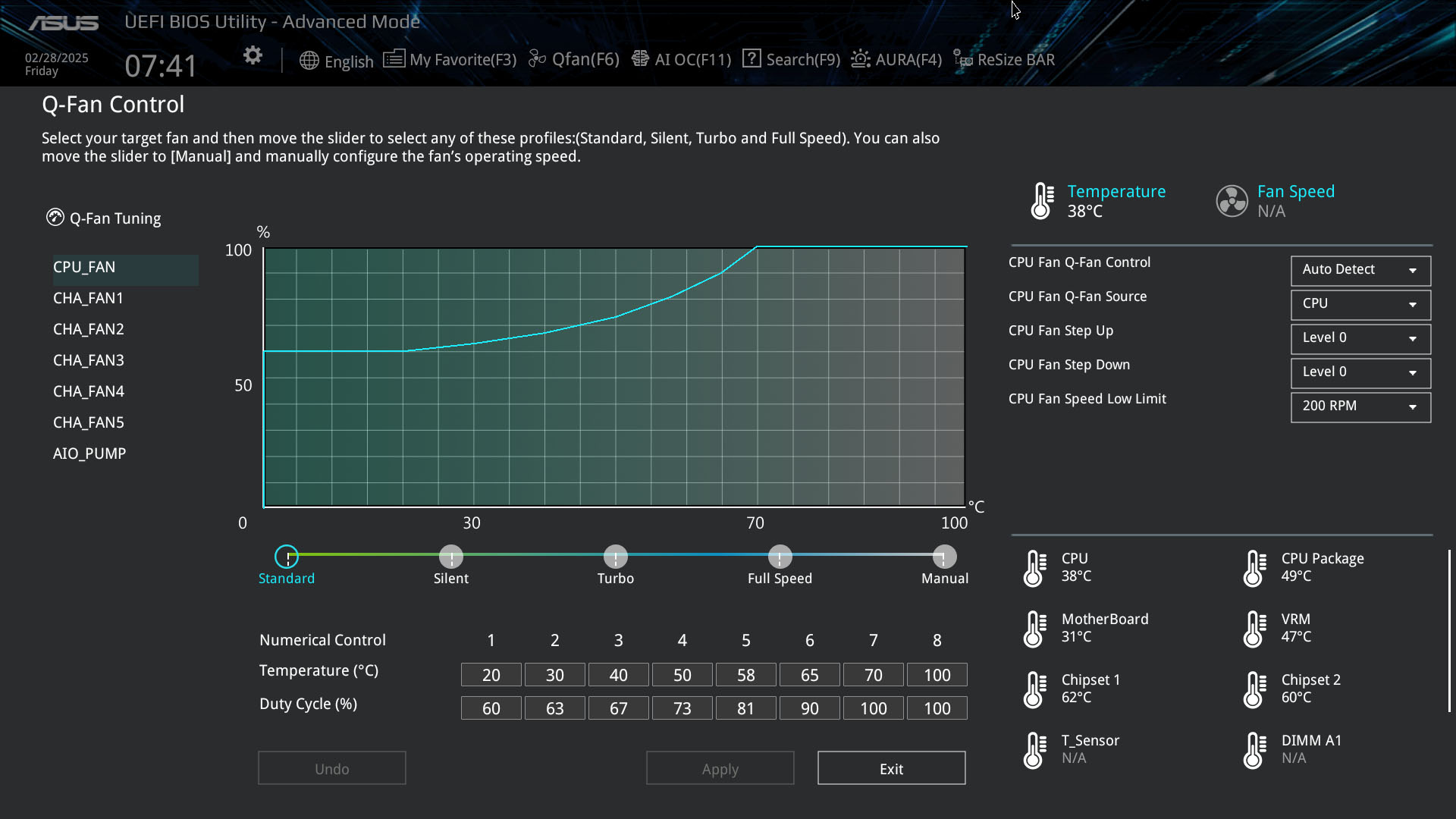
The fan control or Q-Fan Control section is pretty much the best out there for various reasons. It has a wide range of alternative temperature inputs to control the fans, including the onboard thermistor header and there's a decent amount of control points on the fan curve too, although it would be a nice addition to be able to add or remove them from this menu. The fact that dragging one point down or up drags all the others with it is very useful for setting fixed RPMs too, or just capping RPM to a certain limit, which just takes longer without this feature.







Nov 28th, 2026 12:20 CST
change timezone
Latest GPU Drivers
New Forum Posts
- What are you playing? (26257)
- Share your CPUZ Benchmarks! (2687)
- Can you guess Which game it is? (375)
- Your PC ATM (36504)
- Which Xfinity modem/router setup supports network printing/scanning between a wired PC and a Wi-Fi Brother MFC-L8900CDW printer? (1)
- AAF Optimus Modded Driver For Windows 10 & 11 - Only for HDAUDIO Chips [WINDOWS 11 RECOMMENDED] (1159)
- What's your main Black Friday / Cyber Monday purchase? (47)
- UPS what one to get? (77)
- Exit Adobe - PDF reader, and PDF editor recommendations (17)
- Which new games will you be buying? (362)
Popular Reviews
- Upcoming Hardware Launches 2027 (Updated Nov 2026)
- Moaiplay Ora Pro G1 850 Review
- AMD Ryzen 7 9800X3D Review - The Best Gaming Processor
- VZMORE AX9 Max Review
- Montech CyberFlow ARGB 360 Review
- ASRock X870E Challenger Wi-Fi White Review
- AMD Zen 6 Technical Deep Dive
- ORICO Obook15 AI Review
- Phantom Blade Zero Performance Benchmark Review - 35 GPUs Tested
- Microsoft Surface Laptop Ultra Review - The Next-gen Arm Laptop
TPU on YouTube
Controversial News Posts
- Jensen Huang Reinstated as CEO of NVIDIA (628)
- NVIDIA Co-Founder and CEO Jensen Huang Officially Resigns (492)
- Report: Jensen Huang Eyes NVIDIA Comeback (281)
- Open Letter Asking NVIDIA to Reinstate Jensen Huang Passes 115,000 Signatures (184)
- OpenAI CEO Argues Home PCs Waste the World's Limited DRAM Supply (152)
- NVIDIA Launches Investigation Into Jensen Huang's Relationship With Suspected Chinese Spy (136)
- Intel Razor Lake Gets a 12 P-Core bLLC Chip With No E-Cores, Per Leak (94)
- NVIDIA GeForce RTX 50-Series Scheduled for up to $500 Price Hike This Week (89)