 34
ASUS ROG Azoth Extreme Wireless Mechanical Keyboard Review
(34 Comments) »Introduction

When it comes to mainstream brands covered on TechPowerUp, ASUS does not need any introduction. It's so popular in fact, that the Republic of Gamers line of products has its own identity now to where people actively look out for ROG products, based on the effective marketing done over the past few years. These include motherboards and other base PC components that go inside the case, but also external equipment and accessories including keyboards, mice, headsets, and even backpacks and apparel. When we visit ASUS at a trade show, ROG tends to have the largest and flashiest section. Computex 2024 was no different, and ASUS held an ROG media day to introduce some of its upcoming products. The very first thing at the show, and the product which got most attention of participating media there, happens to be the subject of today's review—the ROG Azoth Extreme keyboard.

We covered the original ROG Azoth last year, and it continues to sell today in numbers large enough for ASUS to clearly come up with a more premium, more extreme version. There are a few things shared between the two models, including the 75% form factor which allows you to get more dedicated keys compared to, say, a 60/65% keyboard. This allows for an easier transition to smaller form factor keyboards for those who are used to full-size or TKL keyboards, with a dedicated Fn key row as well as more real estate on the keyboard for ASUS to add its own touches. Take the color OLED touchscreen in the top right corner, for example, allowing added functionality beyond just typing on the switches. Speaking of which, ASUS has its own first-party switches here that are being marketed as some of the very best in the mechanical keyboard world today. The Azoth Extreme uses a fully CNC-machined aluminium alloy chassis with deliberate processing to avoid looking like just another blank slab on your desk and, in an industry-first as far as I know, has a toggle switch to change how firm or hard you want the keystrokes to feel. There's a lot going on here with ASUS aiming to take on the best pre-built keyboards on the market, so let's see how the Azoth Extreme fares in our review which begins with a look at the product specifications in the table below. Thanks to ASUS for providing a review sample to TechPowerUp!
Specifications
| ASUS ROG Azoth Extreme Keyboard | |
|---|---|
| Layout: | 81-key, 75% form factor in a modified US ANSI layout; other layouts/languages dependent on your region |
| Material: | Aluminium alloy case, PBT plastic keycaps, carbon fiber plate, silicone gaskets, silicone + foam sheets |
| Macro Support: | Yes |
| Dimensions: | 332 (L) x 139 (W) x 40 (H) mm |
| Weight: | 2.2 kg / 4.85 lbs. (w/wrist rest) |
| Wrist/Palm Rest: | Included |
| Anti-ghosting: | N-Key rollover USB and 2.4 GHz, 6KRO with Bluetooth |
| Media Keys: | Dedicated |
| Cable Length: | 6.6 ft / 2 m |
| Software: | Yes |
| Switch Type: | ROG NX Snow or Storm RGB mechanical switch |
| Backlighting: | Yes, 16.8 M per-key RGB lighting |
| Interface: | USB, 2.4 GHz wireless, Bluetooth 5.1 |
| Warranty: | One year |
Packaging and Accessories

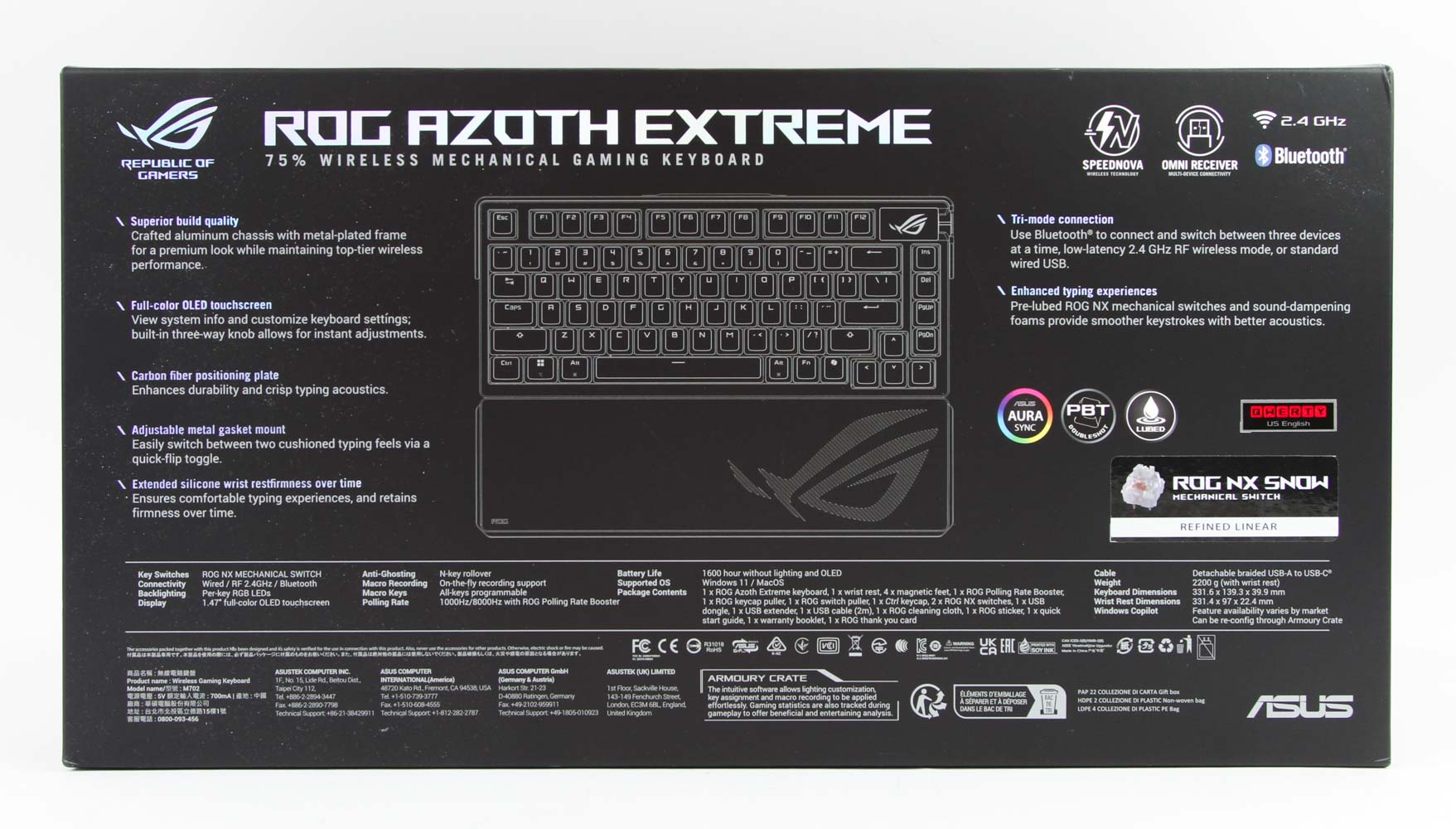
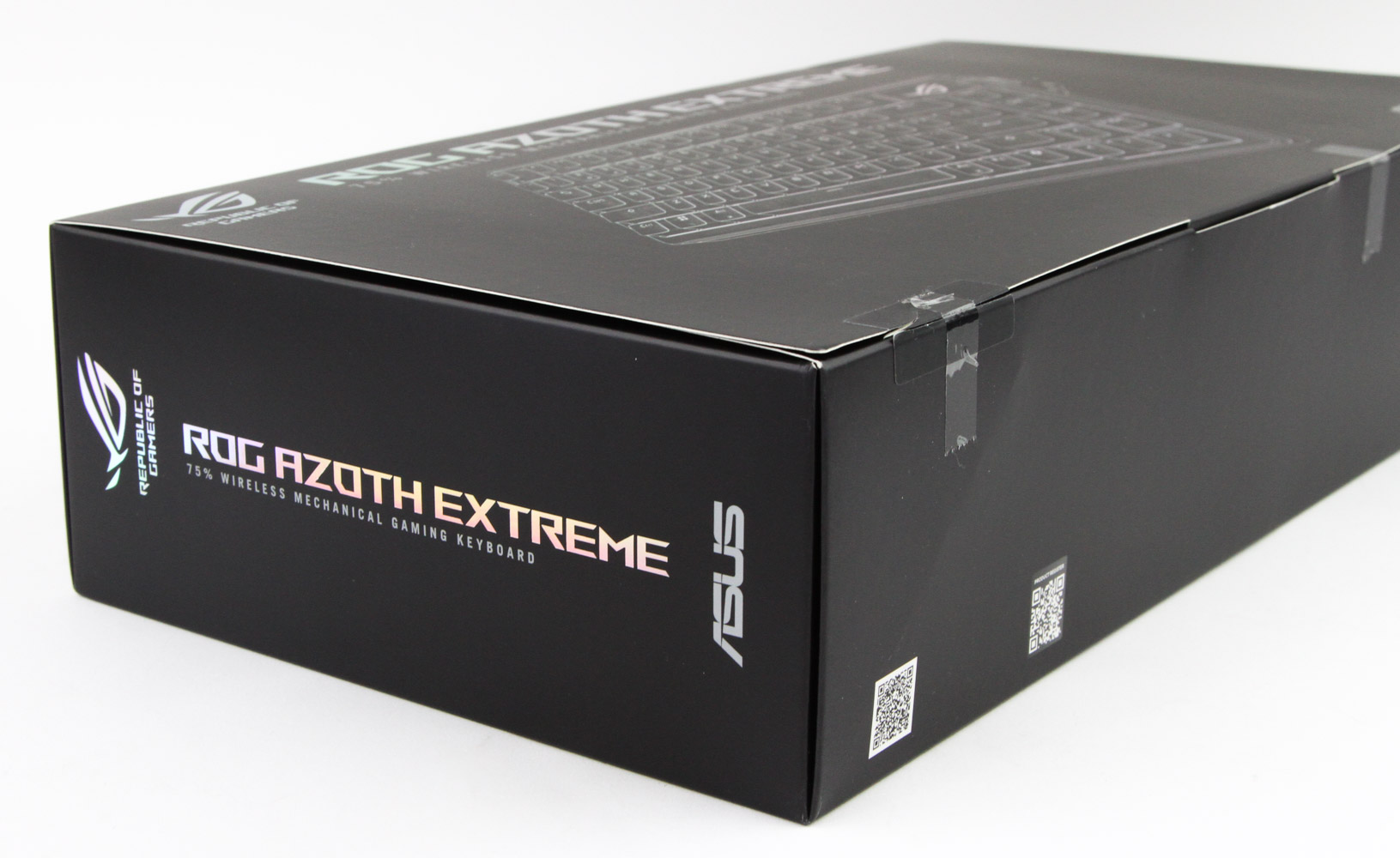

Gone are the black and red ROG days, with ASUS going for a cleaner design scheme across all its ROG products for a while now. This extends to the product packaging too with a thick and heavy product box greeting you. On the front is the company name and ROG brand logo in addition to a simplified render of the keyboard. We see product features and specifications on the back along with confirmation of the switch type used on the keyboard. More branding is seen on the sides with some QR codes leading you to the product pages online to know more about the device. At this point you realize everything is just a thin cardboard sleeve, which you open up to reveal a thicker box inside.


Ah, now we get that large ROG eye logo everyone is expecting to see, and you will see a lot more of it over the course of this review. Marketing slogans on the front aside, the lid lifts upward, and we see the keyboard inside a soft cloth cover for added protection. An envelope is above the keyboard and contains paperwork in the form of a contents list/quick start guide, with ASUS throwing in a microfiber cleaning cloth as well as some stickers, for those interested. I will also point out that this review sample came with a TechPowerUp-branded metal badge, although you will have the more generic badge plate seen below that in the photo above. The other accessories are seen underneath in a separate layer in individual compartments, and here too ASUS is generous with a lot of things to see. I wish we got a metal wire-style keycap puller instead of the ROG-branded plastic ring-style tool, although I do like the metal switch remover tool accompanying it. We also get two sets of magnetic metal feet (two different heights), two spare switches of the same type as used on the keyboard, a replacement Ctrl keycap, and some spare silicone gaskets for those who wish to try modding the keyboard further.


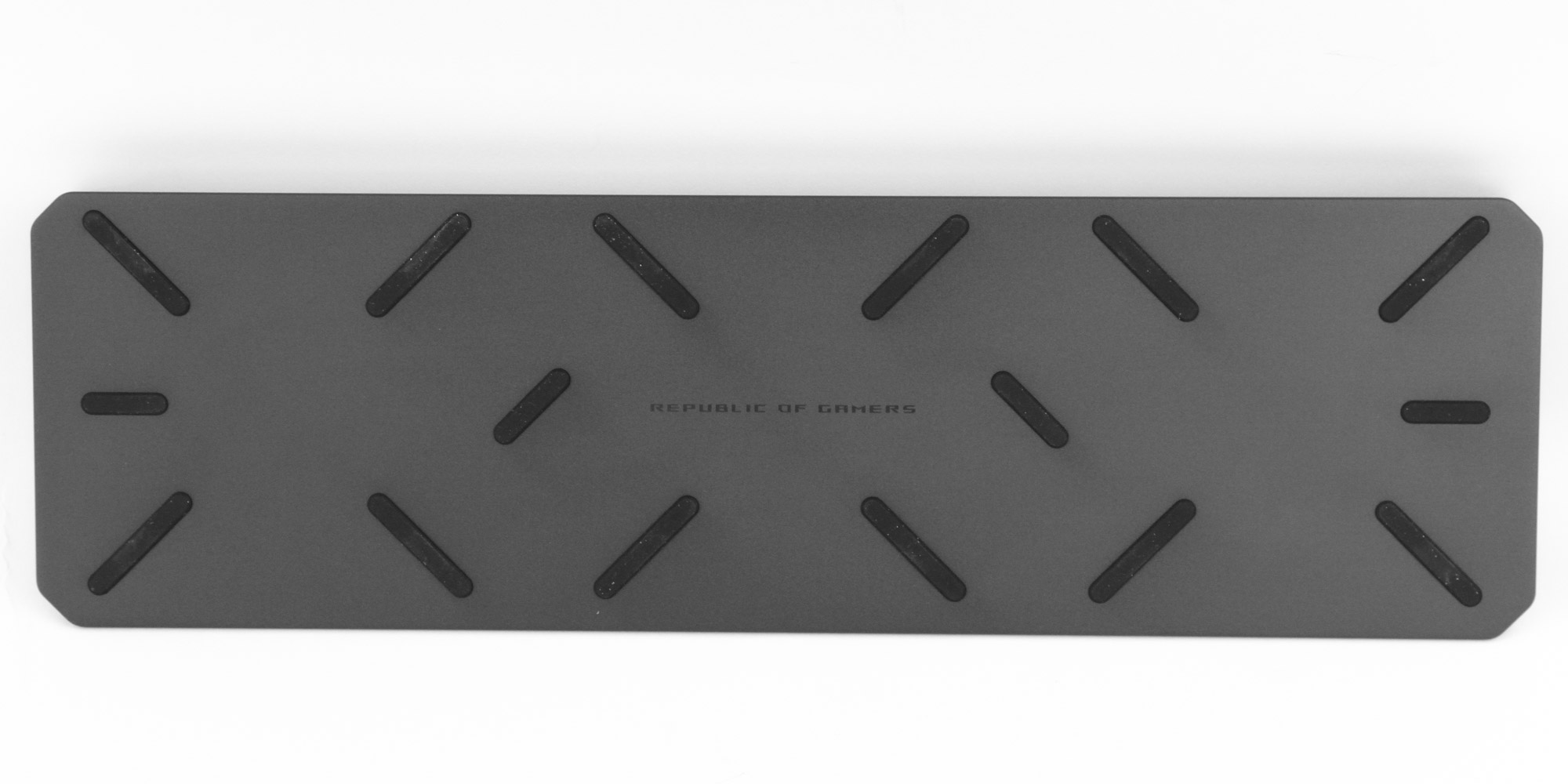
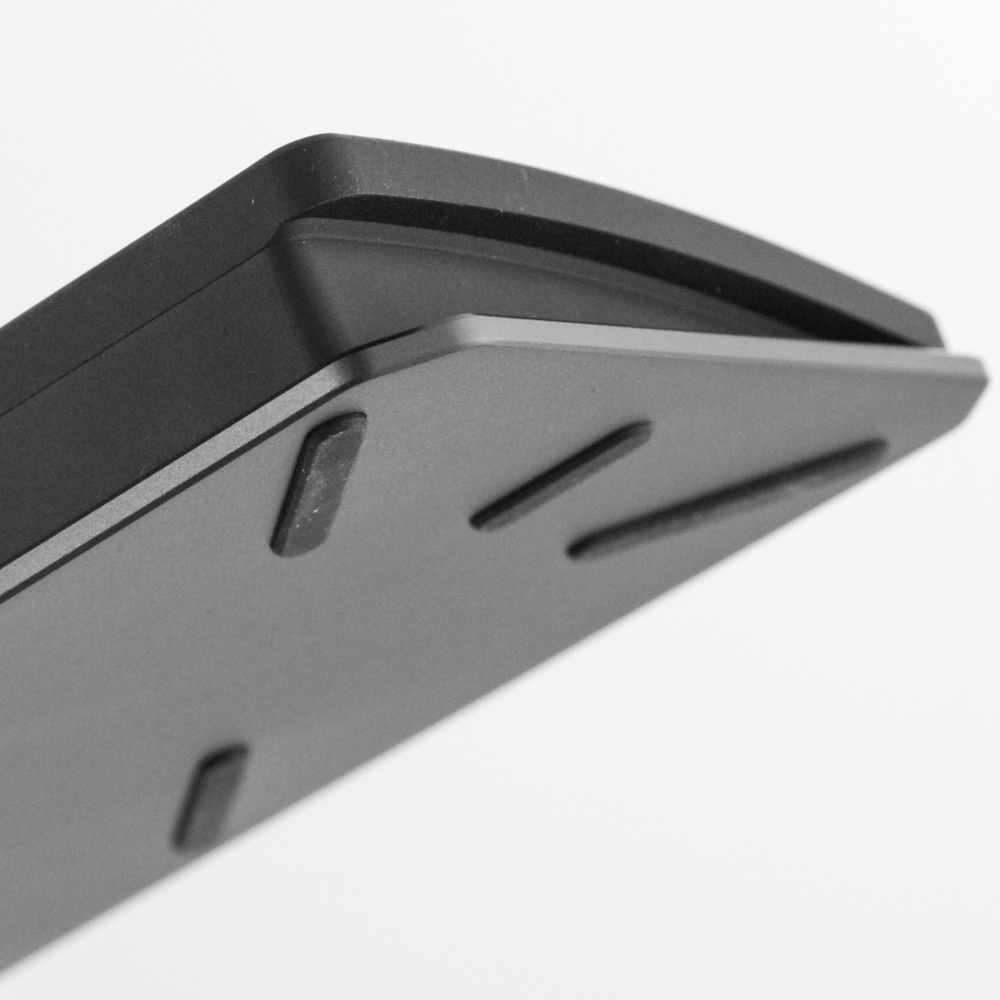

There's a large USB 2.4 GHz wireless dongle—this one is specifically called the ROG polling rate booster and is what you would use to get up to 8000 Hz polling wirelessly—and a USB female Type-C to female Type-A adapter to help place it closer to the keyboard when paired with the provided USB Type-A to Type-C cable. Rounding off the accessories is a thick silicone wrist/palm rest adorned with the ROG eye on the top and plenty of rubber feet on the bottom for added grip. It comes angled from the top to the bottom for added comfort in use and feels sturdy enough to handle everyday use. Lastly, be sure to peel off the protective sticker from the OLED display on the keyboard, and now we are set for a closer look at the Azoth Extreme.
Our Patreon Silver Supporters can read articles in single-page format.
Nov 20th, 2026 22:32 PST
change timezone
Latest GPU Drivers
New Forum Posts
- How to prevent OLED burn damage due to PC freezes or power outtages? (50)
- Anthrophics IPO (27)
- RX 9000 series GPU Owners Club (2251)
- Cpu waterblock water shows some tinting = Bad? (17)
- WarpCoreBench scores! (87)
- What are you playing? (26238)
- TPU's Nostalgic Hardware Club (22174)
- Intel Core Ultra 5 processor 250K Plus (14)
- Honestly, do you care about GTA VI? (219)
- SATA drive 1.4 GBps with Intel X25-E on Windows 98! (37)
Popular Reviews
- Microsoft Surface Laptop Ultra Review - The Next-gen Arm Laptop
- Ugreen NASync DXP4800 GT Review
- Corsair RM1200e (Second Generation) Review
- Pulsar Office Tour & First Look at P1 Dual-Sensor Mouse
- Upcoming Hardware Launches 2027 (Updated Nov 2026)
- Acemagic Retro X3 Review
- Biwin Black Opal NV7400 2 TB Review
- AMD Ryzen 7 9800X3D Review - The Best Gaming Processor
- AMD Zen 6 Technical Deep Dive
- Chieftec Iceberg PRO 360 DARK Review
TPU on YouTube
Controversial News Posts
- NVIDIA Co-Founder and CEO Jensen Huang Officially Resigns (491)
- Report: Jensen Huang Eyes NVIDIA Comeback (257)
- Open Letter Asking NVIDIA to Reinstate Jensen Huang Passes 115,000 Signatures (184)
- OpenAI CEO Argues Home PCs Waste the World's Limited DRAM Supply (152)
- NVIDIA Launches Investigation Into Jensen Huang's Relationship With Suspected Chinese Spy (136)
- Intel "Raptor Lake Next" 16-Core and 20-Core CPUs Surface (130)
- Legendary Game Studio BioWare Shuts Down Following EA Layoffs (104)
- NVIDIA GeForce RTX 50-Series Scheduled for up to $500 Price Hike This Week (89)