 4
ASUS ROG Balteus Qi Mouse Pad Review
(4 Comments) »Introduction

ASUS never ceases to deliver innovative tech and unique designs to its ROG lineup, especially when it comes to peripherals. The Balteus Qi is the newest creation in their mouse pads section, and it's something you've probably never seen before. It's a medium-sized, portrait-oriented gaming mouse pad with a micro-textured hard plastic surface. There are 15 individually customizable RGB lighting zones, and ASUS Aura Sync is available. The upper control panel has an onboard lighting control button and a USB 2.0 pass-through connector for easier device connectivity. As if all of these features aren't enough, the mouse pad also supports Qi charging of various devices through the upper-right corner of its surface area. All of this stuff doesn't come cheap, which makes the Balteus Qi one of the most expensive mouse pads currently out there.

Specifications
| ASUS ROG Balteus Qi | |
|---|---|
| Surface Material: | Micro-textured plastic |
| Base Material: | Non-slip rubber |
| Size: | 370 mm x 320 mm x 7.9 mm |
| Packaging: | Flat |
| Lighting: | 15-zone RGB, Aura Sync |
Packaging
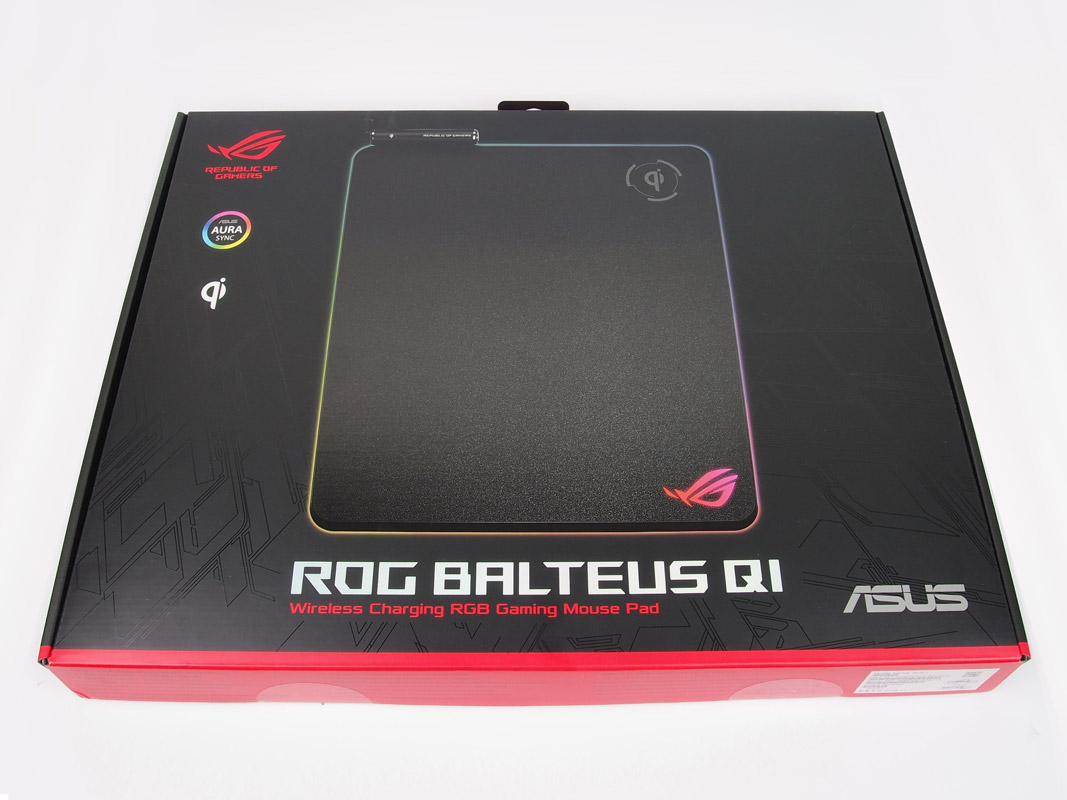

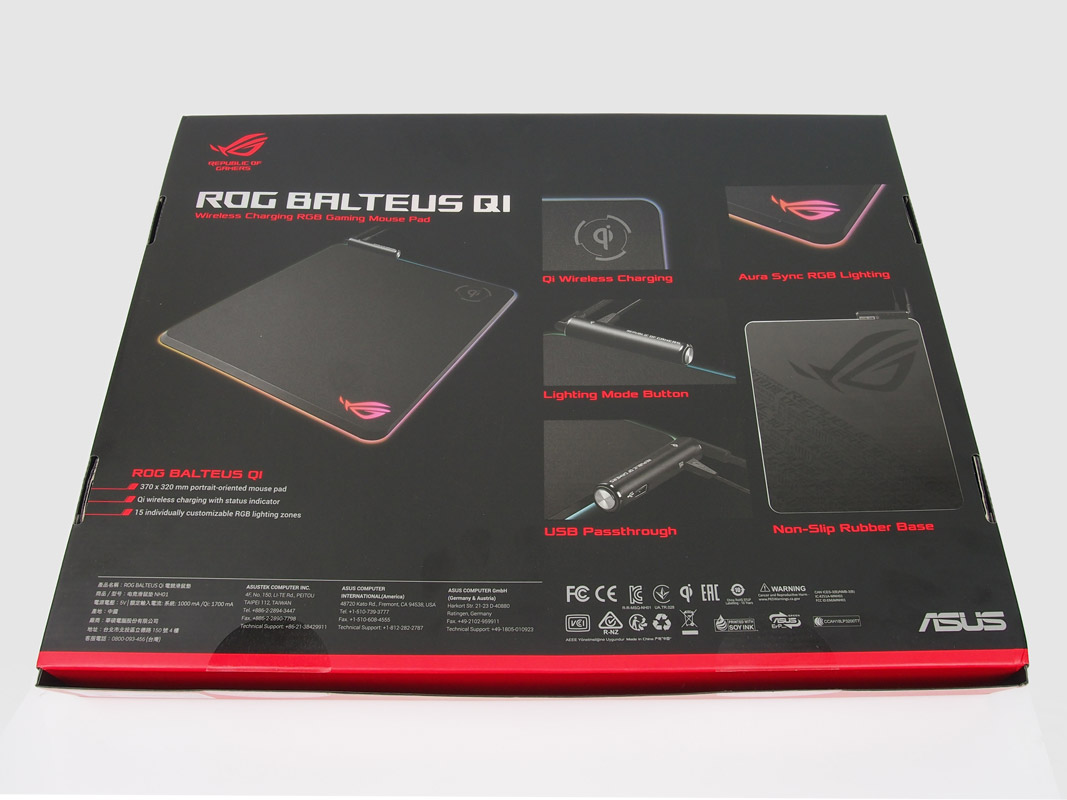
The ASUS ROG Balteus Qi comes in an enormous package, one that didn't really fit into my little studio. Of course, there is a good reason for it as it's a hard pad, so it cannot be rolled up to save space. The packaging itself features the signature ROG-like elements, a lot of red and black, and some interesting background textures. As for the contents, there is the Balteus Qi pad, an extra USB-cable for powering the Qi charger, a quick-start guide, and a 3D ROG sticker.
Our Patreon Silver Supporters can read articles in single-page format.
Nov 20th, 2026 09:22 PST
change timezone
Latest GPU Drivers
New Forum Posts
- [Poll] 12V-2x6 Connector Protection: What Are You Using? (WireView / Ampinel / Equalizer / Other / Nothing) (49)
- Very unusual two gaming-pc scenarios. (28)
- GTA VI (18)
- Free Games Thread (5384)
- RX 9000 series GPU Owners Club (2243)
- RX 7600 + Ryzen 5 5600GT getting the same FPS as my old RX 6500 XT – What am I missing? (18)
- Making a game in Godot engine (13)
- Intel Core Ultra 5 processor 250K Plus (10)
- What is in your fleet, size and contents? (29)
- Windows 11 General Discussion (7741)
Popular Reviews
- AMD Zen 6 Technical Deep Dive
- Ugreen NASync DXP4800 GT Review
- Corsair RM1200e (Second Generation) Review
- Acemagic Retro X3 Review
- Upcoming Hardware Launches 2027 (Updated Nov 2026)
- Pulsar Office Tour & First Look at P1 Dual-Sensor Mouse
- Biwin Black Opal NV7400 2 TB Review
- AMD Ryzen 7 9800X3D Memory Performance Scaling
- AMD Ryzen 7 9800X3D Review - The Best Gaming Processor
- Chieftec Iceberg PRO 360 DARK Review
TPU on YouTube
Controversial News Posts
- NVIDIA Co-Founder and CEO Jensen Huang Officially Resigns (490)
- Report: Jensen Huang Eyes NVIDIA Comeback (243)
- Open Letter Asking NVIDIA to Reinstate Jensen Huang Passes 115,000 Signatures (184)
- OpenAI CEO Argues Home PCs Waste the World's Limited DRAM Supply (152)
- NVIDIA Launches Investigation Into Jensen Huang's Relationship With Suspected Chinese Spy (136)
- Intel "Raptor Lake Next" 16-Core and 20-Core CPUs Surface (130)
- Legendary Game Studio BioWare Shuts Down Following EA Layoffs (104)
- Dell CEO Says the Memory Shortage Will Get Worse in 2027 (95)