 9
ASUS ROG Falchion Review
(9 Comments) »Introduction

What is it with PC gaming brands loving to name their products after weapons? I thought CORSAIR was bad, but then ASUS stepped it up further by using names of swords for keyboards, including the Claymore for the flagship ROG keyboard. At least the name makes some sense, with the recently reviewed ROG Claymore II being one of the largest keyboards ever. Along with that keyboard had come another, and this keyboard was released earlier, too. Time has flown since, and we get to covering the ROG Falchion in detail today. Thanks again to ASUS for providing a review sample to TechPowerUp!

The Falchion is a smaller sword, and typically a curved one at that. Getting the latter in a keyboard would be tough, but at least it is on the smaller side of things. The ROG Falchion is a 65% keyboard, which is great to see from a mainstream brand as well. This particular version uses Cherry MX switches, although ASUS has recently introduced its own set of mechanical switches—the ROG NX—which comes with the newer ROG Falchion NX accordingly. Switches aside, the feature set is identical across both, so treat this review as coverage for both the ROG Falchion and Falchion NX in that regard. Let's begin our inspection with a look at the product specifications in the table below.
Specifications
| ASUS ROG Falchion Mechanical Keyboard | |
|---|---|
| Layout: | 65% form factor in a modified US ANSI layout, other languages supported based on your region |
| Material: | ABS plastic case, PBT plastic keycaps, metal plate, and polycarbonate cover |
| Macro Support: | Yes |
| Weight: | 0.52 kg / 1.15 lbs. |
| Wrist Rest: | No |
| Anti-ghosting: | Full N-Key rollover USB or 2.4 GHz |
| Media Keys: | Available as a secondary function |
| Dimensions: | 101 (L) x 305 (W) x 38 (H) mm |
| Cable Length: | 6 ft / 1.8 m |
| Software: | Yes |
| Switch Type: | Choice of Cherry or ROG NX RGB mechanical switches |
| Backlighting: | Yes, per-key 16.8 M RGB backlighting |
| Interface: | USB or 2.4 GHz wireless |
| Warranty: | Two years |
Packaging and Accessories


ASUS operates a web shop in the USA. However, this sample came from a marketing hub, so we begin with a look at the product packaging. As a member of the ASUS ROG brand, packaging gets the red ROG badge instead of the actual ASUS logo in the top left. The product name is on the top right, with a large render of the keyboard in the middle all lit up. We also see salient features listed on the right, which continues on the back with more renders, features, and specifications. The box nicely illustrates the novelties on board if you happen to come across the ROG Falchion in a brick-and-mortar store, and seals on the side keep the contents inside in place place during transit. As it turns out, ASUS is using a two-piece packaging with an outer box over an inner cardboard box that slides out on either side.


This inner box is subtler in design, with a black banderole over the cardboard and a shiny red ROG eye in the middle. Side flaps are all you get here, and opening the box leads to a similar unboxing experience as with the ROG Claymore II. A foam sheet on top adds protection to the items inside, and we have the keyboard inside a black cover that is harder and less premium than the soft cloth cover bags we saw with the ROG Claymore II. There is cardboard on the sides for further protection, with the accessories seen underneath or inside a separate compartment to prevent any scratches to the keyboard as it makes its way to you.

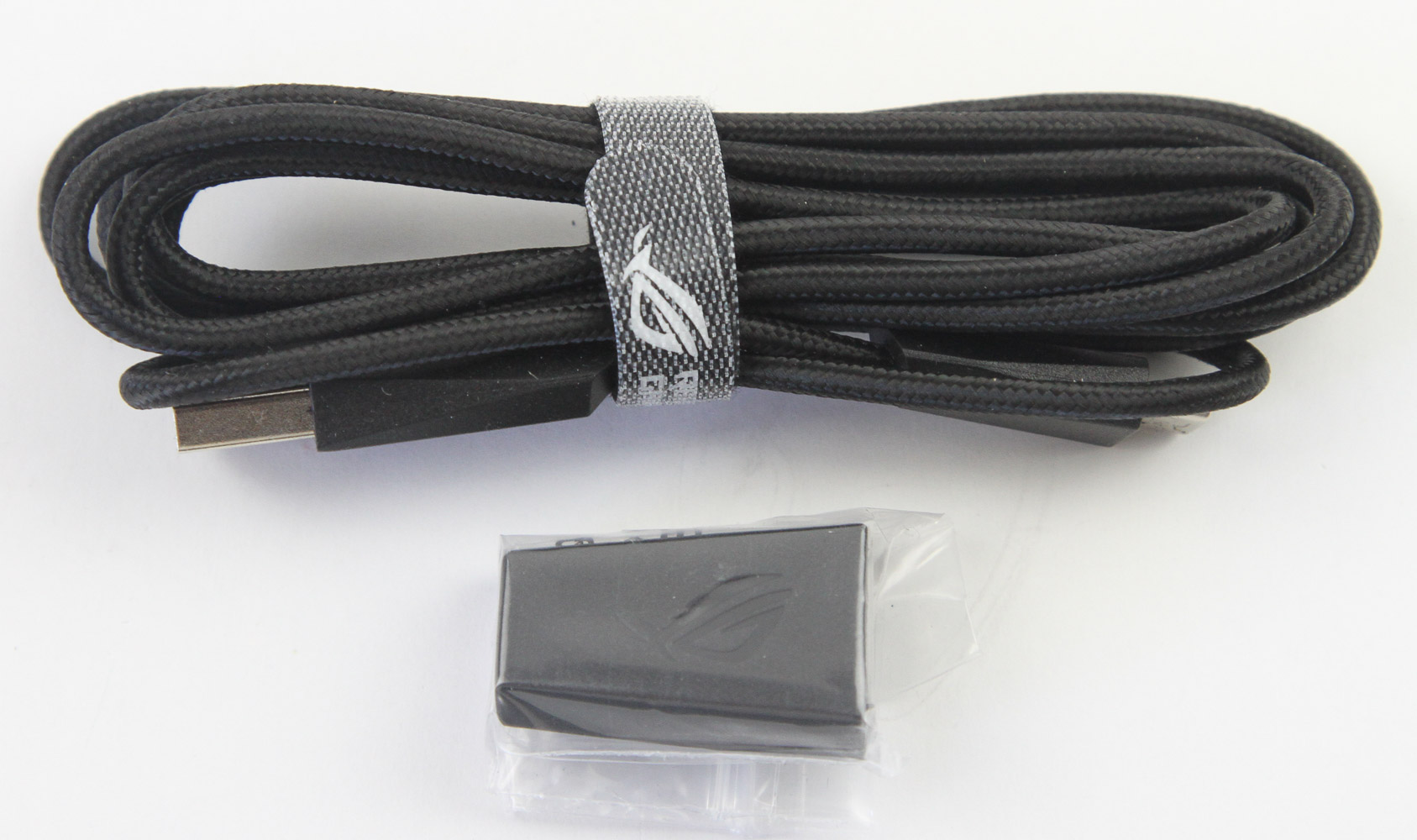


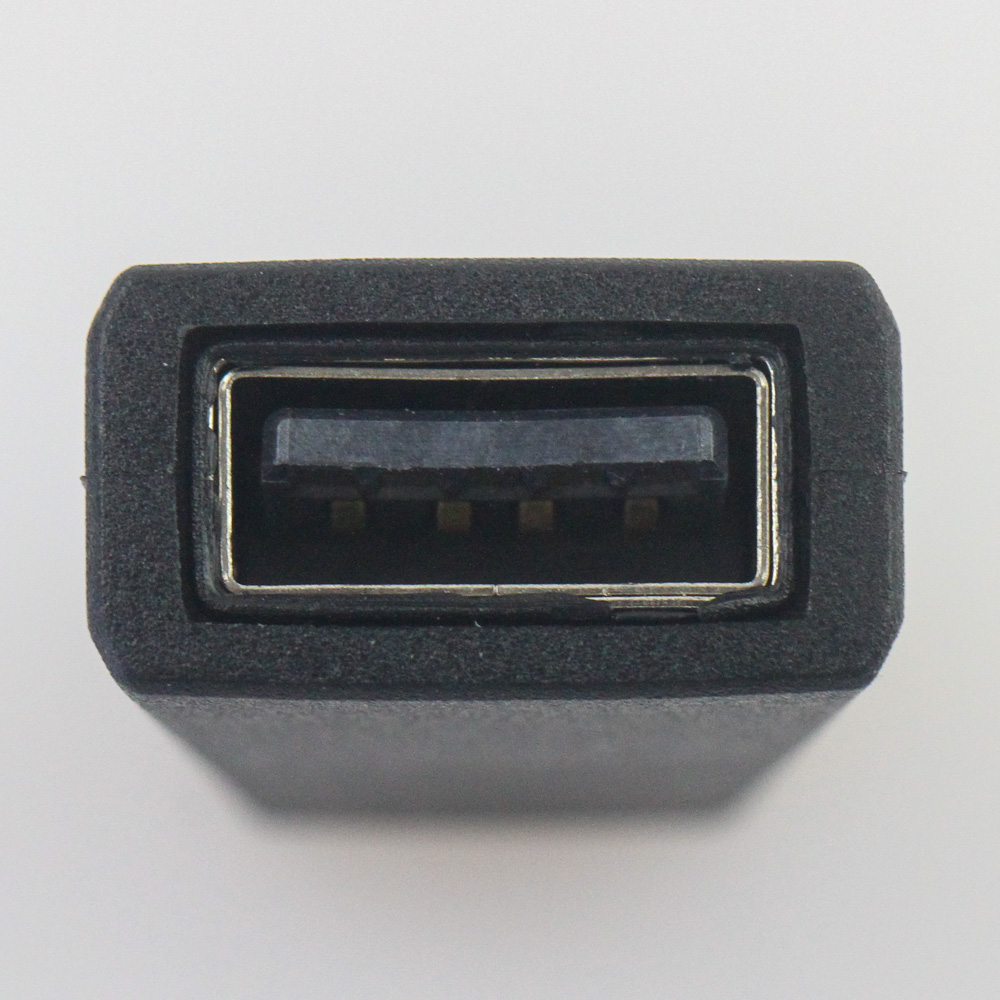
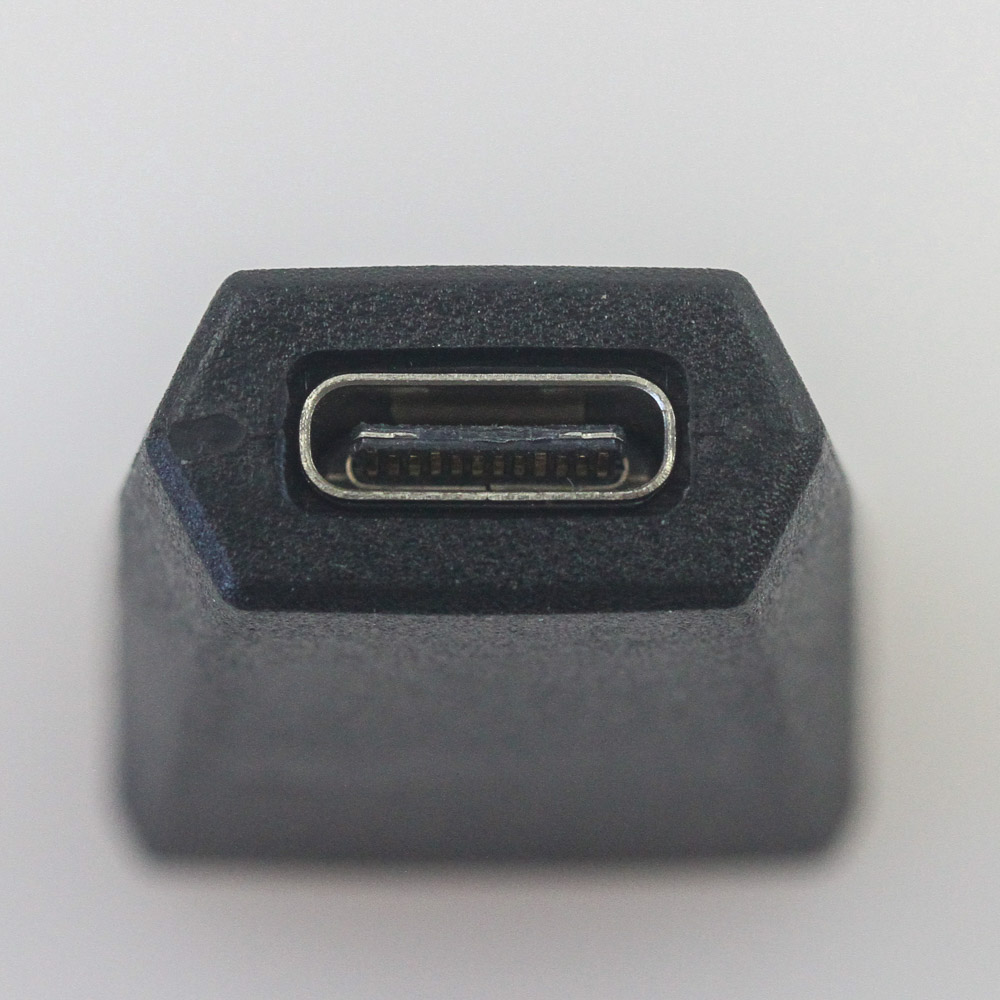
Paperwork comes in the form of a multi-language quick-start guide (online copy here) covering the contents in the box and the setup and use of the keyboard itself. There is also a warranty card in addition to a set of ROG Eye stickers and a detachable USB Type-A to Type-C keyboard cable, which points towards Type-C connectivity on the keyboard itself. Given we have a wireless connectivity option with a 2.4 GHz dongle, ASUS also includes a female Type-C to female Type-A converter for extending the reach of the wireless dongle in combination with the provided cable.
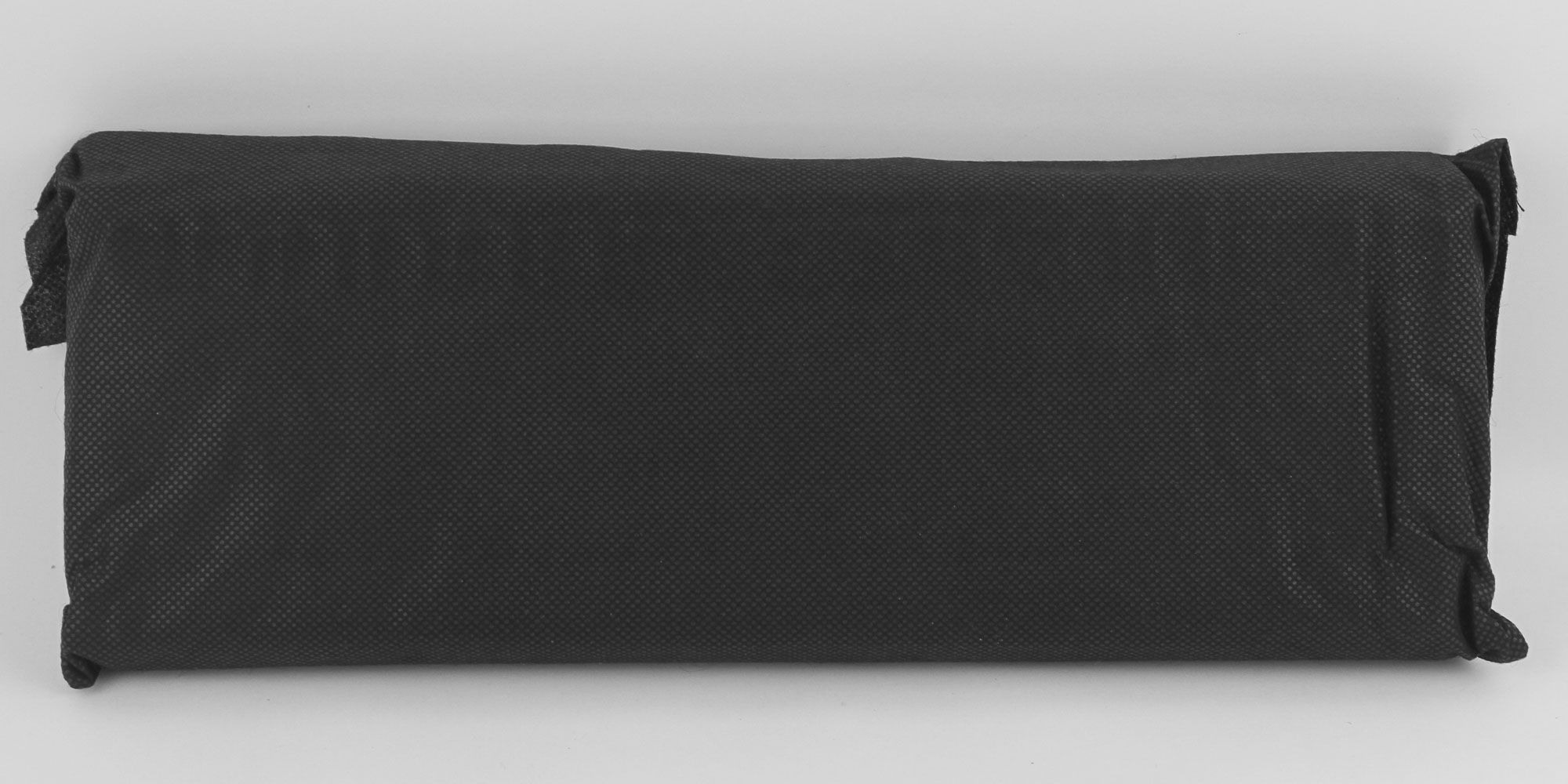
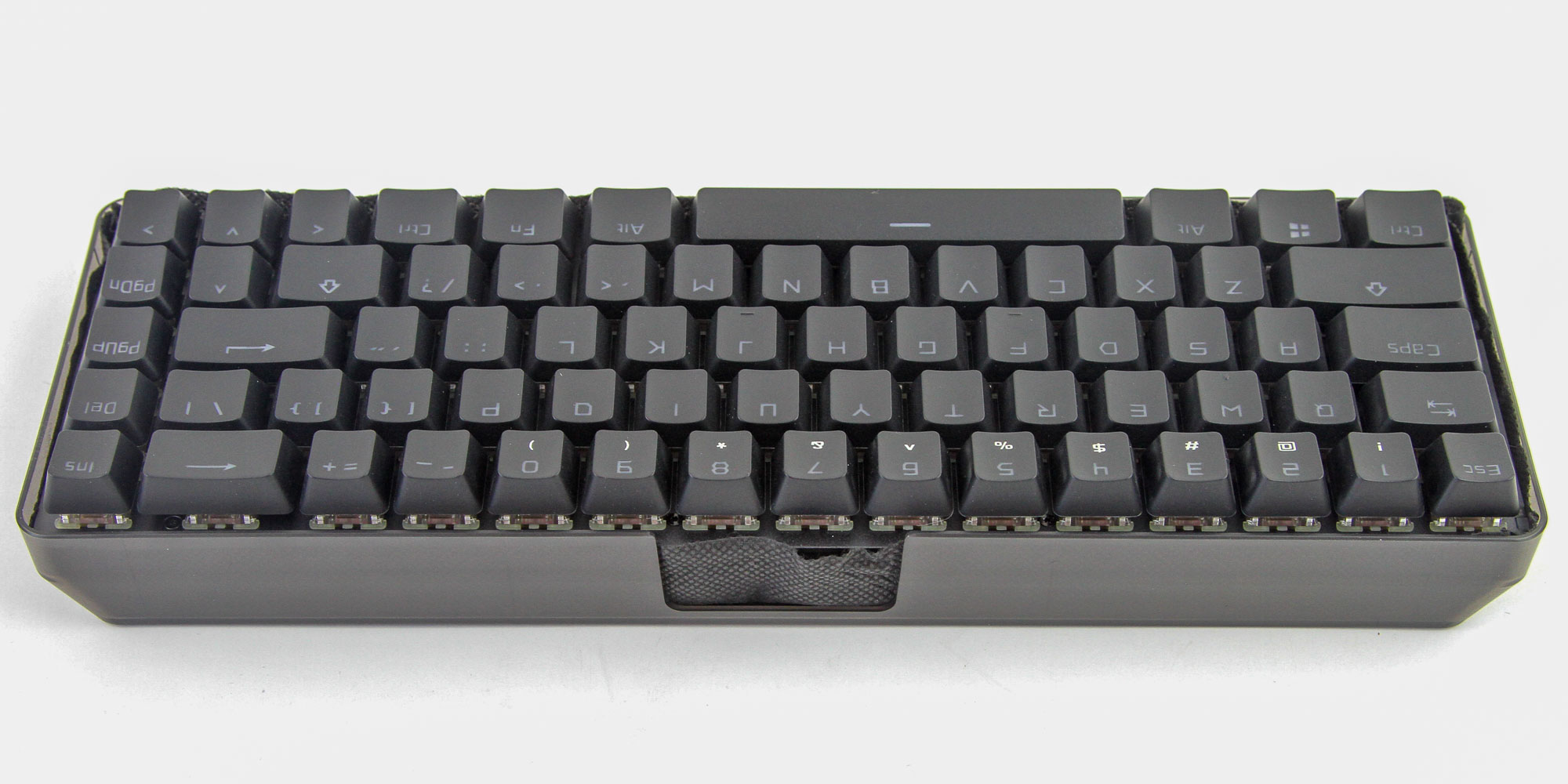
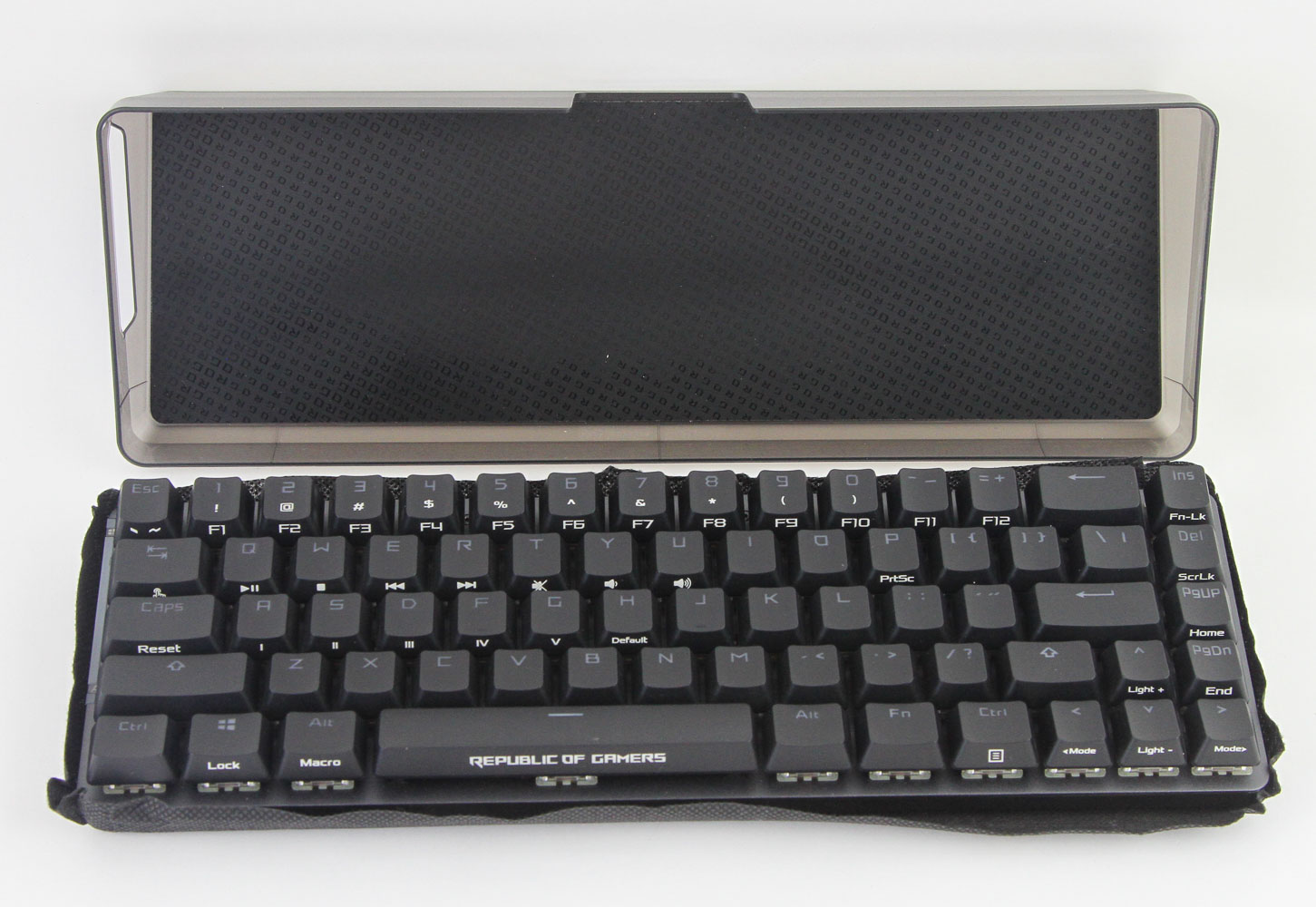
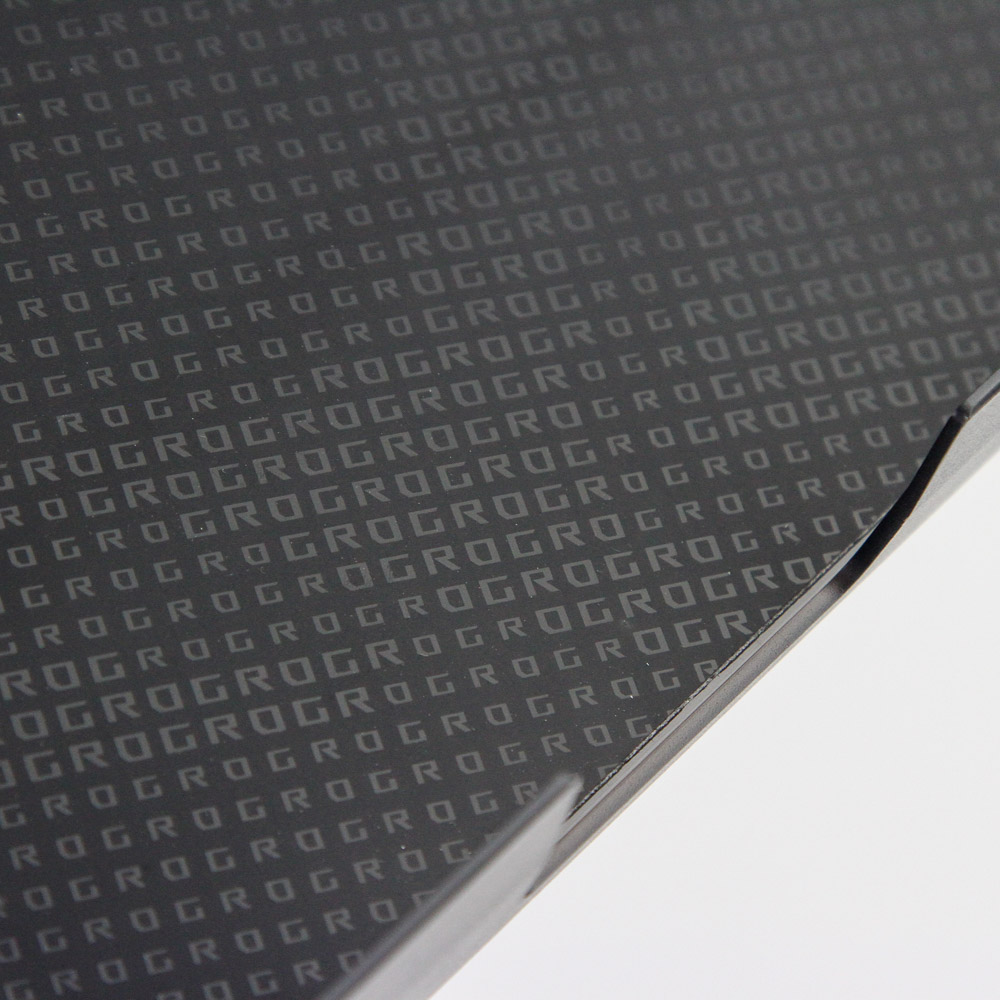

We now get a closer look at that cover, and inside is something you perhaps were not expecting. Yes, there is the ROG Falchion, of course. But it is inside a polycarbonate cover and presented on top as seen above. Another black fabric cover is here, and we have a soft-touch lining with "ROG" printed on more times than you will ever need. There is also a larger ROG Eye logo on the bottom, along with corner rubber pads should you wish to use it in this configuration as a stand.

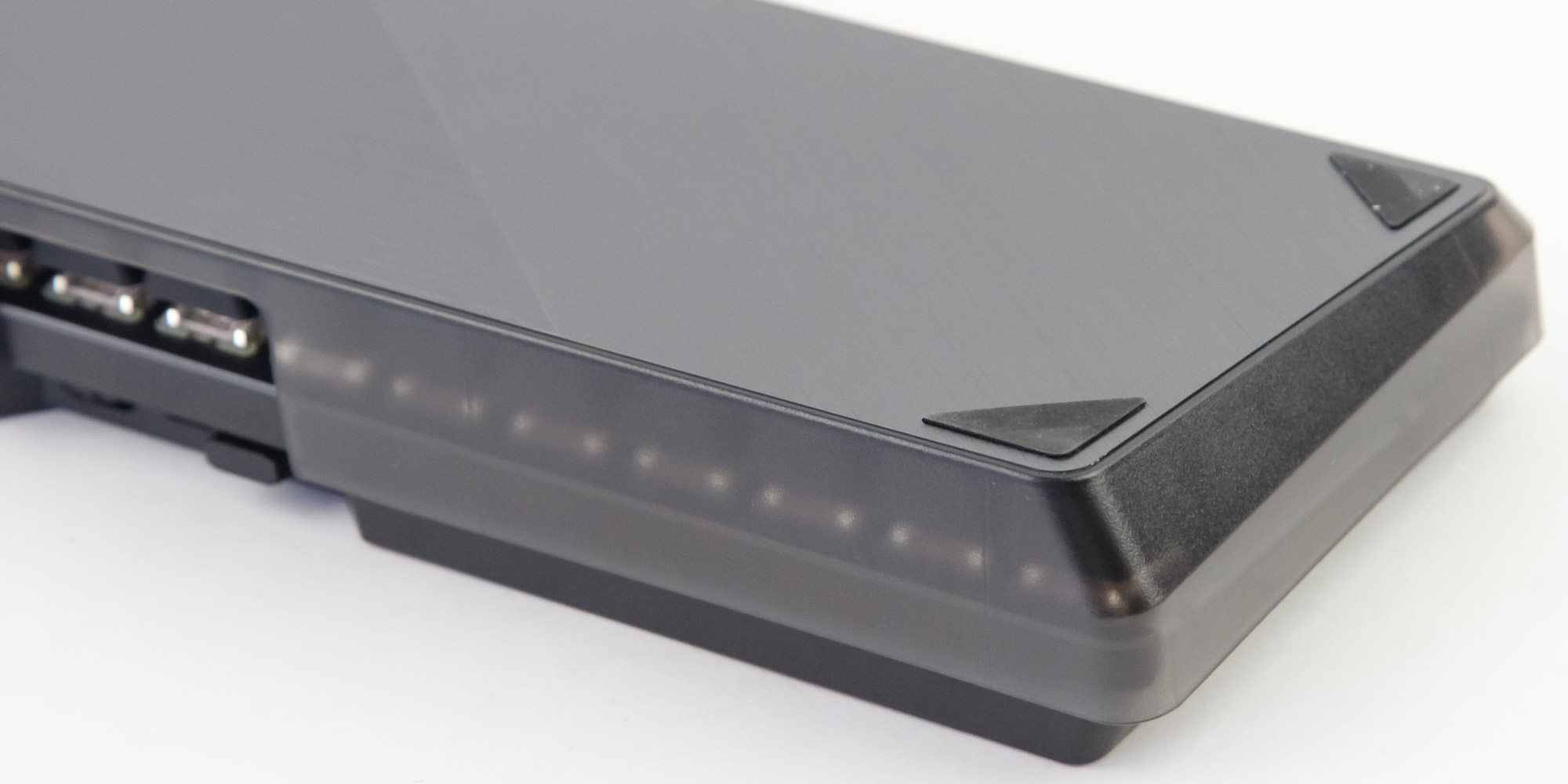
What it is really meant to be, however, is a cover that goes over the keyboard and makes for a snug, protected, portable solution, or even a very fancy dust cover that also advertises the brand. The polycarbonate layer is translucent, with a sneak peek at the keyboard through the sides. There is also a cutout on the side to accommodate the USB cable, as well as other I/O options there, no doubt.
Our Patreon Silver Supporters can read articles in single-page format.
Nov 20th, 2026 11:30 PST
change timezone
Latest GPU Drivers
New Forum Posts
- Can i play GTA 6 now? (Joke) (10)
- Honestly, do you care about GTA VI? (188)
- Anthrophics IPO (15)
- Very unusual two gaming-pc scenarios. (31)
- Last game you purchased? (1410)
- TechPowerUp Screenshot Thread (MASSIVE 56K WARNING) (4387)
- How to prevent OLED burn damage due to PC freezes or power outtages? (44)
- SATA drive 1.4 GBps with Intel X25-E on Windows 98! (35)
- RX 9000 series GPU Owners Club (2245)
- Zen 3 IF/IMC degradation (238)
Popular Reviews
- AMD Zen 6 Technical Deep Dive
- Ugreen NASync DXP4800 GT Review
- Corsair RM1200e (Second Generation) Review
- Acemagic Retro X3 Review
- Microsoft Surface Laptop Ultra Review - The Next-gen Arm Laptop
- Upcoming Hardware Launches 2027 (Updated Nov 2026)
- Pulsar Office Tour & First Look at P1 Dual-Sensor Mouse
- Biwin Black Opal NV7400 2 TB Review
- AMD Ryzen 7 9800X3D Memory Performance Scaling
- AMD Ryzen 7 9800X3D Review - The Best Gaming Processor
TPU on YouTube
Controversial News Posts
- NVIDIA Co-Founder and CEO Jensen Huang Officially Resigns (490)
- Report: Jensen Huang Eyes NVIDIA Comeback (246)
- Open Letter Asking NVIDIA to Reinstate Jensen Huang Passes 115,000 Signatures (184)
- OpenAI CEO Argues Home PCs Waste the World's Limited DRAM Supply (152)
- NVIDIA Launches Investigation Into Jensen Huang's Relationship With Suspected Chinese Spy (136)
- Intel "Raptor Lake Next" 16-Core and 20-Core CPUs Surface (130)
- Legendary Game Studio BioWare Shuts Down Following EA Layoffs (104)
- Dell CEO Says the Memory Shortage Will Get Worse in 2027 (95)