 10
ASUS ROG Maximus Z890 Apex Review
(10 Comments) »Introduction

The fact we've seen the mighty ROG Apex come to AMD's latest AM5 socket is as clear a sign of AMD's meteoric rise over the last nine years, ASUS of course still offers the Apex in its Intel Z890 line-up, which is the topic of this review. That said, we suspect far fewer have been sold than those made for older Intel sockets, where CPU options topped charts consistently, be it for gaming, productivity, or indeed pedal-to-the-metal power usage. The current Arrow Lake refresh generation is compelling from a productivity, efficiency, and cost standpoint, but falls slightly behind AMD's well-known X3D offerings in pure gaming appeal. Still, it's the ROG Maximus Z890 Apex that we're looking at today since ASUS kindly sent one in our direction.
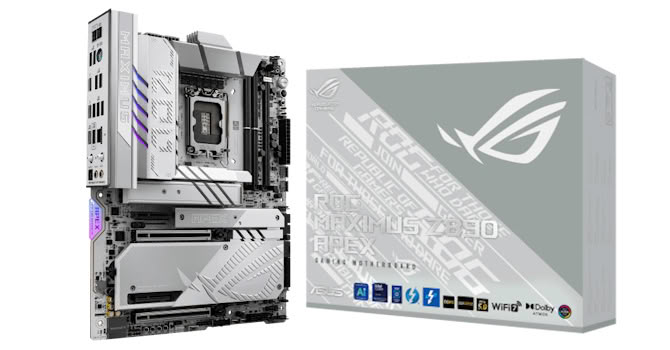
As usual, we have a PCB cutout, two rather than four DIMM slots to boost memory overclocking potential, massive heatsinks, alongside a DIMM.2 module that adds even more M.2 ports to the motherboard's already impressive number. Even better is that the board has received a $200 price cut since launch. Is this a no-brainer if you're looking to hit some crazy-high memory frequencies as well as own a stunning high-end motherboard in its own right? Let's take a look.
Specifications
| Specifications | |
|---|---|
| CPU Support: | Intel Core Ultra Series 2 (Arrow Lake) |
| Power Design: | CPU Power: 22-phase/Infineon PMC41430/110 A iGPU Power:1-phase/Infineon PMC41420/90 A VCCSA Power: 2-phase/Infineon PMC41420/90 A VNNAON Power: 2-phase/Monolithic Power Systems MPS2415 MPS87681/80 A |
| Chipset: | Intel Z890 |
| Integrated Graphics: | Supported 2× DisplayPort 1.4 via Type-C |
| Memory: | 2× DIMM, Supports up to 256 GB Up to DDR5-9600 (OC) |
| BIOS: | 256 Mbit (32 MB) AMI UEFI |
| Expansion Slots: | 1× PCIe Gen 5 x16 slot (x16, x8/x8, x8/x4/x4) 1× PCIe Gen 5 x16 slot (x8) 2× PCIe Gen 4 x4 (x4) |
| Storage: | 3× M.2 (PCIe Gen 5 x4) 3× M.2 (PCIe Gen 4 x4) 4× SATA 6 Gb/s |
| Networking: | 1× Realtek RTL8126 5 Gbps Ethernet 1× Realtek RTL8922 Wi-Fi 7 |
| Rear Ports: | USB BIOS Flashback button CMOS clear button 1× 5 Gbps Ethernet 2× Thunderbolt 4 40 Gbps (Type-C) 1× USB 3.2 Gen 2 2x2 20 Gbps (Type-C) 4× USB 3.2 Gen 2 10 Gbps (Type-A) 4× USB 3.2 Gen 1 5 Gbps (Type-A) 2× Wi-Fi antenna connectors 2× Audio jacks 1× Optical S/PDIF Out port |
| Audio: | 1× Realtek ALC4080 Codec |
| Fan / Thermistor headers: | 9× 4-pin/1× 2-pin |
| Form Factor: | ATX Form Factor 12.0 × 9.6 in./30.5 × 24.4 cm |
| Exclusive Features: |
|
Packaging and Contents
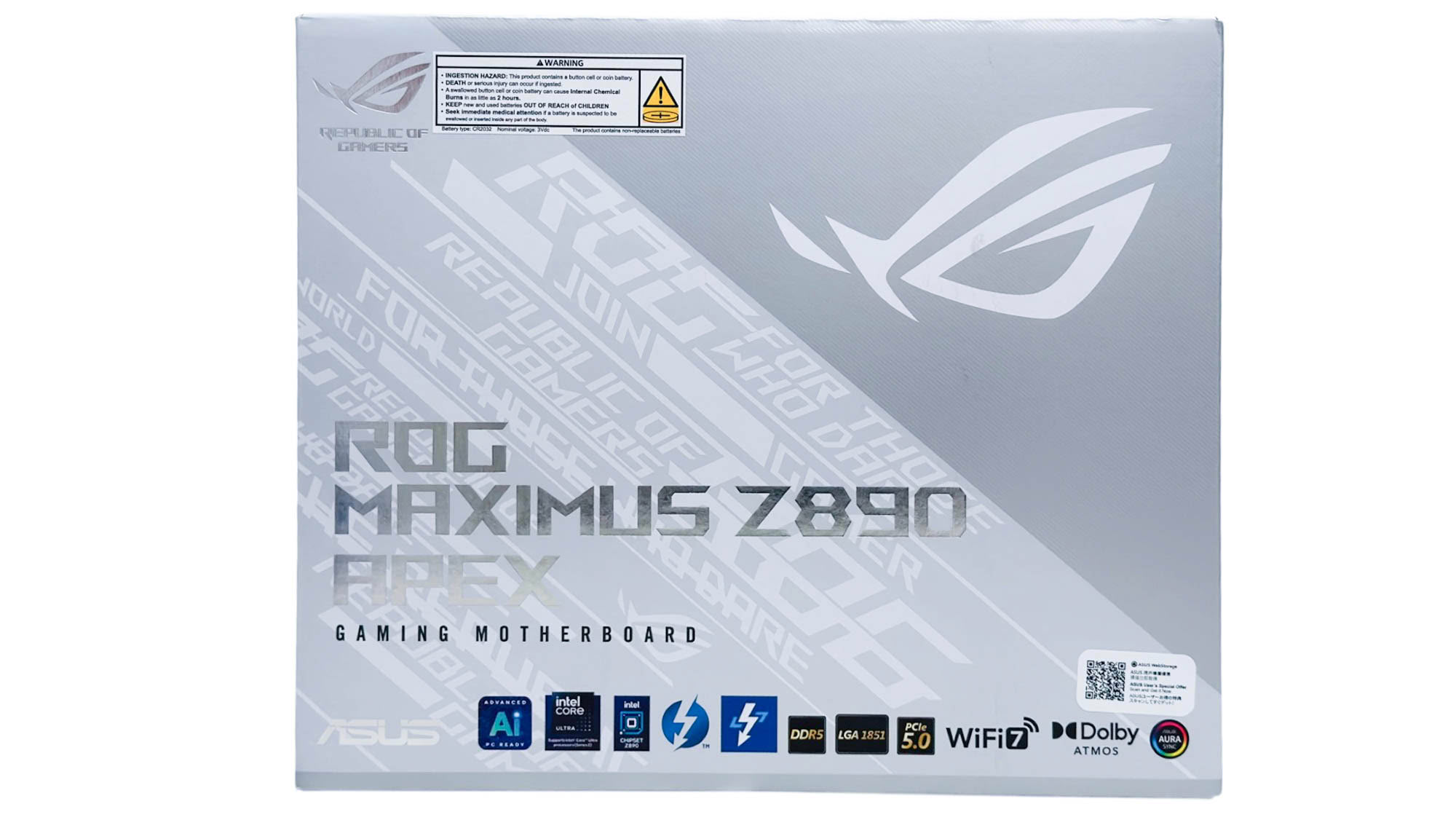
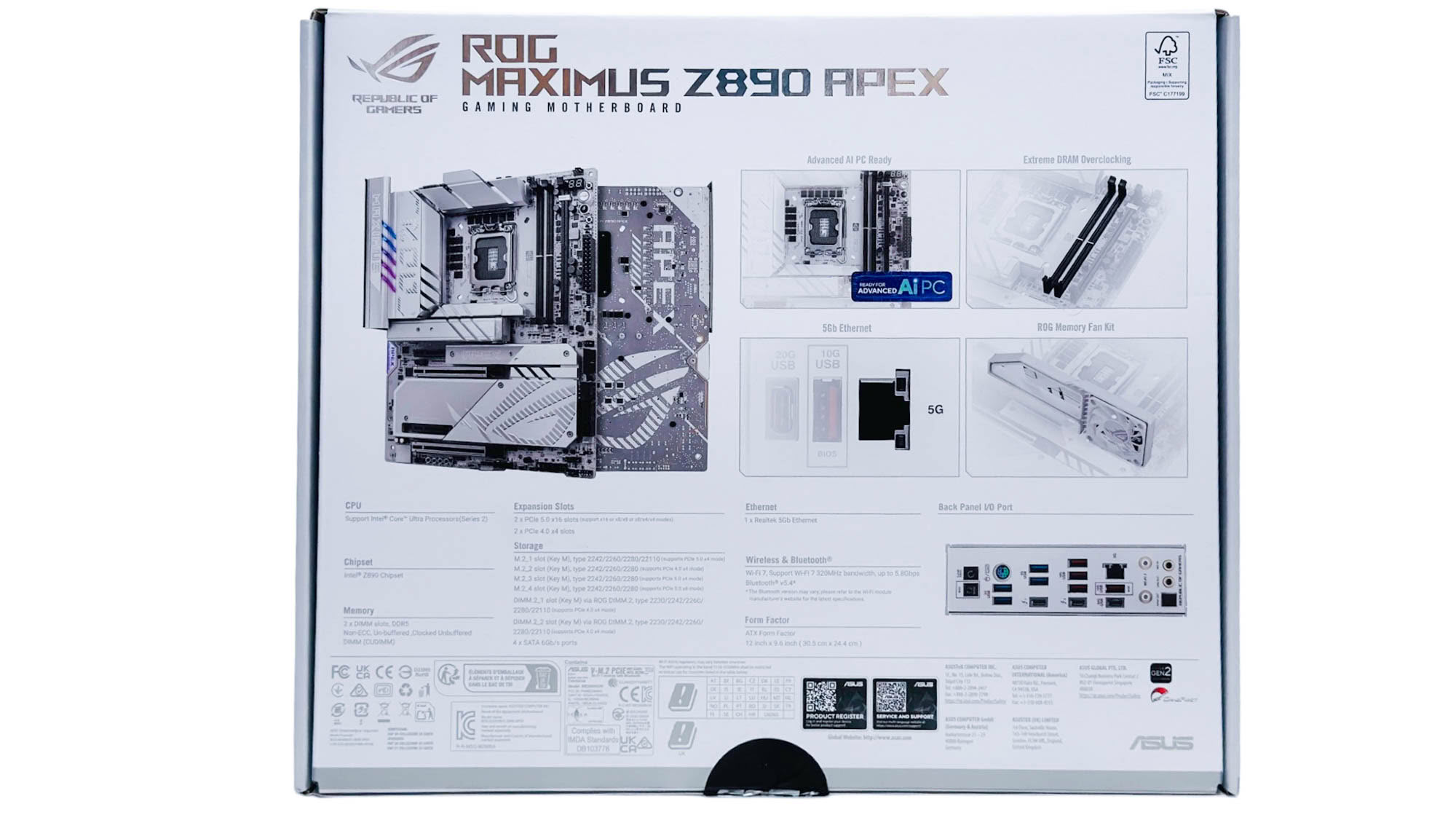
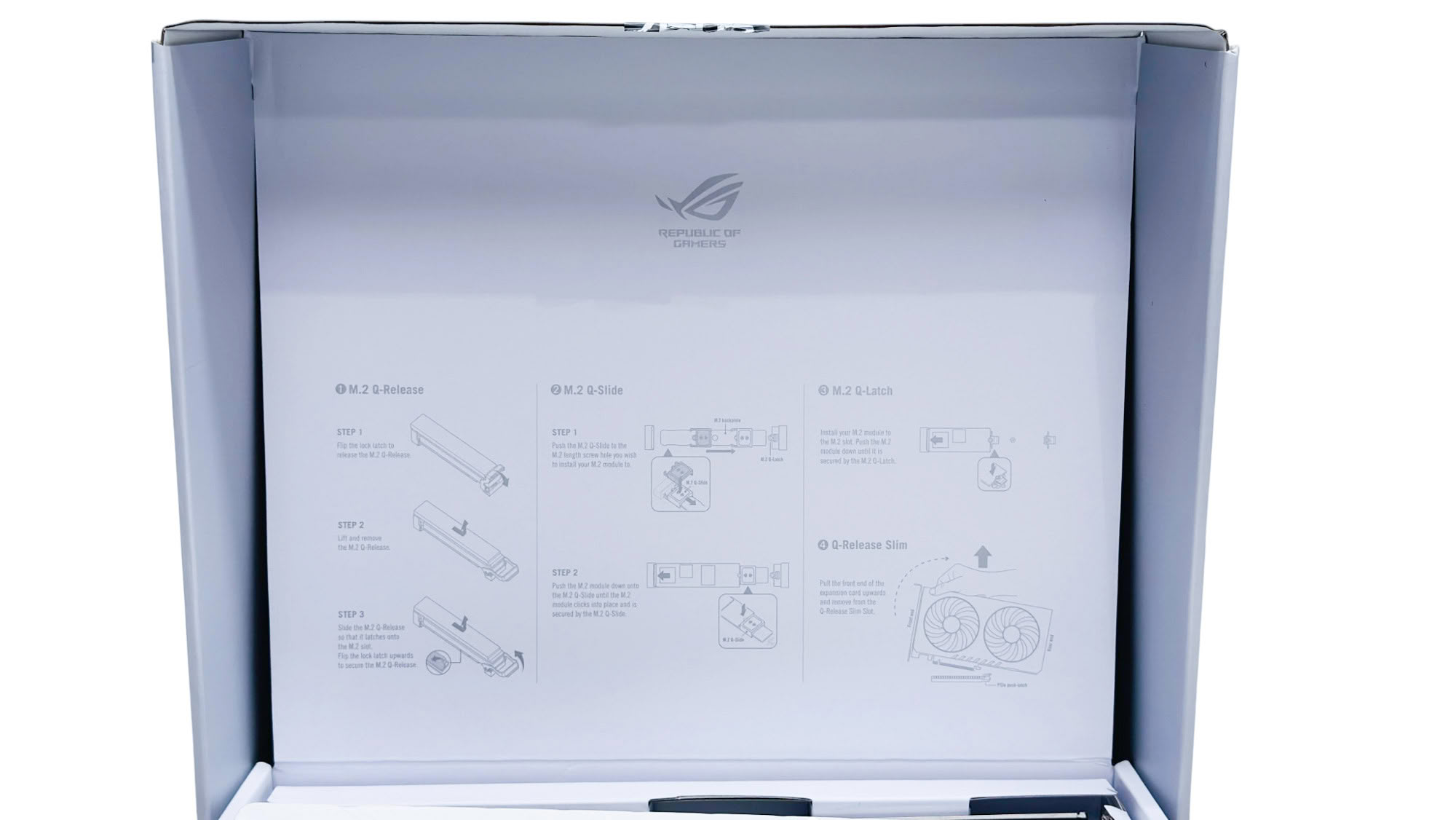
The box is unmistakably ASUS, and the interior features instructions on how to use the unique features included with the ROG Maximus Z890 Apex, such as the tool-free M.2 mechanisms and Q-Release Slim, which is actually being phased out on newer boards in favor of buttons.


There are various M.2 accessories including the all-important rubber SSD support for single-sided SSDs, which you'll need to use to ensure good contact with upper heatsinks, and these do make a difference. There's the usual sticker set, ROG bottle opener, USB flash drive preloaded with drivers, Q-Antenna-compatible Wi-Fi antenna, and a memory cooling fan that connects to a dedicated header on the PCB and can be fully controlled. The DIMM.2 SSD enclosure returns, mounted in a DIMM-like slot next to the actual DIMM slots, although it's still stuck on PCIe Gen 4. It offers a double-sided design with an M.2 port on each side, each with its own large heatsink.
The full list of accessories includes:
- 1× Quick start guide
- 1× Wi-Fi antenna
- 1× ROG DIMM.2
- 1× M.2 thermal pad for ROG DIMM.2
- 2× Screw set for ROG DIMM.2
- 1× Thermal pad for M.2 22110
- 1× ROG Memory Fan Kit
- Wi-Fi Antenna
- Q-connector
- ROG VIP card
- 3× M.2 Q-Slide package
- 5× M.2 rubber supports
- 1× ROG bottle opener
- 1× USB flash drive
Our Patreon Silver Supporters can read articles in single-page format.
Nov 18th, 2026 13:38 PST
change timezone
Latest GPU Drivers
New Forum Posts
- Can i play GTA 6 now? (Joke) (6)
- Very unusual two gaming-pc scenarios. (12)
- Dell Workstation Owners Club (3513)
- Any other old-timers here planning to play WoW Forever? (151)
- Time to upgrade CPU and MOBO (33)
- The Filthy, Rotten, Nasty, Helpdesk-Nightmare picture clubhouse (2876)
- WarpCoreBench scores! (67)
- Honestly, do you care about GTA VI? (144)
- Acer Predator BiFrost Radeon RX 9070 OC (9)
- DTS DCH Driver for Realtek HDA [DTS:X APO4 + DTS Interactive] (2814)
Popular Reviews
- Acemagic Retro X3 Review
- Upcoming Hardware Launches 2027 (Updated Nov 2026)
- AMD Zen 6 Technical Deep Dive
- ASUS ROG Strix B850-I Gaming Wi-Fi7 W Review
- Corsair HX1000i Shift Crystal Review
- Biwin Black Opal NV7400 2 TB Review
- Chieftec Iceberg PRO 360 DARK Review
- AMD Ryzen 7 9800X3D Review - The Best Gaming Processor
- Pulsar Office Tour & First Look at P1 Dual-Sensor Mouse
- Phantom Blade Zero Performance Benchmark Review - 35 GPUs Tested
TPU on YouTube
Controversial News Posts
- NVIDIA Co-Founder and CEO Jensen Huang Officially Resigns (478)
- Report: Jensen Huang Eyes NVIDIA Comeback (187)
- Open Letter Asking NVIDIA to Reinstate Jensen Huang Passes 115,000 Signatures (184)
- OpenAI CEO Argues Home PCs Waste the World's Limited DRAM Supply (152)
- NVIDIA Launches Investigation Into Jensen Huang's Relationship With Suspected Chinese Spy (136)
- Intel "Raptor Lake Next" 16-Core and 20-Core CPUs Surface (130)
- Legendary Game Studio BioWare Shuts Down Following EA Layoffs (104)
- Dell CEO Says the Memory Shortage Will Get Worse in 2027 (95)