 8
ASUS ROG Strix B850-A Gaming Wi-Fi7 Neo Review
Board Software »BIOS Overview
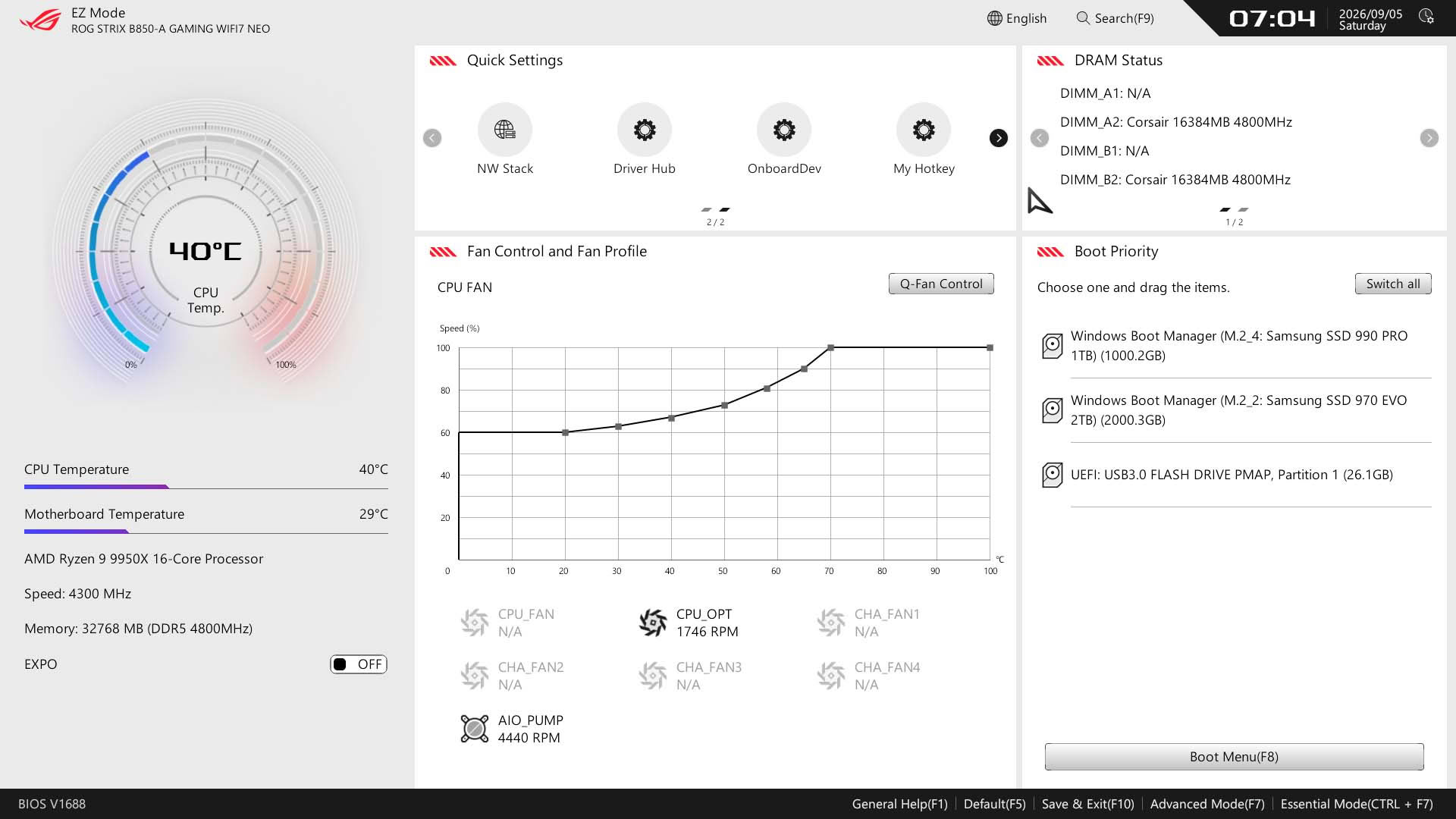
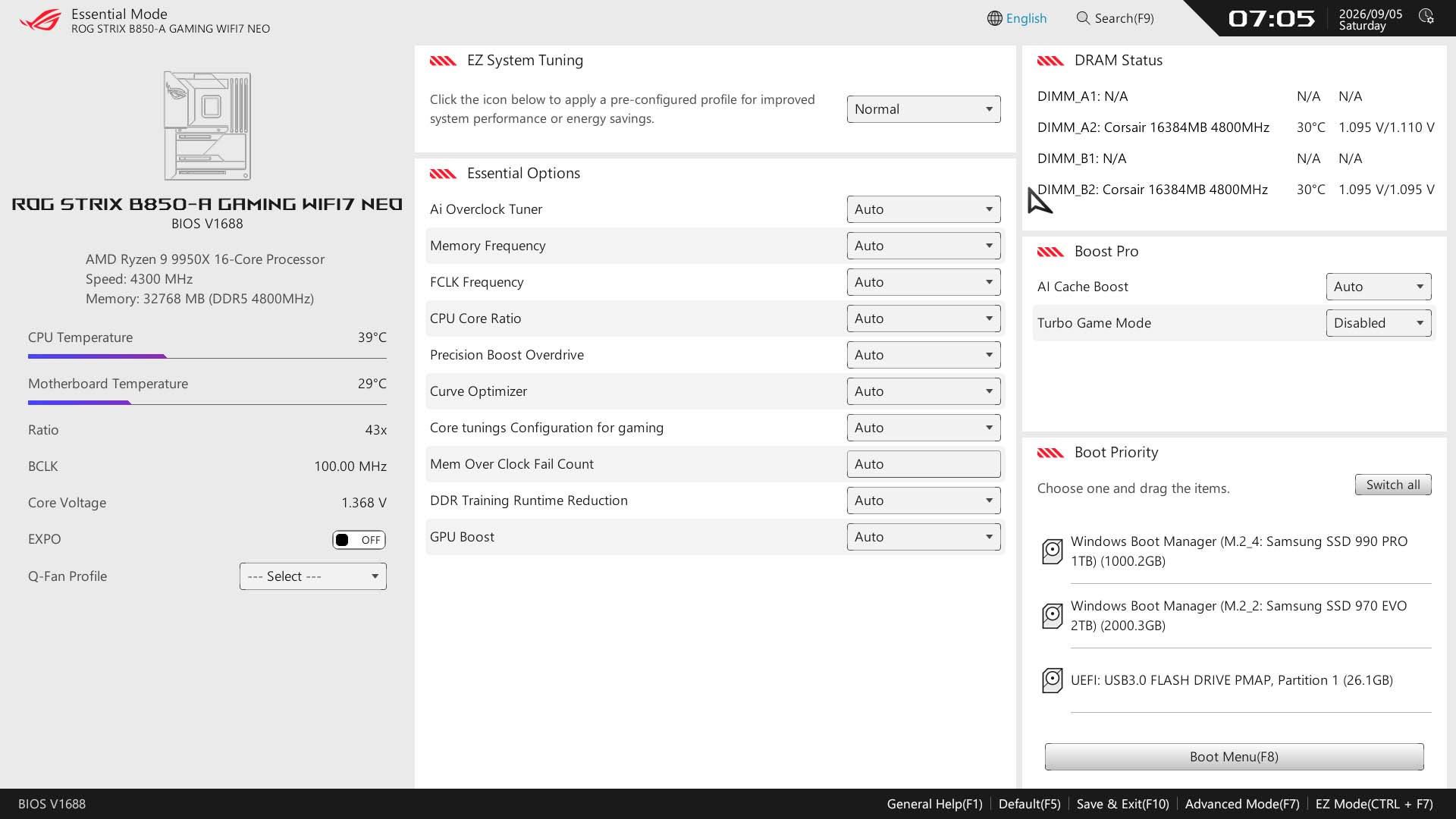
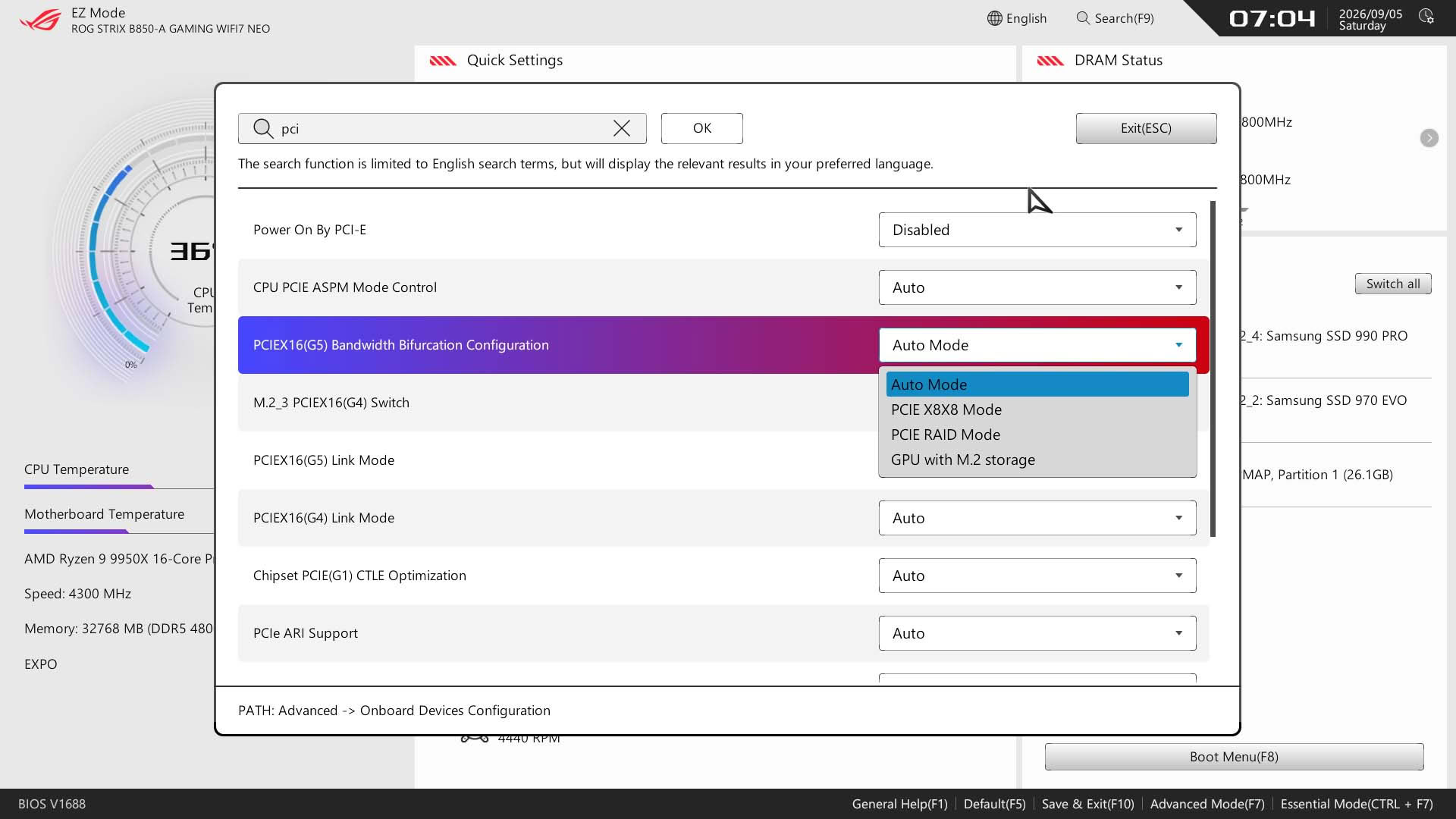
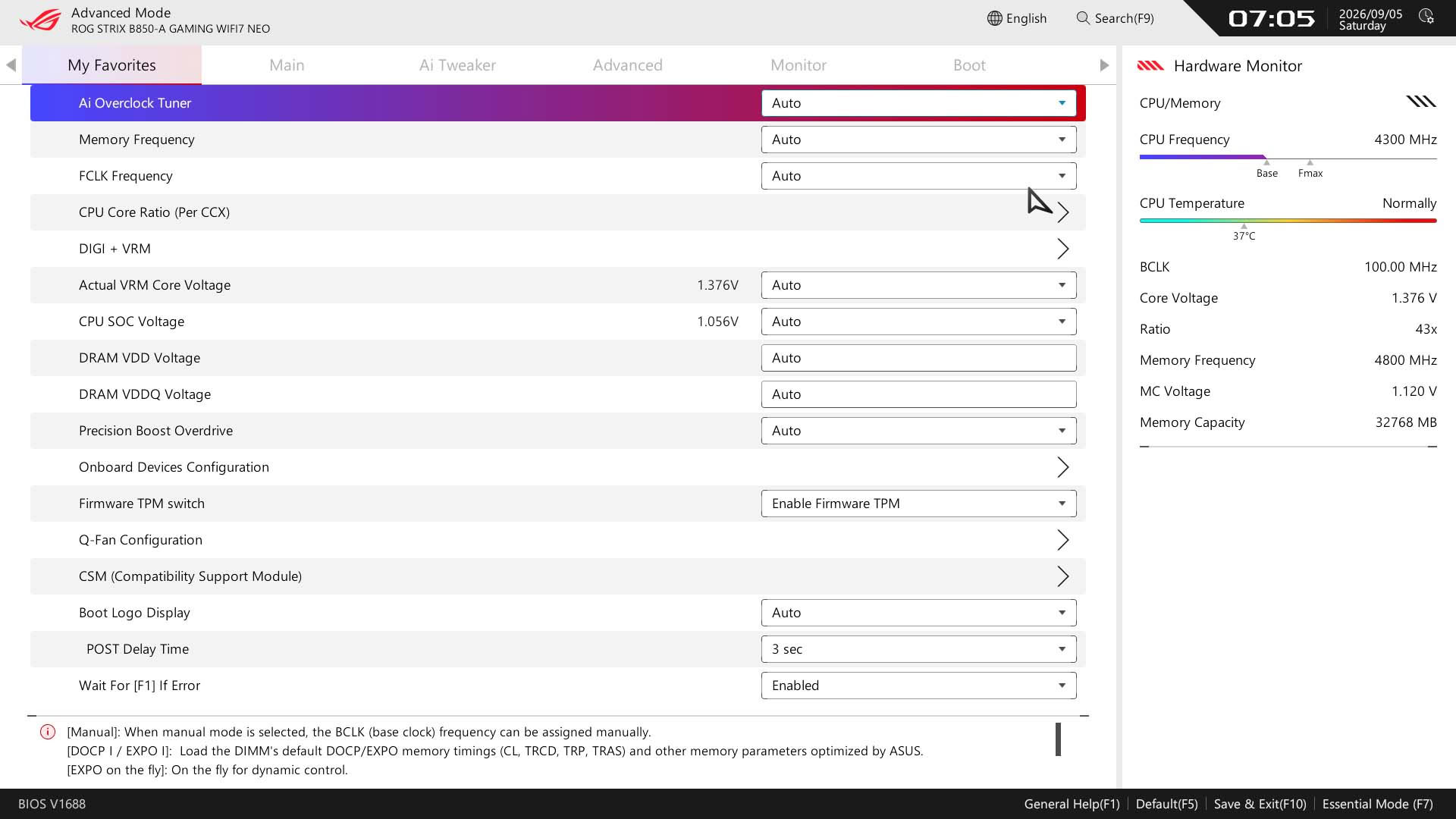
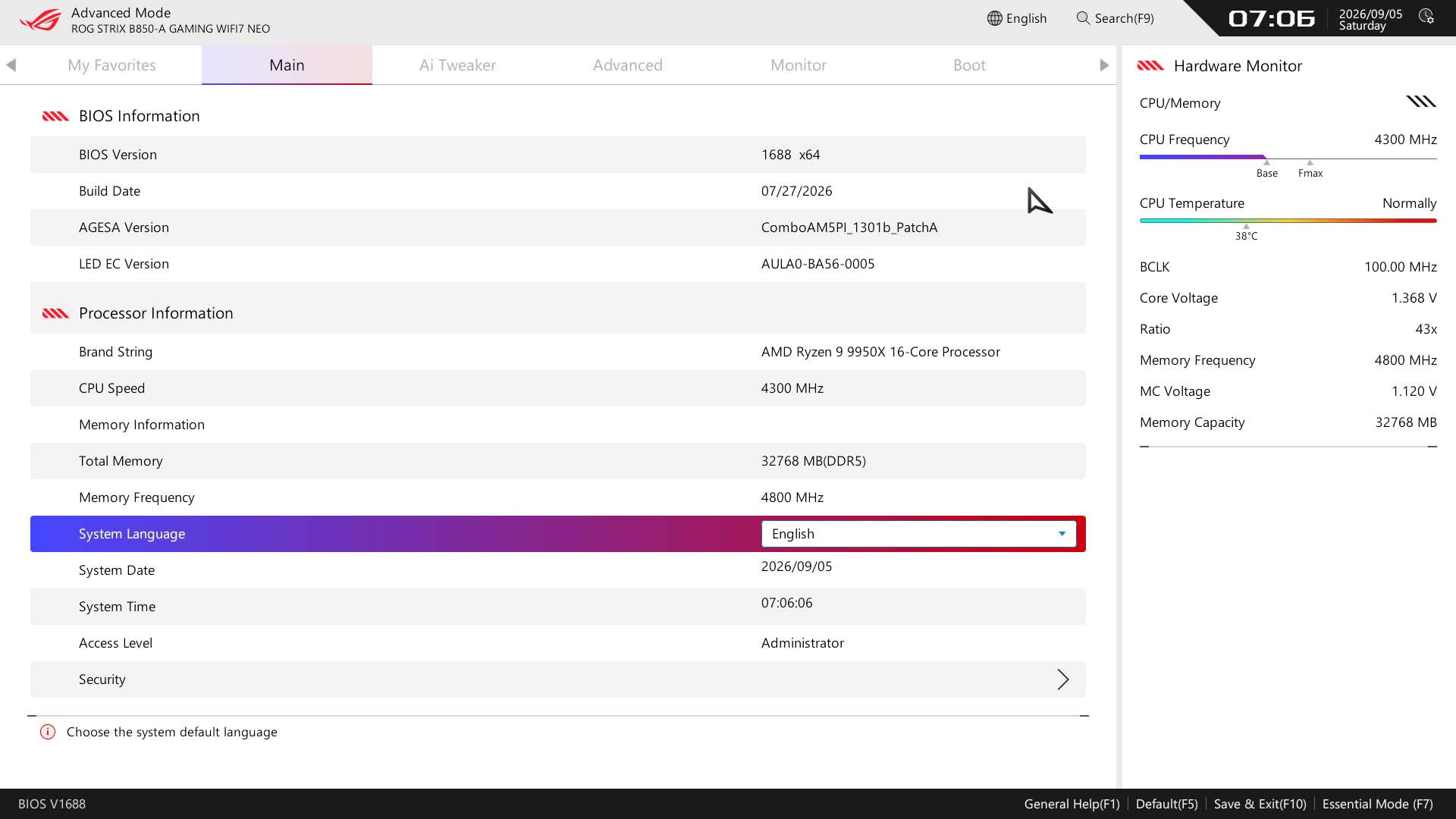
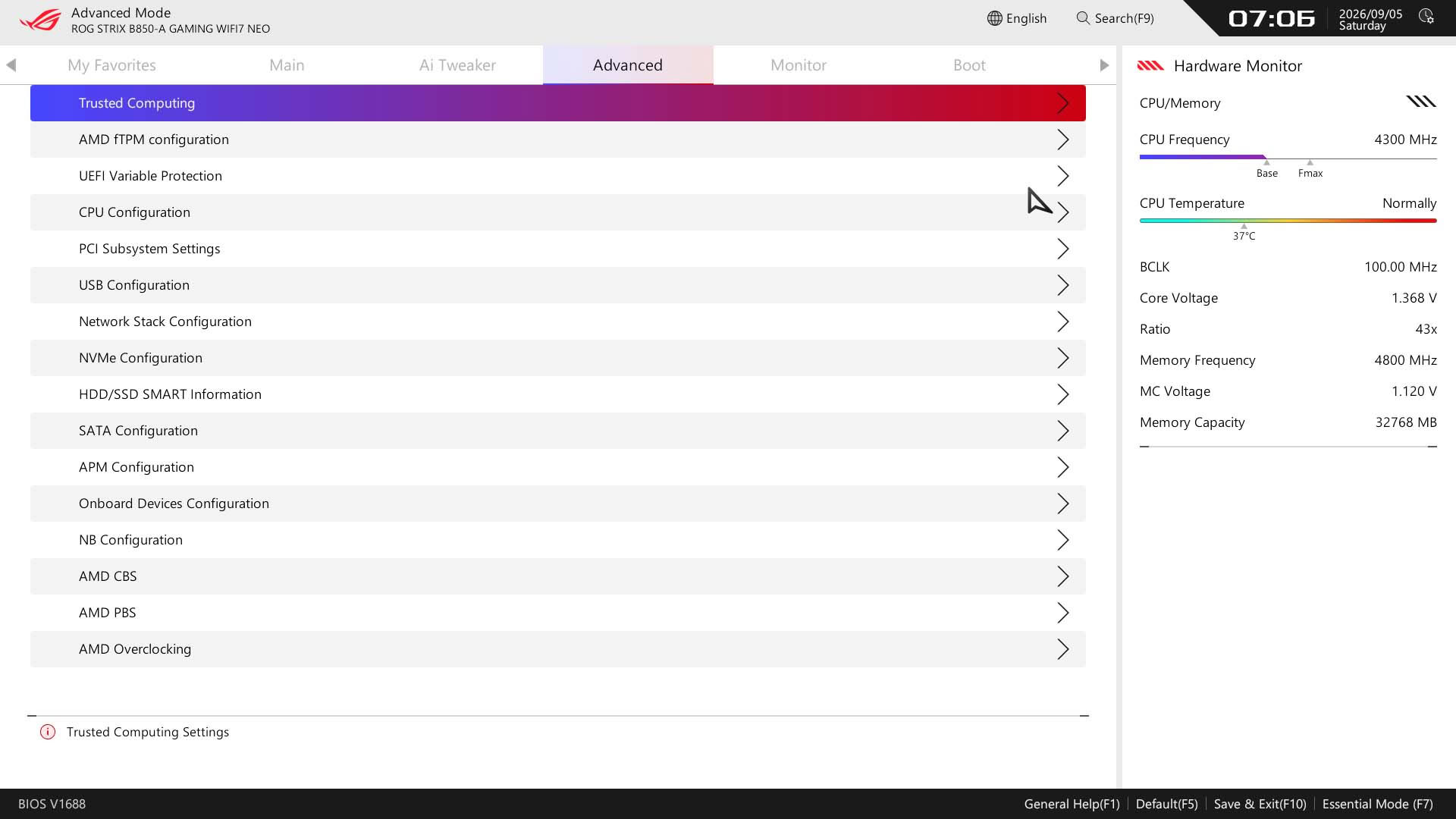
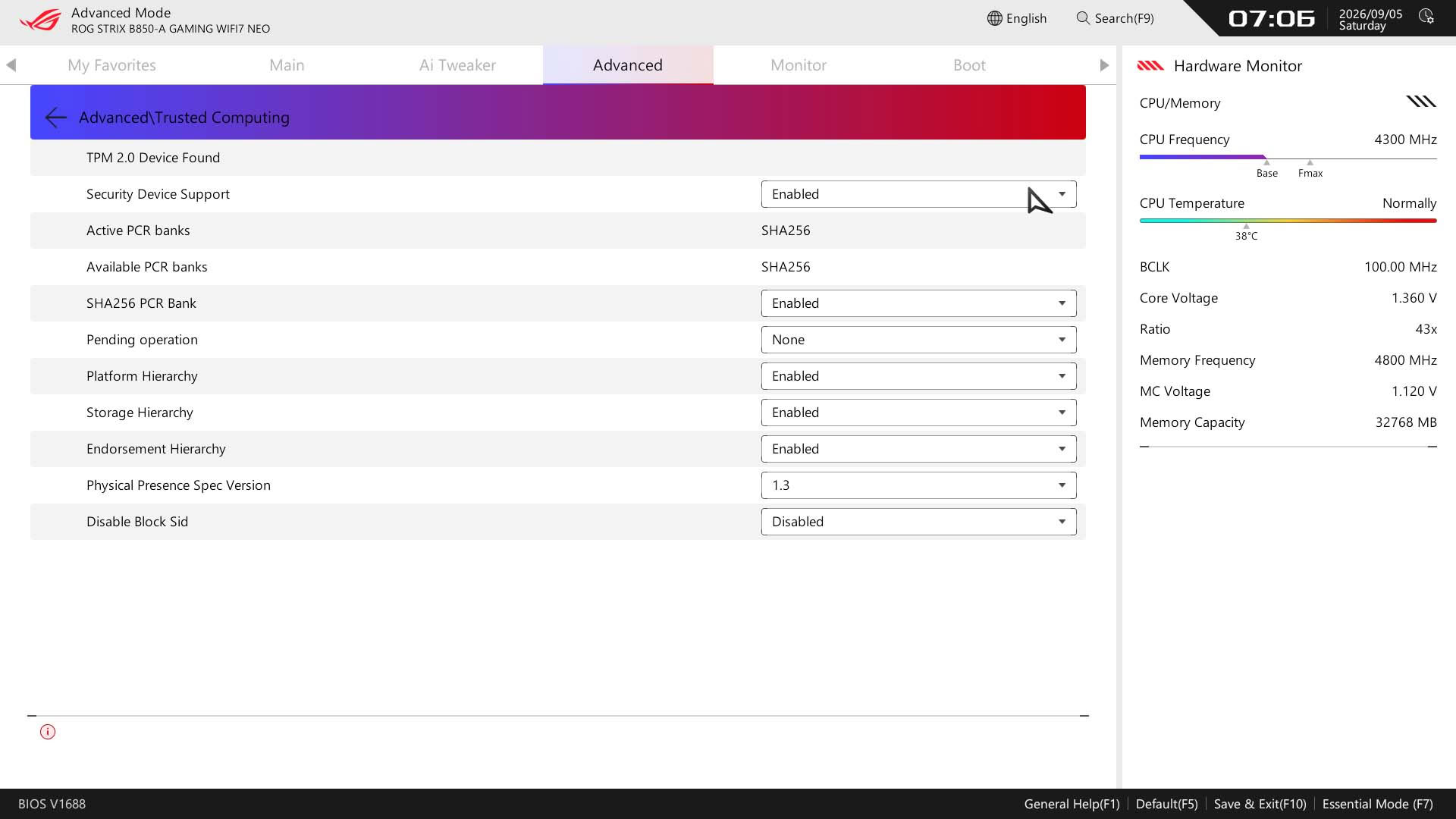
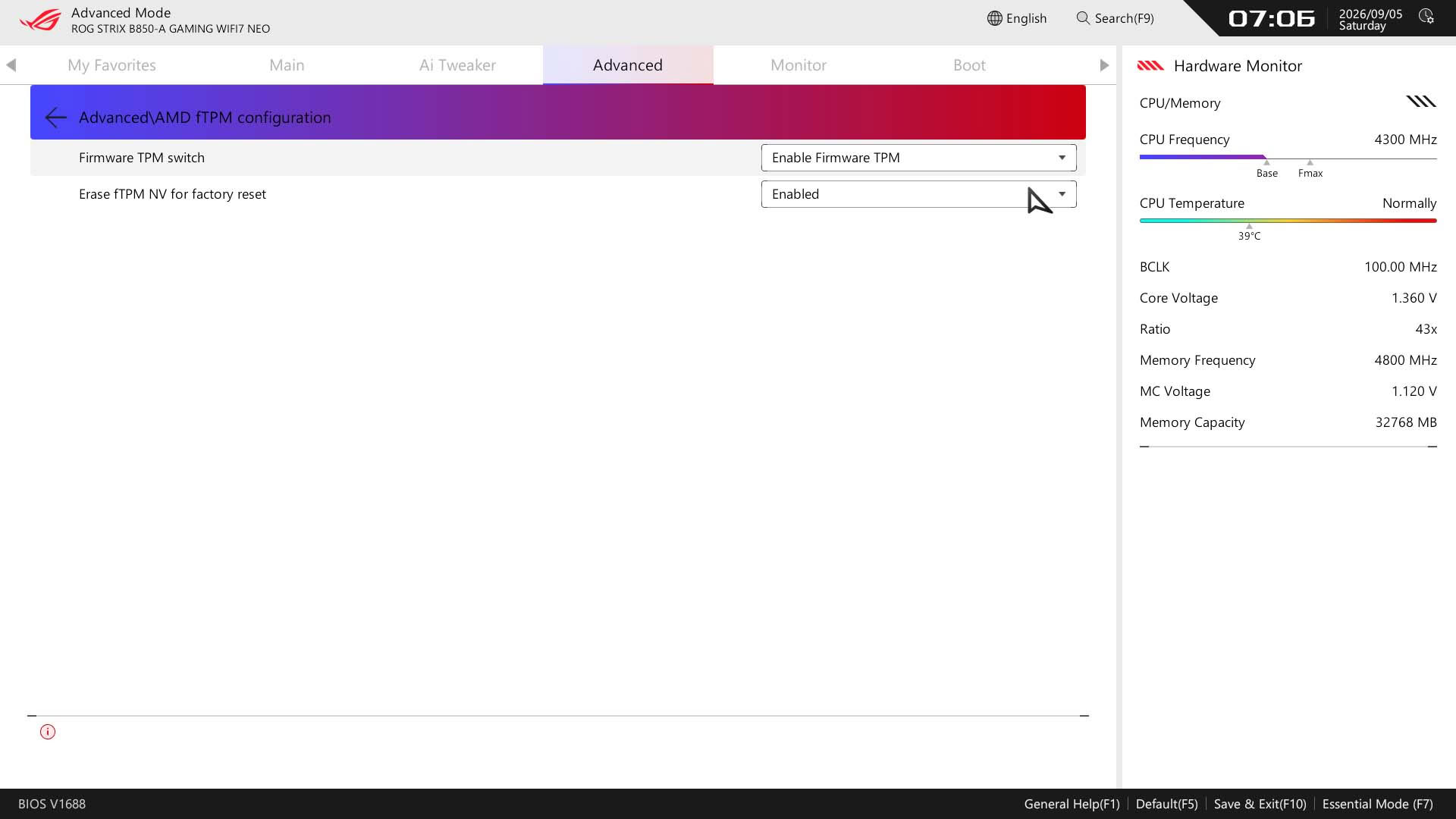
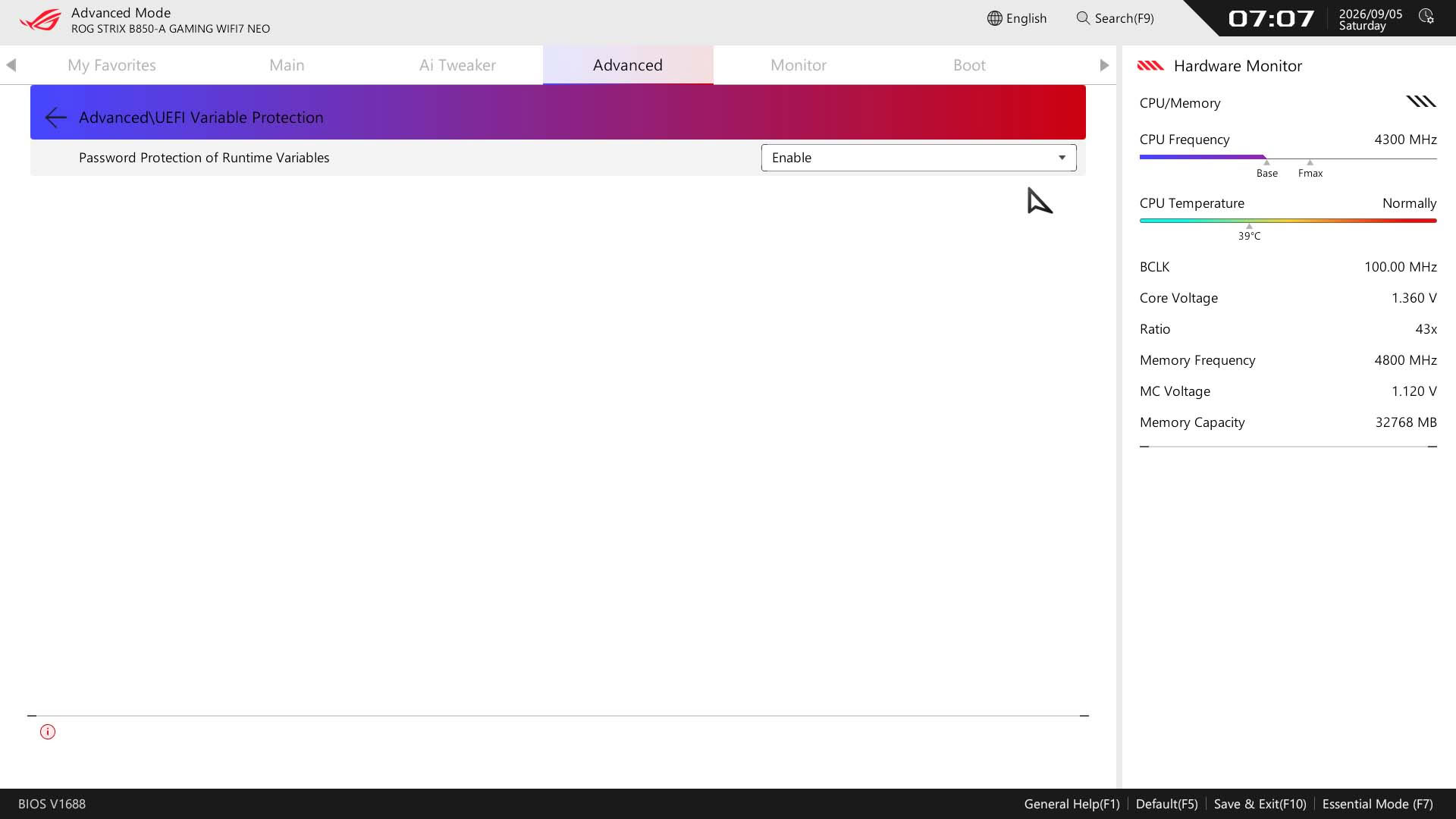
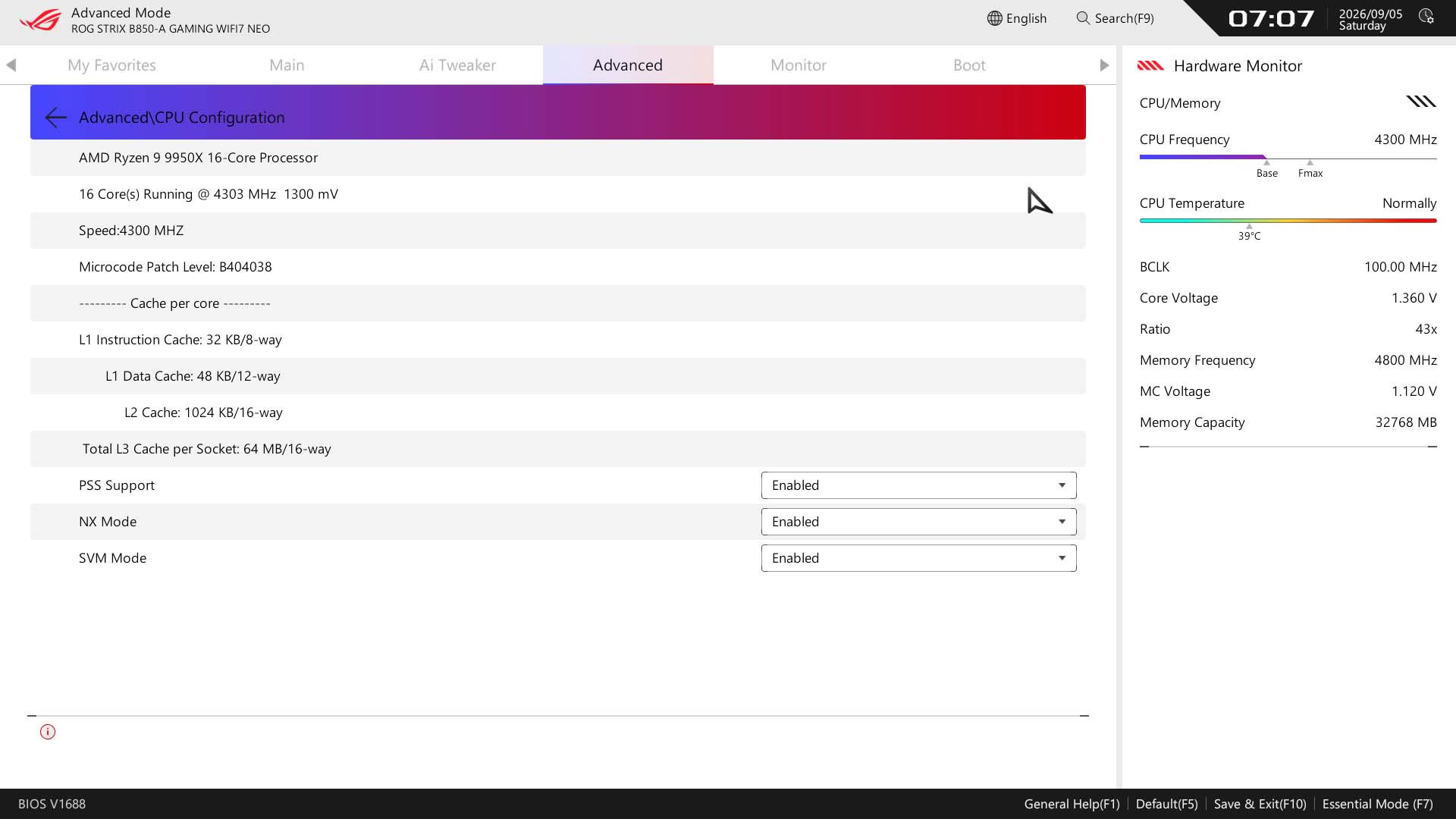
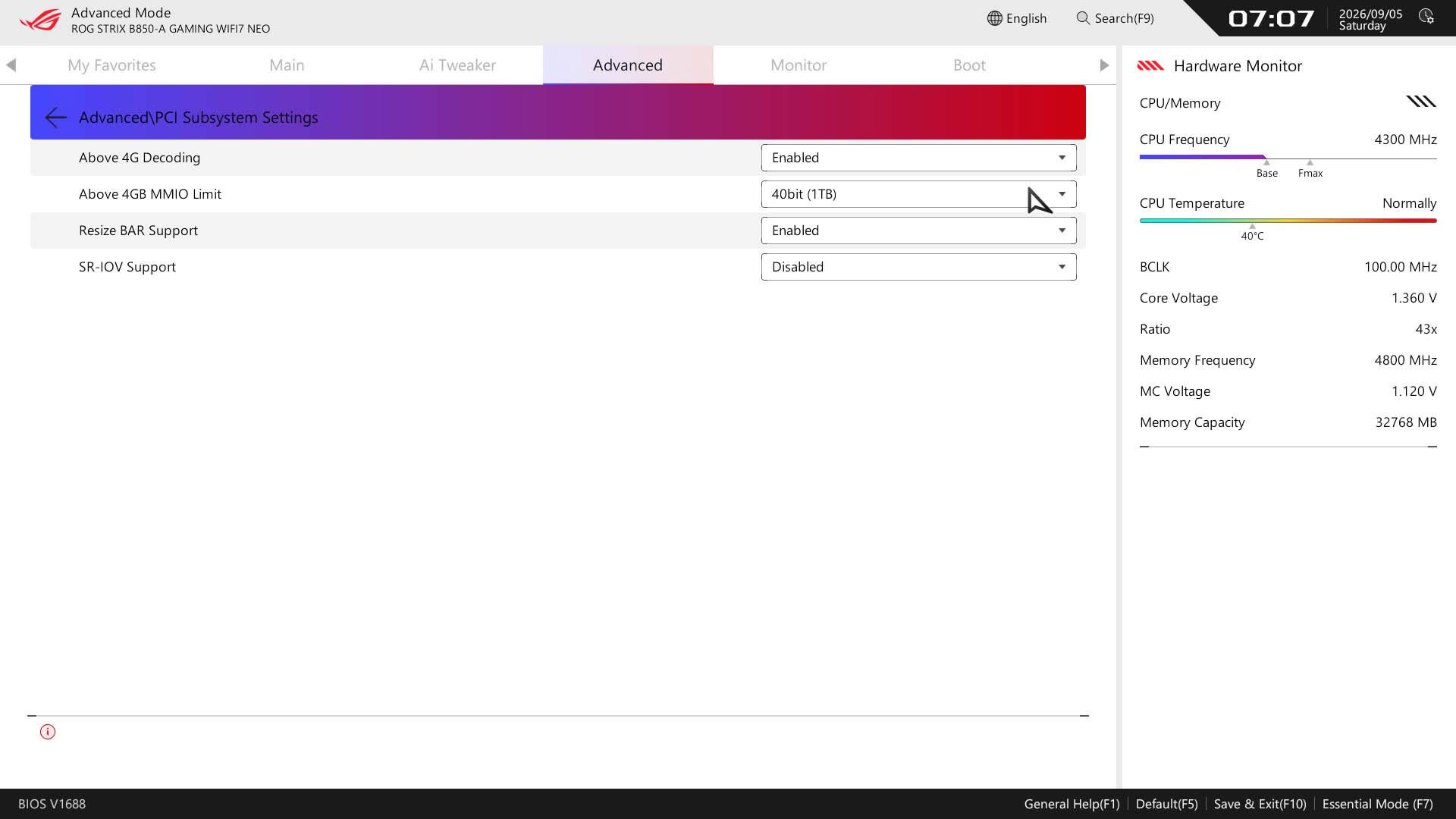
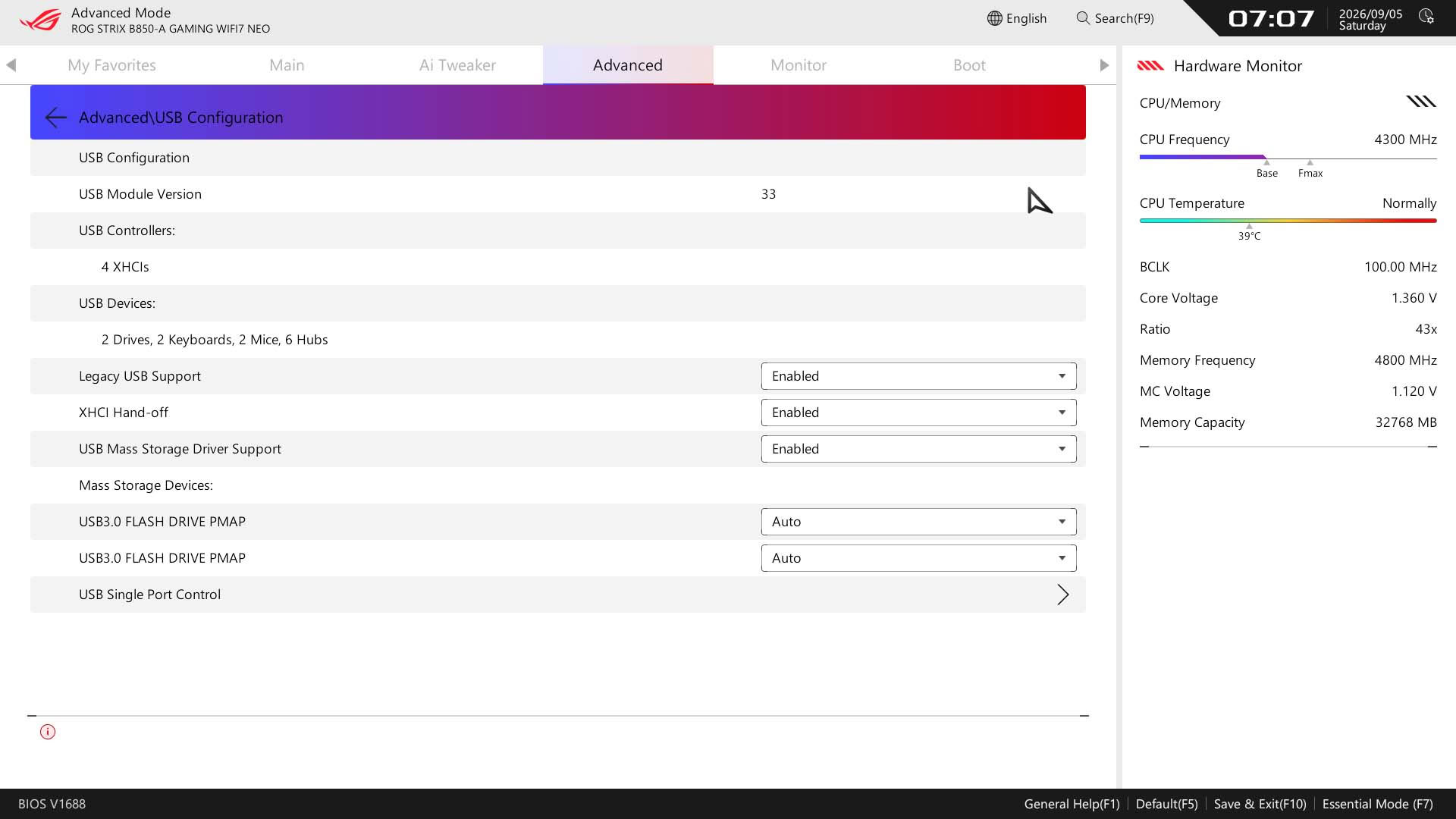
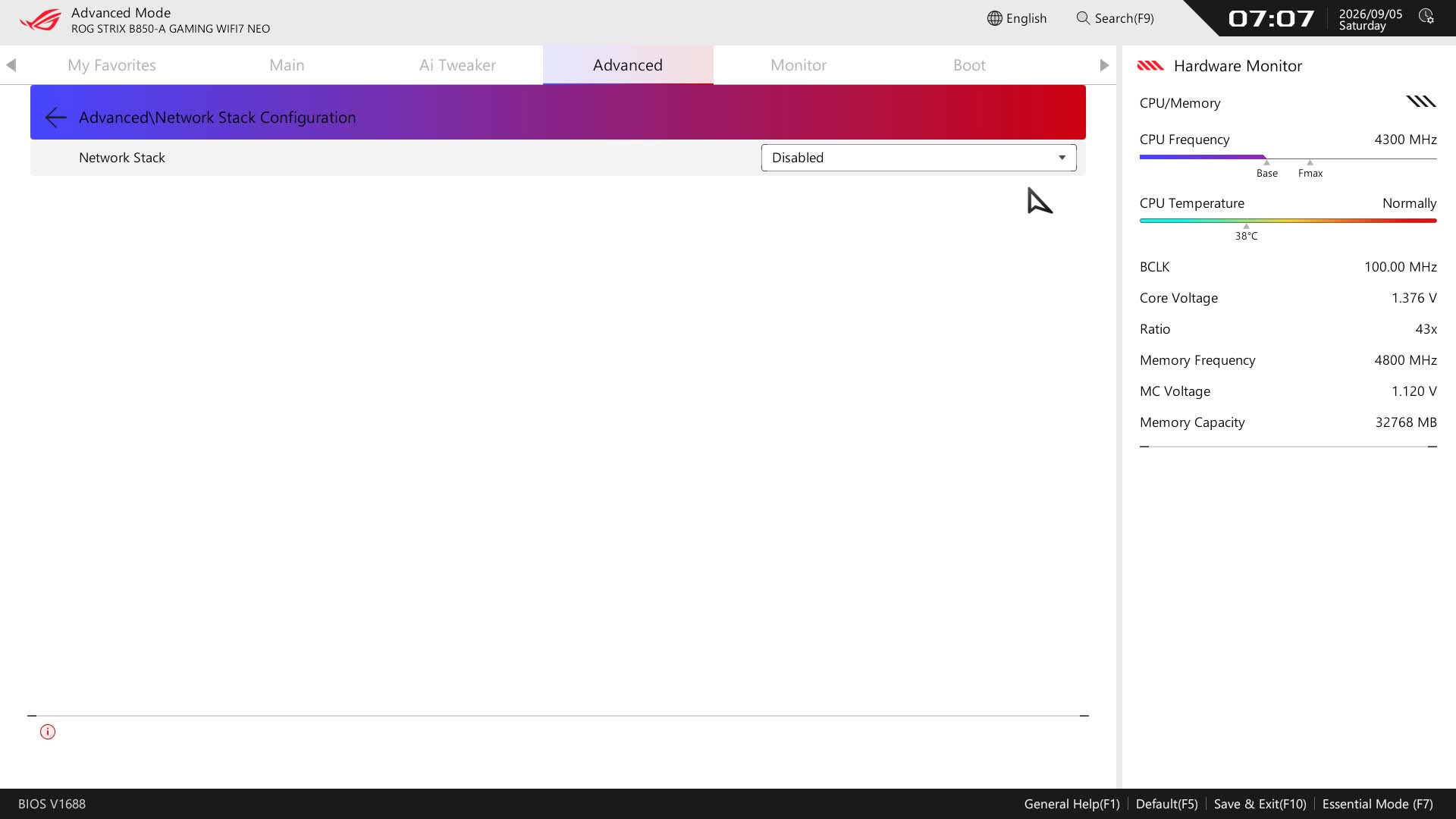
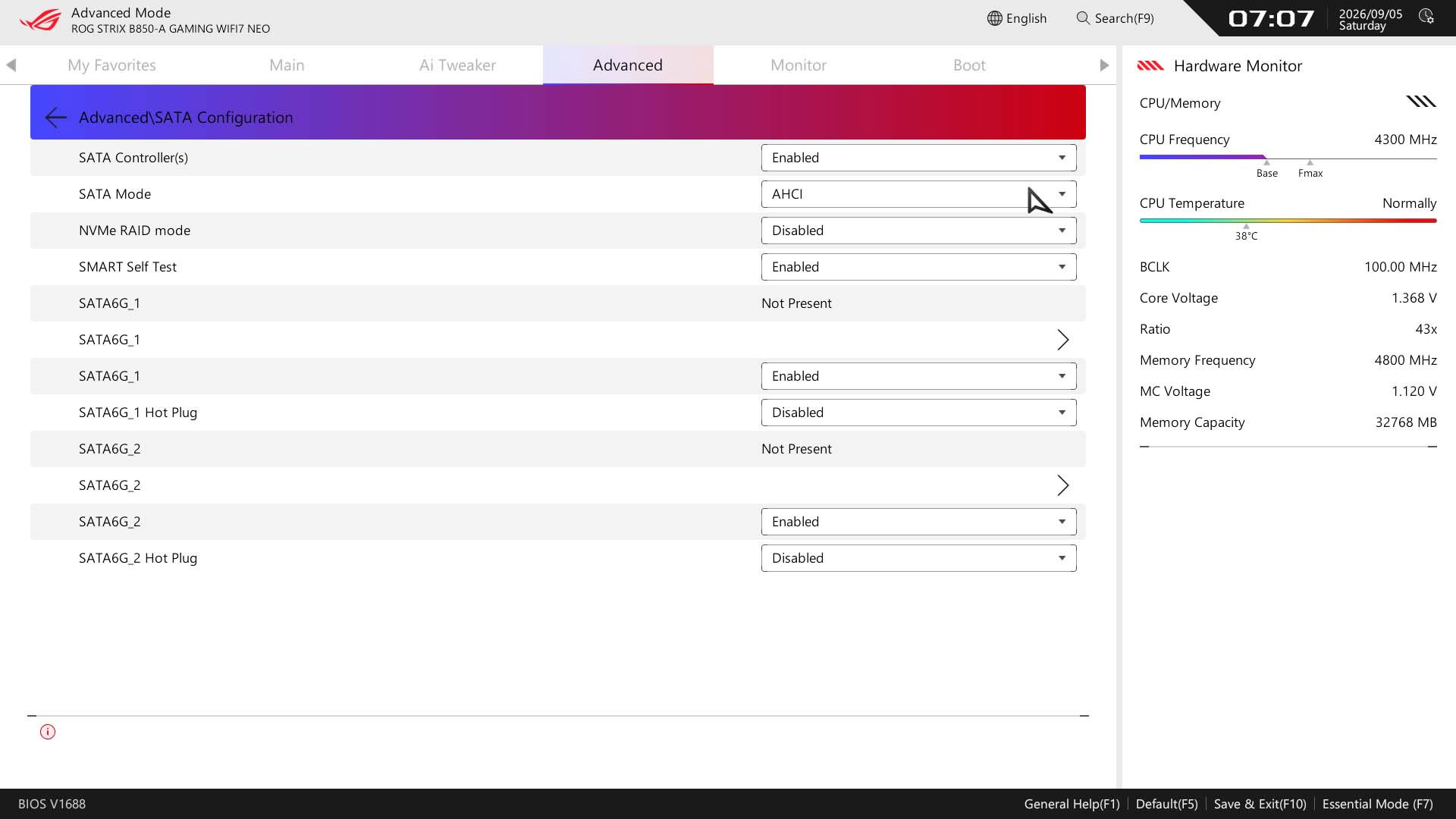
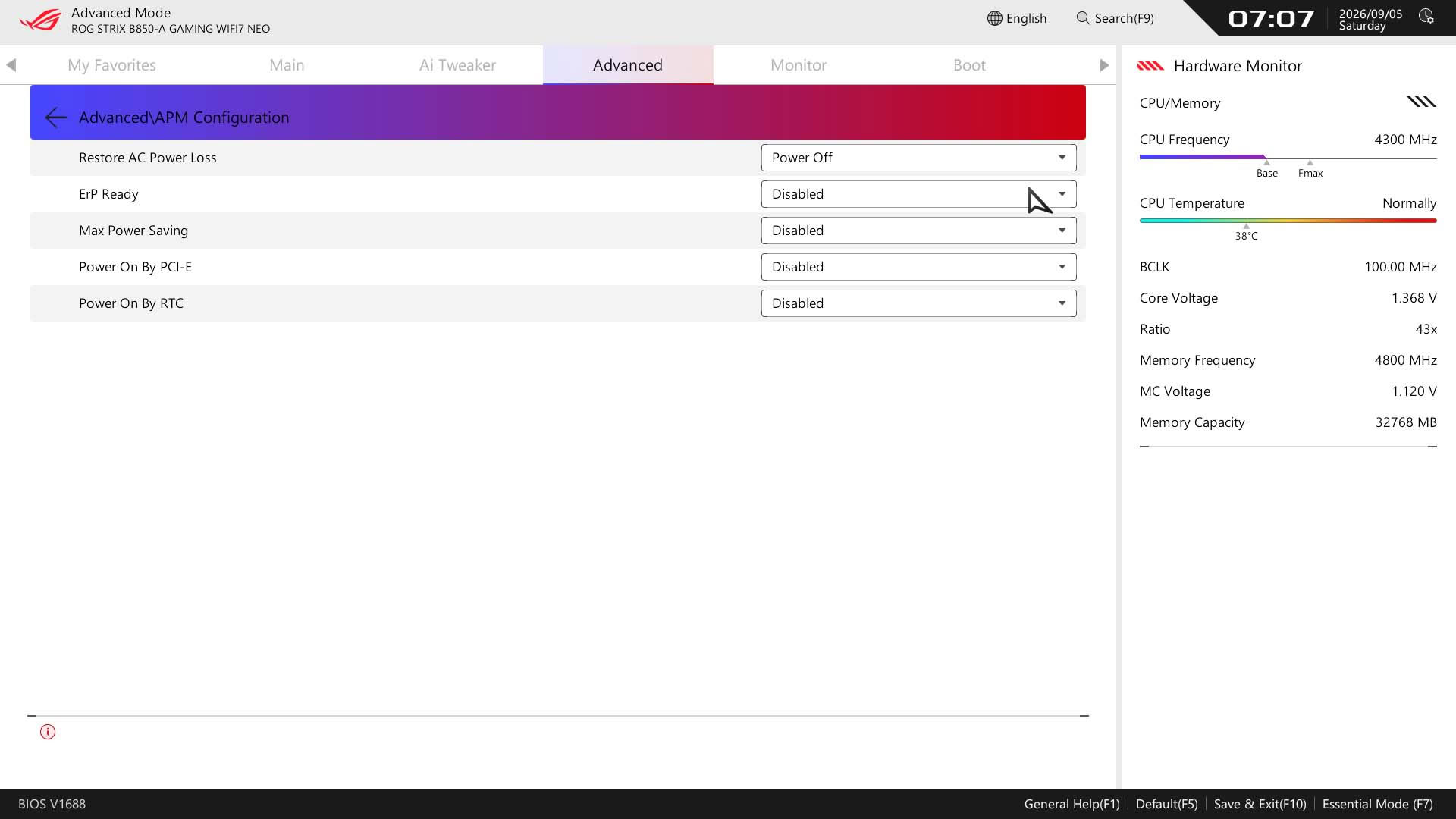
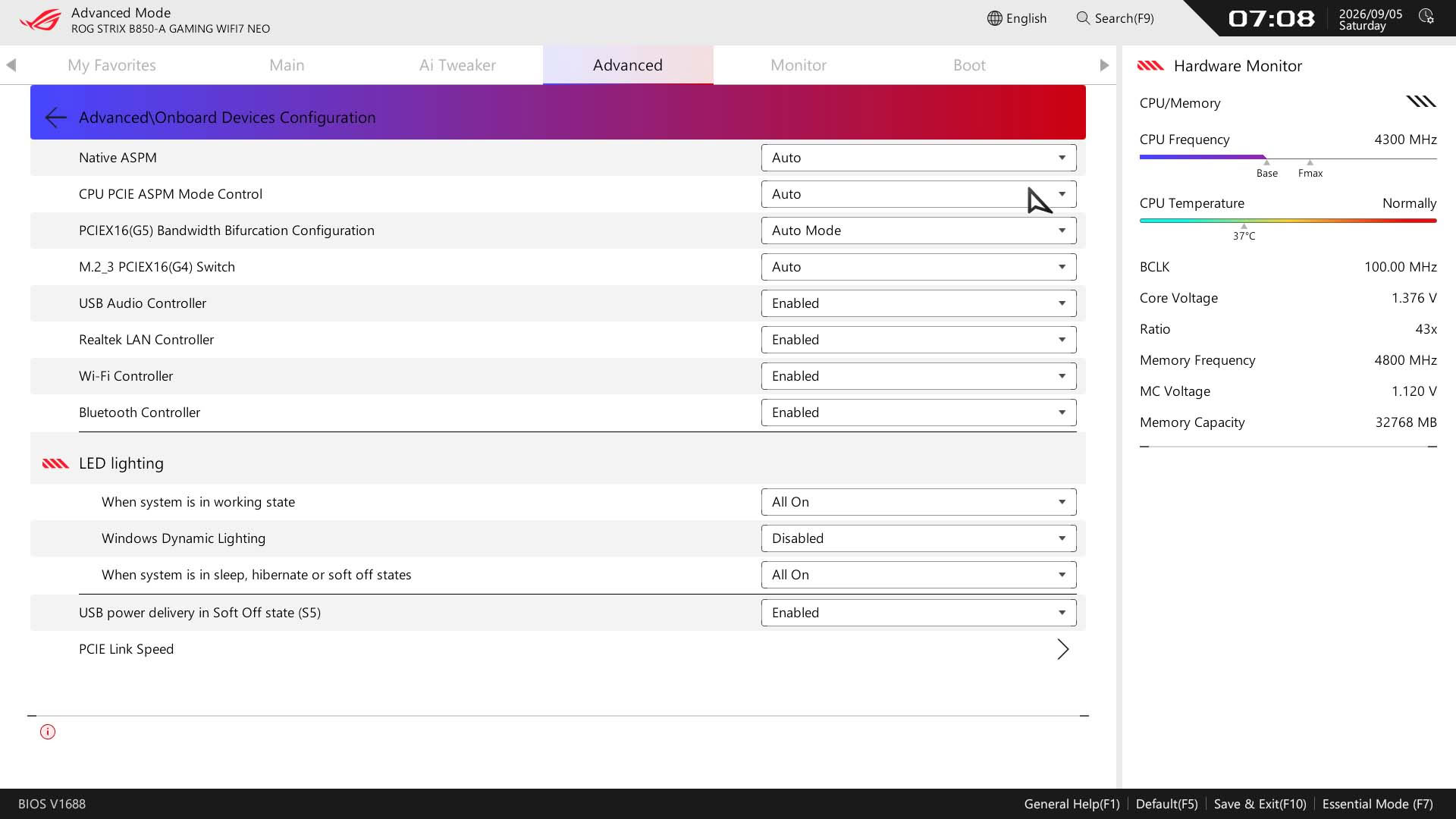
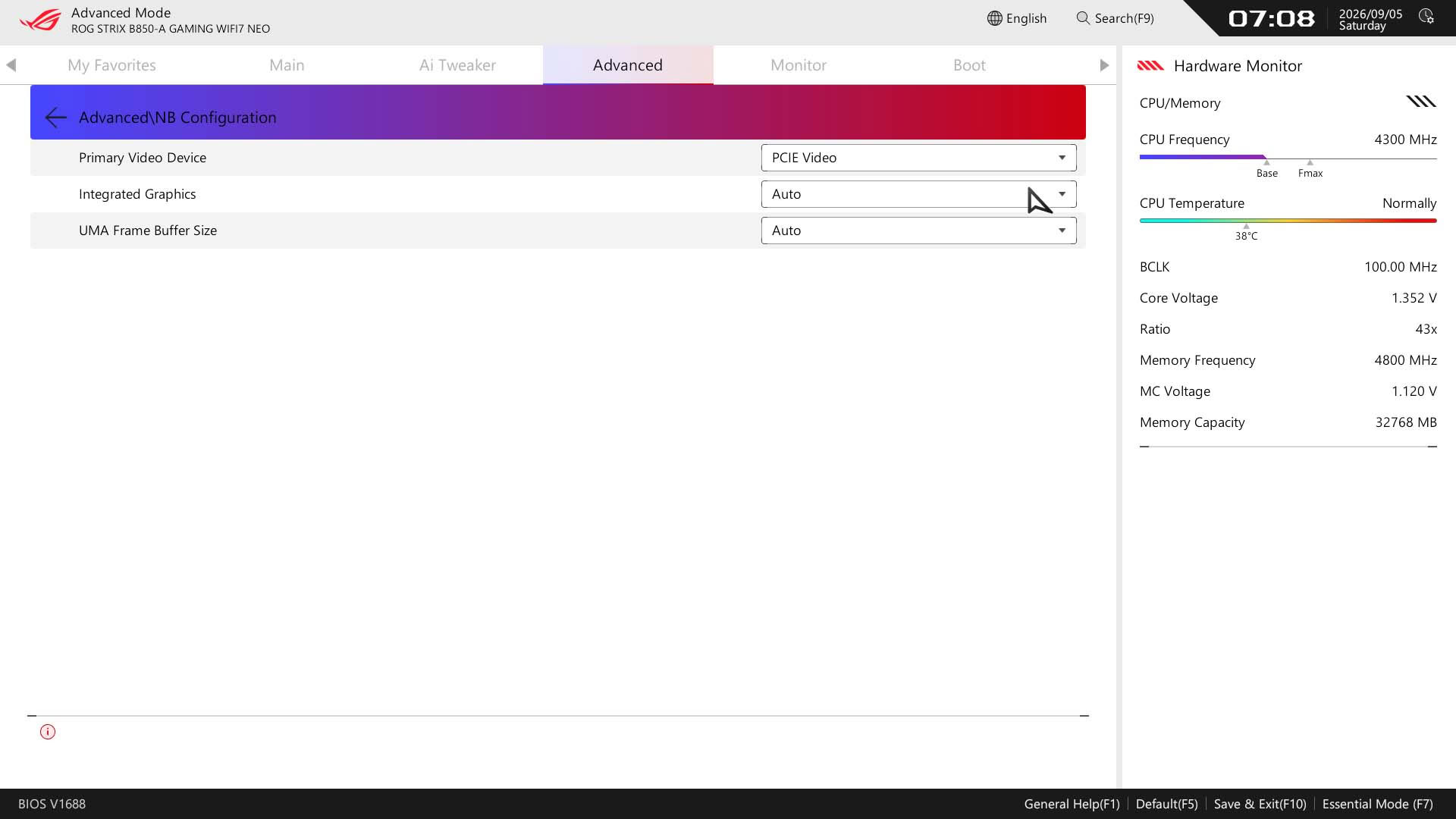
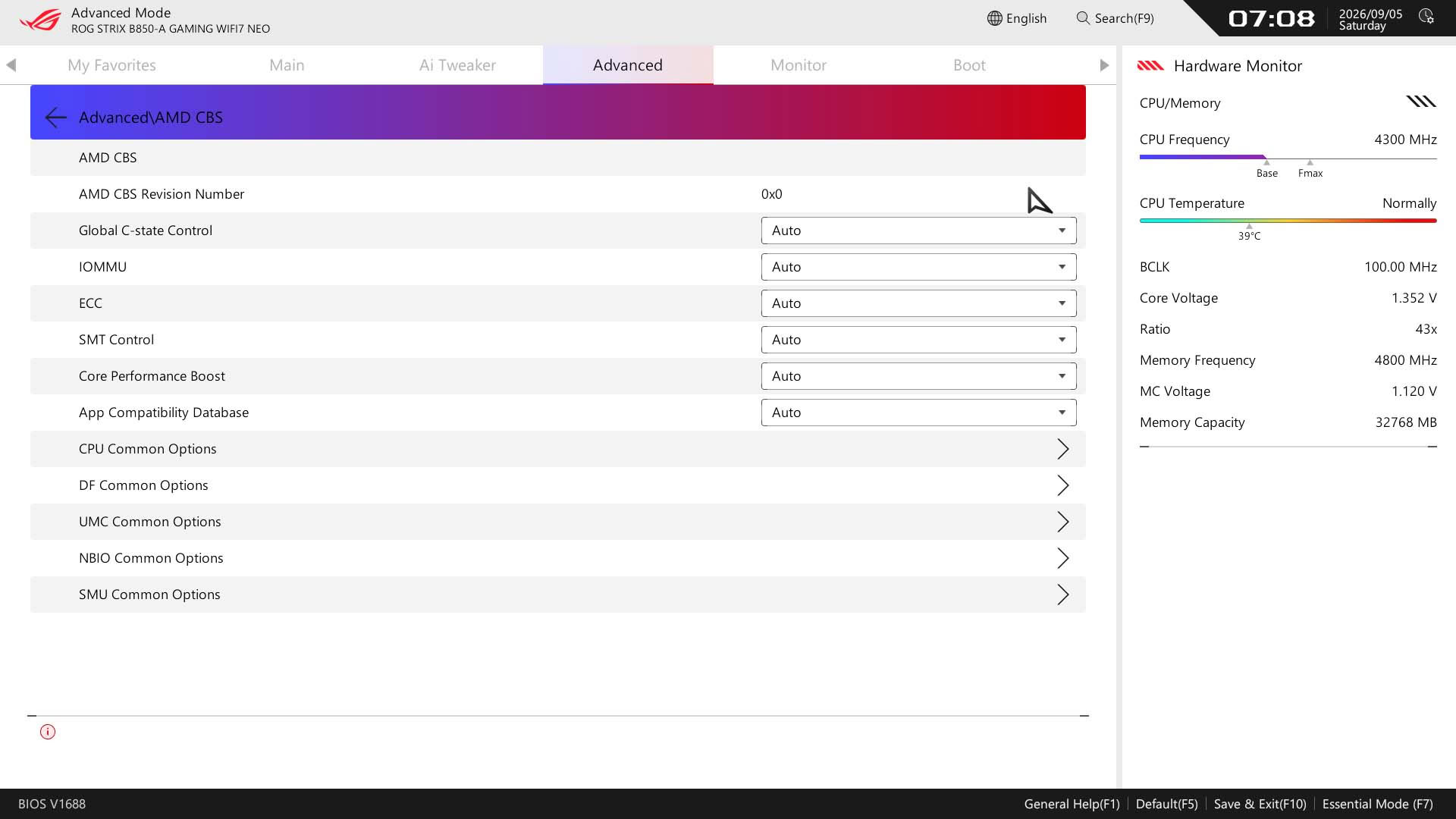
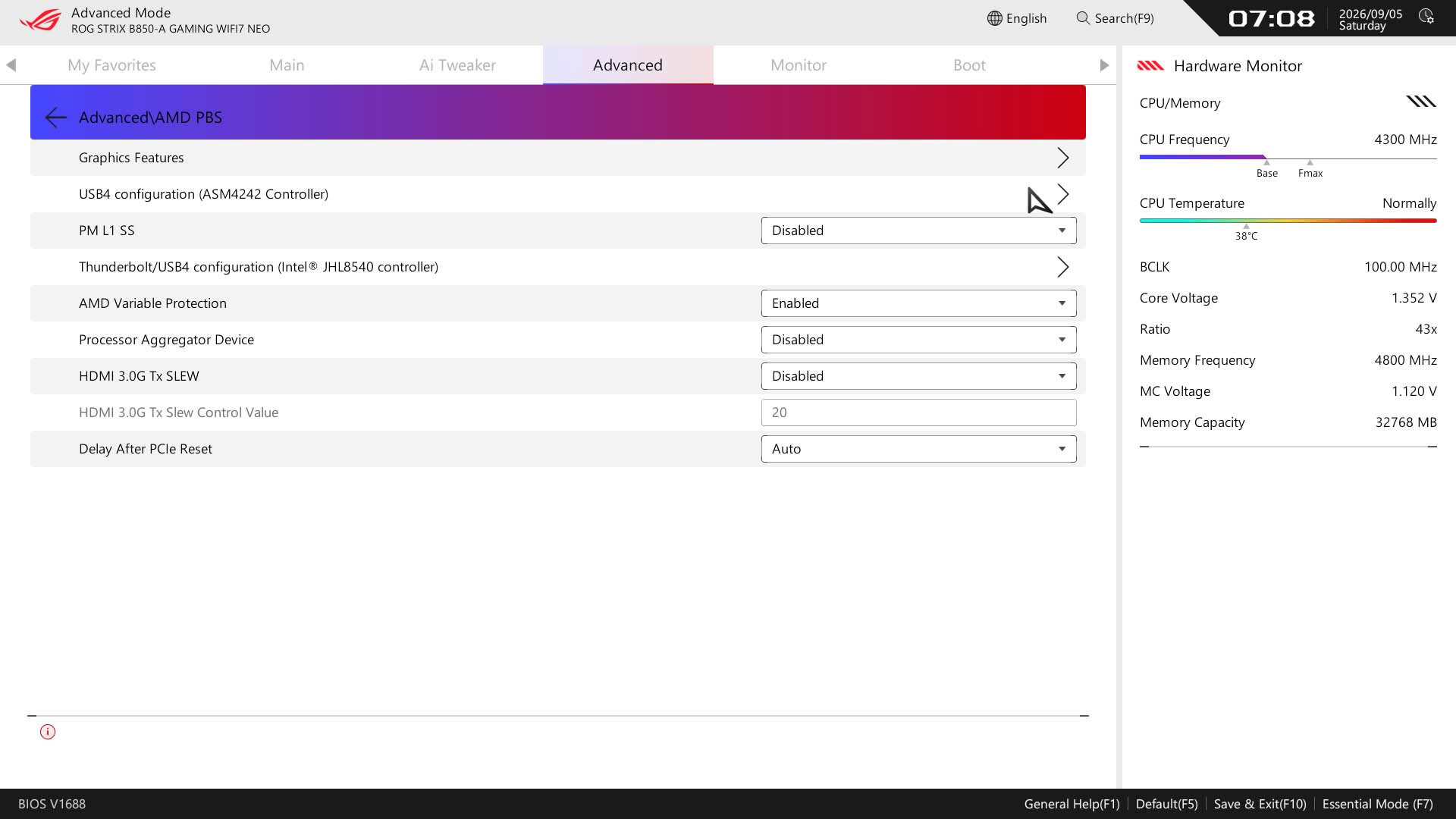
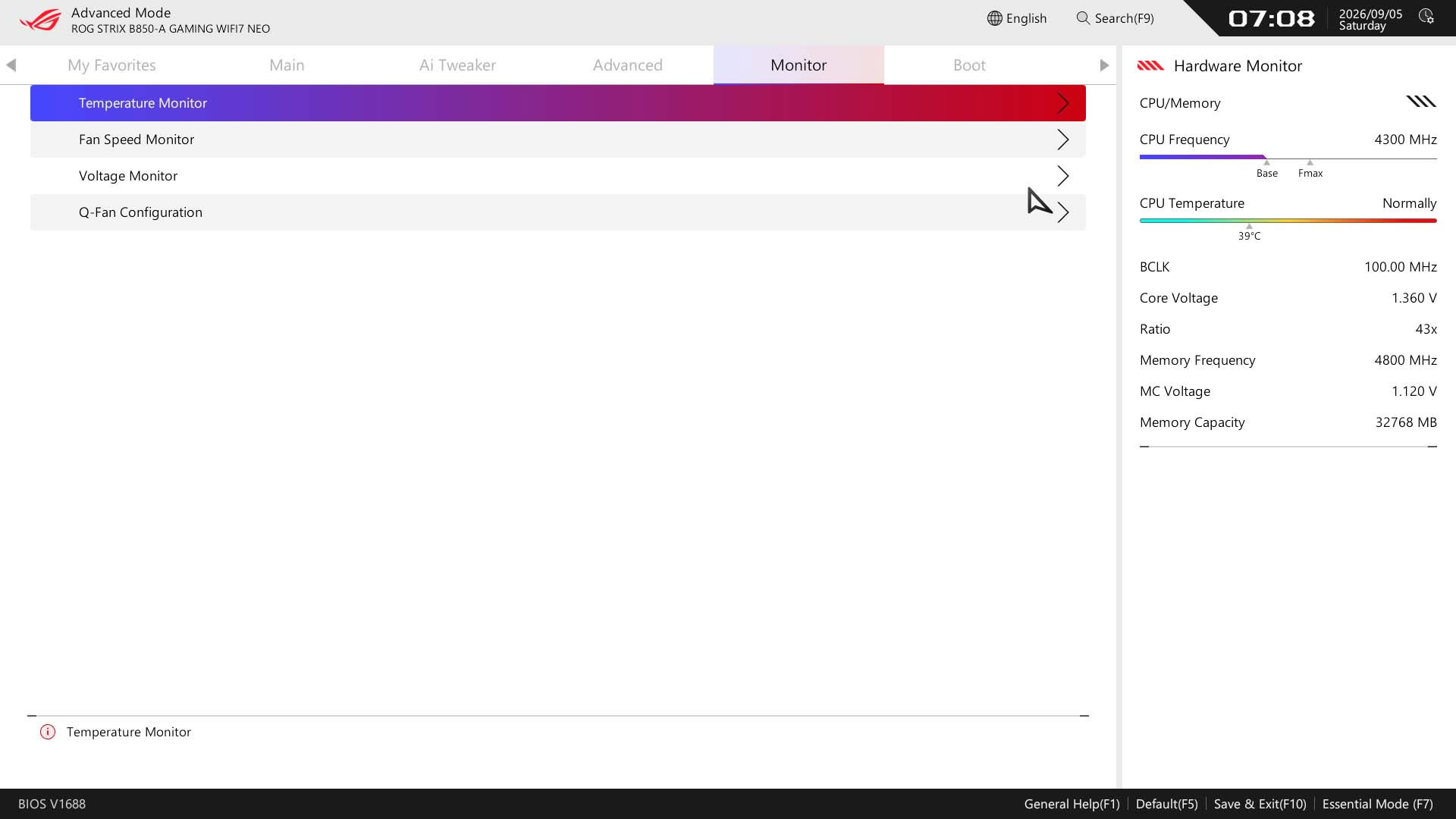
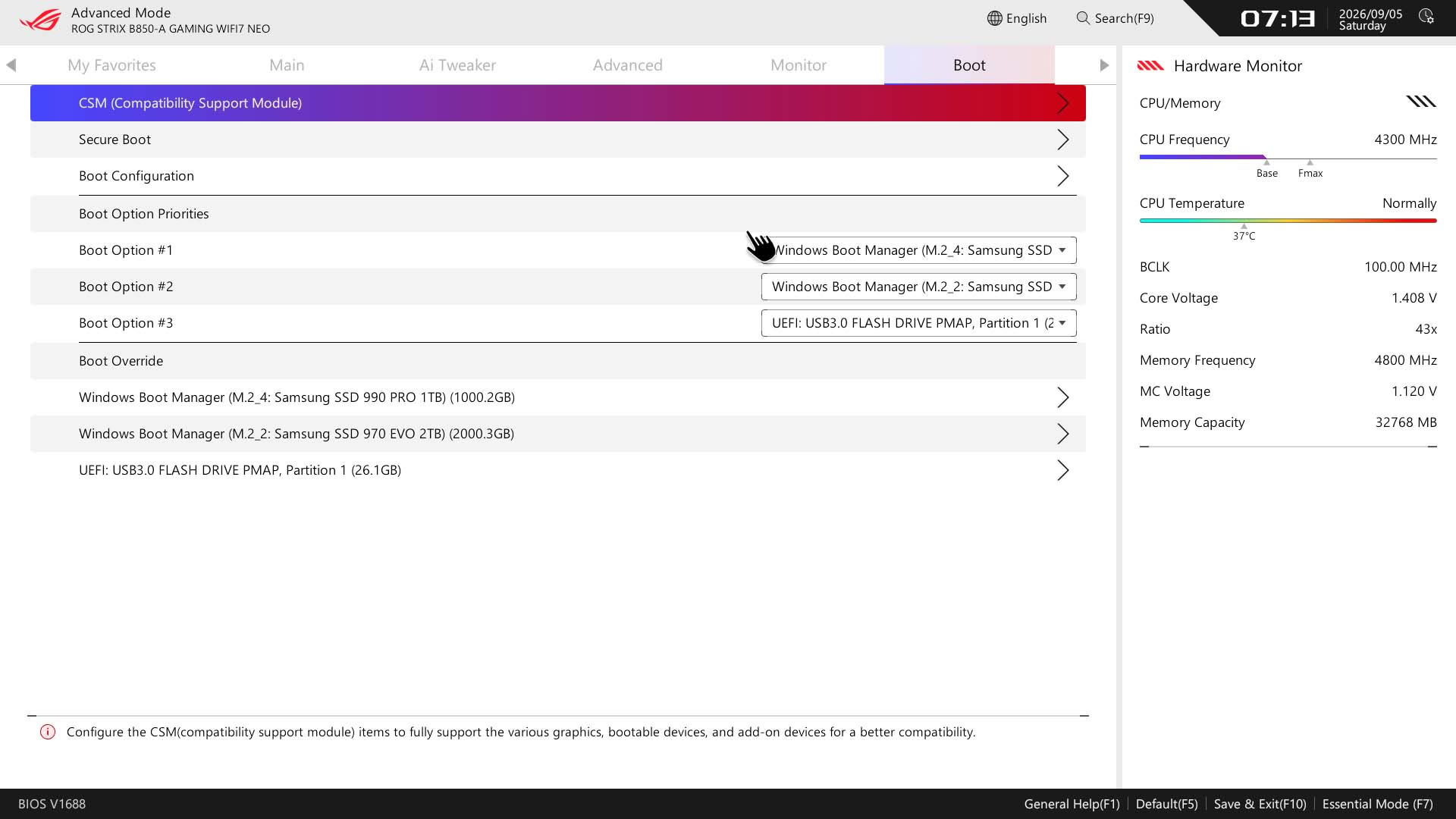
For anyone that hasn't seen any of our recent ASUS motherboard reviews, the company has a new EFI that's meant to make it more accessible, especially for newcomers. There's a new customizable Quick Settings bar at the top and this is scrollable to view additional items. Whether these are items you'd want to change is another matter as some of them seem a little obscure, but you can customize the group and add or remove items too. The EZ Mode page also provides direct access to fan control as well as an overview of fan curve profiles, boot priority and basic system information. Something that's not ideal, though, is the BIOS version being relegated to the obscure bottom left corner of the screen. This is easily missed.An intermediate mode, called Essential Mode is a step up from EZ Mode but not quite as option-heavy as advanced mode, focusing on overclocking features. It would be much better to have the same information on the left here available in EZ Mode too, including a more obvious BIOS version readout. Both these modes have access to a search function, which is particularly useful as you can alter options within the menu window. For settings you want regular quick access to, there's the My Favorites section, which is customizable with your own options.
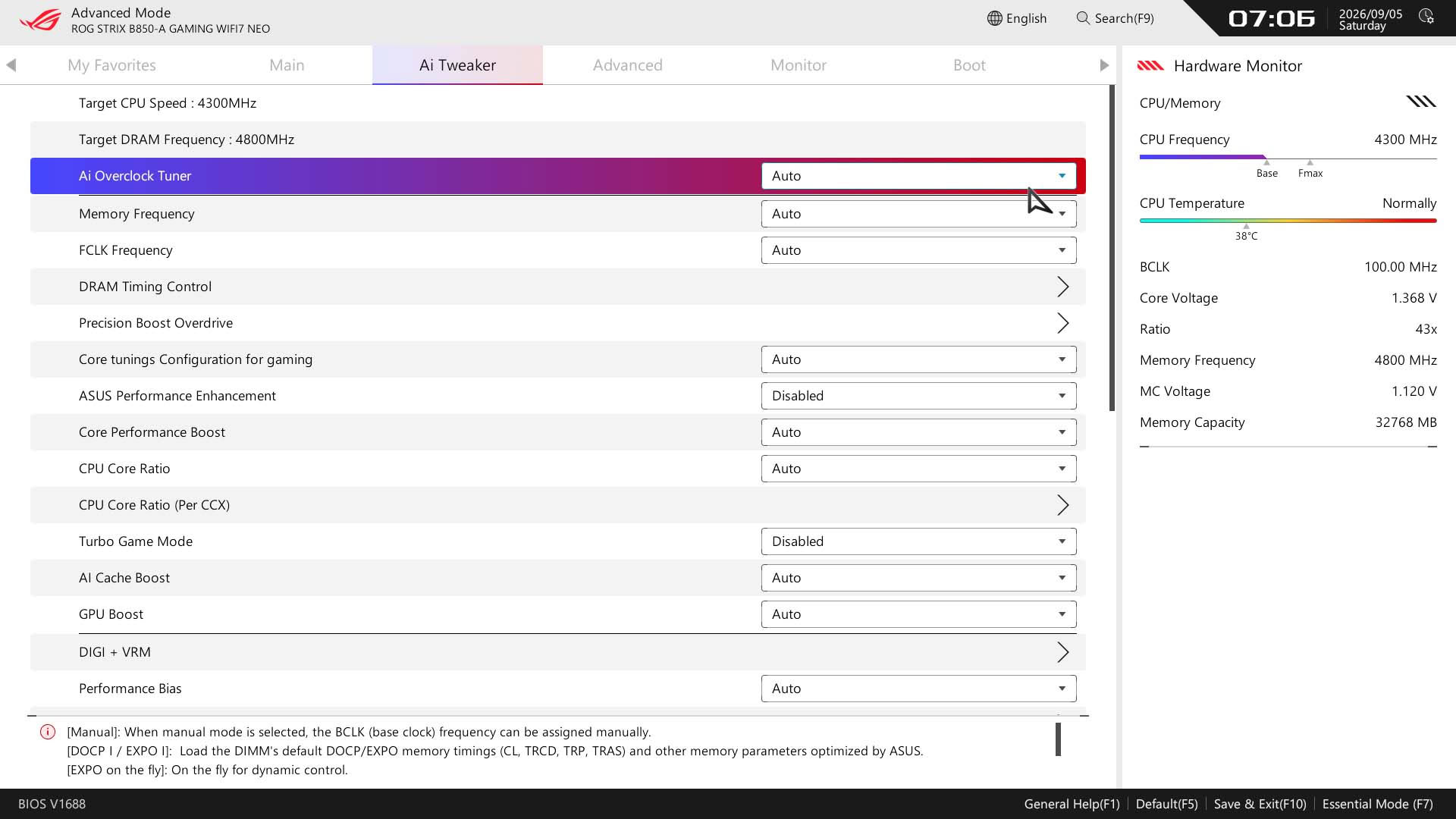
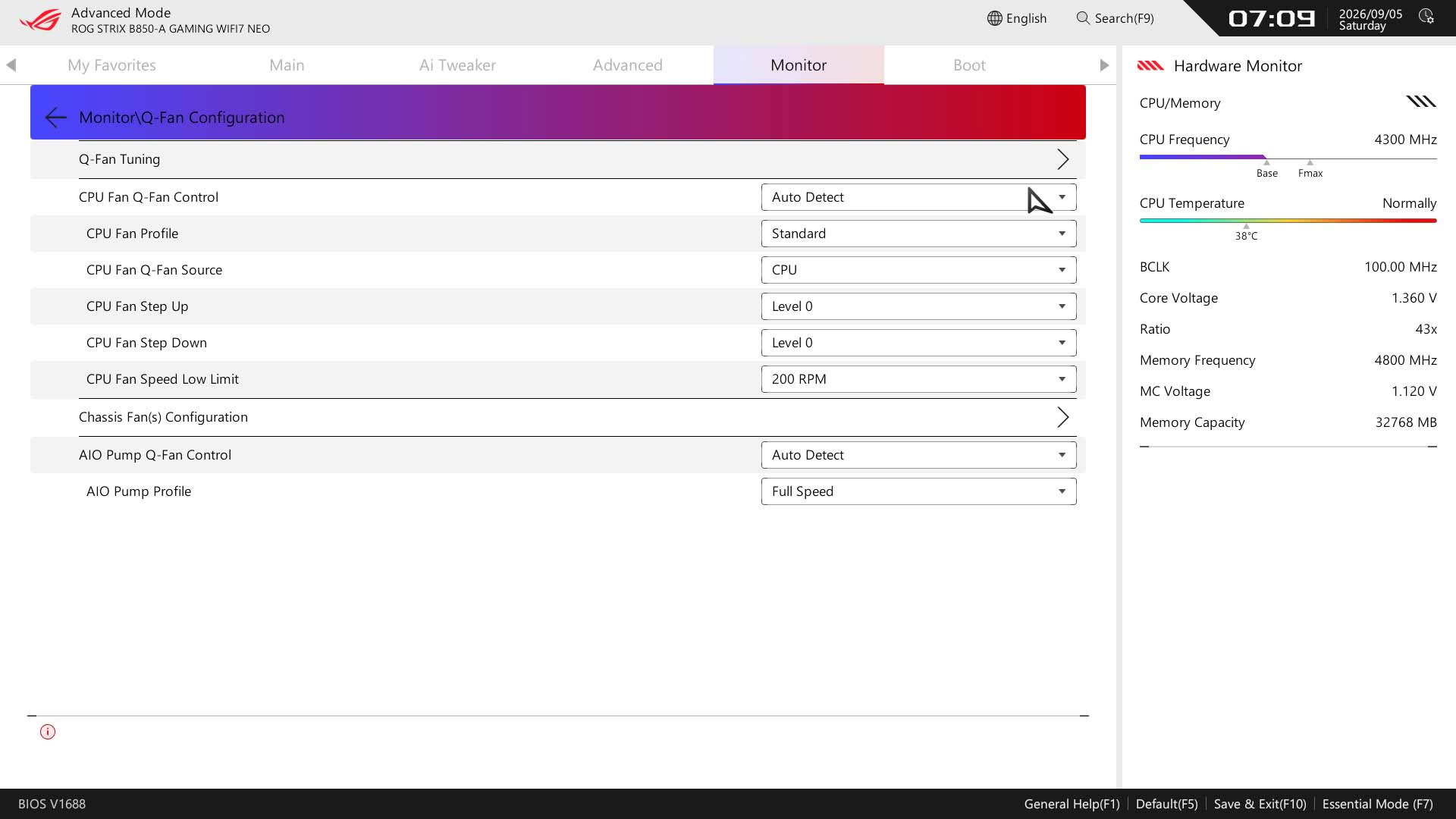
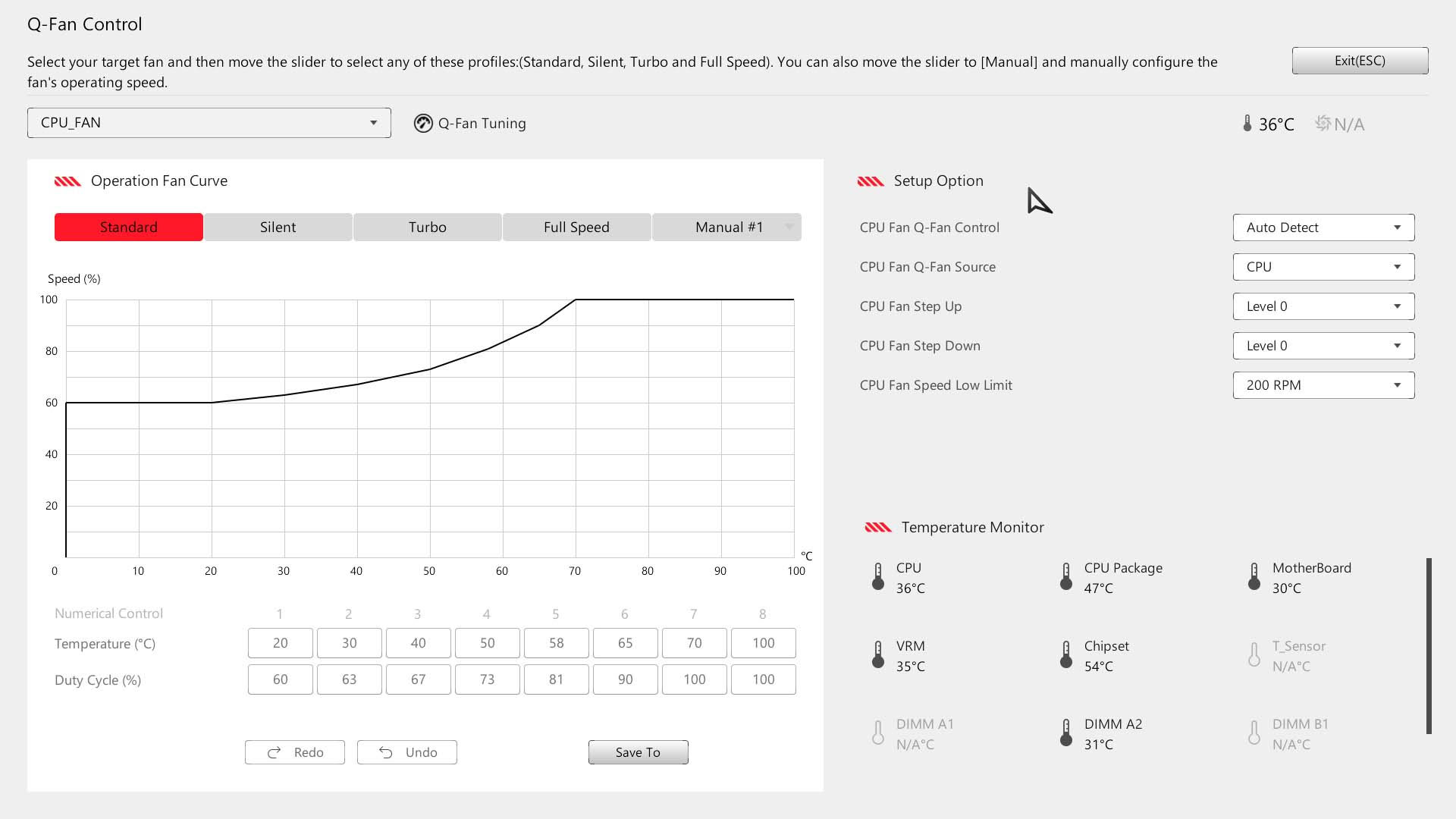
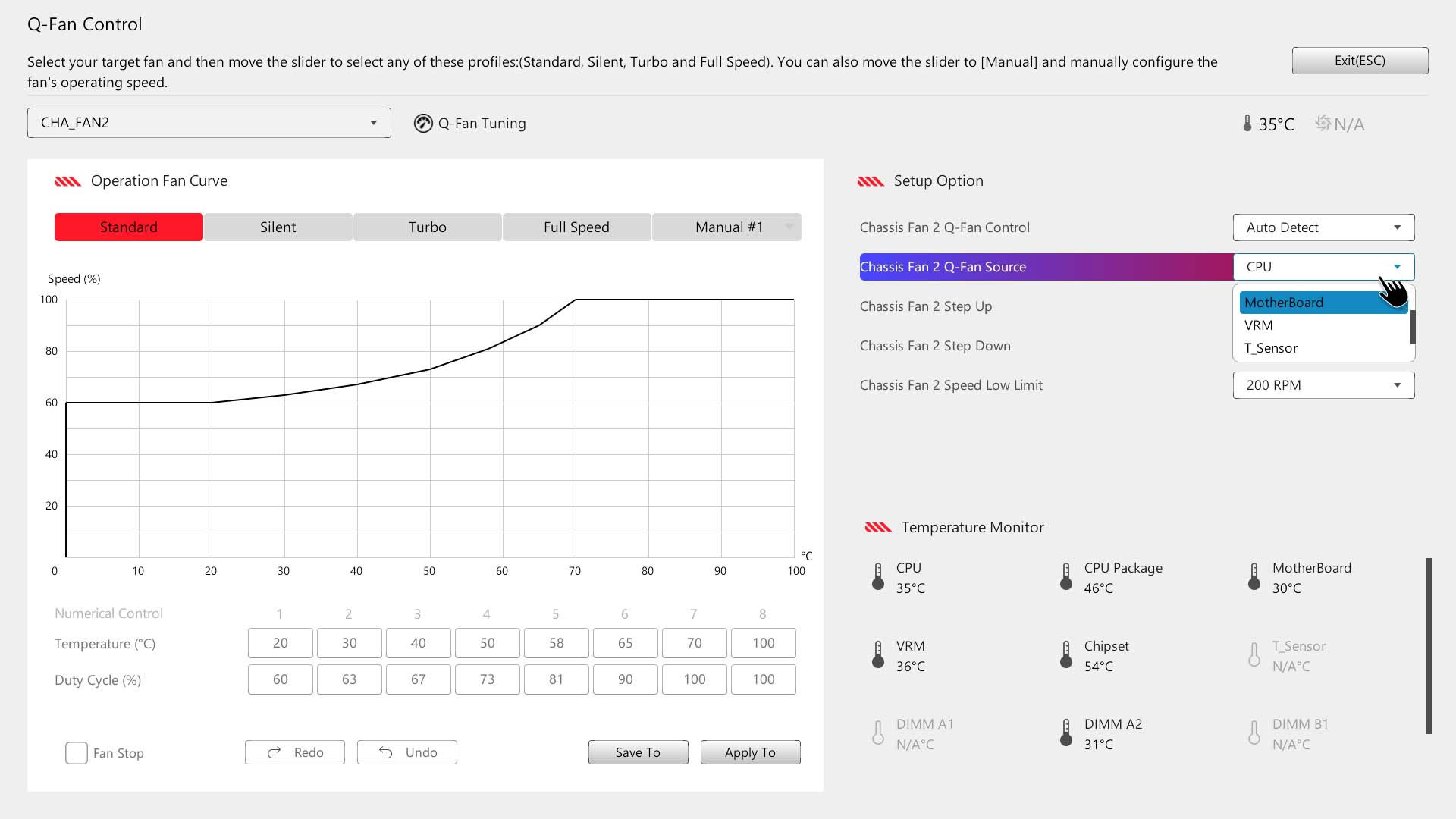
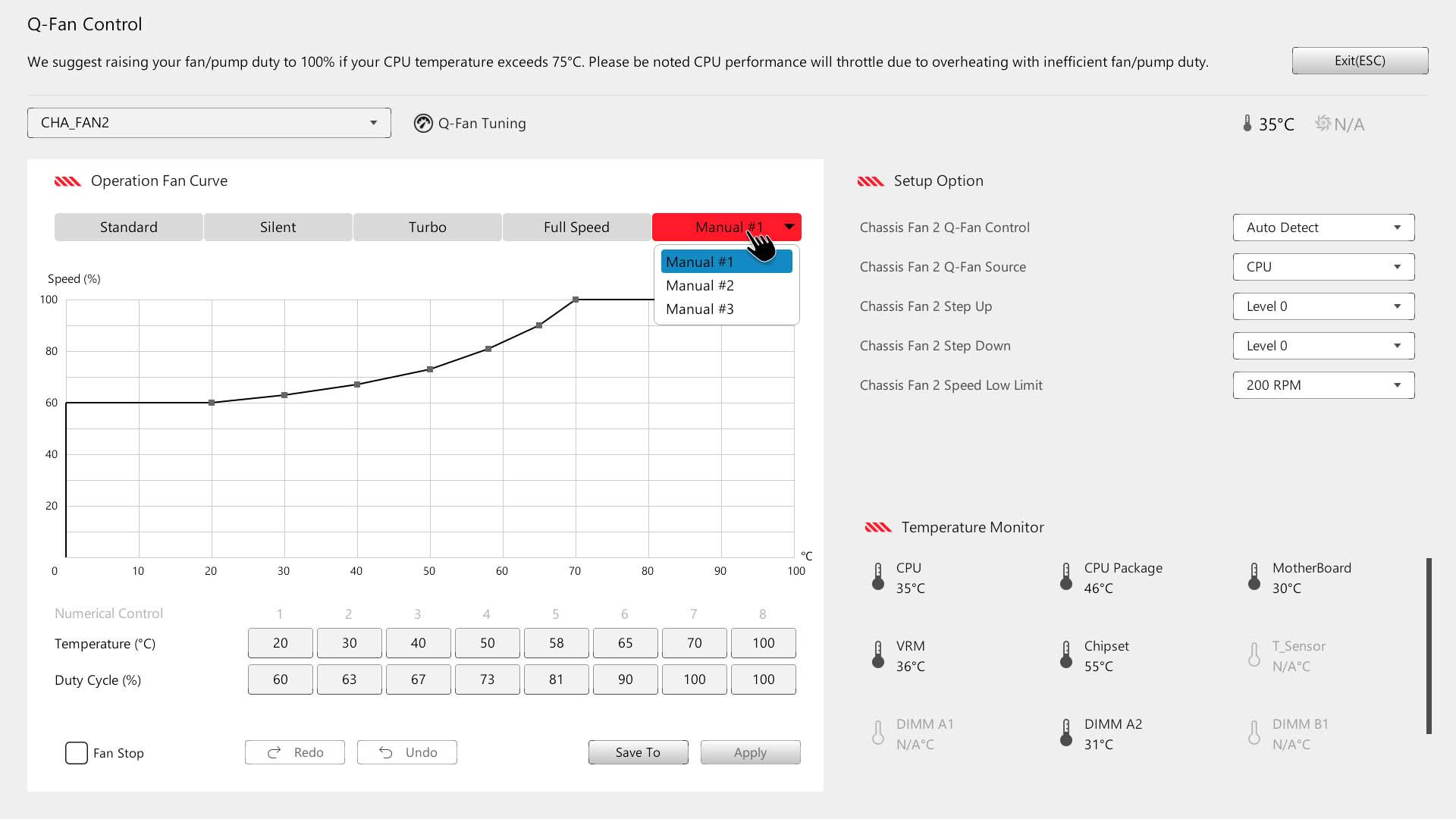
We have more discussion on overclocking a few pages over, but Ai Tweaker is the page to go to for overclocking and all things PBO, with no need to switch to the AMD Overclocking section elsewhere. Fan control is excellent with both a detailed text-based input page and the much easier Q-Fan Control page with fan curve profiles. A recent addition here is the ability to group fan headers under a single profile under the manual tab in the fan curves. This is a good way of circumventing the limited power available on the board's fan headers as you can simply split fans across several headers, but still have a single profile assigned to them all.
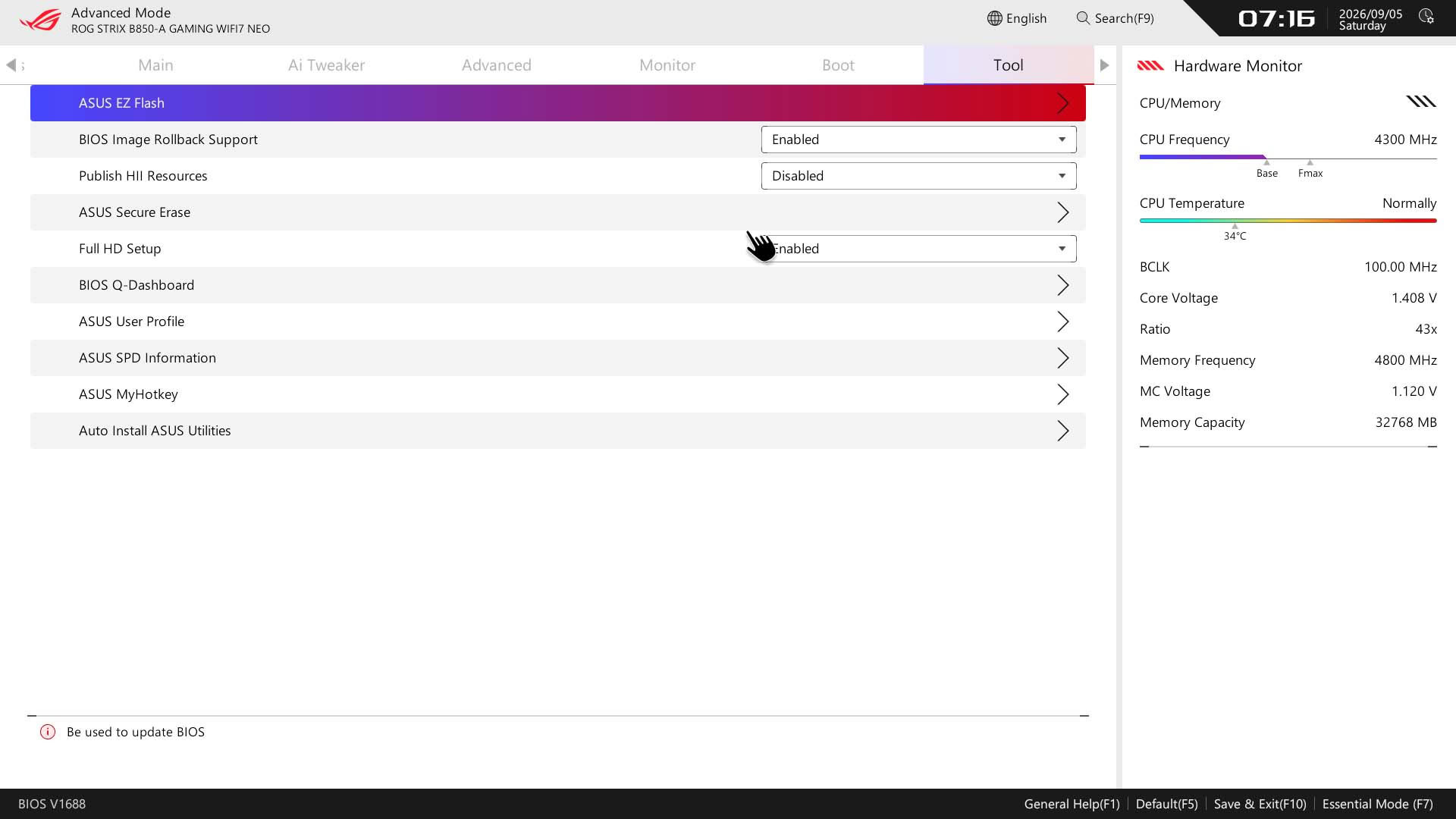
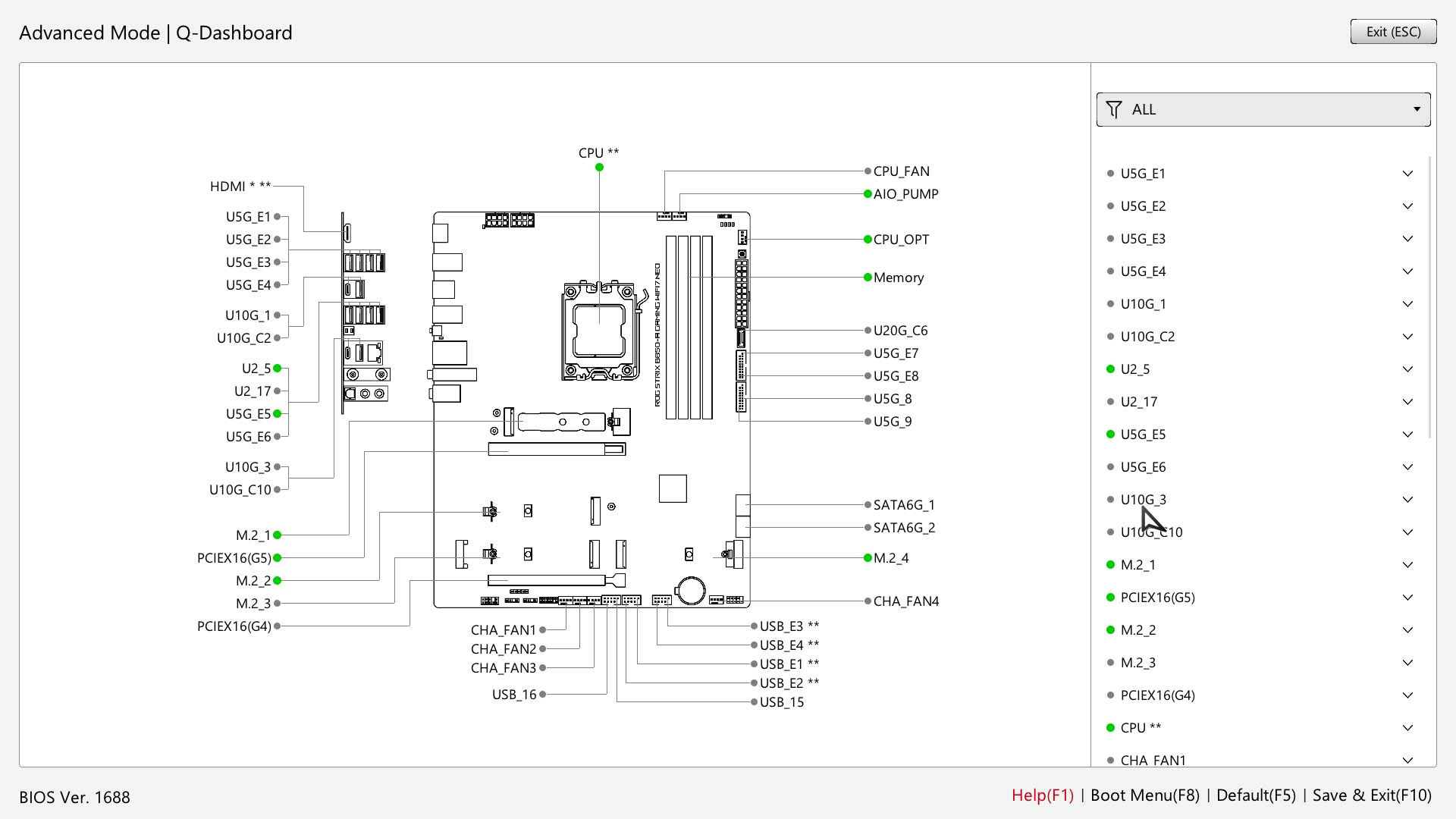
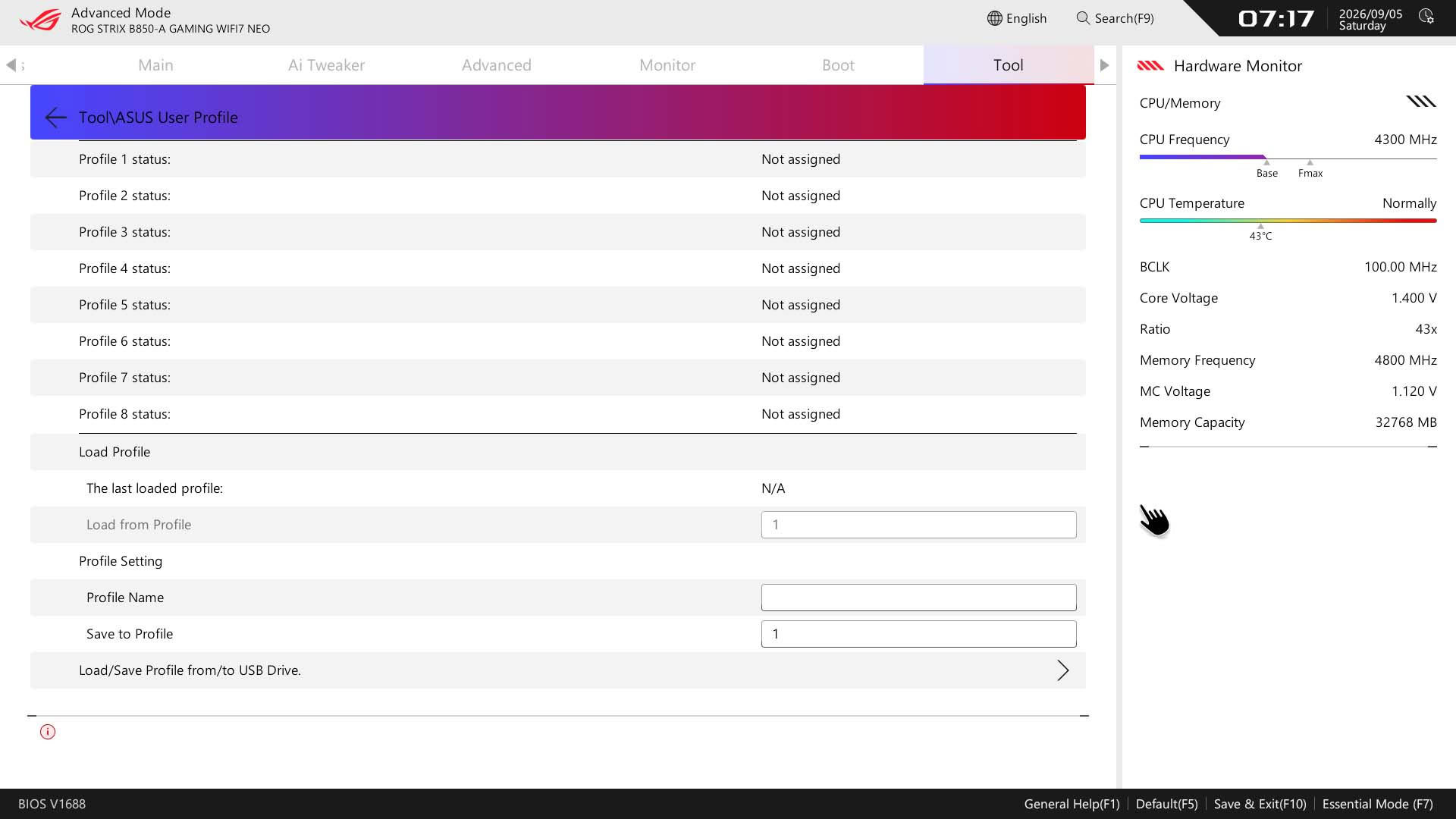
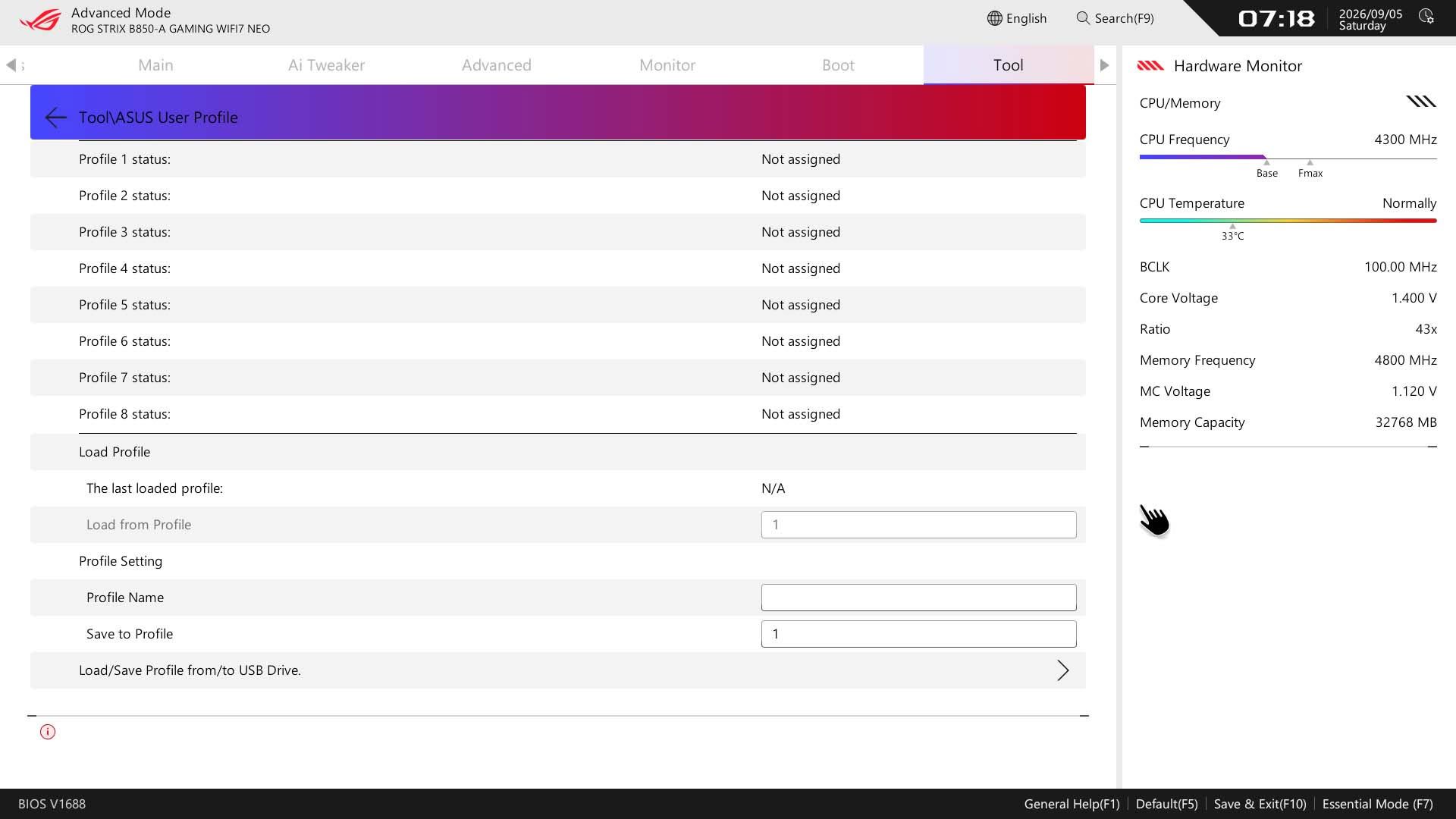
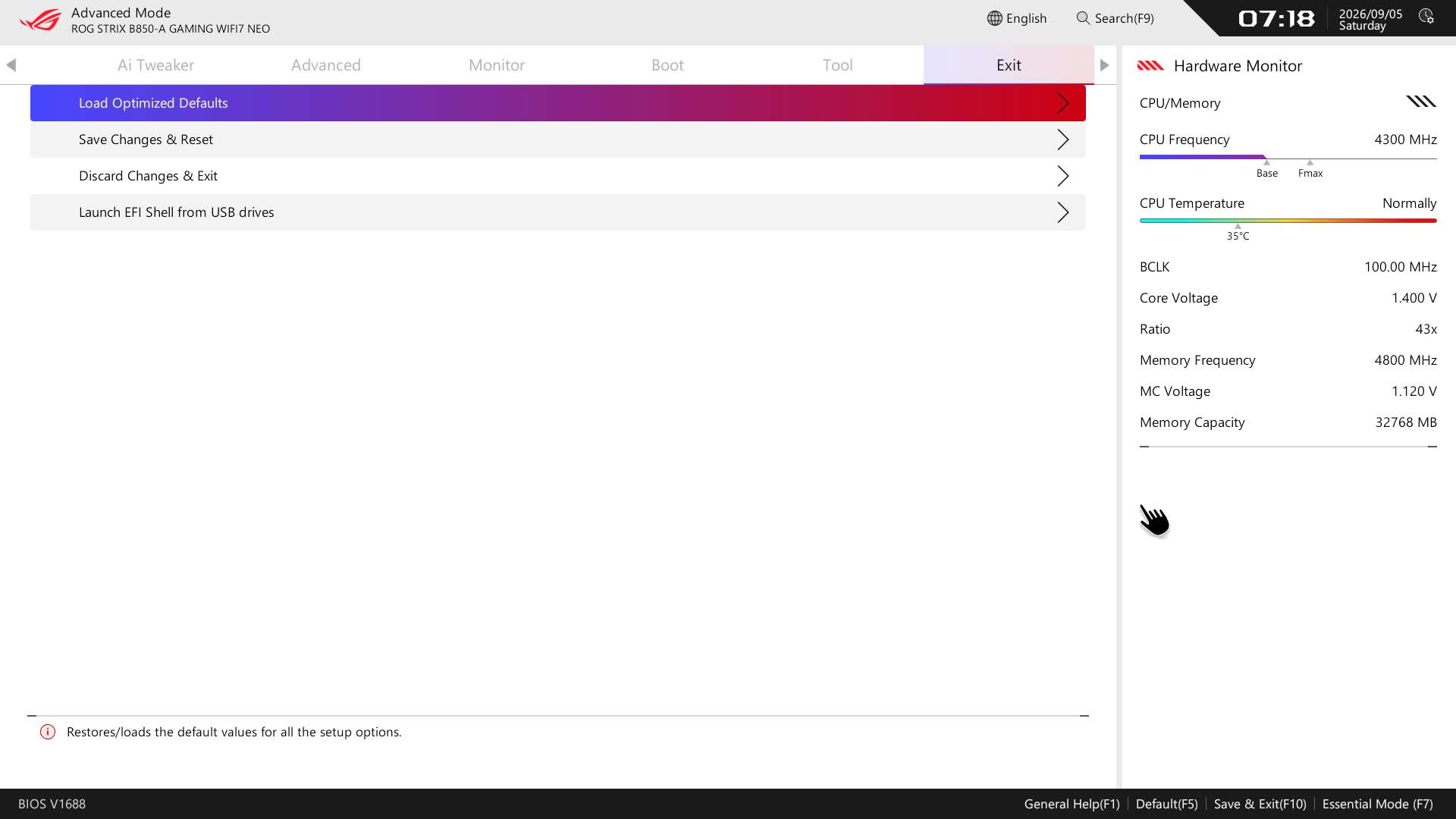
Another feature that should be shown more prominently is Q-Dashboard. This is a great feature for newcomers as it gives you an at-a-glance view of the location of all the board's ports and sockets and hardware connected to them. This used to have a quick access link from the EFI home page, but has been relegated to the Tools menu. It's a shame as most people won't know it's there, and it's one of the ASUS EFI's best unique features.
Nov 18th, 2026 09:05 CST
change timezone
Latest GPU Drivers
New Forum Posts
- Wireless Internet sharing between PC and router both-ways, is it possible? (16)
- Time to upgrade CPU and MOBO (22)
- Last game you purchased? (1403)
- X99 Club (186)
- Without Jensen, PC gaming will be (43)
- [Poll] 12V-2x6 Connector Protection: What Are You Using? (WireView / Ampinel / Equalizer / Other / Nothing) (35)
- Help with fixing Overclock (10)
- WarpCoreBench scores! (59)
- GIGABYTE - H55N-USB3 ITX Upgrade experience (4)
- Honestly, do you care about GTA VI? (137)
Popular Reviews
- Acemagic Retro X3 Review
- Upcoming Hardware Launches 2027 (Updated Nov 2026)
- AMD Zen 6 Technical Deep Dive
- ASUS ROG Strix B850-I Gaming Wi-Fi7 W Review
- Corsair HX1000i Shift Crystal Review
- Biwin Black Opal NV7400 2 TB Review
- Chieftec Iceberg PRO 360 DARK Review
- AMD Ryzen 7 9800X3D Review - The Best Gaming Processor
- Phantom Blade Zero Performance Benchmark Review - 35 GPUs Tested
- Montech King 95 3D PRO Review
TPU on YouTube
Controversial News Posts
- NVIDIA Co-Founder and CEO Jensen Huang Officially Resigns (472)
- Open Letter Asking NVIDIA to Reinstate Jensen Huang Passes 115,000 Signatures (184)
- Report: Jensen Huang Eyes NVIDIA Comeback (174)
- OpenAI CEO Argues Home PCs Waste the World's Limited DRAM Supply (152)
- NVIDIA Launches Investigation Into Jensen Huang's Relationship With Suspected Chinese Spy (136)
- Intel "Raptor Lake Next" 16-Core and 20-Core CPUs Surface (130)
- Legendary Game Studio BioWare Shuts Down Following EA Layoffs (104)
- Dell CEO Says the Memory Shortage Will Get Worse in 2027 (95)