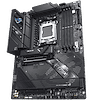
 18
ASUS ROG Strix B850-F Gaming Wi-Fi7 Neo Review
Board Software »BIOS Overview
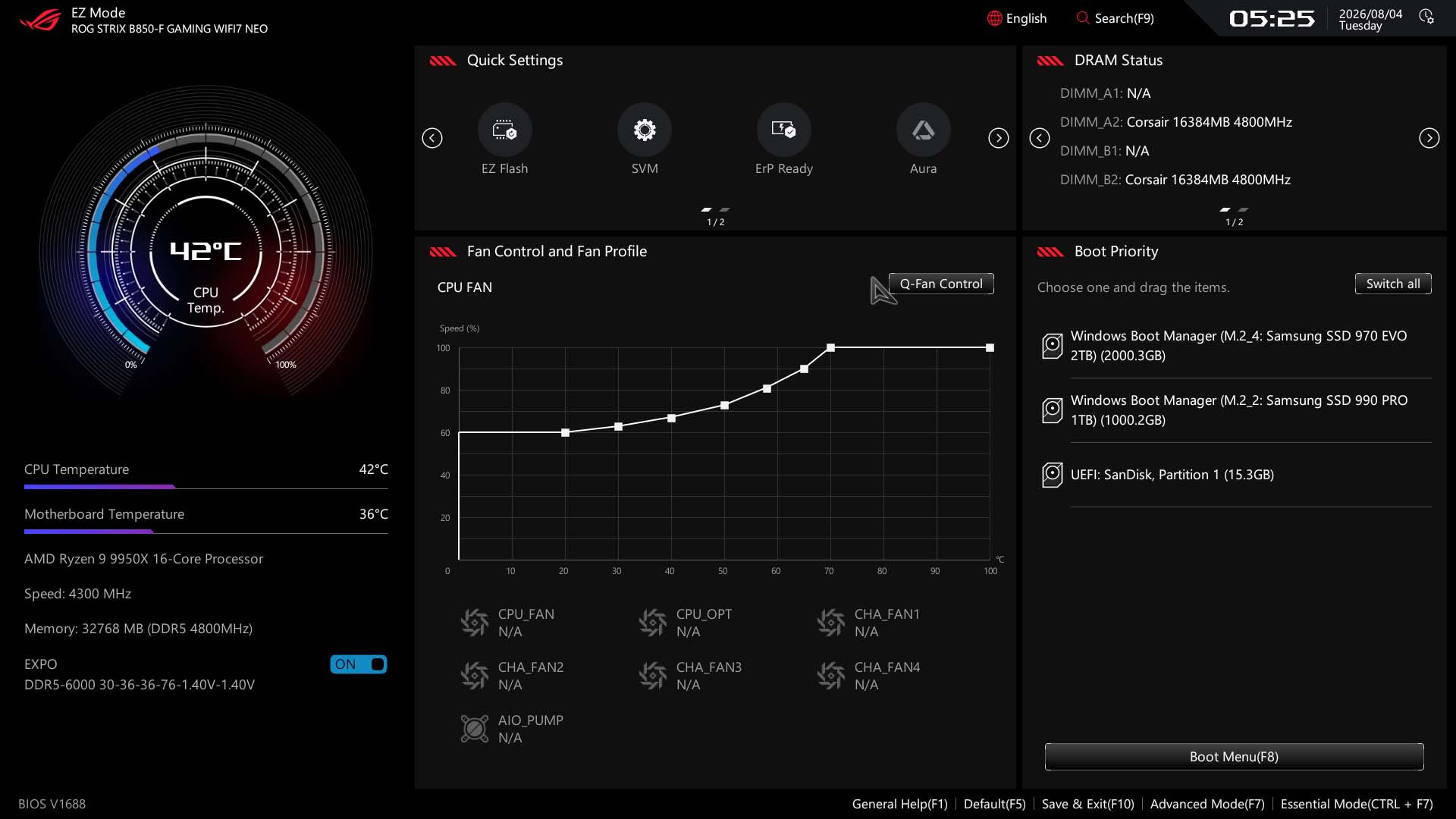
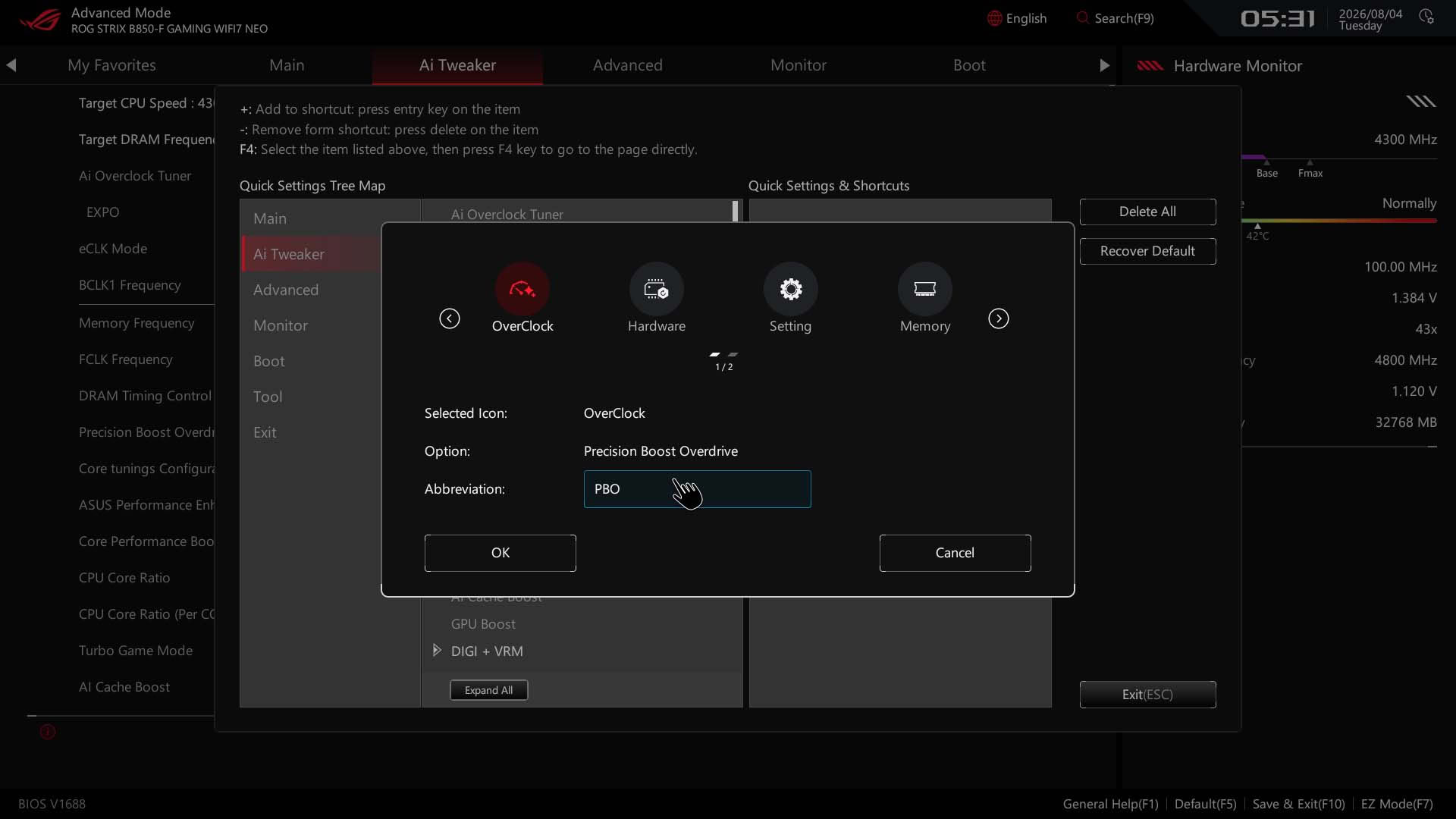
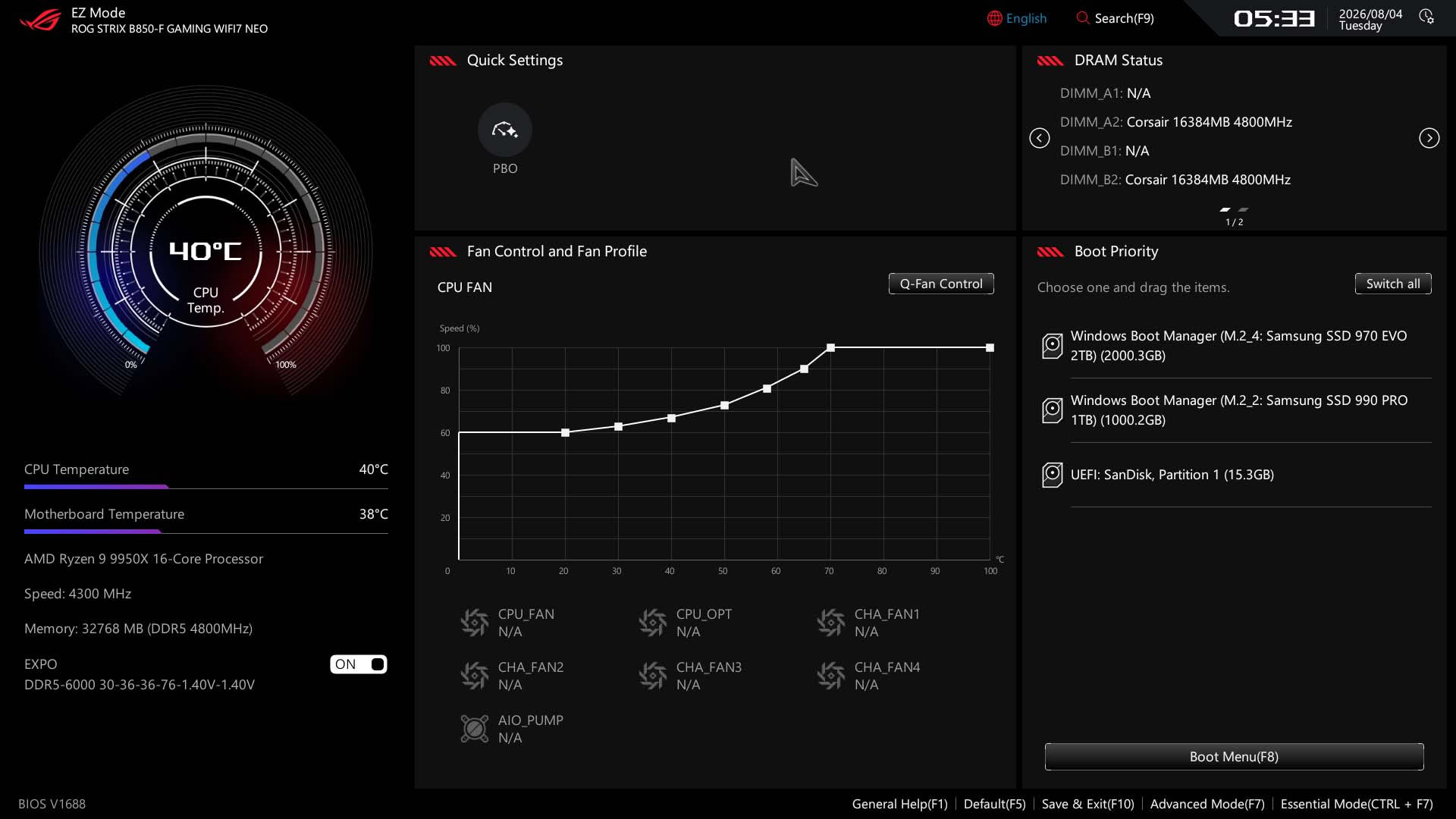
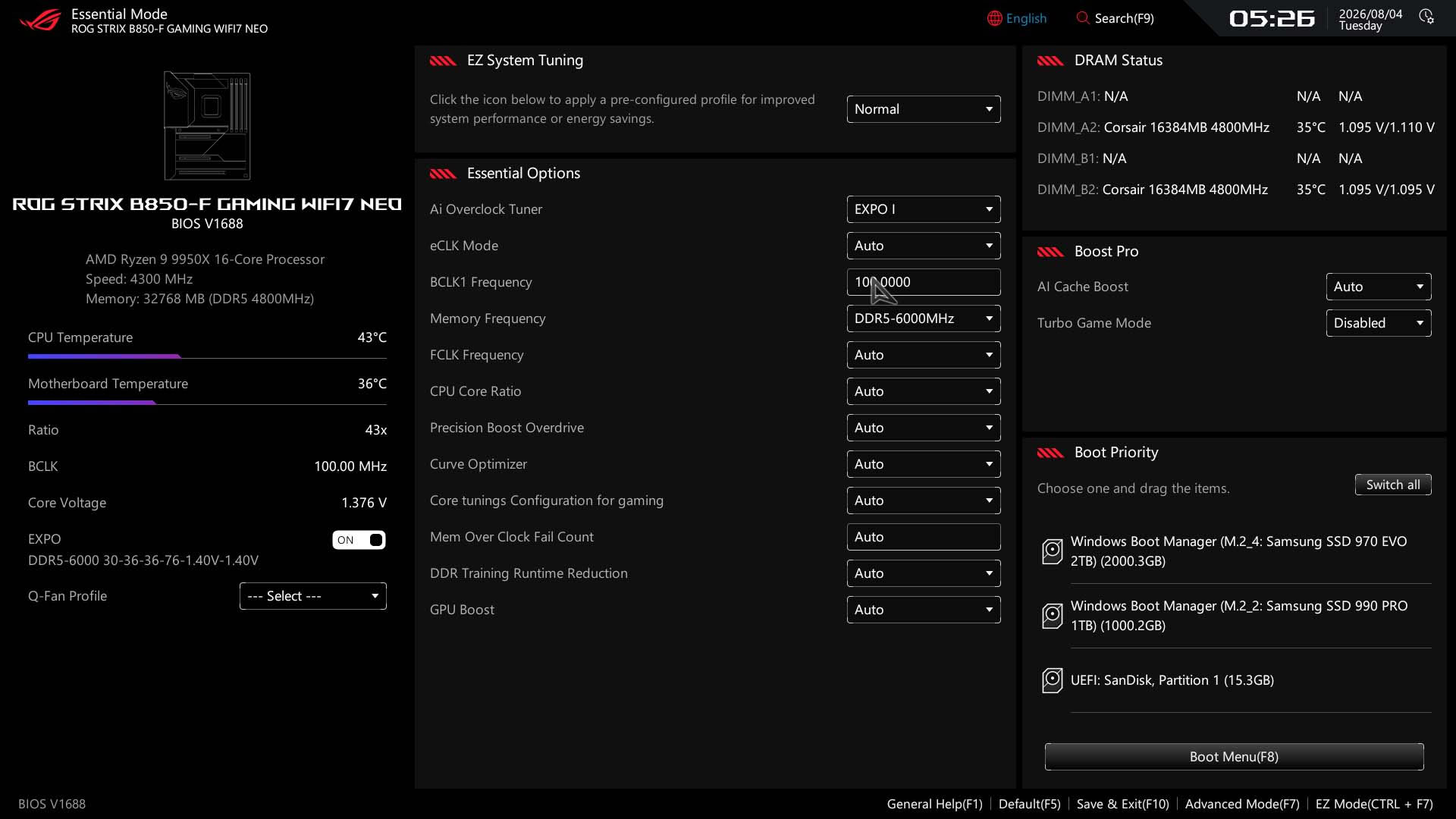
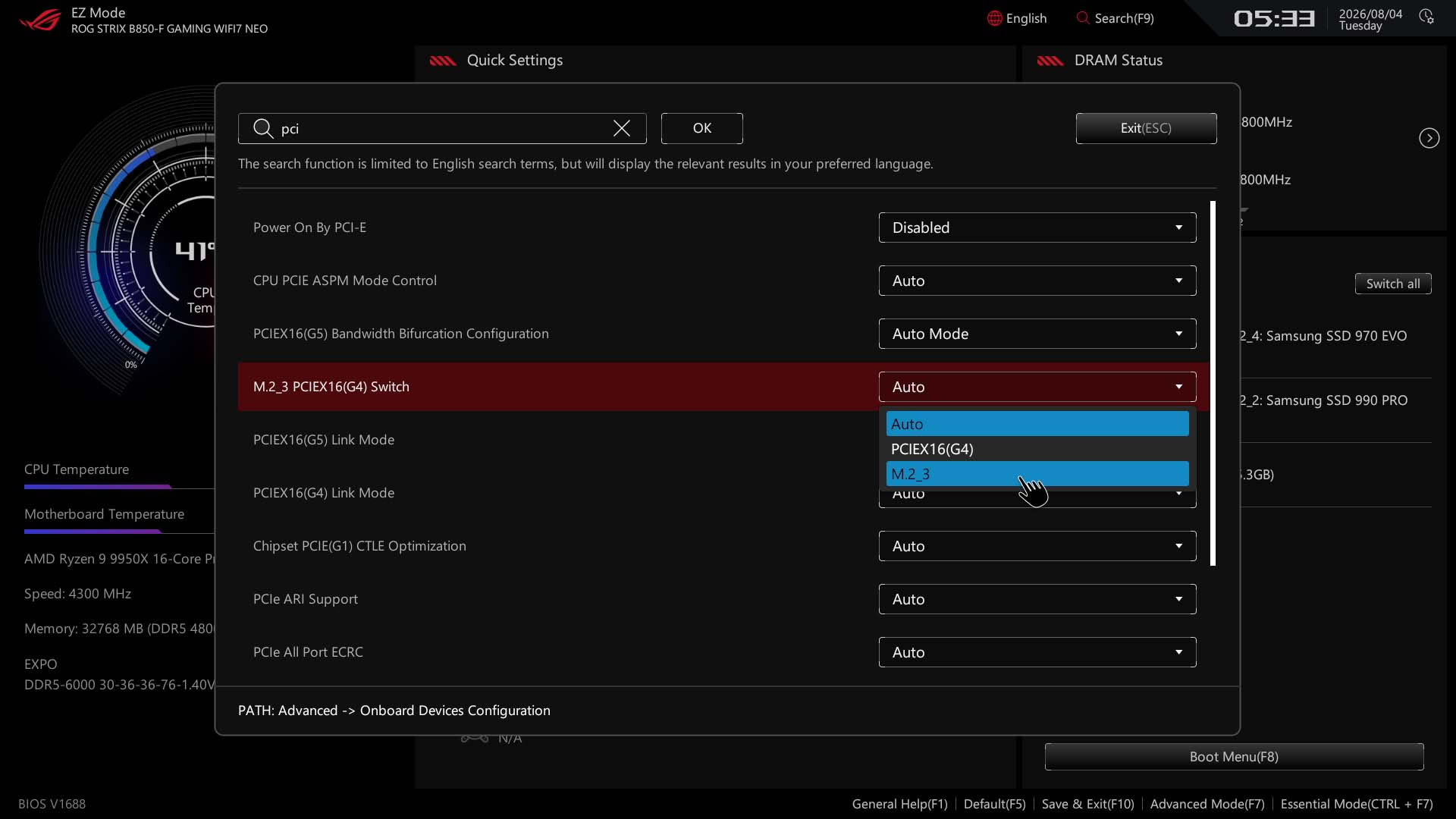
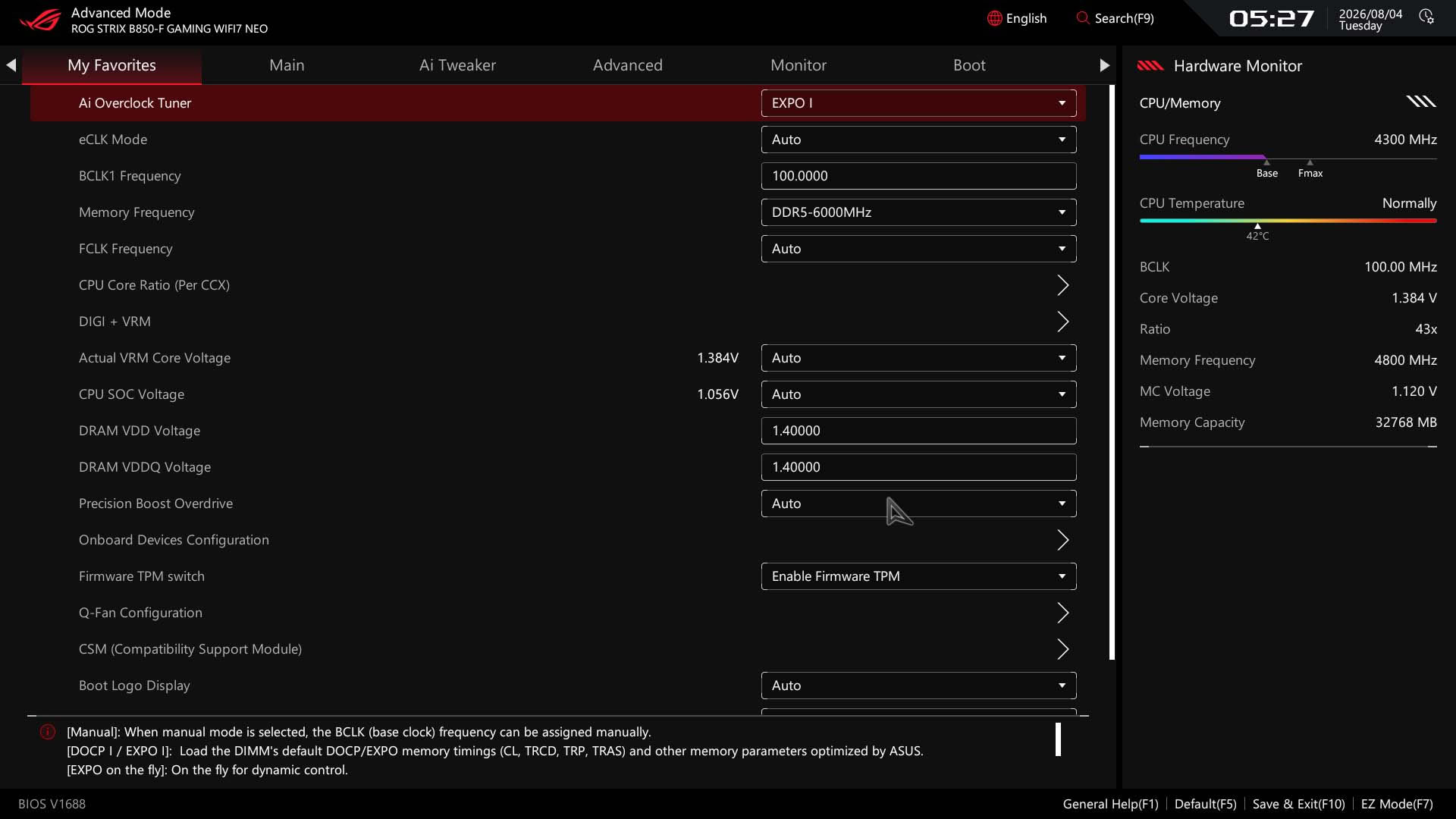
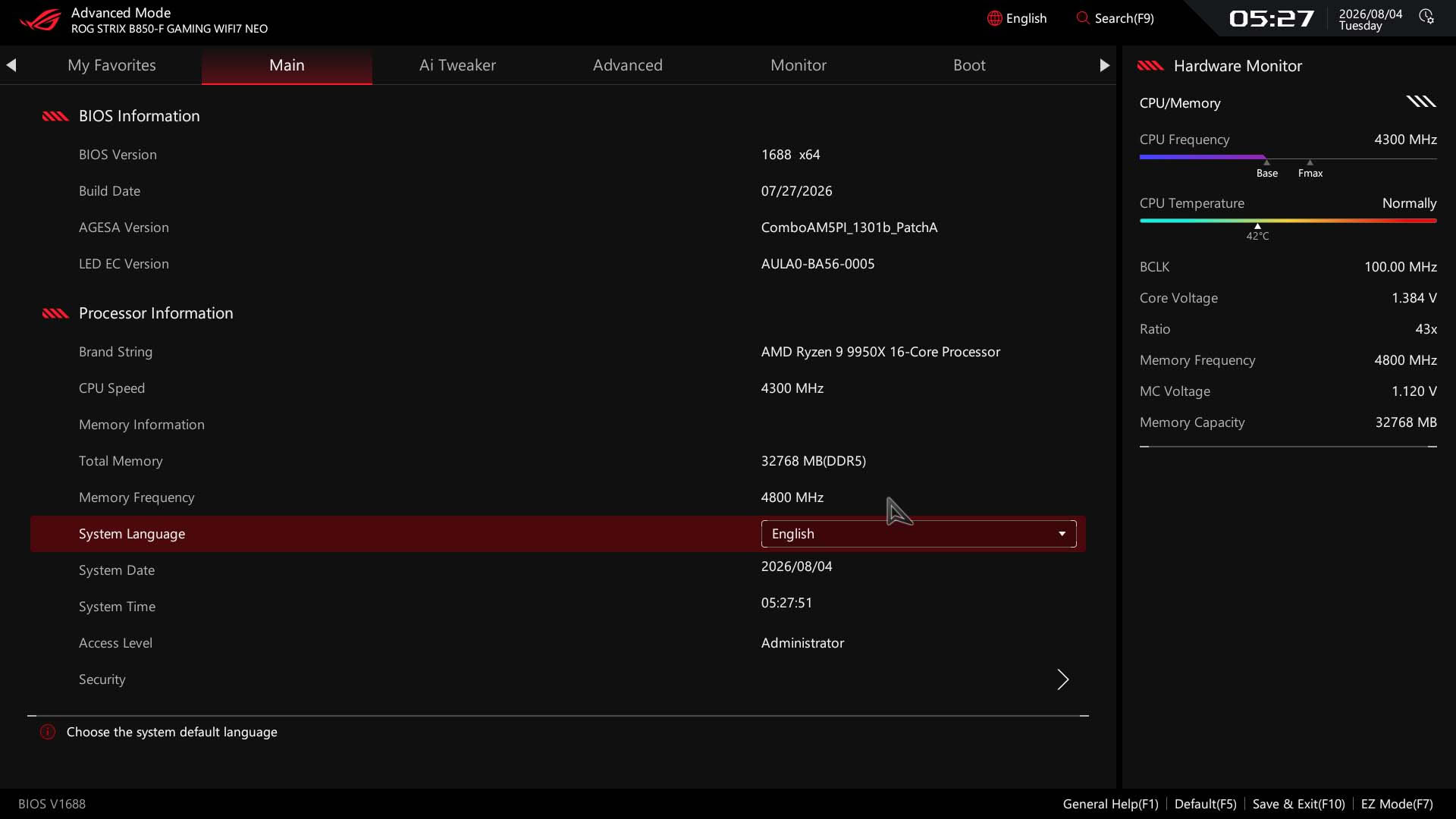
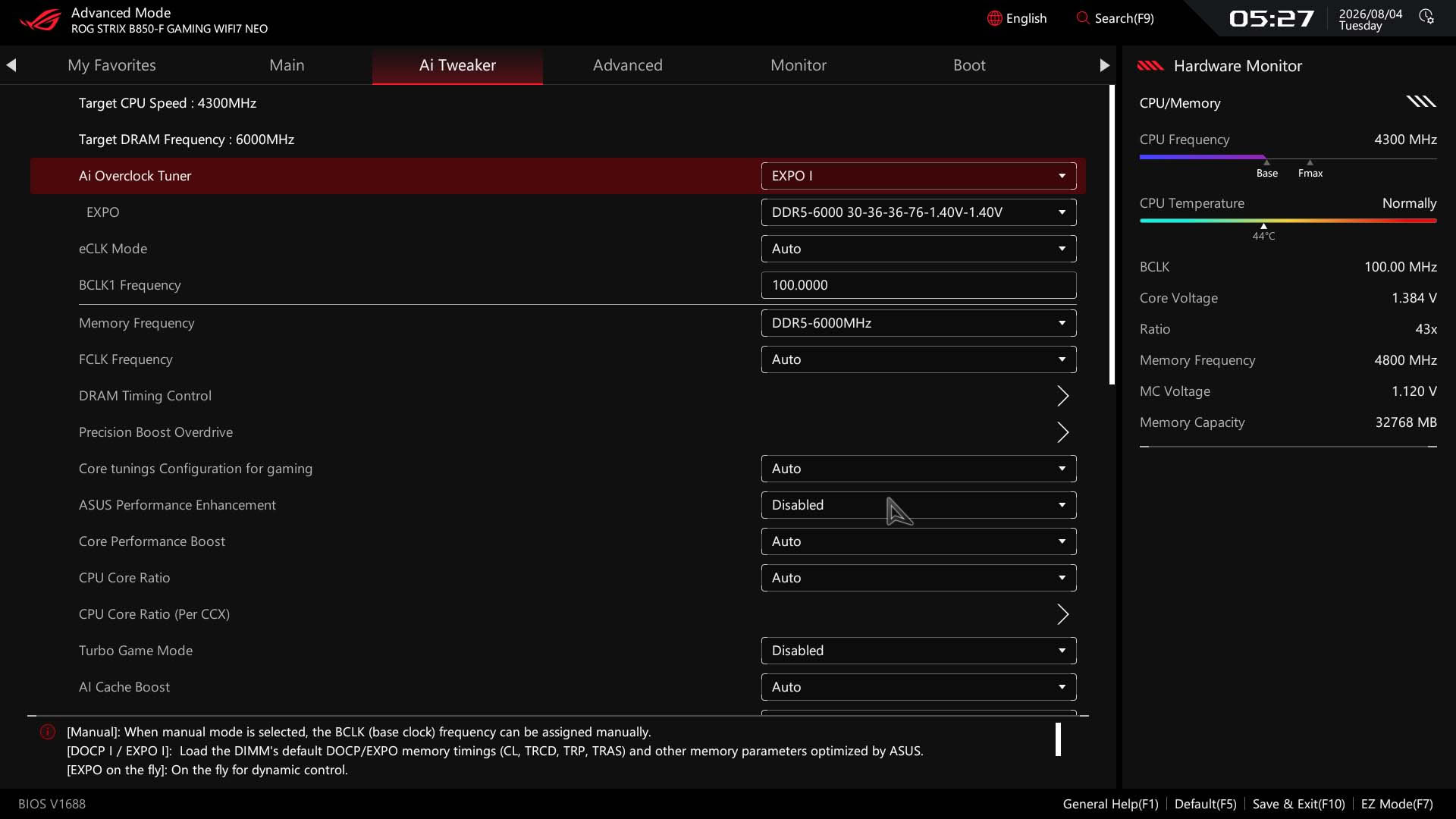
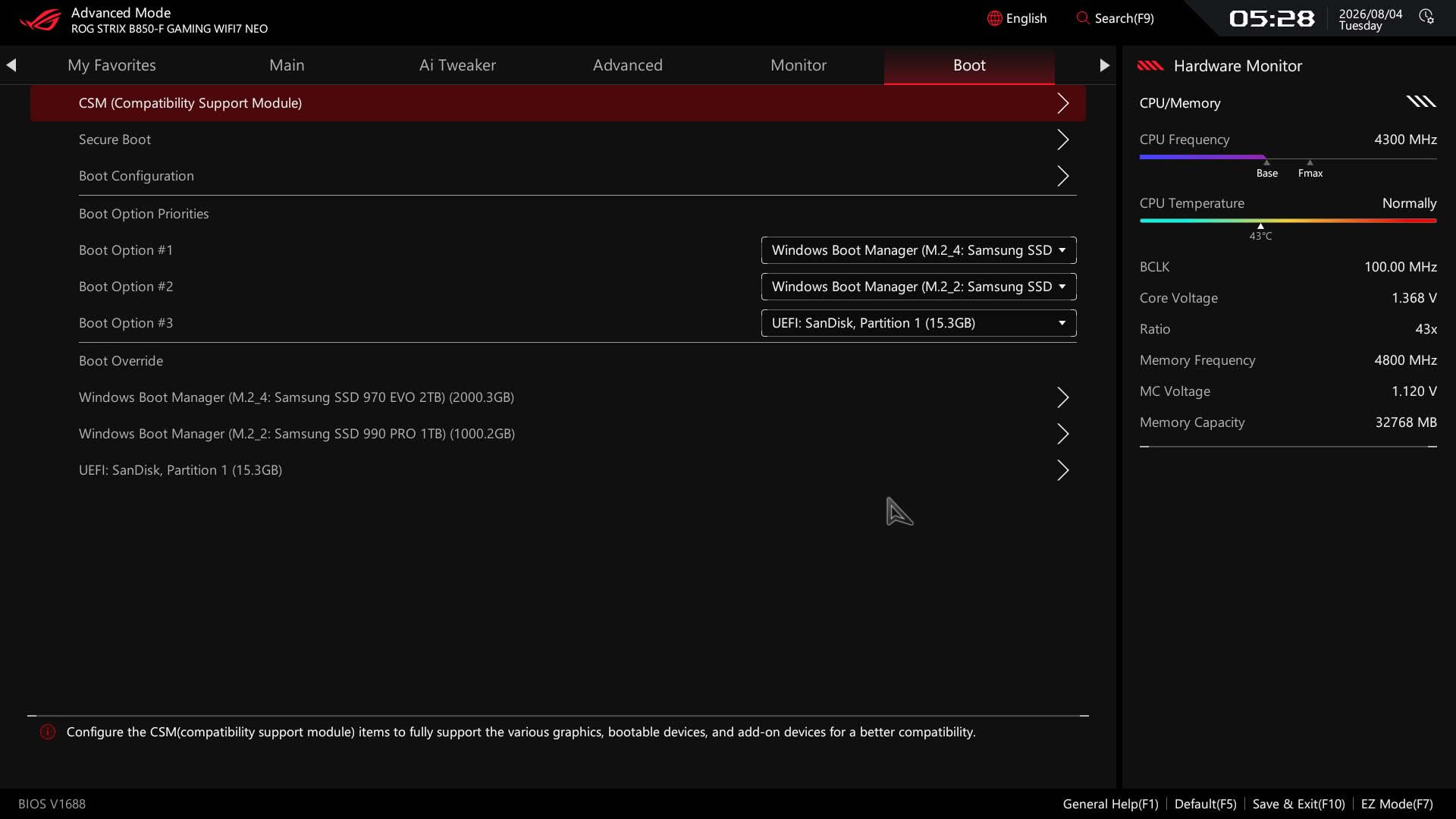
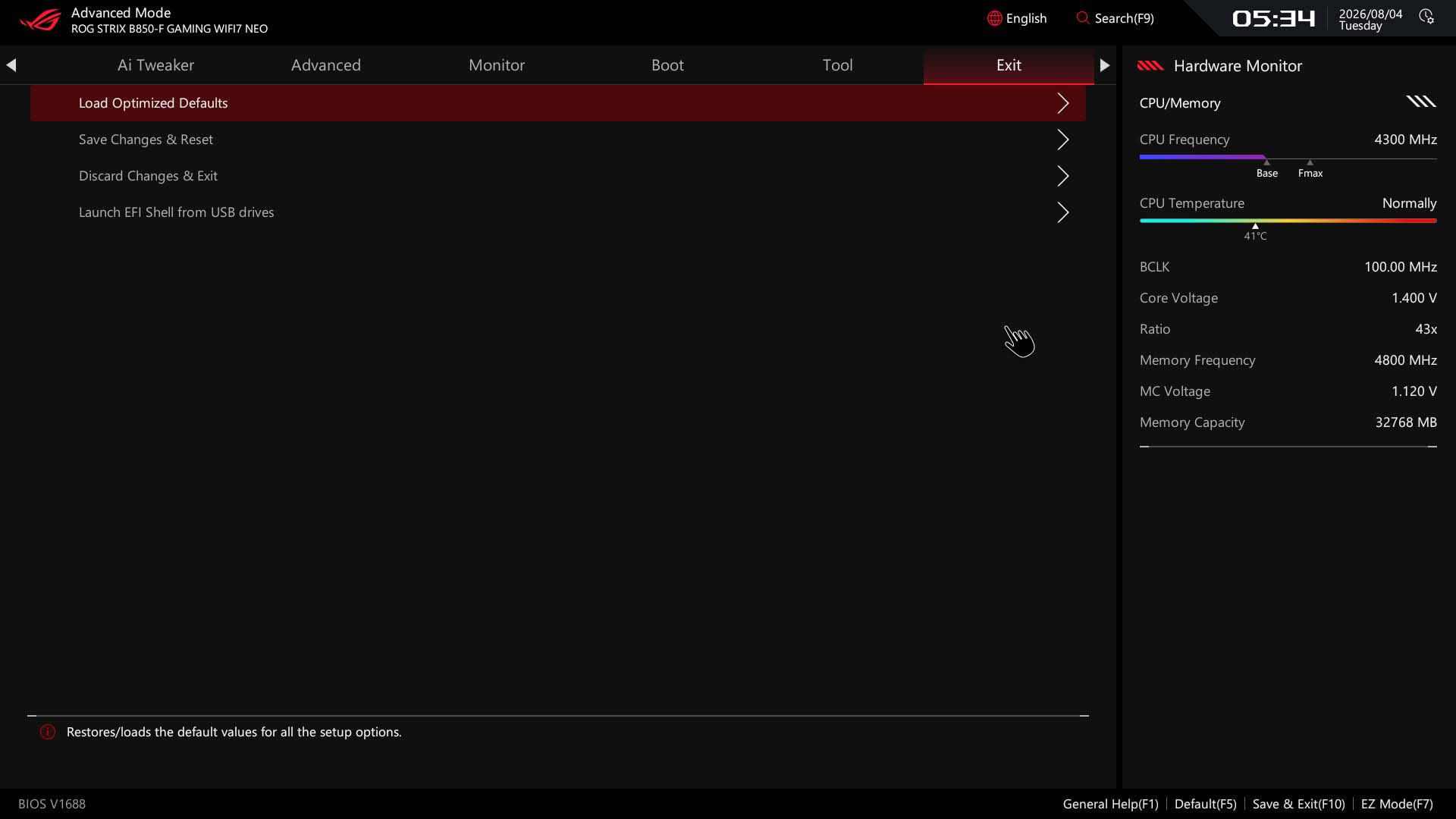
ASUS has recently updated its EFI with a more newcomer-focused approach with more accessible options. This is largely thanks to a new Quick Settings bar at the top, which is configurable via the general help menu in terms of options and icons. As you can see below, we've added a direct option for PBO and deleted the other options, so this could be a useful way of adding often-used items to the EZ Mode home page. This page also has direct links to fan control with the CPU fan curve shown as well as the ability to enable memory profiles, change the boot order and access the search function.Search shouldn't be overlooked as a useful feature as you're able to change options within the search window rather than it taking you to that option's page within the menus. If EZ Mode is too simplistic, but Advanced a bit too overwhelming then ASUS has also added Essential mode, accessed by pressing control and F7. This includes more overclocking-related options. For a fully configurable page, you'll want to check out the favorites section where you can add your own options from anywhere in the EFI.
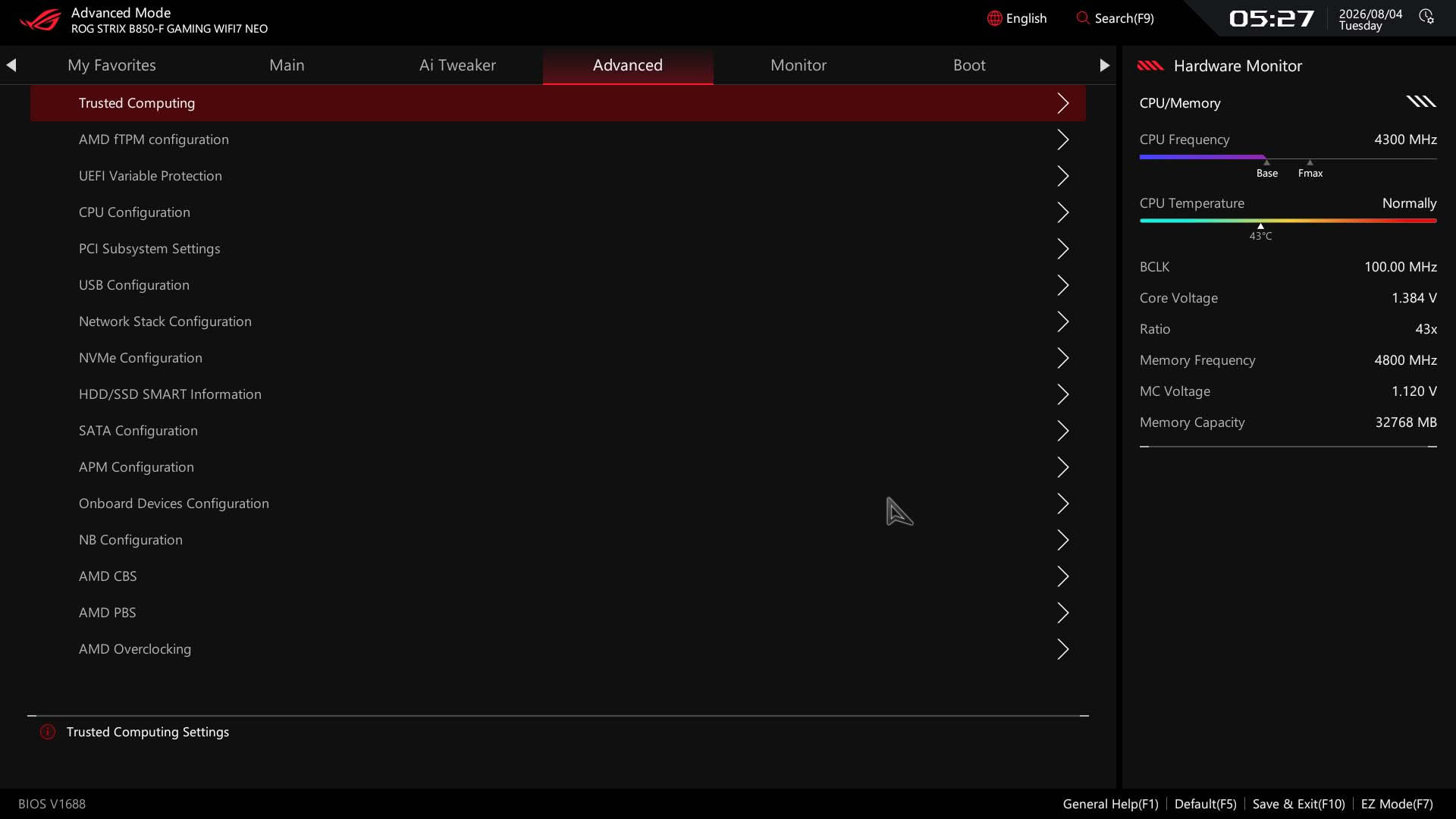
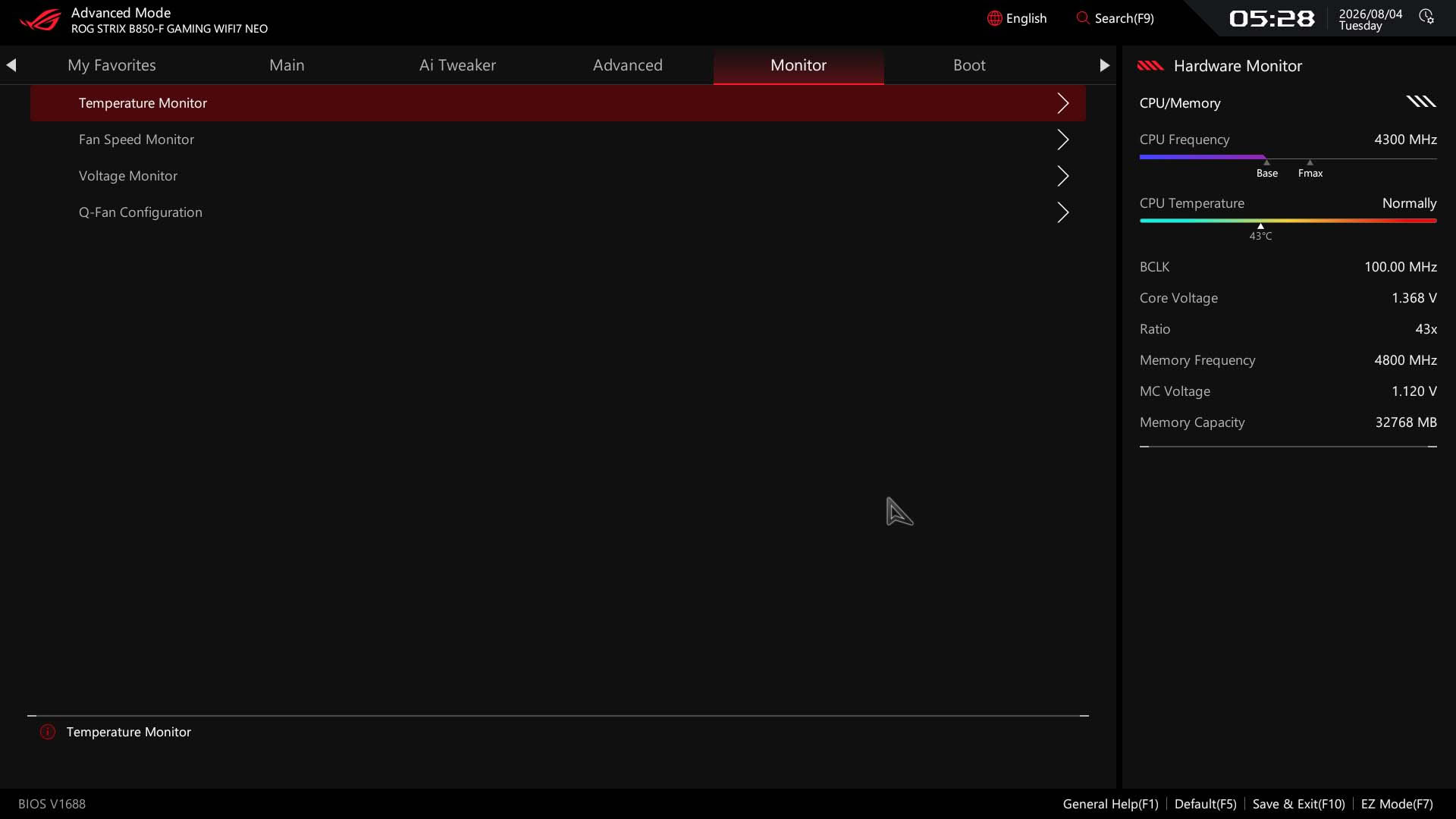
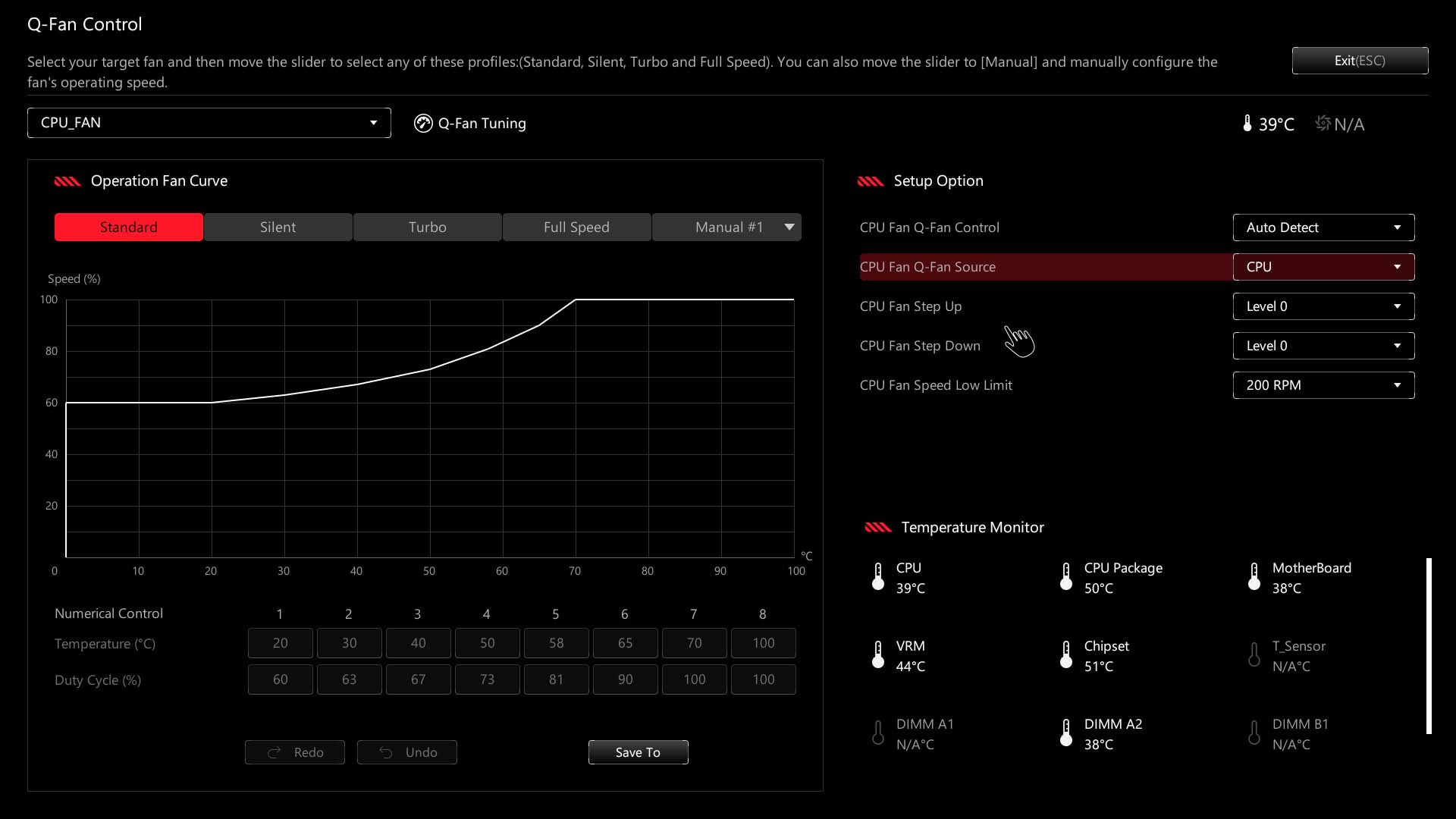
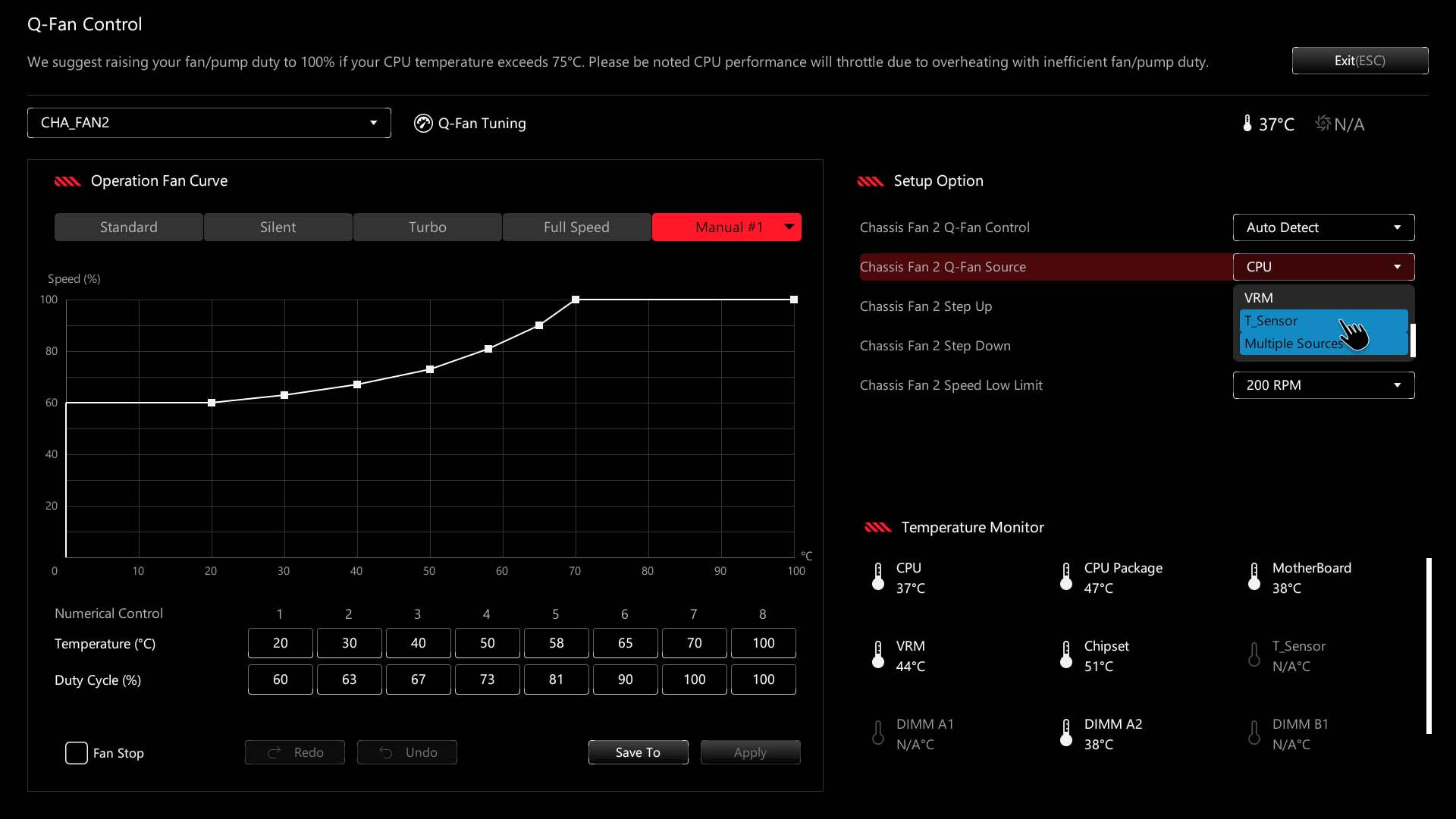
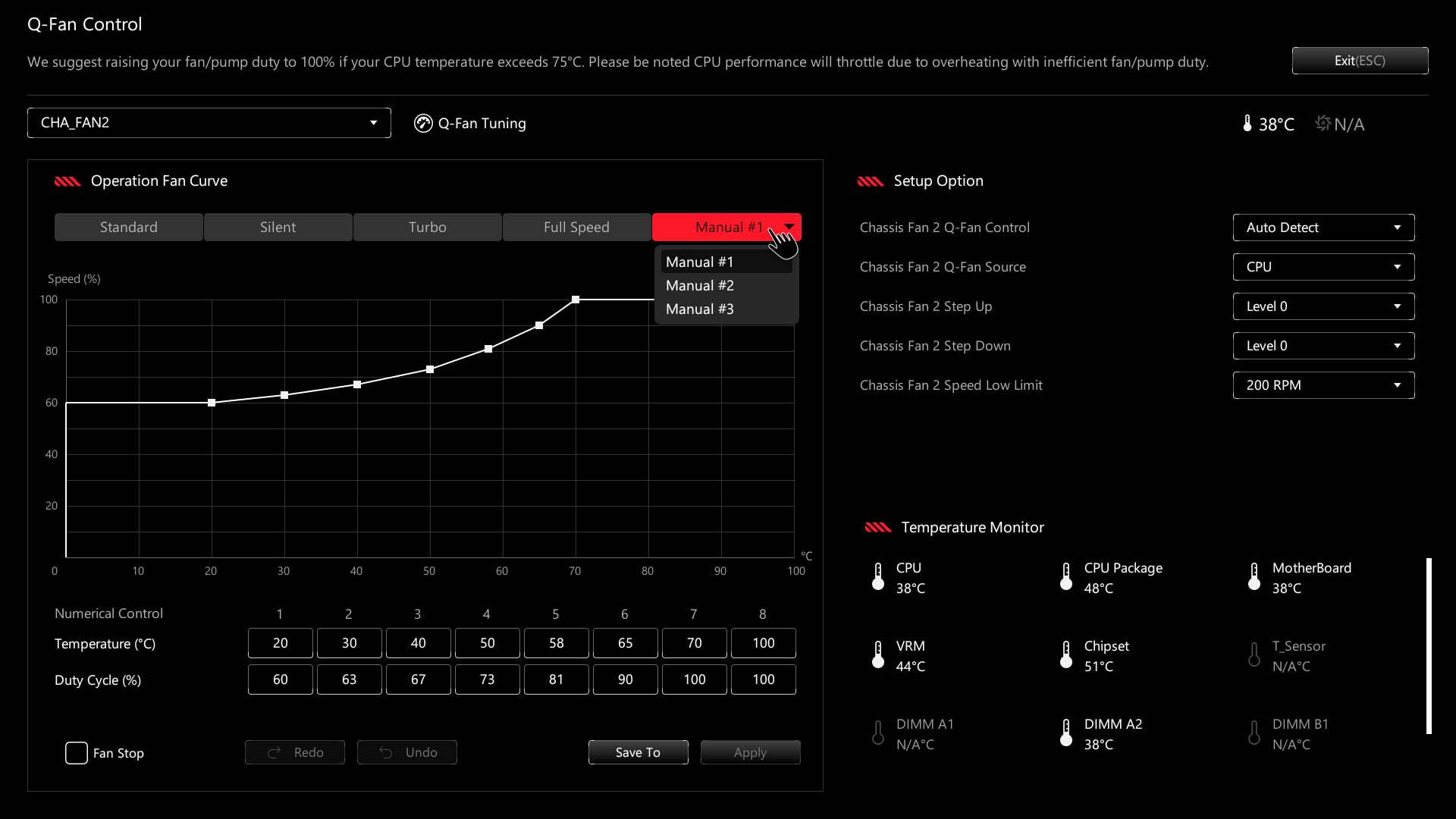
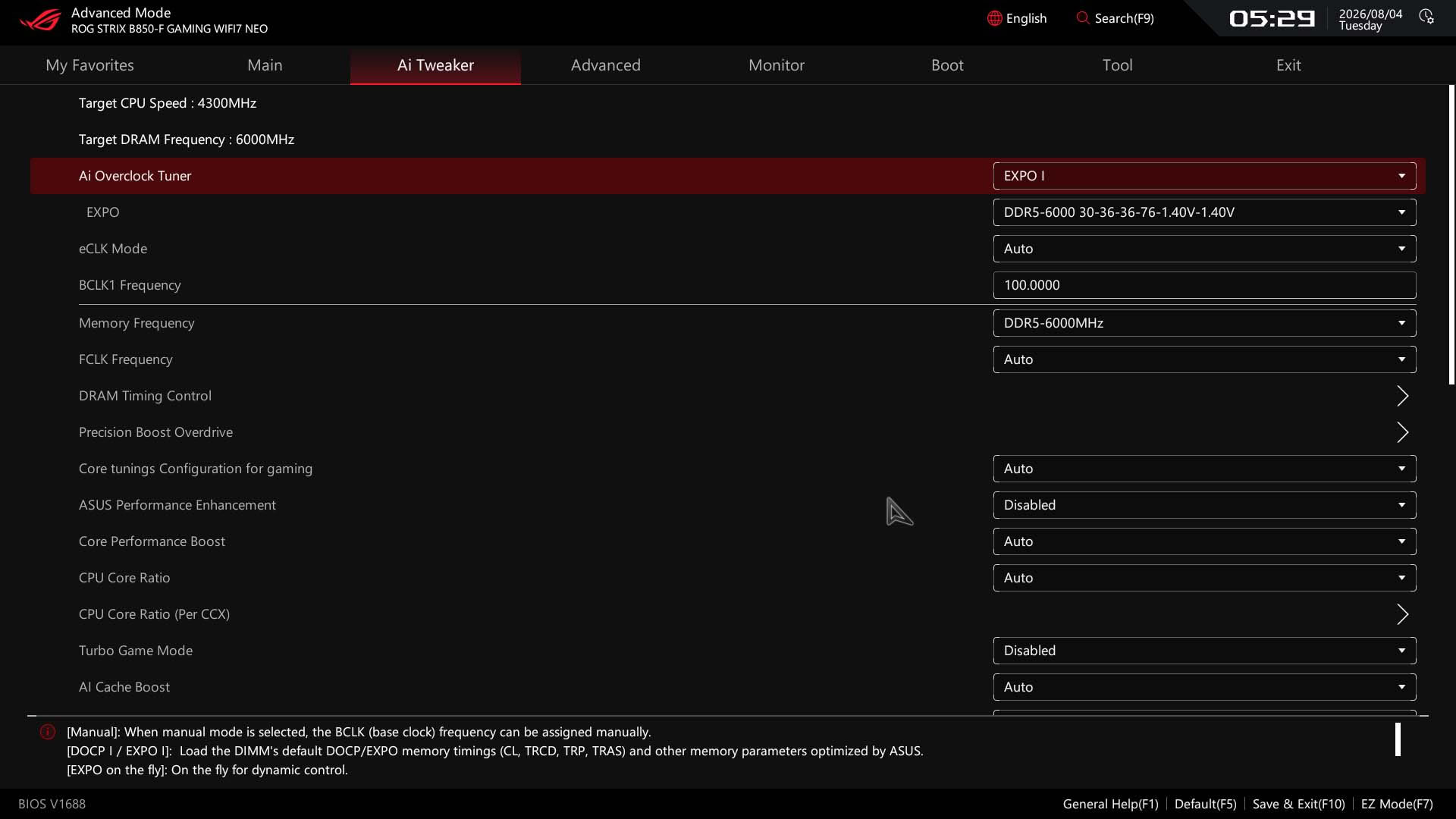
AI Tweaker is where you'll want to be for more in-depth overclocking and PBO tweaking with the Advanced menu housing everything else aside from boot options, fan control and tools. Fan control, or Q-Fan, is generally excellent and now includes the ability to save up to three manual fan curves and apply them to groups of fan headers instead of manually configuring each one. As usual, you can also adjust the temperature source, including to the onboard thermistor probe header, and switch between PWM and voltage fan modes from the same window - something that's often lacking on ASRock motherboards for example. The only thing the competition has over ASUS here is MSI's ability to add and remove fan curve adjustment points.
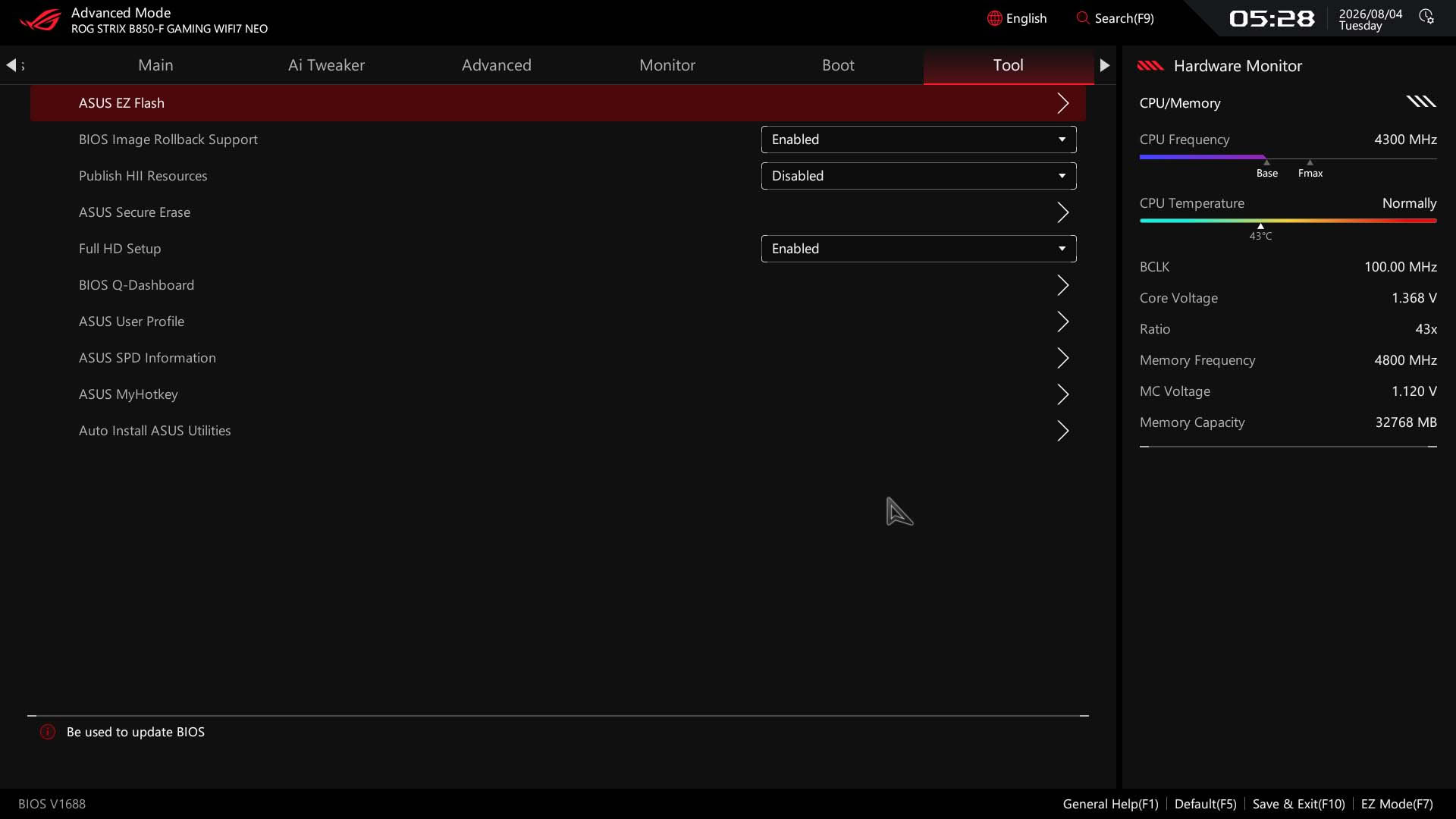
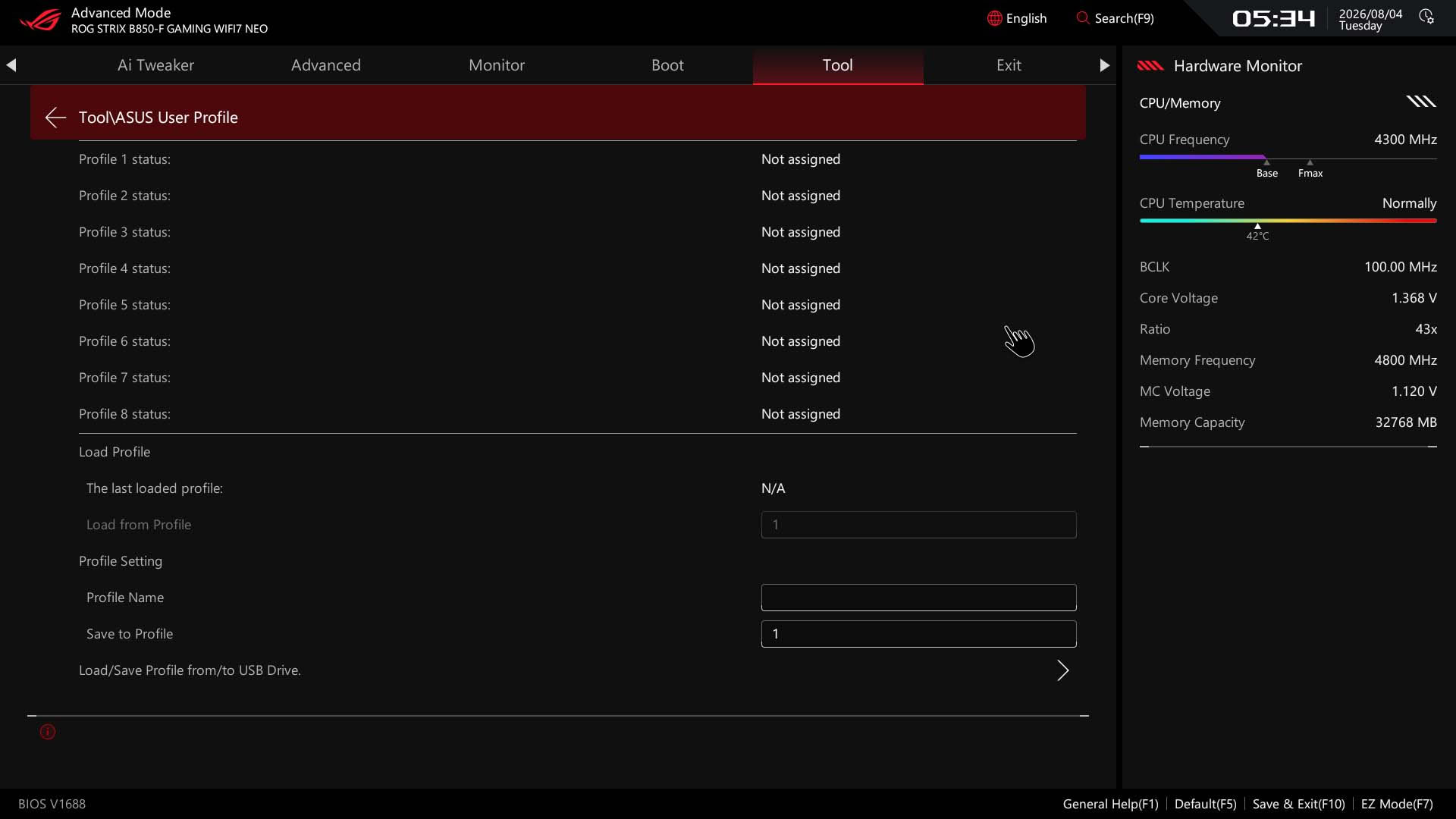
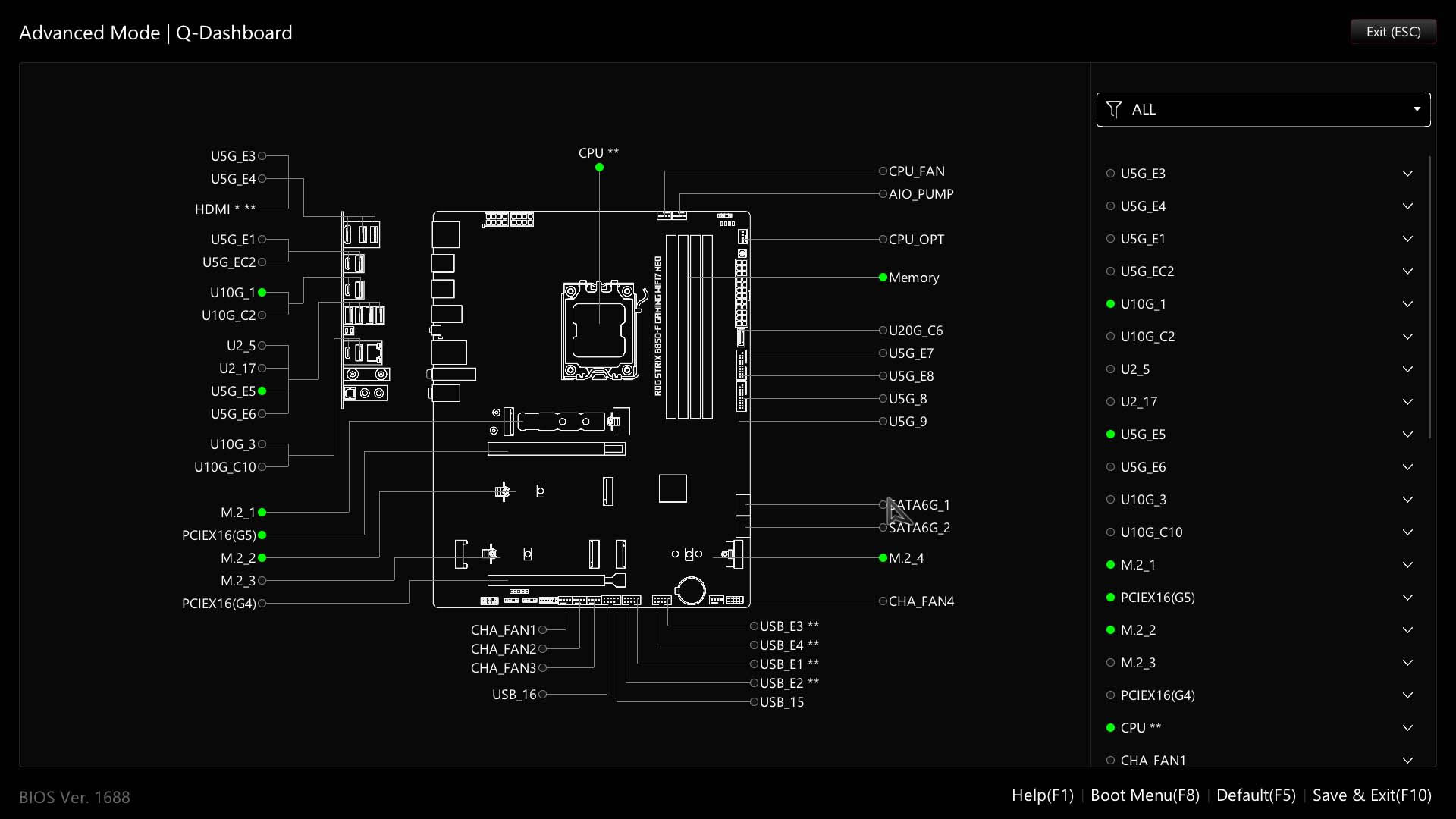
The Tool menu has some useful features such as secure erase, user profiles for saving complete EFI configurations and also BIOS Q-Dashboard. The latter used to be accessible from the bottom of the EFI page on all pages and menus and is a very useful feature, especially for newcomers, and we'd like to see this accessible from the EZ Mode page again. Another new ability with this EFI is to remove the hardware monitor screen on the right, giving more space to view the main menu.
Nov 18th, 2026 18:09 PST
change timezone
Latest GPU Drivers
New Forum Posts
- Honestly, do you care about GTA VI? (149)
- Without Jensen, PC gaming will be (45)
- Dual B70 or Dual R9700 Pro on Linux (5)
- [Poll] 12V-2x6 Connector Protection: What Are You Using? (WireView / Ampinel / Equalizer / Other / Nothing) (42)
- Time to upgrade CPU and MOBO (36)
- Got a new laptop! What should I do with it? (6)
- What are you playing? (26235)
- Can i play GTA 6 now? (Joke) (8)
- Dell Workstation Owners Club (3514)
- Making a game in Godot engine (2)
Popular Reviews
- Acemagic Retro X3 Review
- Upcoming Hardware Launches 2027 (Updated Nov 2026)
- AMD Zen 6 Technical Deep Dive
- Ugreen NASync DXP4800 GT Review
- Pulsar Office Tour & First Look at P1 Dual-Sensor Mouse
- Biwin Black Opal NV7400 2 TB Review
- Sapphire Radeon RX 7700 XT Pure Review
- Chieftec Iceberg PRO 360 DARK Review
- Sapphire Radeon RX 7700 XT Pulse Review
- ASUS ROG Strix B850-I Gaming Wi-Fi7 W Review
TPU on YouTube
Controversial News Posts
- NVIDIA Co-Founder and CEO Jensen Huang Officially Resigns (482)
- Report: Jensen Huang Eyes NVIDIA Comeback (196)
- Open Letter Asking NVIDIA to Reinstate Jensen Huang Passes 115,000 Signatures (184)
- OpenAI CEO Argues Home PCs Waste the World's Limited DRAM Supply (152)
- NVIDIA Launches Investigation Into Jensen Huang's Relationship With Suspected Chinese Spy (136)
- Intel "Raptor Lake Next" 16-Core and 20-Core CPUs Surface (130)
- Legendary Game Studio BioWare Shuts Down Following EA Layoffs (104)
- Dell CEO Says the Memory Shortage Will Get Worse in 2027 (95)