 4
ASUS ROG Strix B860-F Gaming Wi-Fi Review
Board Software »BIOS Overview
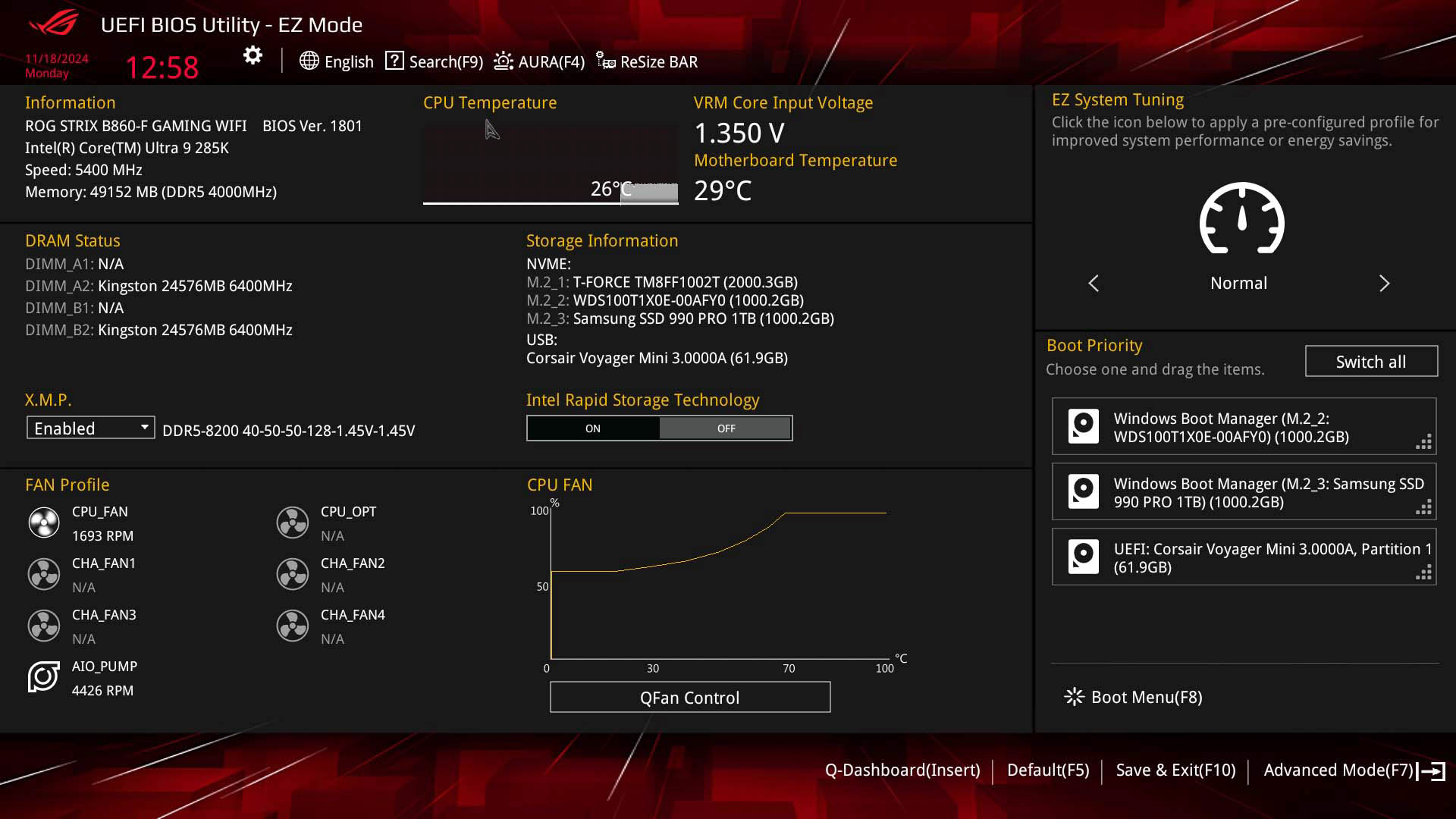
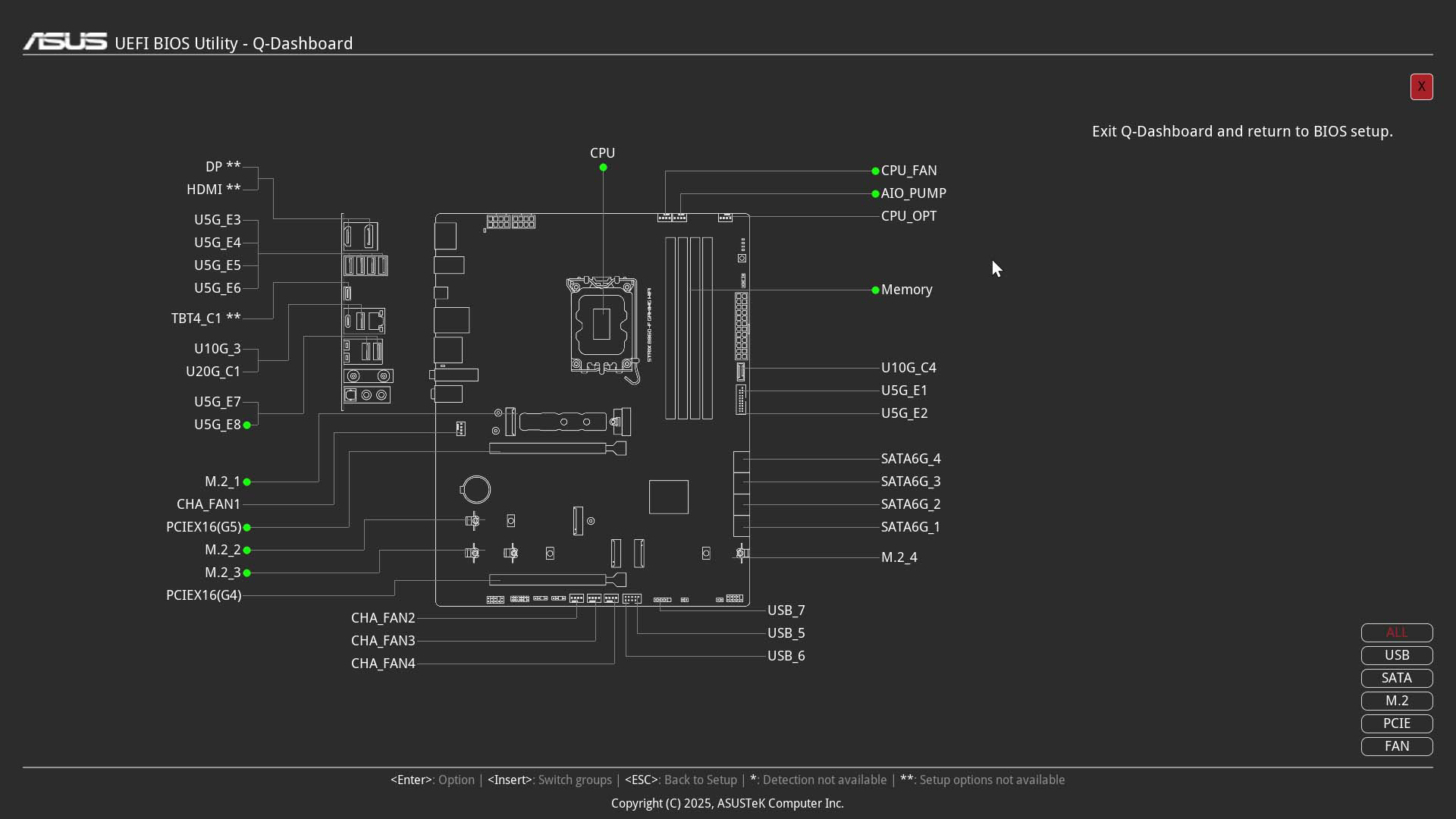
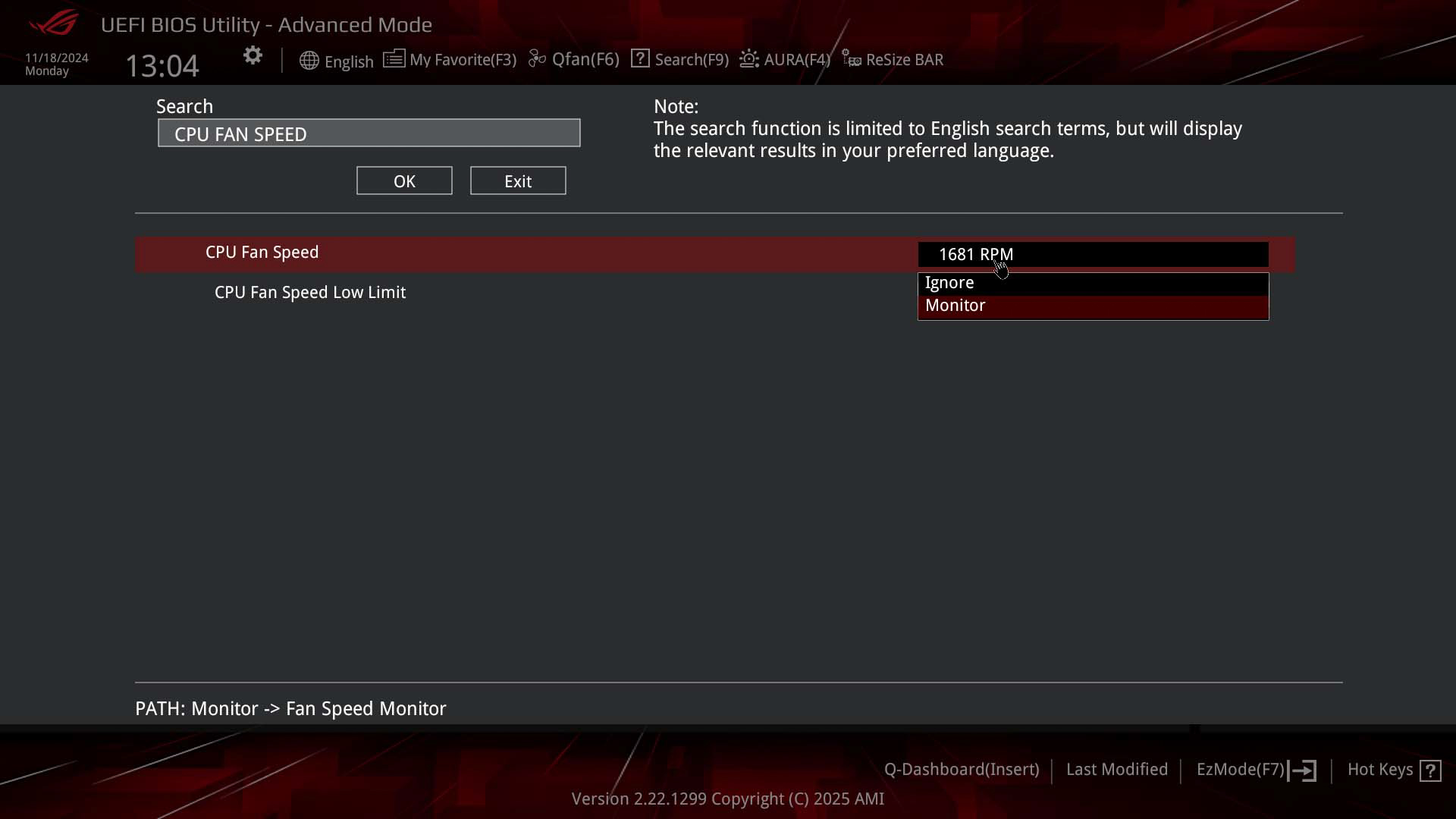
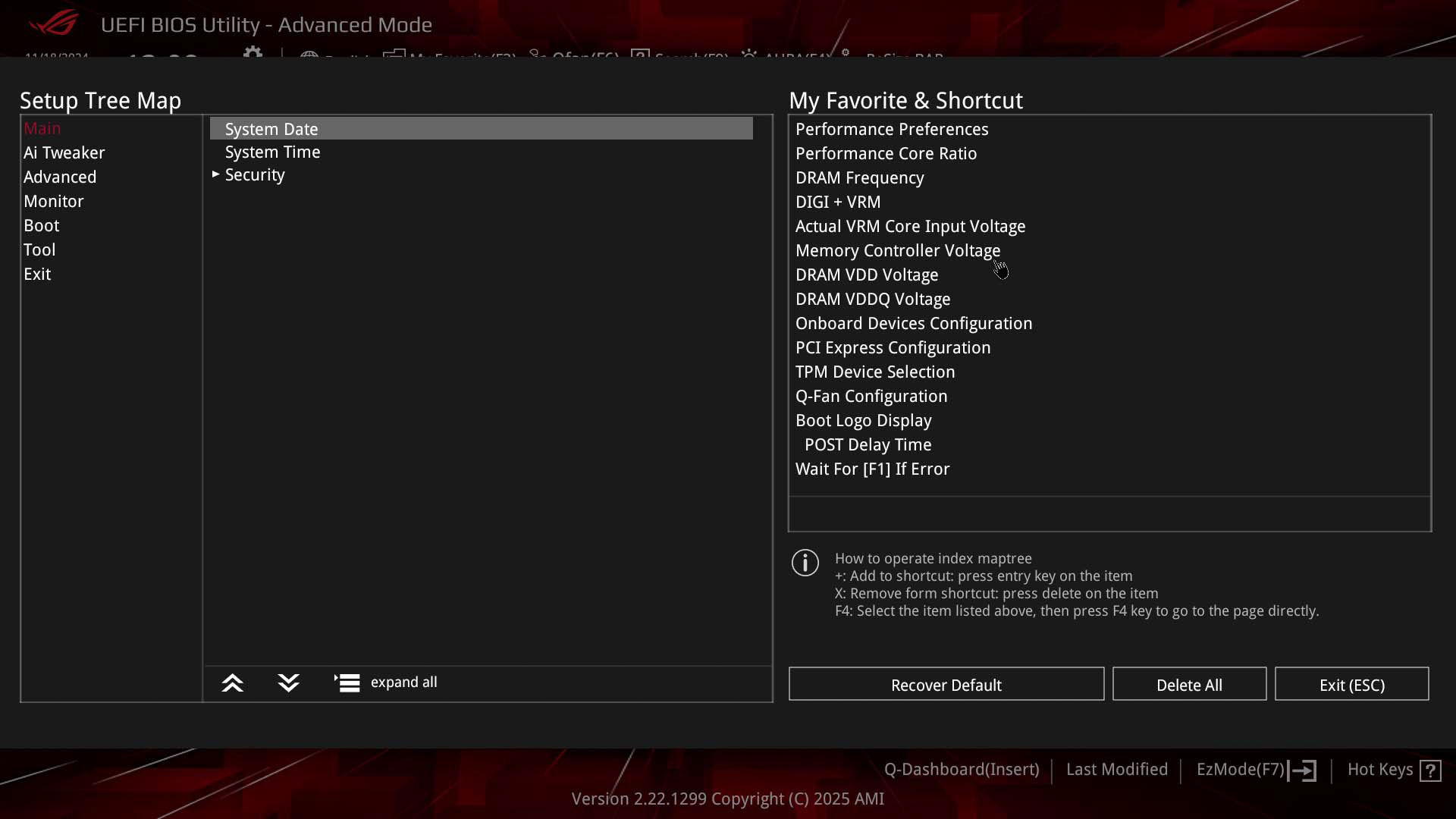
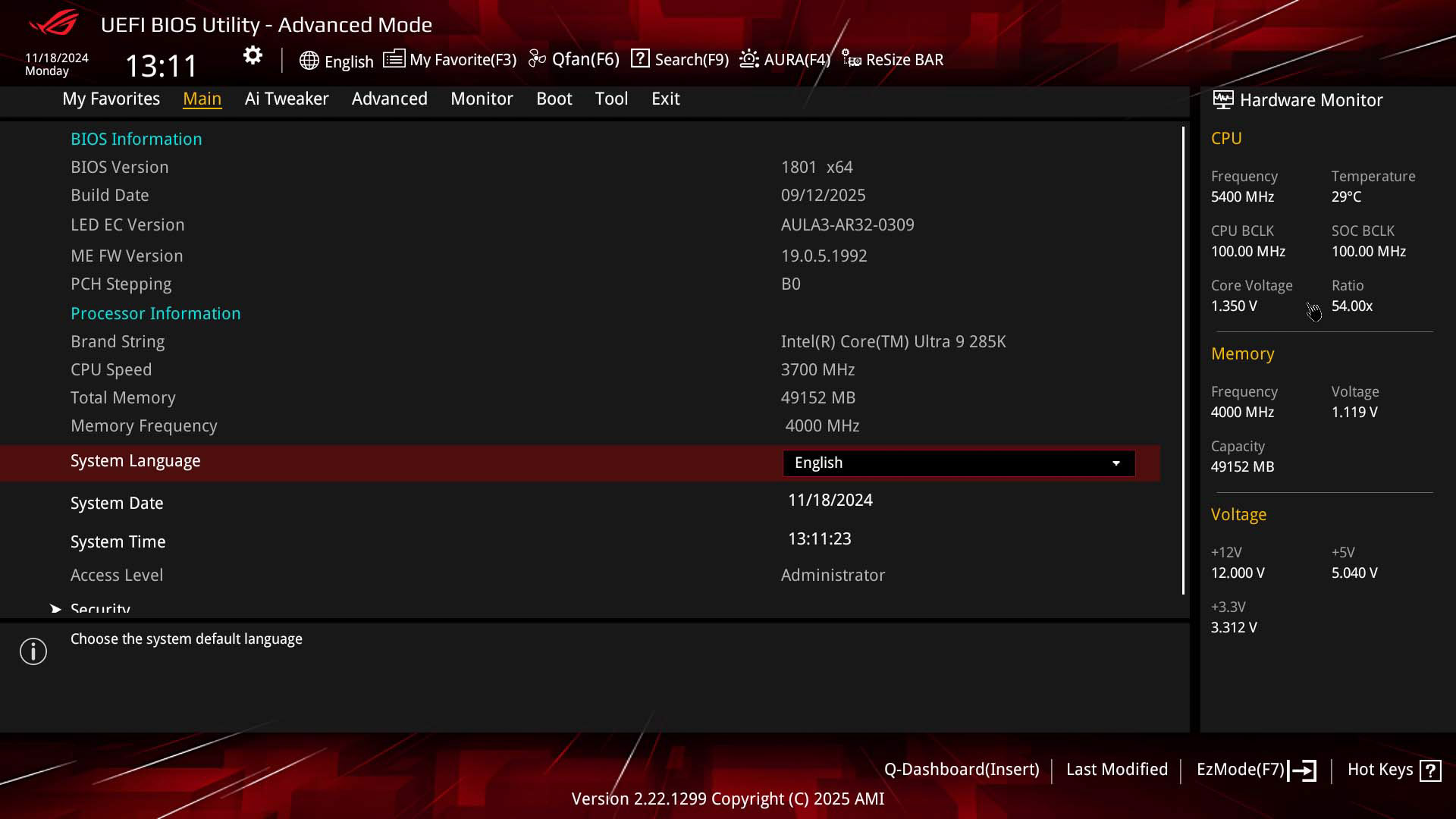
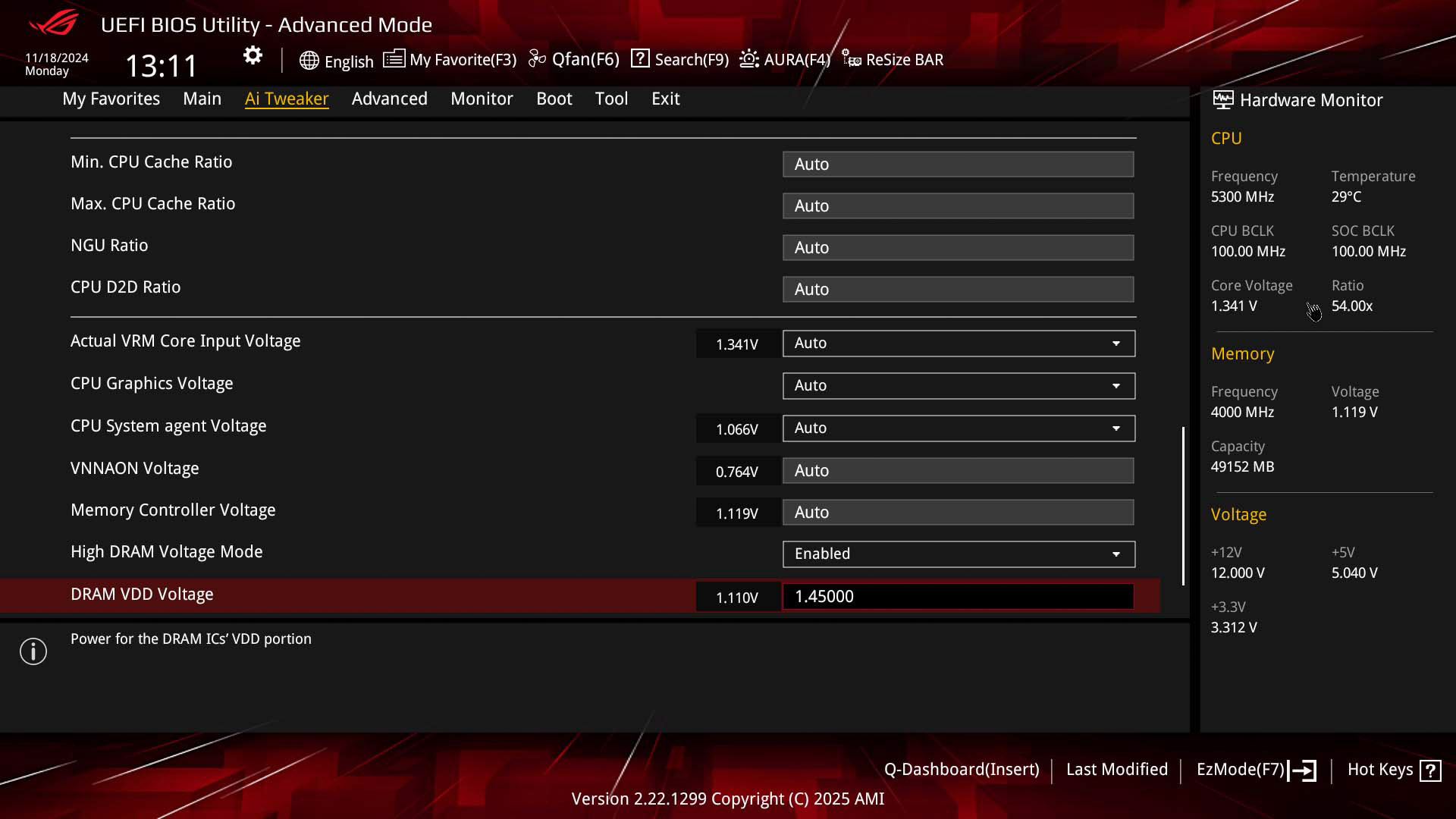
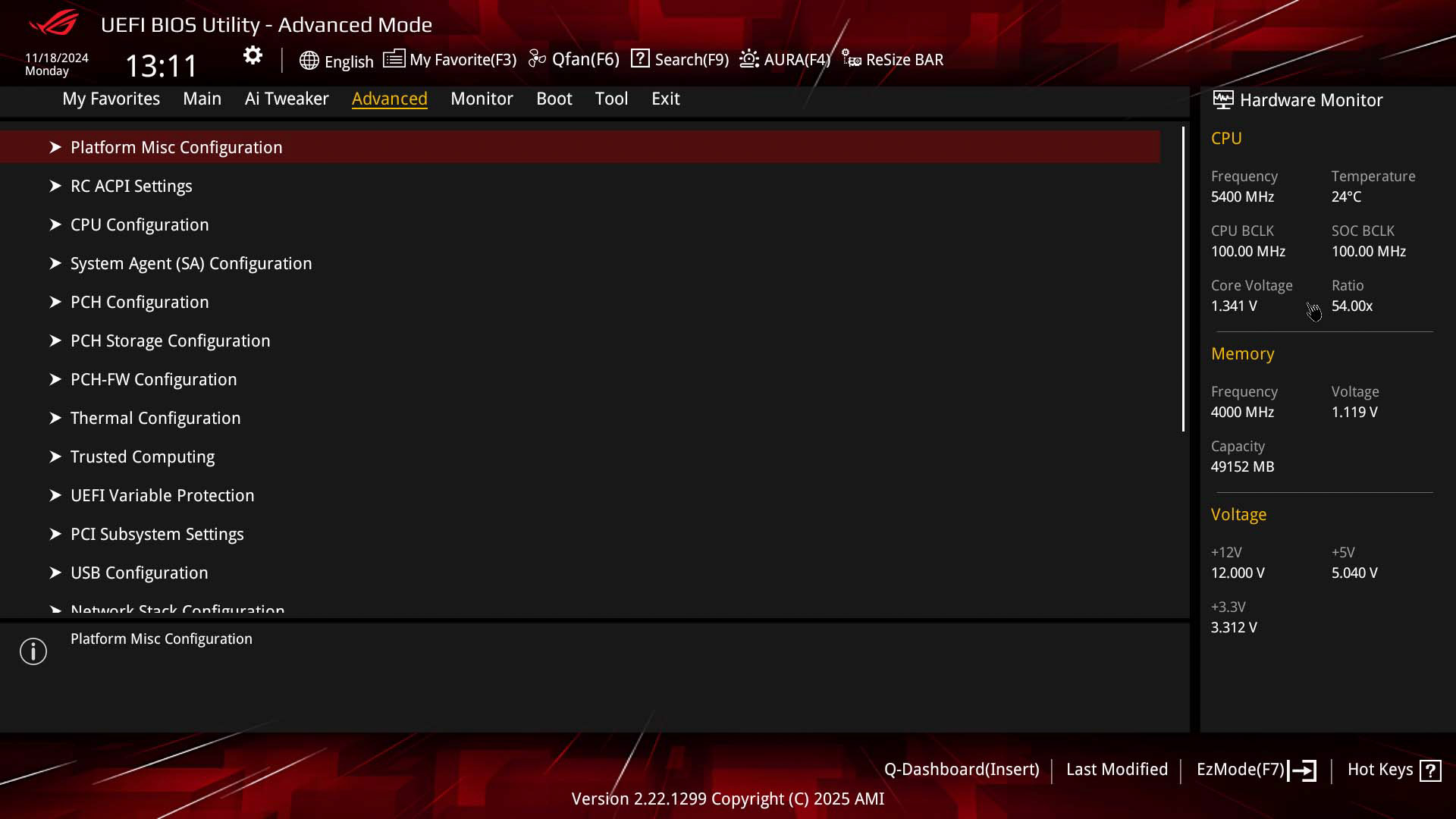
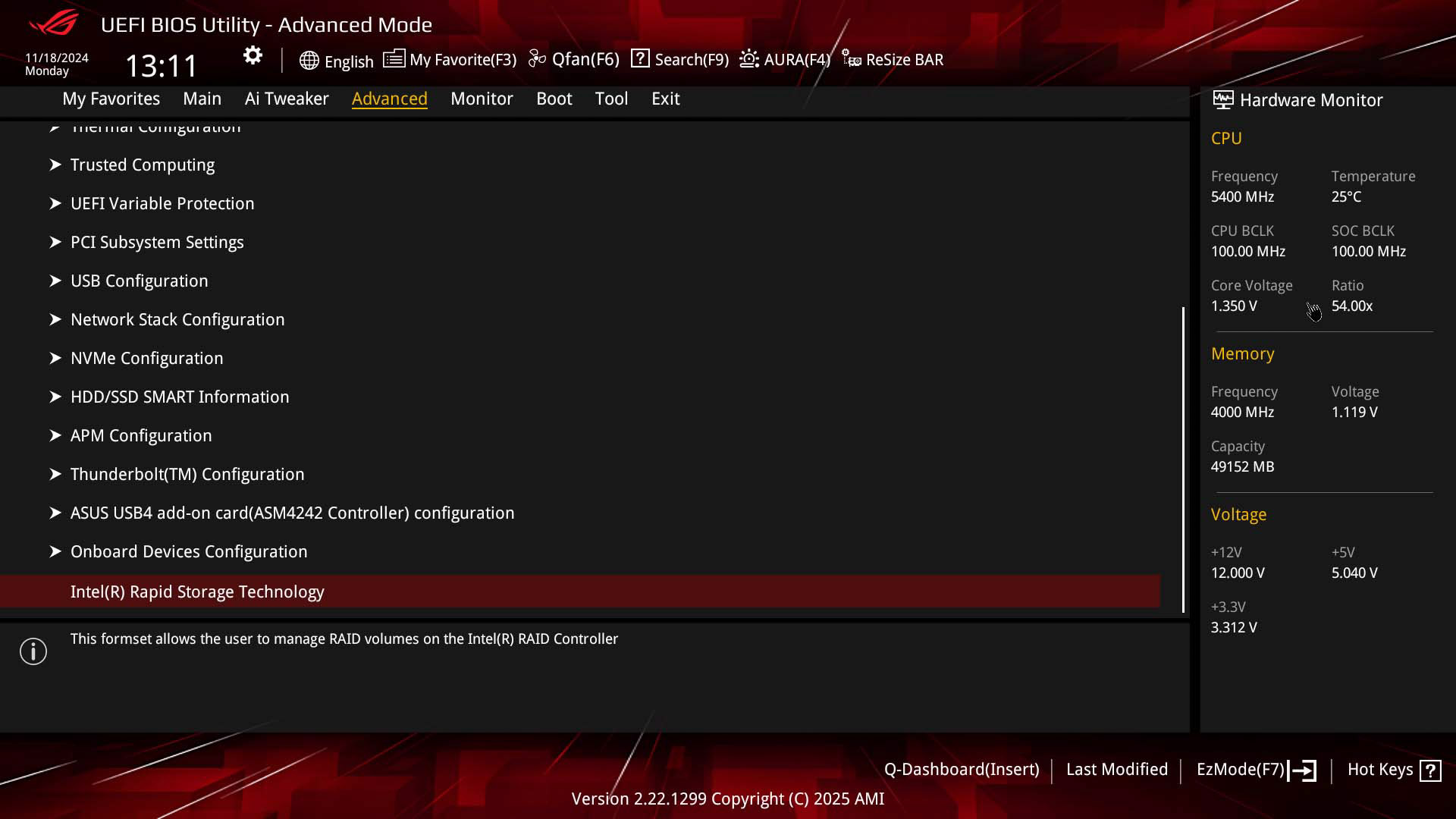
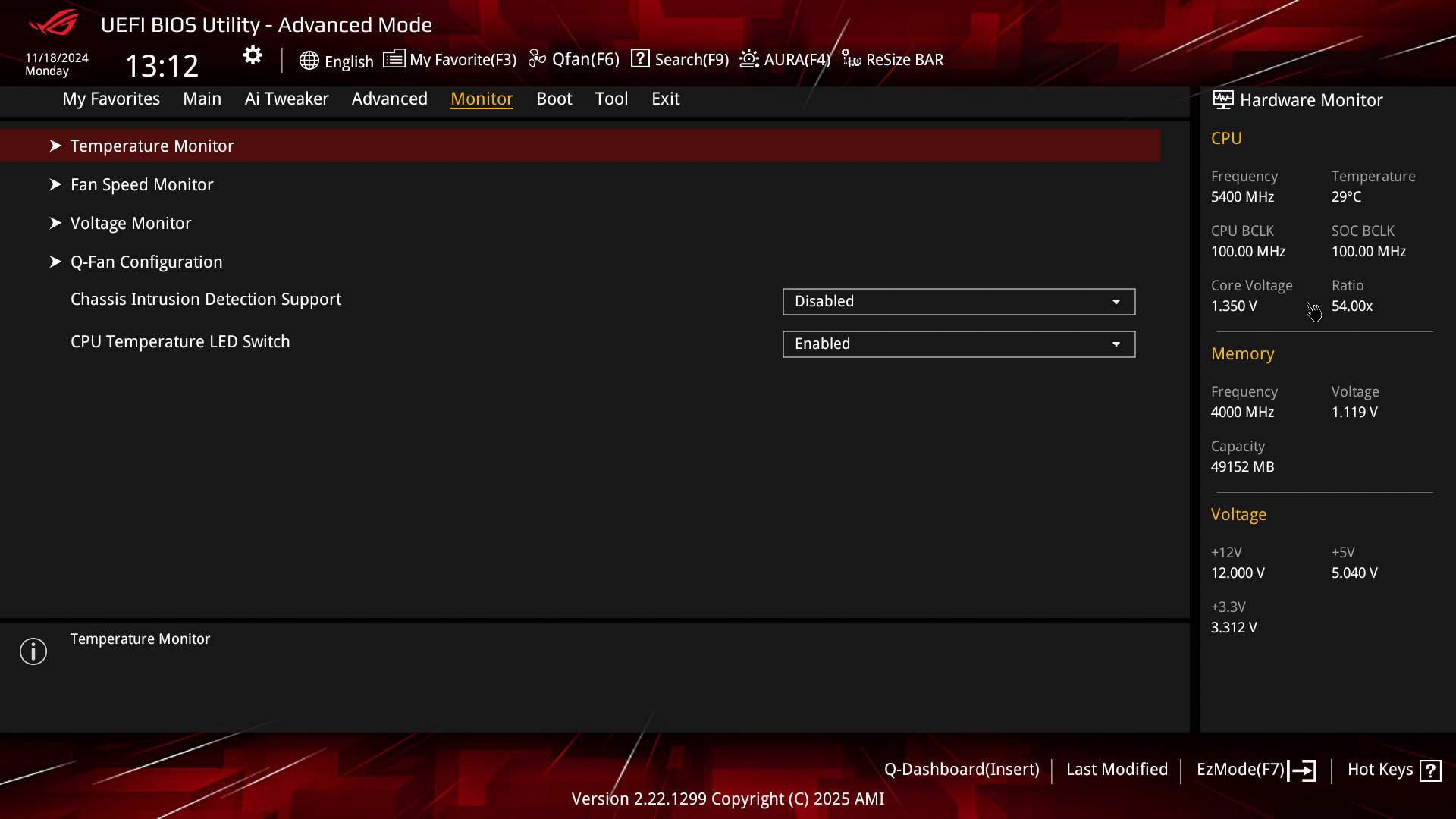
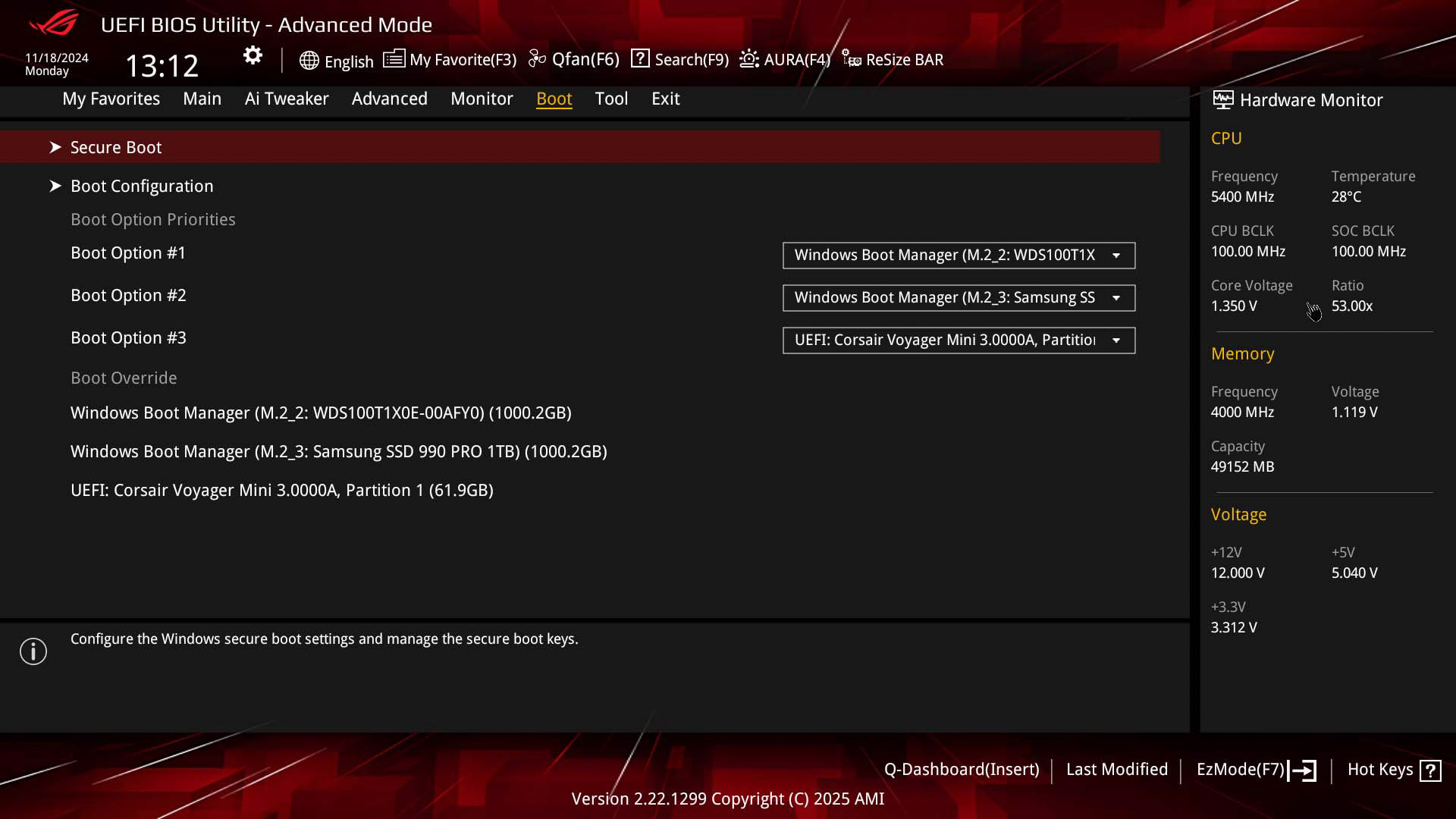
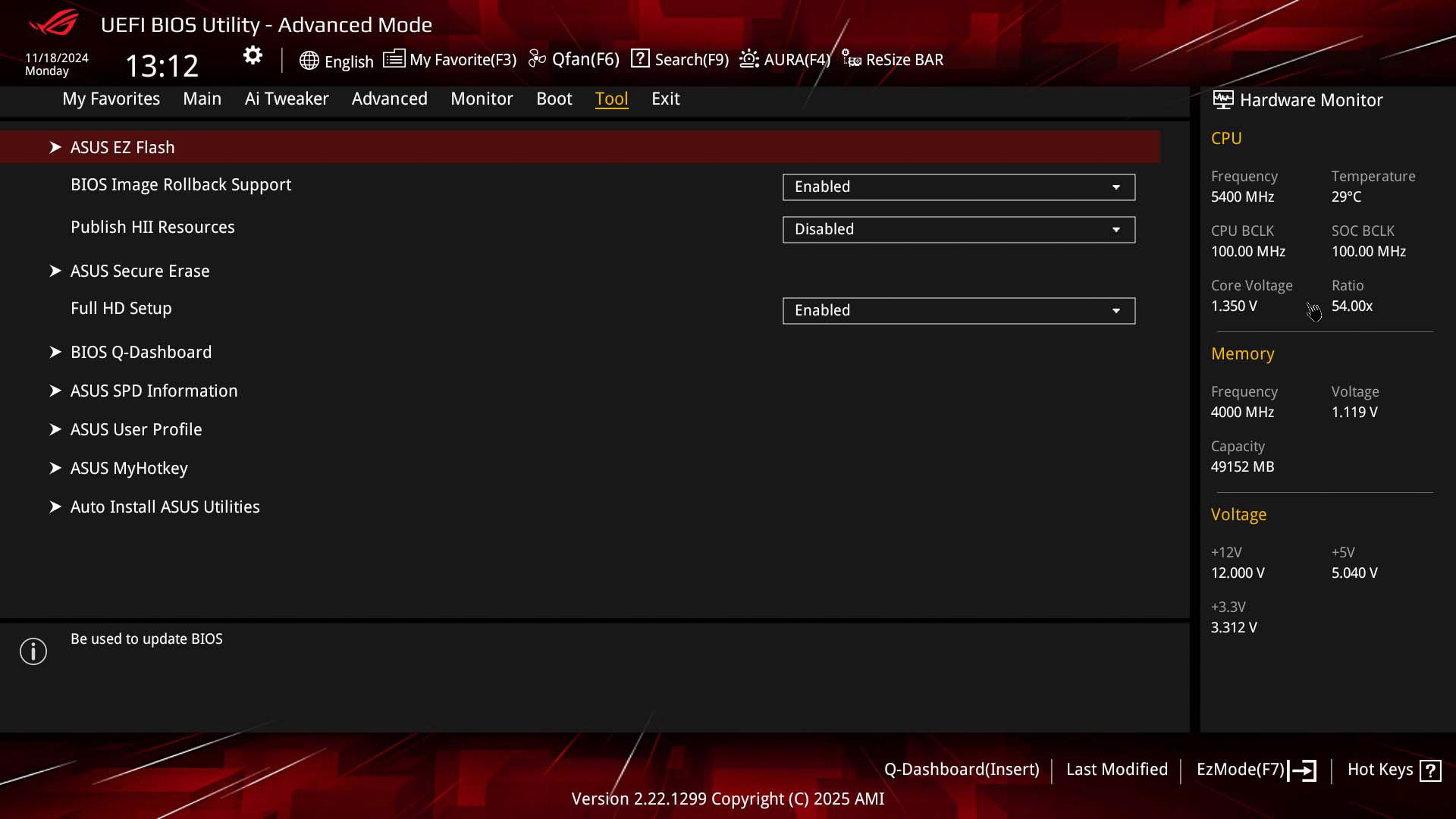
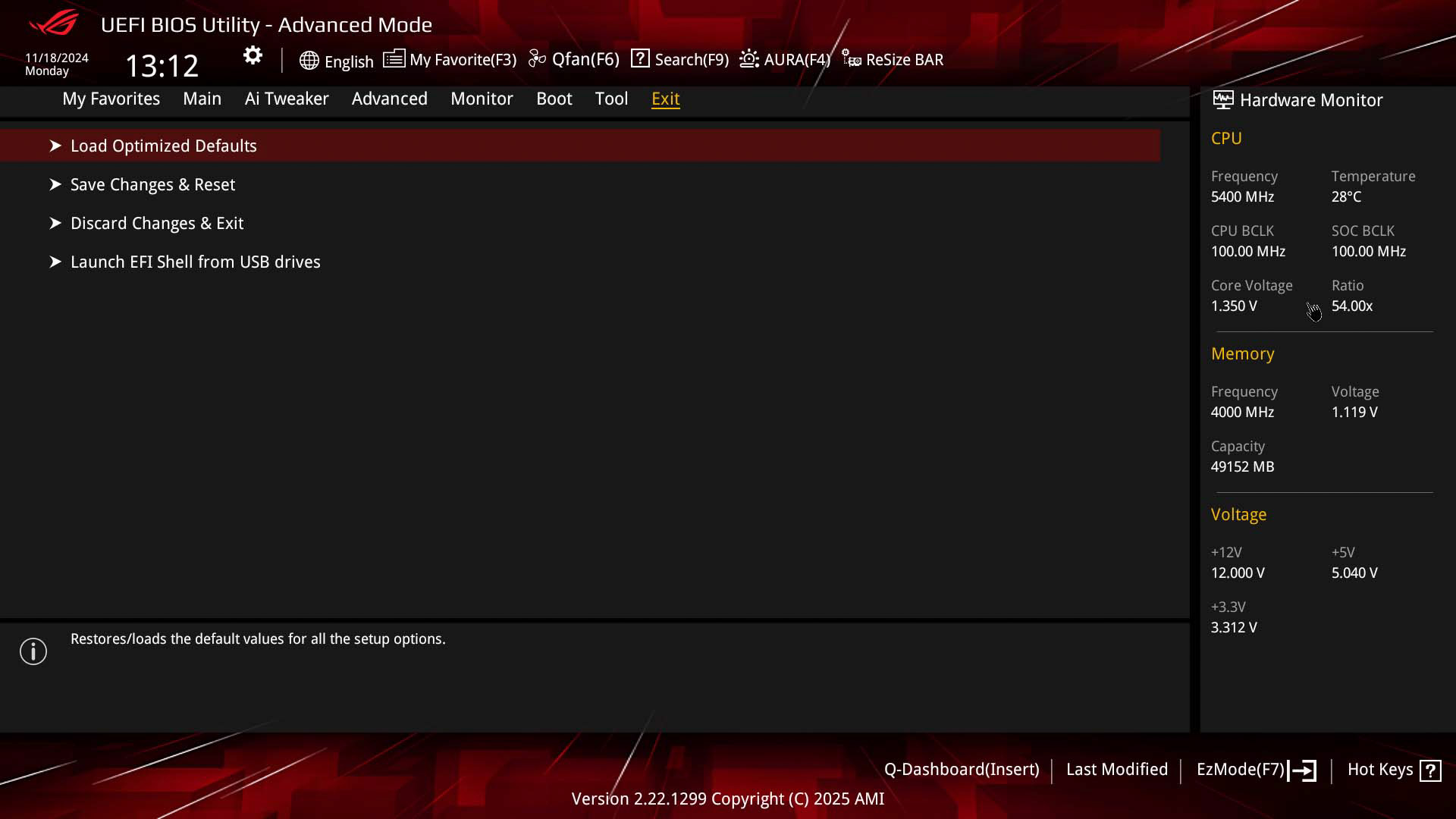
If you've used an ASUS EFI before, this will feel very familiar, although if you haven't for a few generations then there may well be a few new features too. The EZ Mode page gives you the ability to set the memory profile and adjust boot order, which is the extent of what many visitors need and if that's you as well, you don't have to delve any deeper into the menus. You also get quick links to fan control, Q-Dashboard and the search function.Q-Dashboard is handy for all users as it gives you a live view of connected hardware, plus clicking on those items then takes you to that item's configuration page, which is very handy. If that fails then there's also a search function that will work with the majority of settings, and you can configure that setting within the search page too. For regular visitors, there's a favorites page and user profiles too, which are customizable.
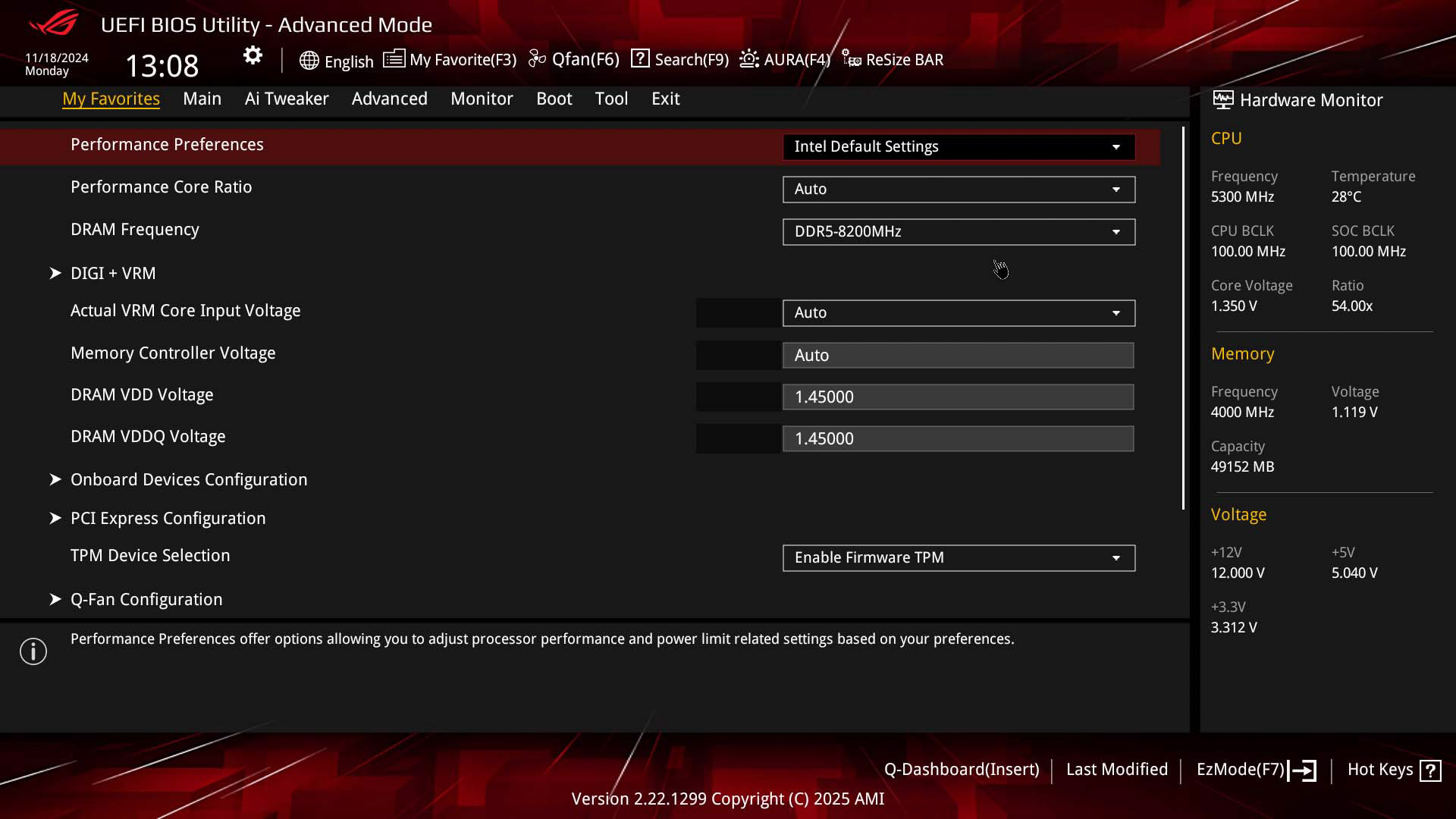
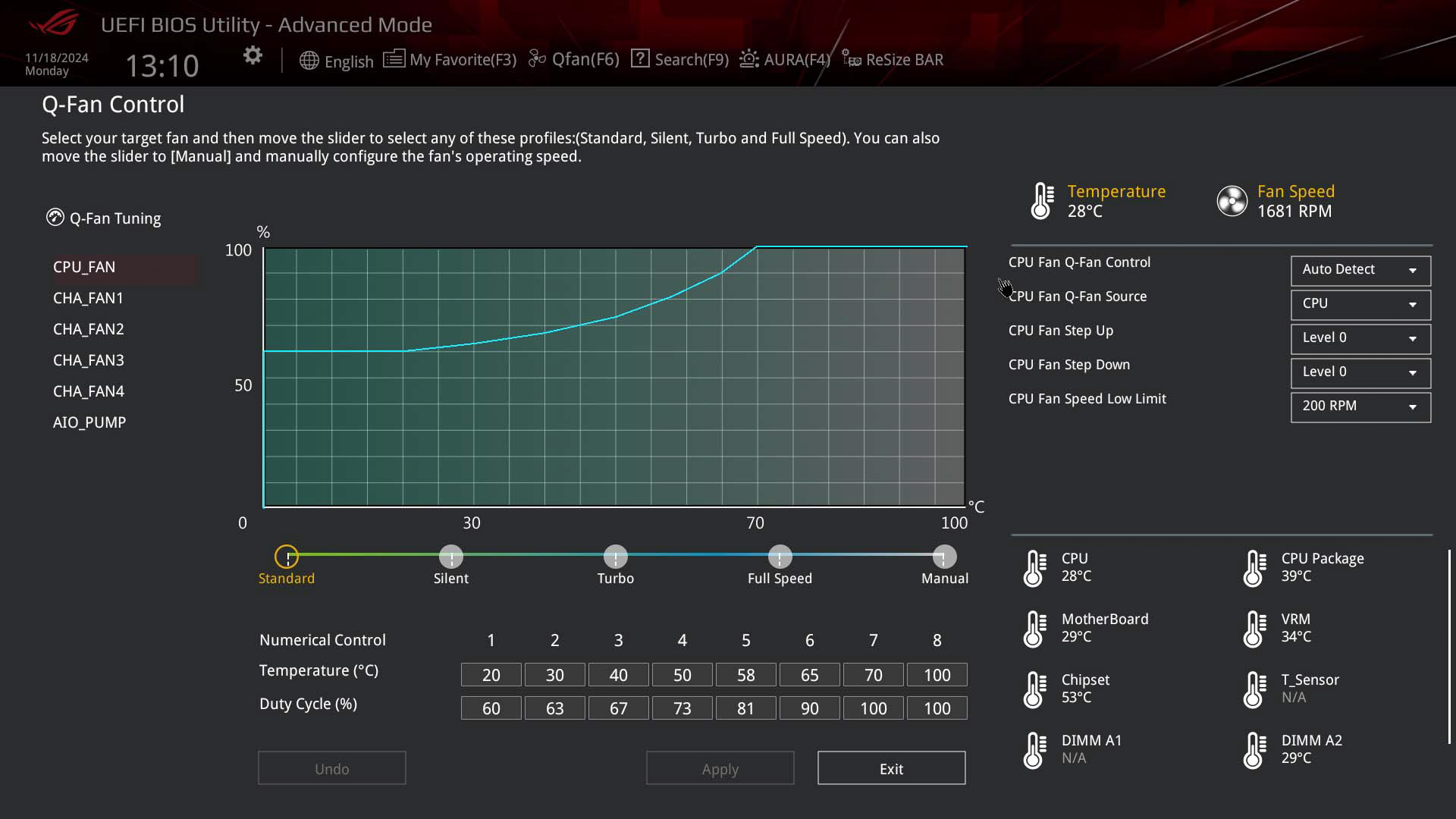
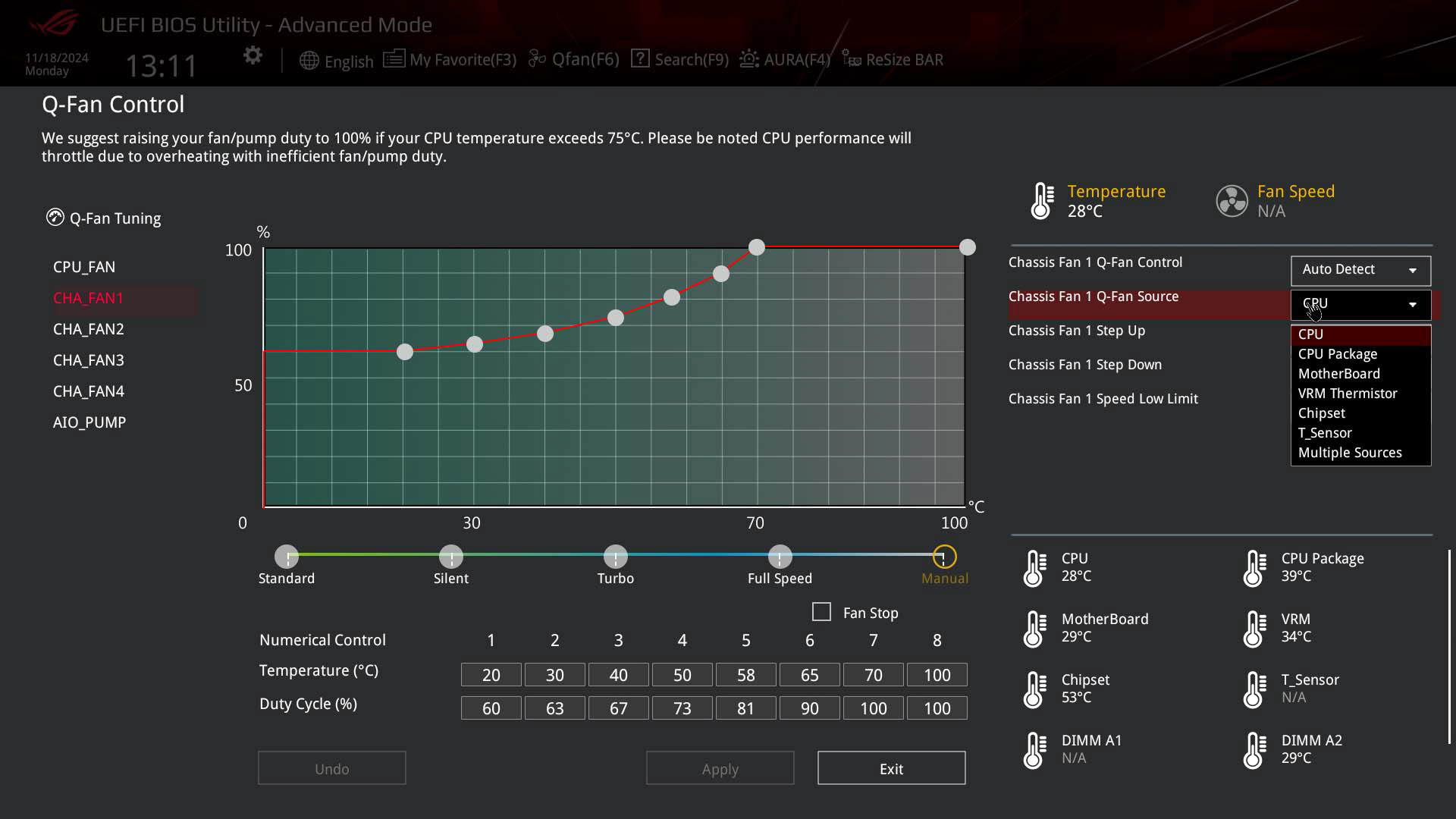
Q-Fan control is where you can control fan speeds, but there's a lot more on offer apart from tweaking fan curves. You can alter the temperature input, including to the 2-pin thermistor header, adjust the step-up and step-down times and also switch between PWM and voltage control. As we've said in other ASUS reviews, we'd like to see the ability to add and remove fan curve adjustment points, which is possible on the competition's boards. Being a B860 board and lacking an unlocked multiplier, the overclocking or Ai Tweaker section is very limited compared to Z890 models and there's also no option to enable Intel 200S Boost mode.
Nov 18th, 2026 23:04 PST
change timezone
Latest GPU Drivers
New Forum Posts
- Without Jensen, PC gaming will be (47)
- Time to upgrade CPU and MOBO (41)
- WarpCoreBench scores! (68)
- Honestly, do you care about GTA VI? (155)
- Very unusual two gaming-pc scenarios. (13)
- Windows HDR on = Tinted colors (4)
- TPU's Nostalgic Hardware Club (22168)
- Dual B70 or Dual R9700 Pro on Linux (7)
- Windows 11 General Discussion (7730)
- 26.11.2 Adrenalin Edition is out (0)
Popular Reviews
- Acemagic Retro X3 Review
- Ugreen NASync DXP4800 GT Review
- Upcoming Hardware Launches 2027 (Updated Nov 2026)
- AMD Zen 6 Technical Deep Dive
- Pulsar Office Tour & First Look at P1 Dual-Sensor Mouse
- Biwin Black Opal NV7400 2 TB Review
- Sapphire Radeon RX 7700 XT Pure Review
- Sapphire Radeon RX 7700 XT Pulse Review
- Chieftec Iceberg PRO 360 DARK Review
- ASUS ROG Strix B850-I Gaming Wi-Fi7 W Review
TPU on YouTube
Controversial News Posts
- NVIDIA Co-Founder and CEO Jensen Huang Officially Resigns (483)
- Report: Jensen Huang Eyes NVIDIA Comeback (196)
- Open Letter Asking NVIDIA to Reinstate Jensen Huang Passes 115,000 Signatures (184)
- OpenAI CEO Argues Home PCs Waste the World's Limited DRAM Supply (152)
- NVIDIA Launches Investigation Into Jensen Huang's Relationship With Suspected Chinese Spy (136)
- Intel "Raptor Lake Next" 16-Core and 20-Core CPUs Surface (130)
- Legendary Game Studio BioWare Shuts Down Following EA Layoffs (104)
- Dell CEO Says the Memory Shortage Will Get Worse in 2027 (95)