 6
ASUS ROG Strix Flare II Animate Keyboard Review
(6 Comments) »Introduction

Another year, another CES that happened in January—sort of, anyway. While manufacturers and the media come to terms with this new normal, products continue to be developed, and this is the time of year when I personally look to see what annual increments have been introduced in the world of keyboards. Last year brought about higher processing power microcontrollers, and these allowed for such features as increased polling rates and more dedicated onboard profiles and controls. Towards the end of the previous year, it also became evident that mainstream brands had realized the mechanical keyboard community could be better woo'd by adopting enthusiast features, such as PBT keycaps, hot-swappable switches, and even developing custom switches of various types. ASUS got on this train relatively early with modular keyboards in addition to developing its own optical and mechanical switches, so what increments has the Taiwan-based brand implemented this year?

The ROG Strix Flare review a little over three years ago was my first ASUS keyboard review, and the first on TechPowerUp, too. It was a full-size keyboard with the usual flagship gaming keyboard features for the time, including dedicated volume and media playback controls, per-key 16.8 M RGB backlighting, an aluminium frame, wrist rest, and plenty of ROG branding, including a customizable plexi insert in the top-right corner. The all-new Strix Flare II is certainly an iteration over the same formula and once again finds itself the regular flagship for the ROG keyboard lineup since the Claymore is more of a halo product showing off ASUS's creativity. But this time, there is another version that might interest you more, and the tell-tale LEDs in the top-right corner help make the Strix Flare II Animate well worth checking out—let's begin with a look at the product specifications below. Thanks to ASUS for providing TechPowerUp a review sample!
Specifications
| ASUS ROG Strix Flare II Animate Keyboard Keyboard | |
|---|---|
| Layout: | 104-key modified US ANSI layout, language support depending on your region |
| Material: | ABS plastic case, PBT plastic keycaps, aluminium plate, and foam sheet |
| Macro Support: | Yes |
| Dimensions (incl. wrist rest): | 165 (L) x 435 (W) x 38 (H) mm |
| Weight: | 1.16 kg / 2.55 lbs. |
| Wrist Rest: | Yes, included |
| Anti-ghosting: | Full N-Key rollover USB |
| Media Keys: | Dedicated volume and media playback controls |
| Cable Length: | 6.6 ft / 2 m |
| Software: | Yes |
| Switch Type: | Choice of different Cherry MX and ROG NX mechanical RGB switches |
| Backlighting: | Yes, 16.8 M per-key RGB lighting |
| Interface: | USB |
| Warranty: | One year |
Packaging and Accessories


I can get behind this increasingly adopted trend of keyboard packaging that is subtle on the front and back with more distinguishing accents on the sides. ASUS's ROG brand has gone with black and red colors, which we have here in the form of a large black box that has the ASUS ROG logo, product name, list of salient marketing features, and large render of the keyboard all lit up. This continues on the back with another render also showing the various components on the Strix Flare II Animate, more information about the ROG NX switches, product specifications, and ASUS contact information. Other languages get their due on the sides, which is also where two seals keep the contents inside in place on their way to you. Open either seal and the side flap to access the inner box.
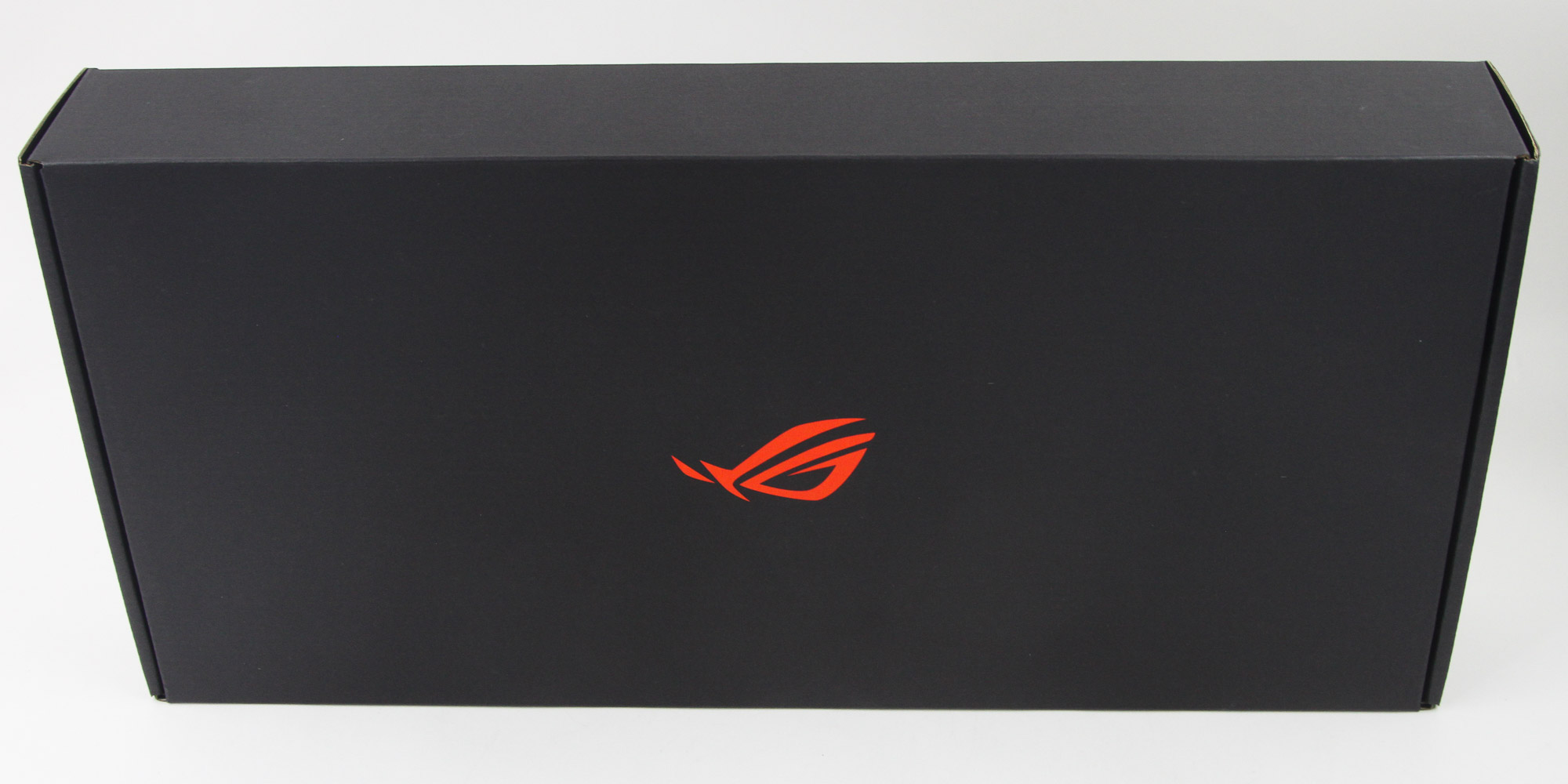

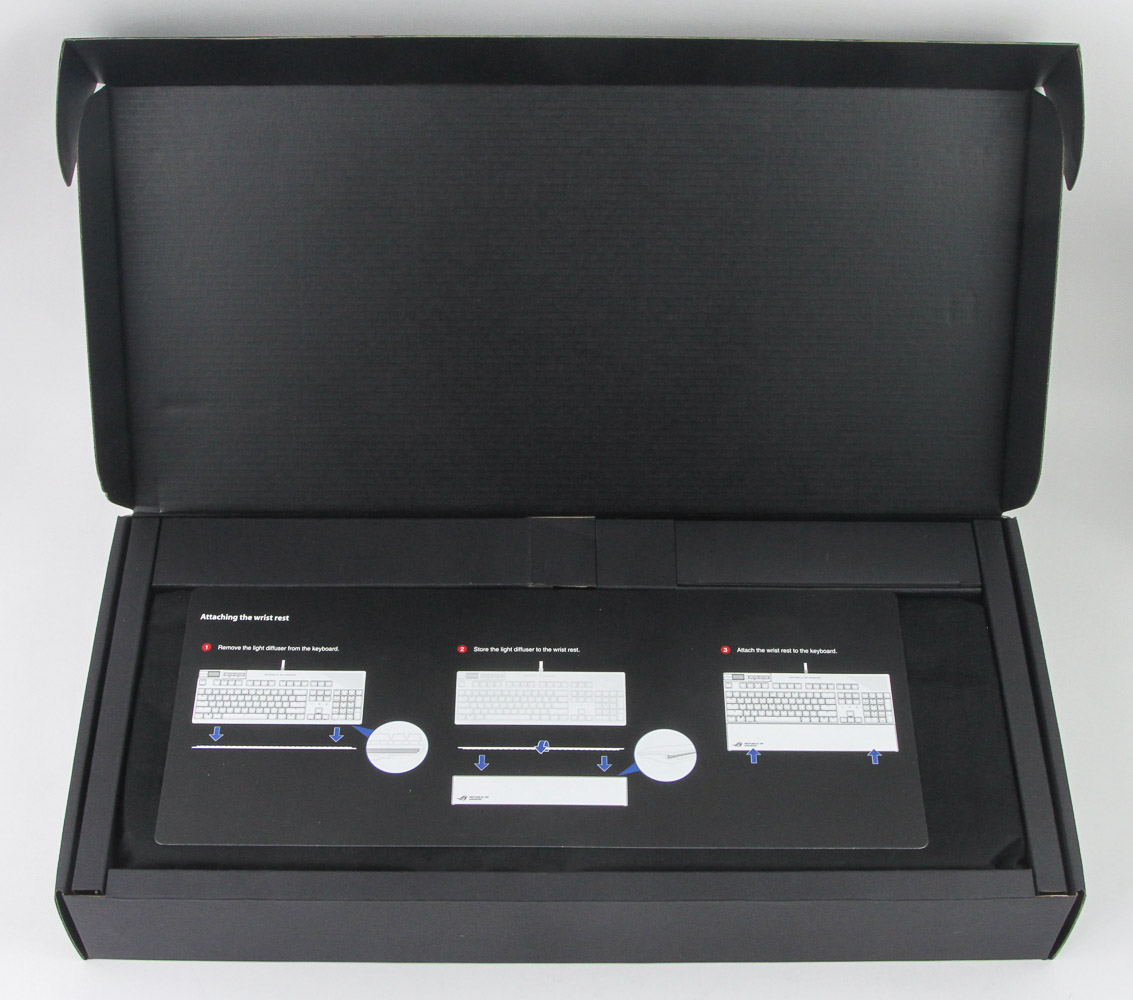

The inner box is also made out of cardboard, but has a simpler design with a mostly black color scheme. The ROG logo in a radiant red greets us on the front, and another side flap keeps it closed. Opening the box, we see an instruction guide about how best to use the included wrist rest, which is handy since it's not as trivial as you might think. The keyboard comes inside a soft fabric cover, again ROG-branded. The various accessories which come with the Strix Flare II Animate can be found either below the keyboard or separately packed in a cardboard compartment to the top.
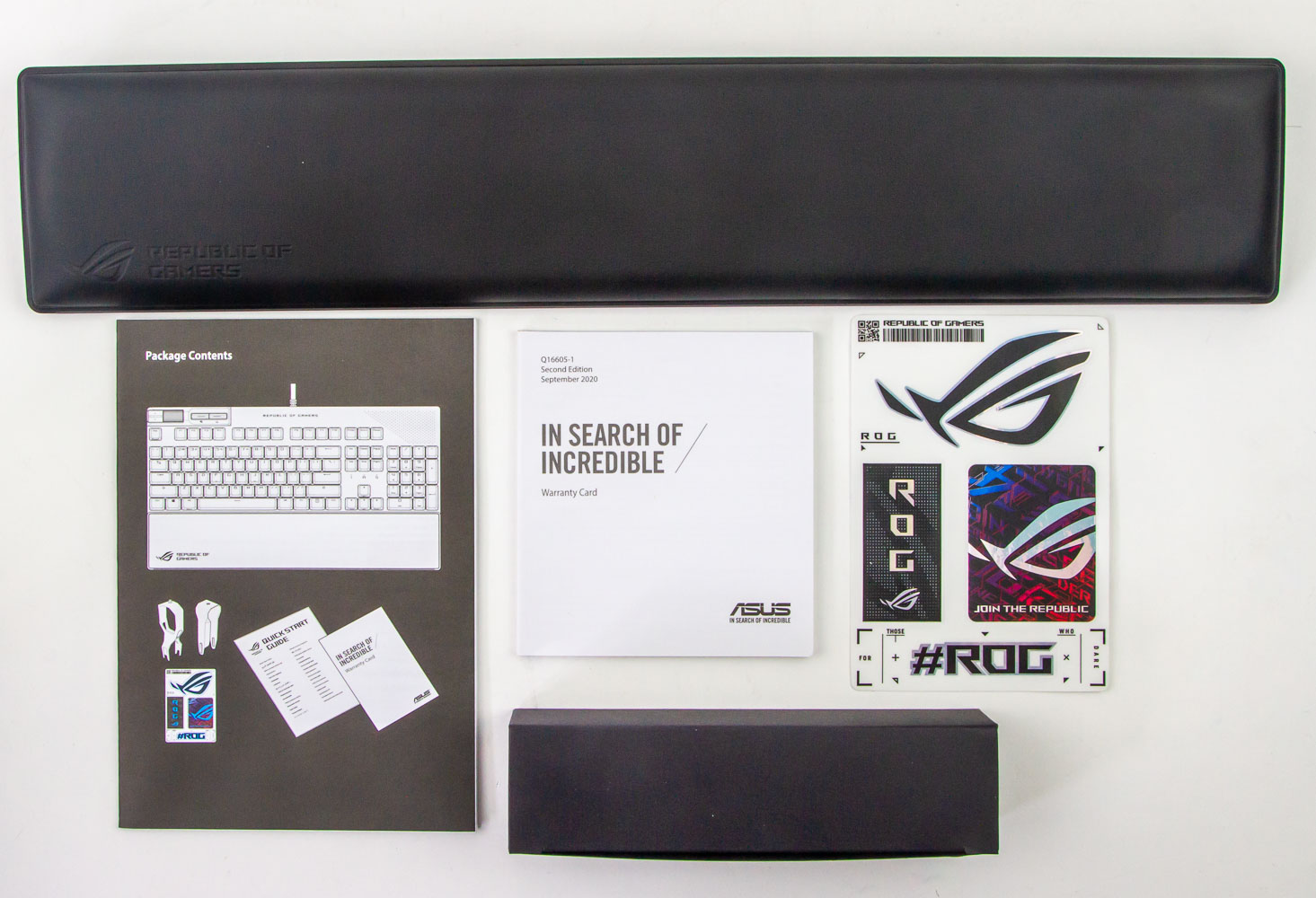
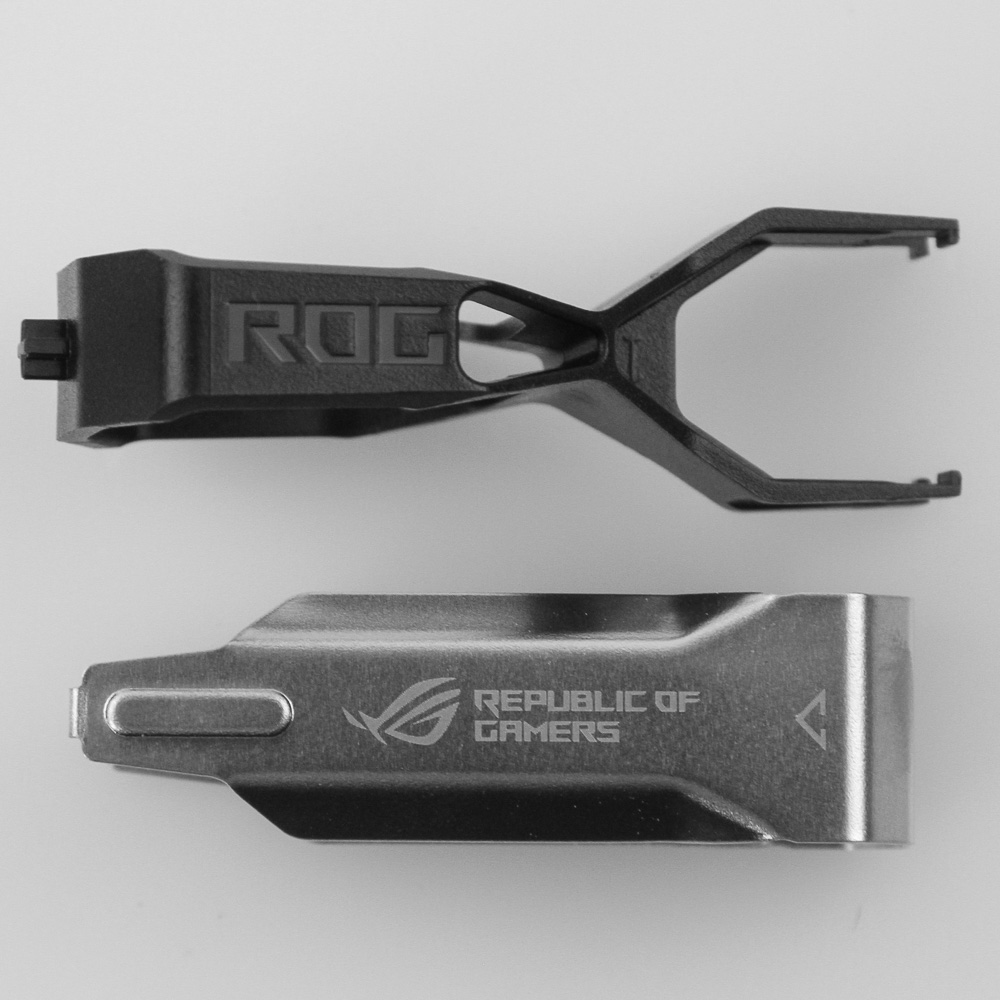
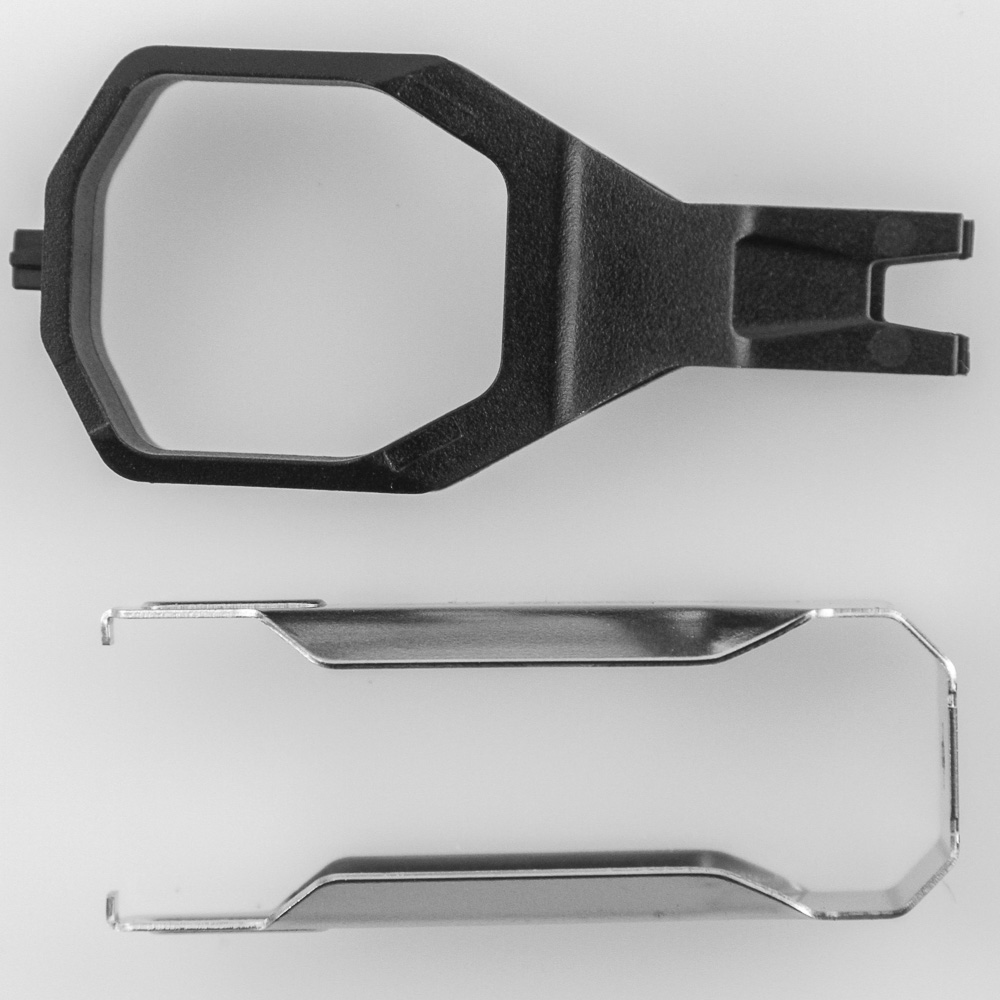
ASUS packs in a wrist rest, which will be examined shortly, in addition to some ROG stickers, a warranty card, and pamphlet going over the contents you already know anyway. It also briefly summarizes the functionality of this keyboard, although it's not going to replace a full-fledged user manual by any means. At the time of writing, there is no available user manual on the ASUS website either, although I imagine it will show up eventually here. More relevant is that smaller cardboard box in foam cutouts; it contains a ROG-branded plastic keycap puller as well as a switch remover. Both of these are based on simpler designs, but given a ROG twist that somewhat makes these easier to use, though I still prefer a metal wire keycap puller instead to minimize the potential of scratching the sides of keycaps.
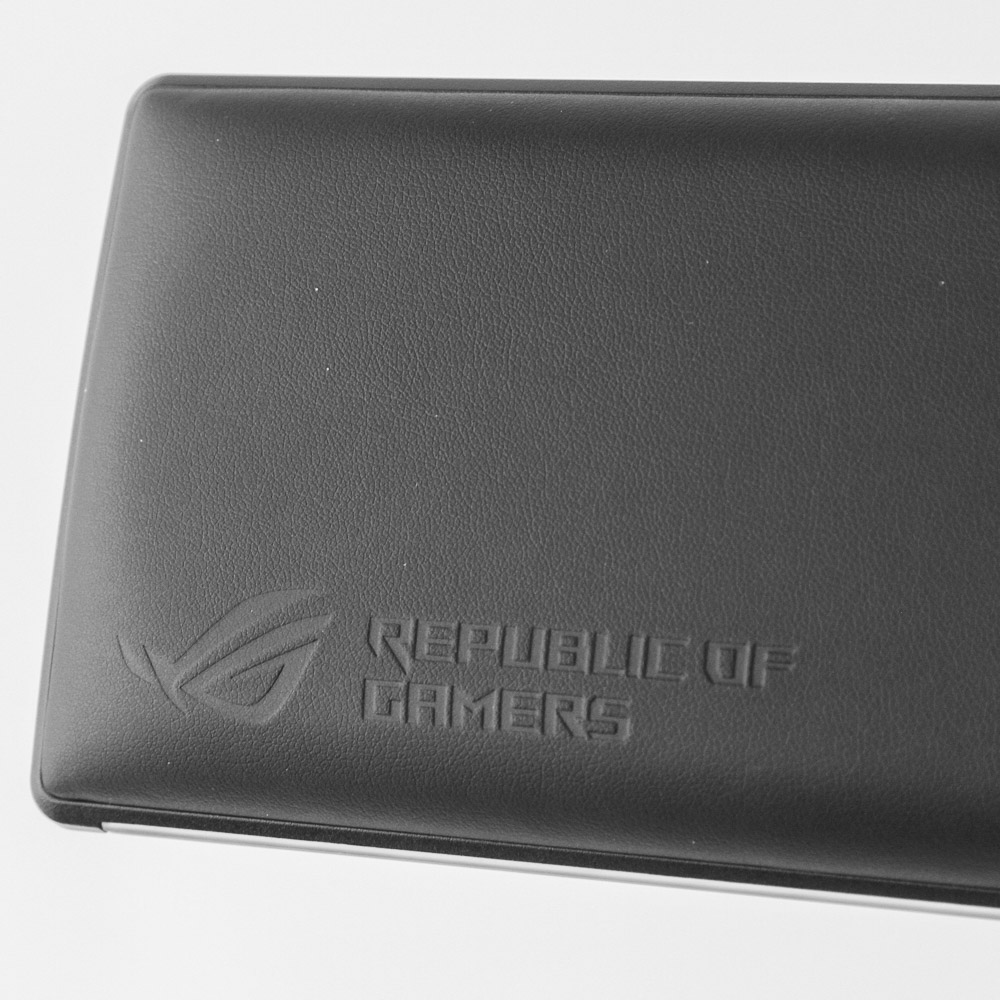
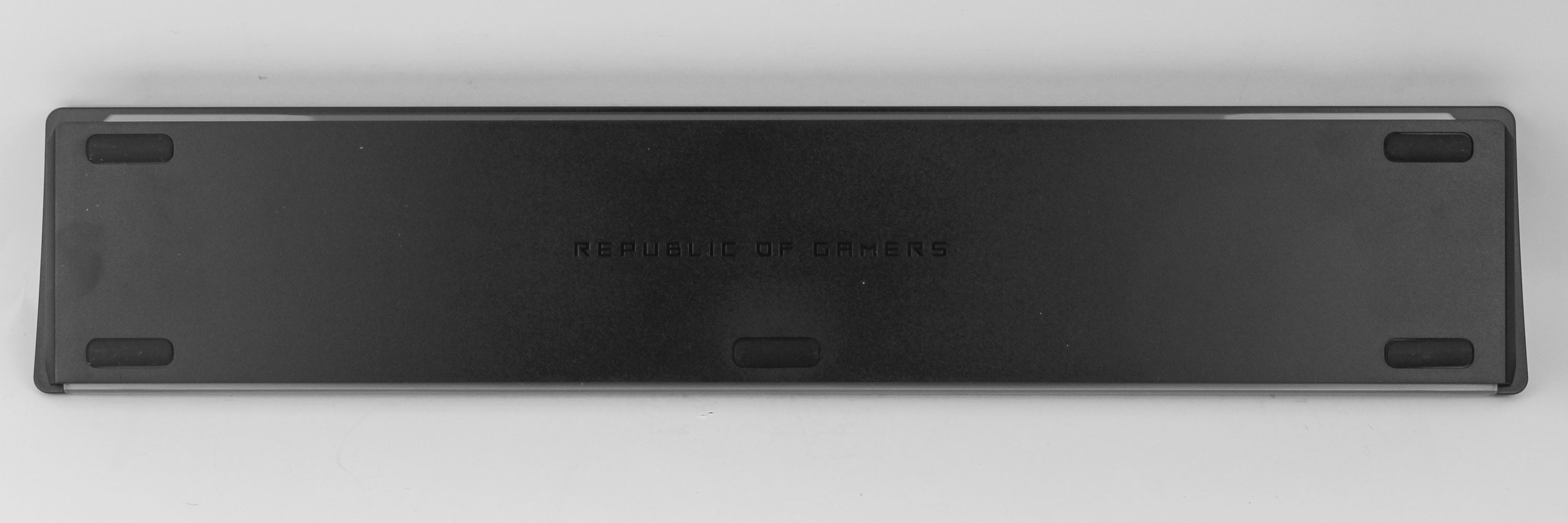
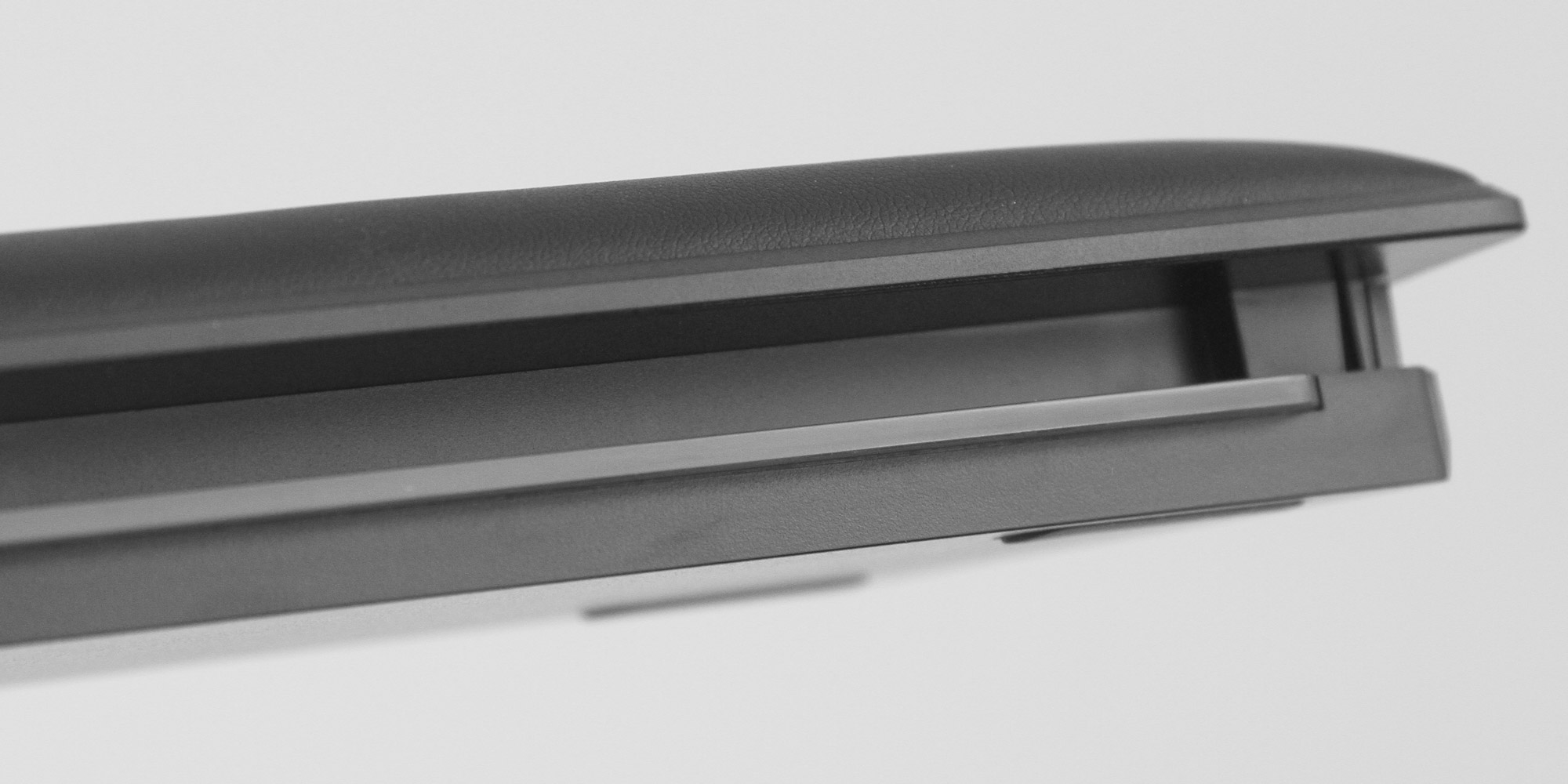
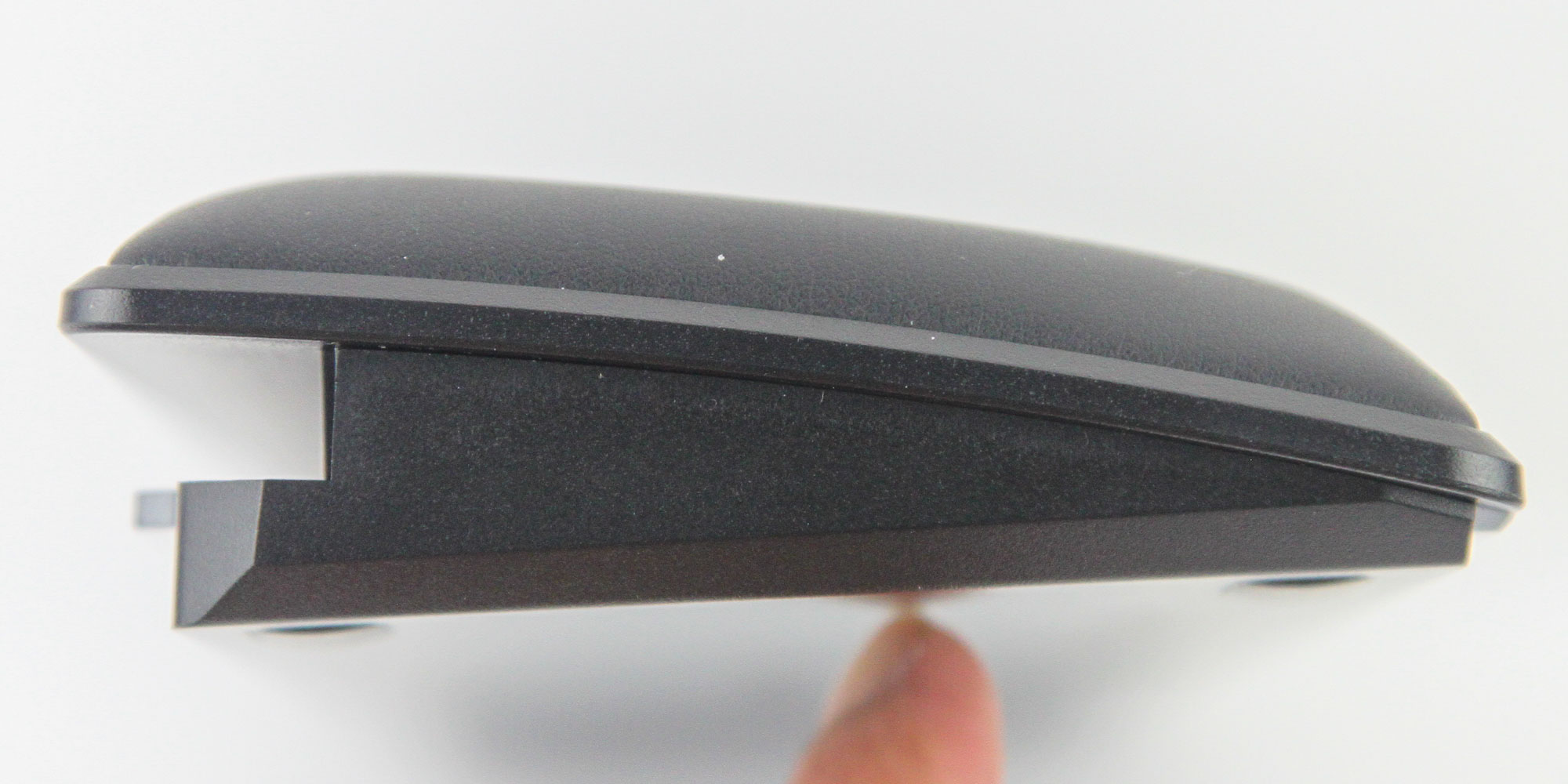
At first glance, the wrist rest is nothing unique from most others in this price range. It adopts a faux leather exterior with ROG branding subtly placed on the bottom left of the top and has soft foam lining inside to support your wrists and palms should you need it. Magnets on the surface will meet up with the keyboard, and we see plenty of rubber pads on the bottom to add friction against the resting surface. A closer look reveals the built-in elevation profile of the wrist rest, and a cutout on the mating surface with an integrated plastic diffuser. This is no doubt tied to the instruction note from earlier and works in conjunction with the lighting options on the keyboard.
Our Patreon Silver Supporters can read articles in single-page format.
Nov 17th, 2026 18:57 CST
change timezone
Latest GPU Drivers
New Forum Posts
- Will zen 6 mobos have anything extra vs current ones? (48)
- Honestly, do you care about GTA VI? (134)
- [testers wanted] Qsurfer My own QNAP Nas explorer/Search tool (7)
- Local LLM General Discussion (693)
- ProArt X870E-CREATOR WIFI - Bifurcation~Complication (14)
- Asus ProArt P14 (RTX Spark) linux so far (4)
- Without Jensen, PC gaming will be (34)
- 9070 GRE 3.9ghz validation reached. (18)
- Help with fixing Overclock (7)
- [Poll] 12V-2x6 Connector Protection: What Are You Using? (WireView / Ampinel / Equalizer / Other / Nothing) (27)
Popular Reviews
- Acemagic Retro X3 Review
- Upcoming Hardware Launches 2027 (Updated Nov 2026)
- AMD Zen 6 Technical Deep Dive
- ASUS ROG Strix B850-I Gaming Wi-Fi7 W Review
- Corsair HX1000i Shift Crystal Review
- Chieftec Iceberg PRO 360 DARK Review
- AMD Ryzen 7 9800X3D Review - The Best Gaming Processor
- Phantom Blade Zero Performance Benchmark Review - 35 GPUs Tested
- Montech King 95 3D PRO Review
- NZXT C1200 Platinum Review
TPU on YouTube
Controversial News Posts
- NVIDIA Co-Founder and CEO Jensen Huang Officially Resigns (461)
- Open Letter Asking NVIDIA to Reinstate Jensen Huang Passes 115,000 Signatures (184)
- OpenAI CEO Argues Home PCs Waste the World's Limited DRAM Supply (152)
- Report: Jensen Huang Eyes NVIDIA Comeback (137)
- NVIDIA Launches Investigation Into Jensen Huang's Relationship With Suspected Chinese Spy (136)
- Intel "Raptor Lake Next" 16-Core and 20-Core CPUs Surface (130)
- Legendary Game Studio BioWare Shuts Down Following EA Layoffs (104)
- Dell CEO Says the Memory Shortage Will Get Worse in 2027 (95)