 47
ASUS ROG Strix SCAR 18 G835 (2025) Review - Incredible Gaming Laptop
(47 Comments) »Introduction

The classic 17.3-inch form factor has been largely replaced by the new 18-inch gaming beasts. Their 16:10 aspect ratio adds a significant amount of usable vertical workspace, which is fantastic for browsing, document editing, and coding. In most cases—because of the taller screen—the chassis is bigger and bulkier compared to a classic 17.3-incher. This has its benefits - the main body can fit more competent cooling, larger batteries, and more upgrade options.
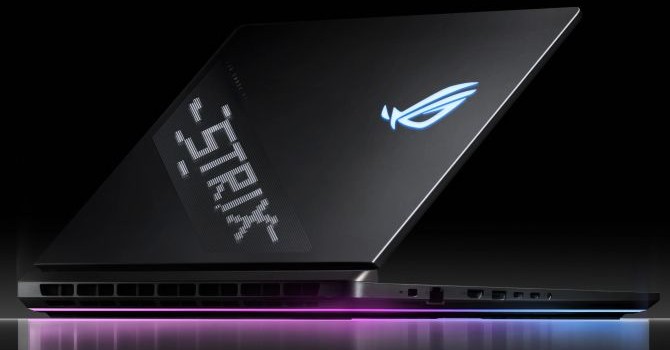
Today, we are about to explore the quirks and features of a sizable and eye-candy laptop. It's called the ASUS ROG Strix SCAR 18 (2025) G835, and yes, it's loaded with tons of extras from head to toe.
There is just one CPU model for this ASUS series, and that's the Intel Core Ultra 9 275HX. So, 8 P-cores, 16 E-cores, no HT, and 36 MB of L3 cache. The base GPU option is the 12 GB NVIDIA GeForce RTX 5070 Ti. It has a 140 W TGP in a 115 W + 25 W Dynamic Boost configuration. The big boys (ergo, RTX 5080 and 5090) come with a 175 W (150 W + 25 W) power limit - standard for a high-end machine built to handle such serious heat dissipation. Unlike the CPU, a display upgrade option is available, ASUS has named it ROG Nebula HDR Display. For starters, its name already reveals the Dolby Vision HDR support. It's a 2560×1600 unit, so no 4K+ (2400p) options here. However, the 2.5K Mini LED model is simply lovely, thanks to the G-Sync capabilities, 240 Hz refresh rate, and almost OLED-like vivid colors. The max brightness goes beyond the 1000 nit mark, even in SDR mode, which is impressive and can be a dream come true for people who work in bright environments.
Upgradability is simplified because there are zero screws holding the bottom panel on. I was able to remove the plate in just 5 seconds. The SSDs are also screw-free; you just turn two latches to unplug them. No screwdrivers, no pry tools, no risk to scratch the chassis or circuit board! Inside, there's an internal compartment cover that protects the motherboard and strengthens the whole build.
The cooling is perhaps the main event. It uses a sizable multi-layer vapor chamber designed to match the motherboard shape precisely for the best possible contact with the CPU and GPU, which also have liquid metal on top. The rear of the thermal system is sandwiched between two large copper heat sinks to boost the cooling capabilities without making the unit overly large.
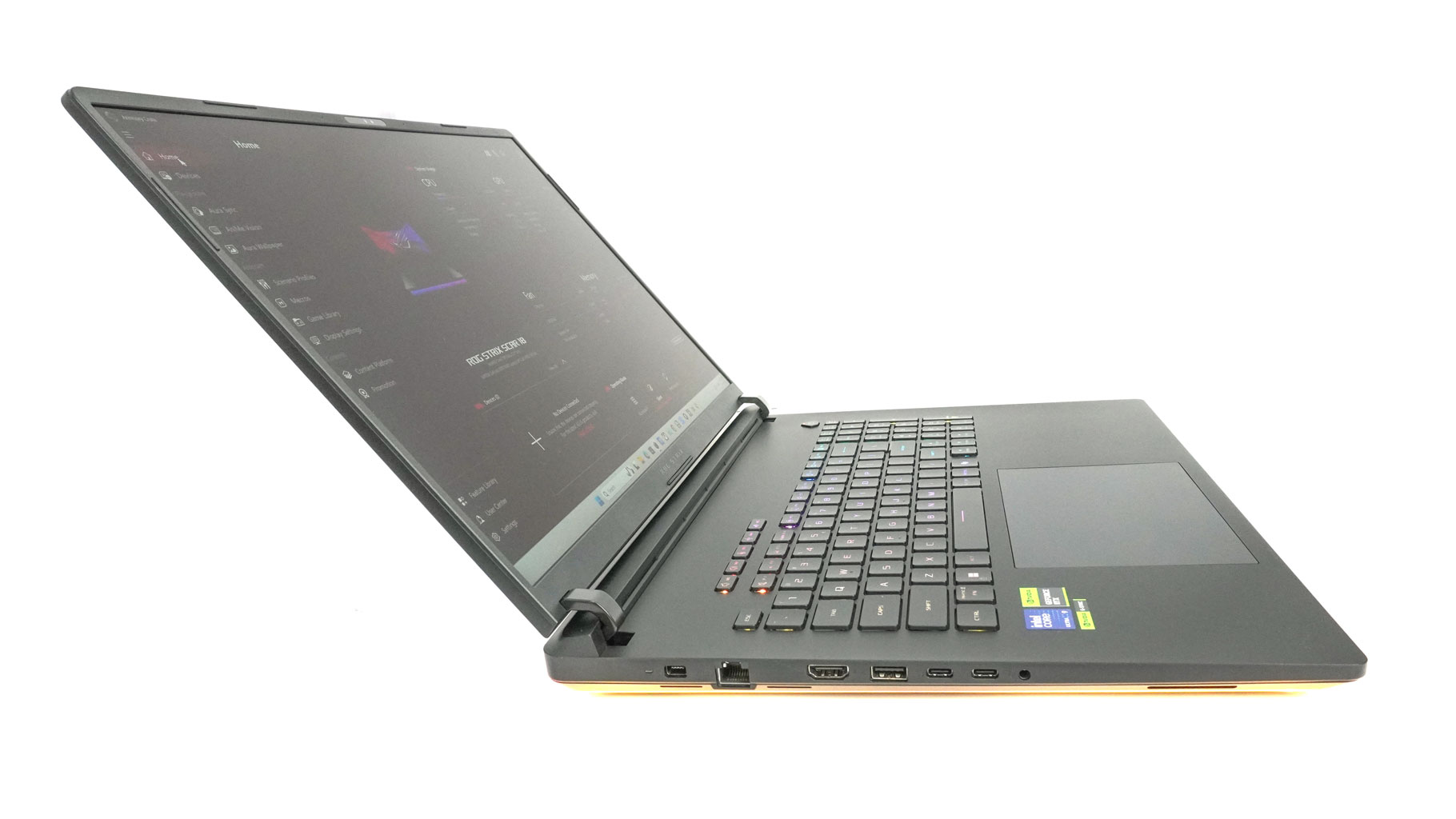
The port selection is great. You get five connectors in total, two of which are full-function Thunderbolt 5 ports. The Type-As are rated at 10 Gbps, which is nice to see.
Since the chassis offers so much space, it houses a full-sized keyboard with a NumPad and an extra set of five programmable keys. The keyboard is excellent for gaming, but more on that later. The touchpad is huge, which is perfect for working when you don't have an external mouse around you.
The expectations for this device are really high because of the innovative cooling design, the high-end hardware, and the great input devices. Let's see if all these features pair well together in the next few pages.
Specifications
| Specifications | |
|---|---|
| Manufacturer: | ASUS |
| Model: | ASUS ROG Strix SCAR 18 G835 (2025) |
| Weight: | 3.30 kg |
| Processor: | Intel Core Ultra 9 275HX/Arrow Lake-HX 8 P-Cores + 16 E-cores/24 threads up to 5.4 GHz, 36 MB cache 55 W Base Power |
| Chipset: | Intel HM870 |
| Default Display: | 18.0"/2560×1600 (16:10)/IPS/240 Hz ~500 nits/100% DCI-P3/G-SYNC/Dolby Vision |
| Optional Display: | 18.0"/2560×1600 (16:10)/Mini LED/240 Hz ~1000 nits/100% DCI-P3/G-SYNC/Dolby Vision/HDR |
| Operating System: | Microsoft Windows 11 Pro |
| Integrated Graphics: | Intel Arc Graphics (64 EU) |
| Dedicated Graphics: | NVIDIA GeForce RTX 5070 Ti (mobile): 12 GB GDDR7, 192 Bit, 2000 MHz effective clock 5888 CUDA Cores 184 TMUs 64 ROPs 46 RT Cores 184 Tensor Cores L1: 5.8 MB, L2: 48 MB Up to 140 W TGP NVIDIA GeForce RTX 5080 (mobile): 16 GB GDDR7, 256 Bit, 1750 MHz effective clock 8192 CUDA Cores 256 TMUs 96 ROPs 64 RT Cores 256 Tensor Cores L1: 8 MB, L2: 64 MB Up to 175 W TGP NVIDIA GeForce RTX 5090 (mobile): 24 GB GDDR7, 256 Bit, 1750 MHz effective clock 10496 CUDA Cores 328 TMUs 112 ROPs 82 RT Cores 328 Tensor Cores L1: 10.3 MB, L2: 64 MB Up to 175 W TGP |
| Memory: | 2× SO-DIMM RAM slots Up to 64 GB of DDR5 at 5600 MT/s |
| Storage: | 2× M.2 2280 PCI Express 5.0 x4-ready |
| Optical Drive: | None |
| Connectivity: | 3× 10 Gbps USB Type-A/3.2 Gen. 2 2× Thunderbolt 5 with DP, PD, G-SYNC, data speed up to 120 Gbps 1× HDMI 2.1 FRL Audio combo jack 2.5G LAN DC-in |
| Communications: | Wi-Fi 7 + Bluetooth 5.4 1080p IR webcam |
| Audio: | 2× speakers, 2× tweeters with Dolby Atmos and Smart Amp Technology |
| Input device: | Glass multitouch touchpad Per-key RGB or 4-zone RGB Keyboard |
| Power: | 1× 380 W AC adapter 90 Wh battery |
| Warranty: | Two years |
| MSRP: | Starting at $2700 |
Packaging
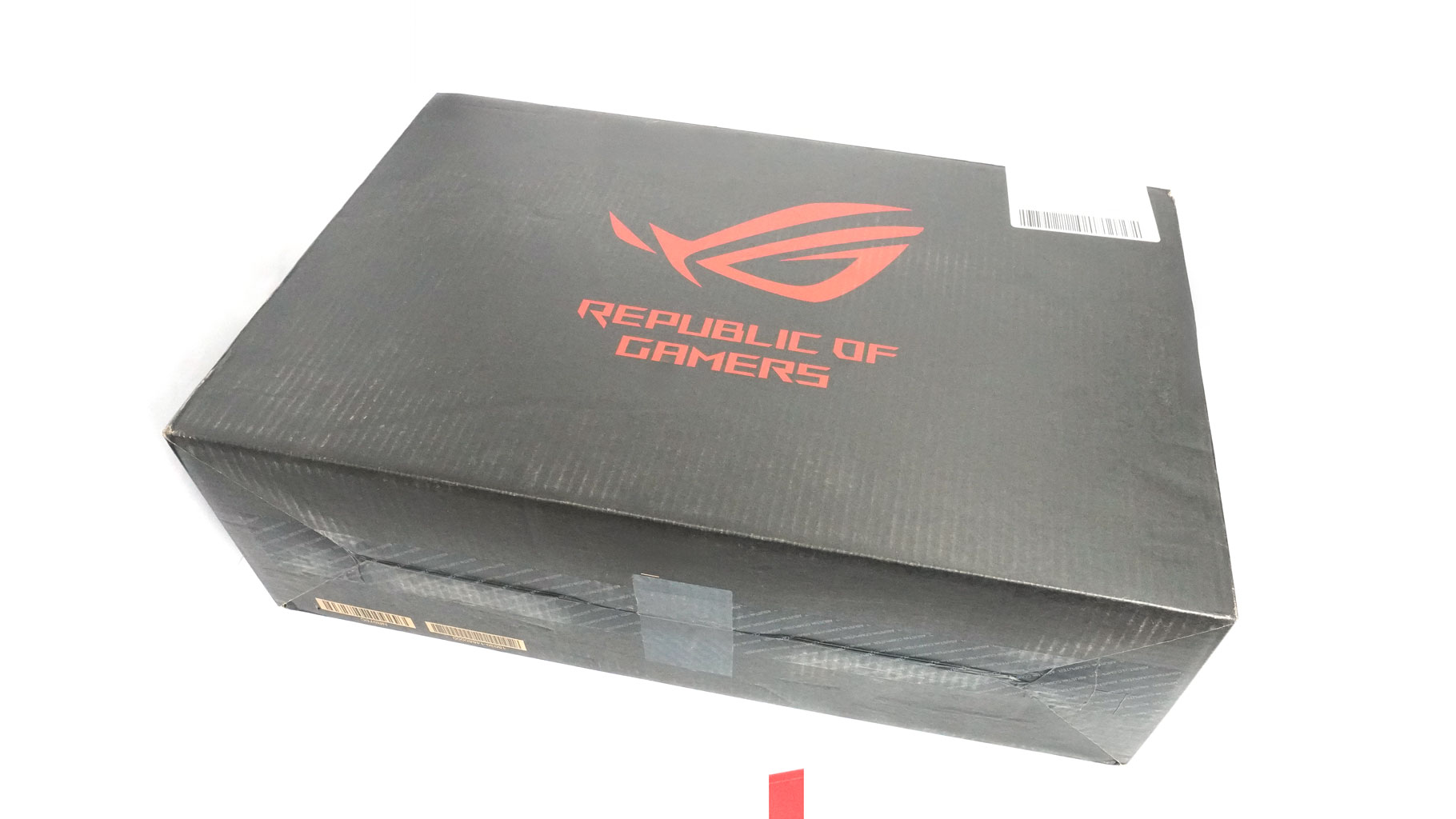

This ASUS machine ships in a huge box. The G835 itself is placed inside a secondary cardboard box, which provides extra protection for this expensive piece of hardware.
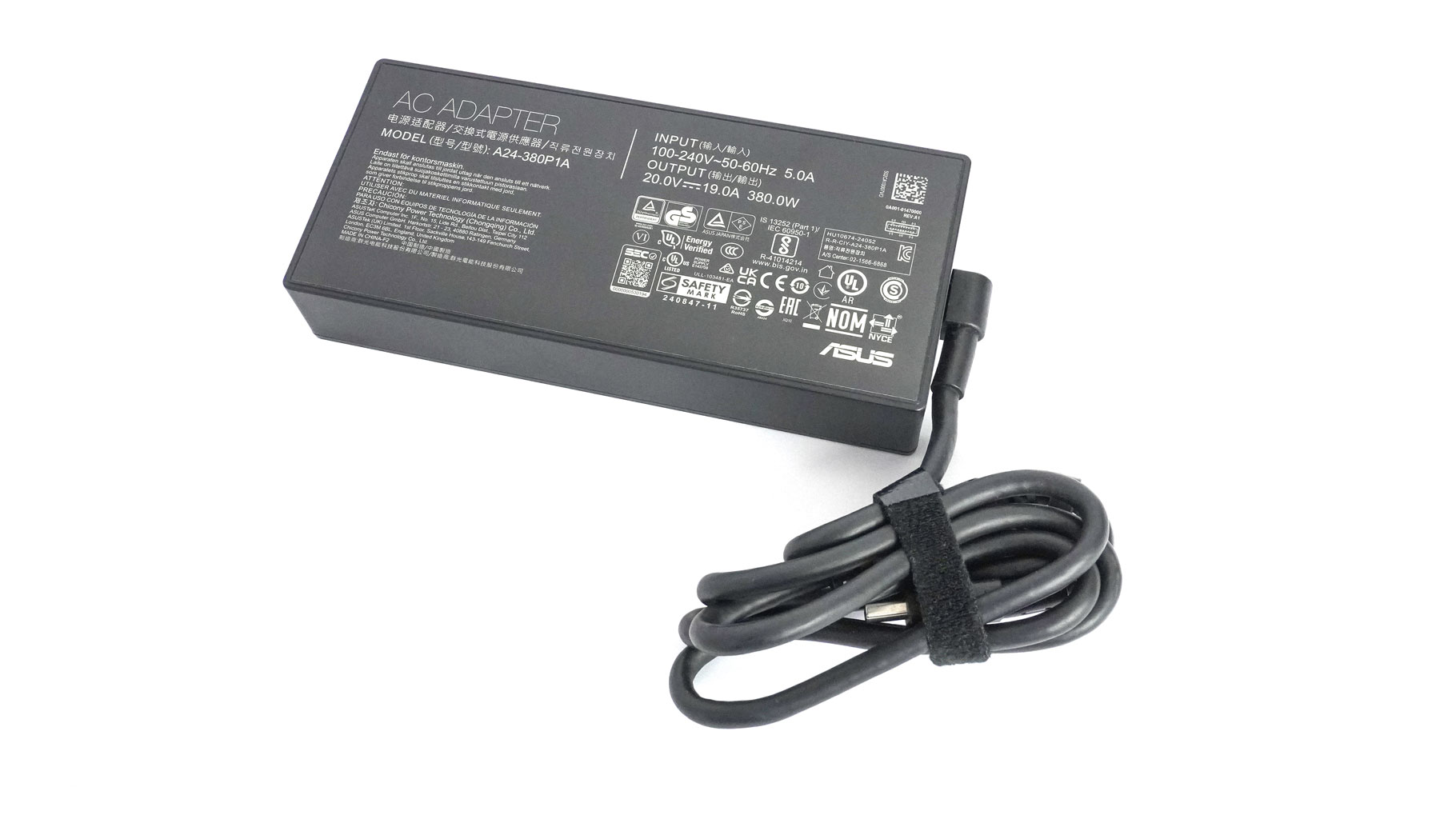
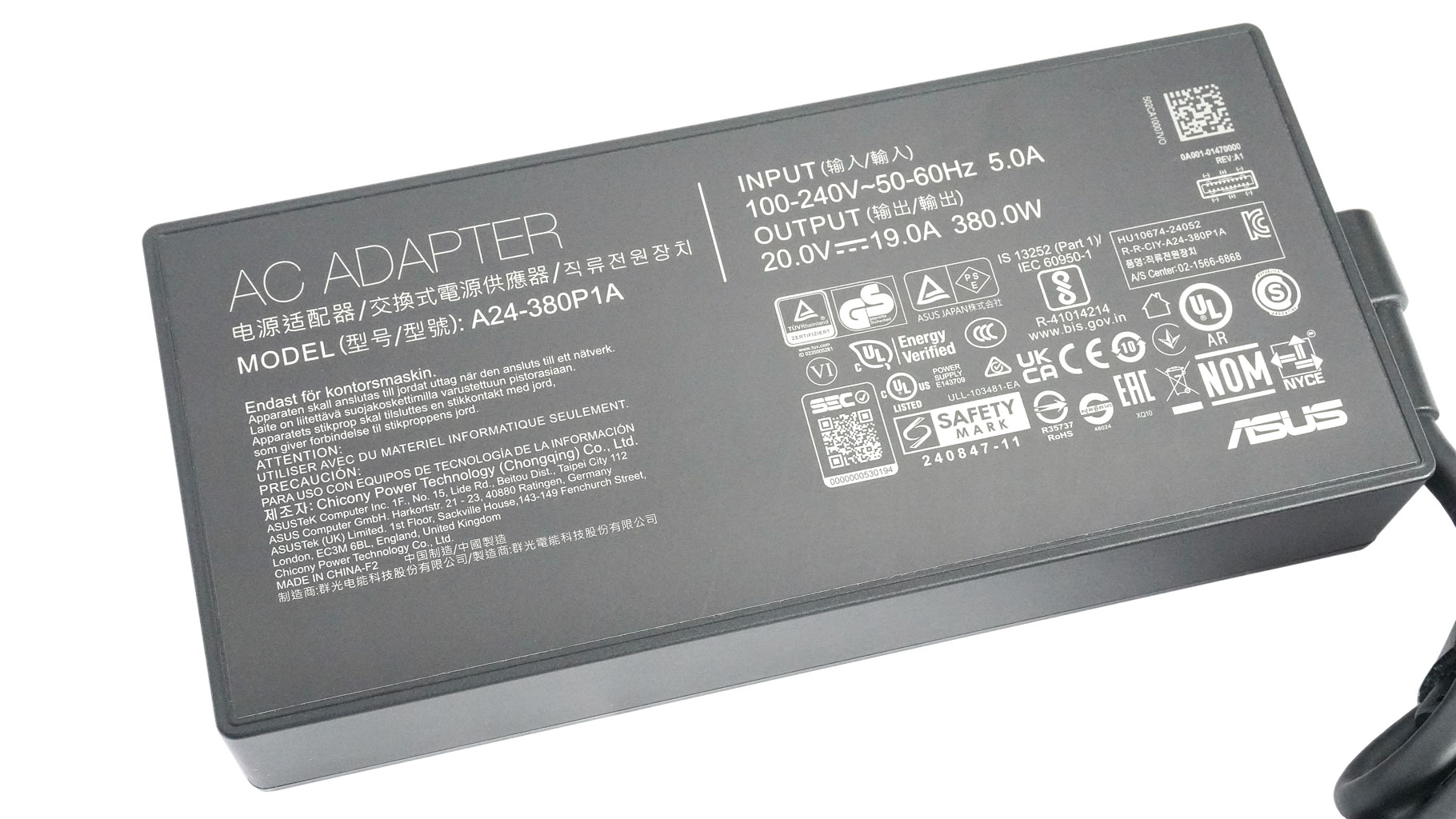
The adapter is a large 380 W model. It weighs whopping 820 grams.

The ROG logo is on the bottom side if the charger.
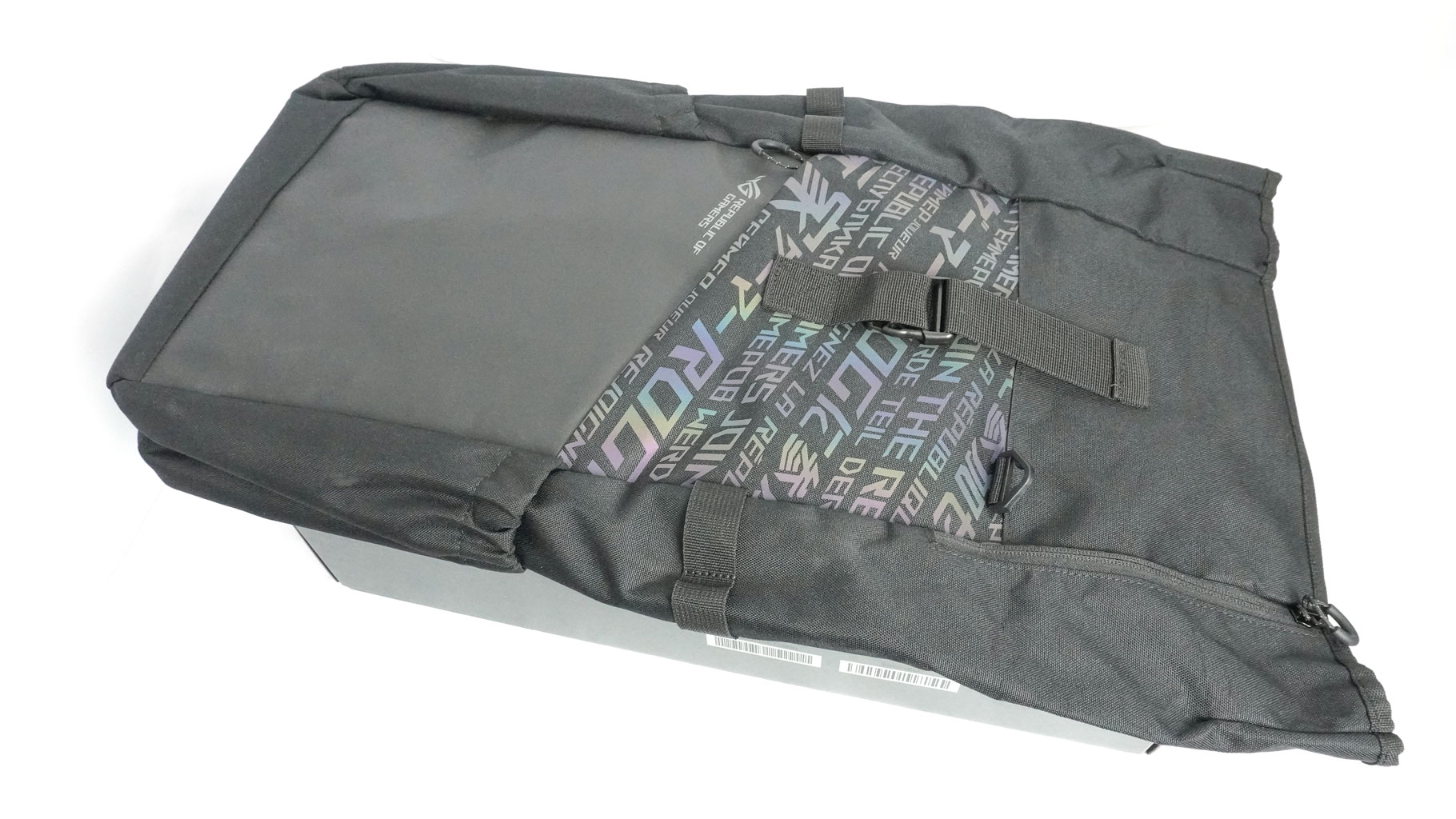
Our specific bundle included a ROG backpack, but keep in mind that this is a region-dependent extra. Depending on your country, you might also find bonus items like the Gladius III mouse or the ROG Fusion II 300 headset.
A Closer Look - Outside


The ROG Strix SCAR 18 G835 sports that typical ASUS gaming aesthetic, with a few tweaks here and there compared to its predecessors. This striking design will certainly grab the attention of buyers looking for a powerful machine for their favorite titles. Still, it isn't suitable for business meetings or office usage. The Schenker Key 18 Pro is doing a much better job in this regard, thanks to its neutral style.

Let's get back to the G835. Being an 18-incher, it's a pretty sizable unit with a profile of 23.5–32.0 mm. Well, the huge vapor chamber cooling with a sandwiched heatsink needs some space. The weight is 3.30 kg, which ain't bad at all considering the form factor. The matte black finish and chamfered round corners are the only things that contribute to a slight stealthy-ish look. You can also activate the "Dark Mode," which immediately shuts down all lighting for a more subdued look.
The reasonable weight for such a behemoth is achieved thanks to the plastic base (more specifically, it's a mix of ABS and Polycarbonate). I know that some of you may not like that manufacturer choice, but the main body is solid on press. On top of that, its coating feels satin-smooth, which adds a premium note to it.
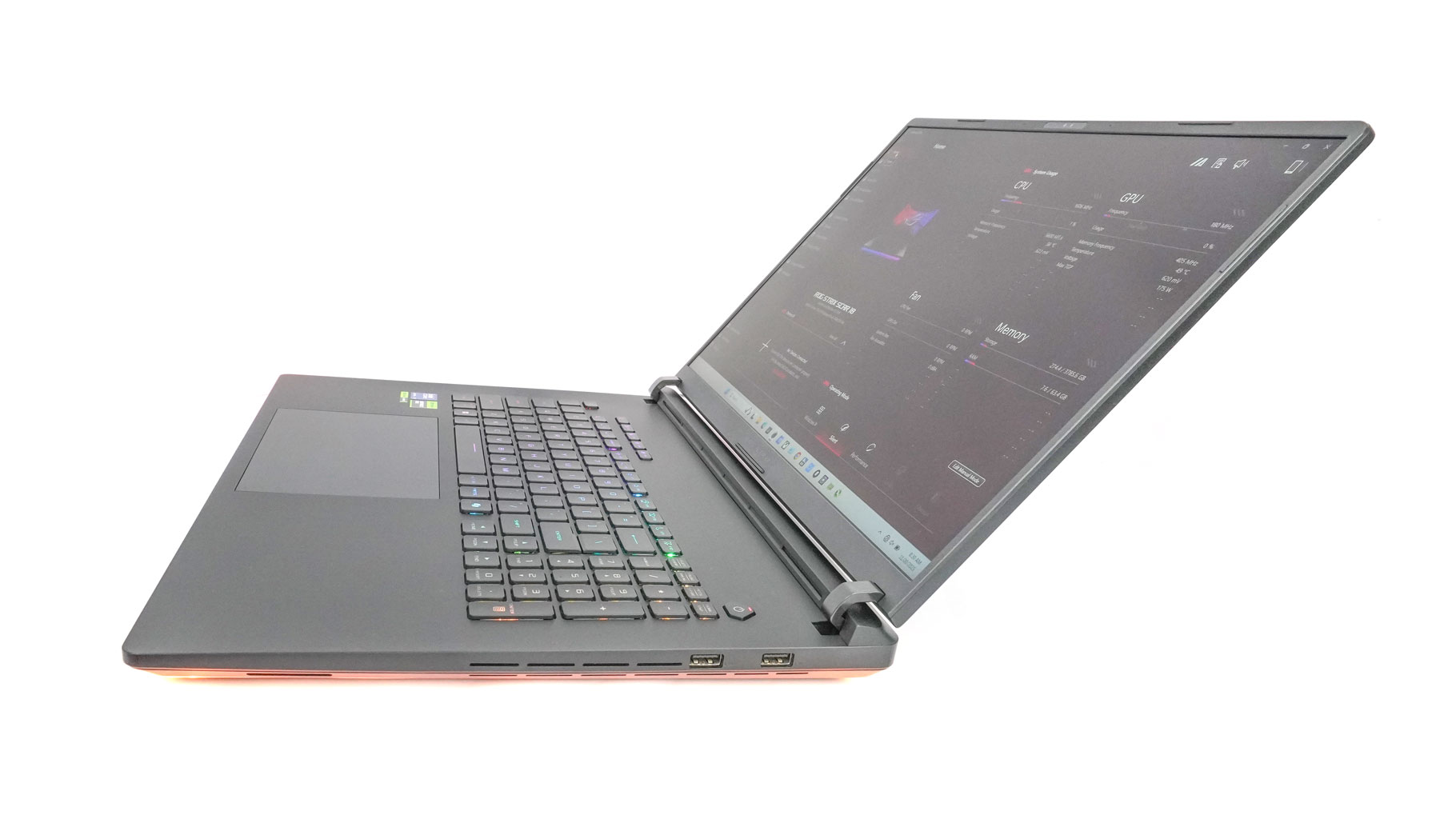
Of course, the lid is made of metal. You can open it with one hand. The hinges are stiff but not over the top. The metal unit is stable when pushed in the center or twisted at the sides. Not that you'll do this daily, but it's good for testing purposes! By the way, the max angle of the opening is okay for gaming or work, but not for content sharing since it's too far away from 180 degrees.


The glossy ASUS ROG Eye logo is on the right of the lid. It blends well with the matte black finish. On the left, we can see the AniMe Vision featuring 810 LEDs hidden beneath 9152 precision-milled holes.
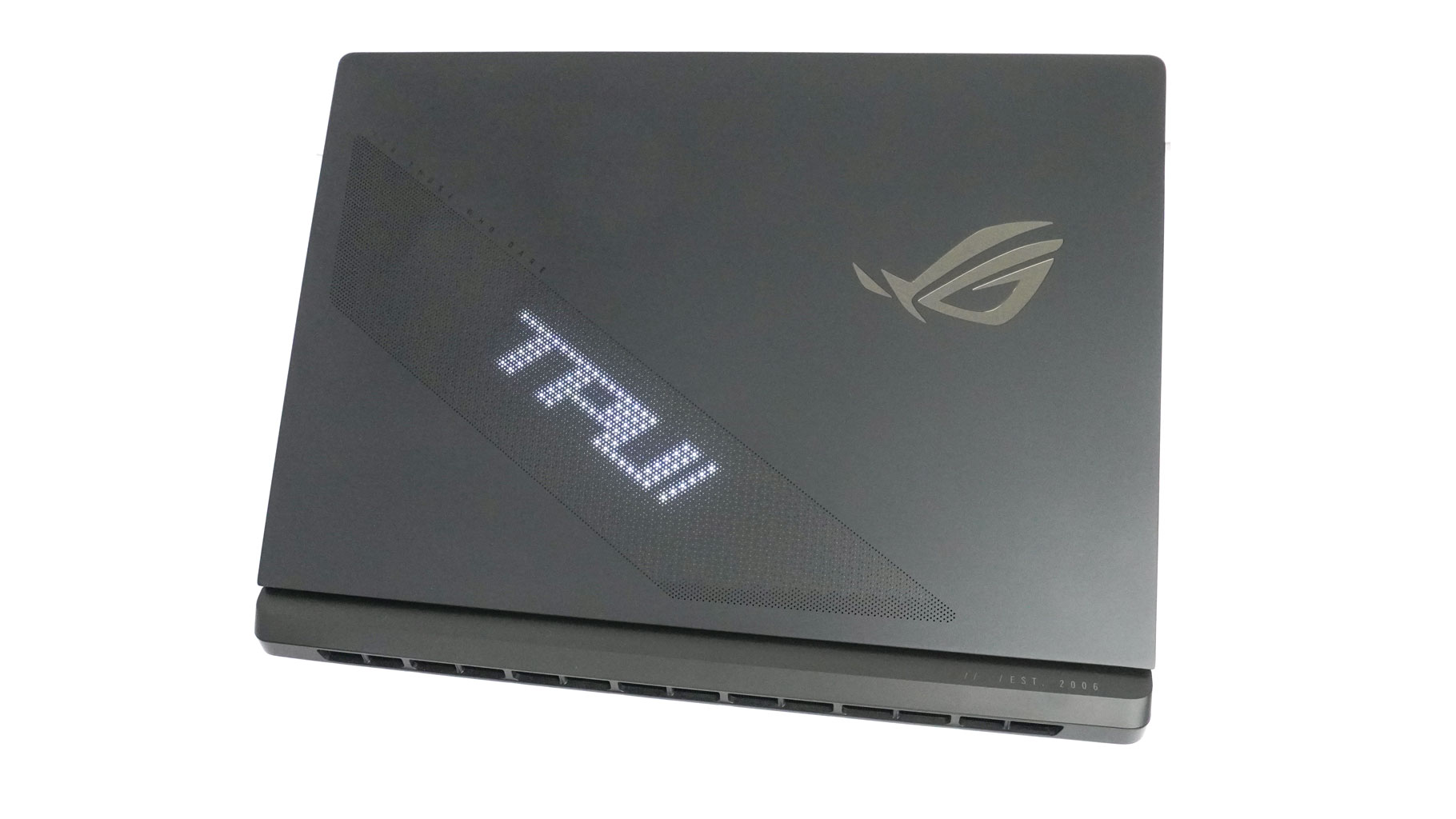
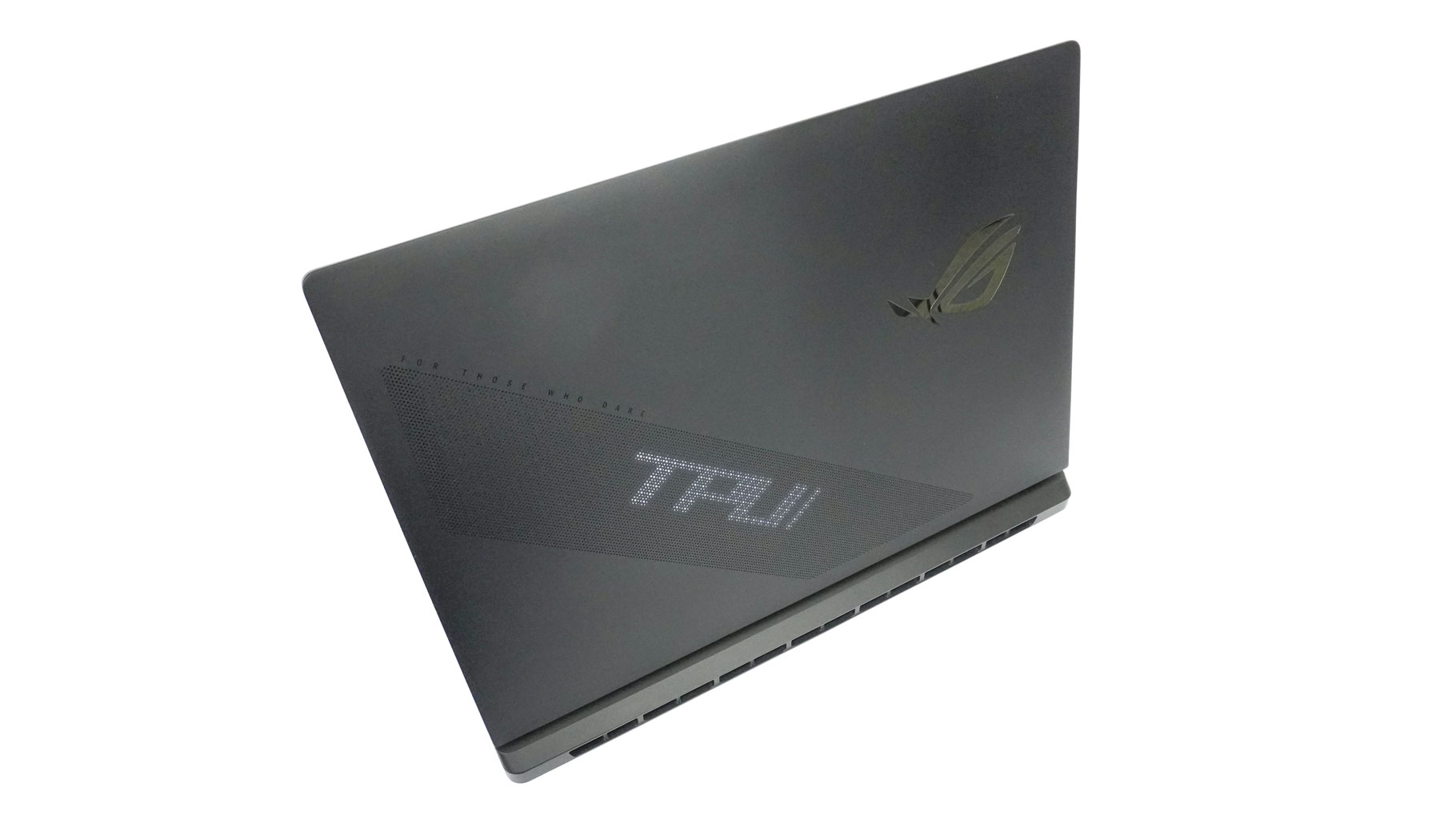
This "screen" can visualize pre-cooked animations, GIFs, or your own images and texts. I have to say the "TPU!" insignia is the best pick of all. You can tune all that in the Armoury Crate app.
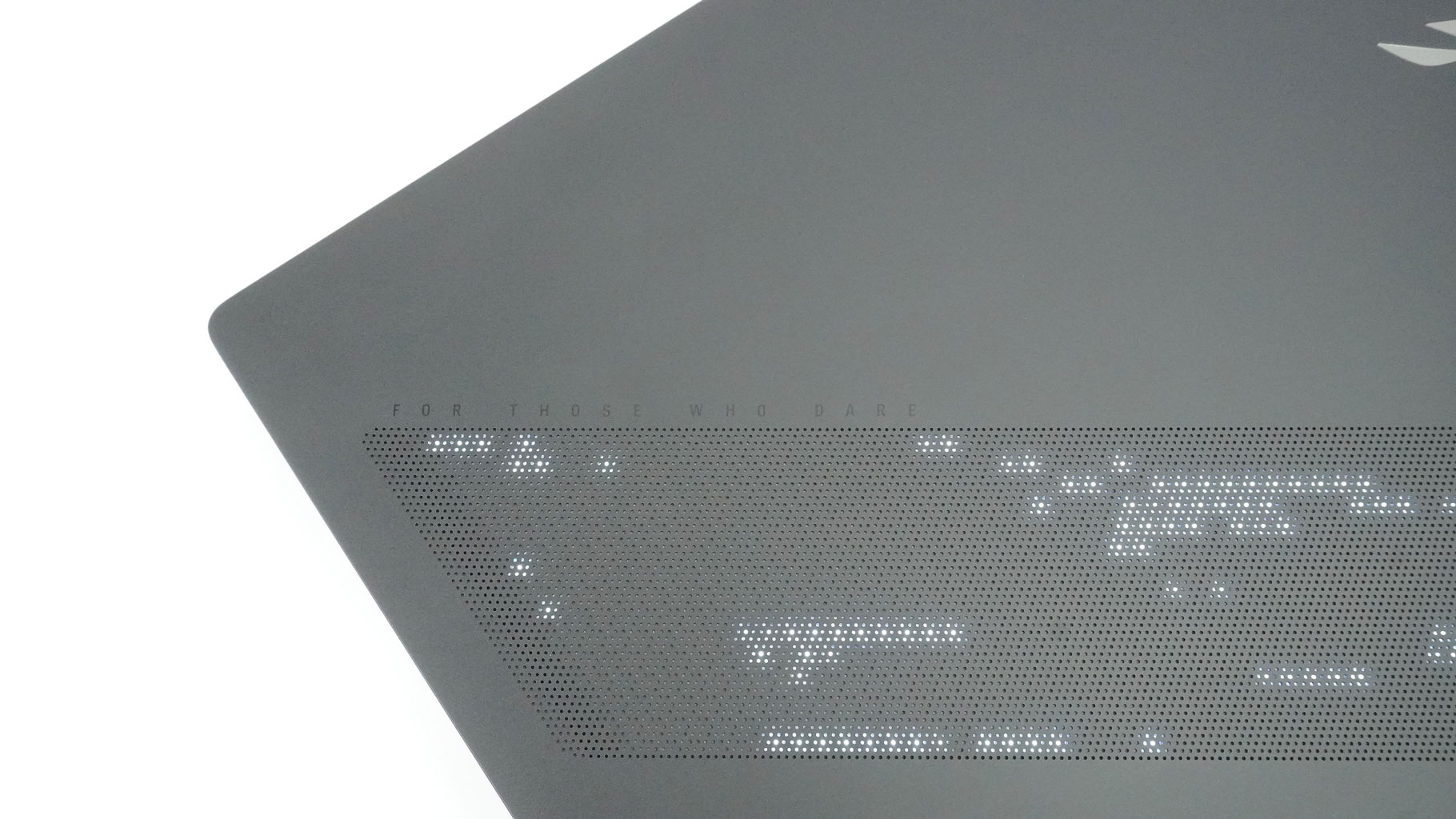
Above this lighting array is the "For Those Who Dare" branding. (Honestly, given the price tag, ASUS might as well add "to afford" at the end.)
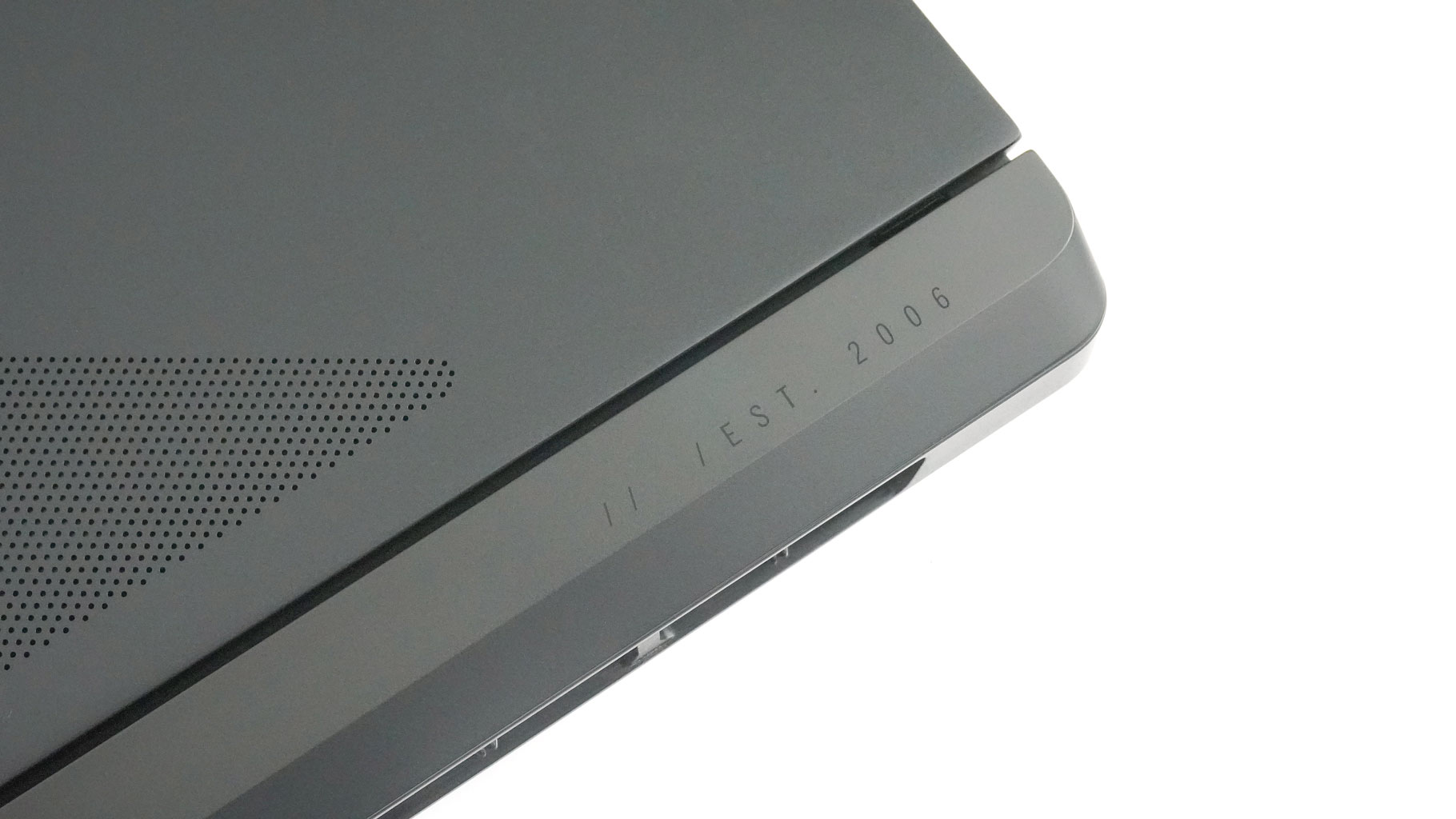
Finally, the "EST. 2006" stamp in the top left corner reminds us of the Republic of Gamers (ROG) sub-brand's founding year.

The ASUS software also fine-tunes the illumination of the full-sized keyboard with per-key RGB lighting.
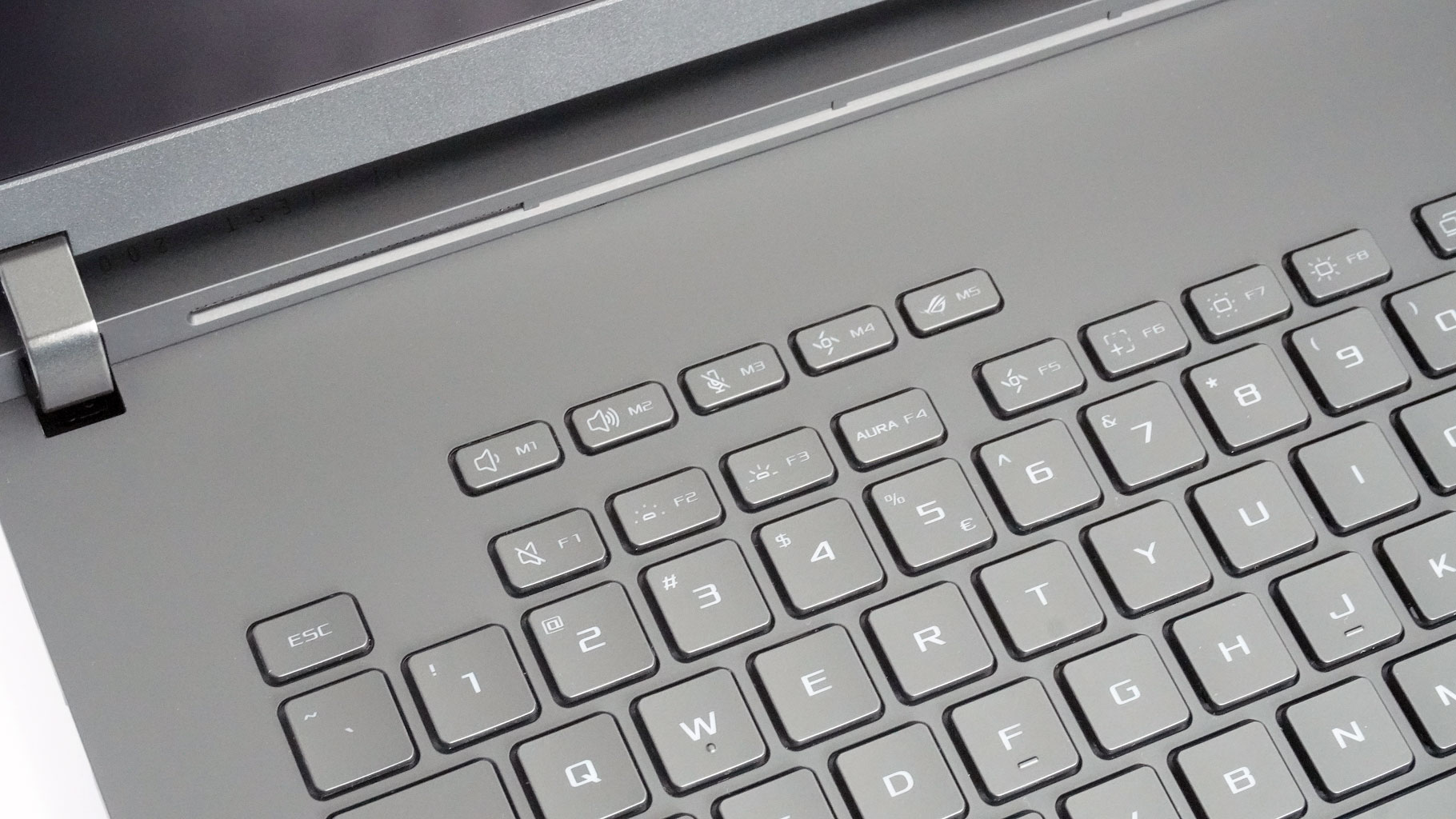
The board features five hotkeys (top left of the base) for sound, fan, and Armoury Crate control, though you can reprogram these shortcuts to other functions. Personally, I'm just fine with the default factory choices.
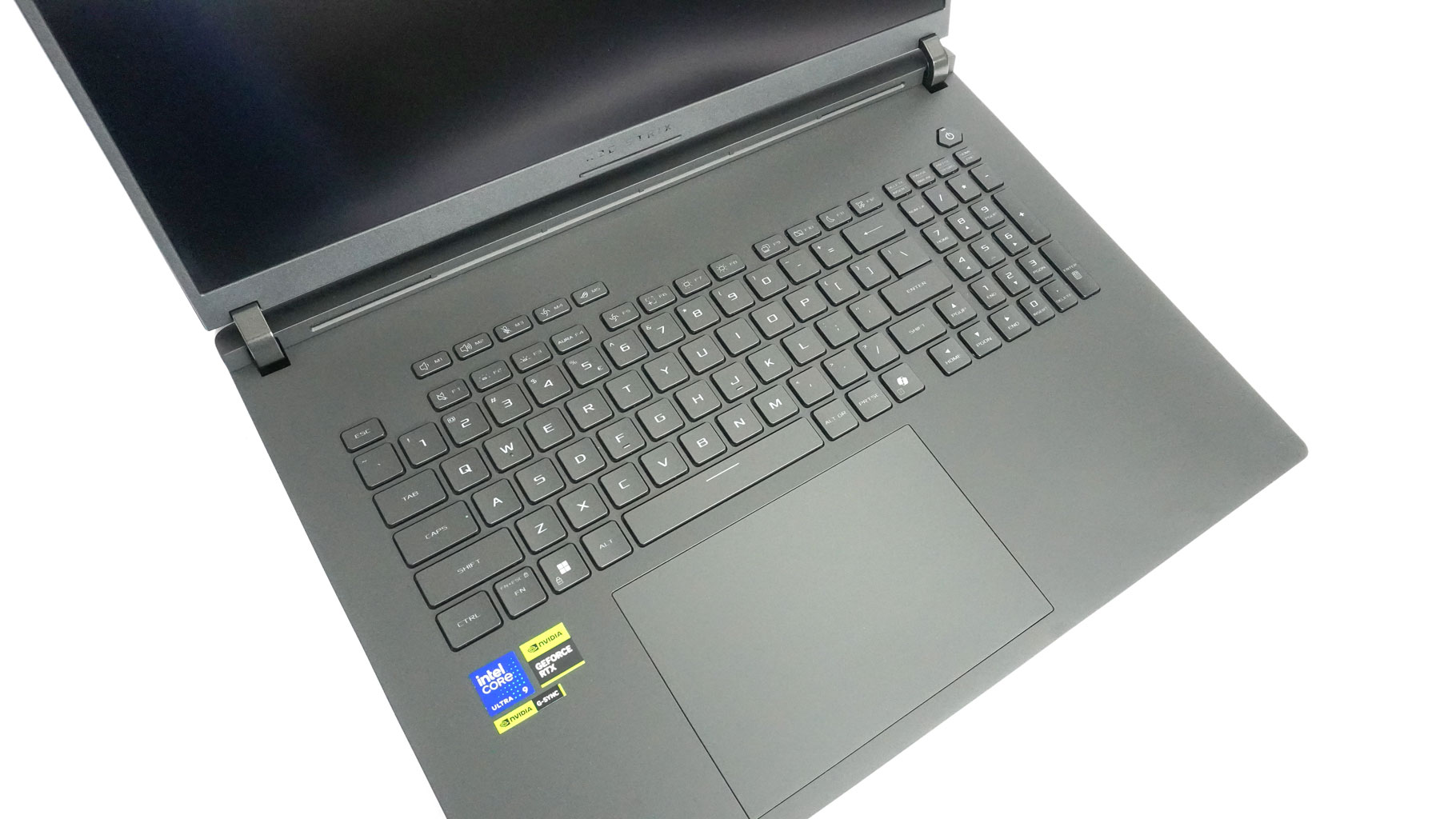

The board is also armed with N-Key rollover for the gamers out there, with a NumPad for intense calculations, an AI shortcut, and a separate Power key with a hexagonal shape. The manufacturer claims a 2 mm travel for the slightly curved keycaps. The keyboard is just great for gaming and even for typing, as it offers relatively quiet operation (though not totally silent).
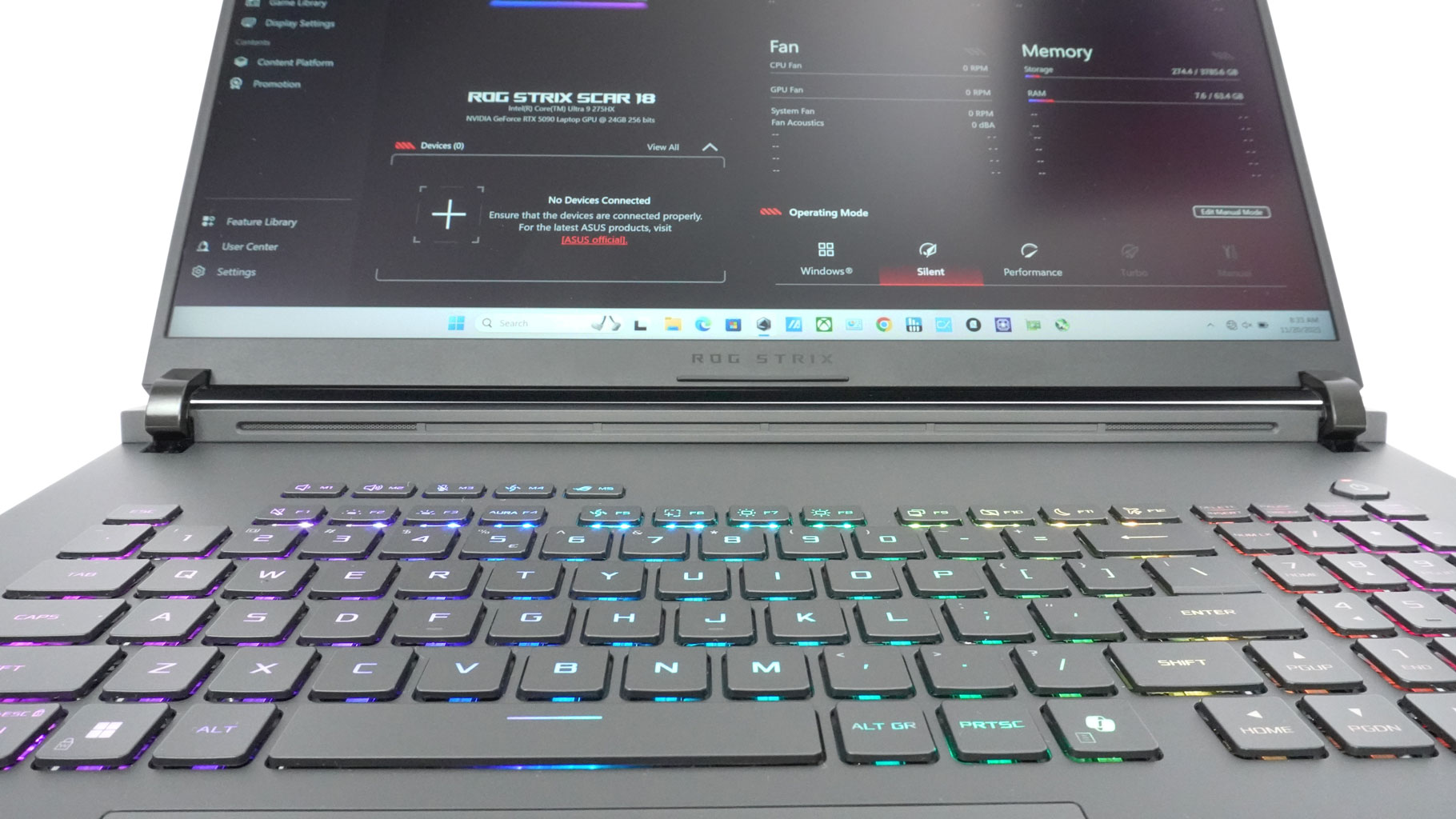
At the max level the backlight looks pretty strong, even in a well-lit room.
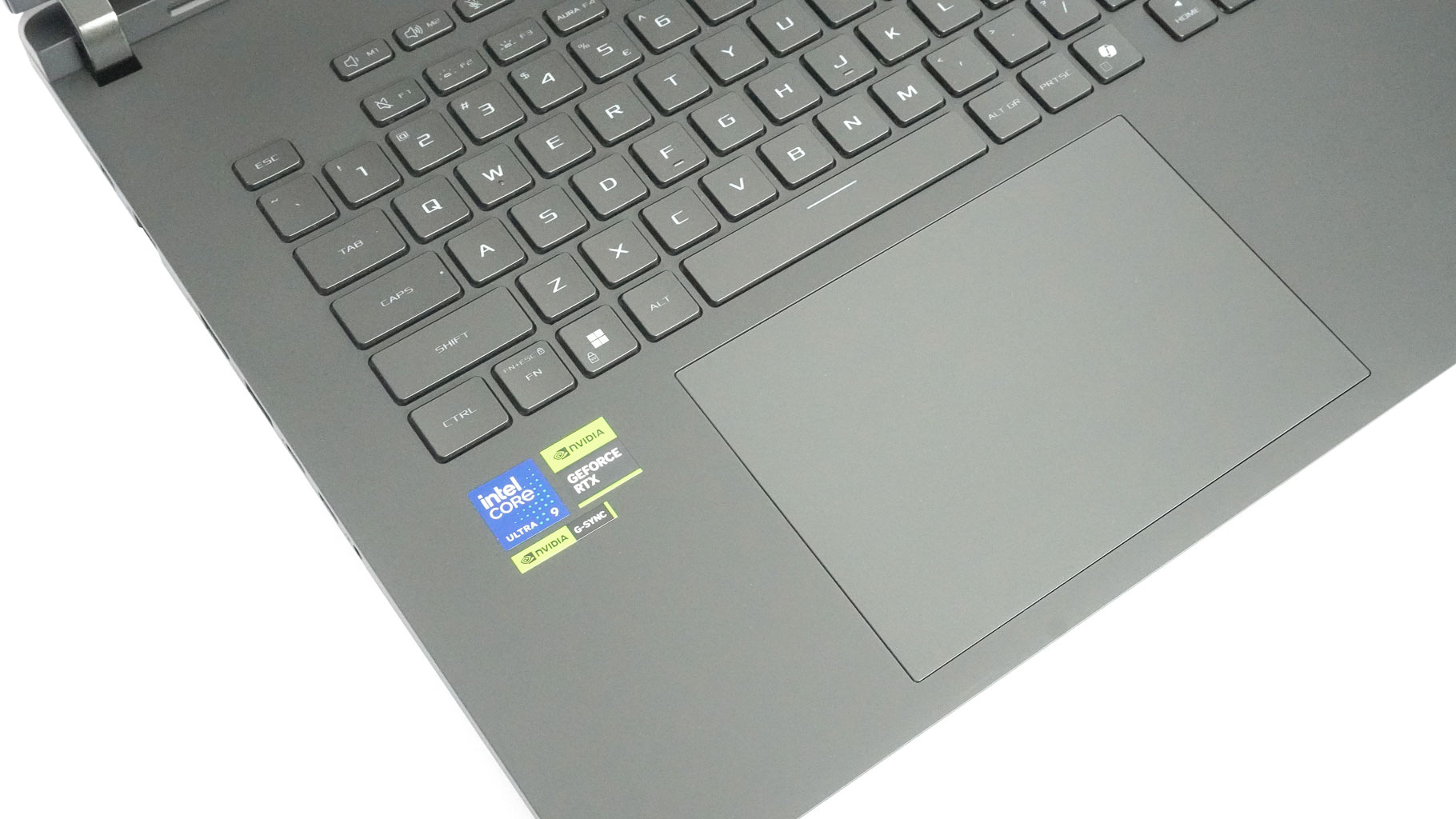
The large touchpad is almost flawless. I just prefer centered units on gaming devices. You can turn off the pad, but in my case, the right side of my wrist always makes contact with the left edge of the pad. Not a big deal since palm rejection is present, but it could be a bit distracting during gaming when you need max concentration. Otherwise, the glass touchpad is extremely smooth, precise, and its clicks are almost silent.
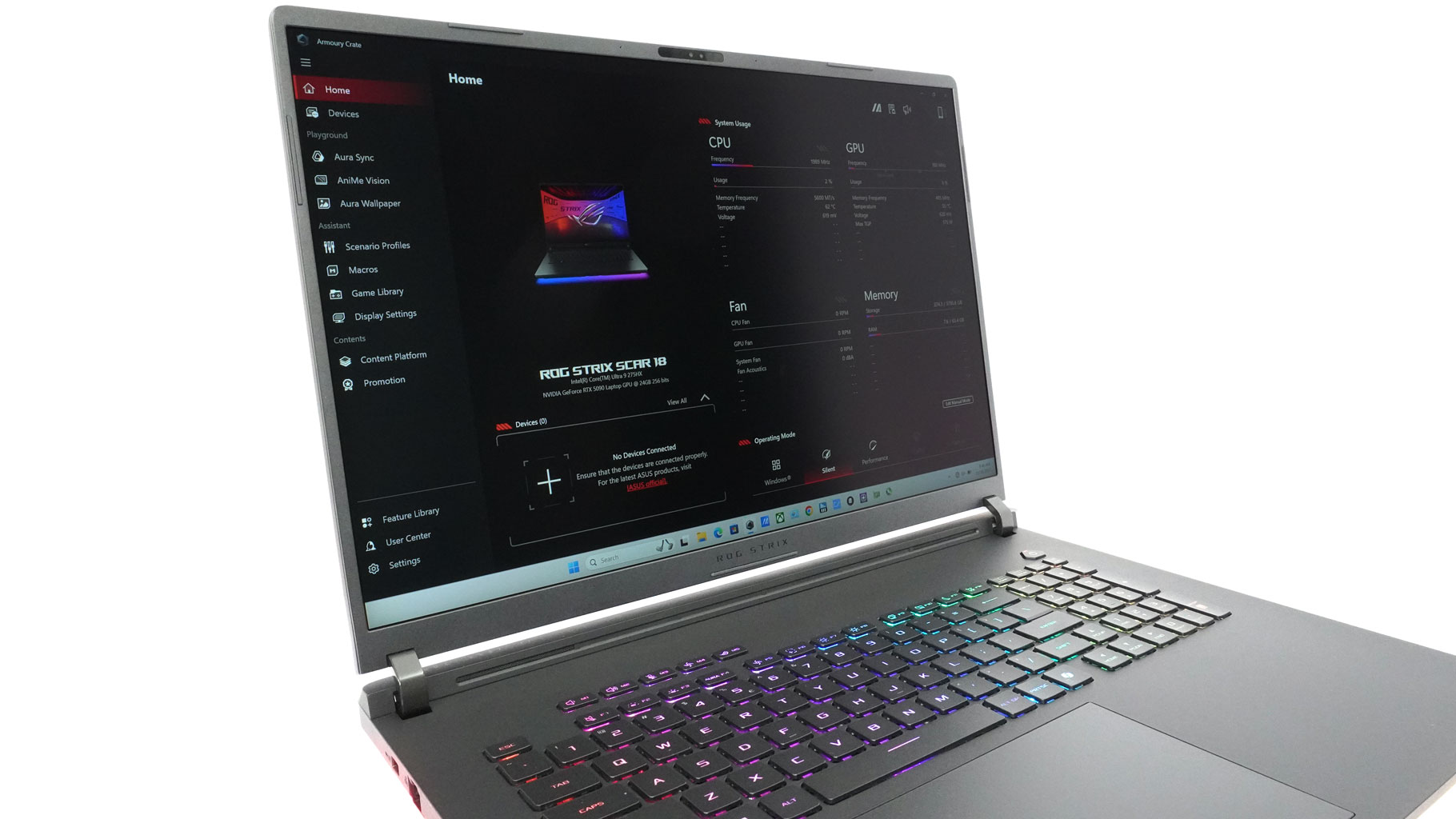
The bezels that surround the 1600p HDR display are actually thin if we don't count the slightly thick "chin" that houses the "ROG STRIX" logo.
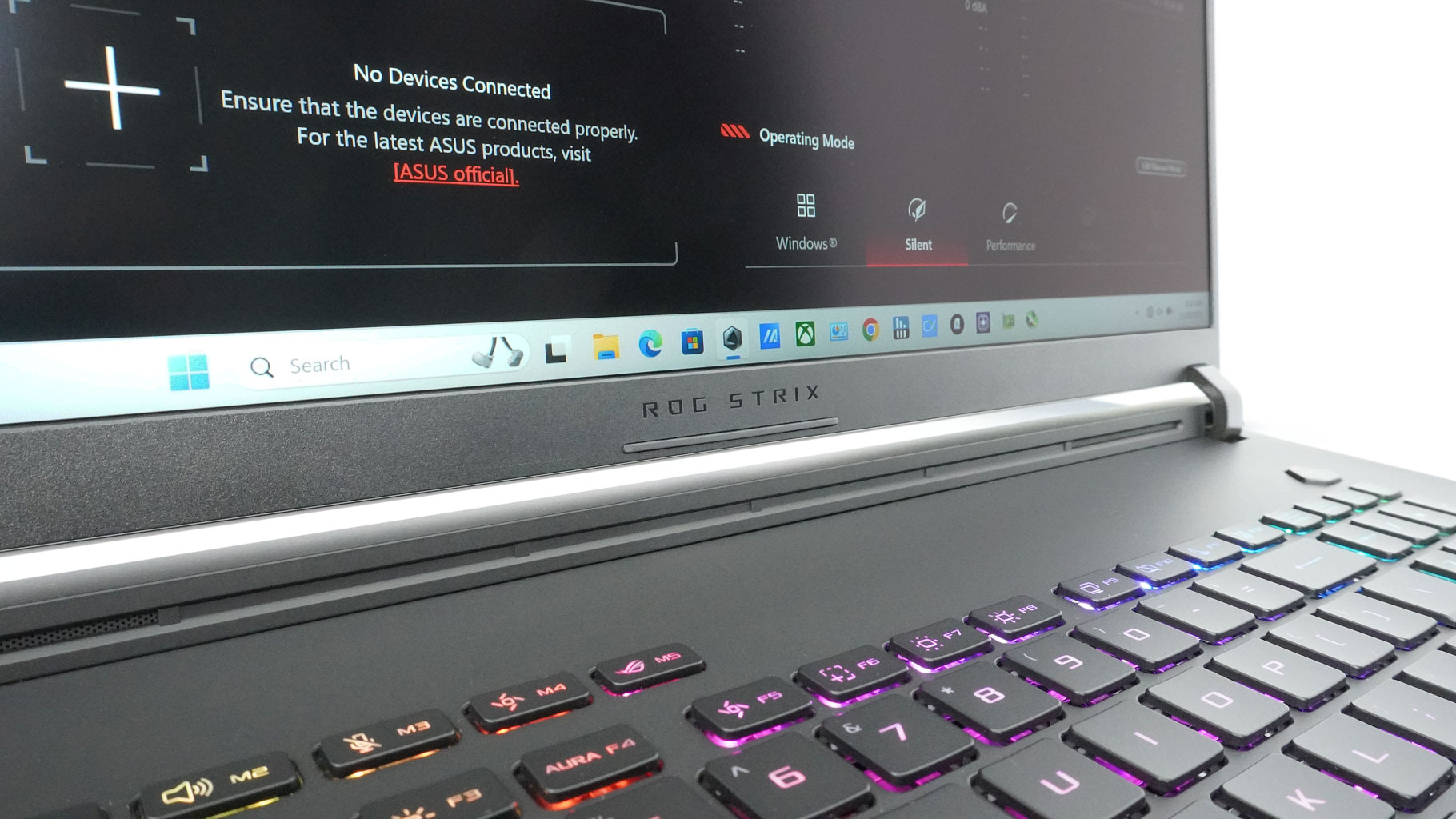
Underneath it, we can spot one of the five rubber feet that prevent the screen from bending and directly touching the base when the machine is closed. In this model, the gap between the lid and the base (plus the one between the top cover and the hinge) is kept as minimal as possible, which looks pretty neat in reality.
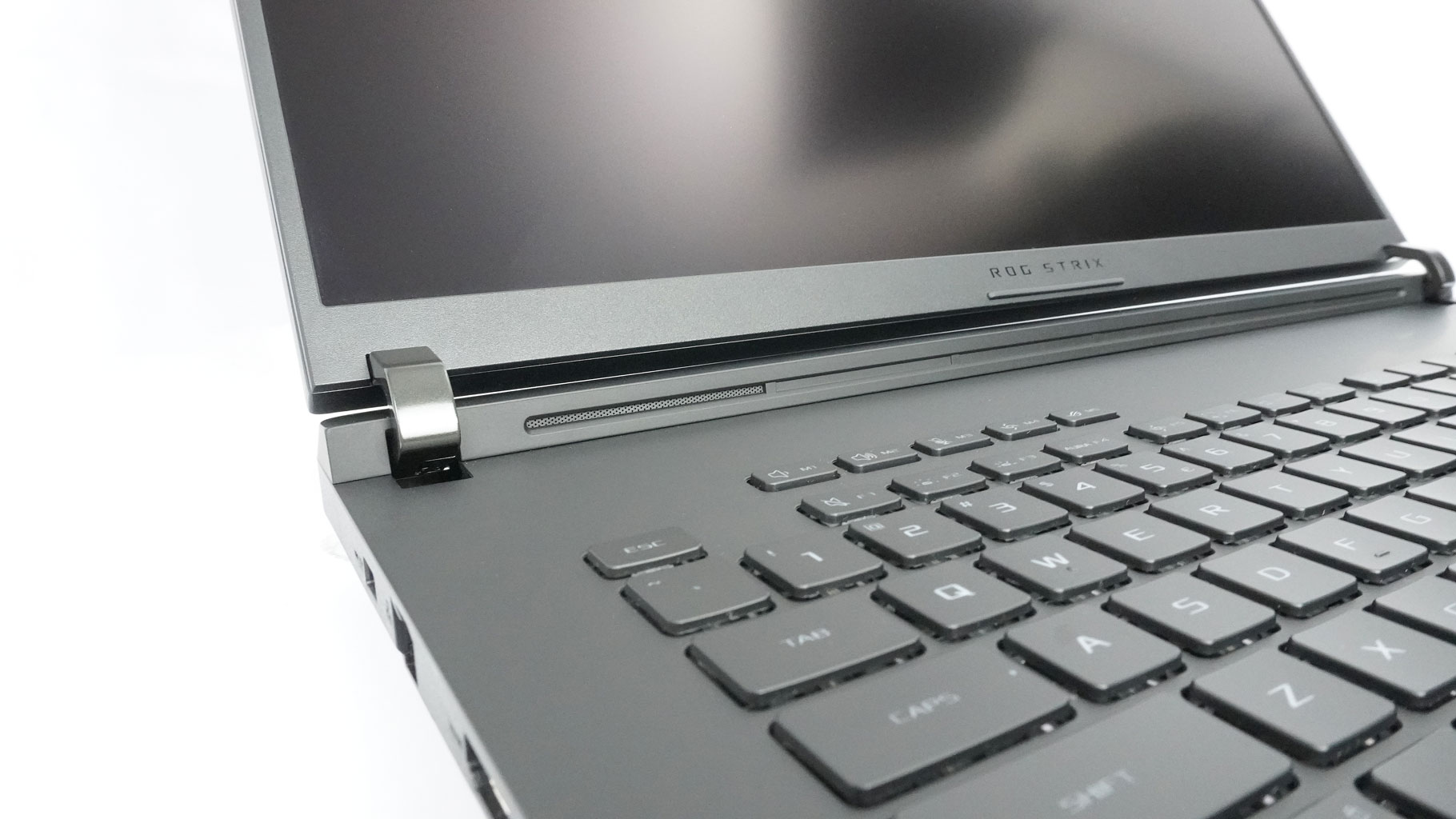
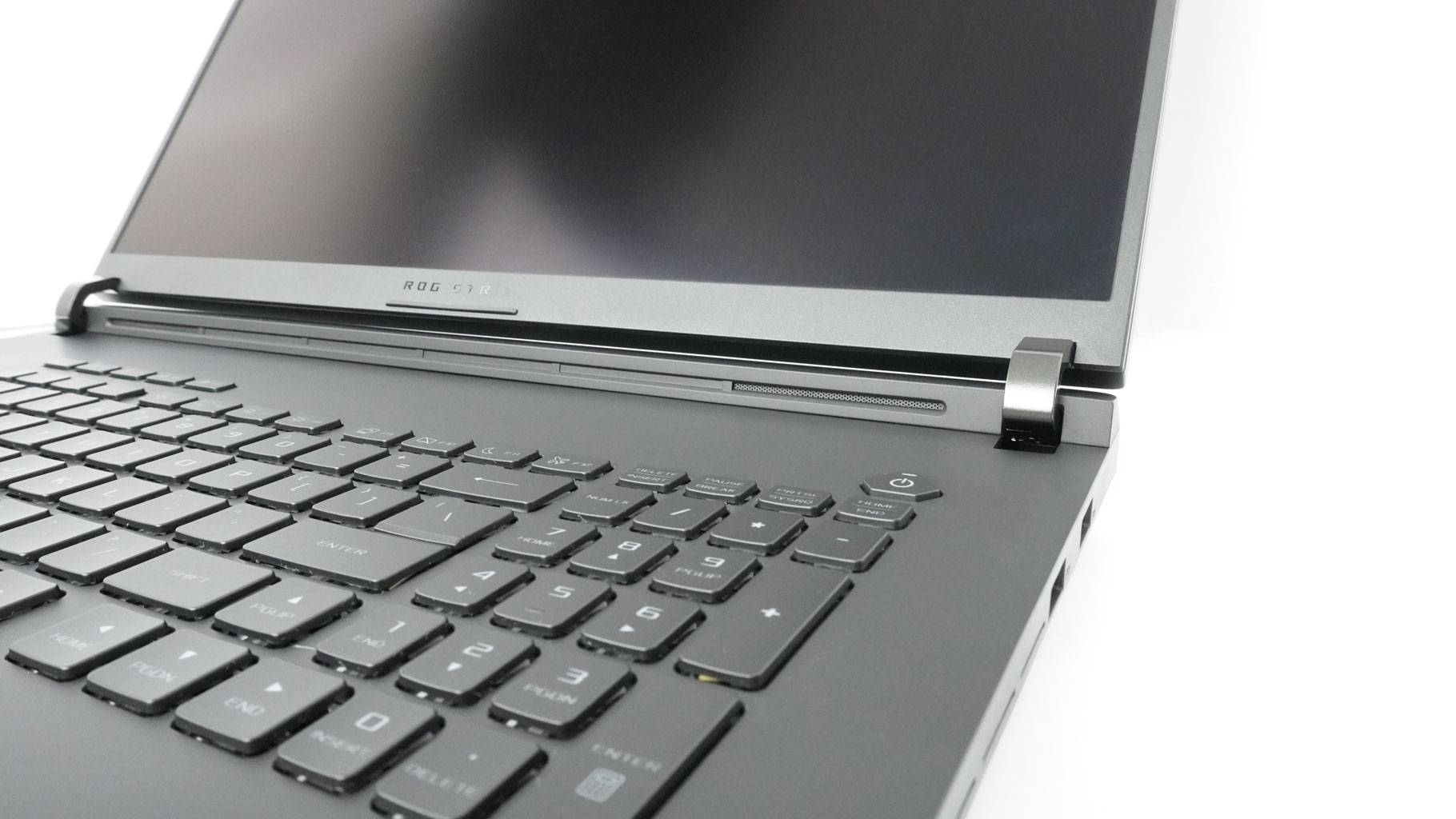
The two front-facing speakers are placed just below the bottom bezel, close to the hinges.

The webcam is a 1080p model that supports facial recognition for Windows Hello. Unfortunately, it lacks a privacy shutter.
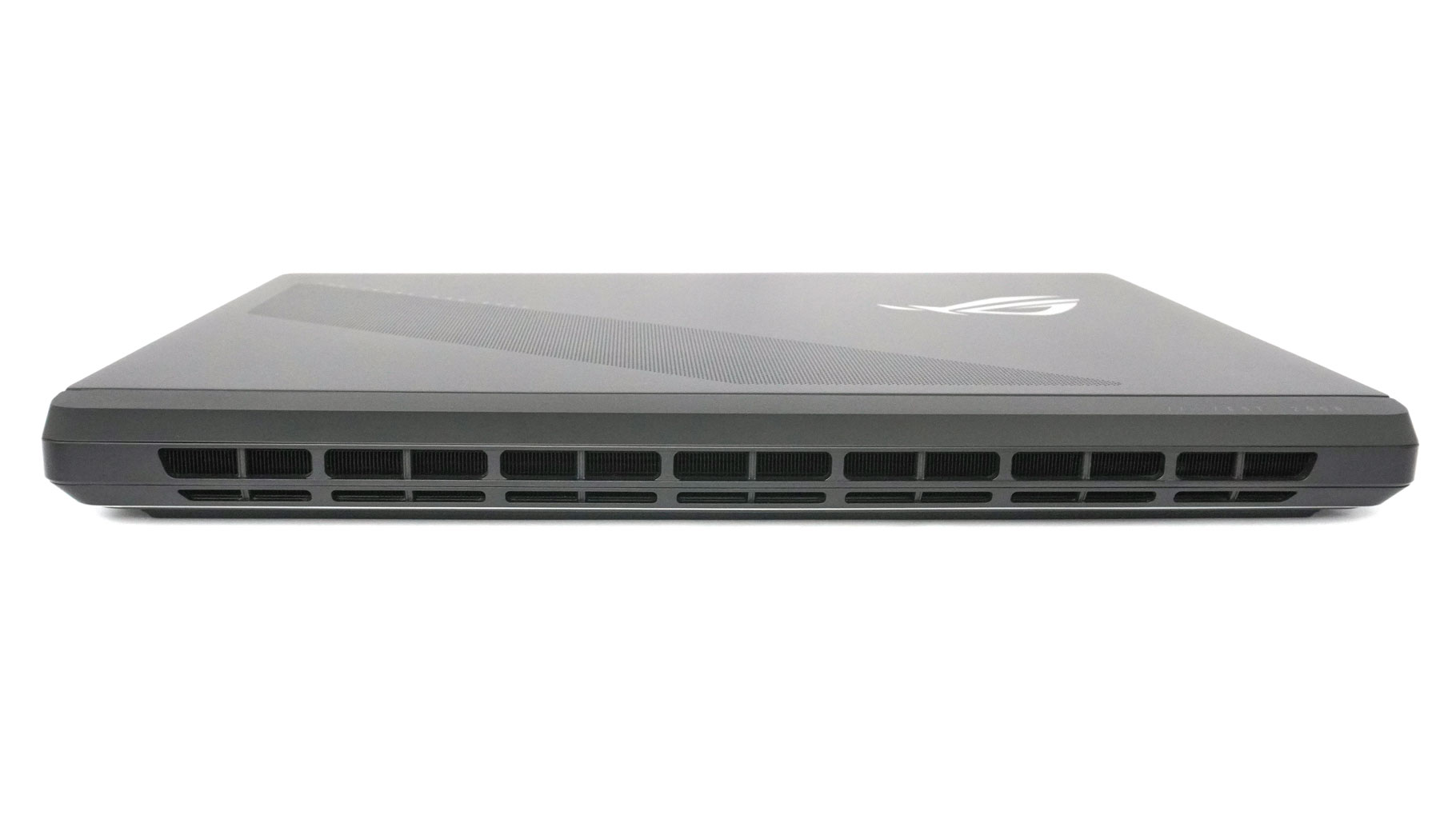
There are no ports at the back because that entire area is taken up by a huge, side-to-side exhaust vent, revealing part of the internal sandwiched construction of the heatsinks.
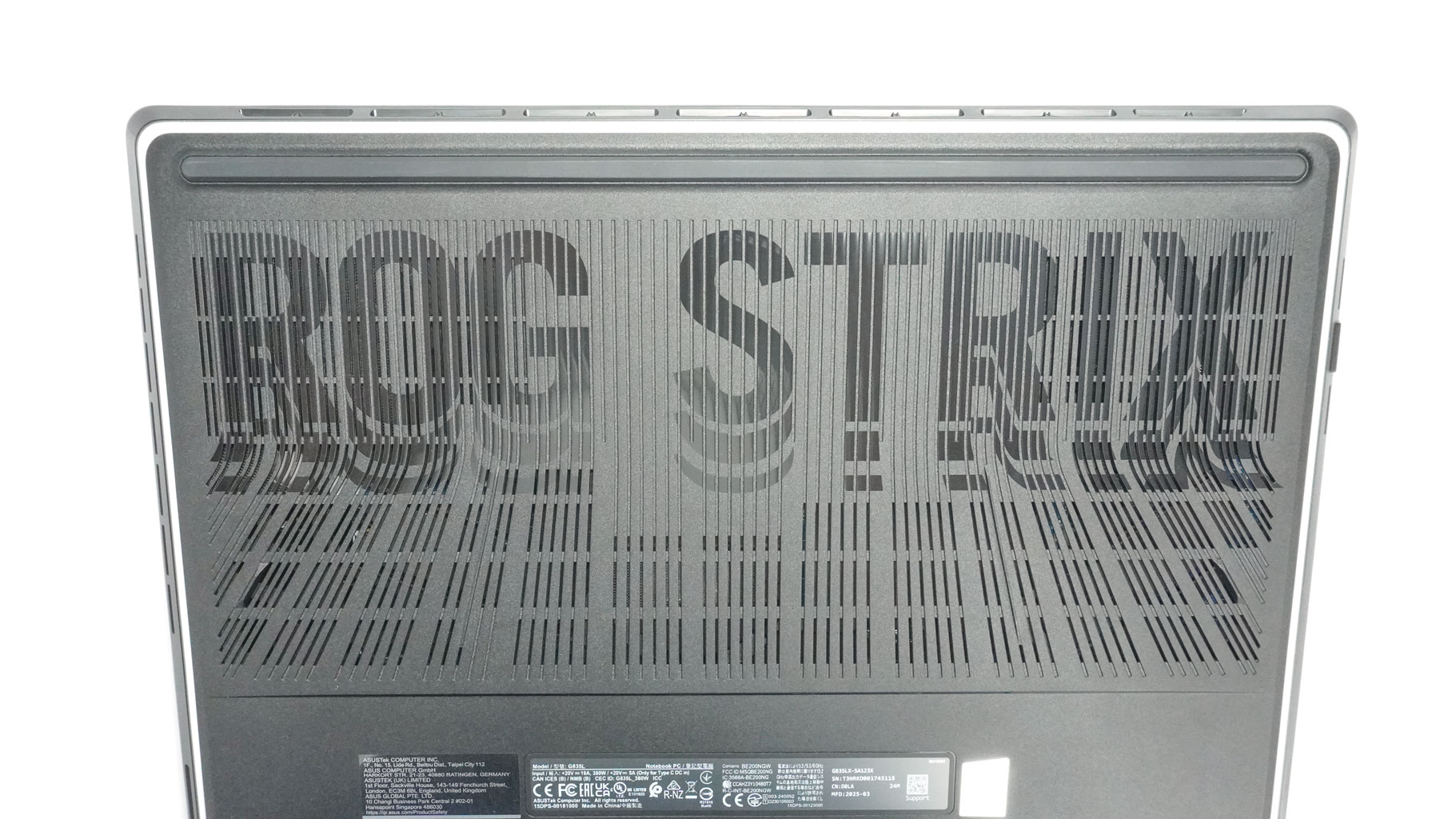

Flipping the machine over reveals a design that's completely different from most laptops, even in this price class.
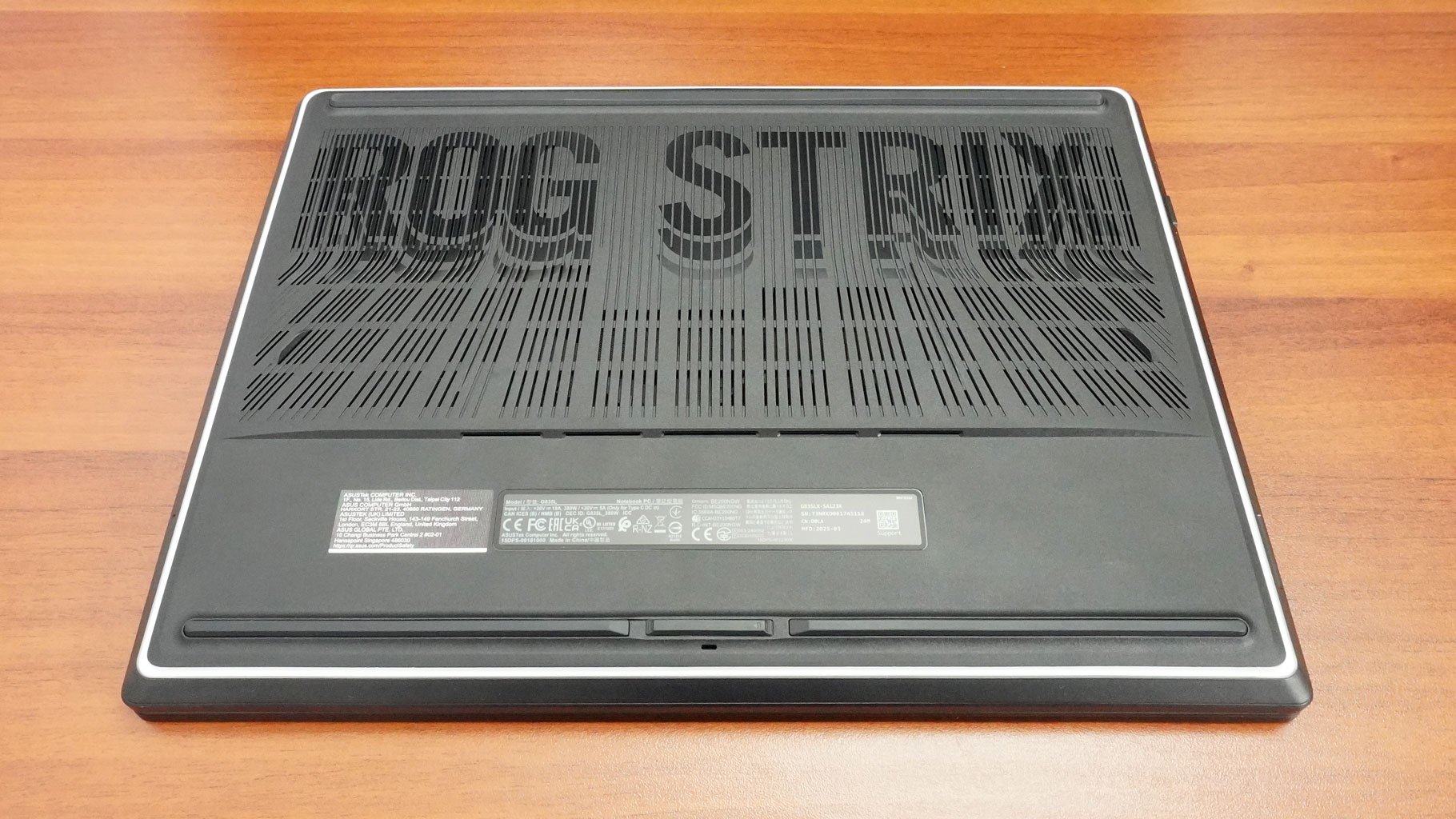
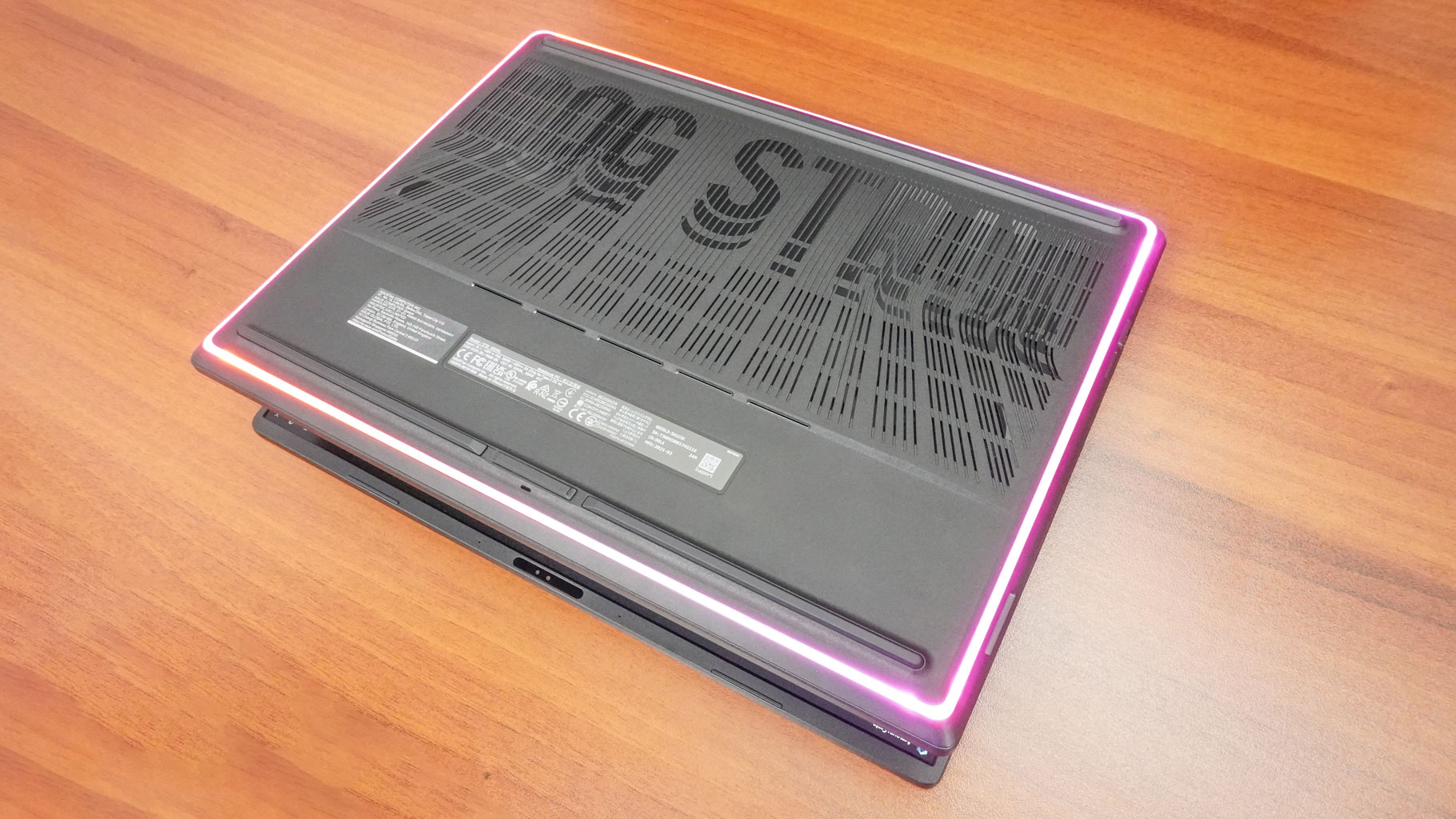
The bottom is dominated by a 360-degree RGB light strip and the ROG STRIX insignia engraved on the ventilation grille (the logo is clearly visible under direct light from certain angles).
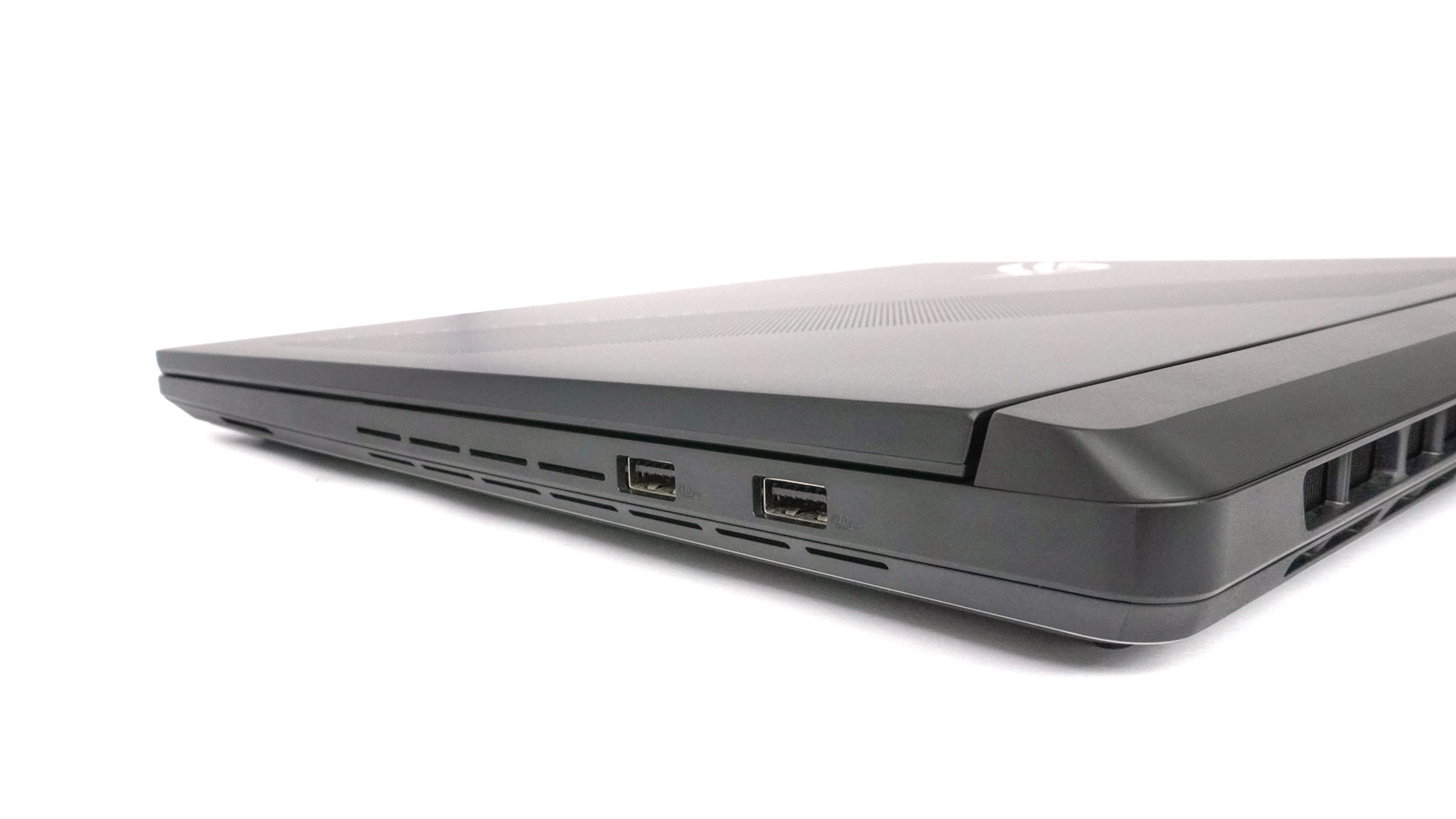
Overall, the three fans on the inside draw air from the bottom cover, the five cutouts below the main huge ventilation grille alongside the ones on the sides, and even through the keyboard deck. The 18 inch beast needs to breathe fresh air all the time, especially when the CPU and the GPU are working hard.
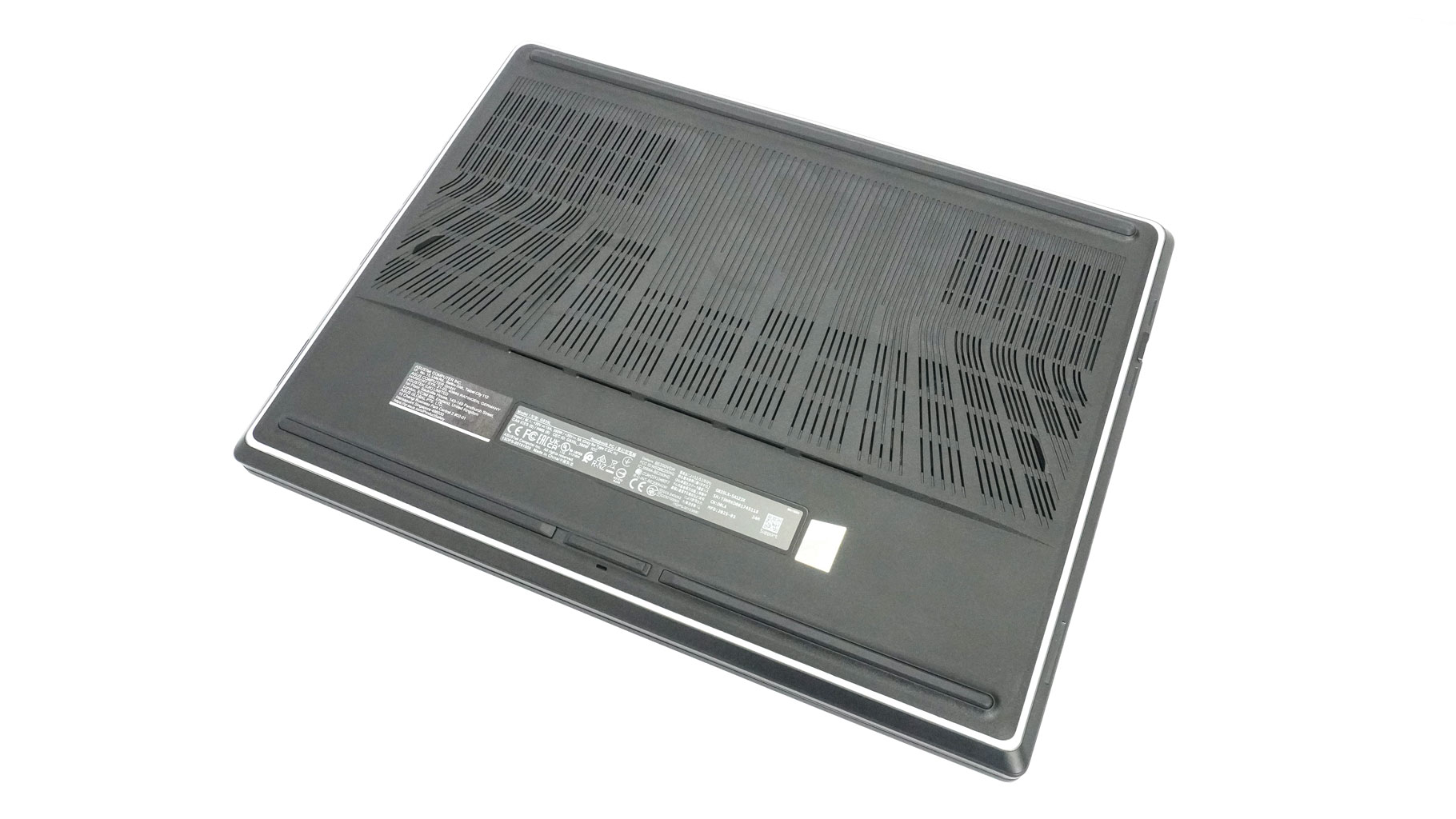
The three rubber feet provide great grip. The top of my wooden desk is very slippery, but the laptop didn't slide even slightly during gaming or typing. Also, small plastic feet are smartly and almost stealthily implemented around the ventilation cutouts for additional chassis rigidity.
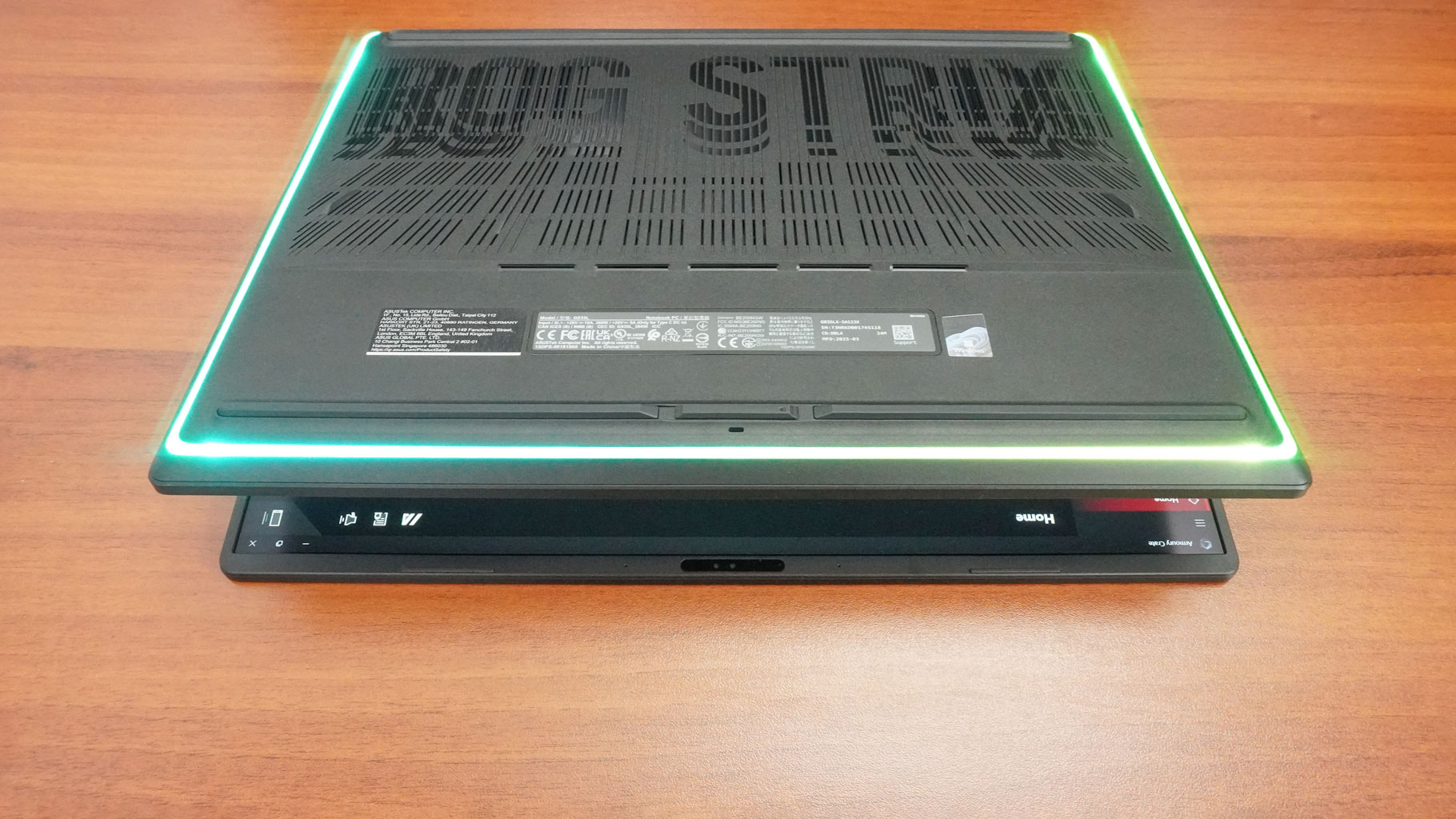
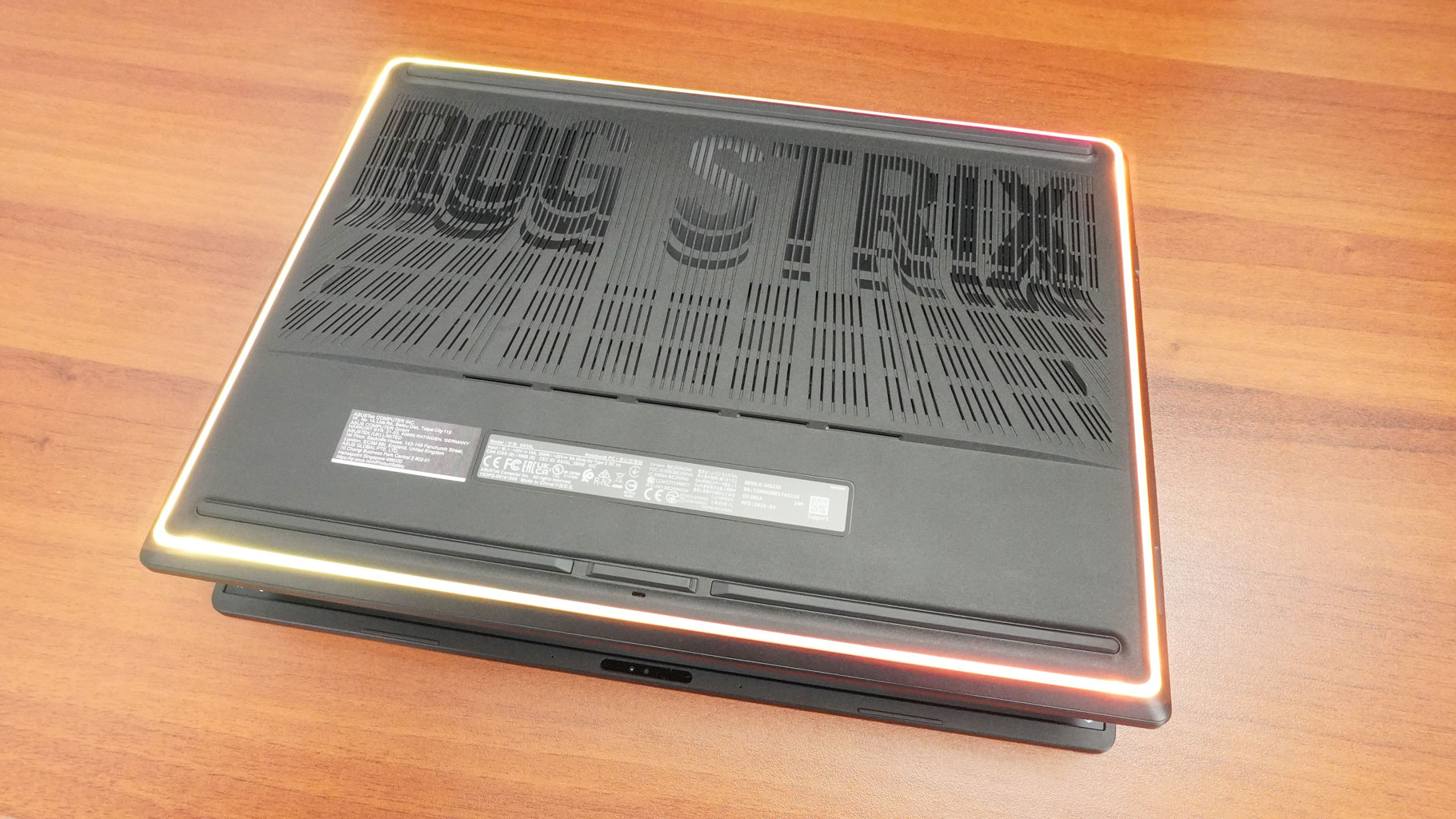
A final word on the light strip: I'm not a huge fan of the modern RGB craziness, but I have to admit that it illuminates the entire laptop so well that I started to really like the result.
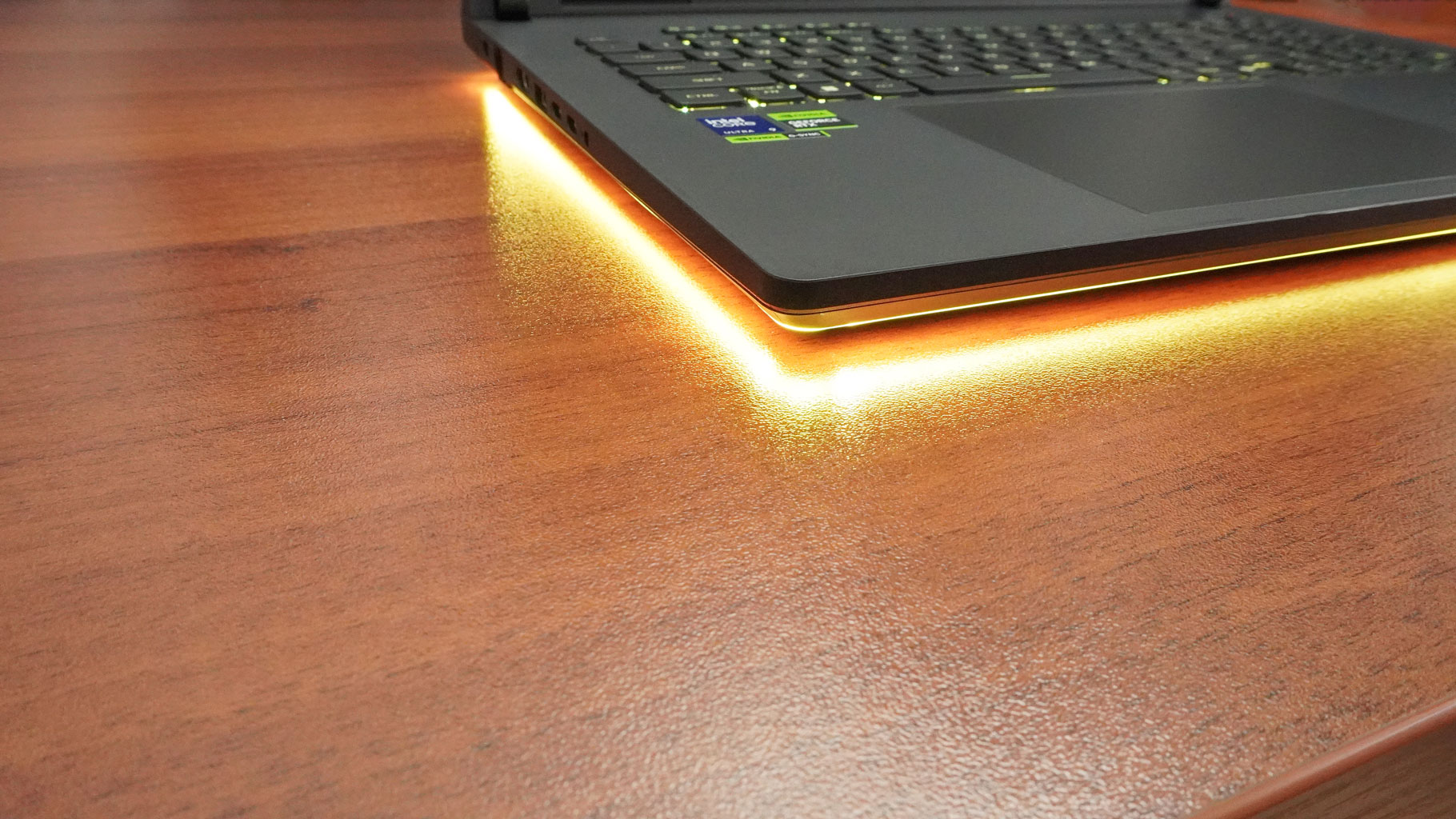
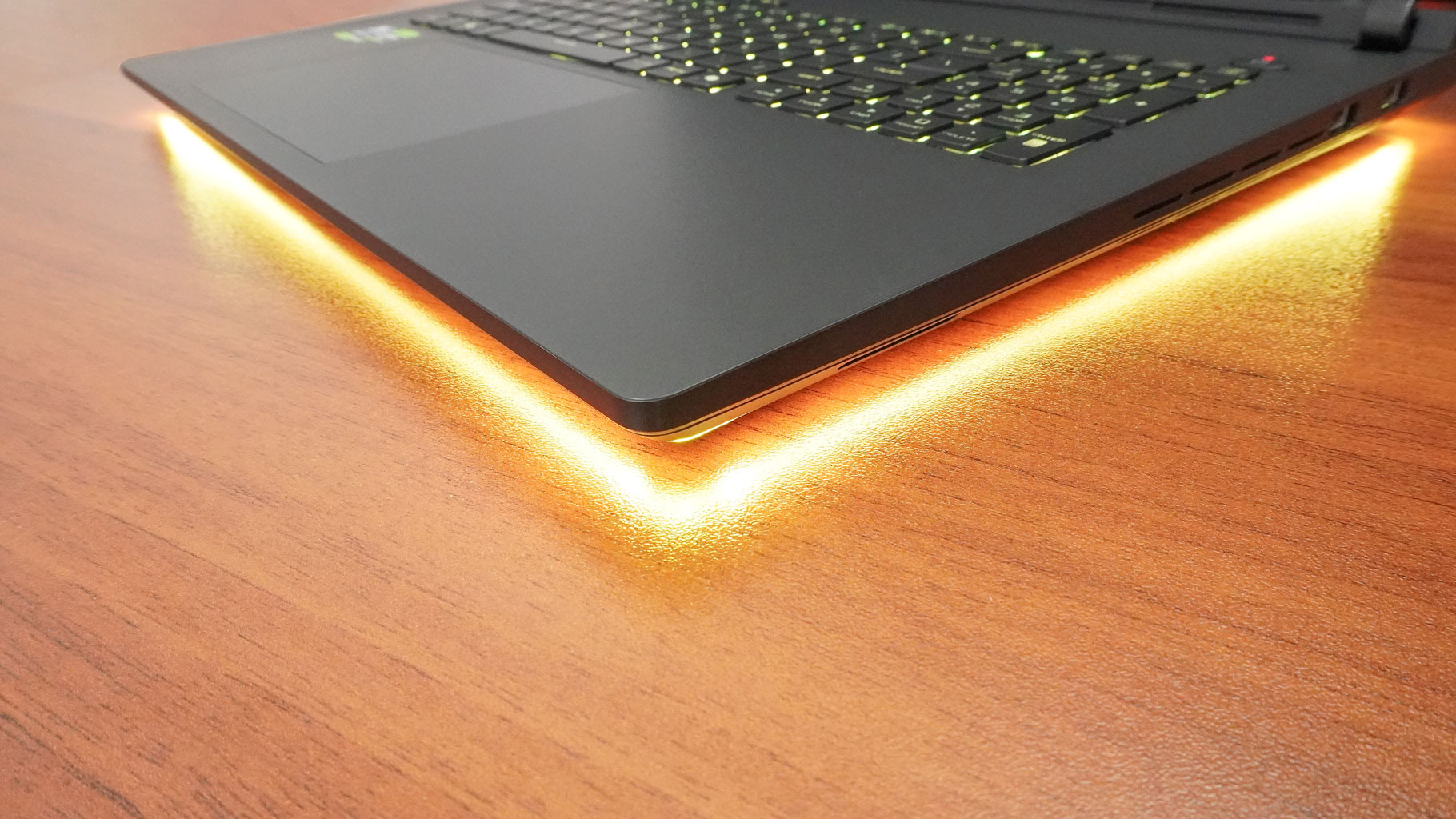
It's also handy for working in a dark room, as it acts like an ambilight glow and helps reduce eye strain.
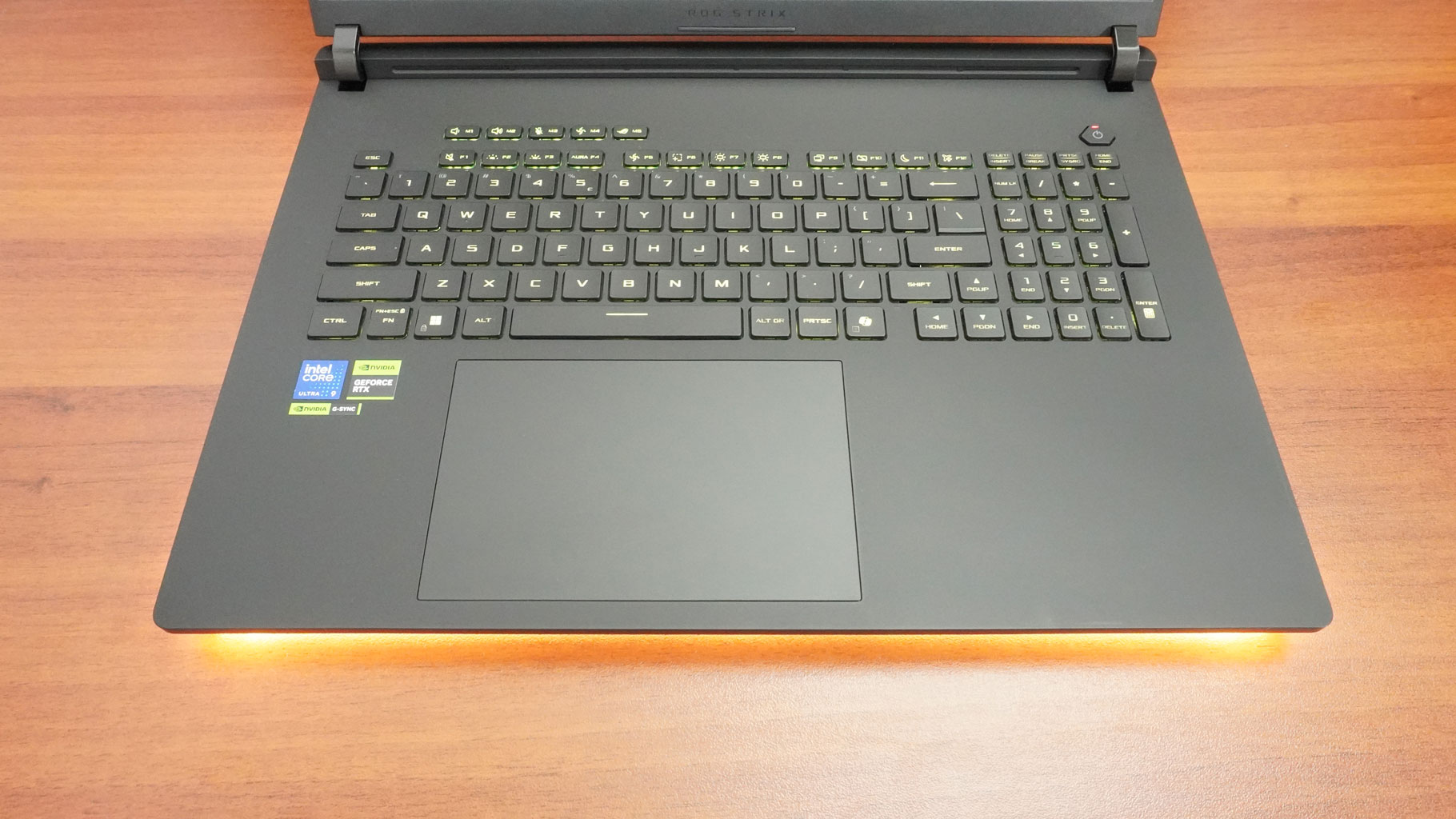
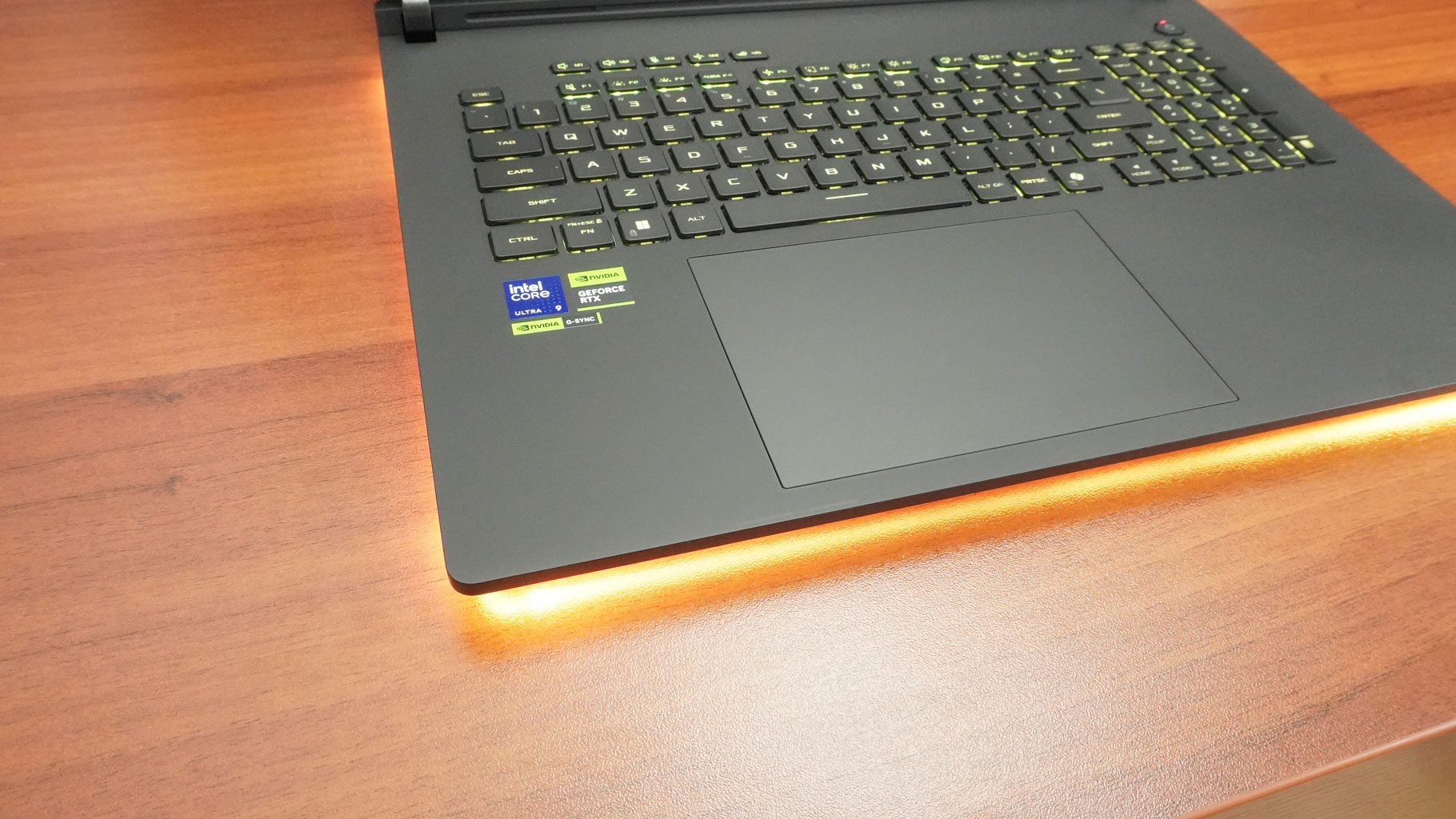
Here are a few more pictures of the illumination.
Ports and Connectivity
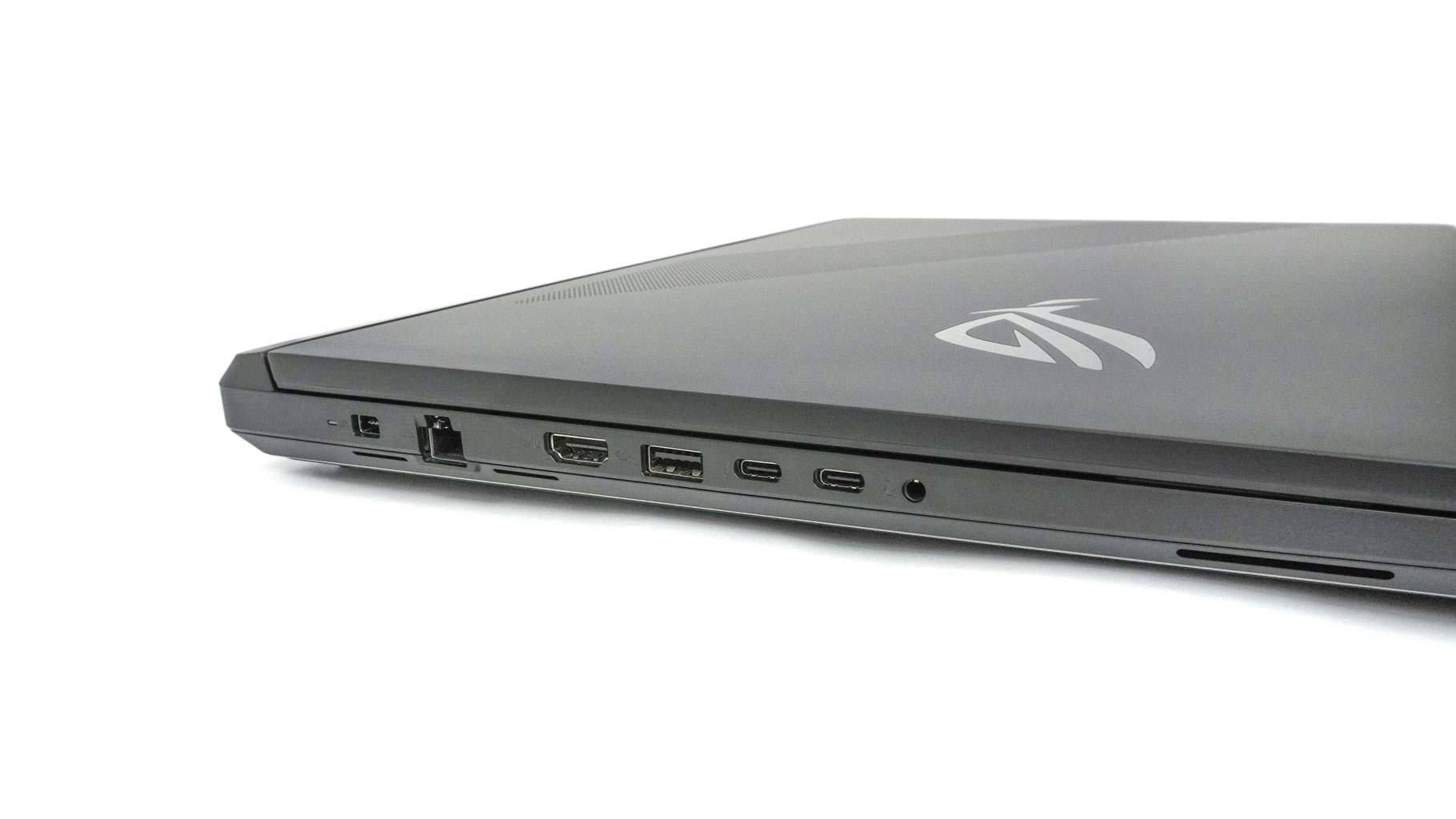
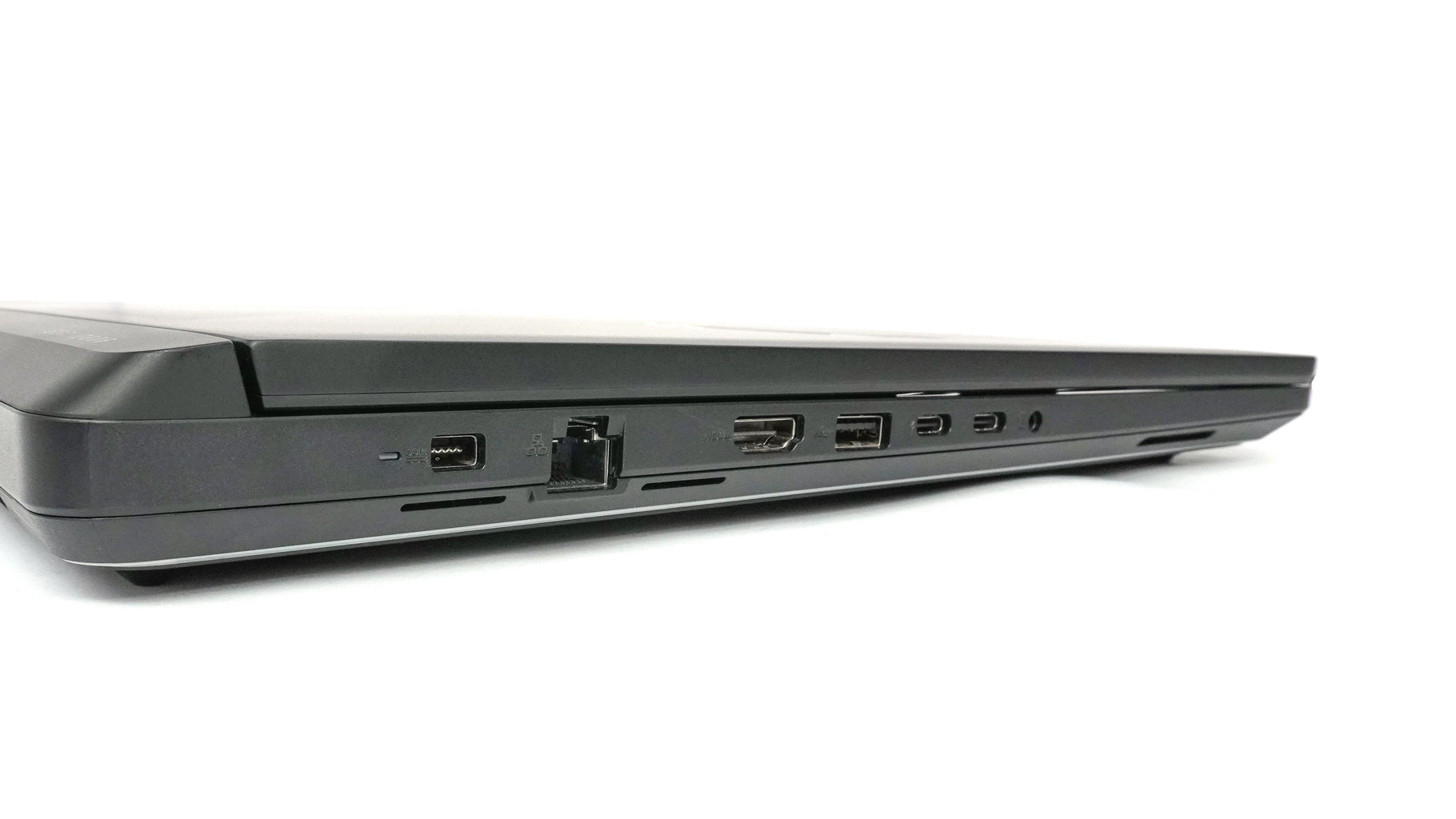
Most of the connectors are on the left, starting with a Power plug, a 2.5 GbE LAN, an HDMI 2.1 FRL, a 10 Gbps USB Type-A 3.2 Gen. 2 port, two full-function Thunderbolt 5 (up to 120 Gbps transfer speeds) with DisplayPort, PowerDelivery, and G-SYNC capabilities, and an Audio combo jack.

The right side houses a pair of 10 Gbps USB Type-A 3.2 Gen. 2 ports.
Our Patreon Silver Supporters can read articles in single-page format.
Nov 24th, 2026 17:22 CST
change timezone
Latest GPU Drivers
New Forum Posts
- Which ryzen am5 cpu ? (207)
- X79 and/or rampage IV OC'ing thread for those of us still left.... (2453)
- The time has come to upgrade...my desktop (8)
- {NA} 2026 Black November prices / deal (1)
- Help finding Xbox Series X manual fan controller. (0)
- WireView Pro II GPU Alignment: Wired | Variant: Black (7)
- AMD ULL settings tinkering thread - post settings and Zen pics (89)
- Your PC ATM (36500)
- Linpack Xtreme Released (510)
- Asus ROG Strix XG27AQWMG compared to XG27AQWMG-R what changed? (0)
Popular Reviews
- Microsoft Surface Laptop Ultra Review - The Next-gen Arm Laptop
- ASRock X870E Challenger Wi-Fi White Review
- Upcoming Hardware Launches 2027 (Updated Nov 2026)
- Corsair RM1200e (Second Generation) Review
- AMD Ryzen 7 9800X3D Review - The Best Gaming Processor
- VZMORE AX9 Max Review
- AMD Zen 6 Technical Deep Dive
- AMD Ryzen 7 7700X3D Review
- Pulsar Office Tour & First Look at P1 Dual-Sensor Mouse
- Phantom Blade Zero Performance Benchmark Review - 35 GPUs Tested
TPU on YouTube
Controversial News Posts
- Jensen Huang Reinstated as CEO of NVIDIA (525)
- NVIDIA Co-Founder and CEO Jensen Huang Officially Resigns (492)
- Report: Jensen Huang Eyes NVIDIA Comeback (281)
- Open Letter Asking NVIDIA to Reinstate Jensen Huang Passes 115,000 Signatures (184)
- OpenAI CEO Argues Home PCs Waste the World's Limited DRAM Supply (152)
- NVIDIA Launches Investigation Into Jensen Huang's Relationship With Suspected Chinese Spy (136)
- Intel "Raptor Lake Next" 16-Core and 20-Core CPUs Surface (130)
- Intel Razor Lake Gets a 12 P-Core bLLC Chip With No E-Cores, Per Leak (93)