 14
ASUS ROG Strix X870E-E Gaming Wi-Fi7 Neo Review
VRM Overview »Component Analysis
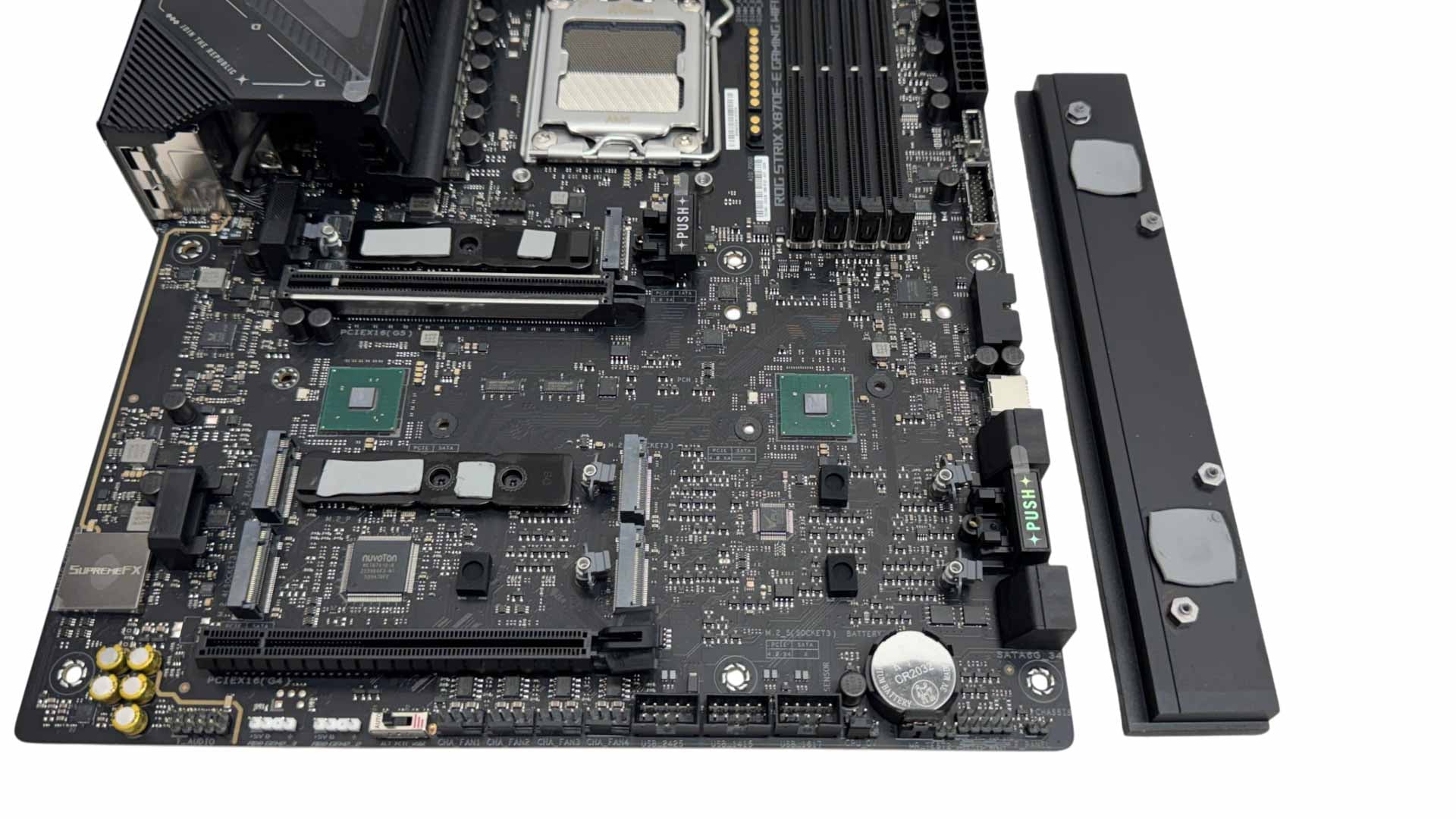
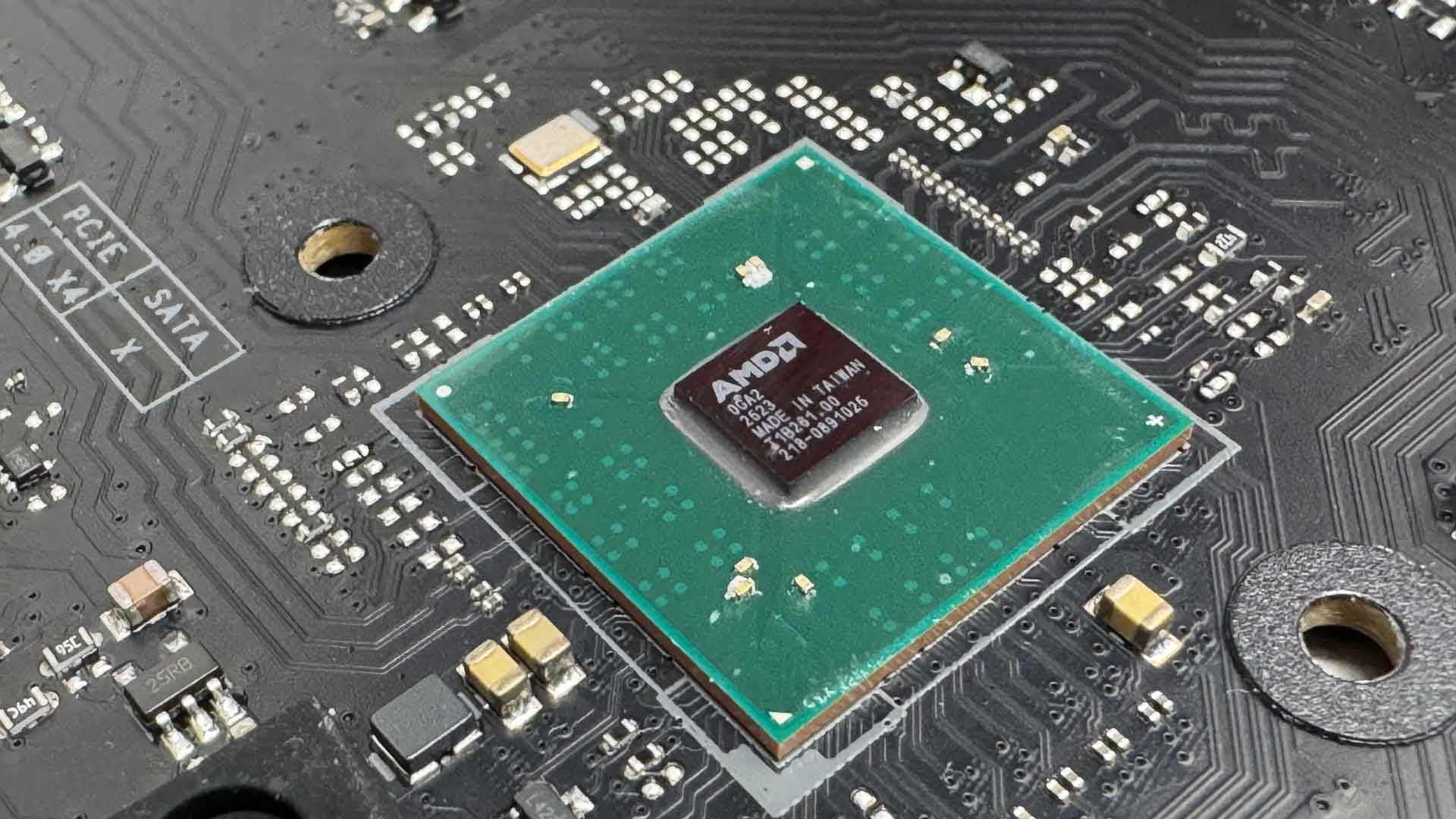
With X870E, a large portion of the PCB is taken up by the pair of chipsets. These are arranged horizontally, which allows for the impressive number of M.2 ports. These are cooled by an enormous heatsink that by weight alone is one of the heaviest we've seen.
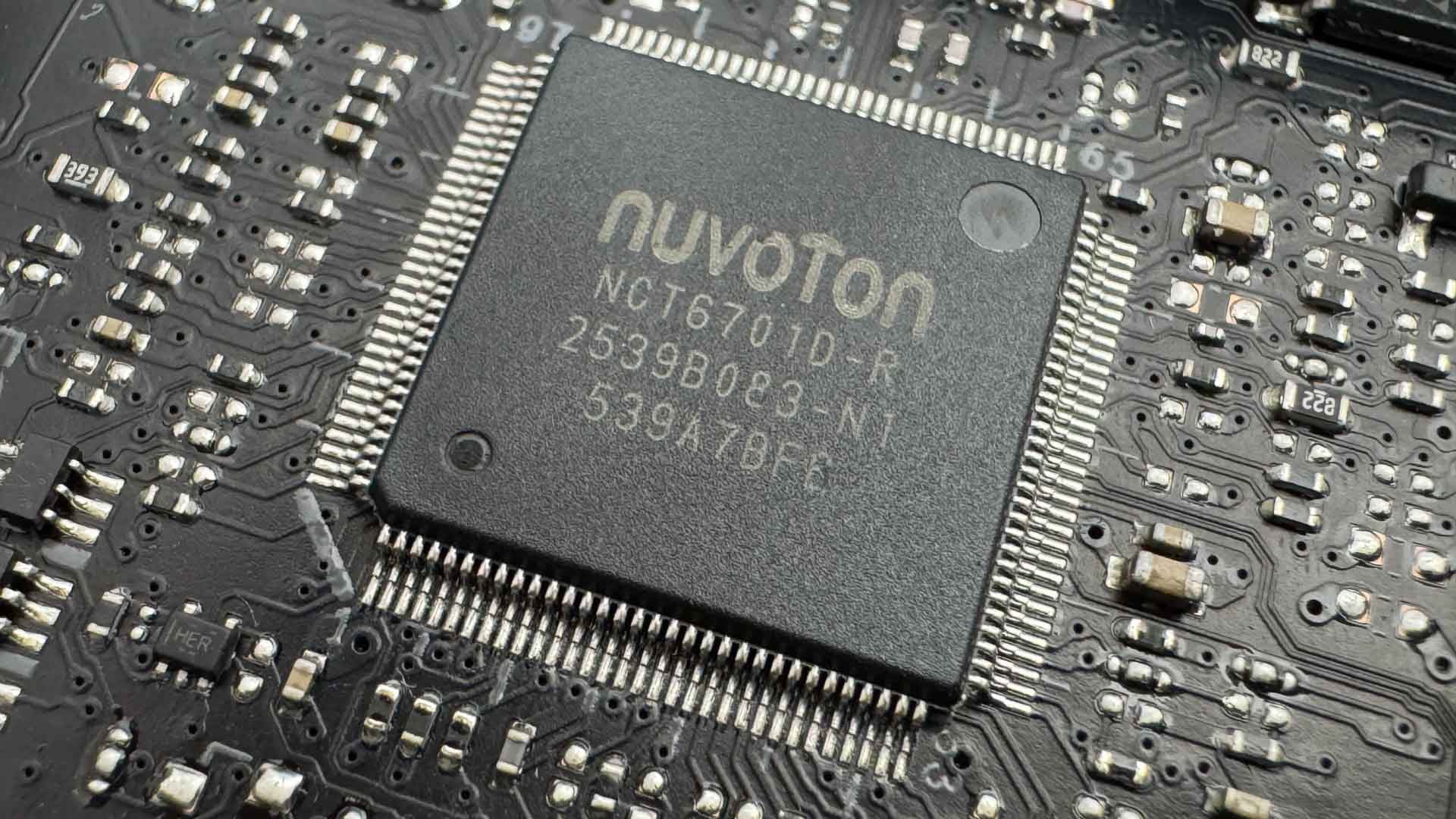
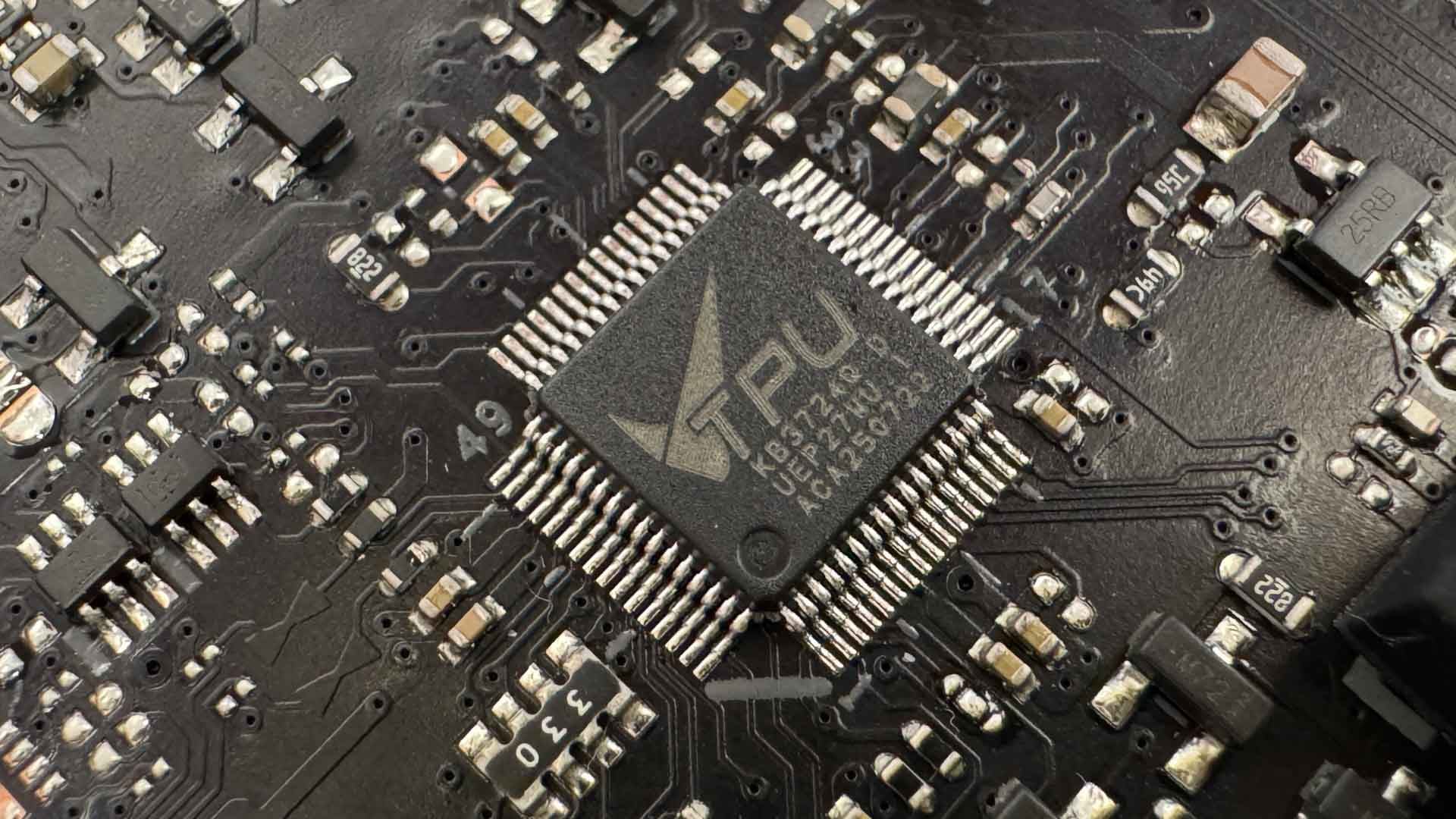
A popular choice on ASUS motherboards is the Nuvoton NCT6701D super I/O series chip, used for hardware monitoring. We also have the ASUS TurboV Processing Unit that deals with AI overclocking and voltage monitoring.
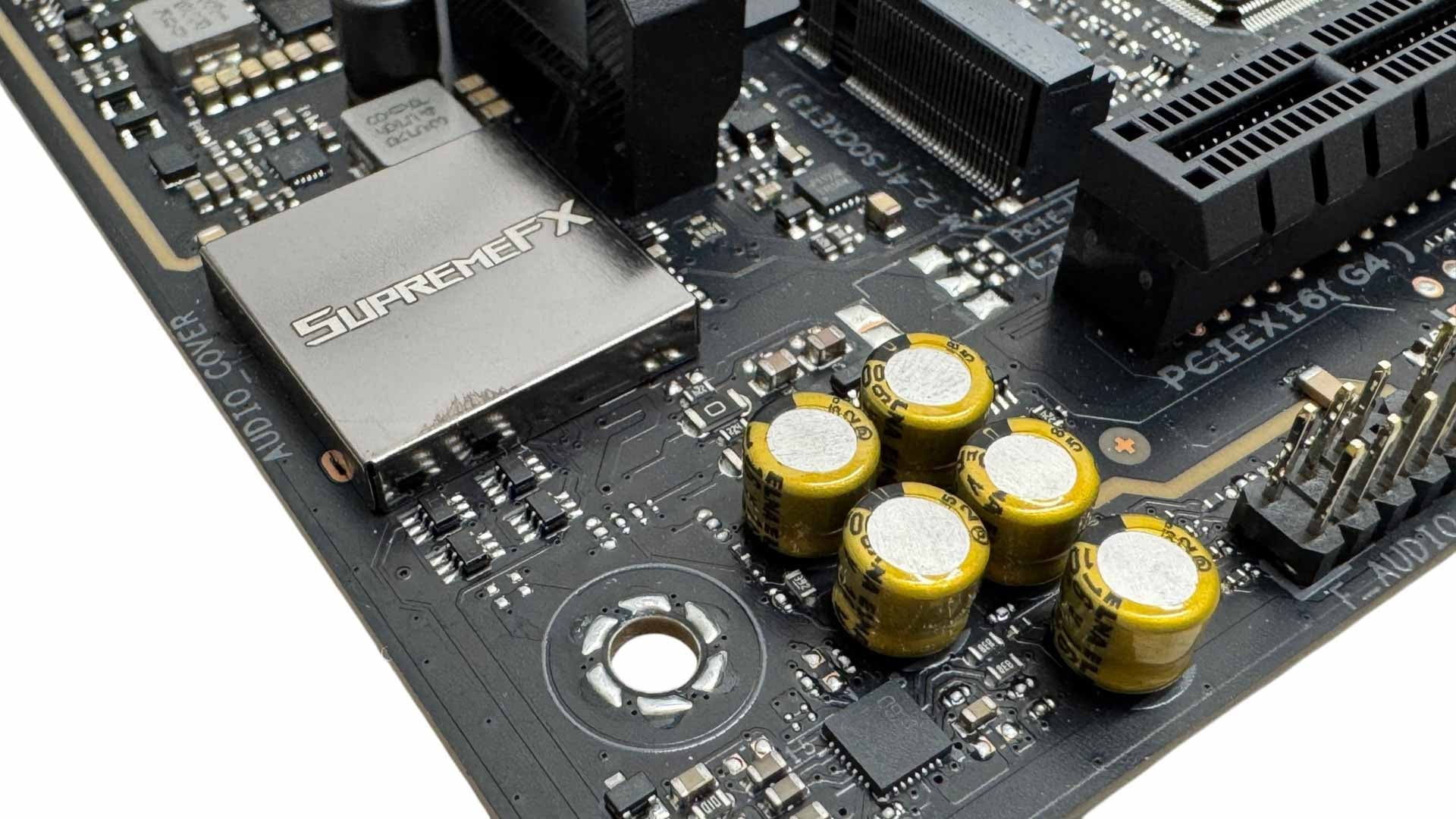
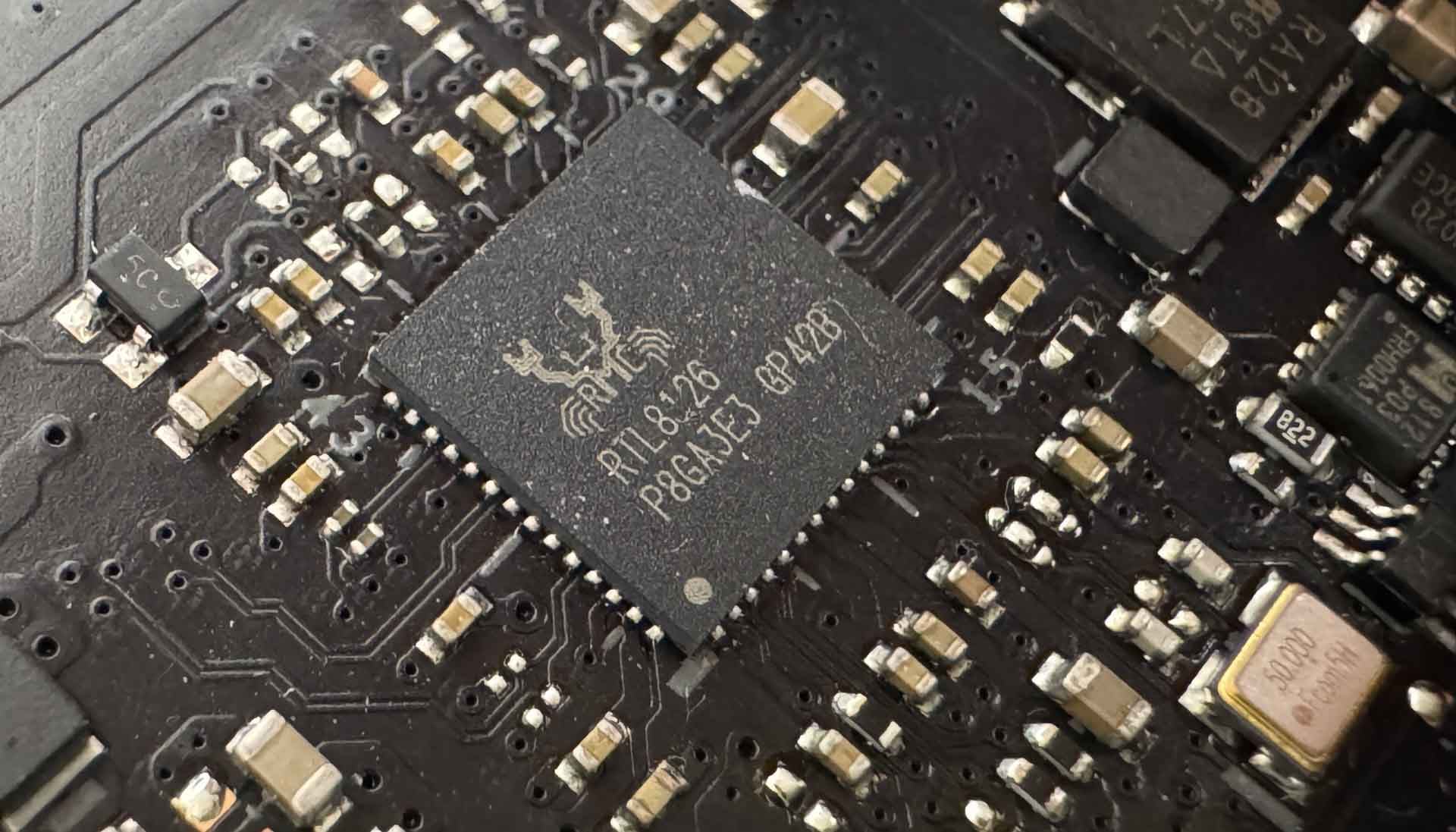
Onboard audio is provided by Realtek's ALC4080 USB-based codec located under a soldered ROG SupremeFX-branded cap, also including a Savitech SV3H712 AMP for front panel audio. The 5 Gbps Ethernet controller is Realtek's RTL8126.
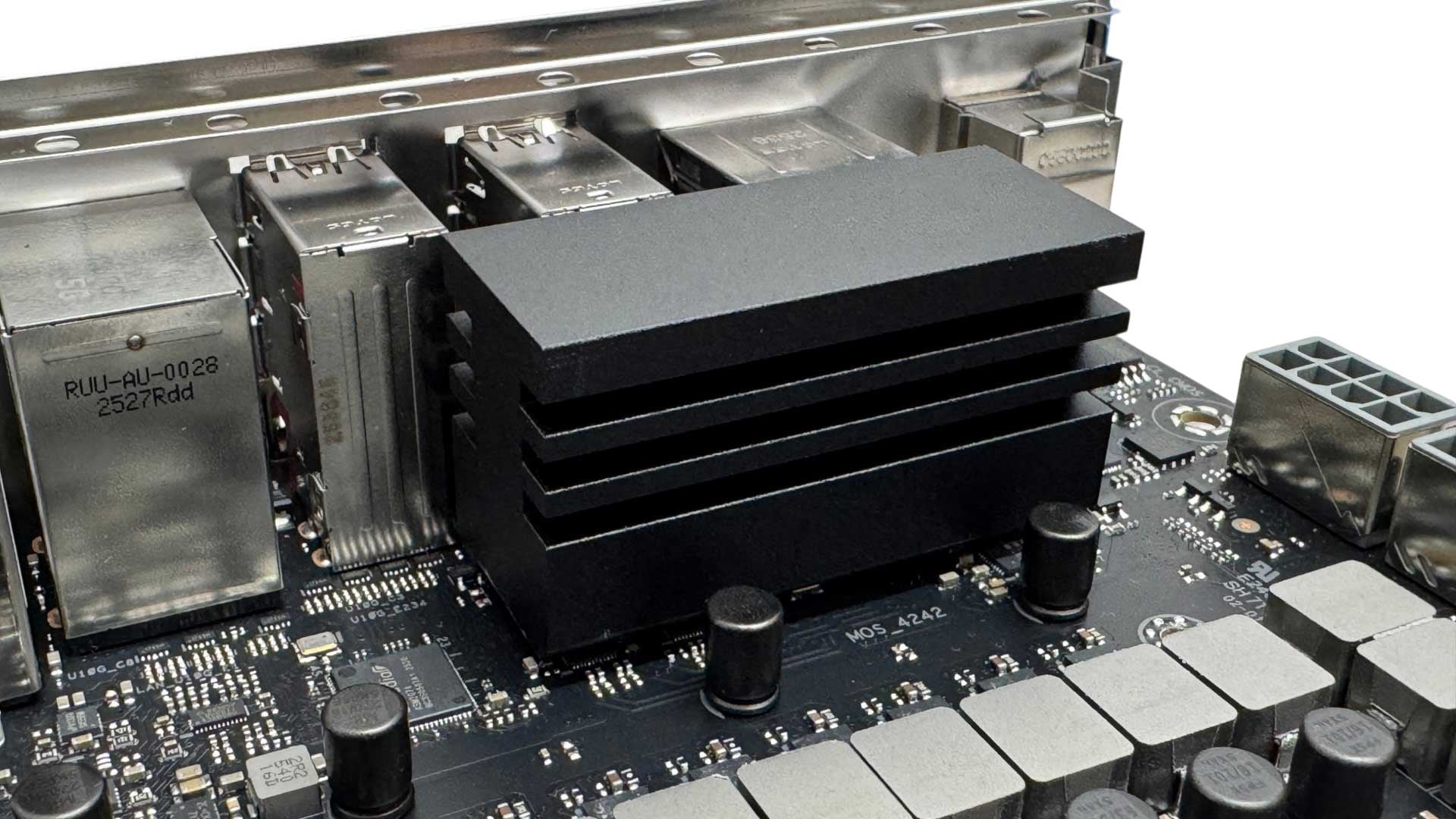
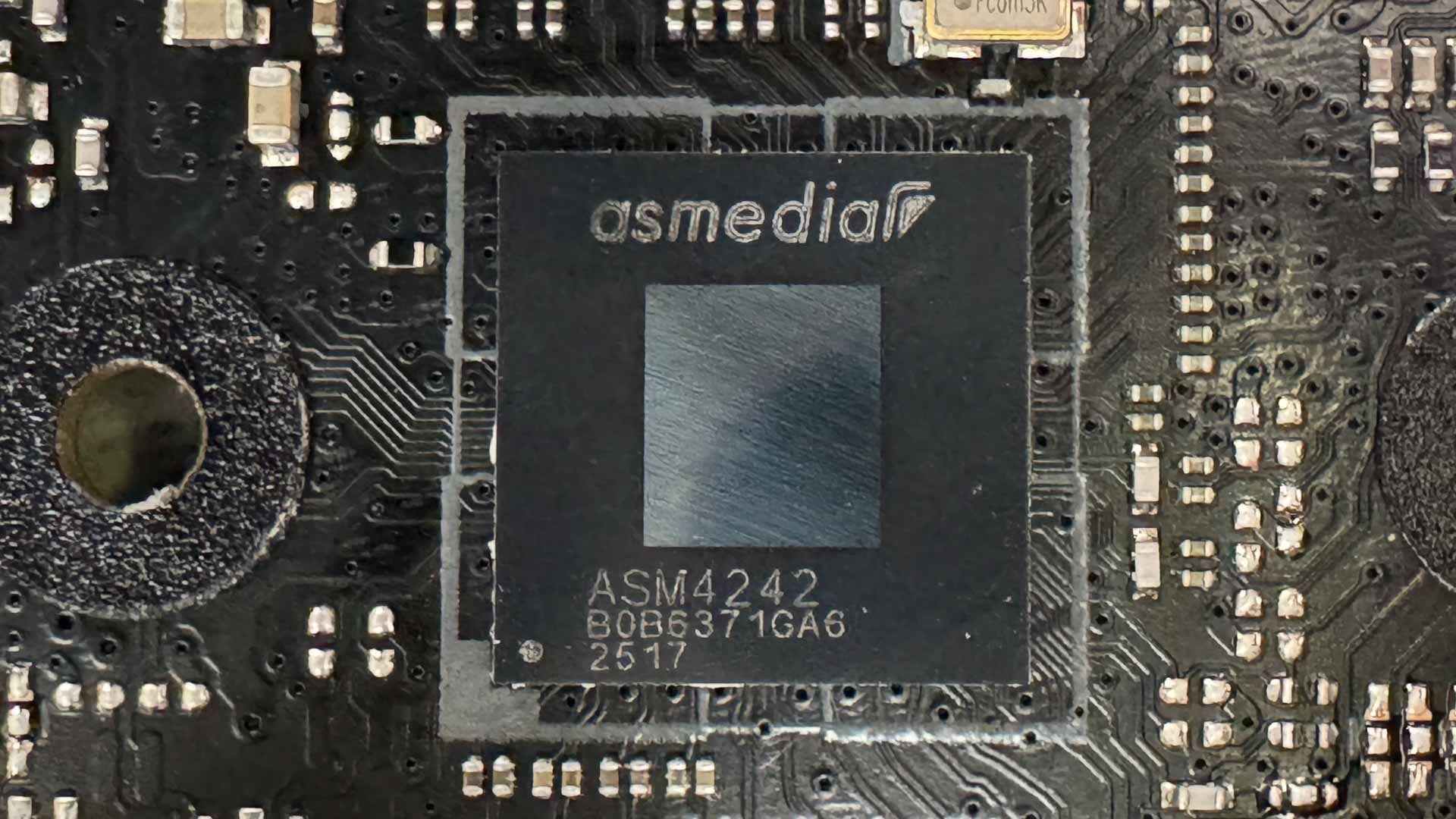
The USB4 controller is the usual ASMedia ASM4242, which is Thunderbolt 4-certified and cooled by its own heatsink that sits under the VRM heatsink.
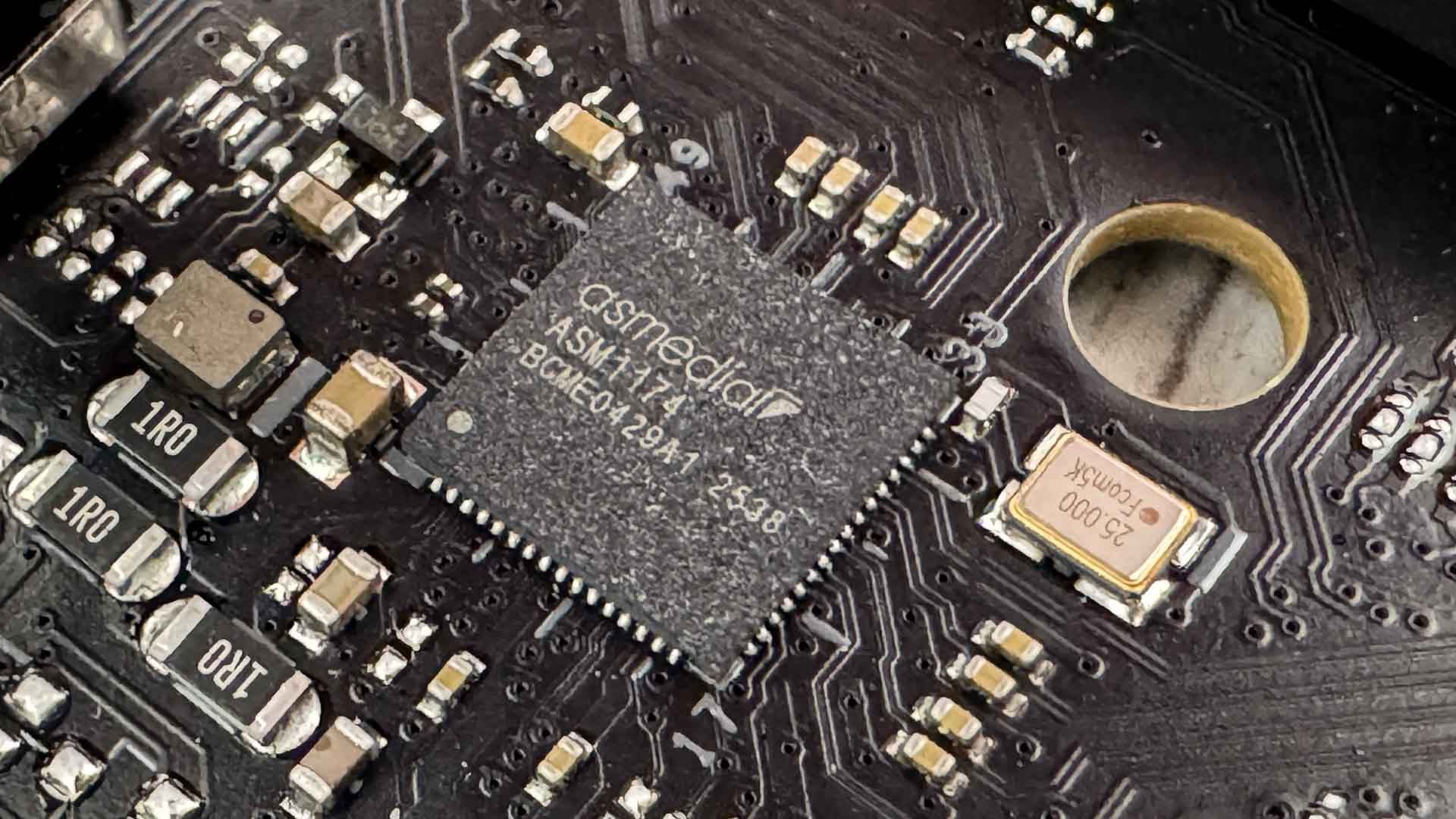
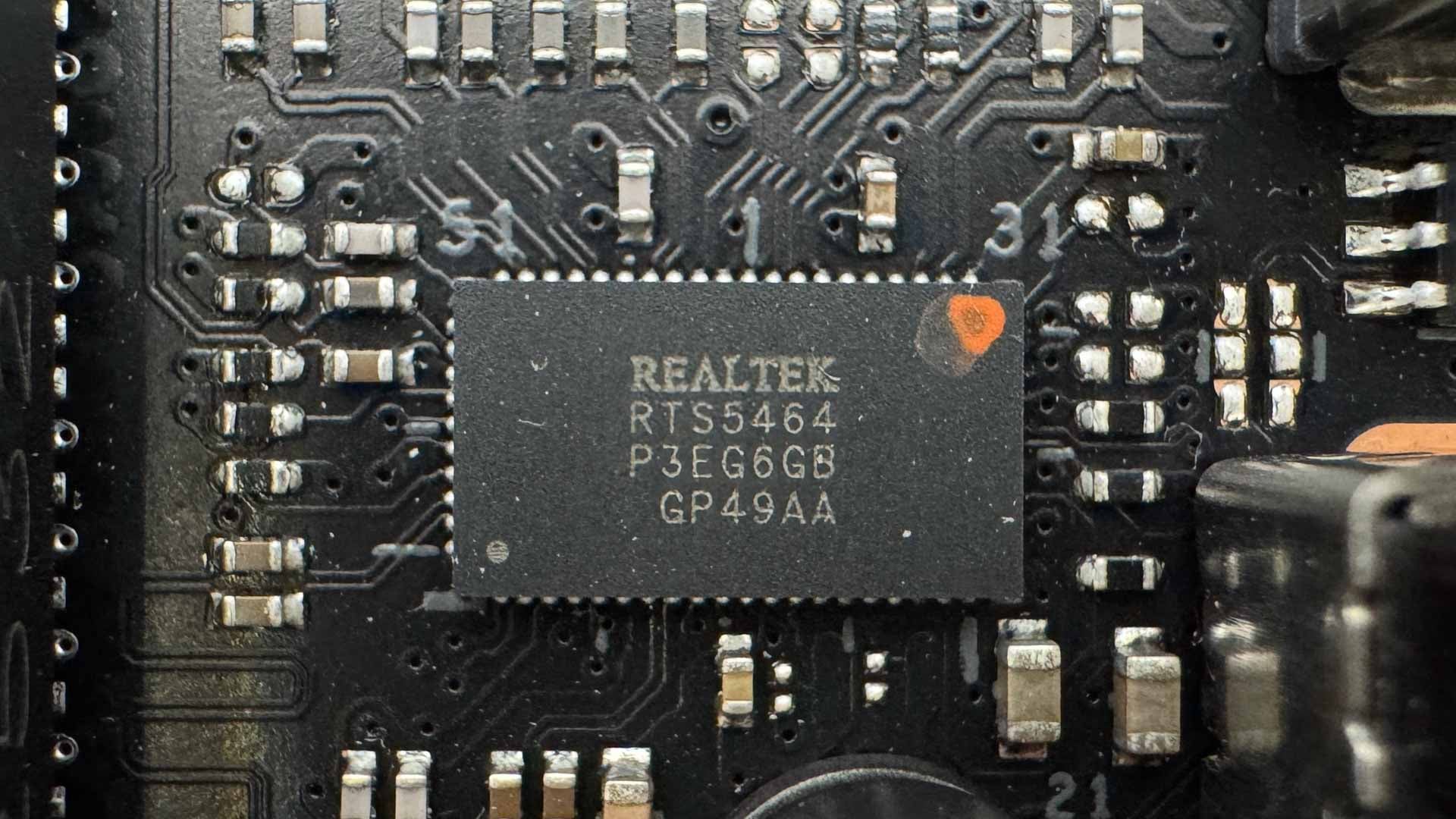
An ASMedia ASM1174 controller hands the two USB 3.0 front panel headers while a Realtek RTS5464 USB controller powers the USB 3.2 Gen 2x2 20 Gbps Type-C front panel header.
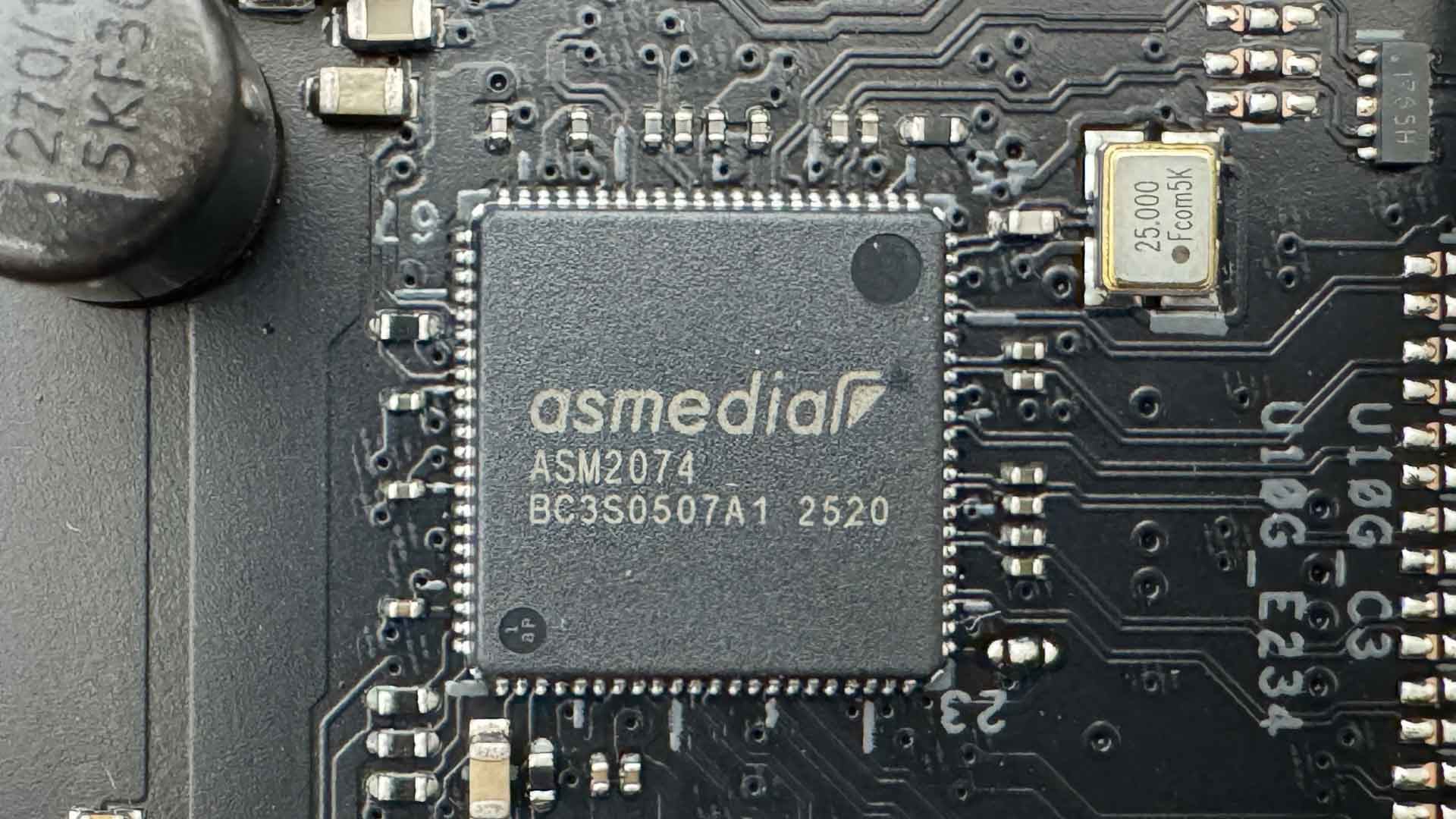
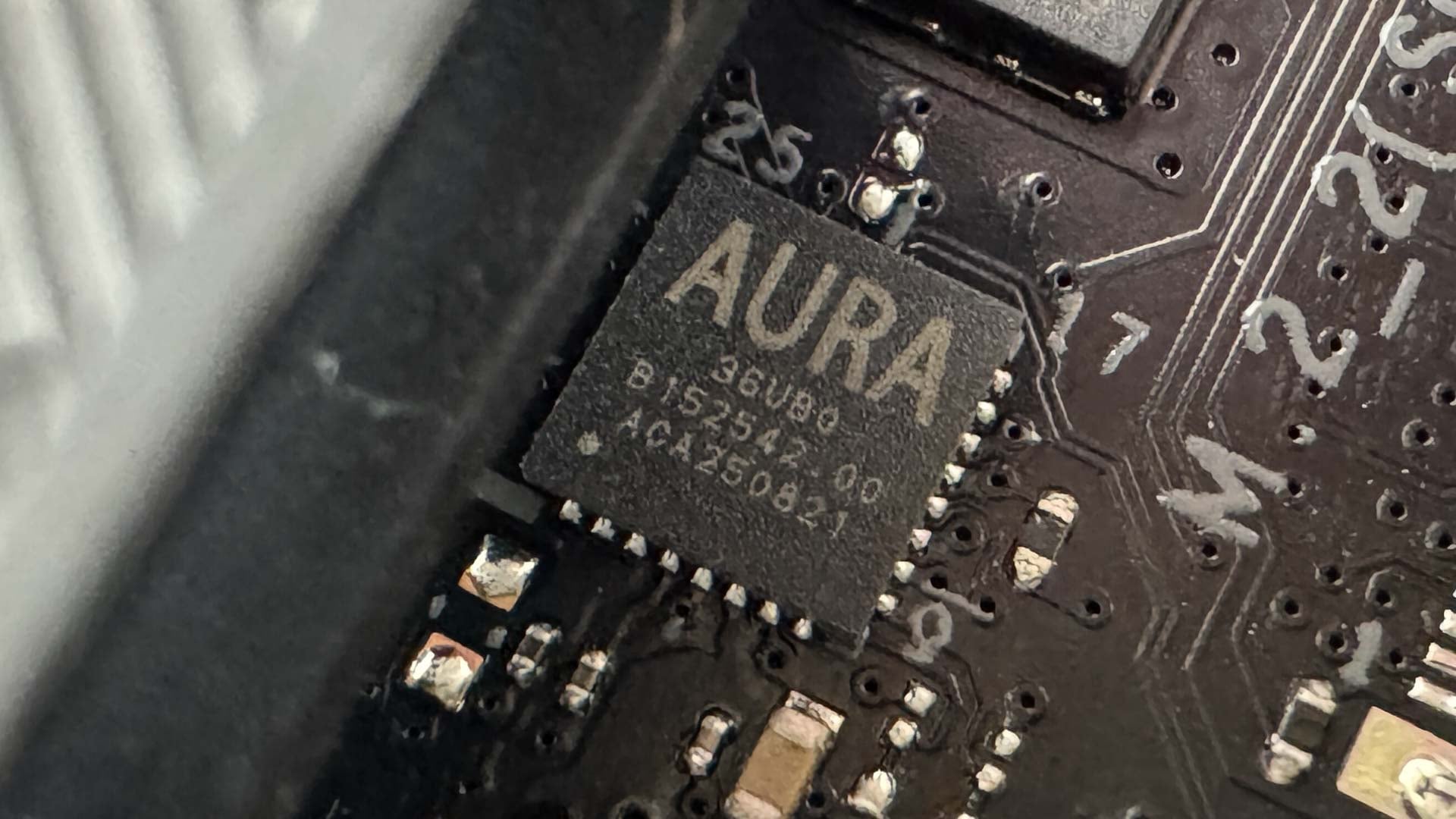
Contributing to the impressive number of rear USB ports is a USB 3.2 Gen 2 10 Gbps ASMedia ASM2074 four-port controller. For RGB lighting control we have an Aura 36UB0 chip.
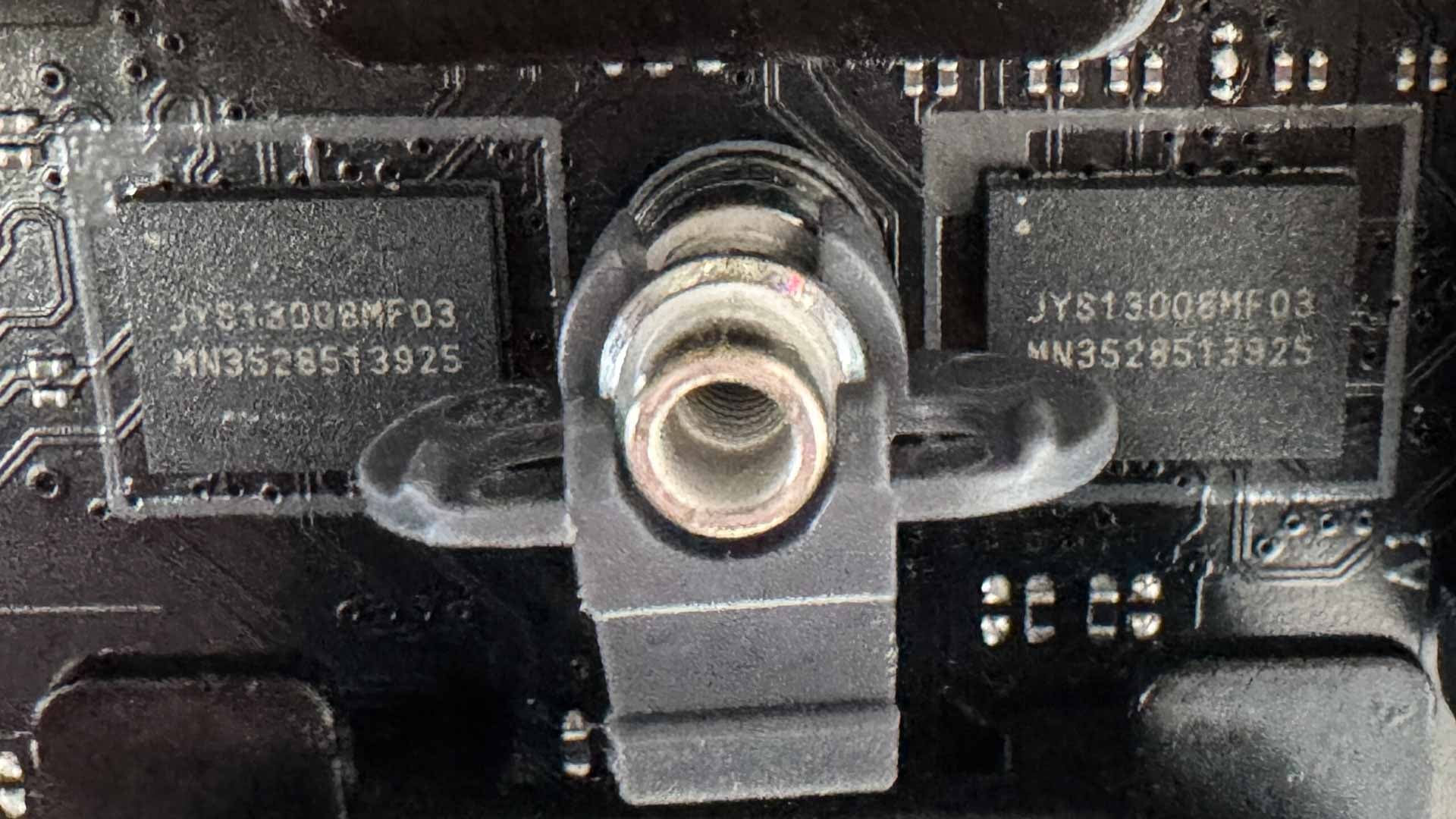
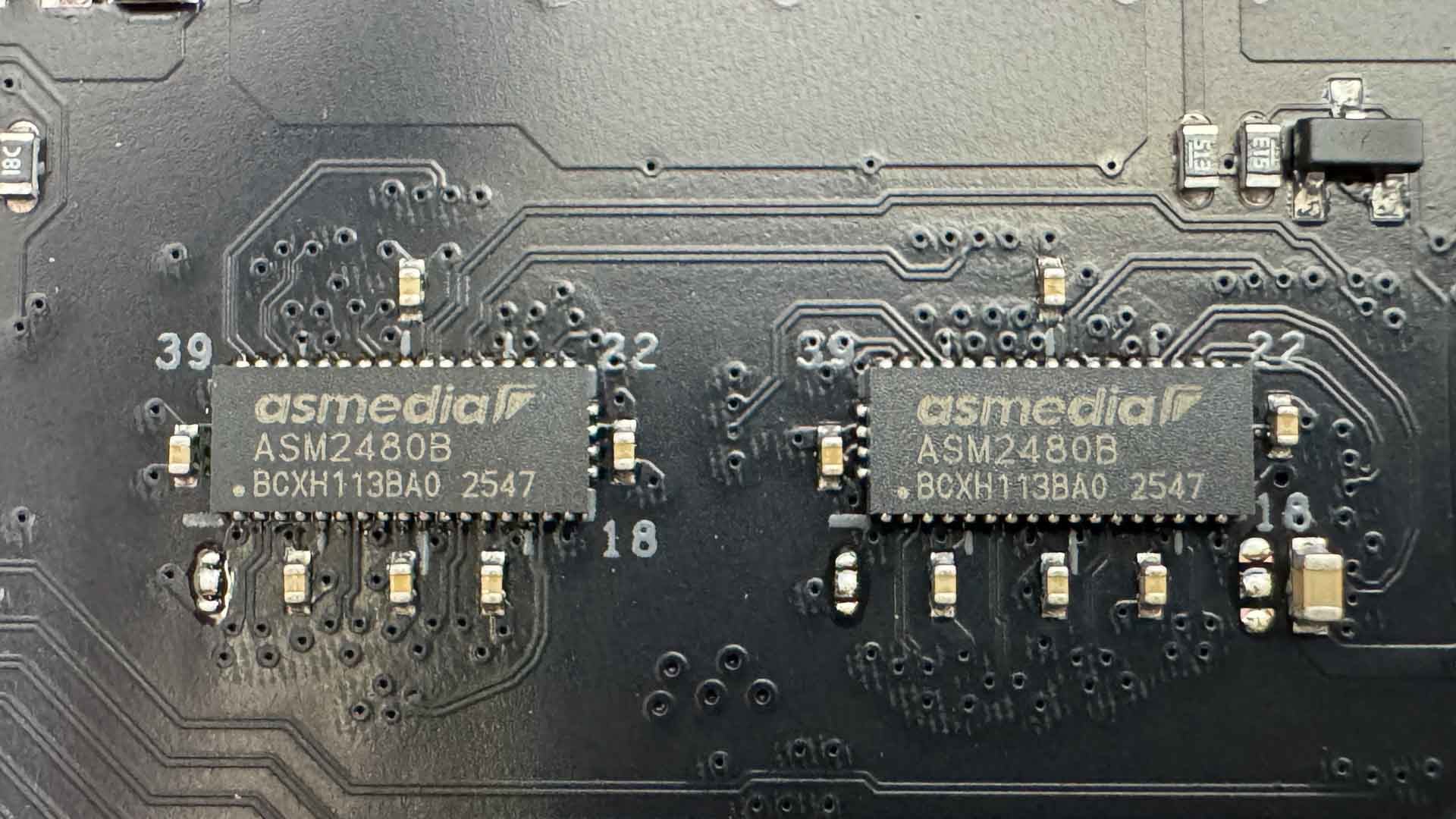
For M.2 PCIe Gen 5, ASUS uses LeRain Technology PCIe Gen 5 JYS13008MF redrivers, while ASMedia ASM2480B PCIe Gen 4 switches are used for bandwidth sharing between the lower PCIe slot and the M.2_3 PCIe Gen 4 port.
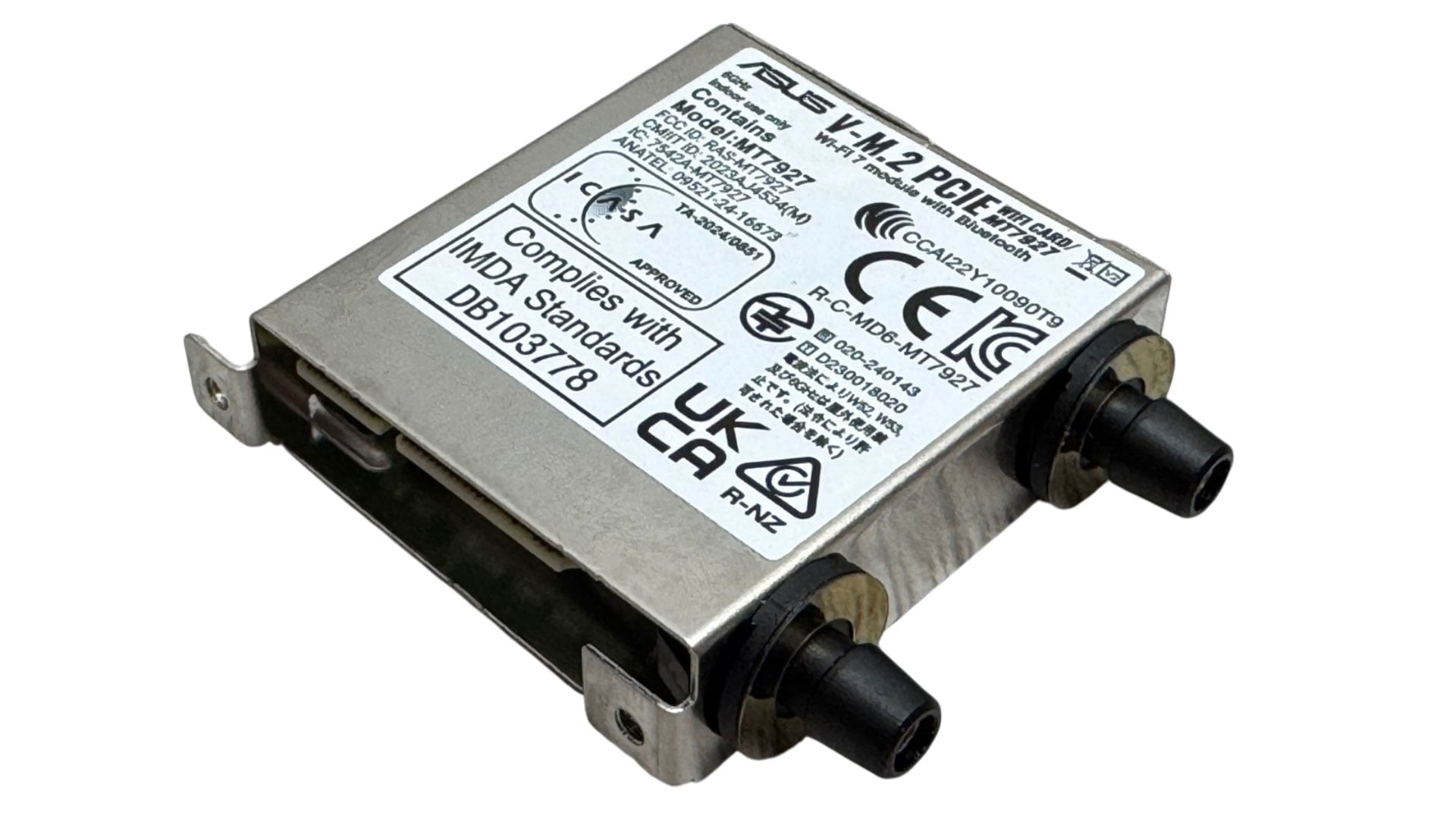
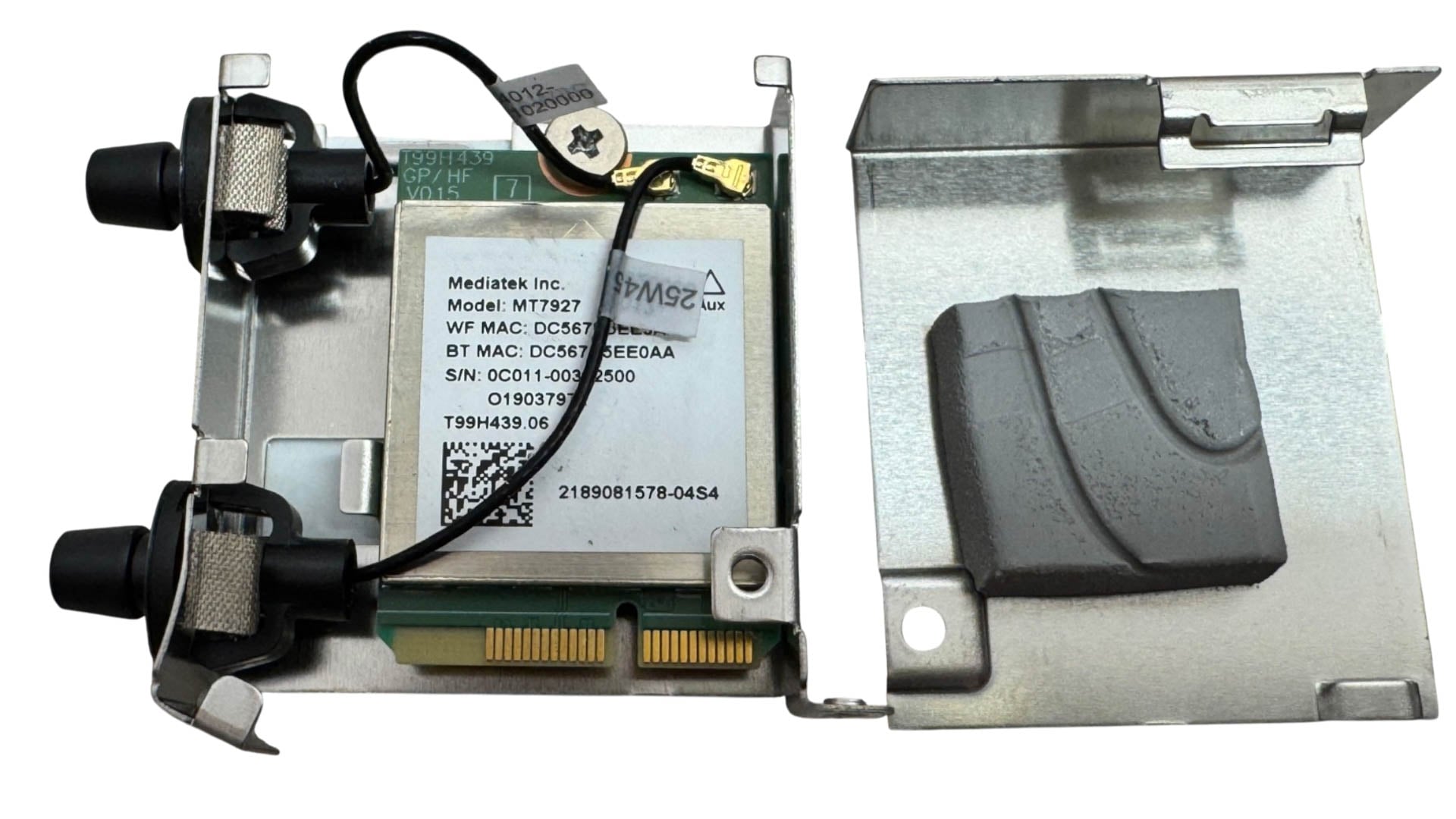
The Wi-Fi 7 module uses ASUS Q-Antenna connectors externally, which are not compatible with standard aerial threads, unlike MSI's alternative that does both its own quick-fit solution and threads. The module itself is MediaTek's MT7927, which is cooled using a thermal pad attached to the steel housing. To remove or replace this, you'll need to remove the entire VRM heatsink array, detach the RGB lighting cable, then remove the rear I/O shield by unclipping it.
Nov 26th, 2026 14:30 CST
change timezone
Latest GPU Drivers
New Forum Posts
- ASUS Prime 5060 ti 16gb x4 instead of x8 PCIe (10)
- Windows 10 Power save mode. See what program that cause sleep to fail. (1)
- Mouse Pad advice - Shidenkai out of production? (1)
- Can you guess Which game it is? (370)
- WarpCoreBench scores! (110)
- TechPowerUp Screenshot Thread (MASSIVE 56K WARNING) (4388)
- TPU's WCG/BOINC Team (34809)
- UPS what one to get? (75)
- Using sodimm+adapter instead of full size dimm DDR5? (101)
- Nvidia Driver Constantly writing to SSD FIX (Read the Post) (0)
Popular Reviews
- ASRock X870E Challenger Wi-Fi White Review
- VZMORE AX9 Max Review
- Upcoming Hardware Launches 2027 (Updated Nov 2026)
- Microsoft Surface Laptop Ultra Review - The Next-gen Arm Laptop
- AMD Ryzen 7 9800X3D Review - The Best Gaming Processor
- AMD Zen 6 Technical Deep Dive
- Phantom Blade Zero Performance Benchmark Review - 35 GPUs Tested
- Corsair RM1200e (Second Generation) Review
- Montech CyberFlow ARGB 360 Review
- Pulsar Office Tour & First Look at P1 Dual-Sensor Mouse
TPU on YouTube
Controversial News Posts
- Jensen Huang Reinstated as CEO of NVIDIA (600)
- NVIDIA Co-Founder and CEO Jensen Huang Officially Resigns (492)
- Report: Jensen Huang Eyes NVIDIA Comeback (281)
- Open Letter Asking NVIDIA to Reinstate Jensen Huang Passes 115,000 Signatures (184)
- OpenAI CEO Argues Home PCs Waste the World's Limited DRAM Supply (152)
- NVIDIA Launches Investigation Into Jensen Huang's Relationship With Suspected Chinese Spy (136)
- Intel Razor Lake Gets a 12 P-Core bLLC Chip With No E-Cores, Per Leak (94)
- NVIDIA GeForce RTX 50-Series Scheduled for up to $500 Price Hike This Week (89)