 14
ASUS ROG Strix X870E-E Gaming Wi-Fi7 Neo Review
Finished Looks & Test System »Board Software
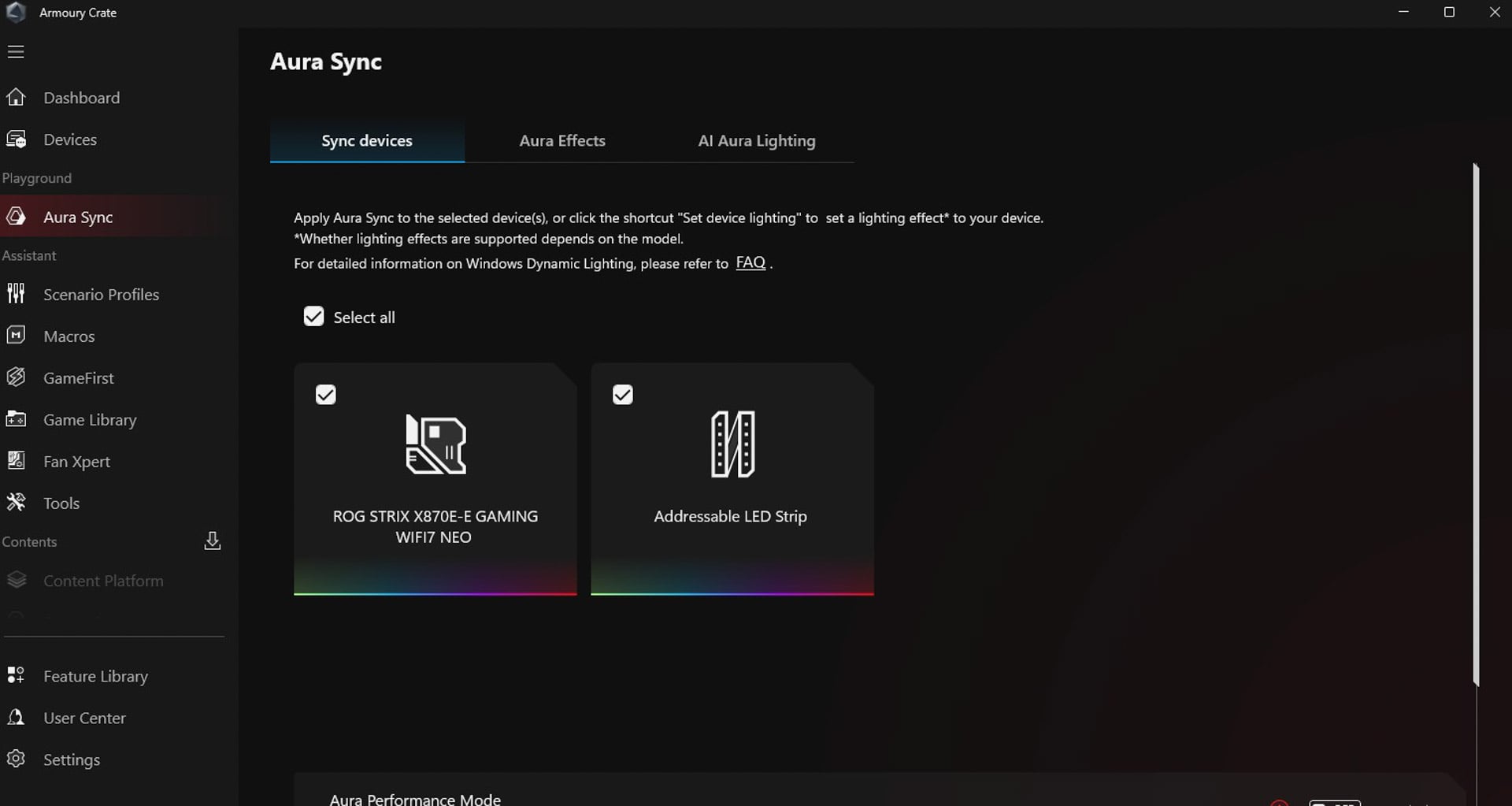
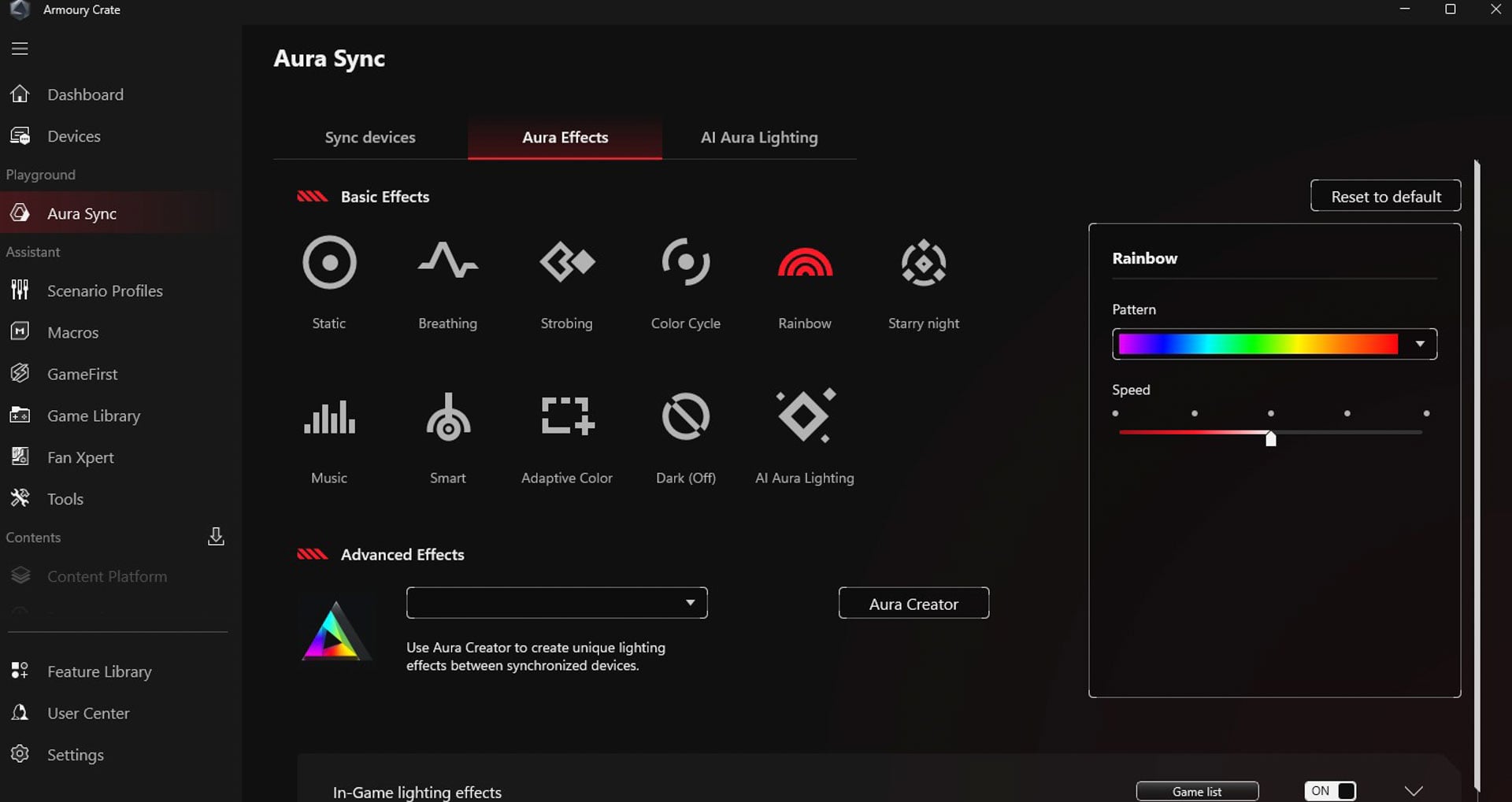
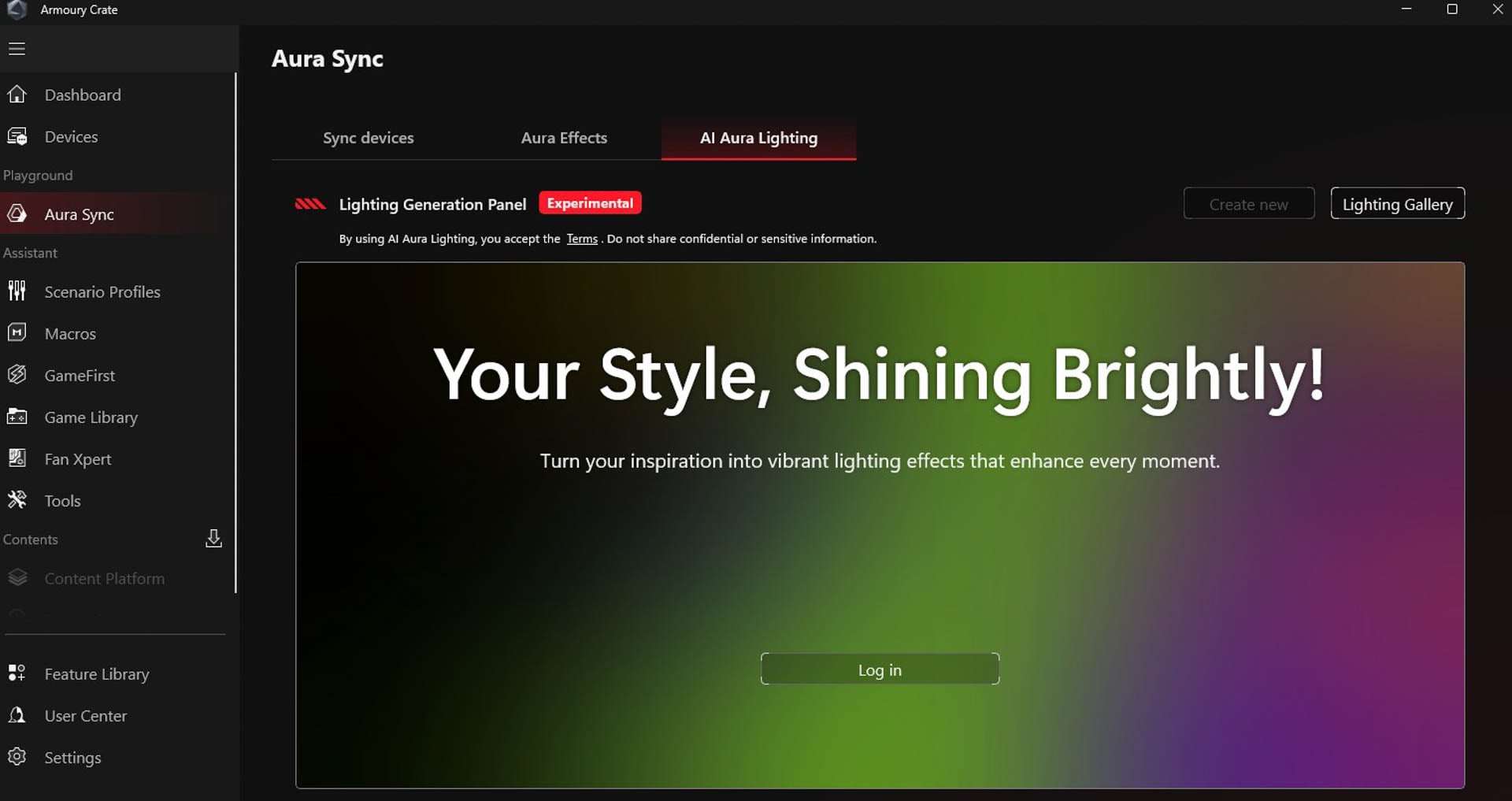
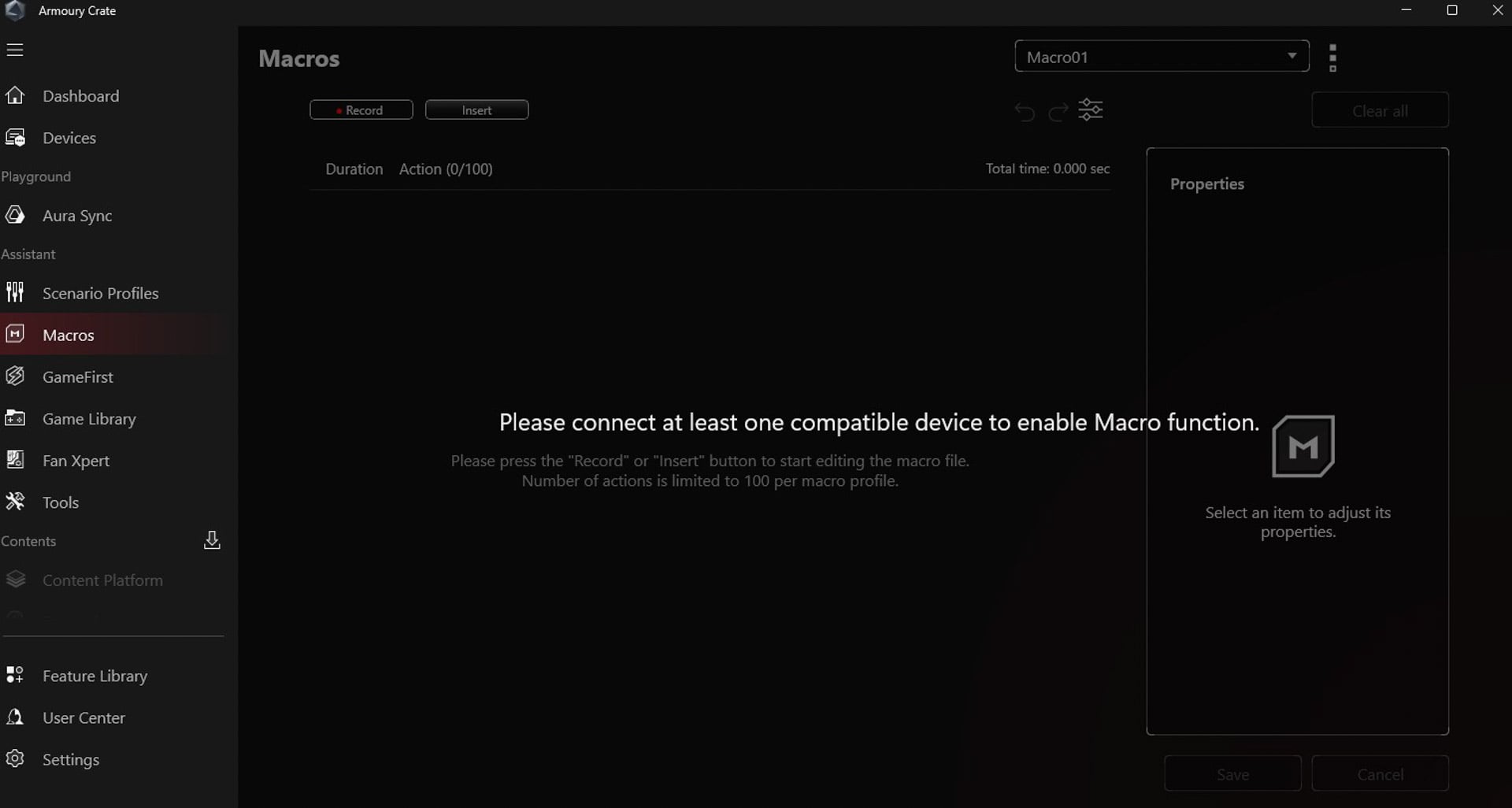
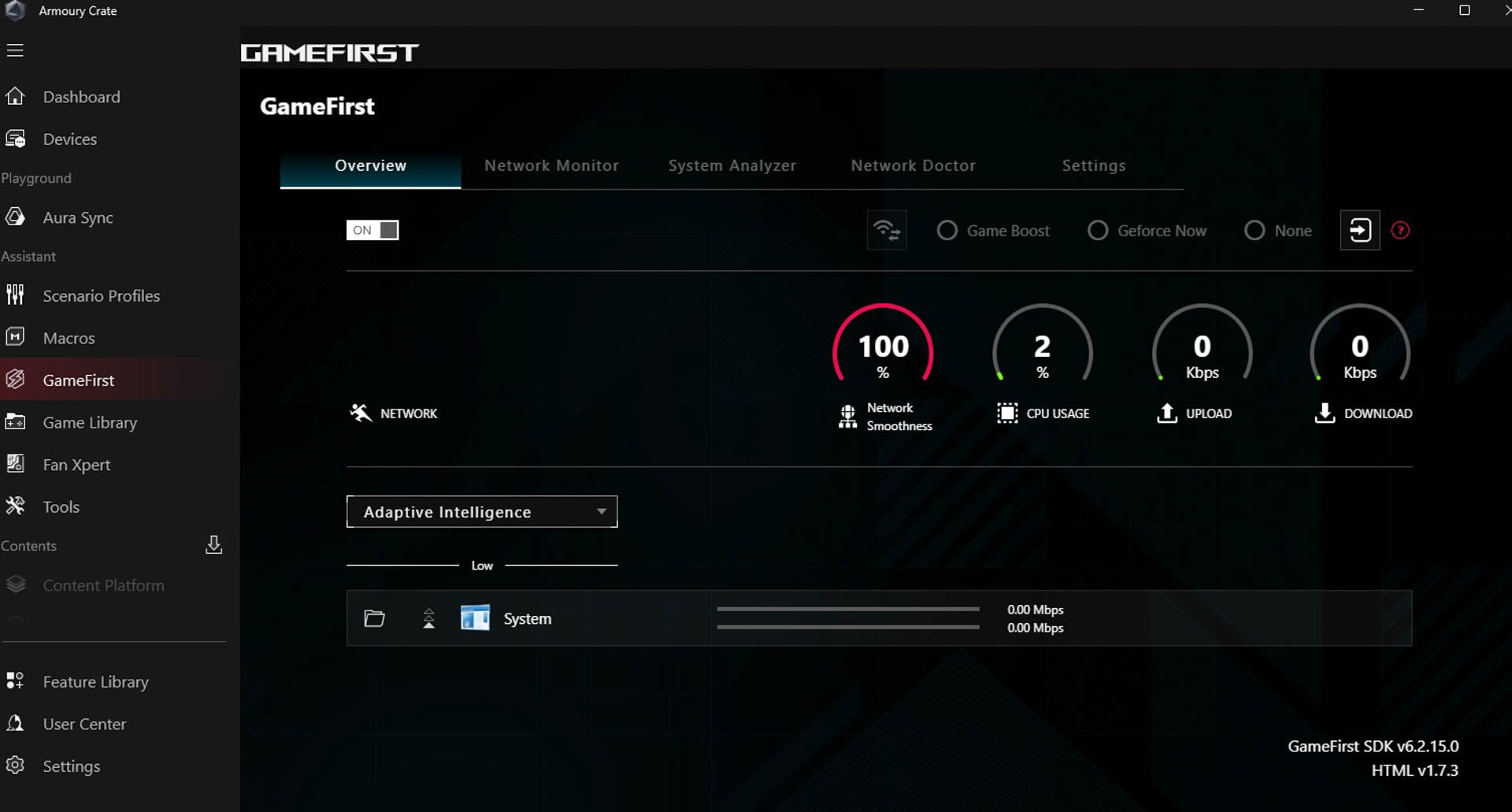
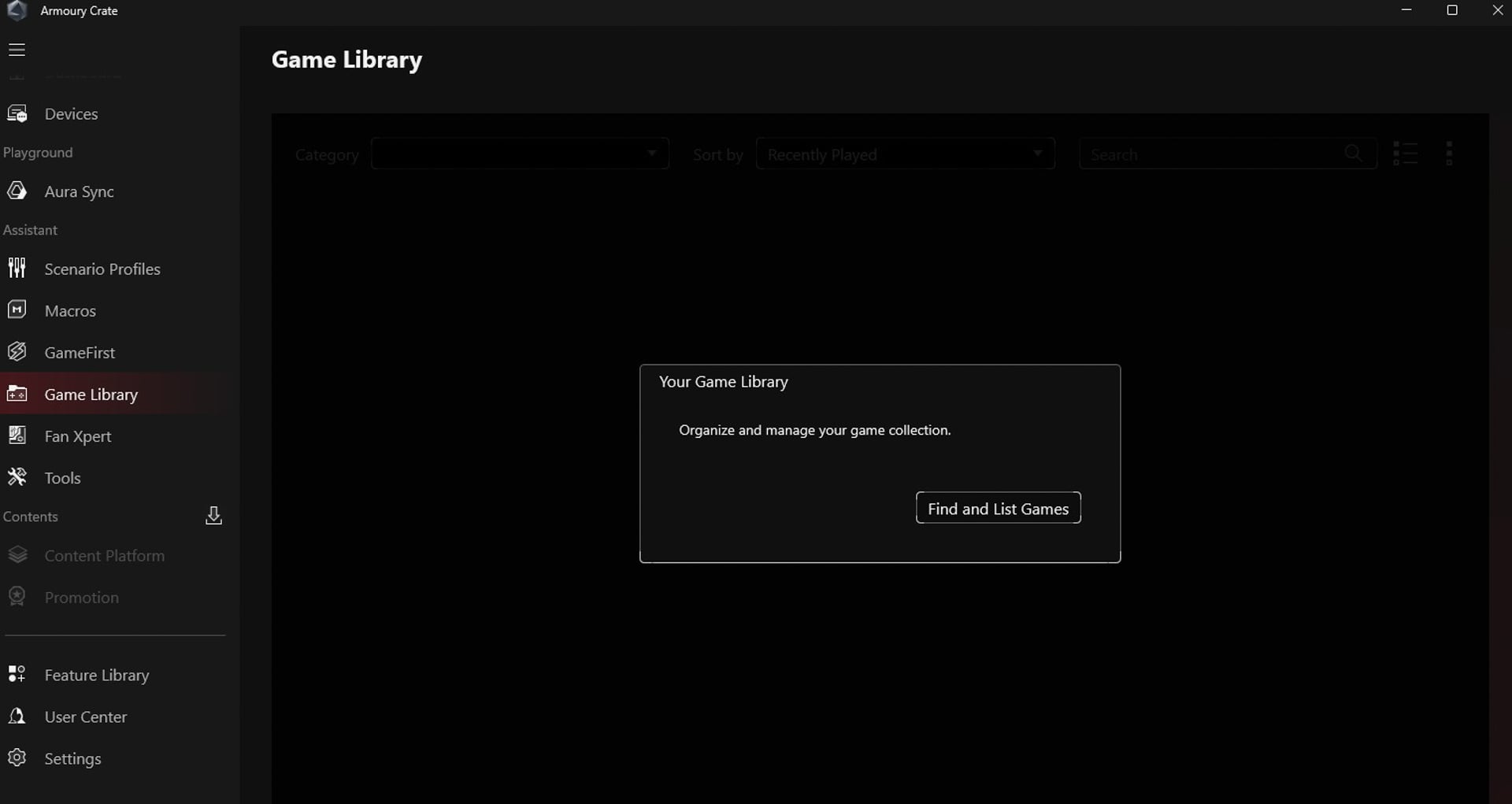
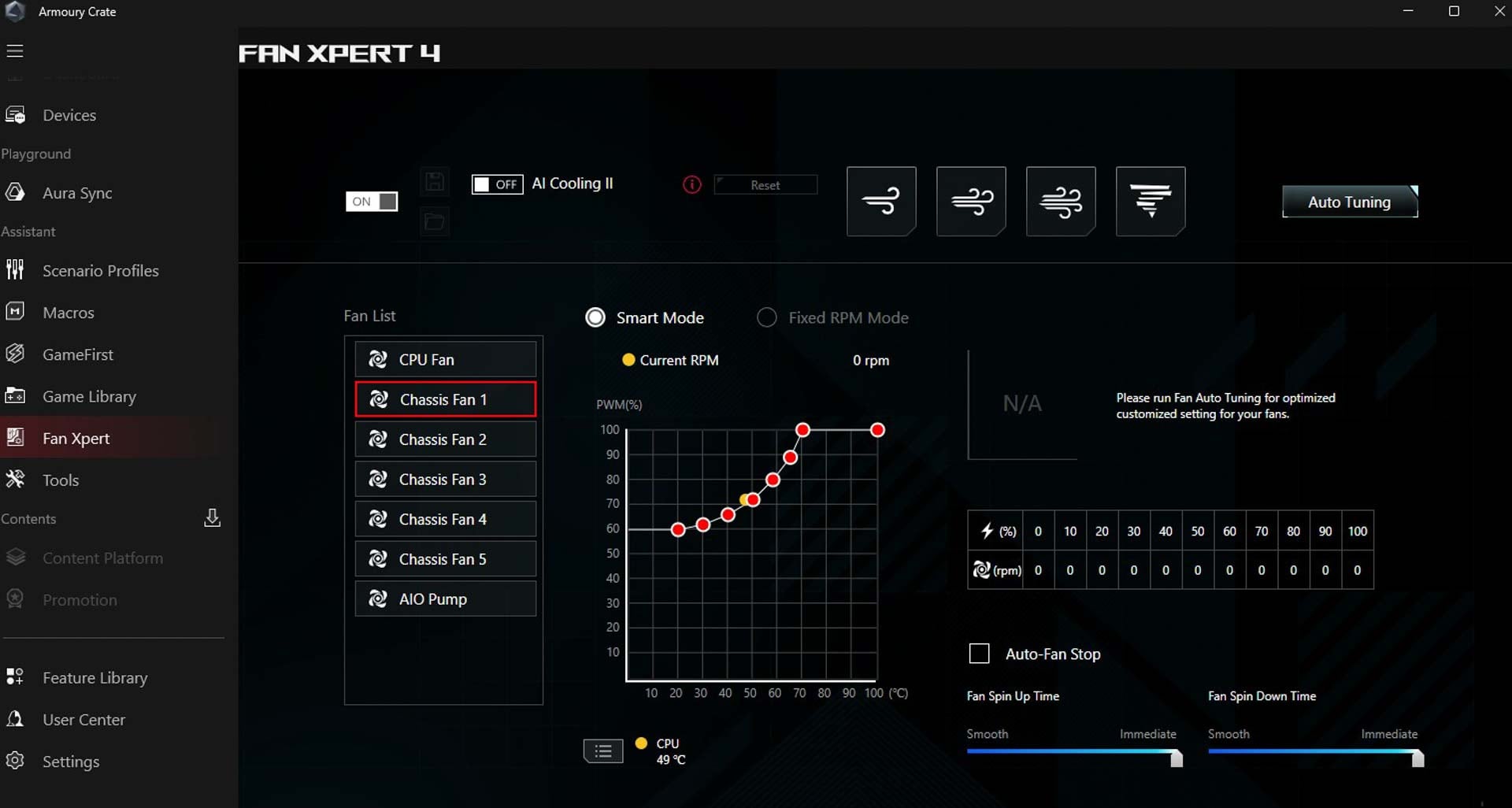
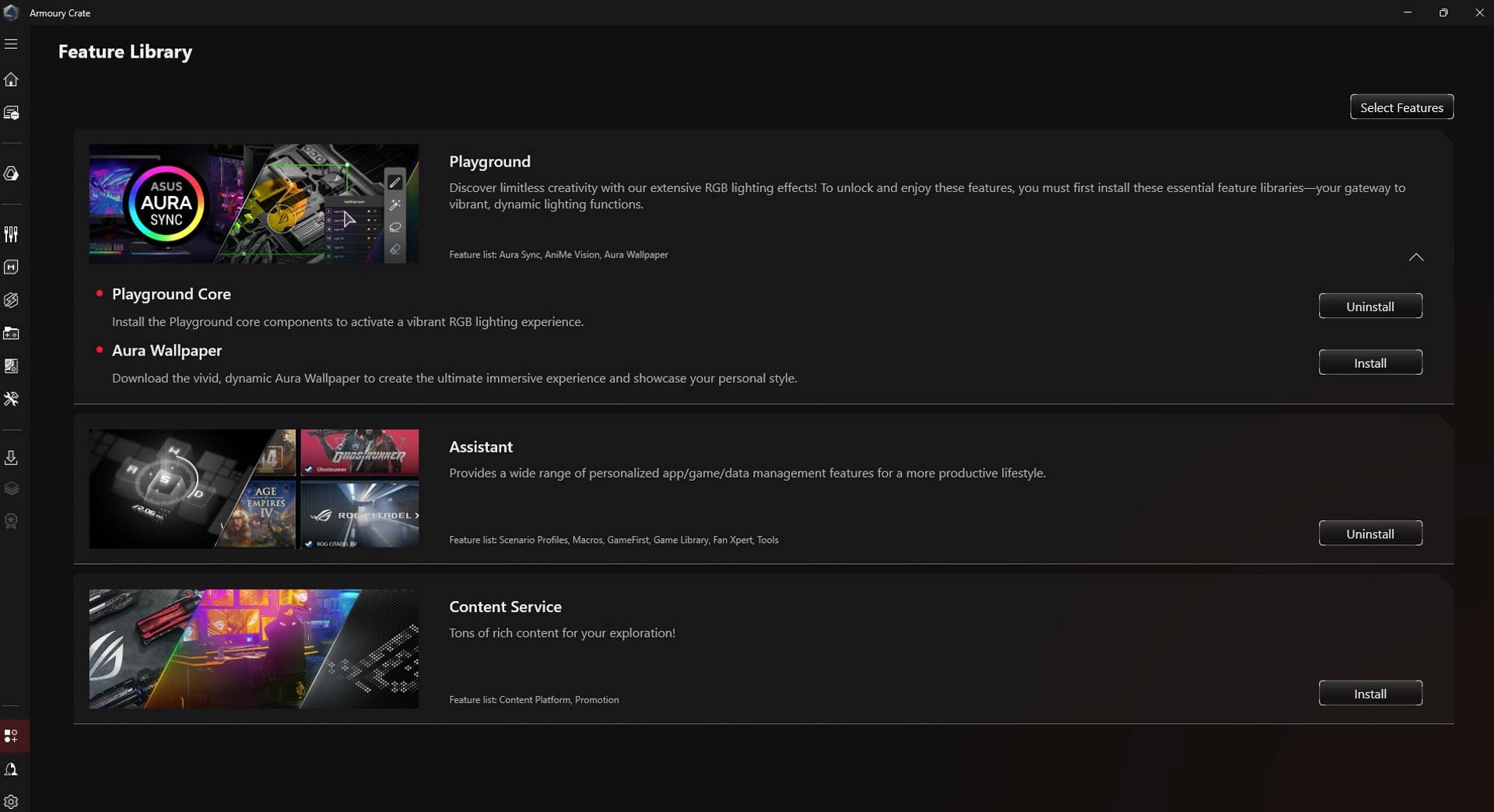
While the EFI has received some major tweaks this year, the Armoury Crate software remains the same and the key reasons you might want to use it are for Windows-based fan control and monitoring as well as RGB lighting control. Walking through the installation process, you'll be met with the option of installing various feature packs, but not told what they include. If you reject these options and wait till the core software is installed, under Feature Library, you'll see lists under each pack as to what apps they include so you can avoid installing too much bloatware.Next you'll want to update all the various modules, which is unfortunately necessary even though you essentially download the latest version of Armoury Crate using the installer. Most will refuse to run unless you do this. Dashboard gives you a live overview of frequencies, temperatures, voltages and fan speeds while under Devices, you'll get lighting shutdown effects, RGB strip configuration, SSD information and Wi-Fi networking options such as direction finding and traffic monitoring.
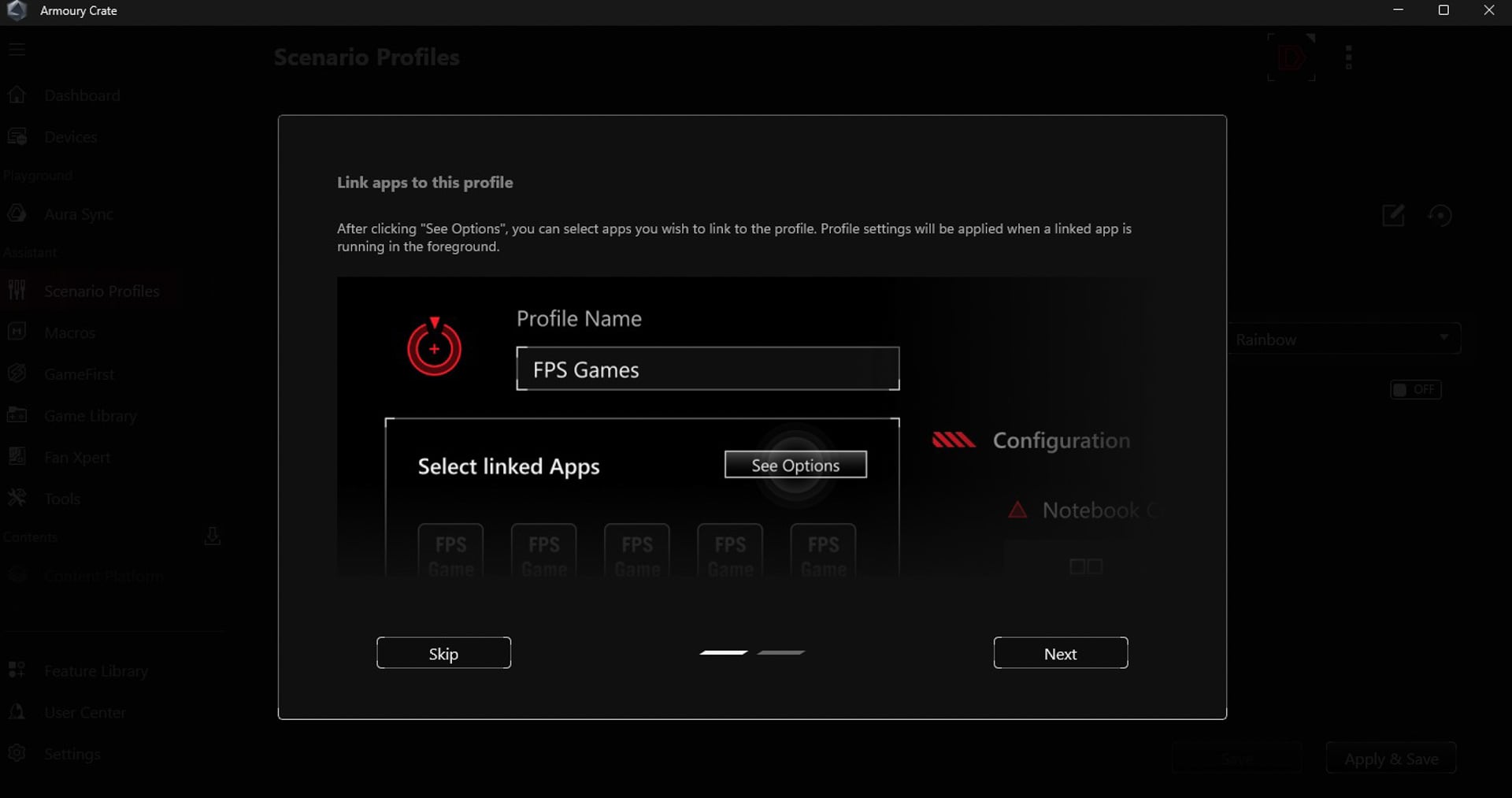
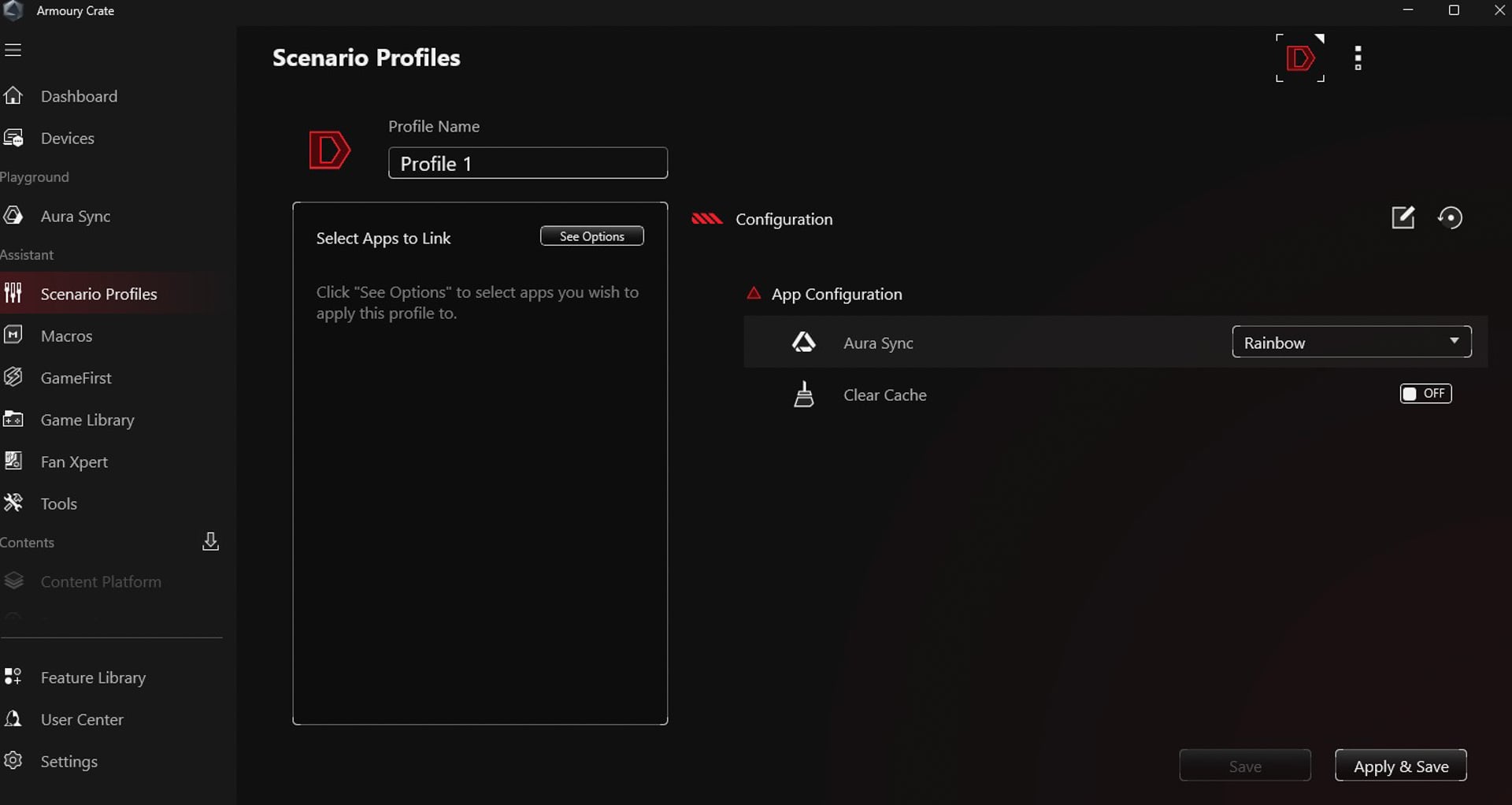
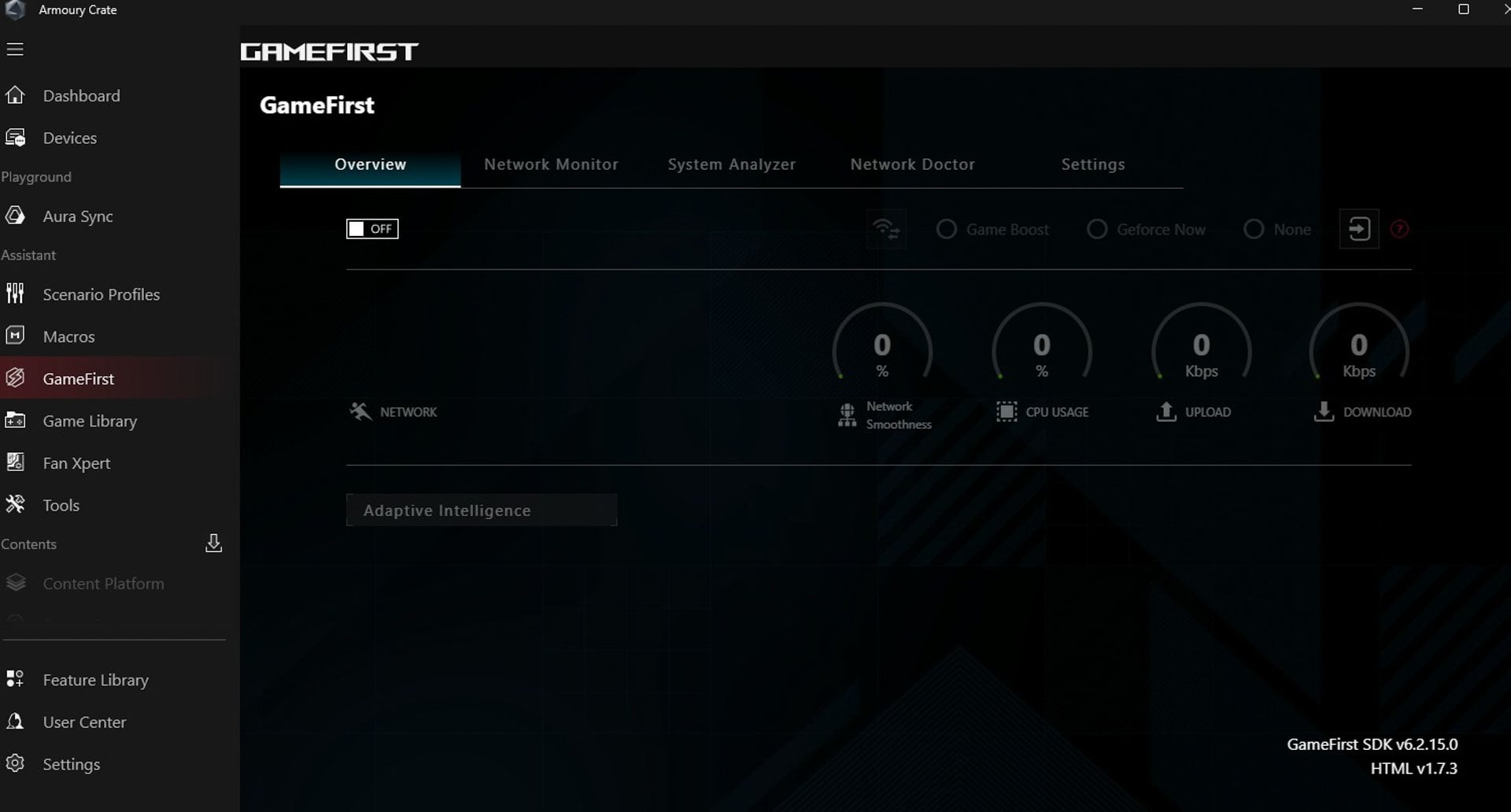
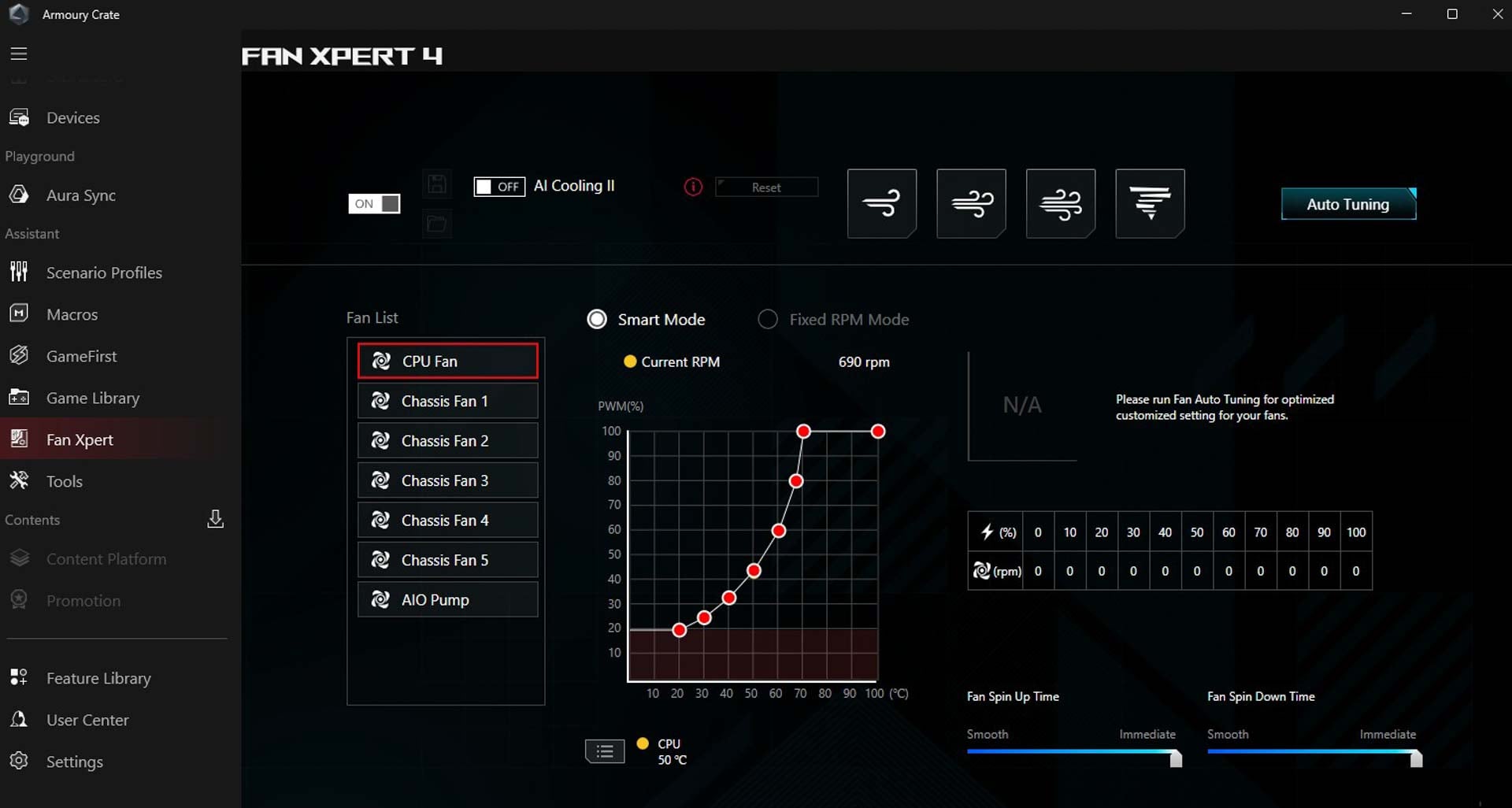
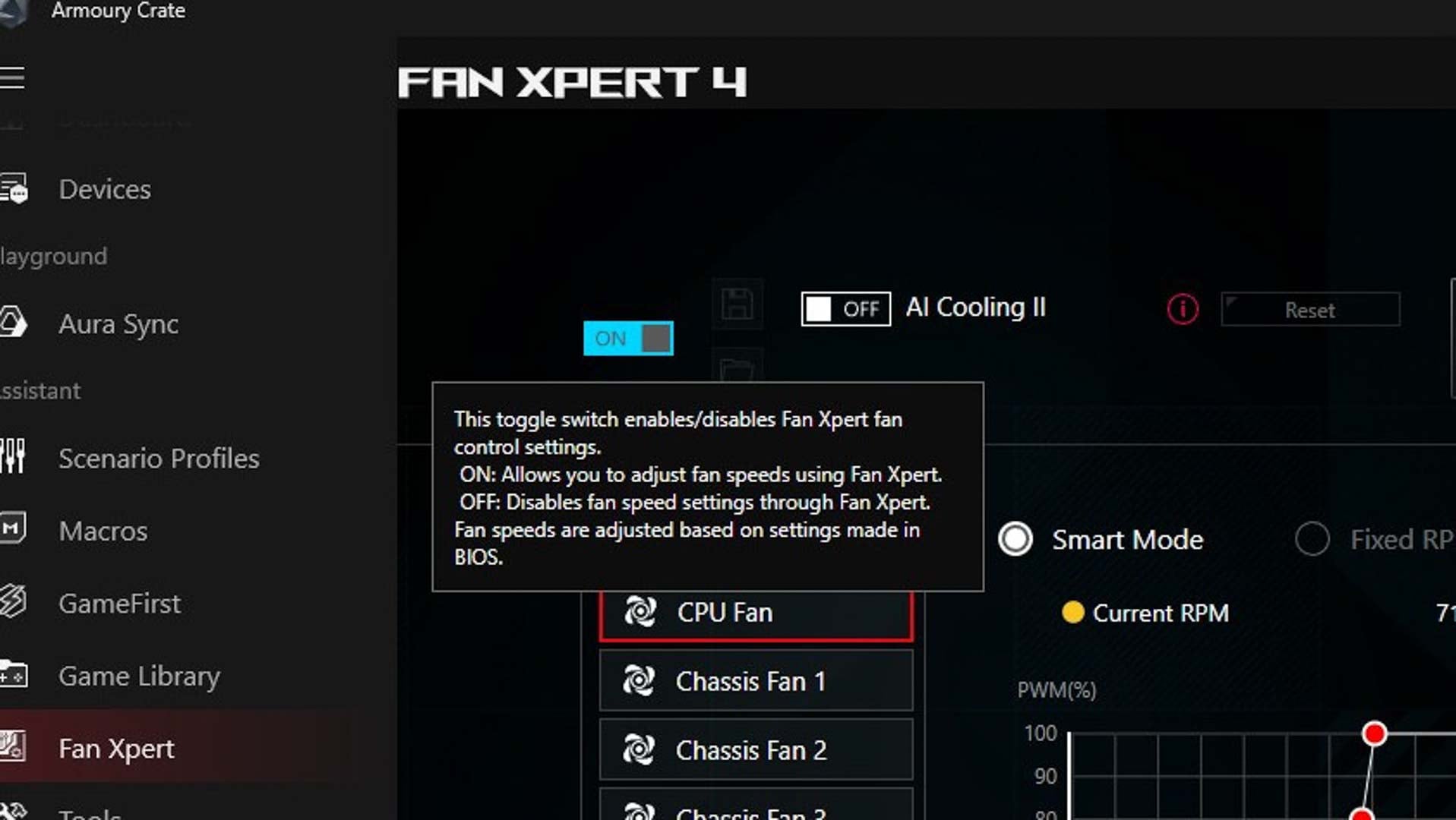
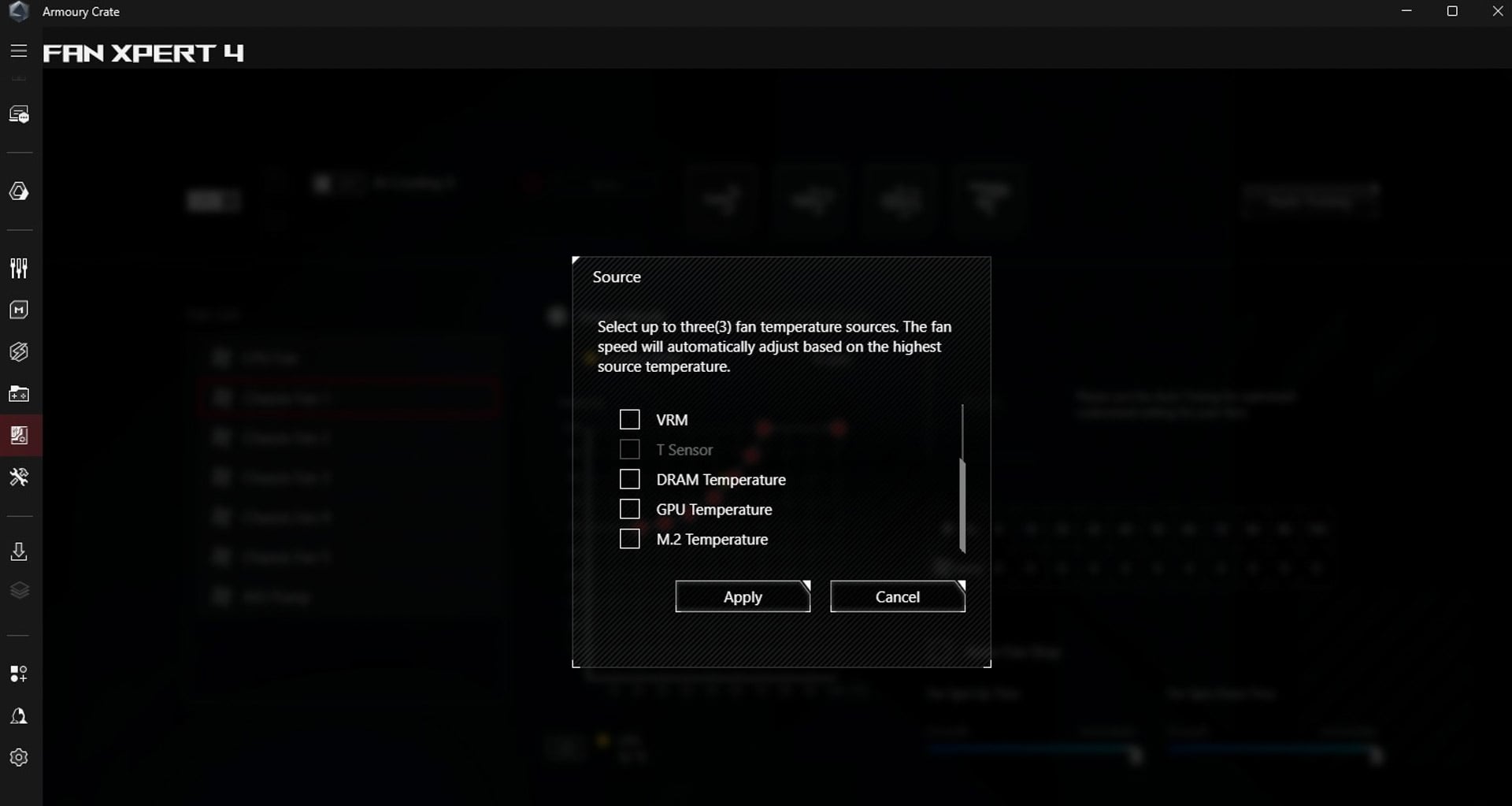
Aura Sync is where you can configure both the onboard RGB lighting and any RGB devices you have connected to the motherboard. We then have Scenario profiles for linking options such as RGB lighting to app launches, gaming related networking options under GameFirst and finally Fan Xpert 4. The latter is one of the best Windows-based fan control suites, where you can change the temperature input including to the onboard thermal probe header, spin-up and spin-down times, and revert to EFI settings too. However, unlike the EFI you can't switch between PWM and voltage mode or group fans to specific profiles.


Nov 26th, 2026 15:00 CST
change timezone
Latest GPU Drivers
New Forum Posts
- Wireless Internet sharing between PC and router both-ways, is it possible? (25)
- TPU's WCG/BOINC Team (34810)
- ASUS Prime 5060 ti 16gb x4 instead of x8 PCIe (10)
- Windows 10 Power save mode. See what program that cause sleep to fail. (1)
- Mouse Pad advice - Shidenkai out of production? (1)
- Can you guess Which game it is? (370)
- WarpCoreBench scores! (110)
- TechPowerUp Screenshot Thread (MASSIVE 56K WARNING) (4388)
- UPS what one to get? (75)
- Using sodimm+adapter instead of full size dimm DDR5? (101)
Popular Reviews
- ASRock X870E Challenger Wi-Fi White Review
- VZMORE AX9 Max Review
- Upcoming Hardware Launches 2027 (Updated Nov 2026)
- Microsoft Surface Laptop Ultra Review - The Next-gen Arm Laptop
- AMD Ryzen 7 9800X3D Review - The Best Gaming Processor
- AMD Zen 6 Technical Deep Dive
- Phantom Blade Zero Performance Benchmark Review - 35 GPUs Tested
- Corsair RM1200e (Second Generation) Review
- Montech CyberFlow ARGB 360 Review
- Pulsar Office Tour & First Look at P1 Dual-Sensor Mouse
TPU on YouTube
Controversial News Posts
- Jensen Huang Reinstated as CEO of NVIDIA (601)
- NVIDIA Co-Founder and CEO Jensen Huang Officially Resigns (492)
- Report: Jensen Huang Eyes NVIDIA Comeback (281)
- Open Letter Asking NVIDIA to Reinstate Jensen Huang Passes 115,000 Signatures (184)
- OpenAI CEO Argues Home PCs Waste the World's Limited DRAM Supply (152)
- NVIDIA Launches Investigation Into Jensen Huang's Relationship With Suspected Chinese Spy (136)
- Intel Razor Lake Gets a 12 P-Core bLLC Chip With No E-Cores, Per Leak (94)
- NVIDIA GeForce RTX 50-Series Scheduled for up to $500 Price Hike This Week (89)