 35
ASUS ROG Xbox Ally X Review
(35 Comments) »Introduction

After seeing notable success with its two ROG Ally handhelds, ASUS joined forces with Microsoft to develop the first Xbox-branded PC handheld. The ASUS ROG Xbox Ally X (that name…) may have "Xbox" in its name, but it's a full-fledged handheld PC running Windows 11. It features a gamepad-friendly UI called Xbox Full Screen Experience, which replaces the Windows desktop as the default interface. The Xbox Full Screen Experience (Xbox FSE from now on) may be the herald of what Microsoft plans for its next-gen Xbox, but the ROG Xbox Ally X is much more than a vessel meant to show off the company's answer to SteamOS' Game Mode.

The ASUS ROG Xbox Ally X is the first PC handheld powered by AMD's Ryzen AI Z2 Extreme APU, made of a beefy Radeon 890M GPU (16 CUs), and eight Zen 5 CPU cores (three full-fledged Zen 5 cores, five lower-clocked Zen 5c cores, 16 MB L3 cache), and a 50 TOPS NPU chip. The device comes with a radical redesign that aims to improve ergonomics with chunky, controller-like handles. The ROG Xbox Ally X is also the first PC handheld to feature trigger rumble, a feature found in Xbox controllers that Microsoft calls "impulse triggers."
The AI Z2 Extreme differs from the "regular" Z2 Extreme APU only in that it comes with the aforementioned NPU, which makes the ROG Xbox Ally X a proper Copilot+ PC, for better or worse. The presence of an NPU also makes the Xbox Ally X compatible with Microsoft's Auto SR (Automatic Super Resolution) upscaler, which should debut on the device in early 2026. Right now, the only advanced AI feature—gaming-wise—is Gaming Copilot, touted as "your personal gaming sidekick" by Microsoft.
While the Xbox FSE and the AI Z2 Extreme are the stars of the show, the ROG Xbox Ally X packs some other goodies, too. You've got the same 7-inch 120 Hz screen with VRR found on other ROG Ally handhelds, 24 GB of speedy 8000 MT/s LPDDR5X memory, a 1 TB PCIe 4.0 SSD, a massive 80 Wh battery, Wi-Fi 6E, two USB-C ports of which one is USB4, support for 100 W charging—a 65 W charger is included—and a pair of loudspeakers with Dolby Atmos support. No Hall effect or TMR thumbsticks, though, only regular mechanical ones.
Before we continue with our review, we'd like to thank ASUS for providing the review sample.
| Specifications | |
|---|---|
| Model: | ROG Xbox Ally X RC73XA |
| Dimensions: | 290.8 x 121.5 x 50.7 mm |
| Weight: | 715 g |
| Display: | 7 inch, 1920 x 1080, 120 Hz IPS |
| Variable Refresh Rate: | Yes |
| Processor: | AMD Ryzen AI Z2 Extreme |
| Integrated Graphics: | AMD Radeon 890M RDNA 3.5 |
| Memory: | 24 GB LPDDR5X 8000 MT/s |
| Storage: | 1 TB M.2 2280 NVMe PCIe Gen 4 x4 SSD UHS II microSD slot |
| Battery: | 80 Wh, 4-cell Li-ion 65 W PD Charger |
| Audio: | Built-in microphone Built-in speakers 3.5 mm audio jack |
| Connectivity: | 1x USB4 40 Gbps 1x USB 3.2 Gen 2 10 Gbps |
| Wi-Fi: | MediaTek MT7922 Wi-Fi 6E Bluetooth 5.2 |
| Cooling: | Active cooling (heatsink/fan) |
| Operating System: | Windows 11 Home |
| Miscellaneous: | 6-axis IMU Hall Effect triggers 2x Programmable Grip buttons Fingerprint Sensor |
| MSRP: | $999/€899 |
Packaging and Contents


The ASUS ROG Xbox Ally X is hidden inside a cardboard box that, at first glance, looks like a carbon copy of the box the ROG Ally X ships in. But once you place one next to another, you realize the former's much larger in every sense. Understandable considering the ROG Xbox Ally X is wider, and much thicker than the Ally X due to those chunky handles. The box is made of thick cardboard, looks quite rugged, and does a fine job protecting its contents.


Once you pull up the upper half of the box, you're greeted with the device itself. Below the handheld are two cardboard boxes. The first houses the charger, while the second contains the warranty card and the quick start guide. The top of the shipping box includes a plastic stand that protects the ROG Xbox Ally X's screen, which is welcome.

The retail package includes an ASUS Xbox ROG Ally X, a 65 W charger, and the usual quick-start guide and warranty card combo.
A Closer Look
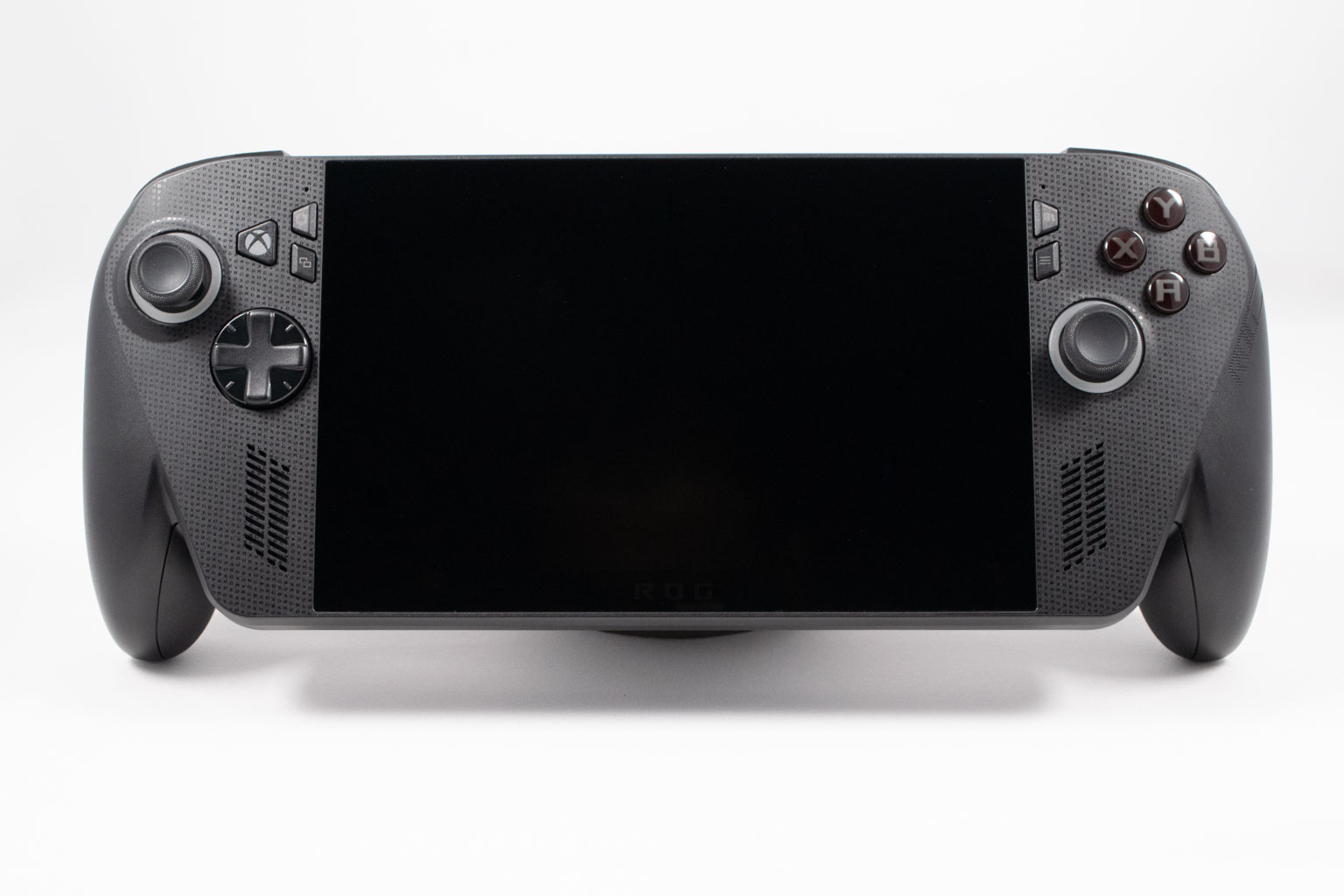
Looking from the front, the ROG Xbox Ally X is covered with the usual collection of face buttons, thumbsticks, speaker grilles, two microphone holes (located just above the four extra buttons), and a d-pad. At the upper left half of the handheld, just next to the left thumbstick, you can find the "Xbox" button that opens the Game Bar and is used to multitask in the Xbox FSE, but also on the regular desktop since holding the button activates Windows Task View.
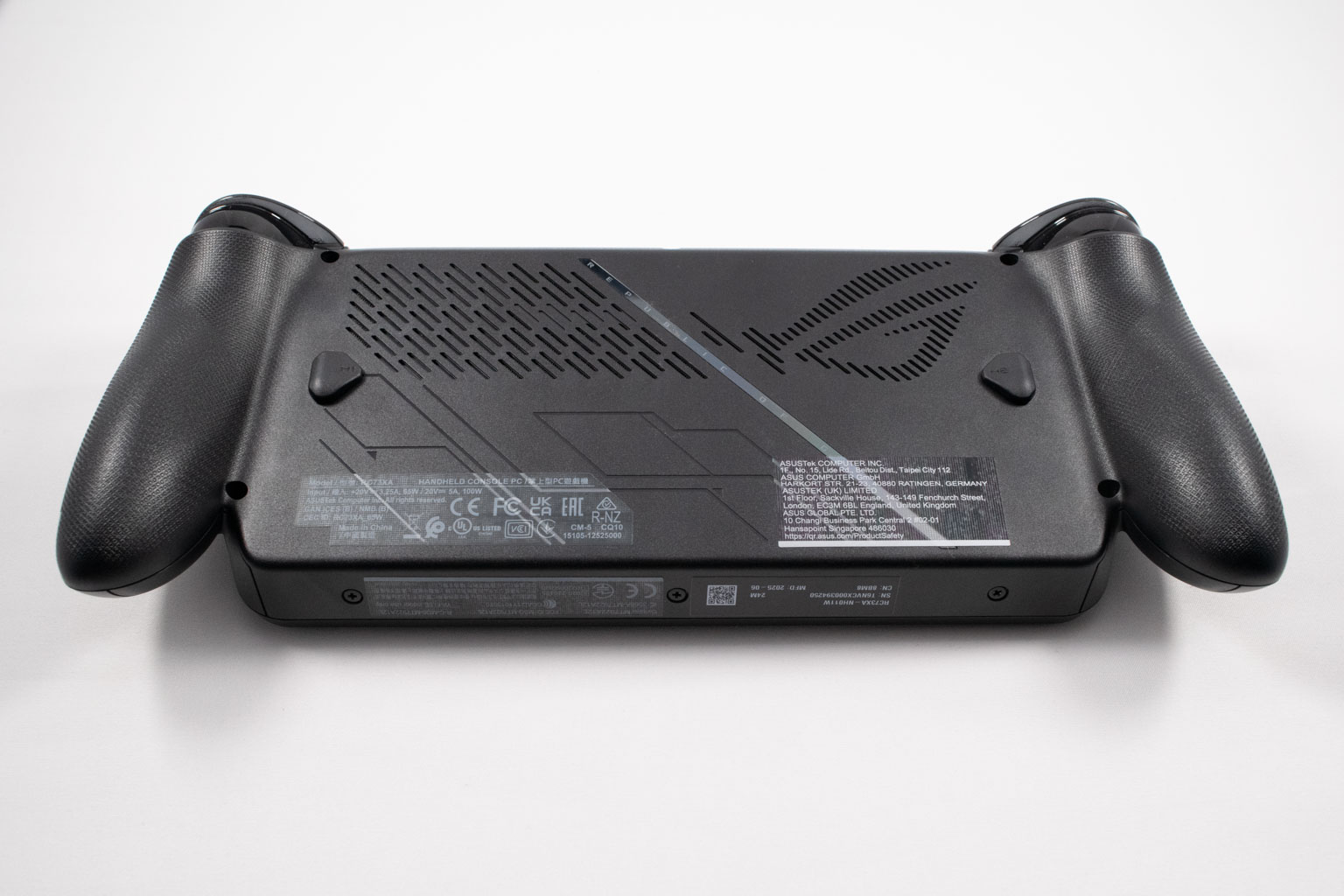
Turning the device over reveals two programmable buttons shaped the same as on the ROG Ally X, two fairly large air intake grilles covered with dust filters—one of which is shaped like the Republic of Gamers (ROG) emblem—a reflective stripe with "Republic of Gamers" printed on it, and the usual collection of stickers.
The bottom panel is secured to the rest of the body with eight Phillips-head screws. Six screws are located on the back, with three located on the bottom of the handheld.
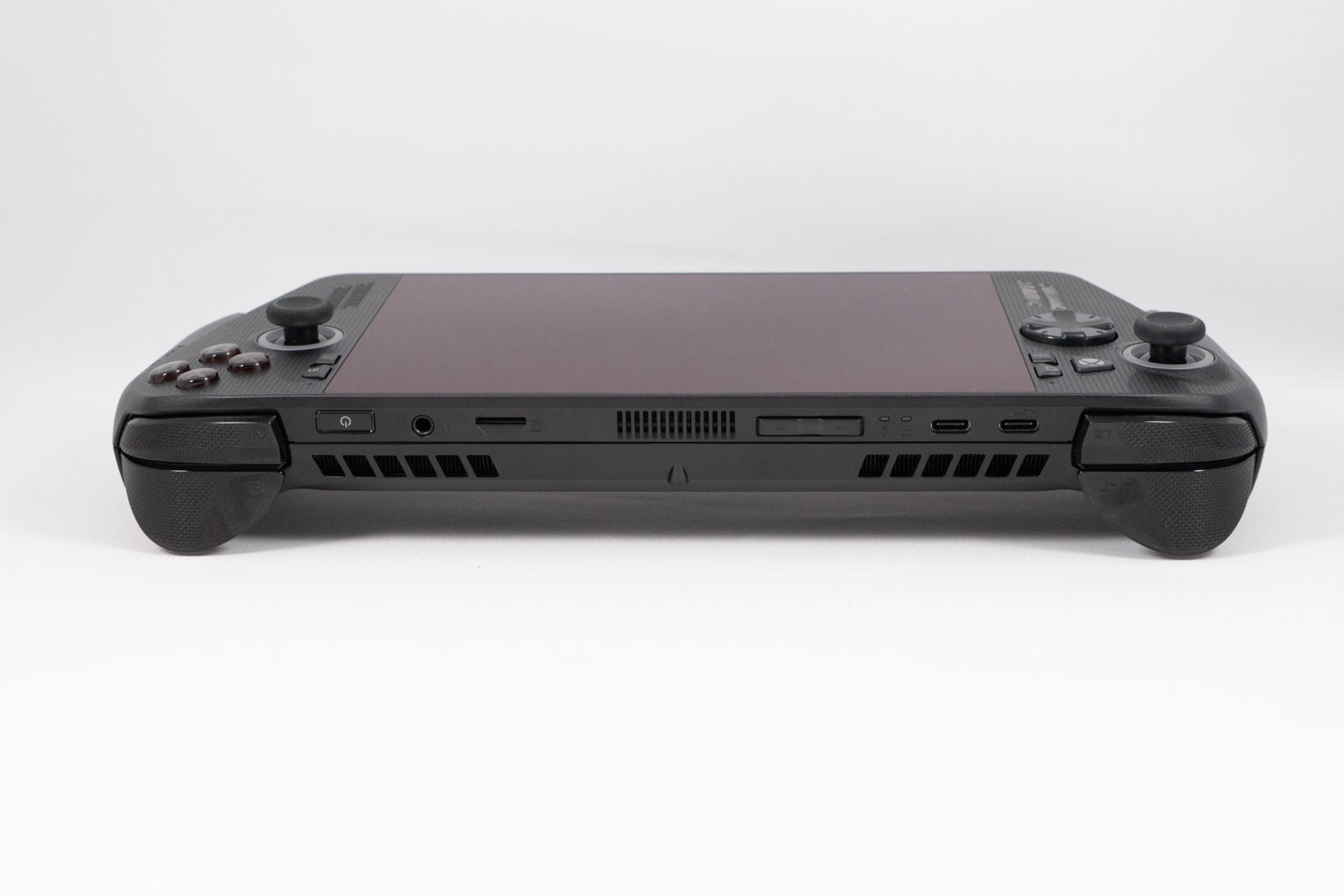
The top of the ROG Xbox Ally X houses the ports, as well as the power button and volume rocker. Ports-wise, you've got two USB-C ports (one USB4 and one USB 3.2 Gen 2), a 3.5 mm audio jack, and a UHS-II microSD card reader.


Other elements found at the topside include two notification LEDs (one for charging and one that remains active as long as the device is turned on) and three air vents.
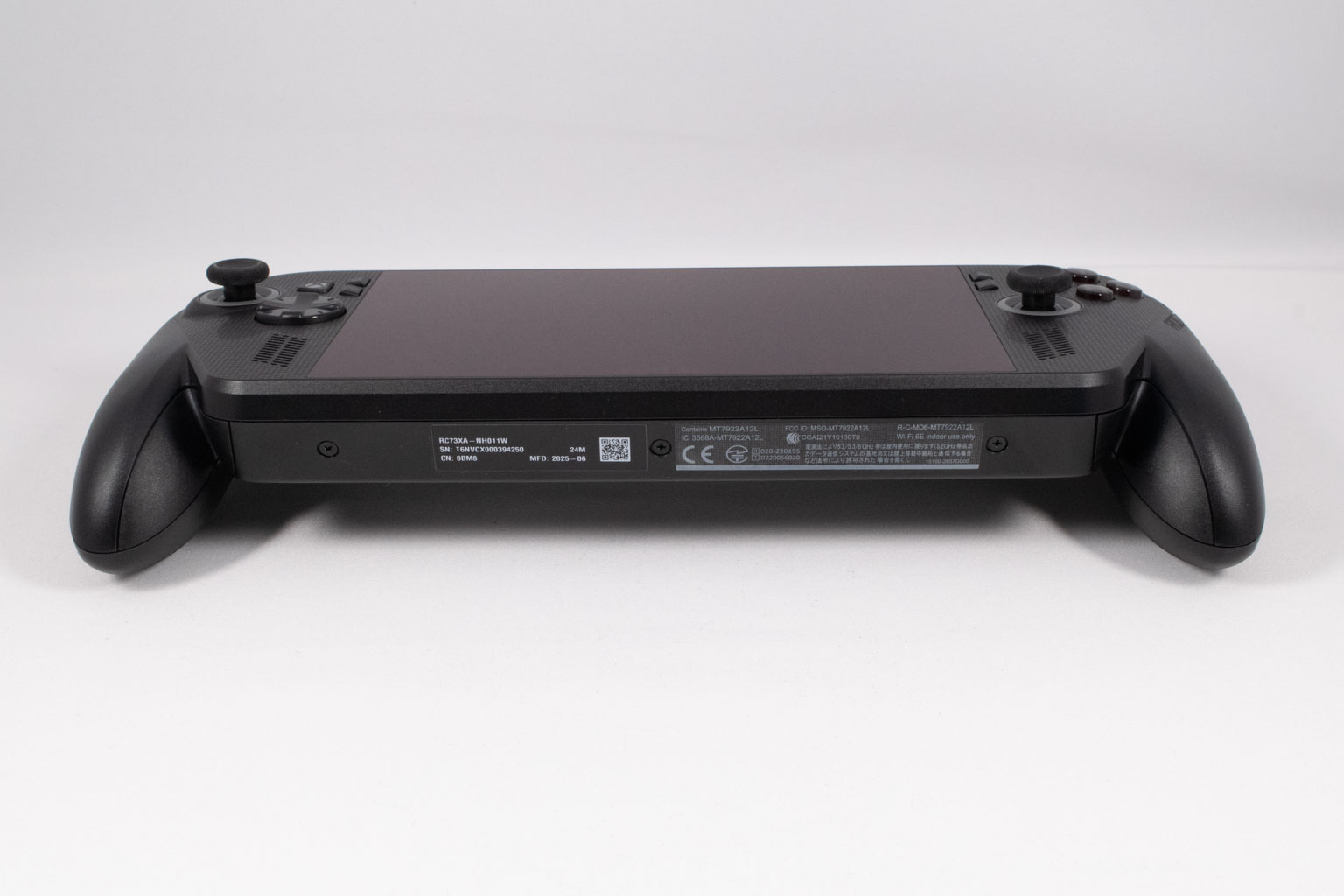
The bottom is portless and has only three screws that hold the bottom panel to the upper half of the chassis. This is a shame because we always prefer when one of the USB-C ports is located at the bottom, for easier charging when gaming.
AC Adapter
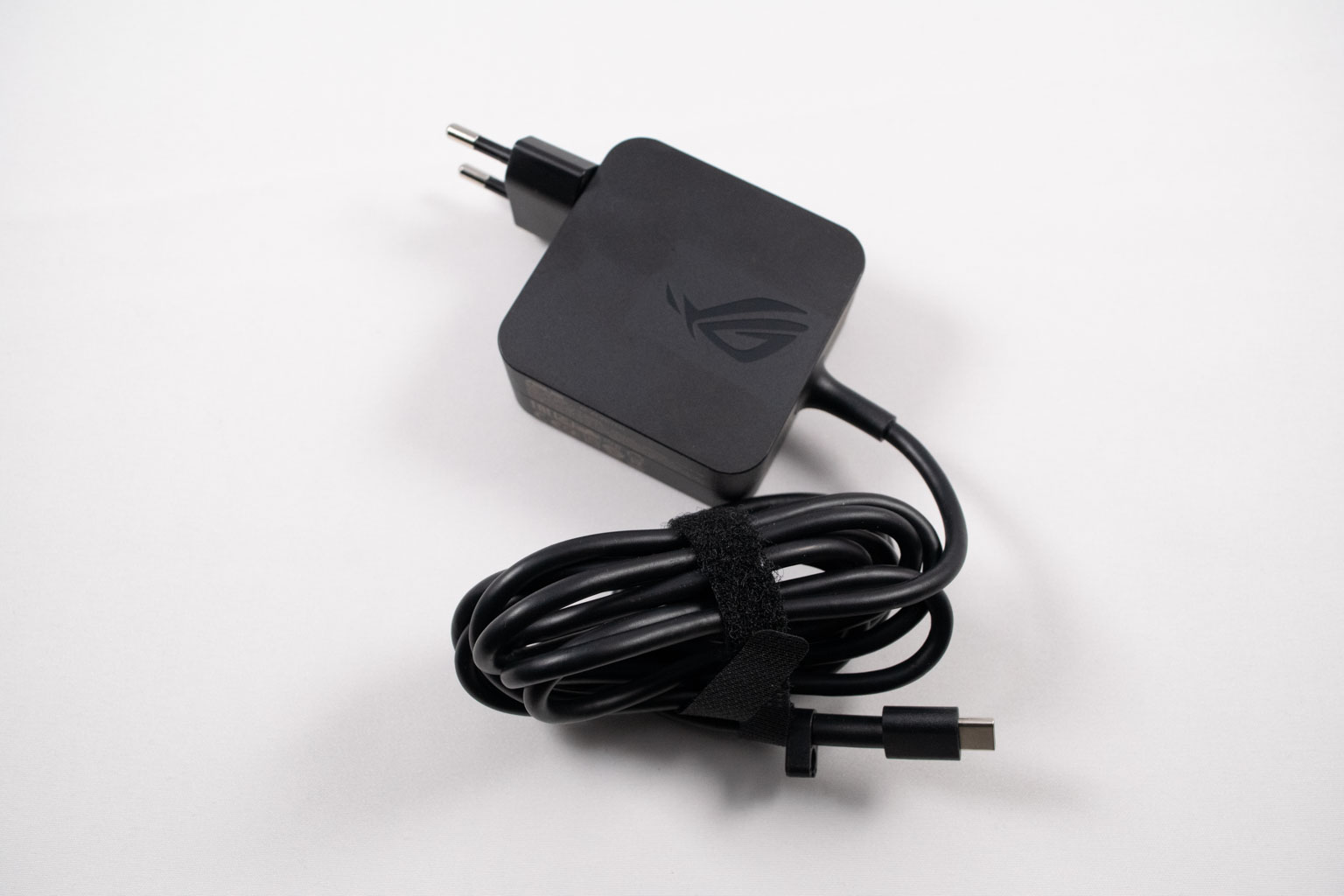
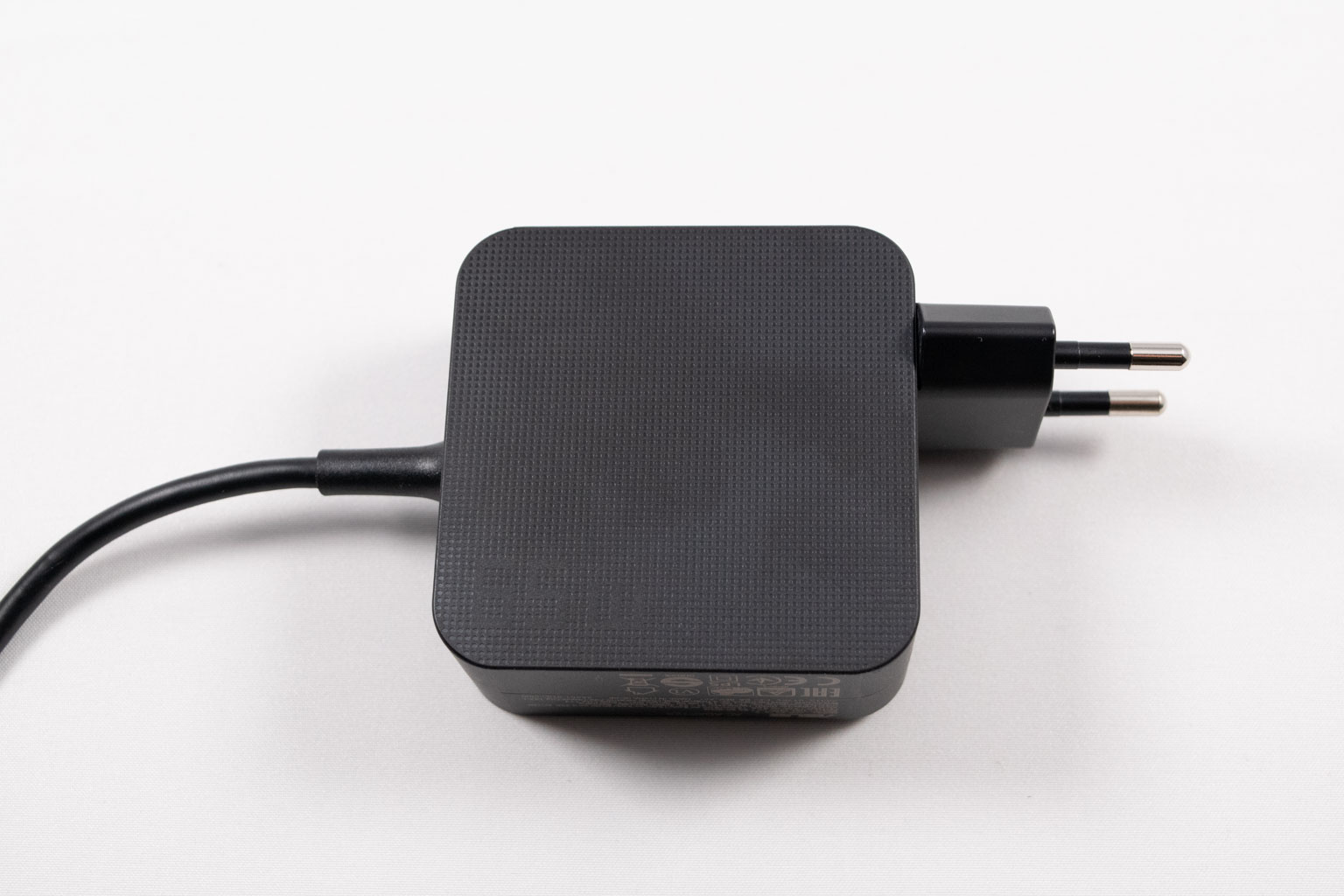
As for the power brick, it's the same one bundled with the original ROG Ally and ROG Ally X.
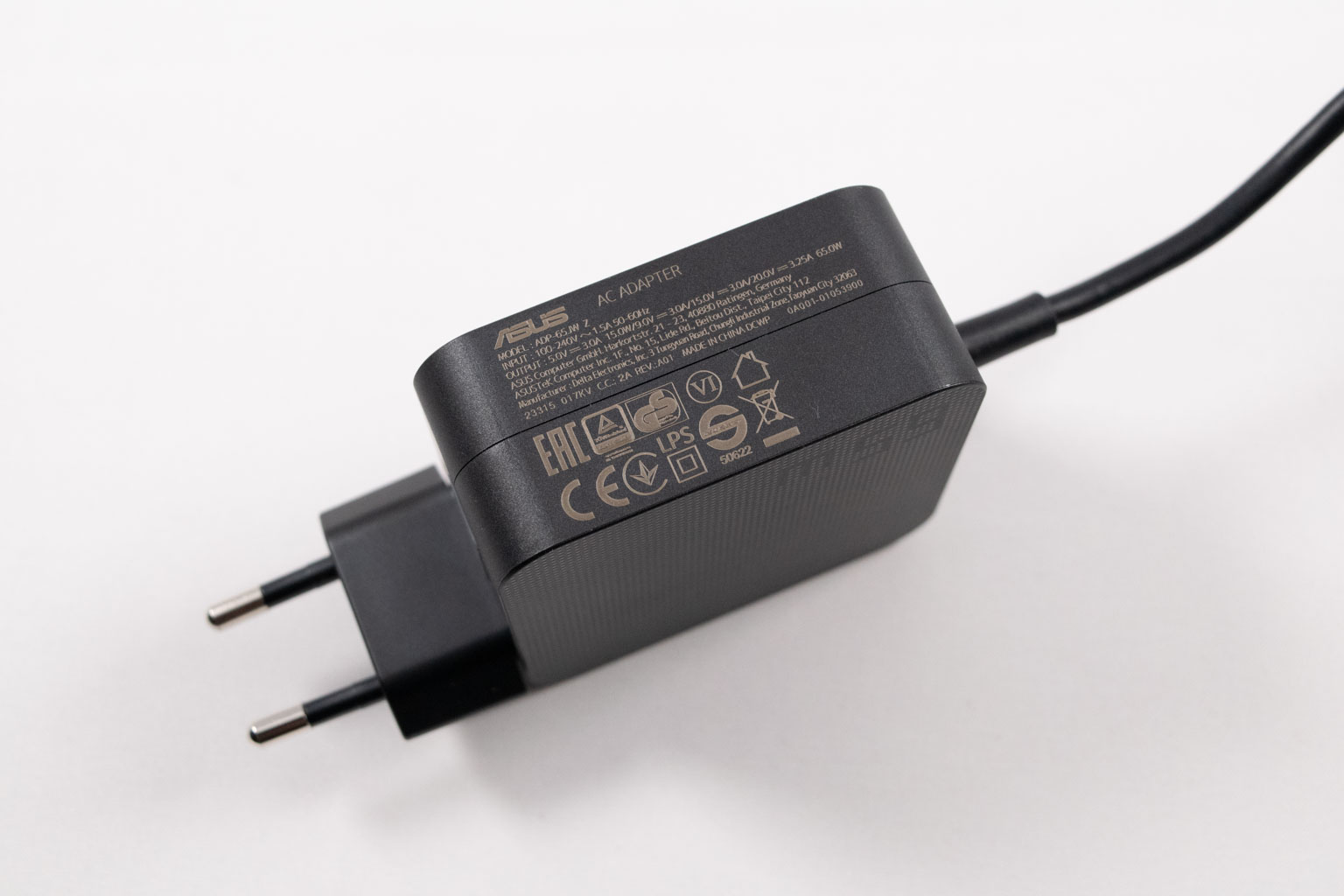

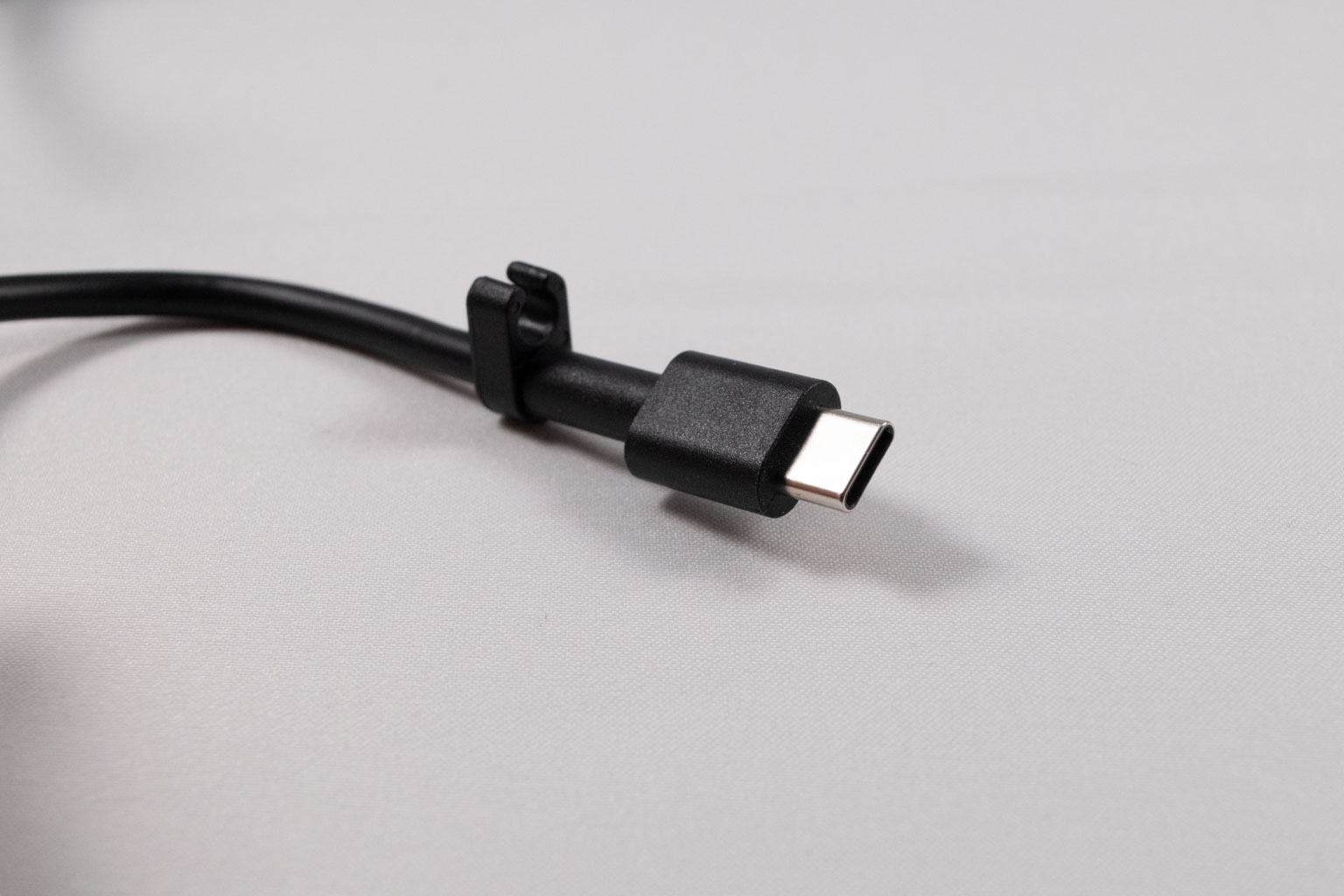
It delivers up to 65 W of power and has an extra long and quite thick cord. While a 65 W charger is fine, we'd like to see a 100 W charger bundled instead, considering the price and the fact that the Xbox Ally X supports 100 W power delivery.
Our Patreon Silver Supporters can read articles in single-page format.
Nov 12th, 2026 21:36 PST
change timezone
Latest GPU Drivers
New Forum Posts
- Microsoft Exchange/365 outages? (18)
- Any other old-timers here planning to play WoW Forever? (149)
- Your PC ATM (36413)
- I won't download games that are larger than 30–40 GB. (99)
- Lenovo Legion R27fc-30 vs AOC c27g4h2 which one wins ? (0)
- AI generated images... (223)
- Classic Blizzard games (WarCraft 1-2, Diablo 1-2, StarCraft 1) (7)
- WarpCoreBench scores! (26)
- Ryzen 7 8700G OC (5)
- When you could finally run Crysis maxed out? (61)
Popular Reviews
- AMD Zen 6 Technical Deep Dive
- NZXT C1200 Platinum Review
- Upcoming Hardware Launches 2027 (Updated Nov 2026)
- Corsair HX1000i Shift Crystal Review
- NZXT H7 RGB+ Review
- Montech King 95 3D PRO Review
- NZXT H5 Review
- Phantom Blade Zero Performance Benchmark Review - 35 GPUs Tested
- XPG NIMBUS PLUS Review - Mid-range Chair With Strong Competitors
- Gigabyte Z890I Aorus Ultra Review
TPU on YouTube
Controversial News Posts
- NVIDIA Co-Founder and CEO Jensen Huang Officially Resigns (293)
- OpenAI CEO Argues Home PCs Waste the World's Limited DRAM Supply (152)
- NVIDIA Launches Investigation Into Jensen Huang's Relationship With Suspected Chinese Spy (136)
- Intel "Raptor Lake Next" 16-Core and 20-Core CPUs Surface (130)
- Legendary Game Studio BioWare Shuts Down Following EA Layoffs (104)
- Dell CEO Says the Memory Shortage Will Get Worse in 2027 (95)
- NVIDIA GeForce RTX 50-Series Scheduled for up to $500 Price Hike This Week (89)
- Modder Fits RTX 5090 With Four 8-Pin Connectors, Halving Current per Wire (80)