 9
ASUS TUF Gaming B850-Pro Wi-Fi7 W Neo Review
Finished Looks & Test System »Board Software
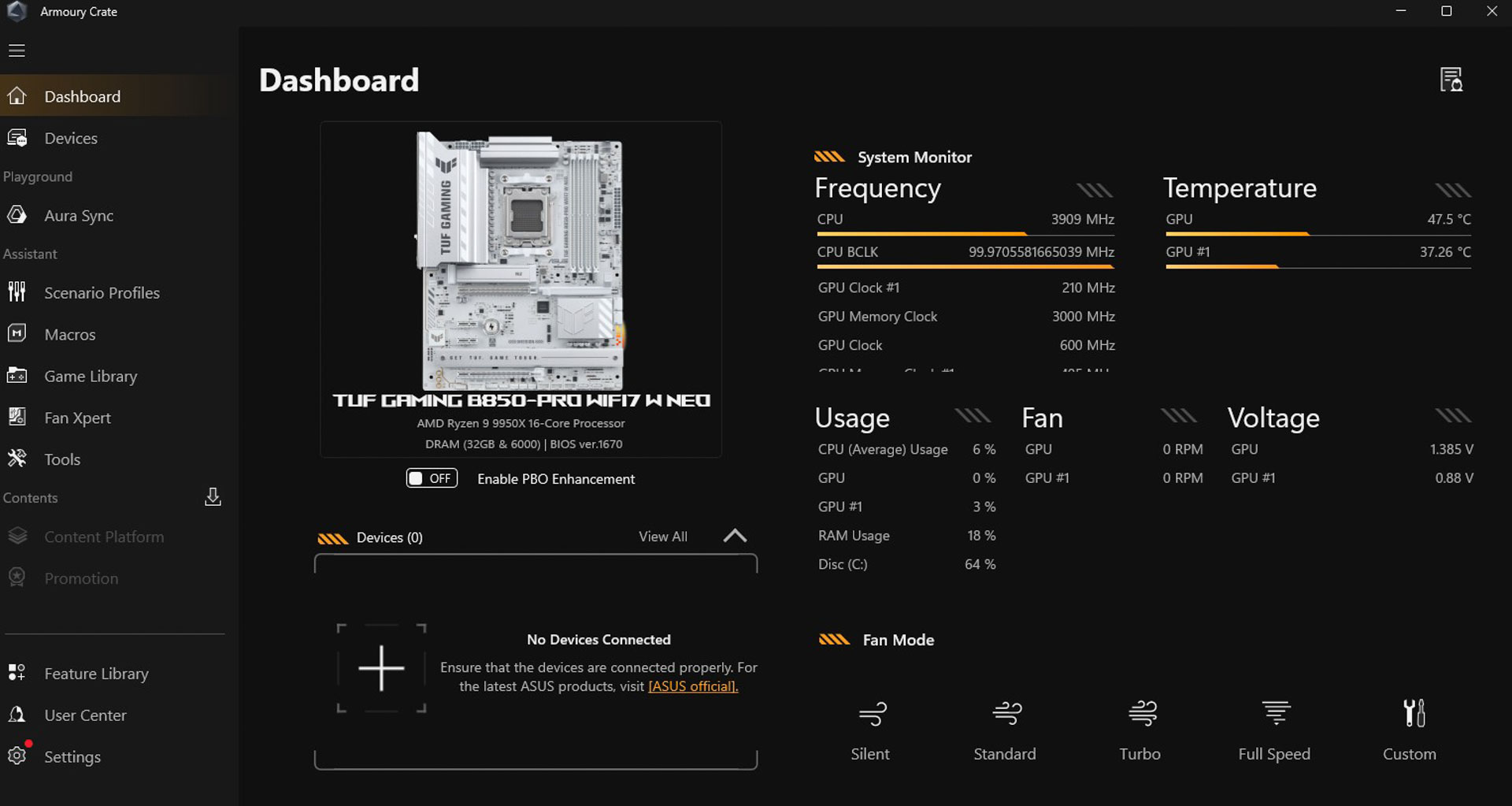
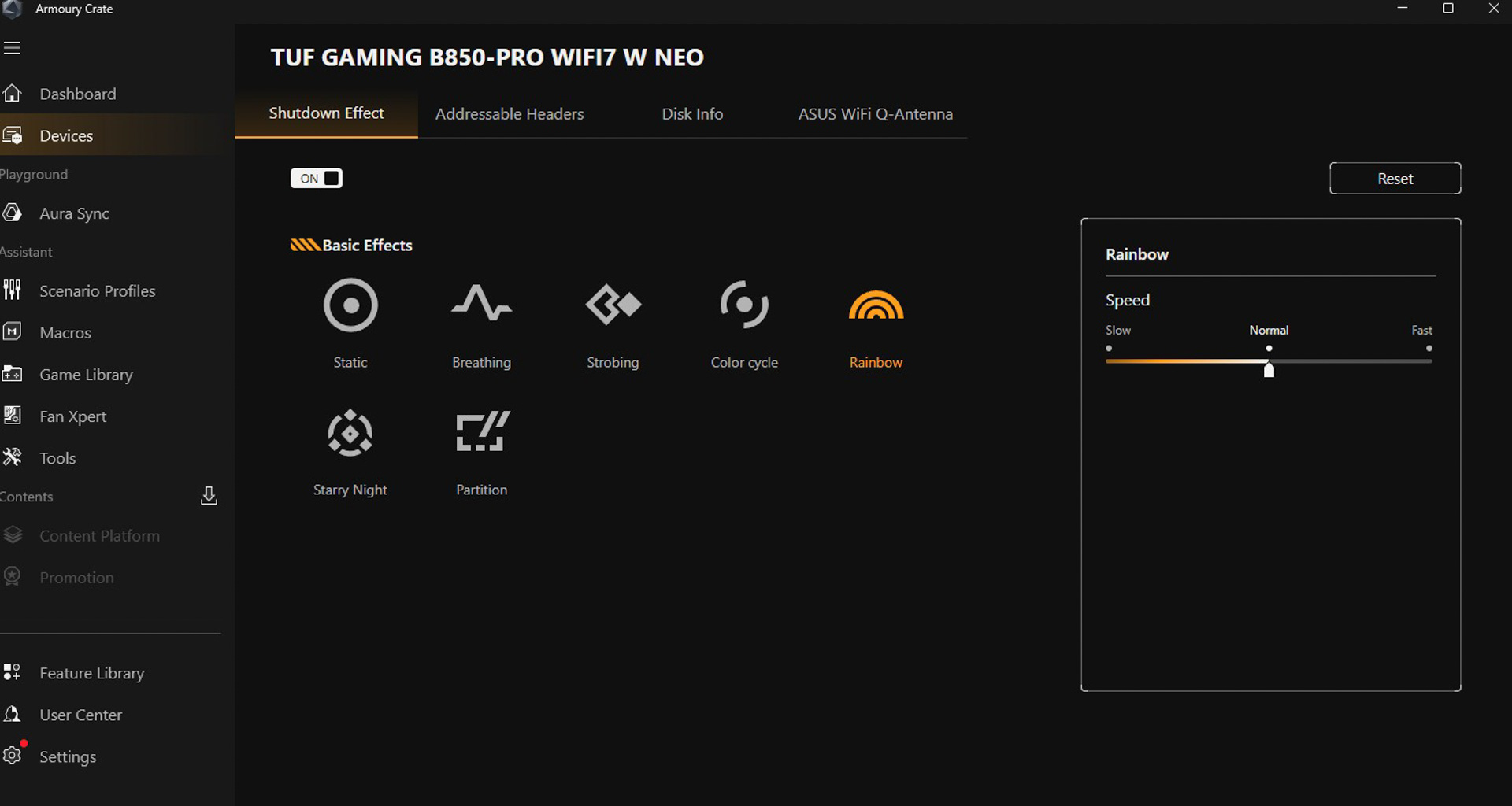
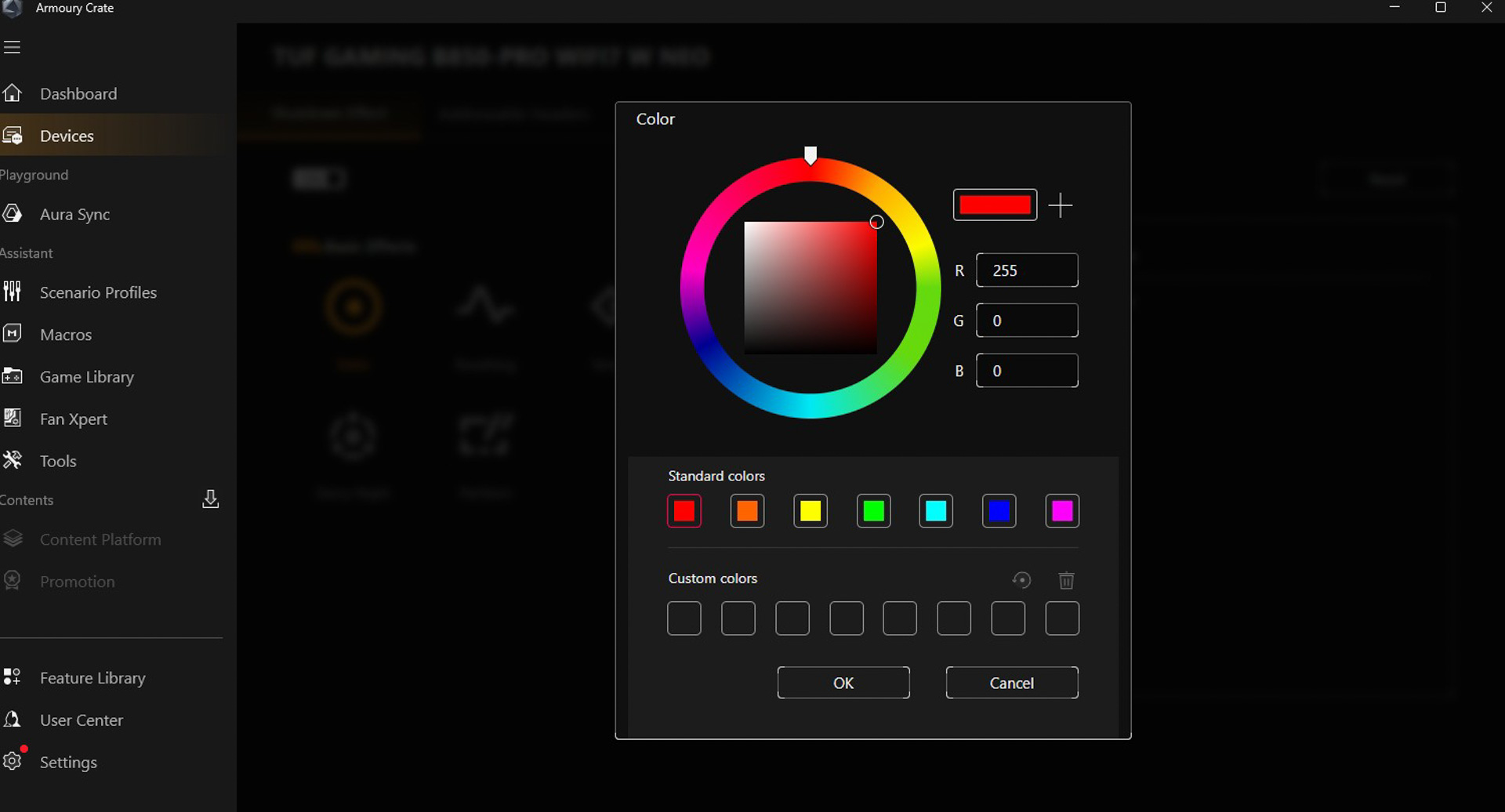
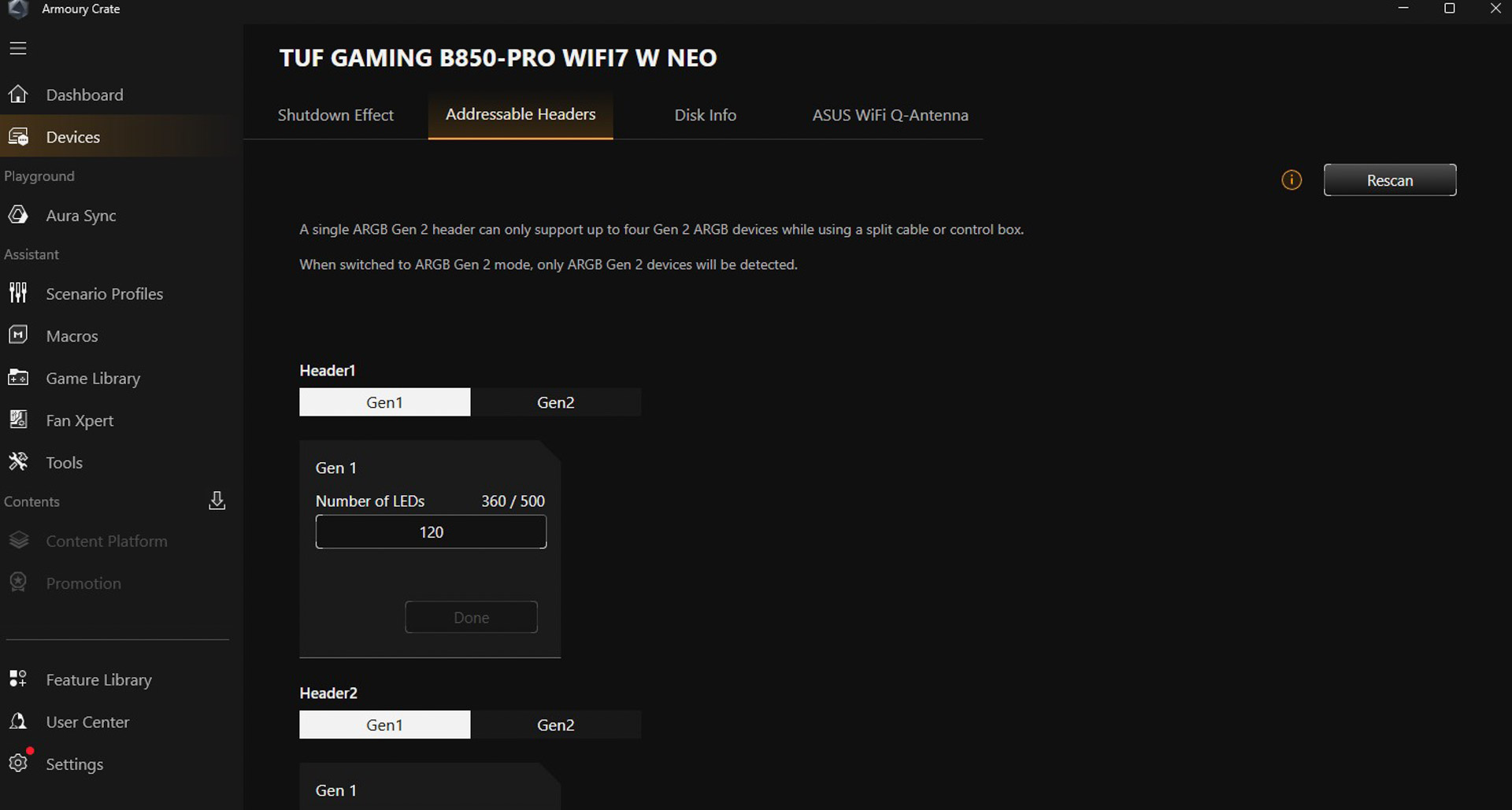
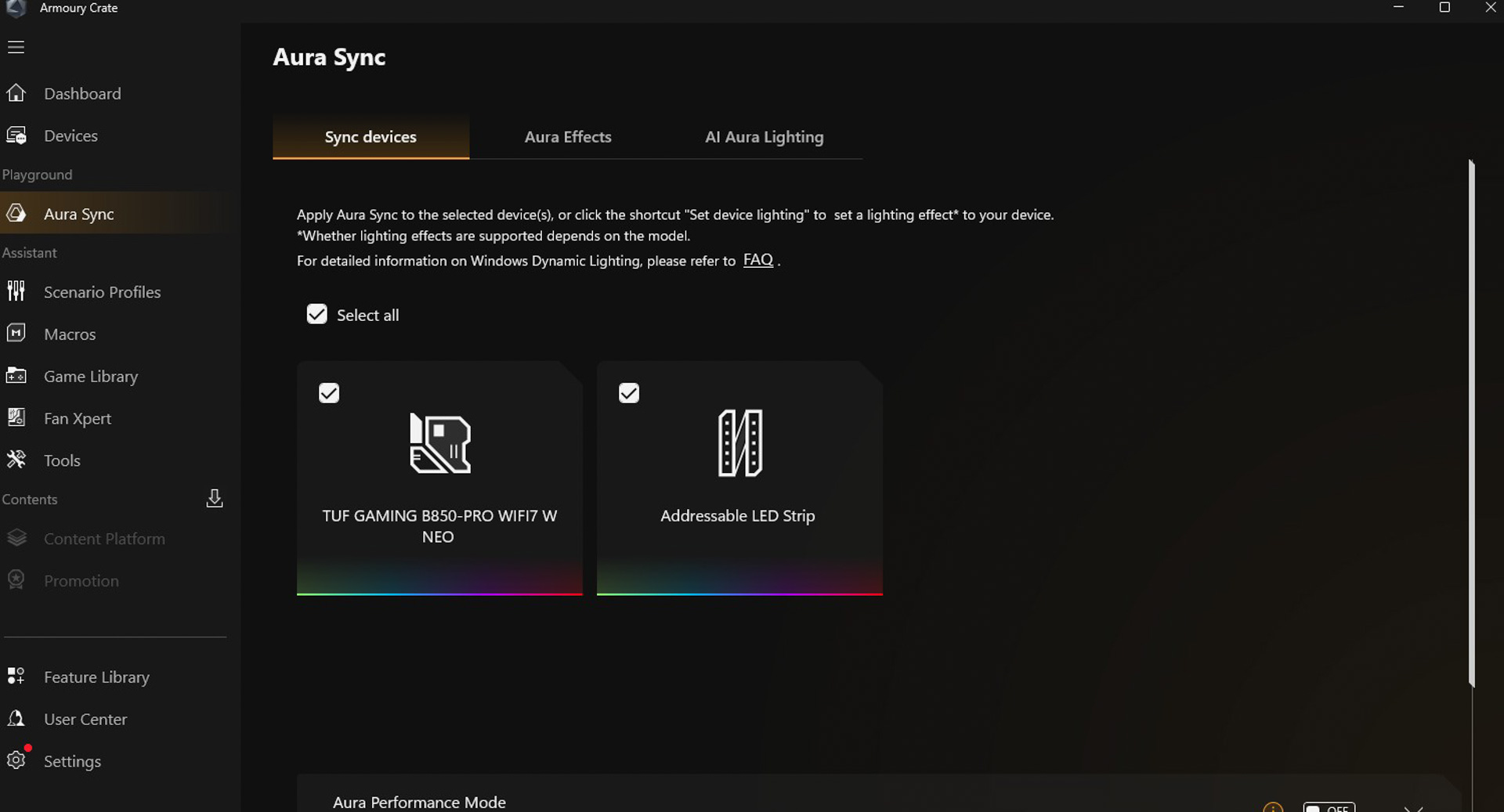
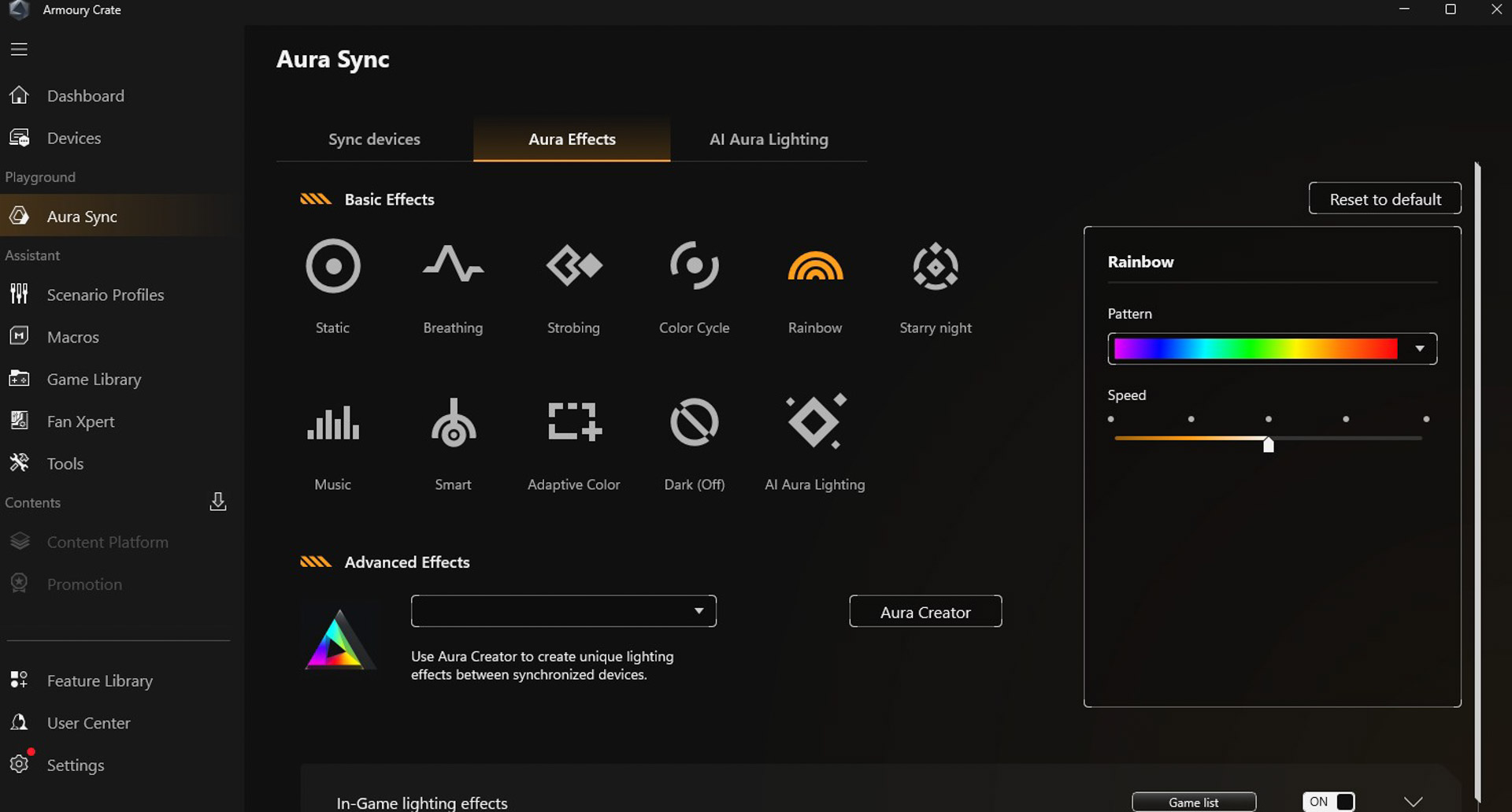
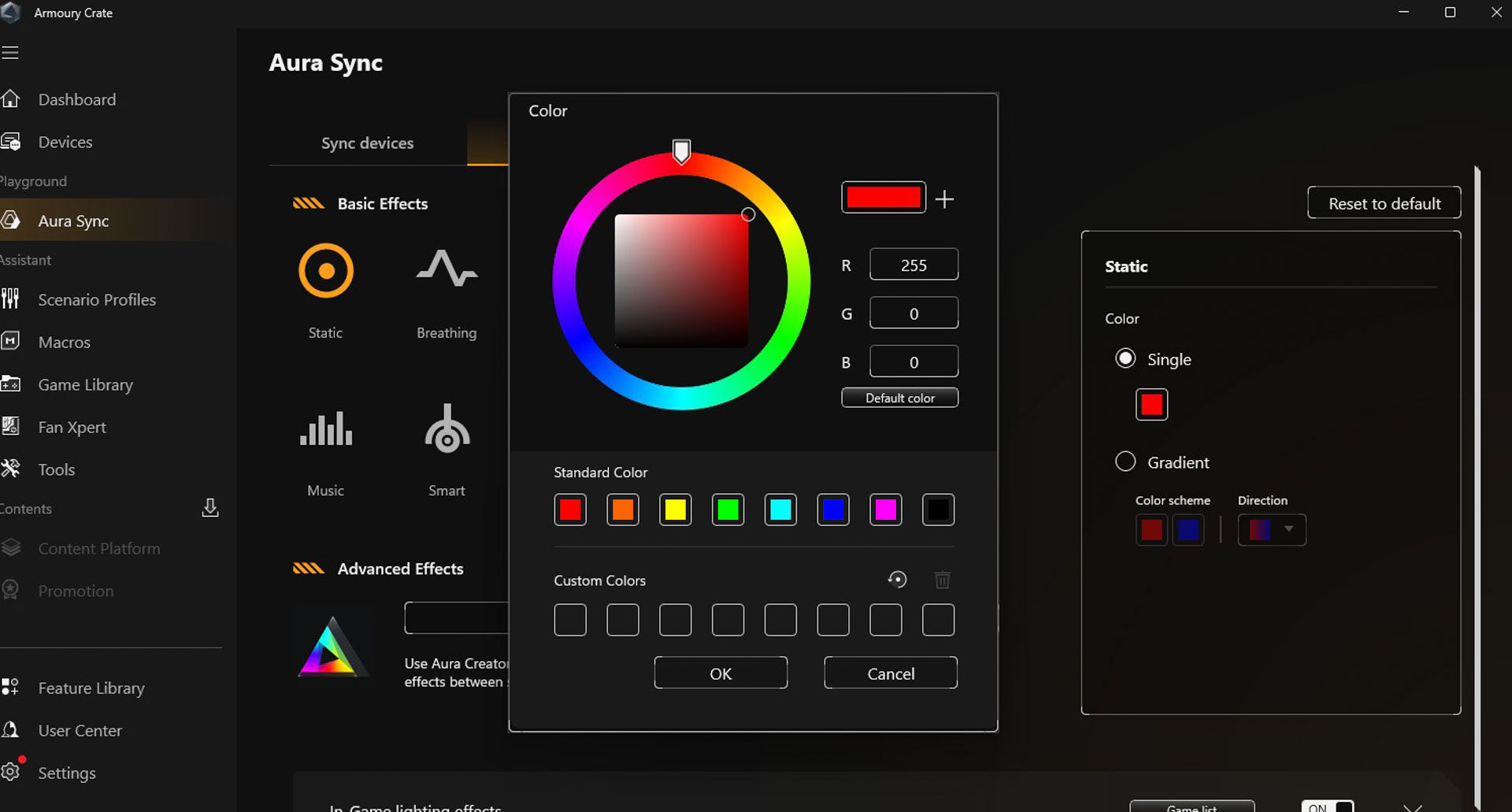
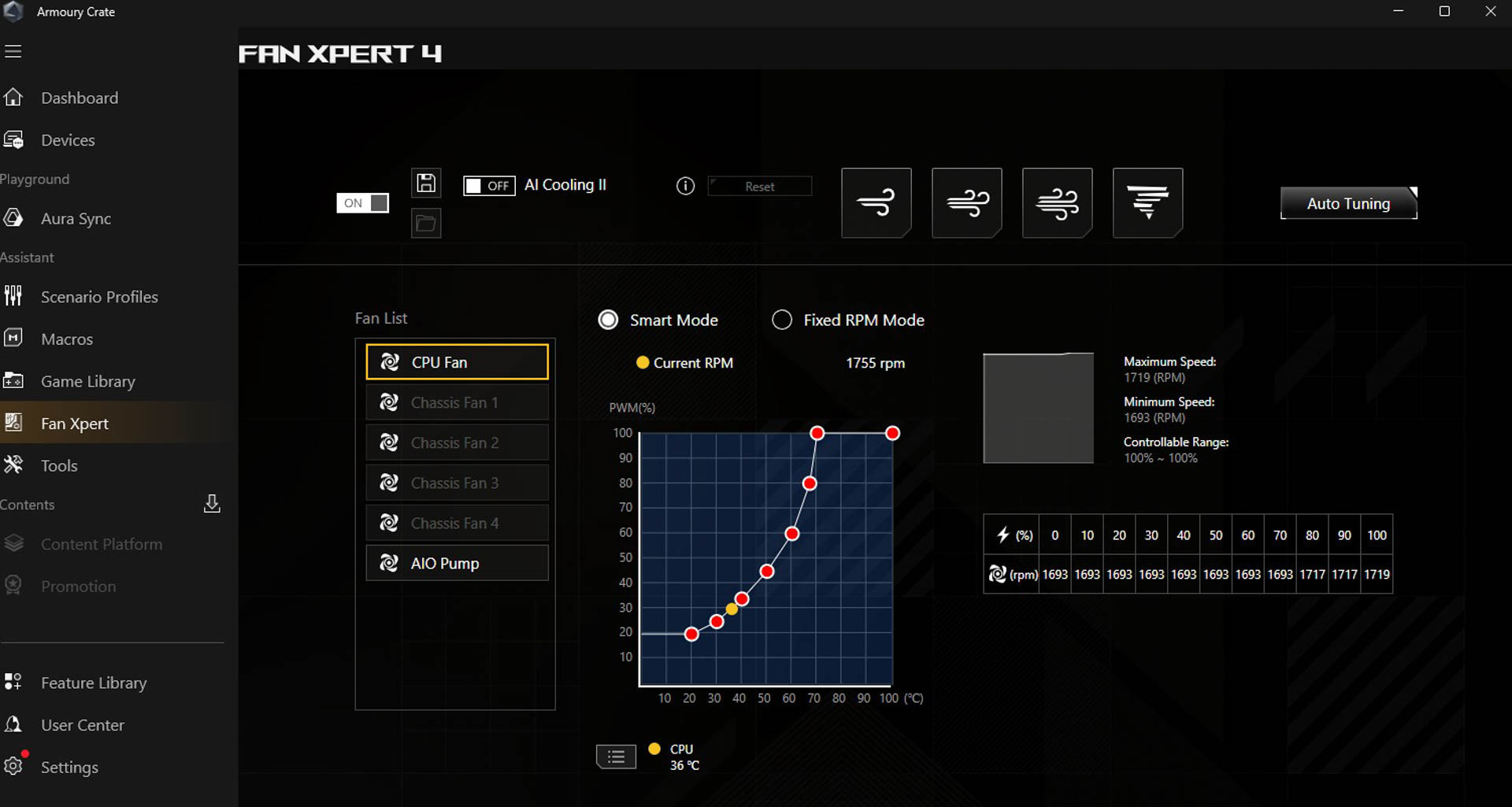
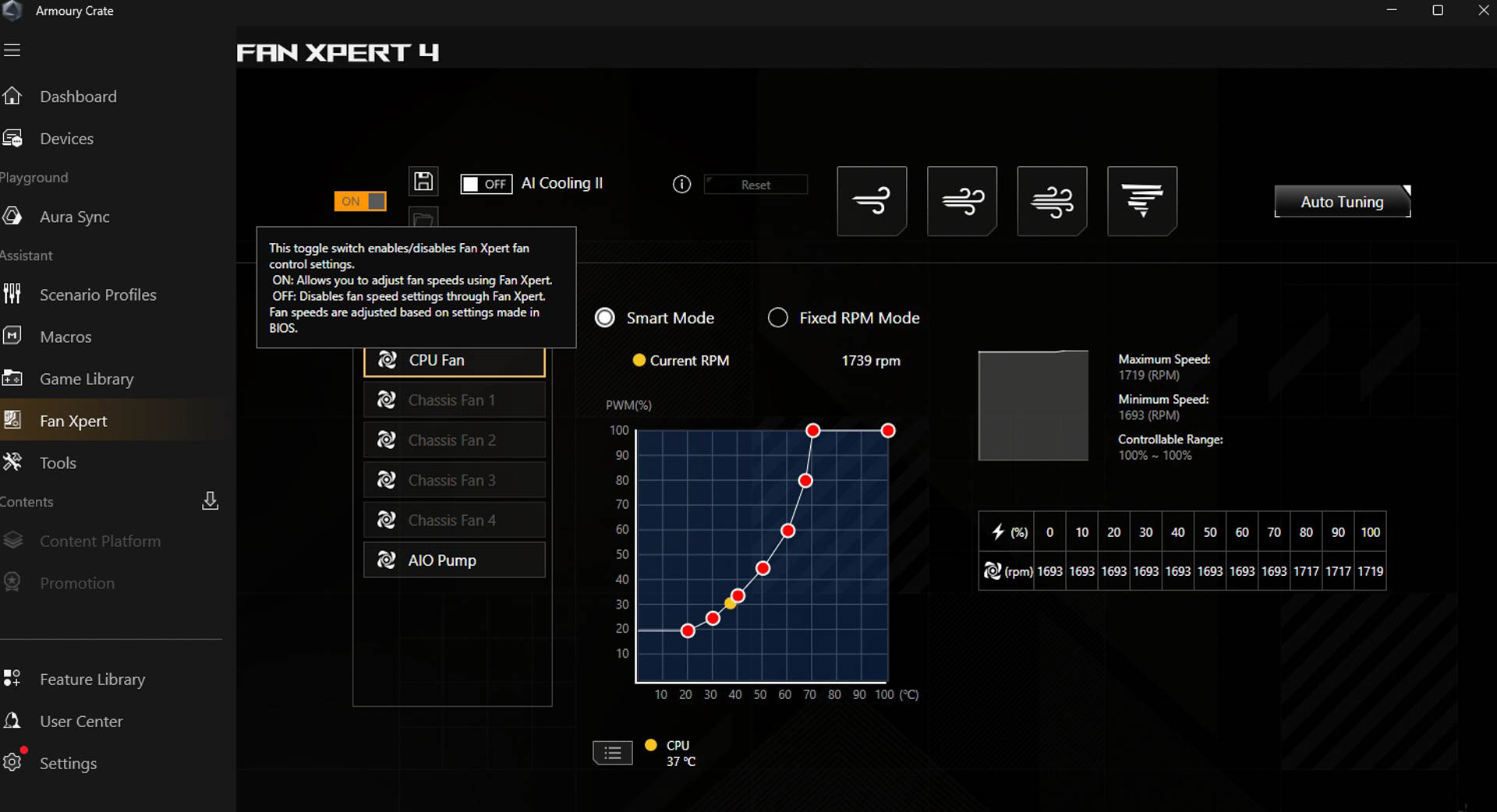
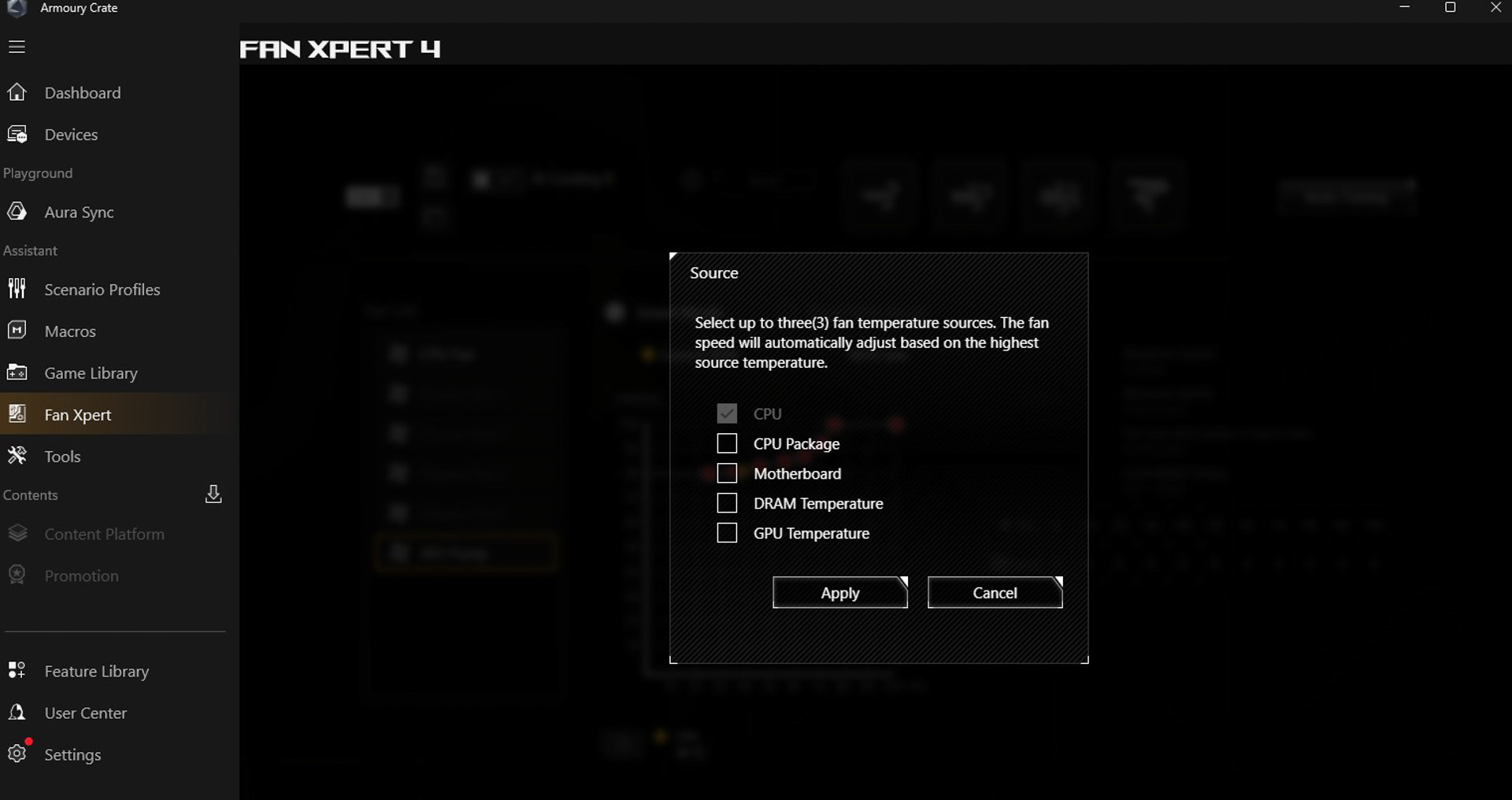
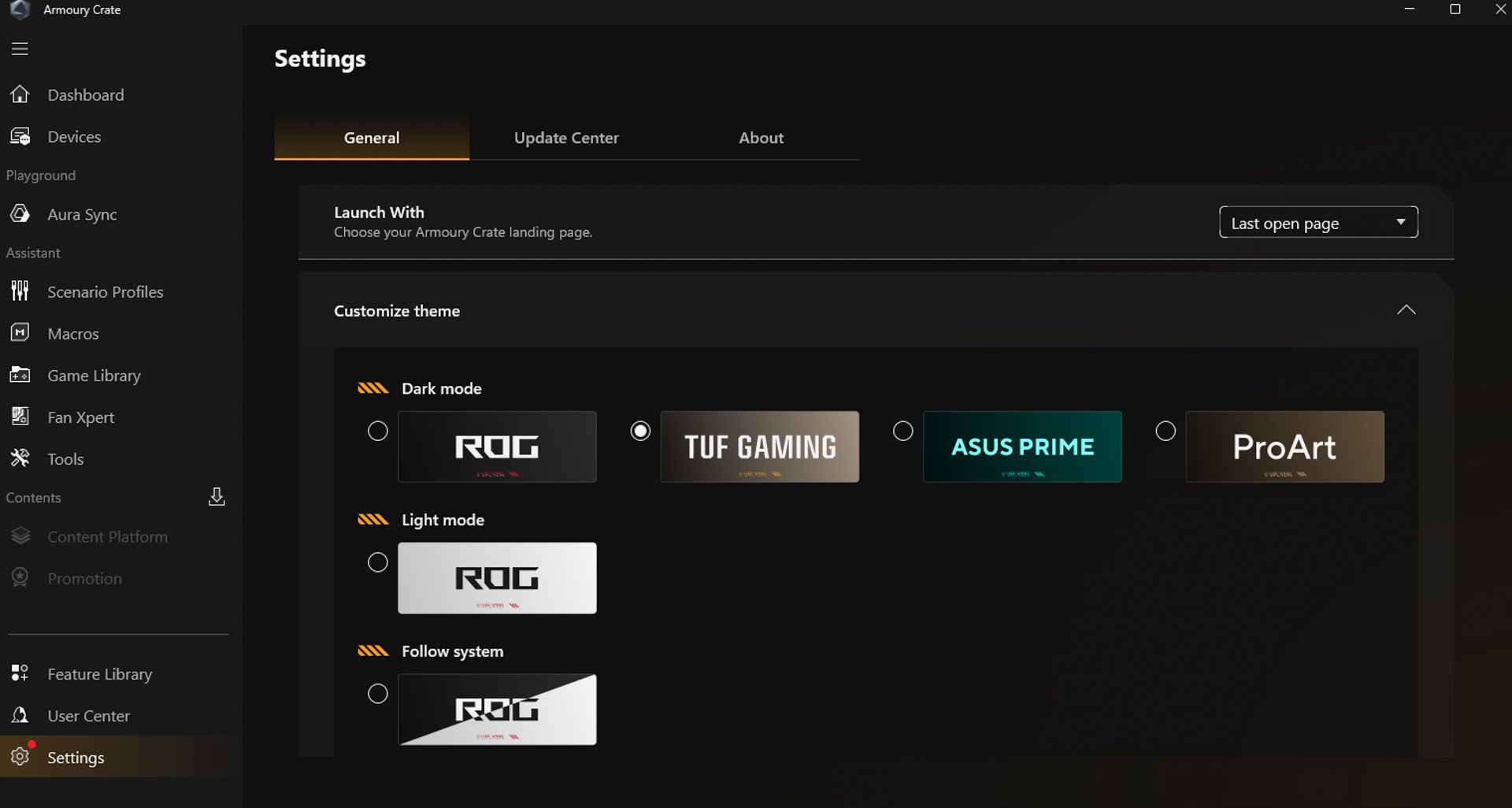
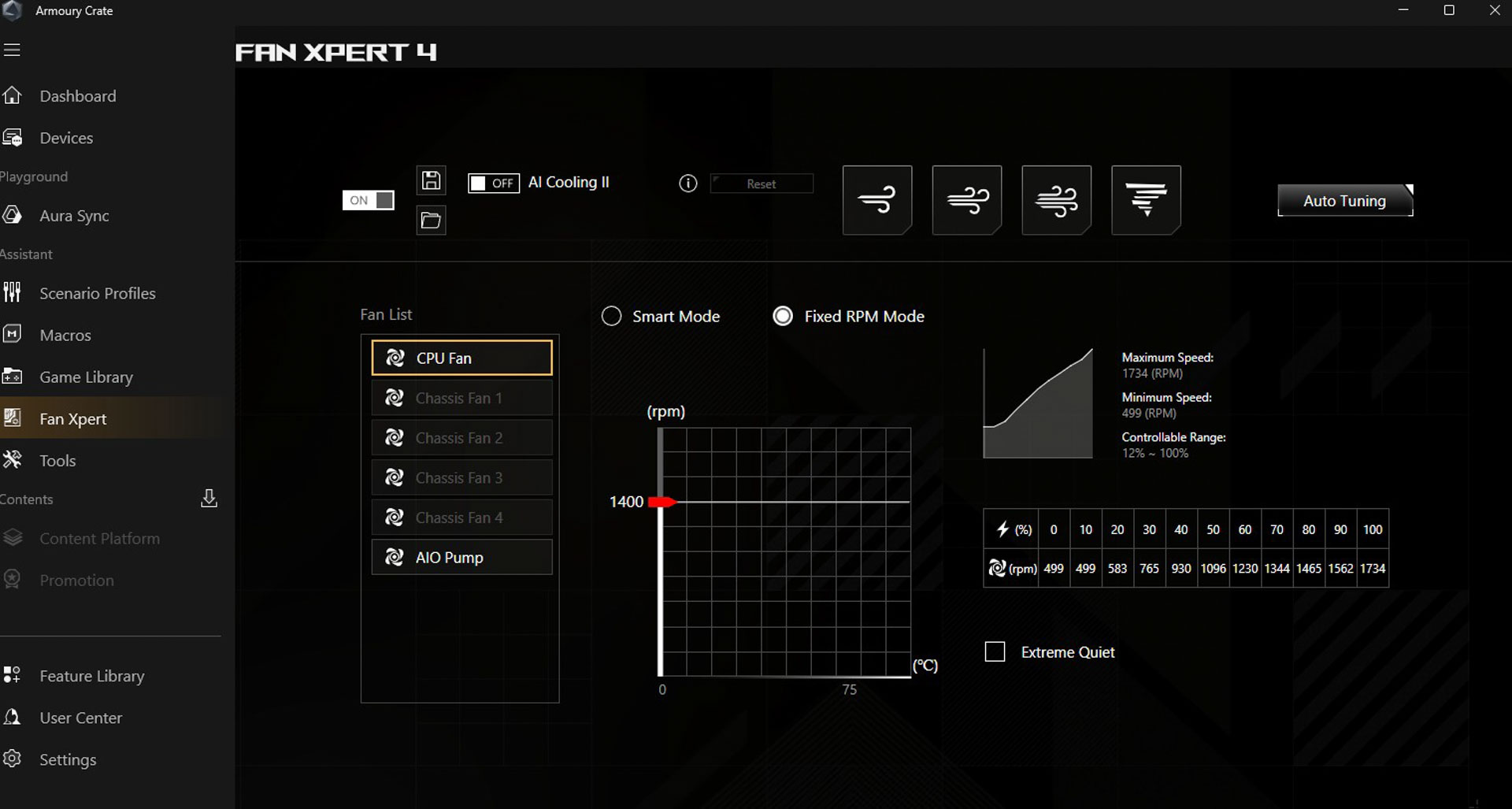
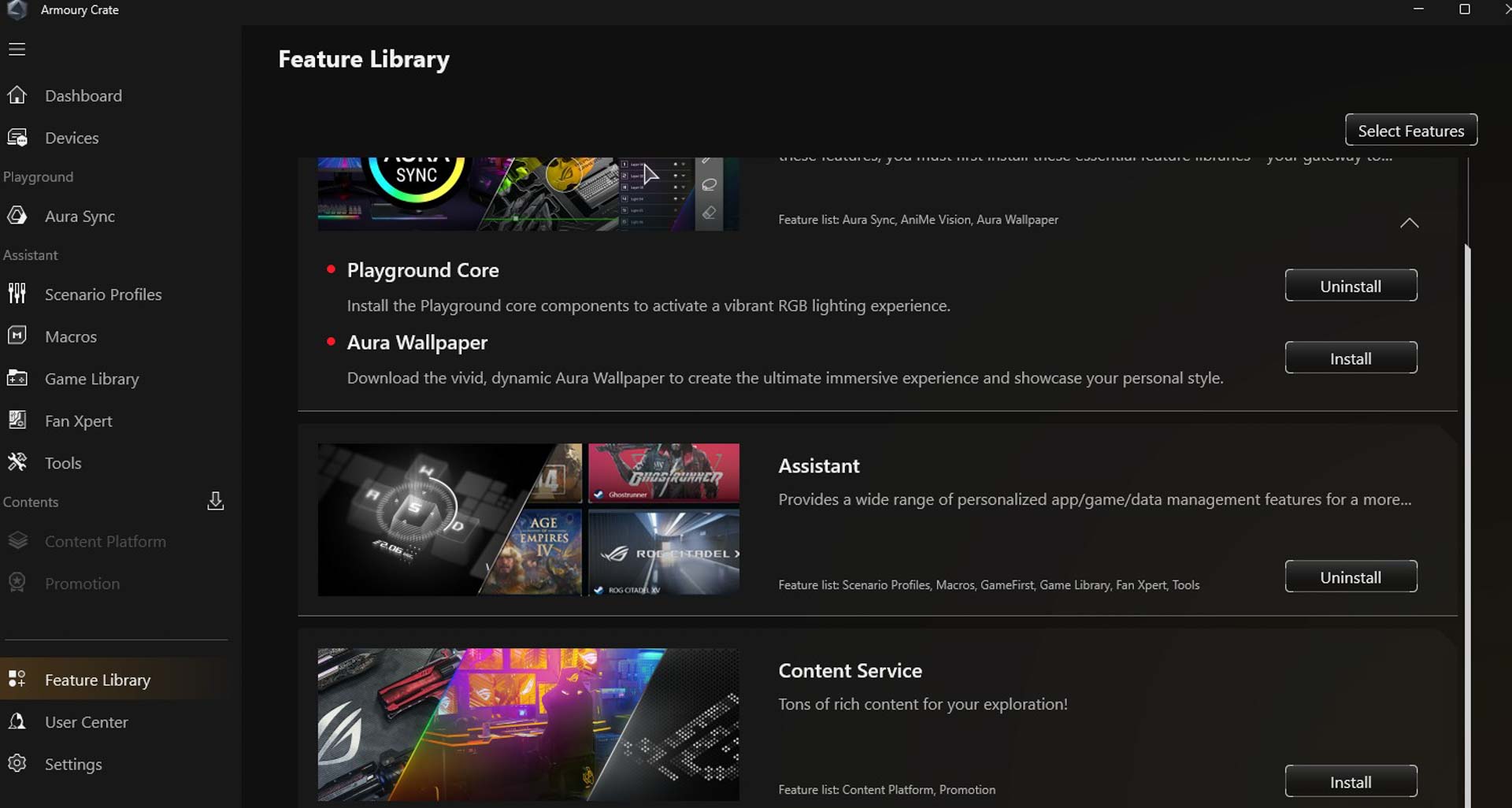
If you want fan and lighting control and a few other items to be accessible within Windows, then you might want to check out Armory Crate - the ASUS Windows motherboard software. Installation can be a little long-winded due to various modules requiring updates before they can be used, despite us always downloading the latest package from the ASUS website. Kind of annoying. Several restarts and updates later, and you'll hopefully be up and running, but we'd still advise not to install all the feature packages during the initial startup. Instead, if you wait to do this manually you can see what each includes so you only install what's necessary.There are two RGB lighting sections that cater to when your PC is off or in sleep, or when powered on. With this particular board, the RGB lighting is minimal, extending to a few LEDs on the edge of the PCB next to the chipset, but as they're back-facing, will illuminate a white motherboard tray effectively. You can pick from a variety of effects for each scenario including static colors and color palette as well as LED strip customization. Fan control offers most of the same settings as the EFI and even allows you to switch between EFI and software settings, albeit with a reboot in between. You can also adjust the temperature input and switch between PWM and fixed-speed modes, but unlike the EFI you can't switch to voltage mode. There did seem to be the option of saving and applying a fan profile to more than one fan, similar to the group mode in the EFI, but this didn't seem to work.
Nov 20th, 2026 15:43 PST
change timezone
Latest GPU Drivers
New Forum Posts
- WarpCoreBench scores! (84)
- How to prevent OLED burn damage due to PC freezes or power outtages? (49)
- RX 9000 series GPU Owners Club (2249)
- Honestly, do you care about GTA VI? (209)
- Logitech Headsets Modded Driver — Unlock Dolby in G HUB (23)
- 1 - 5 person file storage server equivalent accasible from anywhere + general VM server. (1)
- When you could finally run Crysis maxed out? (63)
- GTA VI (20)
- Anthrophics IPO (25)
- GeekMagic Ultra Smart WiFi Weather Station (8)
Popular Reviews
- AMD Zen 6 Technical Deep Dive
- Microsoft Surface Laptop Ultra Review - The Next-gen Arm Laptop
- Ugreen NASync DXP4800 GT Review
- Corsair RM1200e (Second Generation) Review
- Acemagic Retro X3 Review
- Upcoming Hardware Launches 2027 (Updated Nov 2026)
- Pulsar Office Tour & First Look at P1 Dual-Sensor Mouse
- Biwin Black Opal NV7400 2 TB Review
- AMD Ryzen 7 9800X3D Memory Performance Scaling
- AMD Ryzen 7 9800X3D Review - The Best Gaming Processor
TPU on YouTube
Controversial News Posts
- NVIDIA Co-Founder and CEO Jensen Huang Officially Resigns (491)
- Report: Jensen Huang Eyes NVIDIA Comeback (256)
- Open Letter Asking NVIDIA to Reinstate Jensen Huang Passes 115,000 Signatures (184)
- OpenAI CEO Argues Home PCs Waste the World's Limited DRAM Supply (152)
- NVIDIA Launches Investigation Into Jensen Huang's Relationship With Suspected Chinese Spy (136)
- Intel "Raptor Lake Next" 16-Core and 20-Core CPUs Surface (130)
- Legendary Game Studio BioWare Shuts Down Following EA Layoffs (104)
- Dell CEO Says the Memory Shortage Will Get Worse in 2027 (95)