 34
ASUS TUF Gaming Z890-Pro Wi-Fi Review
VRM Overview »Component Analysis


The single PCH is cooled by a modest heatsink, and like non-extreme chipsets on AMD motherboards, a single chip here means more PCB real estate being available and less metal needing to be used for cooling. This is hidden by the M.2 heatsinks, which is why the TUF Gaming Z890-Pro Wi-Fi looks quite neat and uniform compared to others that have an exposed PCH or chipset heatsink.
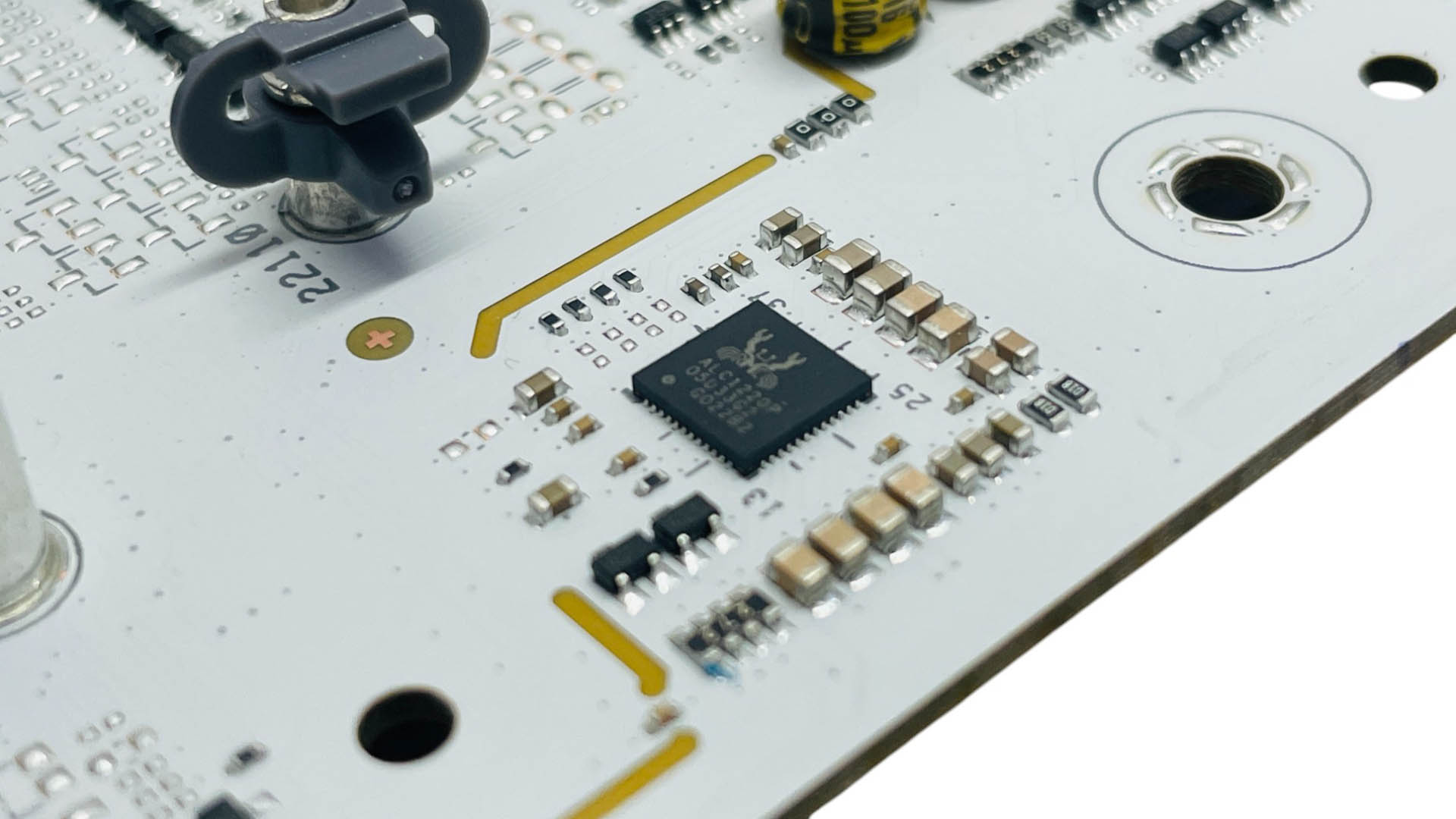
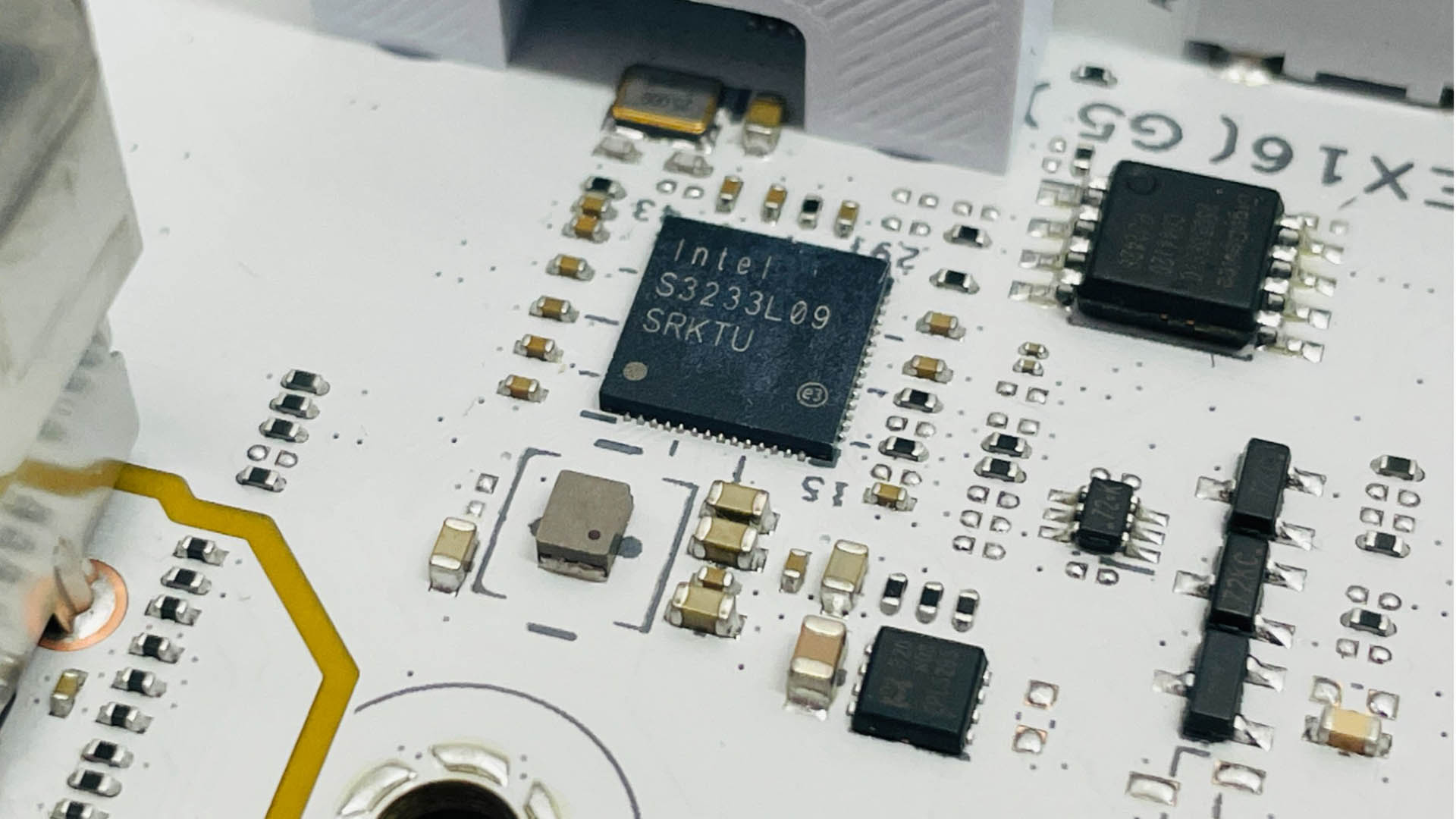
The onboard audio of choice is the venerable Realtek ALC1220P, so if you prefer your audio not to play around with the USB bus like the Realtek 4000-series, then you're in luck. Just around the corner from this is the 2.5 Gbps Intel I226-V Ethernet controller. This is likely enough for most of us for the time being, although plenty of other boards at this price, especially across the isle on AMD, have 5 Gbps.
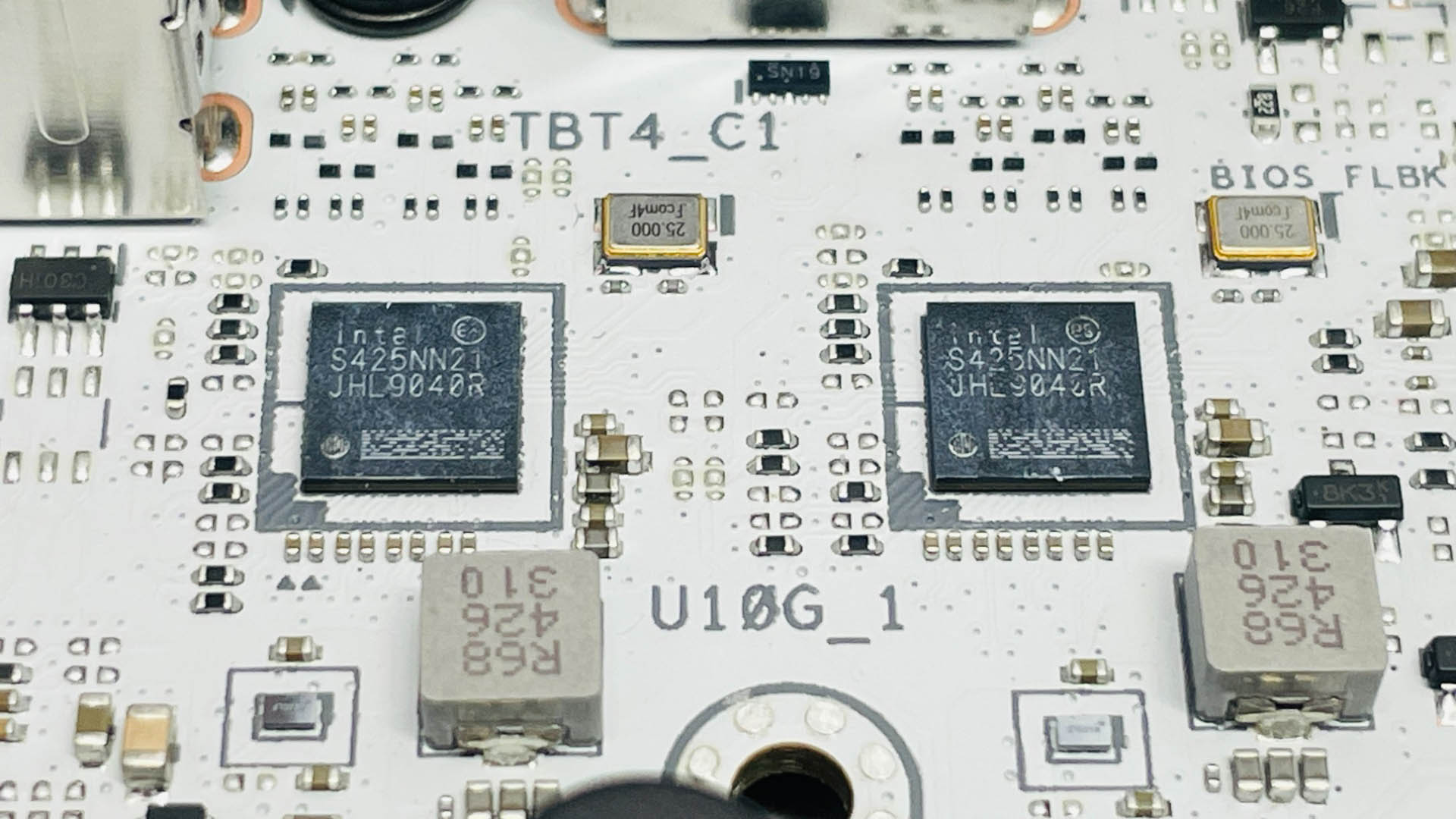

As usual, we have a pair of Thunderbolt 4 retimers courtesy of Intel's JHL9040R. It's good to see that Thunderbolt doesn't require a second mortgage anymore, and that this $300 board hasn't been scalped for other features to include it either, although one port would likely suffice at this price range. For the Wi-Fi 7 module we have the MediaTek MT925B22M, and we get a better view of the ASUS Q-Antenna.

Popping open the housing reveals a basic design with apparently no need for additional cooling. The module is easily removable and the other ends of the antennas are just your usual Wi-Fi module micro connectors, so if you want to swap this out for something else, it's a relatively simple job that just requires removing the I/O shroud and swinging out the I/O shield.
Nov 25th, 2026 17:40 CST
change timezone
Latest GPU Drivers
New Forum Posts
- Sexy Hardware Close-Up Pic Clubhouse. (10345)
- AAF Optimus Modded Driver For Windows 10 & 11 - Only for HDAUDIO Chips [WINDOWS 11 RECOMMENDED] (1155)
- Which ryzen am5 cpu ? (219)
- {NA} 2026 Black November prices / deal (7)
- TPU's Nostalgic Hardware Club (22208)
- UPS what one to get? (74)
- More Nova Lake specs (5)
- Share your CPUZ Benchmarks! (2680)
- X79 and/or rampage IV OC'ing thread for those of us still left.... (2457)
- Asus Rog Maximus Z890 Extreme. (Various questions). (38)
Popular Reviews
- ASRock X870E Challenger Wi-Fi White Review
- Microsoft Surface Laptop Ultra Review - The Next-gen Arm Laptop
- VZMORE AX9 Max Review
- Upcoming Hardware Launches 2027 (Updated Nov 2026)
- AMD Ryzen 7 9800X3D Review - The Best Gaming Processor
- AMD Zen 6 Technical Deep Dive
- Corsair RM1200e (Second Generation) Review
- Phantom Blade Zero Performance Benchmark Review - 35 GPUs Tested
- Pulsar Office Tour & First Look at P1 Dual-Sensor Mouse
- Ocypus lota P1000 Review
TPU on YouTube
Controversial News Posts
- Jensen Huang Reinstated as CEO of NVIDIA (571)
- NVIDIA Co-Founder and CEO Jensen Huang Officially Resigns (492)
- Report: Jensen Huang Eyes NVIDIA Comeback (281)
- Open Letter Asking NVIDIA to Reinstate Jensen Huang Passes 115,000 Signatures (184)
- OpenAI CEO Argues Home PCs Waste the World's Limited DRAM Supply (152)
- NVIDIA Launches Investigation Into Jensen Huang's Relationship With Suspected Chinese Spy (136)
- Intel "Raptor Lake Next" 16-Core and 20-Core CPUs Surface (130)
- Intel Razor Lake Gets a 12 P-Core bLLC Chip With No E-Cores, Per Leak (94)