 13
ASUS Zenbook A16 (UX3607OA) Review - Snapdragon Laptops are Getting Better and Better
(13 Comments) »Introduction

Since the first Snapdragon-based machines hit the shelves in mid-2024, the compatibility landscape has shifted for the better. Granted, two years later, we still run into some software and gaming glitches, but the list of flawlessly running titles and programs is constantly growing.
These Snapdragon laptops are tailored for users who prioritize AI capabilities, portability, and battery life above all else. But now that the platform has matured, you can easily pick one up as a reliable home or office workhorse.
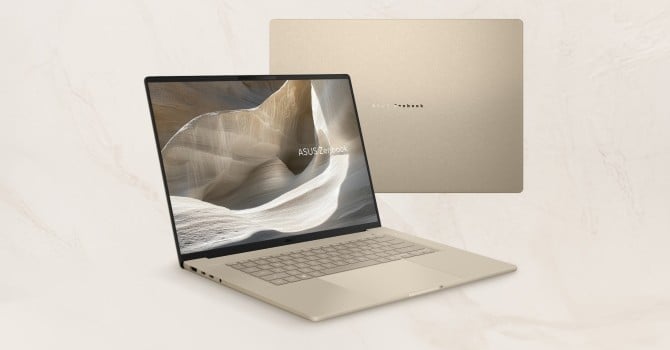
The laptop we're about to put through its paces is the ASUS Zenbook A16 (UX3607OA). It's a premium machine through and through—evident in its high-end internals, gorgeous display, and modern connectivity options. It has a more value-oriented sibling, the UX3607QA, which trims costs with a lower-tier SoC, a scaled-back NPU, downgraded audio quality, slower RAM, and an optional 1200p OLED to keep the entry price low.
Now, let's get back to the premium UX3607OA sibling. This ASUS Zenbook A16 features a chassis made from "Ceraluminum" - a unique blend of ceramic and magnesium - keeping this 16-inch laptop remarkably light while retaining strength at around 1.2 kg. Available in Iceland Gray or Zabriskie Beige, this material offers superior scratch and shock resistance compared to traditional aluminium. Additionally, an updated EasyLift hinge uses a torsion spring design to make opening the lid effortless while maintaining excellent screen stability.
Under the hood, the laptop is powered by the Snapdragon X2 Elite Extreme processor, featuring an 18-core architecture built on a 3 nm process. Qualcomm emphasizes high CPU and GPU performance, positioning it as a major step up for heavy multitasking and AI workloads compared to rival chips. Graphics are driven by an integrated Adreno X2 GPU, which delivers noticeably smoother frame rates than the previous generation. Gaming compatibility also sees a welcome upgrade thanks to Windows AVX2 emulation and kernel-level anti-cheat support for popular titles like Fortnite. Everything is managed via a new Snapdragon Control Panel that handles game profiles, driver updates, and resolution optimizations.
The core focus of this machine is its Hexagon NPU, which delivers 80 TOPS of processing power dedicated strictly to local AI tasks. This hardware drives a variety of local Copilot+ features, including real-time translation captions, Paint's Cocreator, and the interactive "Click to Do" screen overlay. ASUS also includes its proprietary StoryCube software, which leverages that local AI power to automatically sort, tag, and search through your photo and video libraries.
When it comes to creative workflows, the platform's dedicated hardware handles a lot of the heavy lifting in optimized creator suites like Adobe. Instead of bogging down the main processor, specialized tasks like AI-driven image upscaling, smart masking, and automated video timeline analysis get routed directly to the NPU. This results in a noticeably smoother editing experience, keeping the timeline responsive and preventing the system from chugging even when you're working away from a wall outlet.
The device sports a gorgeous 16-inch 3K ASUS Lumina OLED display with a smooth 120 Hz refresh rate and an impressive 1100 nits of peak brightness (stated by ASUS). For audio, it packs a robust six-speaker system (two tweeters and four woofers) with Dolby Atmos and Snapdragon Sound support. Port selection is quite modern, offering two USB4 ports, HDMI 2.1, and an SD card reader, with enough bandwidth to drive up to three external monitors.
Finally, the laptop packs a 70 Wh battery that takes full advantage of the platform's advanced power-saving features. It relies on highly optimized power profiles, such as an ultra-low wattage Whisper mode that clamps down the CPU draw during lighter tasks to maximize efficiency and extend runtime. It also supports flexible charging via standard USB-C power banks for easy on-the-go top-offs.
Specifications
| Specifications | |
|---|---|
| Manufacturer: | ASUS |
| Model: | ASUS Zenbook A16 (UX3607OA) |
| Weight: | 1.20 kg |
| Processor: | Qualcomm Snapdragon X2 Elite X2E-94-100/Oryon v3 12 P1 cores/6 P2 cores/18 threads up to 4.7 GHz, 9 MB L3 cache INPP: up to 150 W |
| Chipset: | Unknown |
| Display: | Display: 16.0"/2880×1800 (16:10)/OLED/120 Hz ~500 nits/100% DCI-P3/touchscreen option Display HDR True Black 1000 |
| Operating System: | Windows 11 Home/Pro |
| Integrated Graphics: | Qualcomm Adreno X2-90 |
| Memory: | 48 GB soldered LPDDR5X-9523 |
| Storage: | 1× M.2 2280 PCI Express 4.0 x4 |
| Optical Drive: | None |
| Connectivity: | 1× 10 Gbps USB Type-A/3.2 Gen. 2 2× 40 Gbps USB4 with DP Alt Mode/PD HDMI 2.1 SD card reader Audio combo jack |
| Communications: | Wi-Fi 7 + Bluetooth 5.4 1080p IR webcam |
| Audio: | 6-speakers audio system optimized with Dolby Atmos |
| Input device: | ErgoSense touchpad with smart gesture support Smudge-free backlit keyboard with excimer coating |
| Power: | 1× 130 W Type-C adapter 70 Wh battery |
| Warranty: | Two Year (region dependent) |
| MSRP: | Starting at $2200 |
Packaging
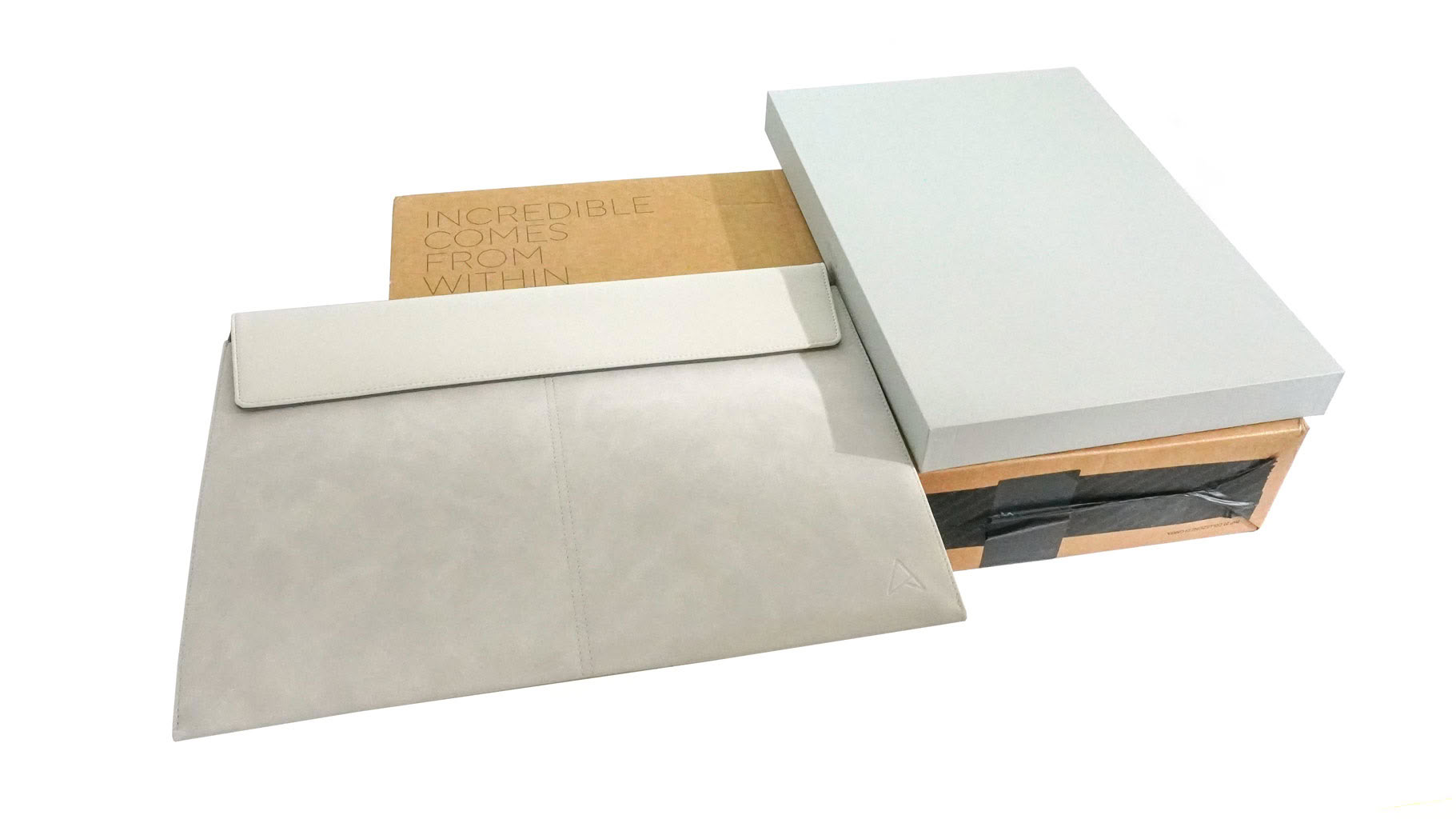
The cardboard box isn't big, but it offers good protection for the laptop, which sits inside a smaller, fancy package. I also found a really nice leather sleeve that perfectly matches the premium vibe of the notebook.


Nothing too fancy on the inside, a bunch of manuals and a 130 W Type-C charger.
A Closer Look - Outside
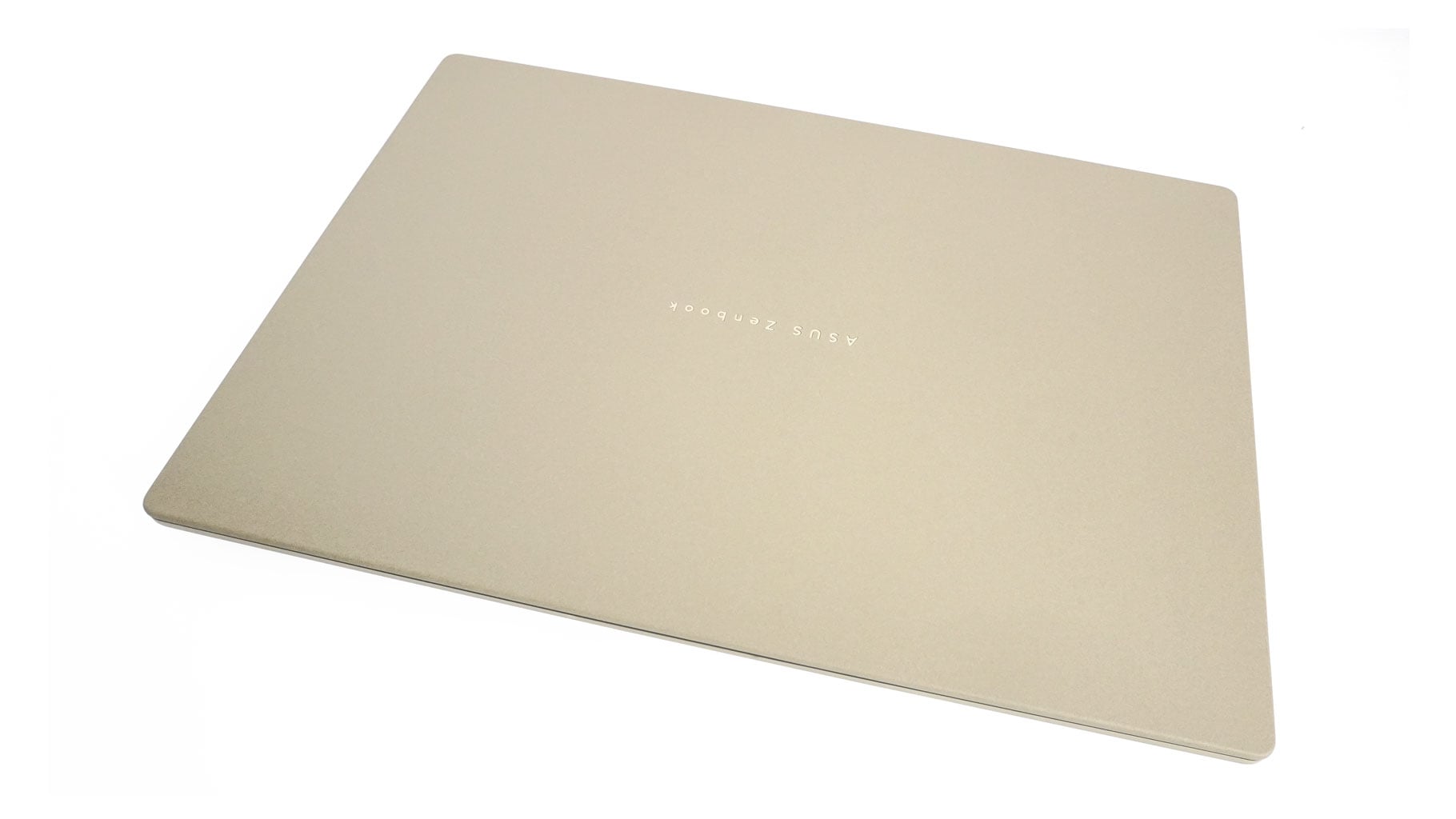
Usually, 16-inch machines are the sweet spot between screen real estate and overall dimensions. The footprint isn't massive, meaning it easily slides into most standard backpacks. But what ASUS has done with the Zenbook A16 UX3607OA is close to truly unique.

If I remember correctly, this is the first time I've held a 16-incher this light and thin. This machine tips the scales at around 1.20 kg, with a profile thickness measuring just 13.8-16.5 mm. With its boxy, almost flat shape, it definitely gives off some MacBook vibes. It's not an outright Apple copycat, but some of the design lines are quite similar, which is pretty typical in today's market.
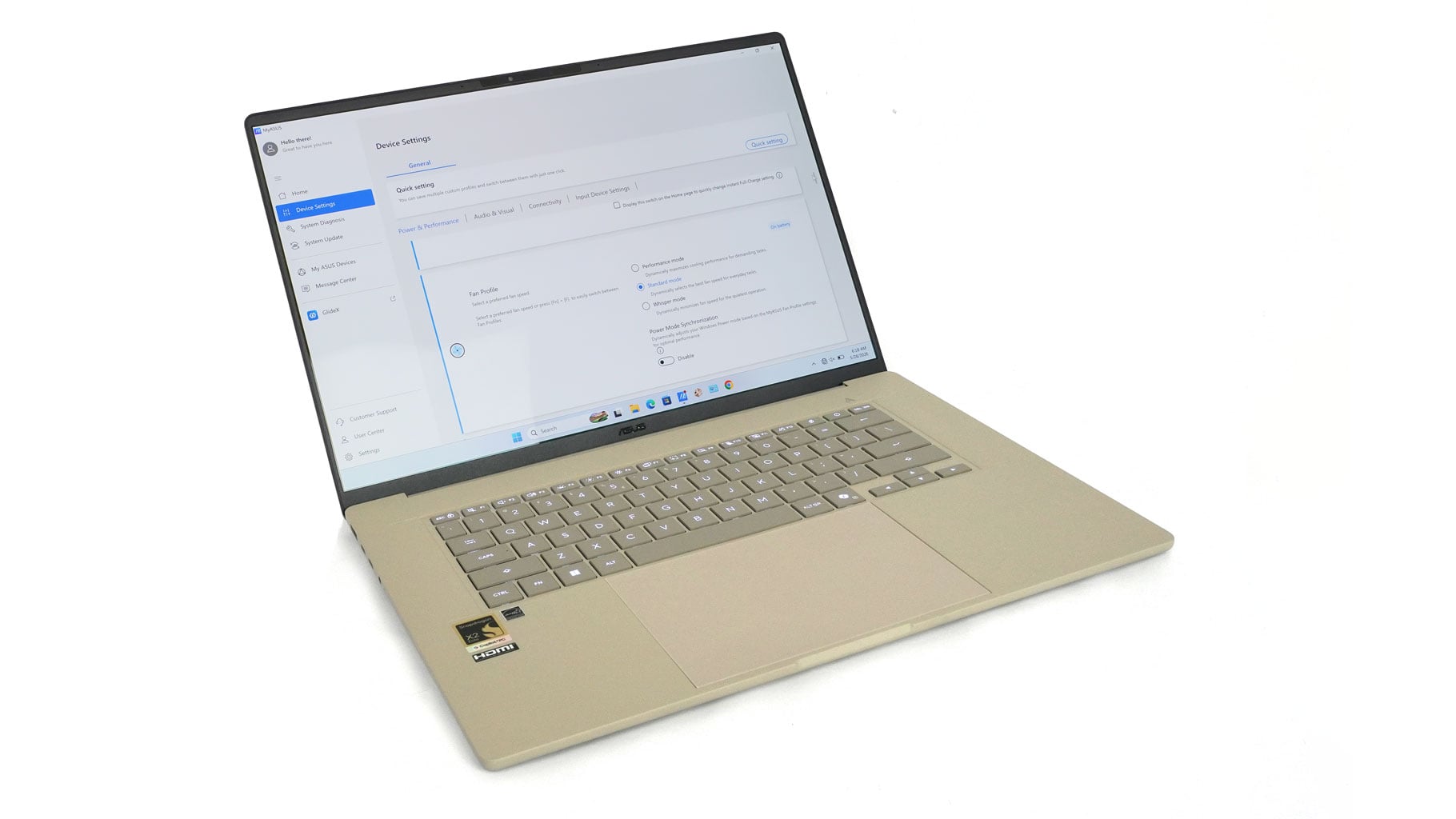
Our review unit comes in the Zabriskie Beige finish. It's an uncommon choice that looks genuinely interesting, and I really like how the dark display bezels contrast with the rest of the chassis. When the lid is closed, you get a real sense of just how remarkably thin this thing is.

This Ceraluminum material feels like some kind of tech alchemy that I thoroughly appreciate. Despite how slim the lid is, it doesn't feel fragile at all. You can press down in the center or give it a slight twist without any worrying creaks or display distortion. The top lid bump makes one-handed opening effortless, and the motion is buttery smooth. These hinges aren't just well-tuned; they're a work of art.
The matte finish resists fingerprints quite well. It's not entirely immune—you'll still spot a few smudges here and there—but you won't need to constantly wipe it down with a microfiber cloth. I'd bet that smudges will pop much easier on the Iceland Gray variant, which seems to be exclusive to the UX3607QA model.
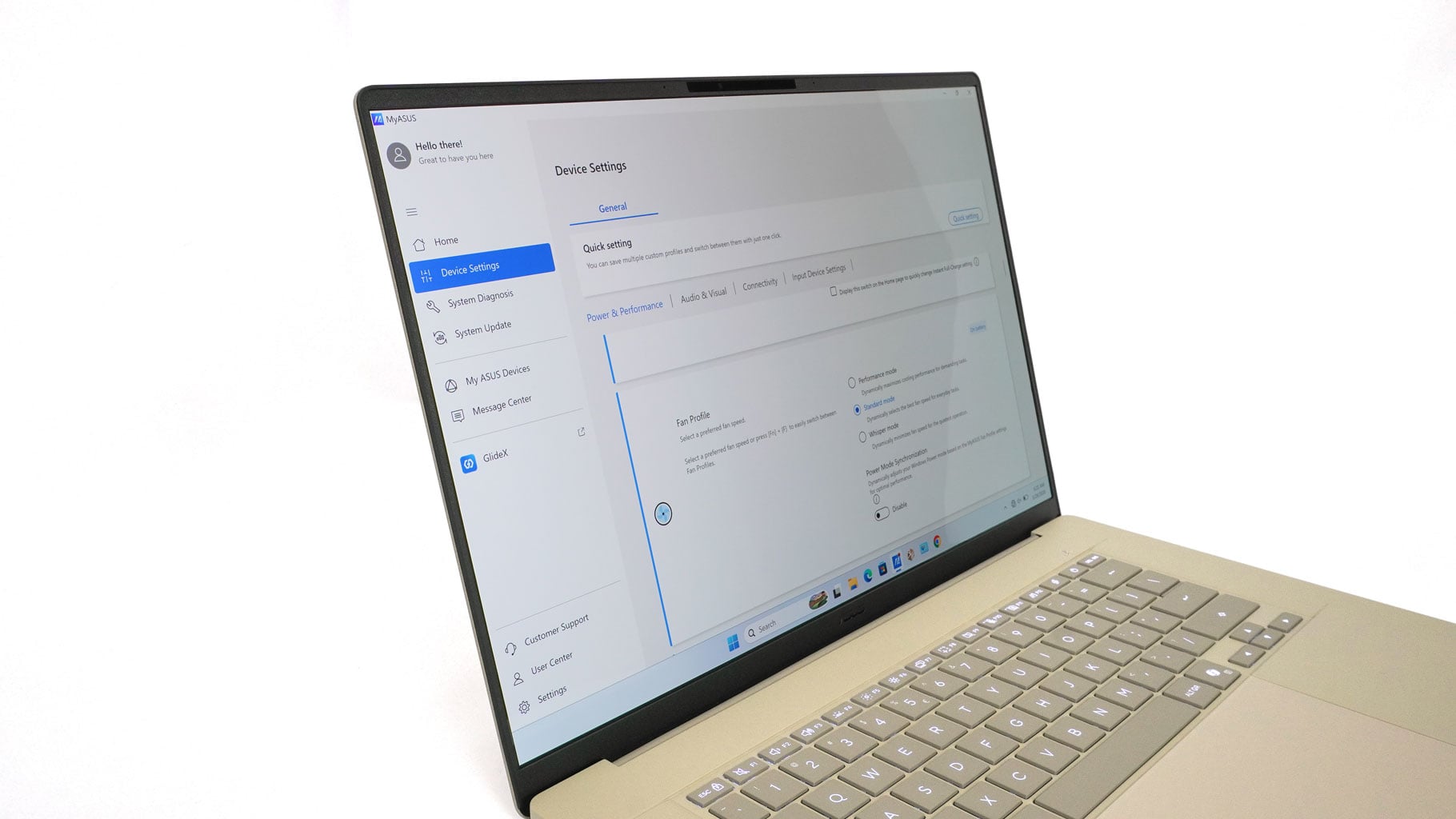
Thin display bezels are always appreciated. The 1080p IR webcam setup on this thing does a lot more than just handle your daily video calls. Alongside quick face logins, it packs an ambient light sensor that constantly tweaks the screen's brightness and color temperature on the fly, so the display always looks right for your room.
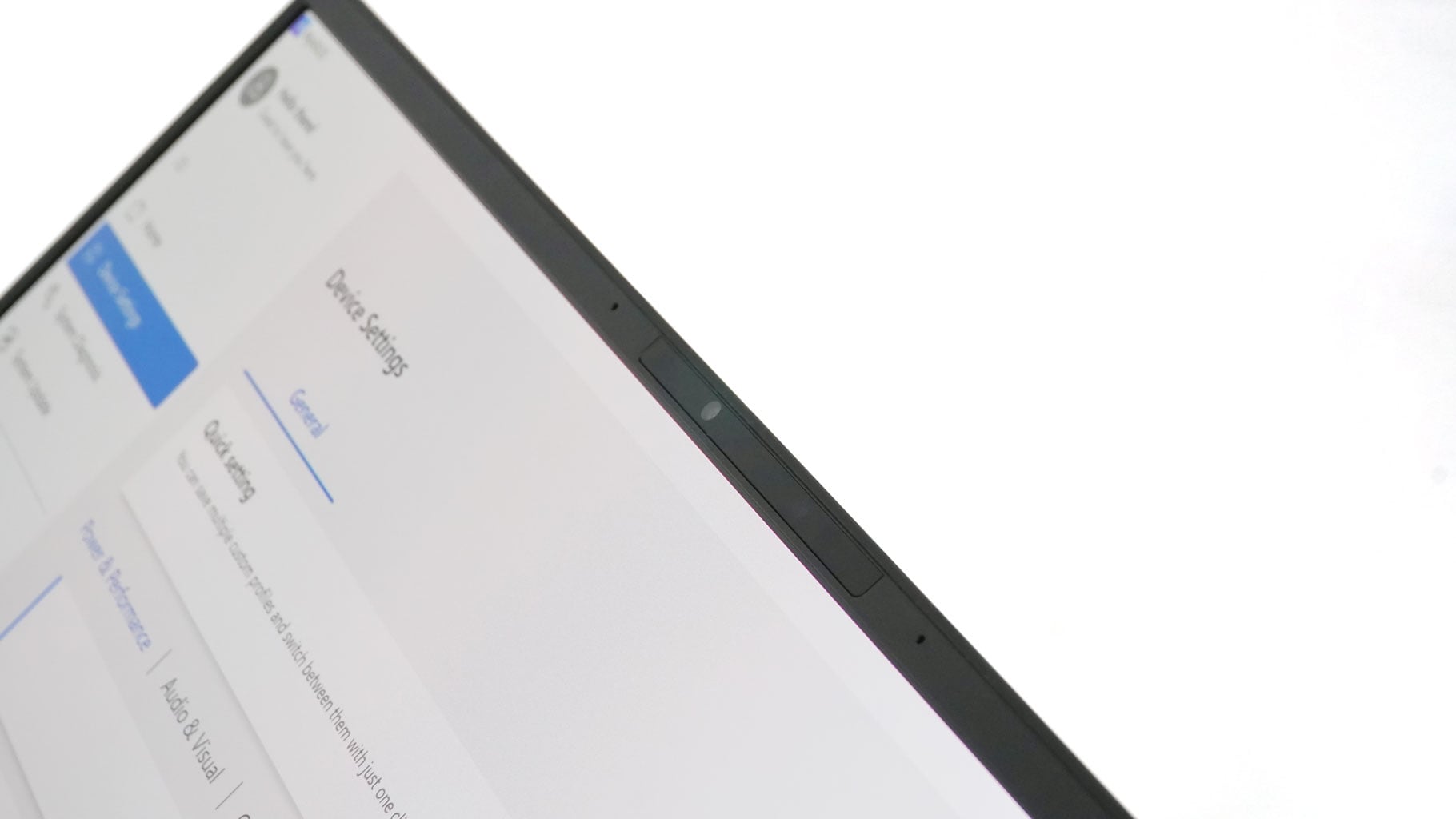
It is also surprisingly clever about privacy and saving battery. With adaptive dimming, the screen automatically dials down its brightness the second you look away from the panel, and the whole system completely locks itself down the moment you walk away from your desk. Plus, when you actually need to be on camera in a dimly lit room, a built-in 3D noise-reduction algorithm cleans up that ugly low-light grain without washing out the fine details.

The max opening angle is alright, but a fully flat opening would be much more appreciated.
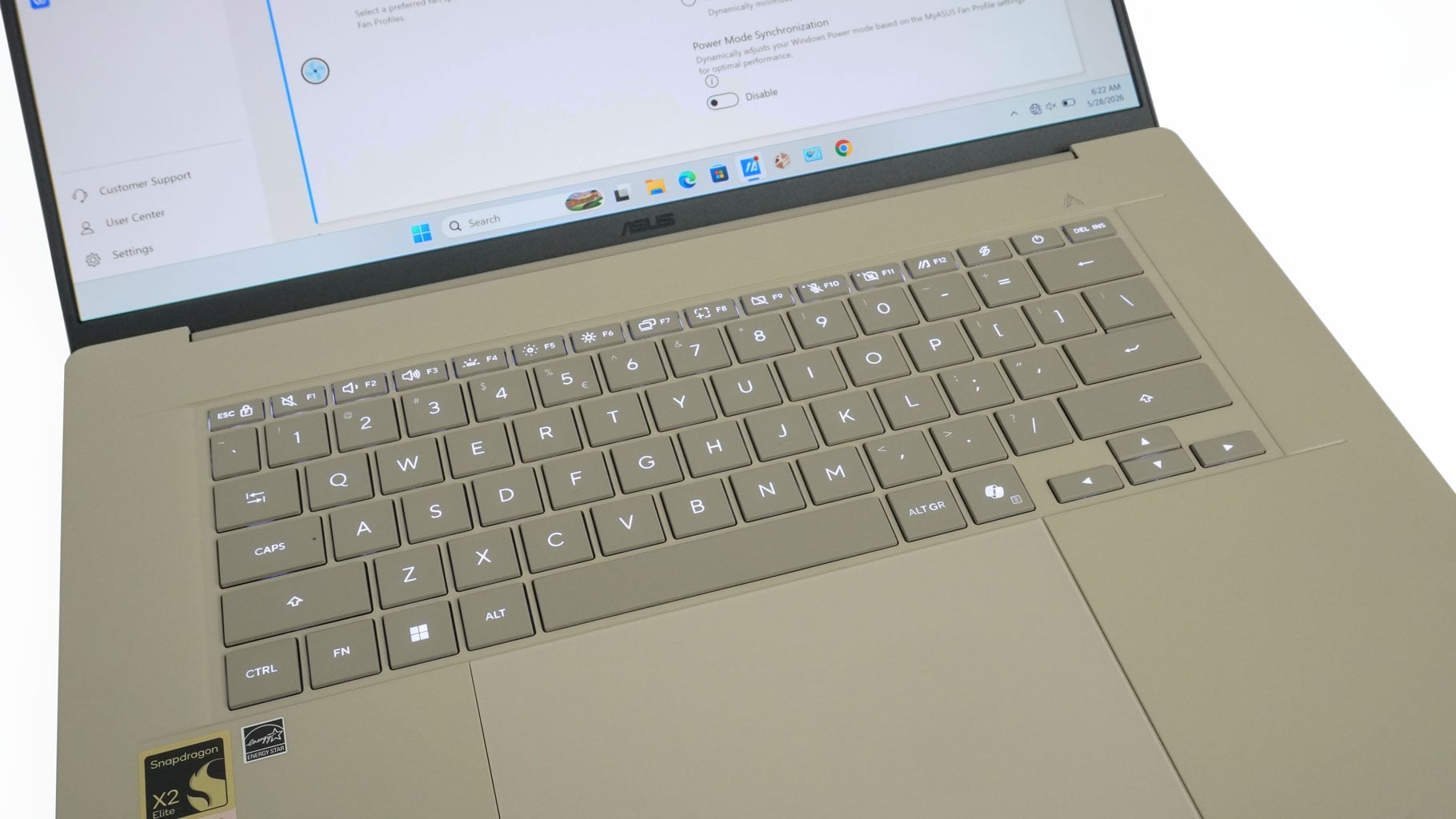
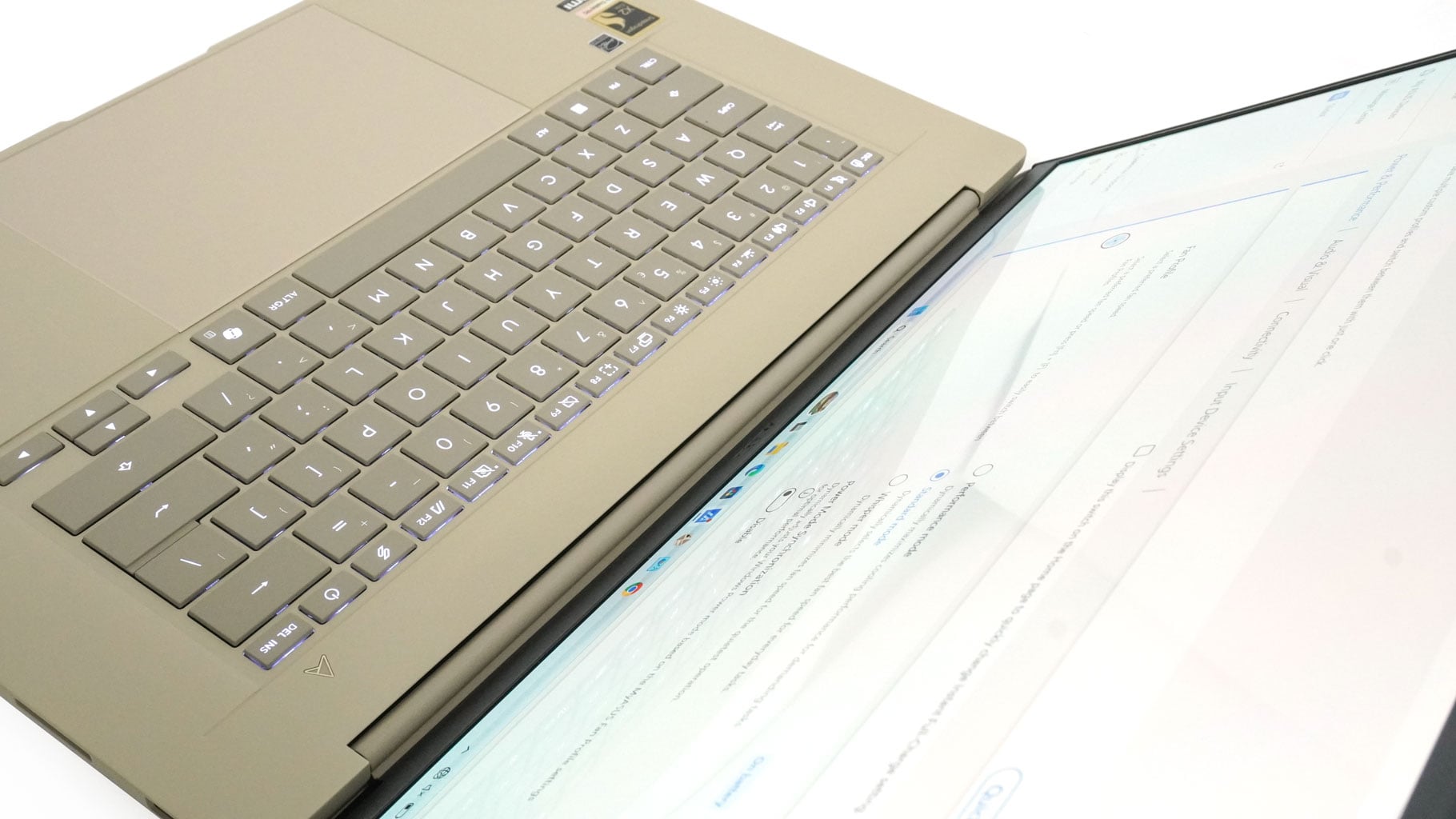
Moving to the main body, the deck feels remarkably rigid even when pressed hard—definitely impressive for a thin machine. The keycaps are darker than the deck, providing great contrast that makes the legends easy to read. ASUS brands this keyboard as "Smudge-free" due to an excimer coating, which feels pleasantly soft and matte to the touch while still offering plenty of grip.
Key travel is strictly average—an inevitable trade-off when a chassis is this thin. However, the large, dish-shaped keys offer great tactile feedback and quiet operation, which somehow compensates for the not-so-long 1.3 mm travel. Overall, typing feels surprisingly nice, mostly because the acoustic profile is so low. The backlighting is perfectly even, too—thumbs up for that. That said, I definitely miss having a dedicated NumPad here, as there is plenty of room for one. The half-height arrow keys are hard to press and easy to mis-press. On the bright side, the key coating holds up to its fingerprint-proof claims.
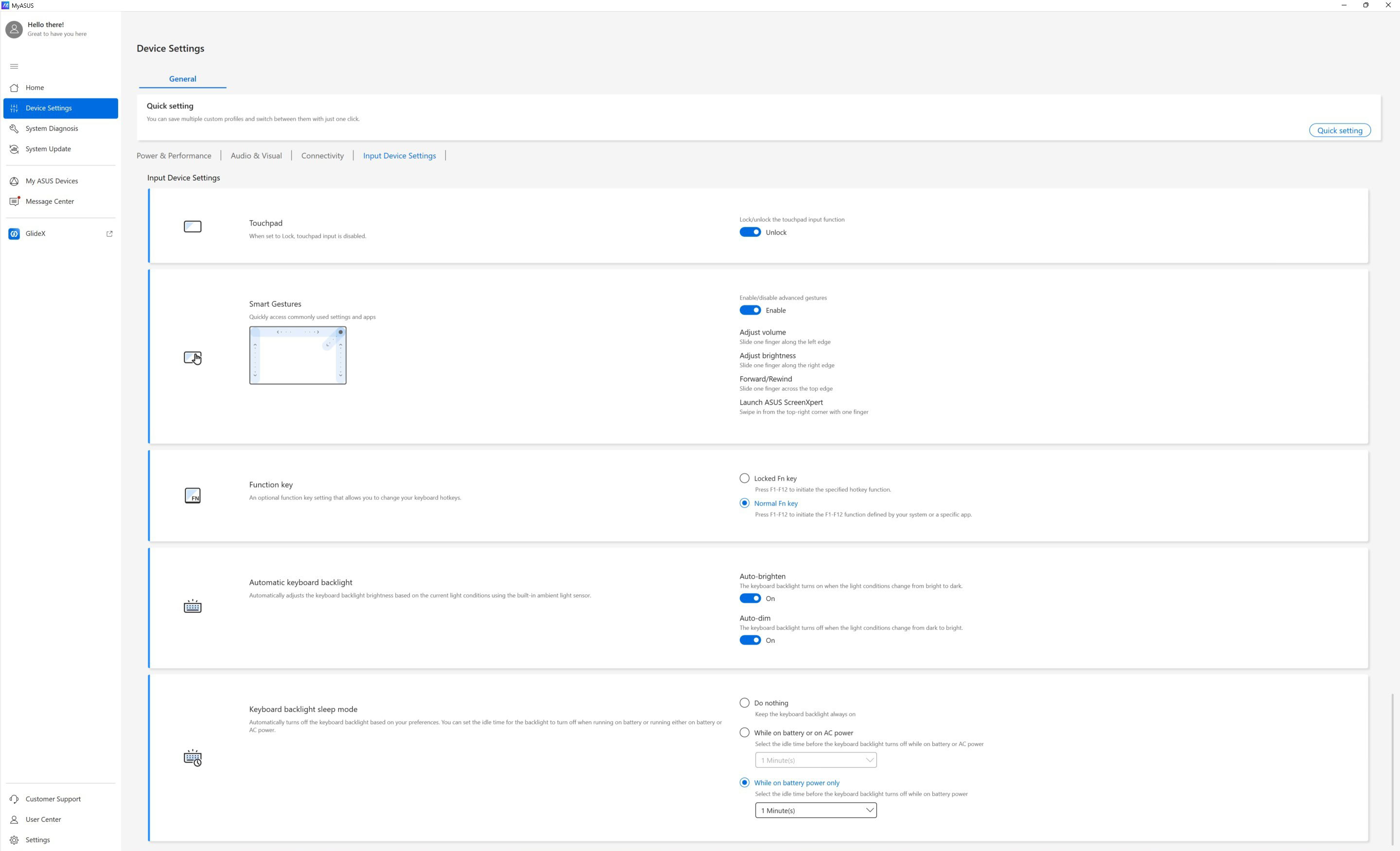
These are the options found in the MyASUS app regarding the input devices.
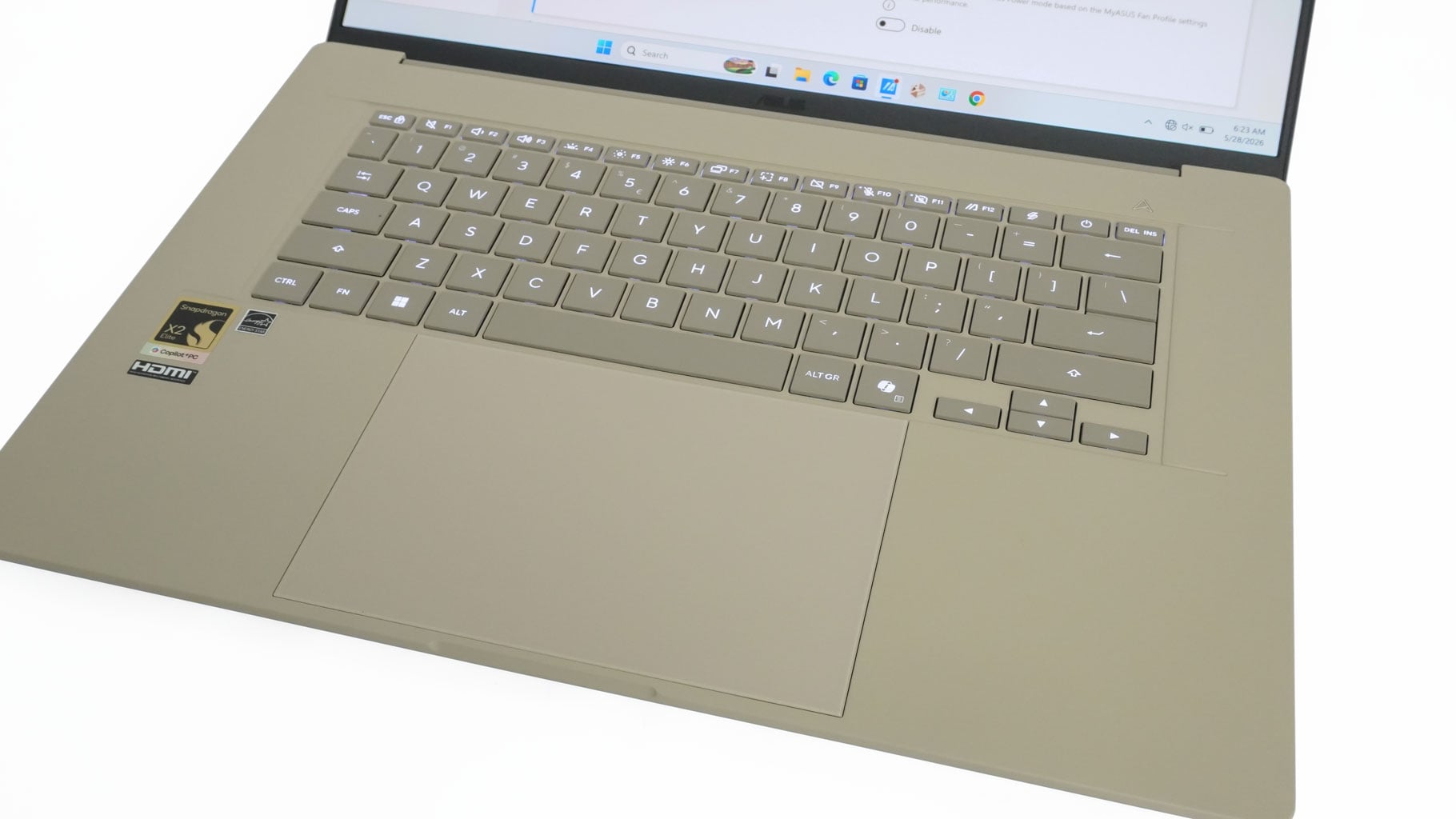
The ASUS ErgoSense touchpad features smart gestures to adjust brightness, volume, and video playback on the fly. The massive tracking surface is smooth and incredibly precise, but what's even better is how near-silent the physical clicks are. This pairs beautifully with the quiet keyboard and smooth hinges. That's the kind of attention to detail that elevates the daily user experience.
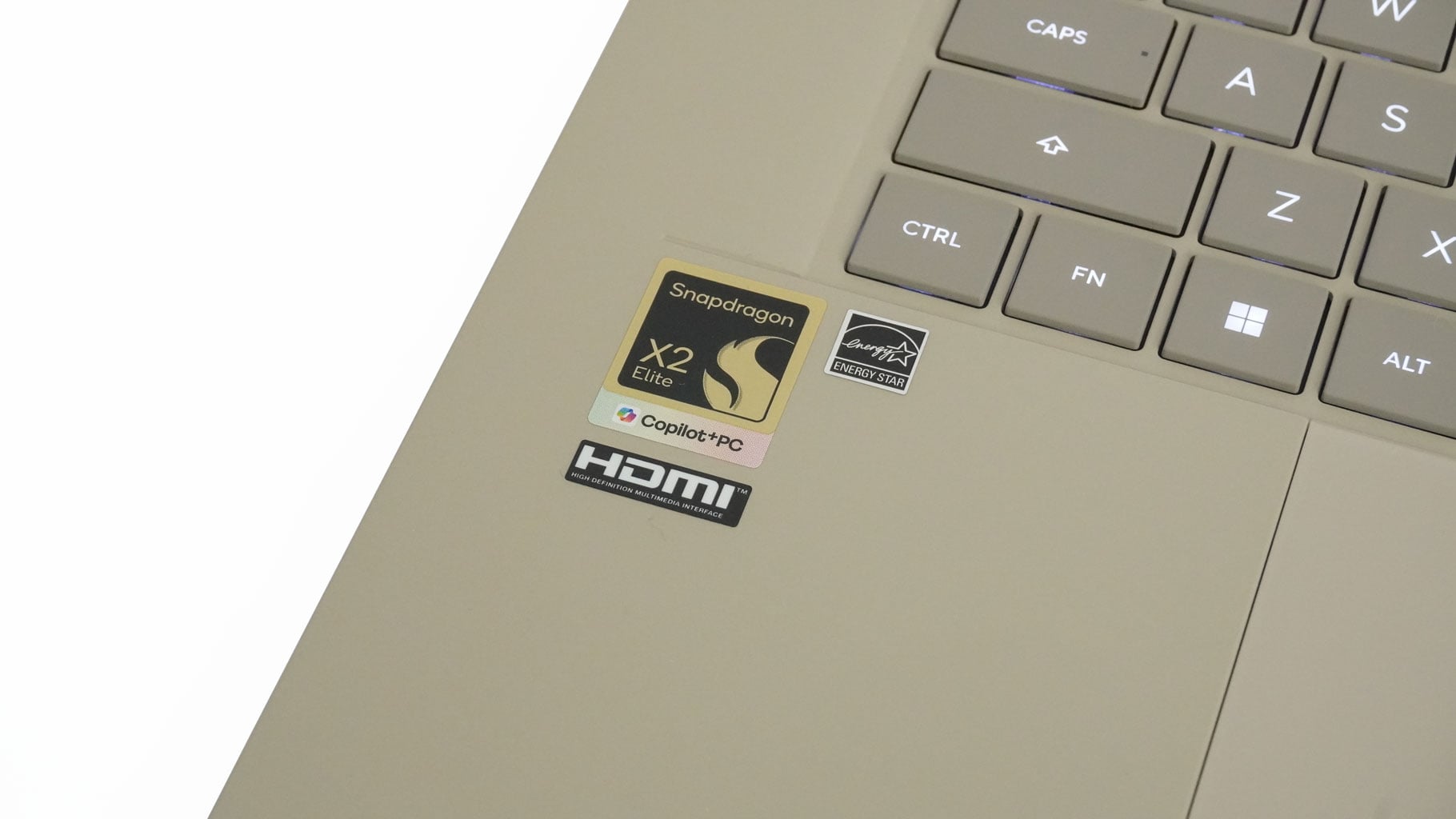
The big sticker on the left reminds us that we are dealing with a Copilot+ PC powered by a Snapdragon SoC.
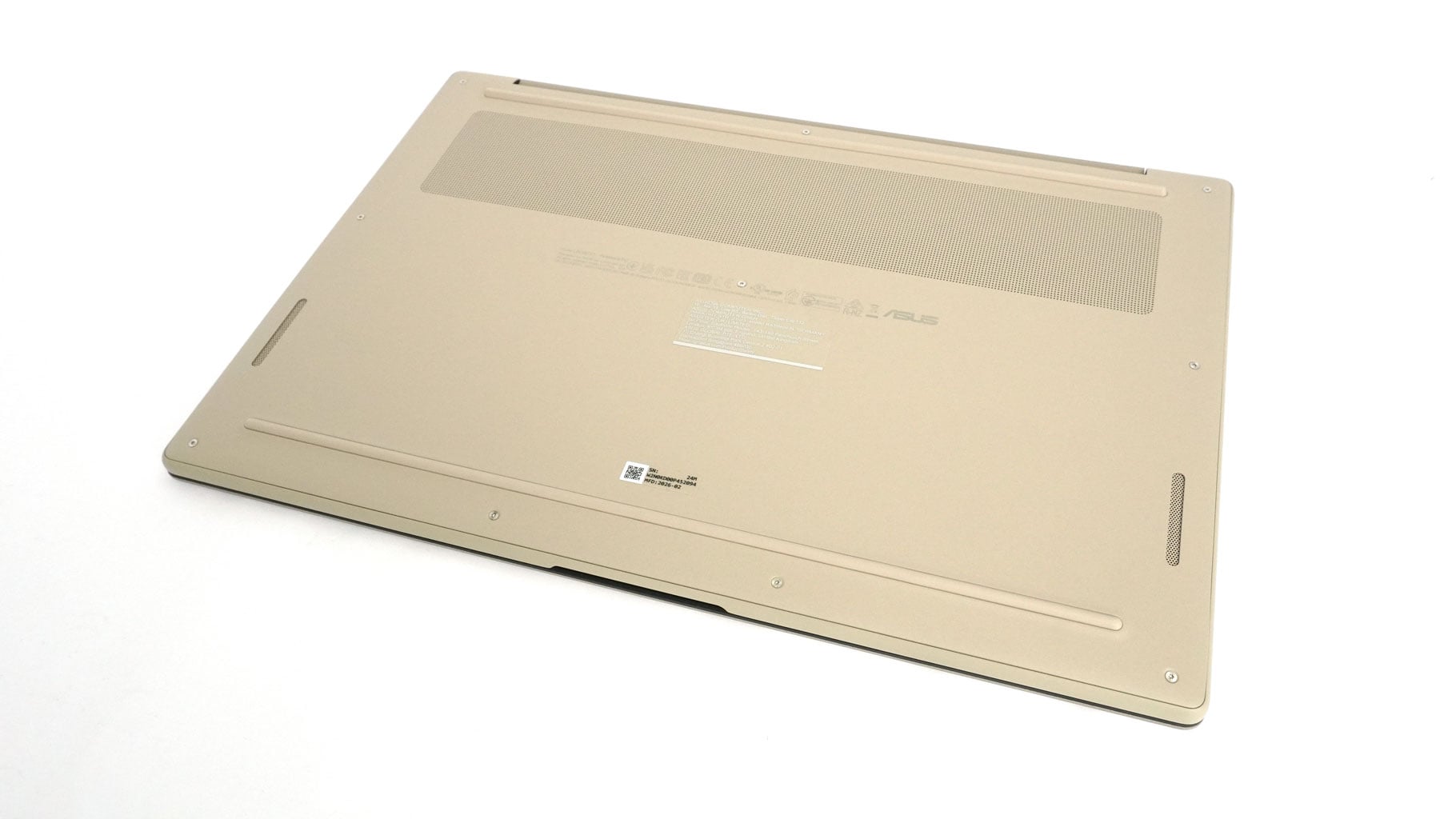
The bottom layout is cleaner than expected, featuring two long rubber feet, a decently sized ventilation grille, and cutouts for the speakers.
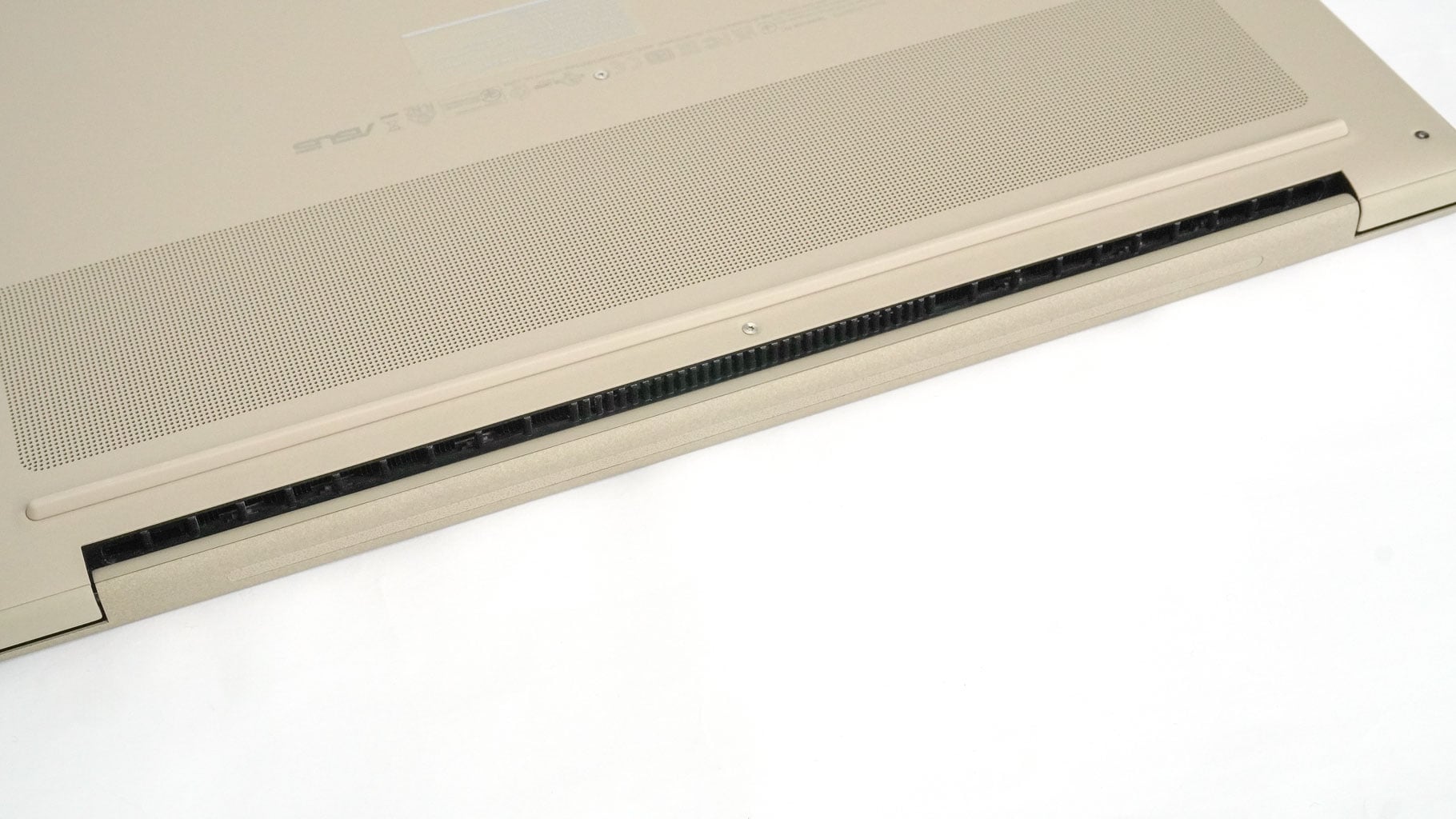
Internal heat gets pushed out through a pair of rear exhaust vents. Like many modern ultraportables, the hinge cover positioning helps block and redirect a good chunk of that heat away from the sensitive OLED panel.
Ports and Connectivity

On the left side, you get an HDMI 2.1, two 40 Gbps USB4 ports with DisplayPort Alt Mode USB Power Delivery, and an audio combo jack.

On the right side, there is a 10 Gbps USB Type-A 3.2 Gen. 2 port and an SD card reader.
Our Patreon Silver Supporters can read articles in single-page format.
Nov 17th, 2026 16:28 CST
change timezone
Latest GPU Drivers
New Forum Posts
- Help with fixing Overclock (5)
- ProArt X870E-CREATOR WIFI - Bifurcation~Complication (13)
- Last game you purchased? (1403)
- Without Jensen, PC gaming will be (33)
- [Poll] 12V-2x6 Connector Protection: What Are You Using? (WireView / Ampinel / Equalizer / Other / Nothing) (27)
- What is the latest game you finished or 100% (204)
- 9070 GRE 3.9ghz validation reached. (15)
- USB 3.0 90 Degree Adapter (2)
- Latest method for DTS/DDL for Logitech Z906 (0)
- What are you playing? (26232)
Popular Reviews
- Acemagic Retro X3 Review
- Corsair HX1000i Shift Crystal Review
- AMD Zen 6 Technical Deep Dive
- Upcoming Hardware Launches 2027 (Updated Nov 2026)
- ASUS ROG Strix B850-I Gaming Wi-Fi7 W Review
- Phantom Blade Zero Performance Benchmark Review - 35 GPUs Tested
- AMD Ryzen 7 9800X3D Review - The Best Gaming Processor
- Chieftec Iceberg PRO 360 DARK Review
- Montech King 95 3D PRO Review
- NZXT C1200 Platinum Review
TPU on YouTube
Controversial News Posts
- NVIDIA Co-Founder and CEO Jensen Huang Officially Resigns (457)
- Open Letter Asking NVIDIA to Reinstate Jensen Huang Passes 115,000 Signatures (184)
- OpenAI CEO Argues Home PCs Waste the World's Limited DRAM Supply (152)
- NVIDIA Launches Investigation Into Jensen Huang's Relationship With Suspected Chinese Spy (136)
- Report: Jensen Huang Eyes NVIDIA Comeback (135)
- Intel "Raptor Lake Next" 16-Core and 20-Core CPUs Surface (130)
- Legendary Game Studio BioWare Shuts Down Following EA Layoffs (104)
- Dell CEO Says the Memory Shortage Will Get Worse in 2027 (95)