 0
Asustor AS5102T Review
(0 Comments) »Introduction

We would like to thank Asustor for supplying the review sample.

On our test bench today is an Asustor NAS for enthusiast home users who need something strong and feature-rich. The AS5102T not only offers the functionality of a NAS, but can also play the role of a fully featured multimedia player or be the brains of a surveillance setup. This unit can take up to two HDDs and utilizes a quad-core Intel Bay Trail CPU (J1900). Clocked at 2 GHz, it can boost up to 2.42 GHz when the need for more computational power arises. According to Asustor, it is capable of up to 220 MB/s read and write speeds if its two Ethernet ports are combined through the Link Aggregation Control Protocol (LACP). However, you do need compatible switches, probably managed ones, that support the protocol. Most home users have less advanced switches without LACP.
Another interesting feature is that it has an S/PDIF port to connect to your sound system for some seriously good sound quality. The AS5102T also has an HDMI port, which allows it to play a central role in a multimedia setup, especially since its hardware supports the smooth playback of 1080p content and Asustor includes Kodi, formerly XBMC, as one of many compatible applications, and there are its advanced surveillance capabilities we will examine rather thoroughly in today's review. Asustor is to the best of our knowledge the only NAS manufacturer that provides four camera licenses with their products for free. All other manufacturers usually only provide one. The free licenses are a strong buying factor for someone looking for a NAS that is tasked to handle such surveillance duties. The price of IP cameras has also dropped significantly over the past years, which makes a small home-surveillance center pretty affordable.

Specifications
| Asustor AS5102T Specifications | |
|---|---|
| Processor | Intel Celeron J1900 2.0GHz Quad-Core (burst up to 2.41GHz) |
| Operating System | Embedded Linux |
| Memory | 2 GB SO-DIMM DDR3 (Expandable. Max 8GB) |
| Storage | 2x 3.5"/2.5" SATA II/III |
| RAID Levels: | Single Disk, JBOD, RAID 0, 1 |
| Capacity | up to 12 TB (disks not included) |
| iSCSI | Target & Initiator |
| Hot-Swap | 2x |
| Networking | 2x 10/100/1000 Mbit Ethernet |
| I/O Ports | USB 3.0 x 3, USB 2.0 x 2, eSATA x 2 HDMI 1.4a x 1, S/PDIF x1 |
| Dimensions | 163.5 (H) x 108 (W) x 230 (D) mm 7.3 (H) x 6.69 (W) x 9.06 (D) inch |
| Weight | 1.99 kg (4.39 lb) |
| Power Consumption | Sleep: 1.8 W (with WD Red 6 TB HDD) In operation: 17.7 W Disk hibernation: 8.7 W |
| Power Supply | External, DPS-60PB, 100-240 V |
| Fan | 1x 70 mm (FD127025HB) |
| Warranty | 3 years |
| Price excluding VAT (at the time of the review) | $396 |
The AS5102T can compete with high-end servers in networking speeds because it has two Gigabit Ethernet ports that can be teamed for higher transfer speeds. The other I/O ports are three USB 3.0 ports of which one is at the face of the NAS, two USB 2.0 ports, and a couple eSATA ones. The unit also features an HDMI and S/PDIF port for digital audio output, which easily allows the NAS to play a central role in a multimedia setup, while acting as a network-storage device. NAS (Network Attached Storage) servers have for quite some time now offered way more than their name suggests, and they are now turning media players, a popular category only a few years ago, obsolete.
This NAS server is pretty compact because it only has two disk trays and runs off an external PSU that is powerful enough to cover its needs. Asustor also says the AS5102T to consumes very little power. We will obviously conduct several power energy consumption measurements to figure out whether Asustor's numbers are realistic. A 70 mm fan expels hot air out of the server's internals, which keeps the temperatures of its passively cooled CPU and HDDs under check.
Asustor provides a three-year warranty with the AS5102T, which is noteworthy since most competing offers only come with a two-year warranty. However, a NAS server's warranty should also not be compared to the warranty periods of other product (e.g. a laptop) since NAS servers are supposed to run around the clock.
Packaging
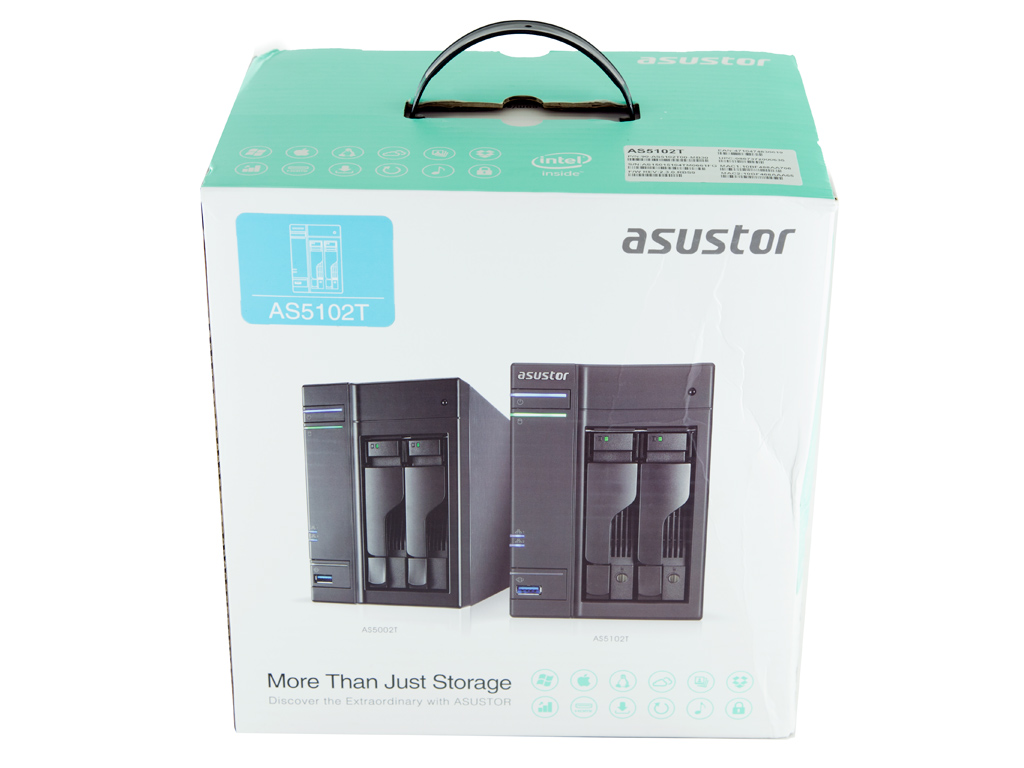
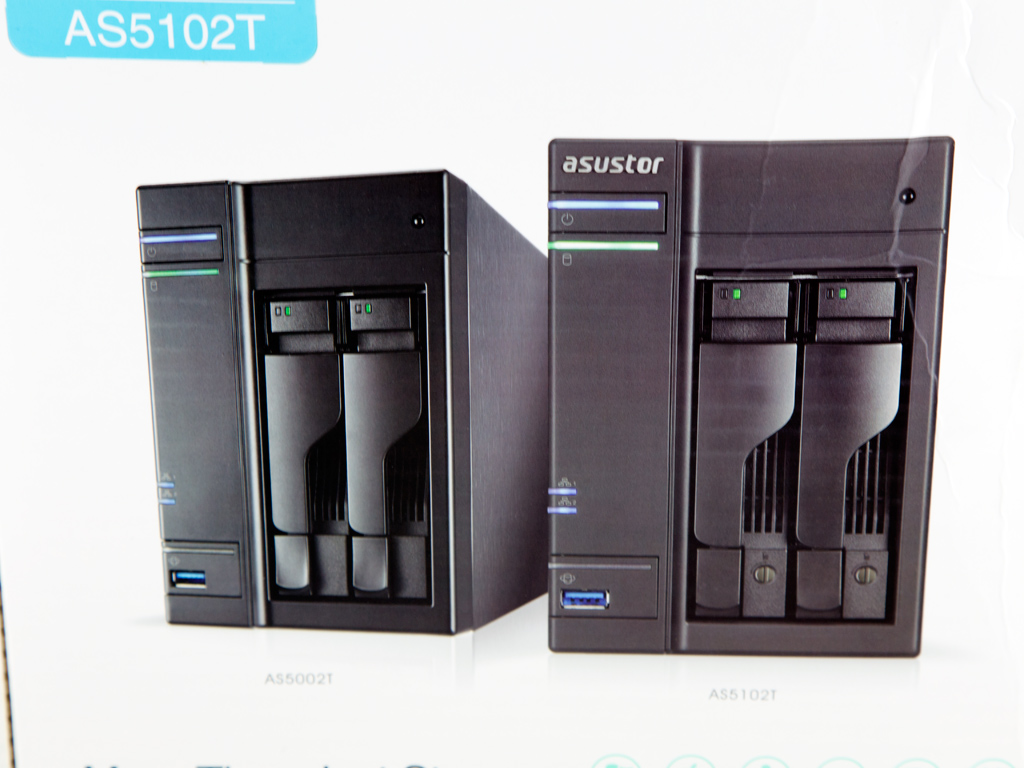
The box features a white backdrop, and at its face is a photo of two operational AS5102T units.
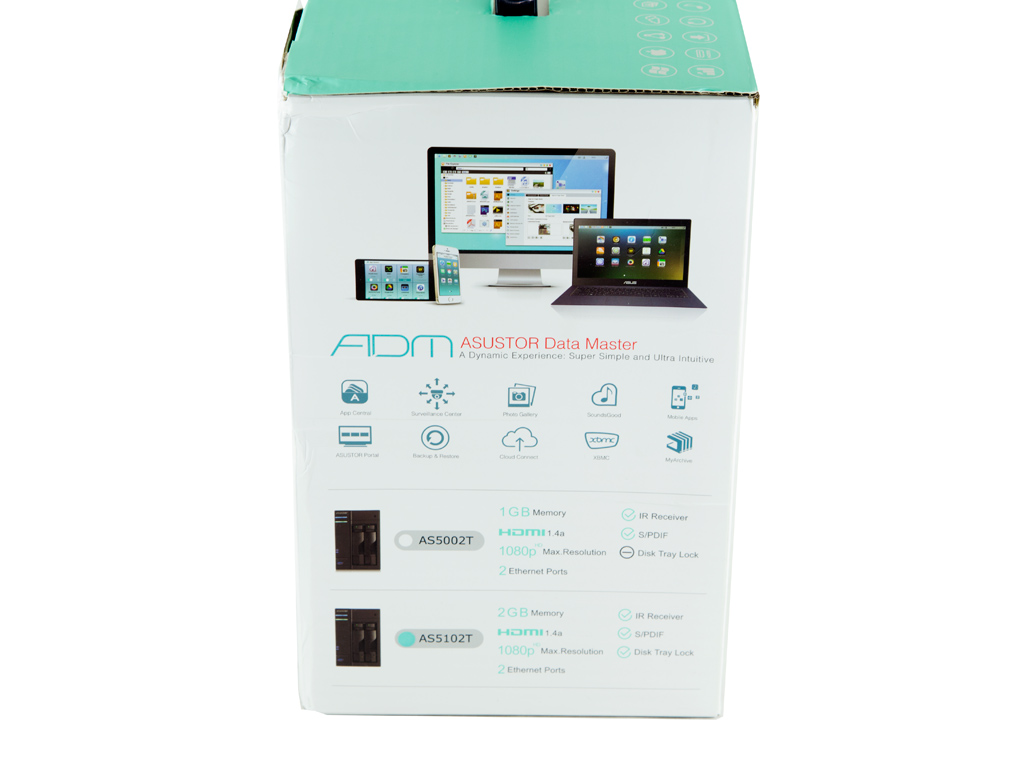
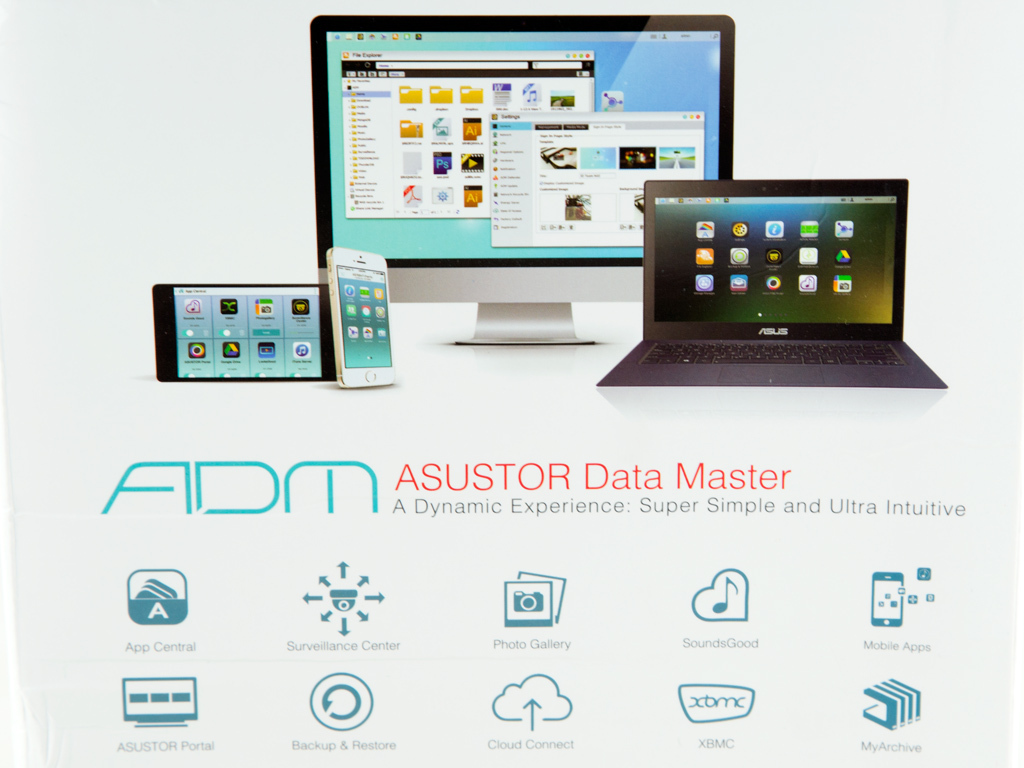
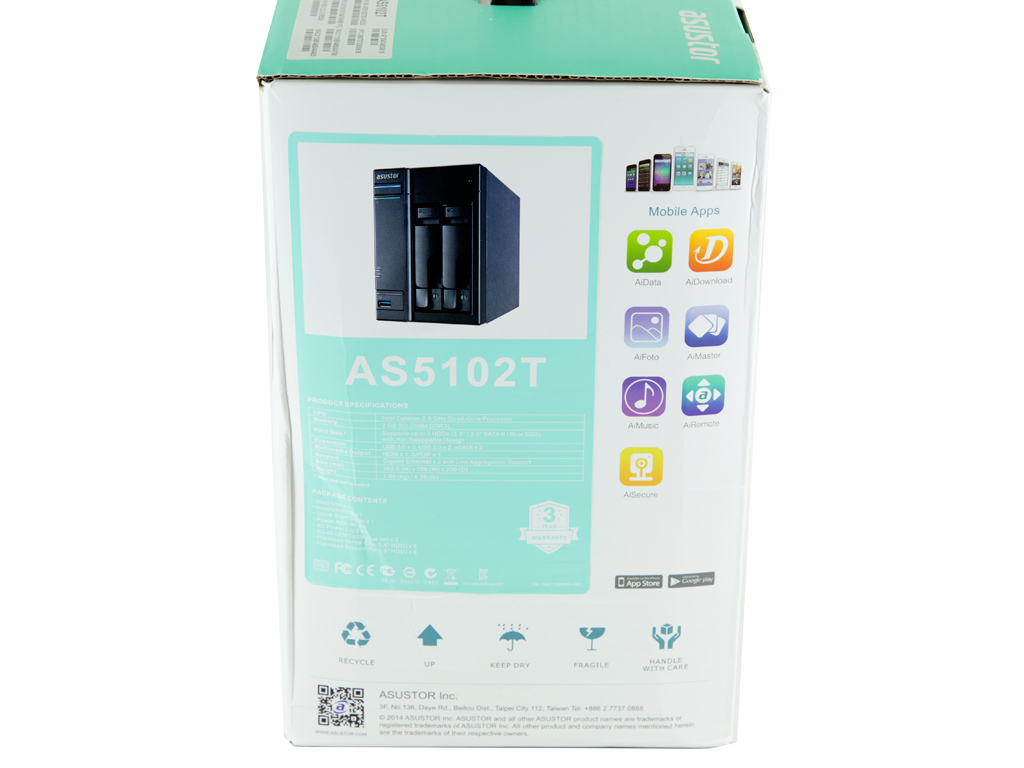
Asustor goes over ADM's most crucial features on one of two sides, and the most important part on the other side is the specifications table. Next to it are several icons for the mobile apps that are compatible with the NAS.
Contents & Bundle
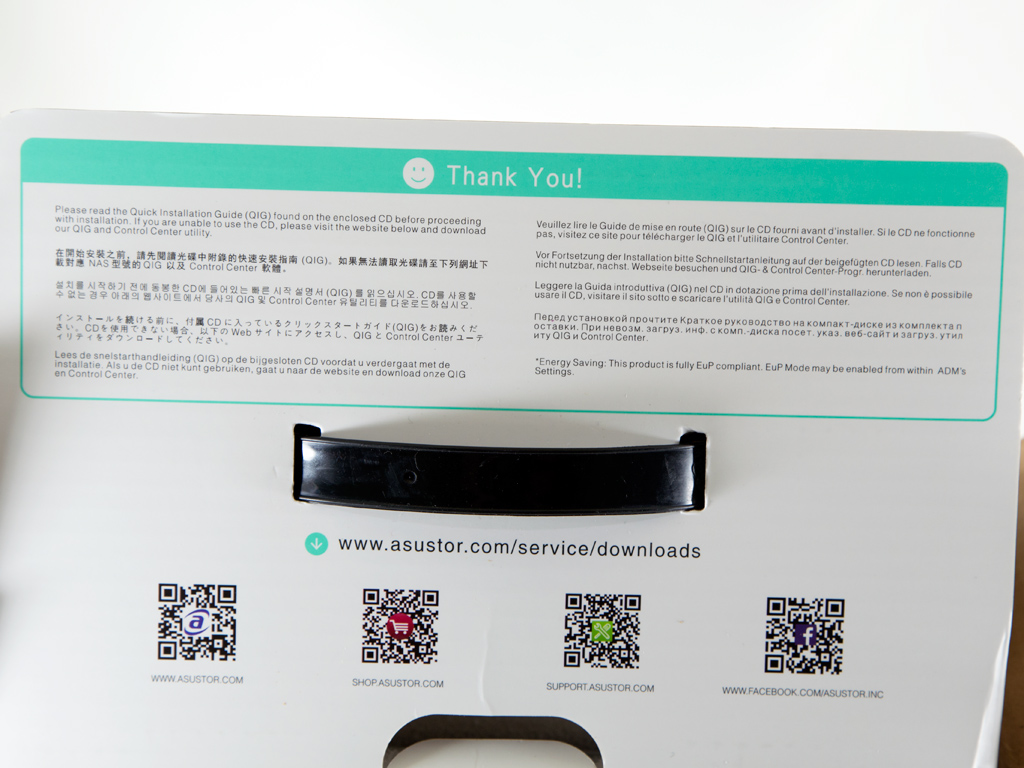
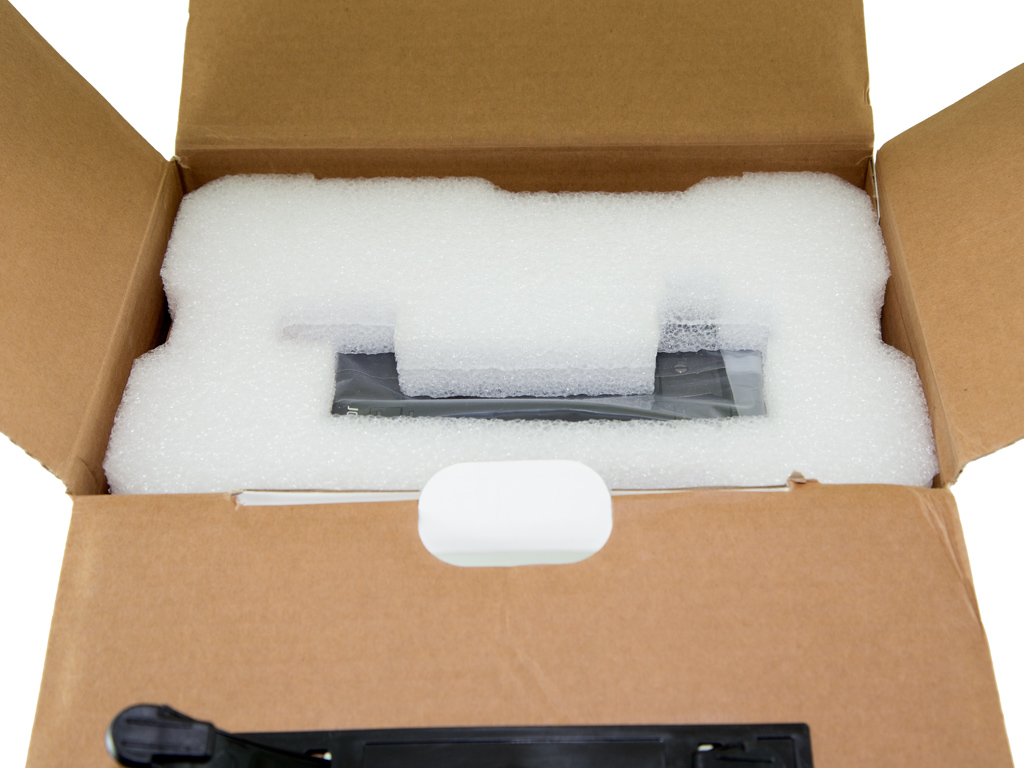
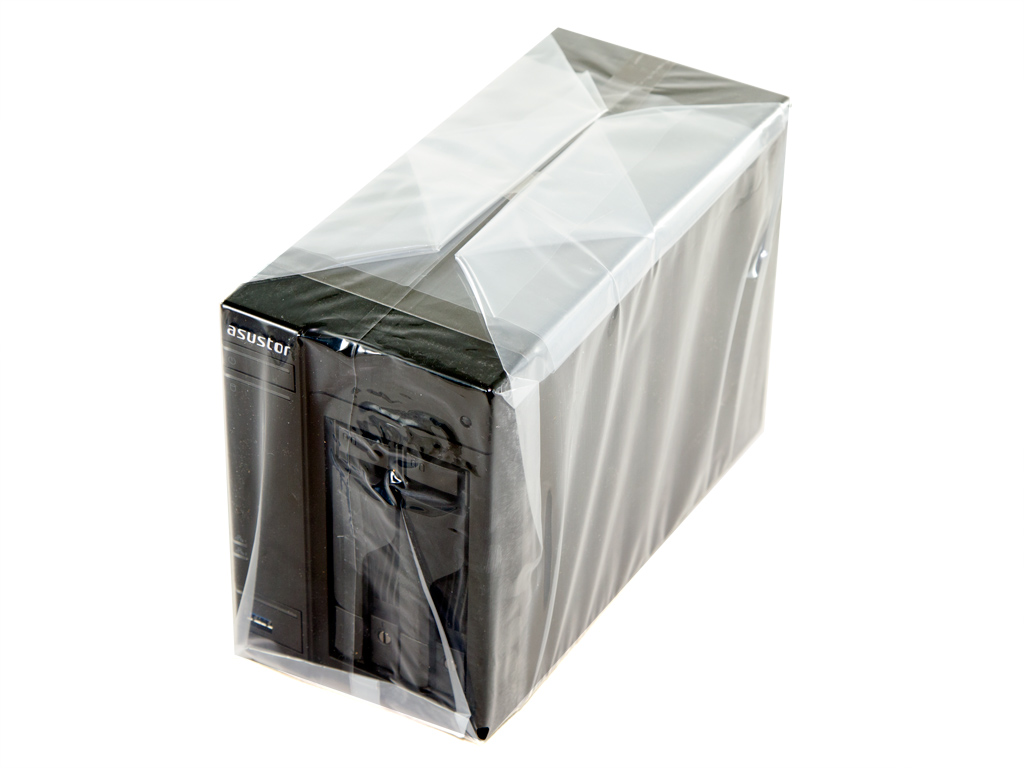
Inside the box, two large foam spacers protect the AS5102T. The NAS is also inside a nylon bag to avoid accidental scratches as it is unboxed.
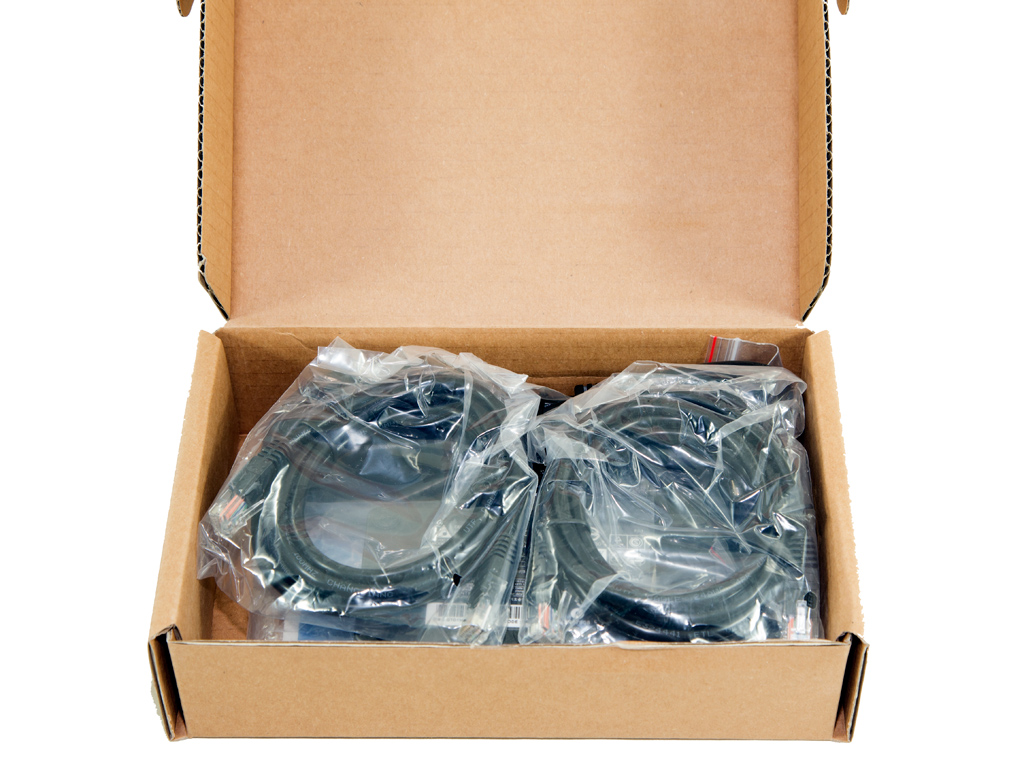
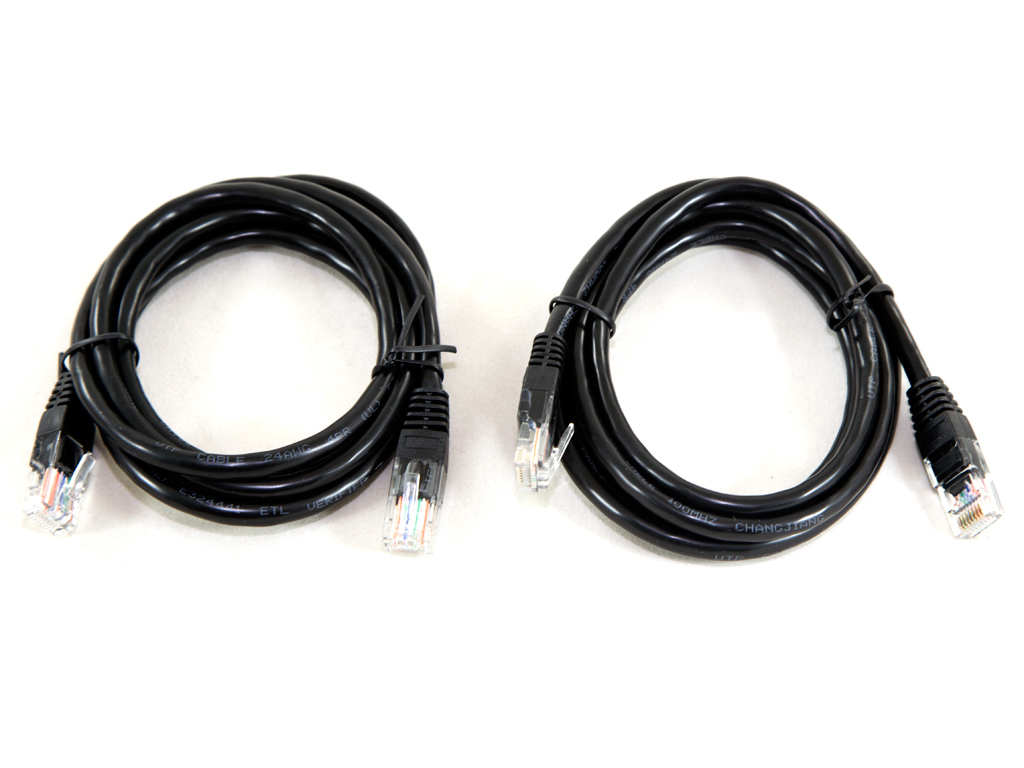
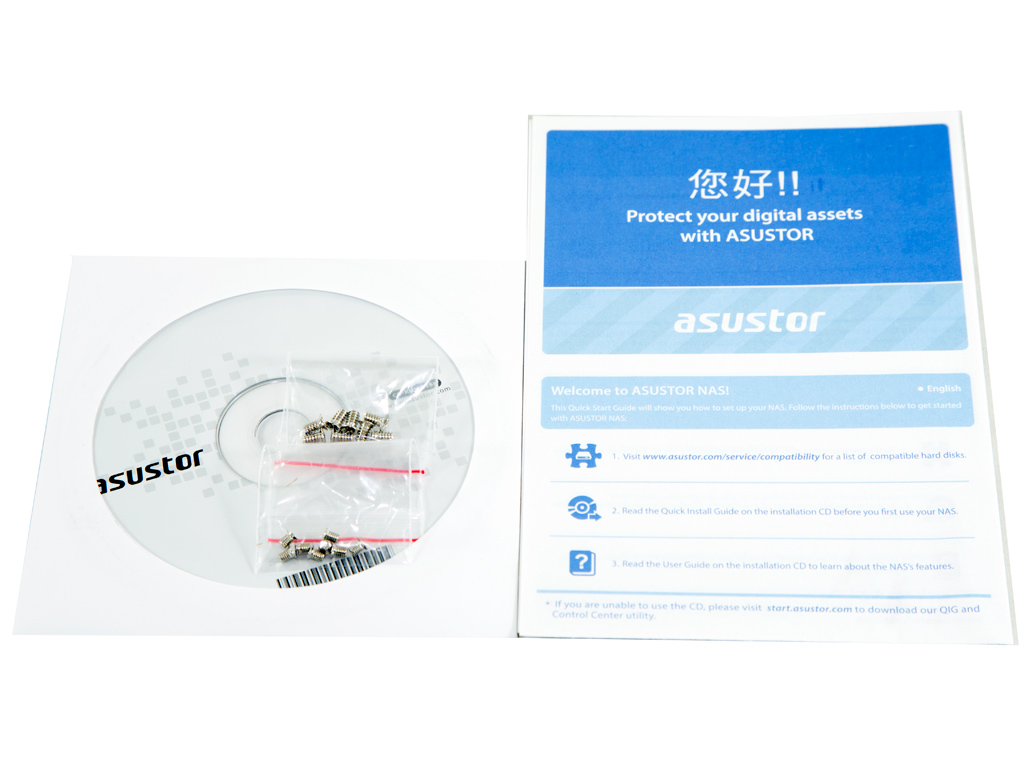
The accessories are inside a small cardboard box. These include two Ethernet cables, a software disc, a set of screws, and a leaflet with links to the quick install and user guides and the HDD compatibility list.
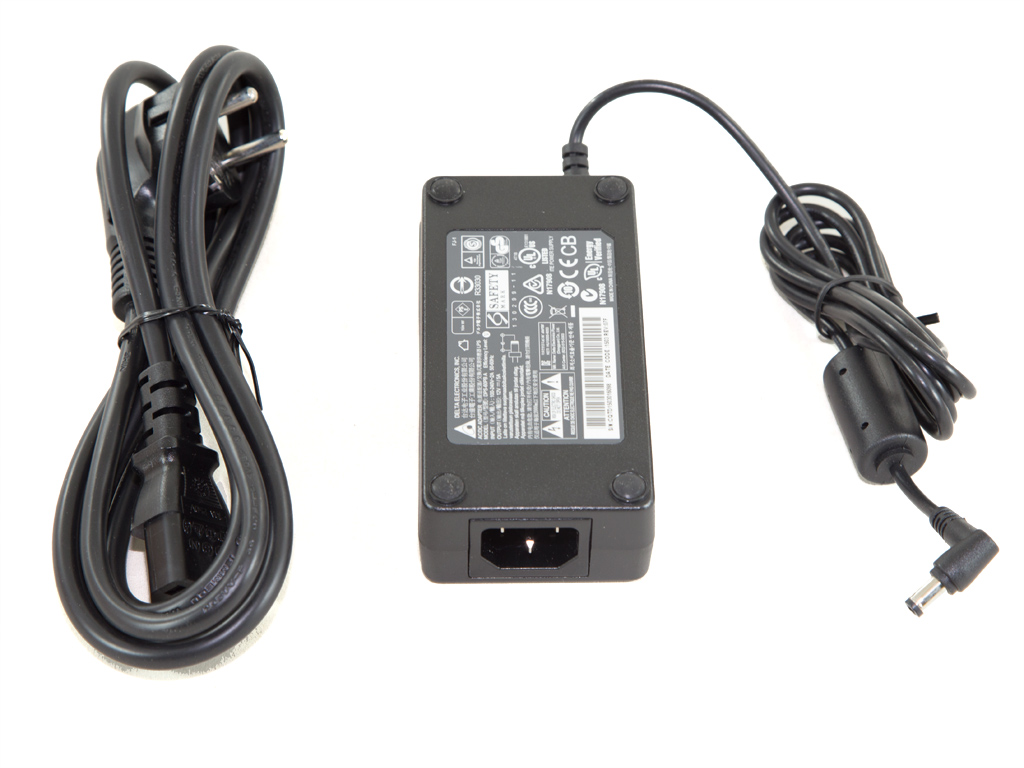

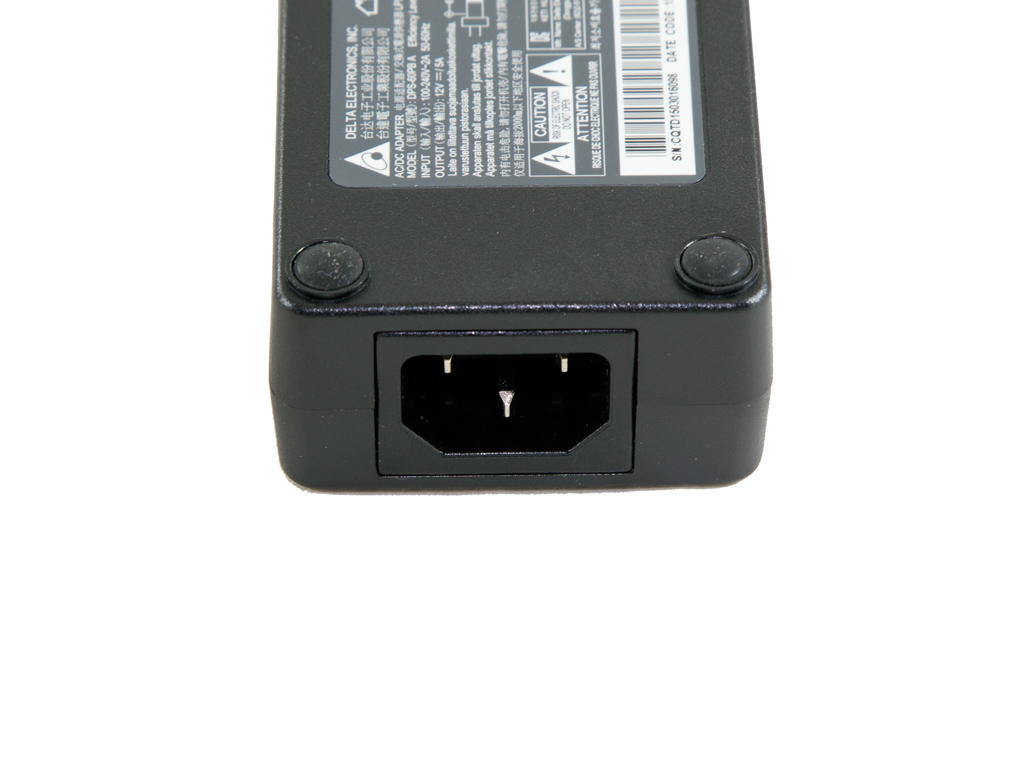
The power brick is by Delta Electronics, currently the largest PSU OEM. Its model number is DPS-60PB, and it can deliver up to 5 Ampere with +12V output.
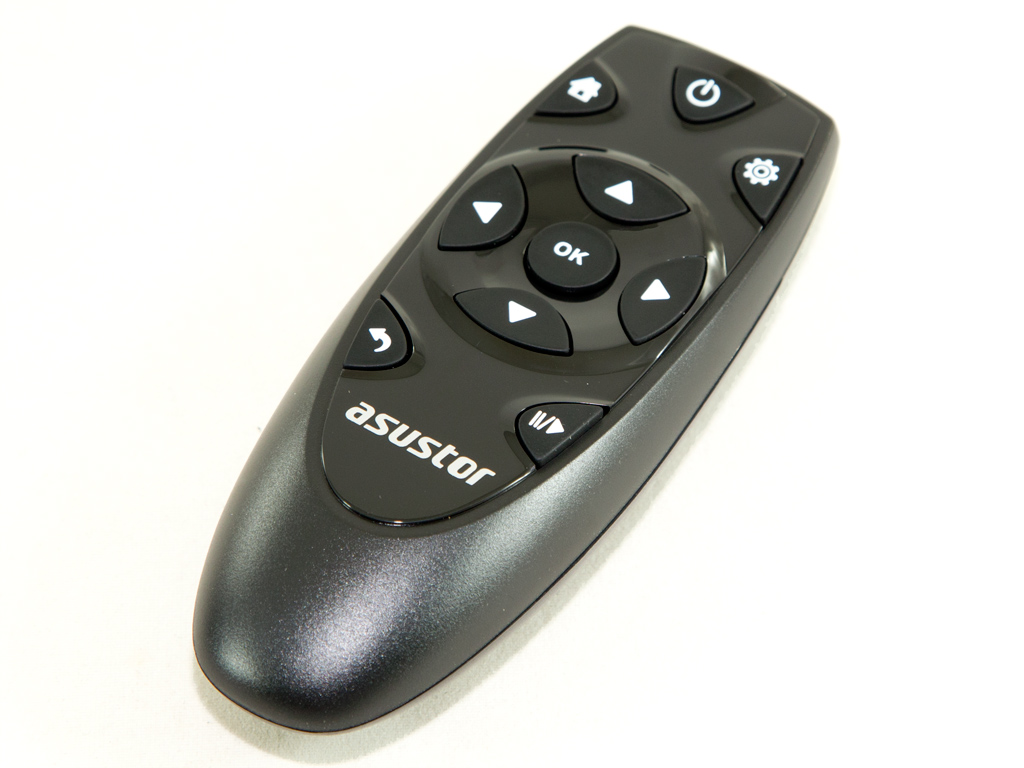
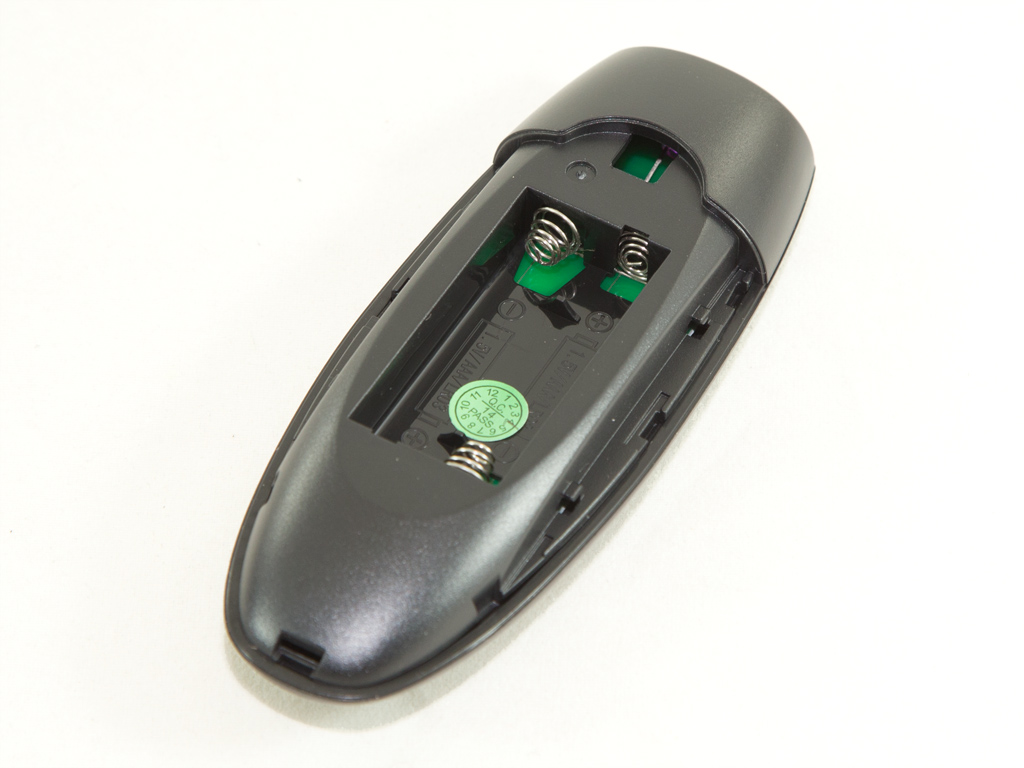
Asustor was kind enough to provide us with an IR remote control, which will come in very handy when we test the NAS server's multimedia features.
Exterior
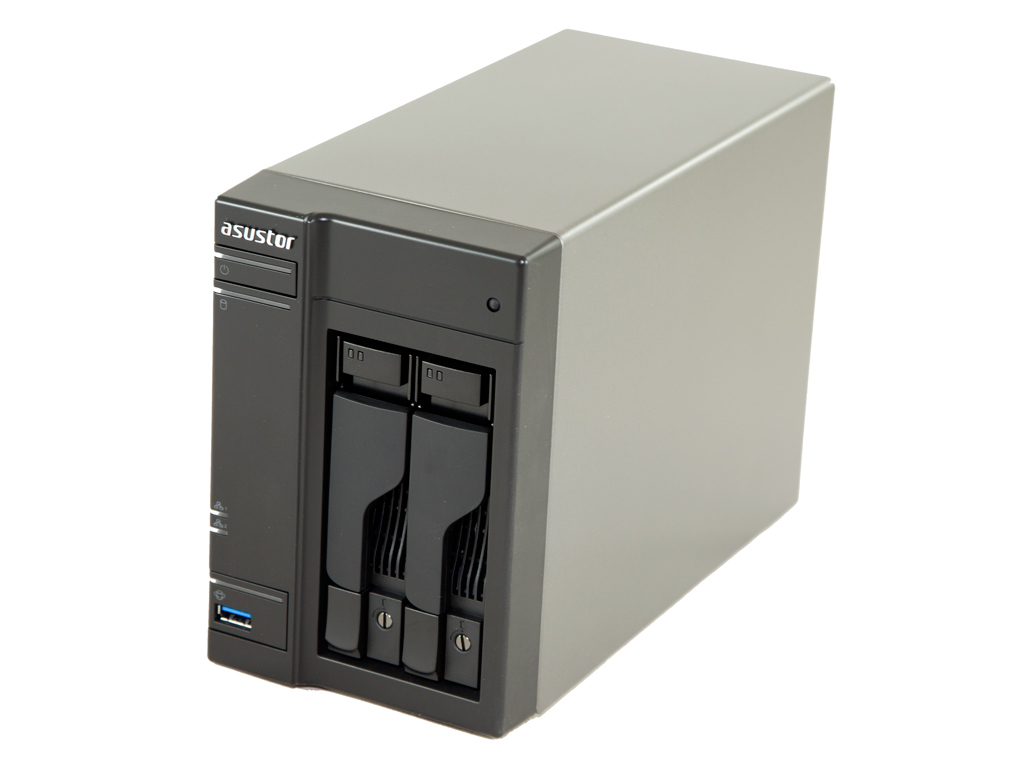
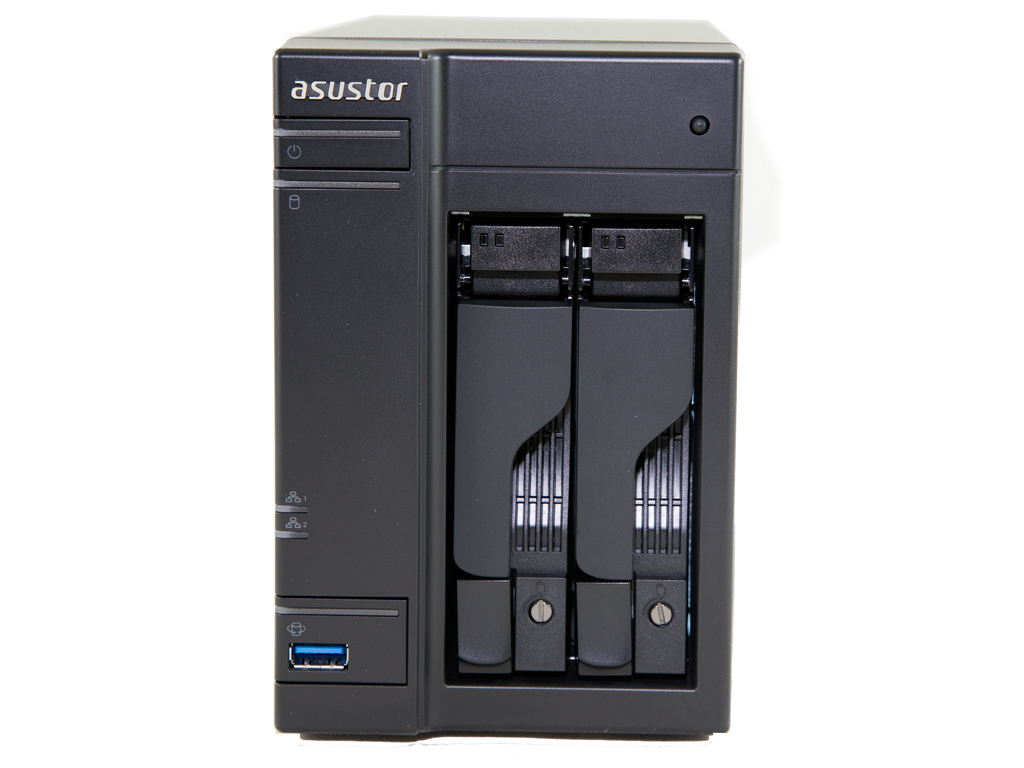
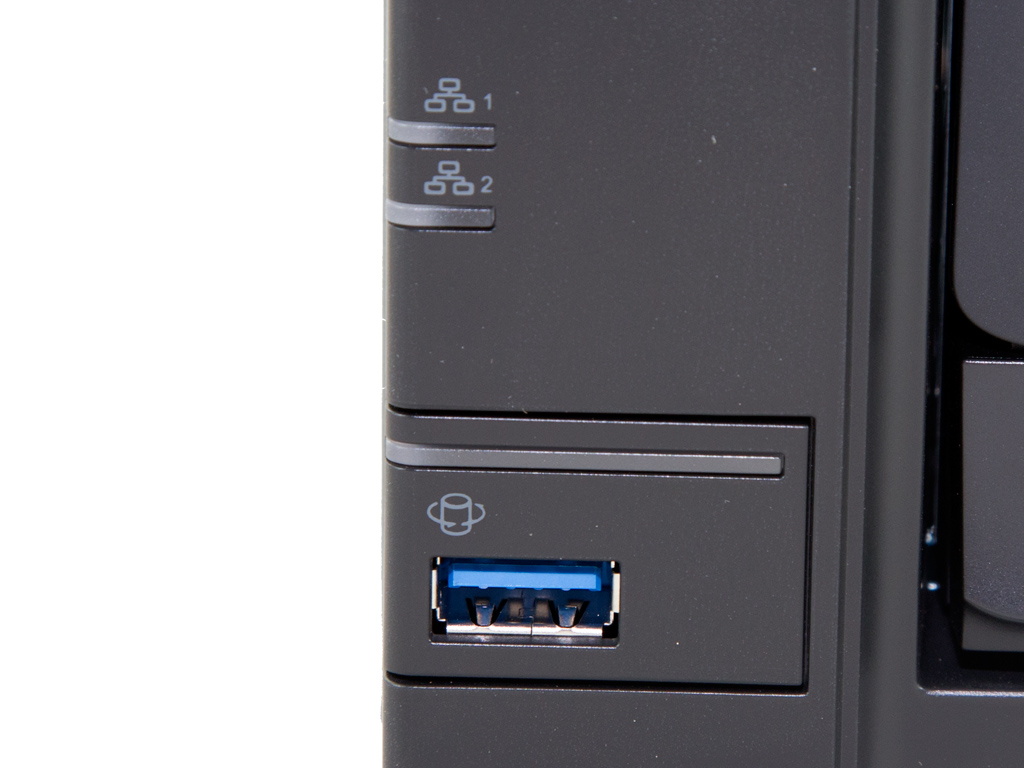
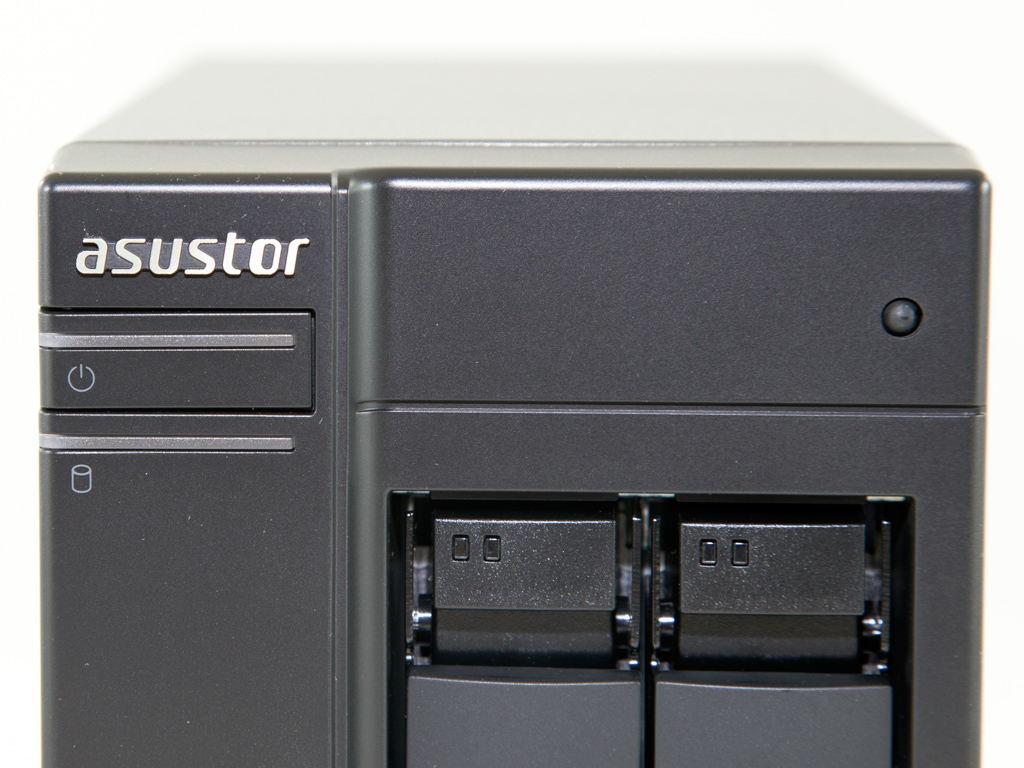
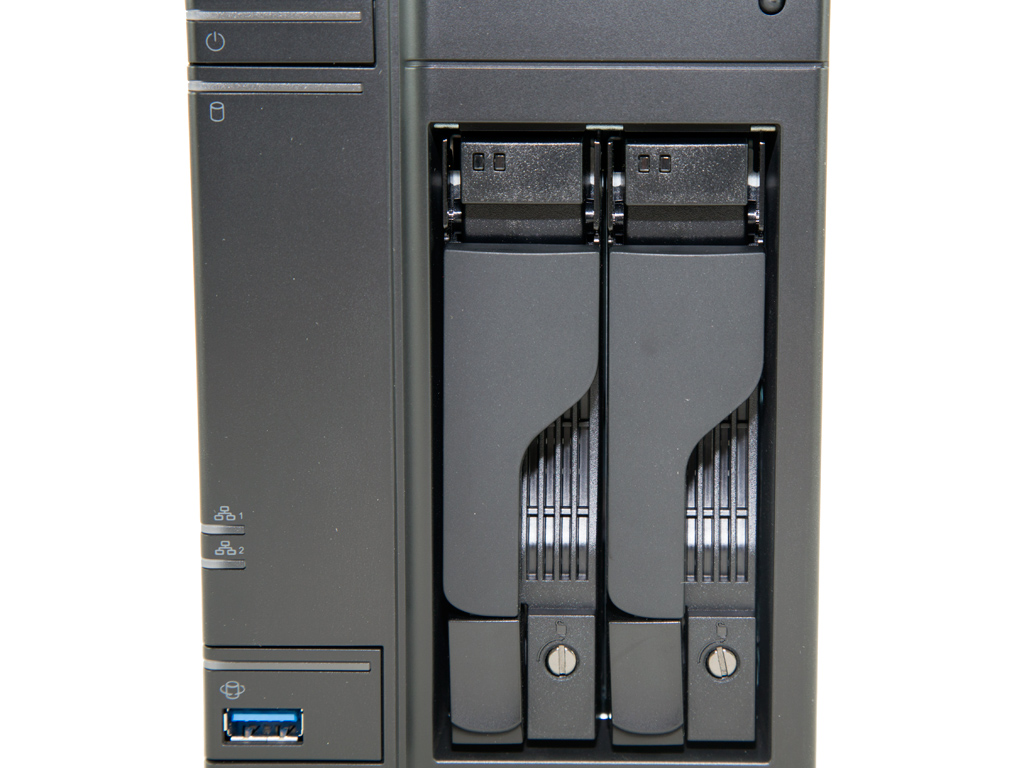
The AS5102T has a metallic cover, something that makes it stand apart from other offerings in the category since those usually use cheap-looking plastic covers. The metallic cover also allows the NAS to operate at lower temperatures since it dissipates heat more efficiently than a plastic cover would. At the face of the NAS are a USB 3.0 port, five LED indicators, and two buttons, one for turning the NAS on/off and the other for the NAS server's "copy" button function.
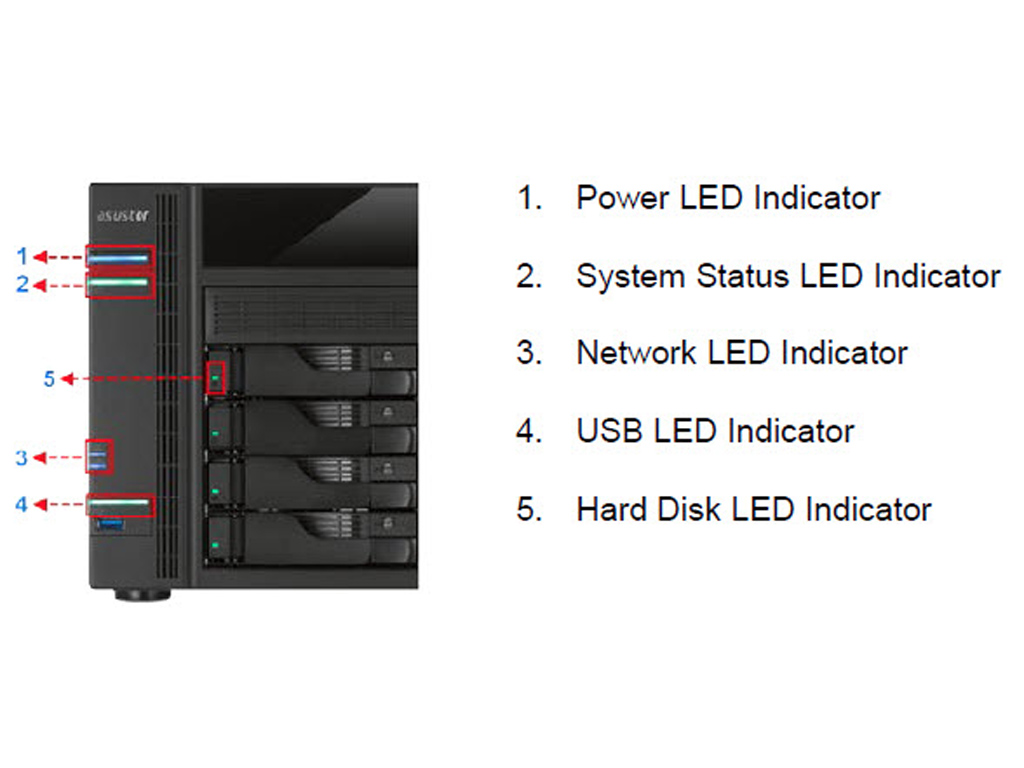

Here is Asustor's description of the server's front LED indicators and buttons.
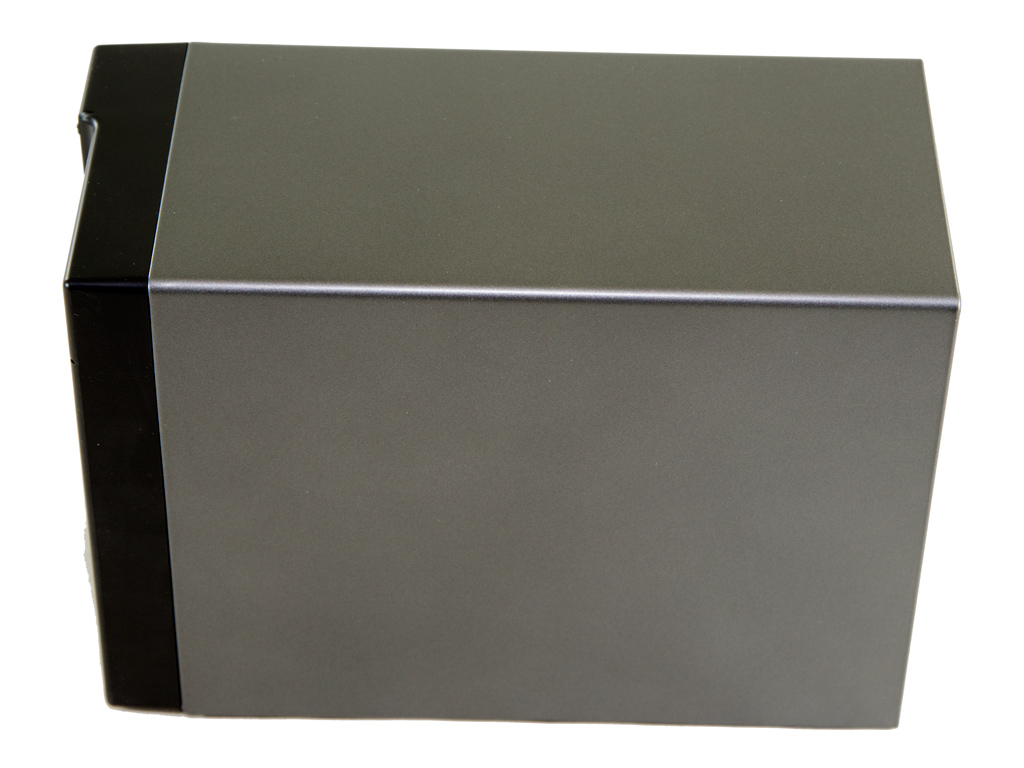
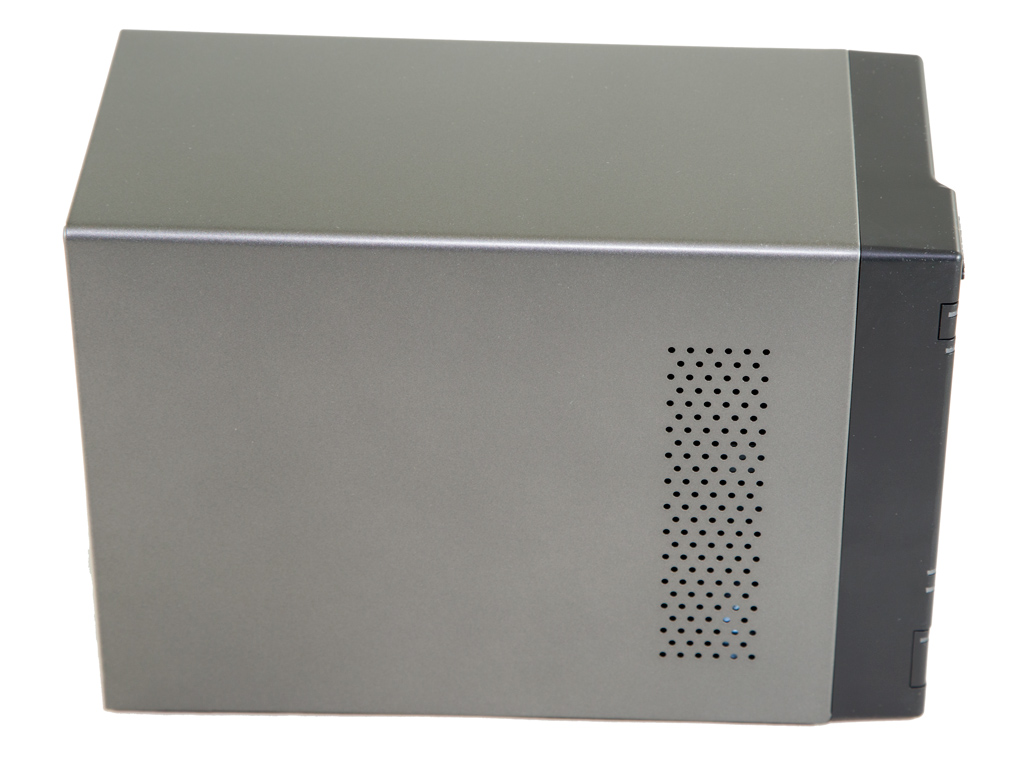
Only one of two sides features ventilation holes.
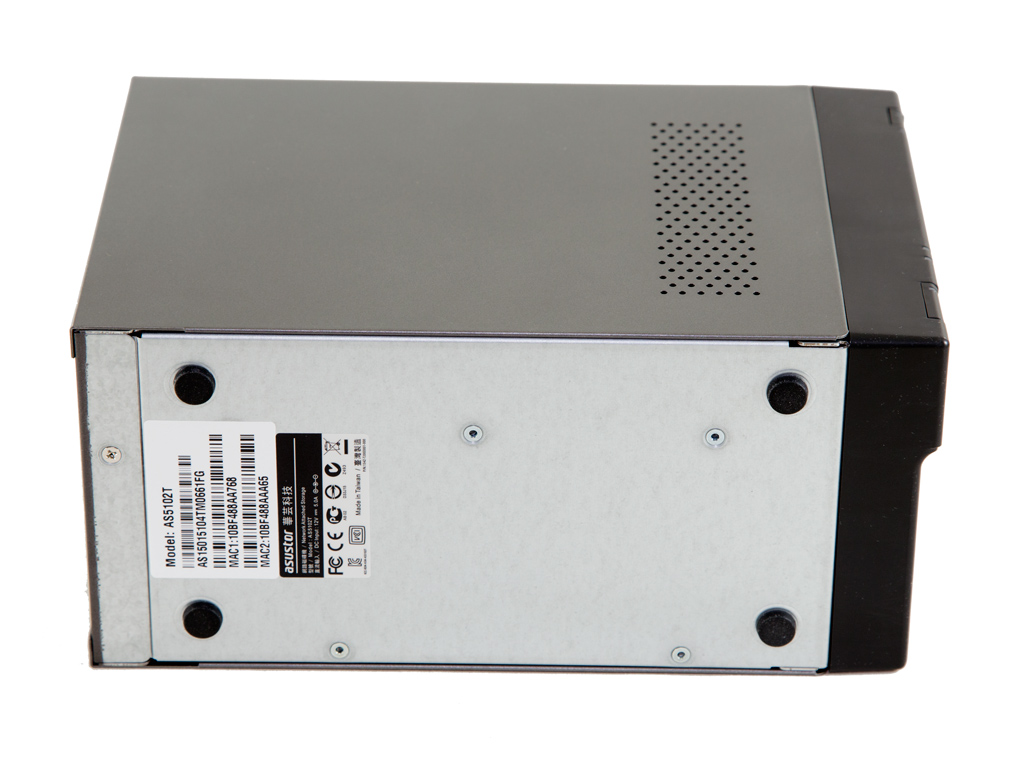
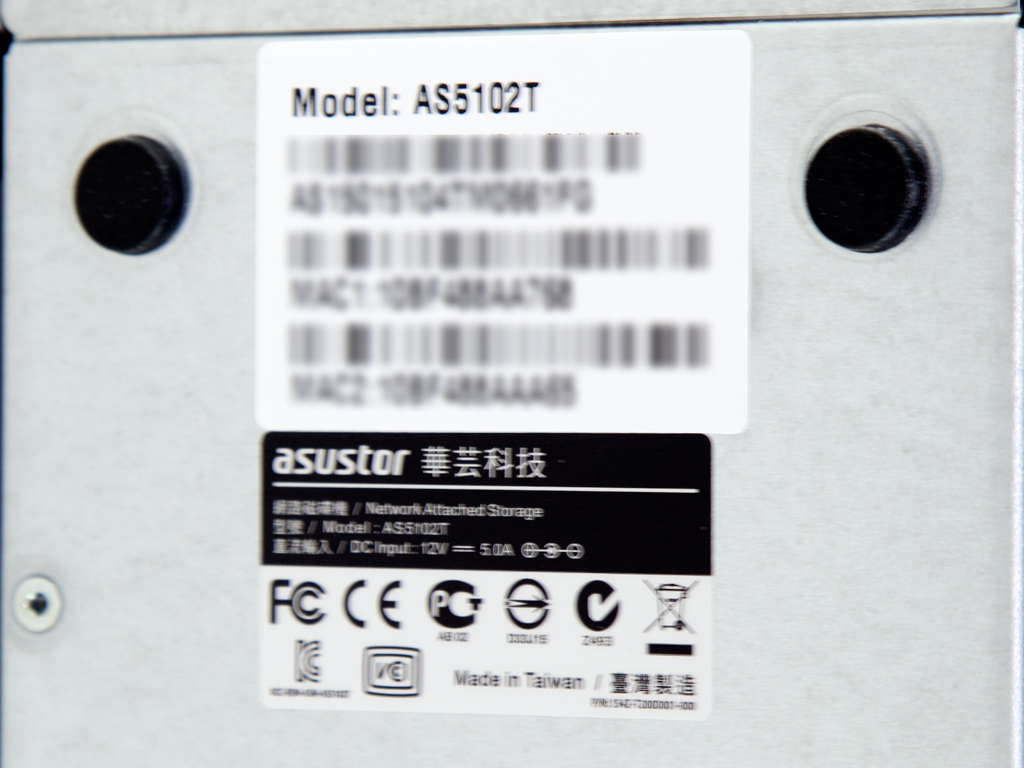
At the bottom are four small plastic feet and a label with the model number and both Ethernet ports' MAC addresses.
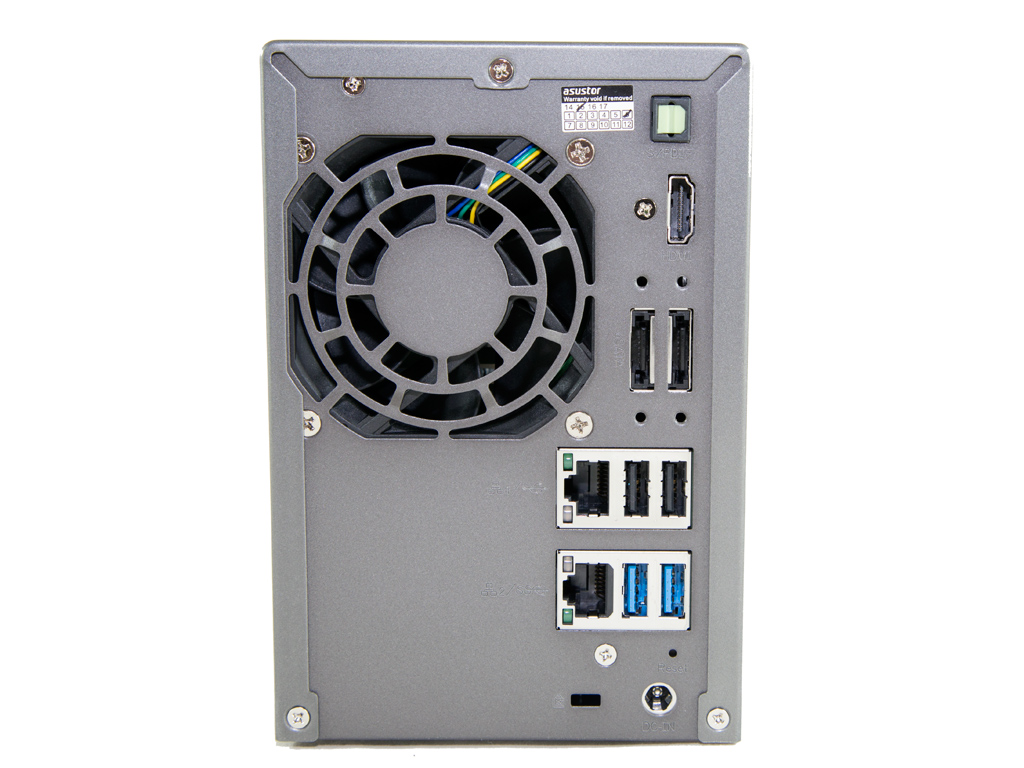
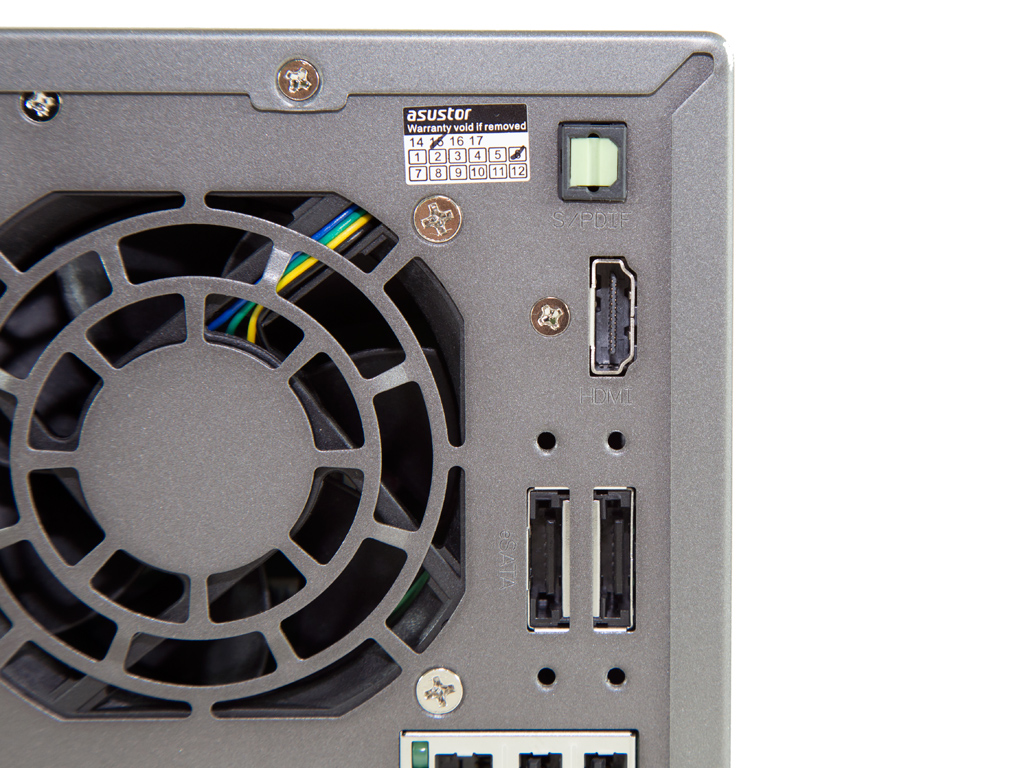
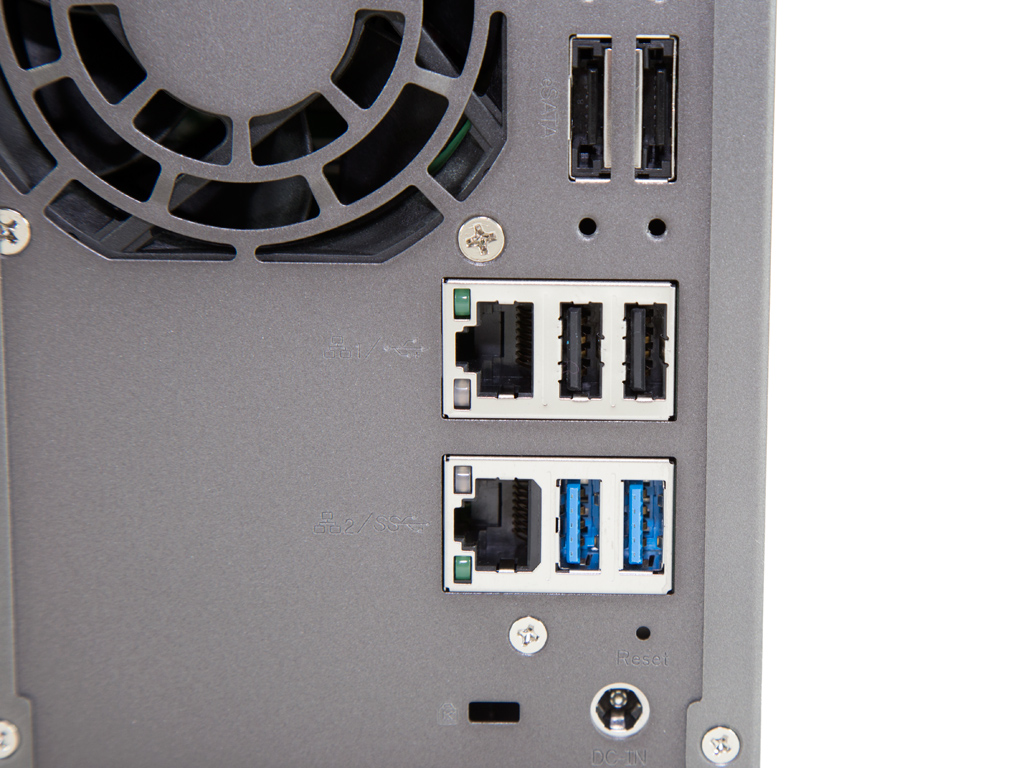
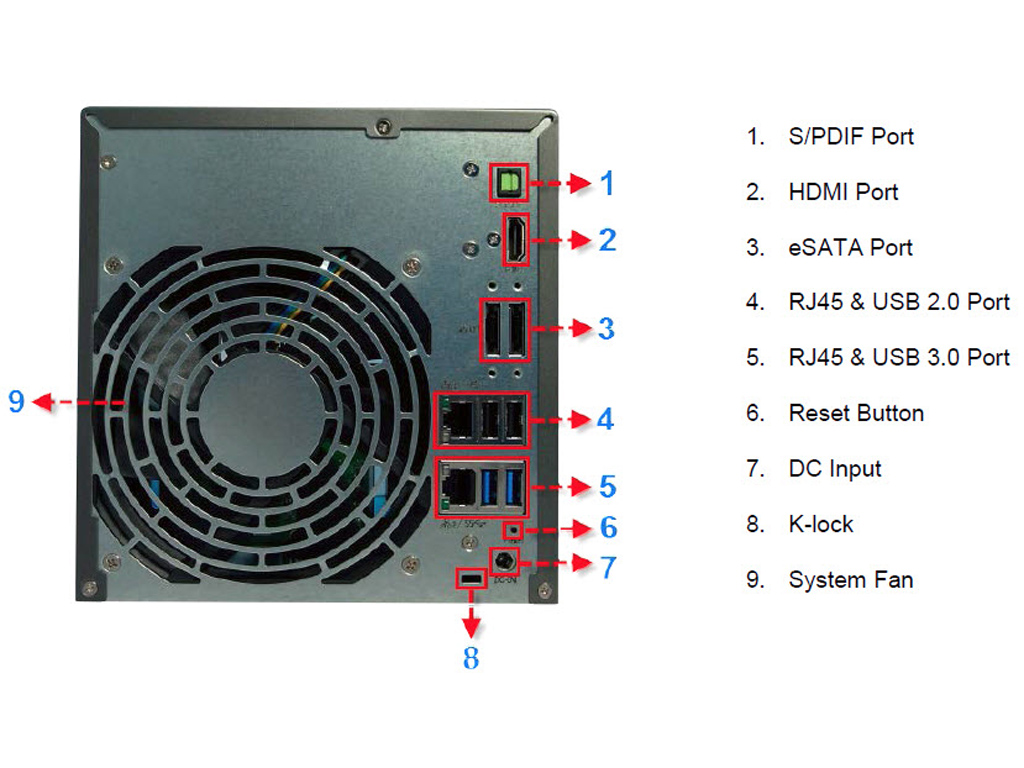
Almost all I/O ports, including both Ethernet ports, two USB 3.0, two USB 2.0, and two eSATA ports, are at the back. The reset switch has also been placed on this side, recessed into the chassis, along with the unit's HDMI and S/PDIF ports.
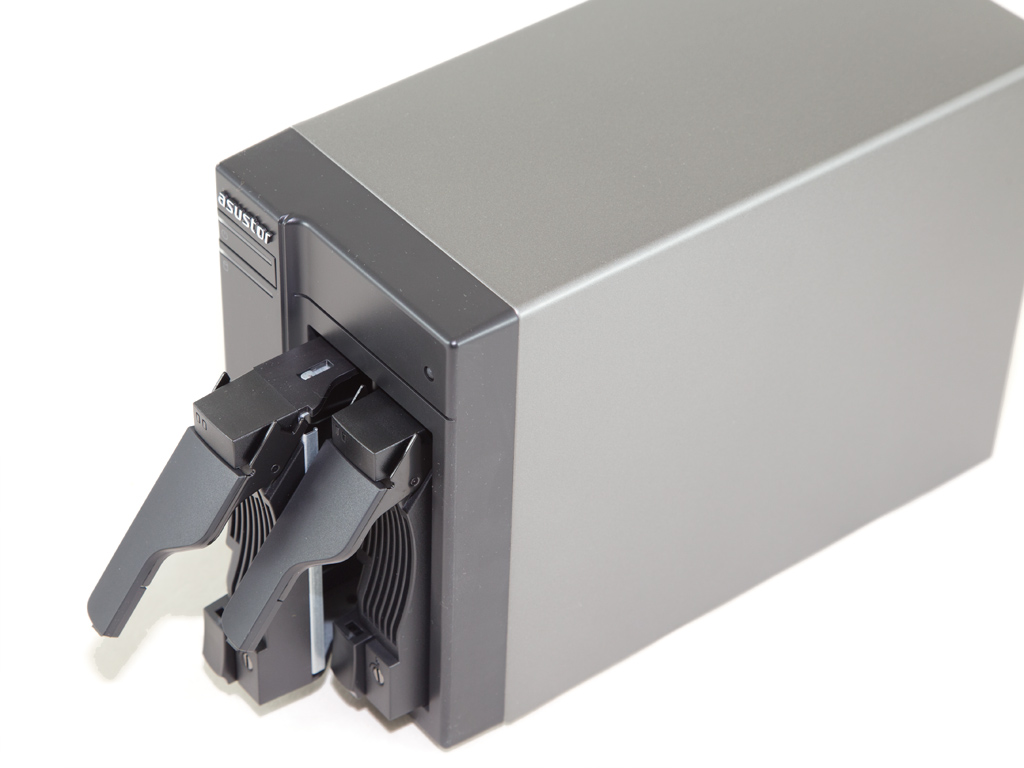
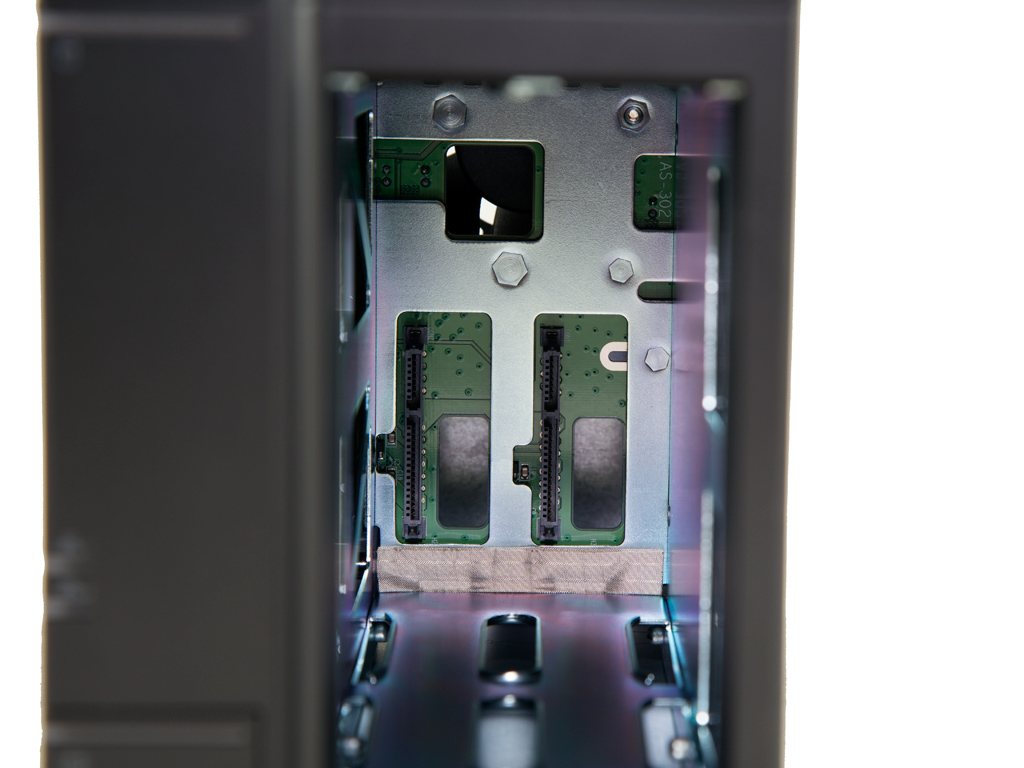
We removed both trays to take a photo of the server's internals.
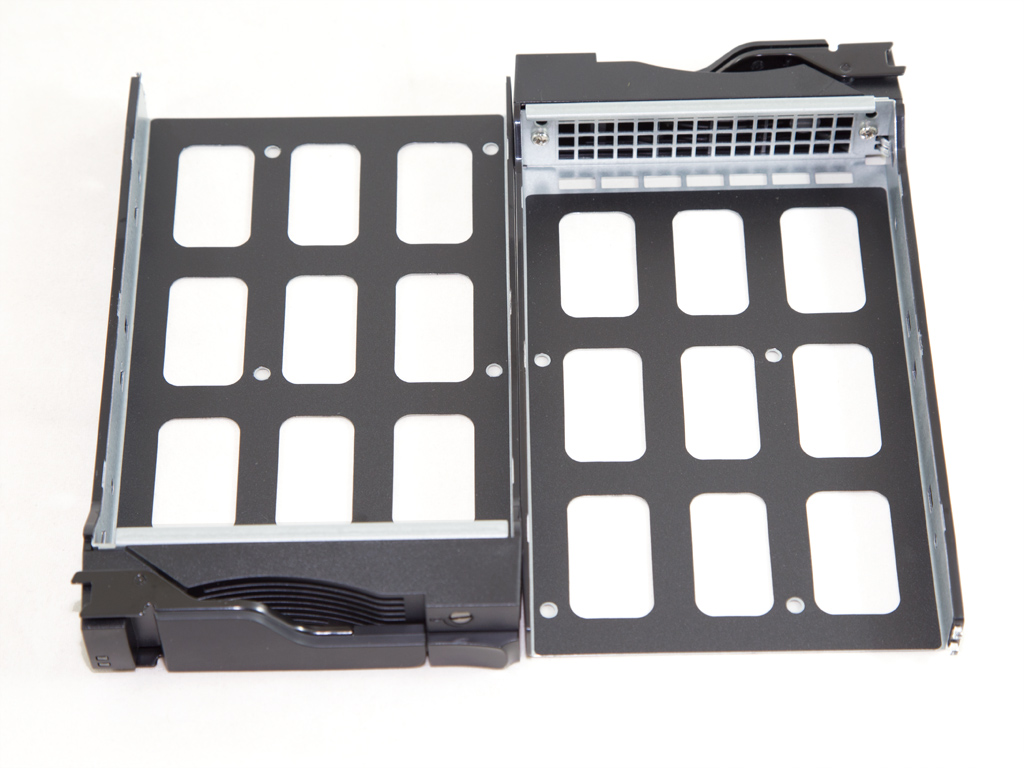
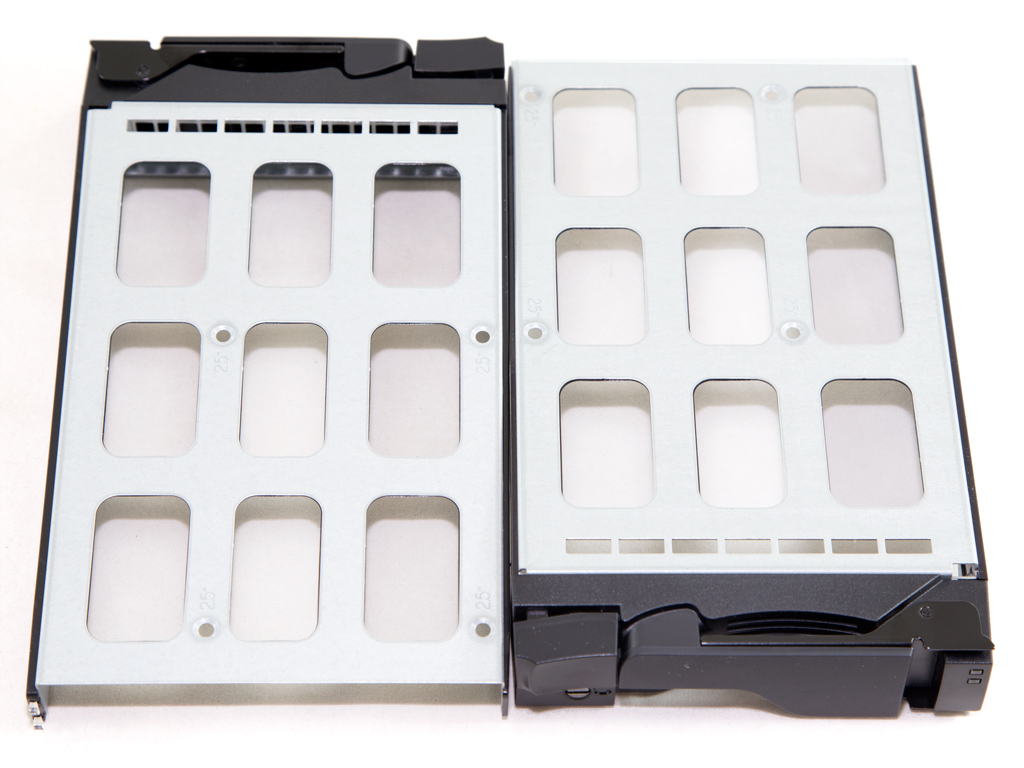
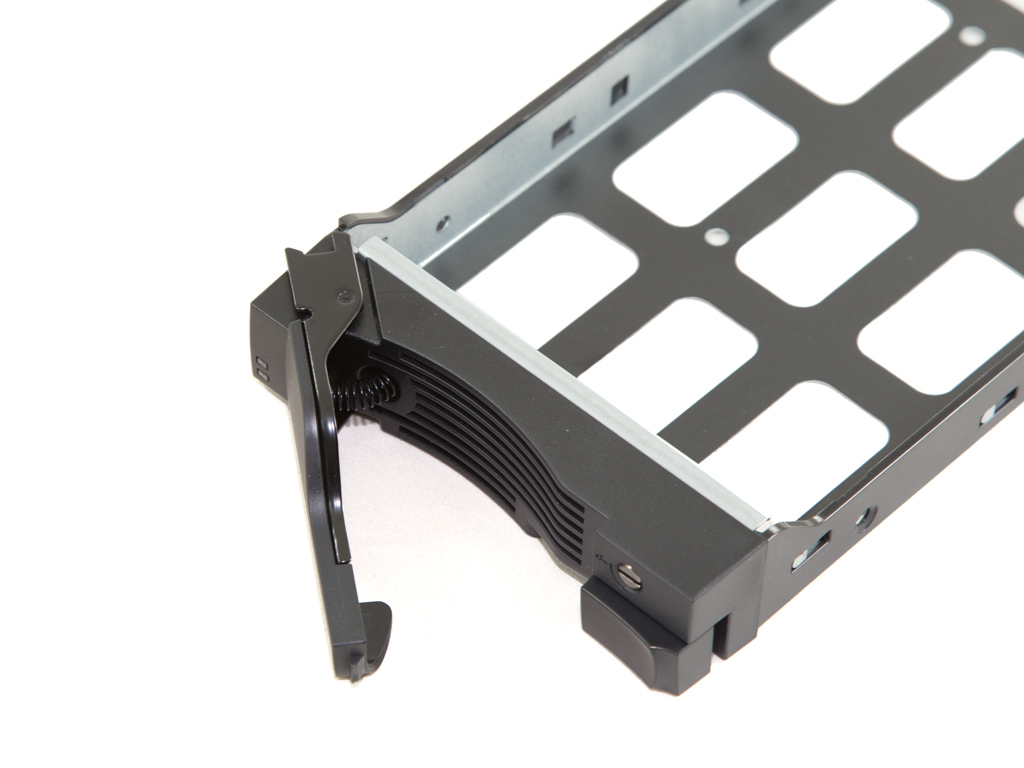
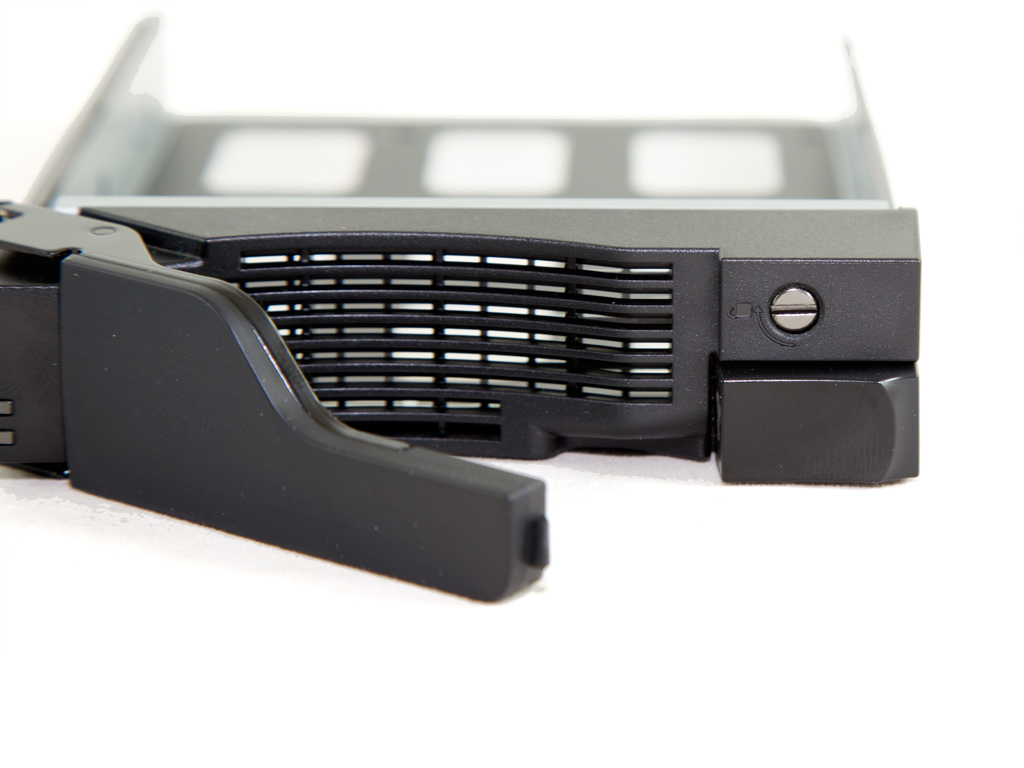
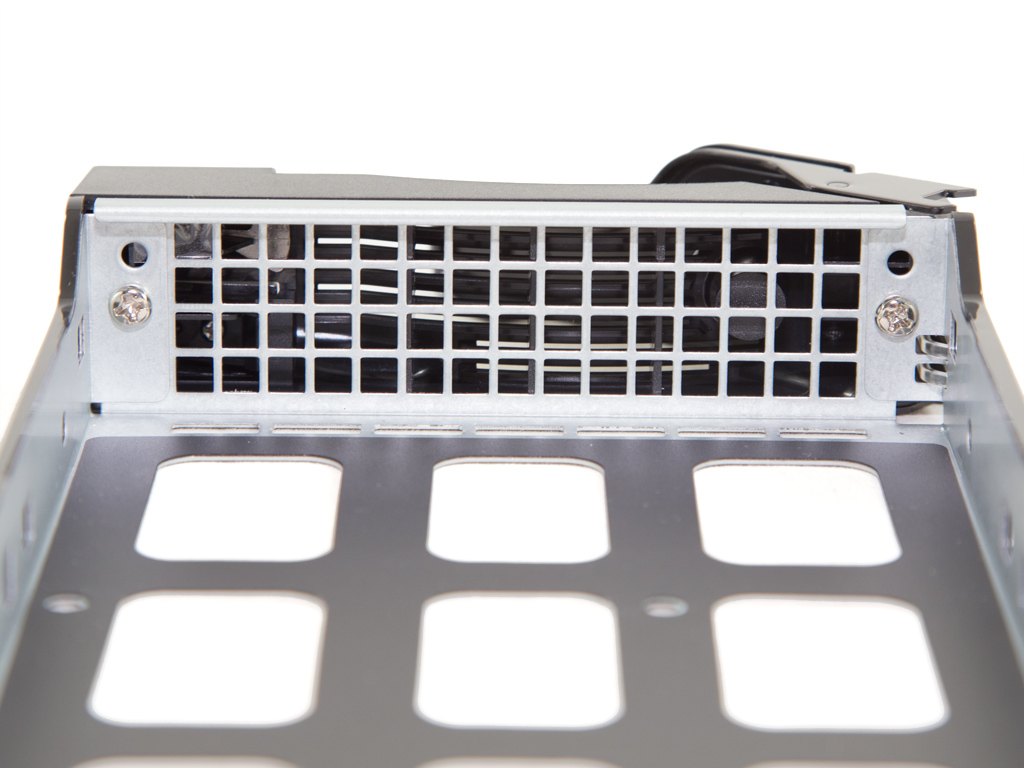
The trays are of good quality since they are made of metal instead of plastic. Mounting HDDs onto these is a piece of cake; however, the whole process isn't tool-less. You can lock the trays by turning the small screw at their front, but you will need a screwdriver to do so.
A Look Inside
It's time now to strip the NAS down to figure out which components it hides inside.
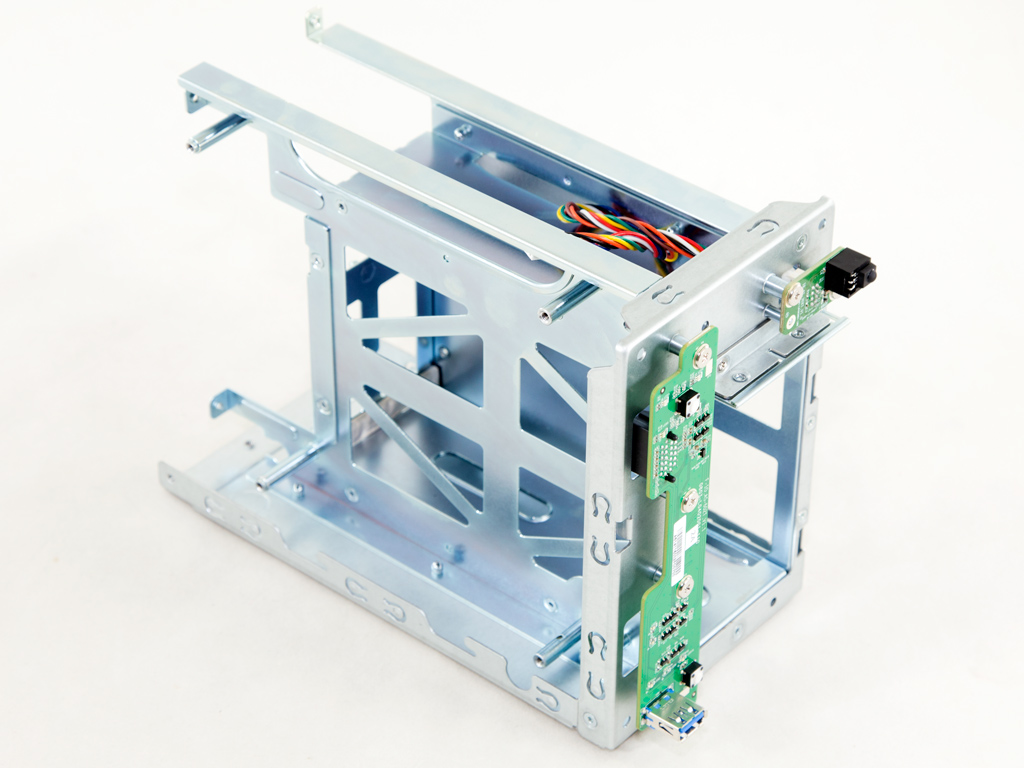

Disassembling the NAS was easy enough, although we had to remove a lot of screws. As you can see in the photos above, the chassis is out of metal, and the board at the front also hosts a single USB 3.0 port.
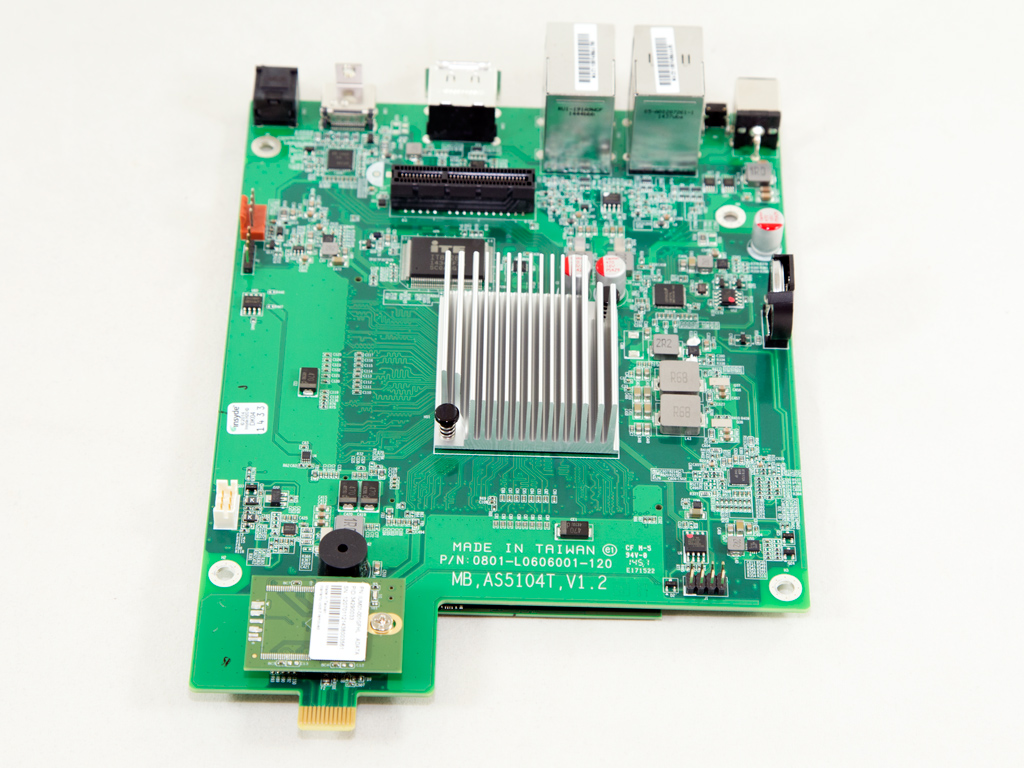
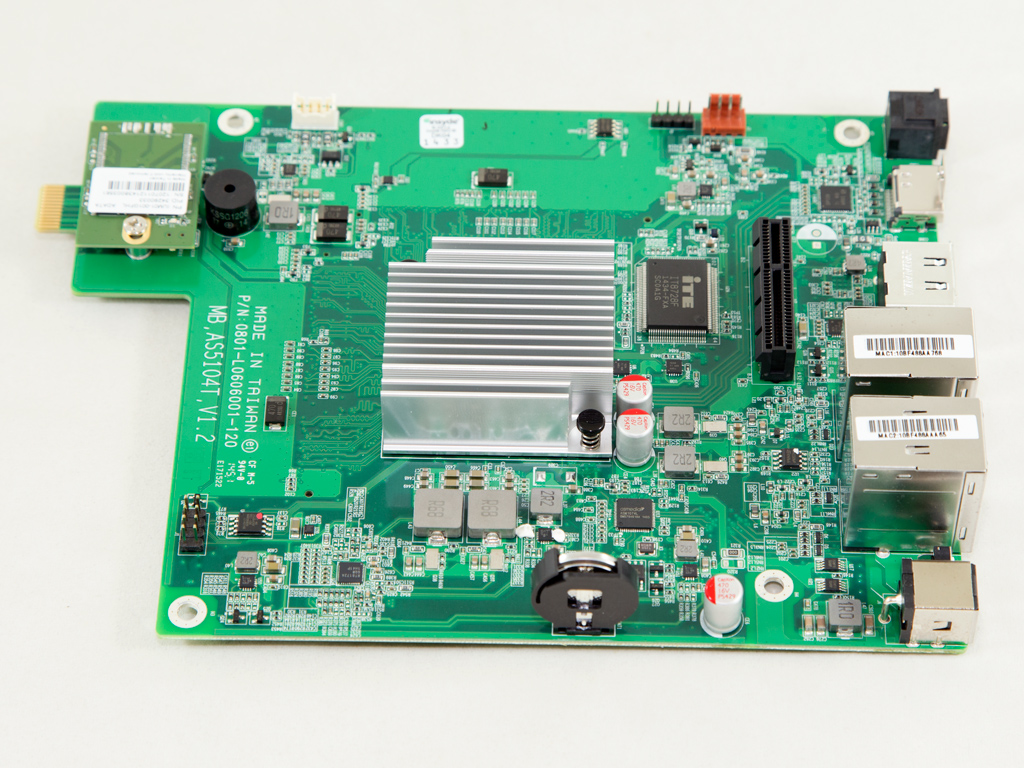


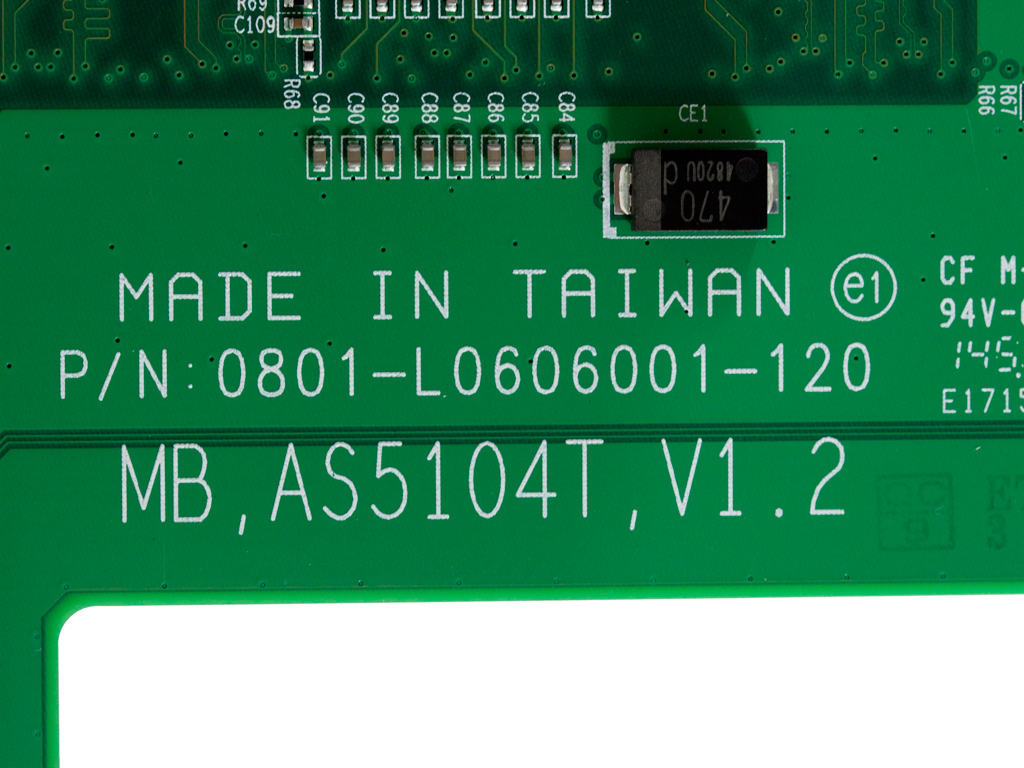
The mainboard is small, and the CPU doesn't need active cooling because of its low TDP (10 W), which results in less noise and increases reliability since a cooling fan's lifetime is based on its bearing type.


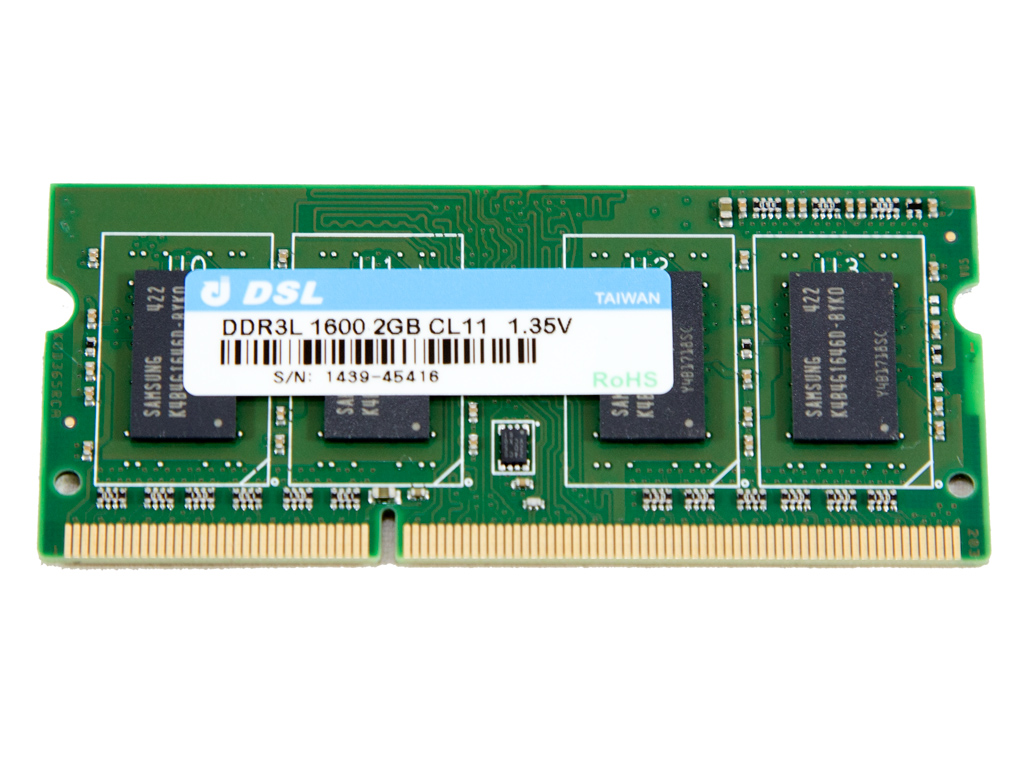
Toward the rear of the mainboard are two RAM slots. One of these comes with a pre-installed a 2 GB DDR3 module, which leaves you with the ability upgrade the server's memory total to 8 GB if you remove the 2 GB module and install two 4 GB modules.
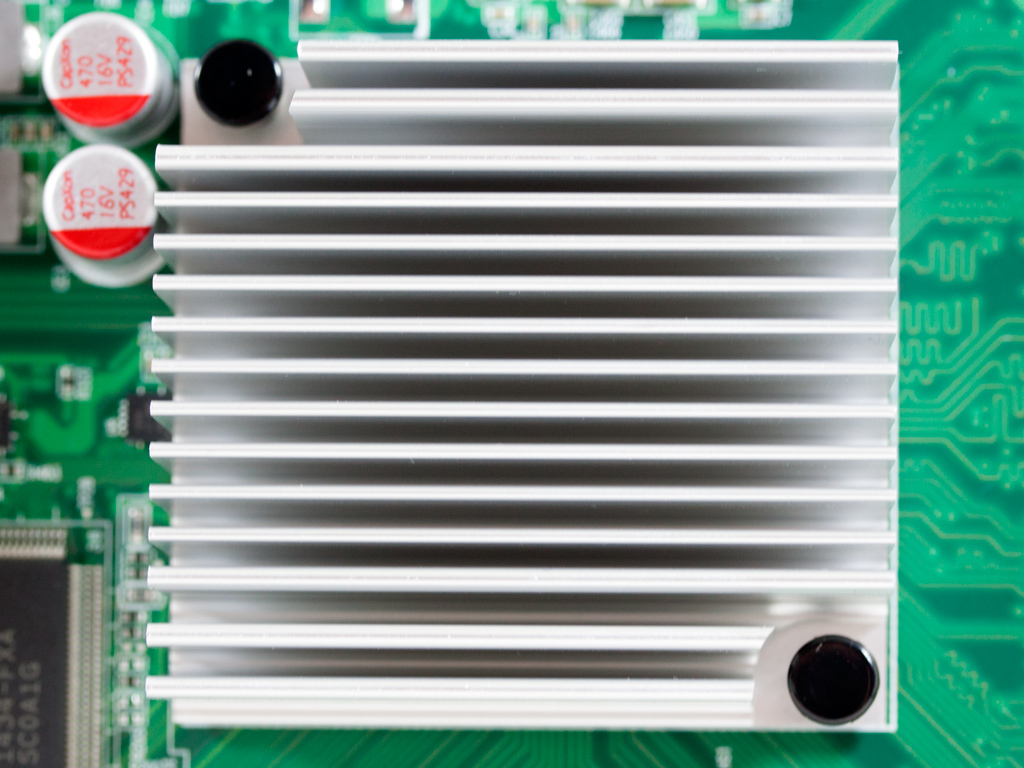
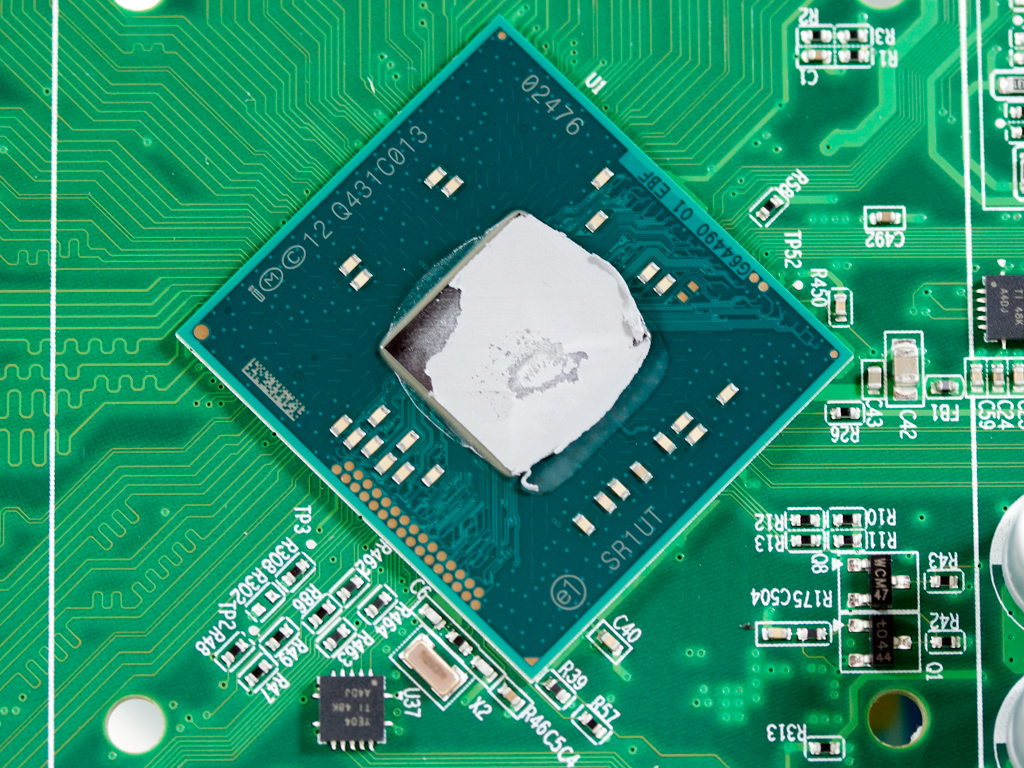
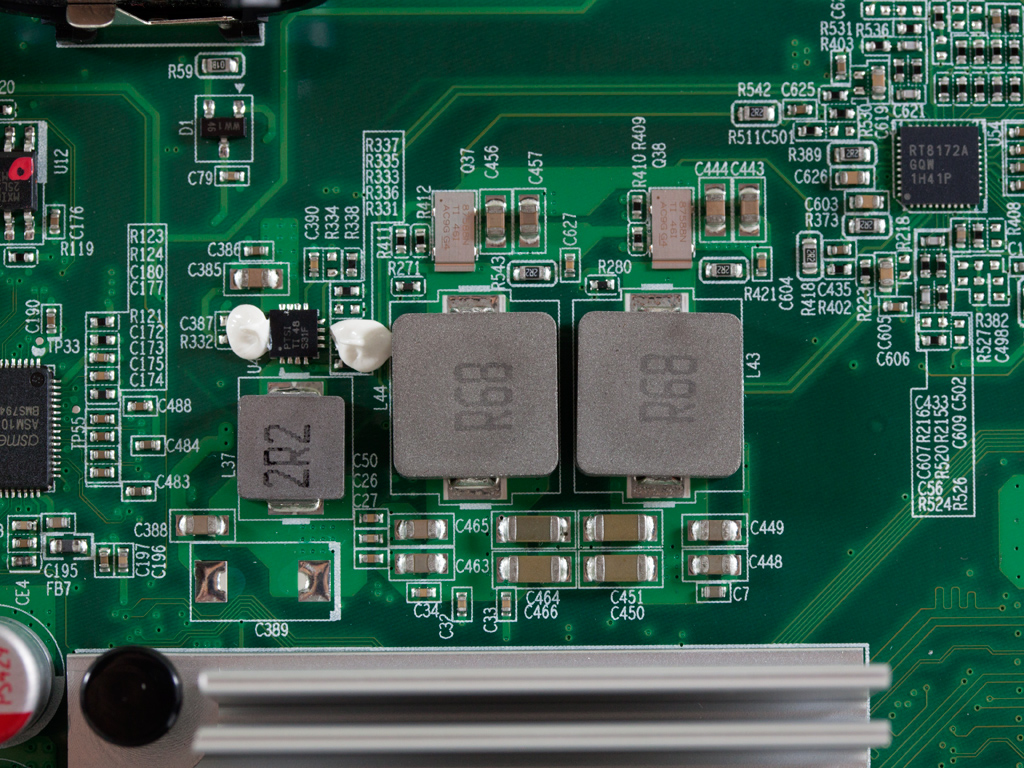

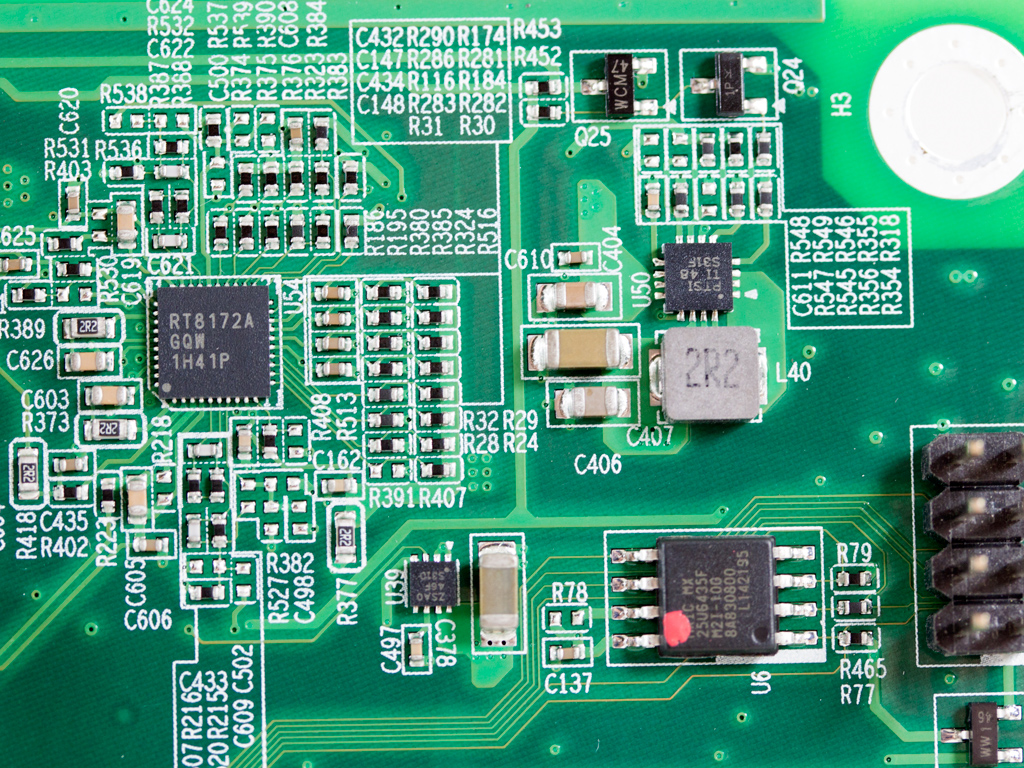
The NAS uses an Intel J1900 2.0 GHz quad-core Celeron processor that boosts up to 2.42 GHz. This CPU is compatible with Intel's Virtualization Technology, but doesn't support the new AES instructions set. The CPU is powered by a 2-phase buck regulator and the filtering caps are provided by CapXon. The PWM controller responsible for the CPU's power circuit is a Richtek RT8172A.

The monitoring IC is an ITE IT8728F.

The audio codec is a Realtek ALC887; it supports up to 7.1 audio channels.
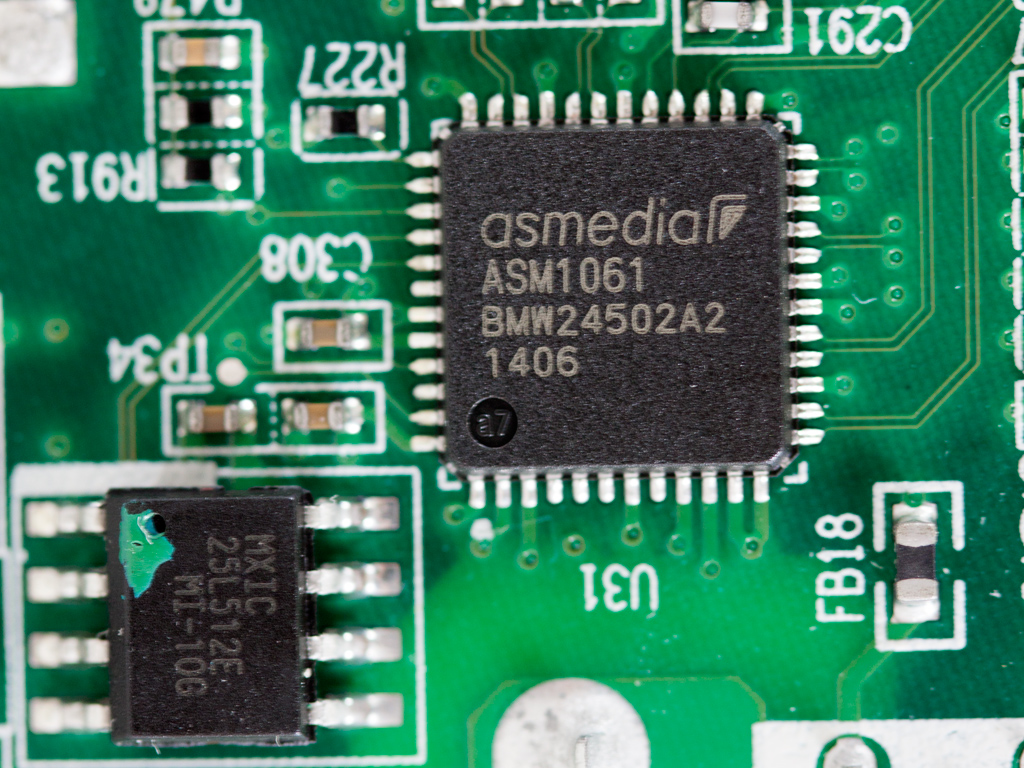

An ASM1061 controller is responsible for the SATA ports this NAS features. On the mainboard are two ASMedia ASM1466 Serial ATA repeaters that can provide a bandwidth of up to 6 Gbps.
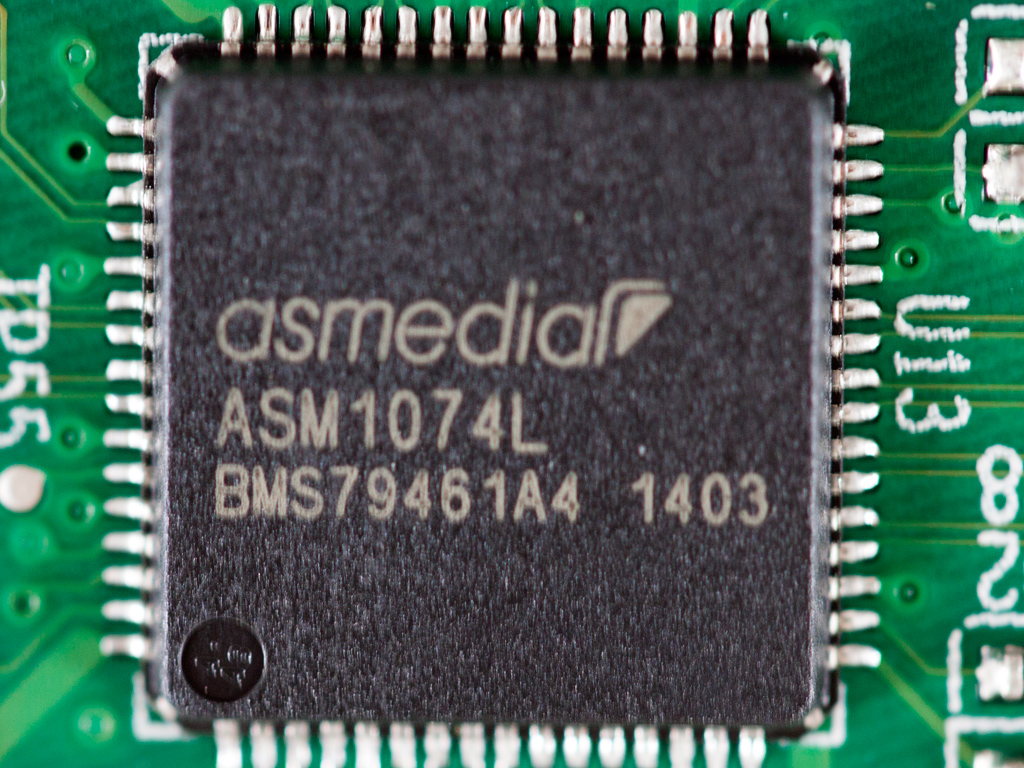
The USB 3.0 hub controller is by ASMedia, and its model number is ASM1074L.

The Gigabit Ethernet ports are controlled by two Broadcom BCM57781 ICs.

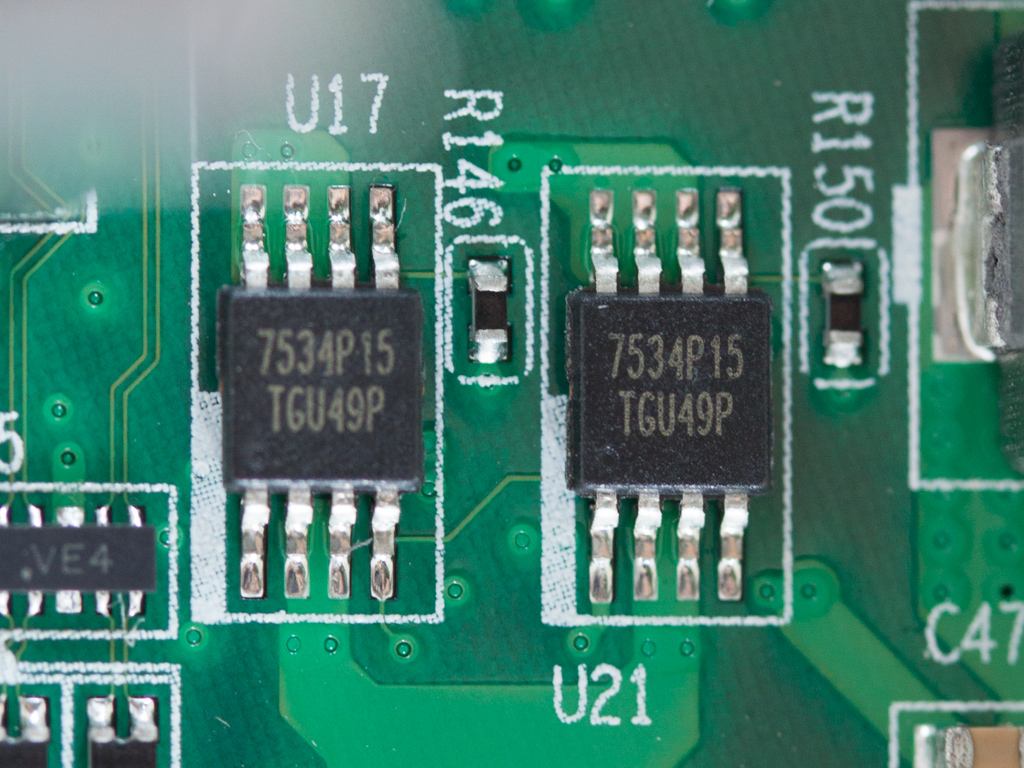
Here are two more ICs we found on the mainboard.
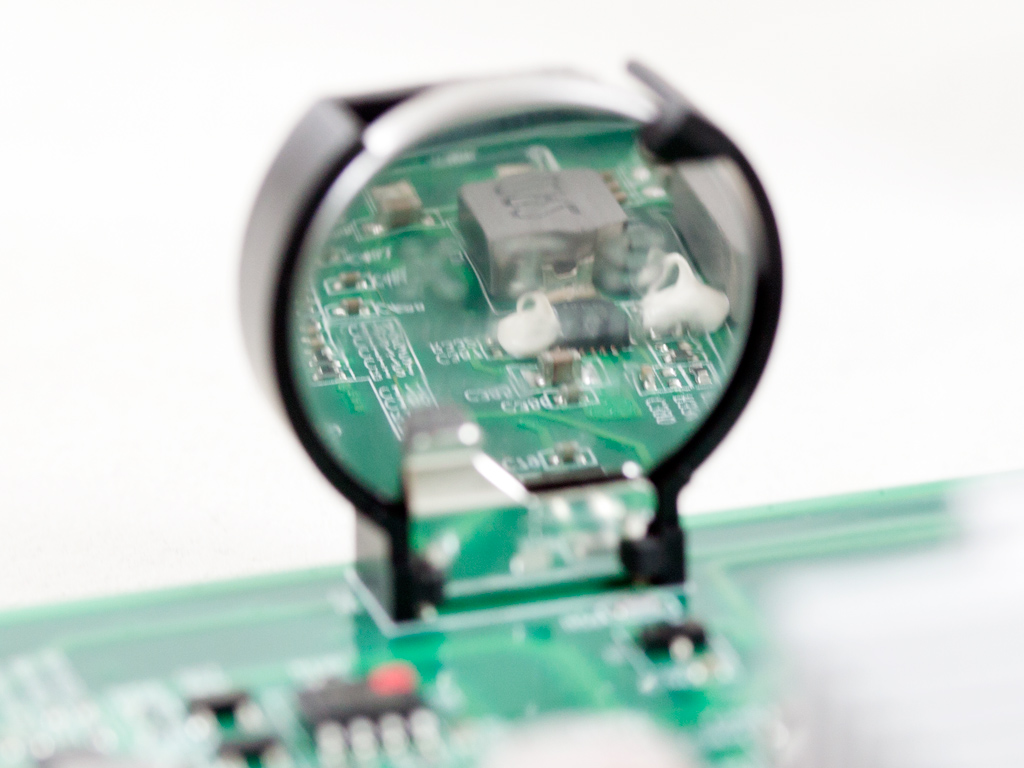
The mainboard's battery is installed vertically.
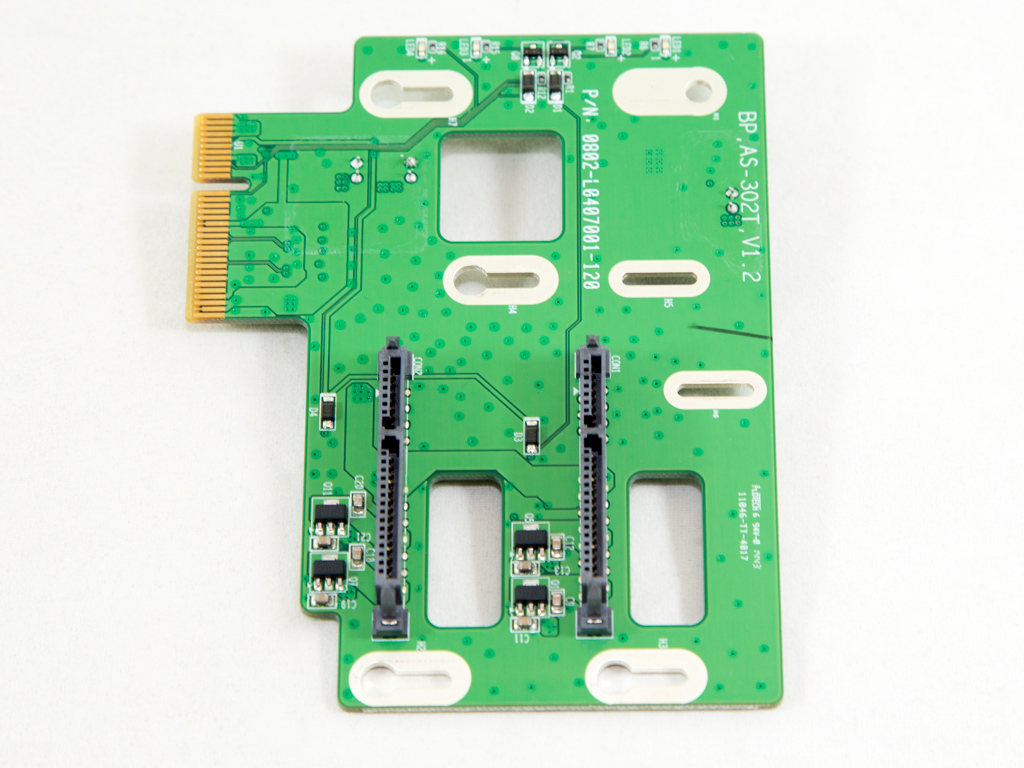

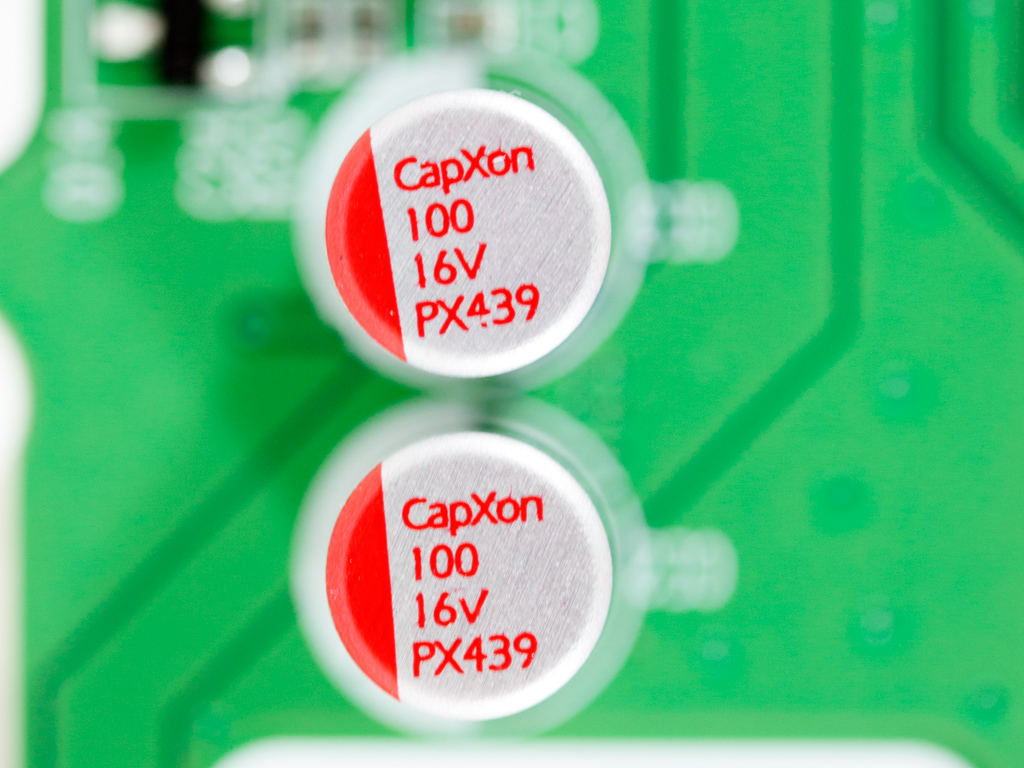
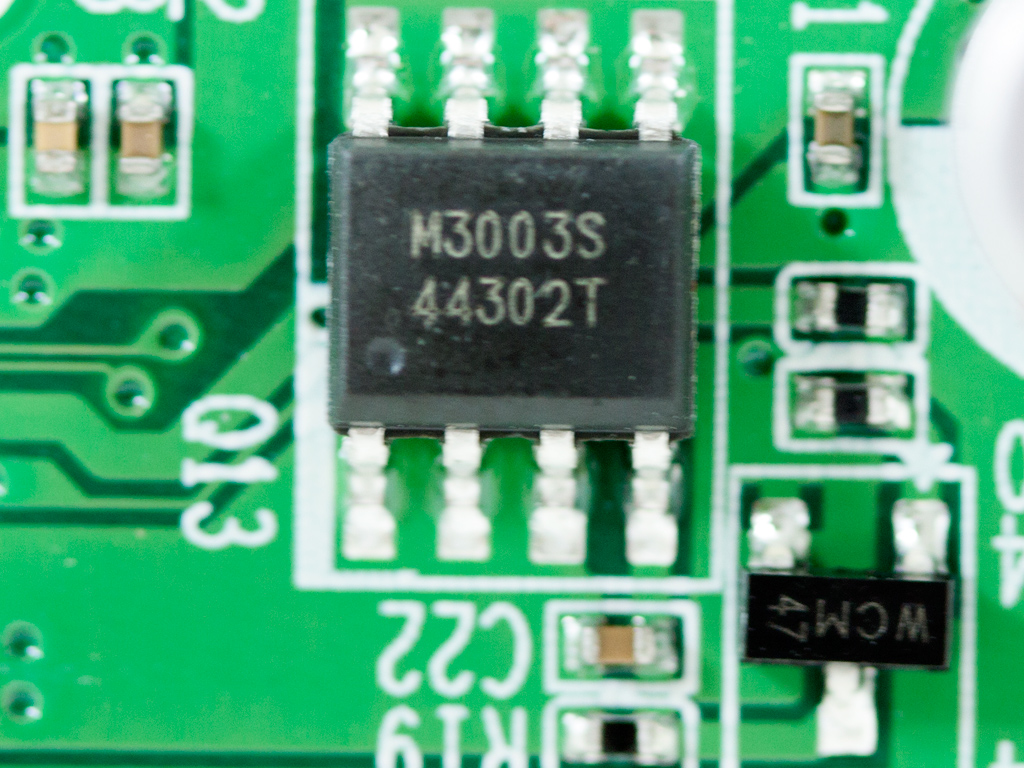
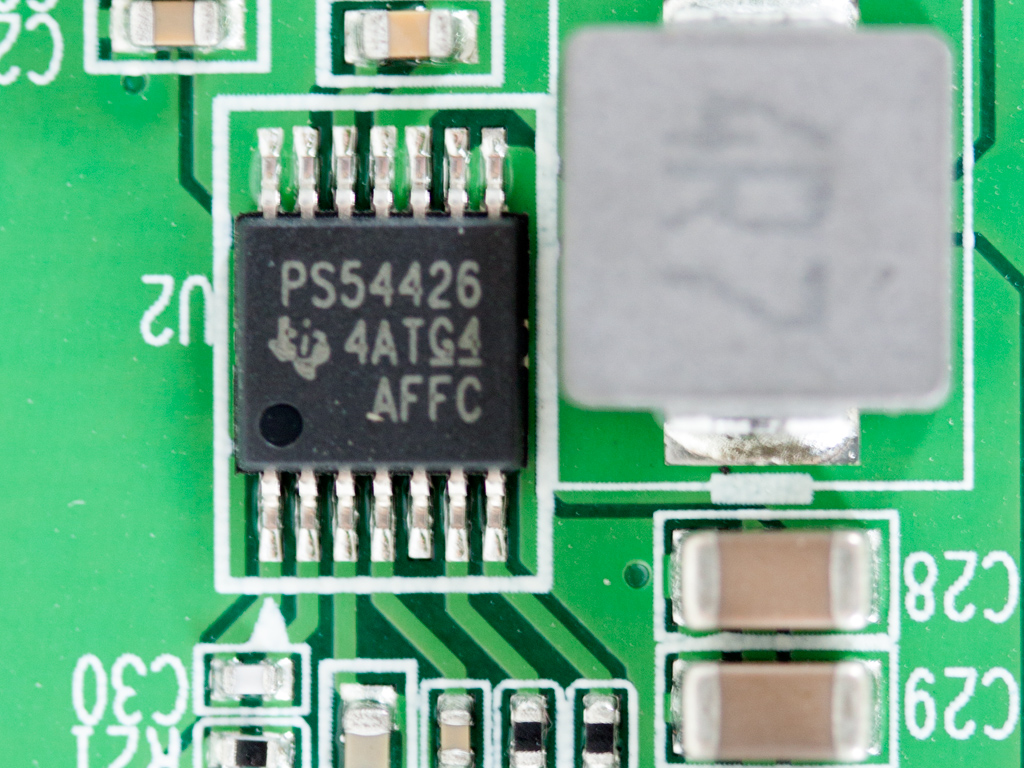
Here is the PCIe expansion card that accommodates the SATA connectors. On it are a few CapXon polymer caps and a Texas Instruments PS54426 buck converter.
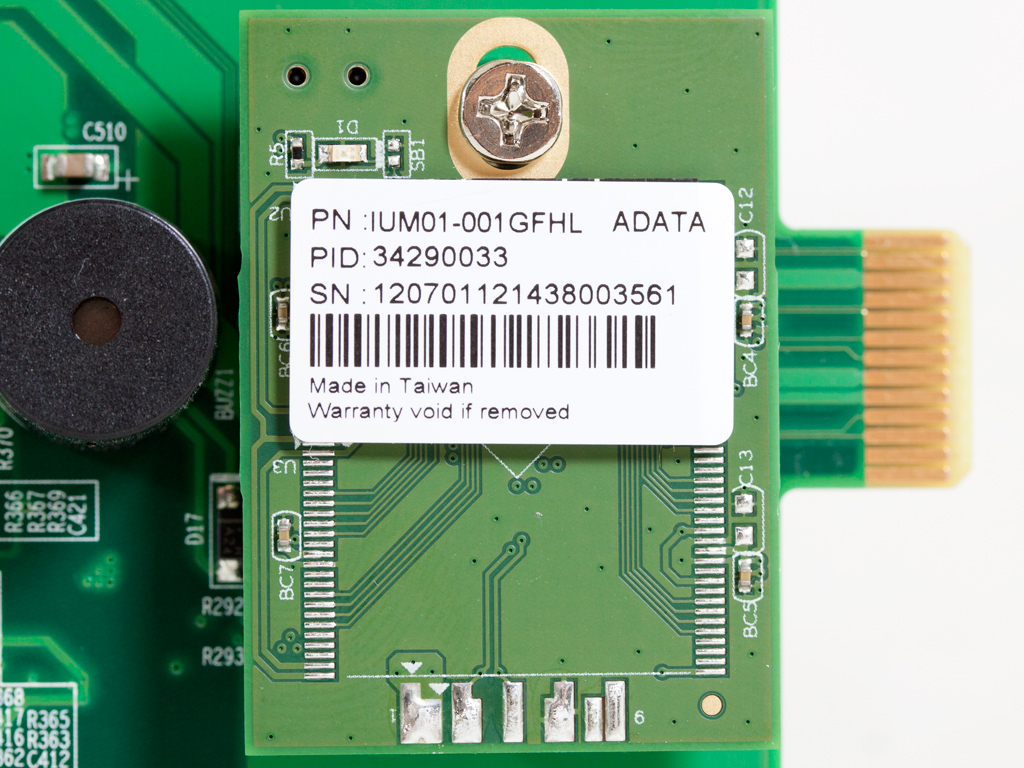
The NAS server's flash memory is by ADATA.
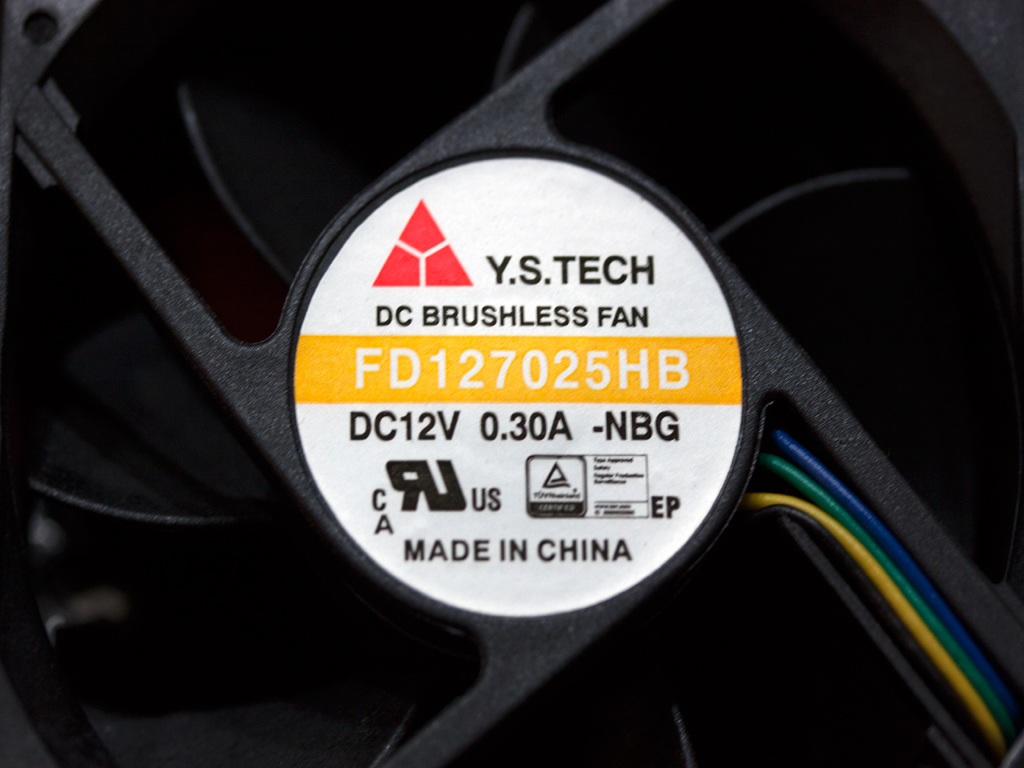
The fan is by YS Tech, and its model number is FD127025HB (70 mm, 12V, 5000 RPM, 40.5 CFM, 41 dBA). Its manufacturer says this fan to use double ball-bearings for a lifetime of up to 75,000 hours.
Initial Setup
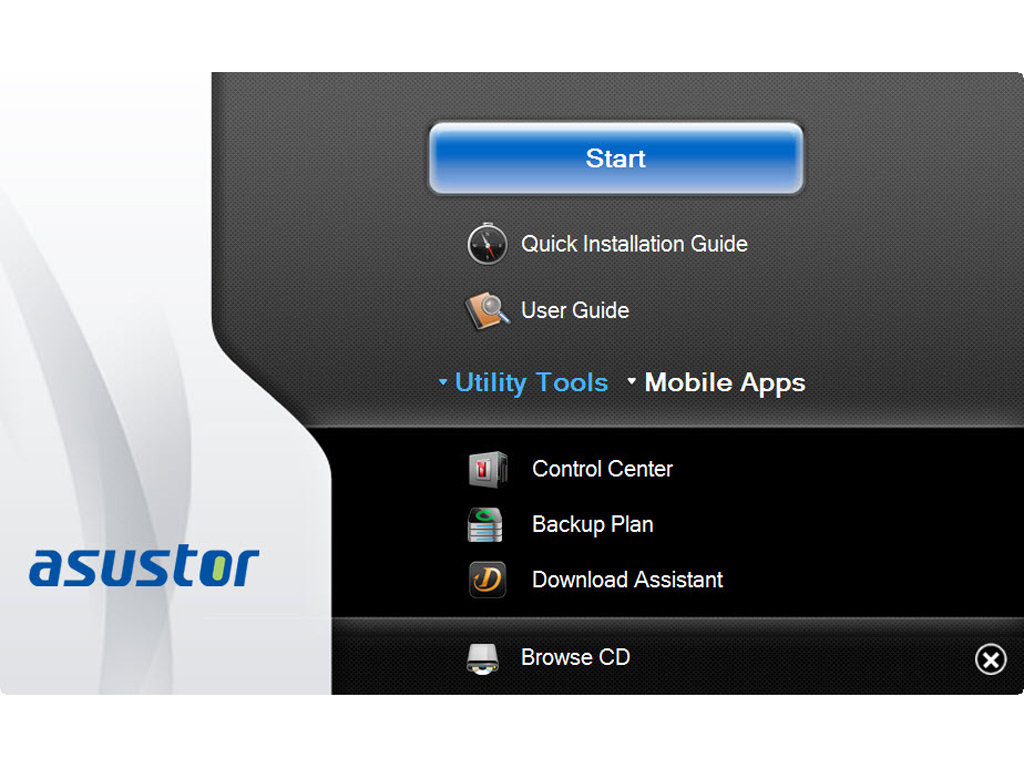
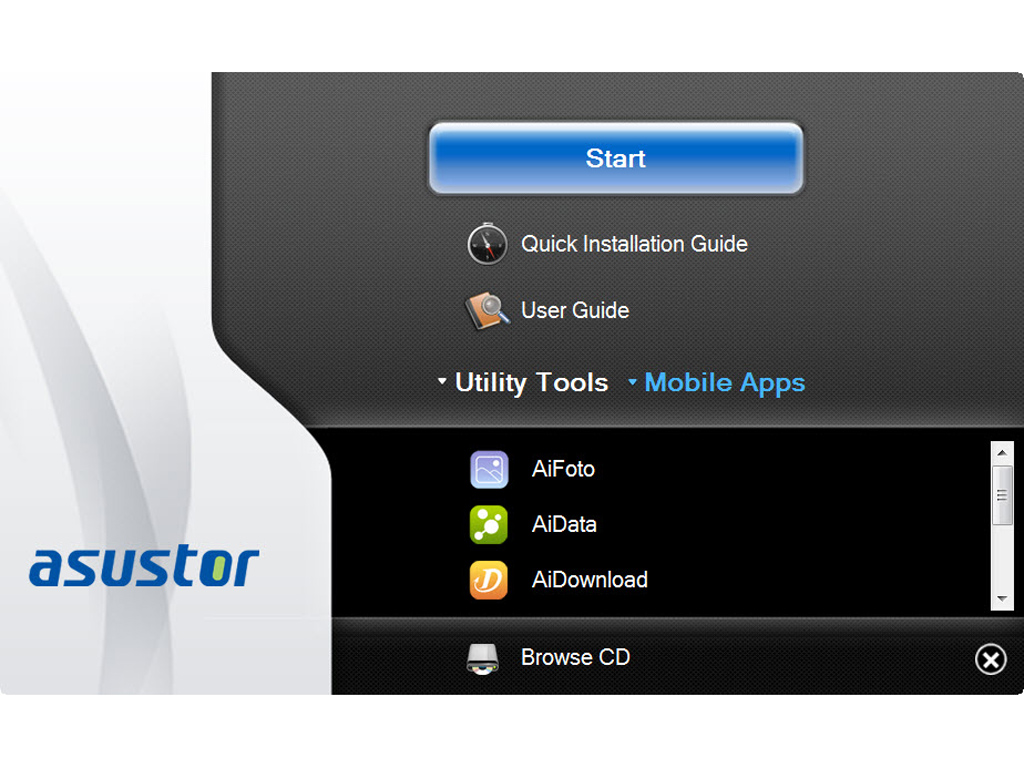
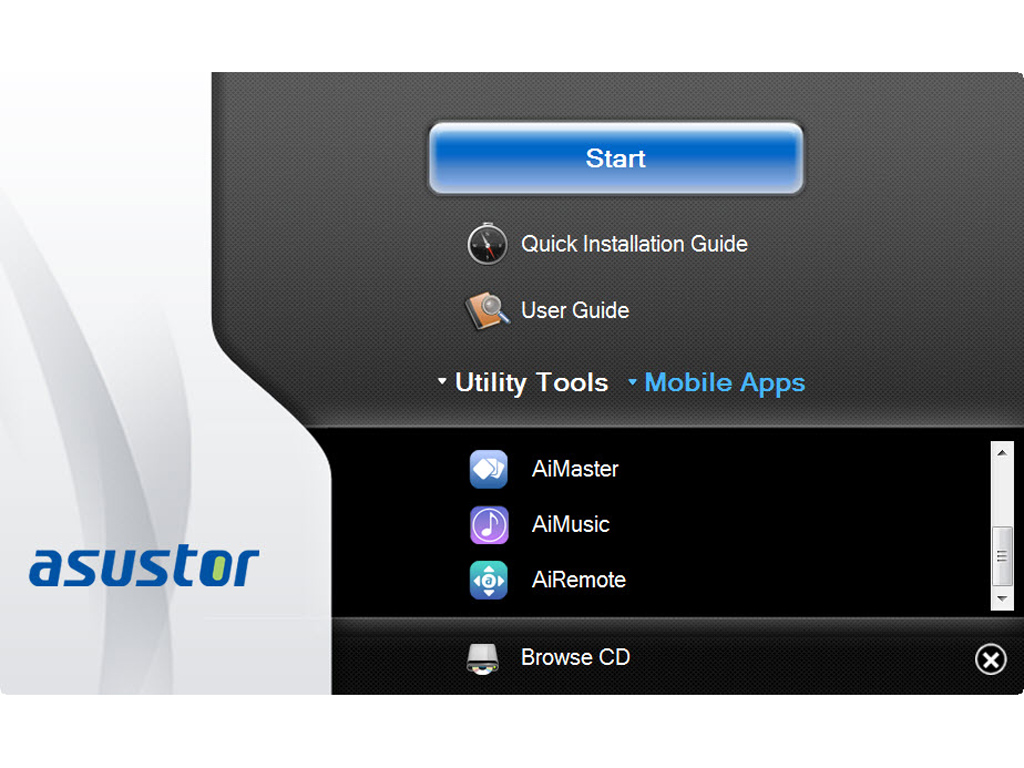
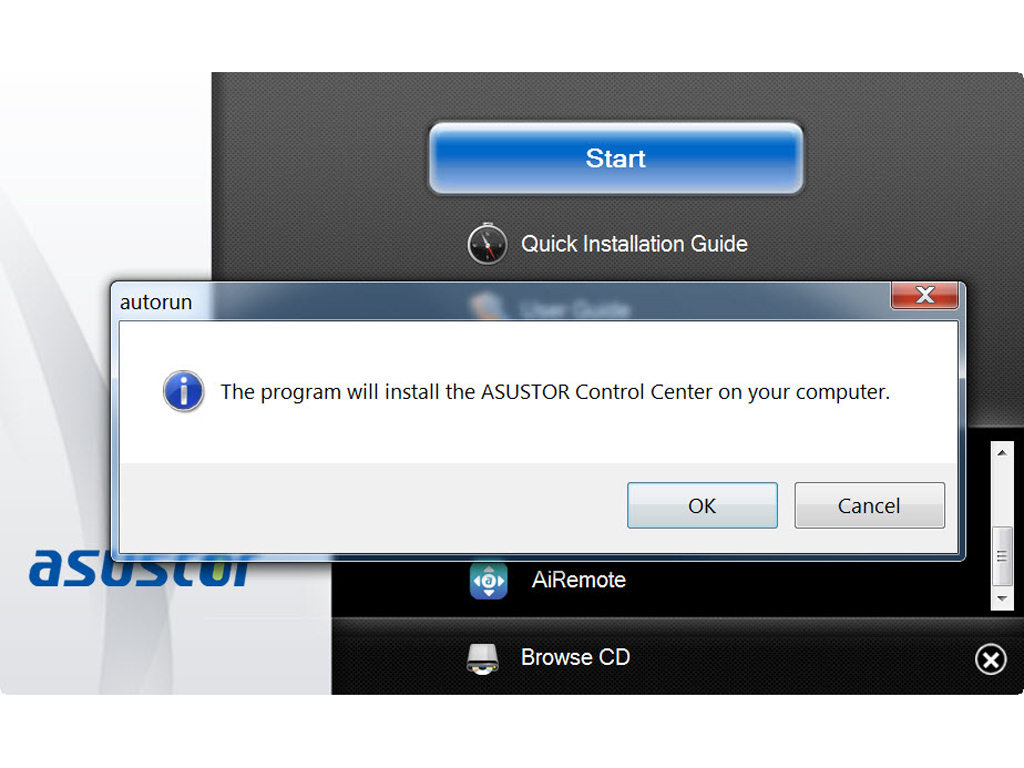
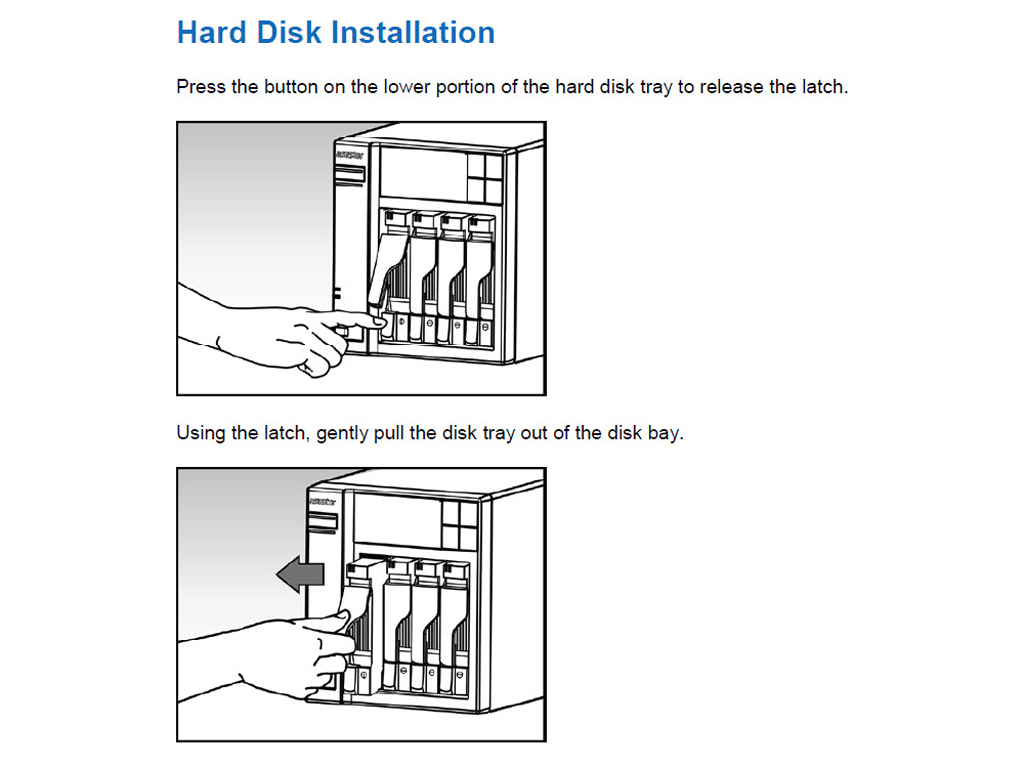
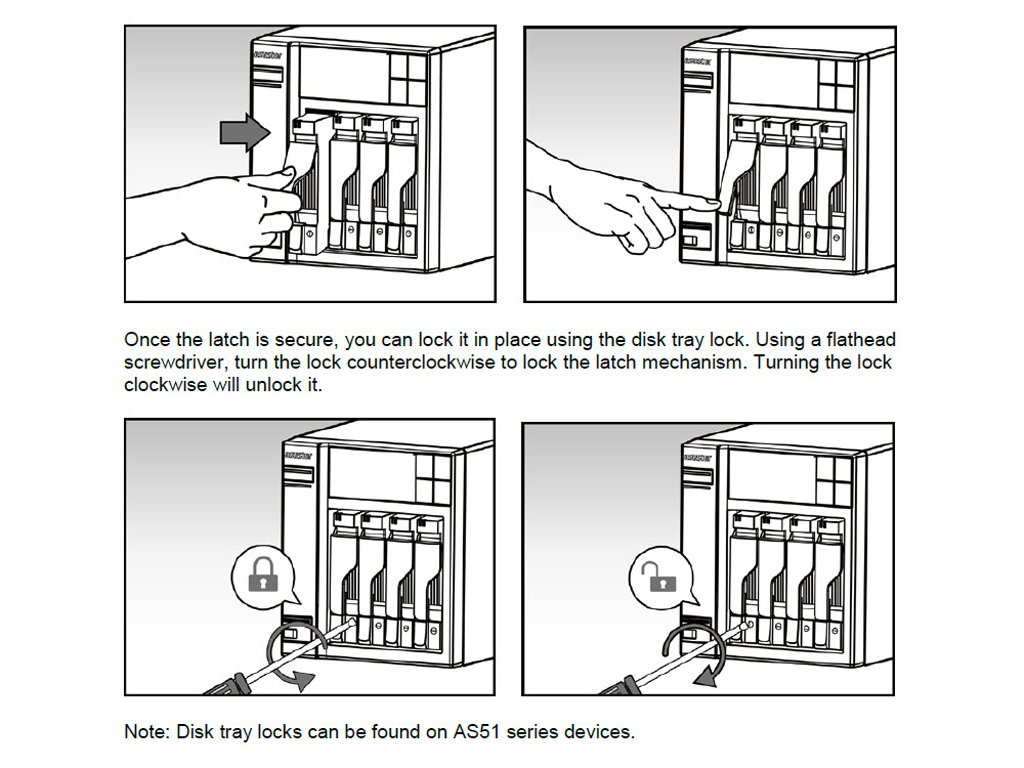
You will initially have to put the software disc into a client PC's drive after installing the NAS server's HDDs and connecting all cables, power and network. We strongly advice you to take also take a look at the Quick Start Guide. You will find the User's Guide on the bundled disc should you require some more information that cannot be found in Asustor's Quick Start Guide. Asustor also includes all compatible mobile apps should you not want to download them off the net on the disc.
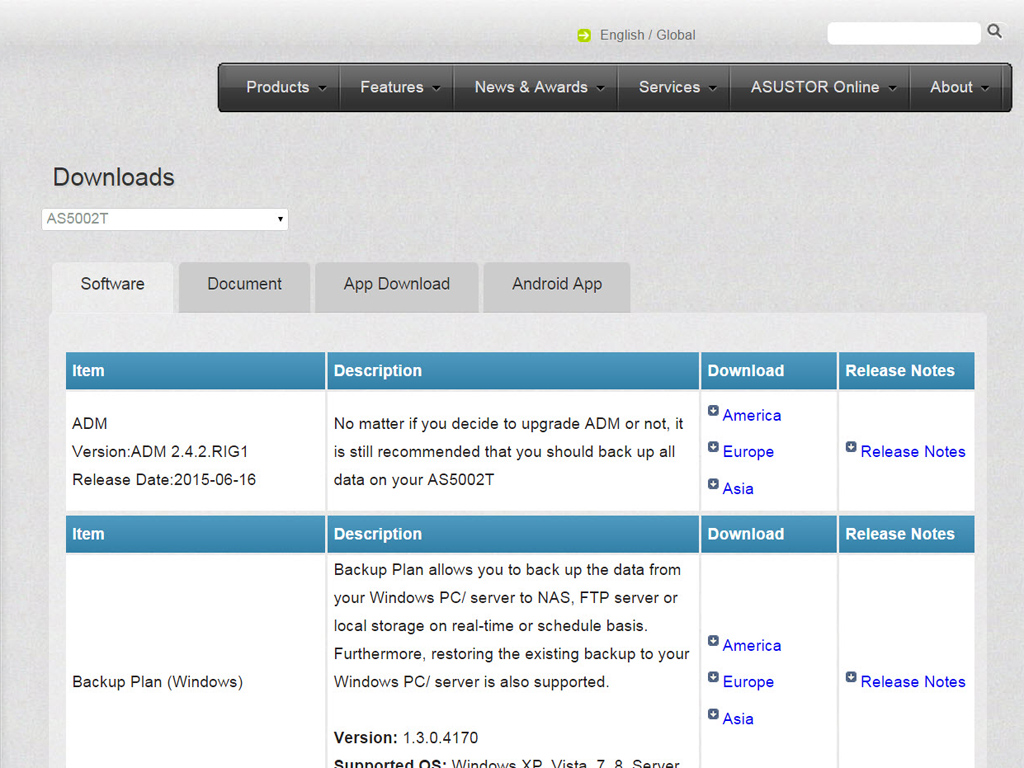
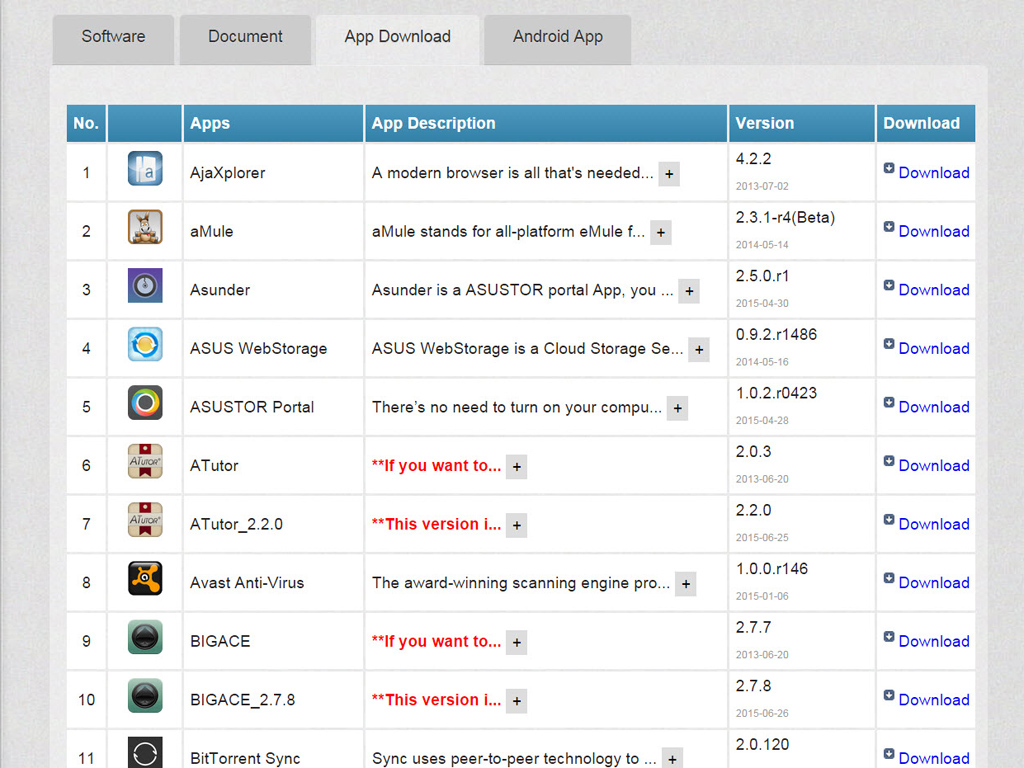
You can download all apps off Asustor's corresponding page if you don't have an optical disc drive.

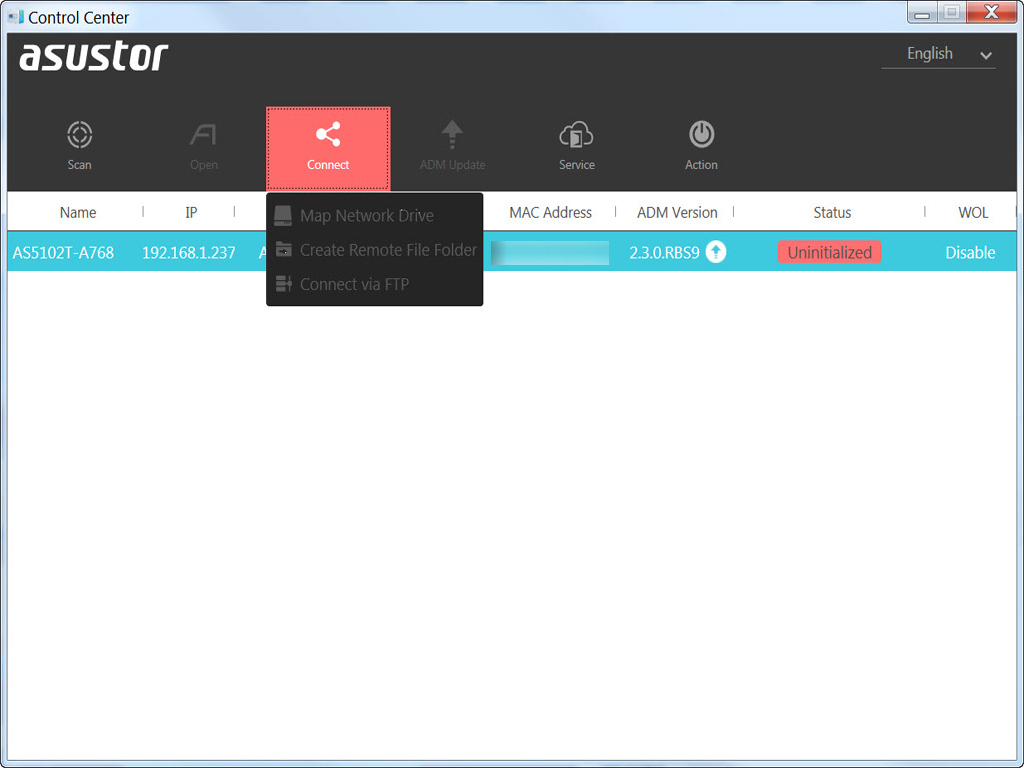
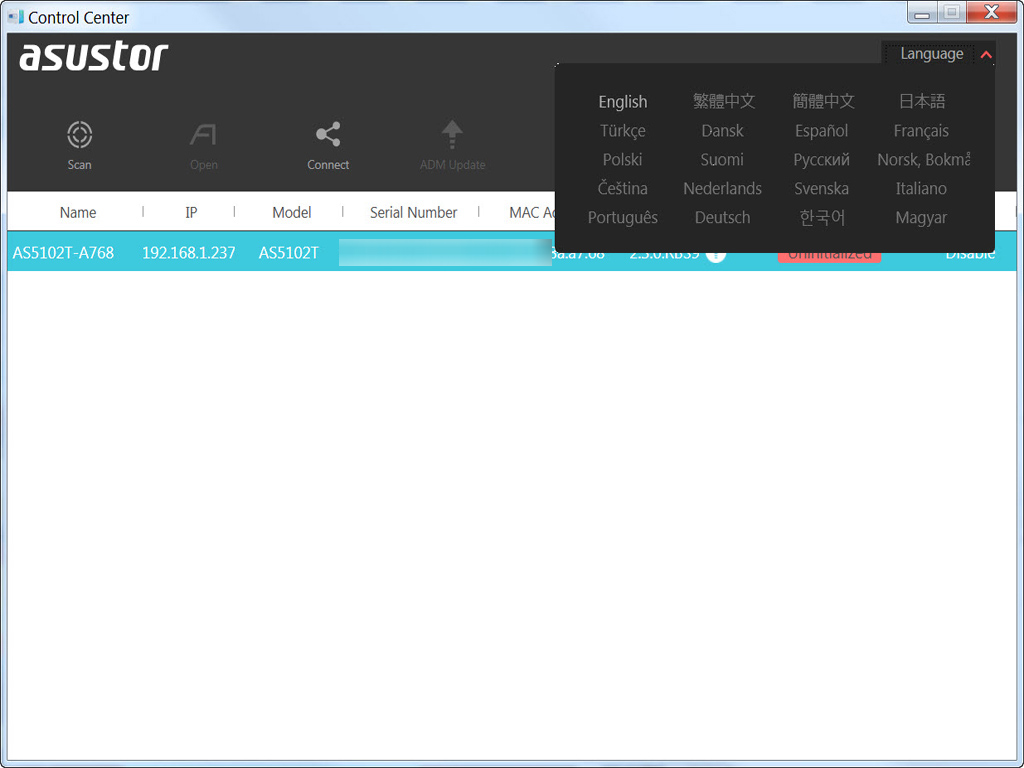

Asustor's Control Center is essential since it will not only find the NAS on your network, but allows for its effortless and quick configuration. It supports many languages, including English and Chinese.
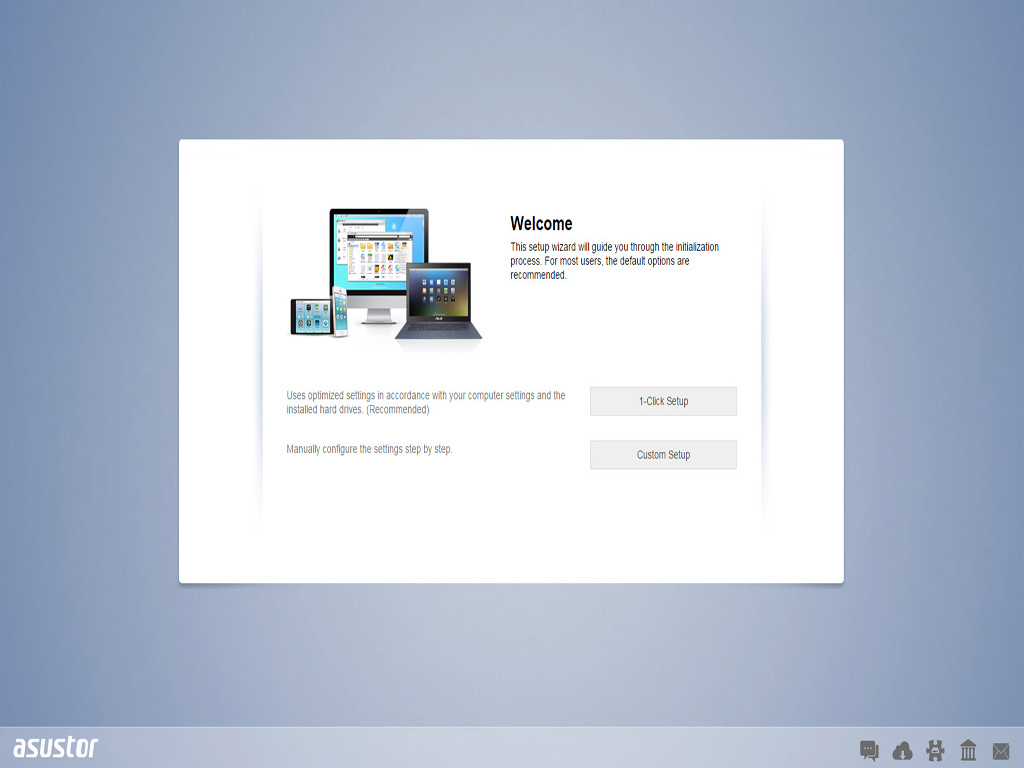
Easily initialize the NAS through Web Setup inside Asustor's Control Center. The first step prompts you to pick between a 1-click setup or custom option. The latter option, which we picked, is for more experienced users.
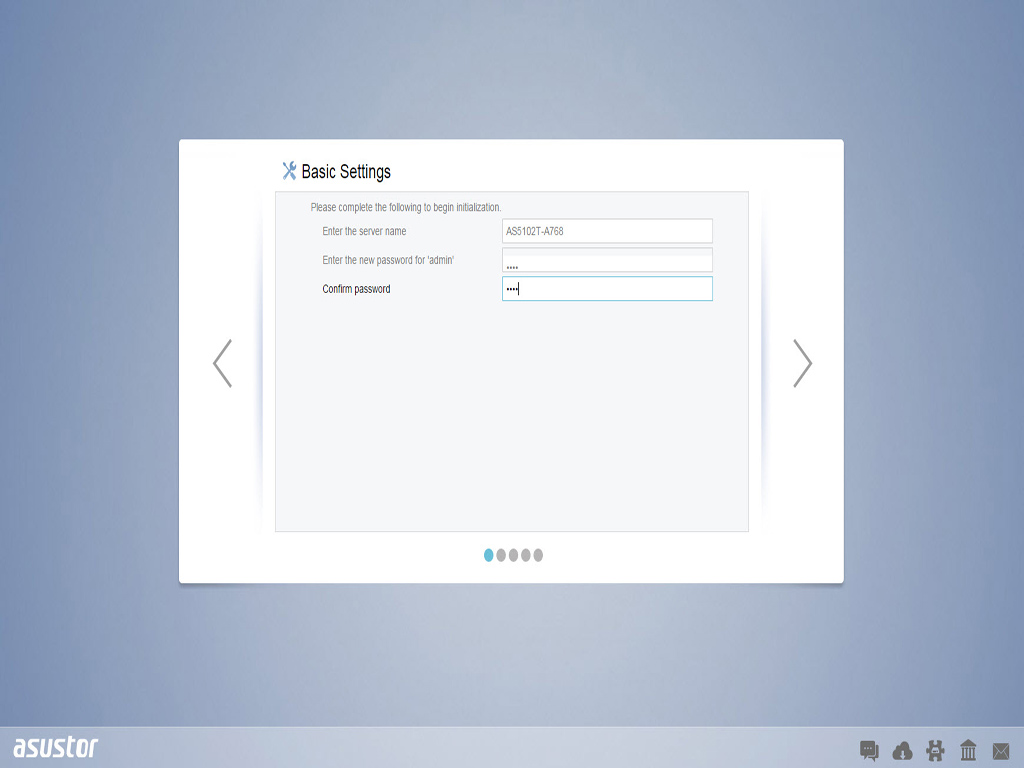
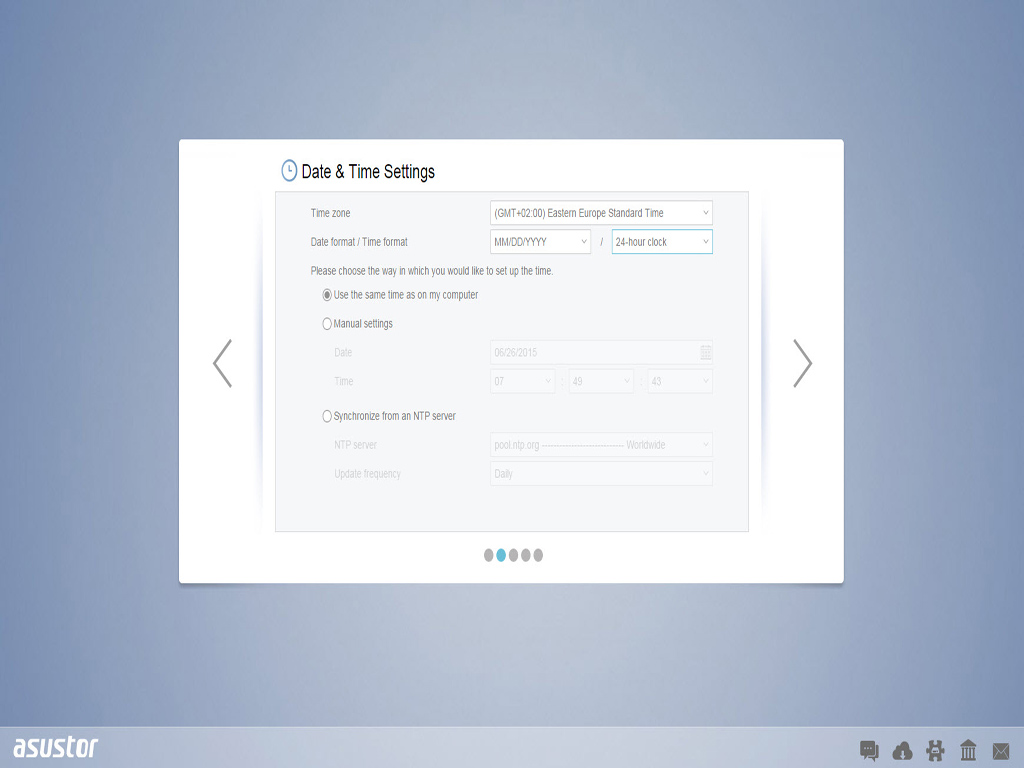
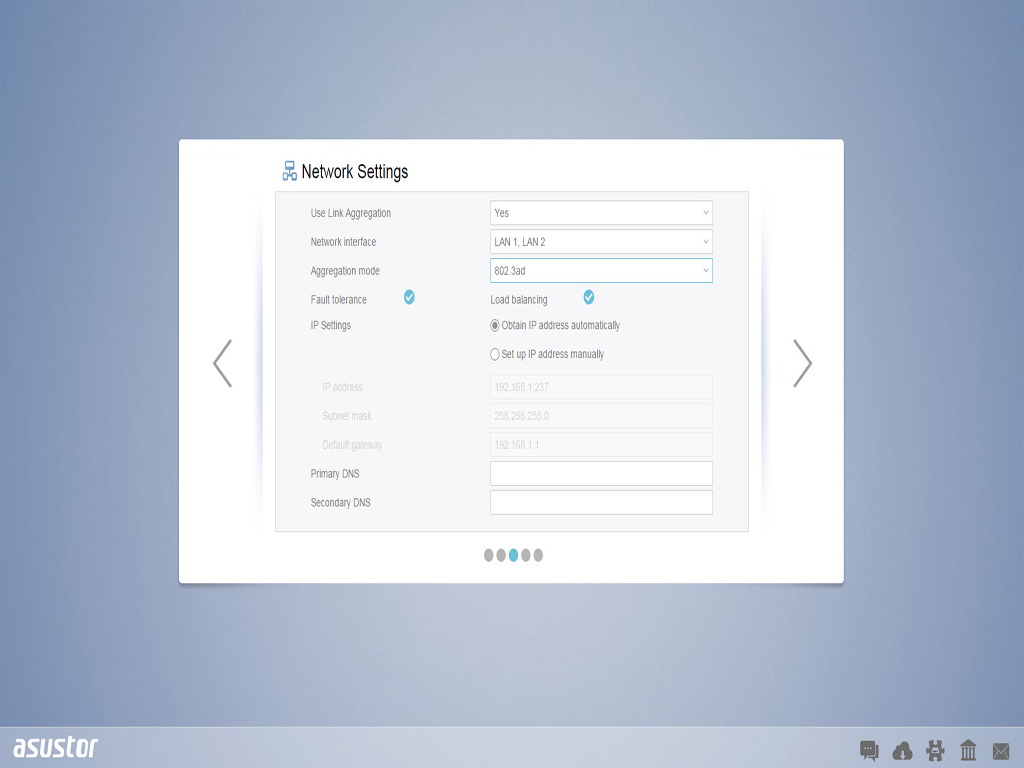
You will now be asked to enter the server's name and set a new administrator's password. You can configure all time and date options and set all network settings afterward. We also made a point of exploiting both Ethernet ports since we have a switch that supports port trunking for increased transfer speeds.
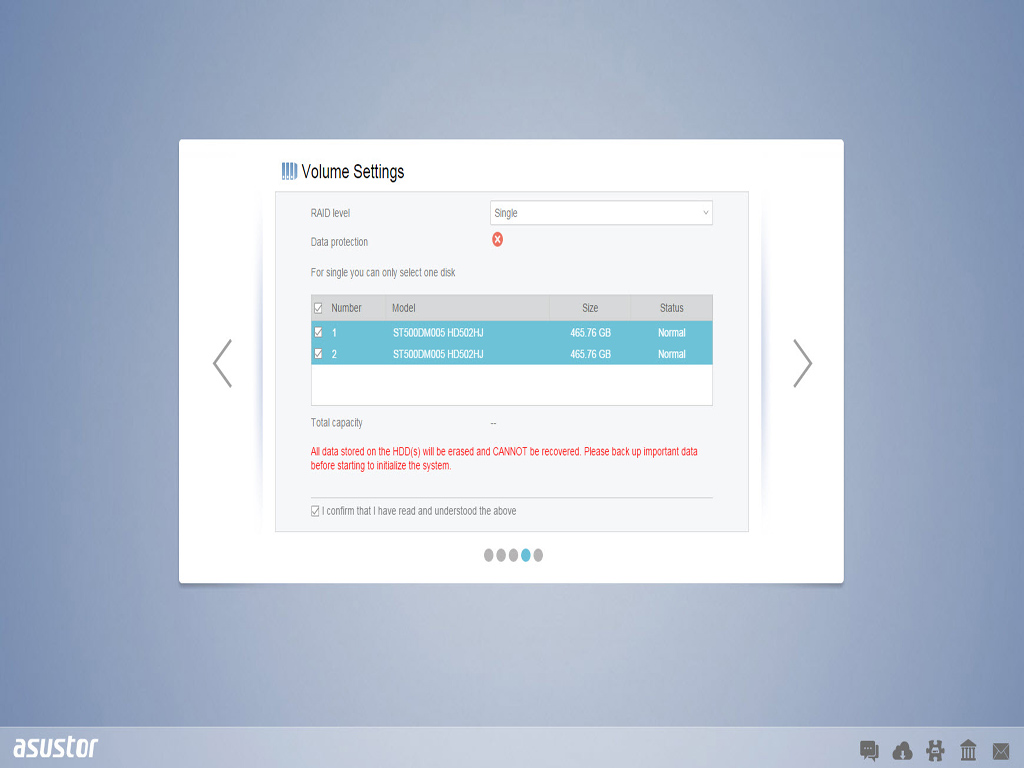
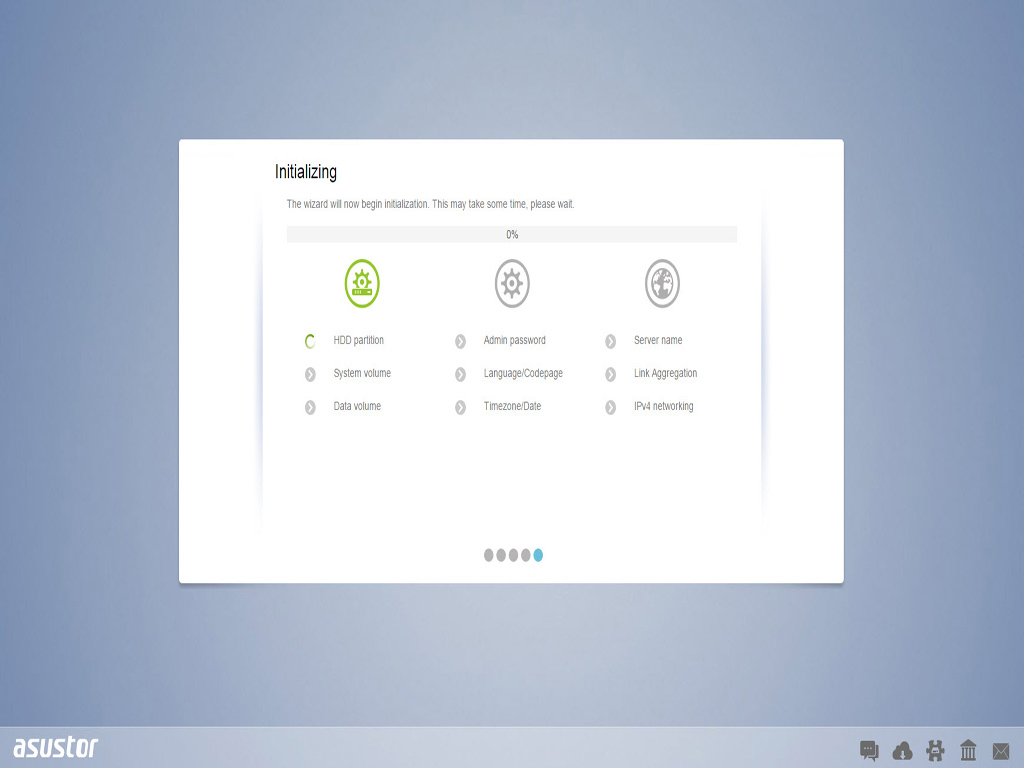
You can pick the RAID configuration that best suits your needs during initialization. Only two RAID levels are available since this is a two-bay NAS, but you can also configure your disks in JBOD (Just a Bunch of Disks) or run everything off a single disk if you cannot afford two HDDs. After all is finished and done, you will have to wait for the NAS to apply all the setup settings you picked before registering your product to obtain an Asustor ID, which you will need if you want to use Asustor's application center.
ADM (ASUSTOR Data Master) Operating System
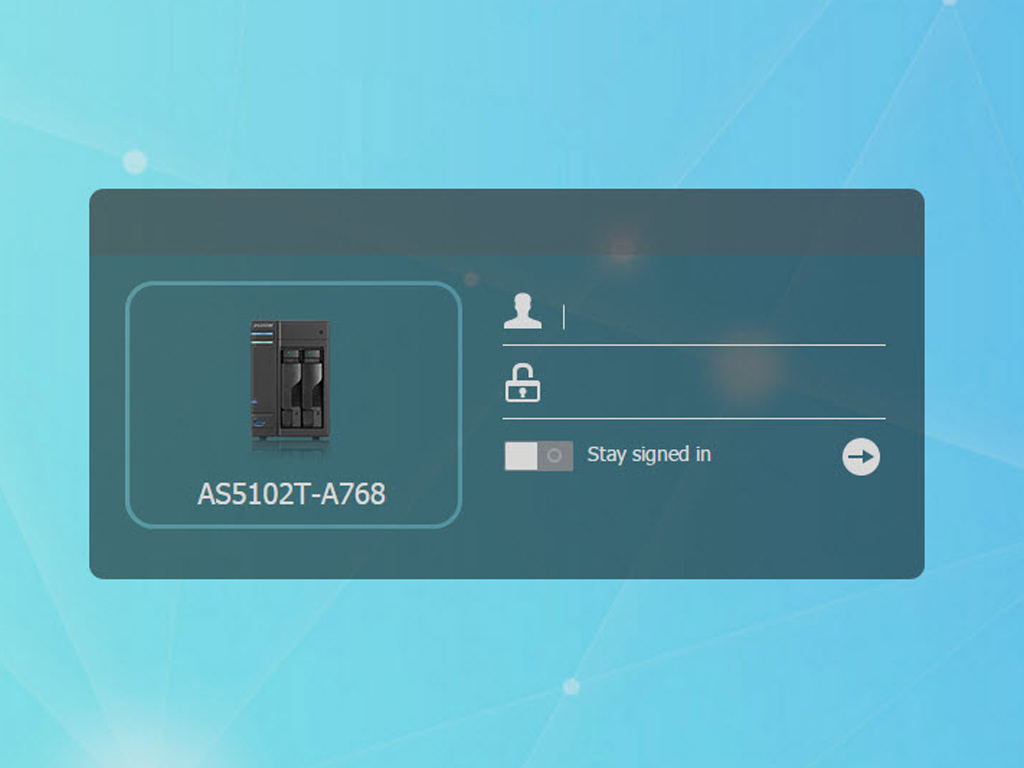
After initialization, you will be redirected to the login page of the ADM OS administration interface.
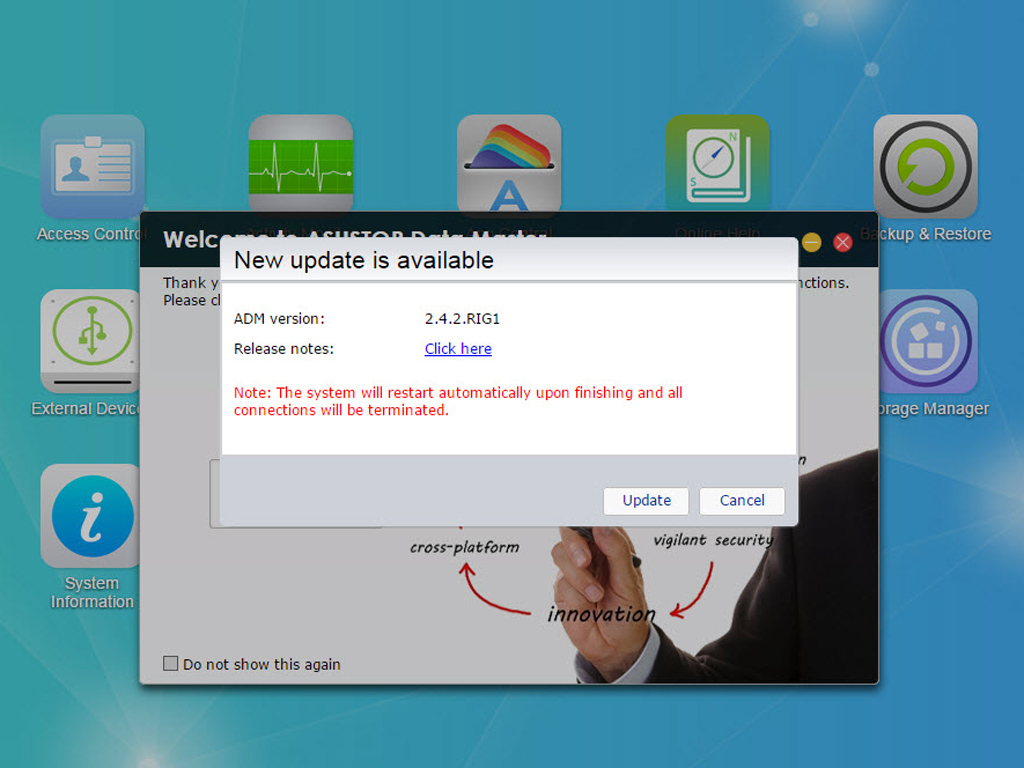
A notification about a firmware upgrade was waiting for us right after we logged into ADM for the first time. We installed the upgrade, which was a straightforward affair.
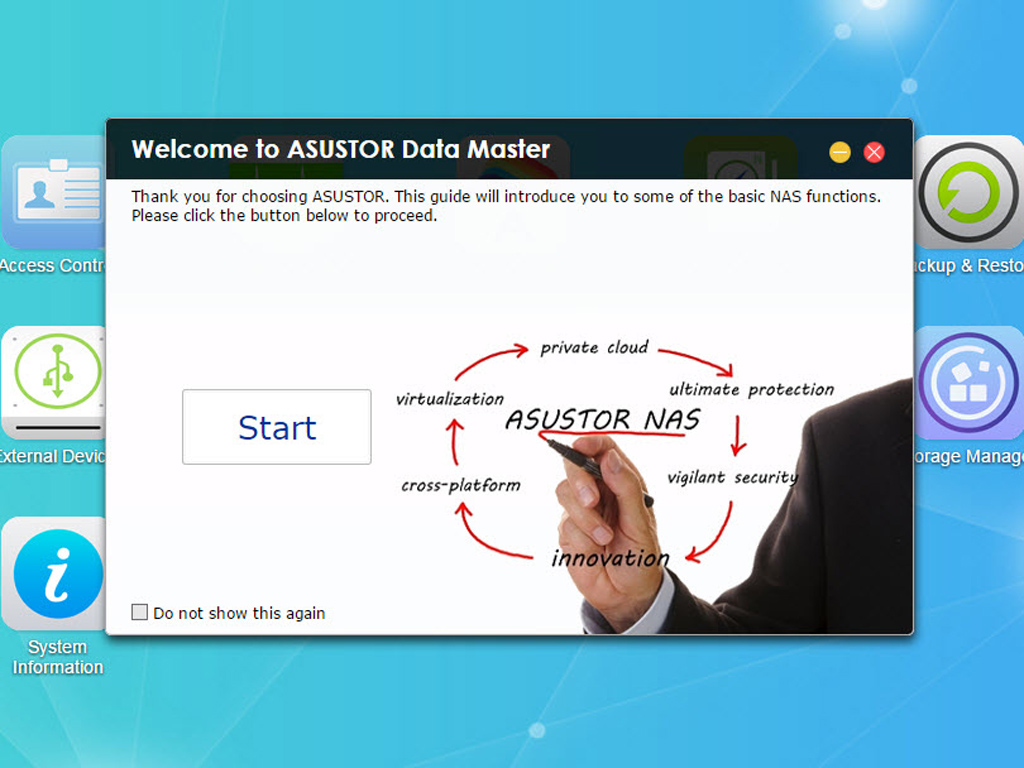
A welcome message will greet you in ADM, offering you a tour of the web interface. We strongly advise you to follow through on this guide at least once since it will show you all the basic steps you need to take to correctly set the NAS up. The paragraphs below will also take you through those steps since we took the tour.
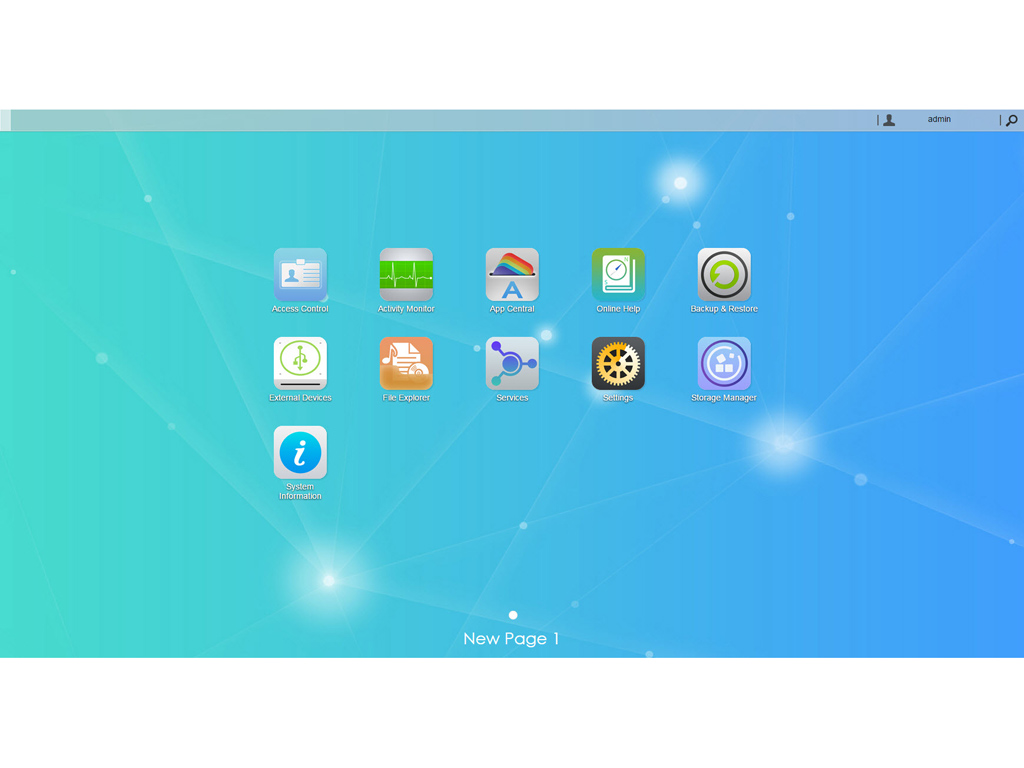
The ASUSTOR Data Master Operating System, ADM for short, is a Linux-based operating system Asustor developed exclusively for their NAS servers. Although the development cycle was shorter than with QNAP's and Synology's offerings, ADM is still capable, easily meeting QTS and DSM in terms of reliability, functionality, and usability. ADM comes with all the features and options one would expect to find in an OS for such a modern NAS, and Asustor provides frequent OS updates that fix problems or add new features.
Some of ADM's interesting features include the Searchlight search engine, ability to pin frequently used applications to the menu bar, customizable desktop wallpapers, two-way transfer support, Mission Mode backup, FTP Explorer, KODI (formerly XBMC) player support, etc. The only serious omissions are the fact that you cannot re-size windows and the lack of widgets, which both Qnap's and Synology's operating systems include. We highlighted both of these omissions in our previous Asustor product reviews, but the current version of ADM unfortunately still doesn't include either.
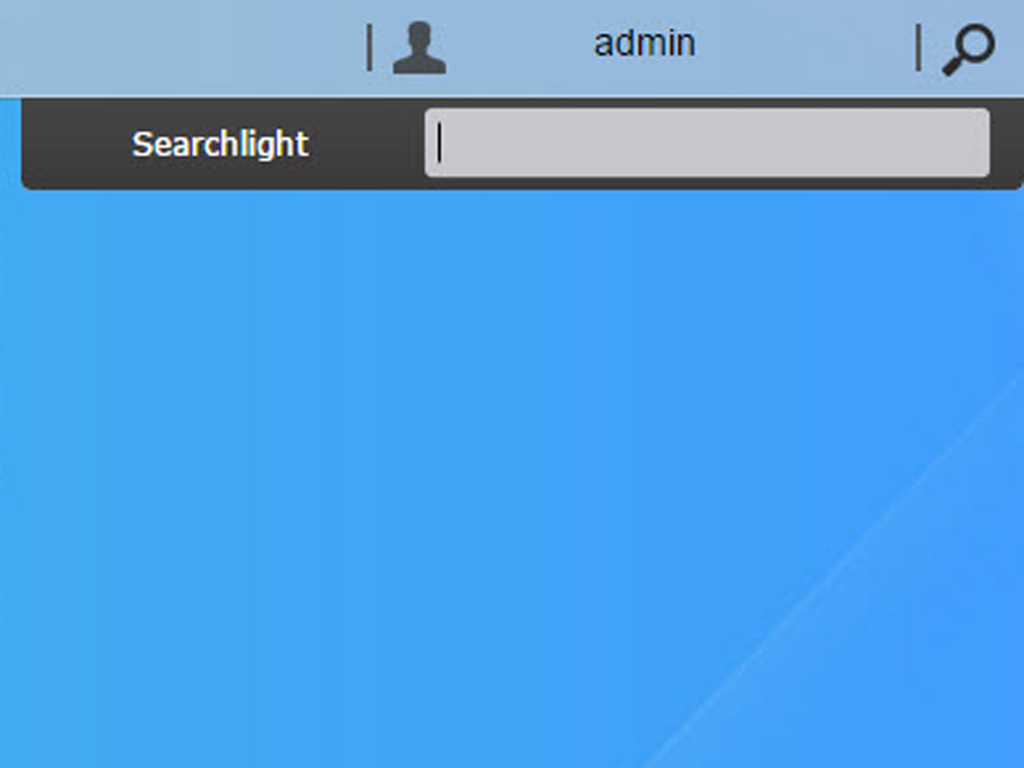
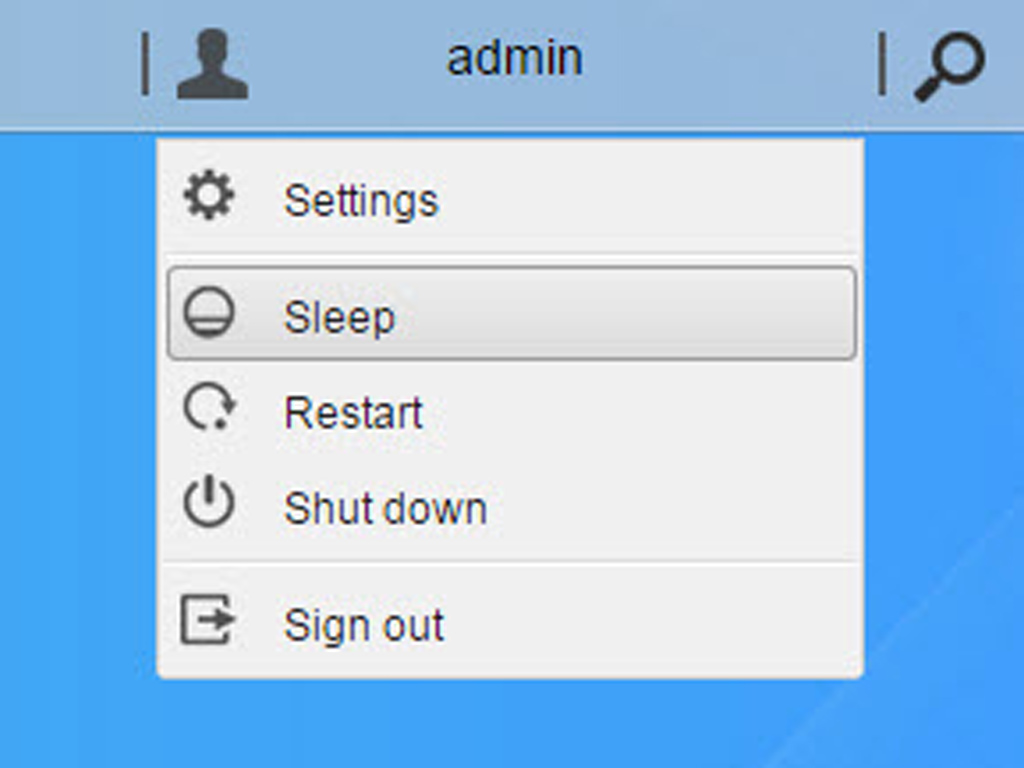
The Searchlight box and all administrative options with which to shutdown, reset, or put the NAS to sleep are in the top-right corner.
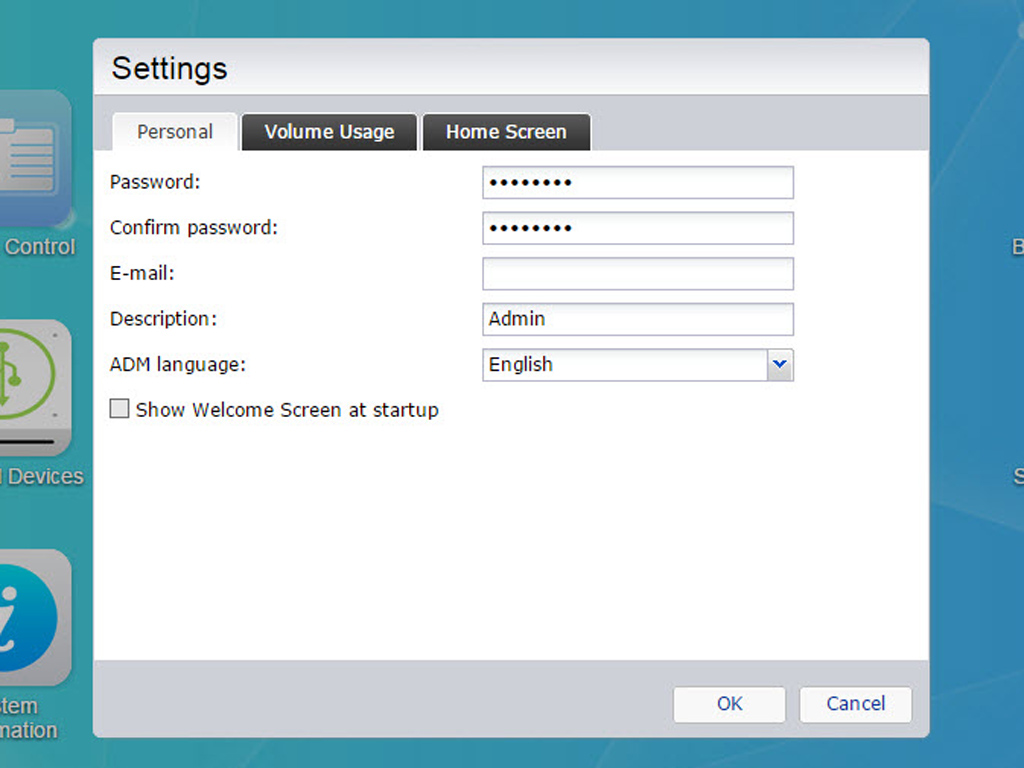
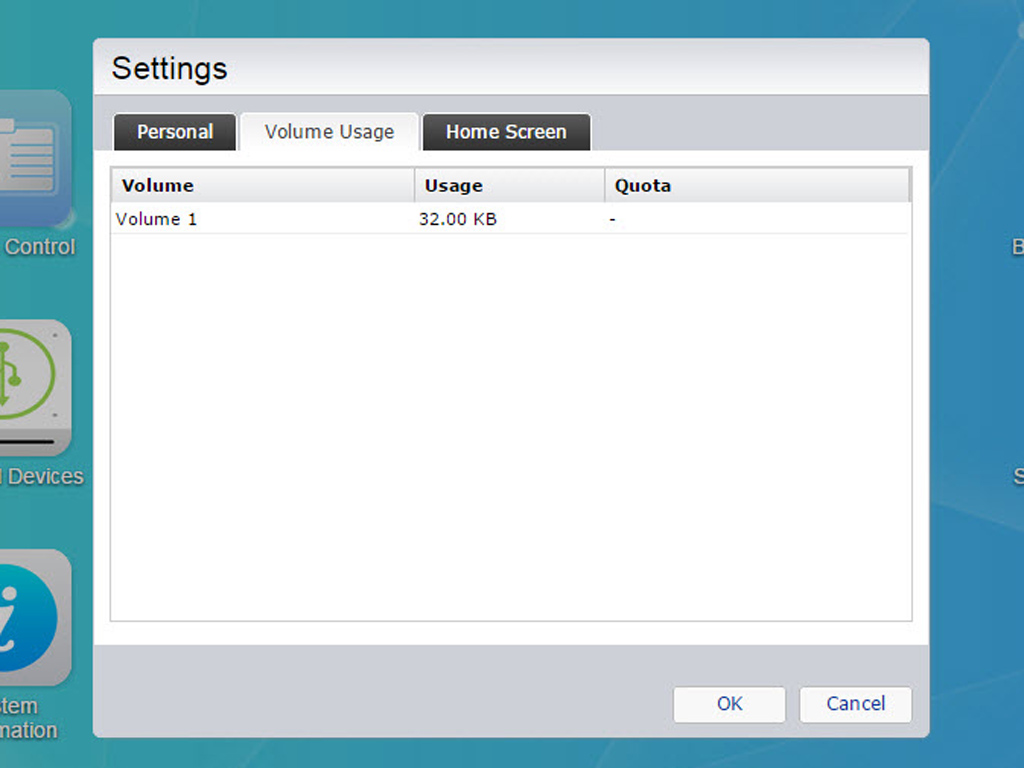
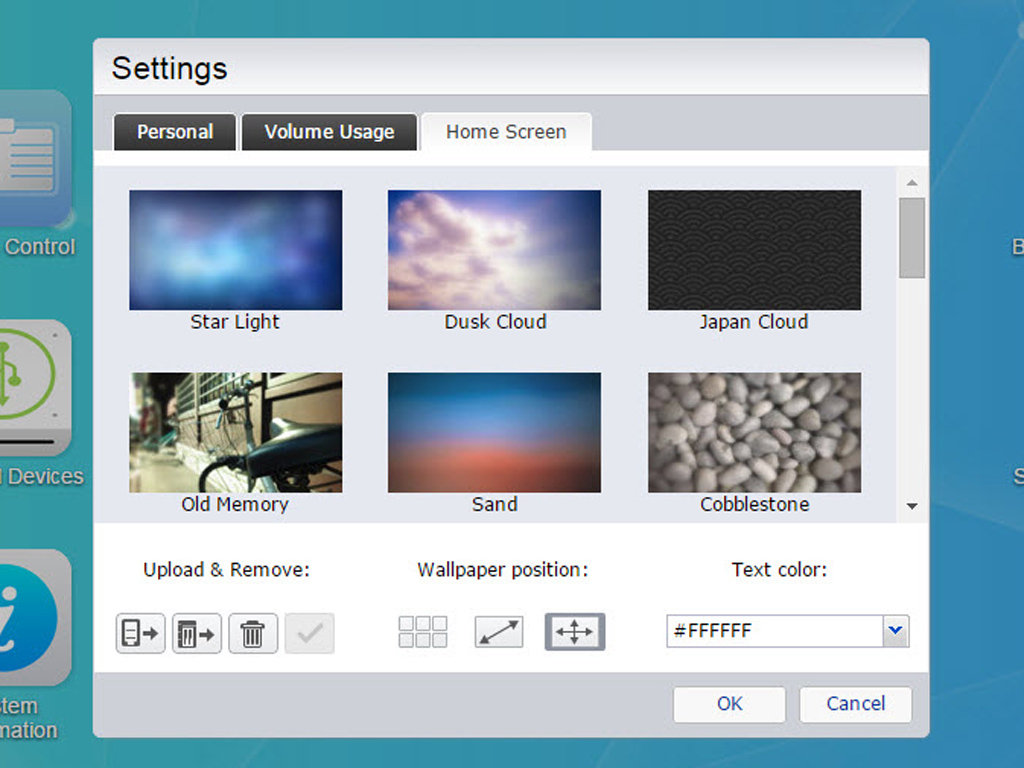
These settings allow you to change the administrator's password, ADM's language, or the administrator's email address. You can also optimize your wallpaper here.
Our Patreon Silver Supporters can read articles in single-page format.
Nov 18th, 2026 05:11 CST
change timezone
Latest GPU Drivers
New Forum Posts
- Wireless Internet sharing between PC and router both-ways, is it possible? (11)
- What are you playing? (26233)
- GIGABYTE - H55N-USB3 ITX Upgrade experience (2)
- DTS DCH Driver for Realtek HDA [DTS:X APO4 + DTS Interactive] (2811)
- Gacha Games - Discussions, Pulls, Updates, etc. (1155)
- RX 580 2048SP 8GB Samsung – Black Screens in Games, Looking for a Compatible BIOS (1)
- 9070 GRE 3.9ghz validation reached. (20)
- Will zen 6 mobos have anything extra vs current ones? (54)
- [Poll] 12V-2x6 Connector Protection: What Are You Using? (WireView / Ampinel / Equalizer / Other / Nothing) (31)
- Hi, just to say thanks and who I am (5)
Popular Reviews
- Acemagic Retro X3 Review
- Upcoming Hardware Launches 2027 (Updated Nov 2026)
- AMD Zen 6 Technical Deep Dive
- ASUS ROG Strix B850-I Gaming Wi-Fi7 W Review
- Corsair HX1000i Shift Crystal Review
- Chieftec Iceberg PRO 360 DARK Review
- AMD Ryzen 7 9800X3D Review - The Best Gaming Processor
- Biwin Black Opal NV7400 2 TB Review
- Phantom Blade Zero Performance Benchmark Review - 35 GPUs Tested
- Montech King 95 3D PRO Review
TPU on YouTube
Controversial News Posts
- NVIDIA Co-Founder and CEO Jensen Huang Officially Resigns (468)
- Open Letter Asking NVIDIA to Reinstate Jensen Huang Passes 115,000 Signatures (184)
- Report: Jensen Huang Eyes NVIDIA Comeback (155)
- OpenAI CEO Argues Home PCs Waste the World's Limited DRAM Supply (152)
- NVIDIA Launches Investigation Into Jensen Huang's Relationship With Suspected Chinese Spy (136)
- Intel "Raptor Lake Next" 16-Core and 20-Core CPUs Surface (130)
- Legendary Game Studio BioWare Shuts Down Following EA Layoffs (104)
- Dell CEO Says the Memory Shortage Will Get Worse in 2027 (95)