 1
Asustor AS7004T Review
(1 Comment) »Introduction

We would like to thank Asustor for supplying the review sample.
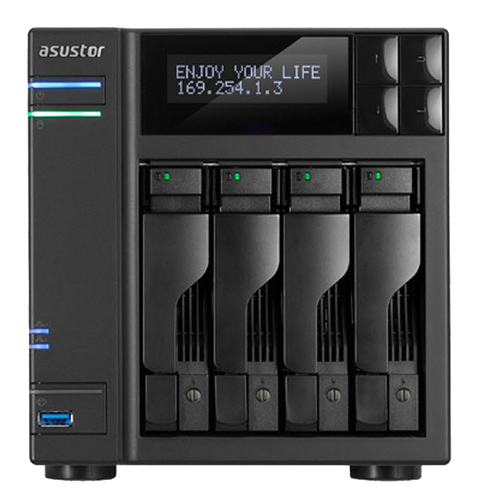
Look at high-end NAS servers and Asustor comes up as a company that has and still is taking huge steps forward with such new releases as its two rack-mount servers and the AS7004T, AS7008T, and AS7010T, which is more than enough to address the needs of small- and medium-sized business environments. Asustor also managed to catch up to the tough competition pretty quickly despite being a new company to the rather hard-fought-over NAS market, and their products, especially their software, have nothing to be jealous of when compared to operating systems that have been developed and refined over the many years before Asustor's appearance. The key factor to their success wasn't only their ability to adapt to the NAS market's rather special needs quickly as most people working for Asustor had already spent some time time working for other NAS brands before.
In today's review, we will take a look at the AS7004T. Its hardware is very strong for a NAS since it utilizes a dual-core Intel i3 processor where almost all competing offers of the category use Intel CPUs with less processing power instead. The i3 is backed by 2 GB of RAM you can upgrade to 16 GB, so we expect this NAS to perform incredibly well no matter what. The AS7004T, as its model number implies, can take up to four HDDs, and its HDMI and S/PDIF ports allow it to easily handle an enthusiast's multimedia needs. A large number of USB and eSATA ports and two Ethernet ports that support port trunking complete the bundle. The NAS also has an LCD screen that can provide its user with invaluable information; you can even perform some basic administrative tasks via the display without the need of a client.
The AS7004T is definitely an interesting NAS since it has all the features an administrator would crave while also meeting the needs of enthusiast users with its fast network speeds and rich multimedia capabilities. But let's not get ahead of ourselves as a NAS not only depends on its hardware but also its software; it is the software that insures the hardware is exploited fully while running reliably. Simply put, a really strong NAS without perfectly optimized firmware doesn't stand a chance against QNAP's and Synology's competing offers since the latter have put years on end into developing their top-notch firmware, which sets the bar incredibly high. However, our previous experience with Asustor's firmware left a very good impression on us, and given they are actively releasing firmware updates quite often, we are very curious to see how their offering will compare to those from QNAP and Synology.
Specifications
| Asustor AS7004T Specifications | |
|---|---|
| Processor | Intel® Core i3-4330 3.5GHz Dual-Core Processor |
| Operating System | Embedded Linux |
| Memory | 2 GB SO-DIMM DDR3 (Expandable. Max 16GB) |
| Storage | 4x 3.5"/2.5" SATA II/III |
| RAID Levels: | Single Disk, JBOD, RAID 0, 1, 5, 5 + Hot Spare, 6, 6 + Hot Spare, 10, 10 + Hot Spare |
| Capacity | up to 24 TB (disks not included) |
| iSCSI | Target & Initiator |
| Hot-Swap | 4x |
| Networking | 2x 10/100/1000 Mbit Ethernet |
| I/O Ports | USB 3.0 x 3, USB 2.0 x 2, eSATA x 2 HDMI 1.4a x 1, S/PDIF x1 |
| Dimensions | 185.5 (H) x 170 (W) x 230 (D) mm 7.3 (H) x 6.69 (W) x 9.06 (D) inch |
| Weight | 3.9 kg |
| Power Consumption | Sleep: 1.8 W (with WD Red 3 TB HDD) In operation: 39.1 W Disk hibernation: 29.4 W |
| Power Supply | Internal (DPS-250AB), 100-240 V |
| Fan | 1x 120 mm (FD121225SB) |
| Warranty | 3 years |
| Price excluding VAT (at the time of the review) | $990 |
As is the norm for all high-end NAS units, all popular RAID levels are supported, along with the iSCSI protocol. The two Ethernet ports can also be teamed (port trunking) to provide more bandwidth over the router that connects the NAS to the rest of the world. The other I/O connectors are comprised of three USB 3.0 ports of which one is at the face of the server, two USB 2.0 ports, and two eSATA ports, which are always a nice feature to have. The AS7004T also comes with HDMI and S/PDIF ports that, respectively, support 4k resolution and HD-audio. We would like to see an option for 10GbE expandability since it would make this rather expensive NAS more future proof.
The unit is as large as a four-bay NAS should be; however, it weighs more because of its internal PSU. The latter is pretty strong for even the AS7004T, and it is by a top OEM, Delta Electronics, so we expect its build quality to be top notch. A single, powerful 120 mm fan deals with the heat this unit produces. Its fan profile can easily be adjusted through the ADM OS; however, I would advice you to leave it as is because it is very quiet under normal operating conditions.
Asustor is one of the few companies in this field to offer a three-year warranty as others usually only offer a two-year warranty. We have asked for longer warranties many times before, but such key companies as QNAP and Synology insist on only providing two years. Asustor's decision to provide three is very welcome, and we now expect the competition to follow suit.
Packaging
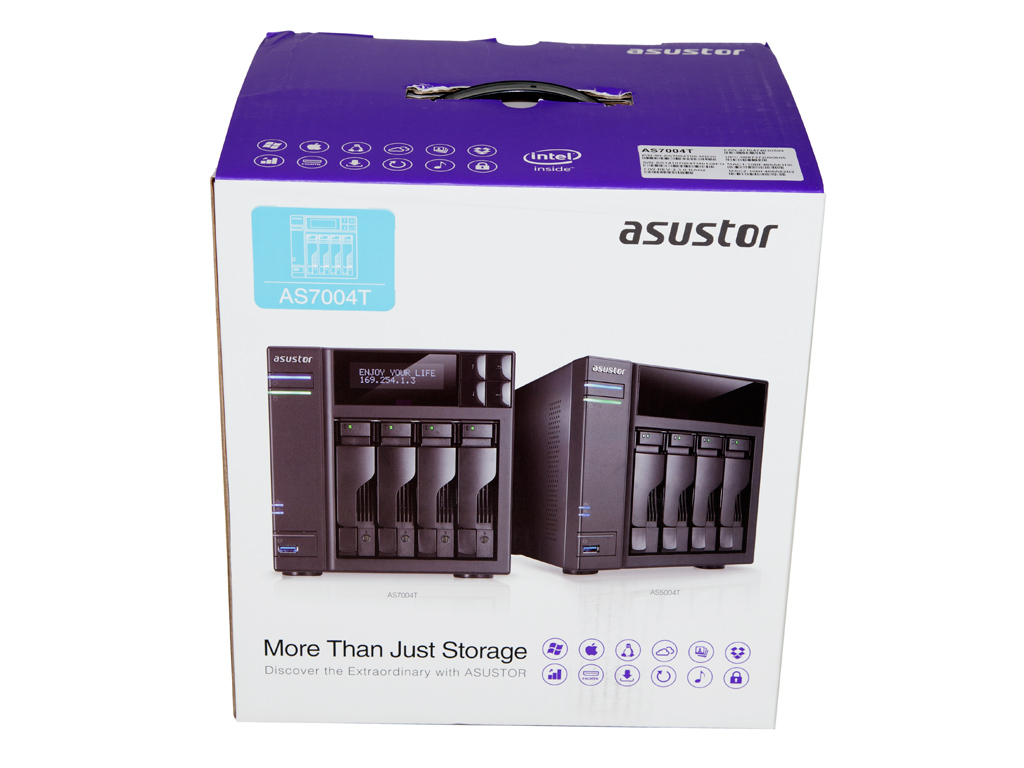
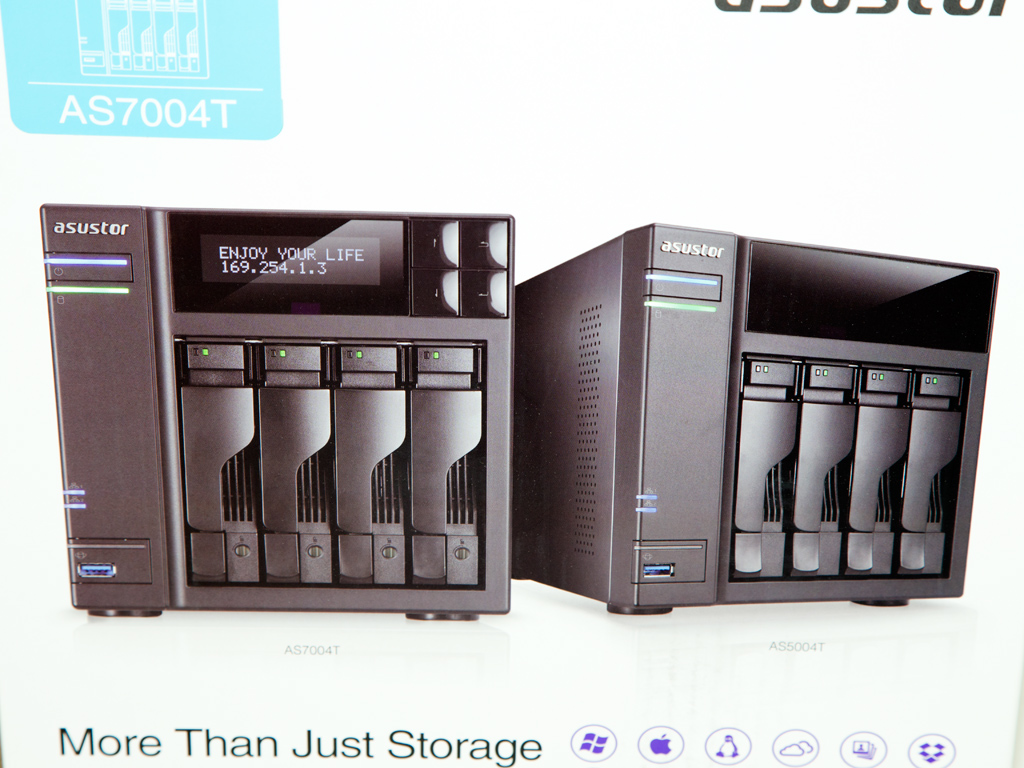

The large box is sturdy enough to efficiently protect this expensive NAS. Not one but two units are shown on the front; one with its LCD screen active. Many icons on the bottom of the front are also representative of the product's most interesting features.
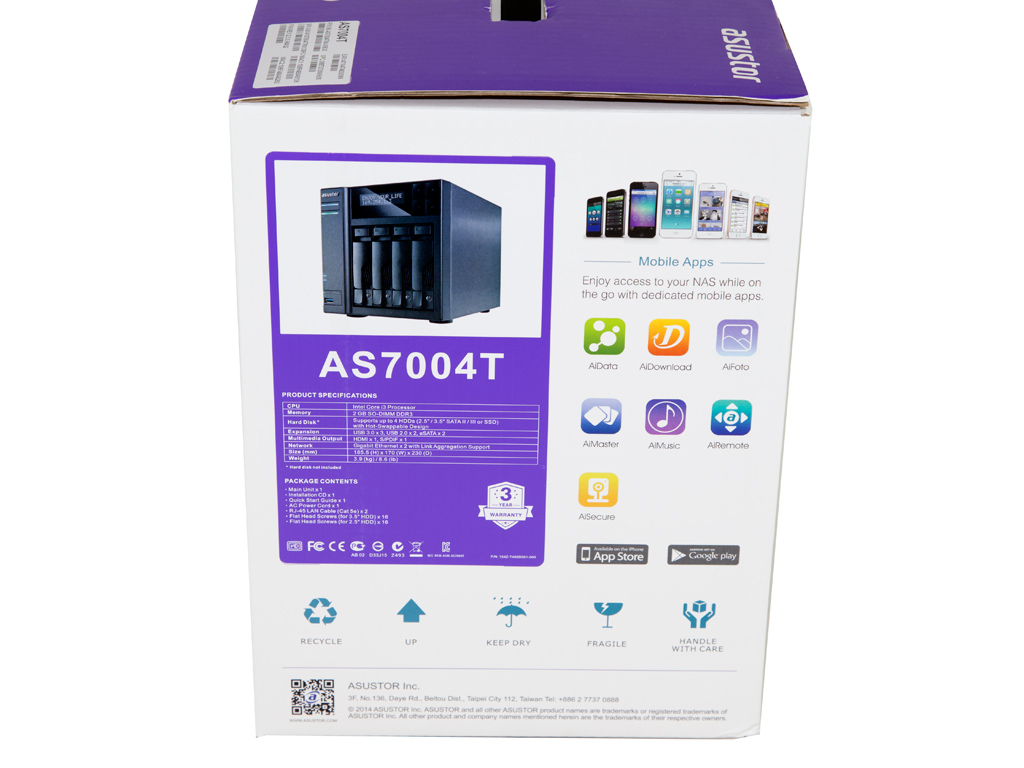
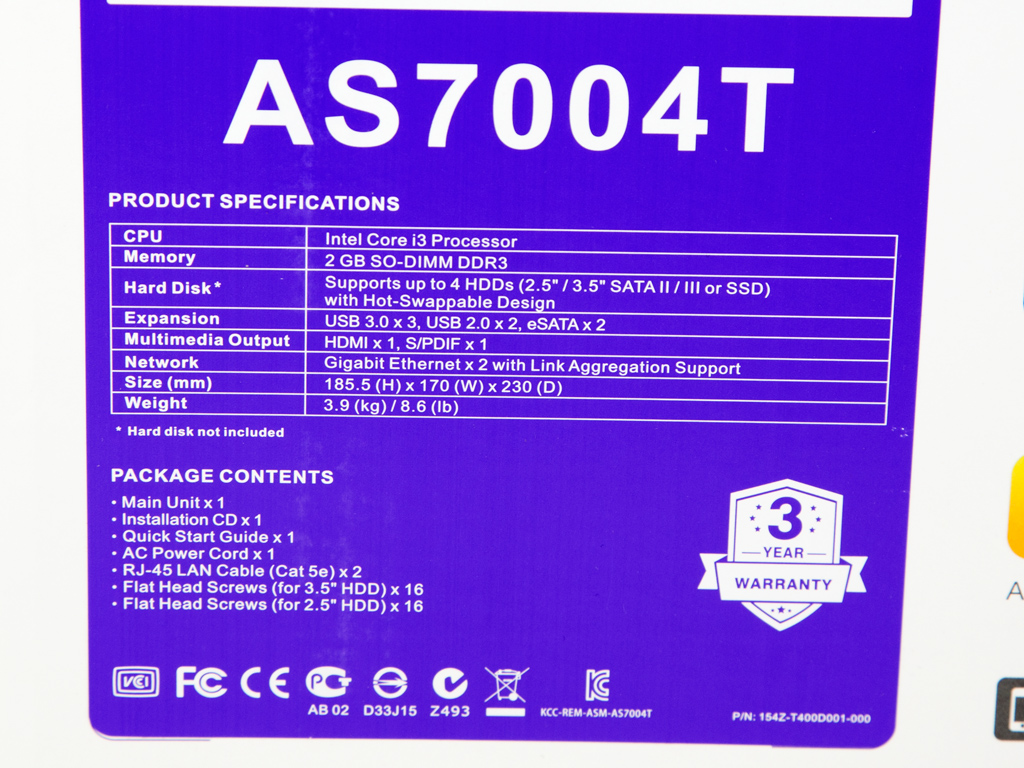
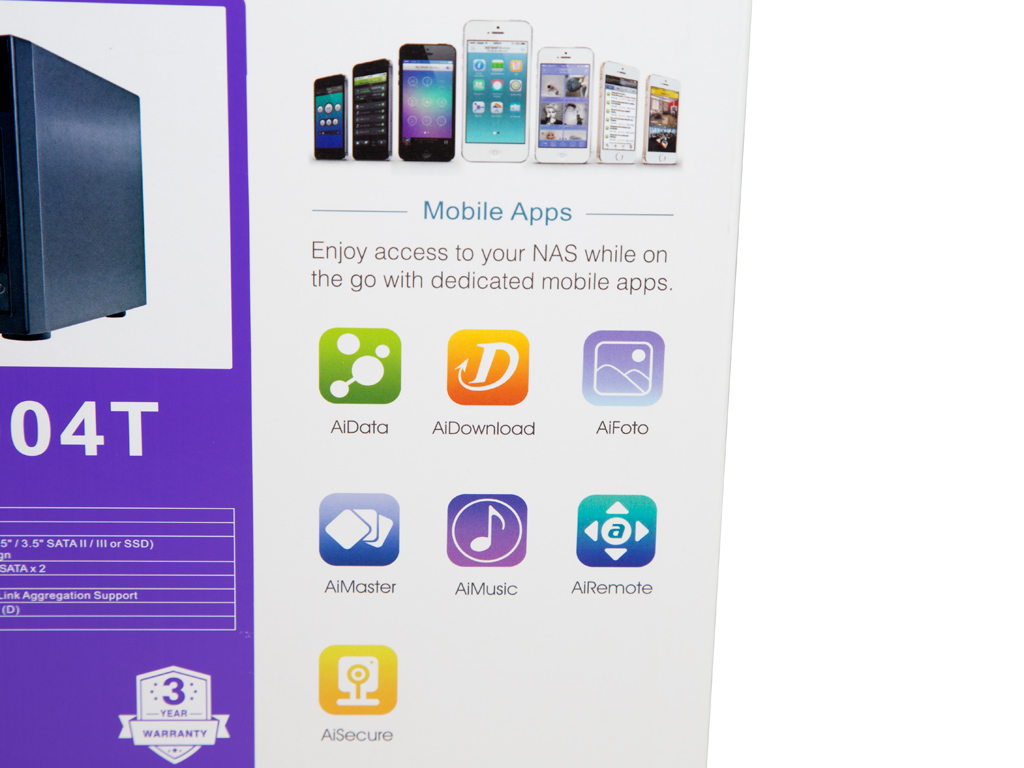
This side holds a specifications table, and right below it is a list of the contents inside. There is also a list of all compatible mobile applications.
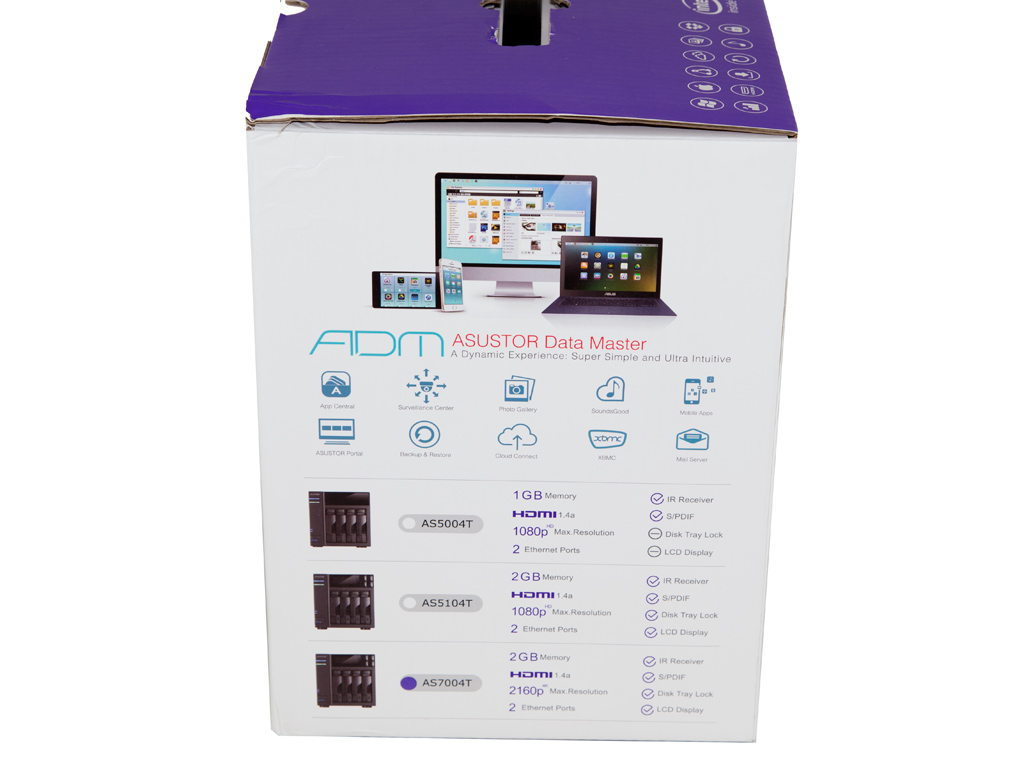

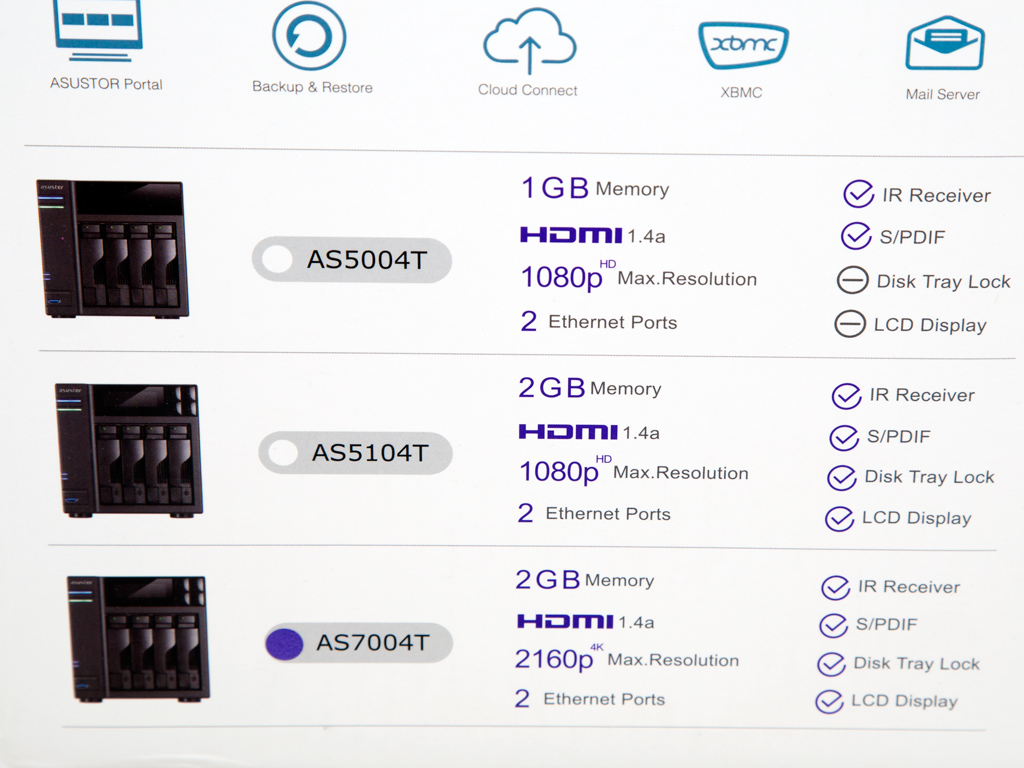
The ADM firmware is the star here, and several icons depict its main features. Along the bottom are three NAS models, and a dot next to a AS7004T shows you what is inside the box.
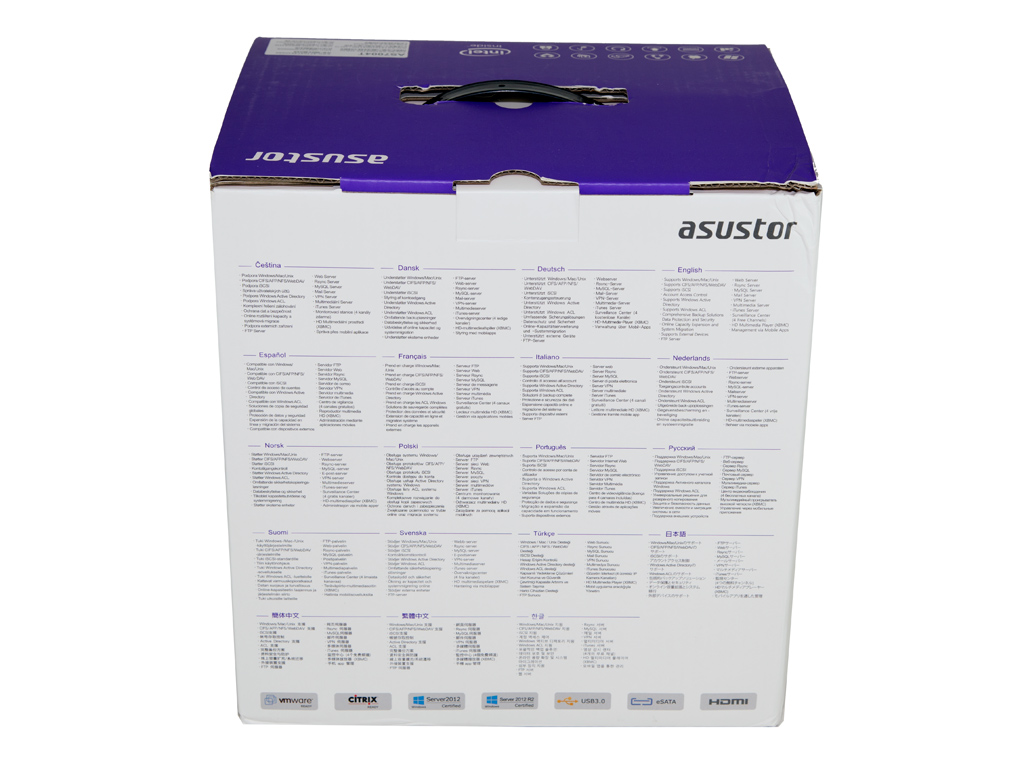
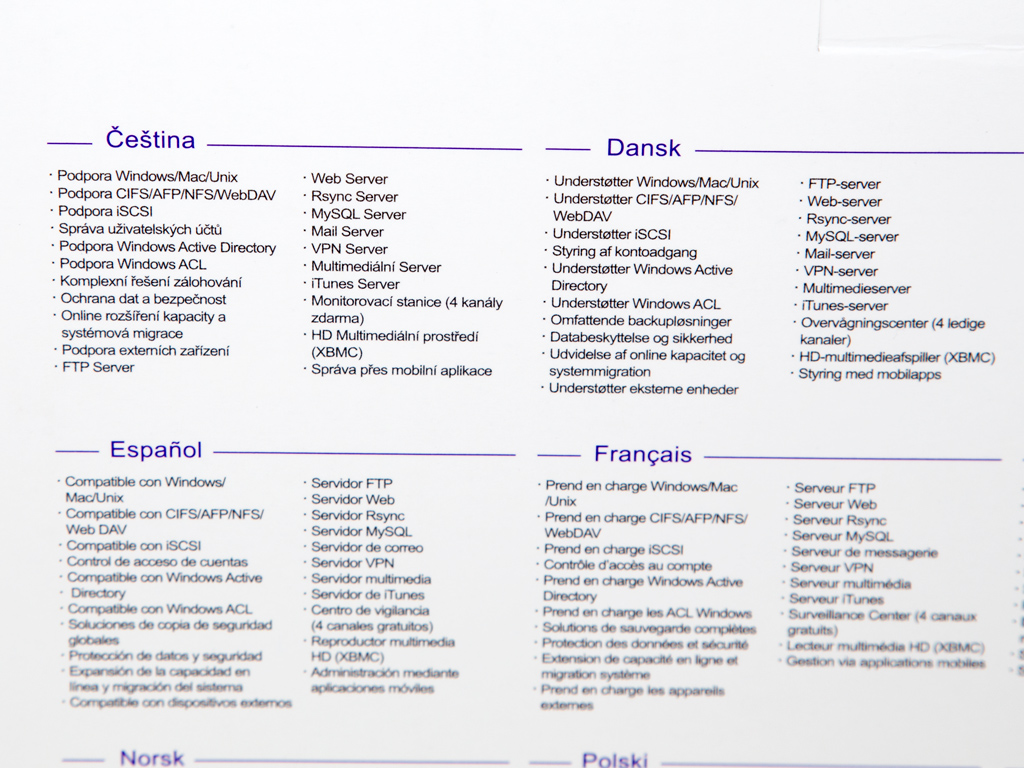
A multilingual features description can be found here.
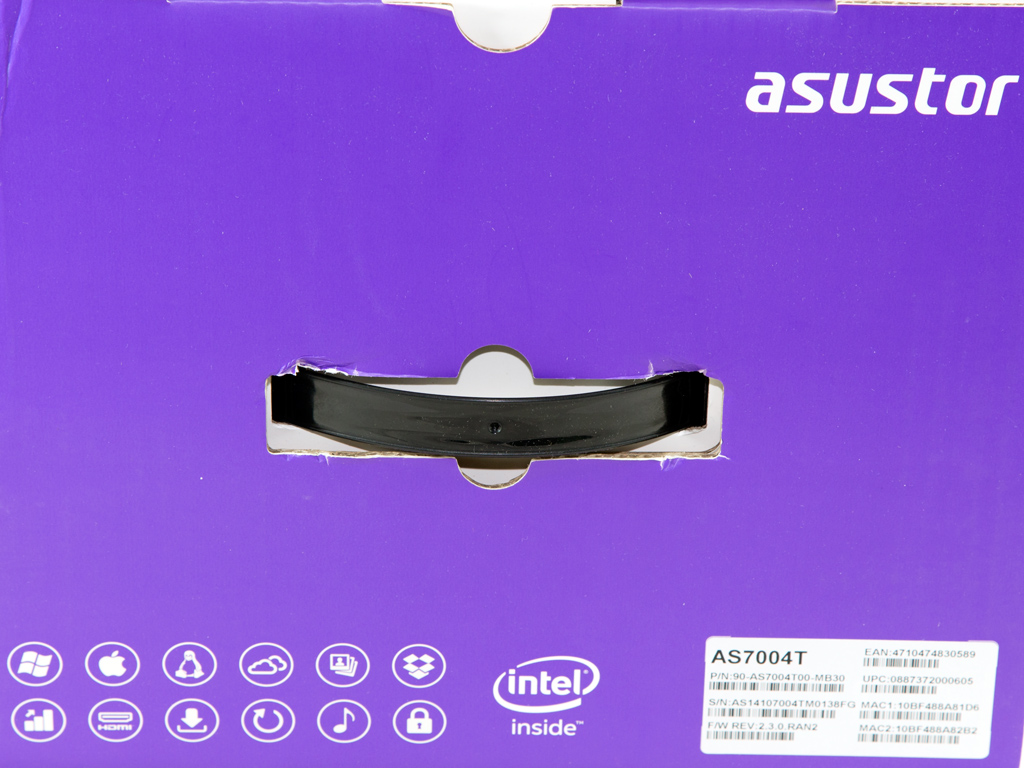
Thankfully, the box features a handle, which makes lugging it around much easier.
Contents & Bundle
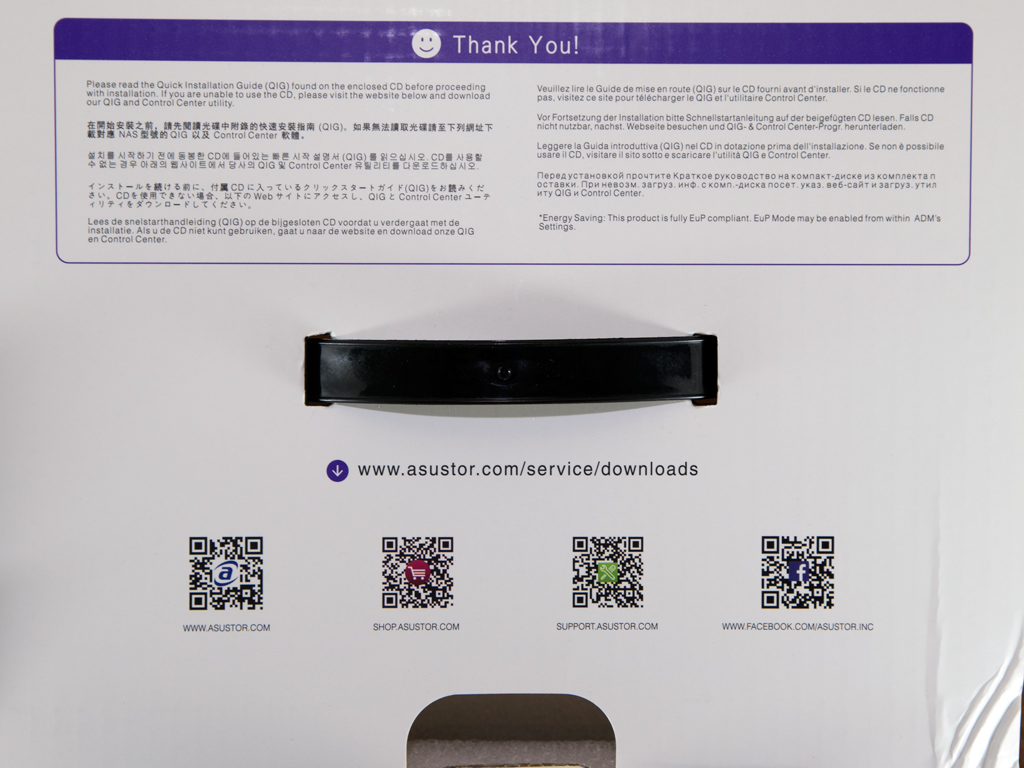
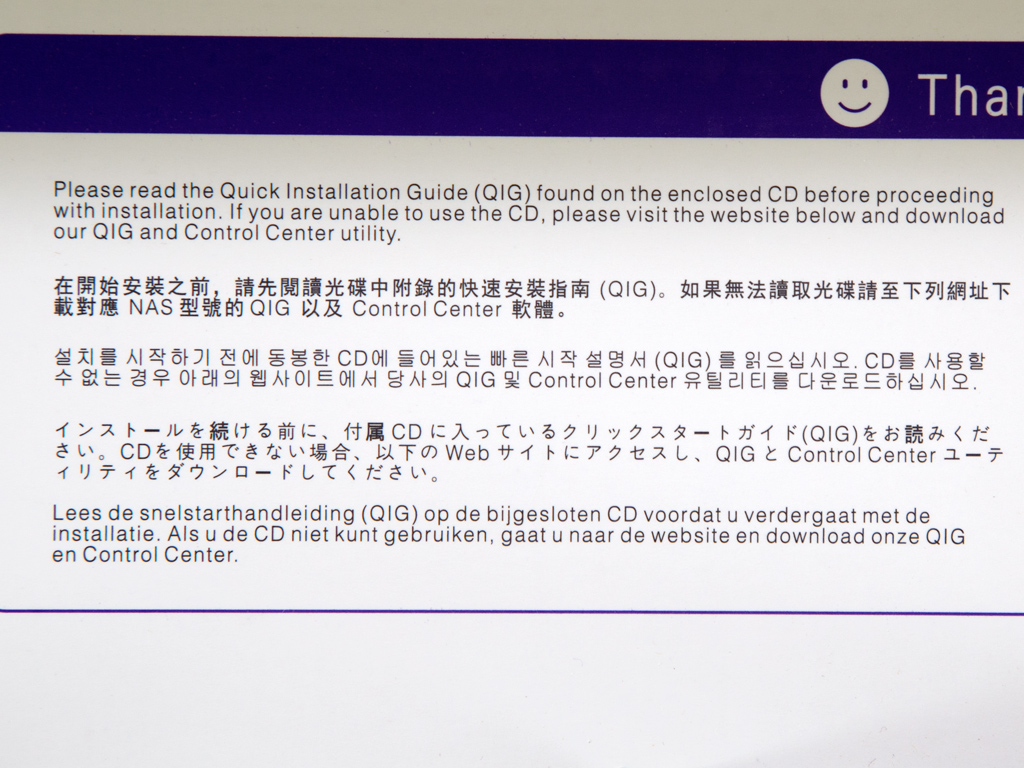
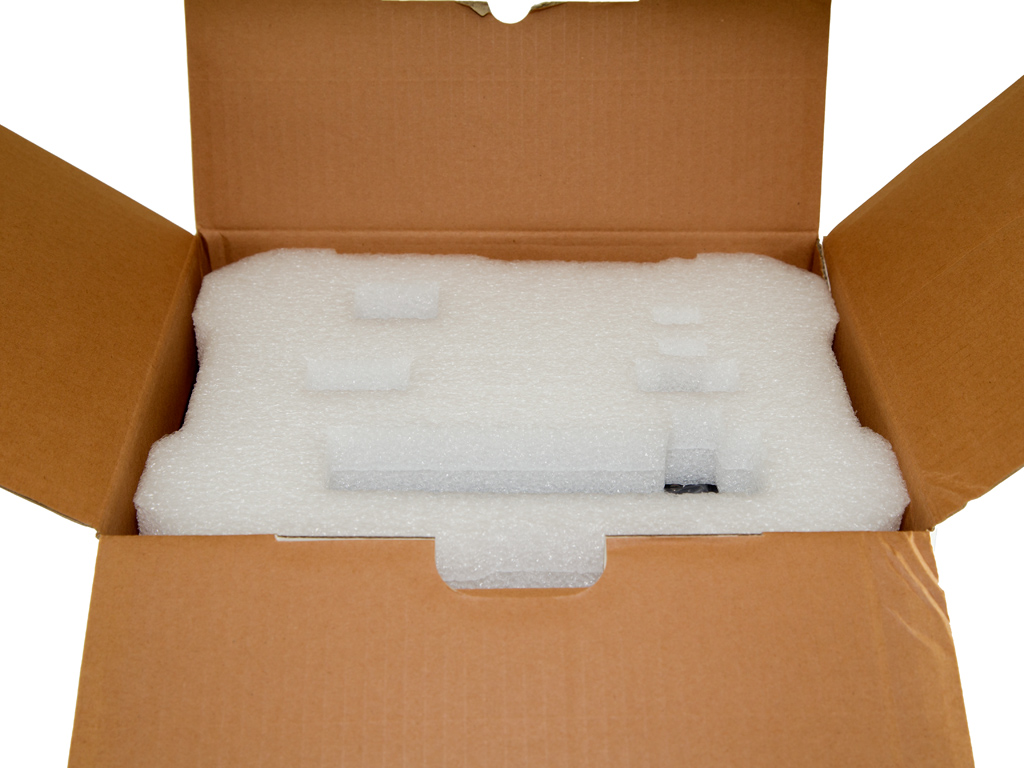
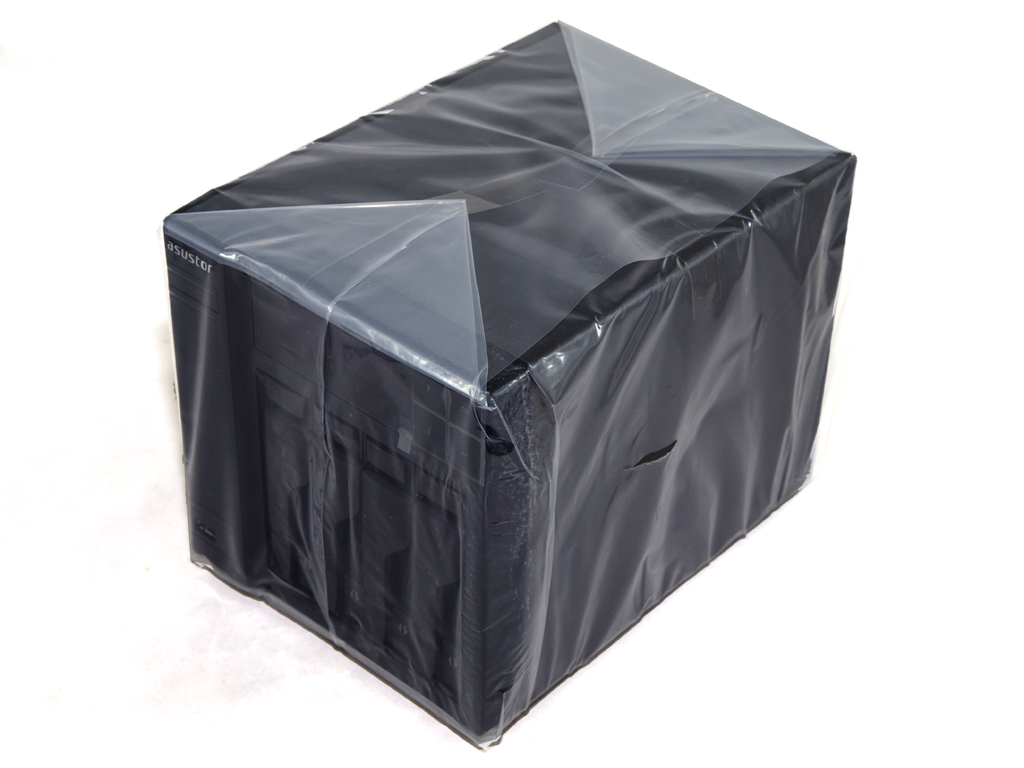
Large sheets of white packing foam protect the NAS that has also been put inside a thick plastic bag. Flip the top flap open and a welcome message prompts you to read through the quick installation guide on the bundled software disc.

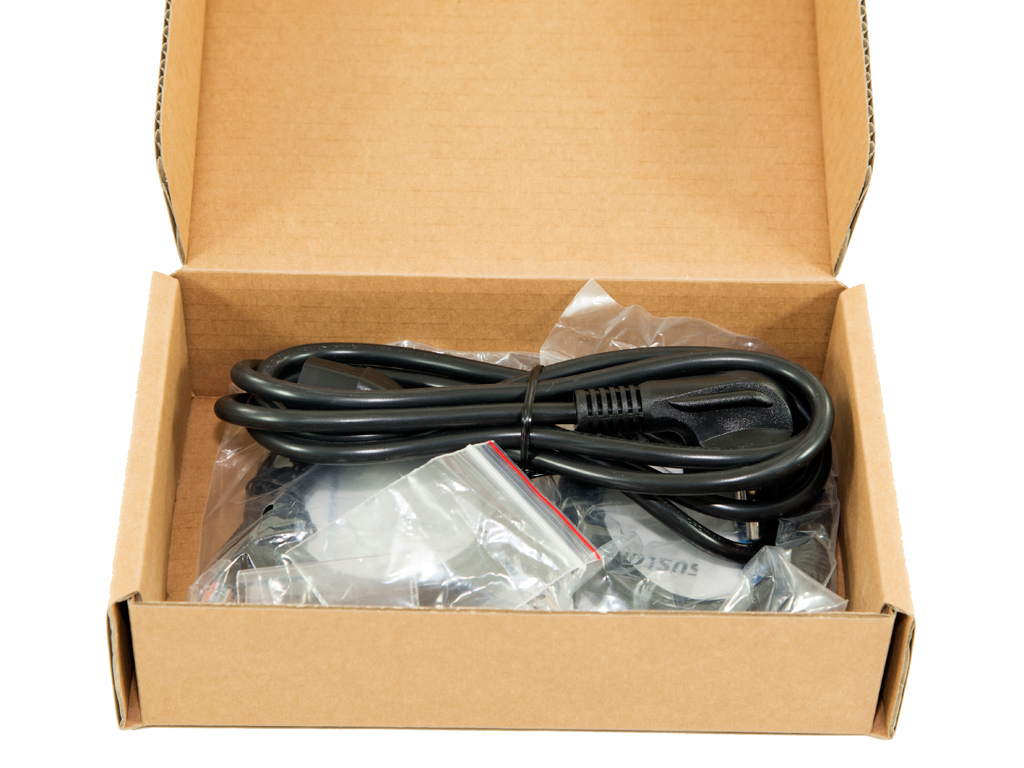
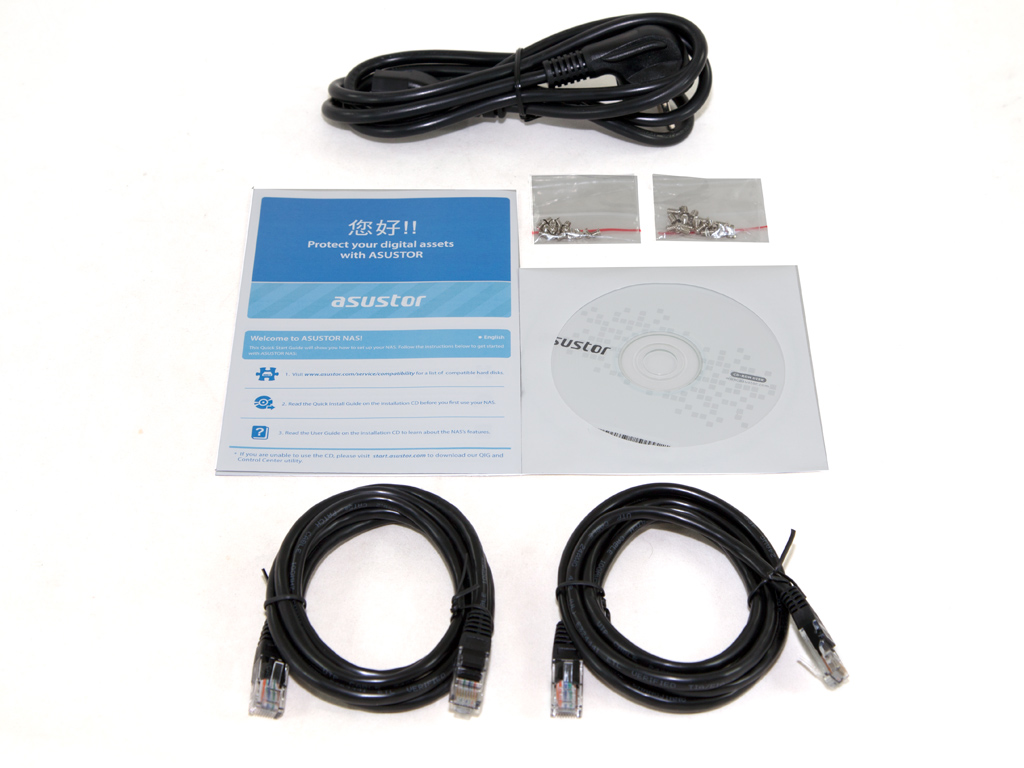
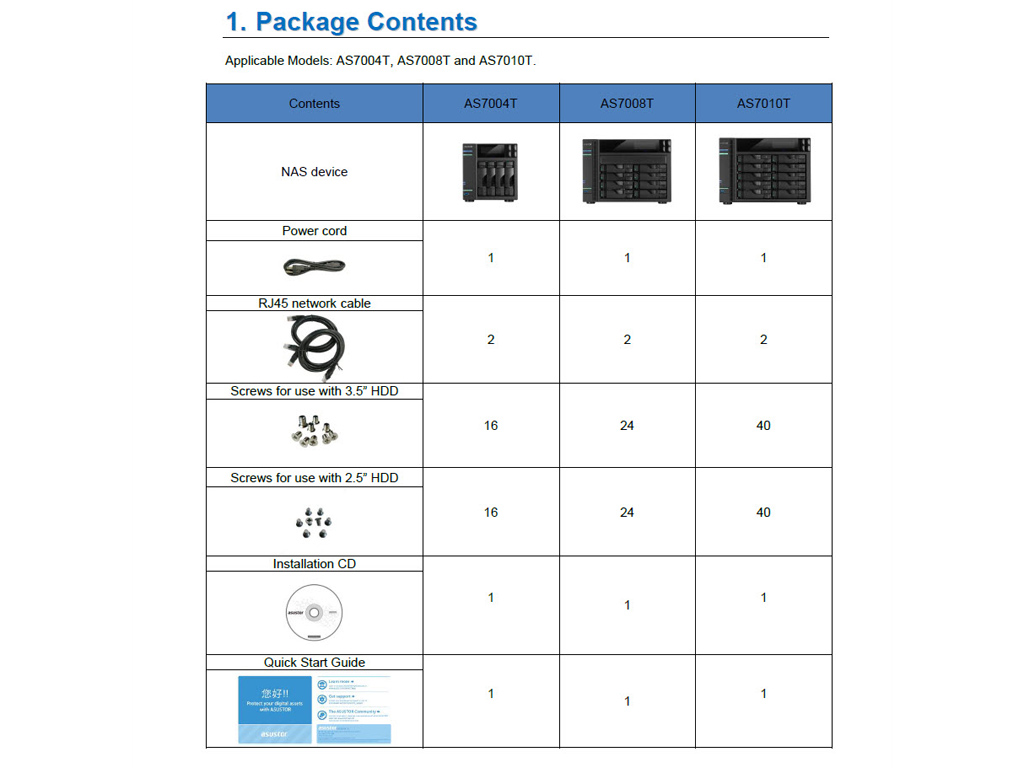
The accessories box holds two Ethernet cables, two packets of screws for HDD mounting, an AC power cord, two leaflets, and a software disc.
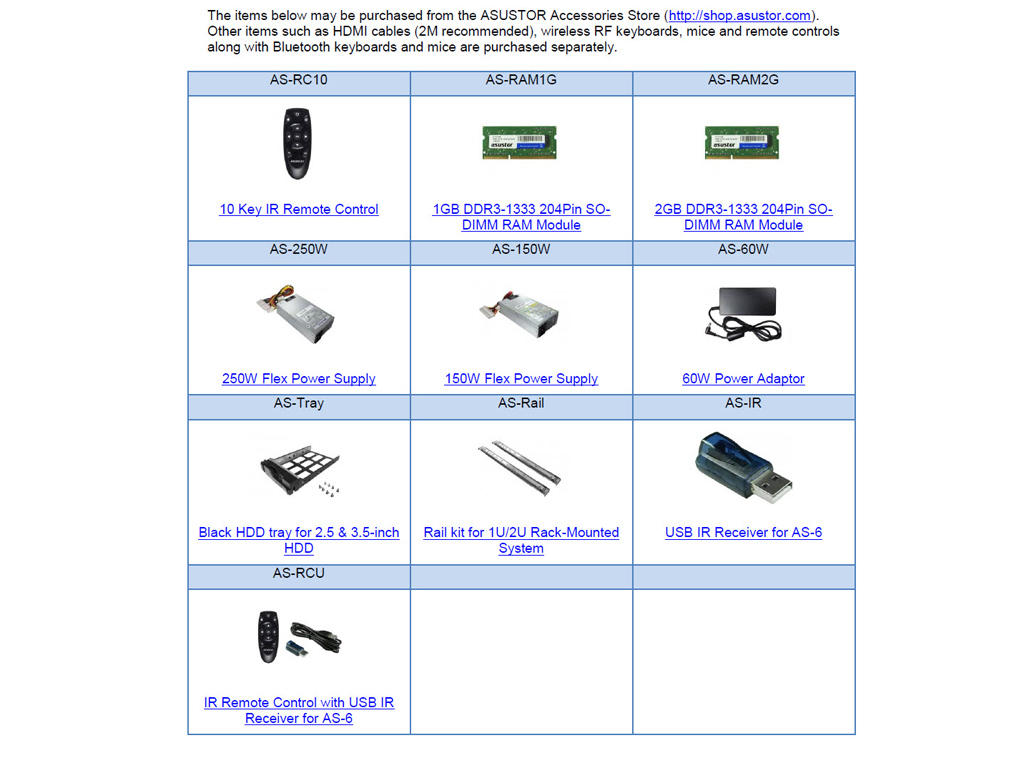
Inside the Quick Start Guide is a list of all the optional accessories you can purchase for the AS7004T.
Exterior


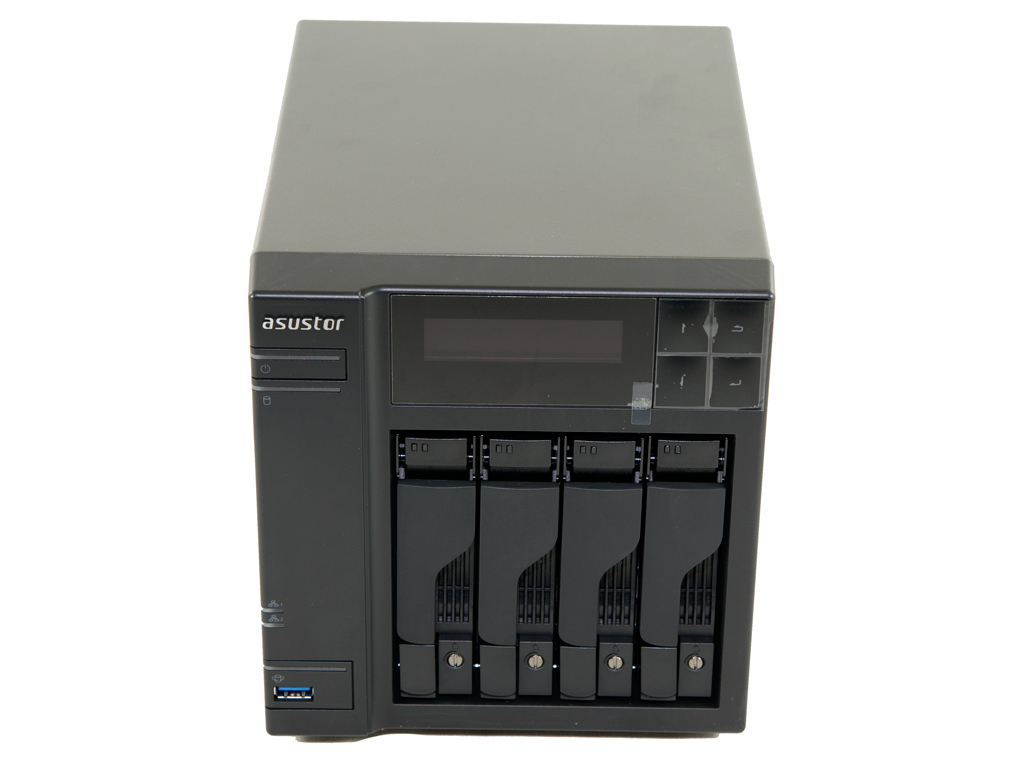
Asustor adheres to the same design guidelines with most of their products, and an untrained eye will easily confuse Asustor and QNAP products. There are external differences between their high-end servers, but their overall design uses the same pattern of a greyish, metallic top and side cover, and there is the black front panel with its LCD screen. The Asustor AS7004T's external build quality is great, and the finish on its metallic part looks and feels good.
At the front are two buttons: one is the on/off switch and the other the copy button so particular to NAS servers. You can make the "power" button put the NAS to sleep, or have the unit shut down completely after pushing it down for 1.5 seconds. In the bottom-left corner are the copy button and a USB 3.0 port.
ADM provides you with many options for the copy button's functionality, which is nice if you want a fast backup option to and from an external drive. It was also about time a manufacturer chose to install a USB 3.0 port at the face of a NAS instead of the rear since such a port also greatly boosts usability. The removable trays (or caddies) don't feature any locks, which may sound strange to some administrators since this NAS is mostly for business-centric environments where physical data protection is an essential feature.


A description of all LED indicators can be found in the Quick Installation Guide.

The two-line LCD screen displays useful information about the state of the NAS, and it deactivates automatically once the boot-up phase completes to conserve energy. You can also set it to show custom texts or the local temperature. Four buttons next to the screen allow you to check on various states or perform some basic administrative tasks.

Only one of two sides features ventilation holes, which is something it has common with QNAP's servers.


The small fan in the rear cools the PSU down, while the larger fan cools the NAS. There are many I/O connectors in the rear, including two USB 3.0 and 2.0 ports, each, two eSATA ports, and an HDMI and S/PDIF port. There are also two Gigabit Ethernet ports, a common feature among high-end NAS servers; some even feature four such ports.


The bottom comes with four removable rubber feet.


The trays can easily be removed; you just have to push a button along the bottom.

This server's trays don't feature locks, but a simple mechanism secures them in place, and it only takes a flat-headed screwdriver to do so. Since this is mostly a business-centric NAS, we would have liked actual locks on these trays to enhance overall physical security.


The trays are metallic and of very good quality. They can hold either 3.5" and 2.5" drives, and all the necessary screws to do so have been included.
A Look Inside
It's time now to strip this NAS down to unearth what components it hides inside its casing.
Removing the one-piece top and side panel is very easy since you only have to remove three screws, which would make upgrading the RAM total a breeze without risk of voiding the warranty since Asustor meant users to be able to upgrade the amount of RAM on their own.
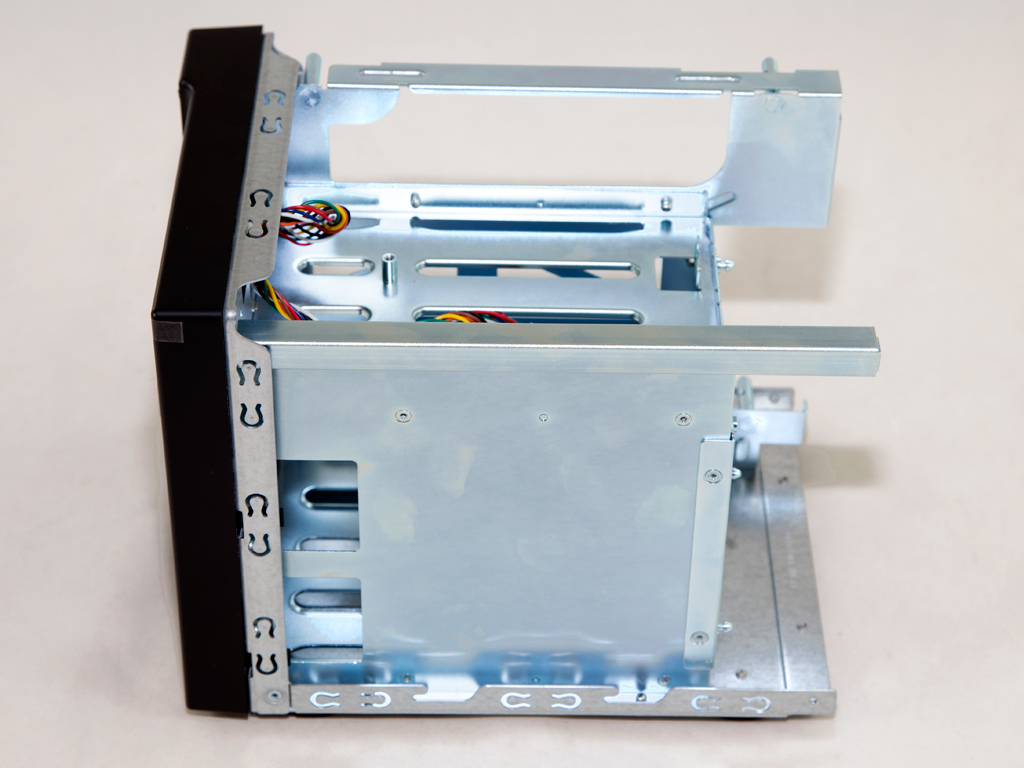
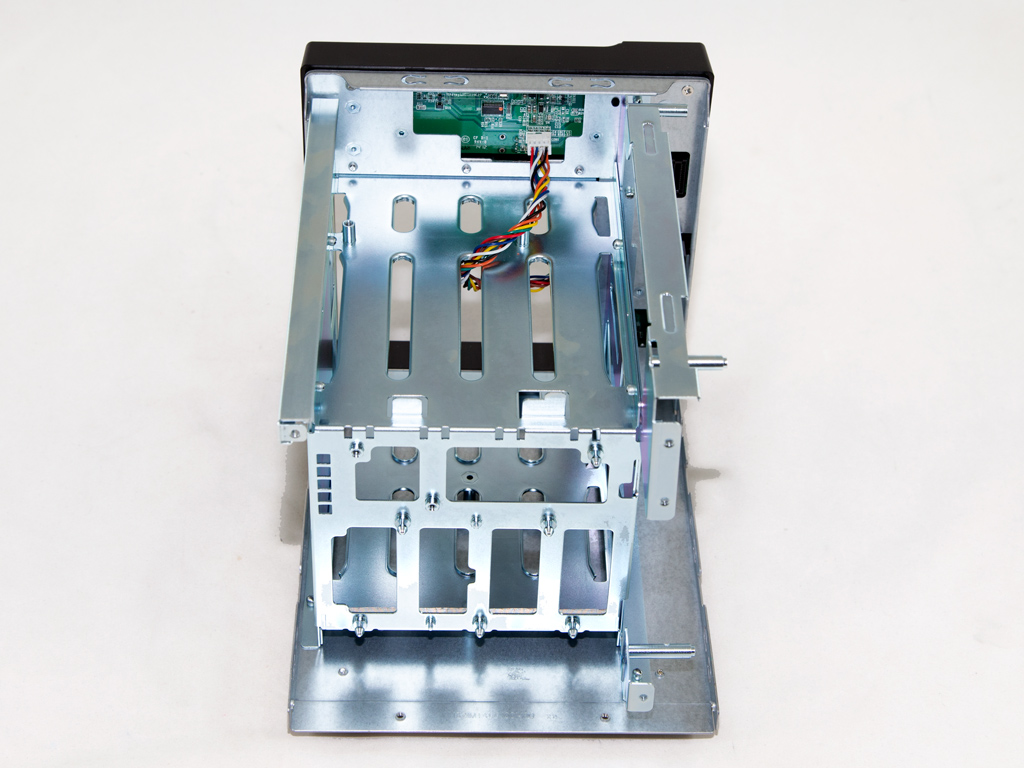
Like on all Asustor NAS units we have reviewed so far, the chassis is made out of metal, and it is rock solid.
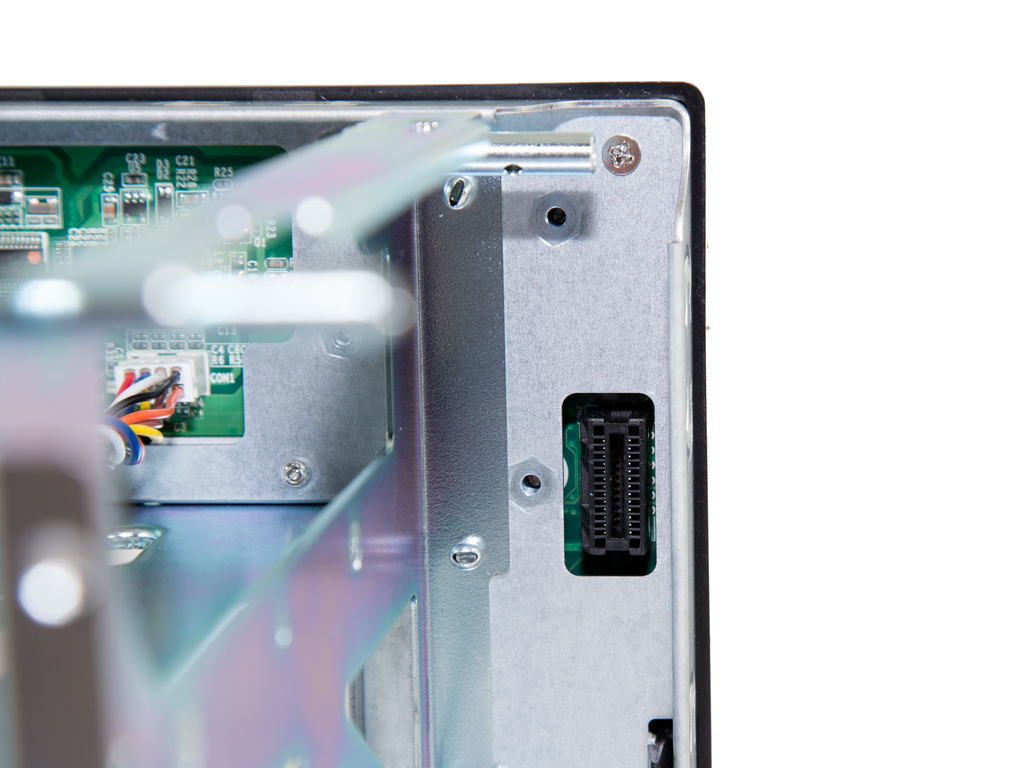
The USB 3.0 port in the front communicates with the mainboard through this connector.
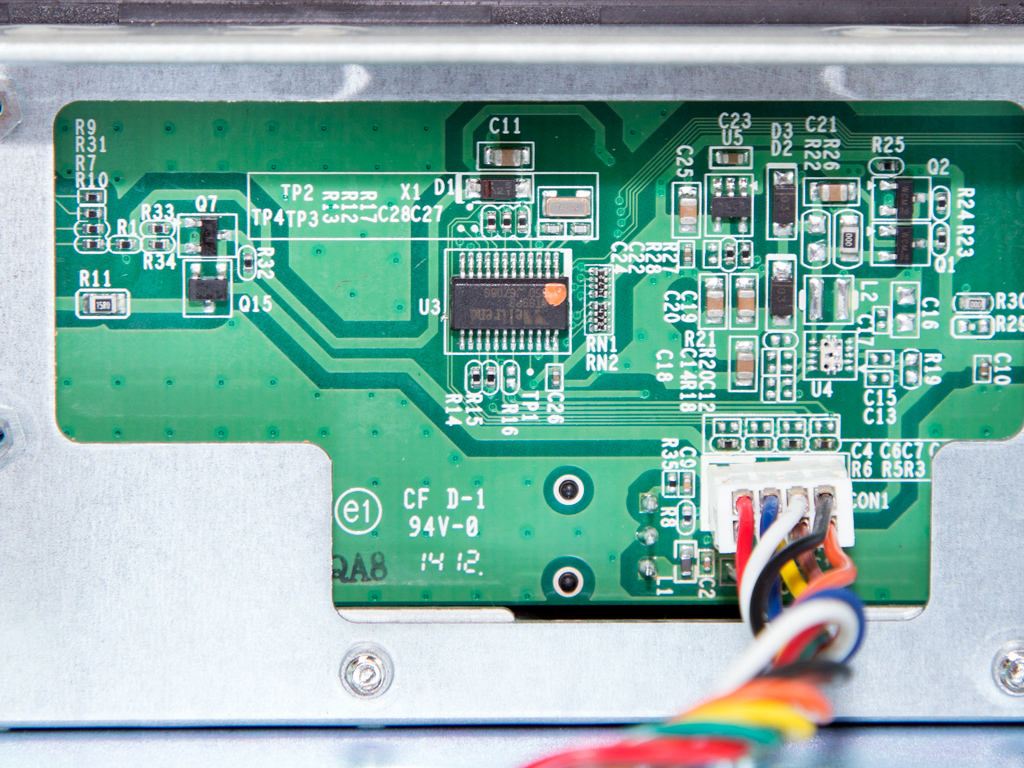
The LCD screen utilizes a Weltrend WT69P3 IC.
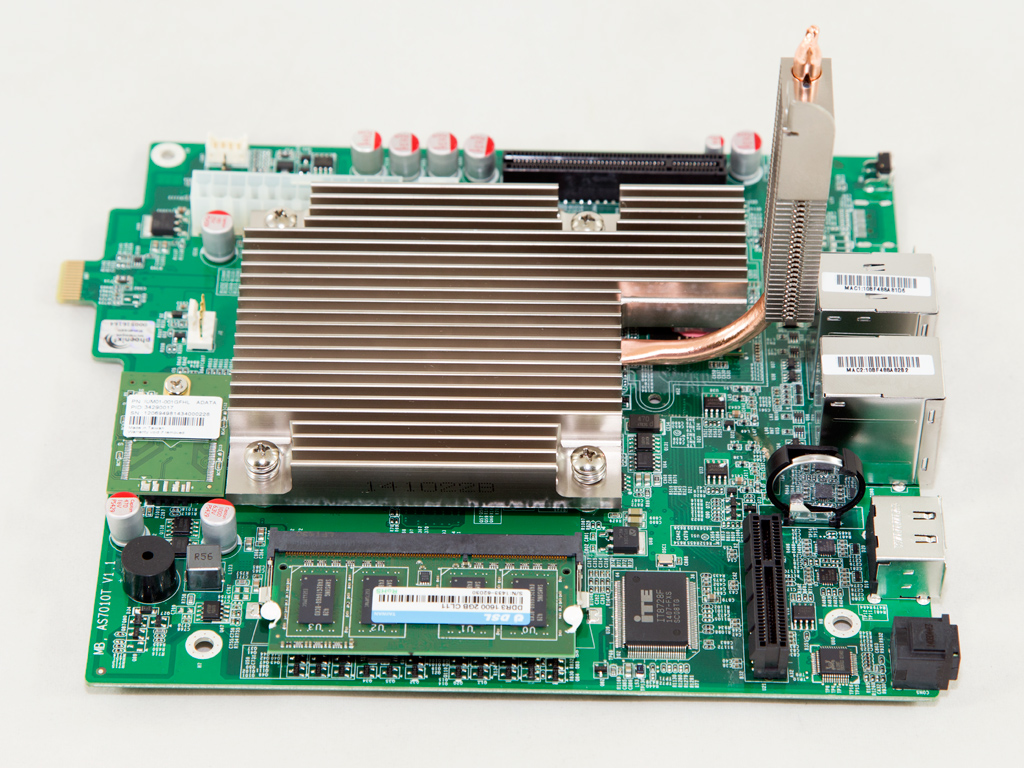

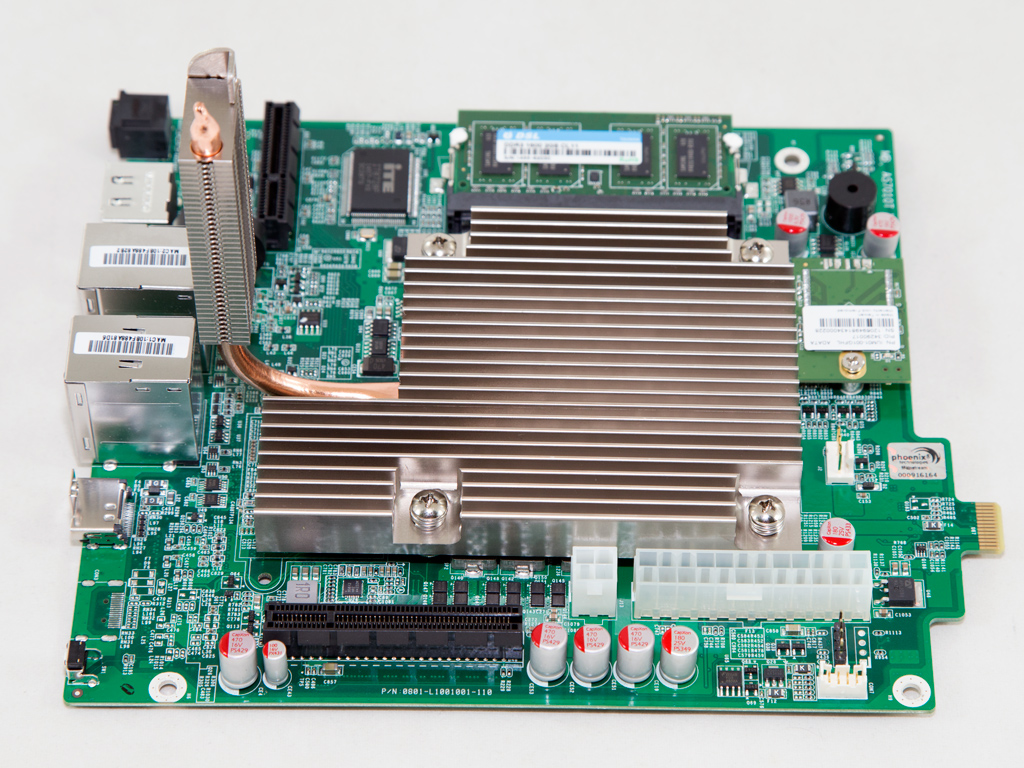

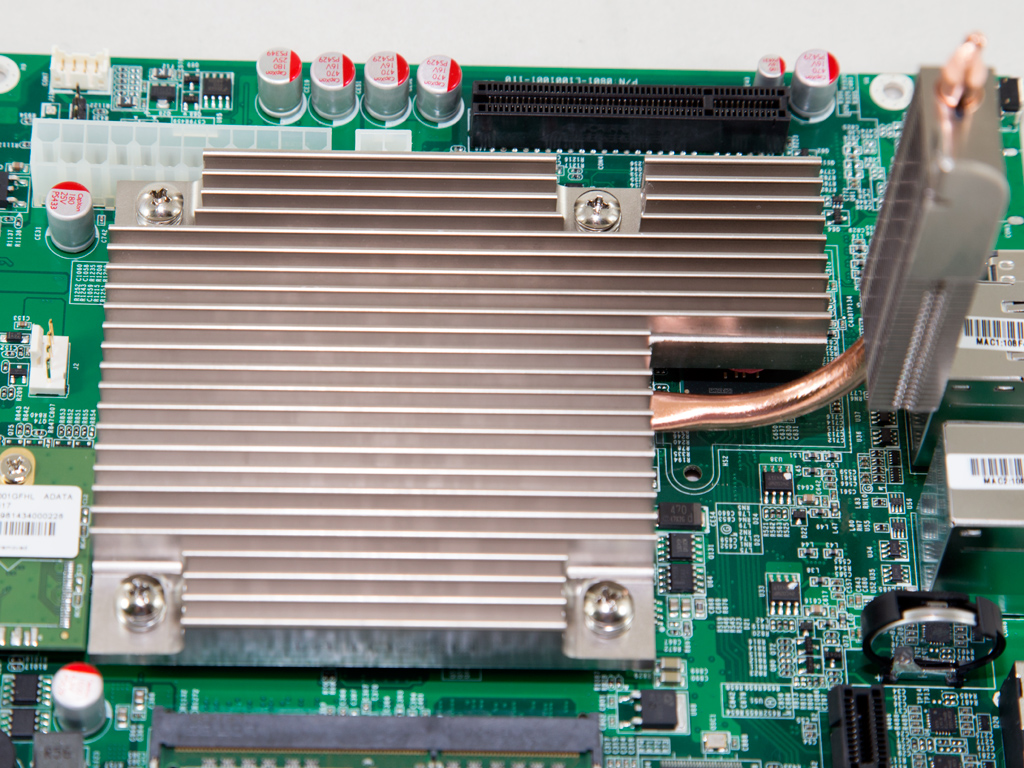
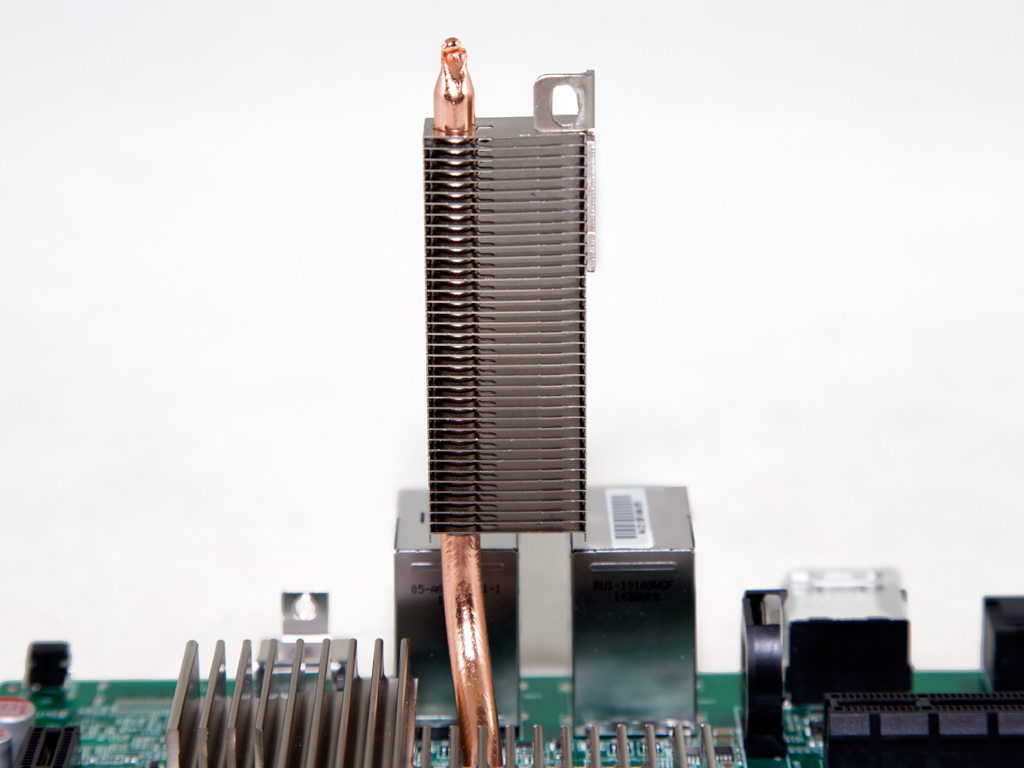
The mainboard is small and the CPU and chipset are cooled by a massive passive heatsink; it plays a key role in keeping noise output at a minimum.


This empty RAM slot is on the solder side of the mainboard; it'll be used should you want to upgrade your RAM total. However, you will have to void the warranty for an upgrade to 8 GB or more since you will have to completely remove the mainboard in order to access the slots on the component side.
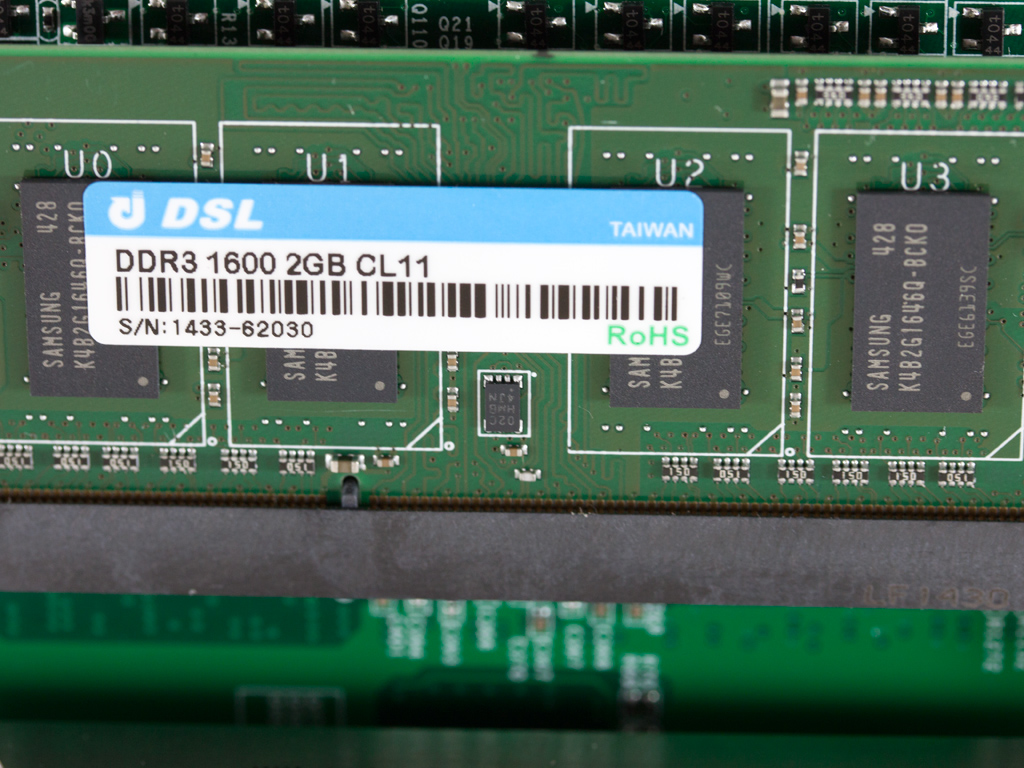
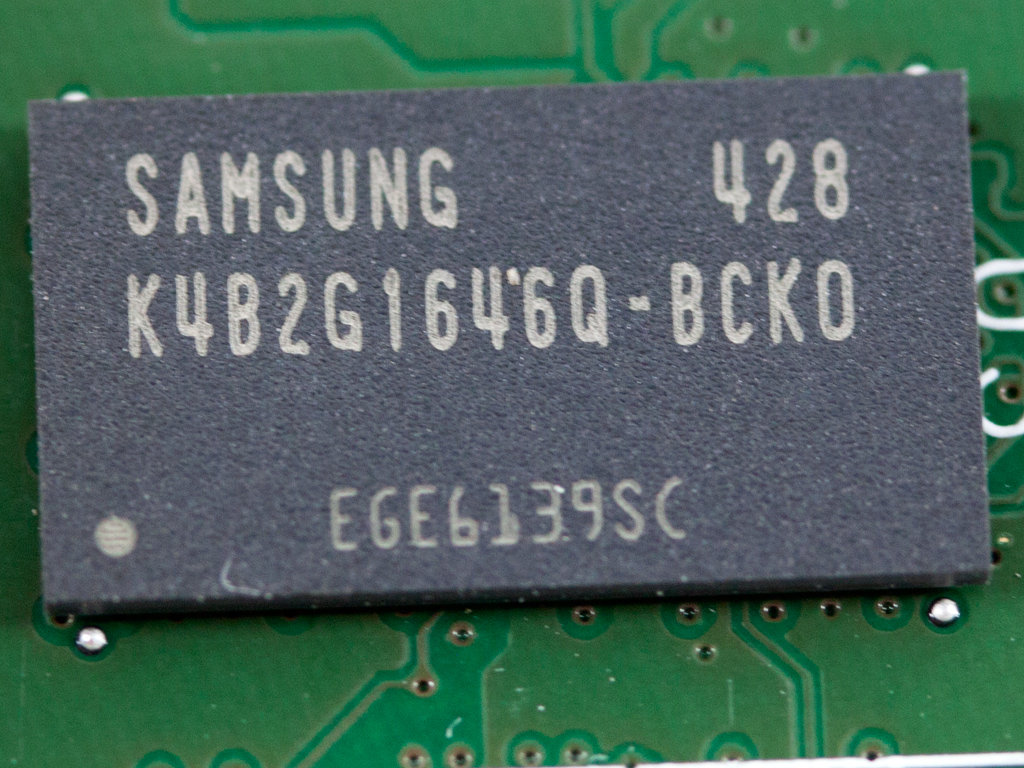
A 2 GB 1600 MHz DDR3 memory module with Samsung chips has been installed into one of two available RAM slots.
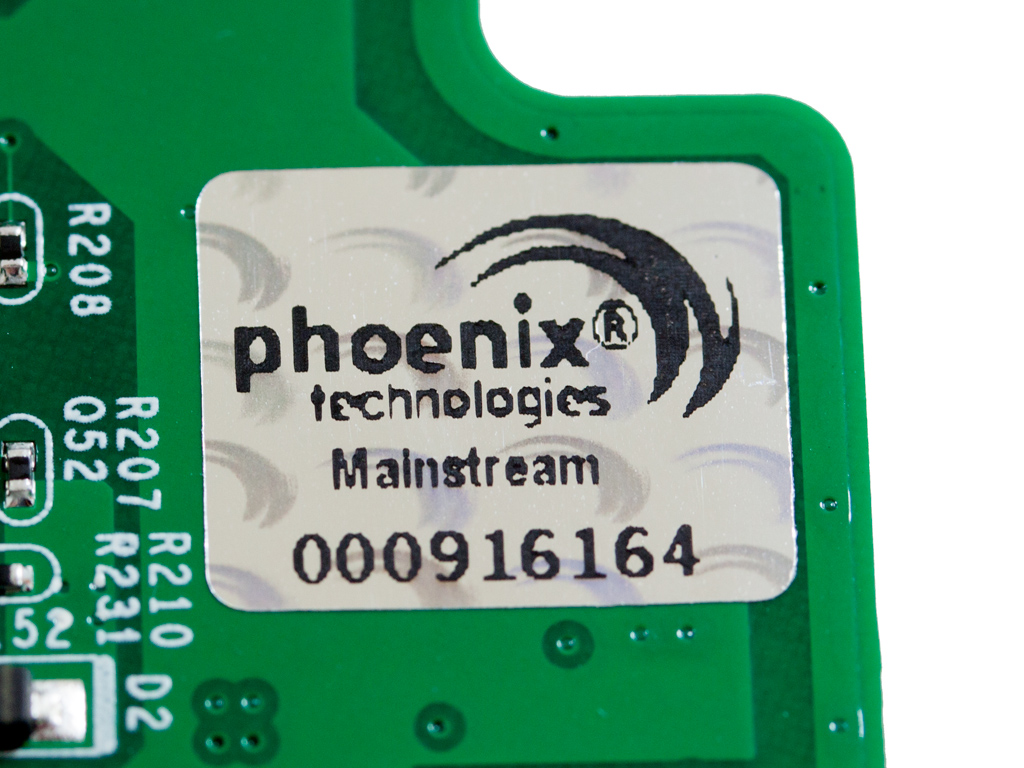
The mainboard uses Phoenix's BIOS.
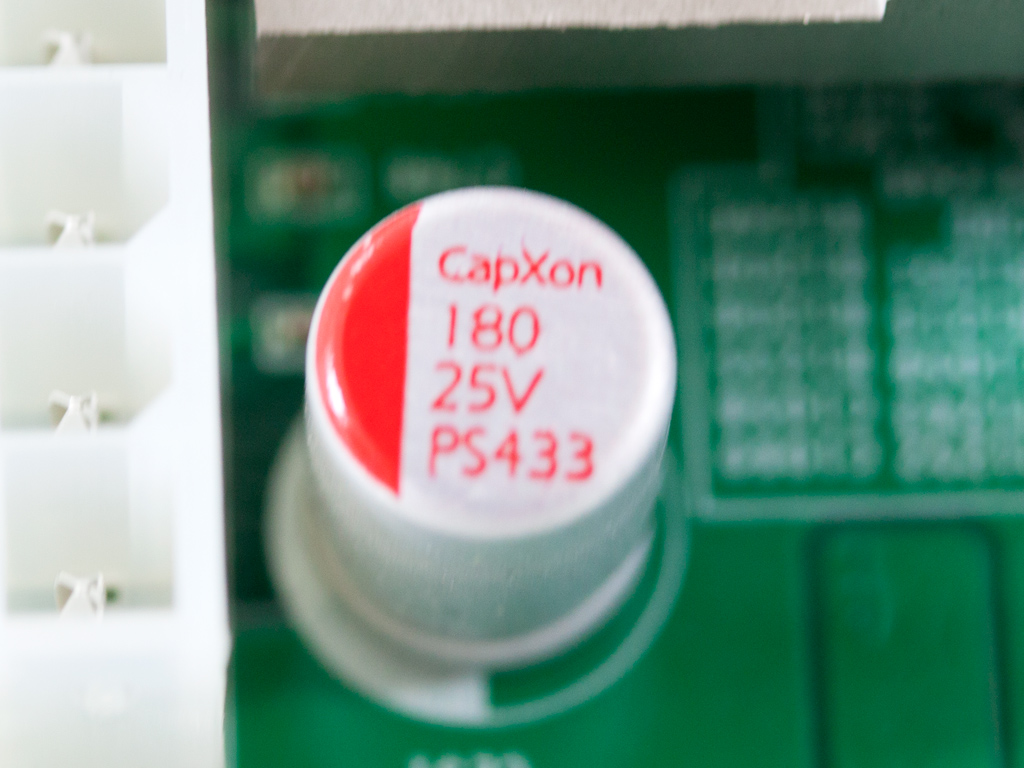
CapXon polymer caps are used on the mainboard. These are not our favorite cap choice, but they will last for a long time because they are polymers.
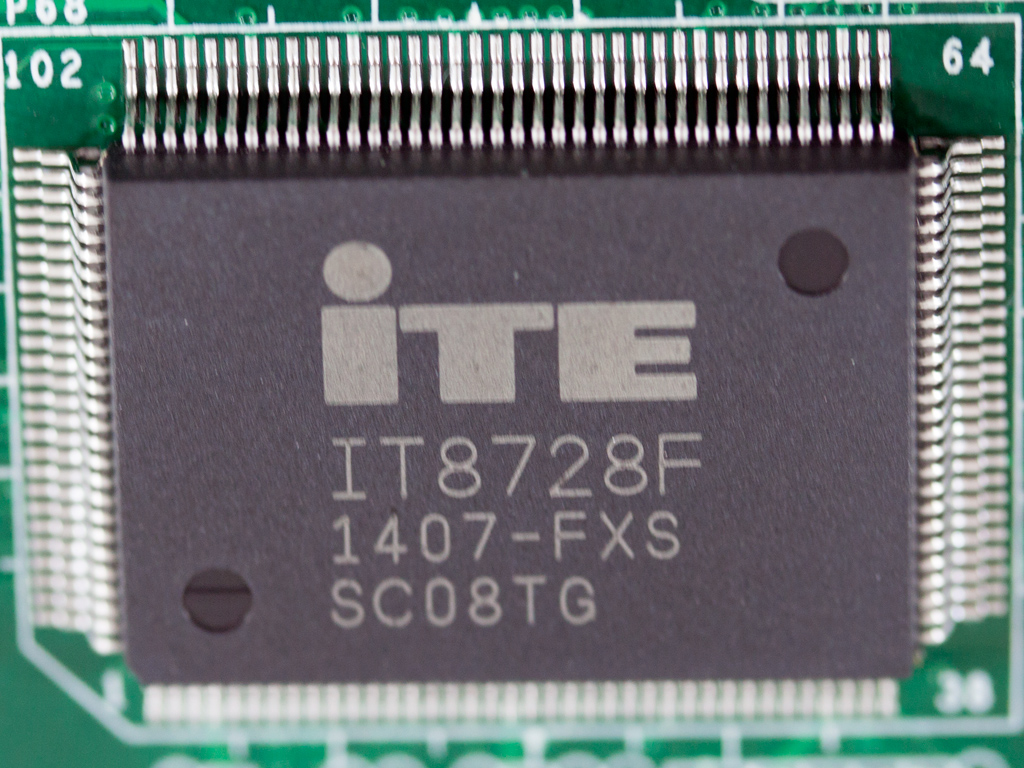
The monitoring IC is the same as in Asustor's AS-60xT series, an ITE IT8728F.
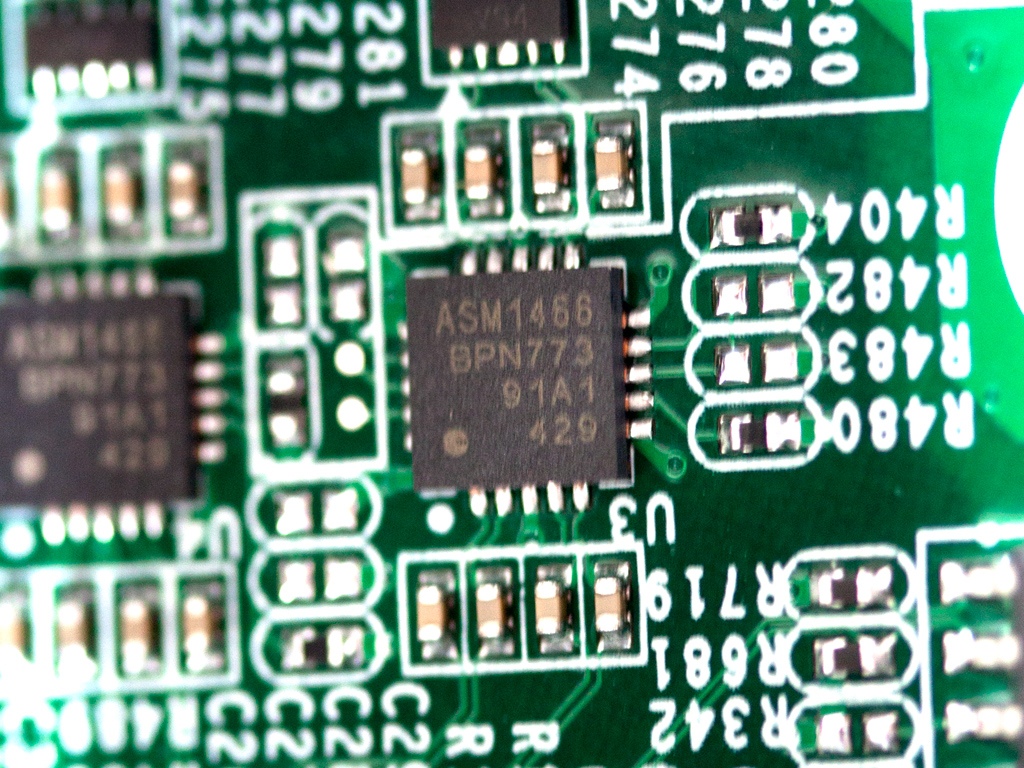
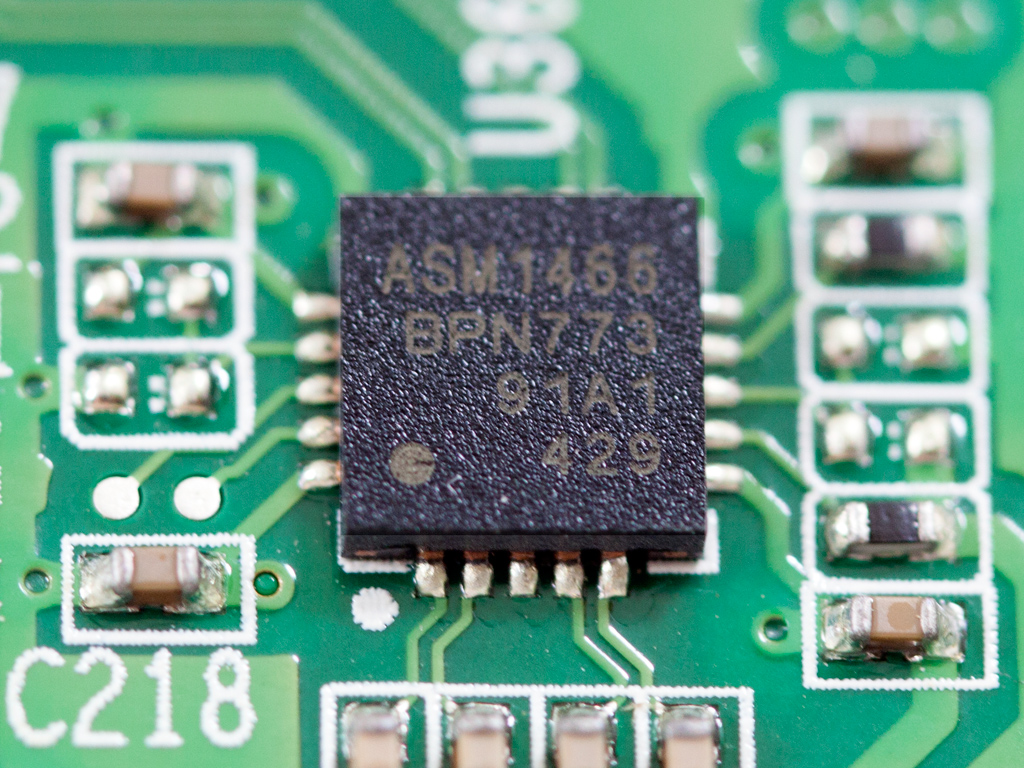
On the mainboard are a pair of ASMedia ASM1466 Serial ATA repeaters that can provide a bandwidth of up to 6 Gbps; these also handle the two eSATA ports. We found two more on the PCIe SATA expansion card.

The two Gigabit Ethernet ports are controlled by two Broadcom BCM57781 ICs.
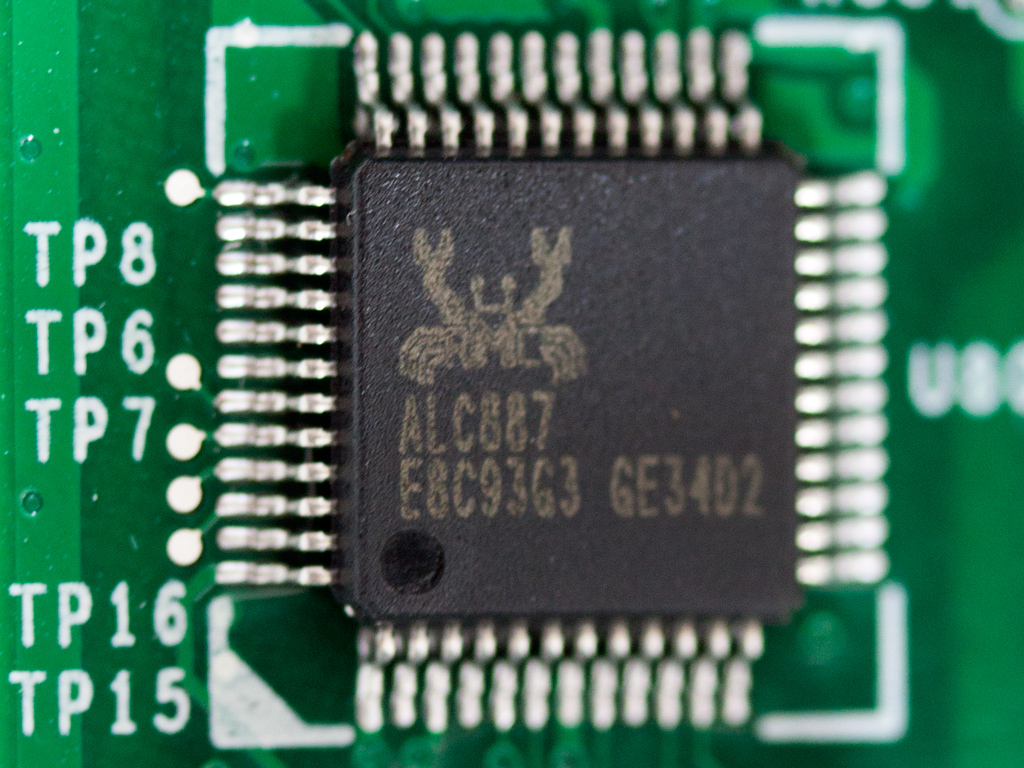
The audio codec IC by Realtek is an ALC887. It supports 7.1 channel HD audio with up to two independent SPDIF outputs; however, the AS7004T only has one.

An Anpec APL1084 adjustable regulator is used on the mainboard. This IC can deliver up to 5 A of current.
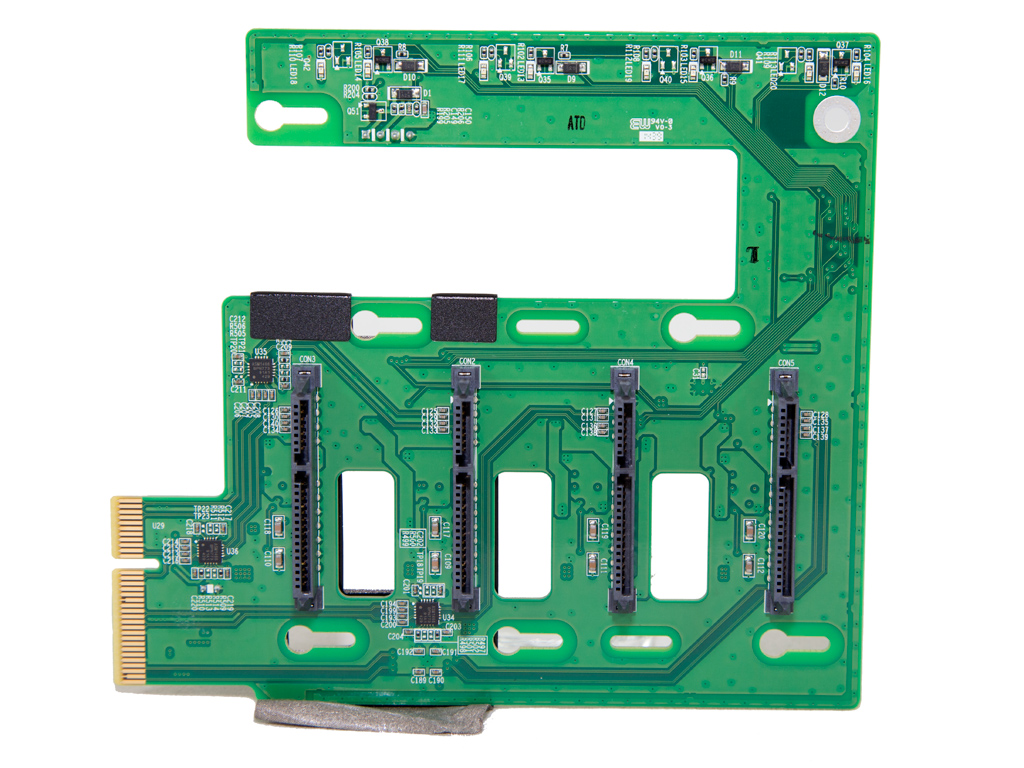
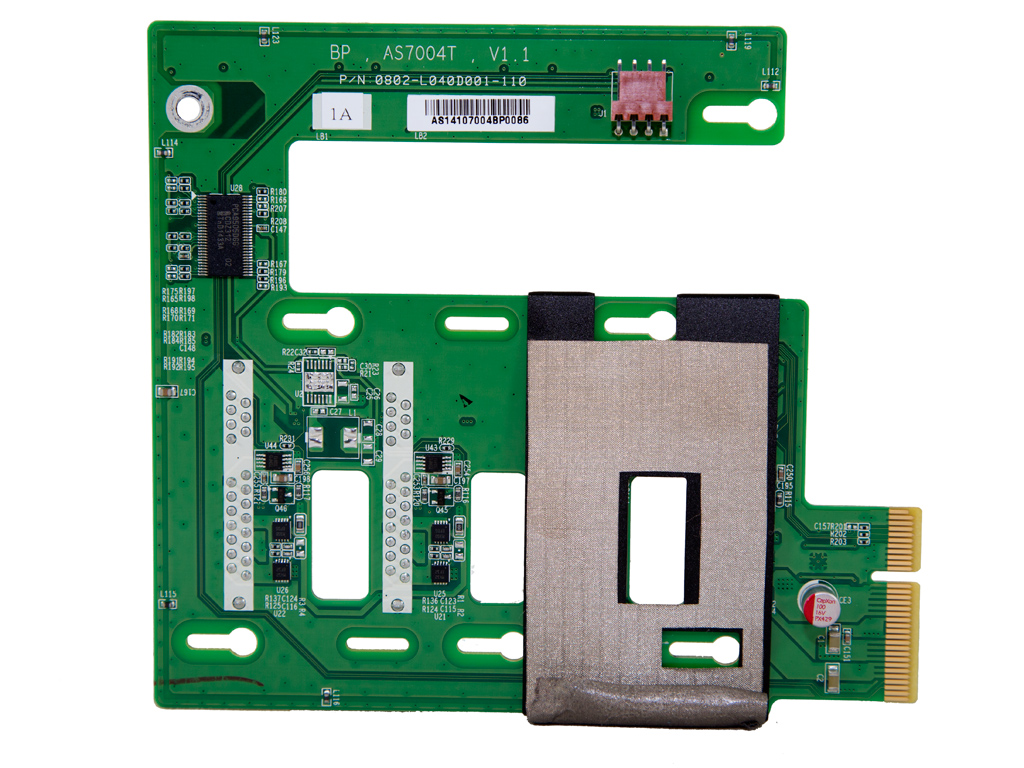
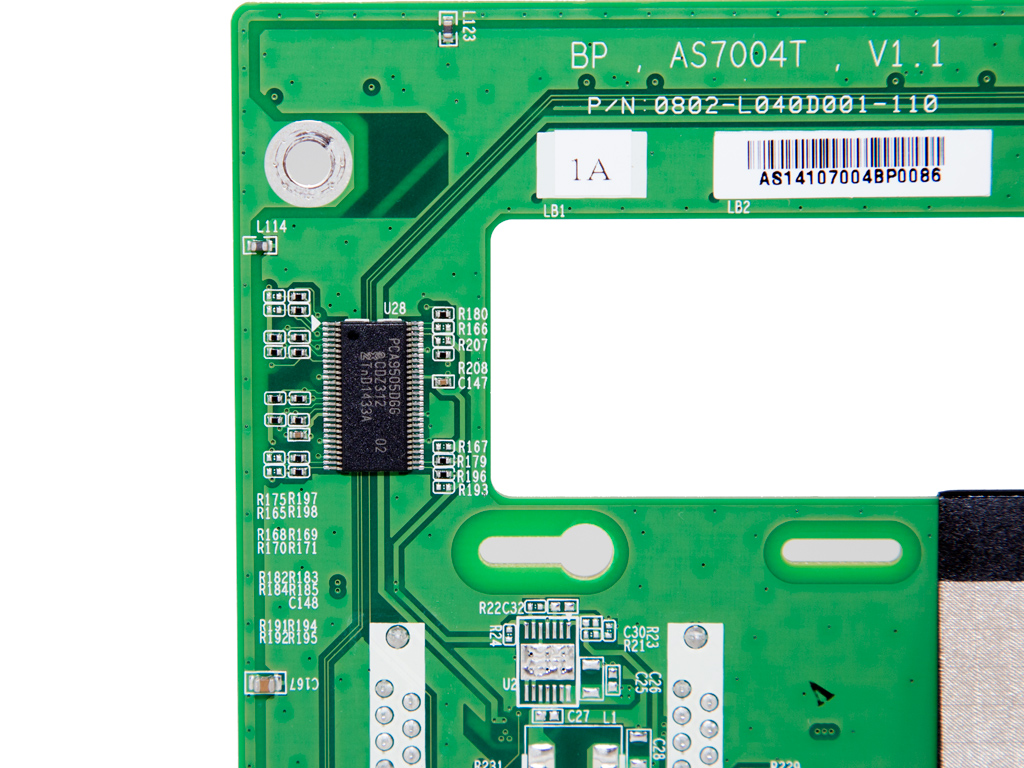
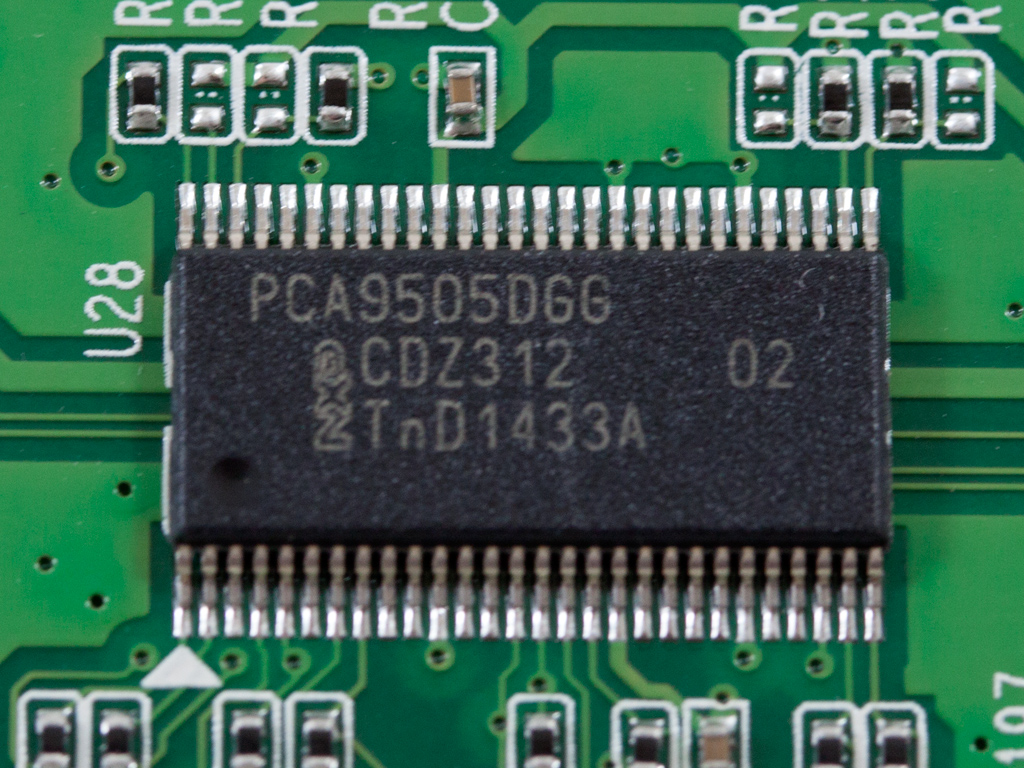
The PCIe SATA expansion card hosts the two ASM1466 SATA repeaters we already mentioned and an NXP PCA9505DGG IC; it takes care of a 40-bit parallel I/O expansion port.
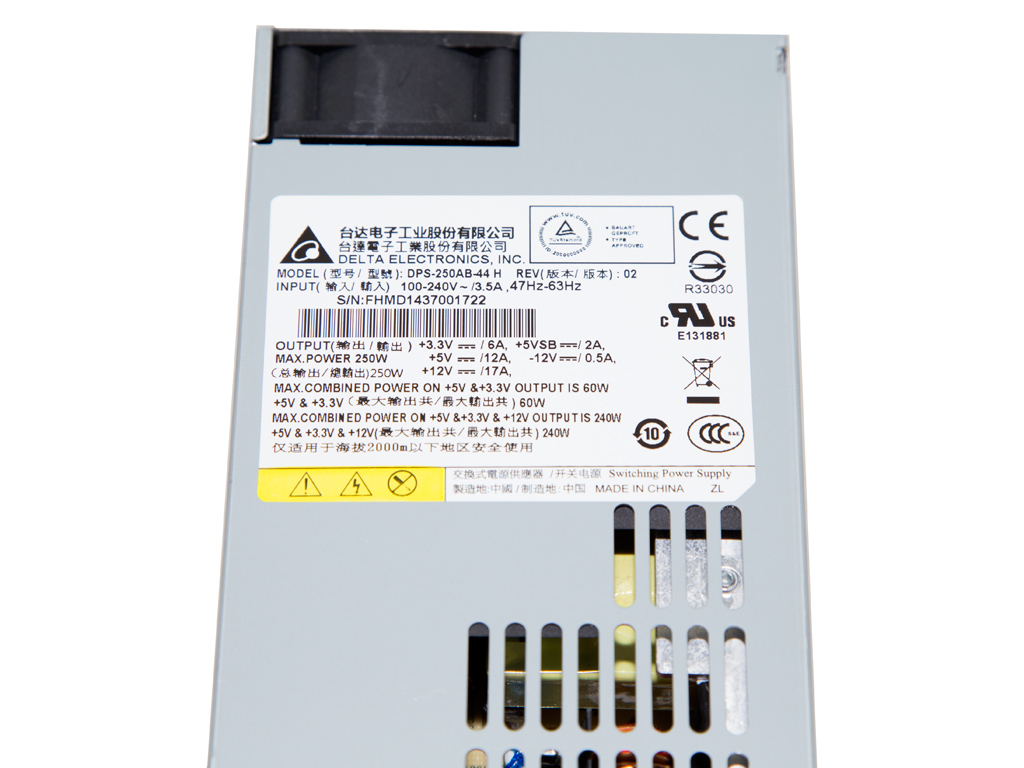
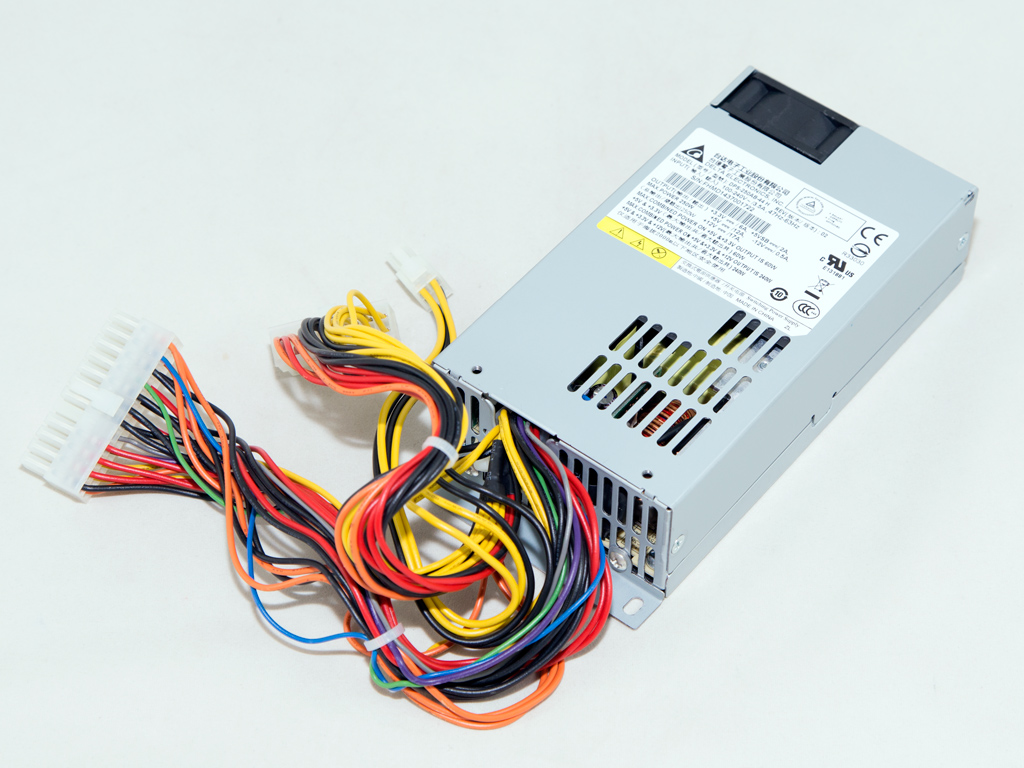

The PSU inside this NAS is by Delta Electronics, the largest and probably best PSU OEM today. Its model number is DPS-250AB, and it can provide up to 240 W of power on its main rails (+12V, 5V and 3.3V), which is a lot for this NAS. The 80 PLUS organization says this PSU to meet 80 PLUS requirements, so it will also save you some money on your electricity bills, although the standard 80 PLUS certification isn't much to go by nowadays. The DPS-250AB exploits a small 40 mm fan that is very quiet under normal conditions. The PSU also only has to deliver a fraction of its maximum power with heavy data throughput, so its cooling needs are low.
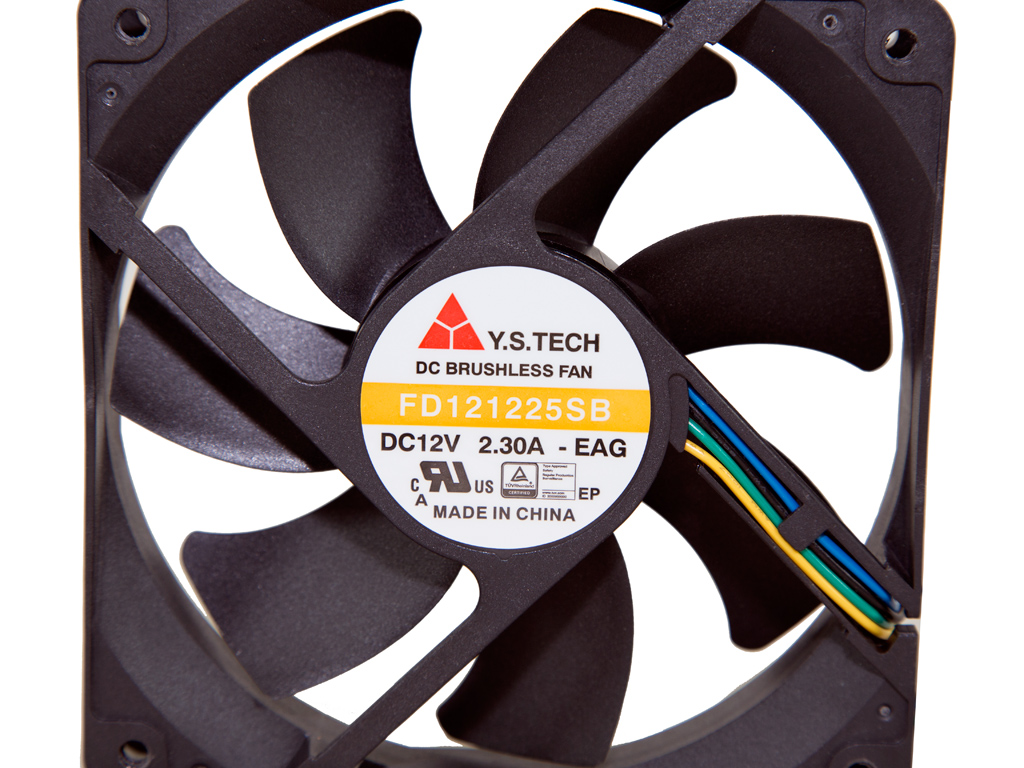
The cooling fan is provided by Y.S Tech, and its model number is FD121225SB (120 mm, 12 V, 2.3 A, 5200 RPM, 208.4 CFM, 59.5 dBA). It utilizes ball bearings for more longevity. This is a very strong fan; however, it operates at very low RPM since the NAS features a rather cold operation. We have to wonder why Asustor chose to use such a strong fan, though, but the company was probably worried about the i3 CPU with a full load, which had them take the safe route by including a strong cooling unit.
Initial Setup


You will have to load the bundled software disc into the drive of a client PC after installing the HDDs and connecting all cables (power and network). You should also take a look at the Quick Start Guide. You will find the User's Guide on the bundled disc should you require even more information than can be found in Asustor's Quick Start Guide.


Asustor's Control Center is essential since it will not only find the NAS on your network, but will also allow for its effortless and quick configuration.

As has already been mentioned, Asustor's Control Center will allow you to easily initialize the NAS through Web Setup. The first step of the initialization process prompts you to select either a 1-click setup or custom option. The latter option, which we picked, is for more experienced users.


The next steps ask you to enter the server's name and set a new administrator's password. You can configure all time and date options and set all network settings afterward. We also made a point of exploiting both Ethernet ports since we have a switch that supports port trunking for increased transfer speeds.


You can pick the RAID configuration that best suits your needs in these menus. There are several RAID levels, but you can also configure your disks in JBOD (Just a Bunch of Disks) or run everything off a single disk if you cannot afford to install an HDD into every tray. After all is finished and done, you will have to wait for the NAS to apply all of your setup settings before registering your product to obtain an Asustor ID, which is must-have if you want to use Asustor's application center.
Our Patreon Silver Supporters can read articles in single-page format.
Nov 19th, 2026 08:02 PST
change timezone
Latest GPU Drivers
New Forum Posts
- Honestly, do you care about GTA VI? (156)
- Gacha Games - Discussions, Pulls, Updates, etc. (1156)
- Why my RX 6800 XT read that it operate at x8 not x16 ? (46)
- [Poll] 12V-2x6 Connector Protection: What Are You Using? (WireView / Ampinel / Equalizer / Other / Nothing) (47)
- Very unusual two gaming-pc scenarios. (18)
- WarpCoreBench scores! (72)
- Cpu waterblock water shows some tinting = Bad? (16)
- How much does an RTX 5090 cost in your area? (71)
- Time to upgrade CPU and MOBO (71)
- Will zen 6 mobos have anything extra vs current ones? (61)
Popular Reviews
- Acemagic Retro X3 Review
- Ugreen NASync DXP4800 GT Review
- Upcoming Hardware Launches 2027 (Updated Nov 2026)
- Pulsar Office Tour & First Look at P1 Dual-Sensor Mouse
- AMD Zen 6 Technical Deep Dive
- Biwin Black Opal NV7400 2 TB Review
- Sapphire Radeon RX 7700 XT Pure Review
- Sapphire Radeon RX 7700 XT Pulse Review
- Chieftec Iceberg PRO 360 DARK Review
- AMD Ryzen 7 9800X3D Review - The Best Gaming Processor
TPU on YouTube
Controversial News Posts
- NVIDIA Co-Founder and CEO Jensen Huang Officially Resigns (484)
- Report: Jensen Huang Eyes NVIDIA Comeback (221)
- Open Letter Asking NVIDIA to Reinstate Jensen Huang Passes 115,000 Signatures (184)
- OpenAI CEO Argues Home PCs Waste the World's Limited DRAM Supply (152)
- NVIDIA Launches Investigation Into Jensen Huang's Relationship With Suspected Chinese Spy (136)
- Intel "Raptor Lake Next" 16-Core and 20-Core CPUs Surface (130)
- Legendary Game Studio BioWare Shuts Down Following EA Layoffs (104)
- Dell CEO Says the Memory Shortage Will Get Worse in 2027 (95)