 80
Atomic Heart Benchmark Test & Performance Analysis Review
(80 Comments) »Introduction
Atomic Heart is a first-person shooter with action RPG elements that's set in an alternate universe. In 1936 the Soviet Union developed a programmable substance called "Polymer," which boosted the country's development, making them first to engineer advanced robots, so they could become the world's leading nation in technology and science. When World War II broke out, the Soviets dispatched the Germans quickly, but shortly before their defeat, the Germans released a deadly virus, which killed millions. Since then, the USSR has made a fortune selling their robots to other nations for the post-war cleanup effort.But, as you probably guessed, something goes wrong with the robots and your task is to find out what happened, whether it poses a serious threat (of course it does), and how to stop it.

Atomic Heart is published by Focus Interactive and developed by Mundfish studios, which is based out of Cyprus. As game engine, Epic's Unreal Engine 4 is used, supporting DirectX 12 exclusively. While NVIDIA has been promoting the ray tracing capabilities of Atomic Heart for years, the release version comes without support for RT—it will be added at a later time.
In terms of upscaling almost everything is included: NVIDIA DLSS (3.1.1.0), DLSS 3 Frame Generation (1.0.3.0) and AMD FSR can be activated. Support for Intel XeSS is not included, and DLAA is missing, too. AMD FSR is version 1 only, not version 2.
This benchmark review will evaluate the performance of Atomic Heart on a wide selection of modern graphics cards, show image quality comparisons and look at what's required in terms of VRAM usage.
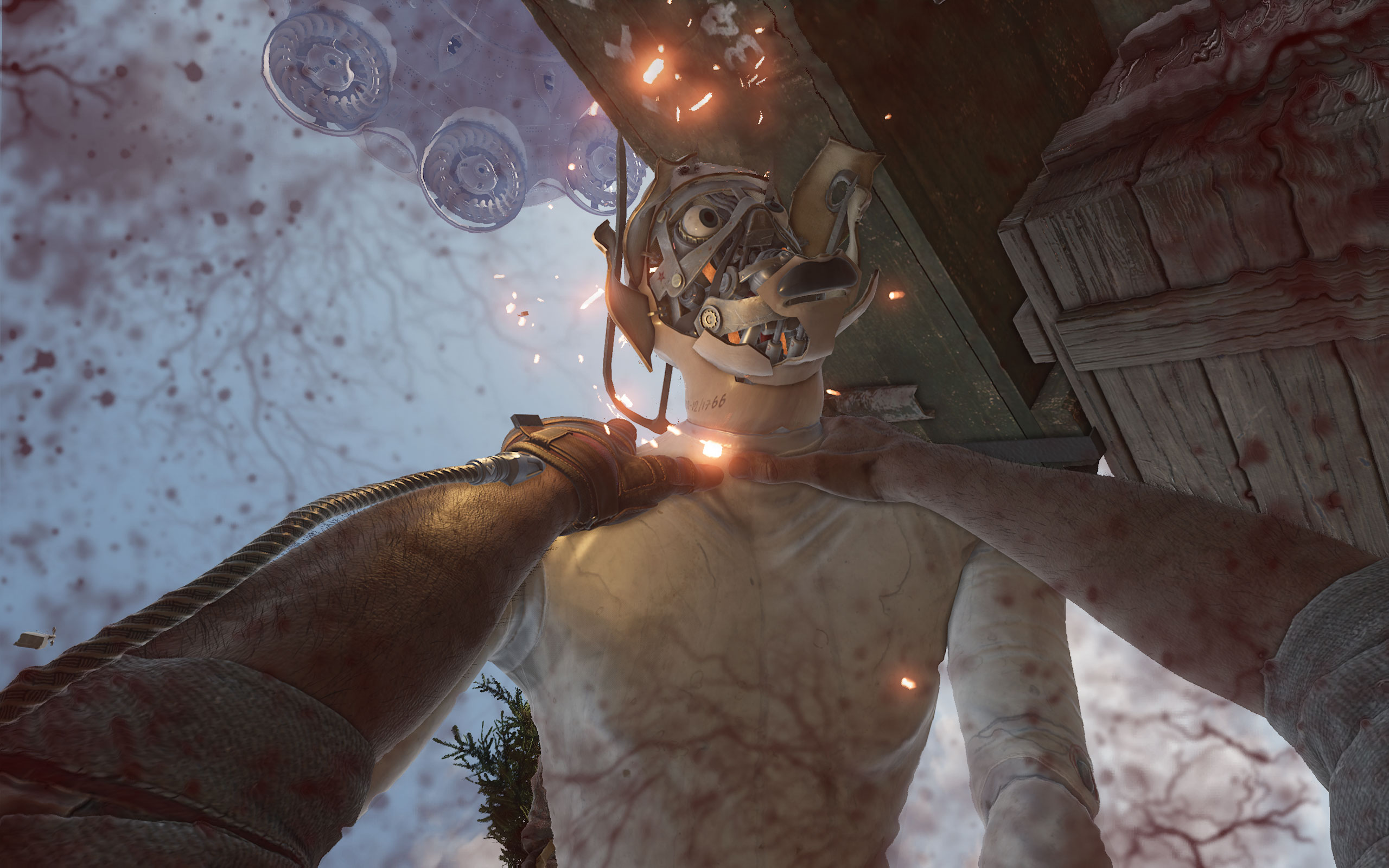
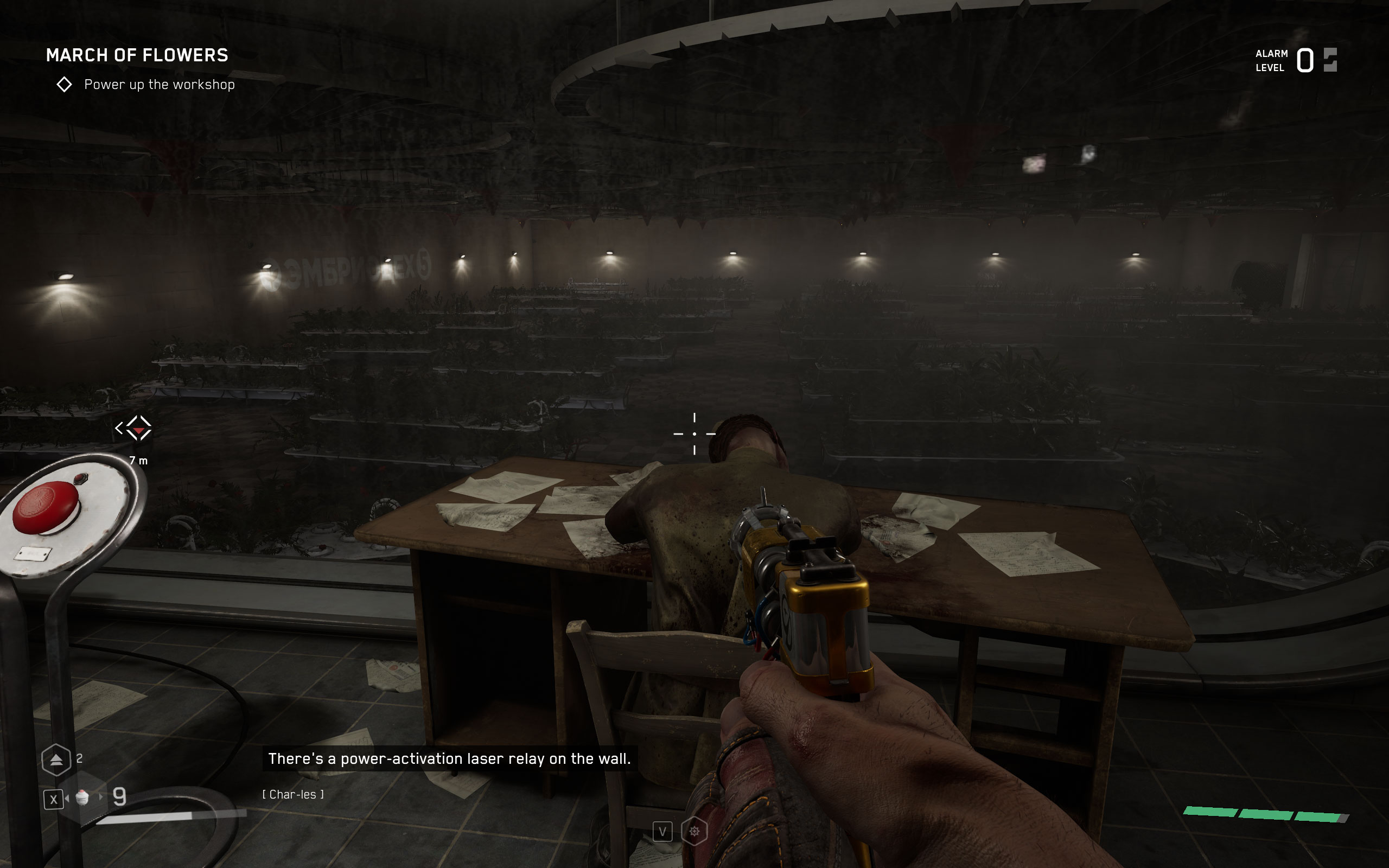
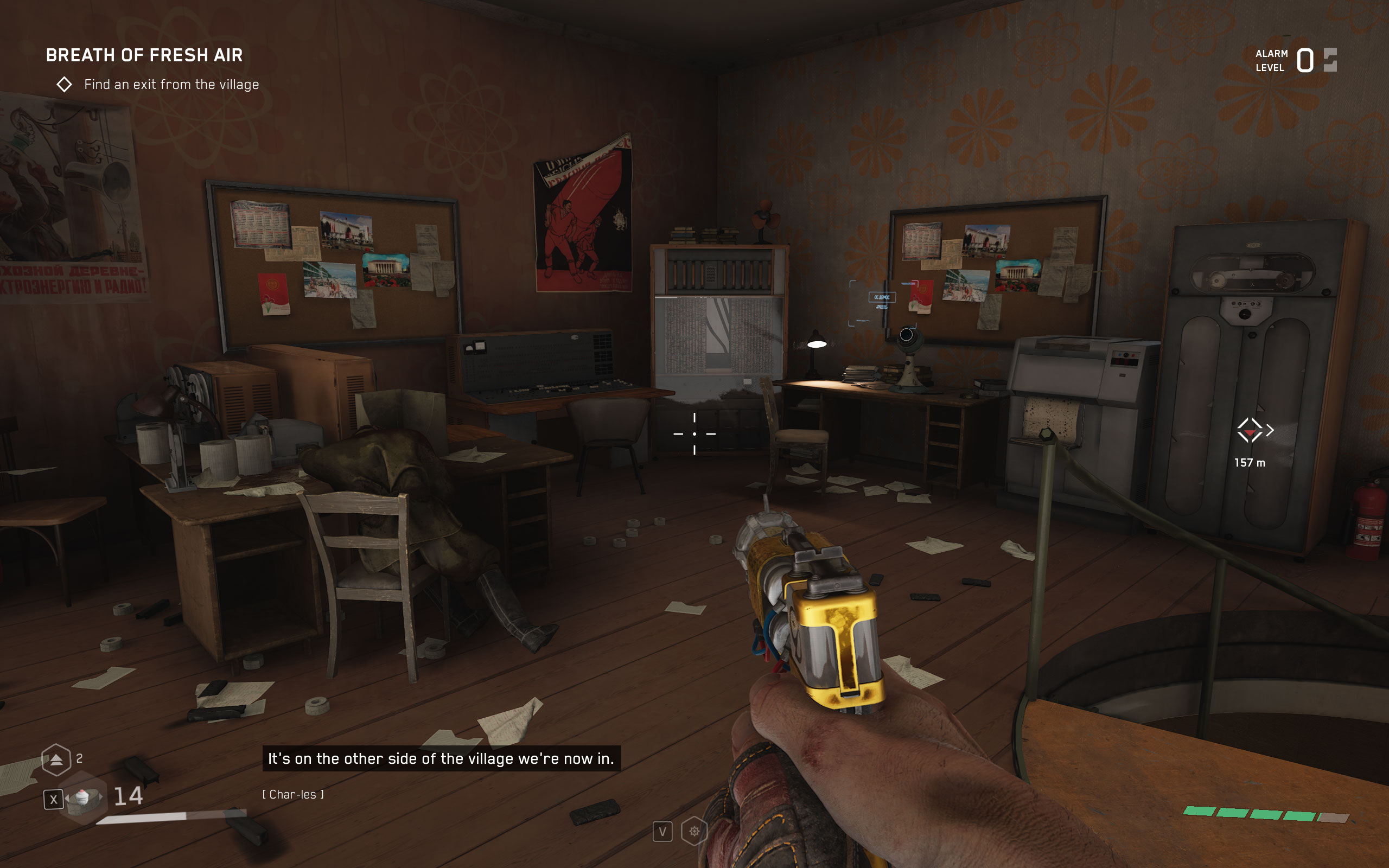
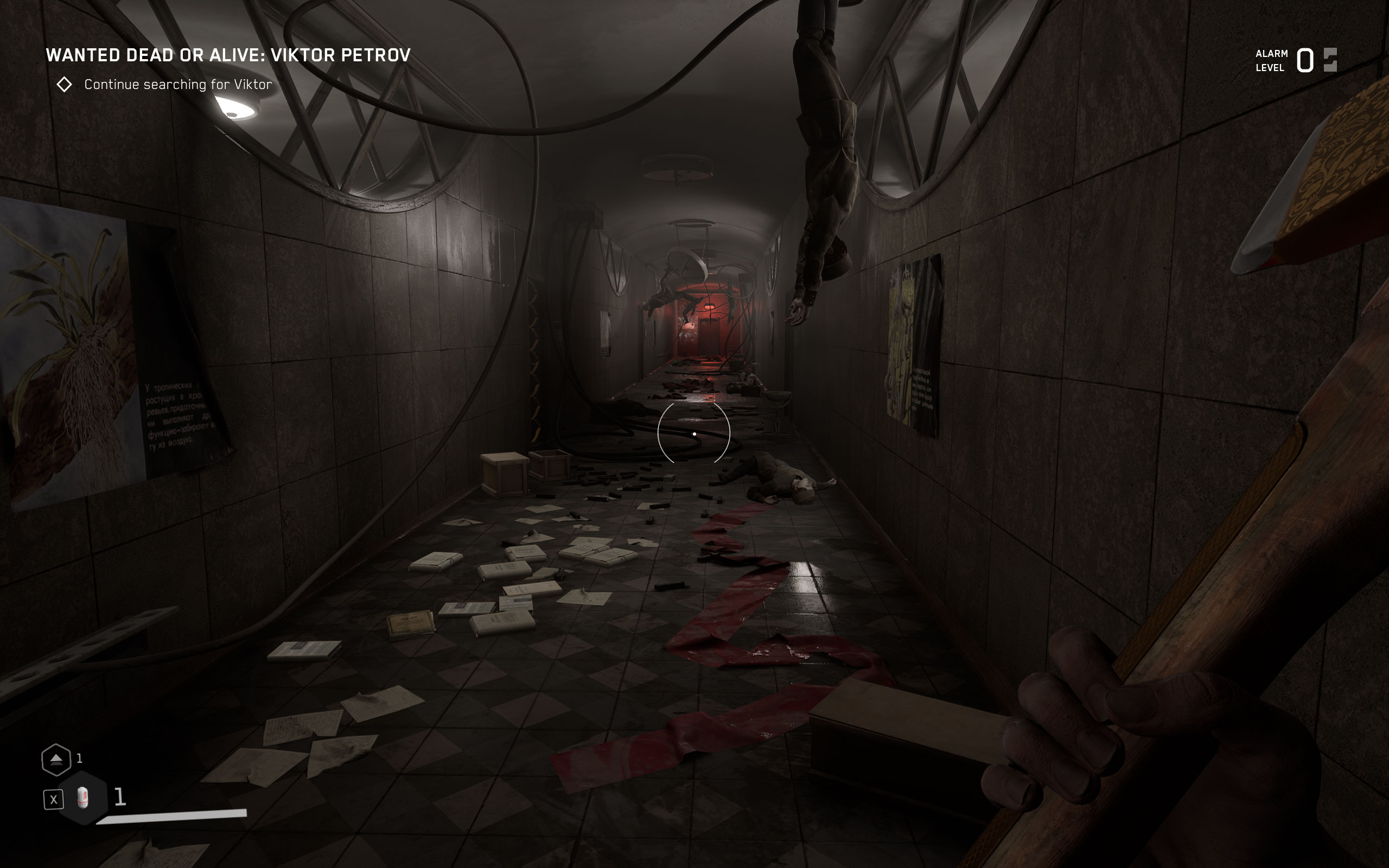
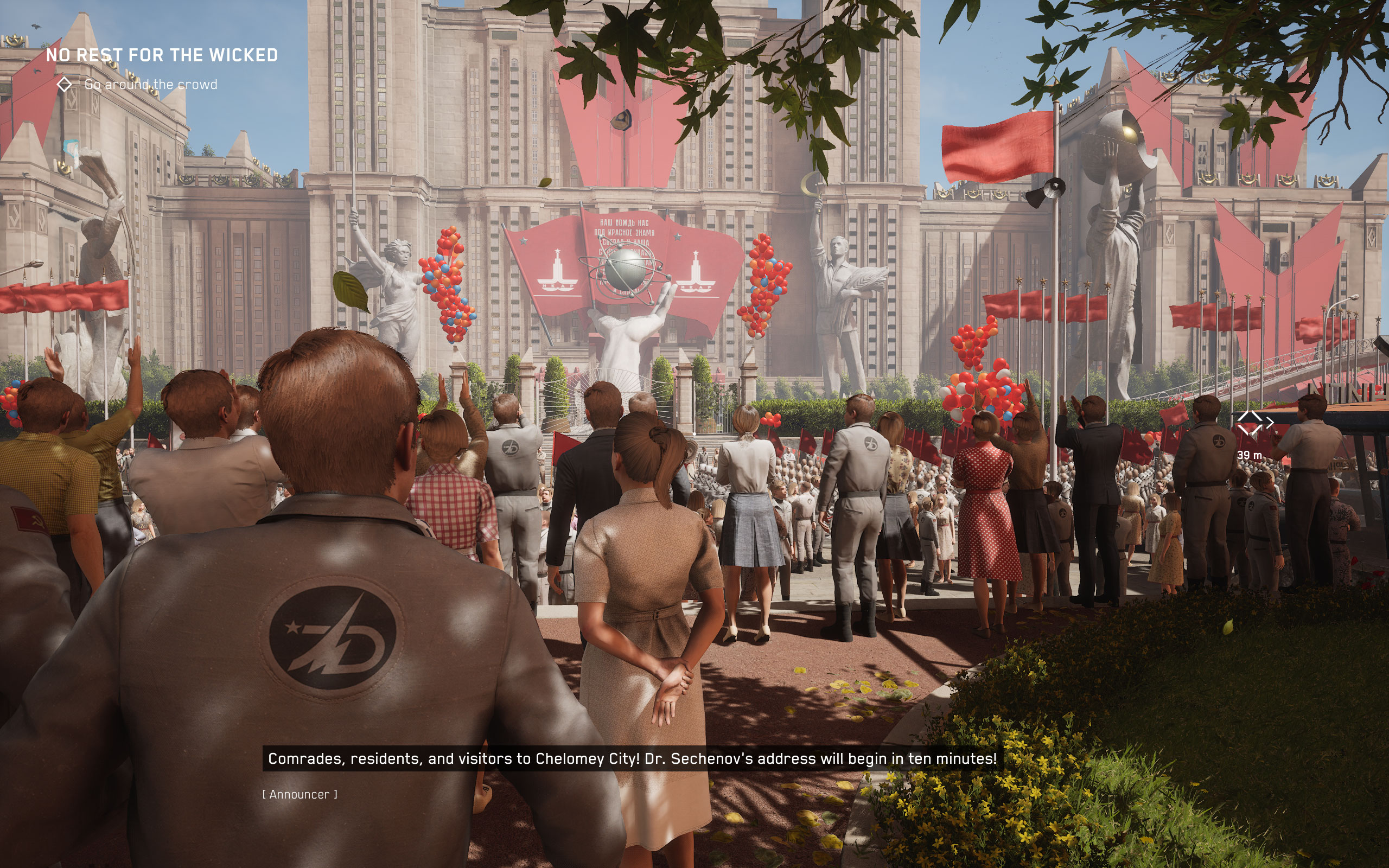
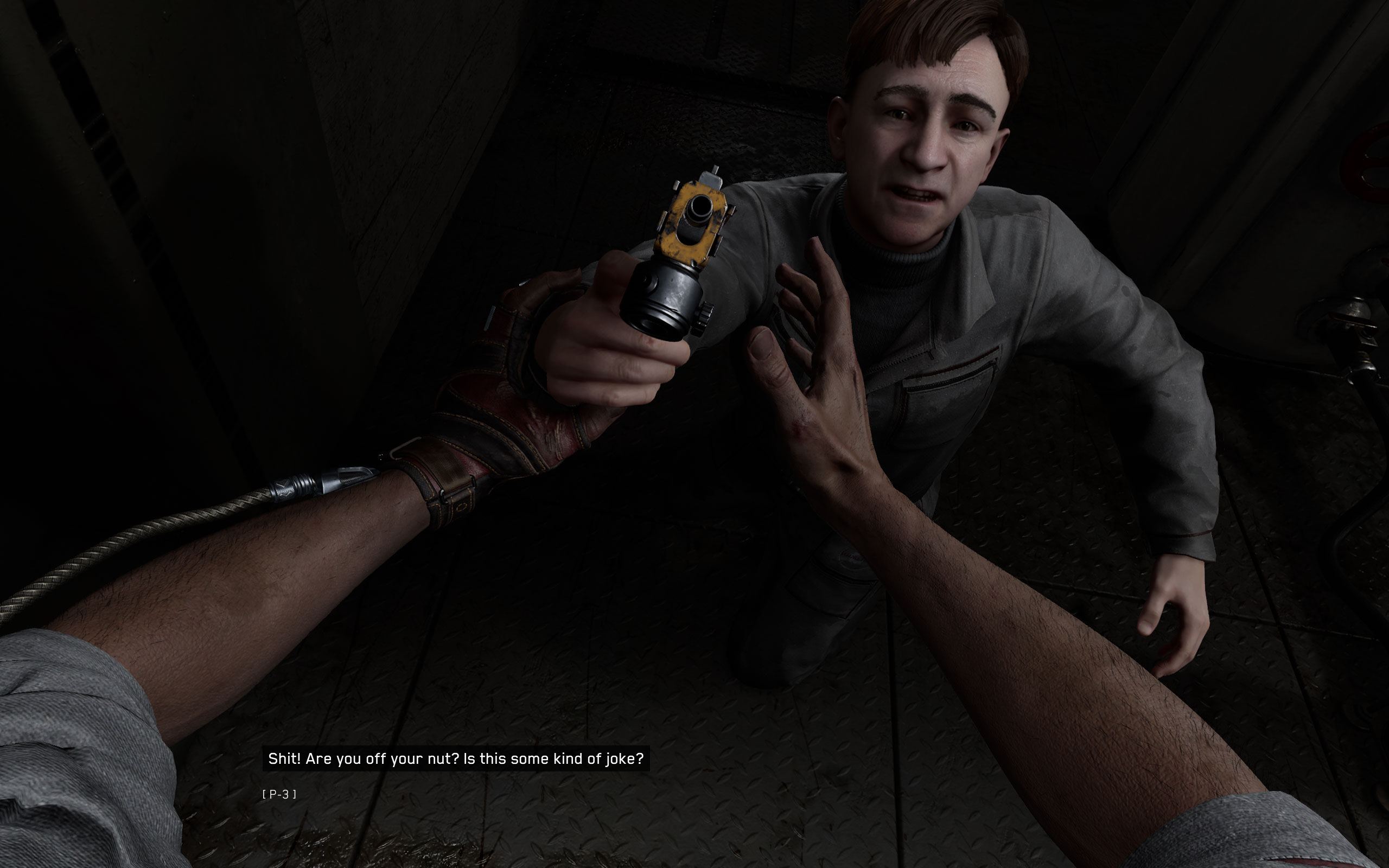
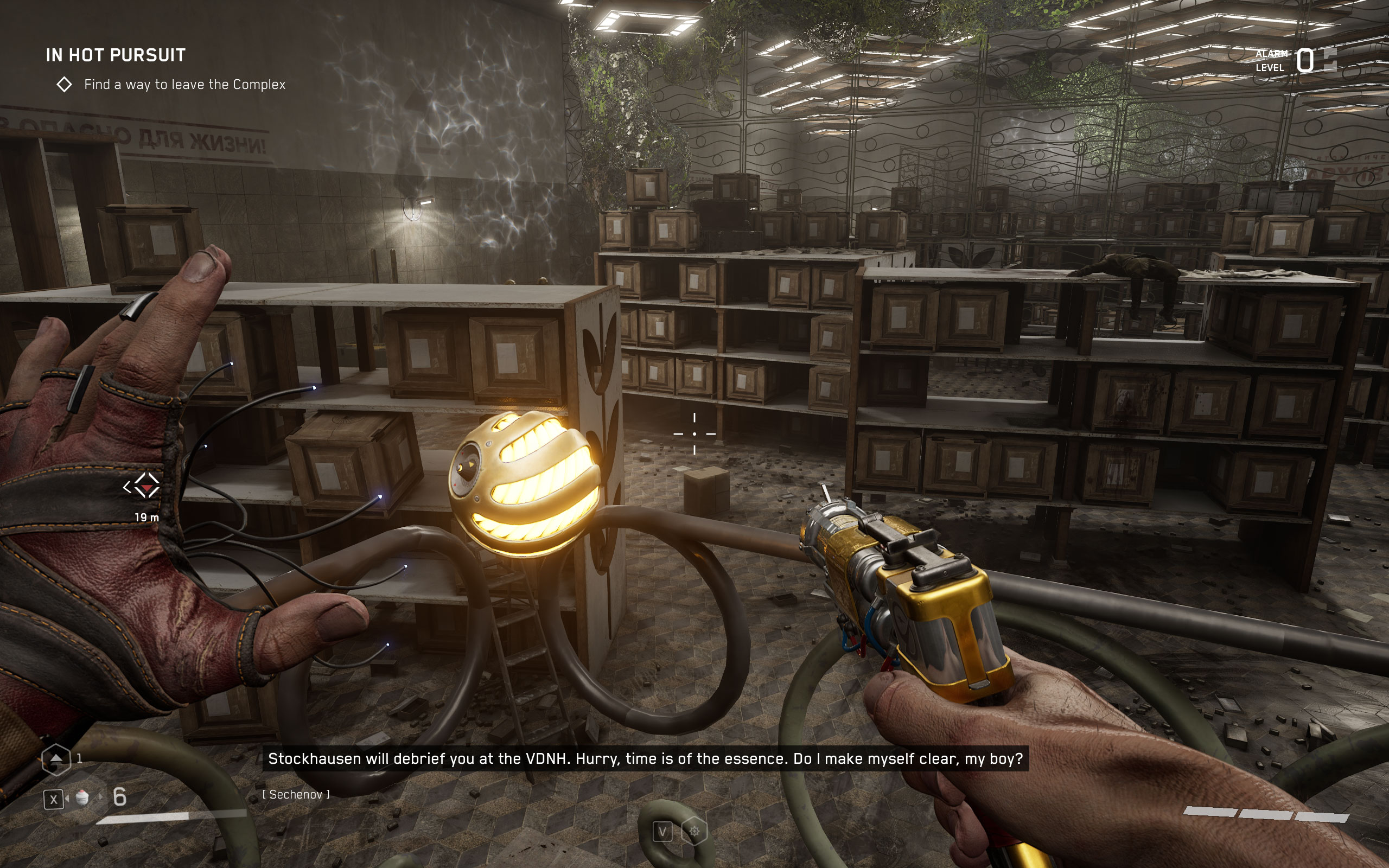
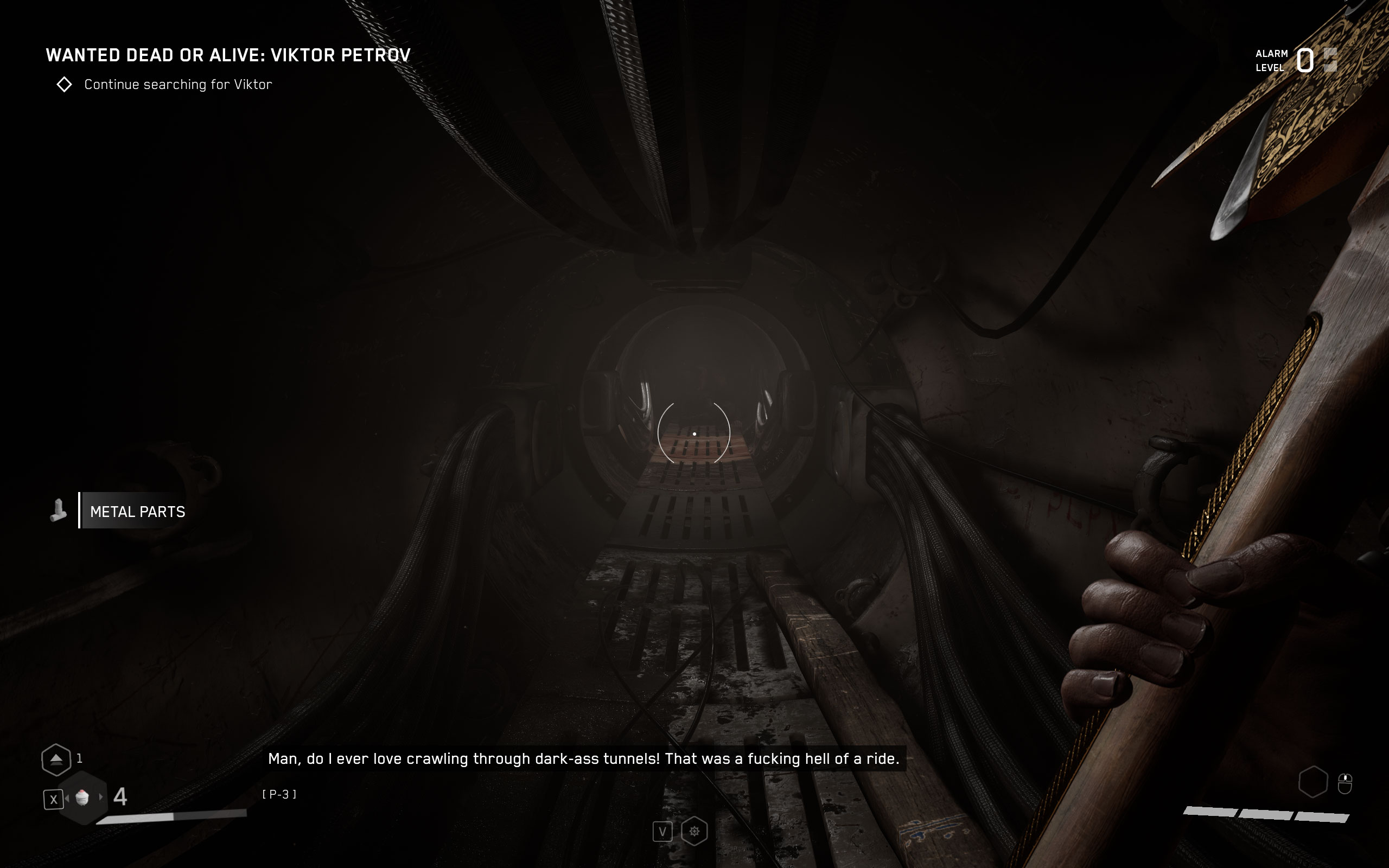
Screenshots
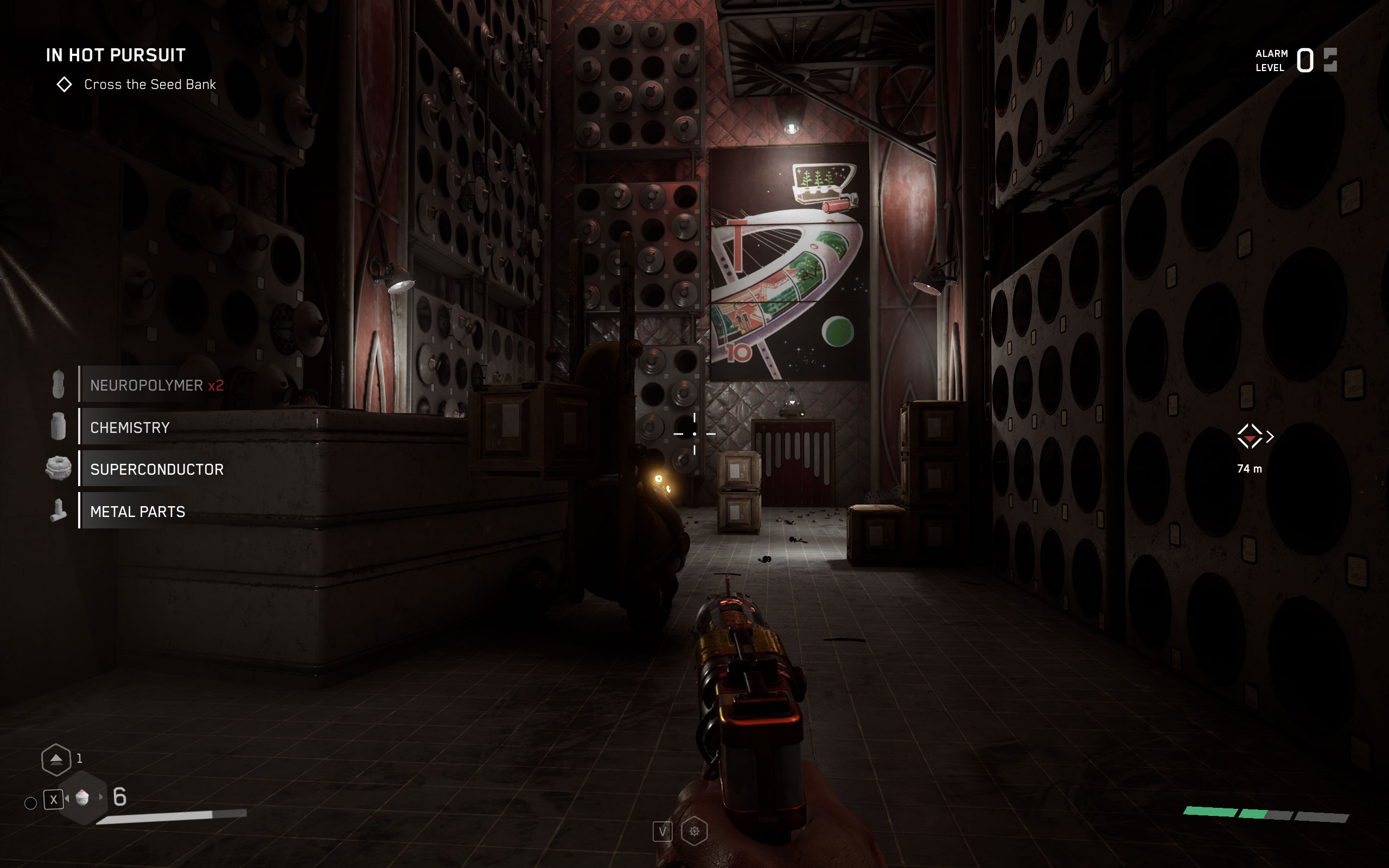
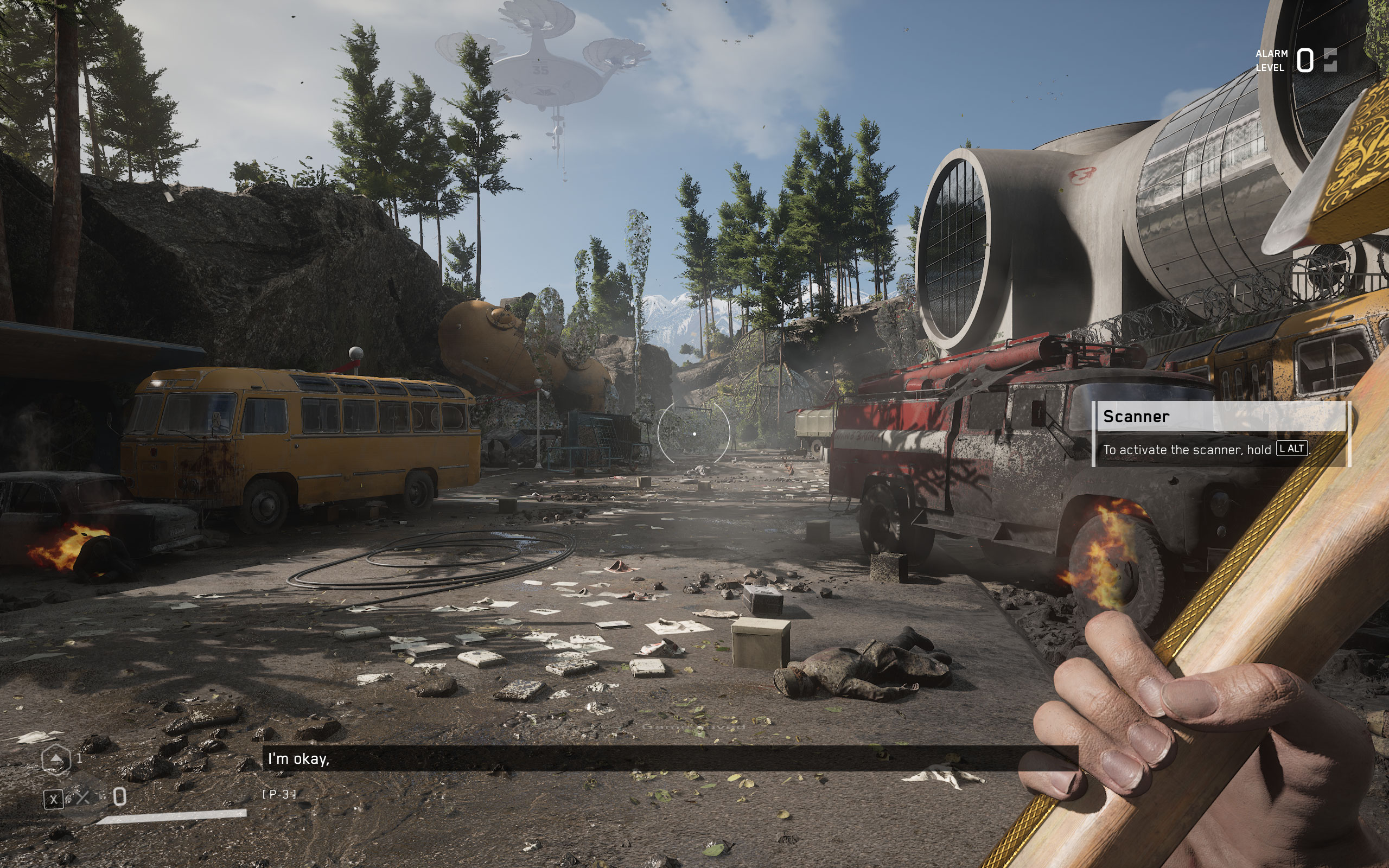
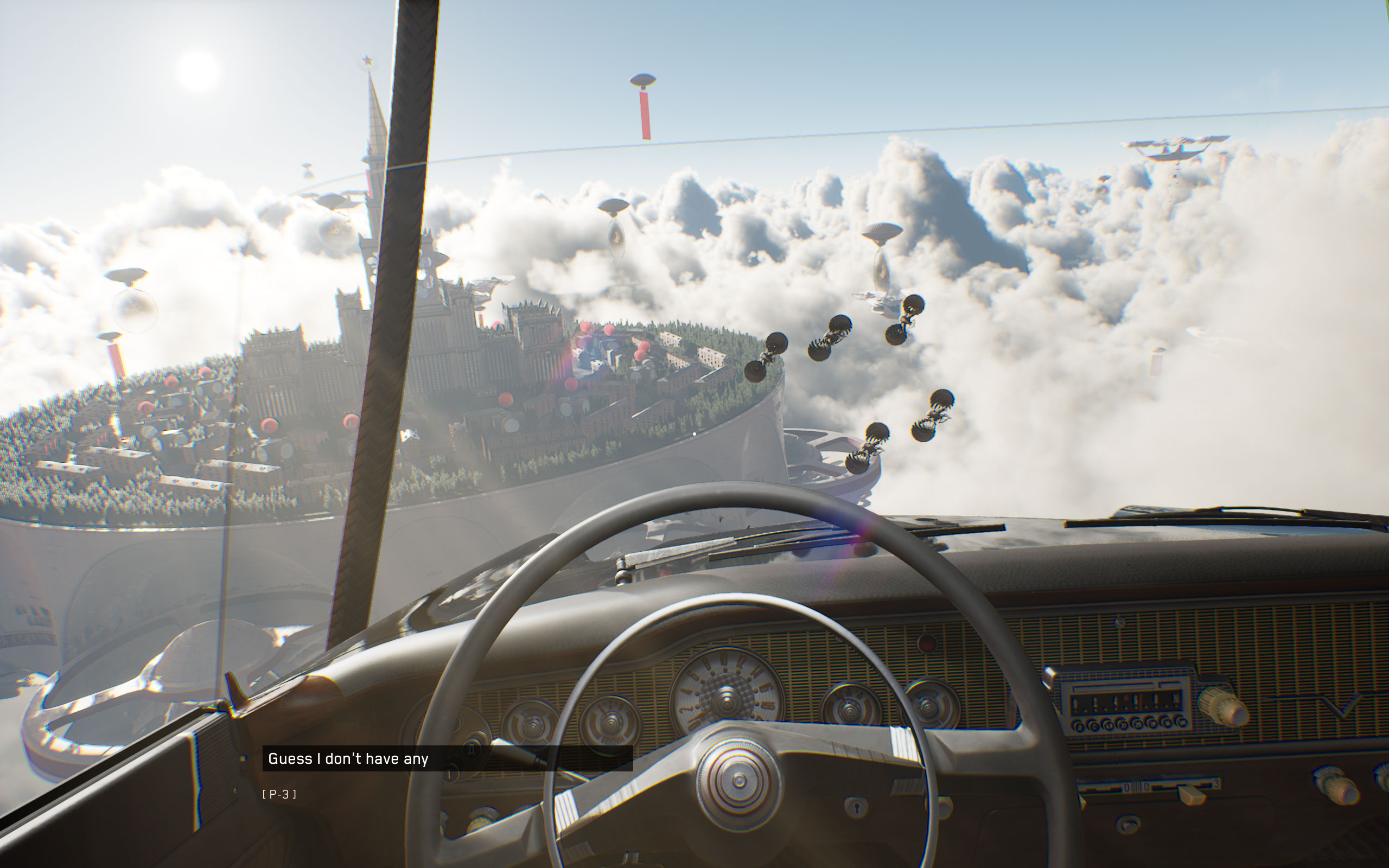
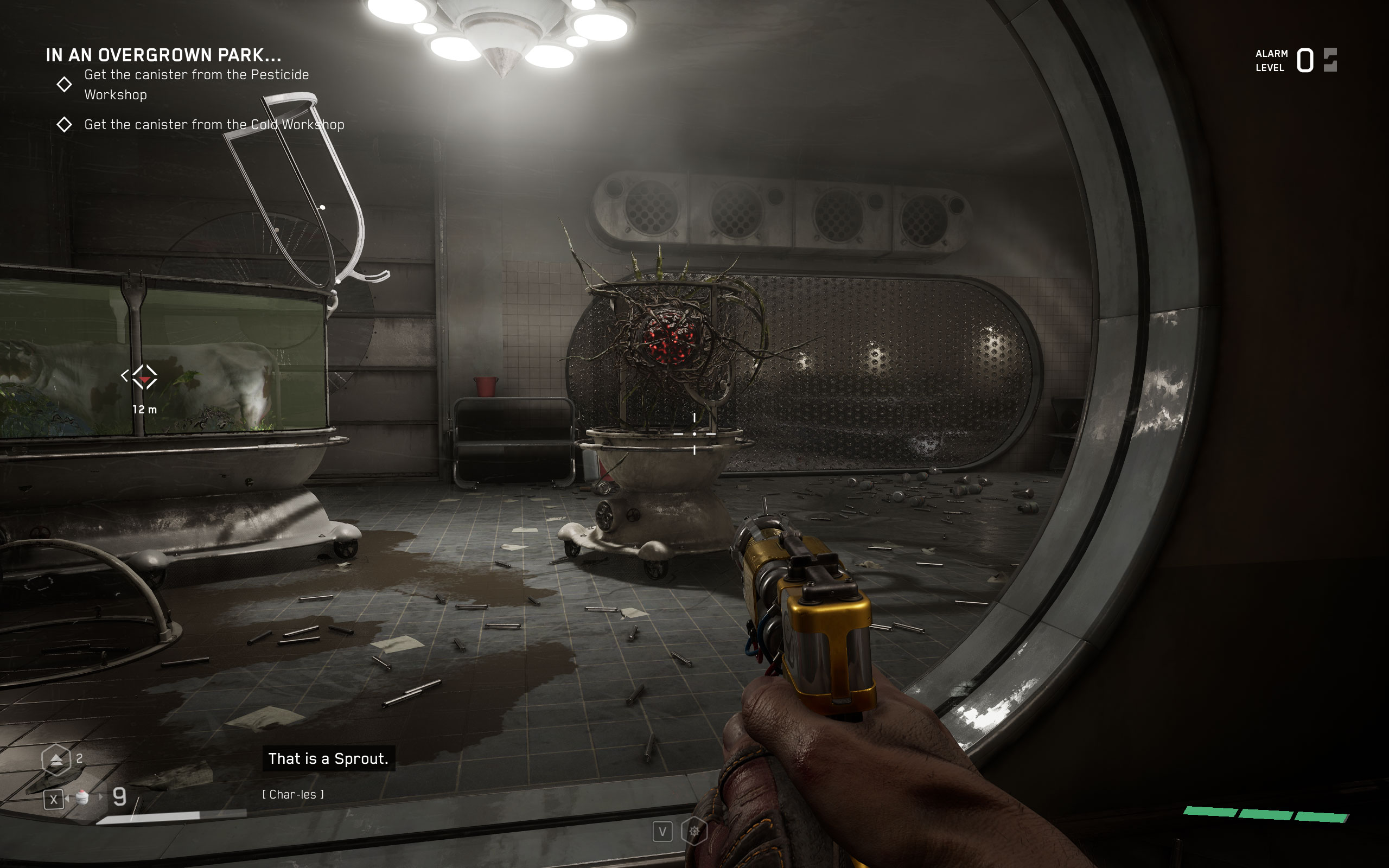
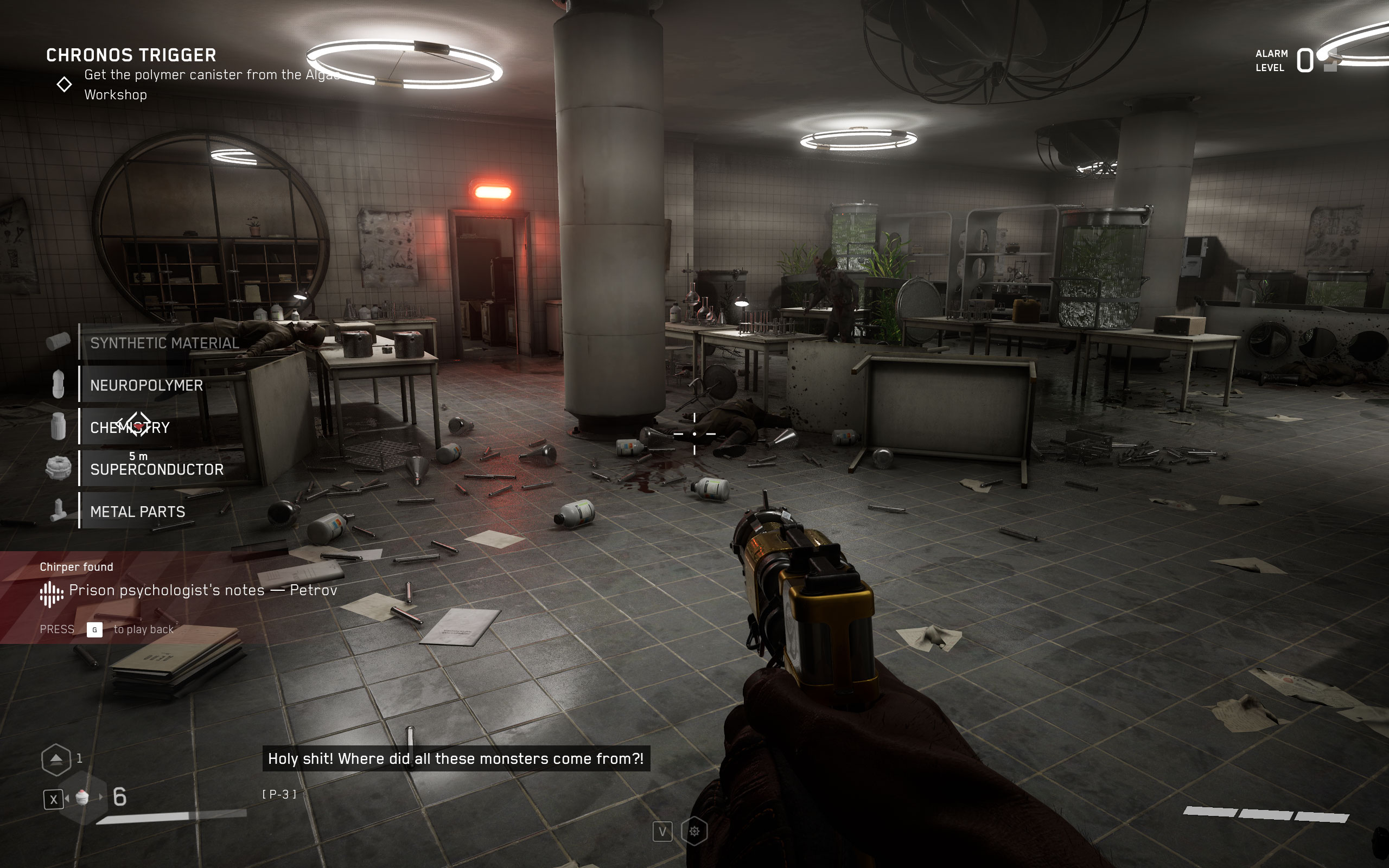
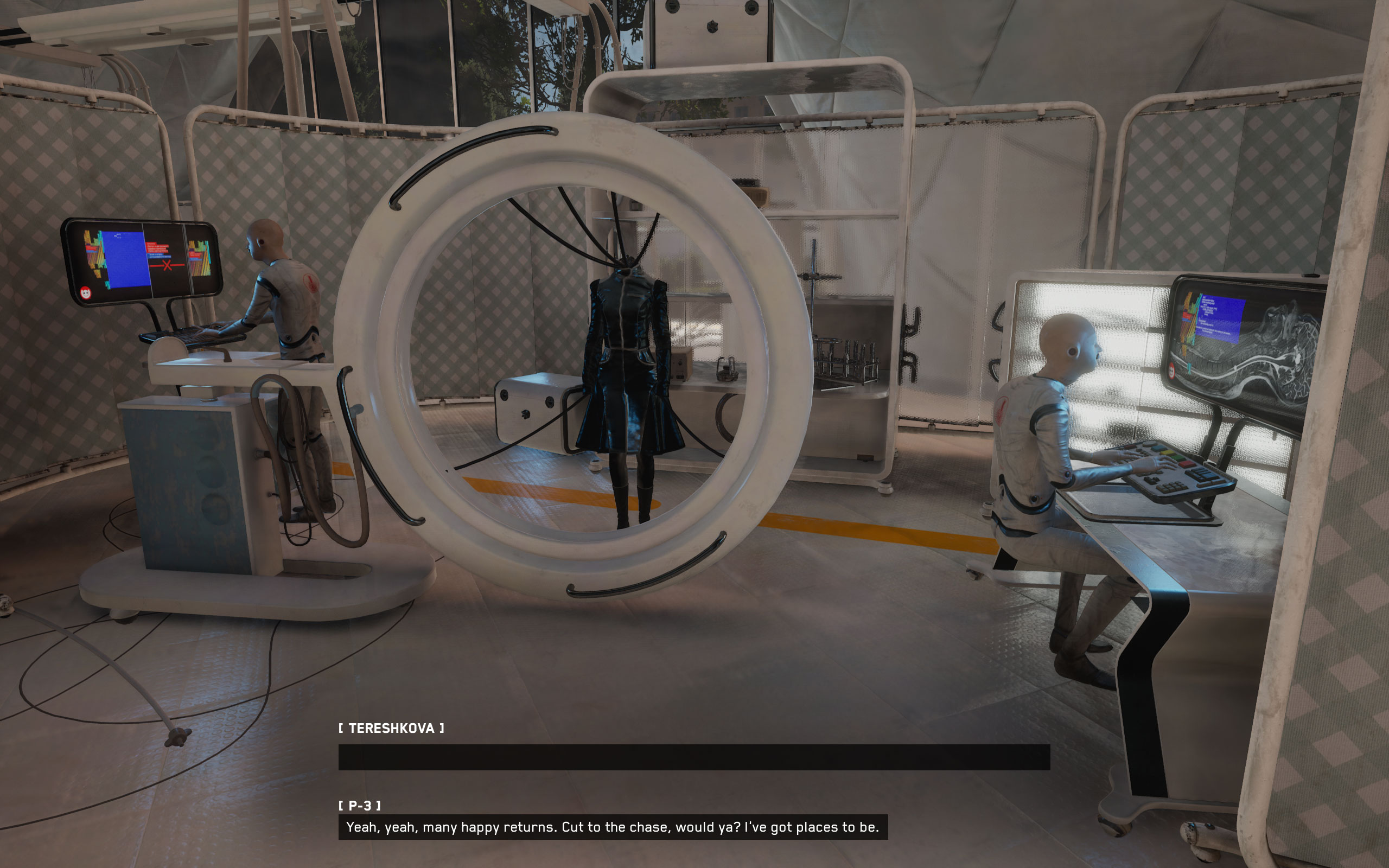
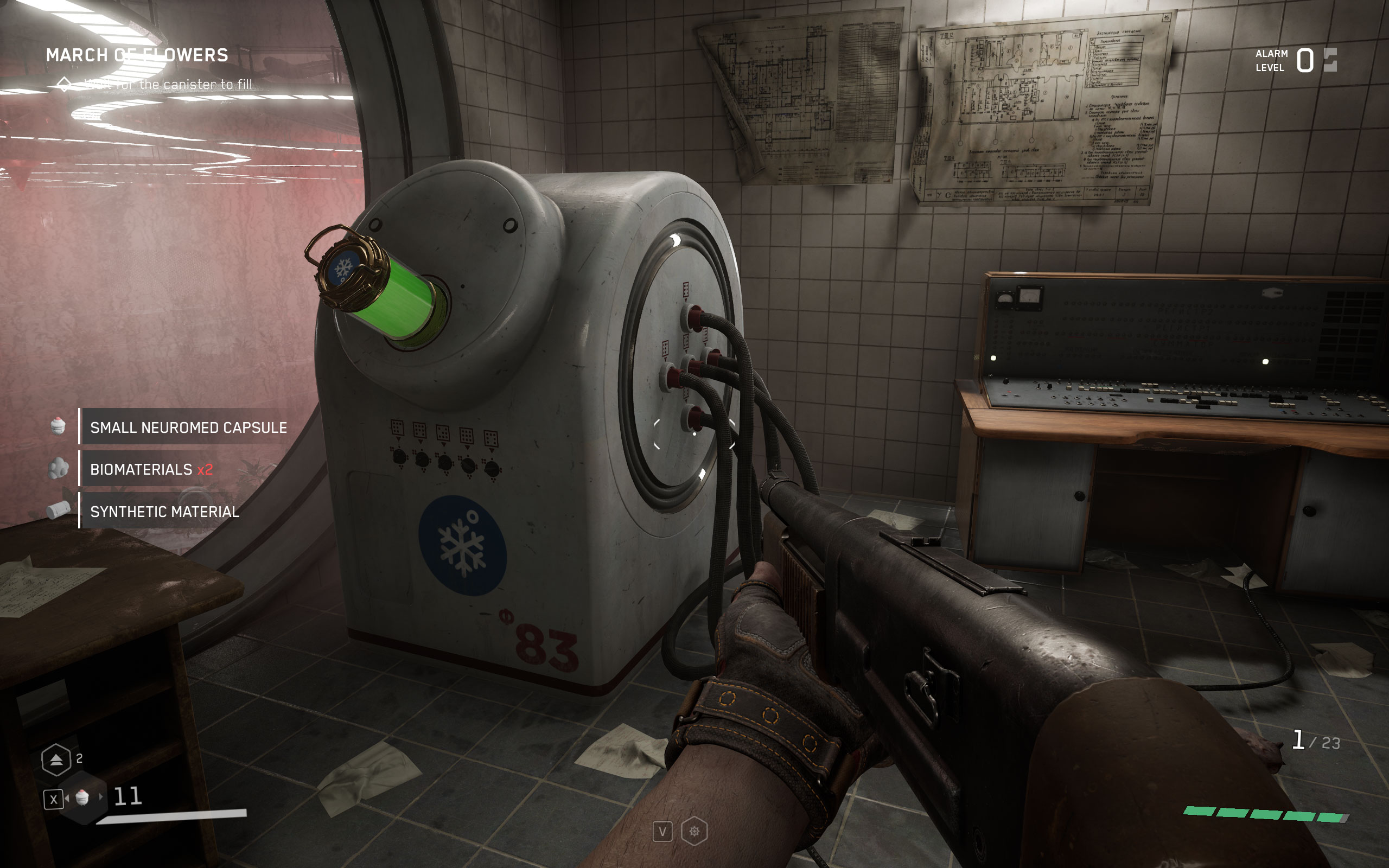
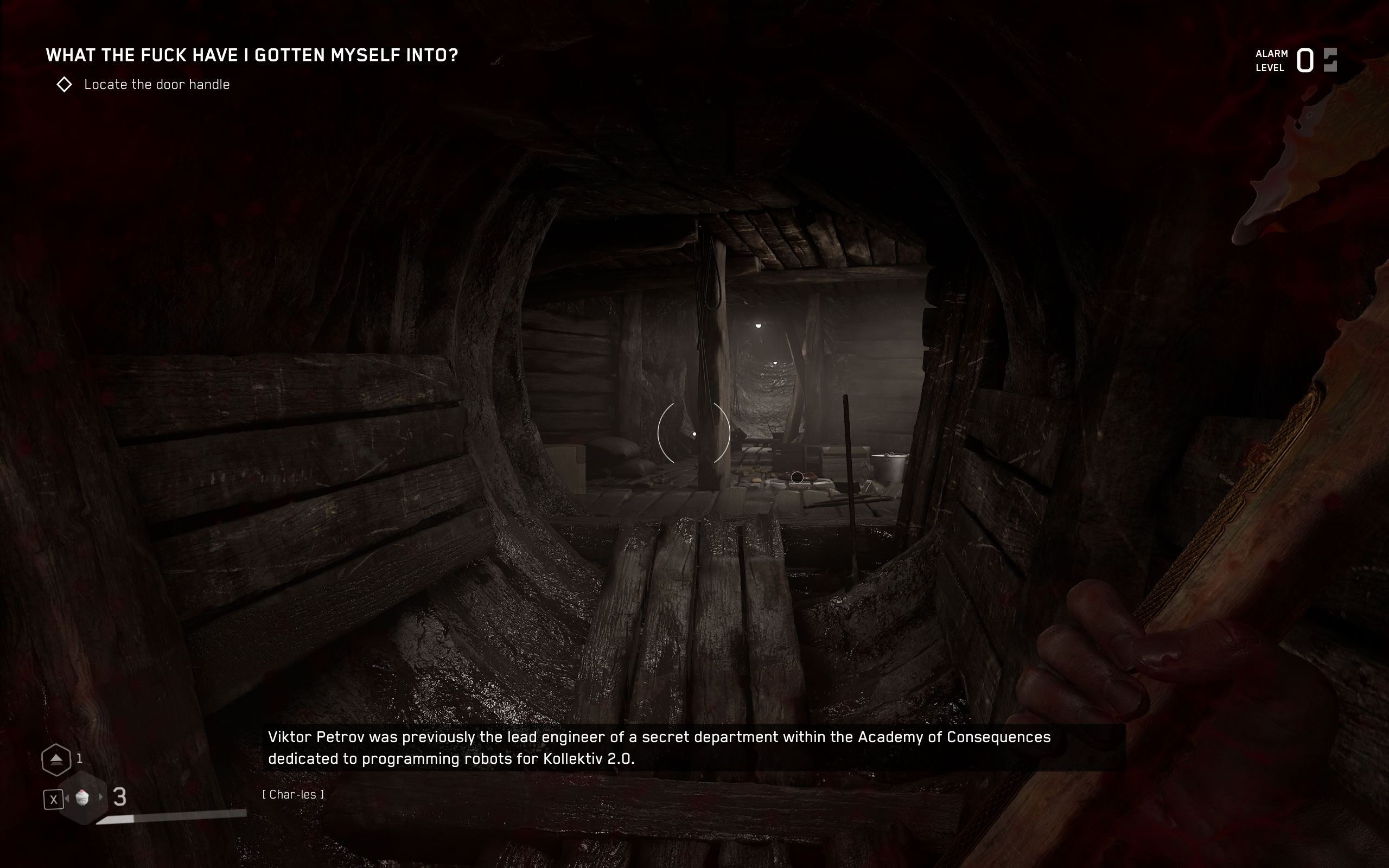
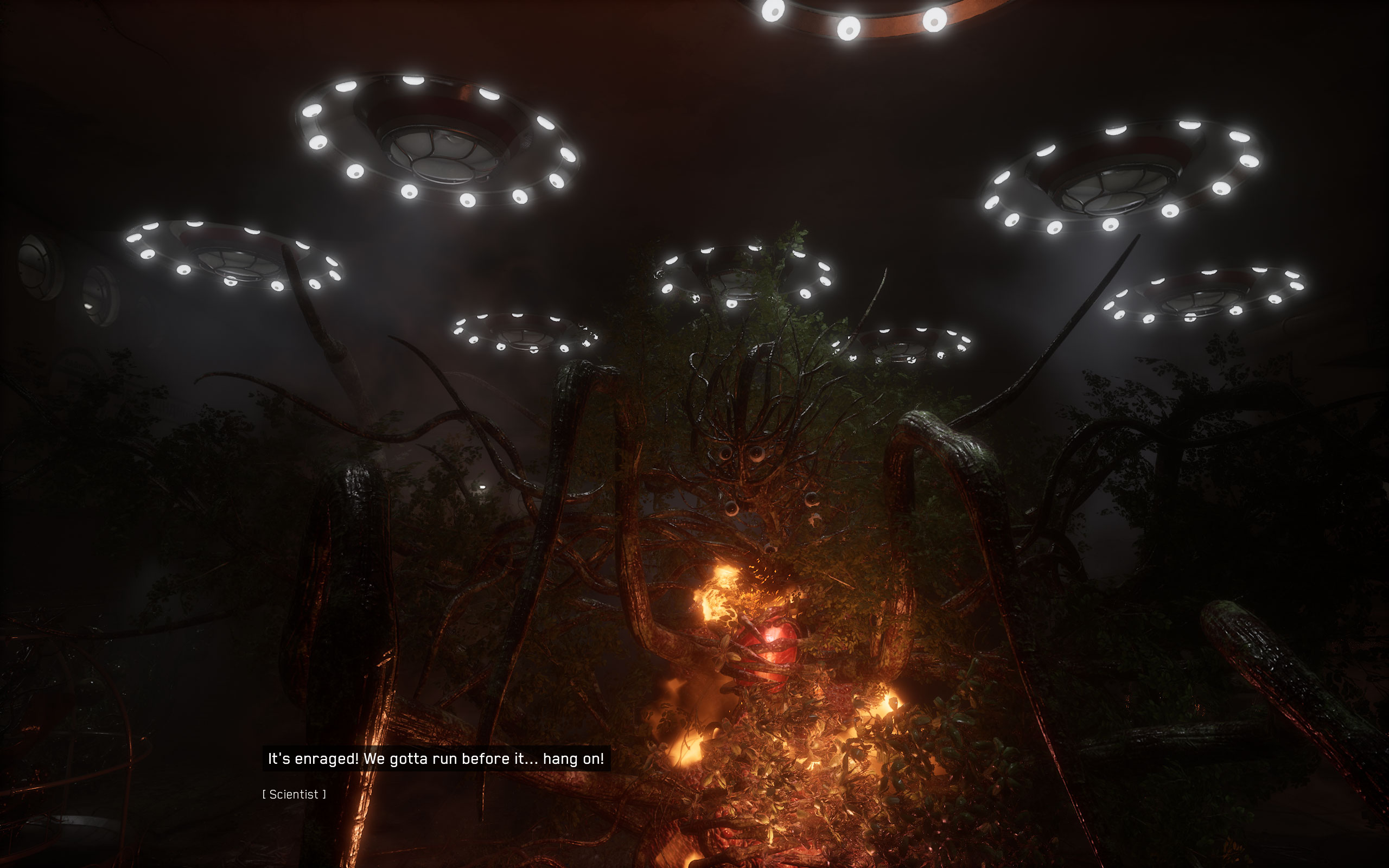
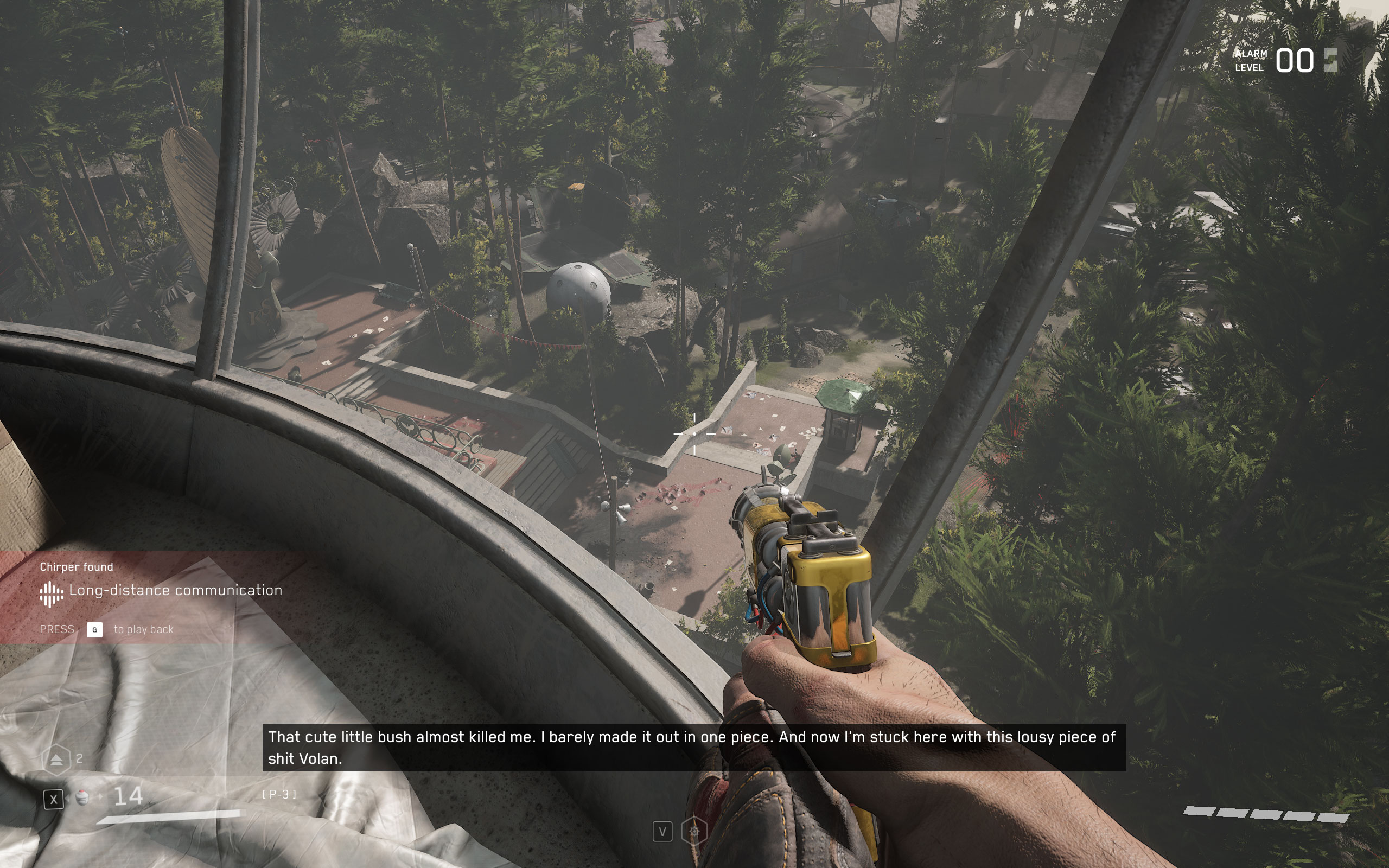
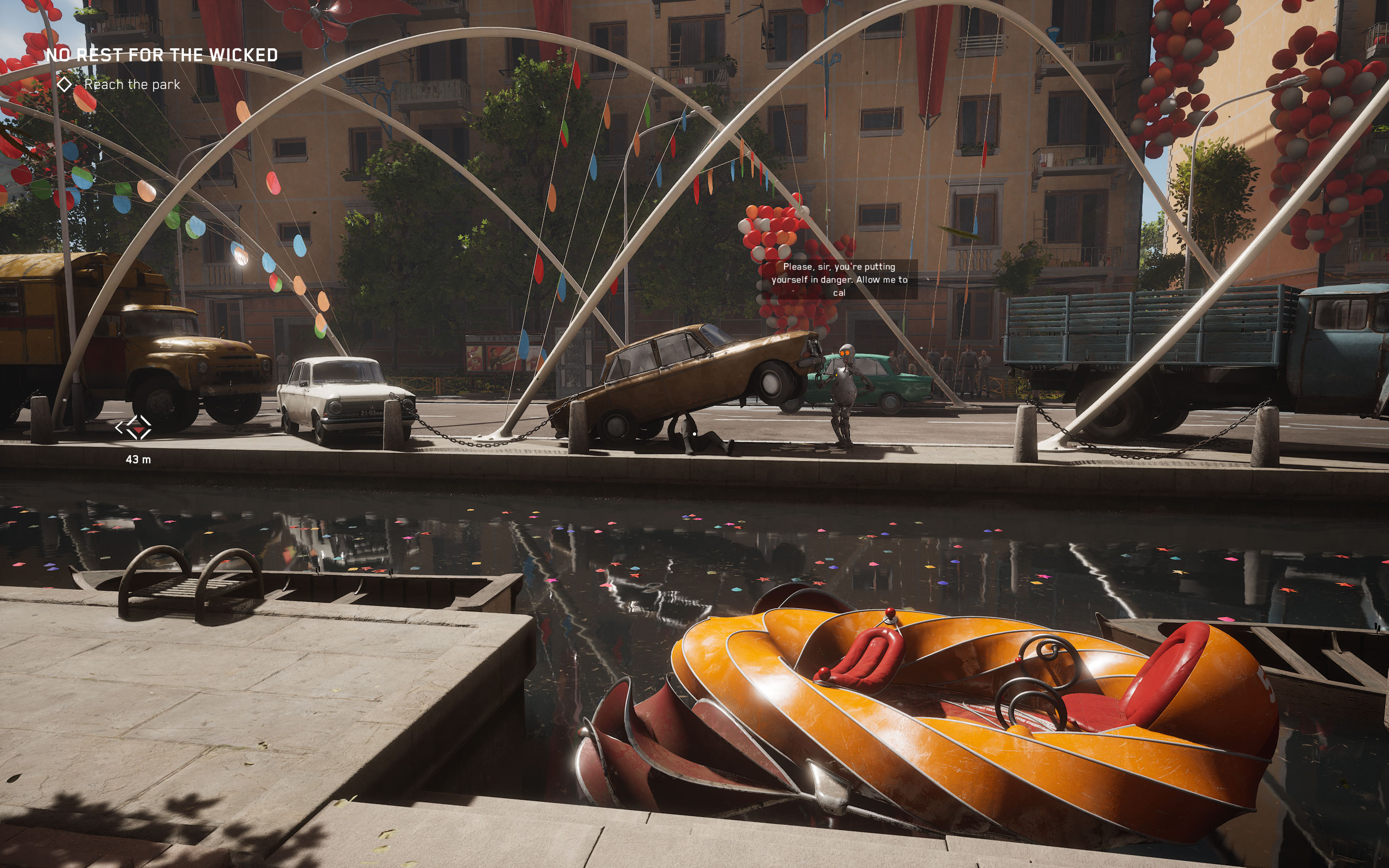
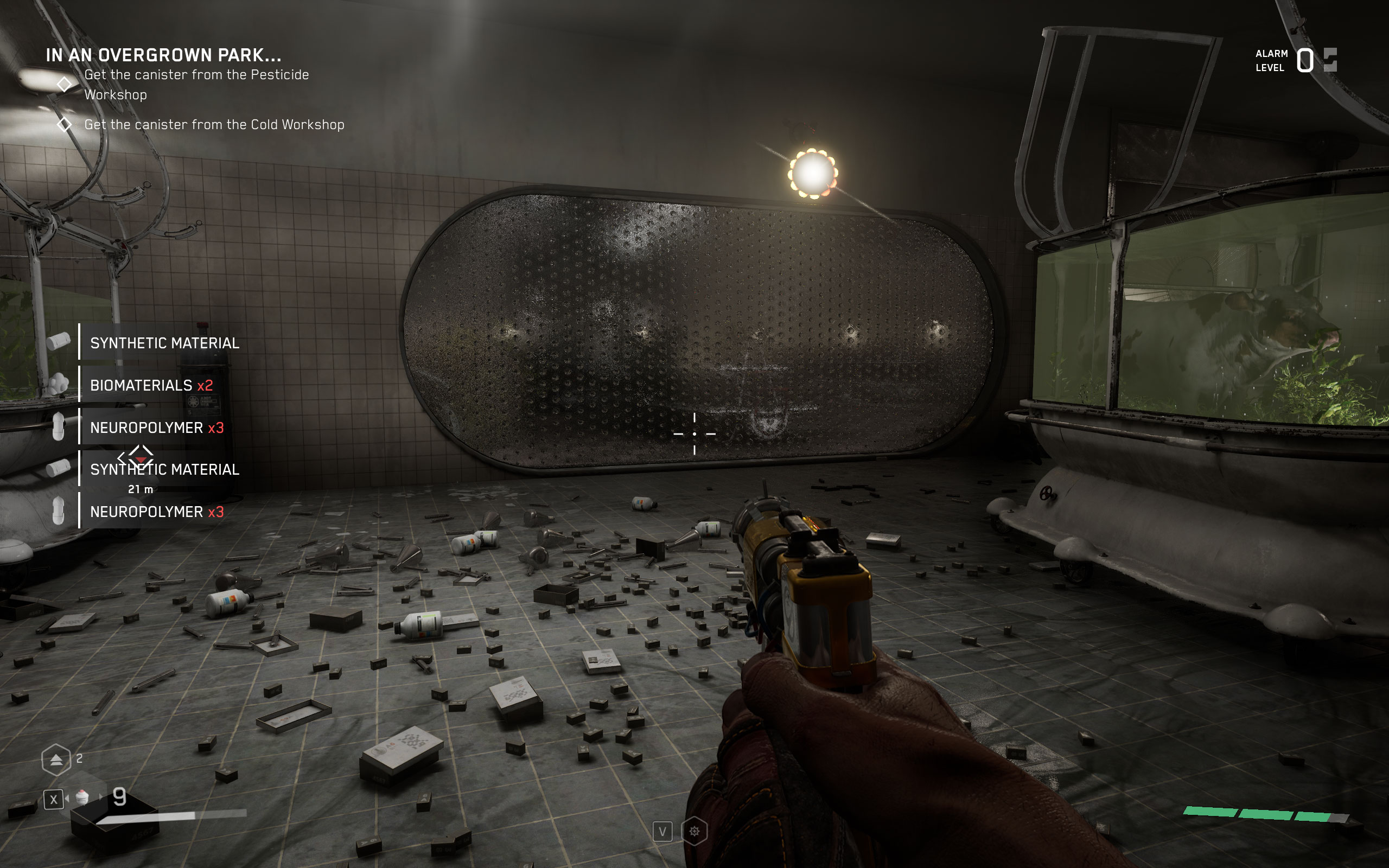
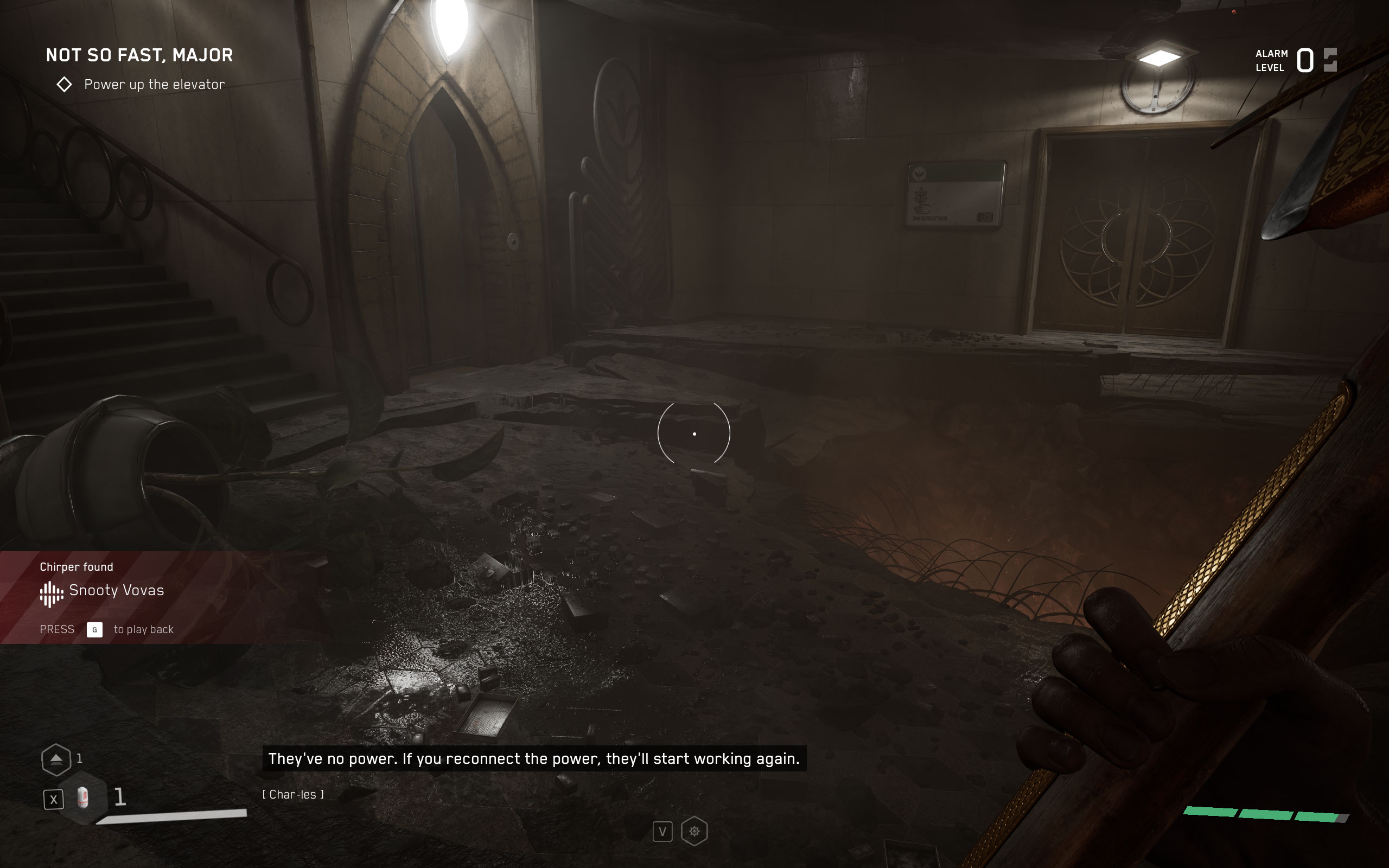
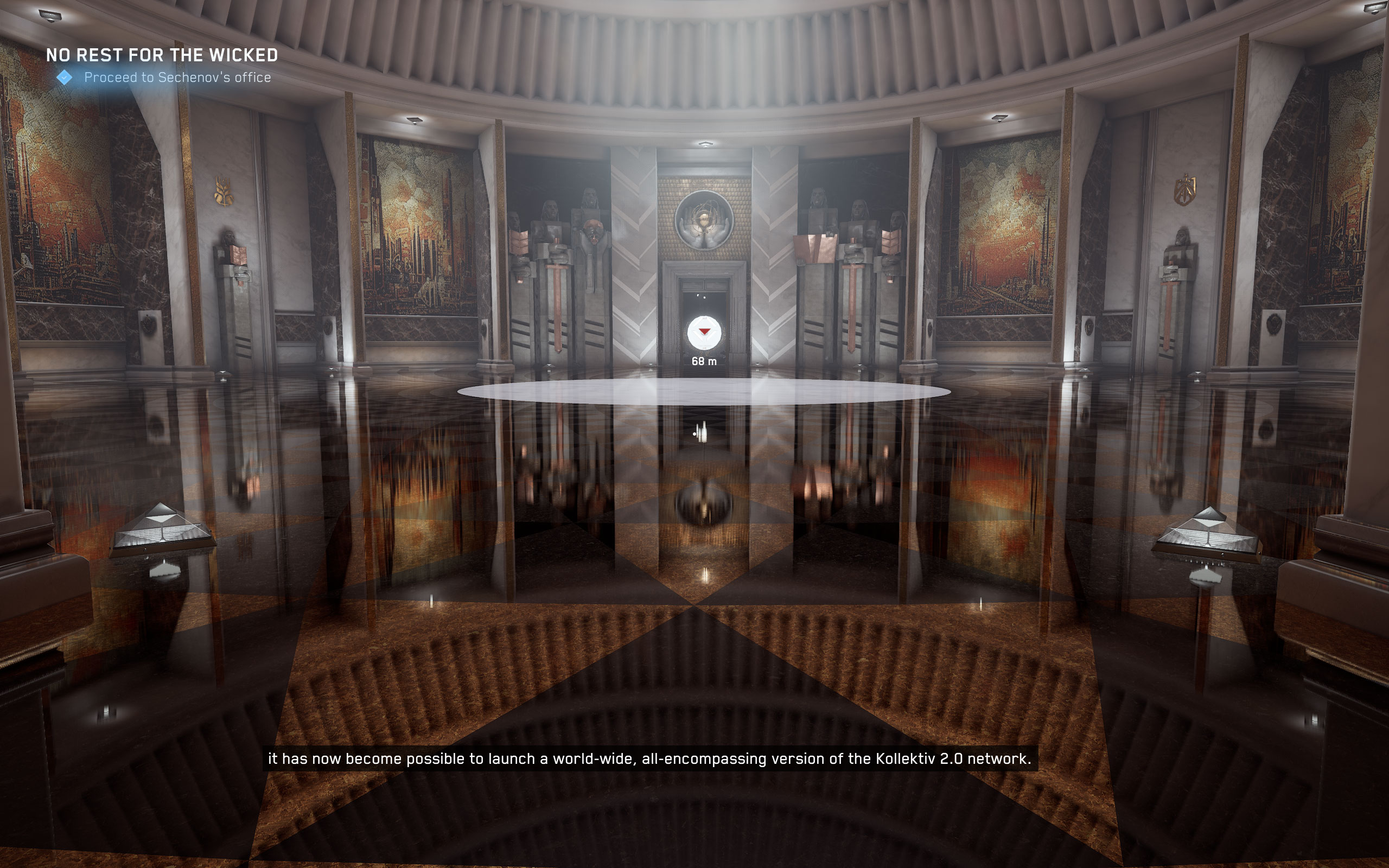
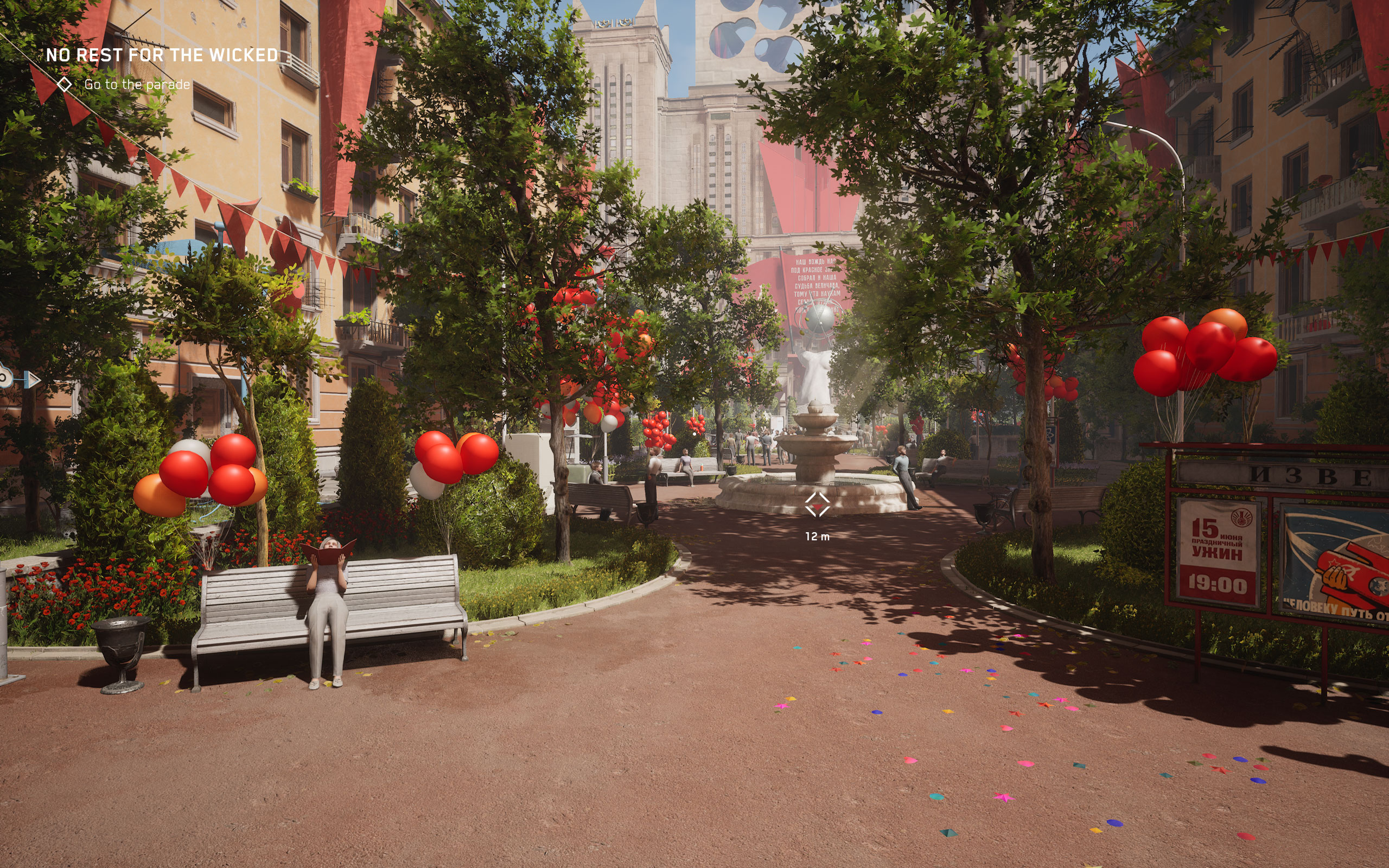
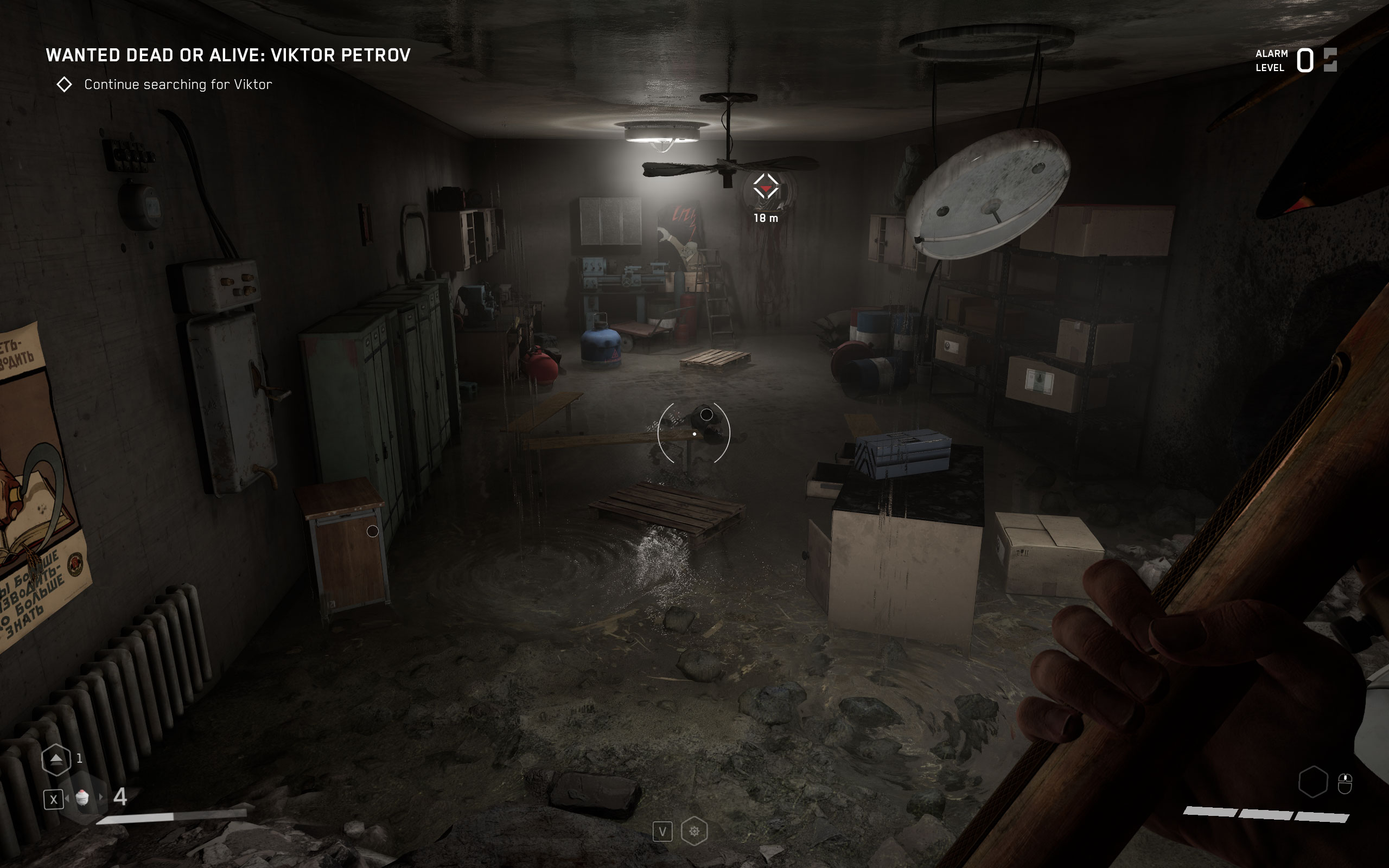
All screenshots were taken at the highest "Atomic" setting. The gallery can be navigated with the cursor keys.


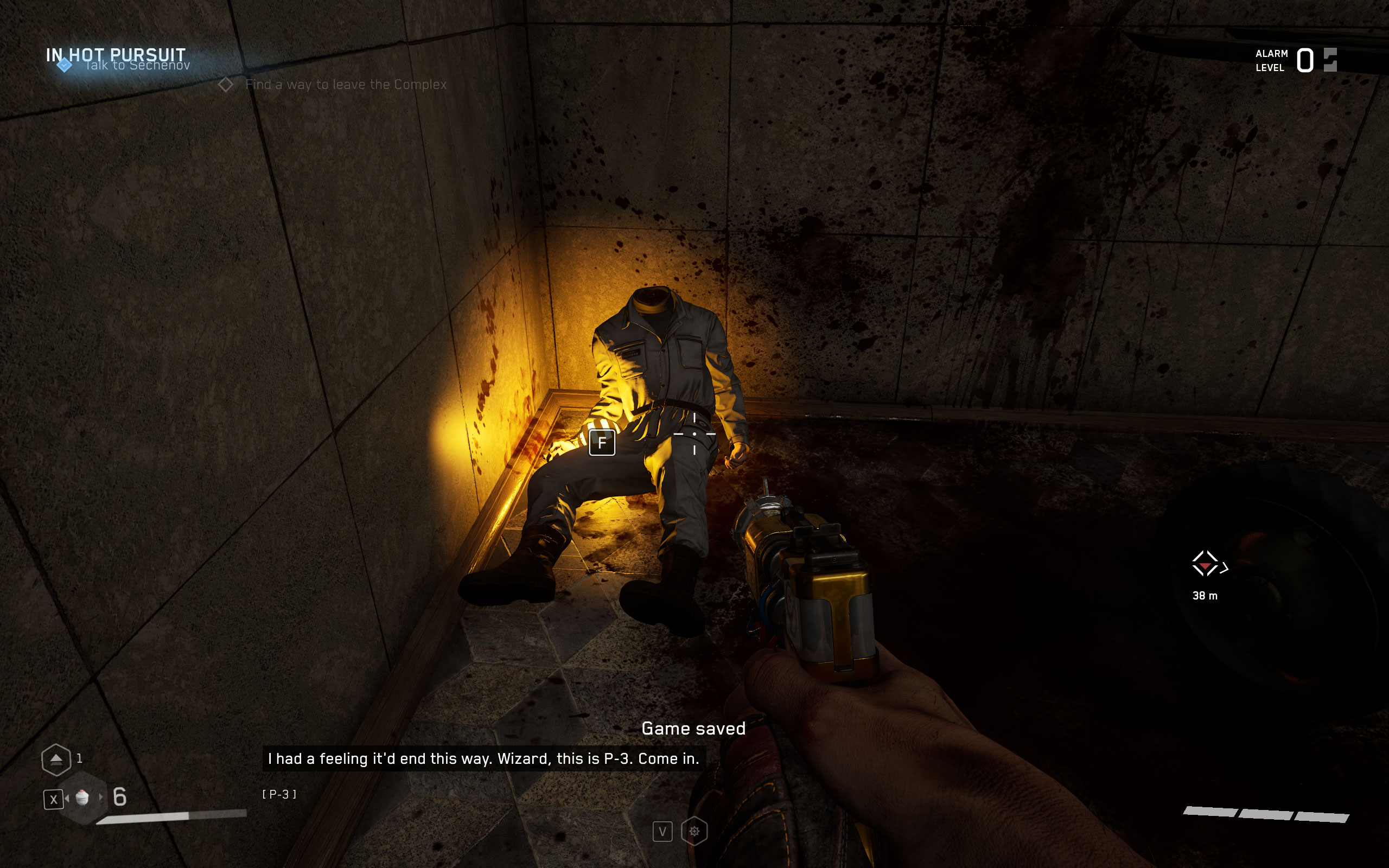


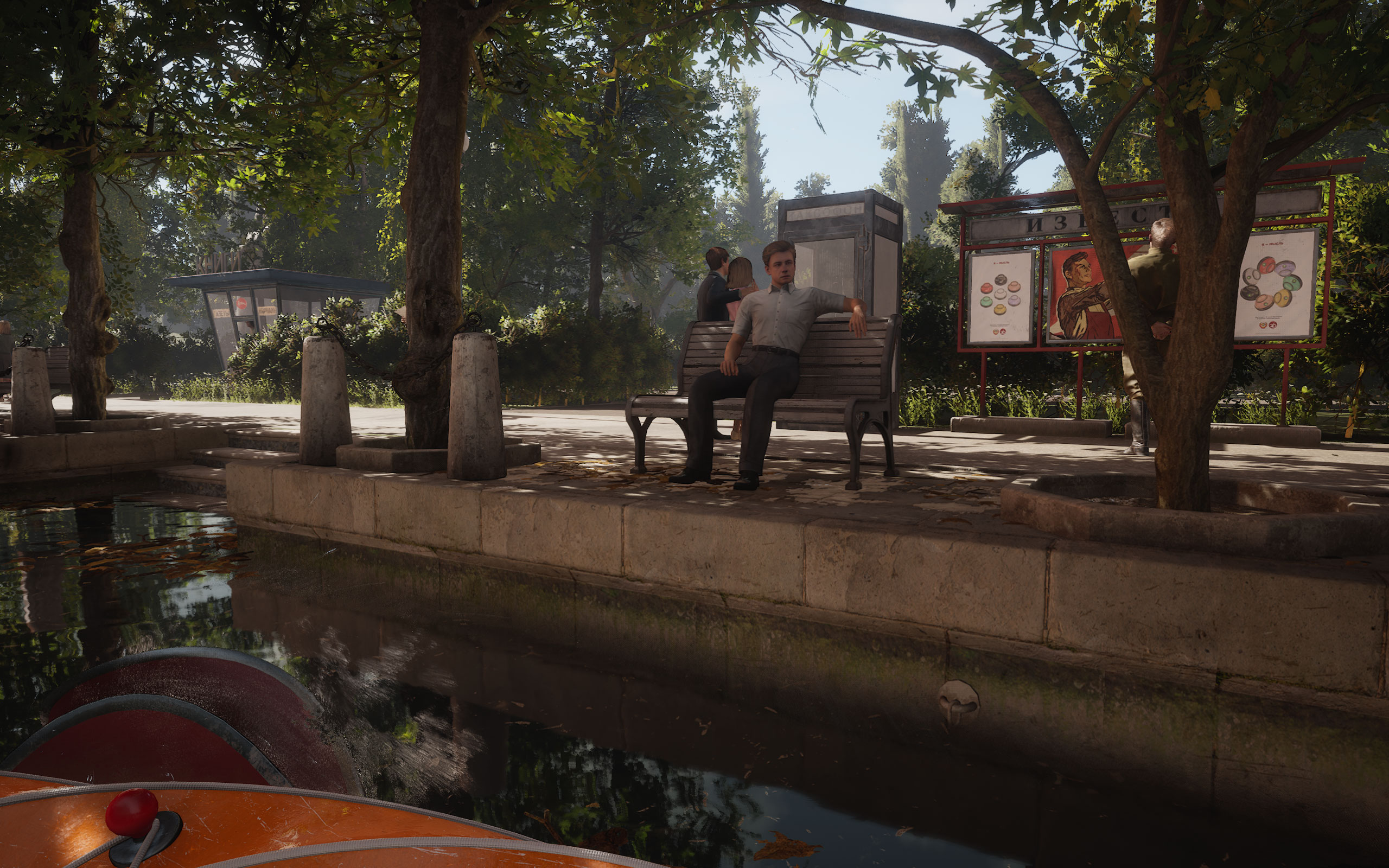


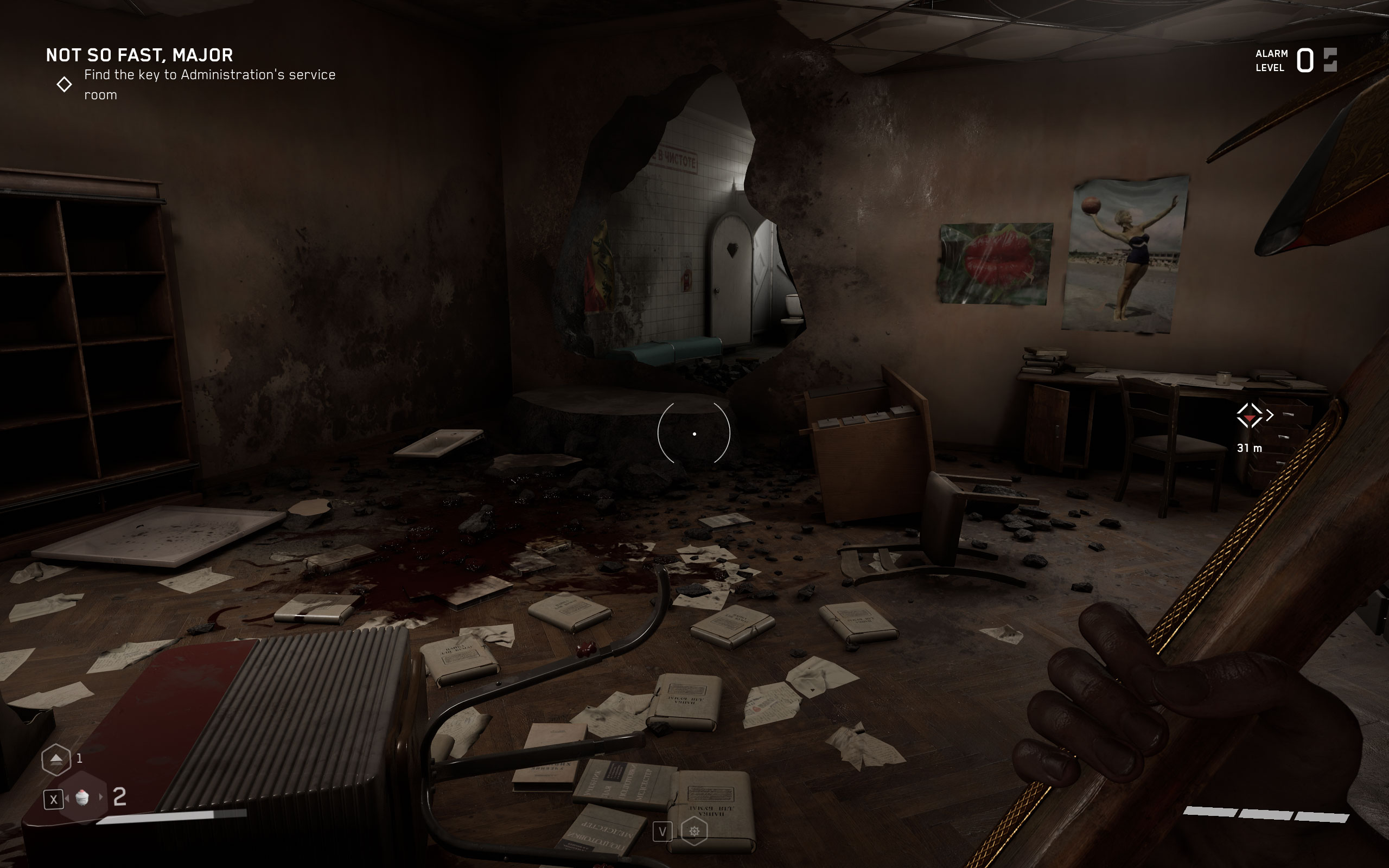
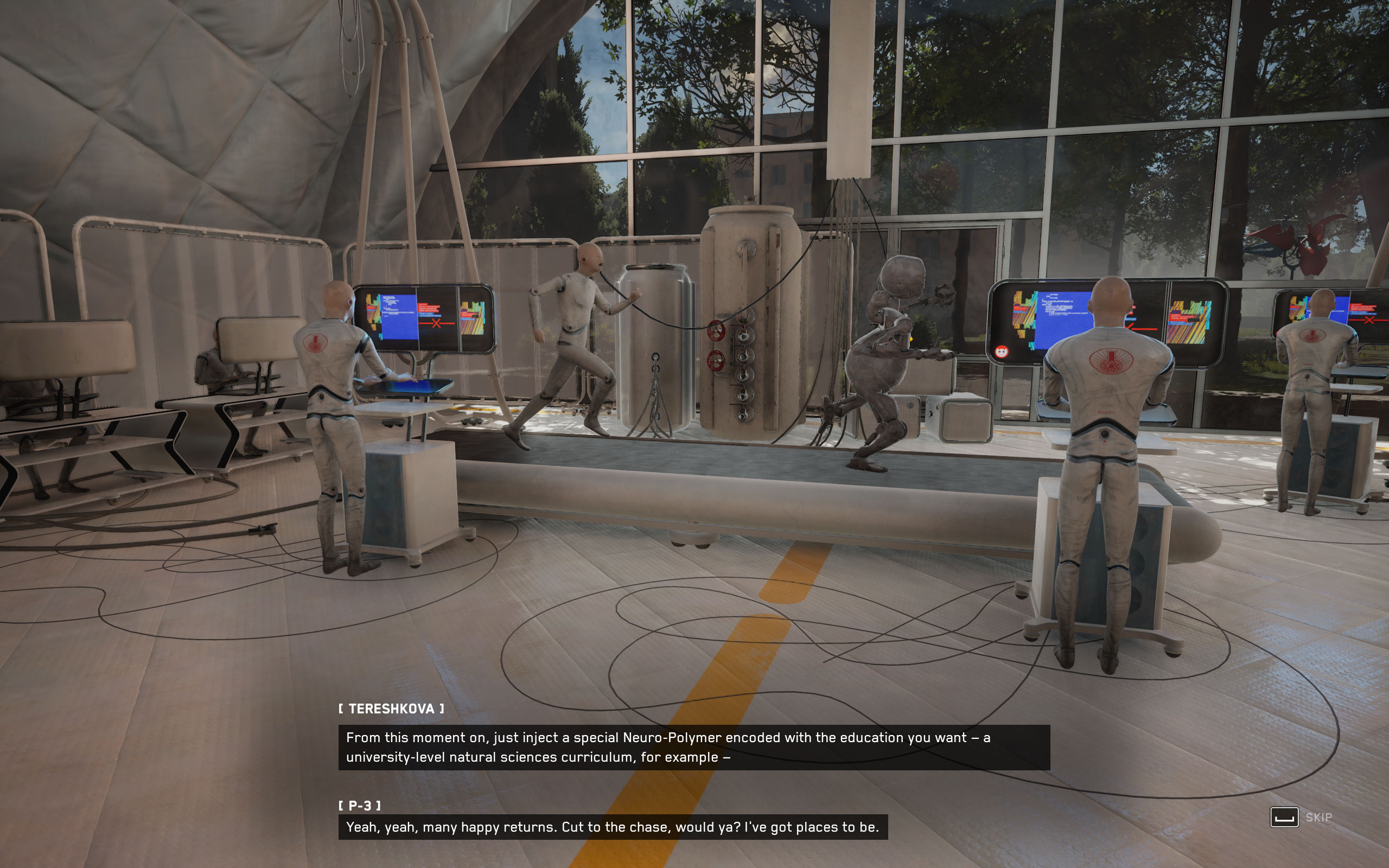





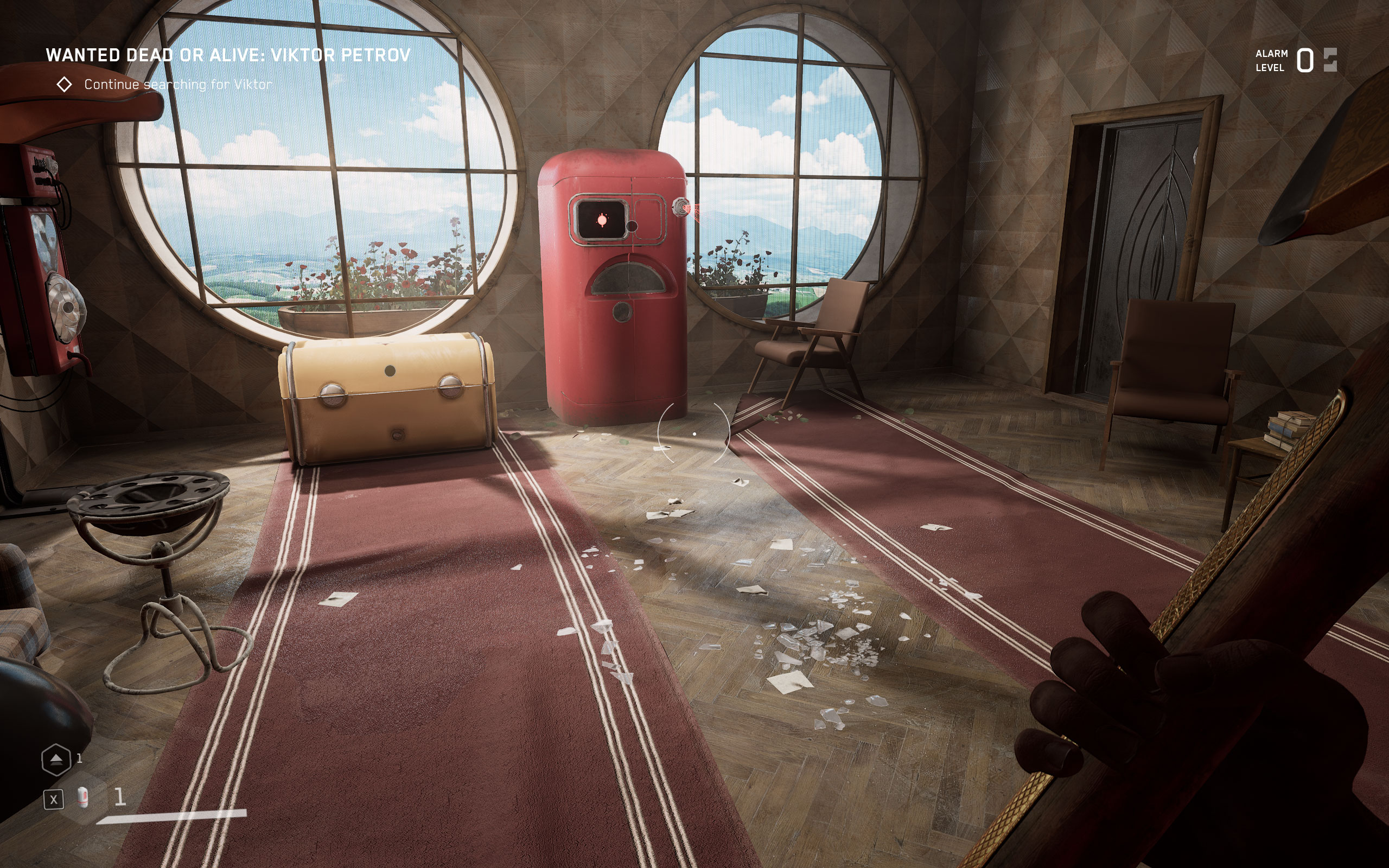
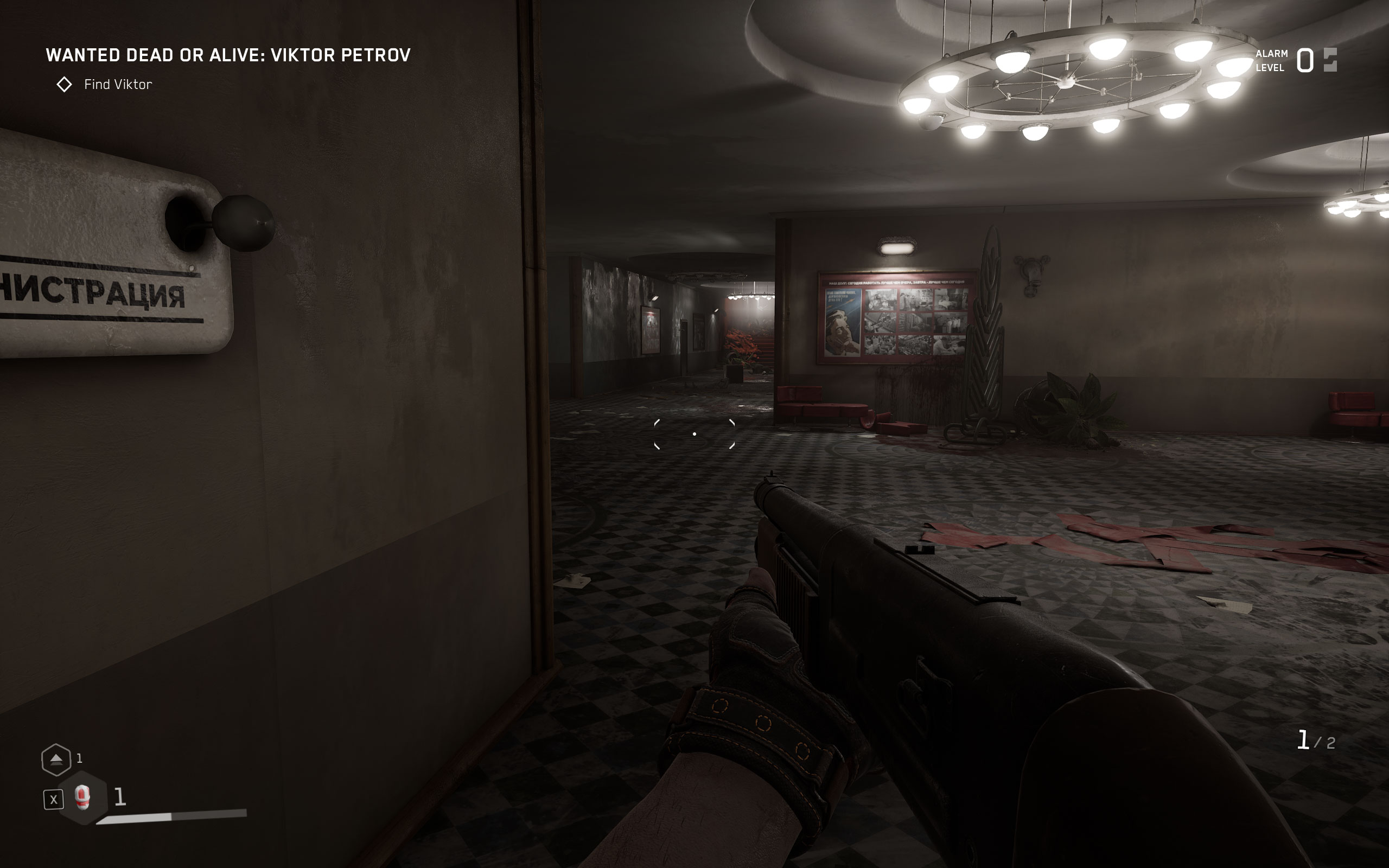
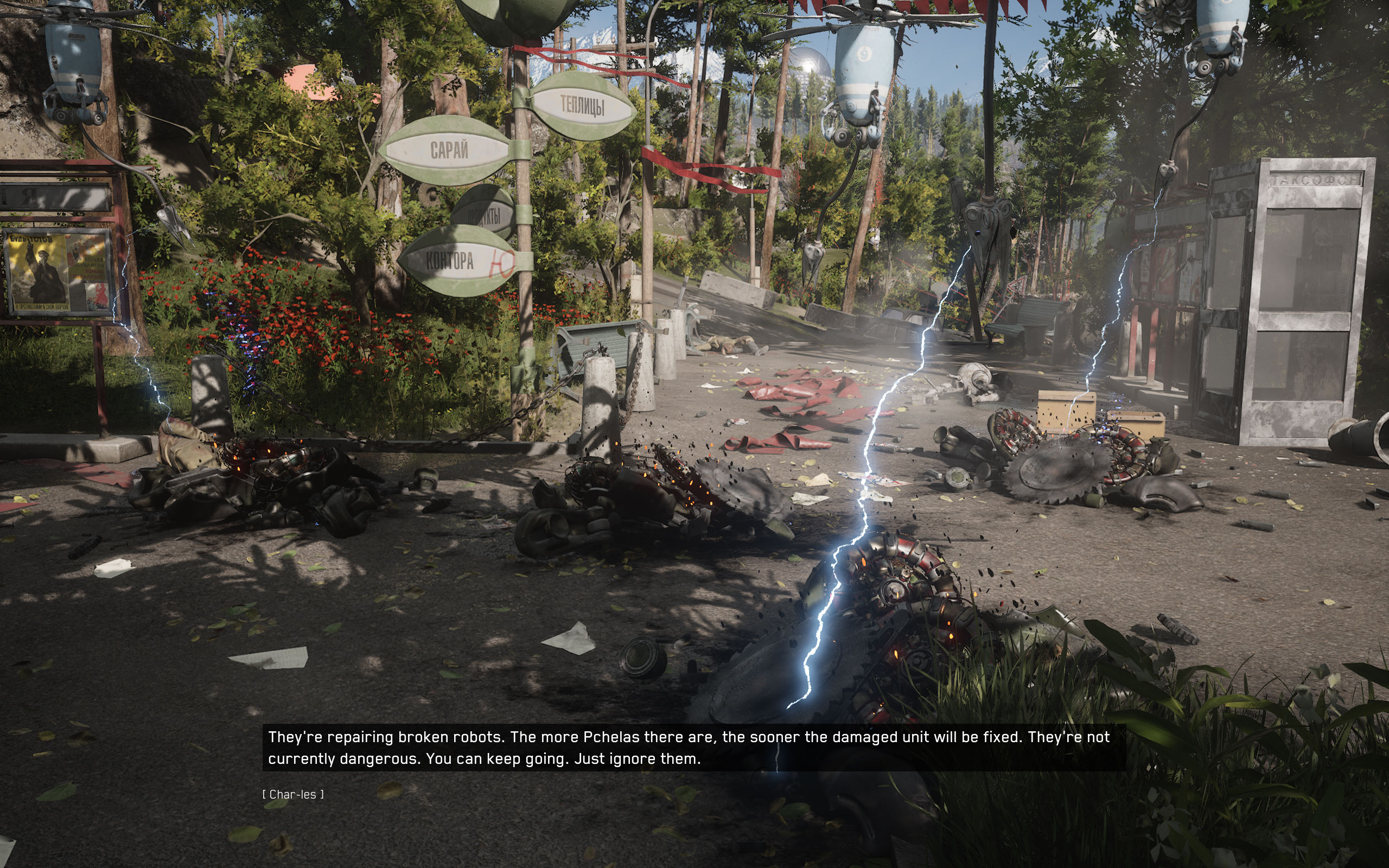
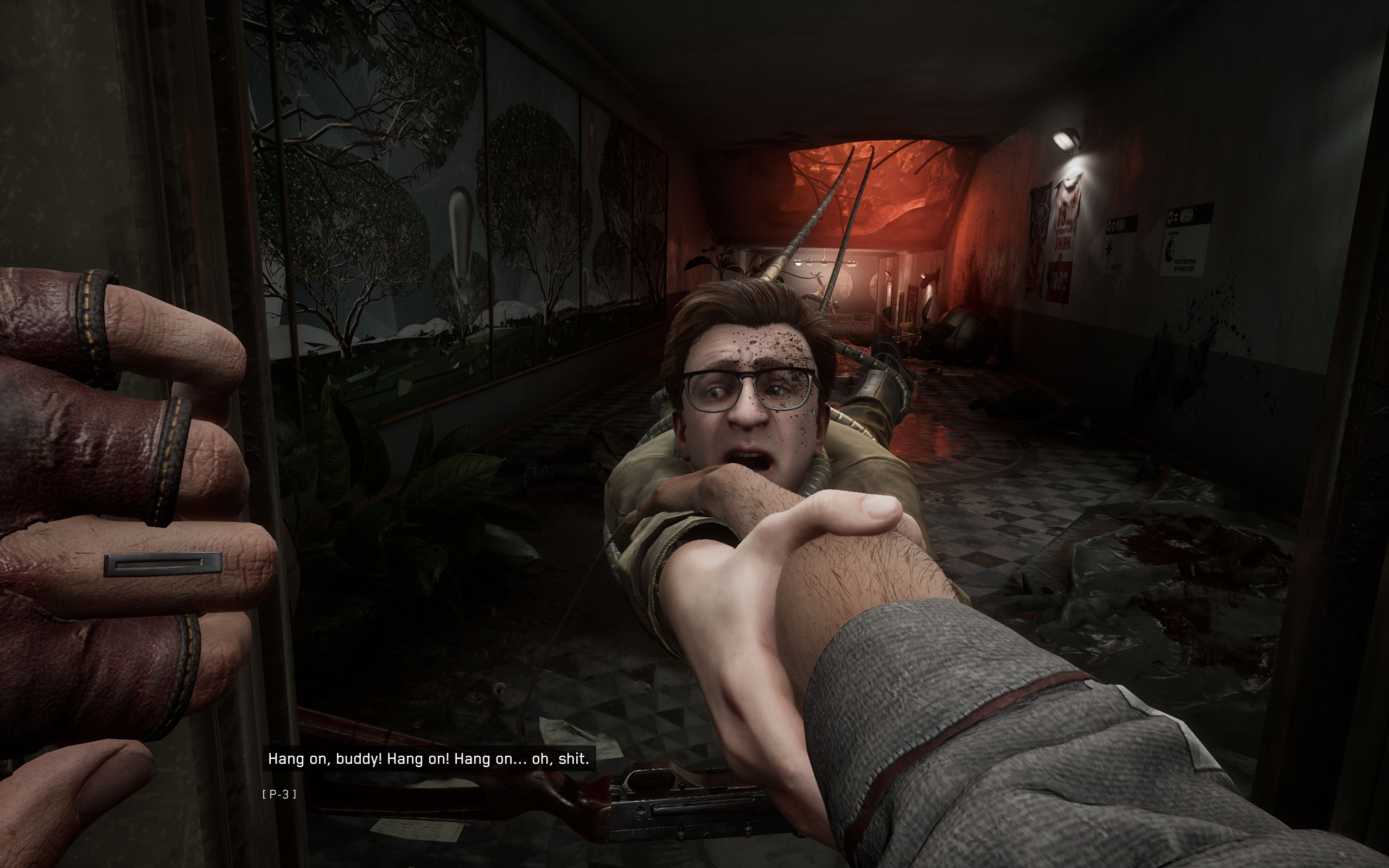


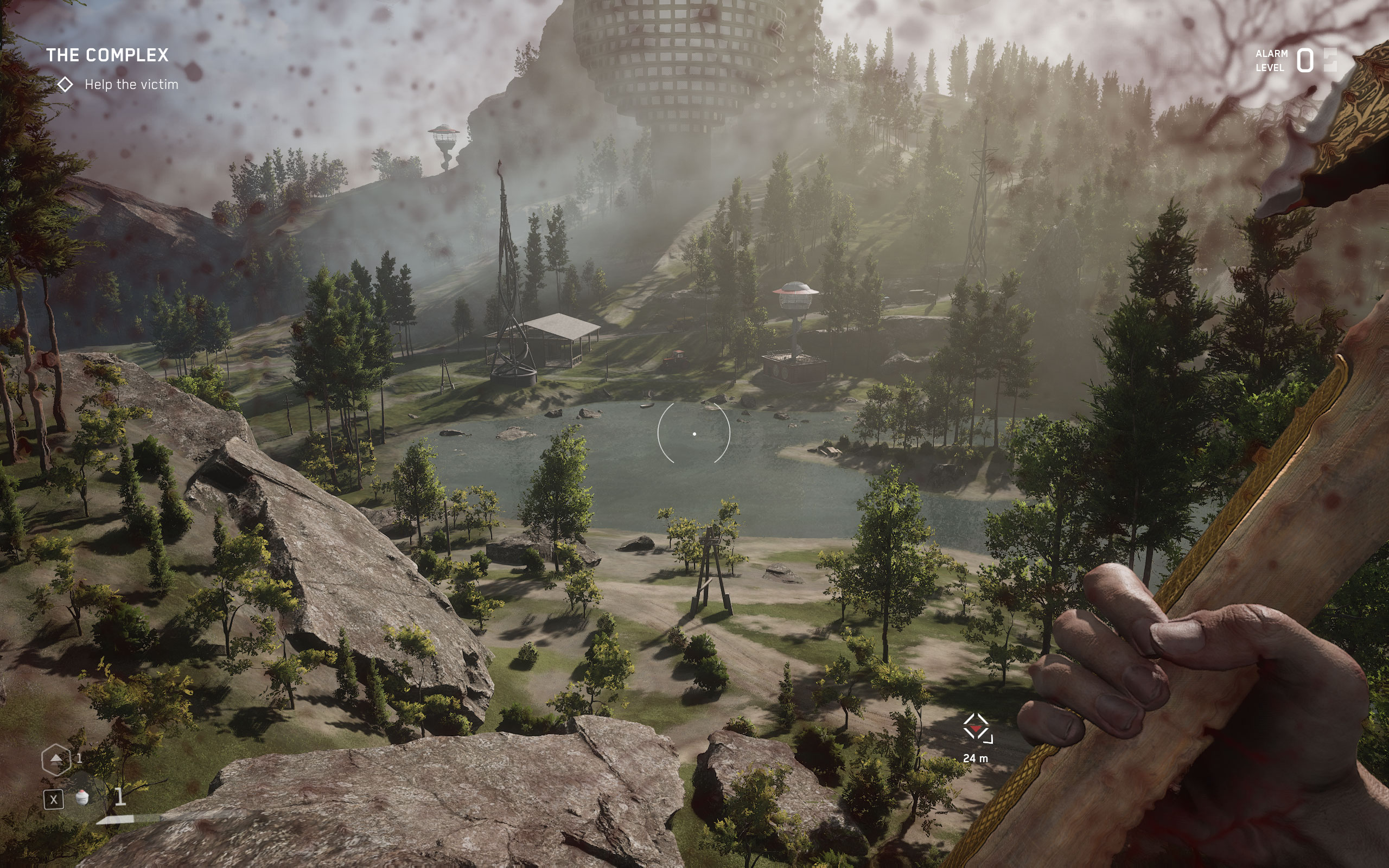
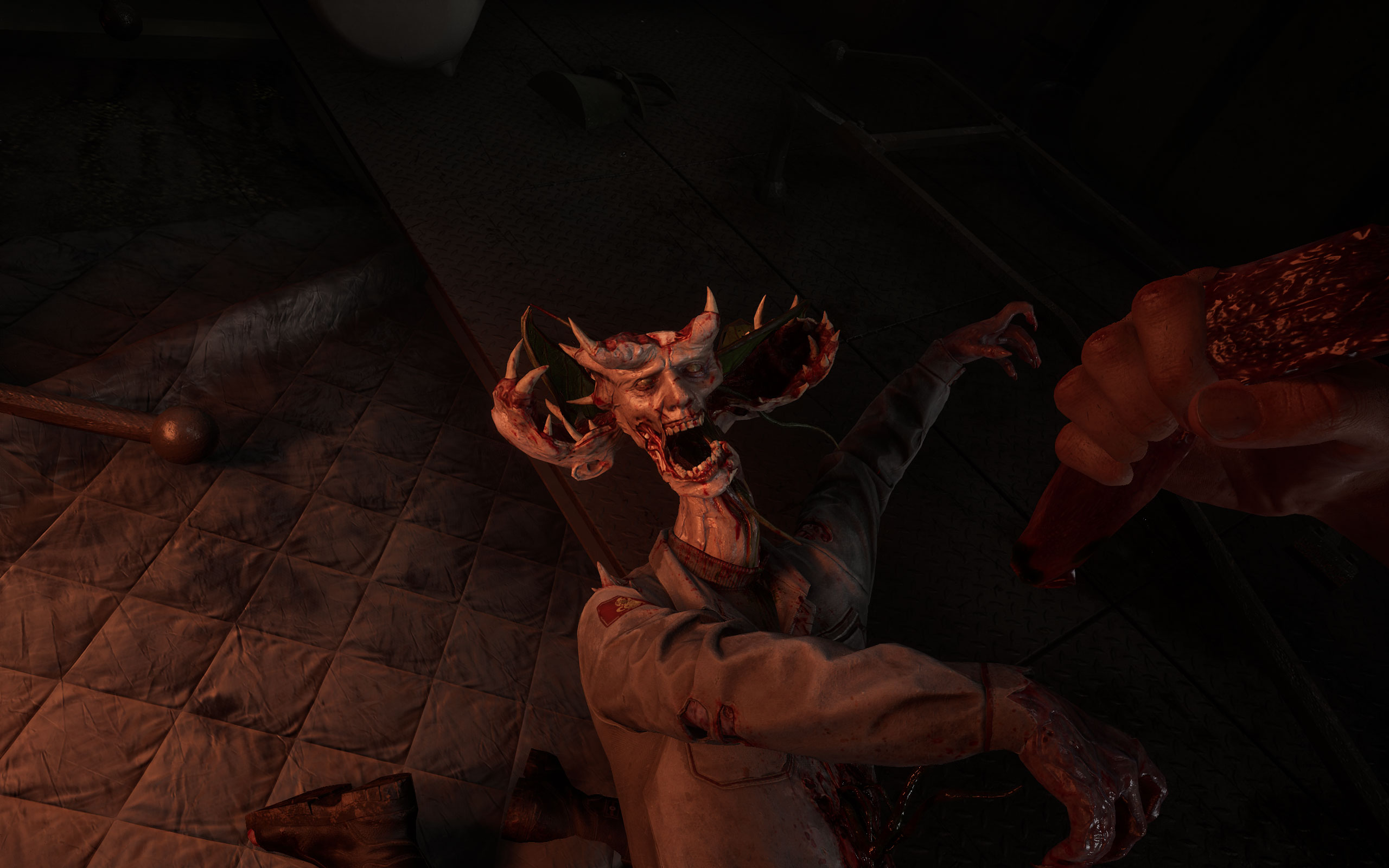
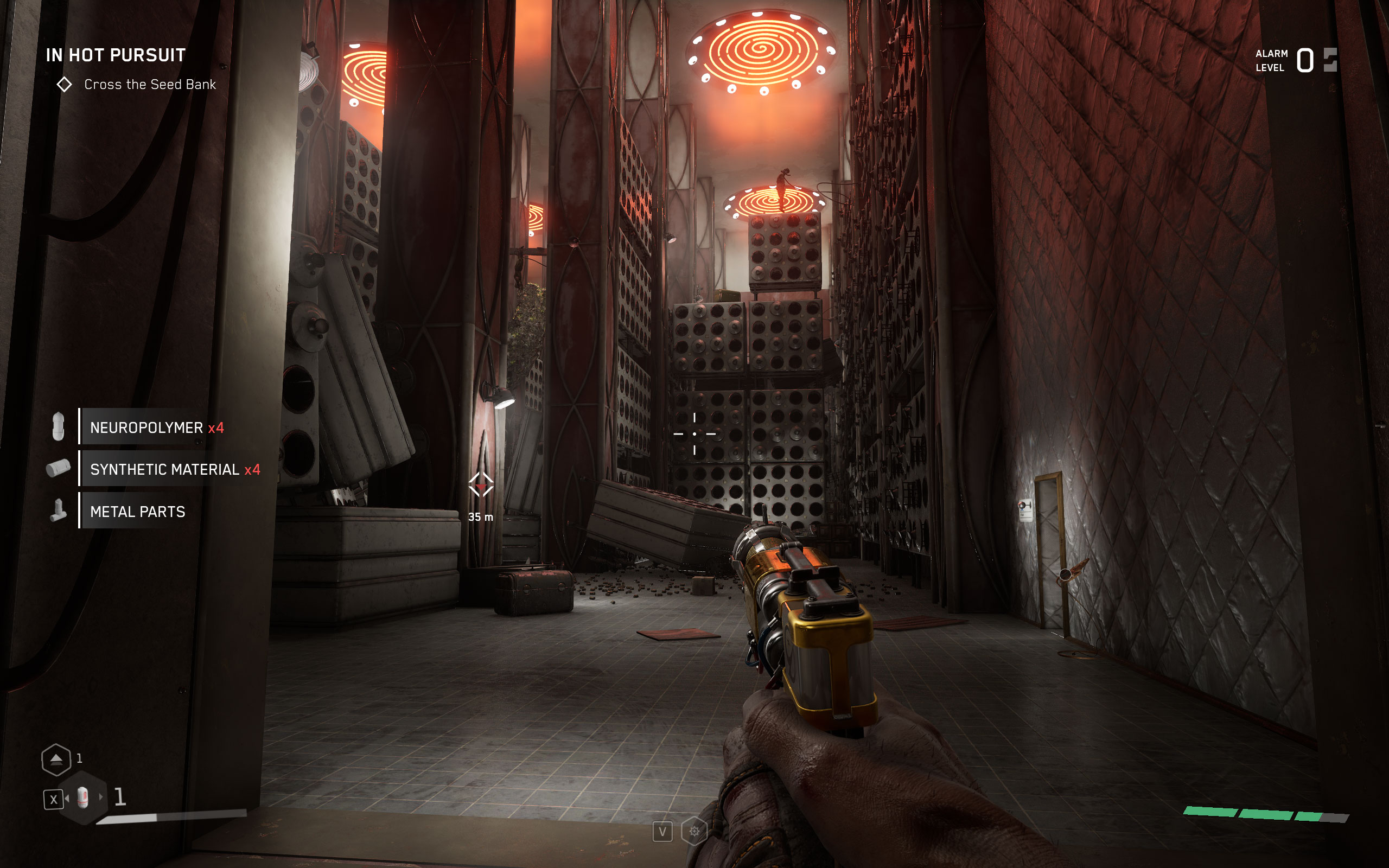
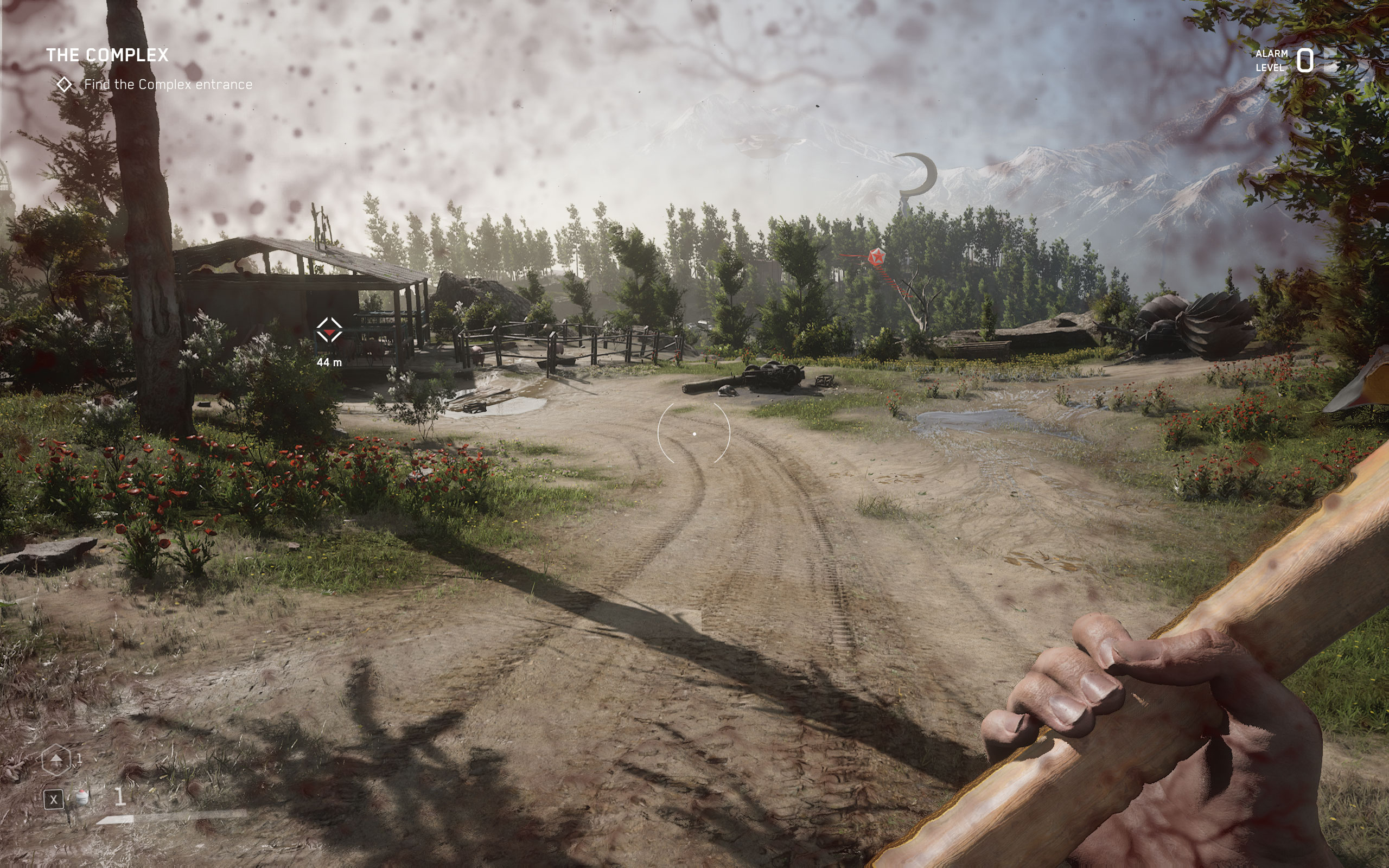
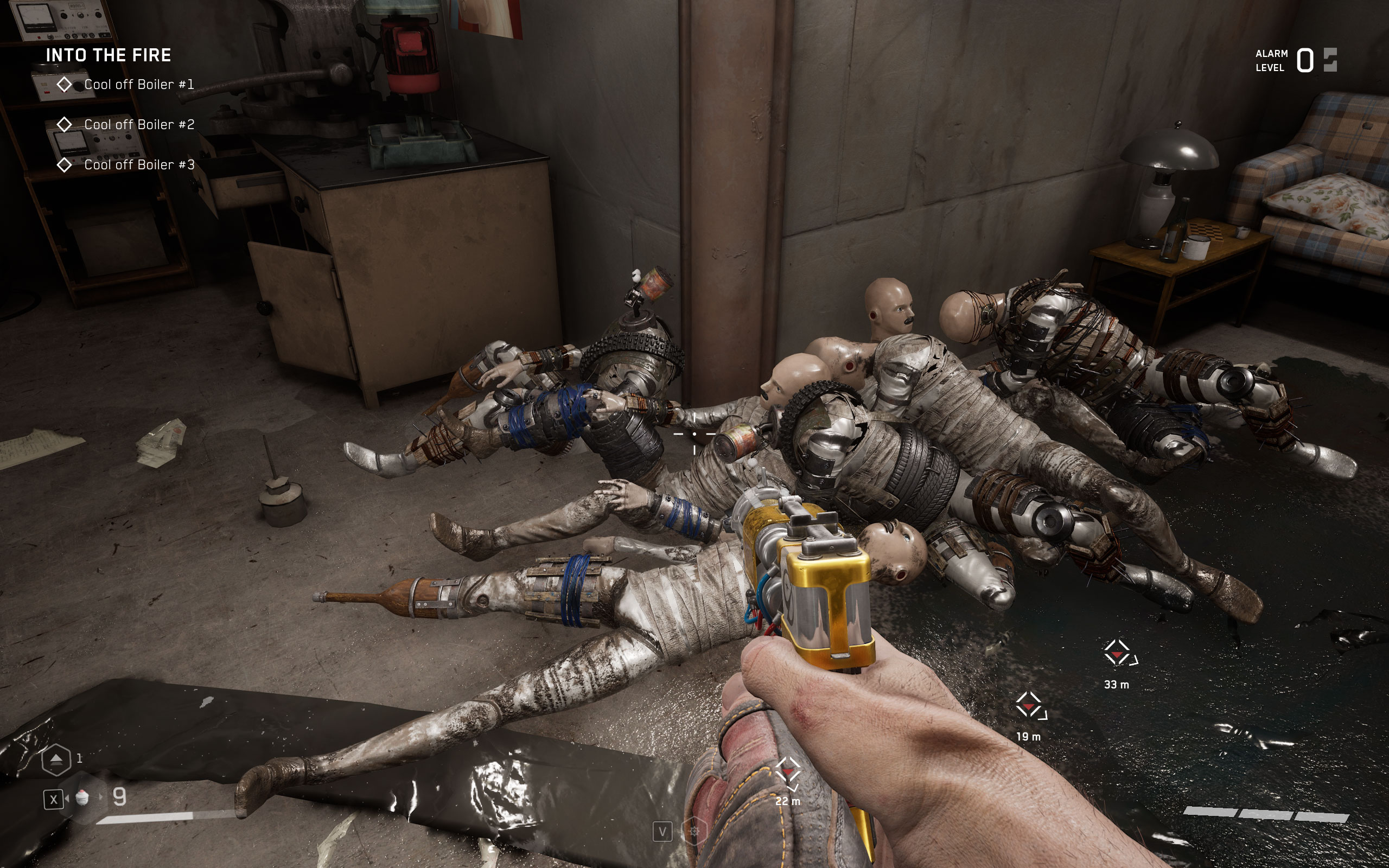
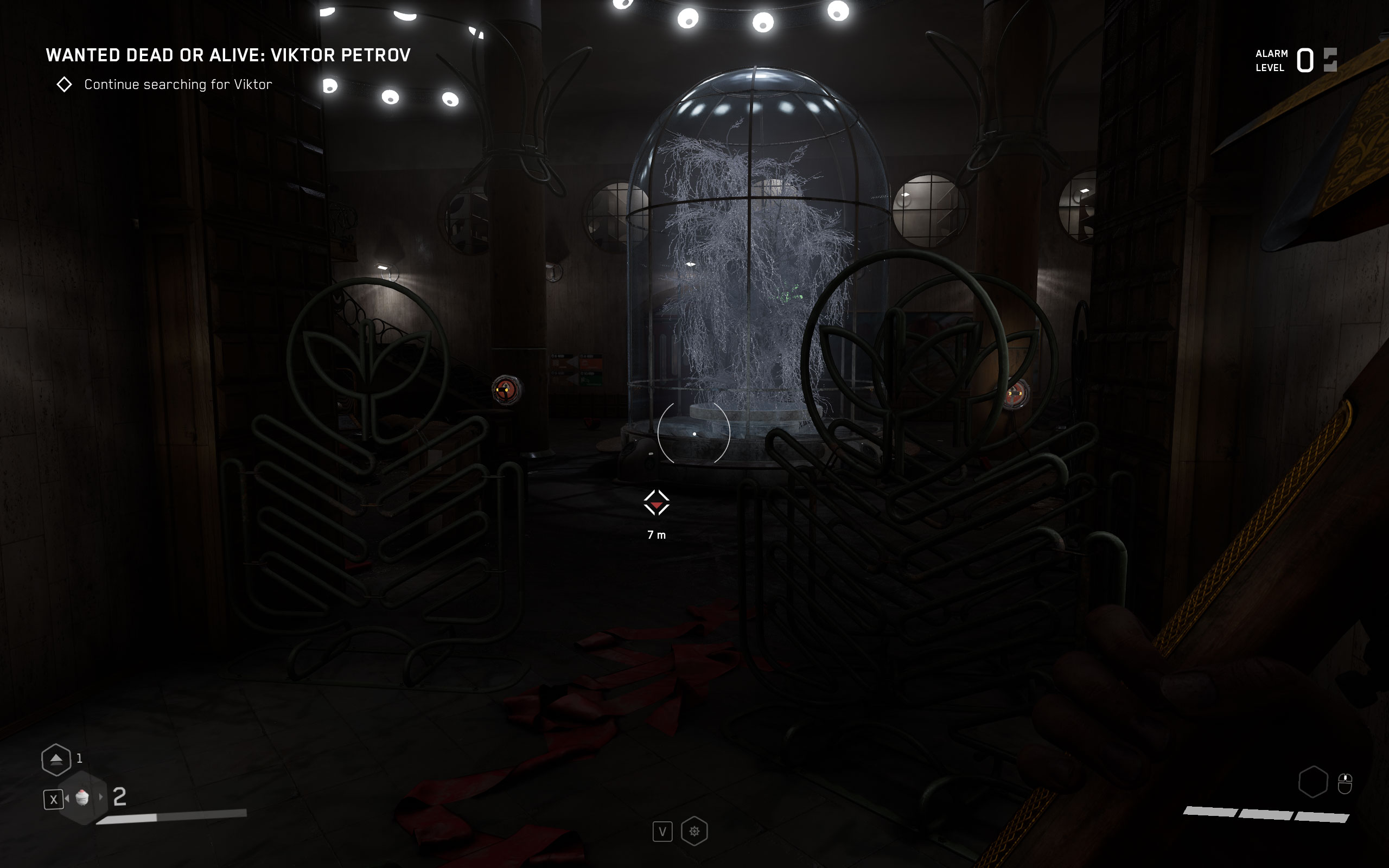

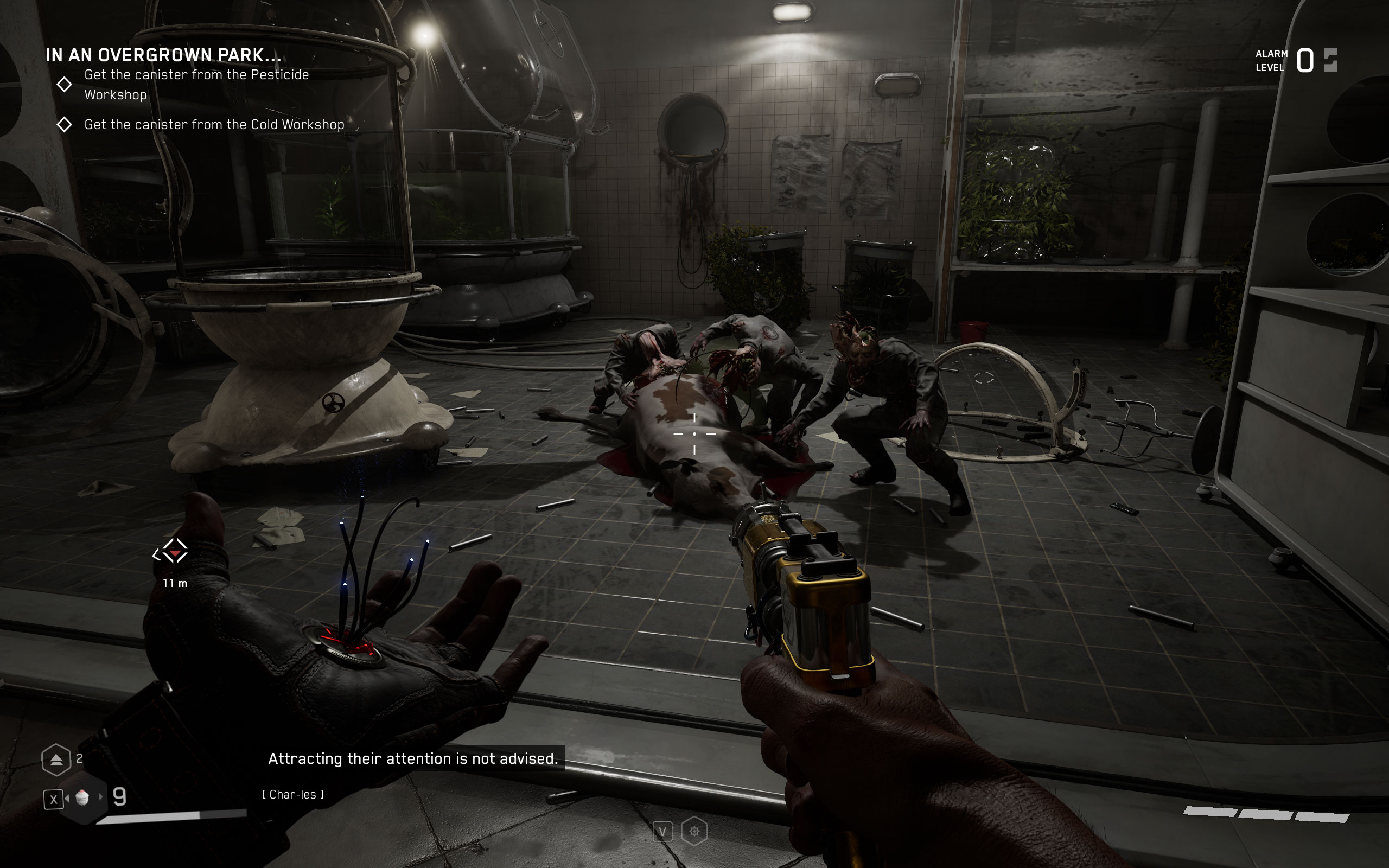
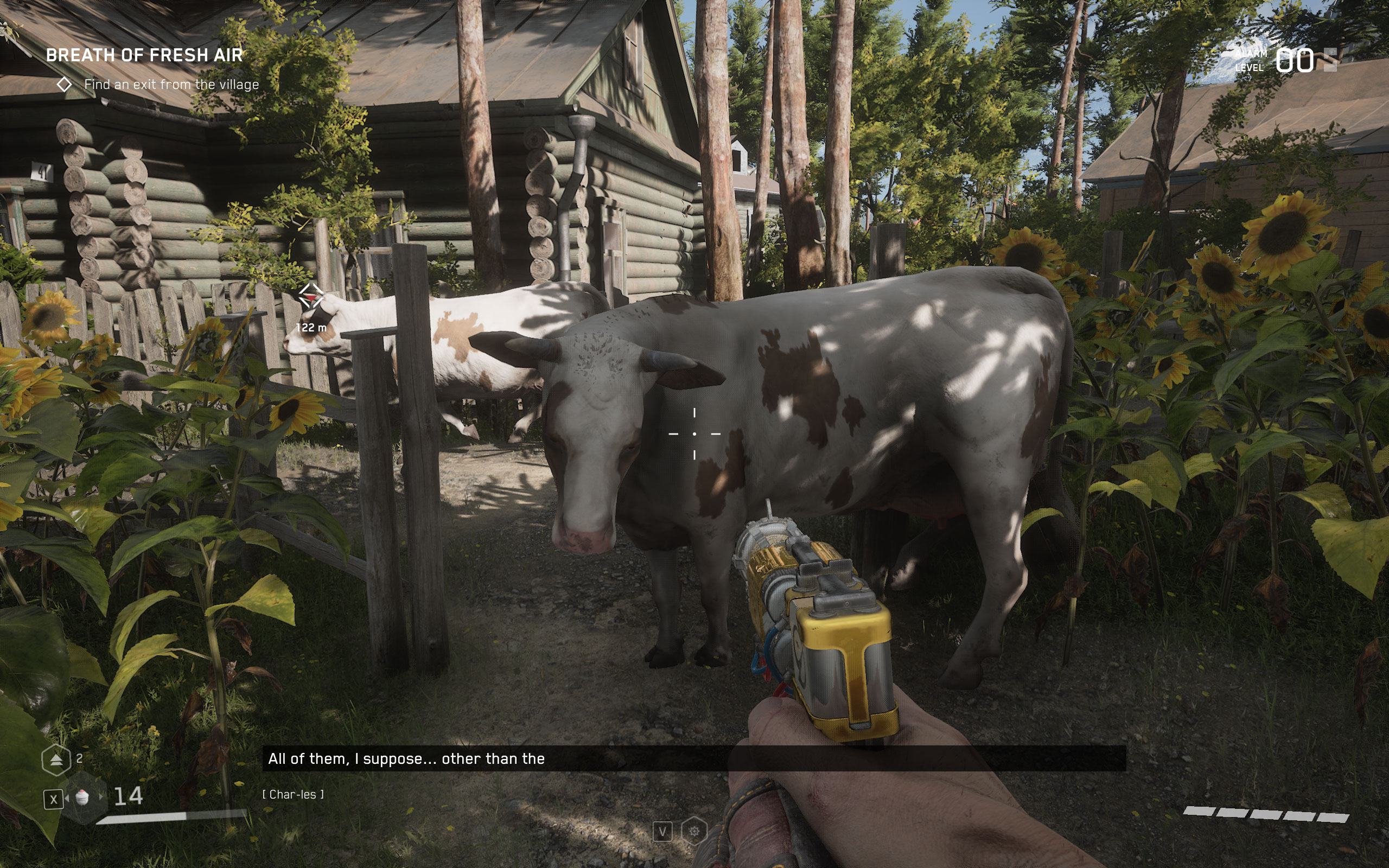



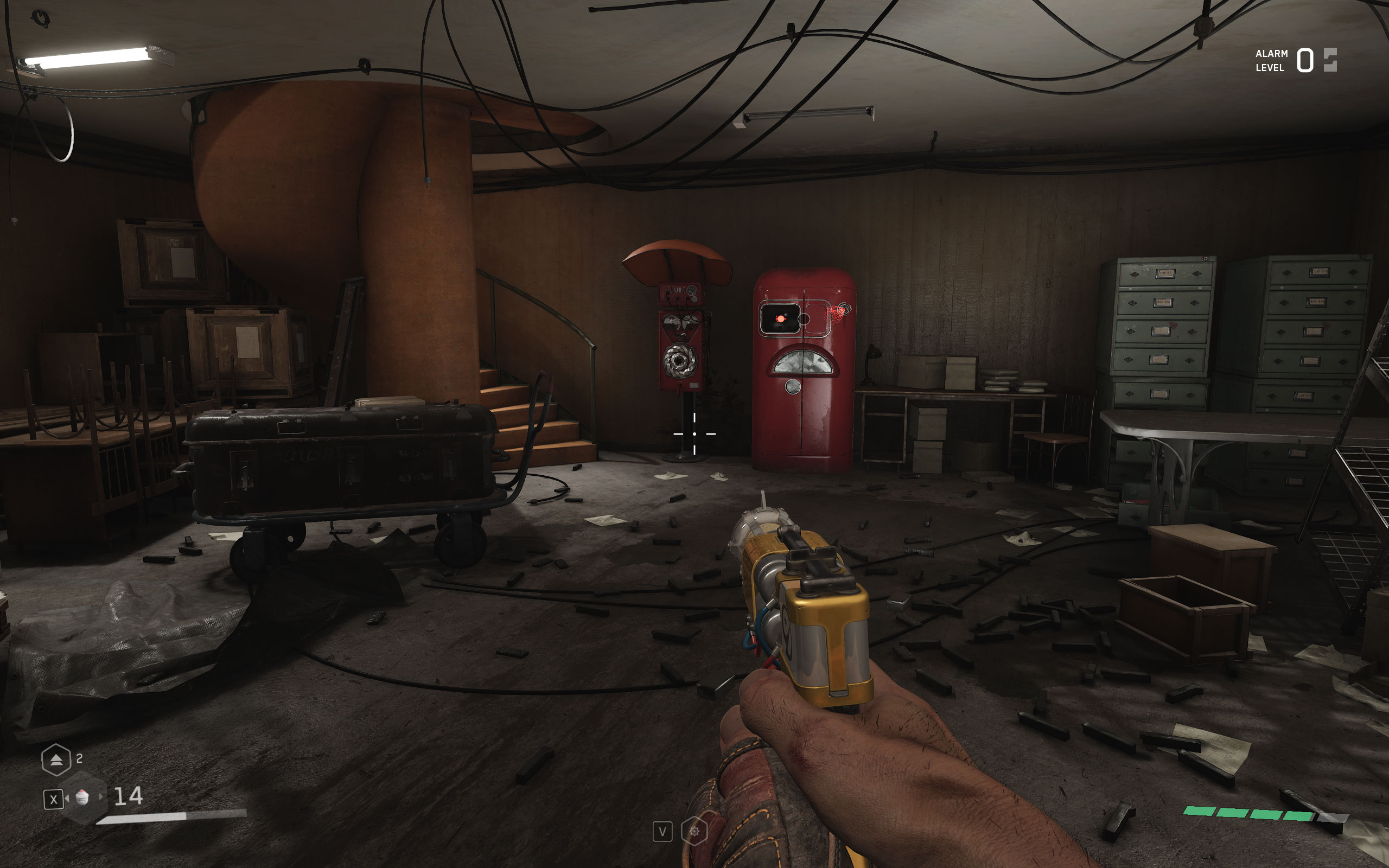

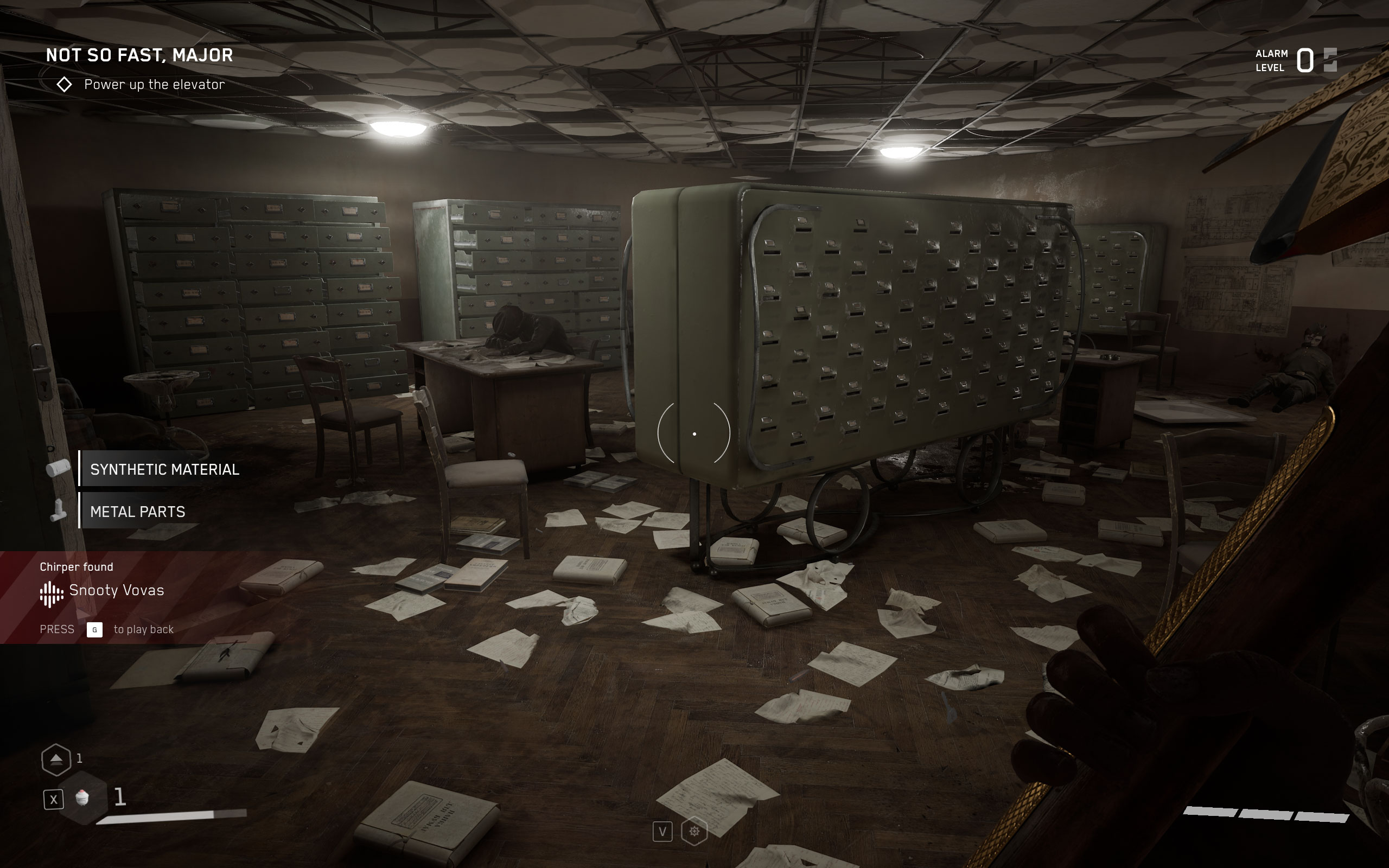


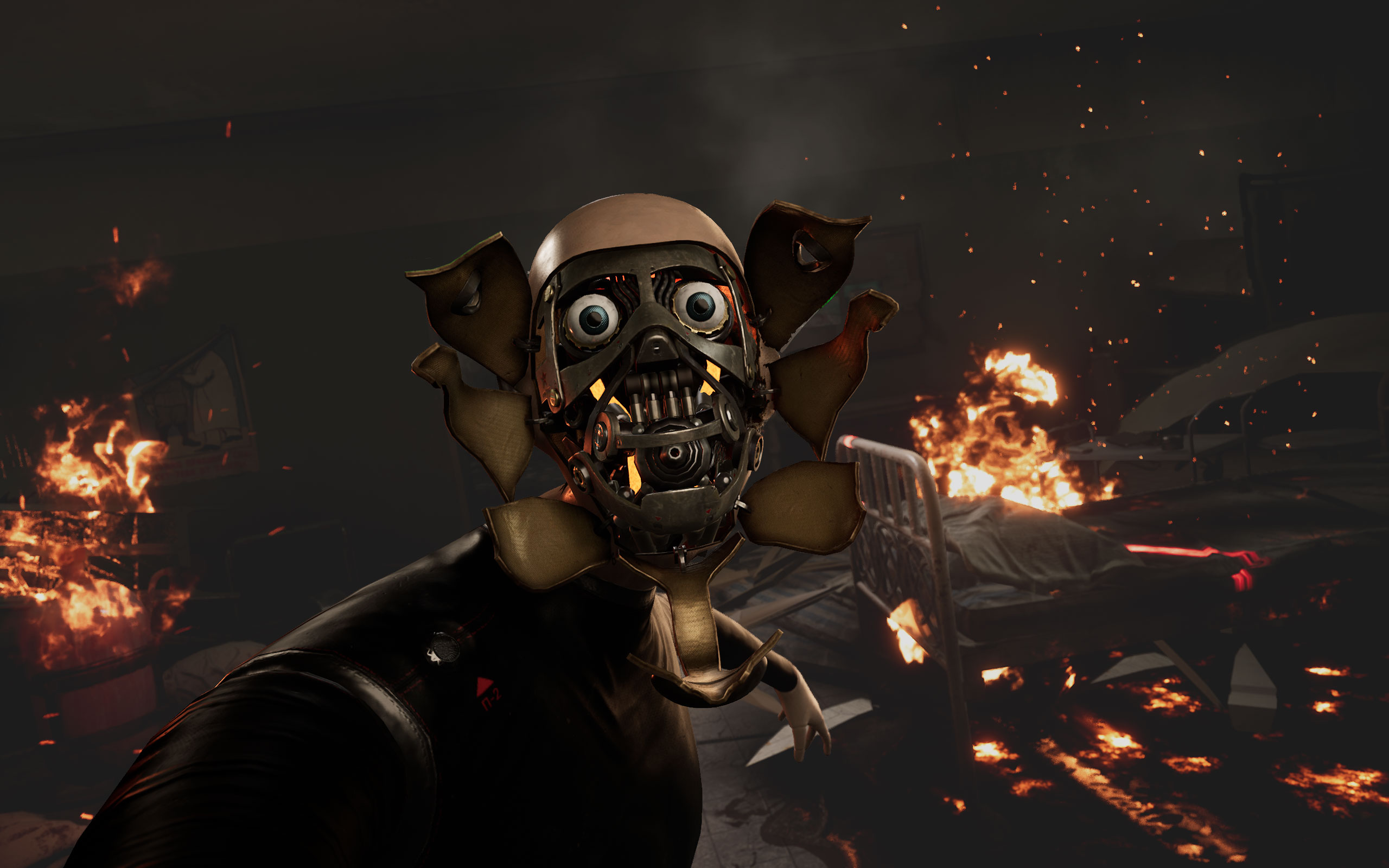
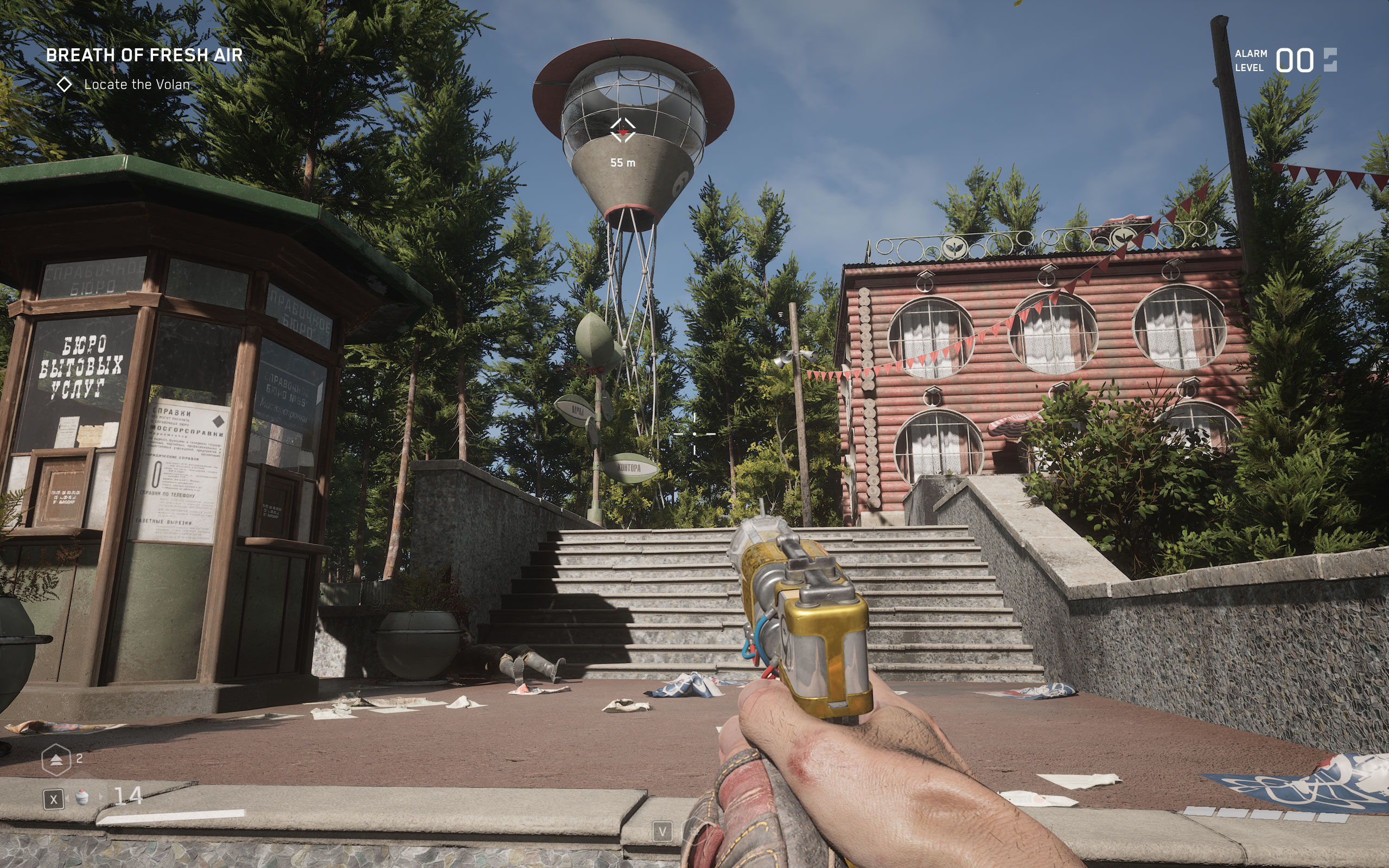





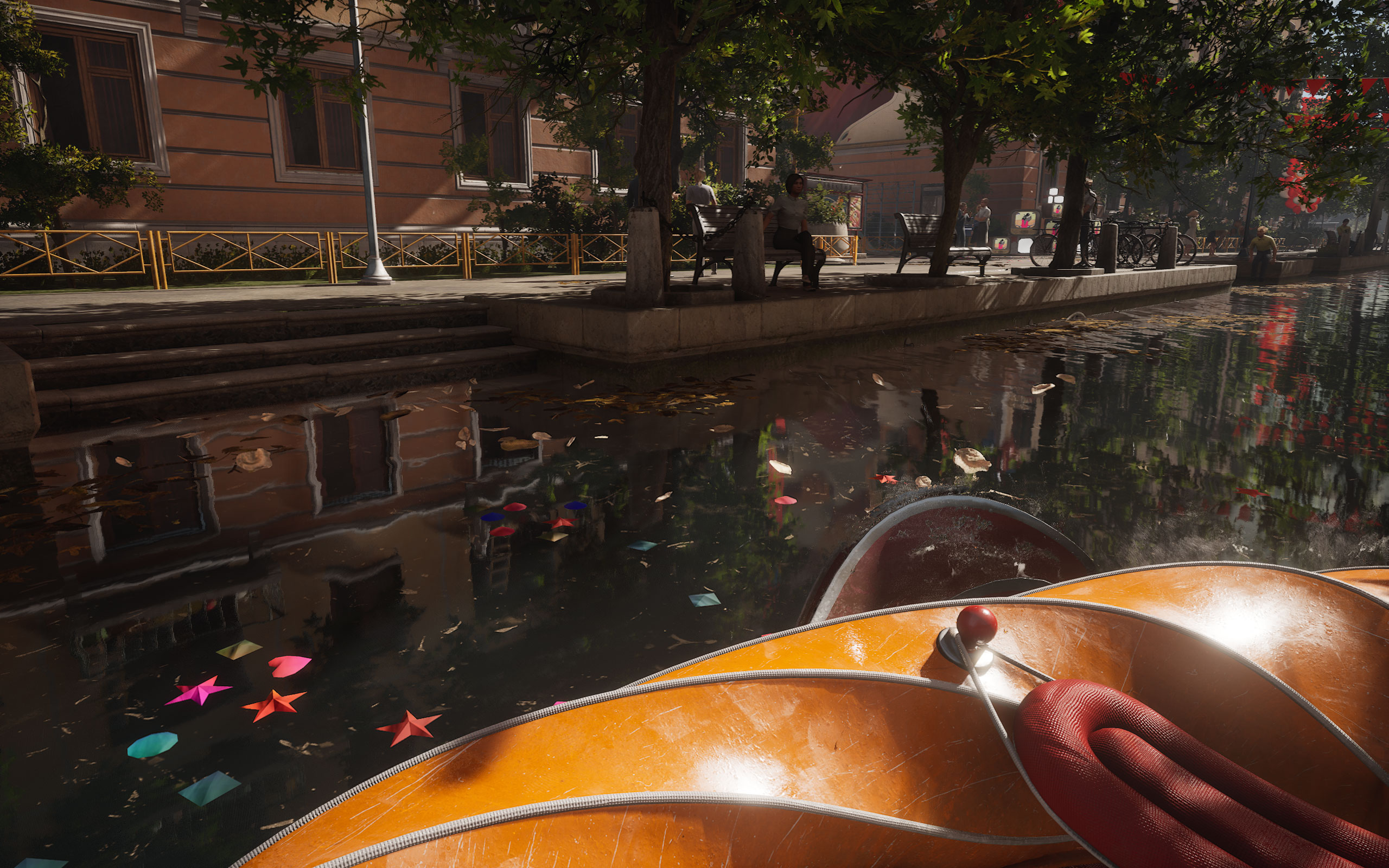
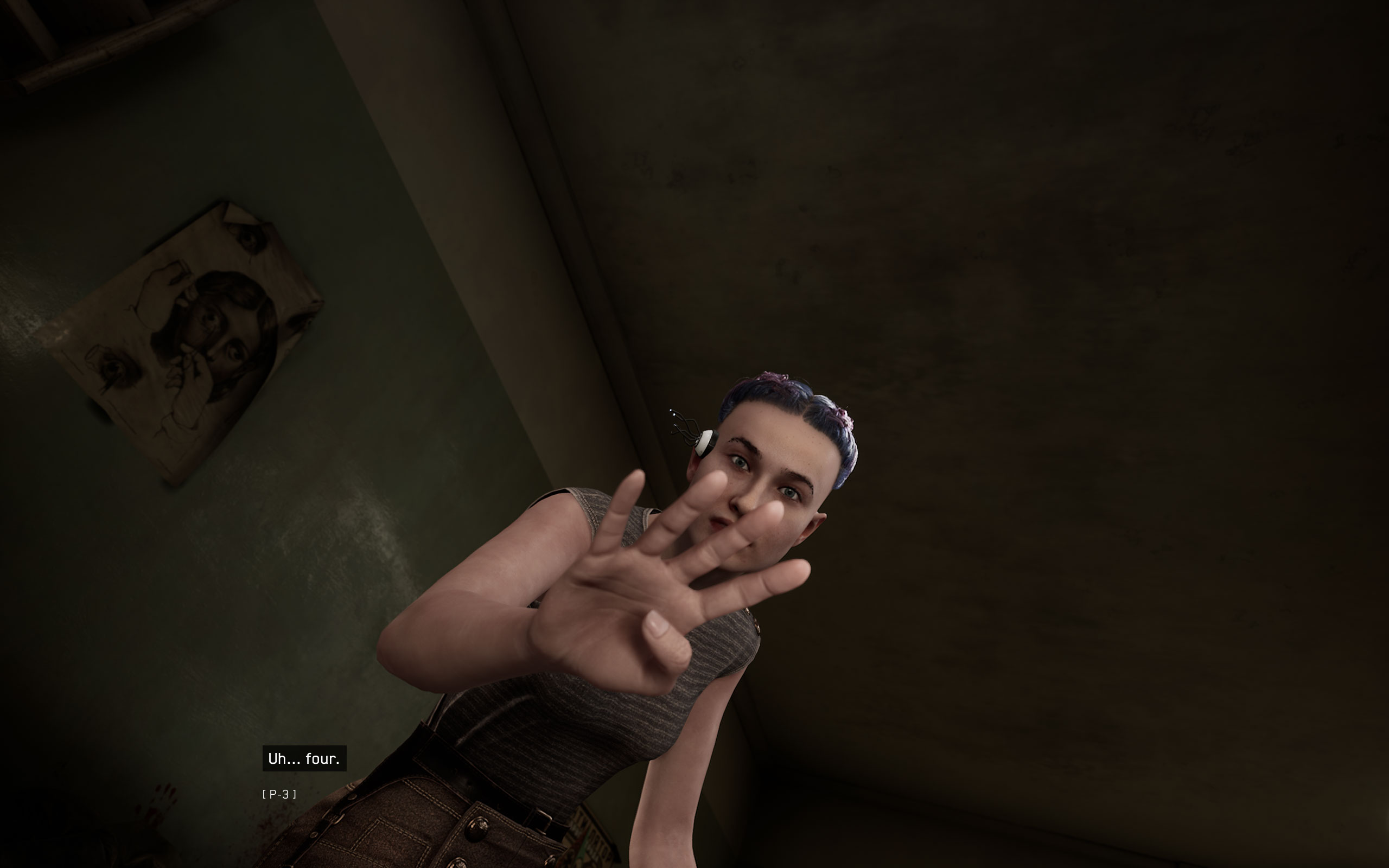
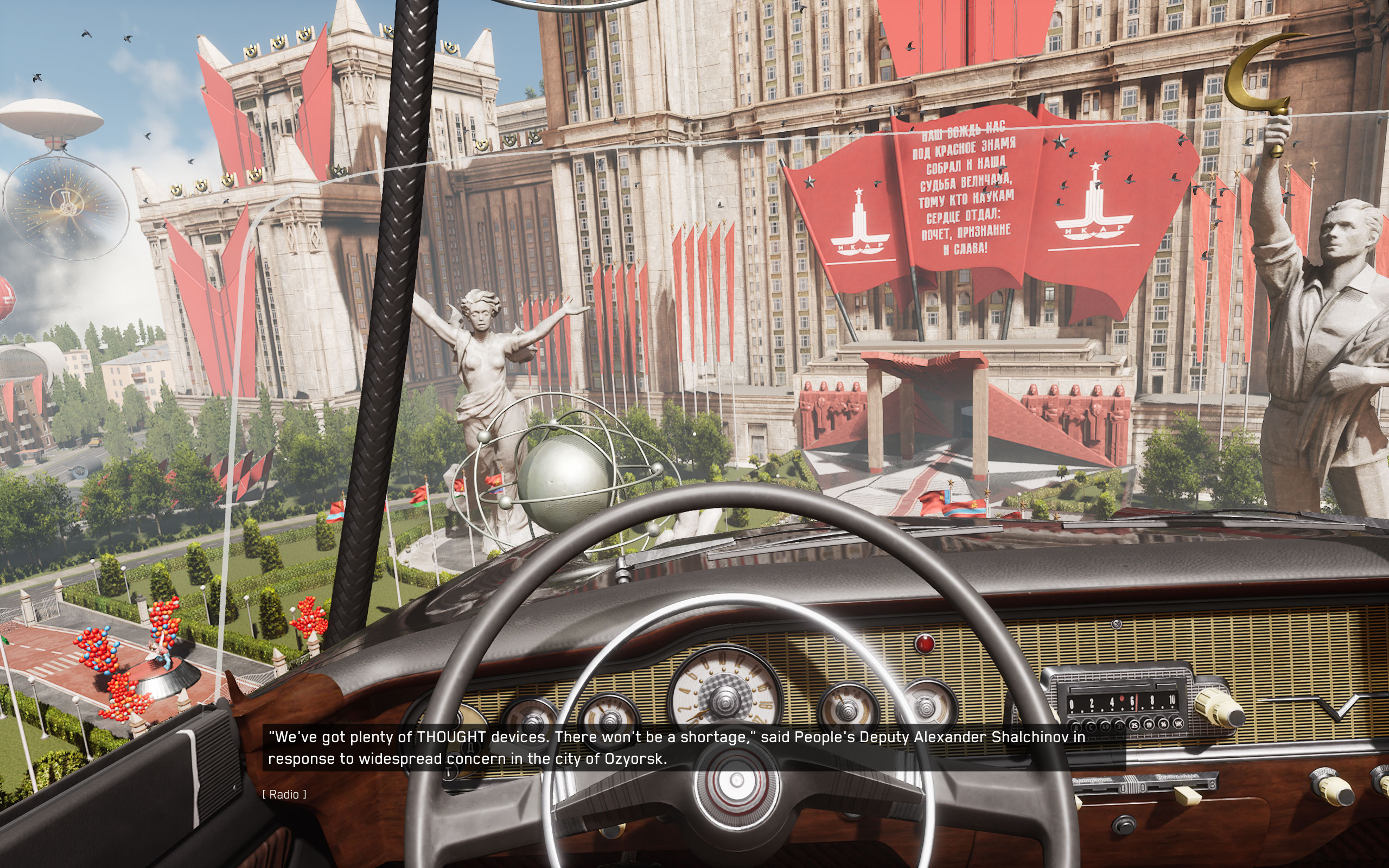
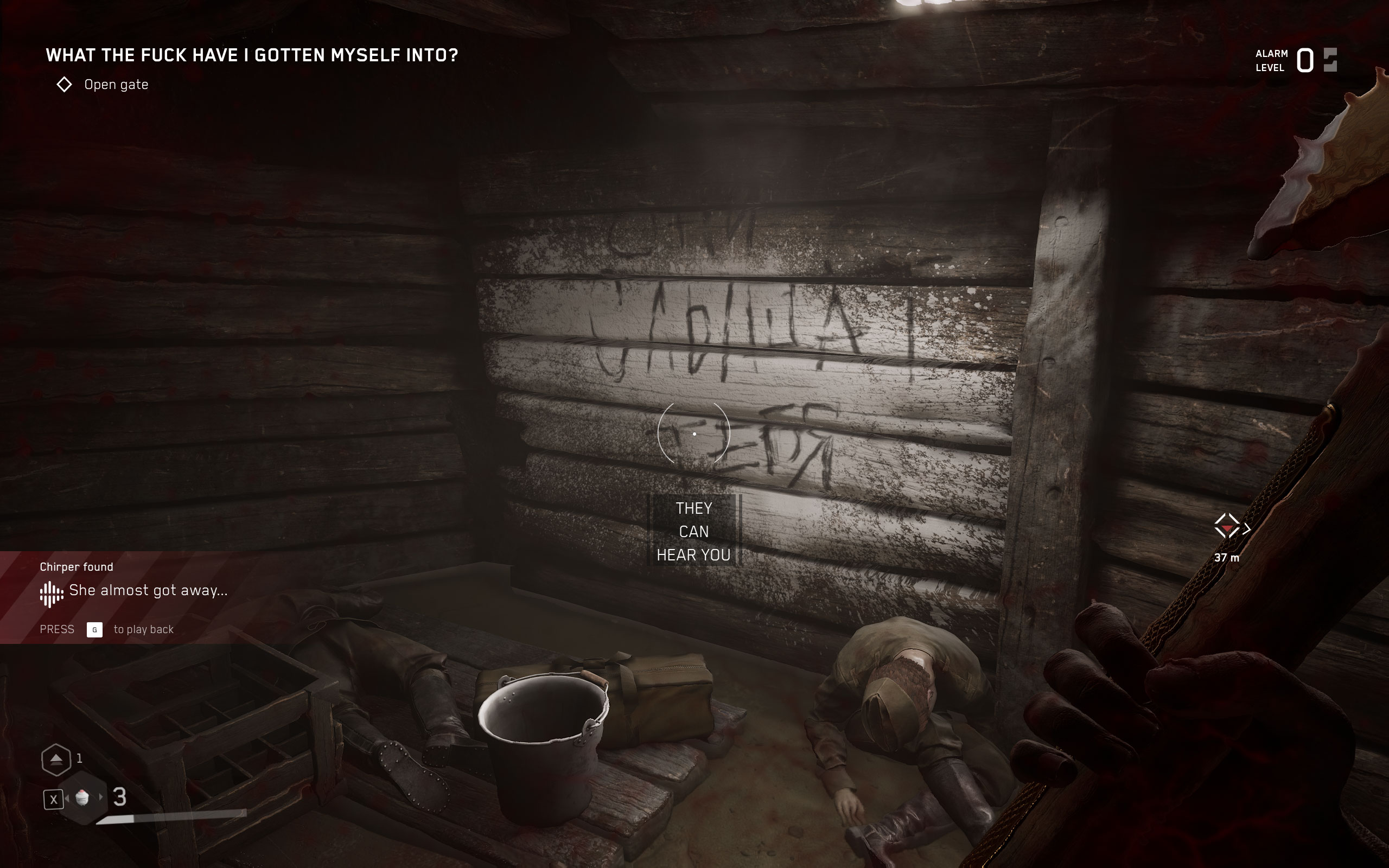
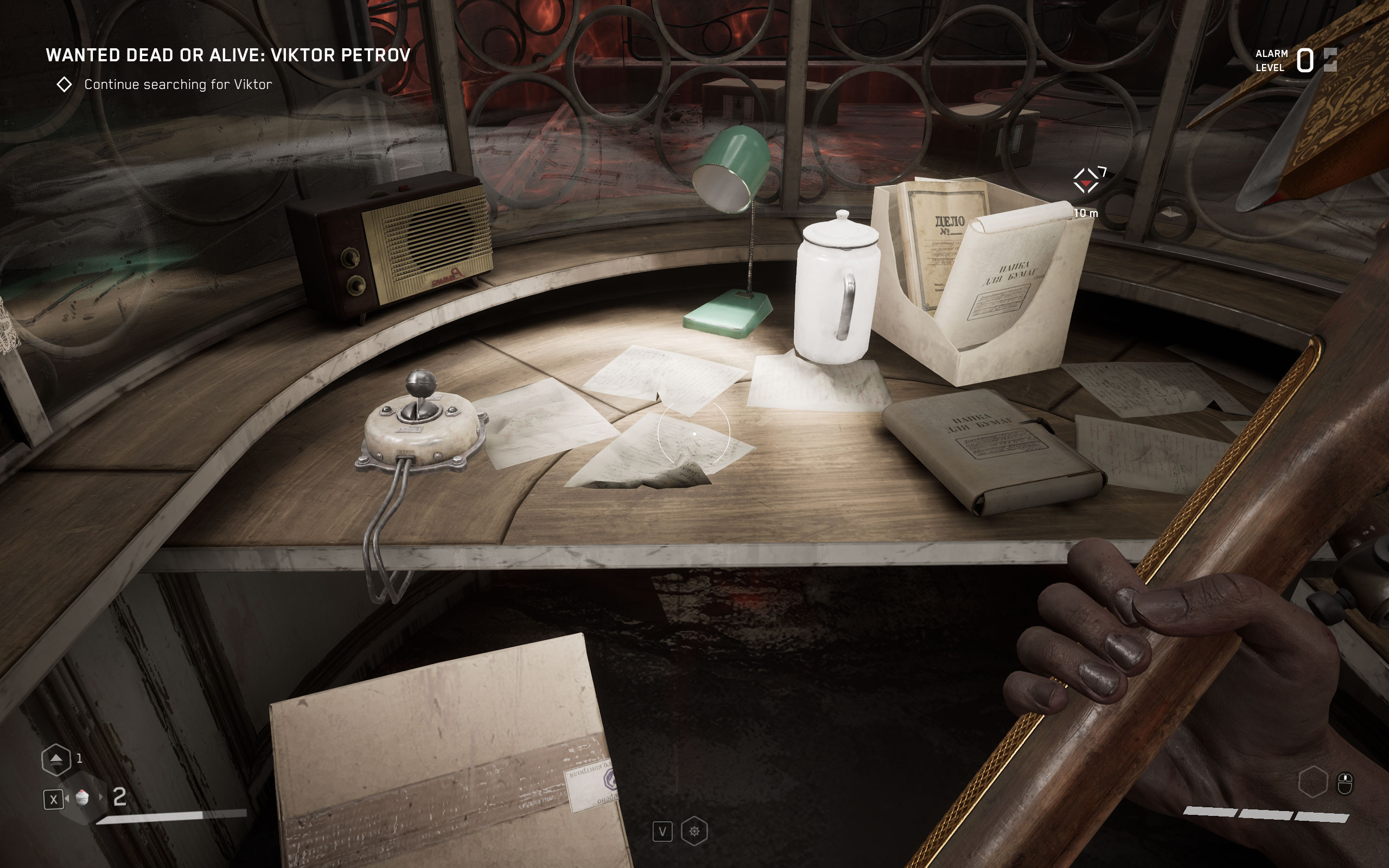
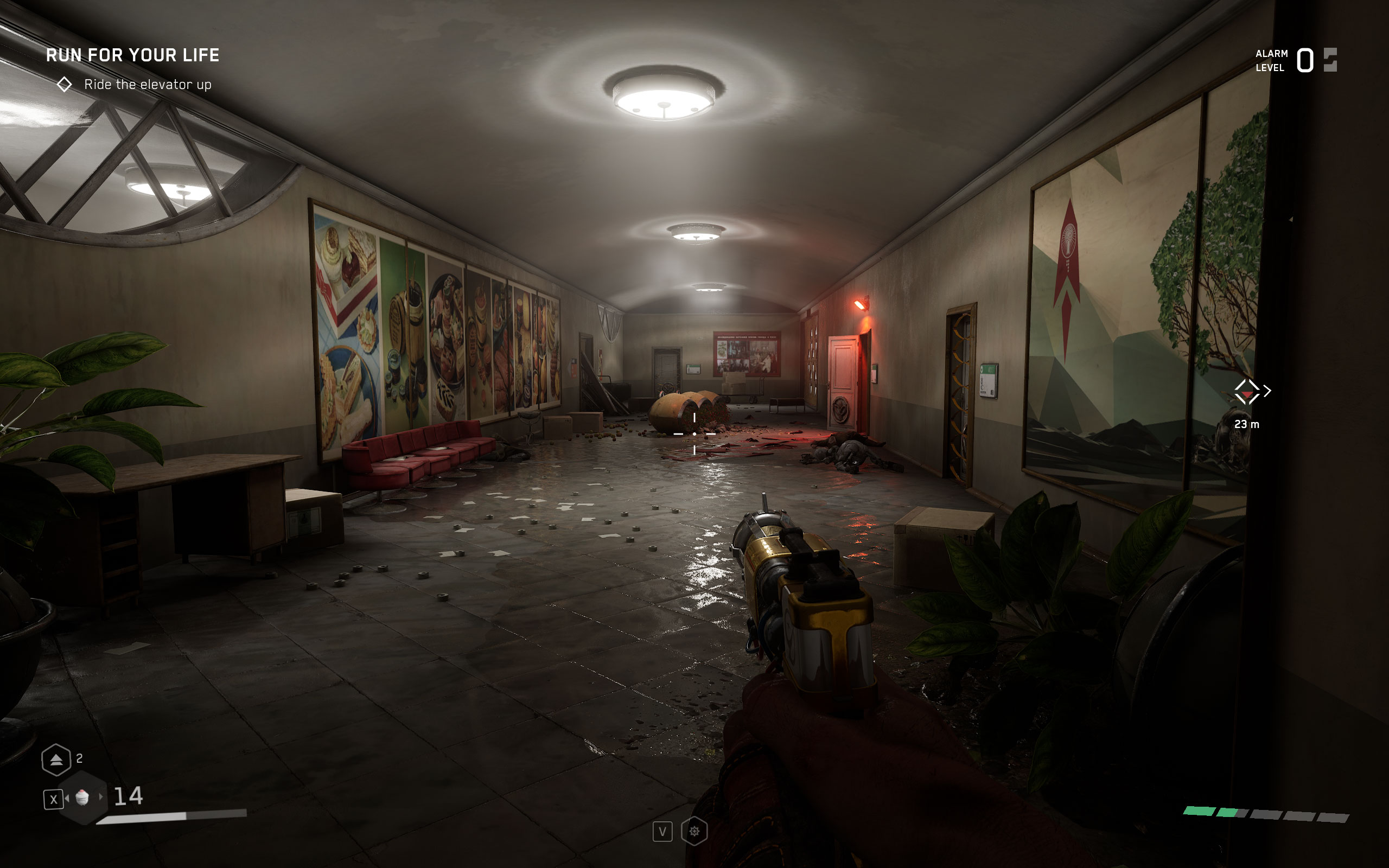
Graphics Settings

- The first settings screen deals with the usual monitor settings
- The game supports fullscreen, borderless windowed, windowed
- Sharpening can be turned off, the default of "1" is very reasonable. The range goes from 0.25 to 2.0 in steps of 0.25.
- V-Sync can be turned off
- The FPS can be set to 30, 60, 90, 120, 144, 165, 240 and 300 FPS. There's no option to remove the FPS cap

- On the "Graphics" page you'll find several advanced options for fine-tuning
- There's five presets: "low," "medium," "high," "ultra" and "atomic"
- Motion blur and depth of field can be disabled
- There's quite a lot of additional options here for fine-tuning
- Not sure what "Hard Drive Speed" does, it can be switched between "SSD" and "HDD"
- Shader Cache is enabled by default. On first startup, the game will spend a few minutes compiling all the shaders. Once that is finished I encountered no stuttering. If you're the impatient type, you may ignore the shader compiling progress bar and jump right into the game, at the cost of some stutter. I love these mechanics, because it gives you more freedom to play right away, or you can wait.
Our Patreon Silver Supporters can read articles in single-page format.
Nov 20th, 2026 07:42 PST
change timezone
Latest GPU Drivers
New Forum Posts
- RX 7600 + Ryzen 5 5600GT getting the same FPS as my old RX 6500 XT – What am I missing? (18)
- Making a game in Godot engine (13)
- GTA VI (17)
- Very unusual two gaming-pc scenarios. (25)
- Intel Core Ultra 5 processor 250K Plus (10)
- What is in your fleet, size and contents? (29)
- Windows 11 General Discussion (7741)
- TPU's Nostalgic Hardware Club (22173)
- What are you playing? (26237)
- Honestly, do you care about GTA VI? (183)
Popular Reviews
- AMD Zen 6 Technical Deep Dive
- Ugreen NASync DXP4800 GT Review
- Corsair RM1200e (Second Generation) Review
- Acemagic Retro X3 Review
- Upcoming Hardware Launches 2027 (Updated Nov 2026)
- Pulsar Office Tour & First Look at P1 Dual-Sensor Mouse
- Biwin Black Opal NV7400 2 TB Review
- AMD Ryzen 7 9800X3D Memory Performance Scaling
- Chieftec Iceberg PRO 360 DARK Review
- AMD Ryzen 7 9800X3D Review - The Best Gaming Processor
TPU on YouTube
Controversial News Posts
- NVIDIA Co-Founder and CEO Jensen Huang Officially Resigns (490)
- Report: Jensen Huang Eyes NVIDIA Comeback (233)
- Open Letter Asking NVIDIA to Reinstate Jensen Huang Passes 115,000 Signatures (184)
- OpenAI CEO Argues Home PCs Waste the World's Limited DRAM Supply (152)
- NVIDIA Launches Investigation Into Jensen Huang's Relationship With Suspected Chinese Spy (136)
- Intel "Raptor Lake Next" 16-Core and 20-Core CPUs Surface (130)
- Legendary Game Studio BioWare Shuts Down Following EA Layoffs (104)
- Dell CEO Says the Memory Shortage Will Get Worse in 2027 (95)