 3
AVerMedia DualCam (PW313D) Review - Seeing Double
(3 Comments) »Introduction

The AVerMedia DualCam (PW313D) is aimed at teachers, tutors, and anyone who regularly needs to show physical objects or documents during video calls, but it's affordable and simple enough to be considered by home users as well. It's a 2-in-1 webcam, equipped with two independent cameras that can stream two different perspectives simultaneously. The first camera is a fairly ordinary 2 MP unit that records Full HD video at 30 FPS and is meant to be pointed at your face, just like any other webcam. The second camera uses a 5 MP sensor with a maximum resolution of 2592×1944, again at 30 FPS, and can be rotated to look in the opposite direction or even all the way down towards your desk, effectively turning it into a document camera.
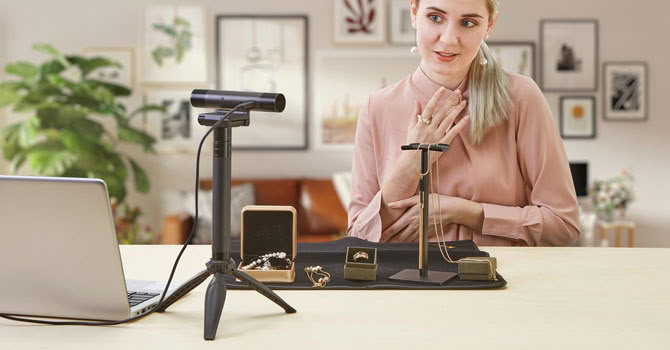
Both cameras have autofocus and their own physical privacy shutters. The idea is simple and, at least on paper, quite clever: instead of juggling screen sharing, phone cameras, or a separate document camera, you get a single device that shows both you and whatever is on your table. Teachers can show handwritten work, artists can demonstrate their technique, and reviewers like myself can point a camera at a product without rearranging half of the desk.
The DualCam carries a MSRP of $149.99, although its street price regularly dips below that. That's noticeably more than you'd pay for a basic 1080p30 webcam, but dedicated document cameras alone often cost as much or more, so the value proposition largely depends on whether you actually need that second perspective. Throughout this review, I'll try to answer whether the execution lives up to the concept.
Specifications
- Left camera: 2 MP CMOS sensor, 1920×1080 @ 30 FPS, 71° diagonal field of view (63° horizontal, 38° vertical), autofocus
- Right camera: 5 MP CMOS sensor, 2592×1944 @ 30 FPS, 76° diagonal field of view (67° horizontal, 52° vertical), autofocus
- Left camera rotation: 90° upward, 15° downward
- Right camera rotation: 195° backward, 75° forward
- Microphone: Dual mono omnidirectional (up to 3 m/9.8 ft pickup distance), AI noise reduction
- Connection: USB 2.0 (USB-A to USB-C cable, 2 m/6.56 ft)
- Privacy cover: Yes (both cameras)
- Compatibility: Microsoft Windows 7/10 or later, Apple macOS 10.15/11 or later (including Apple Silicon), iPadOS 17 or later
- Supported apps: Zoom, Microsoft Teams, Google Meet, Skype, OBS, and other standard UVC-compatible software
- Mounting: Universal monitor/laptop clip, 1/4" tripod thread (tripod included)
The Package
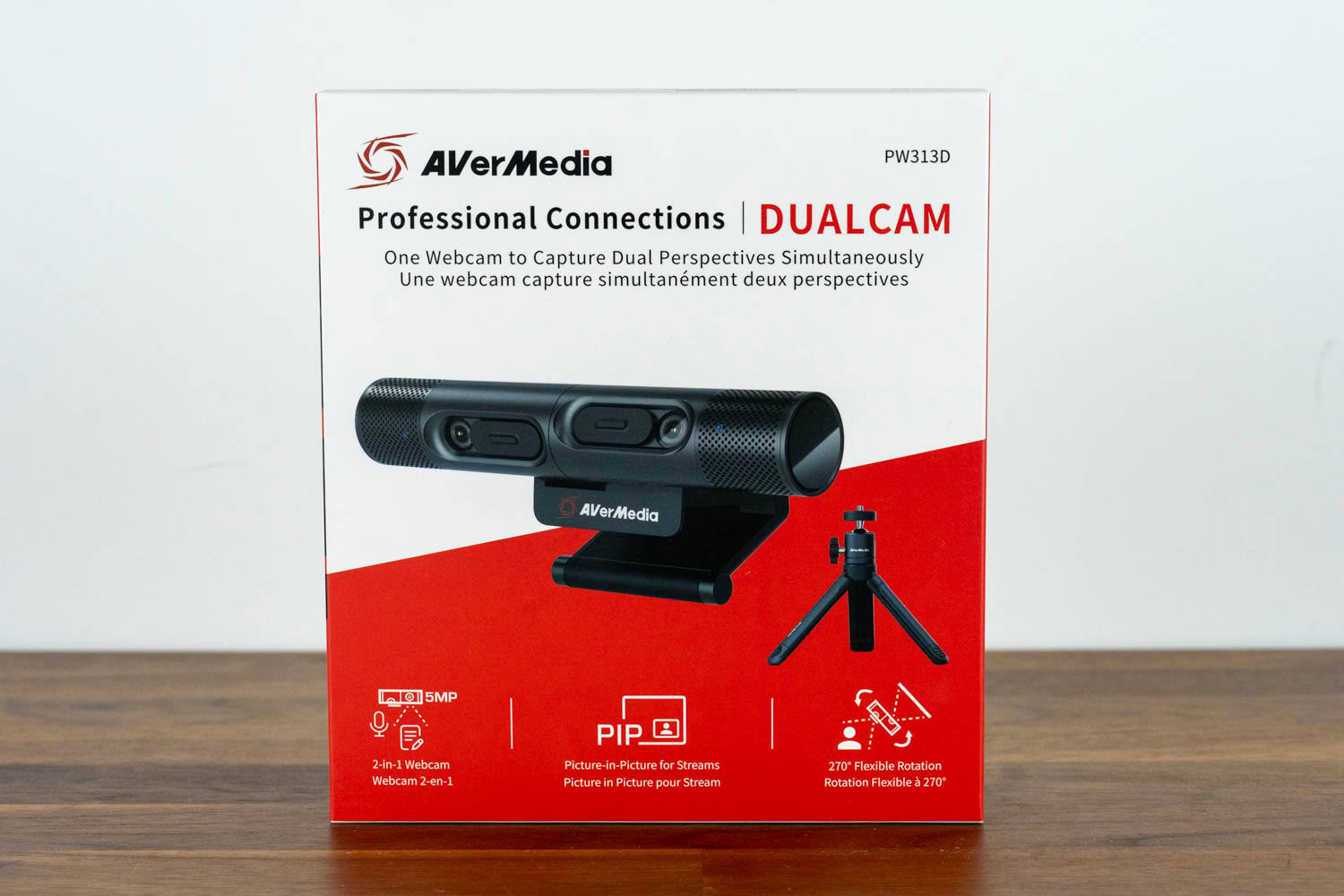
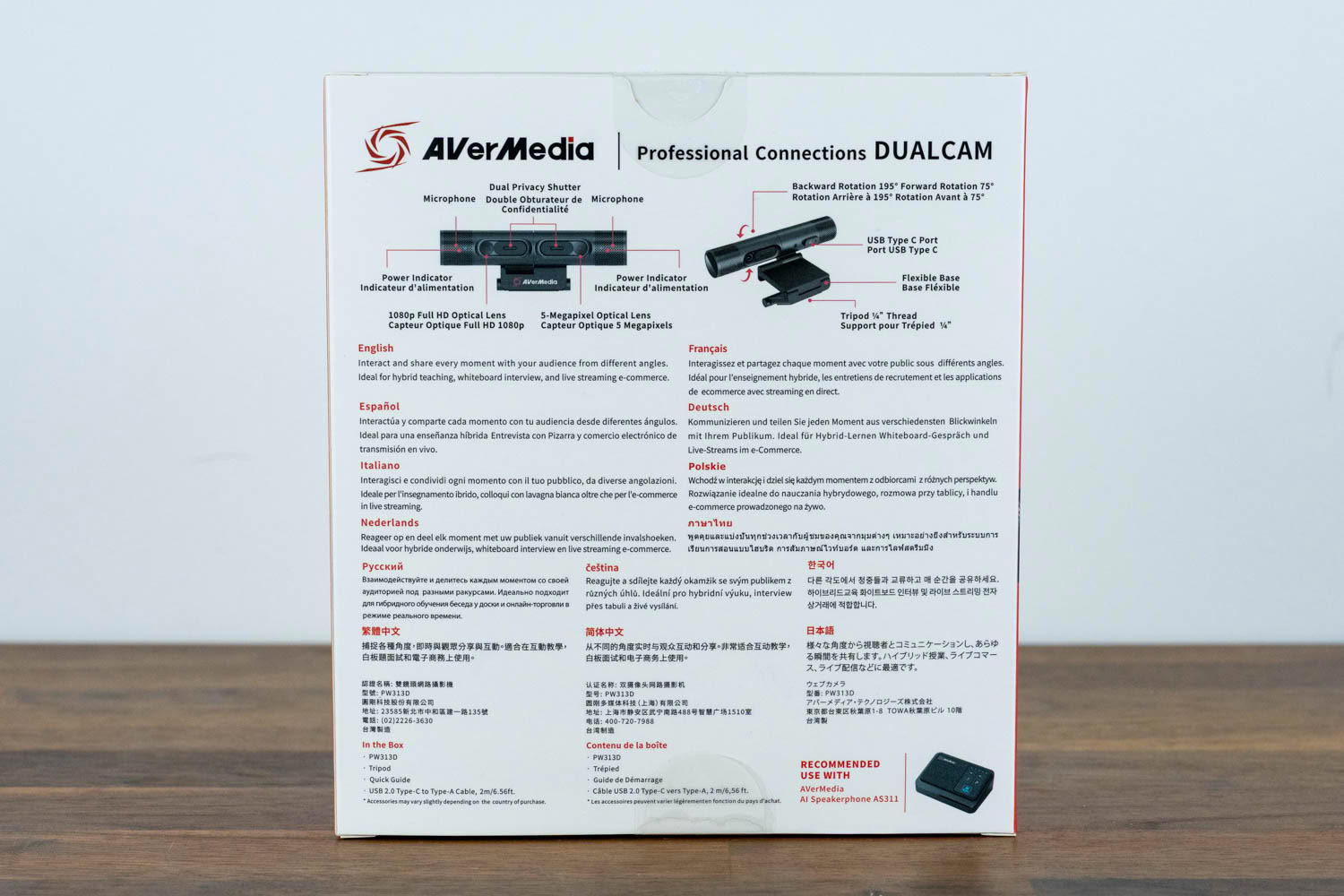
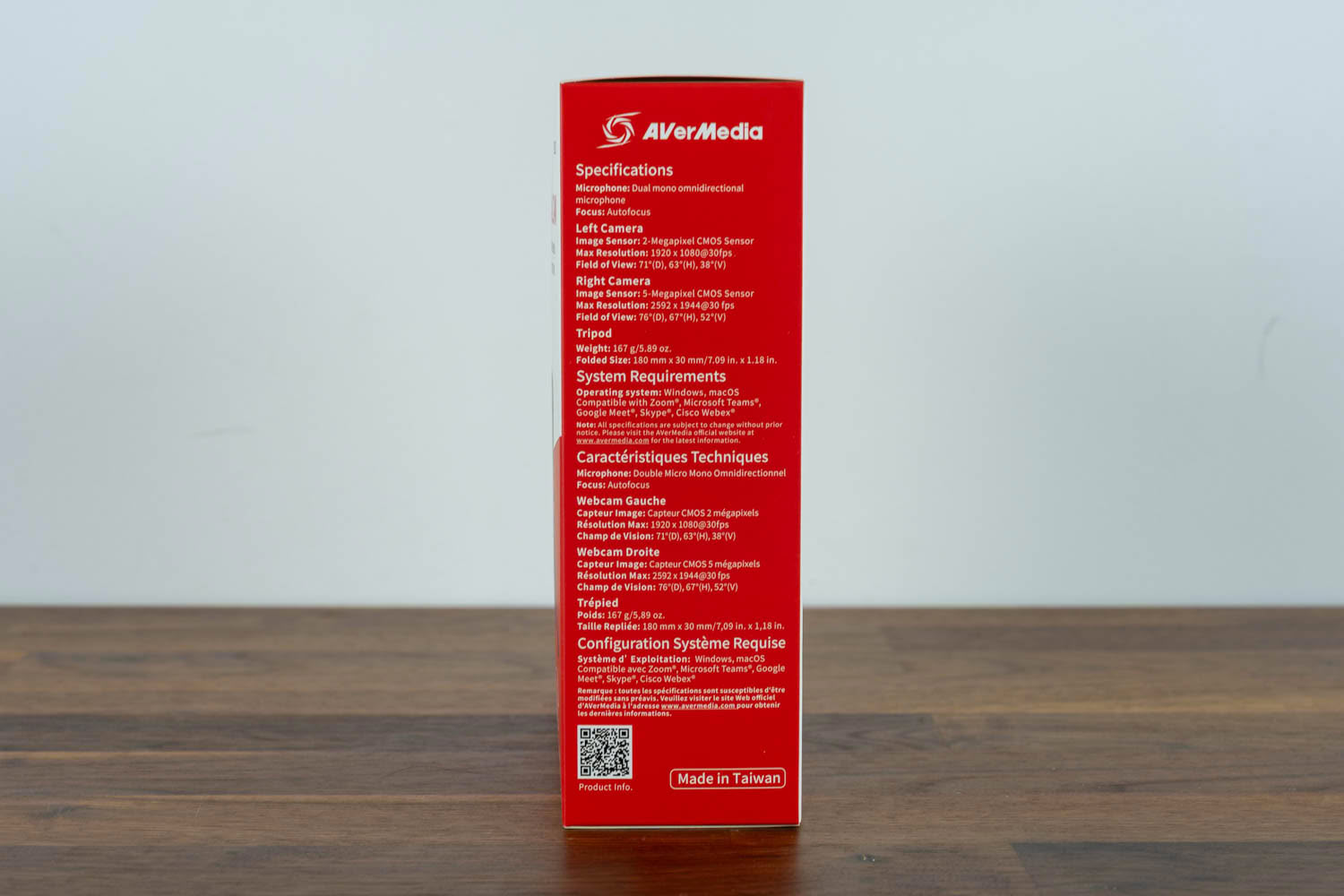
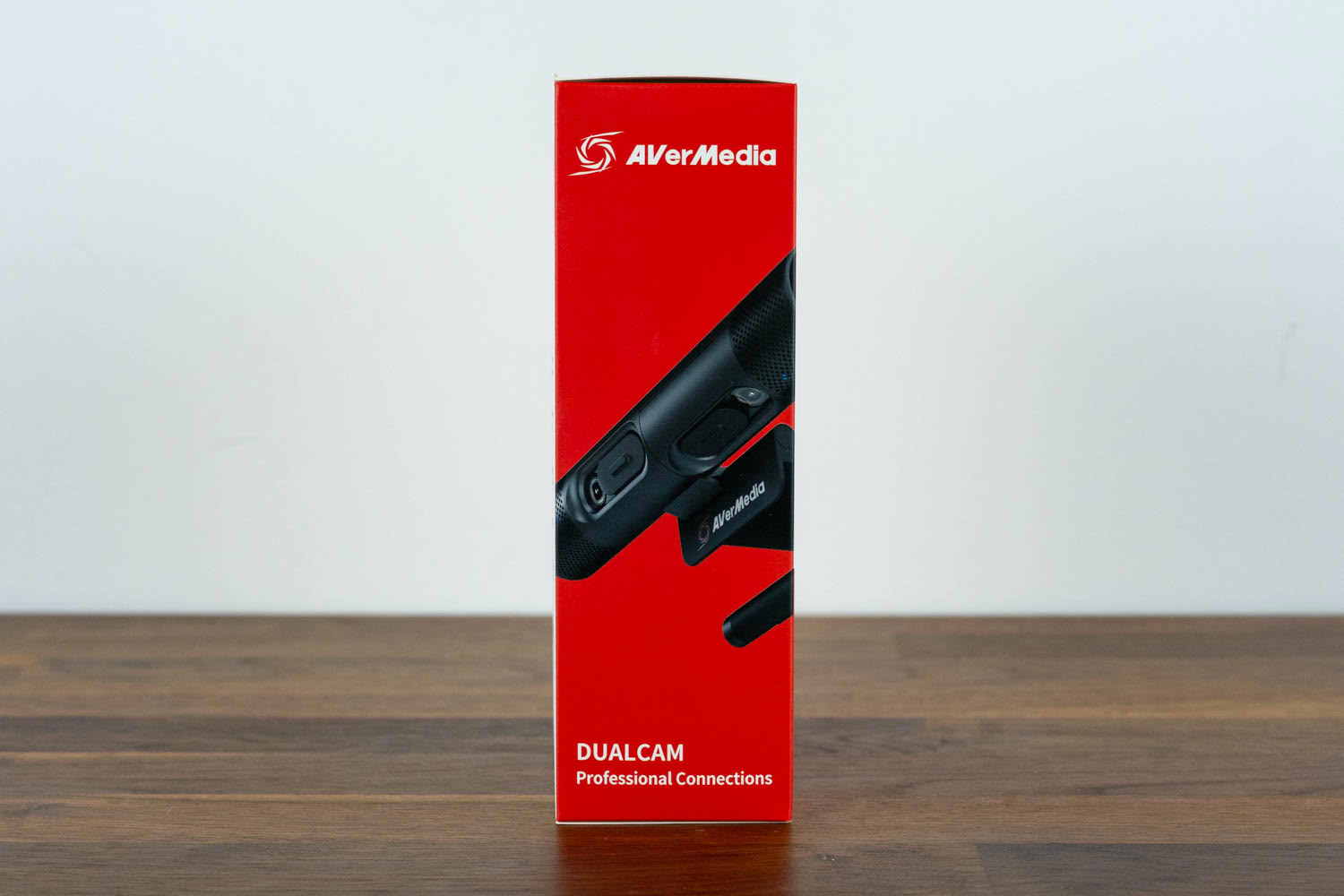
The AVerMedia DualCam comes in a simple cardboard box, entirely in line with what I've come to expect from AVerMedia's non-gaming products. There are no flashy aesthetics to be seen here; the box shows the device itself and lists its key features, with the dual-camera concept illustrated clearly enough that even someone stumbling upon it on a store shelf would immediately understand what makes this webcam different.
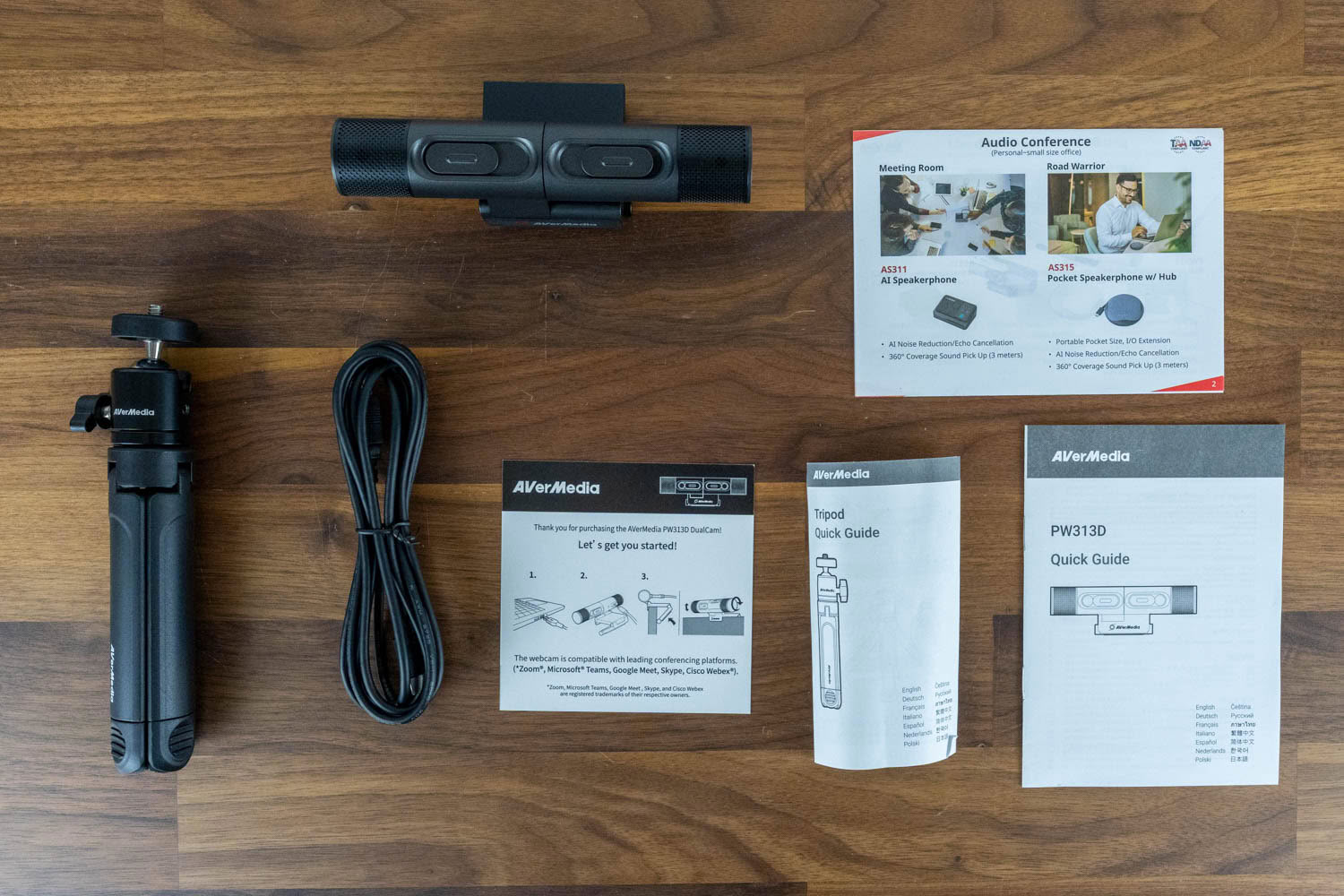
Inside the box, you'll find the DualCam, a quick start guide for the camera and tripod, a 2-meter USB-A to USB-C cable, a small desktop tripod, and some extra paperwork. The inclusion of the tripod is a nice touch, as it gives you a usable second mounting option straight out of the box, without hunting for accessories. The cable terminates in a USB Type-A plug on the computer side, which makes sense given the USB 2.0 interface, but owners of modern laptops with USB-C ports only will need an adapter, which isn't bundled with the device.
Our Patreon Silver Supporters can read articles in single-page format.
Nov 17th, 2026 19:53 CST
change timezone
Latest GPU Drivers
New Forum Posts
- Lenovo Legion Pro 5 Audio Nightmare: Fan Noise, Harsh Voice & Massive DPC Latency (Help!) (2)
- Help with fixing Overclock (8)
- Will zen 6 mobos have anything extra vs current ones? (51)
- WarpCoreBench scores! (56)
- Slow SSD read speeds - help! (15)
- Ryzen 7 8700G OC (9)
- Without Jensen, PC gaming will be (35)
- Honestly, do you care about GTA VI? (134)
- [testers wanted] Qsurfer My own QNAP Nas explorer/Search tool (7)
- Local LLM General Discussion (693)
Popular Reviews
- Acemagic Retro X3 Review
- Upcoming Hardware Launches 2027 (Updated Nov 2026)
- AMD Zen 6 Technical Deep Dive
- ASUS ROG Strix B850-I Gaming Wi-Fi7 W Review
- Corsair HX1000i Shift Crystal Review
- Chieftec Iceberg PRO 360 DARK Review
- AMD Ryzen 7 9800X3D Review - The Best Gaming Processor
- Phantom Blade Zero Performance Benchmark Review - 35 GPUs Tested
- Montech King 95 3D PRO Review
- NZXT C1200 Platinum Review
TPU on YouTube
Controversial News Posts
- NVIDIA Co-Founder and CEO Jensen Huang Officially Resigns (461)
- Open Letter Asking NVIDIA to Reinstate Jensen Huang Passes 115,000 Signatures (184)
- OpenAI CEO Argues Home PCs Waste the World's Limited DRAM Supply (152)
- Report: Jensen Huang Eyes NVIDIA Comeback (137)
- NVIDIA Launches Investigation Into Jensen Huang's Relationship With Suspected Chinese Spy (136)
- Intel "Raptor Lake Next" 16-Core and 20-Core CPUs Surface (130)
- Legendary Game Studio BioWare Shuts Down Following EA Layoffs (104)
- Dell CEO Says the Memory Shortage Will Get Worse in 2027 (95)