 2
AVerMedia X'Tra Go GC515 Review
PC Gaming Handheld Compatibility »Packaging and A Closer Look
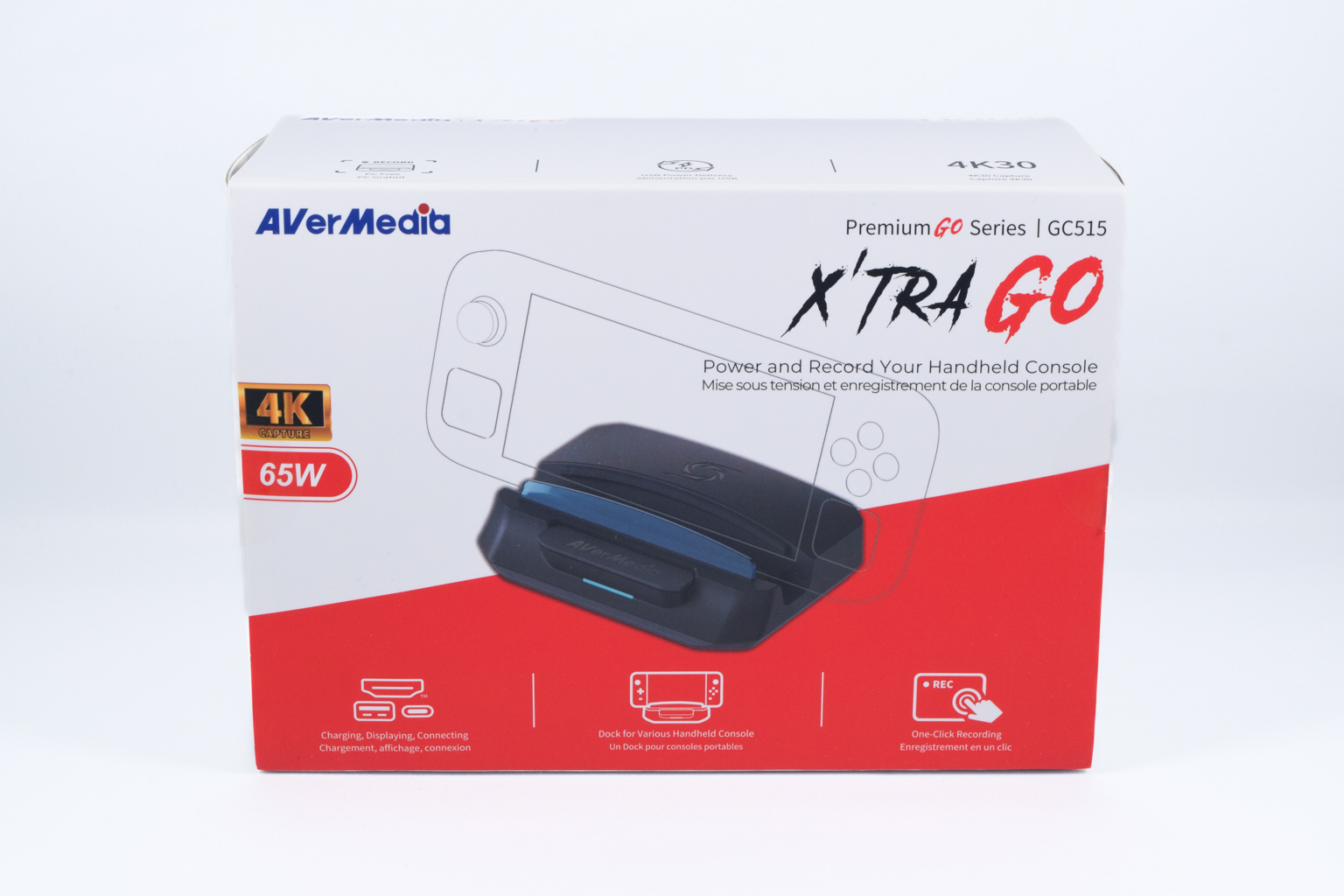
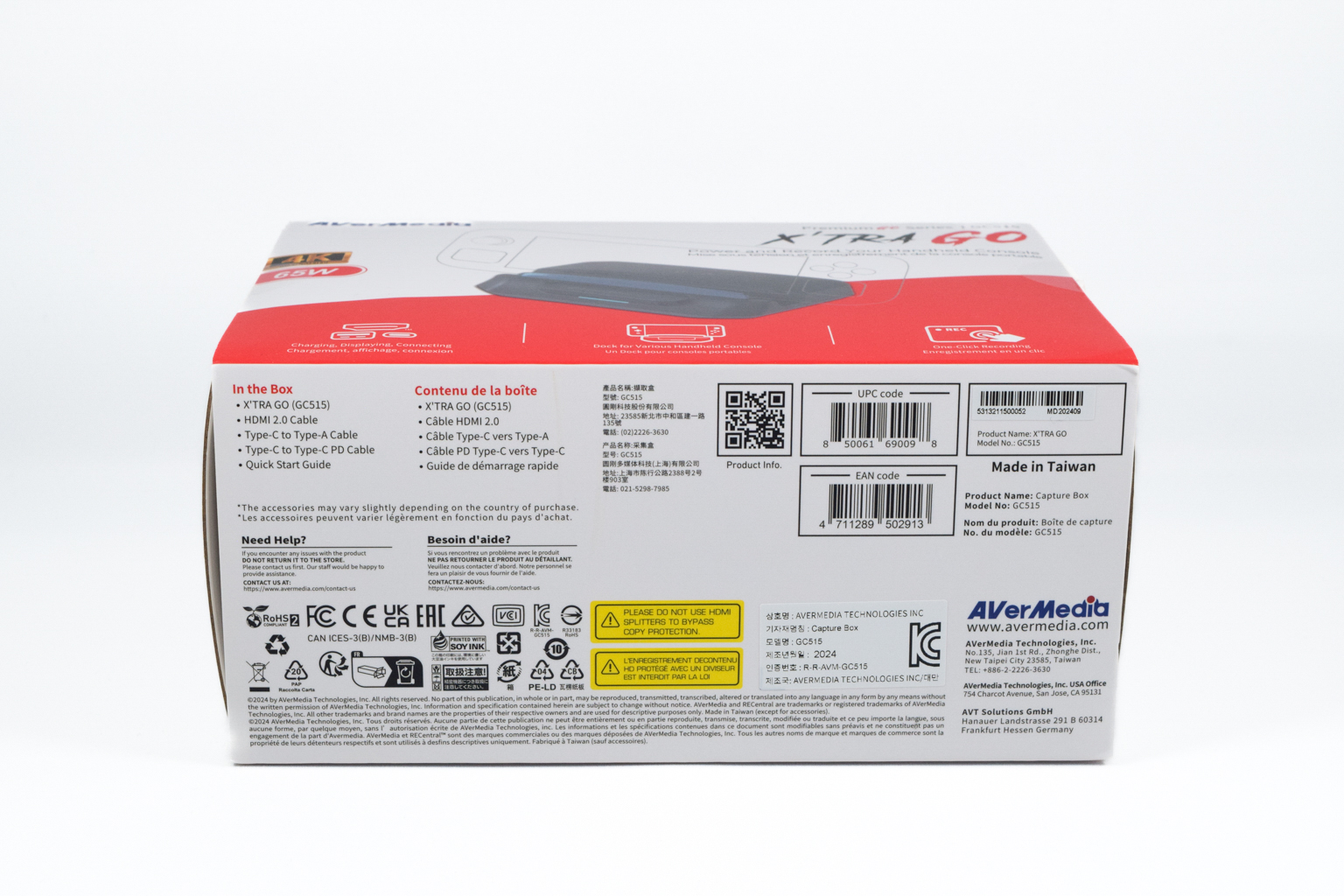
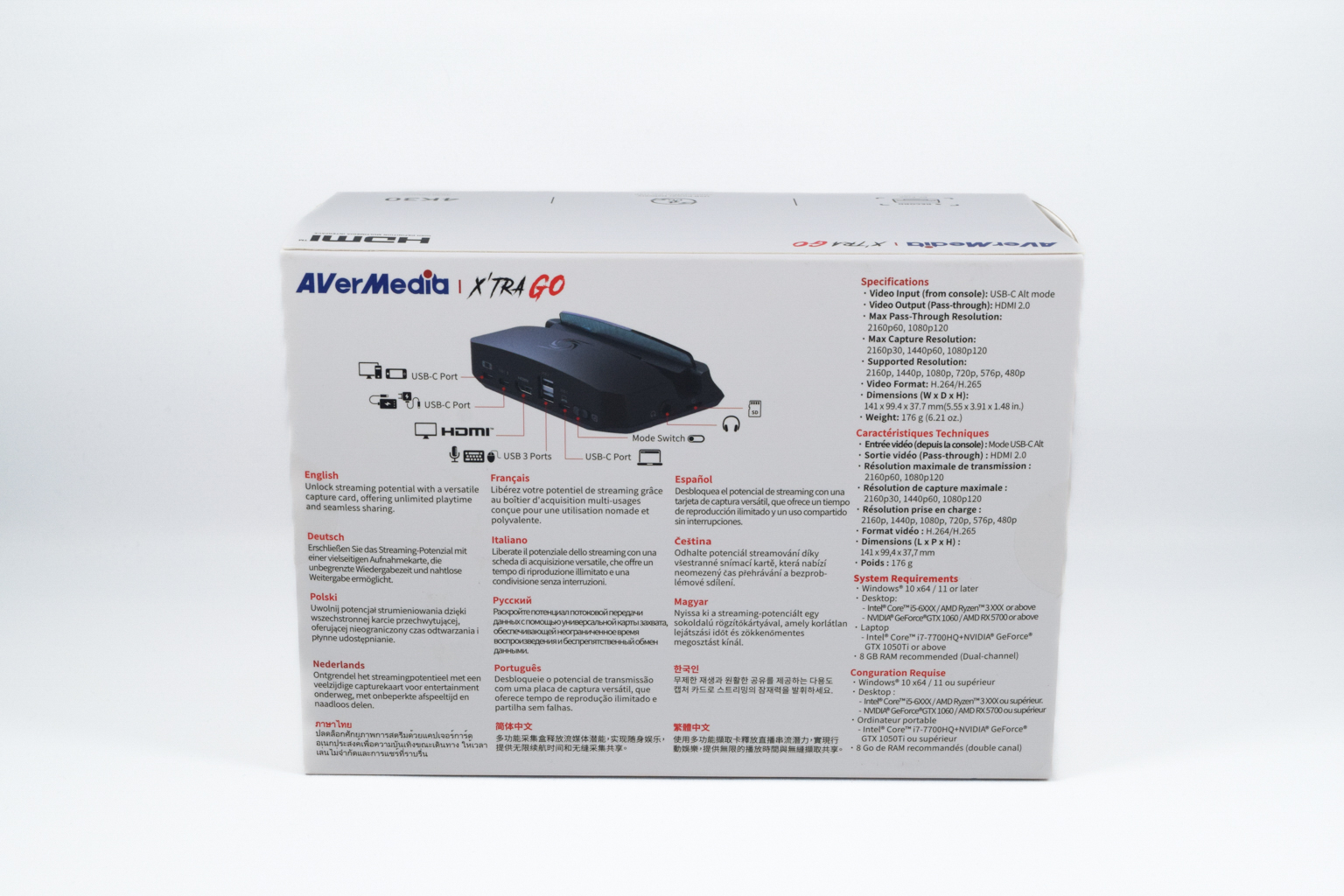
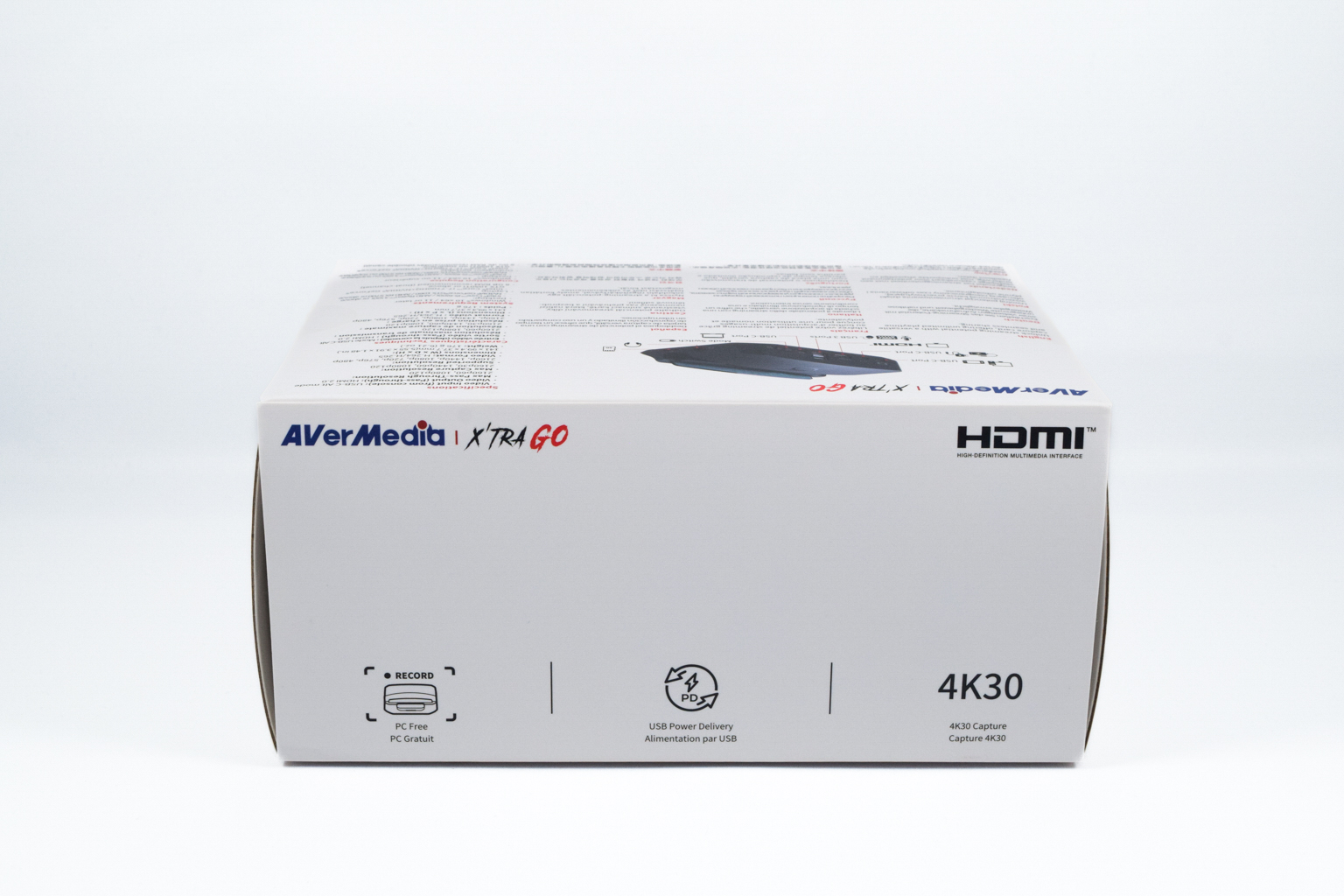
The X'Tra Go GC515 is packed inside a dual-layer box that does an excellent job of protecting the device.
Once you slip off the outer layer made of relatively thin cardboard, adorned with all the usual stuff such as the device info and specs, most important features, AverMedia contact information, and contents found inside the box, you're greeted with the inner box made of thick cardboard with the only detail being a large AverMedia logo printed on the top.
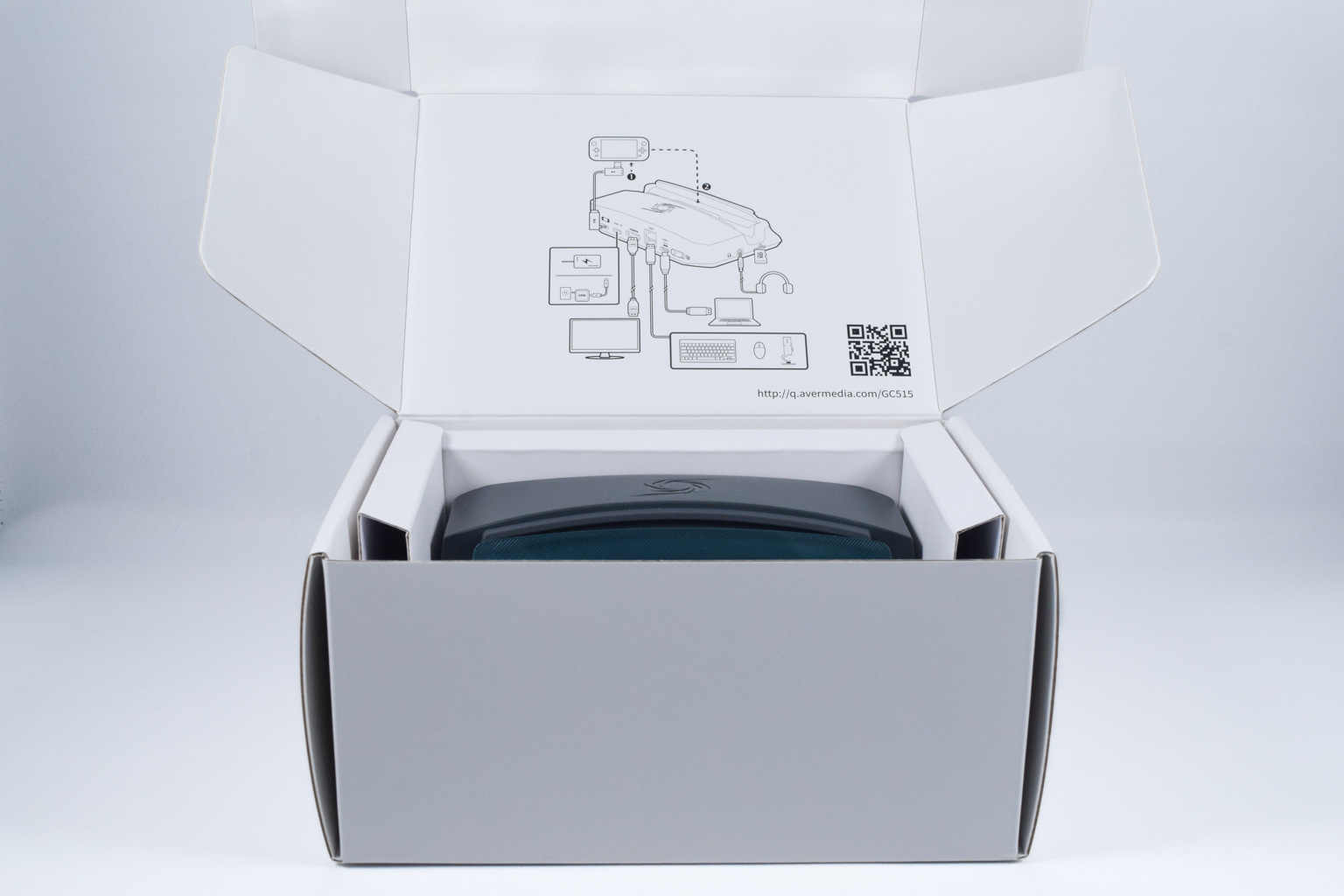
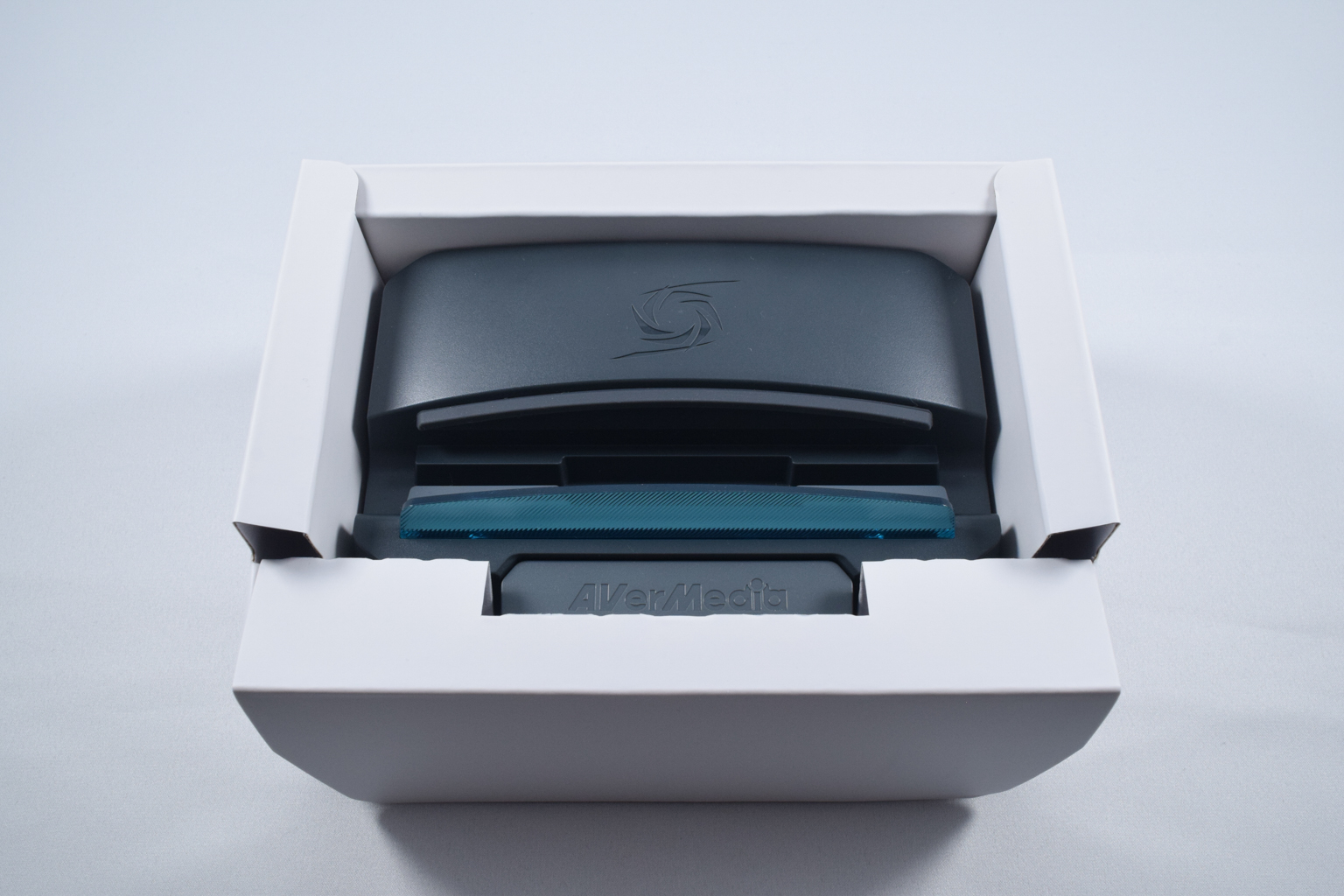
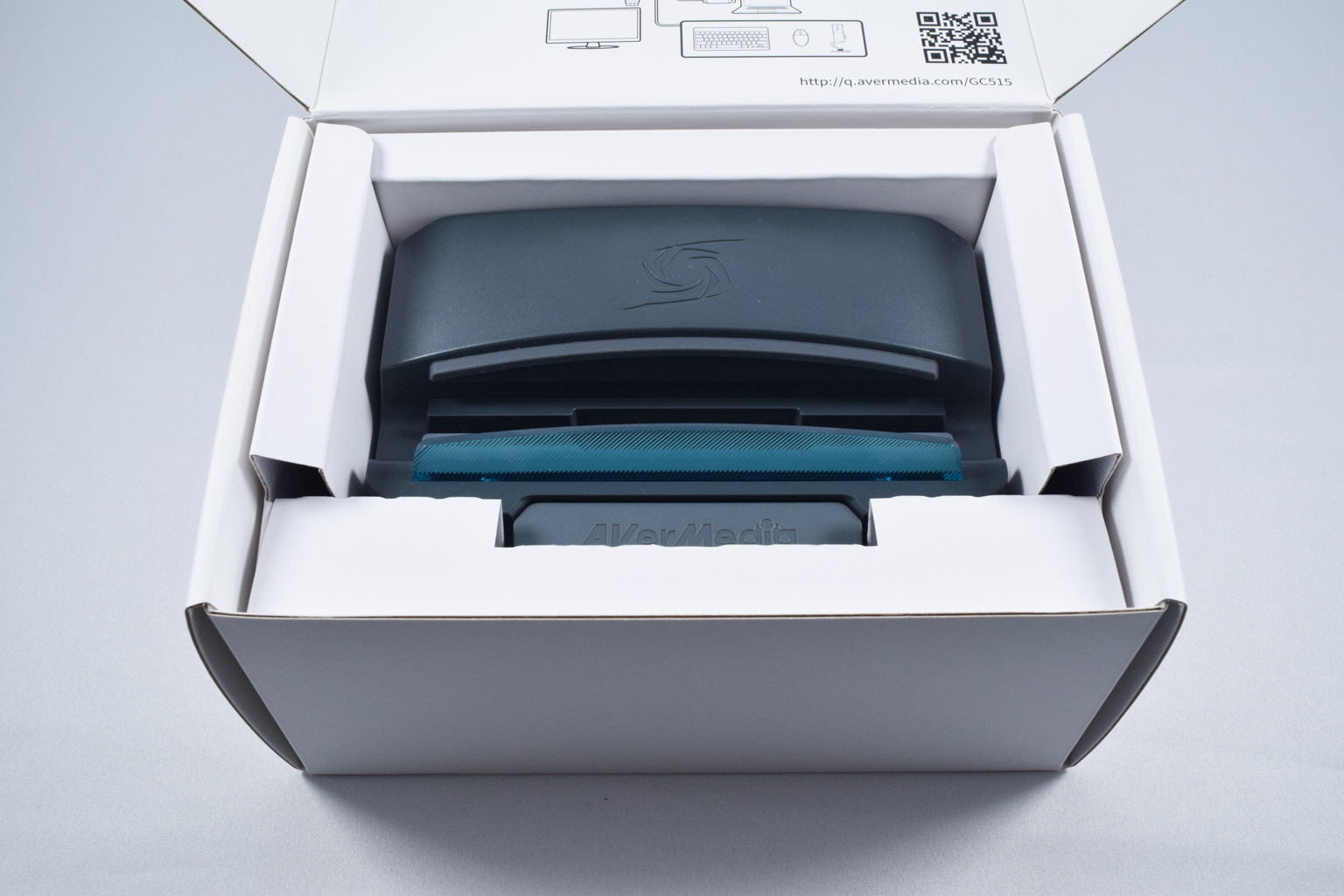
After you open the box, you're greeted with the GC515 itself, tightly packed inside a cardboard insert. The device is well-protected, and while we'd like to see a lid covering its top side, the dual-layer design of the package seems to provide enough protection.
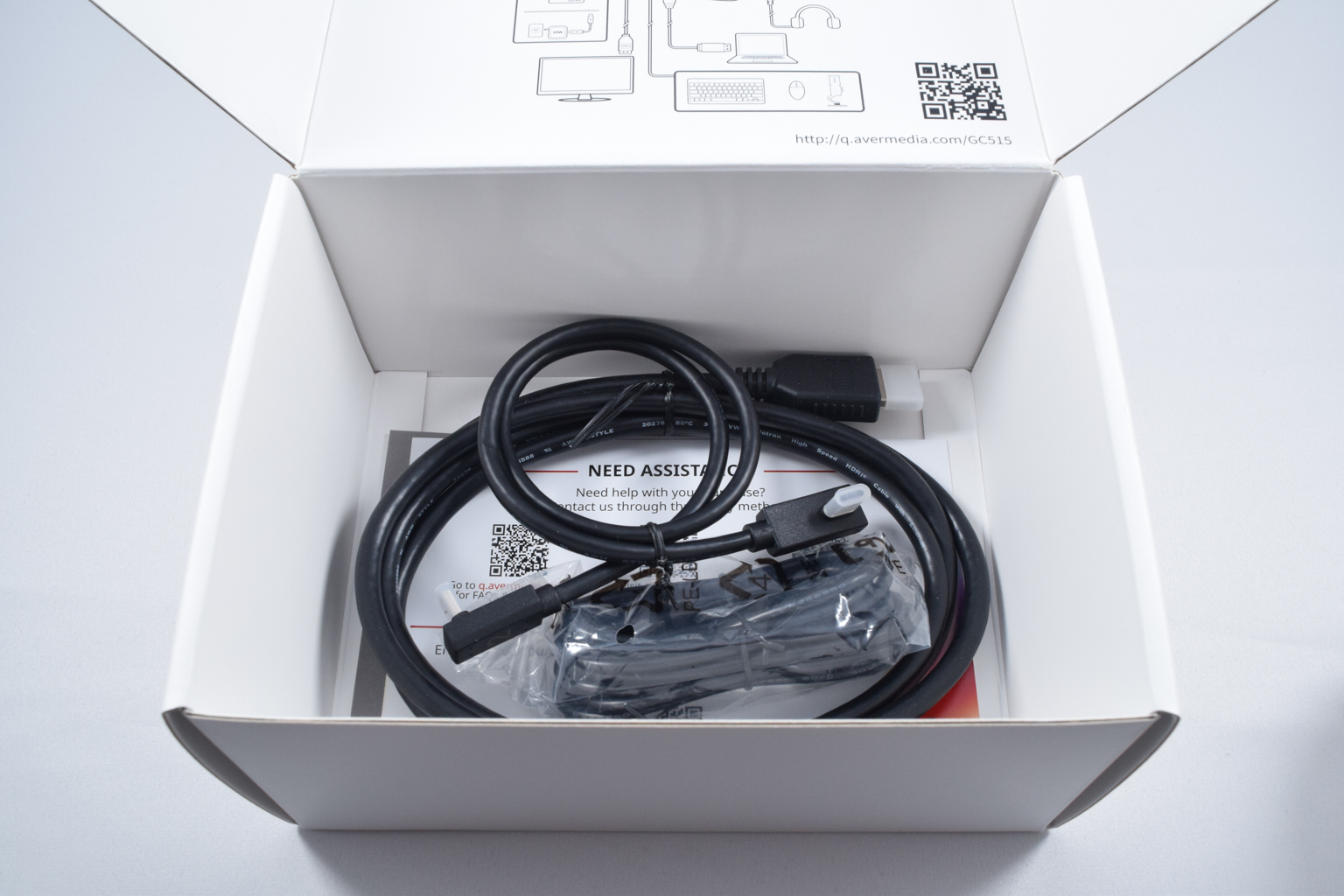
Lifting off the cardboard insert reveals other goodies coming with the dock, including a USB-C to USB-C cable for connecting the docking station to the docked device, an HDMI 2.0 cable, and a USB-A to USB-C cable for connecting the GC515 to the PC. The package also includes a Quick Start guide and a pamphlet with a bunch of QR codes, scanning which you can access technical support, DM AverMedia on social networks, and join the AverMedia membership club.
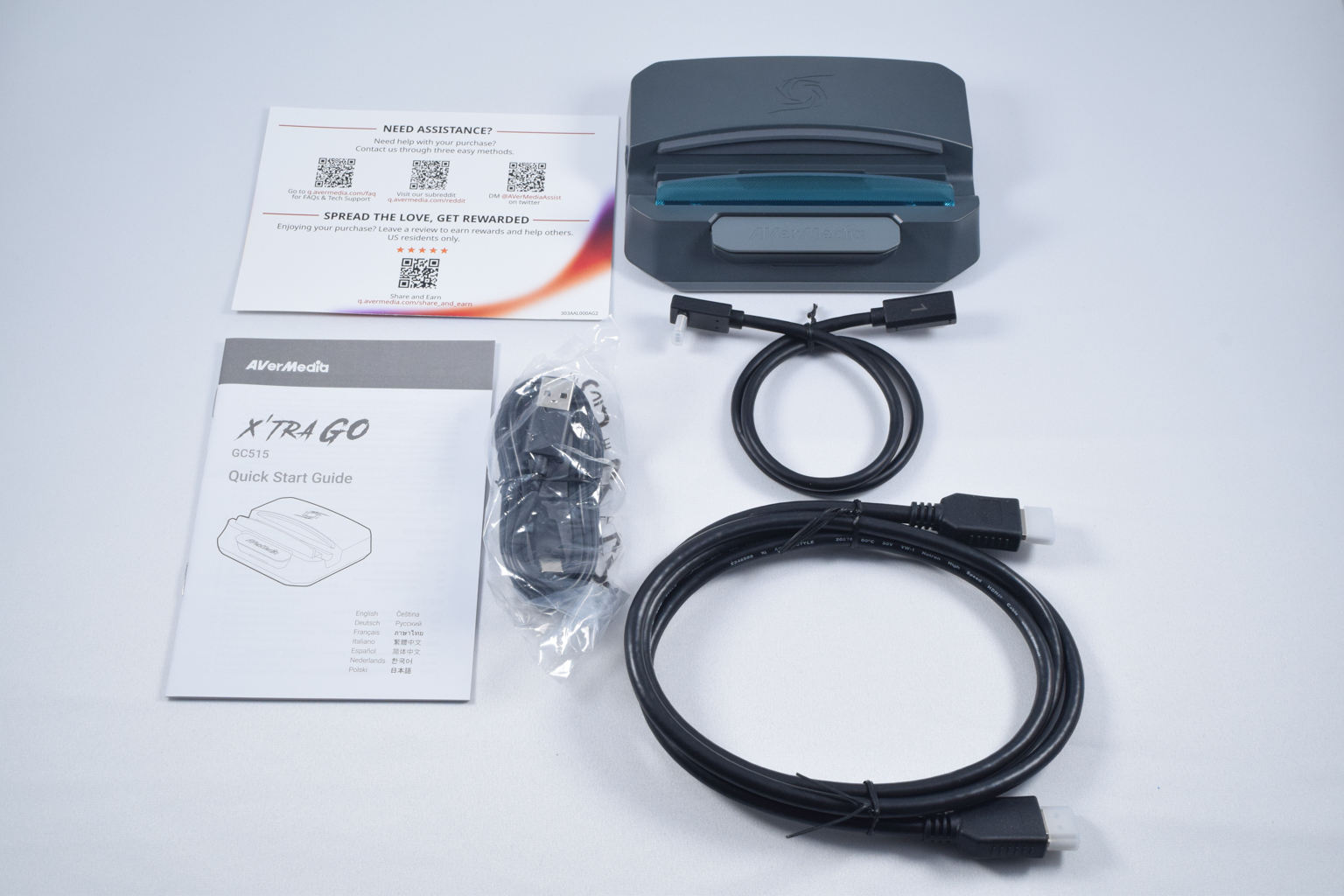
The package includes the following:
- One AverMedia GC515 docking and capture station
- One 50 cm USB-C to USB-C 10Gbit/s data cable
- One HDMI 2.0 cable
- One 2 m USB-C to USB-A cable for connecting the AVerMedia X'Tra Go GC515 to PC
- A user manual
- A pamphlet with helpful QR codes
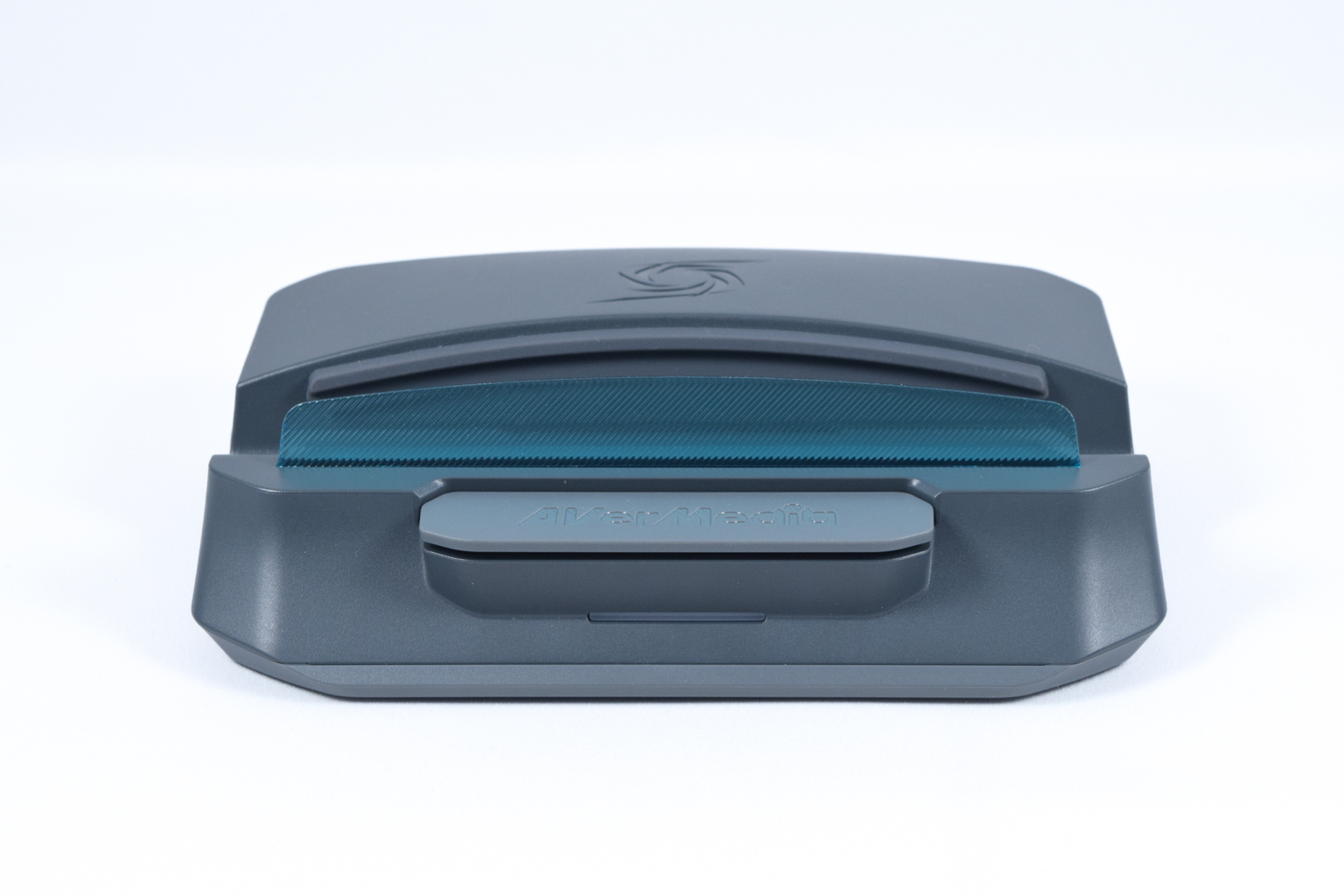
The AverMedia GC515 is a slick-looking device that follows AverMedia's design philosophy, as seen in other products such as the AVerMedia Live Gamer Ultra 2.1 GC553G2. You've got gentle curves and a brightly blue lip for holding the docked devices that break the dark gray color of the device.
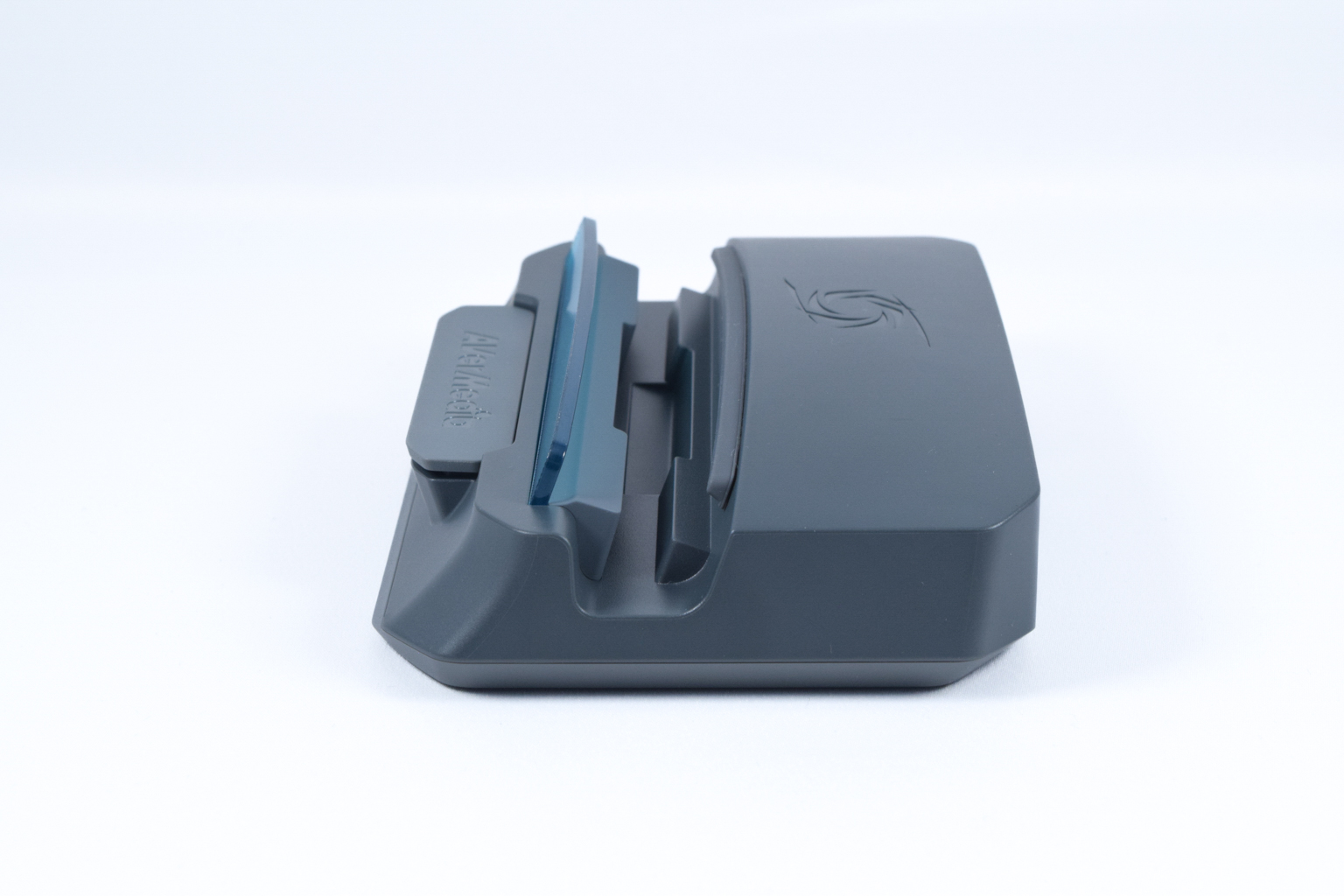
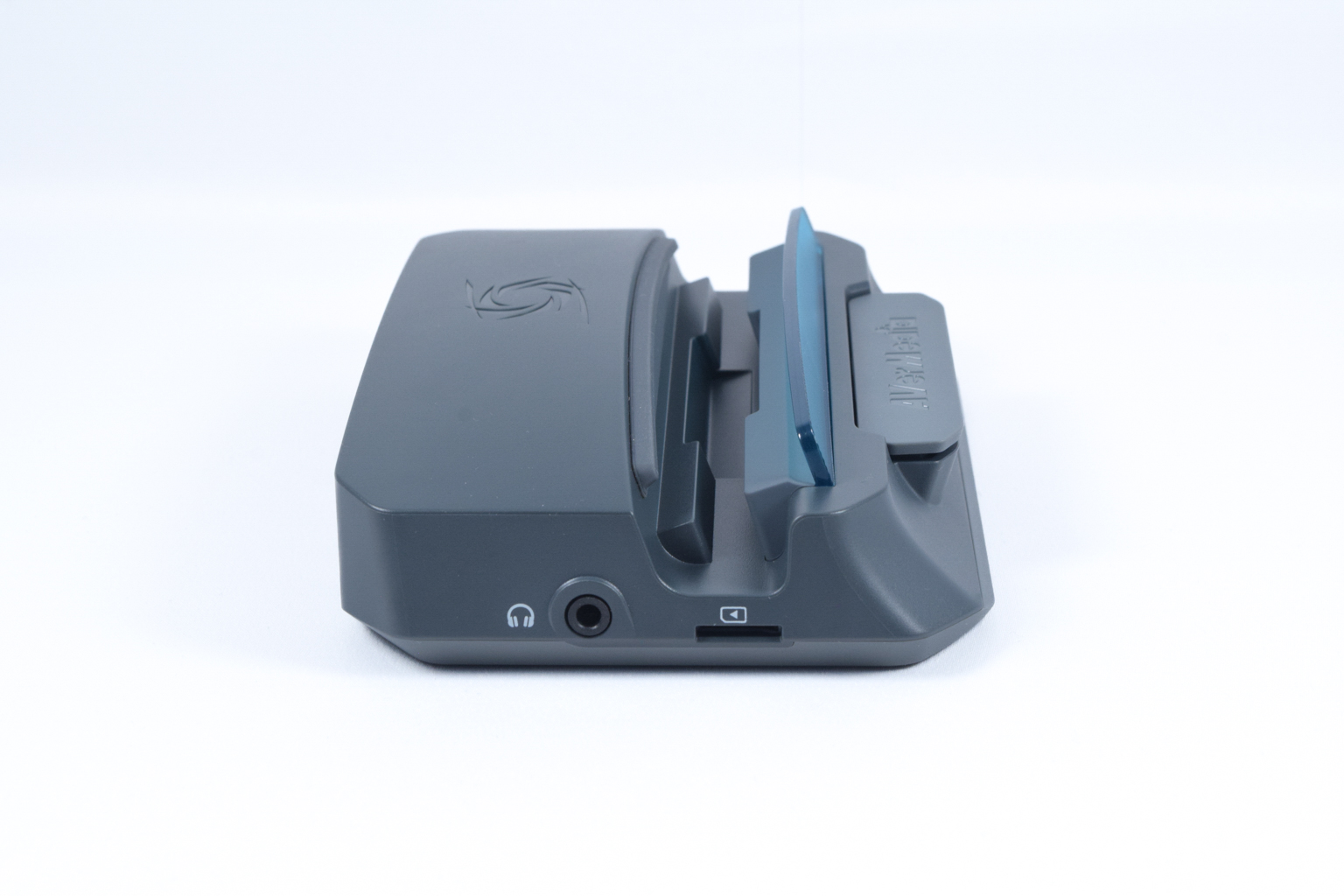
While made of plastic and being rather light, the AverMedia GC515 is a well-built device. The only creaking you'll hear is the plastic creaking from heat since the GC515 can get rather warm, hot even, when capturing gameplay.
We do like the design. While it falls into the gamer aesthetic, it isn't too aggressive-looking; it fits well with most PC battlestations and won't stand out if placed under a TV.
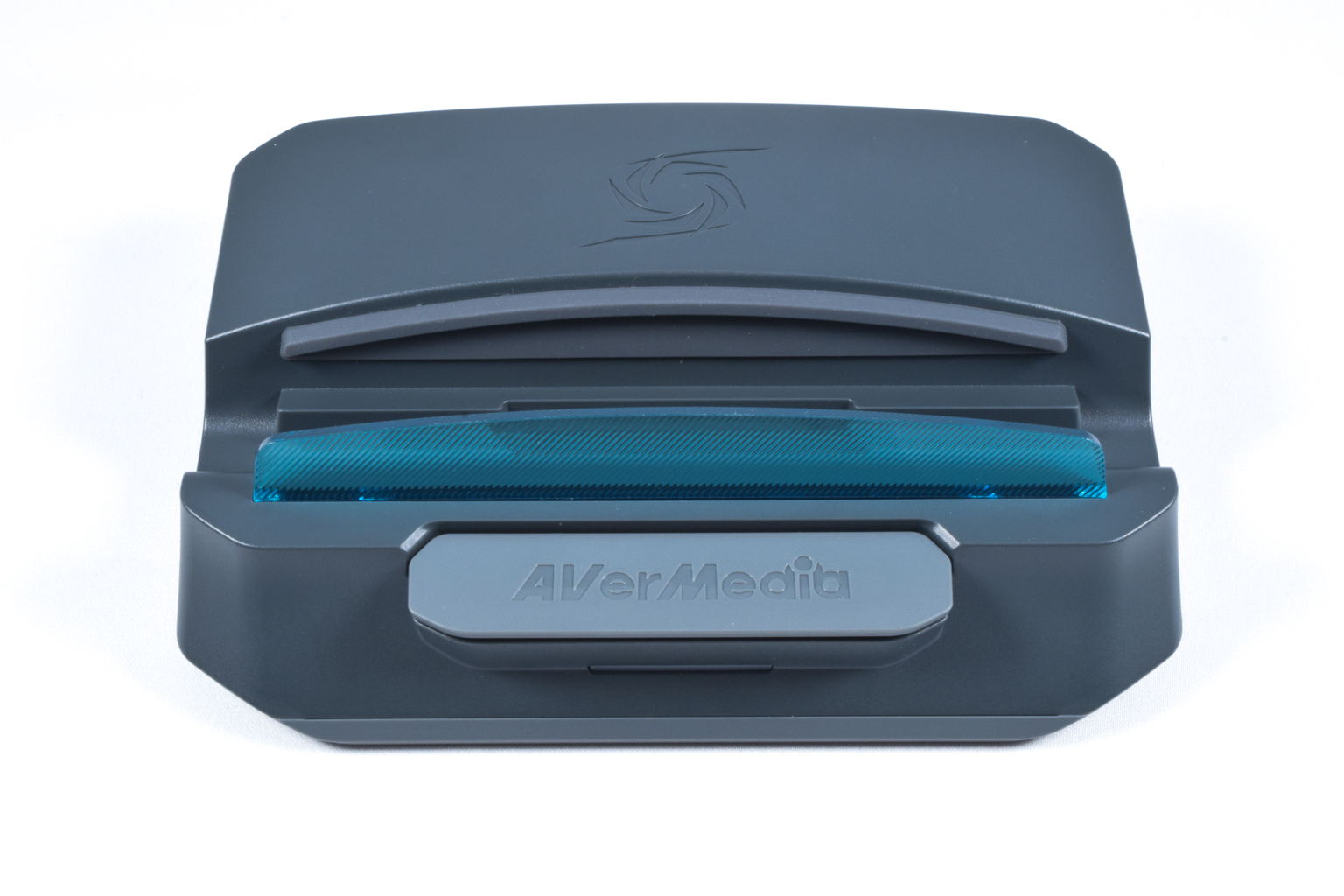
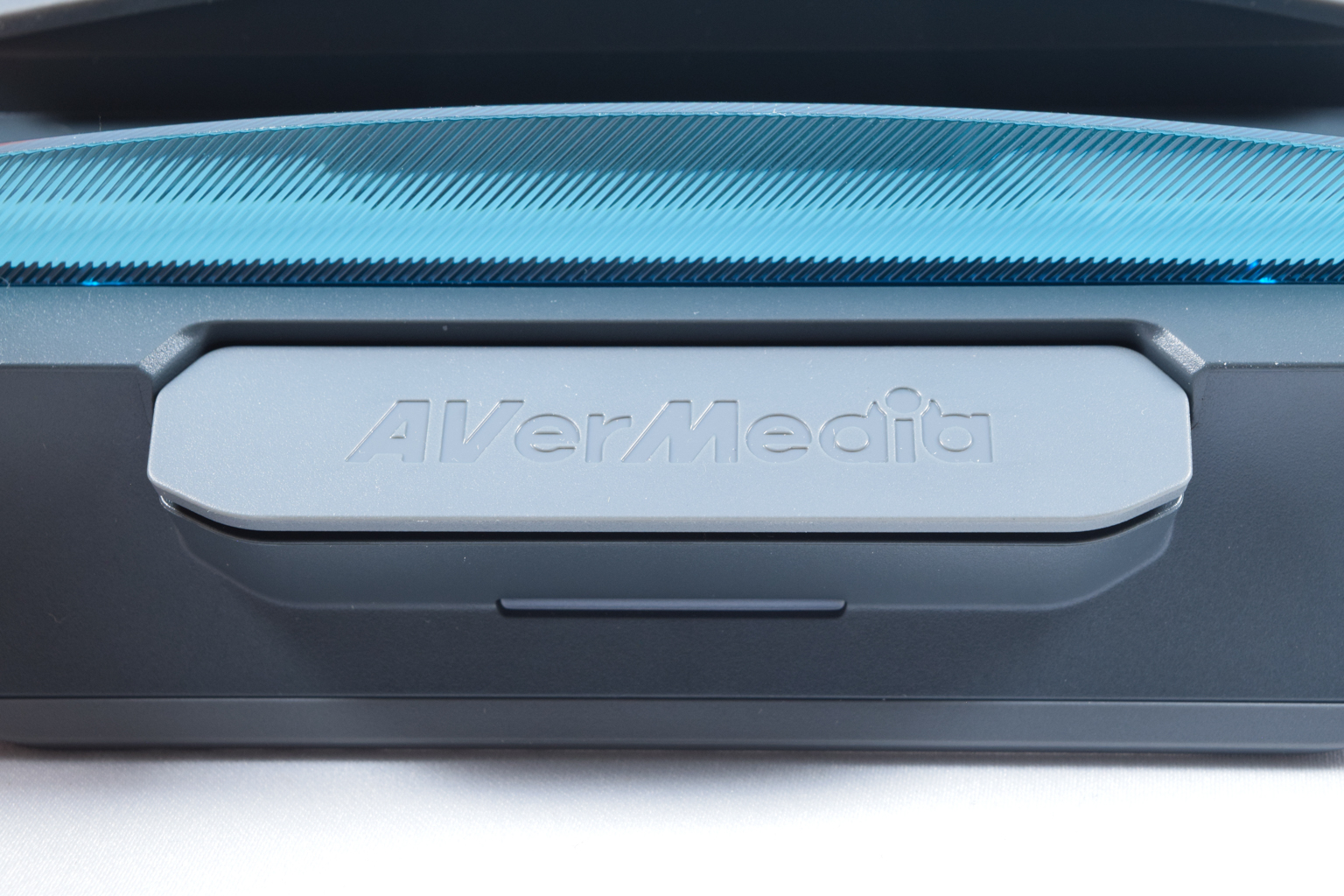
The front features a single quite large and wide button that starts and stops video capture along with the aforementioned blue lip for securing the docked devices.
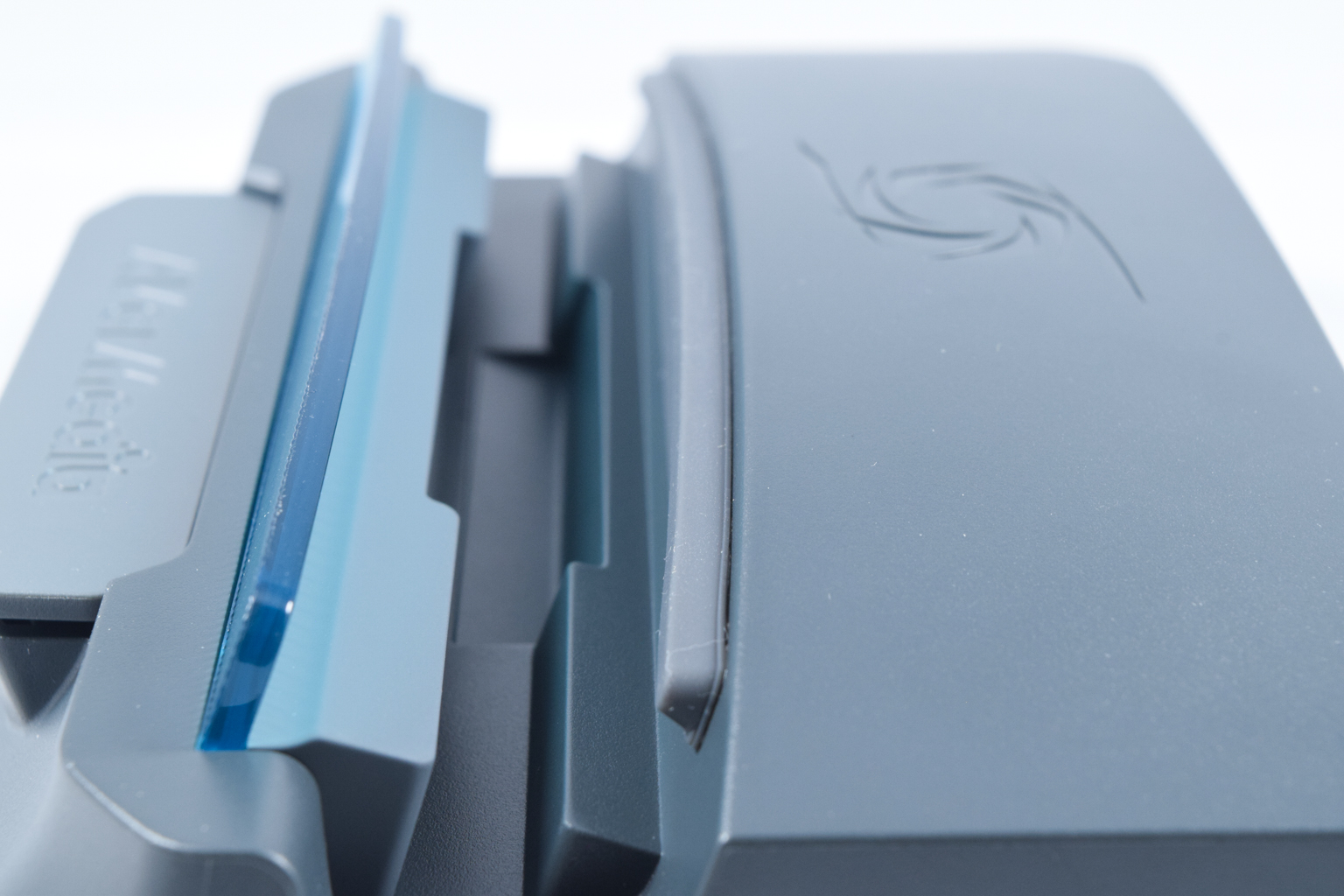
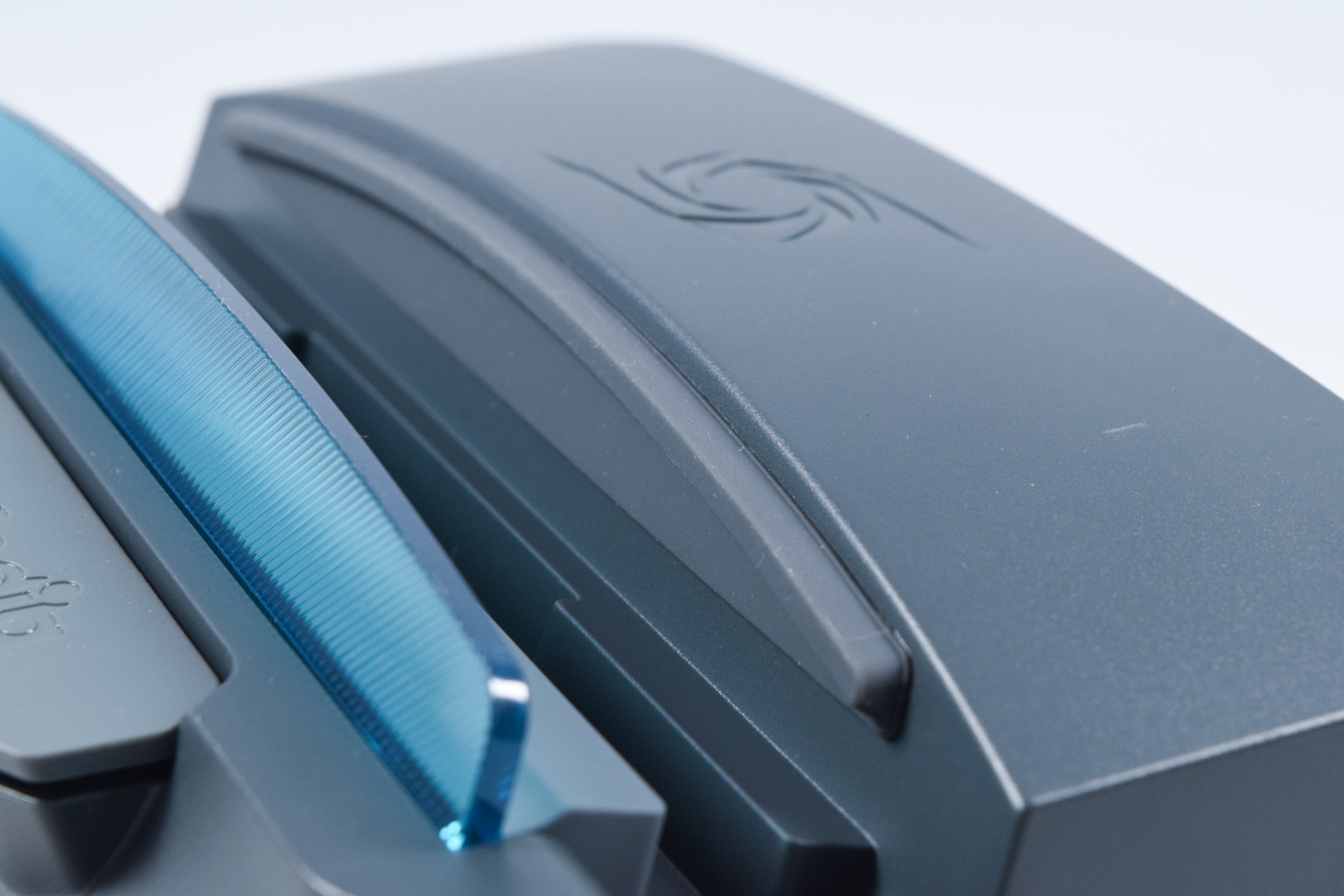
The 21.5 mm wide cradle that holds docked devices has a thick layer of rubber at its rear end for securing your device in place along with a channel at its bottom for running the USB-C cable, in case your device has its USB-C port at its bottom left side, like with the Lenovo Legion Go, for instance.
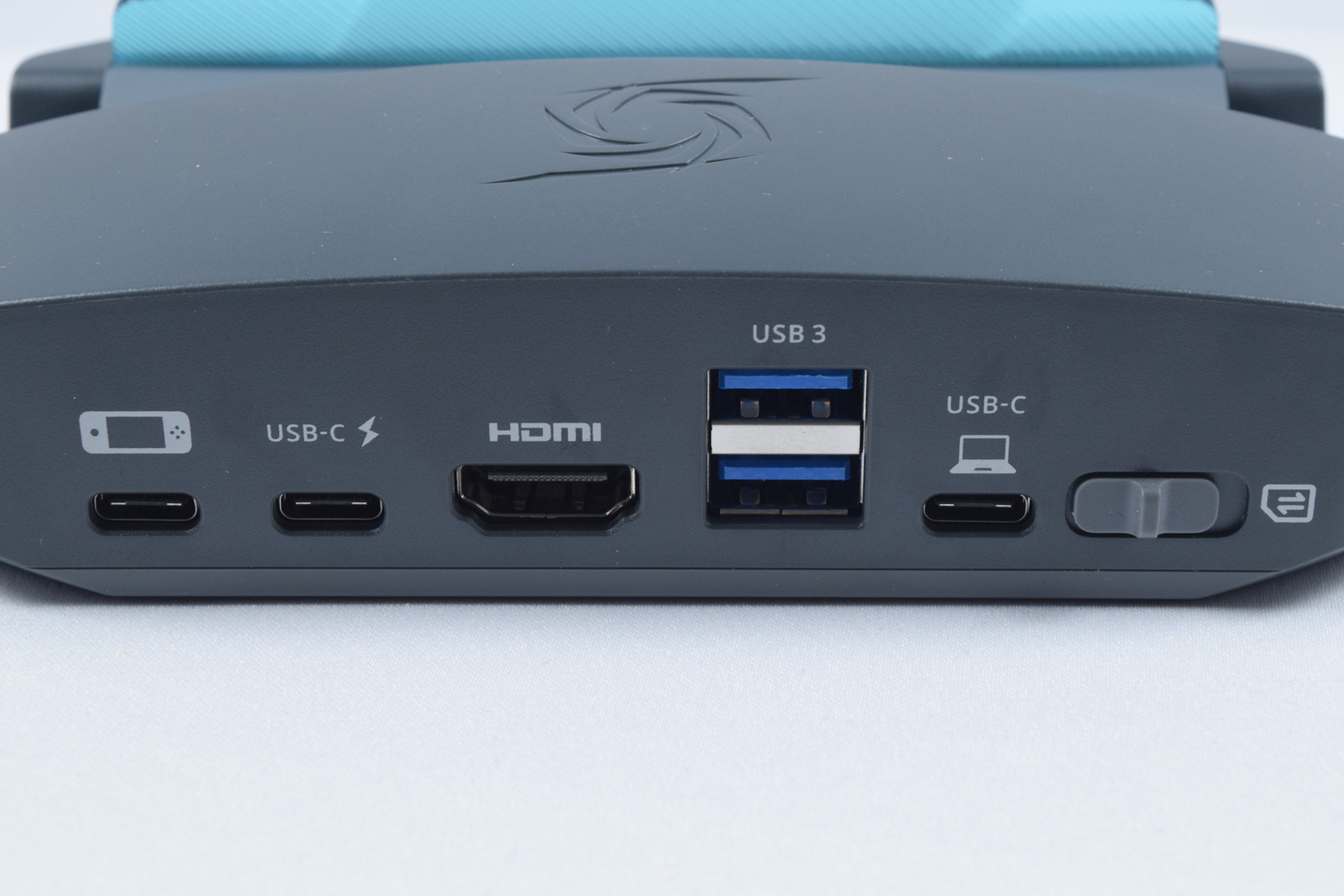
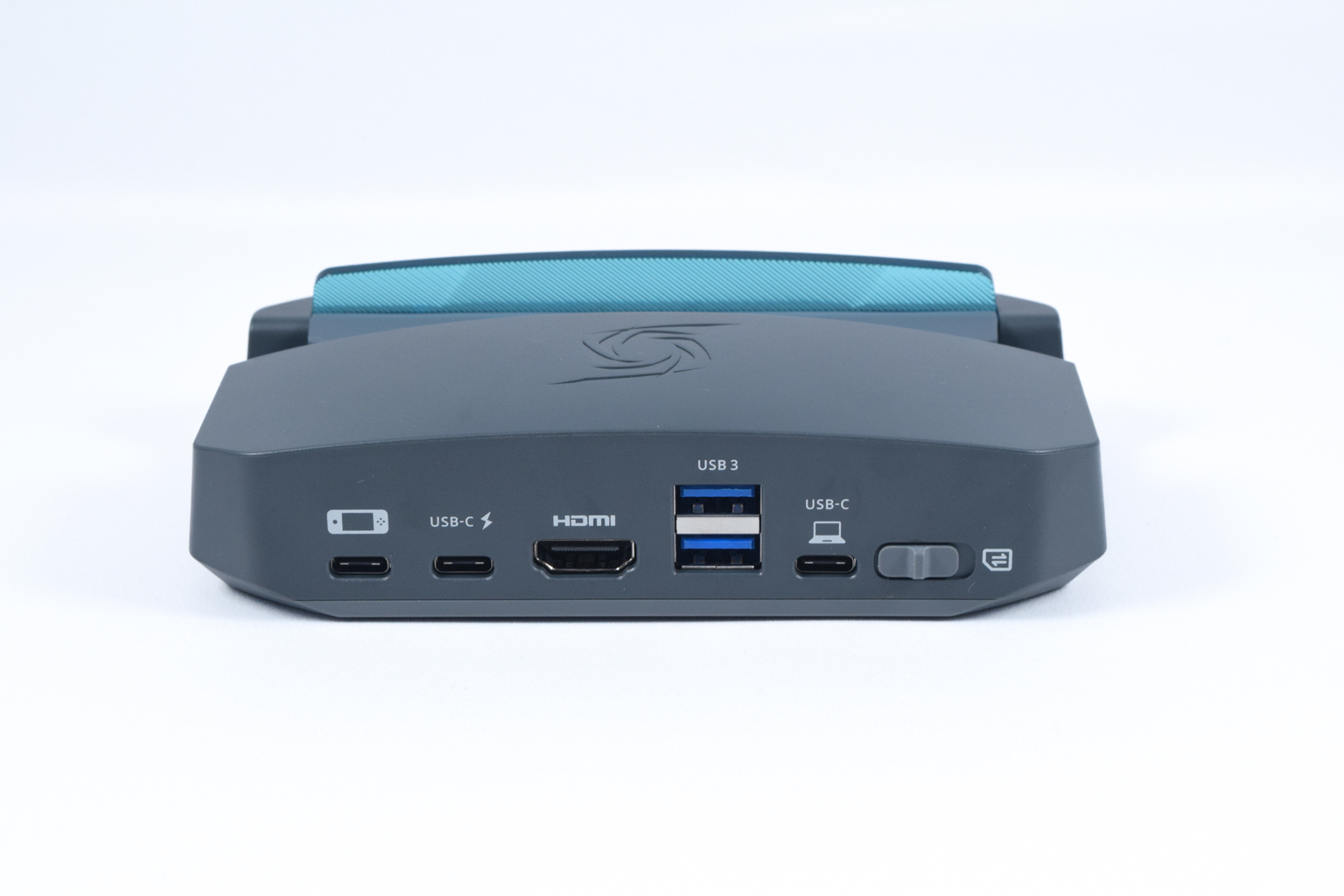
At the back, you can find three USB-C ports, none of which you can use for connecting peripherals or external storage drives.
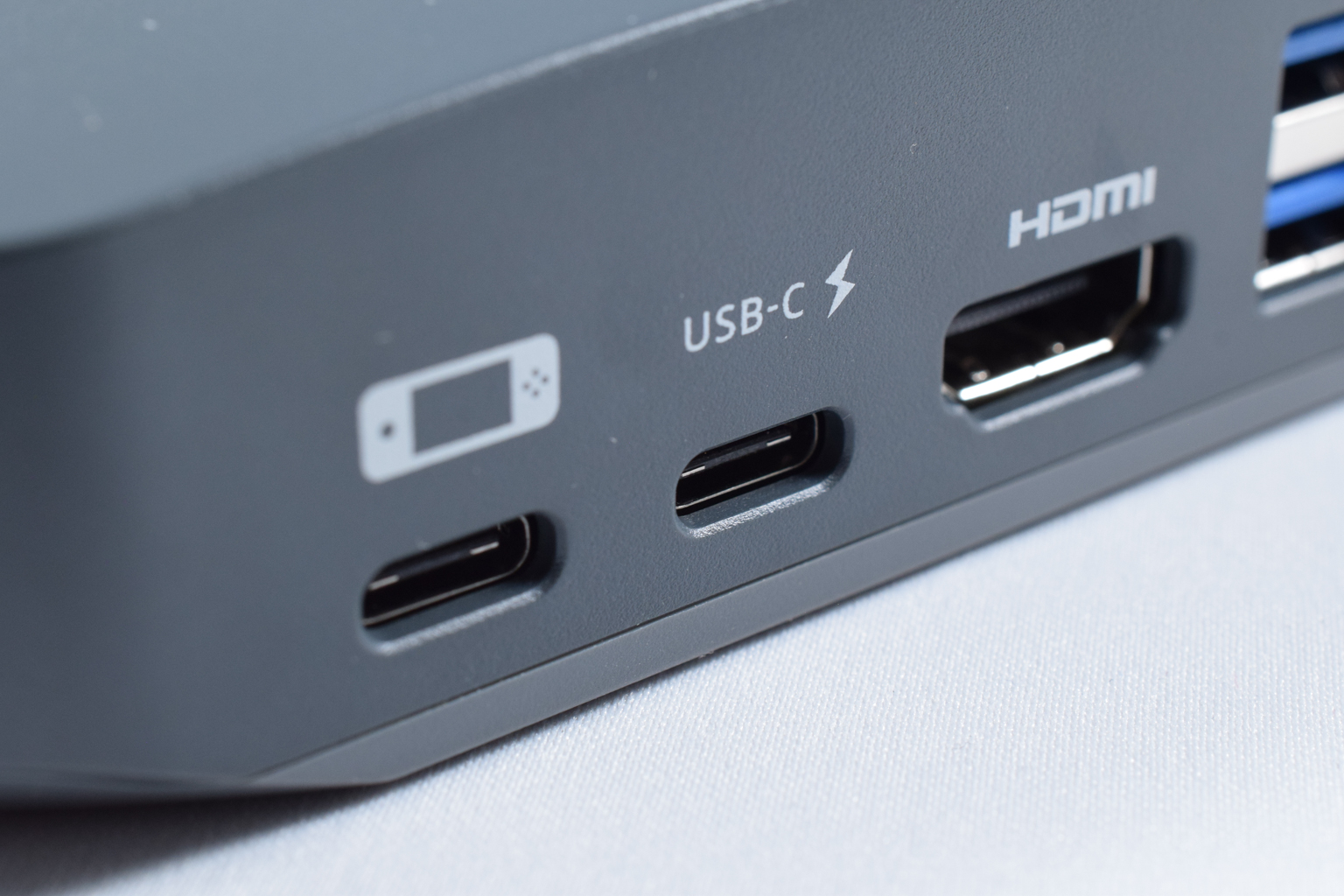
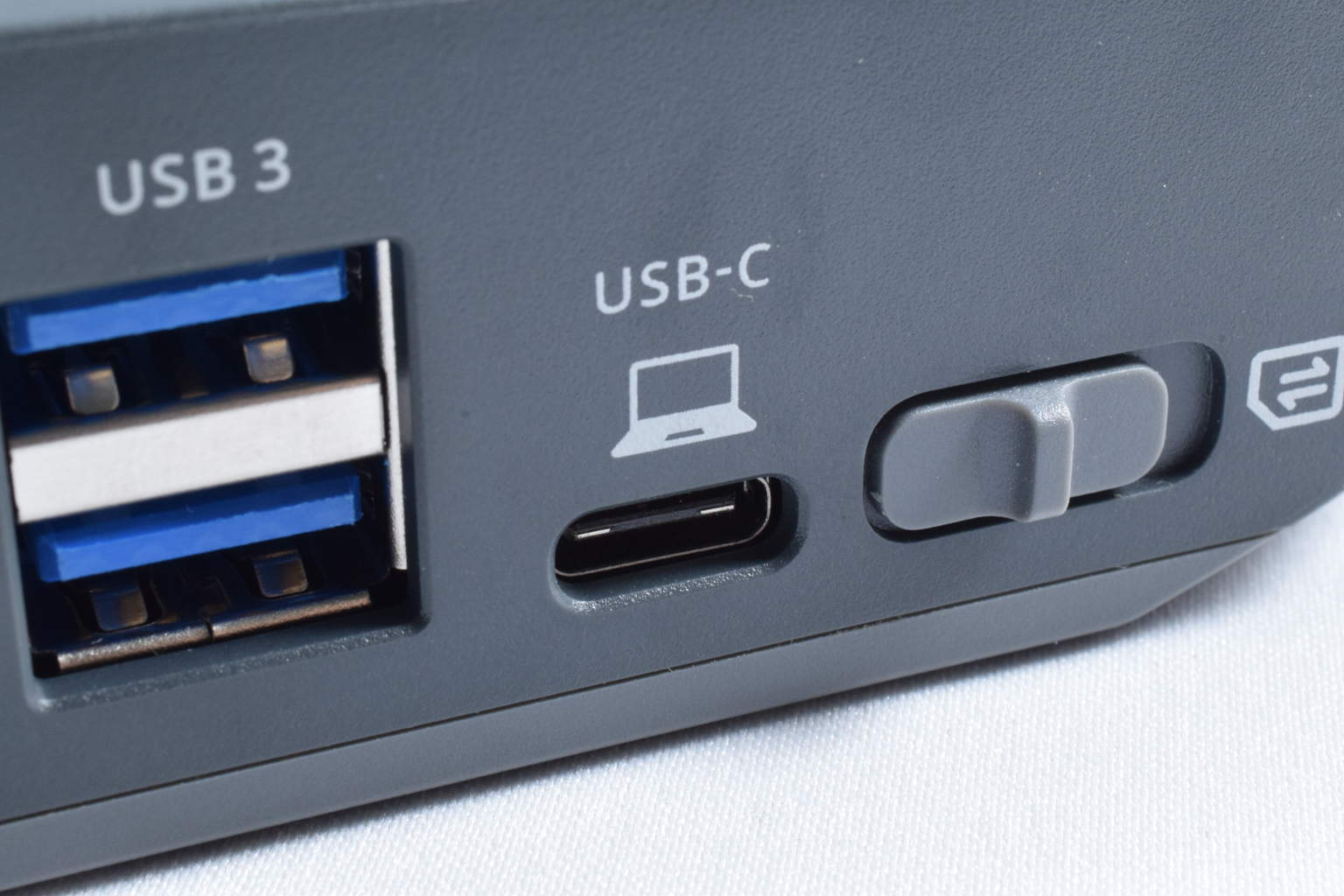
One is used to connect the GC515 to the docked device, the second port is for the power source, and the third's used to connect the station to a PC.
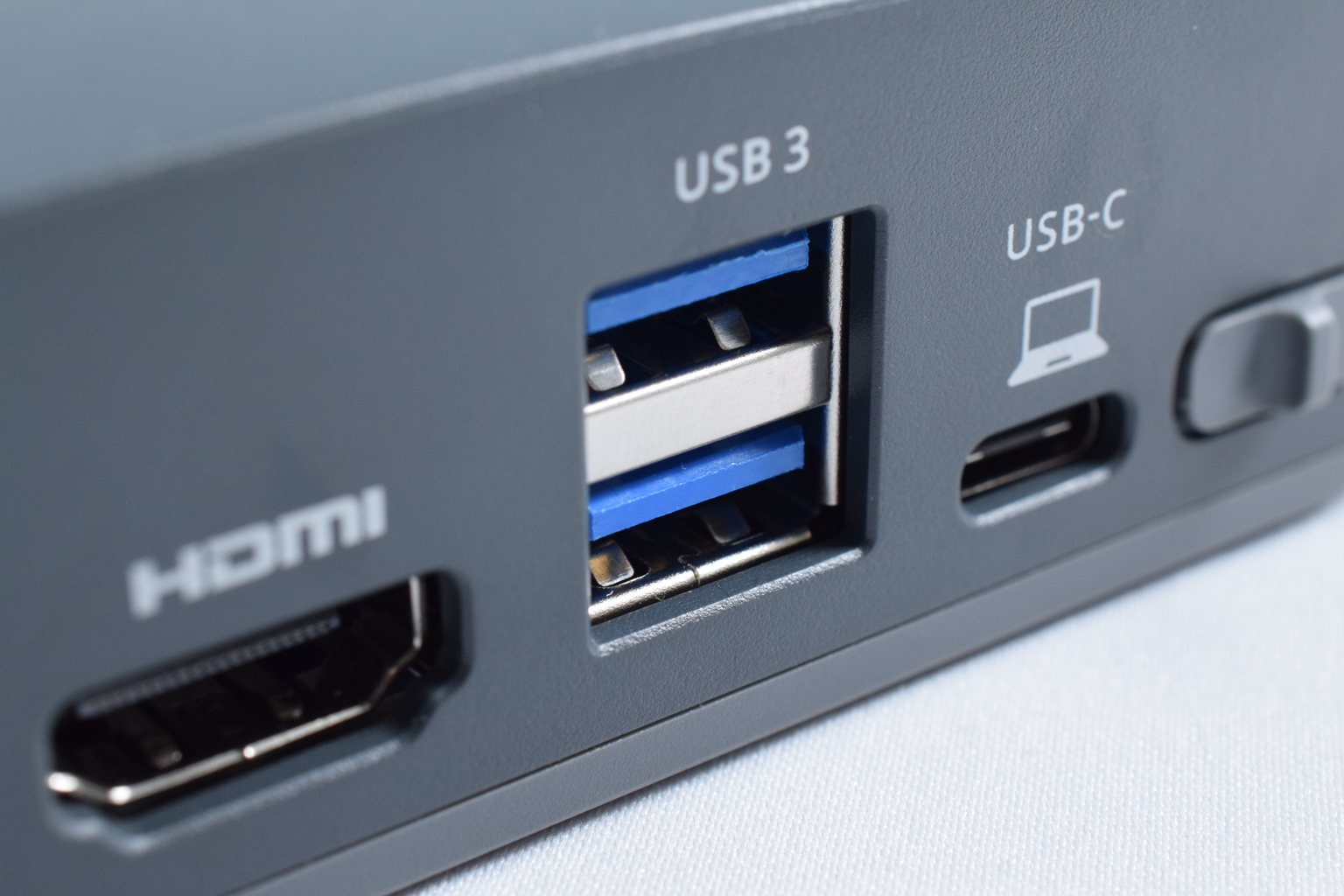
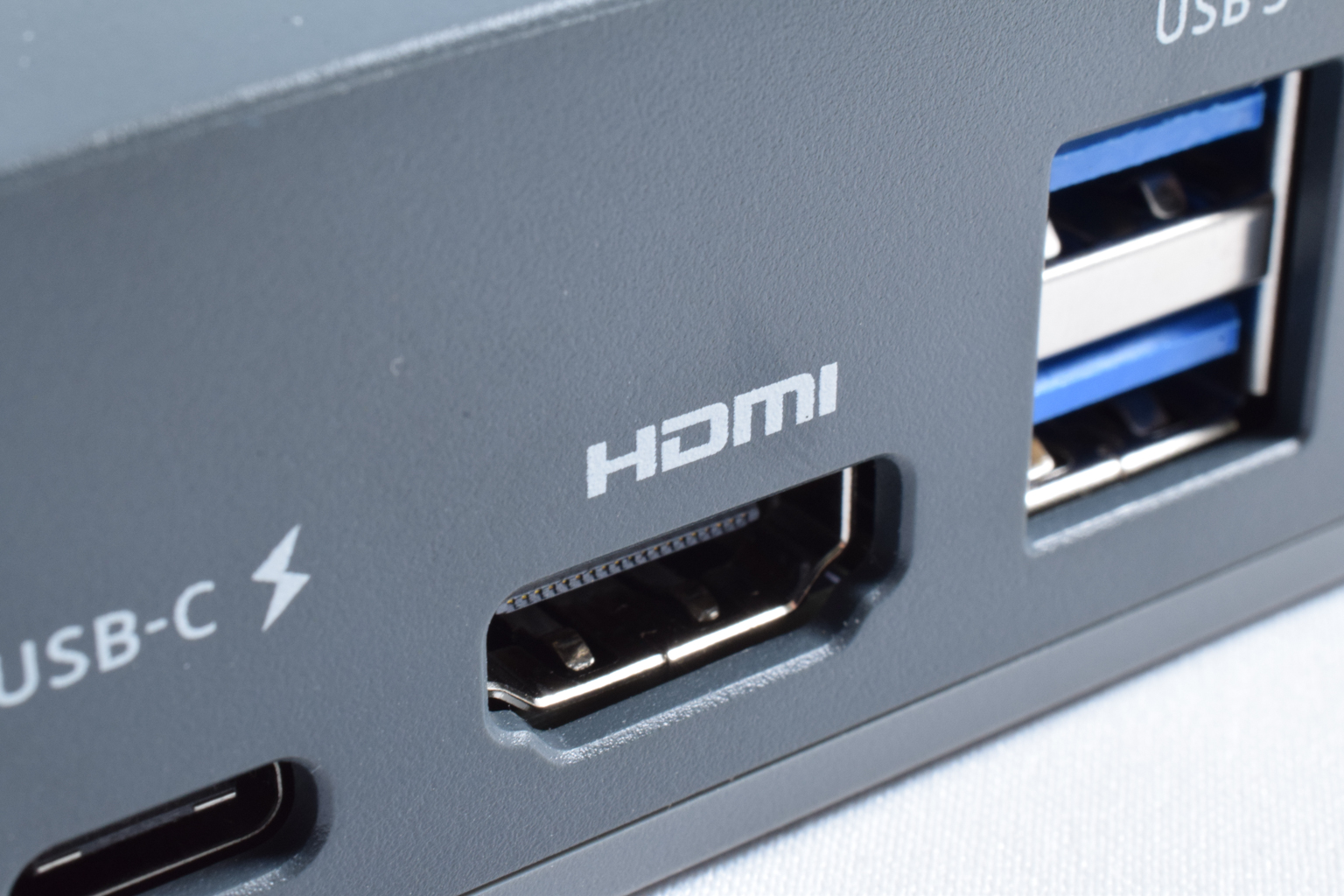
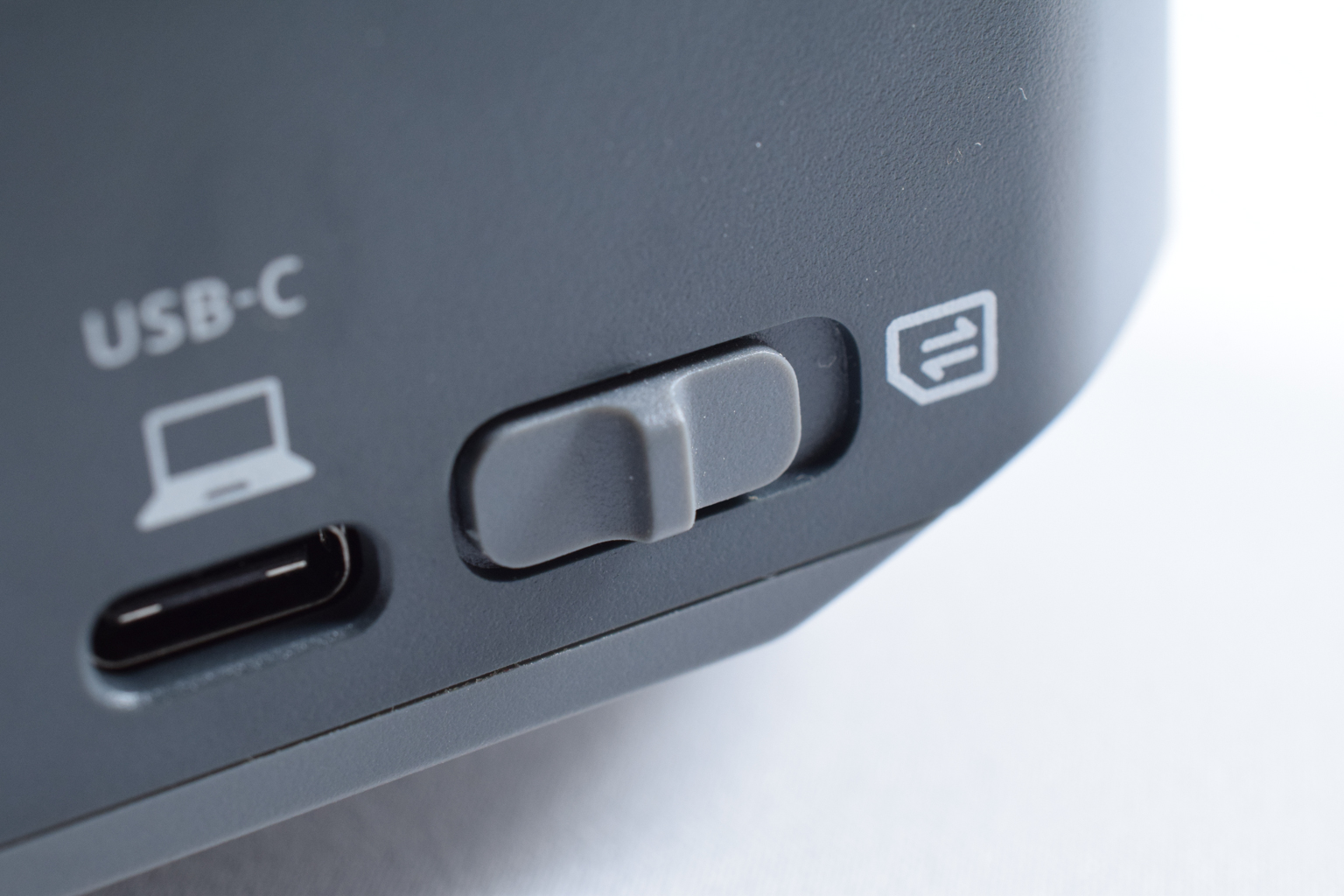
There's also a single HDMI 2.0 port for passing through the video signal to an external monitor or TV, two USB-A 3.2 Gen 1 5Gbit/s ports for connecting peripherals or a storage drive, and a switch for alternating between video capture and SD card reader mode.
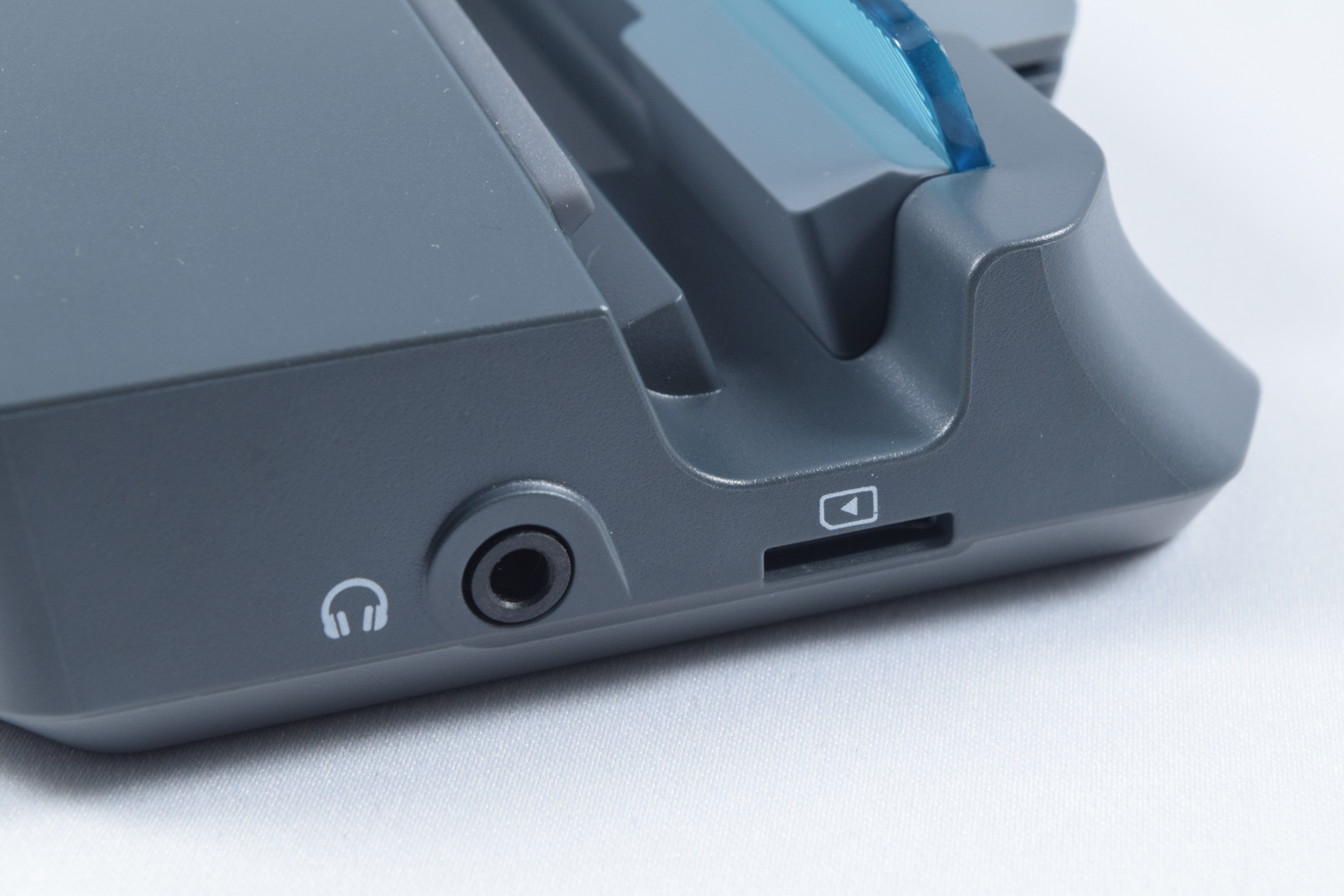
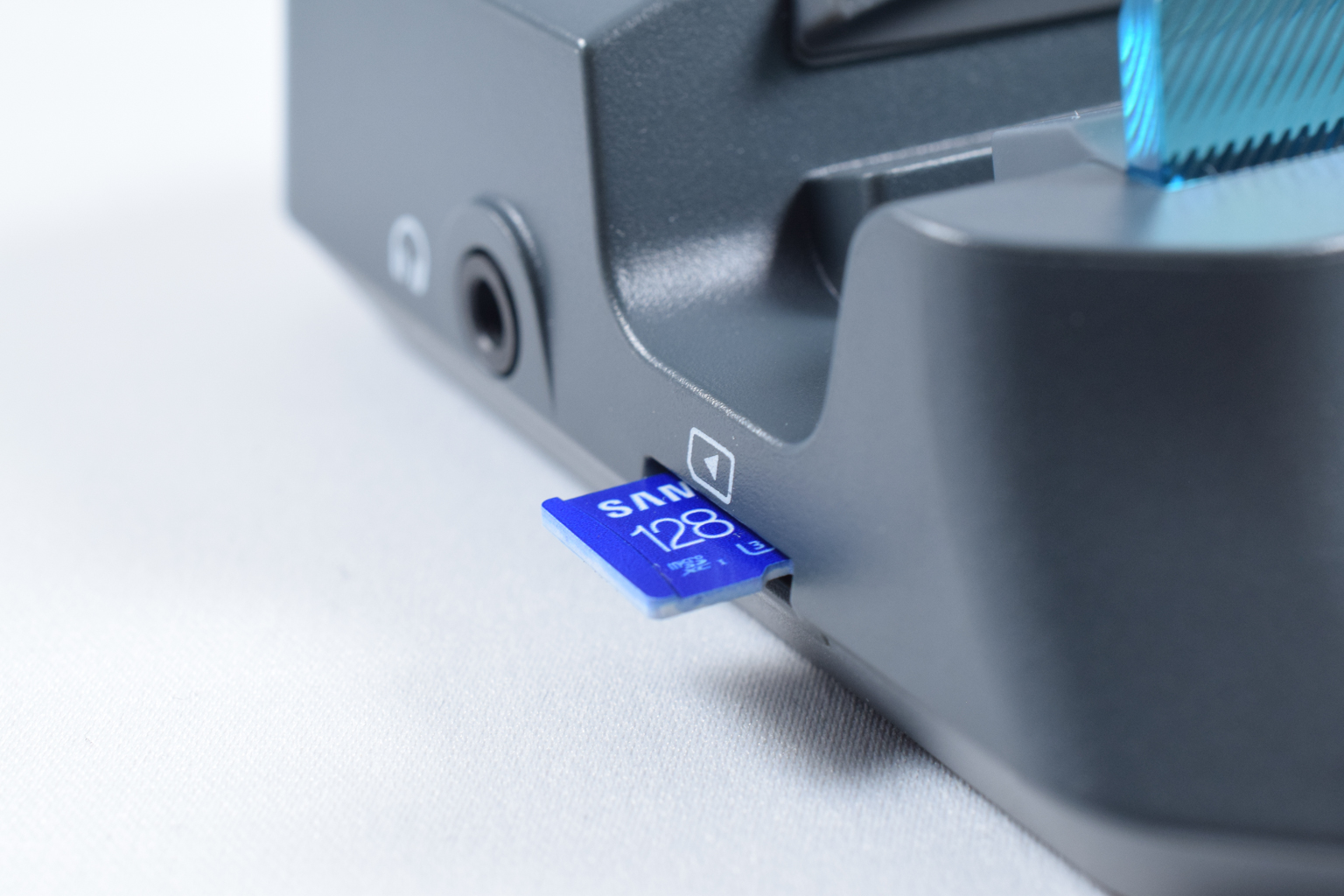
The right side is bare, and the left side includes a microSD card slot and a 3.5 mm audio jack for outputting audio.
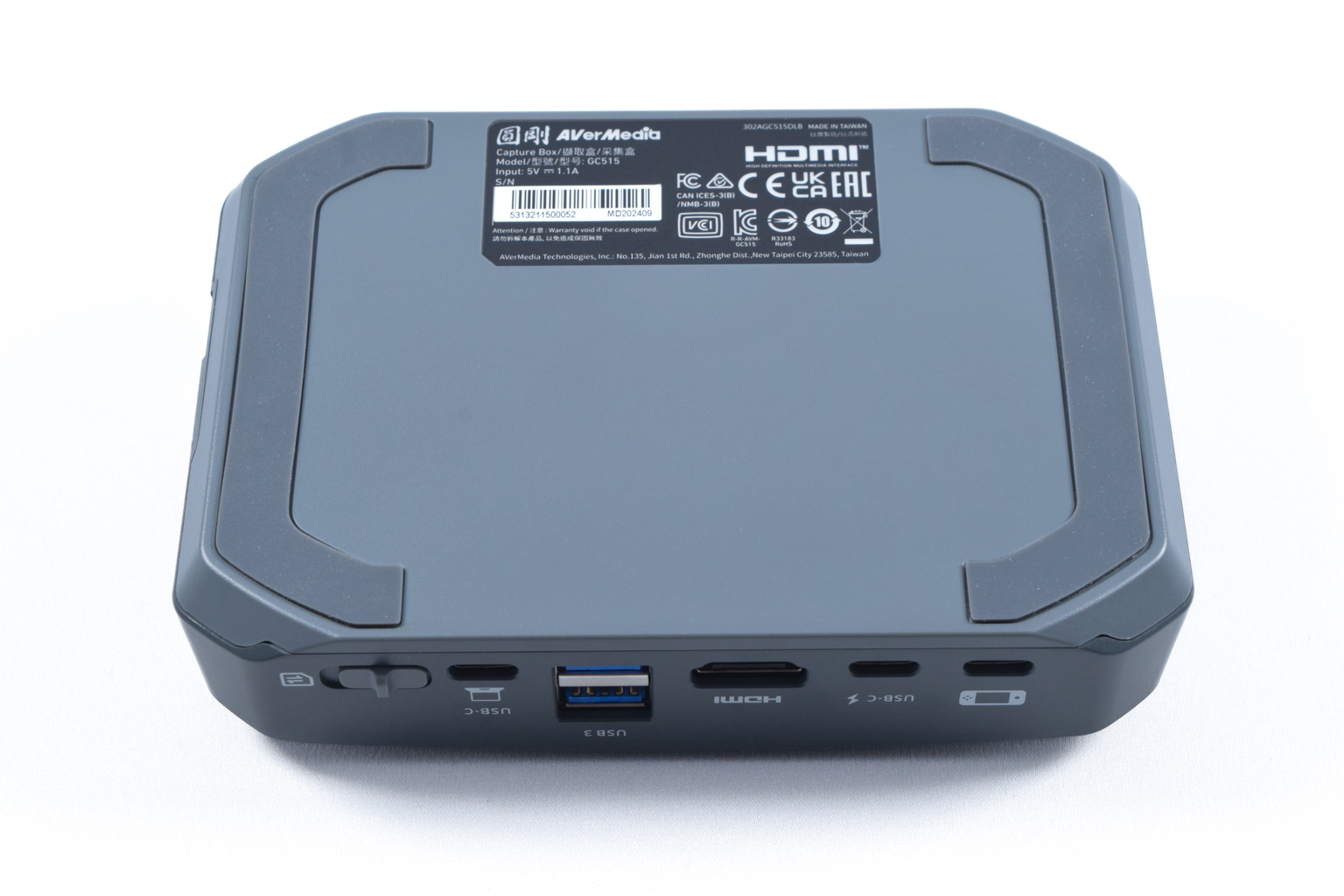
Finally, the bottom of the device features two very long and thick rubber feet that will keep the GC515 stable despite its petite weight of just 176 grams, along with a sticker printed with safety certificates, a bar code, power input specs, and other details.


The USB-C cable used to connect the dock with handhelds is a tad short, but you can connect the dock with other devices without issues.

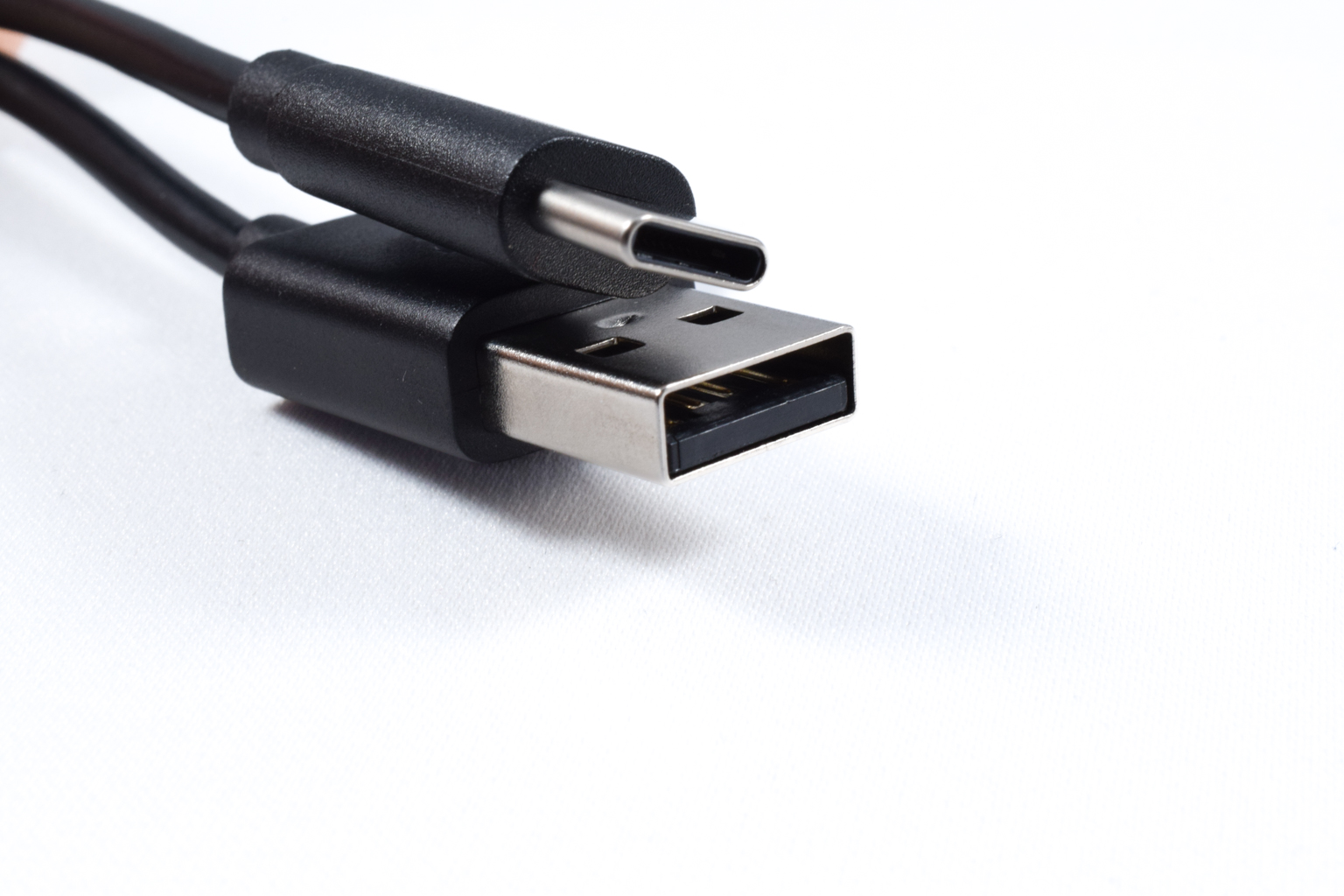
The USB-C to USB-A cable for connecting the GC515 to PCs is very long. You should have no issues with its length when connecting the dock to your PC.

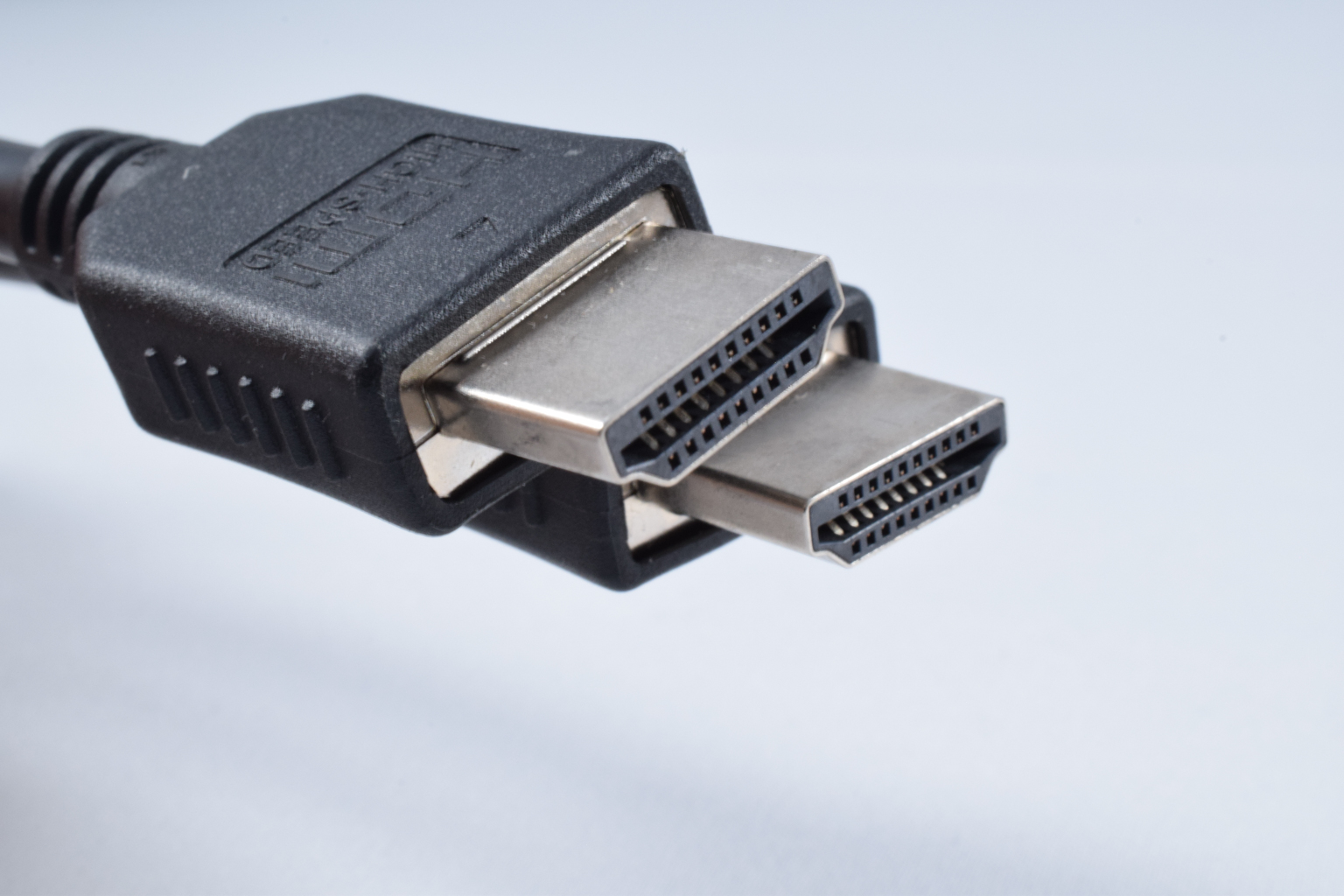
The HDMI 2.0 cable is also quite long and thick.
Nov 17th, 2026 21:20 CST
change timezone
Latest GPU Drivers
New Forum Posts
- Without Jensen, PC gaming will be (36)
- Will zen 6 mobos have anything extra vs current ones? (52)
- Hi, just to say thanks and who I am (3)
- 9070 GRE 3.9ghz validation reached. (19)
- [testers wanted] Qsurfer My own QNAP Nas explorer/Search tool (8)
- Lenovo Legion Pro 5 Audio Nightmare: Fan Noise, Harsh Voice & Massive DPC Latency (Help!) (2)
- Help with fixing Overclock (8)
- WarpCoreBench scores! (56)
- Slow SSD read speeds - help! (15)
- Ryzen 7 8700G OC (9)
Popular Reviews
- Acemagic Retro X3 Review
- Upcoming Hardware Launches 2027 (Updated Nov 2026)
- AMD Zen 6 Technical Deep Dive
- ASUS ROG Strix B850-I Gaming Wi-Fi7 W Review
- Corsair HX1000i Shift Crystal Review
- Chieftec Iceberg PRO 360 DARK Review
- AMD Ryzen 7 9800X3D Review - The Best Gaming Processor
- Phantom Blade Zero Performance Benchmark Review - 35 GPUs Tested
- Montech King 95 3D PRO Review
- Biwin Black Opal NV7400 2 TB Review
TPU on YouTube
Controversial News Posts
- NVIDIA Co-Founder and CEO Jensen Huang Officially Resigns (464)
- Open Letter Asking NVIDIA to Reinstate Jensen Huang Passes 115,000 Signatures (184)
- OpenAI CEO Argues Home PCs Waste the World's Limited DRAM Supply (152)
- Report: Jensen Huang Eyes NVIDIA Comeback (137)
- NVIDIA Launches Investigation Into Jensen Huang's Relationship With Suspected Chinese Spy (136)
- Intel "Raptor Lake Next" 16-Core and 20-Core CPUs Surface (130)
- Legendary Game Studio BioWare Shuts Down Following EA Layoffs (104)
- Dell CEO Says the Memory Shortage Will Get Worse in 2027 (95)