 2
AVerMedia X'Tra Go GC515 Review
Usage & Performance »Software
While the AverMedia GC515 can work without a PC, you can download the AverMedia Streaming Center app, connect the GC515 to your PC with your handheld docked to the GC515, and use the app to capture gameplay in various resolutions and bitrates as well as live stream.
Once you connect the dock to a PC while a device is docked, the device's video feed will be shown in the app's preview window. From there, you can capture videos directly to your PC's storage or both to your PC storage and the microSD card simultaneously. That said, we don't recommend playing games on the Streaming Center's preview window since it has a very high latency. It's better to use your device's screen instead.


The app includes a "Device Setting" menu where you can adjust the input/output volume, update GC515's firmware, and enable or disable HDCP detection (if the source signal is copyrighted, the screen will be left blank no matter whether you enable or disable HDCP detection).
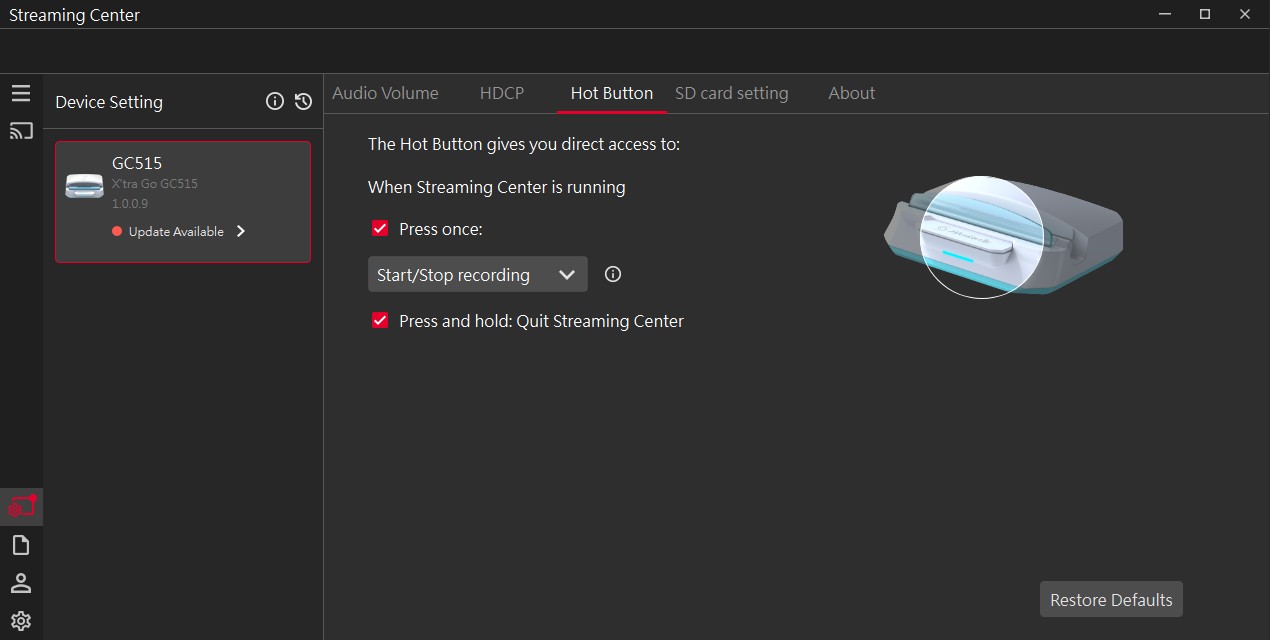
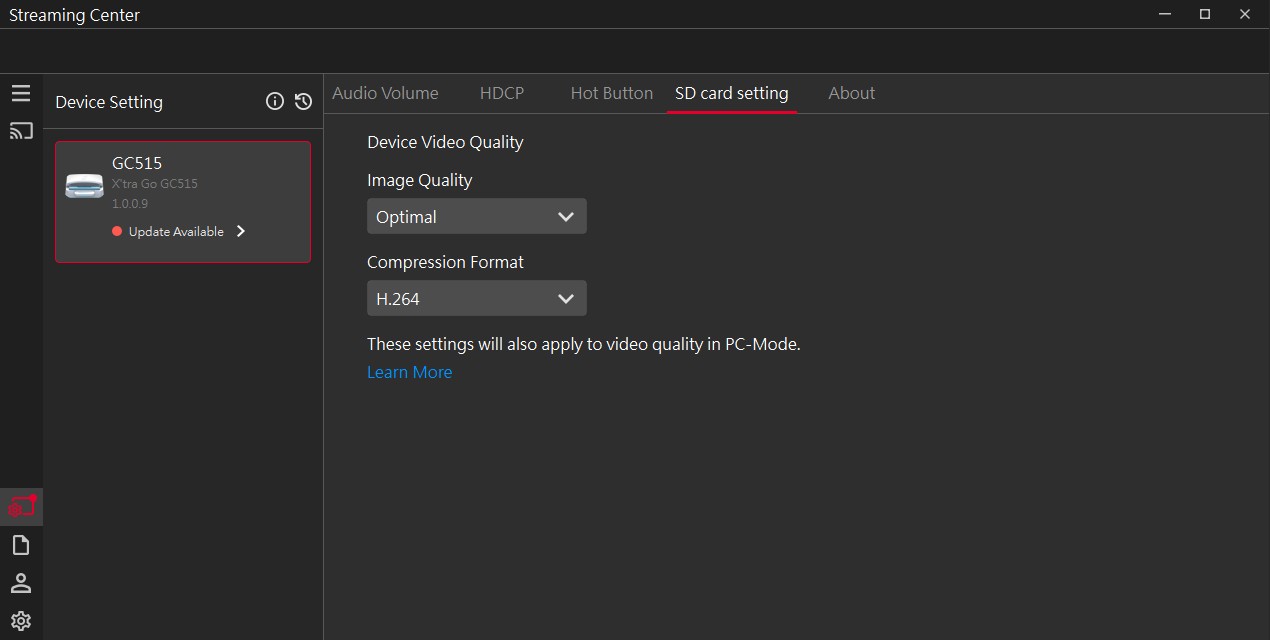


The app allows for remapping what the large button on the front does, adjusting the quality of the videos captured directly to the microSD card, and checking out info about your system.


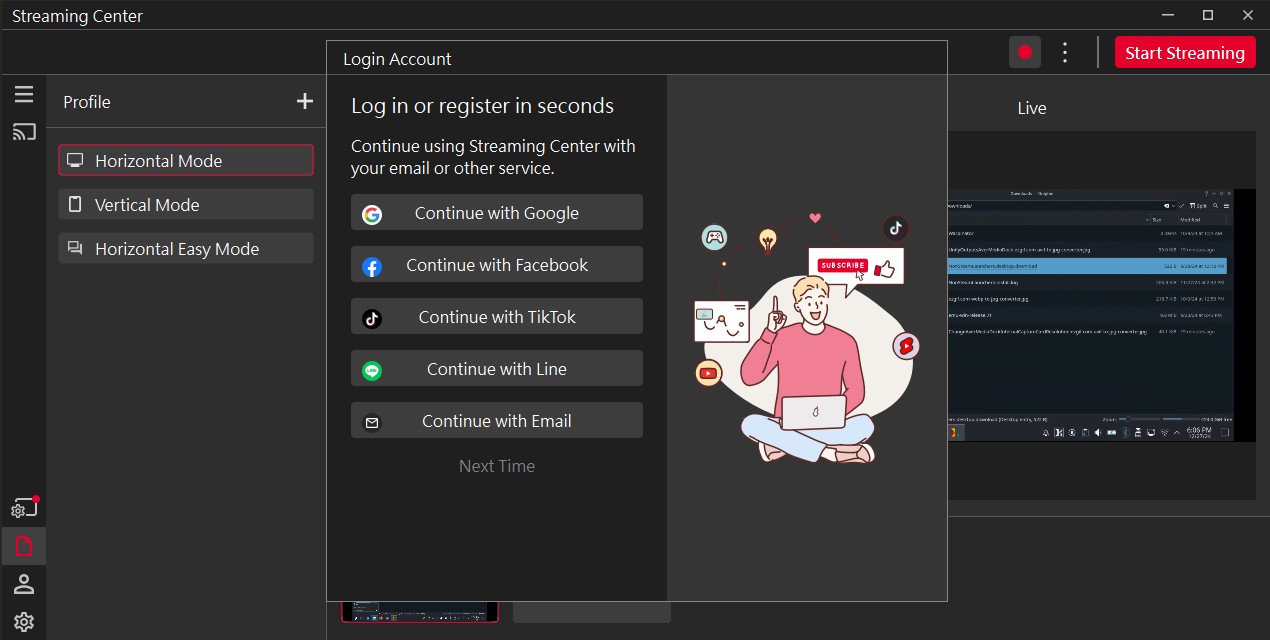

You can also tweak whether the screen mirroring the video output of the connected device is horizontal or vertical (useful for smartphones) and open a preview window of the live stream that can run in full-screen mode. There's also a menu that allows you to register an account and use Streaming Center while logged in.

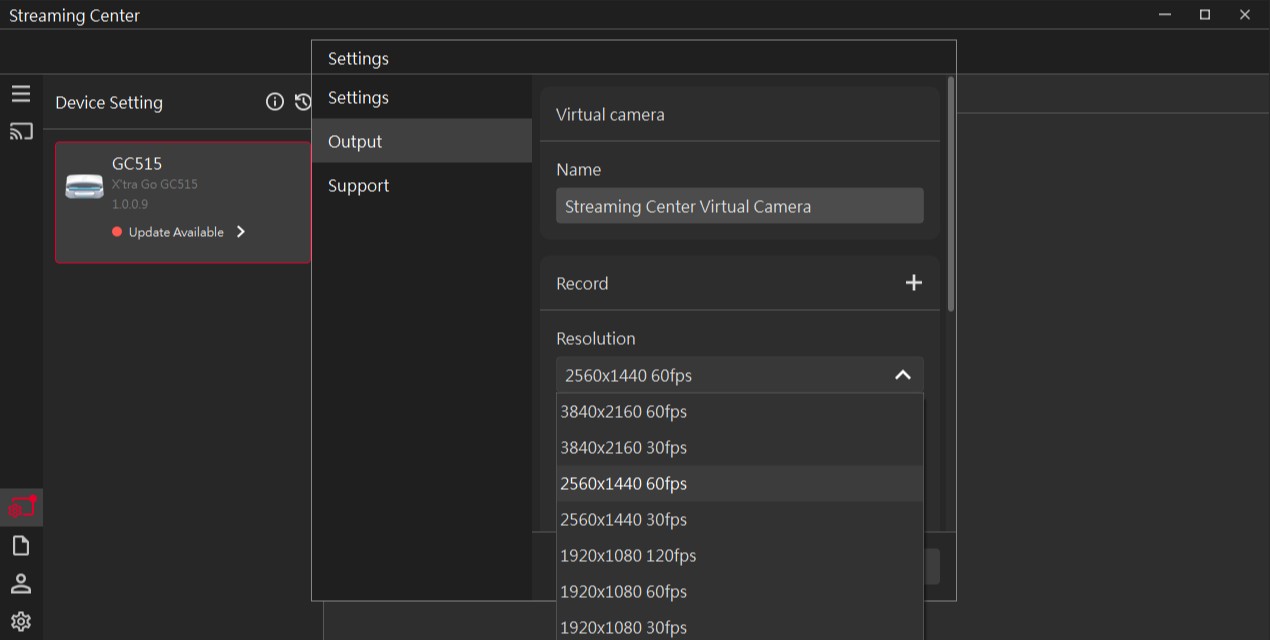
Lastly, there's the settings menu where you can adjust the resolution, frame rate, and video and audio bitrate of videos captured to your PC storage.
While the Streaming Center app works rather well, the firmware update menu hardly works. We tried to update our GC515 review sample's firmware for half an hour and ultimately gave up because the download wouldn't start, or it would just stop at some point. When we did manage to download the new firmware, the app would throw an error when unzipping the package. This is a major issue, and we hope AverMedia will remedy it with future app updates.
The app also stalls for a couple of seconds when changing the resolution and quality of videos captured to the PC storage. Nothing serious, but a tad annoying.
The good news for all live streamers is that you can use the GC515 with OBS; just download the AverMedia OBS plug-in, add the GC515 as a source, and you're set.
Nov 17th, 2026 21:42 CST
change timezone
Latest GPU Drivers
New Forum Posts
- Without Jensen, PC gaming will be (37)
- Will zen 6 mobos have anything extra vs current ones? (52)
- Hi, just to say thanks and who I am (3)
- 9070 GRE 3.9ghz validation reached. (19)
- [testers wanted] Qsurfer My own QNAP Nas explorer/Search tool (8)
- Lenovo Legion Pro 5 Audio Nightmare: Fan Noise, Harsh Voice & Massive DPC Latency (Help!) (2)
- Help with fixing Overclock (8)
- WarpCoreBench scores! (56)
- Slow SSD read speeds - help! (15)
- Ryzen 7 8700G OC (9)
Popular Reviews
- Acemagic Retro X3 Review
- Upcoming Hardware Launches 2027 (Updated Nov 2026)
- AMD Zen 6 Technical Deep Dive
- ASUS ROG Strix B850-I Gaming Wi-Fi7 W Review
- Corsair HX1000i Shift Crystal Review
- Chieftec Iceberg PRO 360 DARK Review
- AMD Ryzen 7 9800X3D Review - The Best Gaming Processor
- Phantom Blade Zero Performance Benchmark Review - 35 GPUs Tested
- Montech King 95 3D PRO Review
- Biwin Black Opal NV7400 2 TB Review
TPU on YouTube
Controversial News Posts
- NVIDIA Co-Founder and CEO Jensen Huang Officially Resigns (464)
- Open Letter Asking NVIDIA to Reinstate Jensen Huang Passes 115,000 Signatures (184)
- OpenAI CEO Argues Home PCs Waste the World's Limited DRAM Supply (152)
- Report: Jensen Huang Eyes NVIDIA Comeback (137)
- NVIDIA Launches Investigation Into Jensen Huang's Relationship With Suspected Chinese Spy (136)
- Intel "Raptor Lake Next" 16-Core and 20-Core CPUs Surface (130)
- Legendary Game Studio BioWare Shuts Down Following EA Layoffs (104)
- Dell CEO Says the Memory Shortage Will Get Worse in 2027 (95)