 2
be quiet! Light Mount TKL Keyboard Review
Software »Disassembly

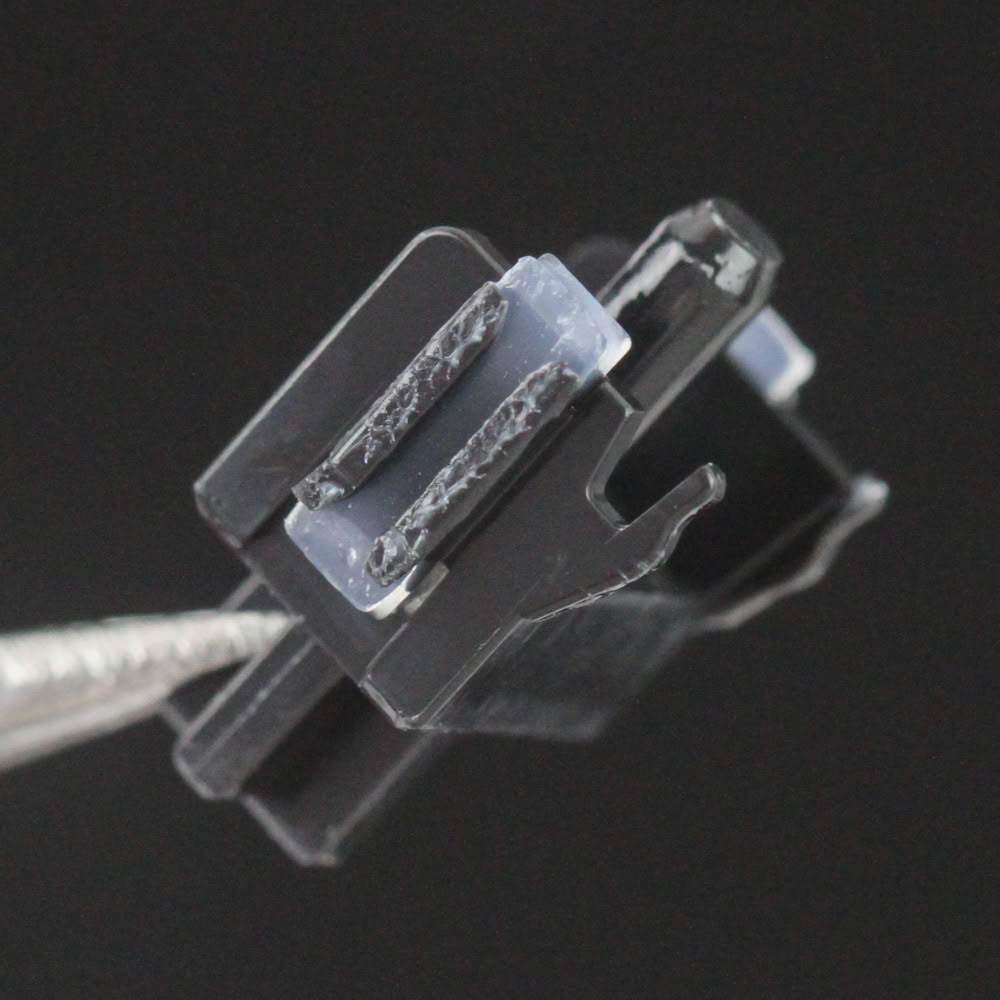

This is my first time with these be quiet! mechanical switches, so I wanted to take one apart to see what's inside. As we saw earlier, the top housing has a dedicated plastic lens to help diffuse the light more evenly through the switch and up into the keycap too. The top housing is frosted white plastic, the stem is opaque black, and the bottom housing is again frosted white. Of note is the part where these switches come lubed out of the factory, including the sides of the stem and the bottom of the spring, to help smoothen out the mechanical parts contacting each other as the switch travels down. This is a tactile feedback switch, so we see a second bump along the length of the stem that touches the copper contacts in the bottom housing for the tactile feedback slightly before actuation itself.
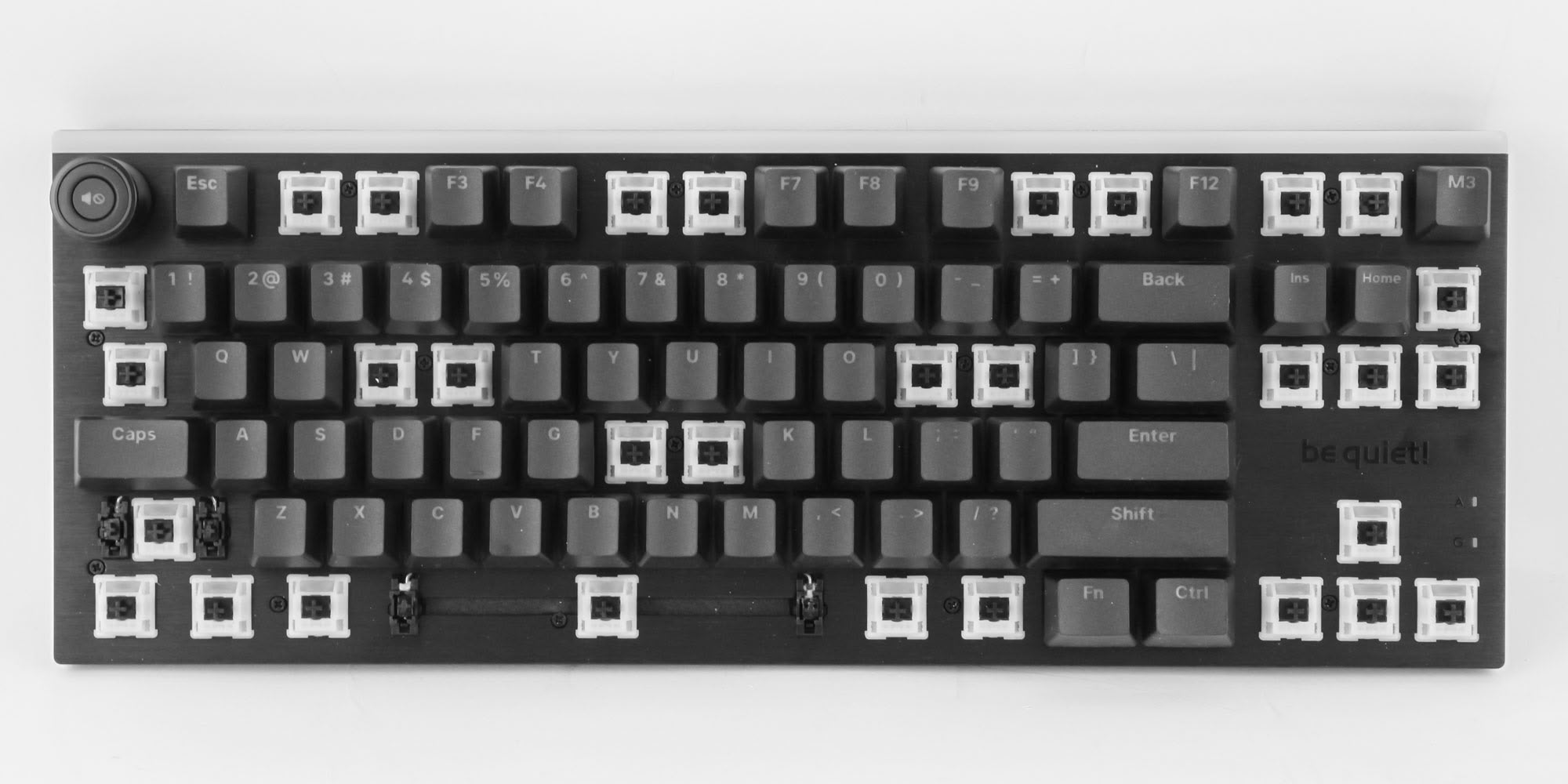
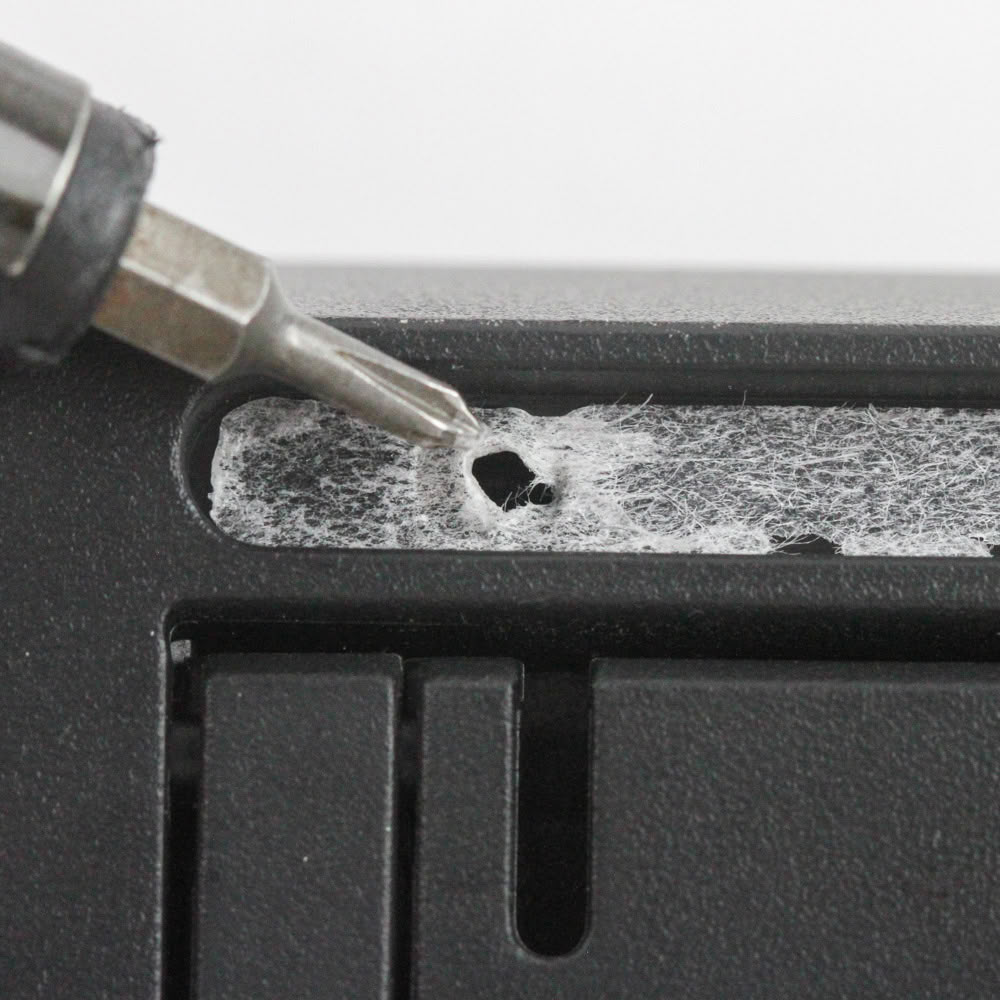
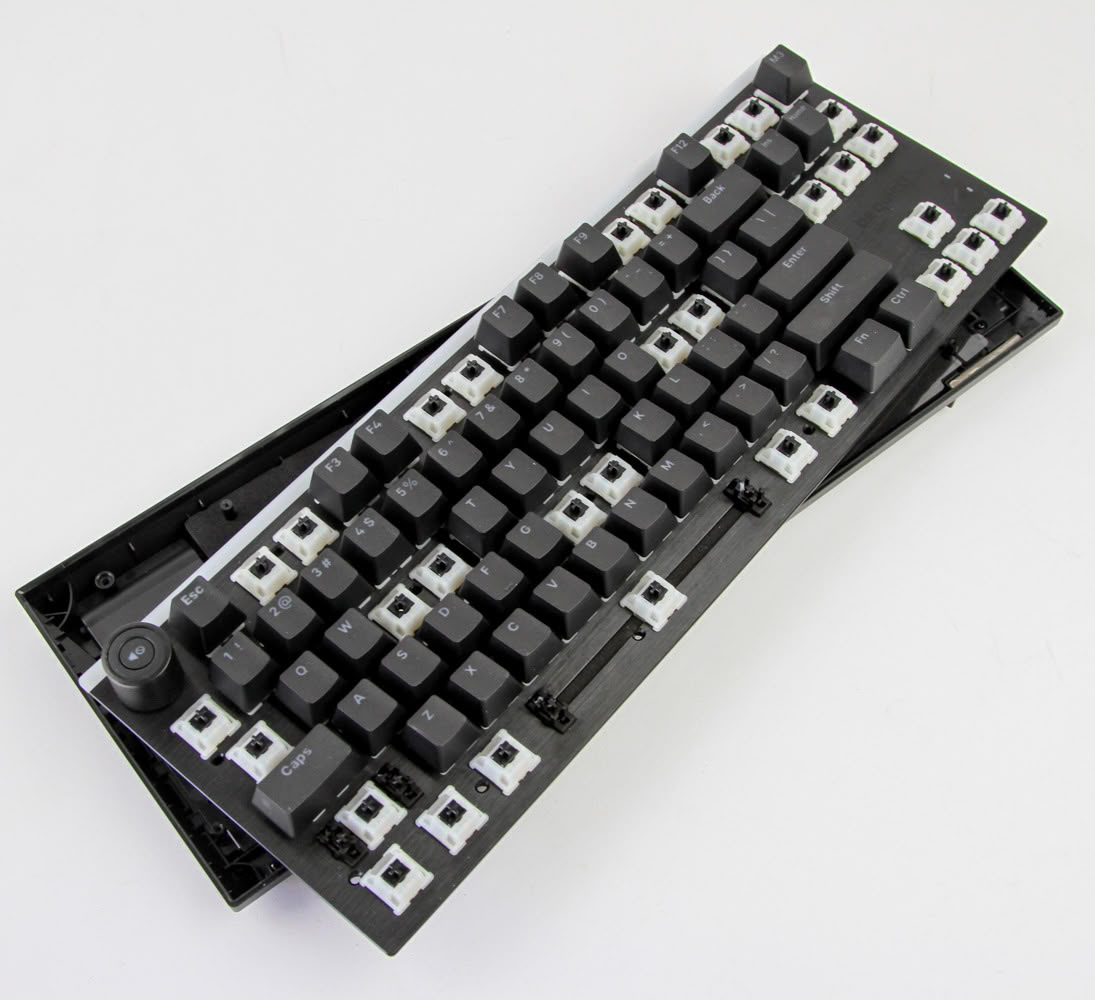
Disassembly of the be quiet! Light Mount TKL is quite simple, provided you know where all the screws are located. There are 15 Phillips head screws on the front that you can access after removing several specific keycaps as seen above, and then two more on the back under the rubber pads located above the keyboard feet. There is no need to pull out the rotary knob cover and there are also no interlocking plastic tabs, so you can easily pull apart the metal frame and plastic bottom panel.
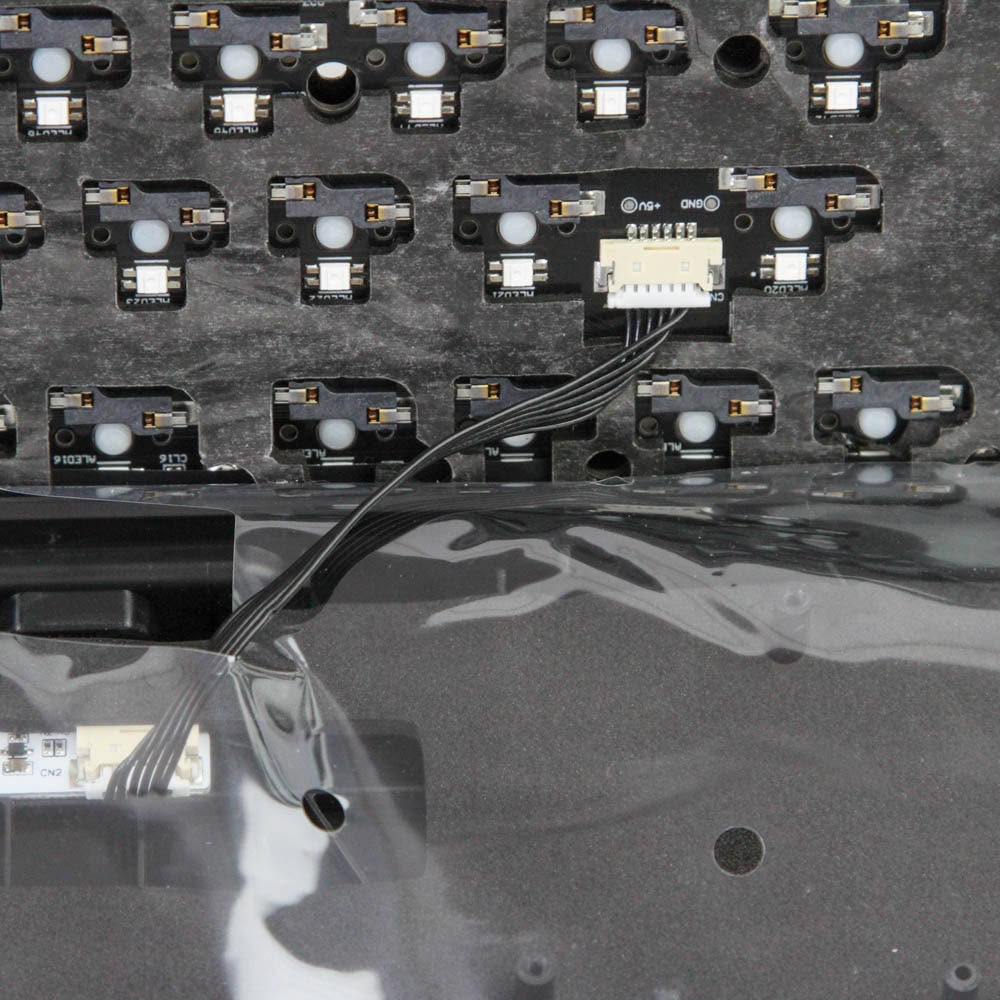
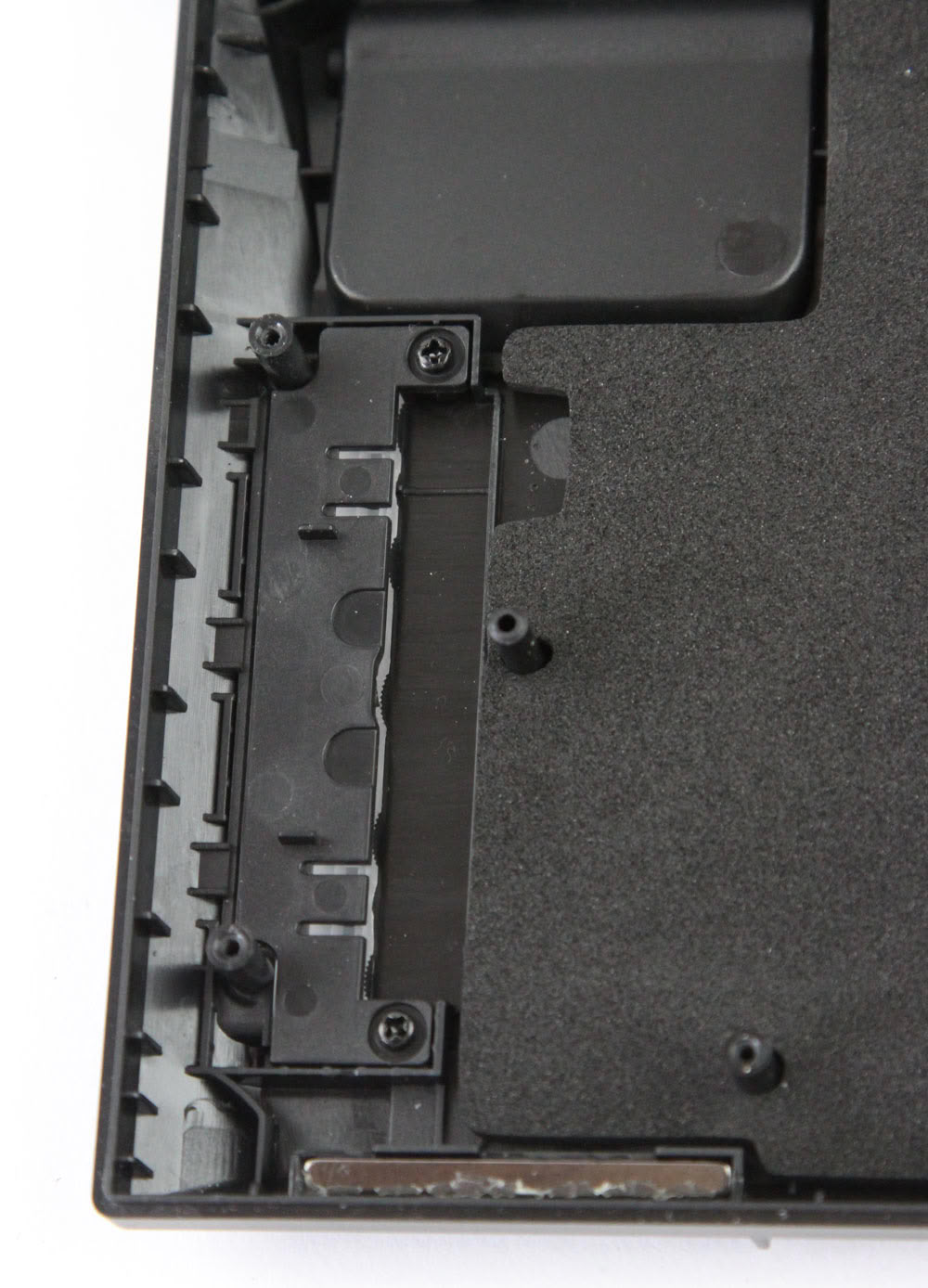
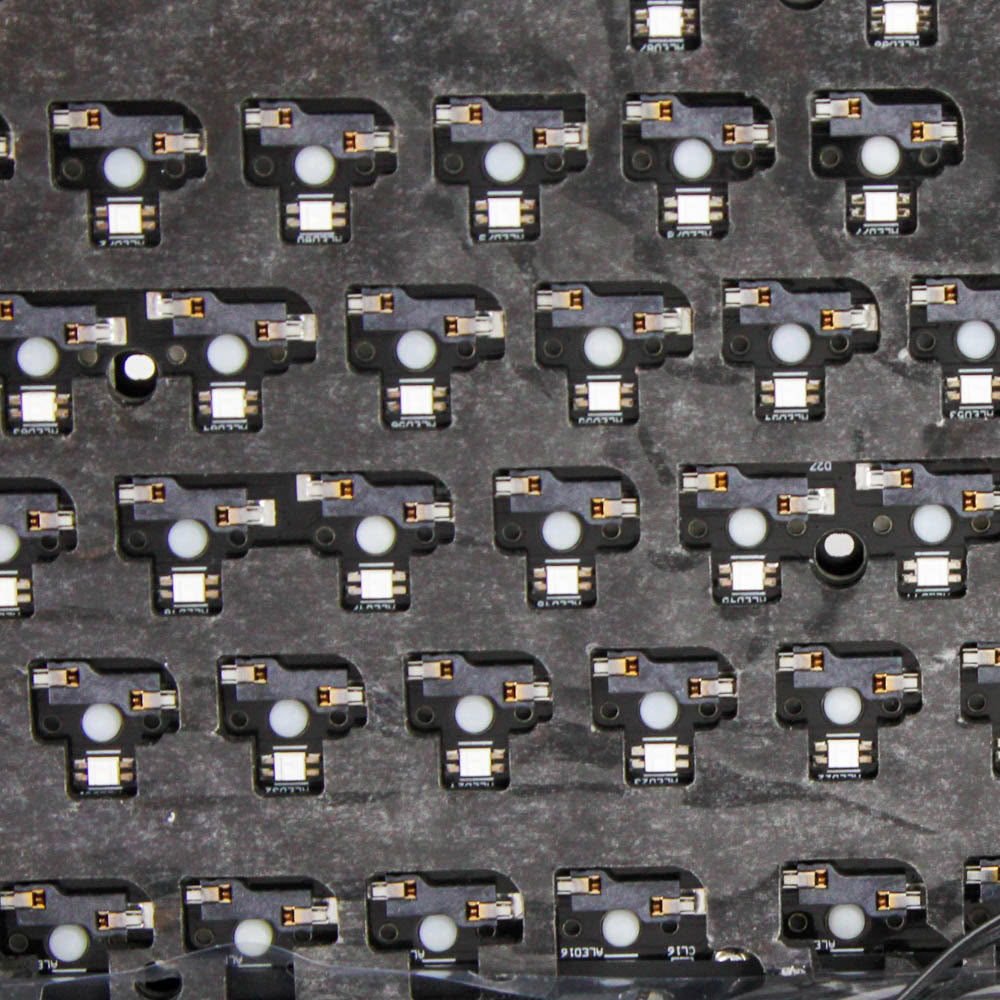
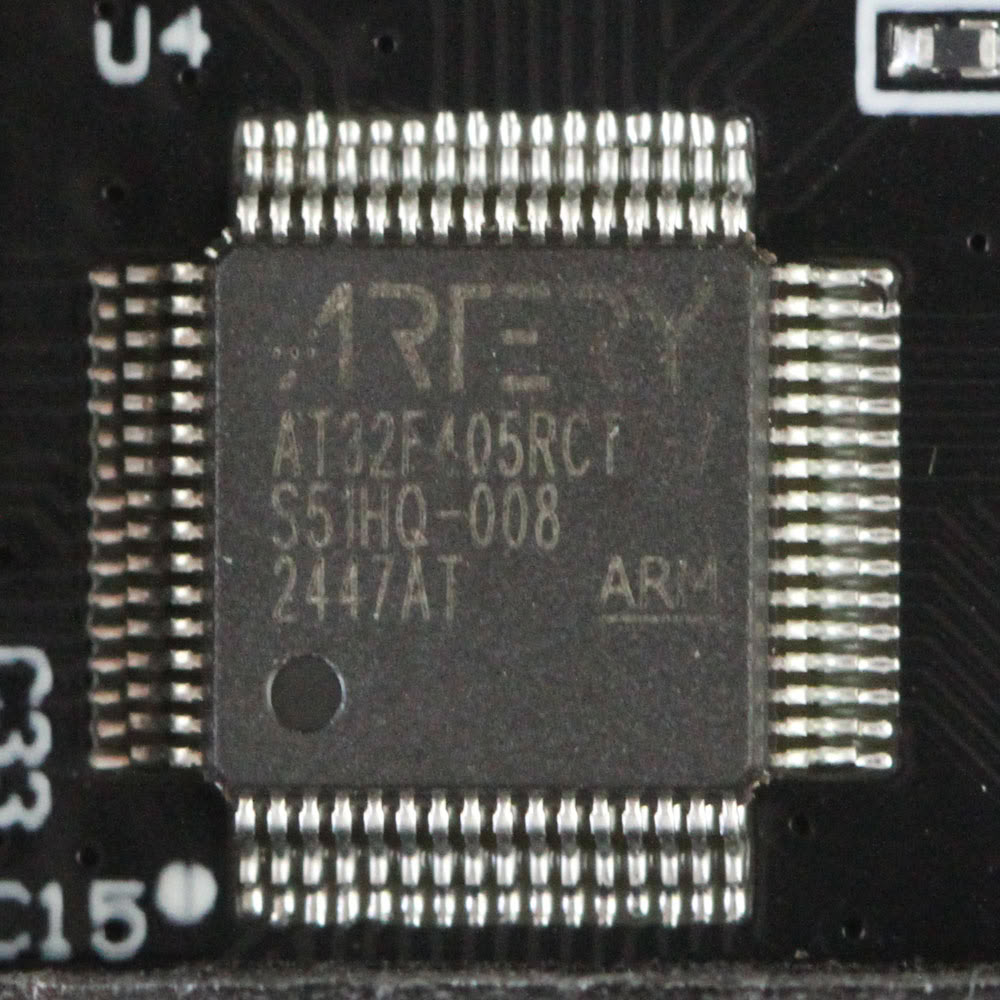
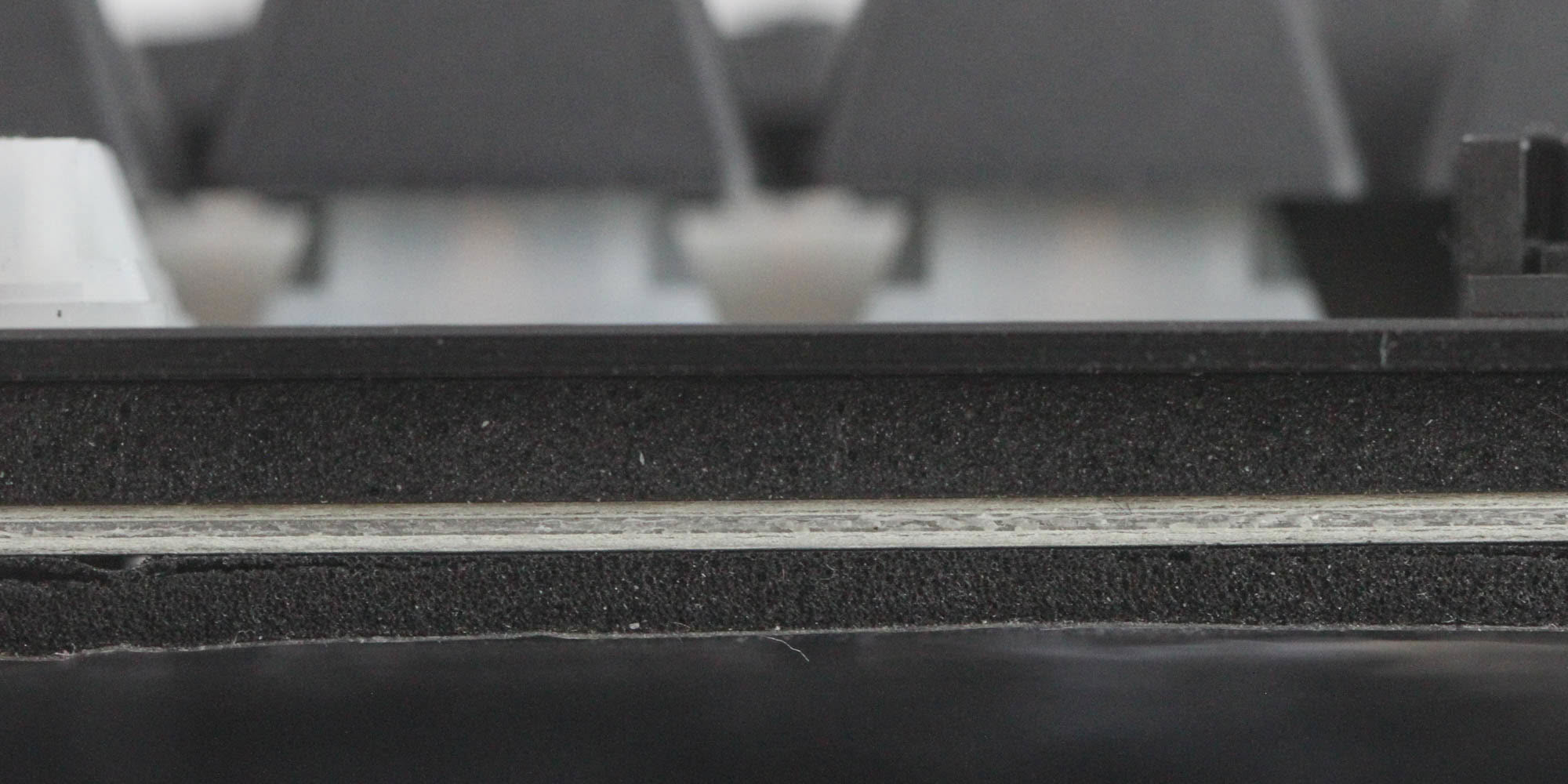
We see an internal cable connecting a daughter board from the USB port to the primary PCB itself, which needs to be dislodged to fully separate these pieces. However, be quiet! has made it slightly cumbersome to easily put it back together, owing to the use of glued foam sheets and a plastic sheet in the middle. Since there wasn't much to see here, I chose to not remove everything. The primary PCB is black and assembled neatly, with the switch sockets and the LEDs soldered directly in place. We also see another foam sheet between the frame and the PCB for further noise damping, showing that be quiet! is certainly taking the quest to make this a low-noise keyboard seriously. The keyboard is powered by an Artery AT32F405 32-bit Arm Cortex-M4 32-bit USB microcontroller with up to 256 KB Flash memory and 96+6 KB SRAM.
Before we move on, be advised that disassembly may void the warranty and that TechPowerUp is not liable for any damages incurred if you decide to go ahead and do so anyway.
Nov 18th, 2026 13:24 PST
change timezone
Latest GPU Drivers
New Forum Posts
- Can i play GTA 6 now? (Joke) (5)
- Very unusual two gaming-pc scenarios. (11)
- Dell Workstation Owners Club (3513)
- Any other old-timers here planning to play WoW Forever? (151)
- Time to upgrade CPU and MOBO (33)
- The Filthy, Rotten, Nasty, Helpdesk-Nightmare picture clubhouse (2876)
- WarpCoreBench scores! (67)
- Honestly, do you care about GTA VI? (144)
- Acer Predator BiFrost Radeon RX 9070 OC (9)
- DTS DCH Driver for Realtek HDA [DTS:X APO4 + DTS Interactive] (2814)
Popular Reviews
- Acemagic Retro X3 Review
- Upcoming Hardware Launches 2027 (Updated Nov 2026)
- AMD Zen 6 Technical Deep Dive
- ASUS ROG Strix B850-I Gaming Wi-Fi7 W Review
- Corsair HX1000i Shift Crystal Review
- Biwin Black Opal NV7400 2 TB Review
- Chieftec Iceberg PRO 360 DARK Review
- AMD Ryzen 7 9800X3D Review - The Best Gaming Processor
- Phantom Blade Zero Performance Benchmark Review - 35 GPUs Tested
- Pulsar Office Tour & First Look at P1 Dual-Sensor Mouse
TPU on YouTube
Controversial News Posts
- NVIDIA Co-Founder and CEO Jensen Huang Officially Resigns (478)
- Report: Jensen Huang Eyes NVIDIA Comeback (187)
- Open Letter Asking NVIDIA to Reinstate Jensen Huang Passes 115,000 Signatures (184)
- OpenAI CEO Argues Home PCs Waste the World's Limited DRAM Supply (152)
- NVIDIA Launches Investigation Into Jensen Huang's Relationship With Suspected Chinese Spy (136)
- Intel "Raptor Lake Next" 16-Core and 20-Core CPUs Surface (130)
- Legendary Game Studio BioWare Shuts Down Following EA Layoffs (104)
- Dell CEO Says the Memory Shortage Will Get Worse in 2027 (95)