 21
Borderlands 4 Handheld Performance Review
(21 Comments) »Introduction
The king of looter shooters returns. Six years after Borderlands 3 it might just be time for Borderlands 4 to devour all your free time with great gunplay, in-depth character builds, stylized graphics, cringe dialogue, bad jokes, and a massive open world beckoning you to delve in. If you can run the game, that is. You can experience Borderlands 4 solo or with up to three friends, exploring the world of Kairos while killing everything that moves and trying to score that perfect legendary drop.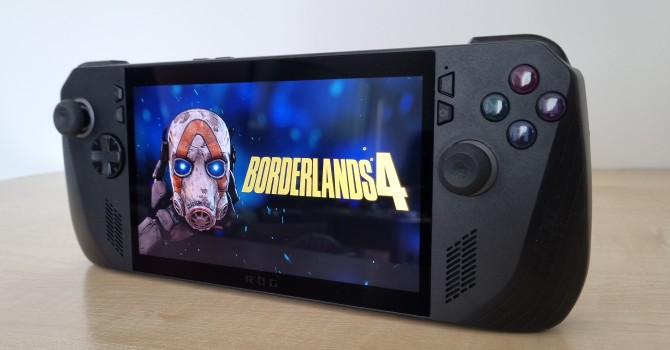
The latest Borderlands game is built on Unreal Engine 5. This entry keeps the series' signature cell-shaded art style but introduces dynamic global illumination in the form of Lumen (software ray tracing version only), improved visuals, and an open-world design that replaces previous entries' relatively large, but contained maps. The game supports every major upscaler as well as frame generation for NVIDIA, AMD, and Intel GPUs.
This handheld performance review will analyze the performance of Borderlands 4 on the two most popular PC handhelds around, Valve's Steam Deck and ASUS' ROG Ally X. You'll also get optimized settings for both devices (well, one, but more on that later), and see how the game looks with said optimized settings.
Screenshots
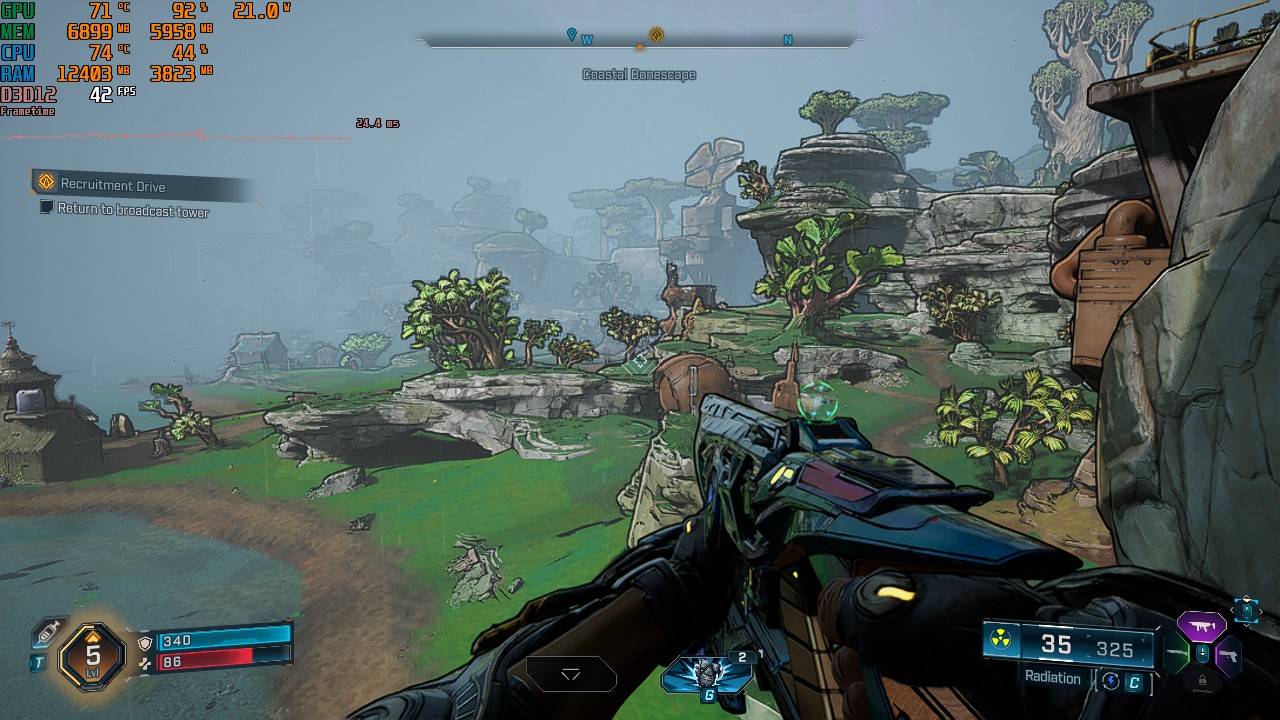
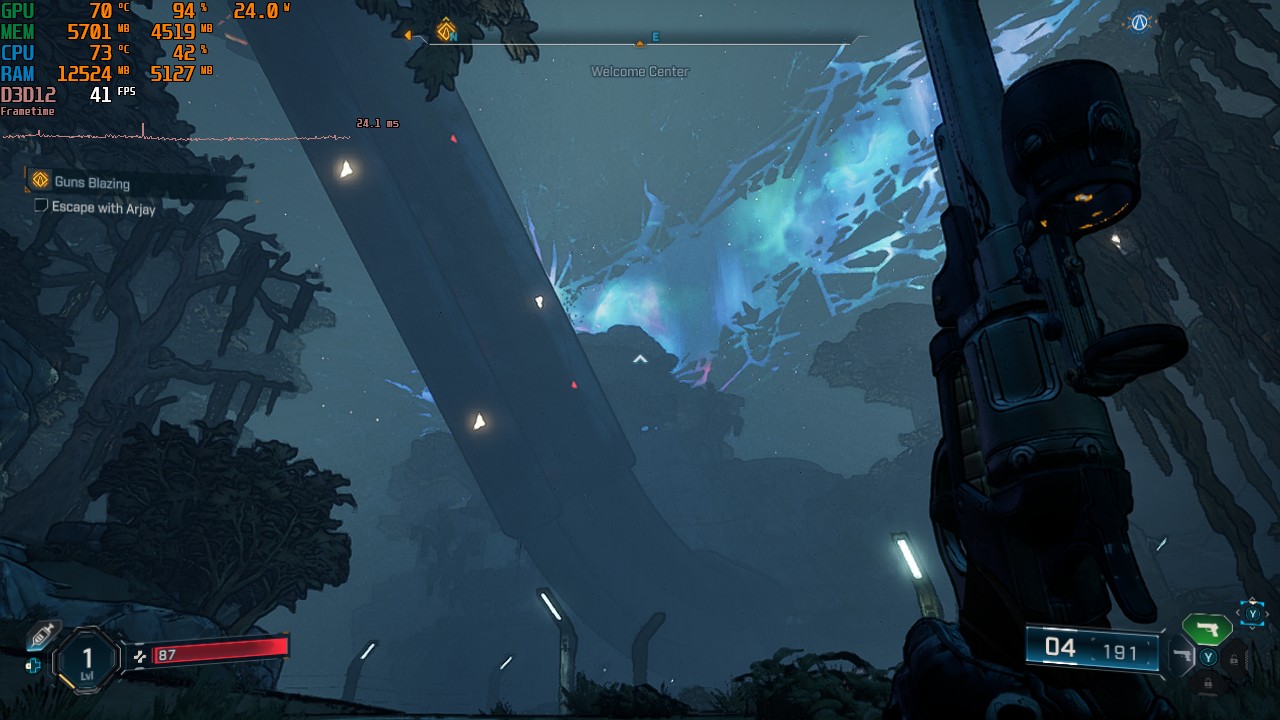
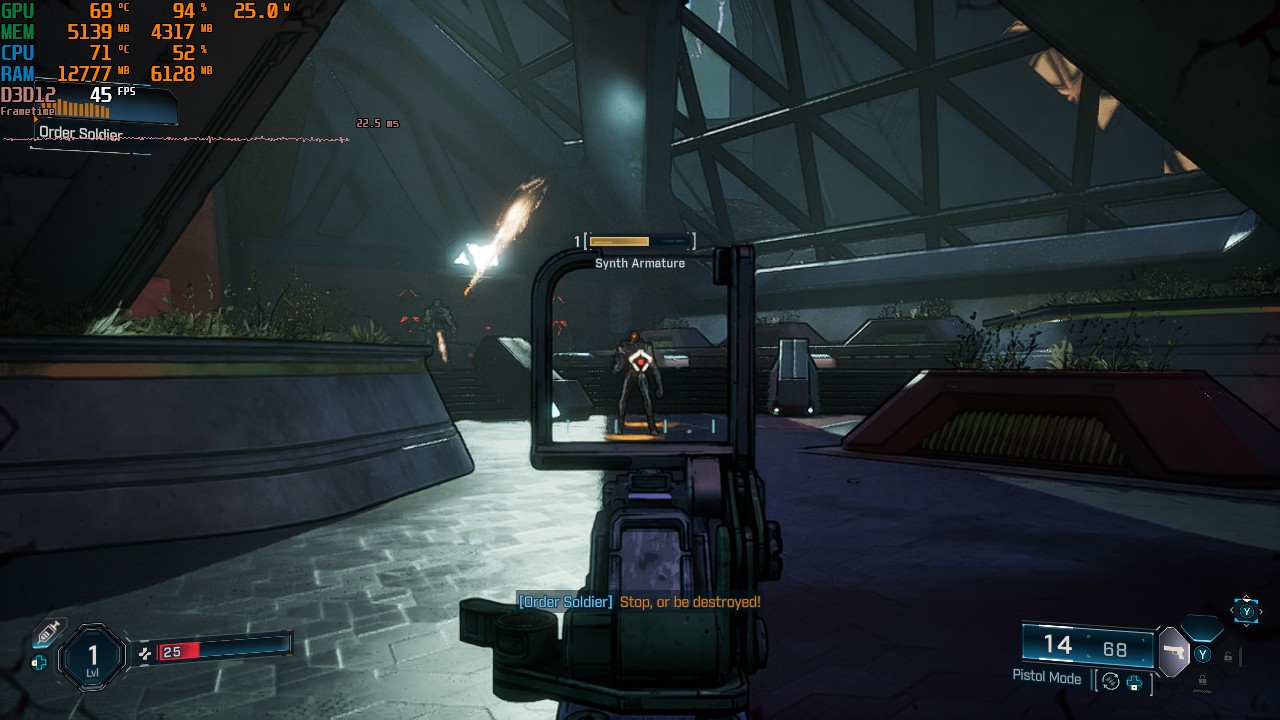
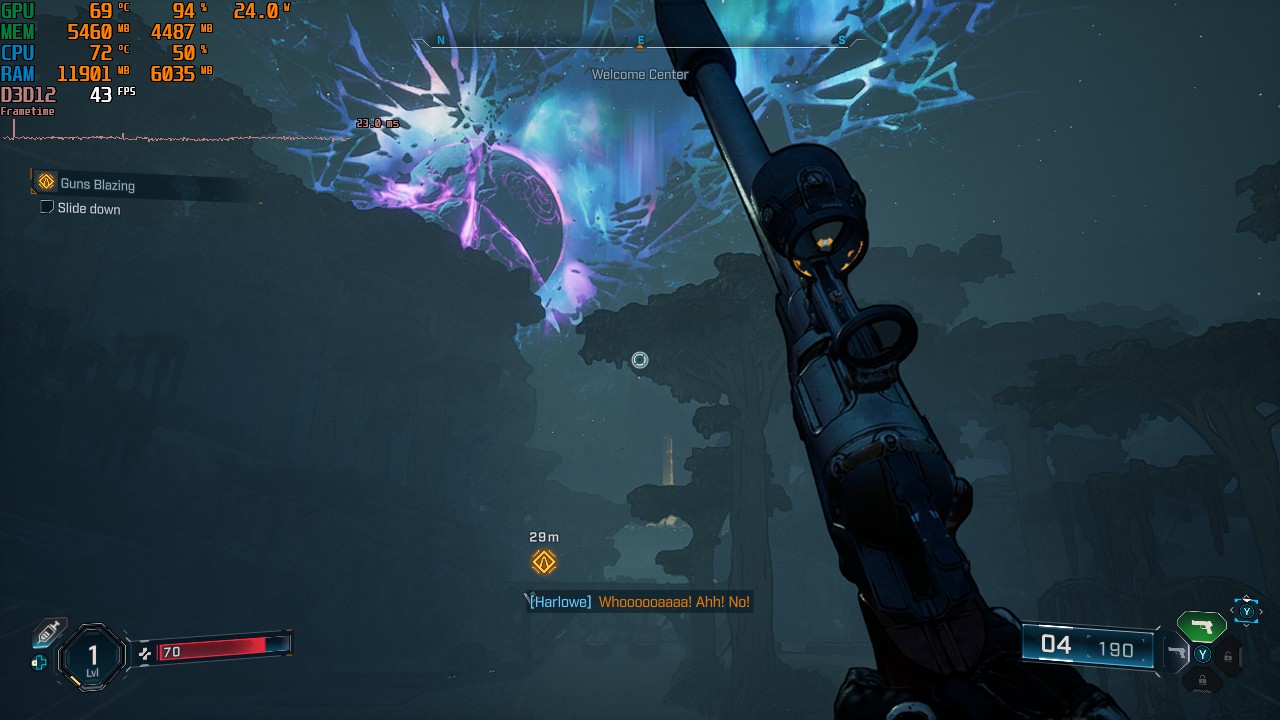
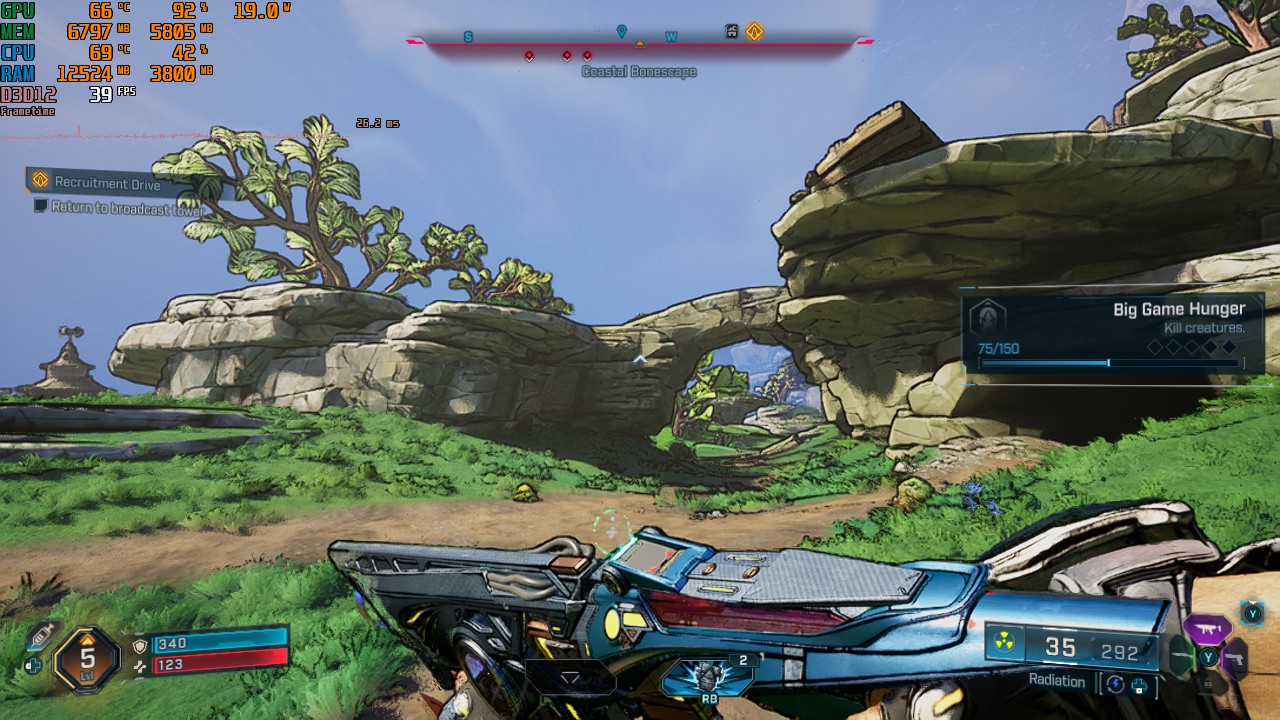
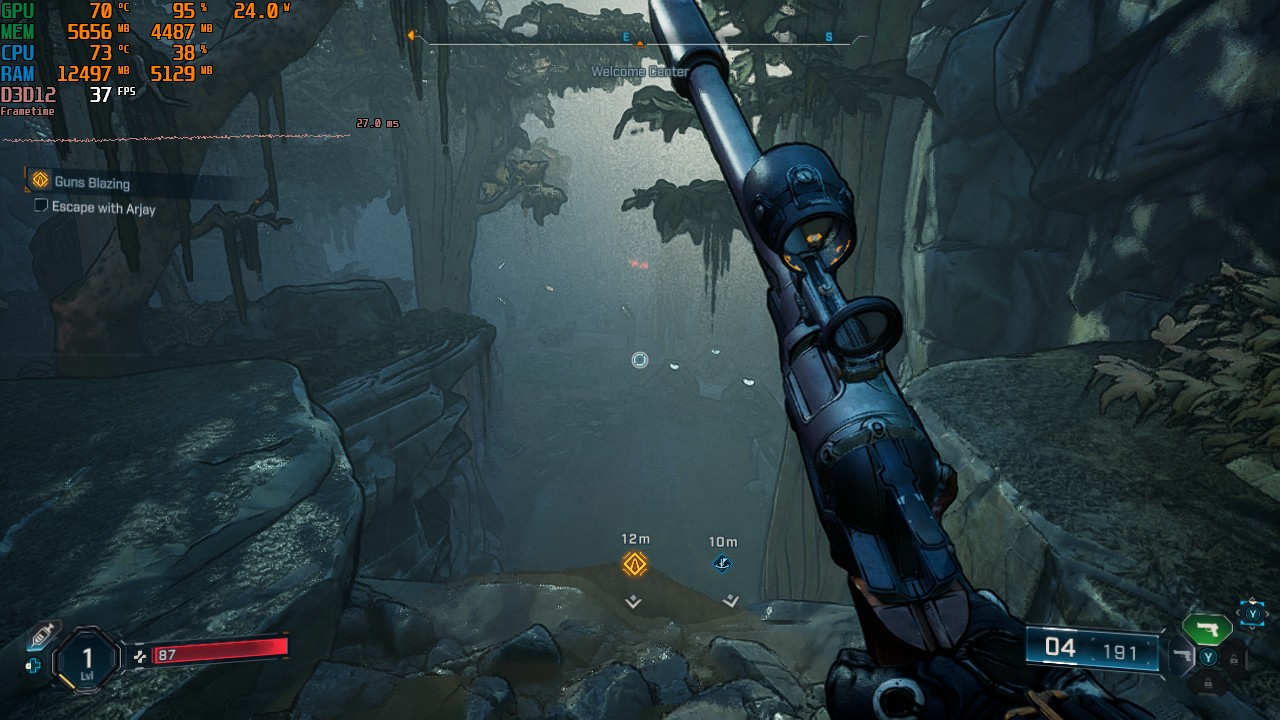
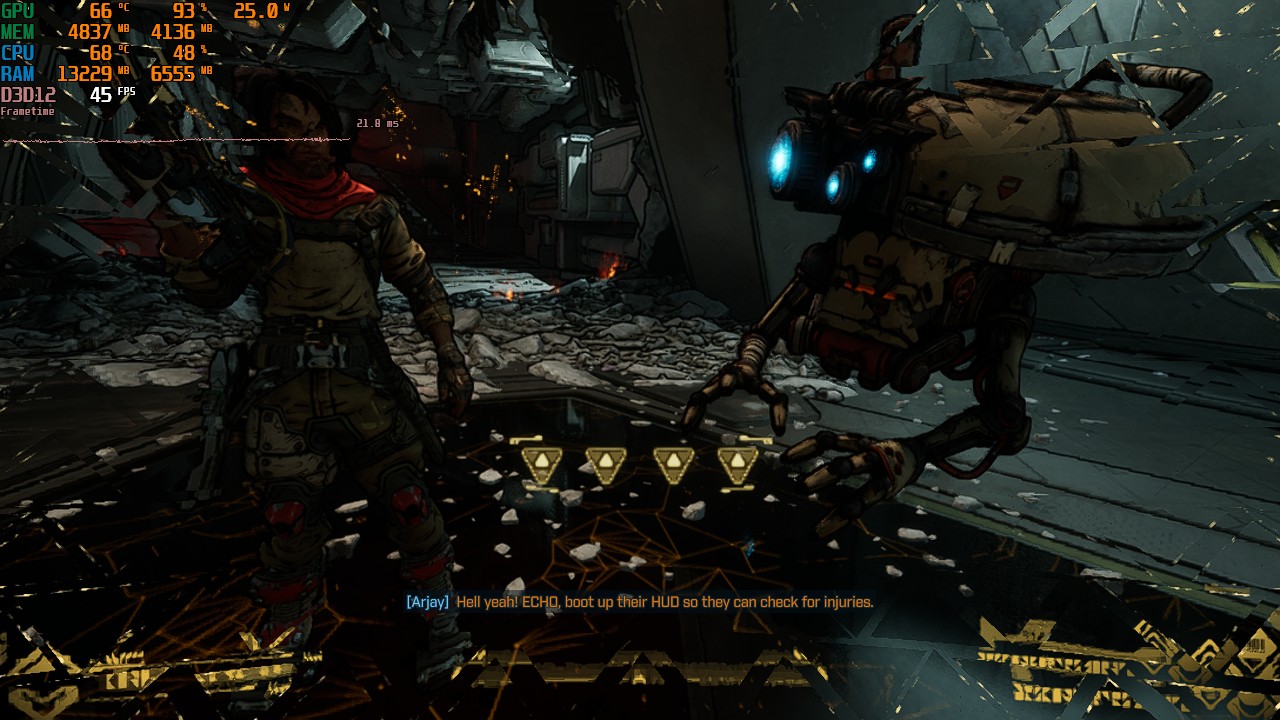
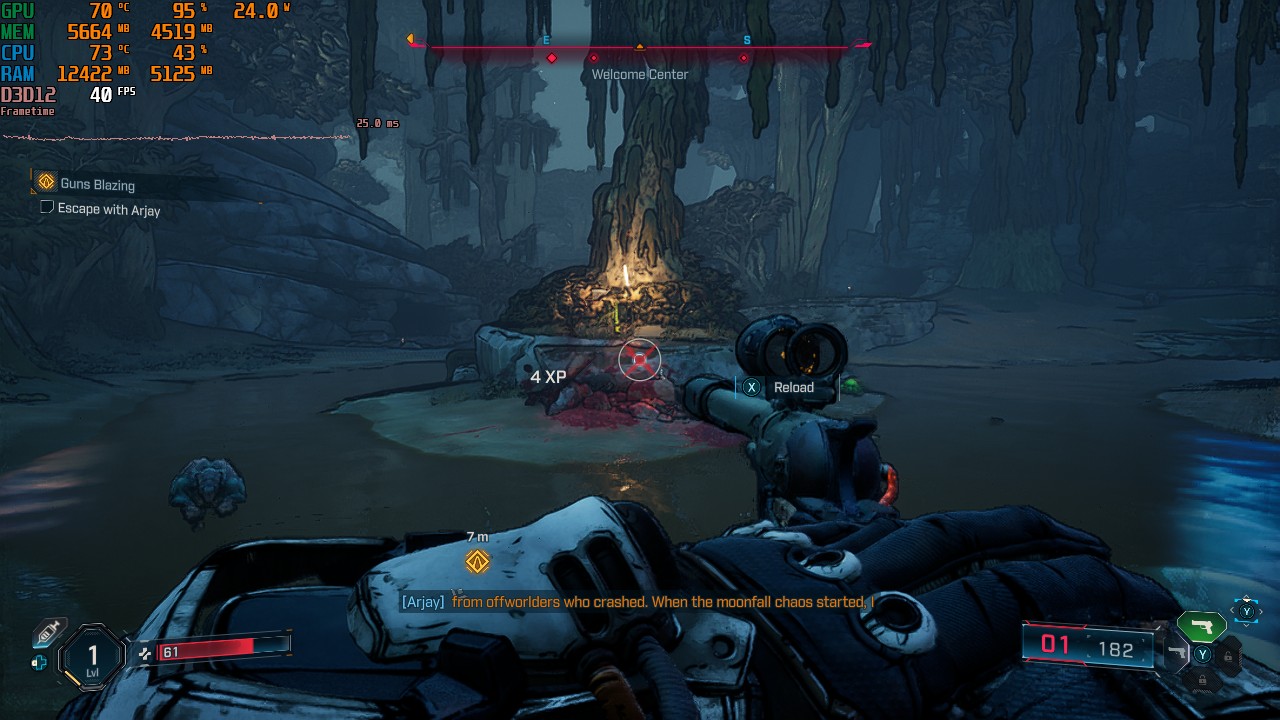
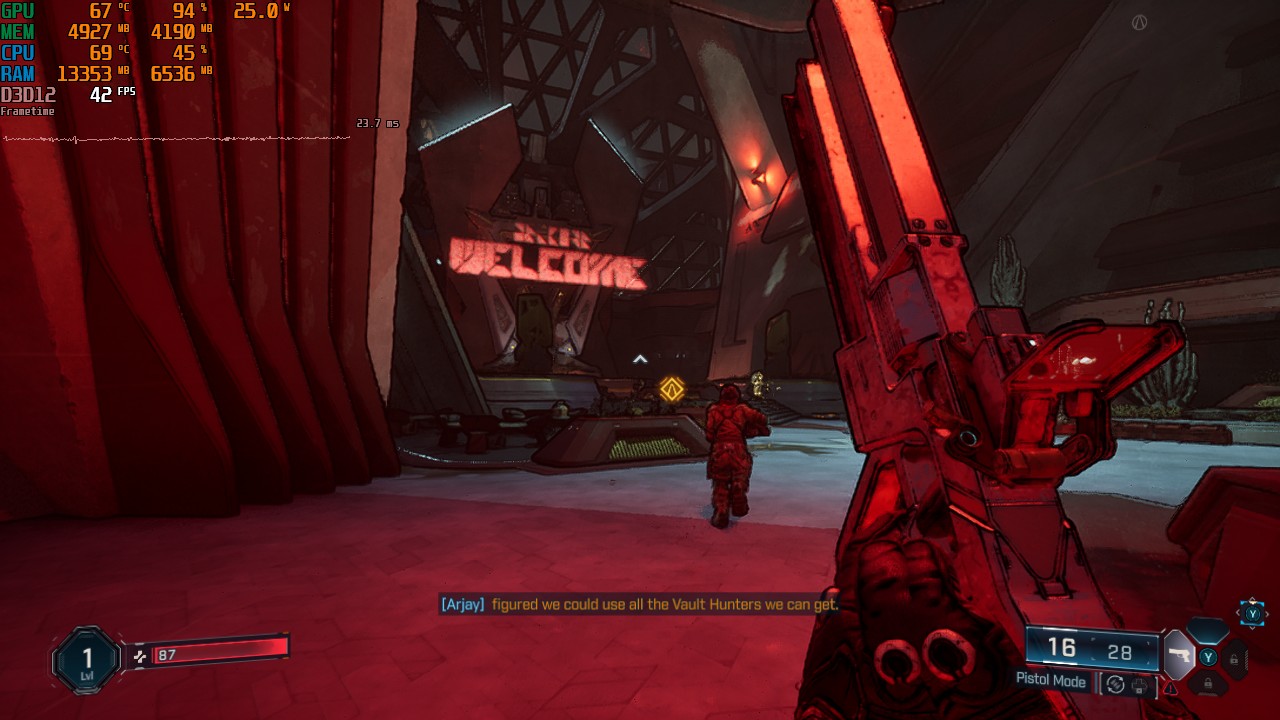
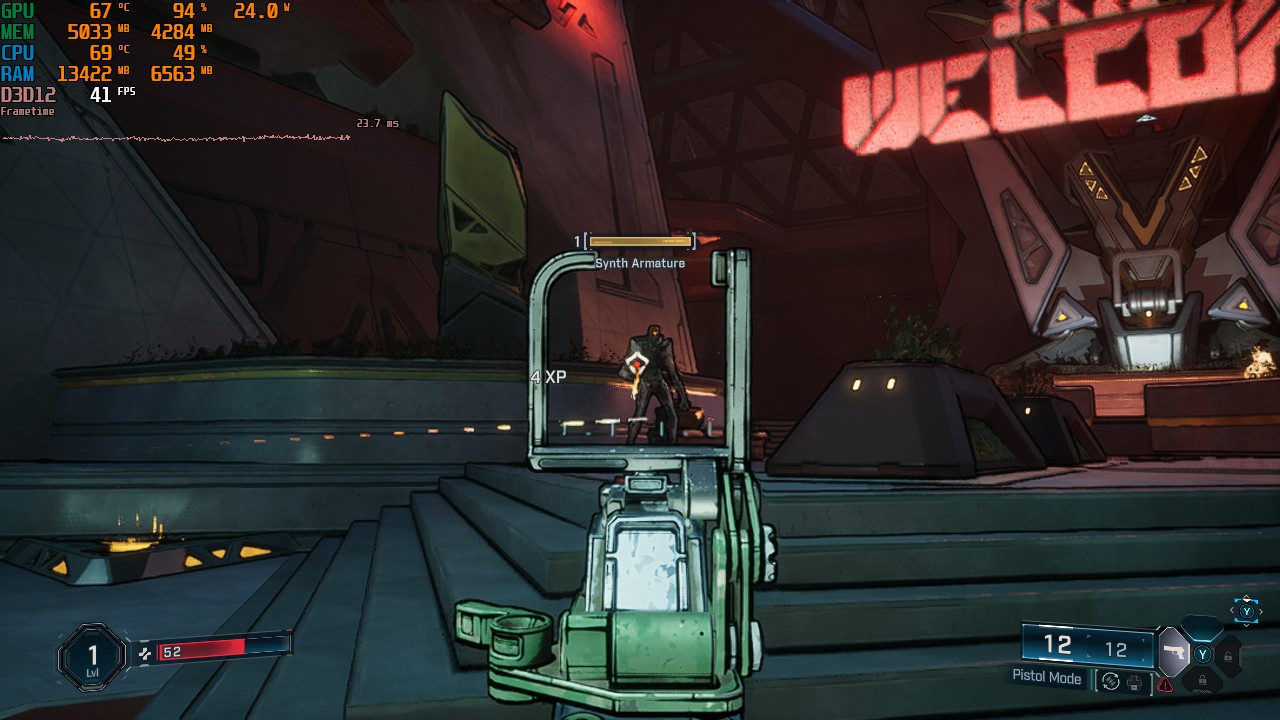
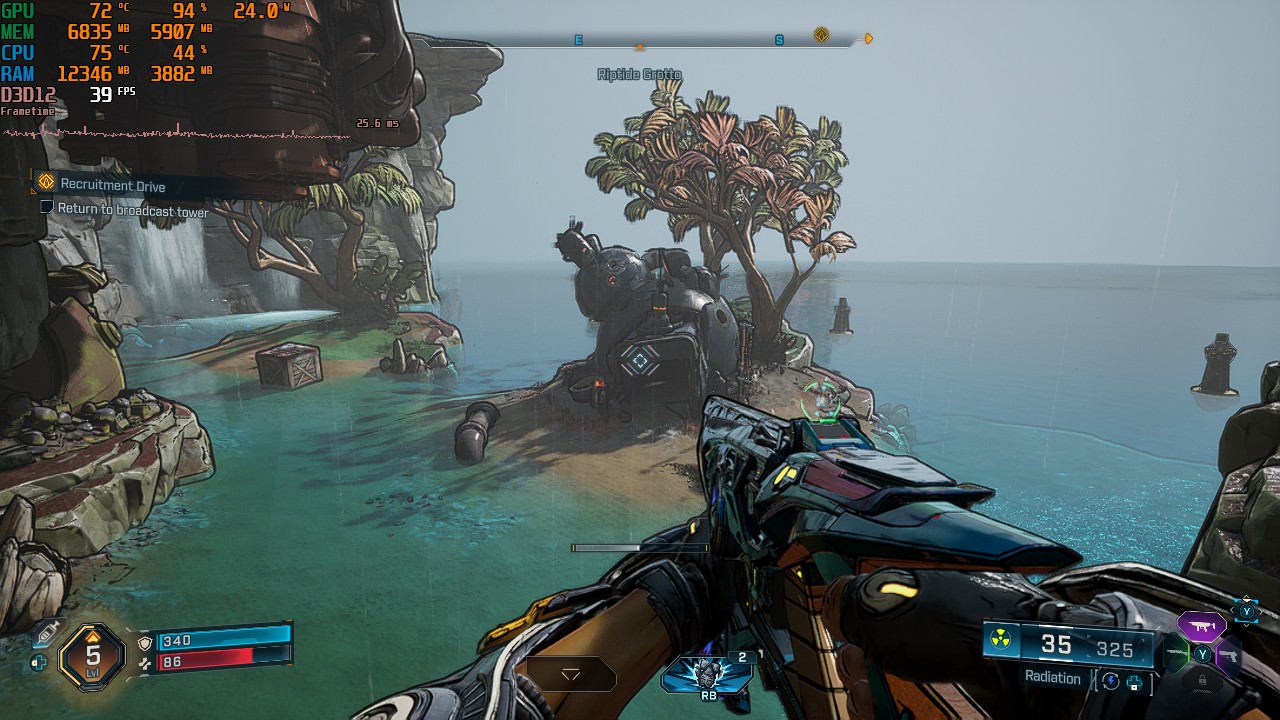
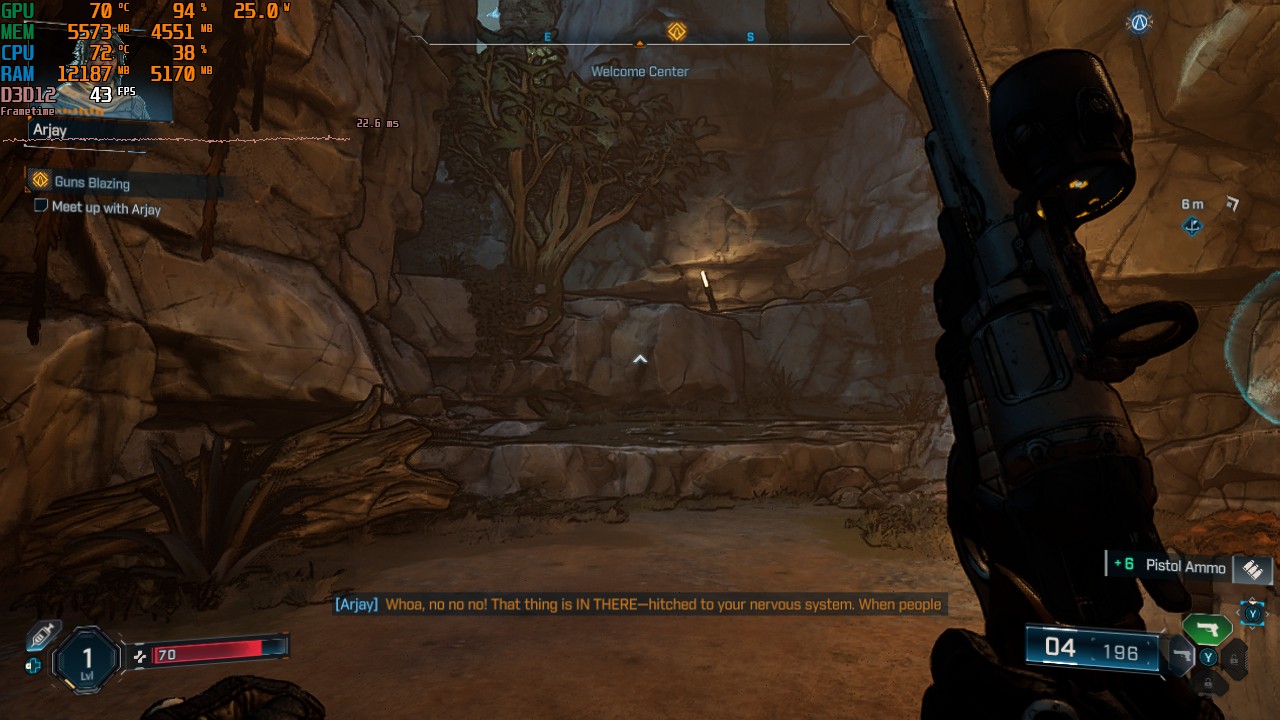
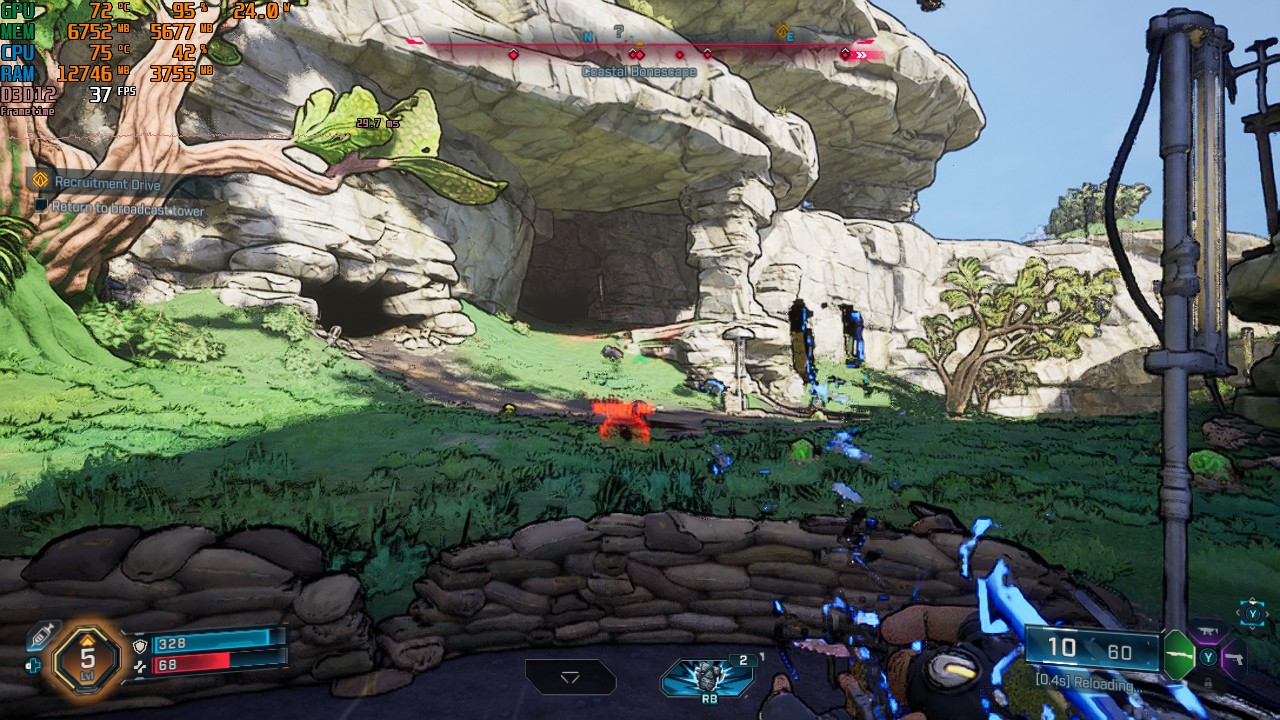
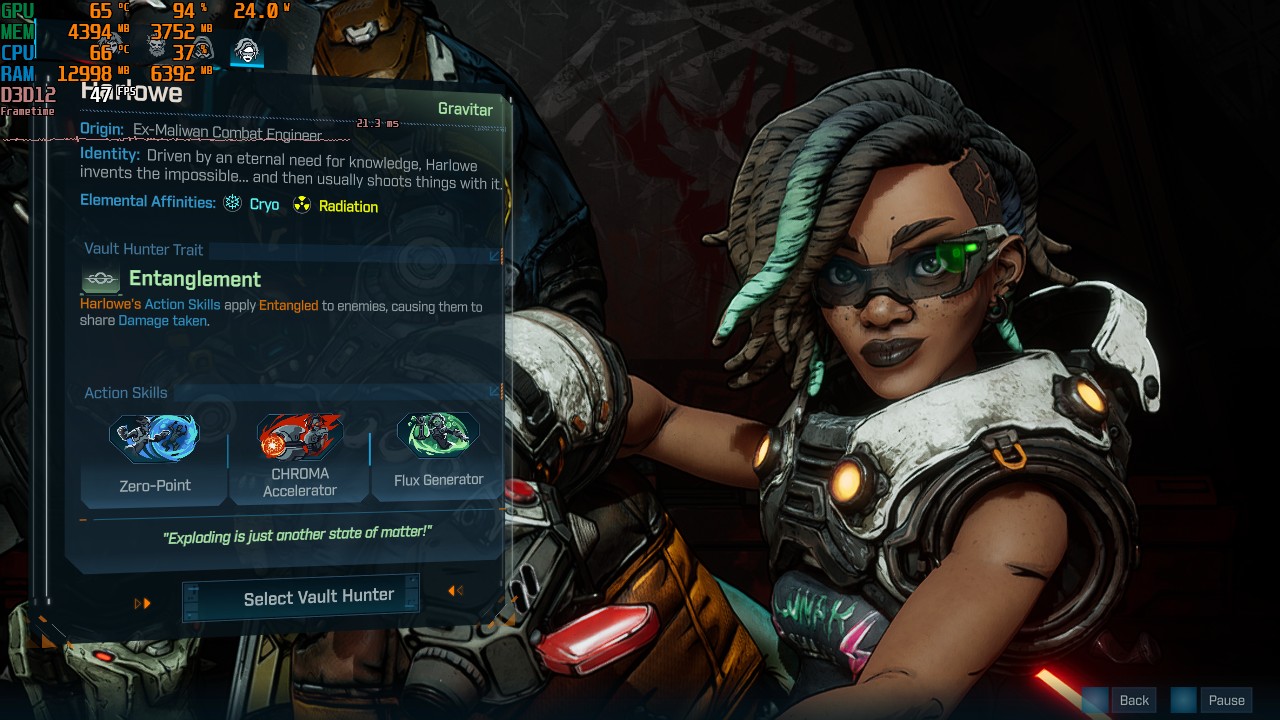
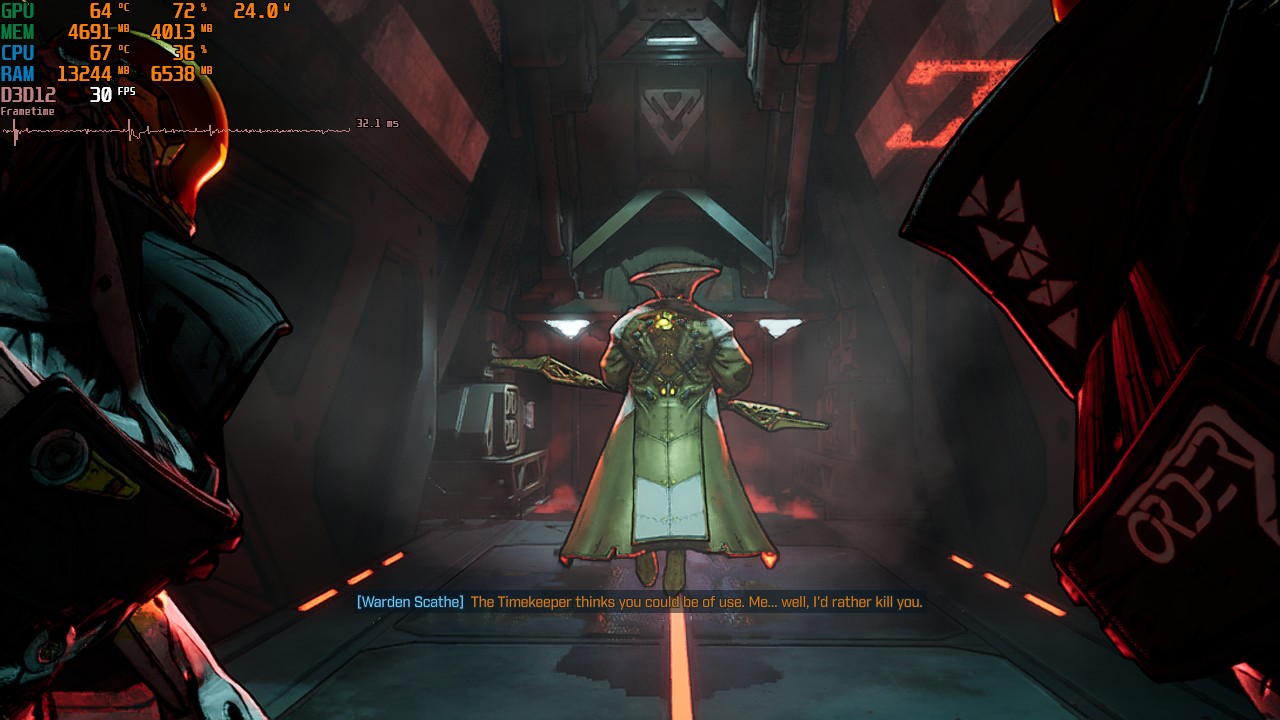
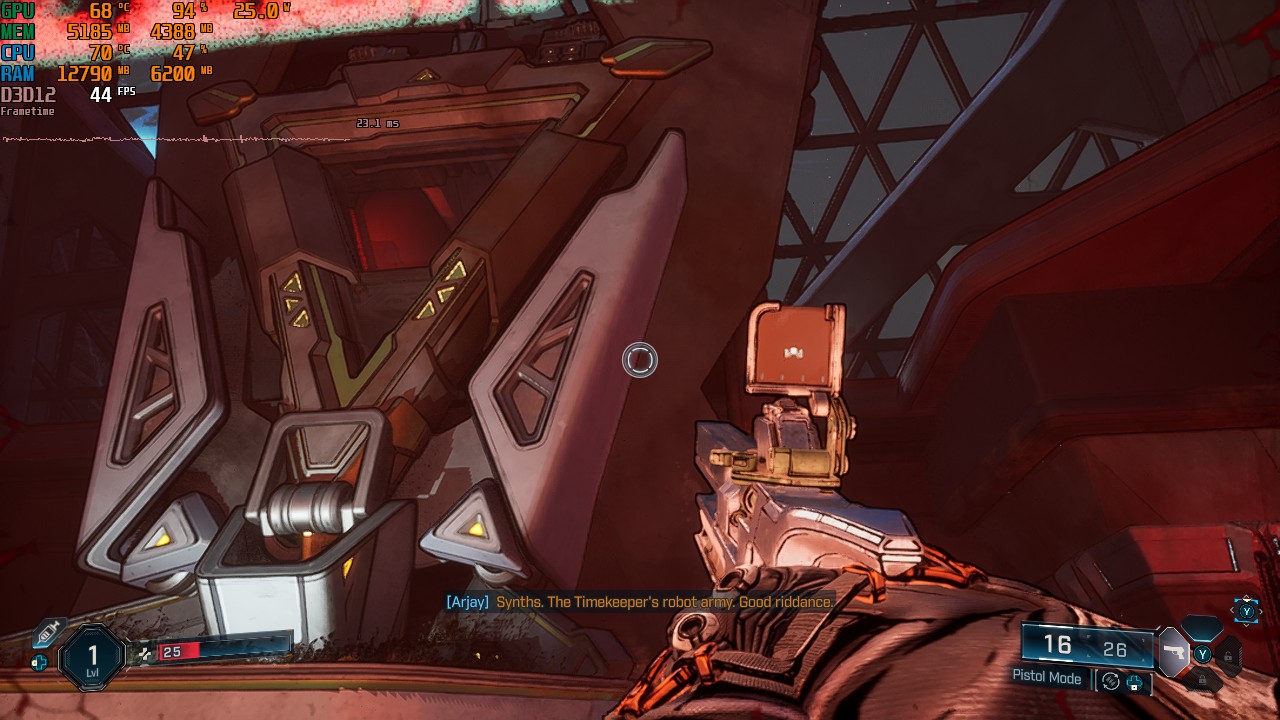
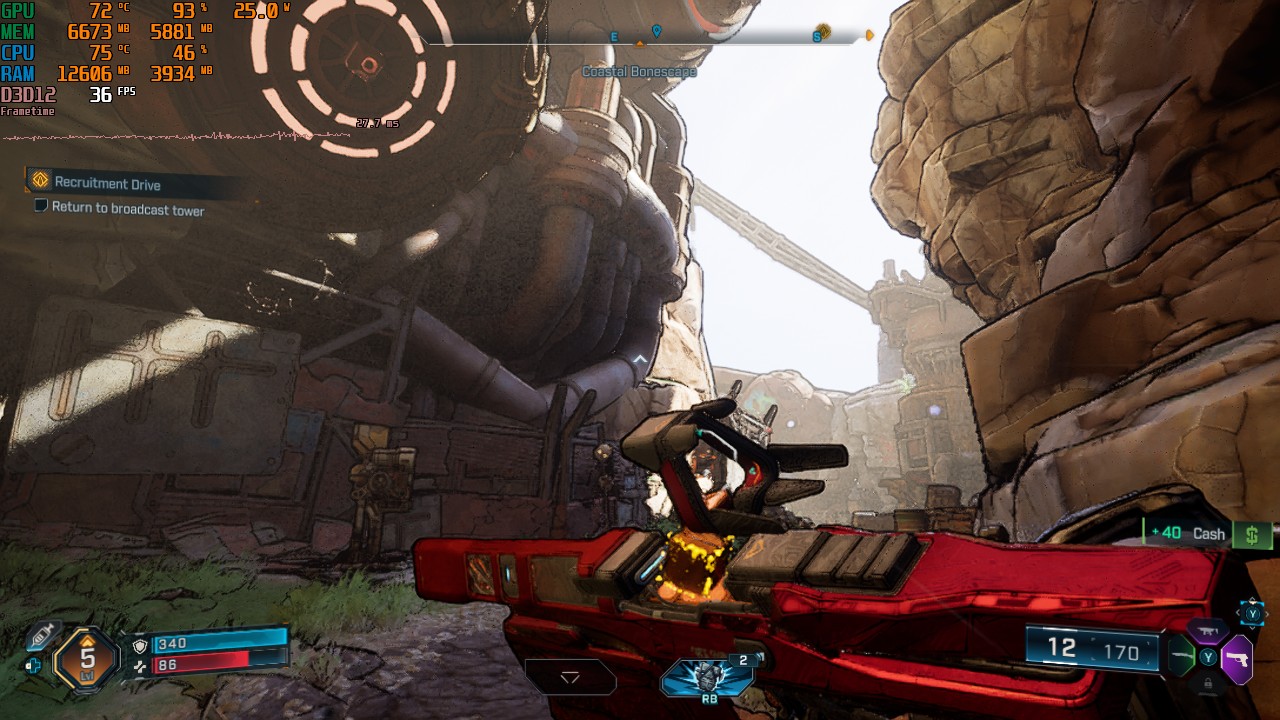
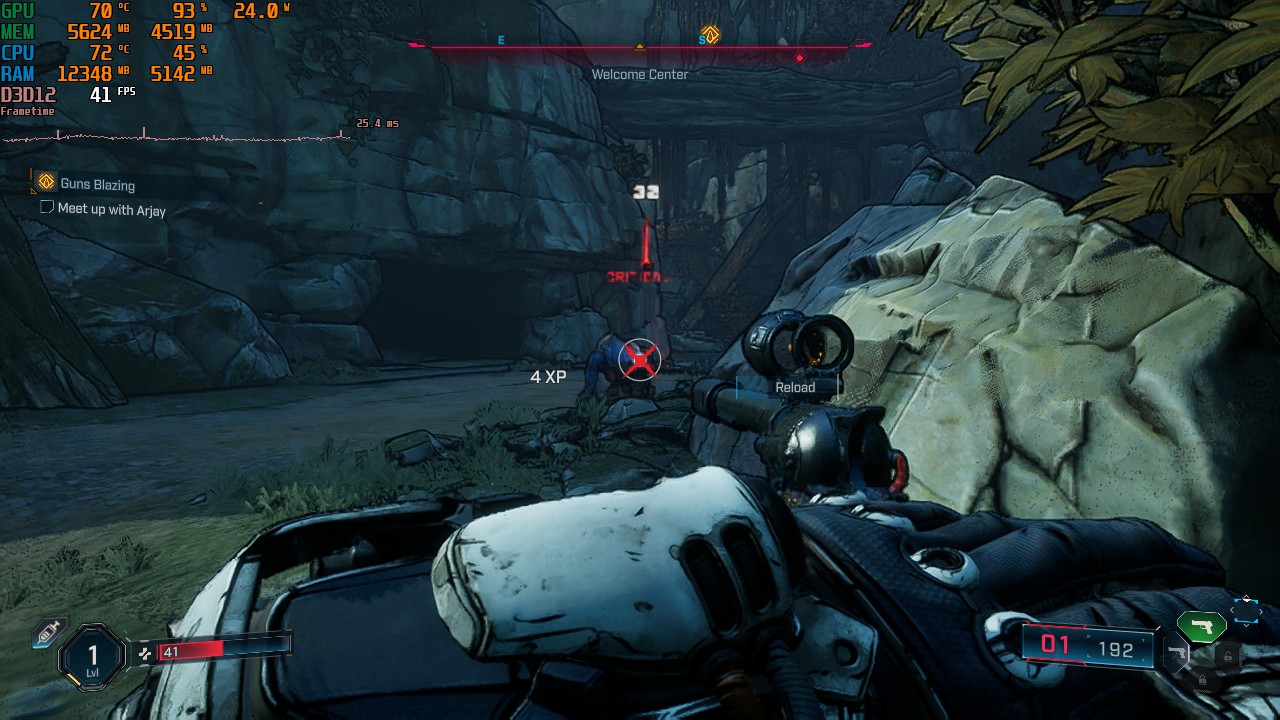
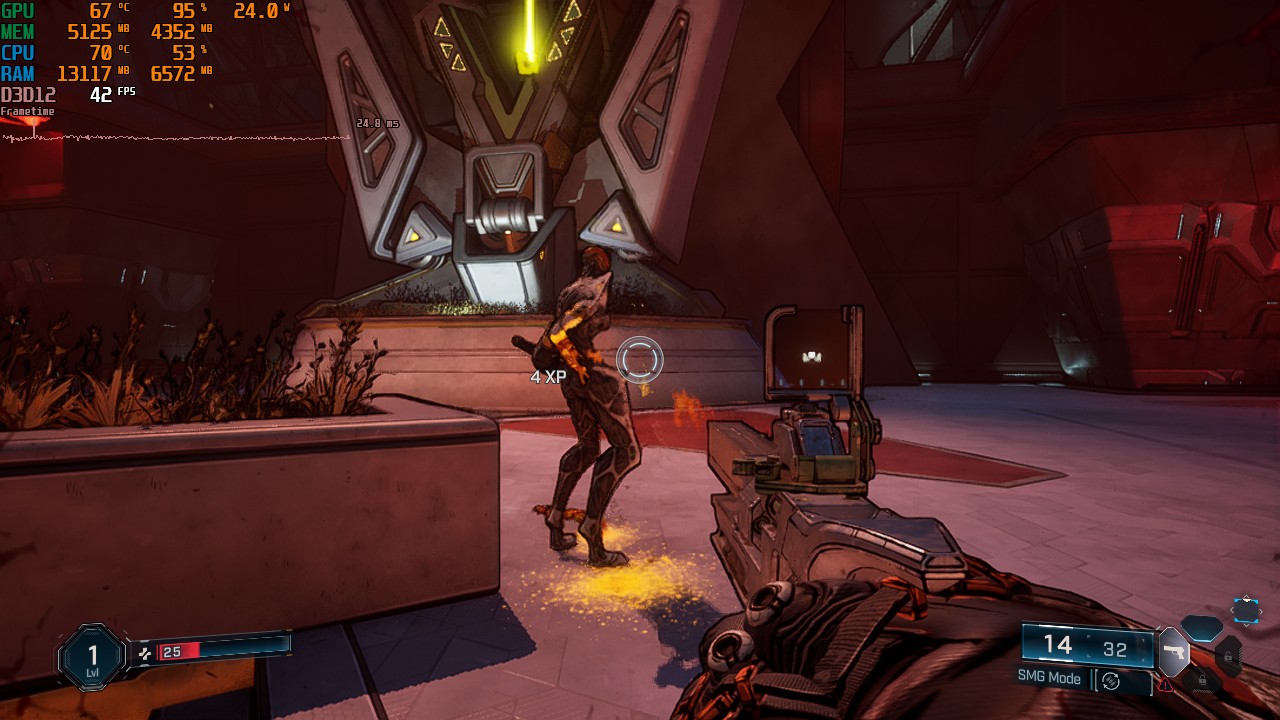
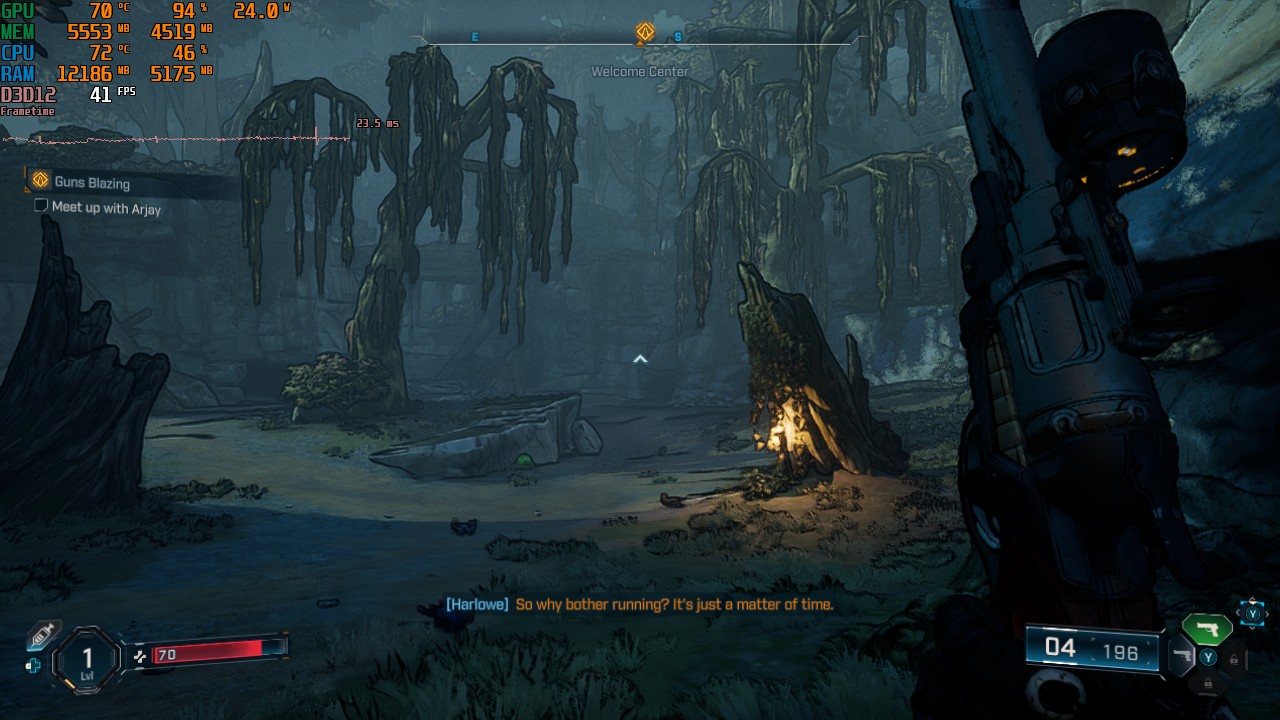
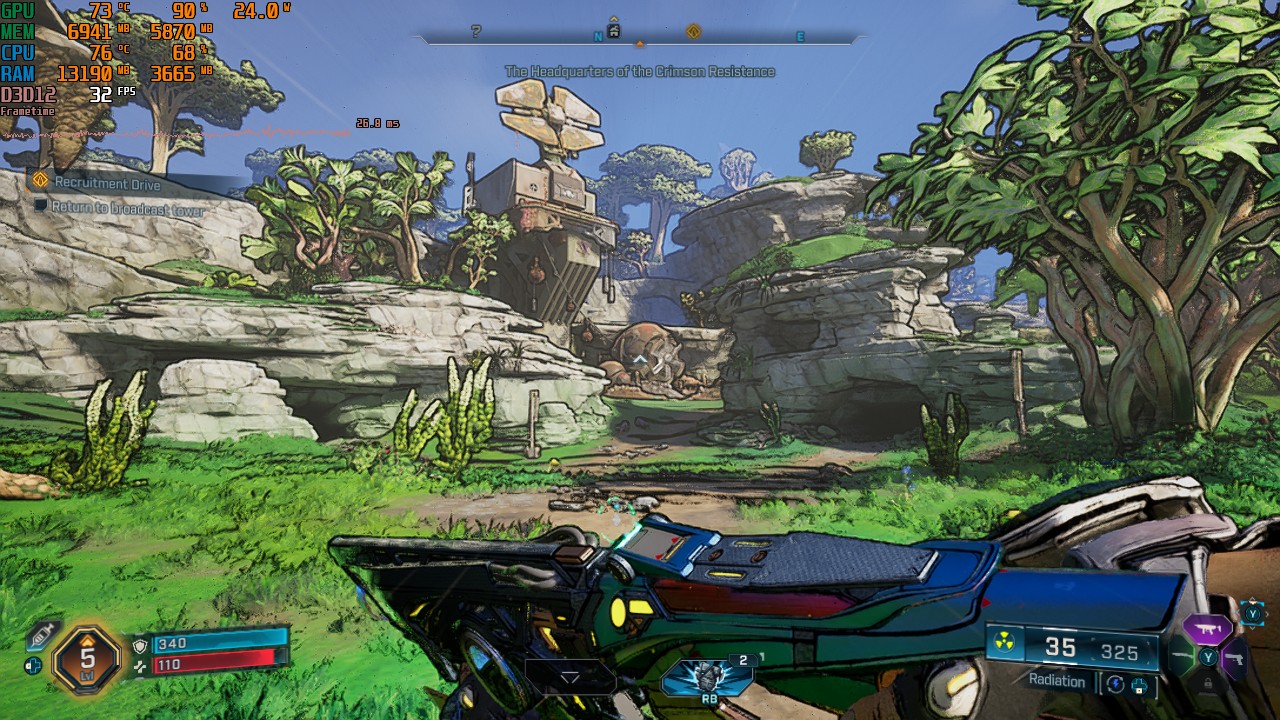
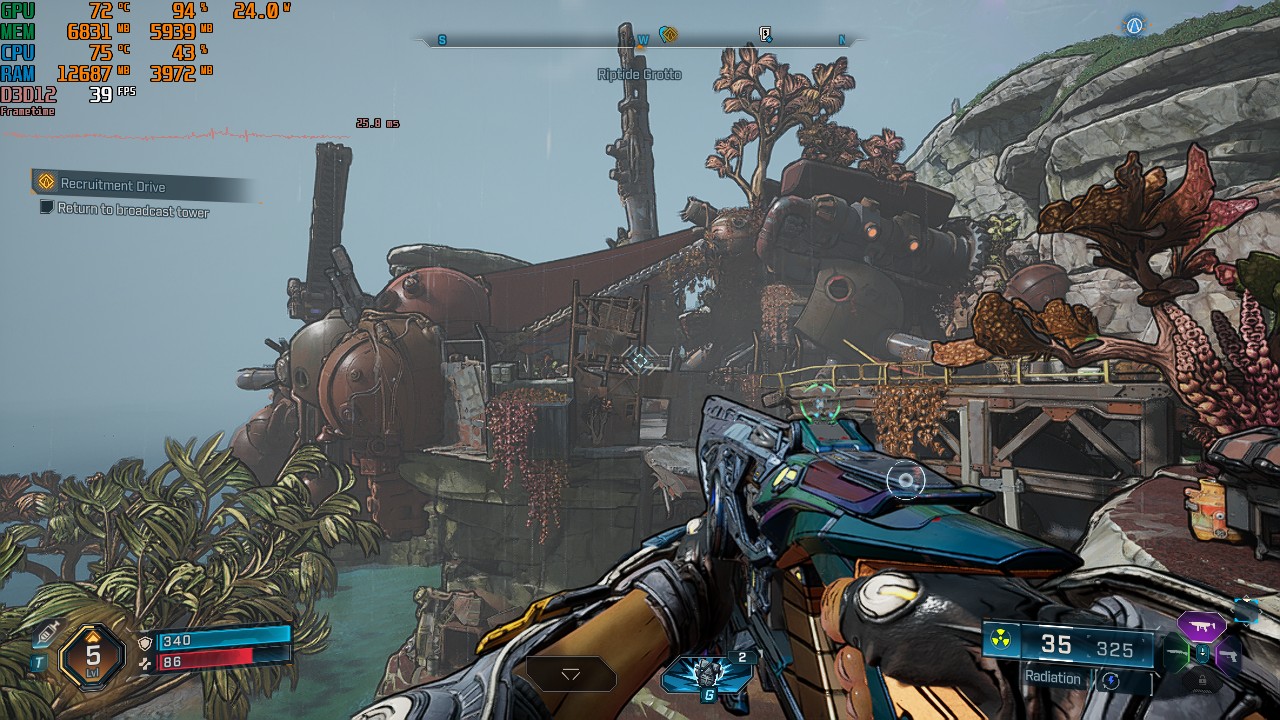
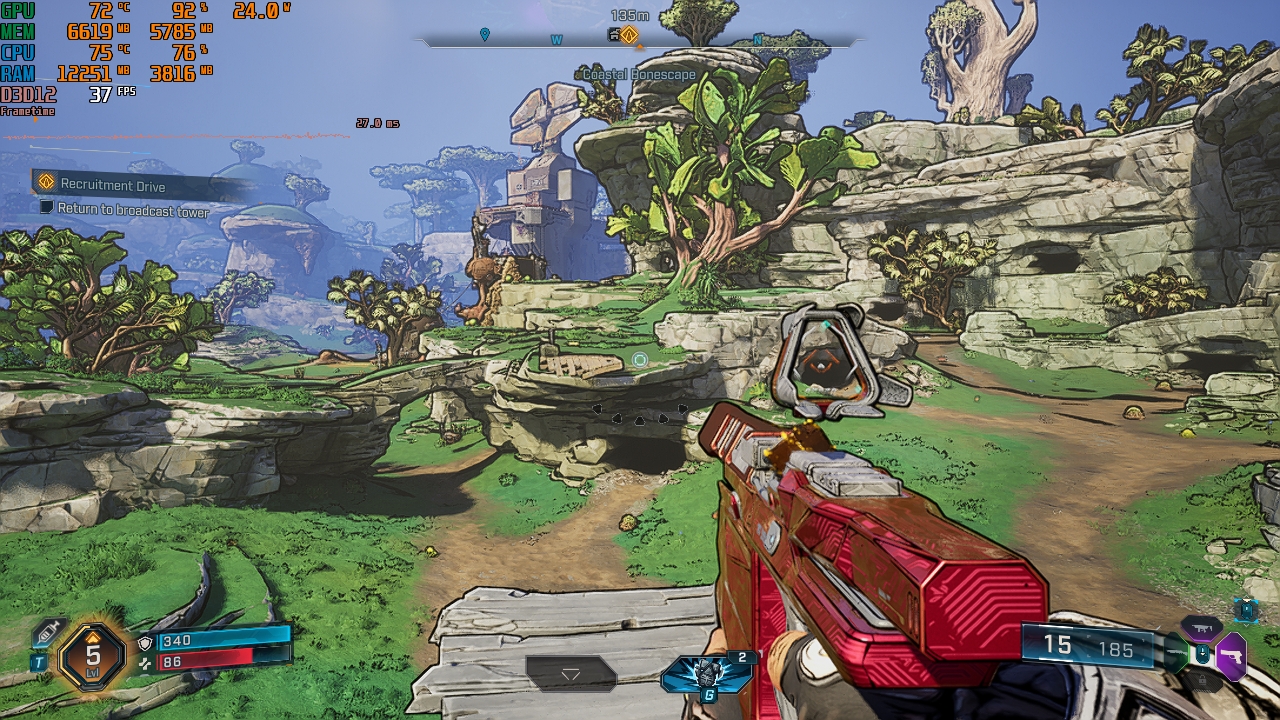
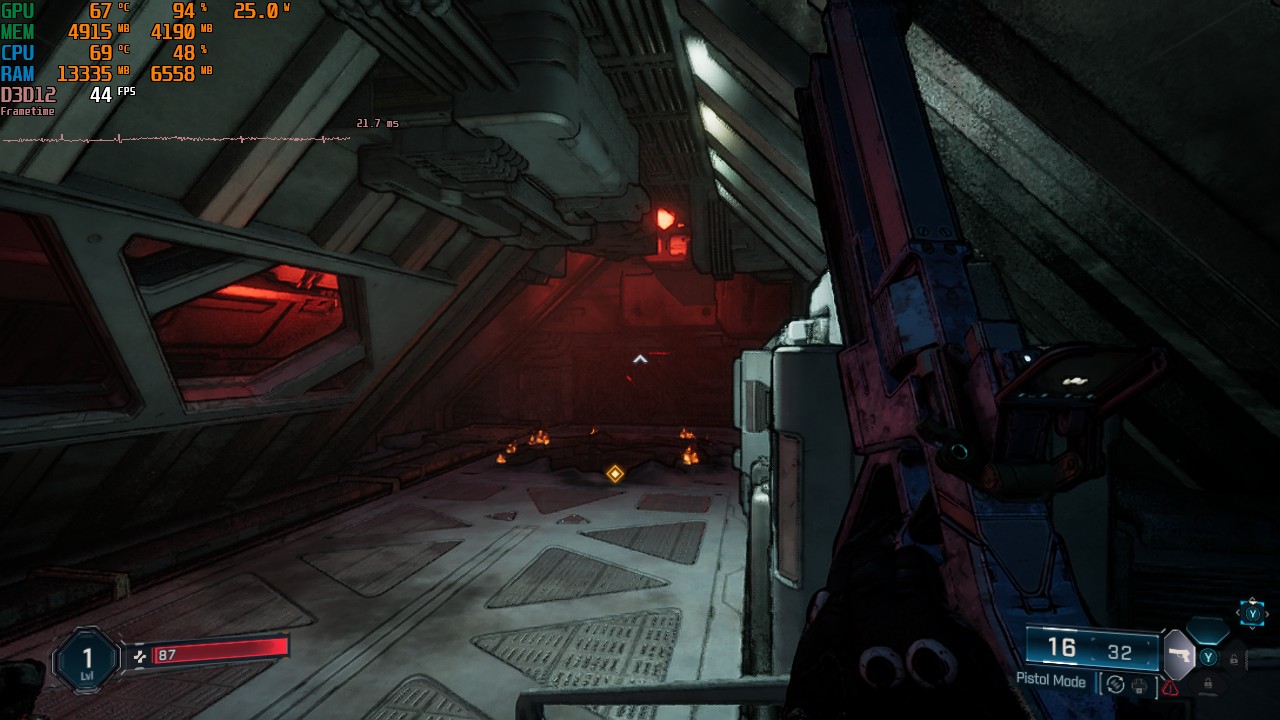
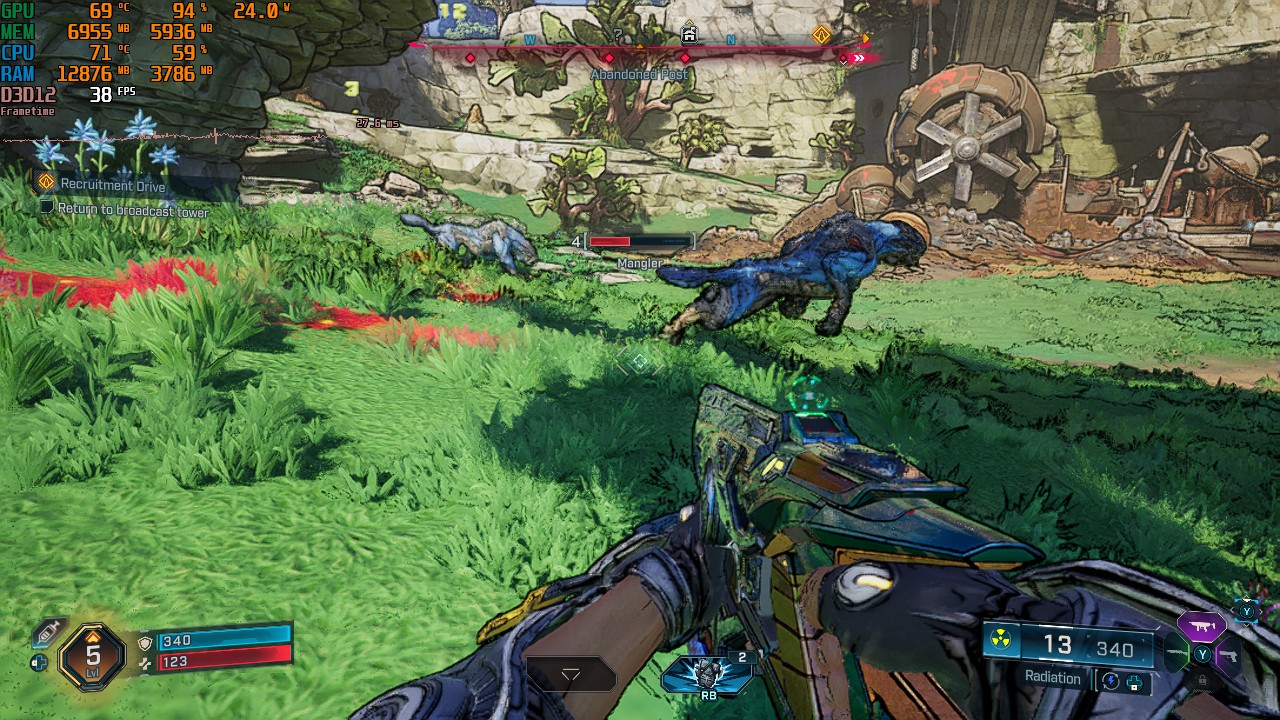
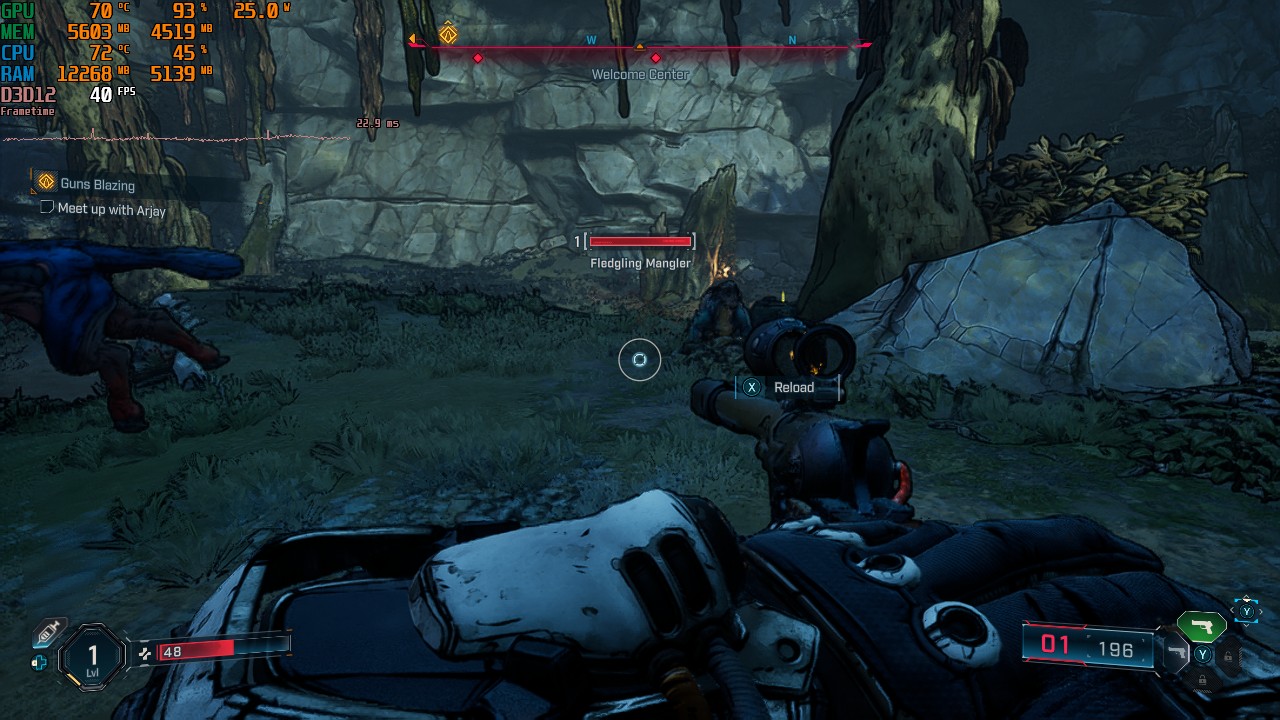
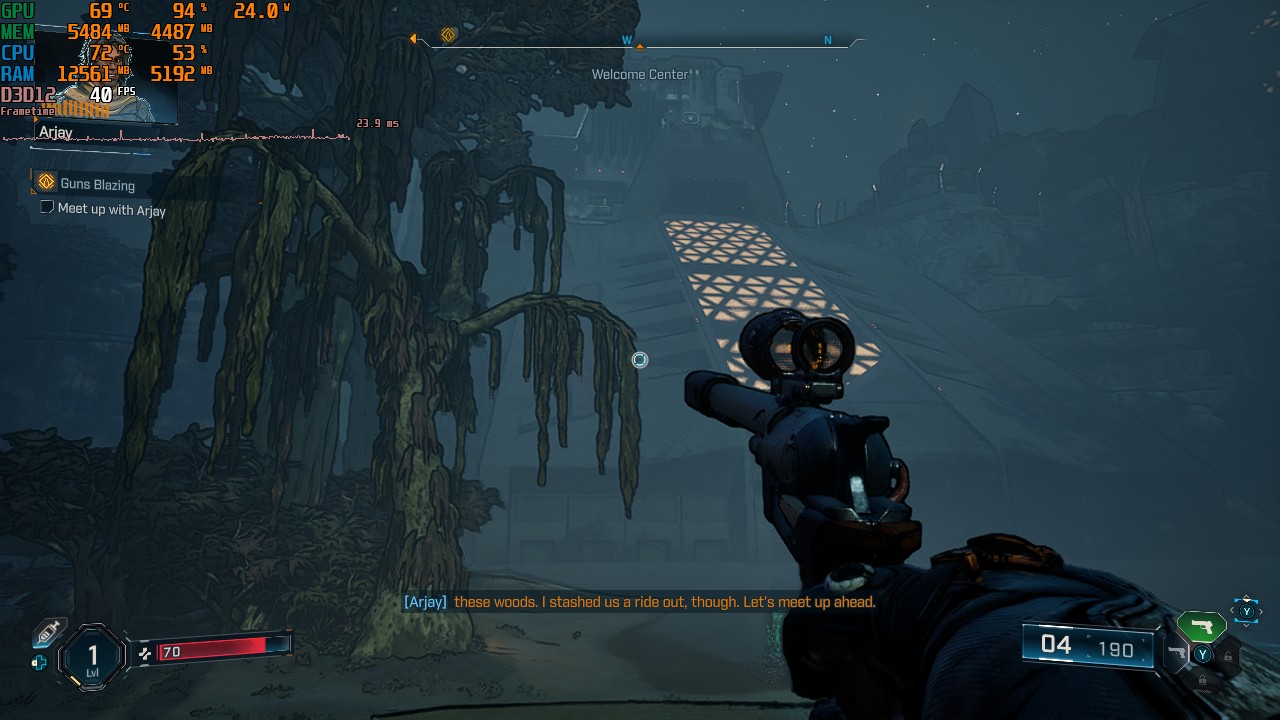
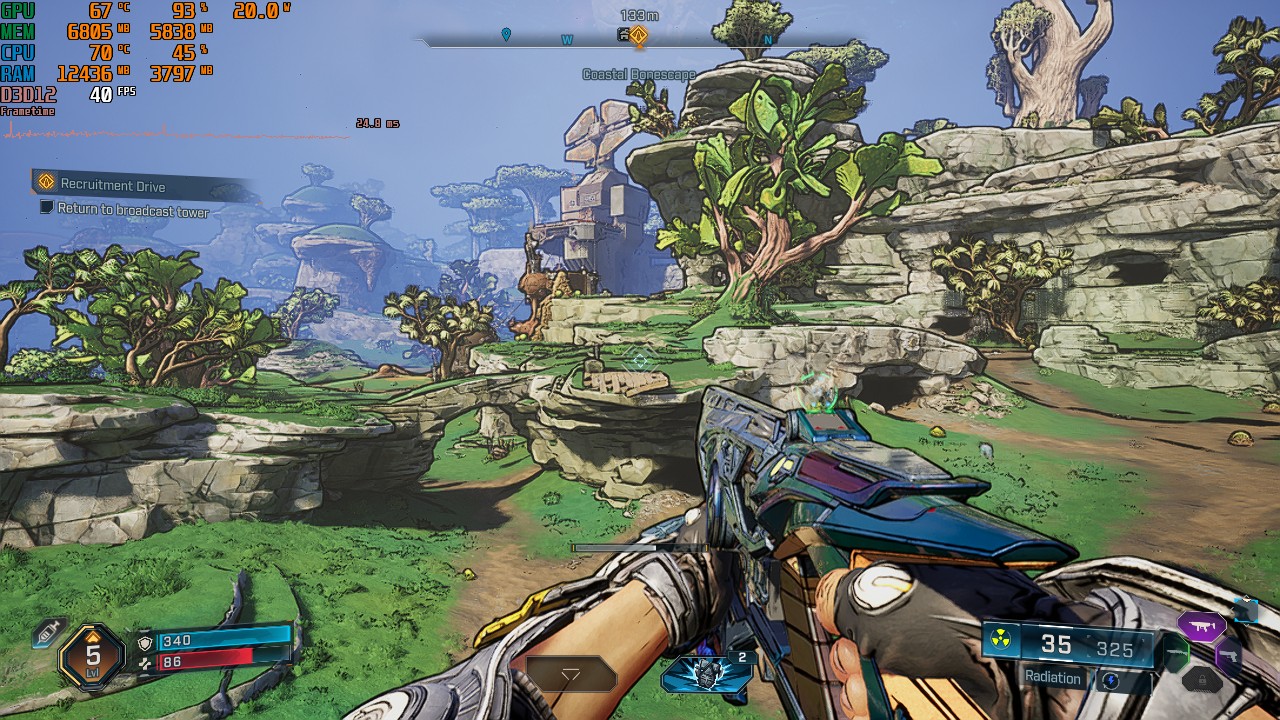
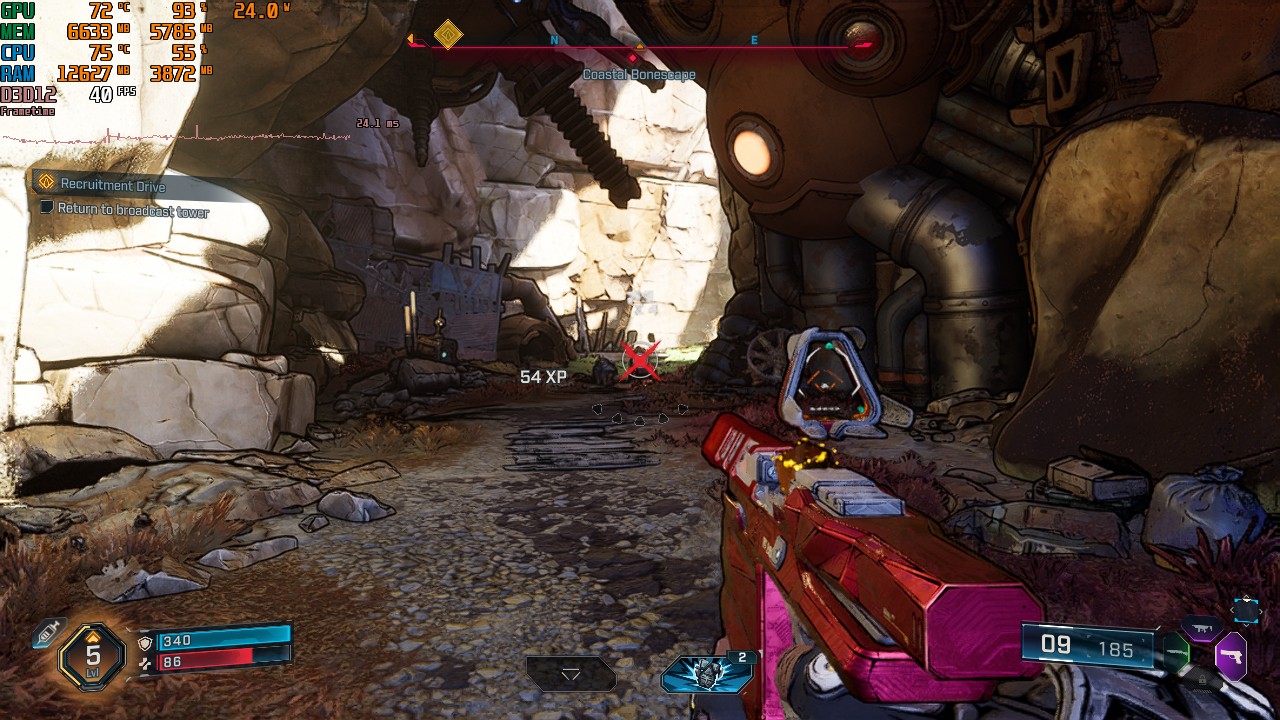
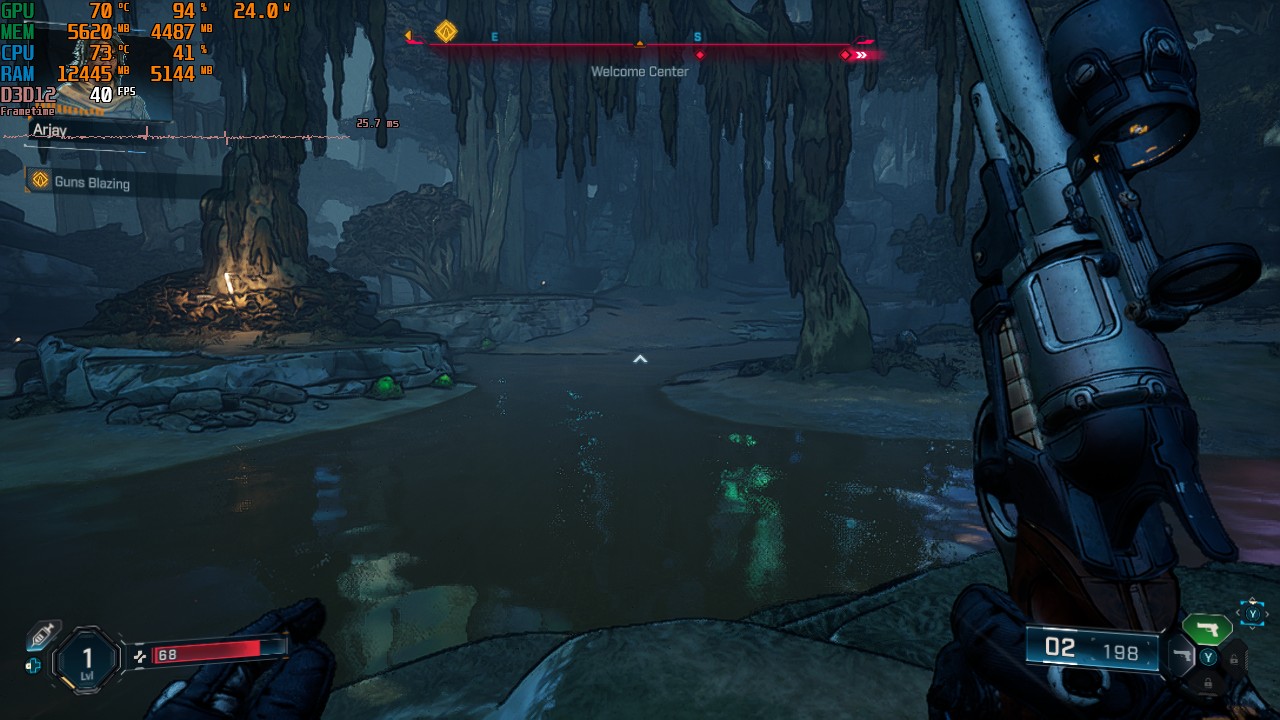
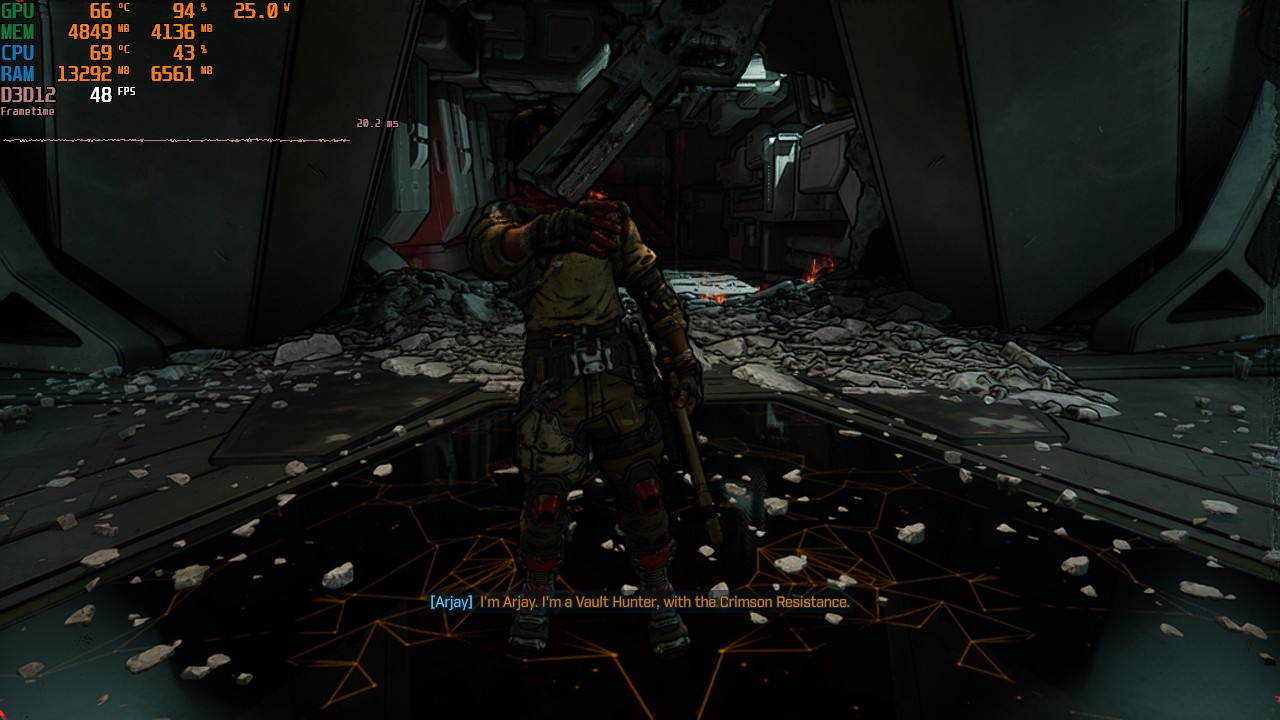
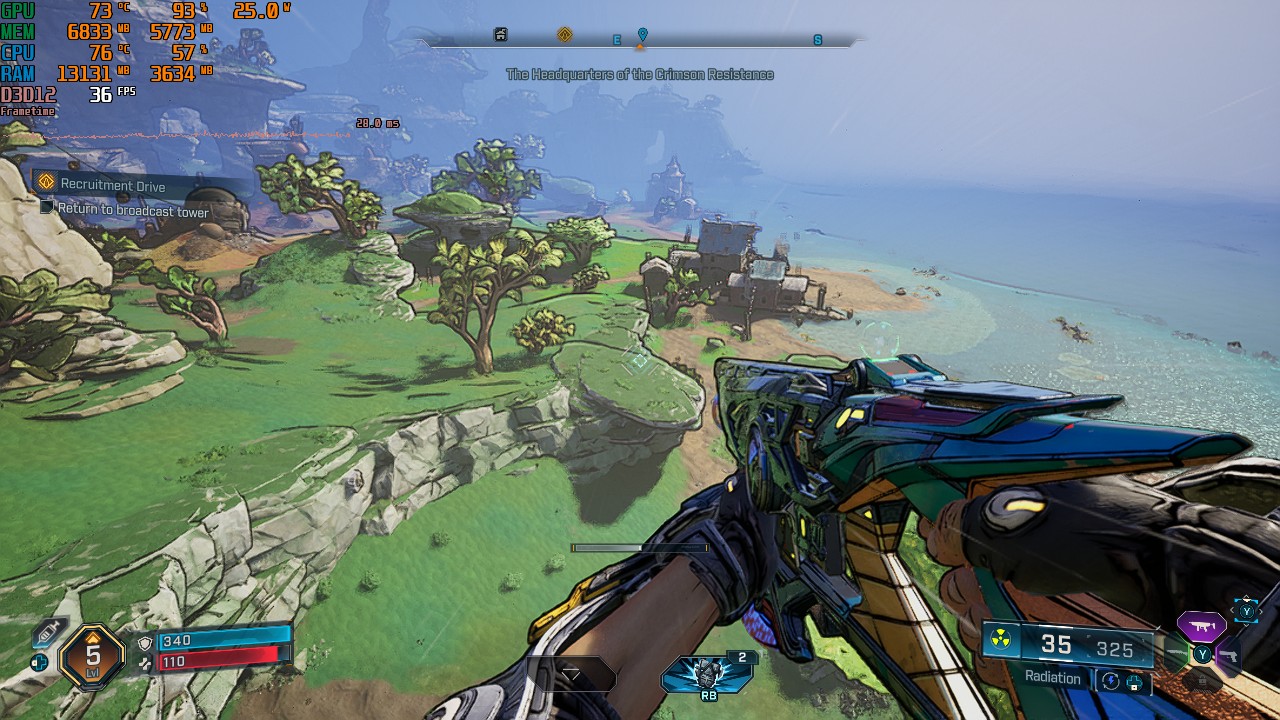
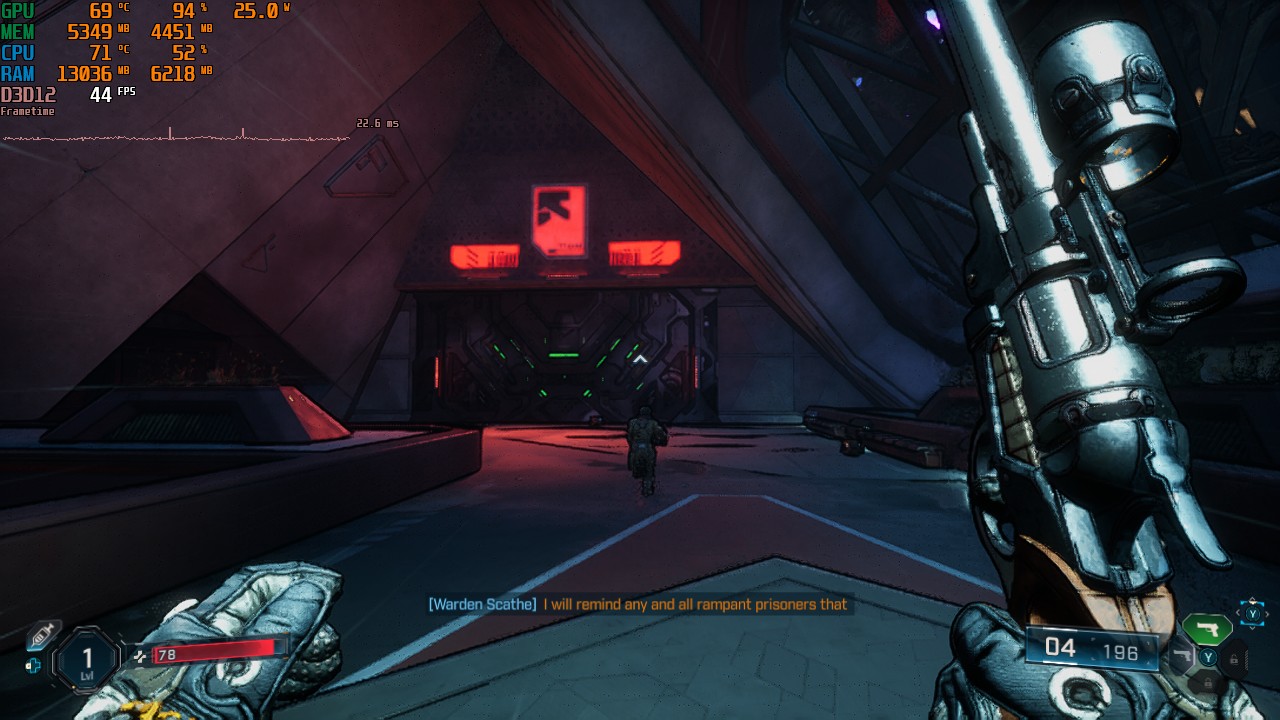
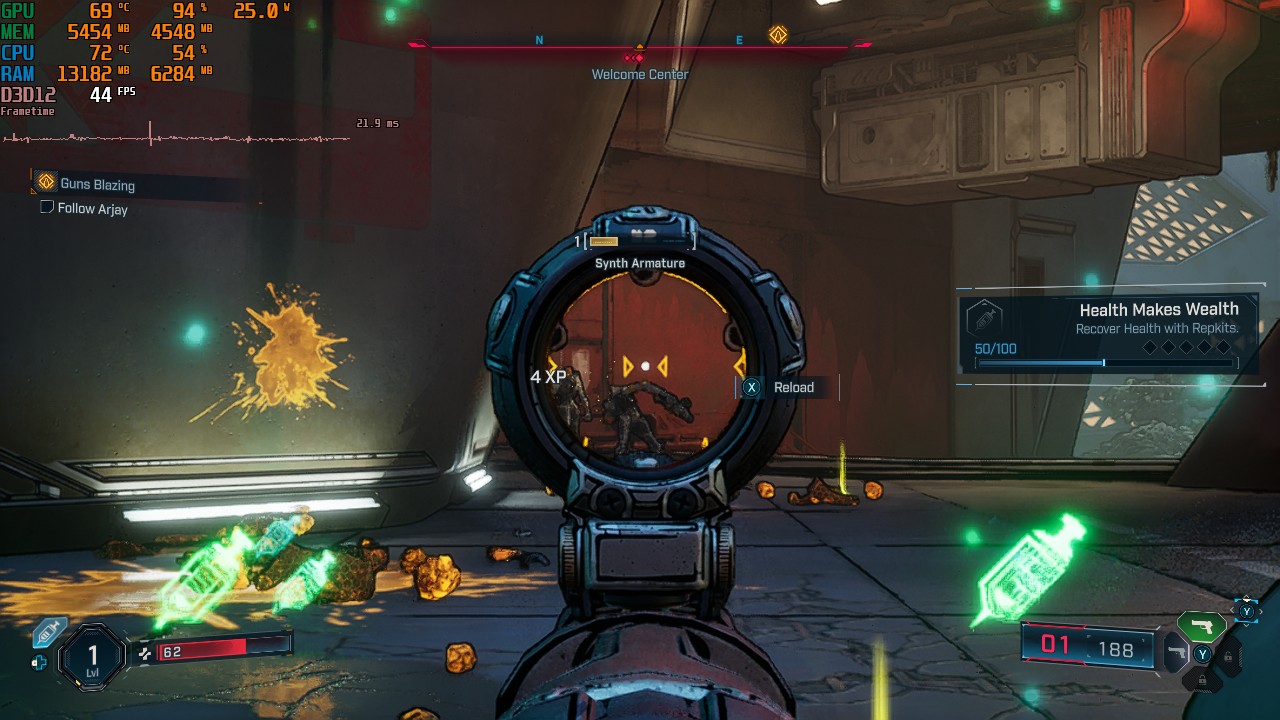
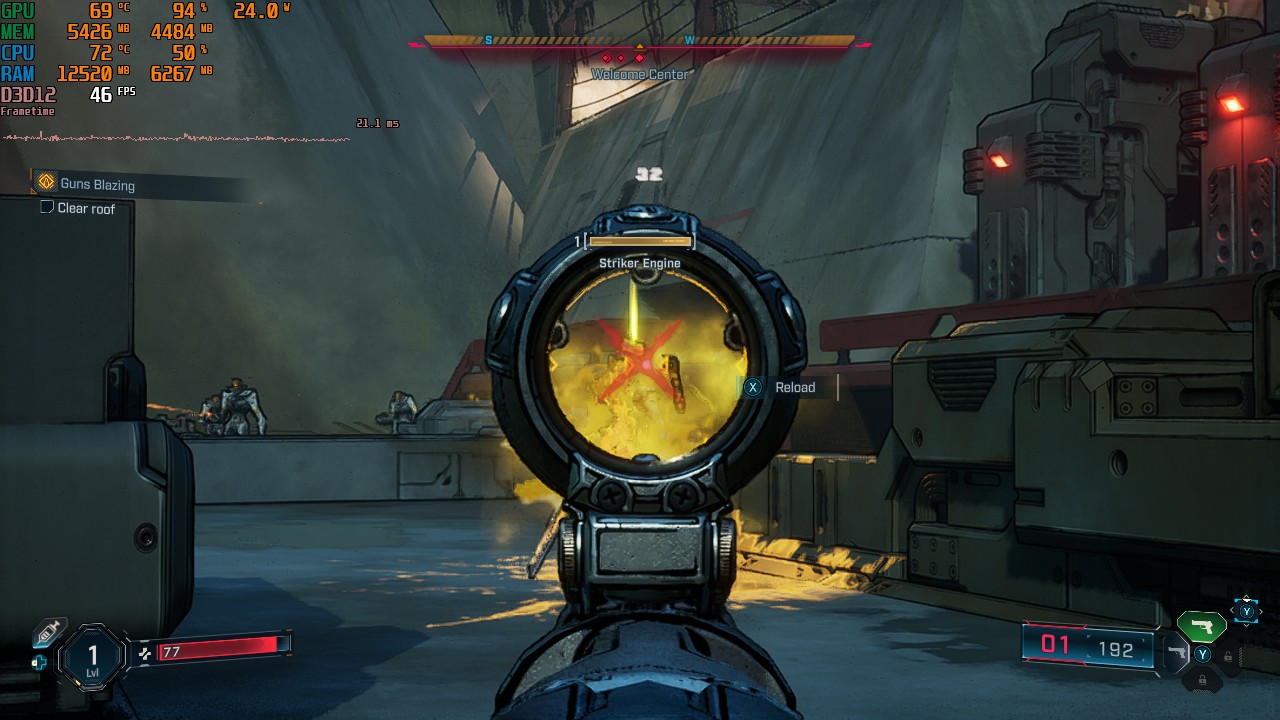
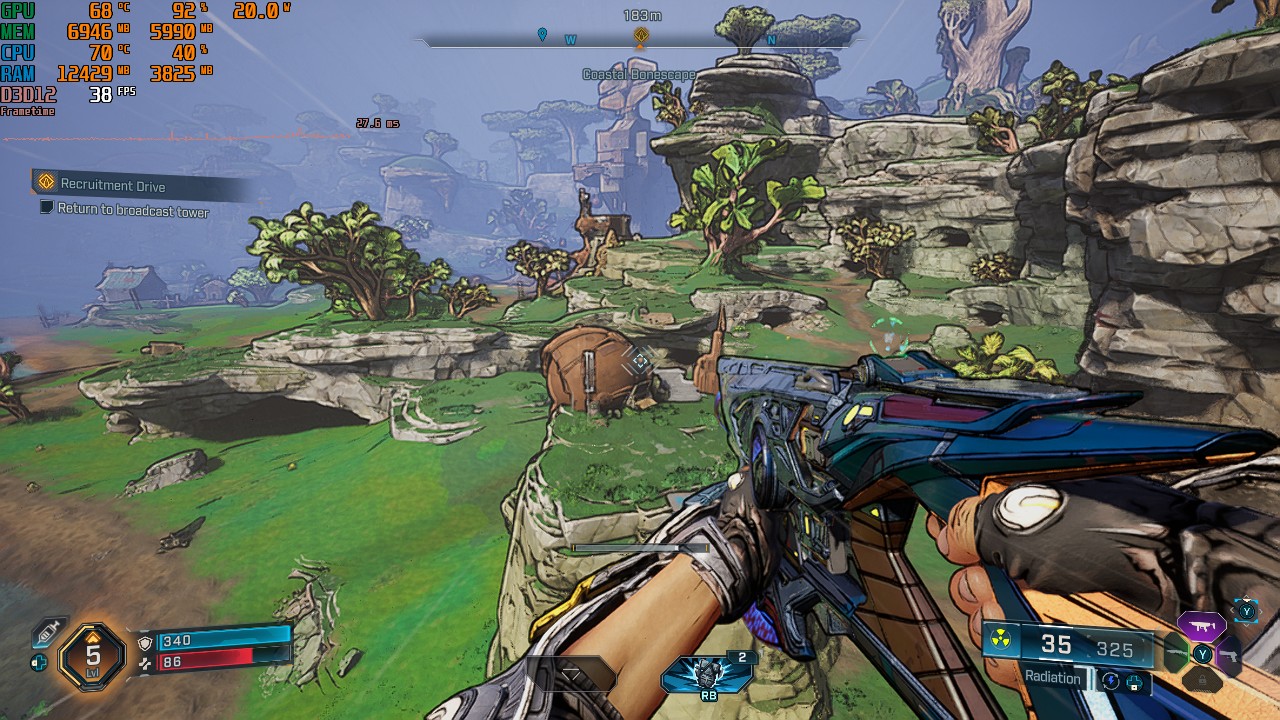
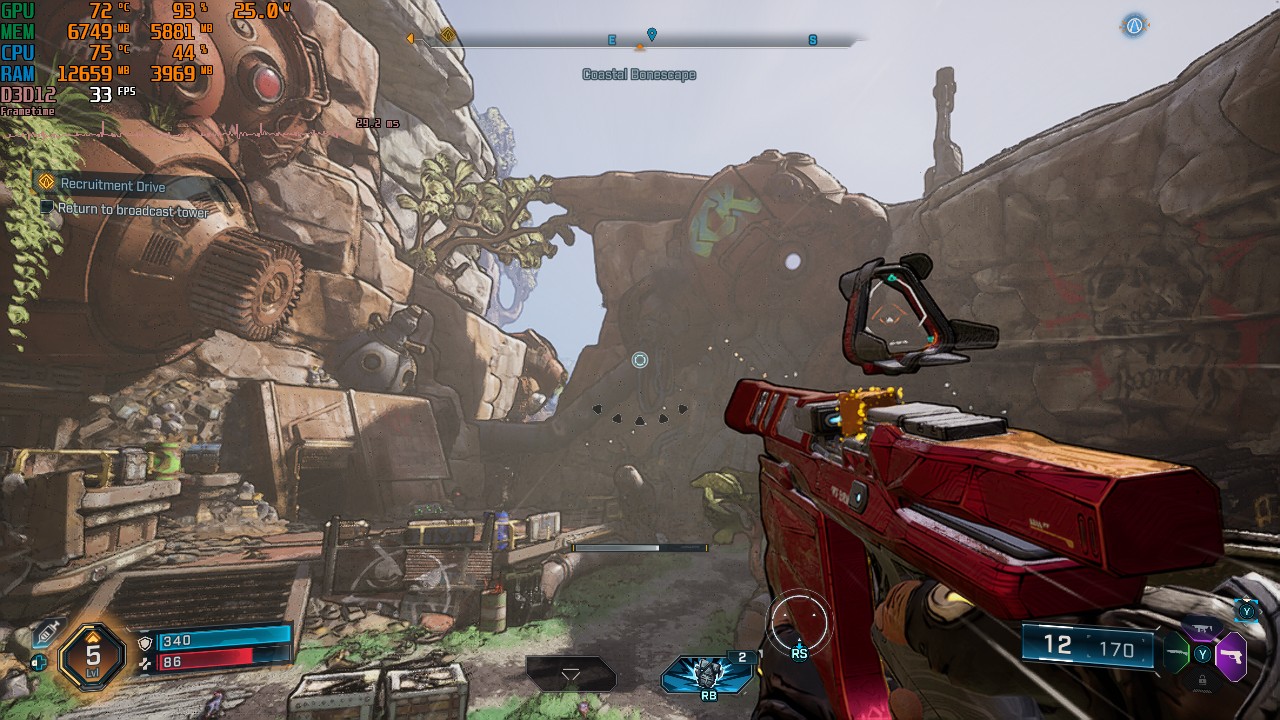
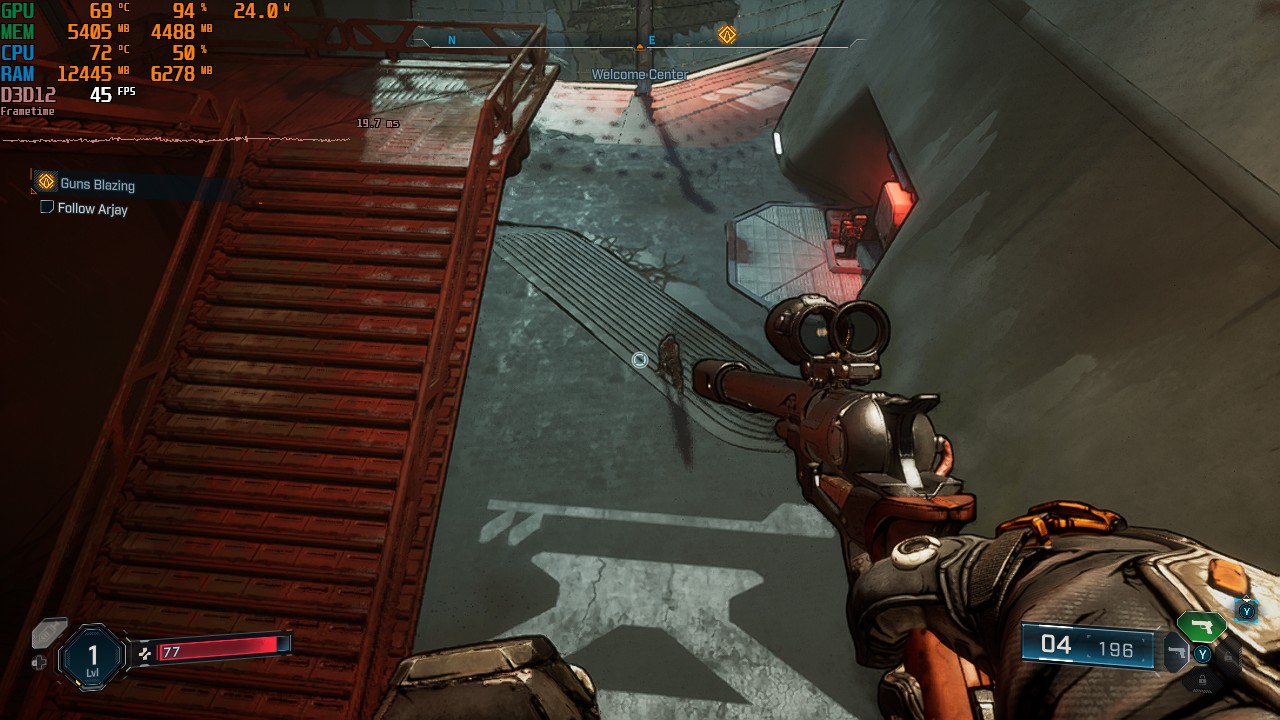
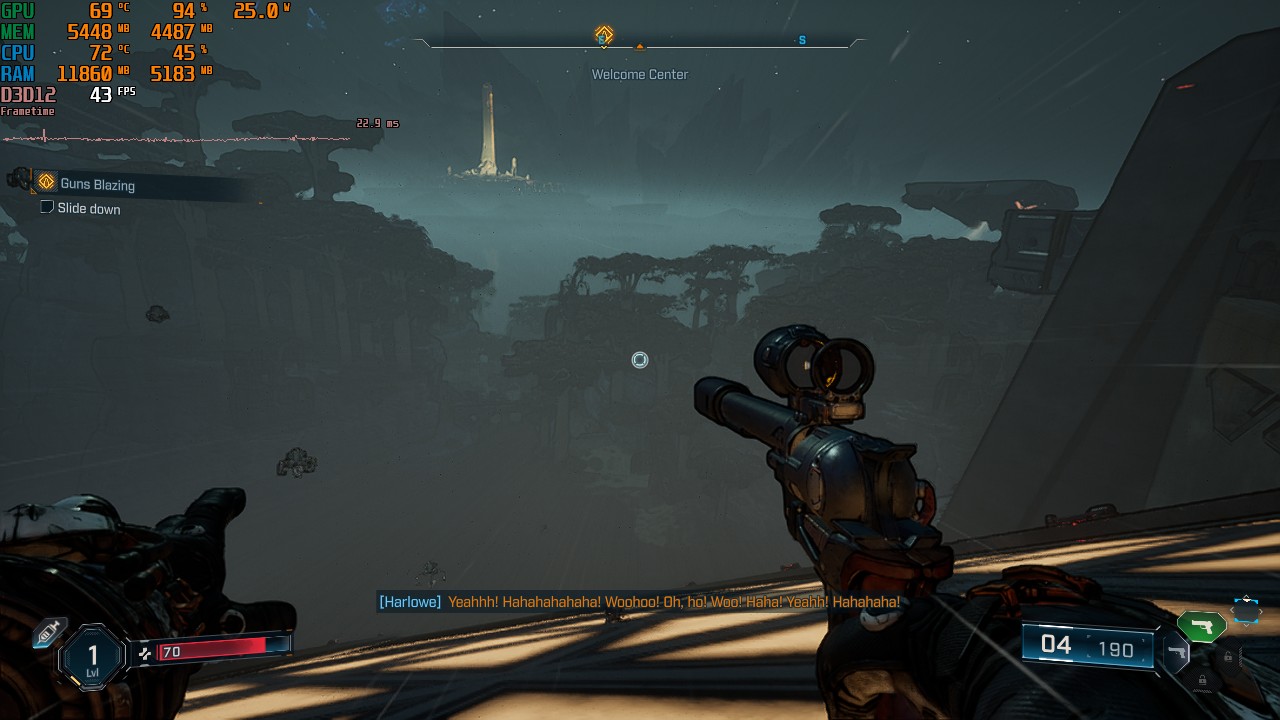
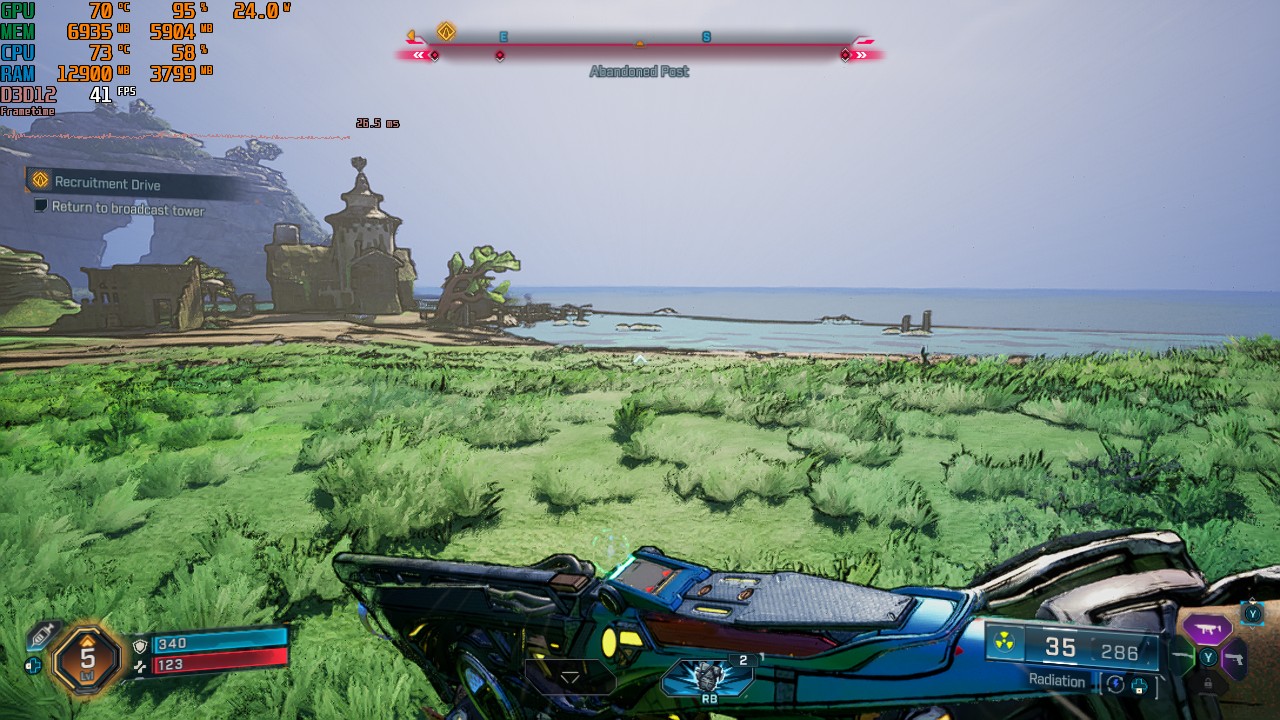
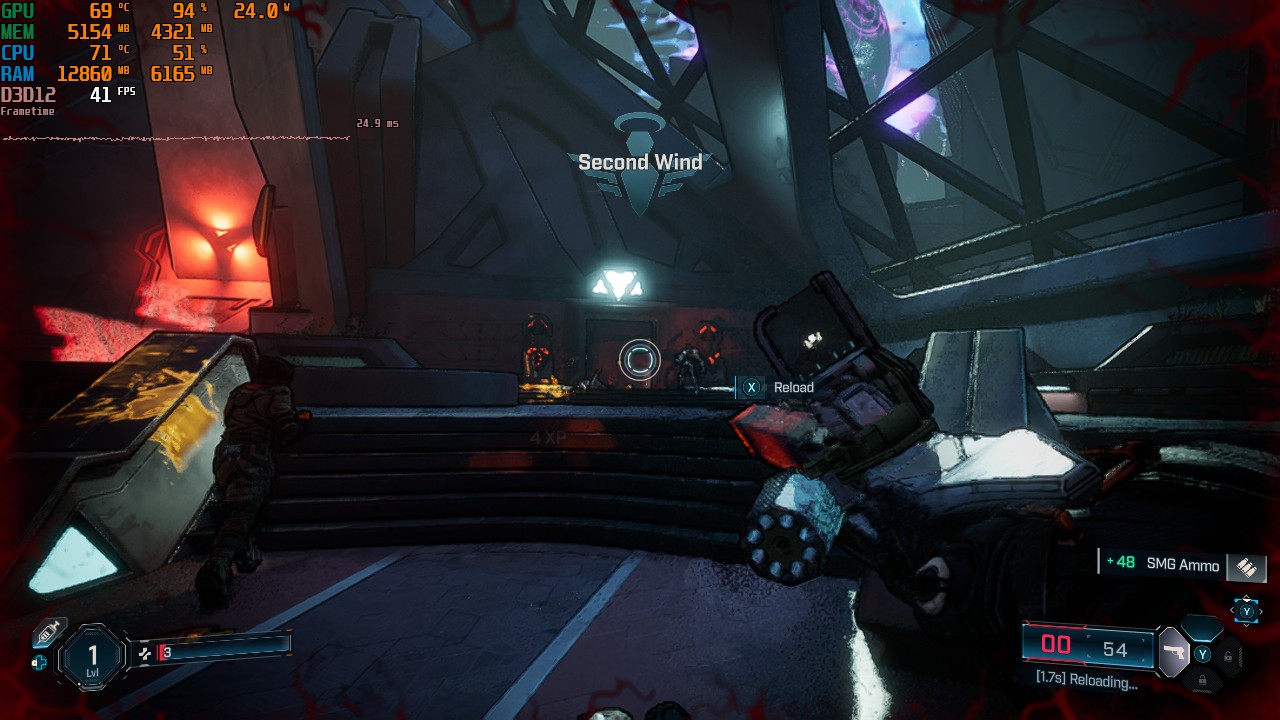
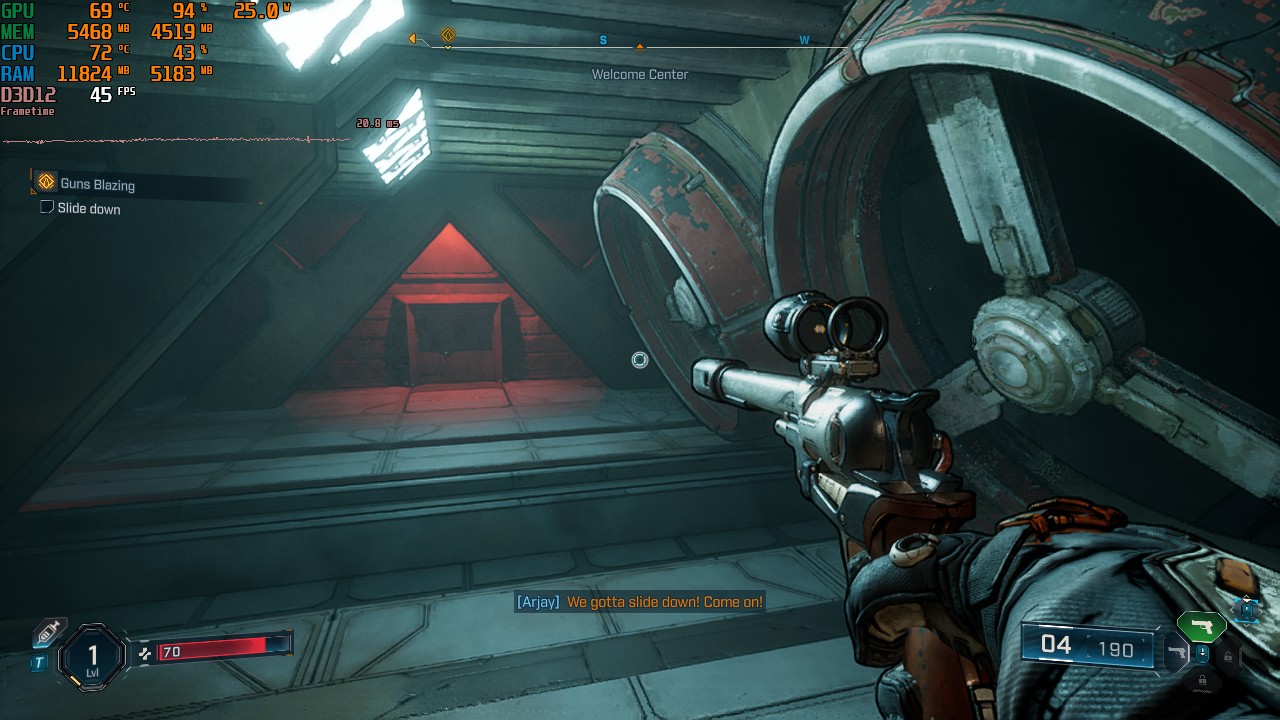
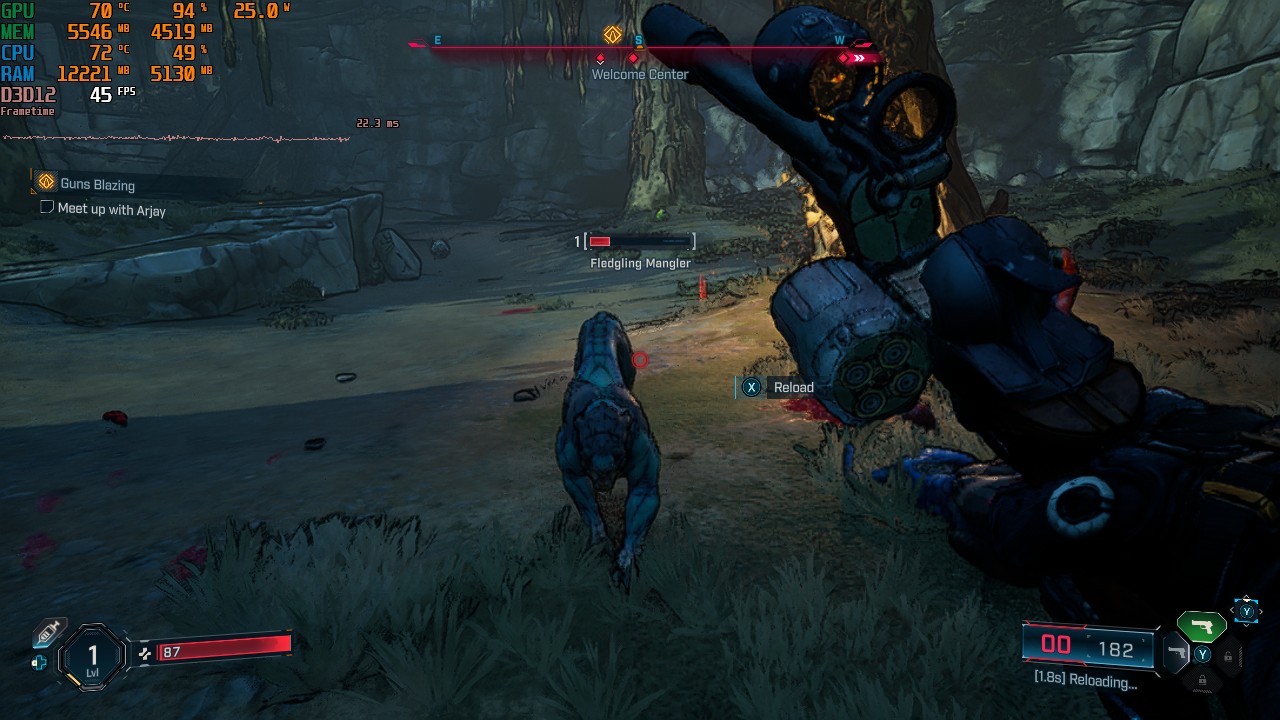
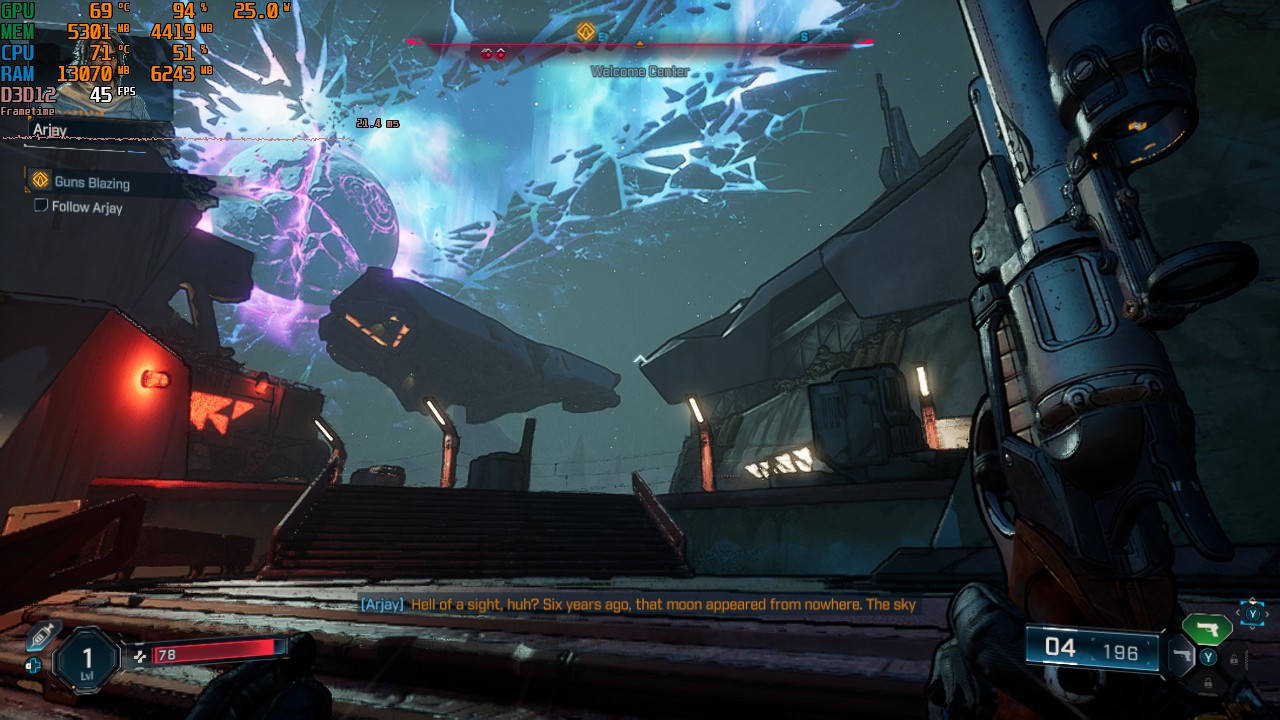
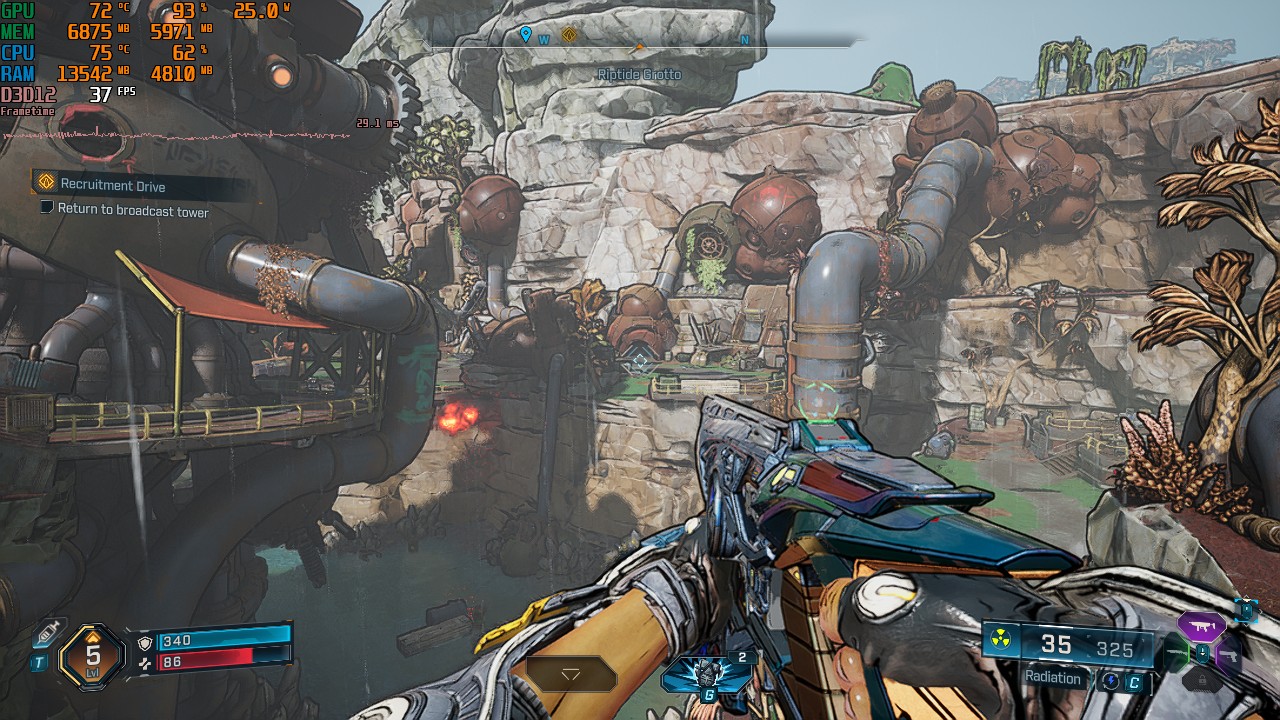
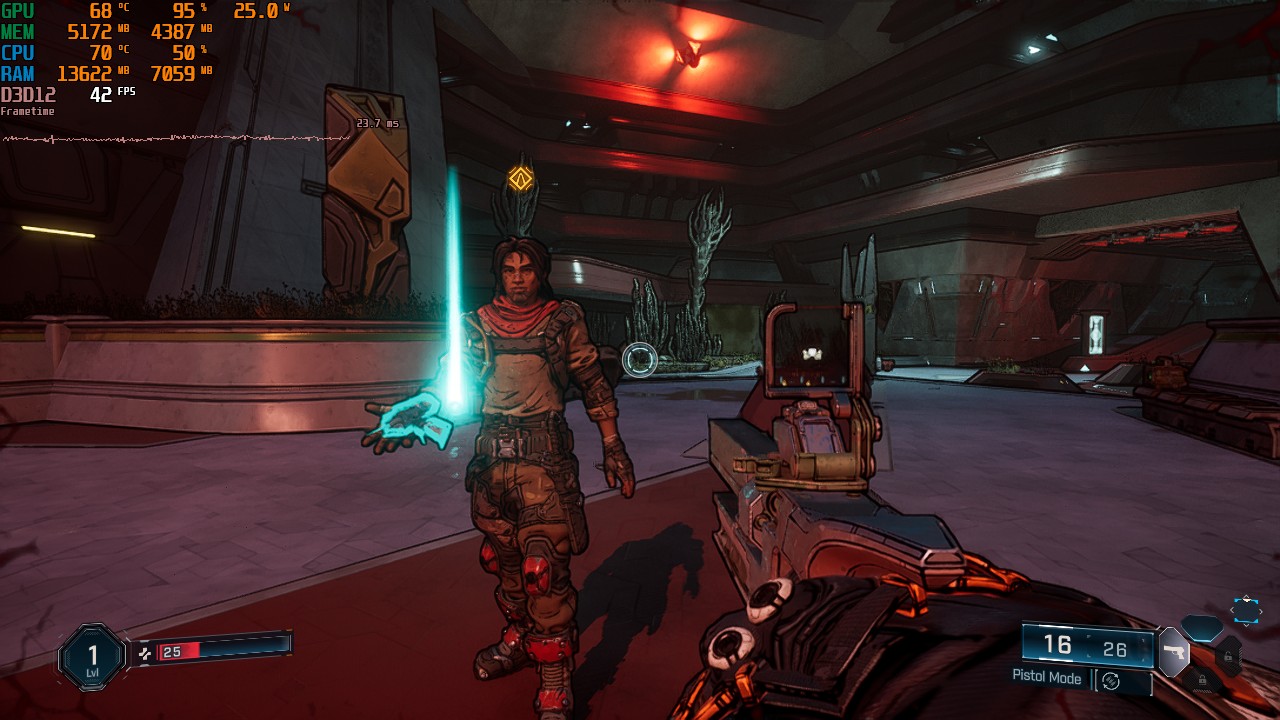
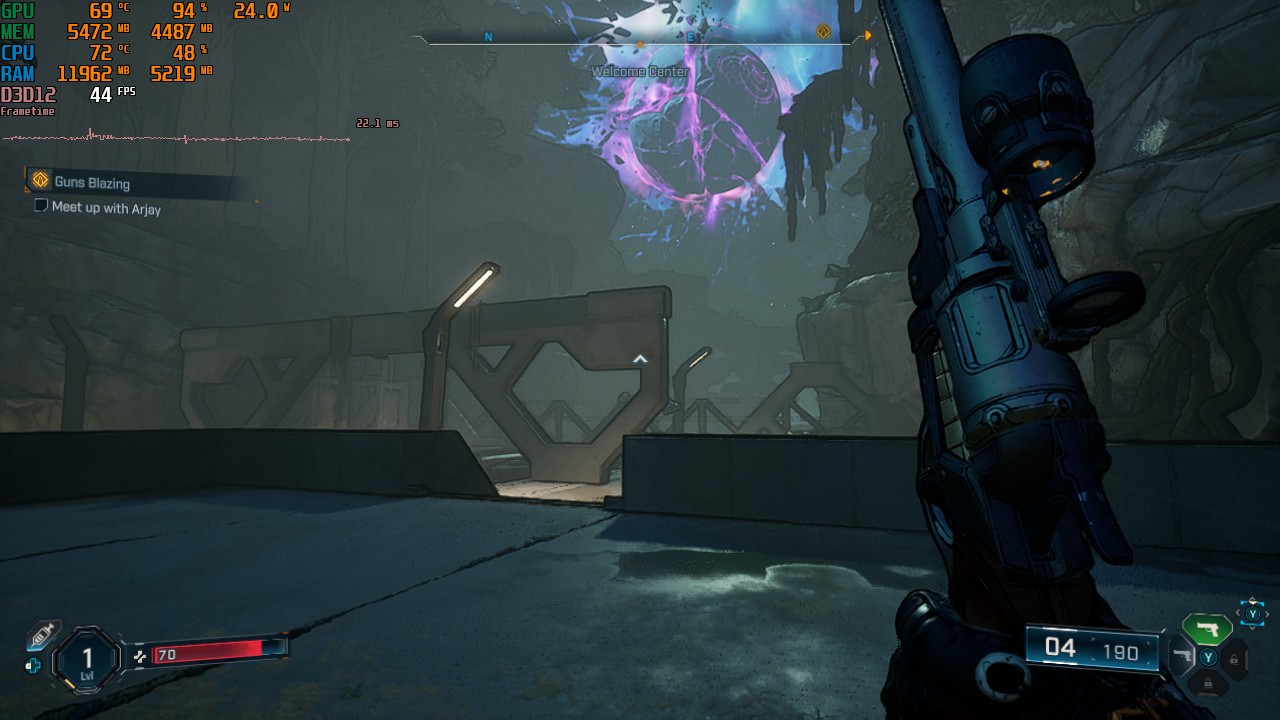
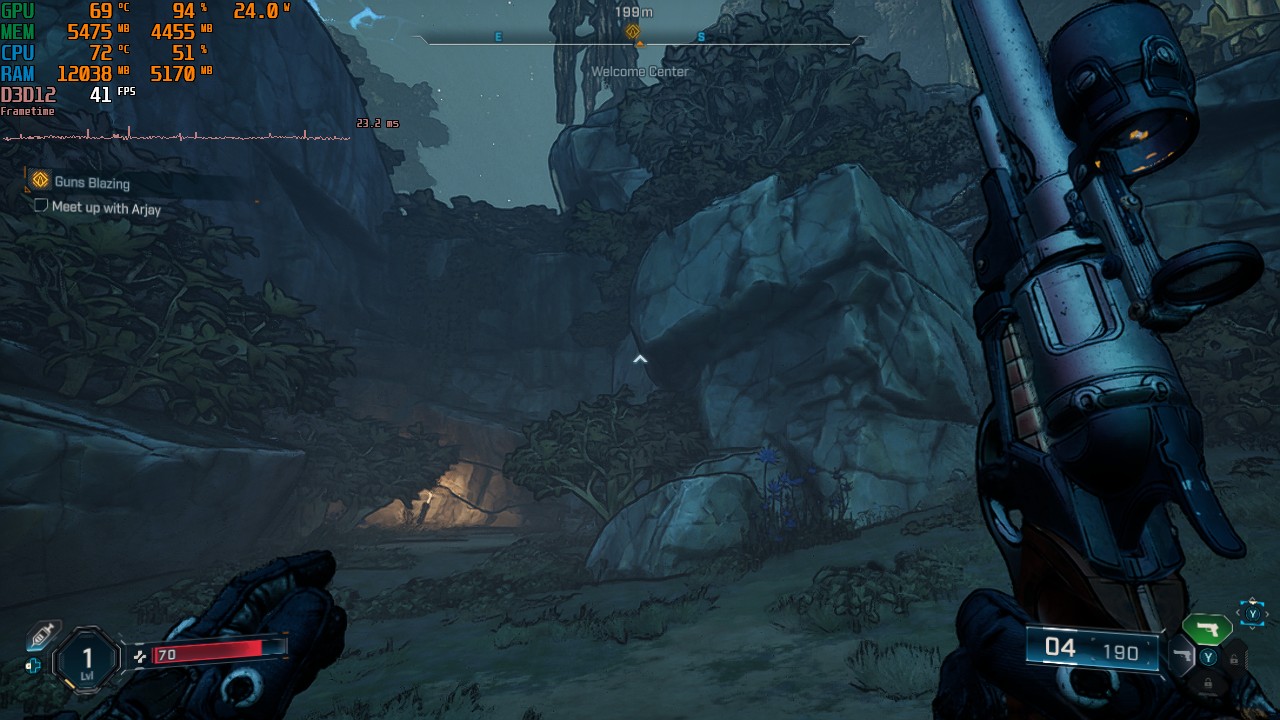
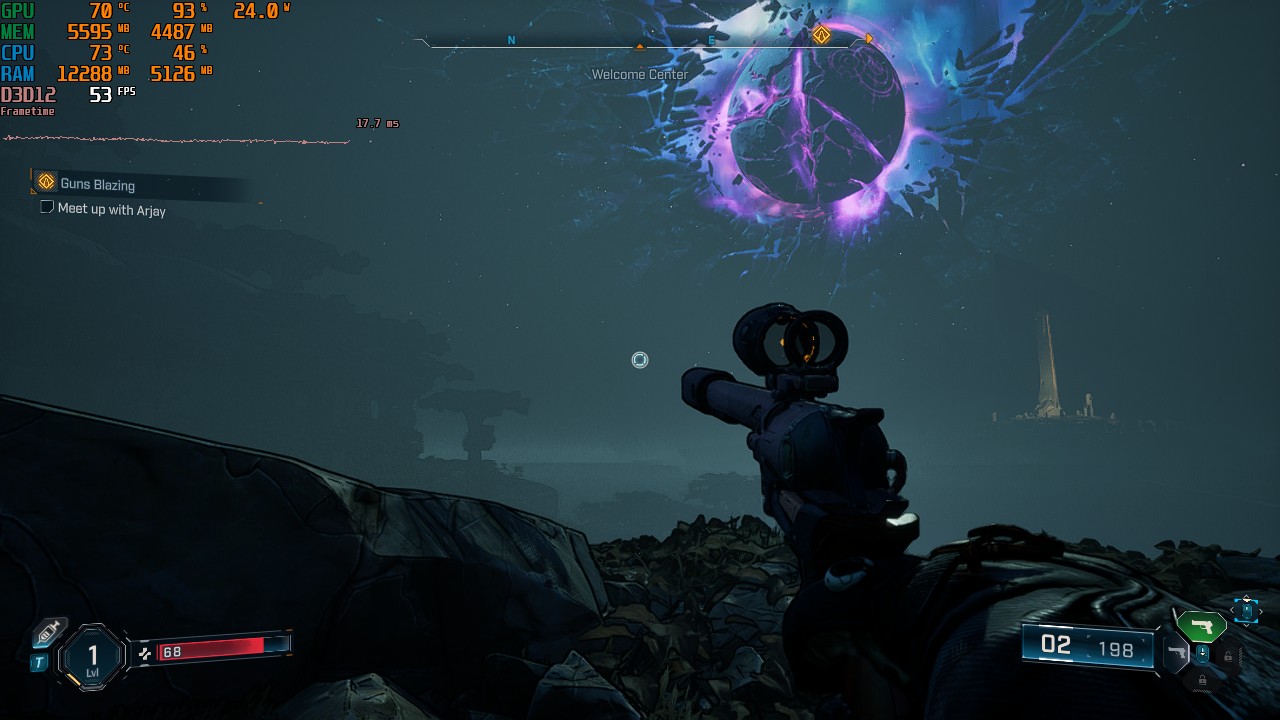
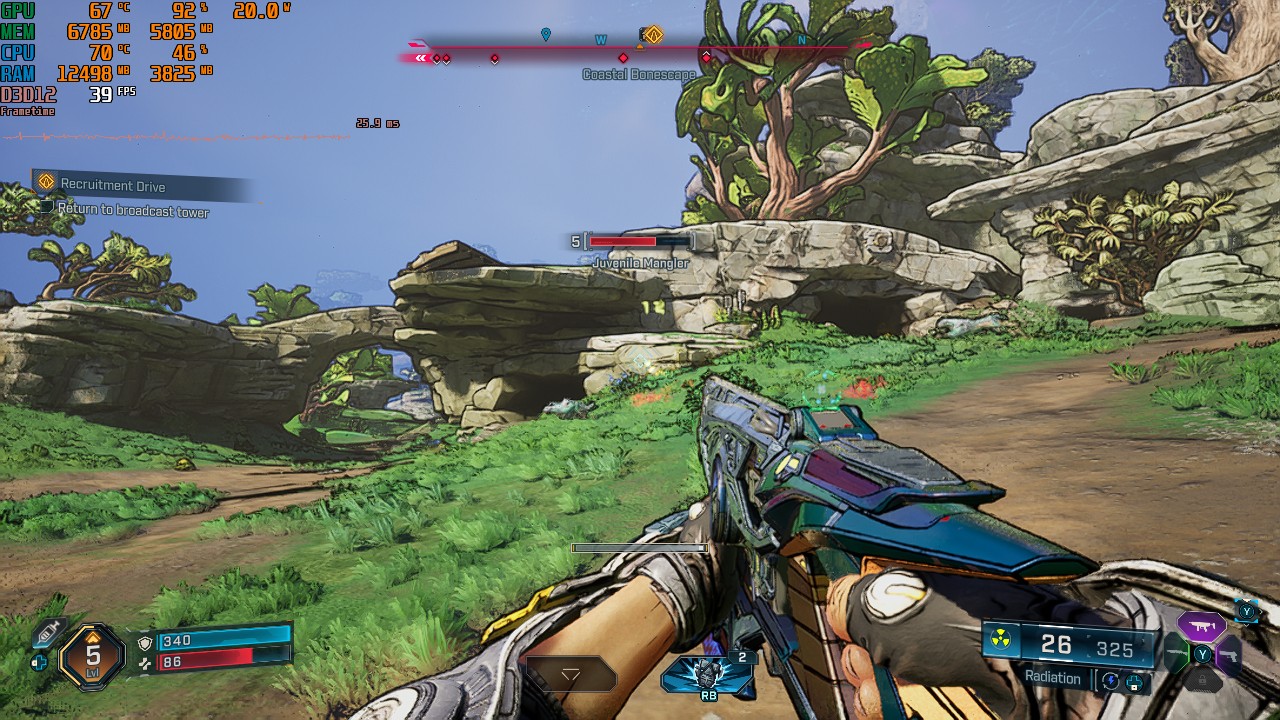
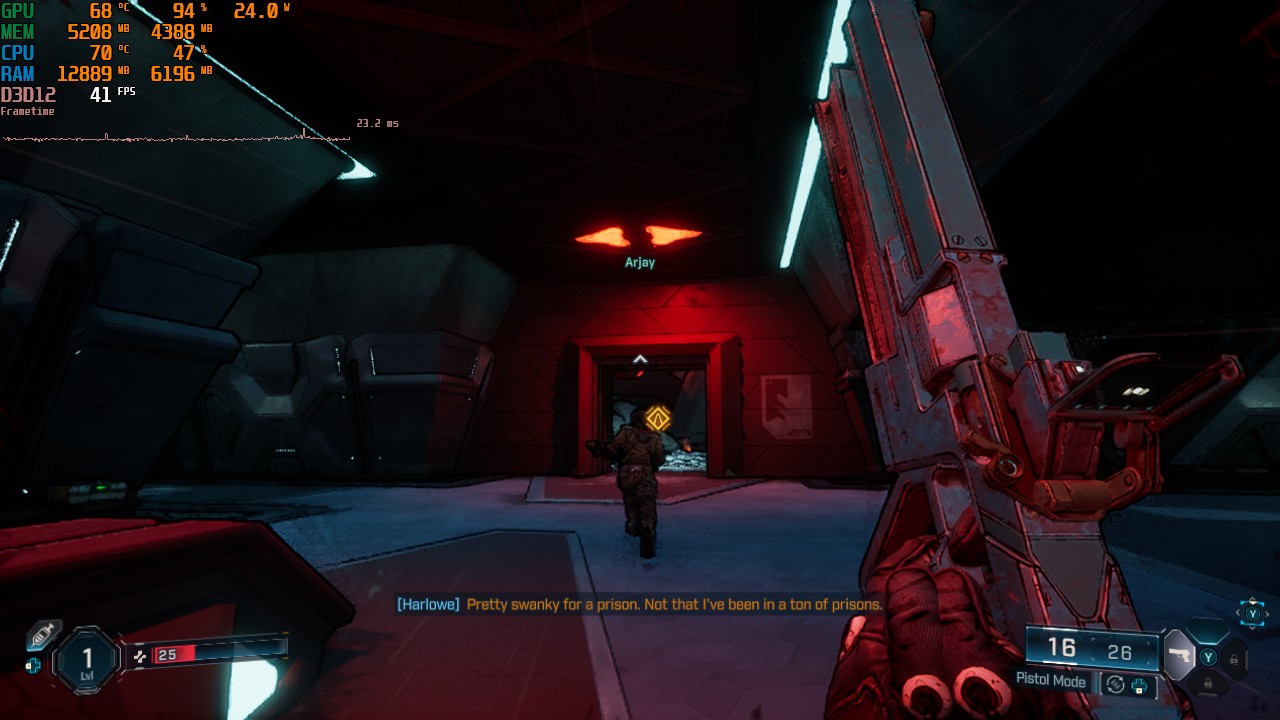
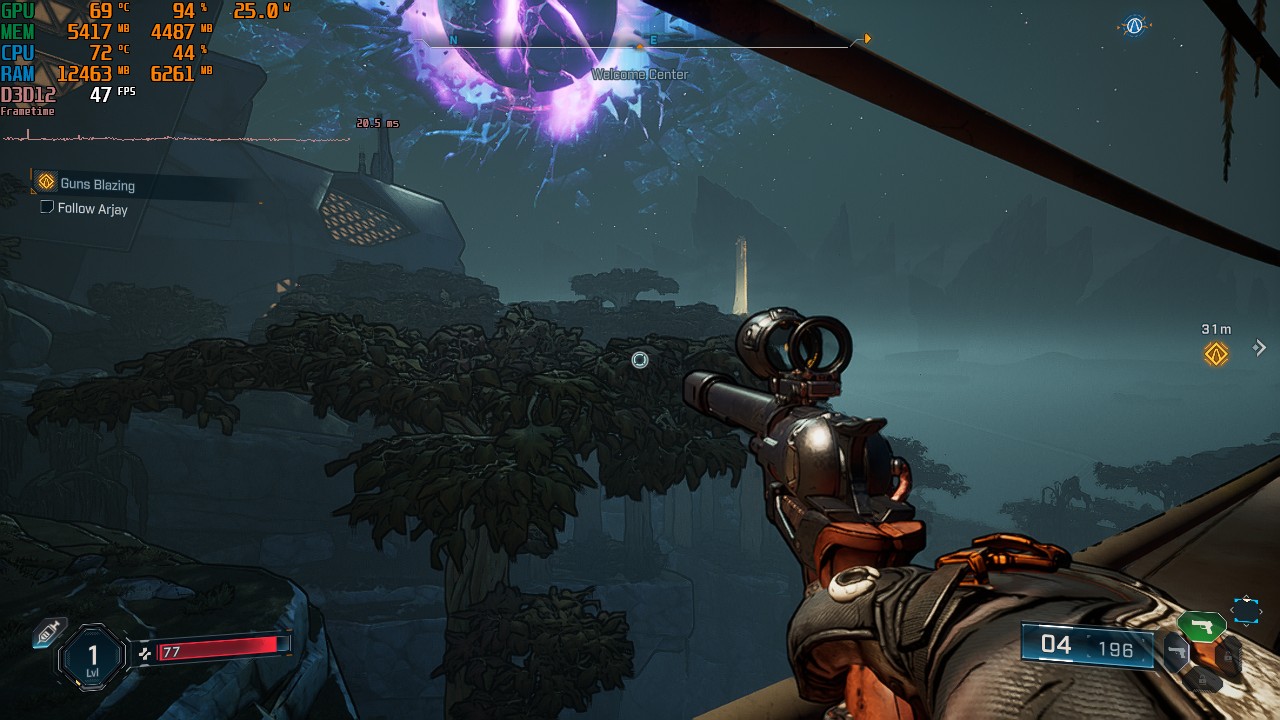
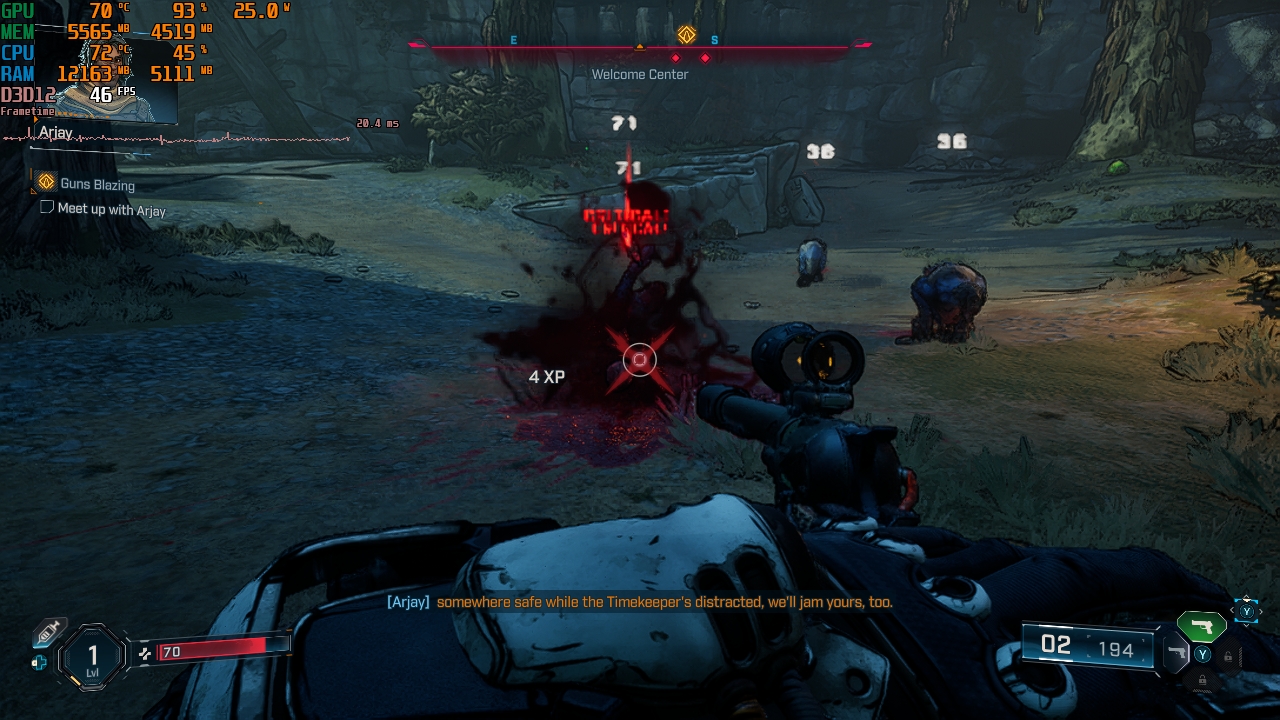
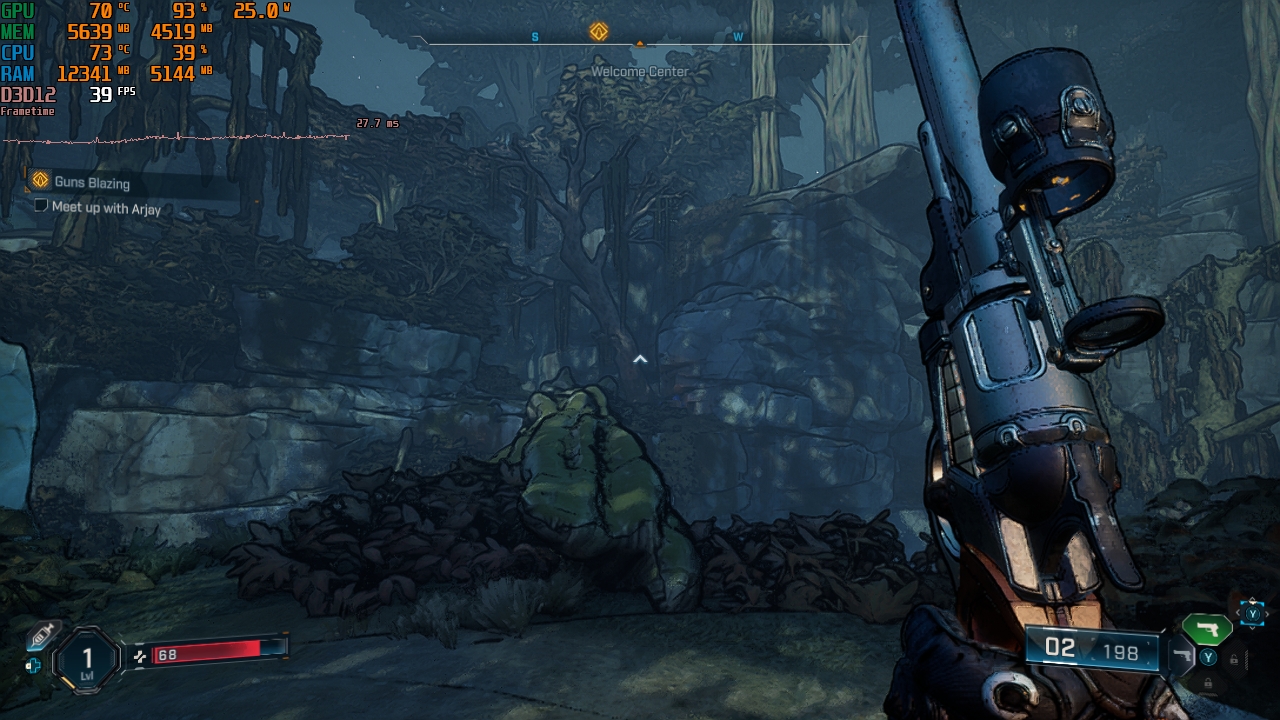
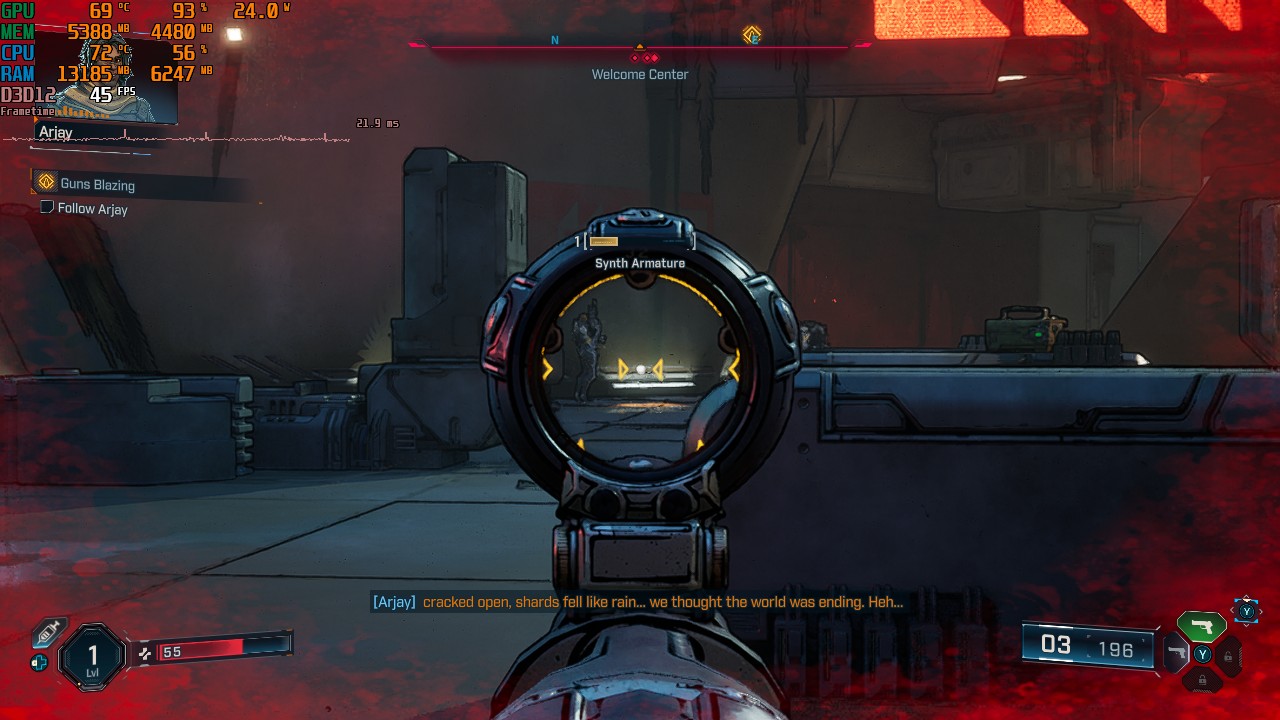
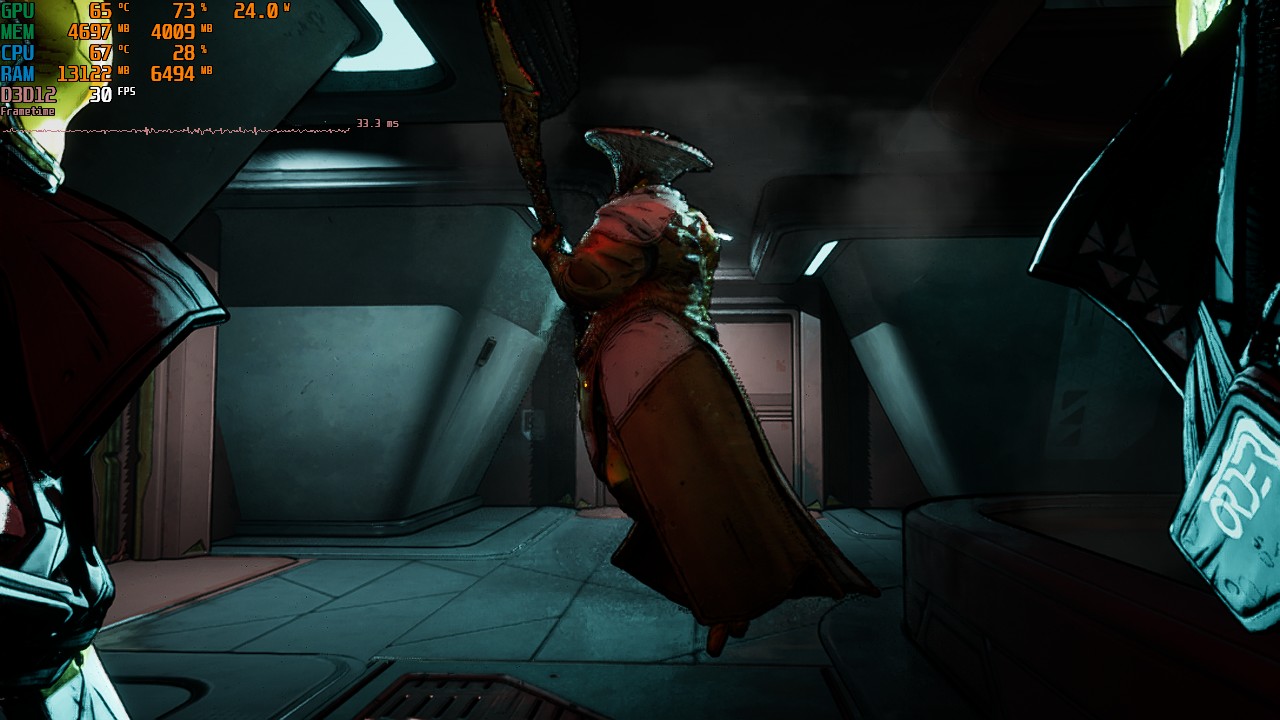
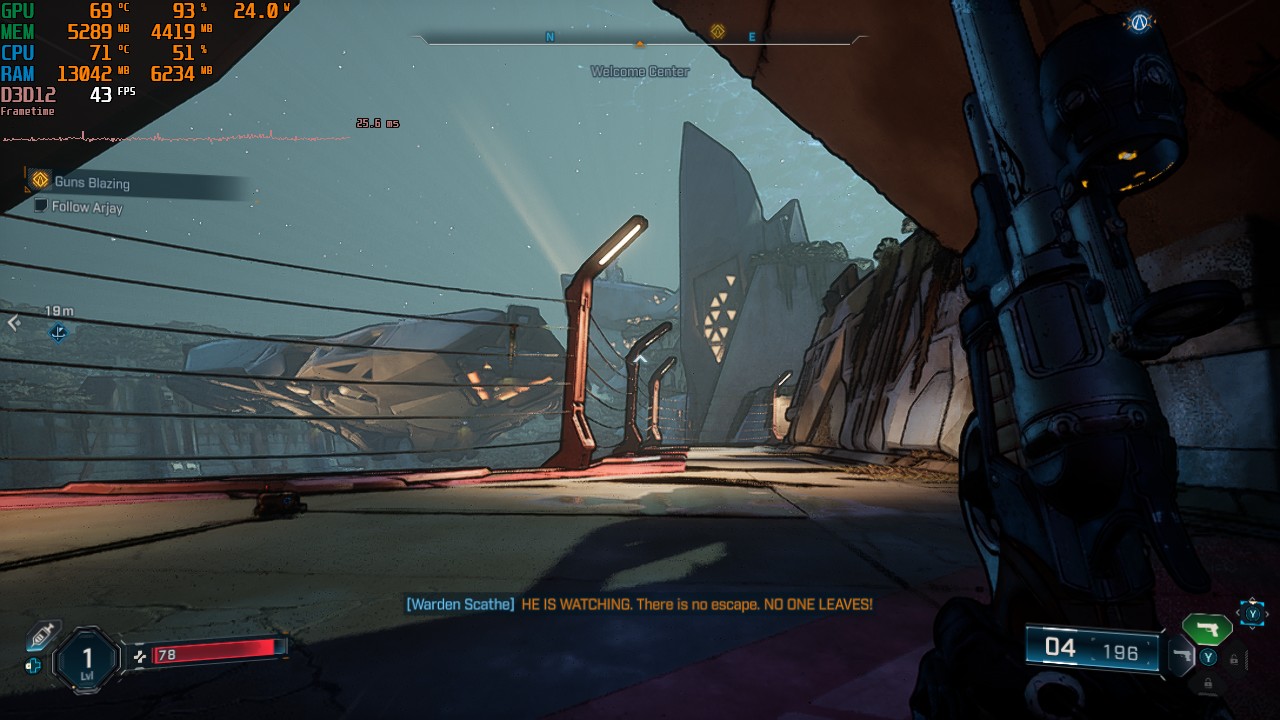
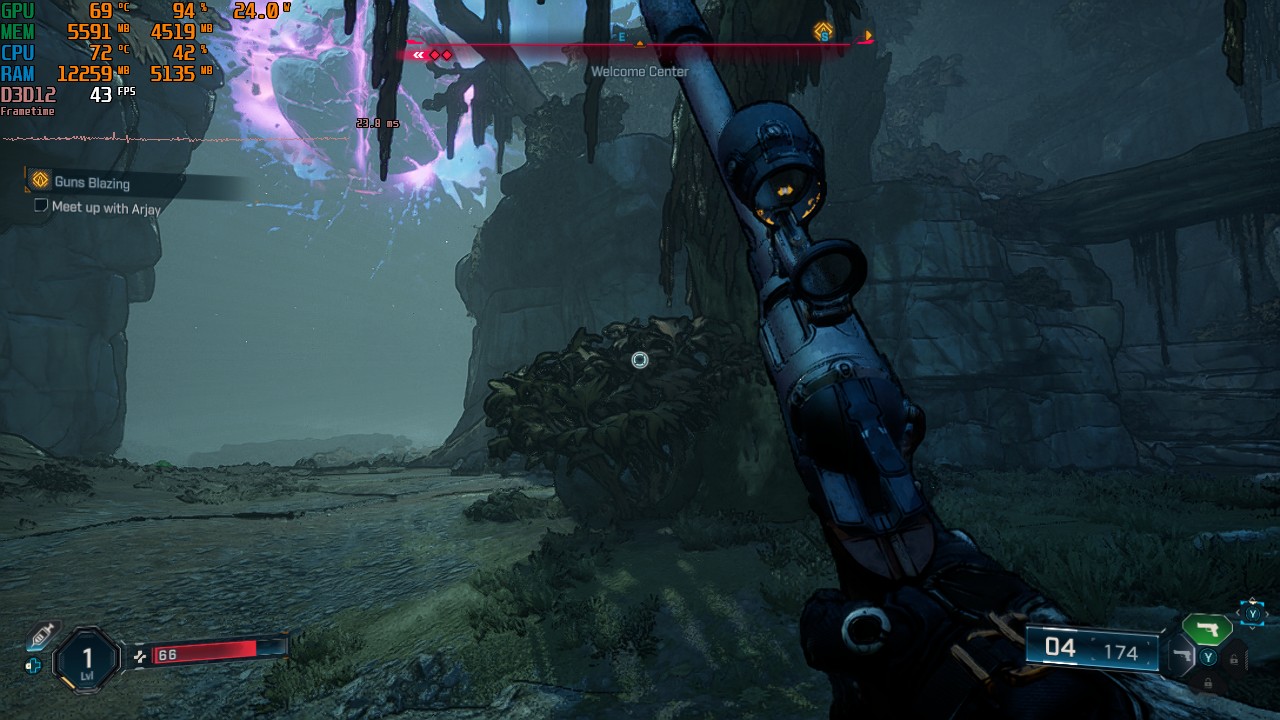
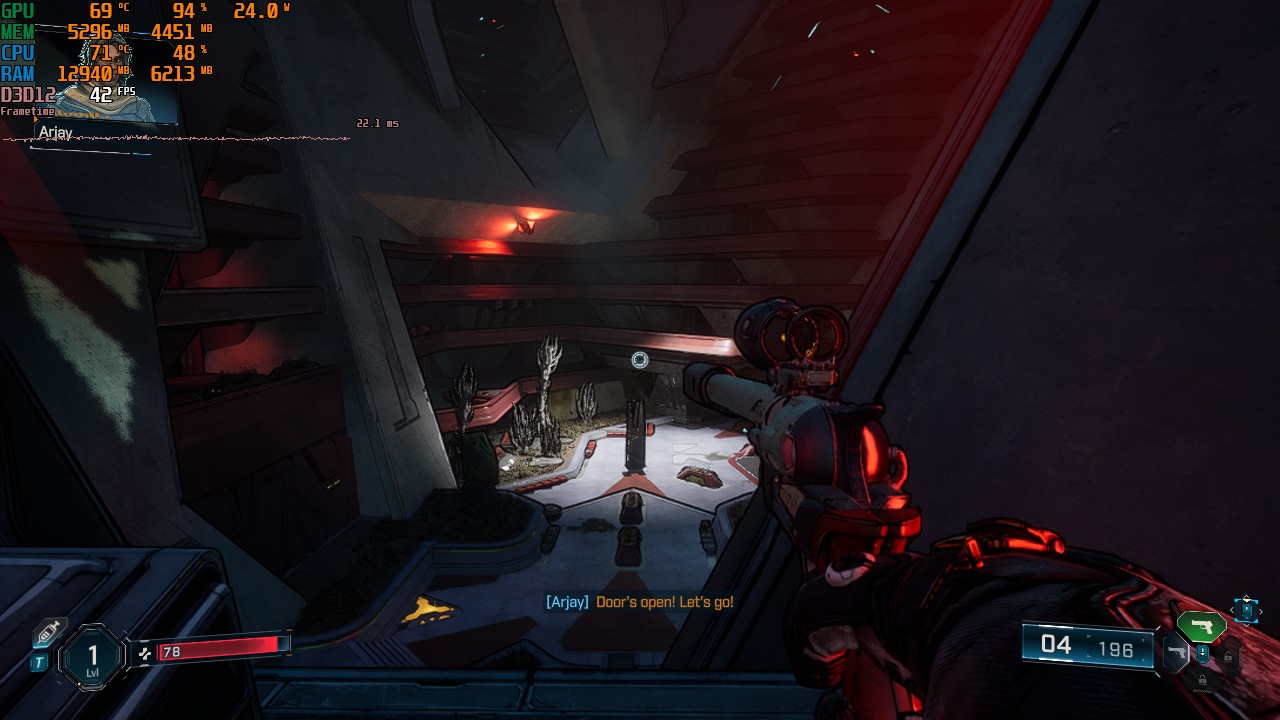
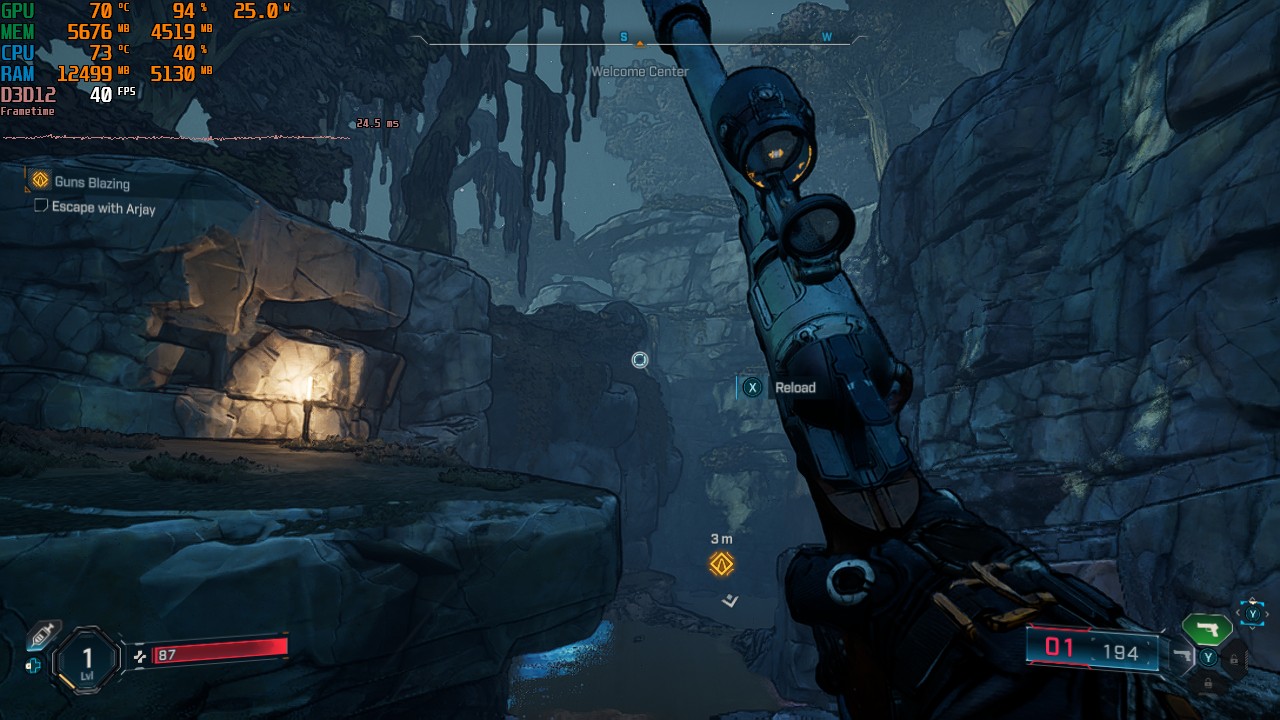
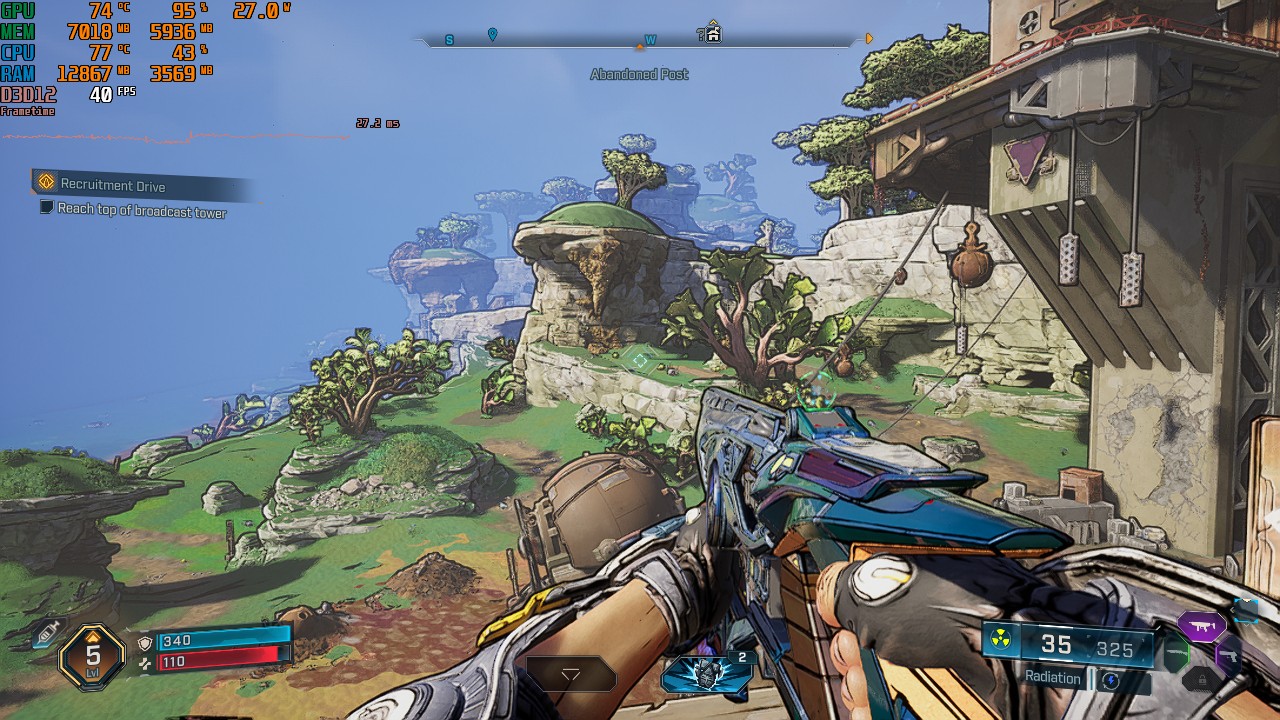
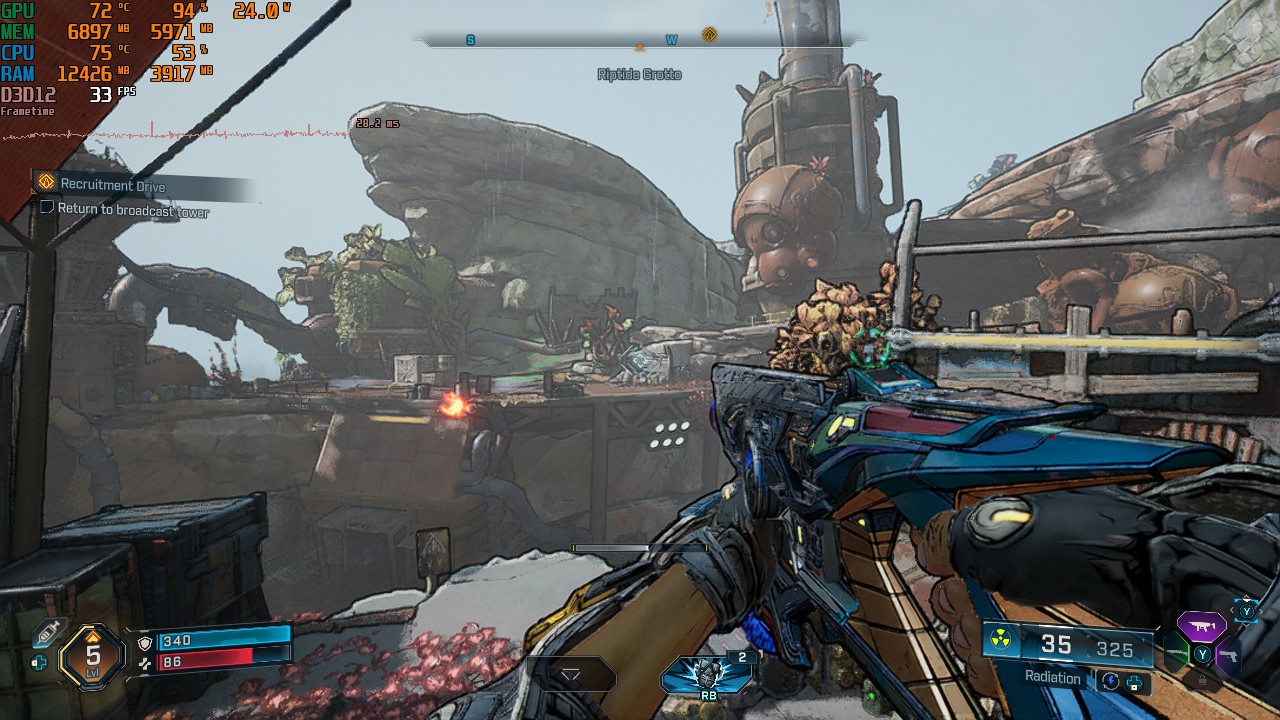
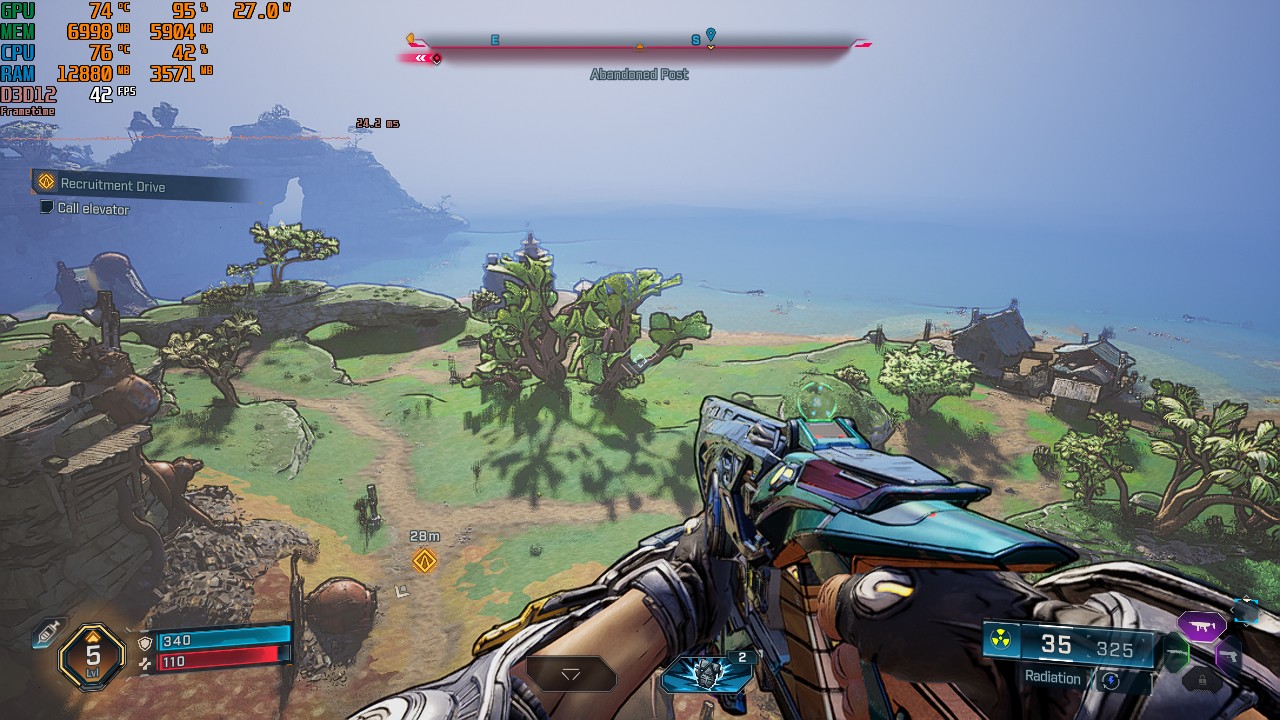
All screenshots were taken on a Steam Deck LCD and an ASUS ROG Ally X, at 800p (Steam Deck) and 720p (ROG Ally X), with our optimized settings applied. You can navigate the gallery with cursor keys. If you want to see the game in all its graphical glory, check out our PC performance benchmark.ROG Ally X Screenshots





Our Patreon Silver Supporters can read articles in single-page format.
Nov 25th, 2026 17:20 CST
change timezone
Latest GPU Drivers
New Forum Posts
- Which ryzen am5 cpu ? (219)
- {NA} 2026 Black November prices / deal (7)
- TPU's Nostalgic Hardware Club (22208)
- UPS what one to get? (74)
- More Nova Lake specs (5)
- Share your CPUZ Benchmarks! (2680)
- X79 and/or rampage IV OC'ing thread for those of us still left.... (2457)
- Asus Rog Maximus Z890 Extreme. (Various questions). (38)
- Can you guess Which game it is? (362)
- Claude credits purchased on or after Dec. 7 now have an expiry date (13)
Popular Reviews
- ASRock X870E Challenger Wi-Fi White Review
- Microsoft Surface Laptop Ultra Review - The Next-gen Arm Laptop
- VZMORE AX9 Max Review
- Upcoming Hardware Launches 2027 (Updated Nov 2026)
- AMD Ryzen 7 9800X3D Review - The Best Gaming Processor
- AMD Zen 6 Technical Deep Dive
- Corsair RM1200e (Second Generation) Review
- Phantom Blade Zero Performance Benchmark Review - 35 GPUs Tested
- Pulsar Office Tour & First Look at P1 Dual-Sensor Mouse
- Ocypus lota P1000 Review
TPU on YouTube
Controversial News Posts
- Jensen Huang Reinstated as CEO of NVIDIA (571)
- NVIDIA Co-Founder and CEO Jensen Huang Officially Resigns (492)
- Report: Jensen Huang Eyes NVIDIA Comeback (281)
- Open Letter Asking NVIDIA to Reinstate Jensen Huang Passes 115,000 Signatures (184)
- OpenAI CEO Argues Home PCs Waste the World's Limited DRAM Supply (152)
- NVIDIA Launches Investigation Into Jensen Huang's Relationship With Suspected Chinese Spy (136)
- Intel "Raptor Lake Next" 16-Core and 20-Core CPUs Surface (130)
- Intel Razor Lake Gets a 12 P-Core bLLC Chip With No E-Cores, Per Leak (94)